

Single-page forms that dump 15 fields on a visitor at once are a conversion killer. Visitors see the wall of inputs, feel the effort spike, and leave before you learn anything useful about them. Multi-step form builders solve this by breaking the experience into focused, digestible steps — reducing friction, increasing completion rates, and giving you richer qualification data on every lead.
But not every platform approaches this the same way. Some excel at visual design and respondent engagement. Others are built for complex logic-heavy workflows or enterprise compliance requirements. And a few are purpose-built for lead qualification and conversion optimization from the ground up.
This guide covers the best multi-step form builder platforms available in 2026, chosen for their conditional logic depth, UX quality, integration ecosystems, and overall value for high-growth teams. Whether you're a SaaS startup refining a demo request flow or a marketing team qualifying inbound leads at scale, there's a platform here that fits your stack and your goals.
1. Orbit AI
Best for: SaaS and high-growth marketing teams focused on AI-powered lead qualification and conversion optimization
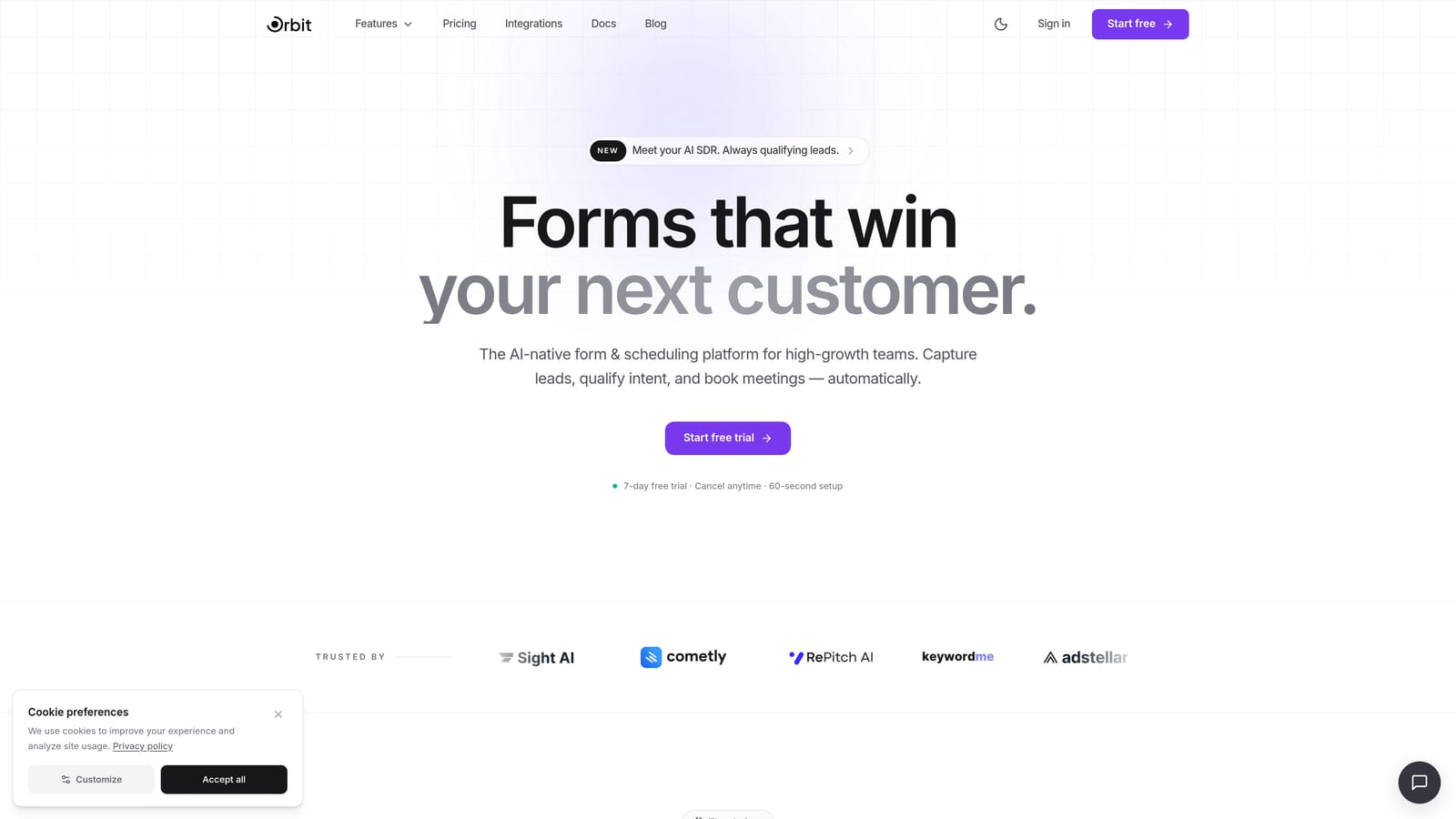
Orbit AI is an AI-powered multi-step form builder designed specifically for lead qualification, built for teams where every form submission needs to move the revenue needle.
Where This Tool Shines
Most form builders treat qualification as an afterthought — you collect responses, then route them manually through a CRM or scoring model downstream. Orbit AI bakes qualification intelligence directly into the form flow itself. Each step progressively qualifies the respondent, and the AI can score and route leads in real time as answers come in.
This makes it a fundamentally different category of tool for demand gen marketers and revenue operations teams. You're not just capturing data — you're actively filtering and prioritizing it before the form even submits.
Key Features
AI-Powered Lead Scoring: Built-in qualification logic scores and routes leads based on form responses in real time, without requiring a third-party integration.
Conditional Logic and Branching: Personalize the form path dynamically based on how respondents answer, so each lead sees only the steps relevant to them.
Conversion-Optimized Design: Modern, polished UI templates designed to maximize form completion rates rather than just look good.
Real-Time Lead Routing: Qualified leads can be automatically routed to the right sales rep, sequence, or CRM record based on qualification data collected during the form.
SaaS-First Focus: The platform is built around the use cases that matter most to high-growth teams: demo requests, trial sign-ups, onboarding flows, and inbound lead capture.
Best For
Orbit AI is the strongest fit for SaaS companies, demand generation marketers, and revenue operations teams who want qualification intelligence built into the form itself — not bolted on afterward. If your primary goal is converting and qualifying leads efficiently, this is the platform built for that job.
Pricing
Visit orbitforms.ai for current pricing tiers. A free starting option is available for teams looking to explore the platform before committing.
2. Typeform
Best for: Teams prioritizing respondent engagement and polished, brand-forward form experiences
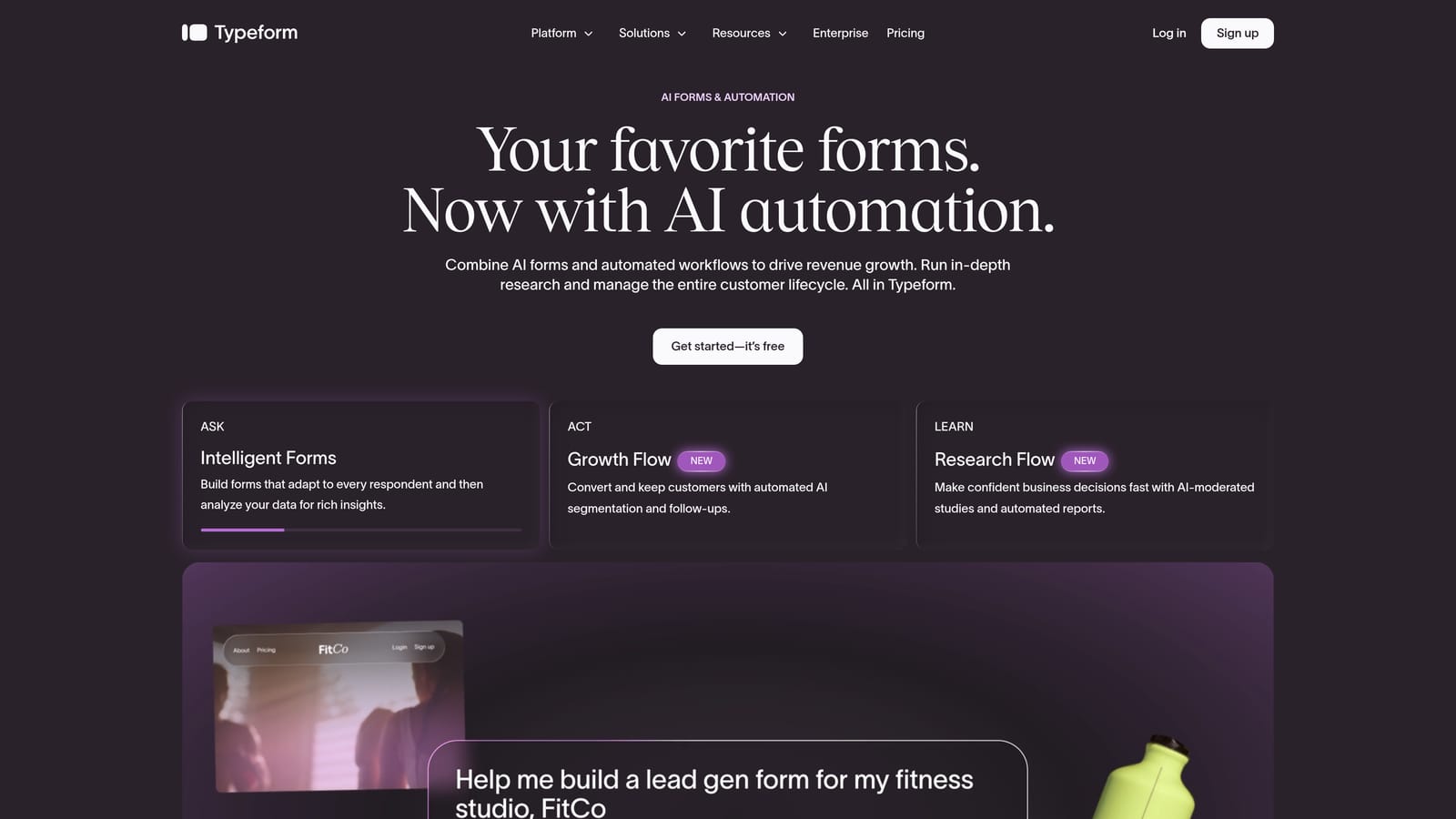
Typeform is the platform that popularized the conversational, one-question-at-a-time form format — and it remains one of the most recognizable names in the space.
Where This Tool Shines
Typeform's multi-step experience is native to the product's DNA. Every form is inherently sequential, presenting one question at a time in a way that feels more like a conversation than a data collection exercise. This format consistently drives strong completion rates for surveys, research forms, and top-of-funnel lead capture.
The design quality is genuinely excellent. Typeform forms look polished out of the box, and the brand customization options give marketing teams the flexibility to make forms feel like an extension of their website rather than a generic embed.
Key Features
One-Question-at-a-Time UX: The core Typeform experience presents each step individually, reducing cognitive load and keeping respondents focused.
Logic Jump: Typeform's conditional branching feature lets you route respondents to different questions based on their answers, enabling personalized form paths.
Integration Library: Native connections to HubSpot, Salesforce, Zapier, and many other platforms make it easy to push form data where it needs to go.
Design Templates: A wide library of brand-forward templates that look professional without requiring design work.
Media Embedding: Add video and images within individual form steps to enrich the respondent experience.
Best For
Typeform is a strong choice for marketing teams, researchers, and agencies that prioritize respondent experience and visual polish. It's less well-suited for teams that need complex enterprise workflows, heavy data operations, or built-in lead qualification intelligence.
Pricing
Free plan available. Paid plans start at approximately $25 per month billed annually, with higher tiers unlocking more responses, logic features, and integrations.
3. Jotform
Best for: Teams that need versatility across many form types with a generous free tier and broad integration support
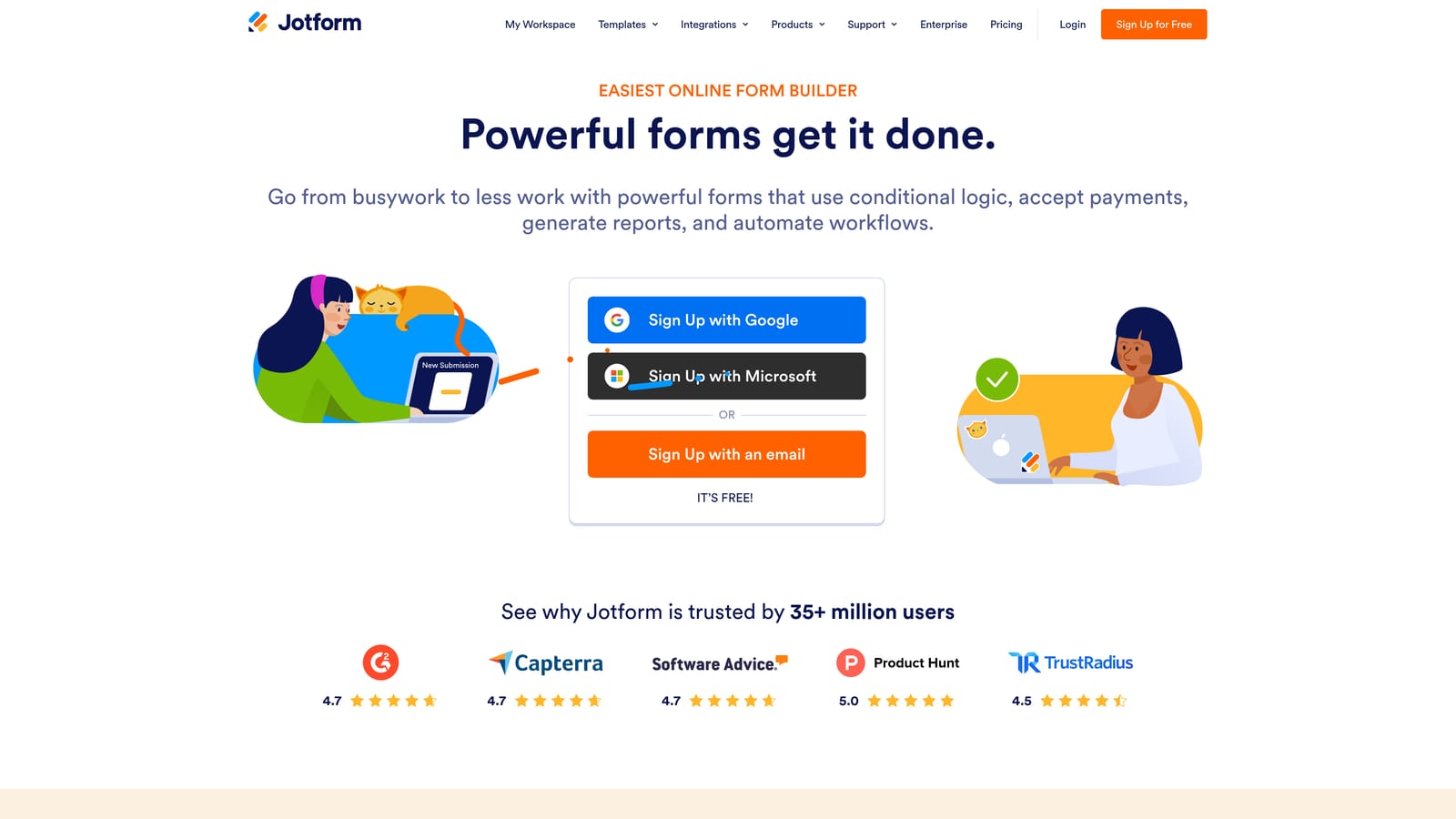
Jotform offers one of the broadest feature sets in the form builder market, with a dedicated multi-step wizard builder and thousands of templates covering almost every use case imaginable.
Where This Tool Shines
Jotform's strength is its sheer range. Whether you need a multi-step lead gen form, a payment collection flow, an event registration wizard, or a complex conditional survey, Jotform has a template for it and the native integrations to support it. The platform has been building out its feature set for years, and it shows.
The multi-step wizard builder includes a progress bar, which helps set respondent expectations and improves completion. The free tier is notably generous compared to many competitors, making it accessible for smaller teams or projects with tight budgets.
Key Features
Multi-Step Wizard Builder: A dedicated interface for building paginated forms with a built-in progress bar to guide respondents through each step.
Template Library: Thousands of pre-built templates across industries and use cases, reducing setup time significantly.
Native Integrations: Extensive connections including payment processors (Stripe, PayPal, Square), CRMs, and productivity tools.
Conditional Logic: Branching logic and calculation fields for building dynamic, responsive form experiences.
Generous Free Tier: The free plan allows meaningful usage before requiring an upgrade, with pricing that scales based on submission volume.
Best For
Jotform is a great fit for teams that need one platform to handle many different form types — not just lead gen. Operations teams, HR departments, event coordinators, and small businesses with diverse form needs will get strong value here.
Pricing
Free plan available. Paid plans start at approximately $34 per month billed annually, scaling with submission volume and feature access.
4. Paperform
Best for: Creators, consultants, and small businesses who want forms that feel like branded landing pages
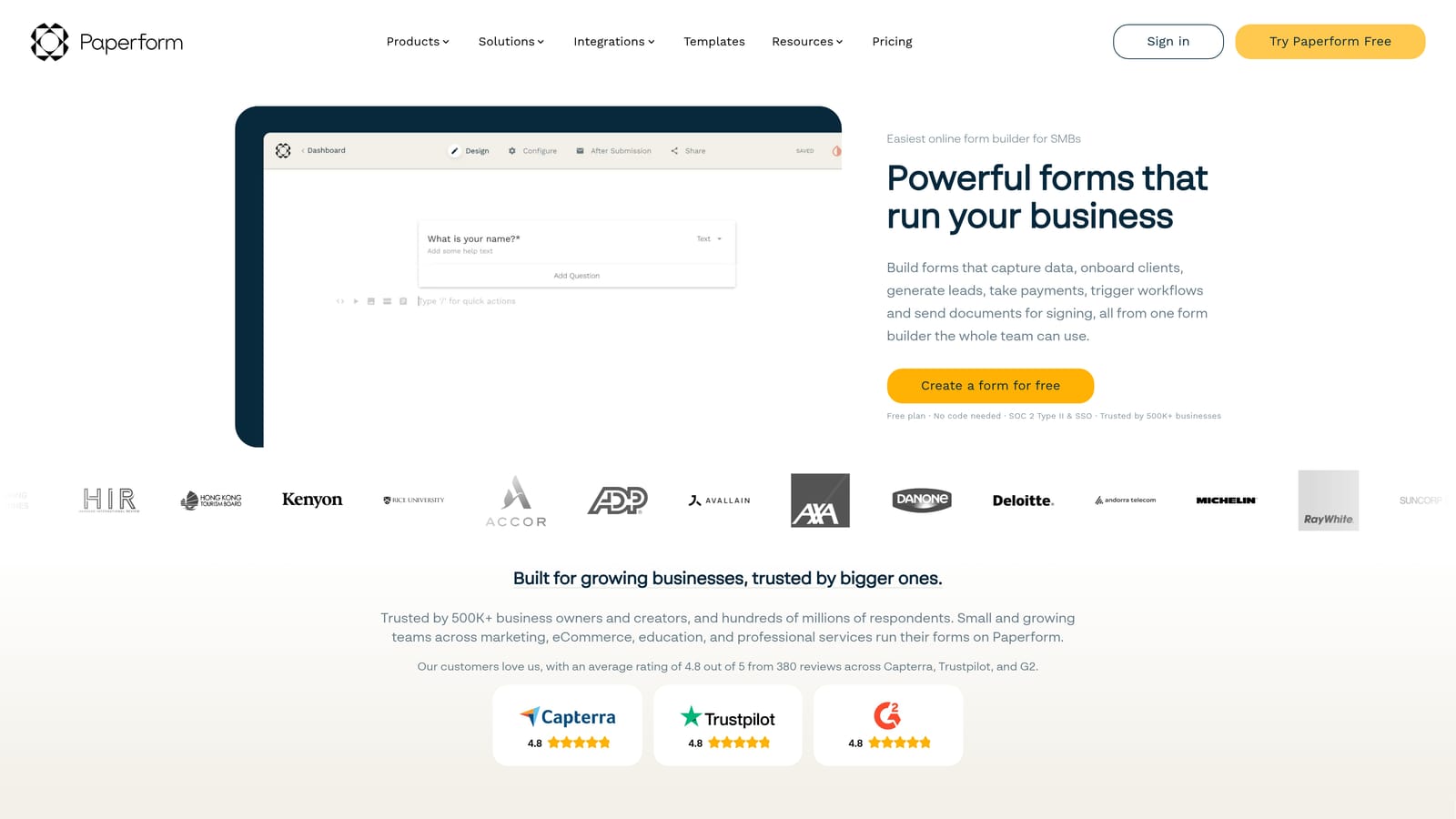
Paperform takes a document-style approach to form building, blending rich content with multi-step form fields to produce experiences that feel more like branded pages than traditional forms.
Where This Tool Shines
The editing experience in Paperform is genuinely different. Text, images, video, and form fields all coexist on the same canvas, so you can build forms that include explanatory content, product images, or pricing context alongside the questions themselves. The result often feels closer to a landing page than a conventional form.
Multi-page (paginated) forms are well-supported, and the design flexibility is high without requiring any custom CSS. For teams that want forms to feel like a natural extension of their brand, Paperform gives you a lot of control without a steep learning curve.
Key Features
Document-Style Editor: Mix text, media, and form fields freely on the same canvas for rich, content-forward form experiences.
Multi-Page Support: Paginated forms with smooth transitions between steps and good design control at each stage.
Built-In Payments and Scheduling: Native payment collection and appointment scheduling features reduce the need for separate tools.
Conditional Logic and Calculations: Dynamic branching and calculation fields for building responsive, personalized form paths.
Design Flexibility: High customization without requiring code, giving non-technical users meaningful control over the visual output.
Best For
Paperform is well-suited for consultants, agencies, creators, and small businesses that want beautiful, content-rich forms for client intake, bookings, or sales flows. It's less focused on lead qualification intelligence or enterprise-scale workflows.
Pricing
No permanent free plan. Paid plans start at approximately $24 per month billed annually, with higher tiers unlocking more submissions, custom domains, and advanced features.
5. Tally
Best for: Teams that want functional, good-looking multi-step forms quickly — without a high price tag
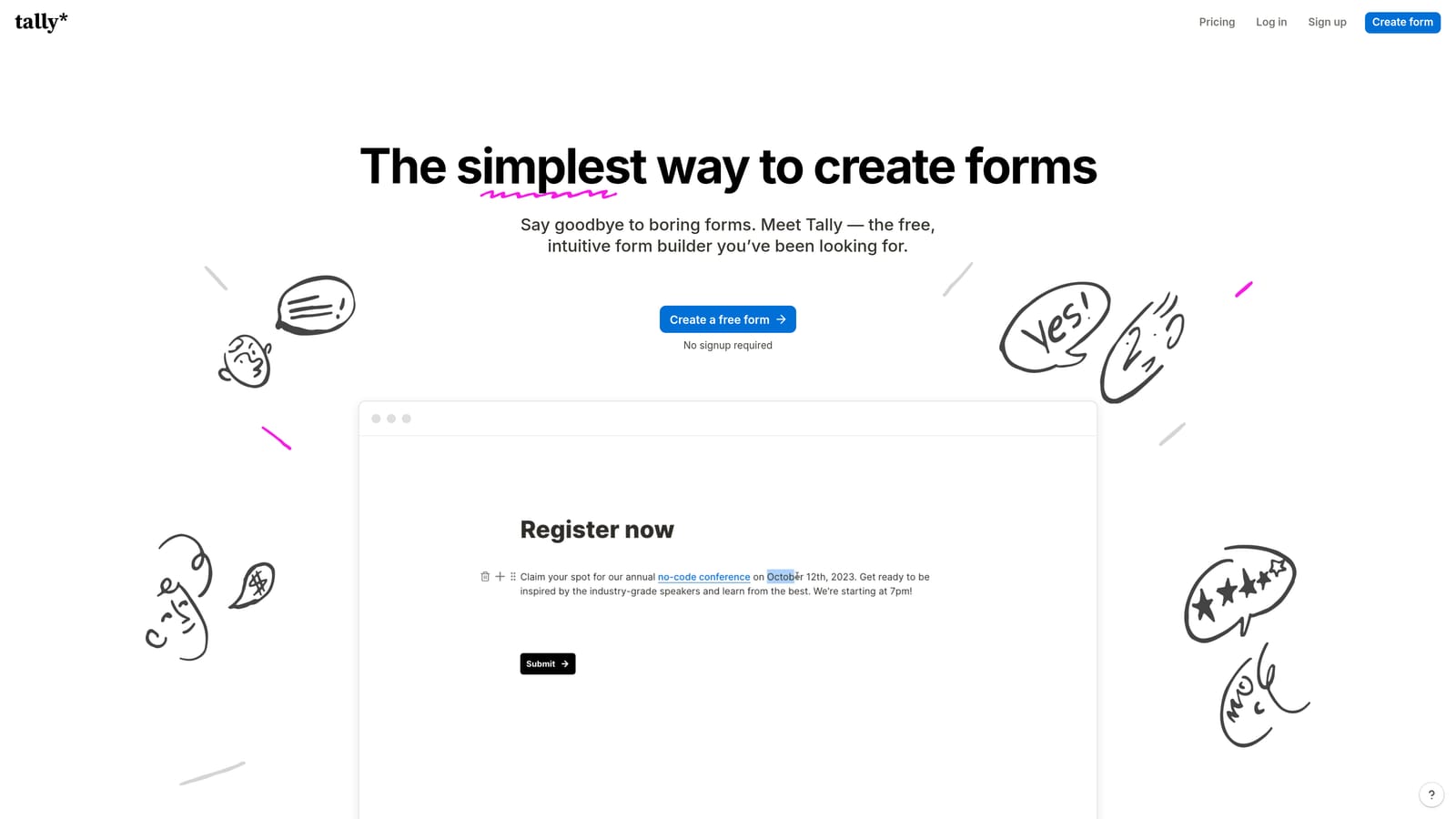
Tally is a Notion-inspired form builder with a clean block editor, multi-step form support, and one of the most generous free plans in the market.
Where This Tool Shines
Tally's editing experience will feel immediately familiar to anyone who uses Notion. The block-based editor is fast and intuitive, and you can build a multi-step form with conditional logic in minutes without a learning curve. The aesthetic is clean and minimal, which means forms look professional without requiring design effort.
The free tier is a genuine standout. Unlimited forms and unlimited responses on the free plan is rare in this market, making Tally an excellent starting point for lean teams, indie makers, or projects where budget is a constraint.
Key Features
Block Editor: Notion-like building experience that's fast to learn and comfortable for teams already in that ecosystem.
Multi-Step with Conditional Logic on Free Plan: Unlike many competitors, Tally doesn't lock conditional logic or multi-step support behind a paywall.
Unlimited Forms and Responses: The free tier removes the submission caps that often force upgrades on other platforms.
Clean Embed Options: Forms embed cleanly into websites and products with minimal friction.
Workspace Collaboration: Simple team sharing and workspace features for collaborative form management.
Best For
Tally is ideal for startups, indie teams, and individual operators who need functional multi-step forms without a significant investment. It's less suited for teams that need advanced lead qualification, enterprise compliance features, or complex workflow automation.
Pricing
Free plan with unlimited forms and responses. Pro plan at approximately $29 per month, adding features like custom domains, file uploads, and removed Tally branding.
6. Formstack
Best for: Enterprise and mid-market teams needing multi-step forms alongside document generation, e-signatures, and compliance features
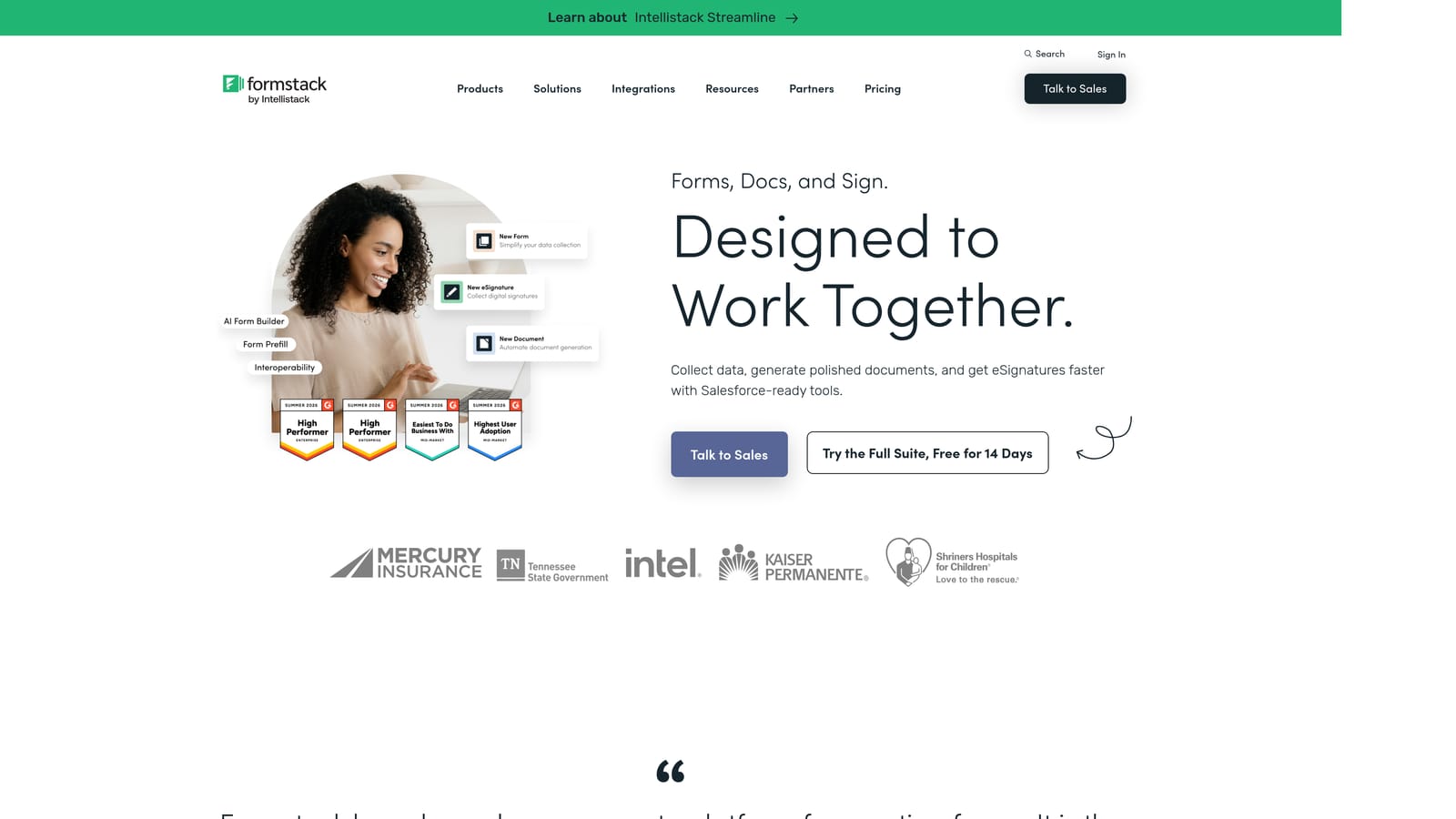
Formstack is positioned toward enterprise and mid-market organizations, offering multi-step forms as part of a broader data capture and workflow automation platform.
Where This Tool Shines
Formstack's differentiation isn't just form building — it's what happens after the form is submitted. The platform integrates document generation, e-signatures, and approval routing into a single workflow, making it more of an end-to-end data and process platform than a standalone form tool. For operations, HR, and compliance teams, this connected workflow is a meaningful advantage.
The compliance features are enterprise-grade. HIPAA and GDPR support, enterprise SSO, and security controls make Formstack one of the few form platforms that can operate comfortably in regulated industries like healthcare or financial services.
Key Features
Multi-Step Forms with Advanced Logic: Conditional branching and dynamic field logic for complex, personalized form experiences.
Document Generation: Automatically generate populated documents from form submissions, reducing manual data transfer.
E-Signatures: Built-in signature collection integrated directly into form and document workflows.
Compliance Features: HIPAA and GDPR compliance capabilities for teams operating in regulated environments.
Workflow Automation and Approval Routing: Route submissions through multi-step approval processes with automated notifications and actions.
Best For
Formstack is the right choice for enterprise operations, HR, legal, and compliance teams that need forms to connect directly into document and workflow processes. It's priced and positioned for that audience — marketing-led lead gen teams will likely find better value elsewhere.
Pricing
Plans start at approximately $83 per month. Enterprise pricing is available on request and reflects the platform's compliance and workflow capabilities.
Which Platform Should You Choose?
The right multi-step form builder depends almost entirely on what you're trying to accomplish. Here's a fast-reference breakdown by primary use case:
AI-powered lead qualification for SaaS and high-growth teams: Orbit AI is the purpose-built choice. No other platform on this list has qualification intelligence built directly into the form flow, making it the strongest option for teams where lead quality matters as much as lead volume.
Respondent engagement and brand-forward design: Typeform delivers the most polished conversational experience and remains a strong pick for top-of-funnel campaigns where completion rate and brand perception are priorities.
Versatility across many form types: Jotform's breadth of templates and integrations makes it the most flexible general-purpose option, especially for teams managing diverse form needs beyond lead gen.
Content-rich, landing-page-style forms: Paperform is the standout for creators and consultants who want forms that feel like branded pages, with built-in payments and scheduling as a bonus.
Fast, free, and functional: Tally's unlimited free tier and intuitive block editor make it the best starting point for lean teams or projects with tight budgets.
Enterprise workflows, compliance, and document automation: Formstack's integrated document generation, e-signature, and compliance features make it the right fit for ops and compliance-heavy organizations.
If your focus is lead generation, conversion optimization, or SaaS growth, Orbit AI is built specifically for you. Transform your lead generation with AI-powered forms that qualify prospects automatically while delivering the modern, conversion-optimized experience your high-growth team needs. Start building free forms today and see how intelligent form design can elevate your conversion strategy.


