

Schools and educational institutions collect a lot of information. From student applications and enrollment forms to program registrations and parent consent forms, the challenge isn't just gathering that data; it's doing it in a way that feels smooth for applicants and manageable for staff. Clunky, outdated forms lead to drop-offs, incomplete submissions, and hours of manual follow-up.
The right form builder changes that entirely. Whether you're a K-12 admissions coordinator, a university department, or an after-school program director, the tools below can help you build professional, conversion-friendly application forms without needing a developer.
We've evaluated each option based on ease of use, customization, conditional logic, data management, and pricing. For teams that also want to qualify and route applicants intelligently, some of these tools go well beyond basic form building.
1. Orbit AI
Best for: Schools and programs that want to score, qualify, and route applicants automatically
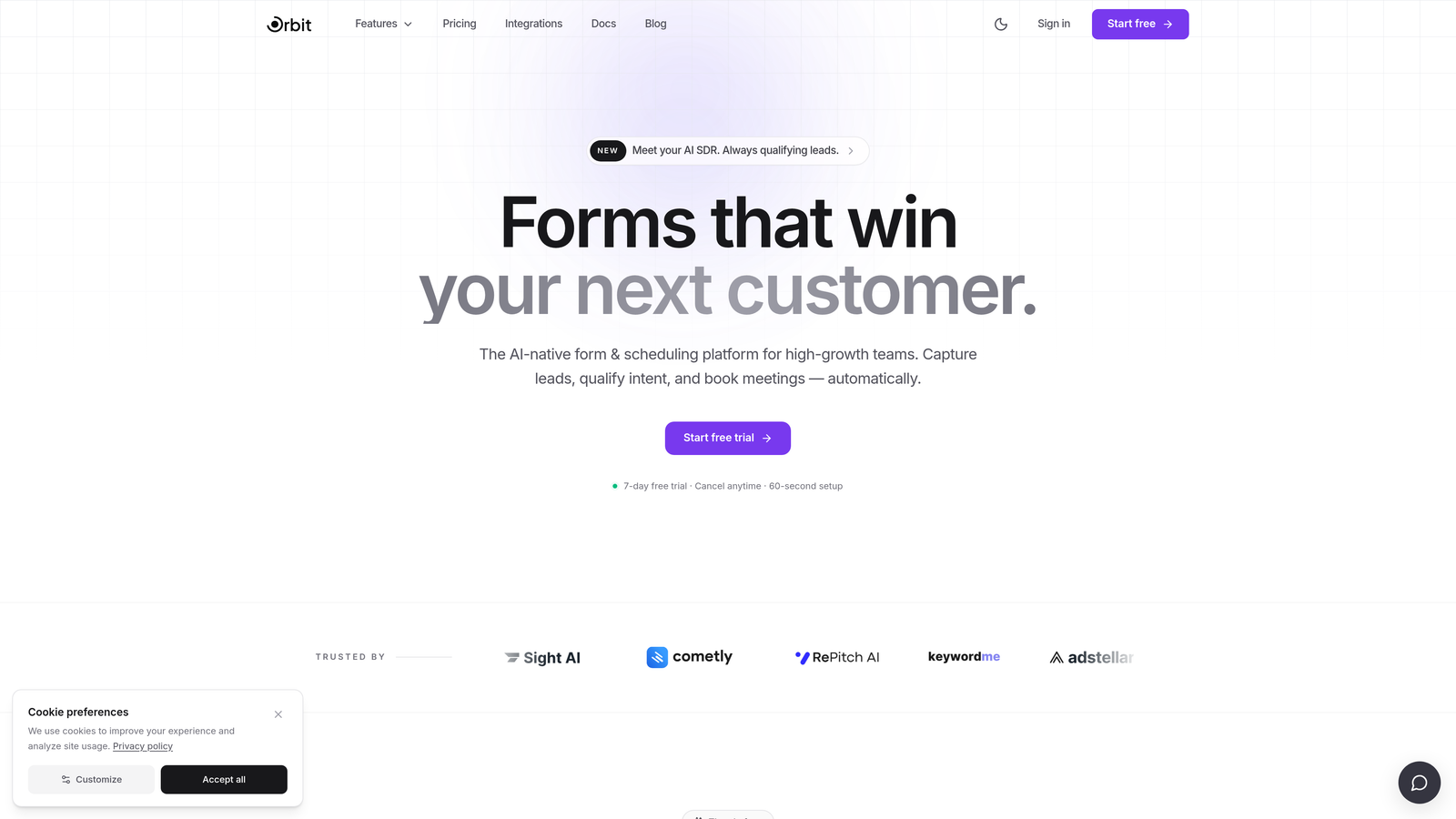
Orbit AI is an AI-powered form builder with built-in applicant qualification, designed for teams managing competitive admissions or high-volume enrollment.
Where This Tool Shines
Most form builders stop at collecting data. Orbit AI goes a step further by scoring applicants based on their form responses, which means your admissions team can prioritize the strongest candidates without manually reviewing every submission. For selective programs or schools handling large application volumes, this changes the entire workflow.
The forms themselves are built for conversion. Modern, mobile-friendly layouts and conditional logic keep applicants engaged through longer multi-step forms, reducing the drop-off that plagues traditional application processes.
Key Features
AI-Powered Applicant Qualification: Automatically scores submissions based on form responses, helping teams prioritize the right applicants without manual sorting.
Conditional Logic: Creates dynamic, personalized application flows that show or hide questions based on grade level, program interest, or prior answers.
Conversion-Optimized Design: Modern, mobile-friendly form layouts that look polished and keep applicants moving through longer applications.
Instant Routing and Notifications: Directs new submissions to the right team member automatically, cutting down on internal coordination overhead.
Analytics Dashboard: Tracks application completion rates and drop-off points so you can identify and fix friction in your forms.
Best For
Orbit AI is the strongest fit for selective programs, competitive admissions teams, or any school that receives high application volumes and needs more than a spreadsheet to manage them. It's also a great choice for teams that want to modernize their applicant experience without hiring a developer.
Pricing
Free plan available. Paid plans start at competitive rates. Visit orbitforms.ai for current pricing details.
2. Typeform
Best for: Creating a welcoming, interview-like application experience for longer forms
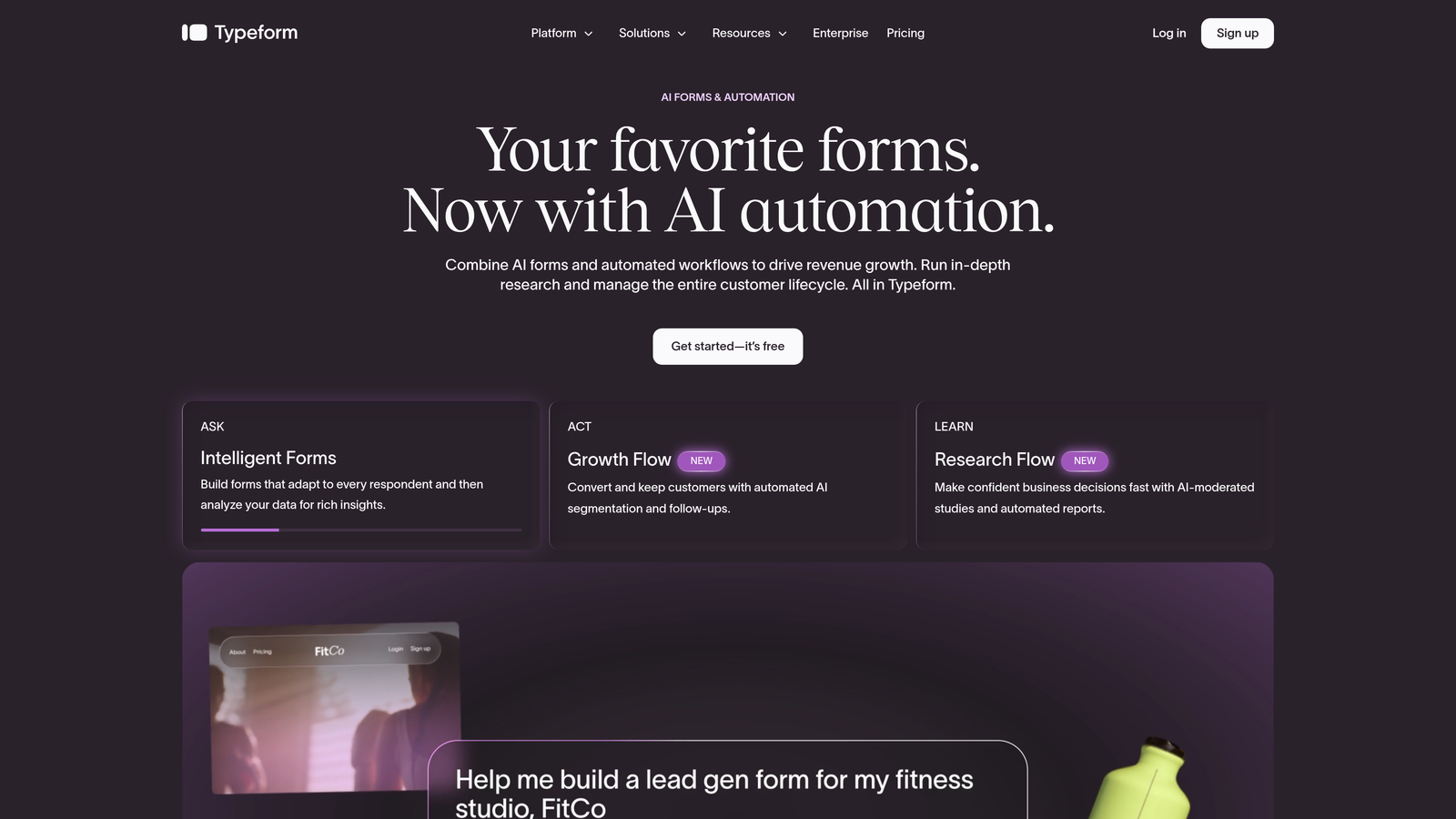
Typeform is a conversational form builder that presents questions one at a time, making multi-field school applications feel far less overwhelming for applicants.
Where This Tool Shines
Long application forms have an abandonment problem. When applicants see a wall of fields, many give up before they start. Typeform's one-question-at-a-time format keeps applicants focused, which tends to improve completion rates on longer applications like high school or college program forms.
The conditional logic is genuinely strong here. You can build branching paths that adapt based on the program a student is applying for, their grade level, or previous answers, so the form always feels relevant rather than generic.
Key Features
One-Question-at-a-Time Format: Reduces form fatigue and abandonment on multi-field applications by presenting fields sequentially.
Conditional Logic: Personalizes question paths based on program, grade level, or any prior response.
Integration Ecosystem: Connects with Google Sheets, Notion, Zapier, and many other tools schools already use.
Education Templates: Pre-built templates relevant to school applications and registrations are available out of the box.
File Uploads: Accepts transcripts, photos, or supporting documents directly within the form.
Best For
Schools that prioritize applicant experience and want a form that feels more like a conversation than a bureaucratic checklist. Particularly useful for programs where first impressions matter and completion rates on longer forms are a concern.
Pricing
Free plan available with limited responses. Paid plans start at approximately $25 per month, though higher-volume use cases can increase costs on paid tiers.
3. Jotform
Best for: Feature-complete school forms with payment collection, e-signatures, and approval workflows
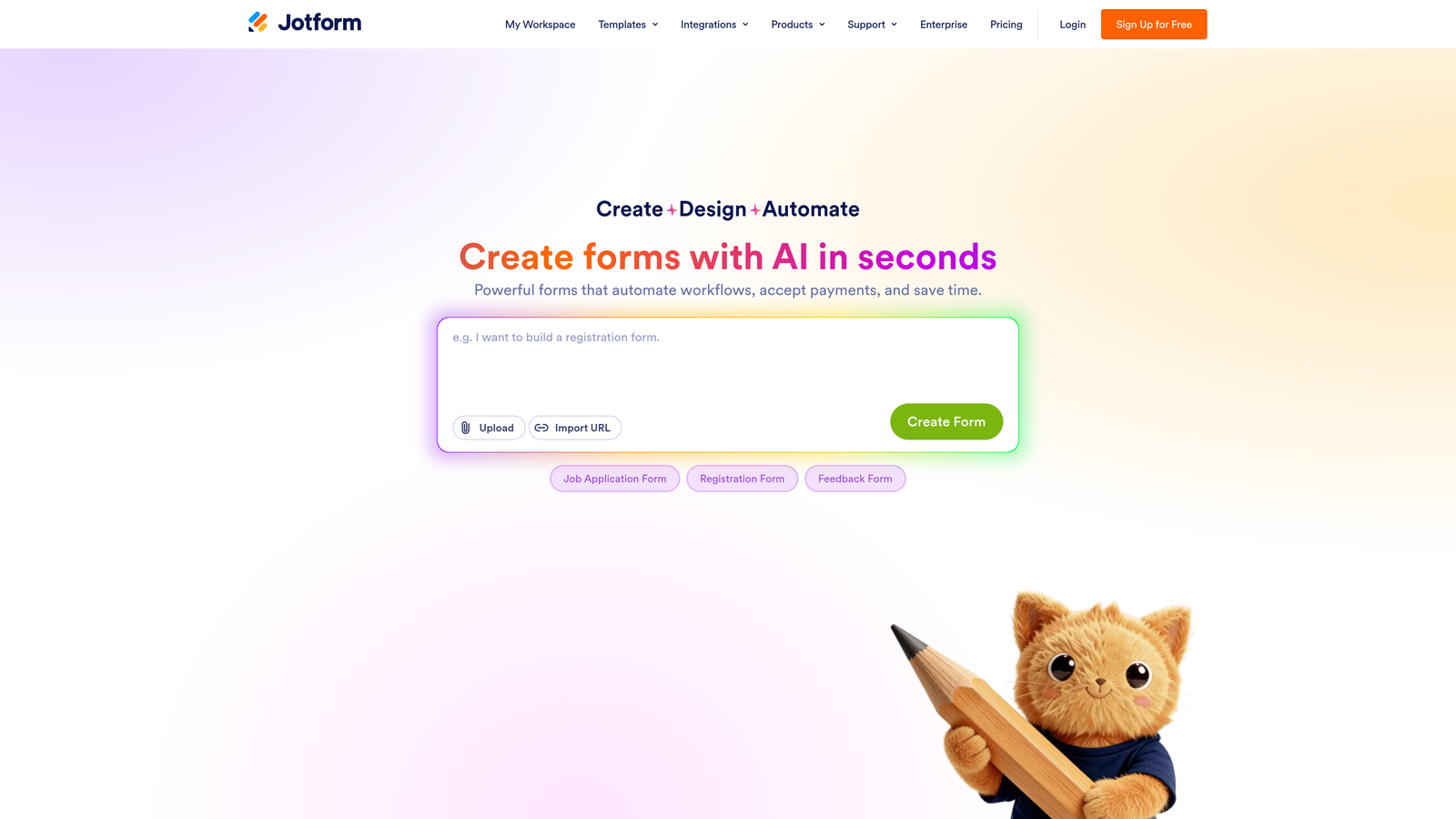
Jotform is one of the most fully-featured form builders available, with a deep library of education-specific templates and strong support for complex administrative workflows.
Where This Tool Shines
If your school needs to collect application fees, gather e-signatures on permission slips, or route submissions through a multi-step review process, Jotform handles all of it in one platform. The breadth of built-in functionality means you rarely need a third-party workaround.
Jotform also offers a dedicated education program with special pricing for schools, which makes it more accessible for institutions with tight budgets. The template library is genuinely large, covering everything from enrollment forms to field trip permission slips.
Key Features
Education Template Library: Hundreds of pre-built templates for enrollment, permission slips, applications, and more.
Payment Collection: Built-in support for application fees and registration deposits without needing a separate payment tool.
E-Signature and Document Uploads: Collect signed consent forms and supporting documents in the same workflow.
Approval Workflow Routing: Multi-step review processes that move submissions through different staff members or departments.
Jotform for Education: Special pricing program available for qualifying schools and educational institutions.
Best For
Schools managing complex workflows that touch payments, signatures, and document collection simultaneously. Also a strong fit for districts or programs that want a large template library to get started quickly without building forms from scratch.
Pricing
Free plan available with response limits. Paid plans start at approximately $34 per month. Education program pricing may be available for qualifying institutions.
4. Paperform
Best for: Brand-forward schools that want polished, media-rich application pages
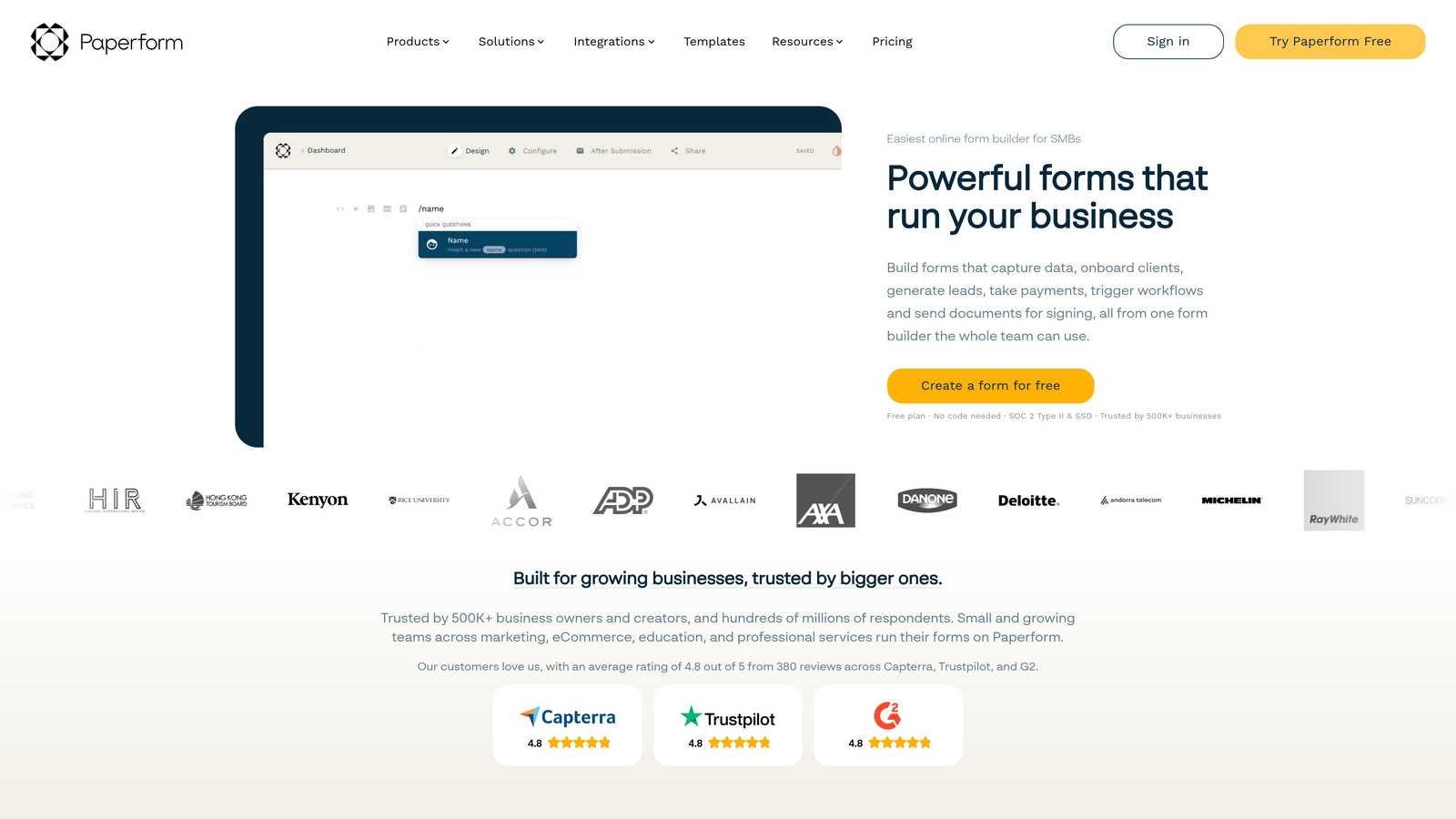
Paperform is a form builder that treats each form as a fully designed page, combining text, images, video, and form fields in a flexible layout that goes well beyond a standard form.
Where This Tool Shines
Private schools, academies, and programs with a strong brand identity often find that generic form builders feel out of place on their websites. Paperform lets you build application pages that match your school's visual identity, complete with embedded images, formatted text, and video, which creates a more professional first impression for prospective families.
The layout flexibility is genuinely different from most form tools. Rather than stacking fields in a linear list, you can structure the page more like a landing page, which works well for programs that want to combine information with the application itself.
Key Features
Rich Media Embedding: Add images, video, and formatted text directly alongside form fields within a single page layout.
Flexible Page Layouts: Design structures that go beyond traditional form formats, closer to a branded landing page.
Built-In Payment Processing: Collect application fees or deposits without a third-party integration.
Custom Domain Support: Host application pages on your own domain for a fully branded experience.
Calculation Fields: Useful for scoring responses or calculating variable fees based on applicant answers.
Best For
Private schools, specialized academies, or any institution where brand presentation matters and the application page is part of the overall impression you're making on prospective students and families.
Pricing
No free plan. Paid plans start at approximately $29 per month.
5. Tally
Best for: Small schools, community programs, and non-profits needing a capable free option
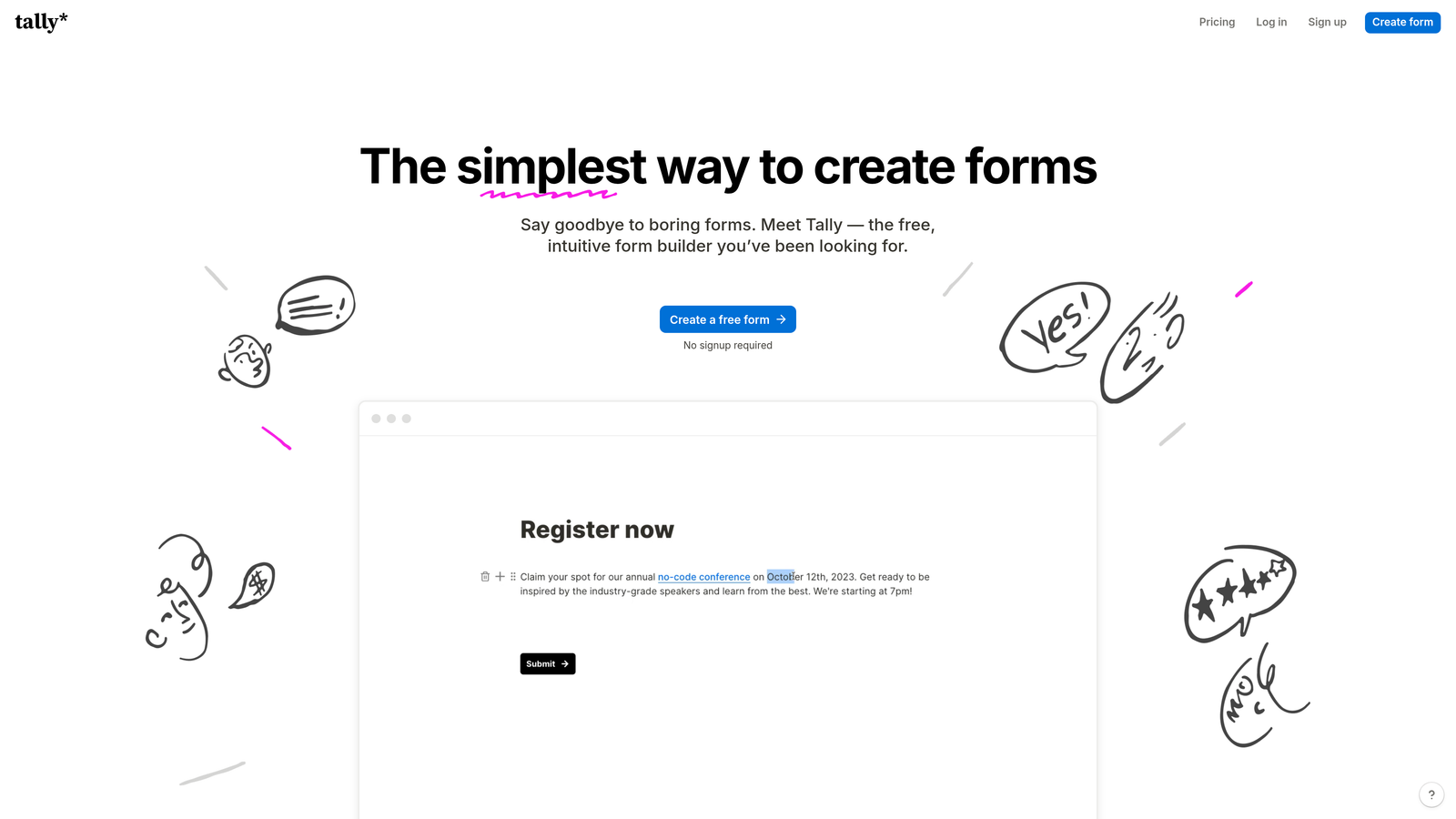
Tally is a Notion-inspired form builder with unlimited forms and unlimited responses on its free plan, making it the most accessible option for programs with limited budgets.
Where This Tool Shines
The free plan is genuinely generous. Most form builders cap responses or features at levels that quickly push you toward a paid tier. Tally's free offering includes unlimited forms and unlimited responses, which covers the needs of many small schools and community programs without any cost.
The block-based editor is intuitive enough that staff with no technical background can build and update forms independently. For teams that just need a clean, functional application form without a lot of complexity, Tally delivers without the learning curve.
Key Features
Unlimited Free Forms and Responses: The free plan doesn't cap submissions, which is rare among form builders and genuinely useful for schools on tight budgets.
Block-Based Editor: Intuitive Notion-style interface with minimal learning curve for non-technical staff.
Conditional Logic and File Uploads: Core features available even on the free plan, covering most school application use cases.
Easy Embedding: Forms embed cleanly into school websites, portals, or learning management systems.
Integrations: Connects via Zapier and native integrations for basic workflow automation.
Best For
Community programs, small independent schools, non-profits, and any educational organization that needs functional application forms without a software budget. Also a solid starting point for teams that want to test digital forms before committing to a paid platform.
Pricing
Generous free plan with unlimited forms and responses. Tally Pro starts at approximately $29 per month for advanced features including custom domains and priority support.
6. Formstack
Best for: School districts and higher education institutions with strict compliance and security requirements
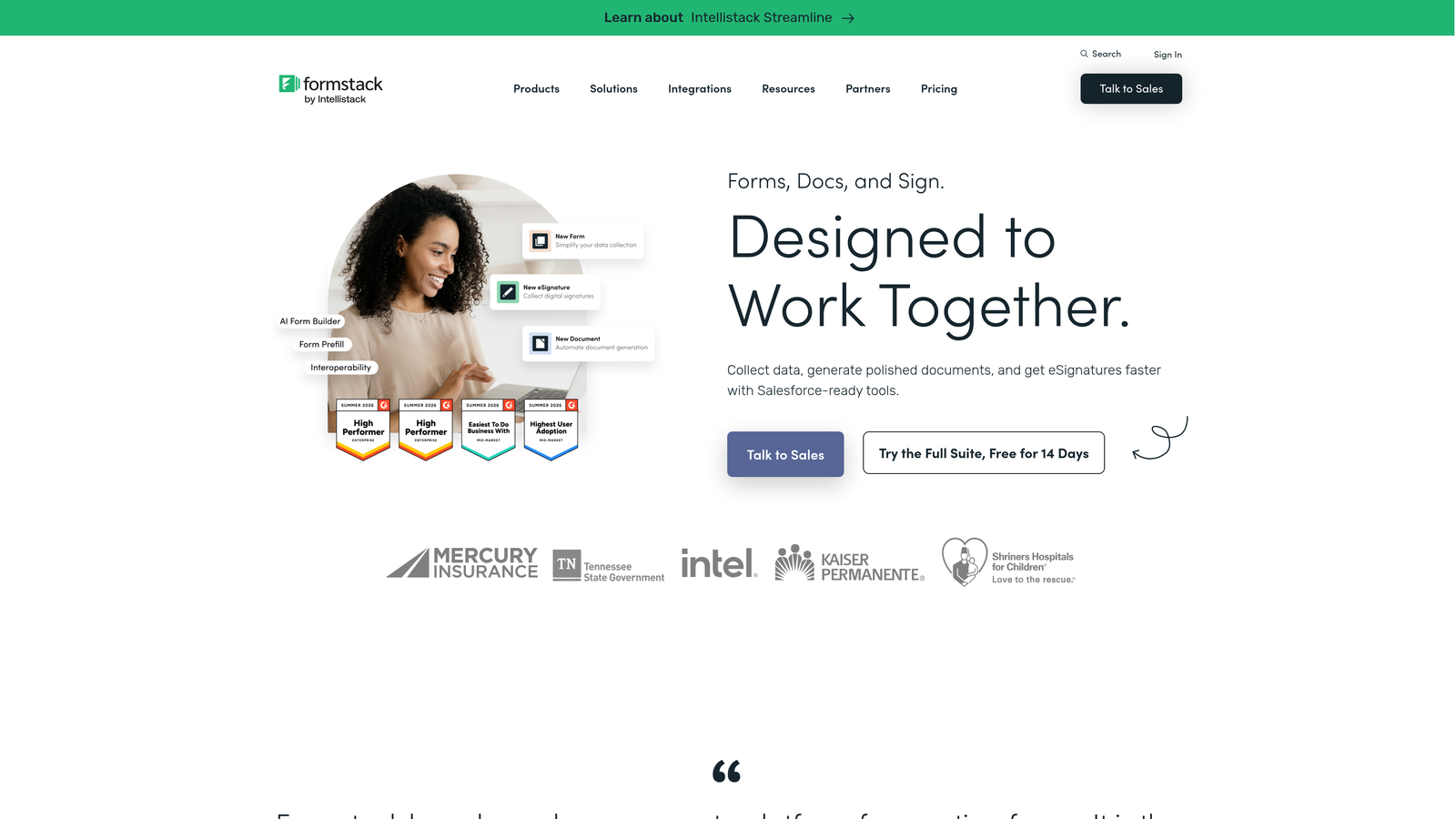
Formstack is an enterprise-grade form and workflow platform built for organizations where data governance, security certifications, and multi-step approval processes are non-negotiable.
Where This Tool Shines
US schools handling student records operate under FERPA, the Family Educational Rights and Privacy Act, which sets strict requirements around how student data is collected, stored, and accessed. Formstack's compliance certifications and access controls make it one of the few form tools genuinely built for this level of scrutiny. For school districts or universities with IT and legal teams involved in software decisions, that matters.
The workflow automation goes deeper than most form builders. Multi-step approval routing, document generation, and audit trails make Formstack more of an administrative platform than a simple form tool, which is exactly what larger institutions often need.
Key Features
SOC 2 Type II Certification and HIPAA Compliance: Meets the security standards relevant for institutions handling sensitive student and health records.
Advanced Workflow Automation: Multi-step approval routing that moves submissions through defined review processes with accountability at each stage.
Document Generation and E-Signatures: Produces formatted documents from form data and captures legally binding signatures.
CRM and SIS Integrations: Connects with student information systems and CRM platforms that larger institutions already rely on.
Audit Trails and Access Controls: Provides administrative oversight with detailed logs of who accessed or modified submission data.
Best For
School districts, community colleges, and universities with IT departments, compliance requirements, and the administrative infrastructure to support an enterprise platform. Not the right fit for small schools or programs that just need a simple application form.
Pricing
No free plan. Plans start at approximately $83 per month, making this best suited for institutional budgets with dedicated software spend.
Which Tool Is Right for Your School?
The best application form tool for your school depends almost entirely on what you're trying to accomplish and the resources you have available.
If your program is selective or manages a high volume of applicants, Orbit AI is the standout choice. The AI-powered qualification layer means your team spends time on the strongest candidates, not on manually sorting through every submission. For schools that want to modernize their admissions process and make smarter decisions faster, it's the most forward-thinking option on this list.
For teams where applicant experience is the top priority, Typeform's conversational format reduces form fatigue and tends to improve completion on longer applications. If your school collects application fees, needs e-signatures, or manages multi-step review processes, Jotform covers all of it in one platform, with a dedicated education pricing program as an added advantage.
Paperform is the right call for brand-conscious institutions where the application page is part of the impression you're making on prospective families. Tally is the clear winner for small schools and community programs that need functional, unlimited forms without a software budget. And for school districts or higher education institutions where FERPA compliance and enterprise-grade security are requirements, Formstack is built for exactly that context.
Whatever your school's size or complexity, the shift to digital application forms is one of the highest-leverage improvements an admissions team can make. Fewer manual errors, faster review cycles, and a better experience for applicants all follow from choosing the right tool.
If you're ready to see what intelligent form design can do for your admissions process, Start building free forms today and experience how AI-powered qualification can transform the way your team manages applicants.


