

If your form builder requires a tutorial just to get started, it's already costing you conversions. The most user-friendly form builders combine intuitive design with powerful functionality, so your team spends less time wrestling with the tool and more time capturing qualified leads.
This guide covers six standout options, evaluated on ease of setup, interface clarity, template quality, and how well each tool supports conversion-focused workflows. Whether you're building a lead capture form, a multi-step qualification flow, or a customer feedback survey, the right builder should feel effortless from day one.
We've also factored in how well each platform scales, because a tool that's easy for a solo founder should still hold up when your team and traffic grow. If you want to go deeper on conversion strategy, our guides on how to improve form conversion rates and how to reduce form field friction are worth reading alongside this one.
1. Orbit AI
Best for: High-growth SaaS and marketing teams that need forms to qualify leads, not just collect them.
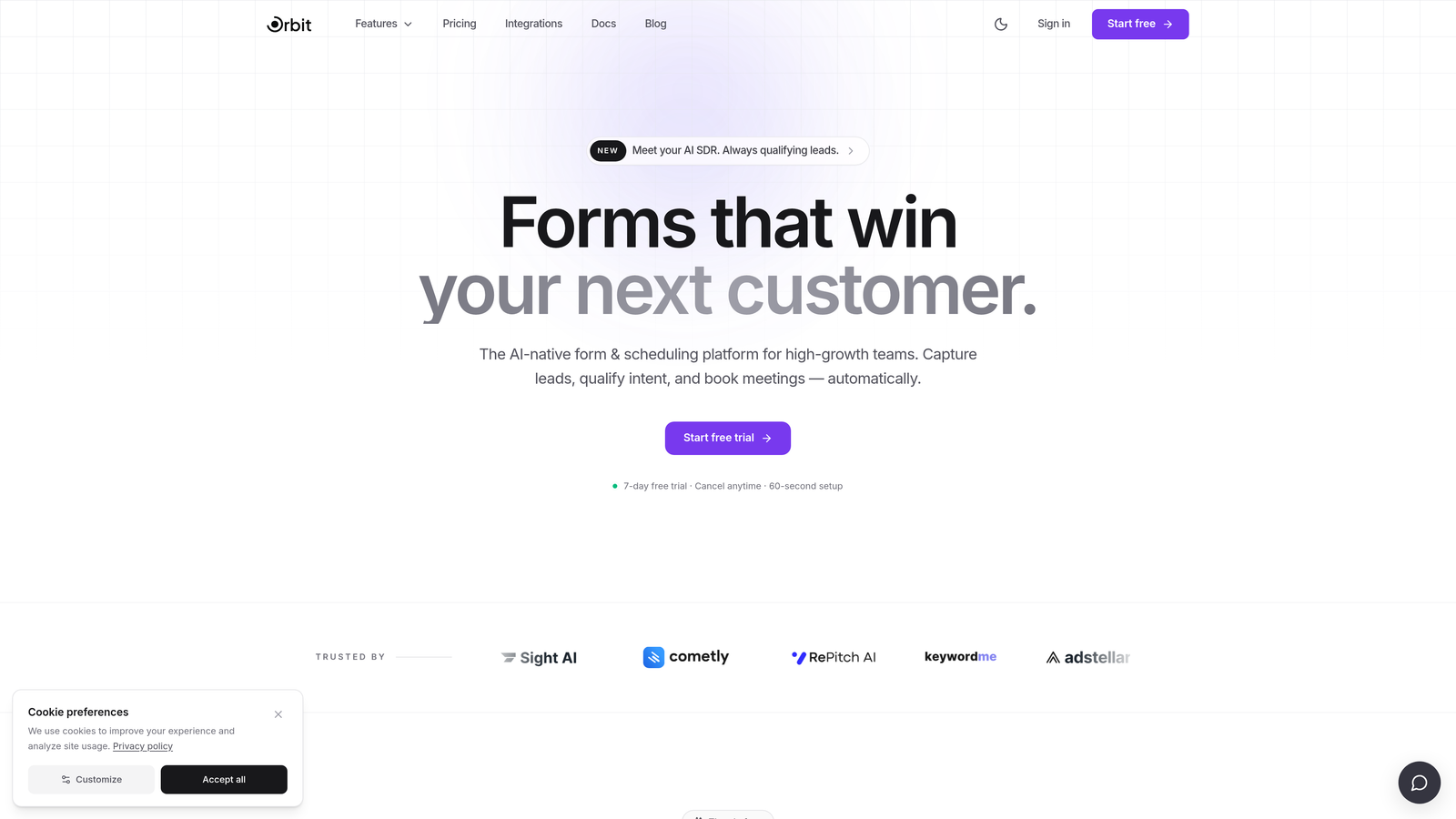
Orbit AI is an AI-powered form builder with built-in lead qualification, designed for conversion-focused teams who need results without the complexity.
Where This Tool Shines
Most form builders treat qualification as an afterthought, something you patch together with a CRM workflow or a third-party scoring tool after the submission comes in. Orbit AI bakes qualification directly into the form flow, so the form itself becomes a filtering layer rather than a passive data collector.
The setup experience is notably clean. You're not starting from a blank canvas or decoding a dense settings panel. Templates are pre-built for SaaS and marketing use cases, and conditional logic works without requiring any technical configuration. For teams that need to move fast, that head start matters.
Key Features
AI-Powered Lead Qualification: Qualification logic runs inside the form itself, routing and scoring leads without requiring additional tools downstream.
Conversion-Optimized Templates: Templates are designed specifically for SaaS and marketing workflows, not generic use cases.
Conditional Logic and Smart Routing: Multi-step logic and branching paths work without any coding or technical setup.
Modern Form Design: Forms look polished and professional out of the box, with no design work required from your team.
Built for Lead Quality: The platform is oriented around lead quality and pipeline value, not just submission volume.
Best For
Growth-stage SaaS companies, marketing teams running lead generation campaigns, and any team that wants their form to do intelligent work rather than simply collecting contact details. Particularly strong for teams that care about lead quality over raw volume.
Pricing
Available at orbitforms.ai. Check the site for current pricing tiers and free trial options.
2. Typeform
Best for: Teams prioritizing a polished, conversational respondent experience with strong visual design.
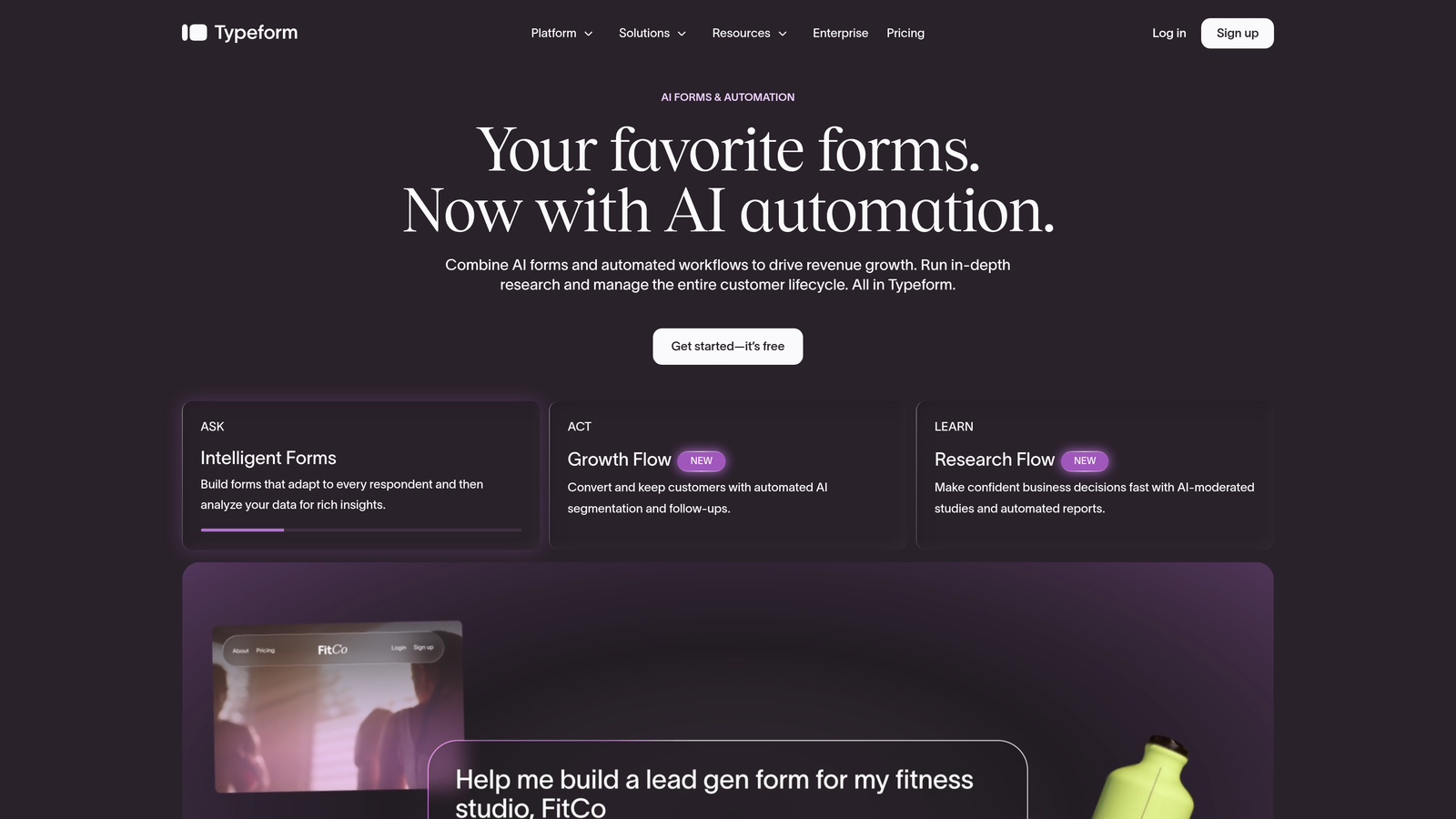
Typeform is a conversational form builder known for its one-question-at-a-time interface and well-crafted respondent experience.
Where This Tool Shines
Typeform's core strength is the experience it creates for the person filling out the form. Rather than presenting a wall of fields, it walks respondents through one question at a time, which many teams find leads to higher completion rates on longer forms.
The visual quality is consistently high. Branded forms look genuinely good without much effort, and the integration ecosystem covers most major CRMs and marketing platforms. Where Typeform can feel limiting is in complex lead qualification logic, which typically requires workarounds or external tools to execute properly.
Key Features
Conversational Format: One-question-at-a-time presentation reduces friction and creates a more engaging respondent experience.
Visual Customization: Strong branding and design controls let you match forms to your product's look and feel.
Logic Jumps: Conditional branching allows different paths based on respondent answers.
Integration Ecosystem: Connects with major CRMs, email platforms, and marketing tools.
Rich Media Support: Video and image embedding within forms adds context and personality to each question.
Best For
Marketing teams running brand-forward campaigns, product teams collecting user research, and any team where the respondent experience is a priority. Less ideal for teams needing deep qualification logic without additional configuration.
Pricing
Free plan available. Paid plans start at approximately $25/month. Check typeform.com for current pricing.
3. Tally
Best for: Early-stage teams and indie builders who need clean, functional forms with minimal cost and setup time.
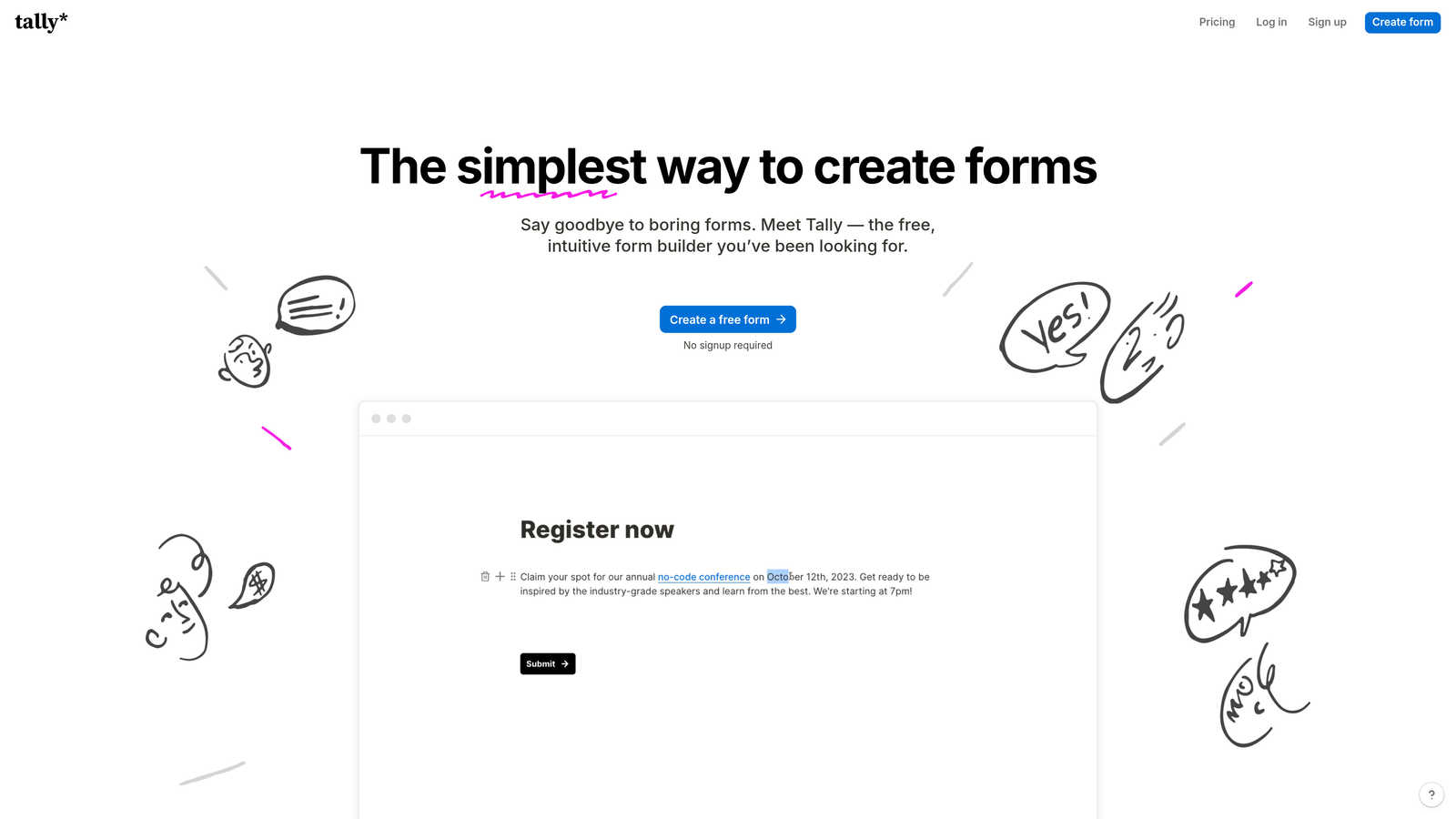
Tally is a Notion-inspired block-based form builder with a genuinely generous free tier and a very low learning curve.
Where This Tool Shines
Tally's appeal is its simplicity. The block-based editor feels familiar to anyone who uses Notion, and you can have a functional form live in minutes without reading any documentation. For teams that need to move quickly and don't want to think too hard about the tool, that frictionless setup is genuinely valuable.
The free plan is one of the most generous in the market, offering unlimited forms and unlimited submissions without a paywall. This makes Tally a natural starting point for early-stage startups or teams testing a new workflow before committing to a paid platform.
Key Features
Block-Based Editor: Familiar, Notion-style interface with an extremely low learning curve for new users.
Generous Free Plan: Unlimited forms and submissions on the free tier, which is rare among form builders.
Conditional Logic: Basic conditional logic and hidden fields are supported across plans.
Clean Embeds: Forms embed neatly into websites and Notion pages without visual clutter.
Fast Setup: Lightweight and quick to configure, even for non-technical team members.
Best For
Early-stage startups, indie hackers, and small teams that need clean, functional forms without a budget commitment. Teams that eventually need advanced qualification logic or AI capabilities may find they outgrow Tally as they scale.
Pricing
Free plan available. Tally Pro starts at approximately $29/month. Check tally.so for current pricing.
4. Paperform
Best for: Creative and product teams that want forms to feel more like branded landing pages.
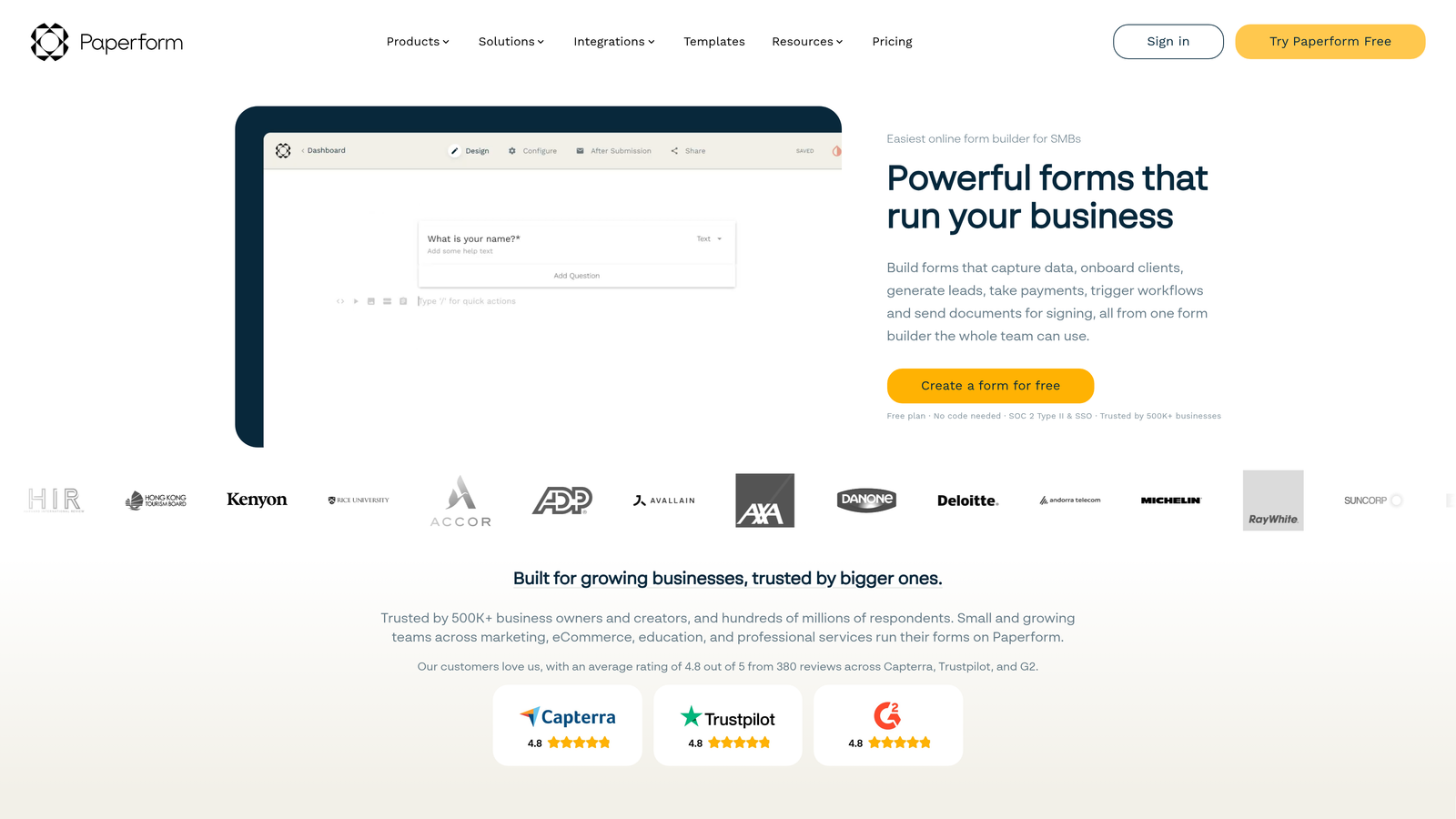
Paperform is a design-forward form builder that blends form functionality with landing page flexibility, giving teams significant control over how their forms look and feel.
Where This Tool Shines
Where most form builders keep design options fairly contained, Paperform gives you a rich page-like canvas. You can mix text, images, video, and form fields freely, which makes it well-suited for product launches, event registrations, and any situation where the form needs to carry brand weight on its own.
Native payment processing is a genuine differentiator here. If your form needs to collect payments alongside information, Paperform handles Stripe, PayPal, and Square without requiring a separate integration. For creative teams managing product sales, workshops, or services, that built-in capability reduces meaningful complexity.
Key Features
Rich Page Editor: Freely mix text, images, and media with form fields to create branded, page-like experiences.
Native Payments: Built-in support for Stripe, PayPal, and Square without third-party integrations.
Conditional Logic: Strong conditional branching and calculation fields for more complex form flows.
Custom Domains: Branded form URLs and custom domain support for a polished, professional presentation.
Template Library: Templates covering product, event, and service use cases with design already handled.
Best For
Creative agencies, product teams running launches or events, and service businesses that need forms to function as standalone branded pages. Less focused on lead qualification workflows than tools built specifically for that purpose.
Pricing
Starts at approximately $24/month. Check paperform.co for current plans.
5. Jotform
Best for: Teams managing complex, multi-purpose data collection across departments with a wide range of field and workflow needs.
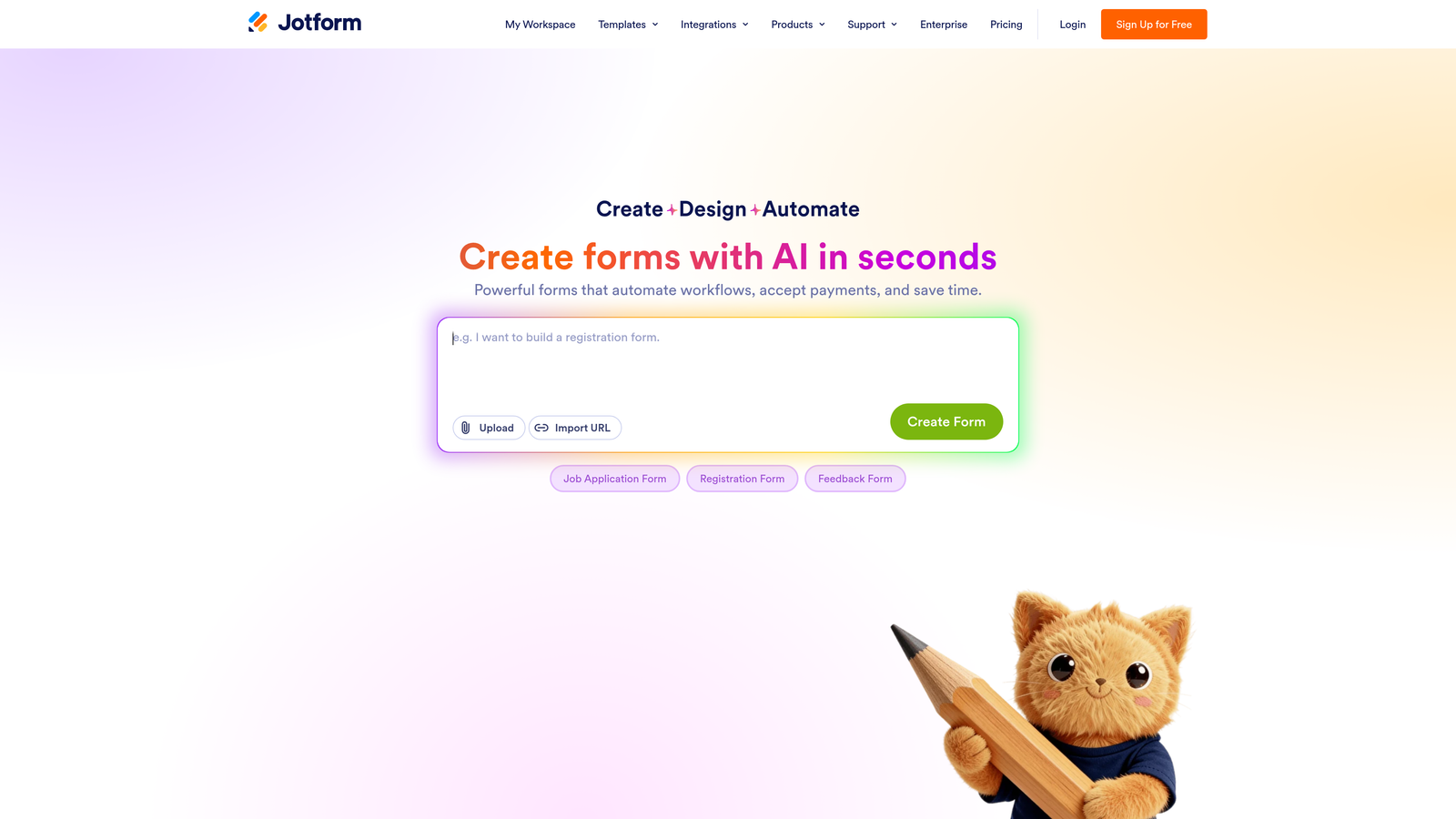
Jotform is one of the most feature-rich form builders available, with one of the largest template libraries and a broad set of workflow capabilities.
Where This Tool Shines
If breadth of features is your primary requirement, Jotform is hard to match. The template library spans thousands of pre-built forms across dozens of categories, which means most teams can find a starting point rather than building from scratch. Payment integrations, PDF generation, approval workflows, and HIPAA-compliant forms are all available within the same platform.
The tradeoff is interface density. Jotform is powerful, but new users often note a steeper learning curve compared to more opinionated builders. Teams that need to move fast may find the breadth of options slows down initial setup, even if the long-term flexibility is valuable.
Key Features
Extensive Template Library: Thousands of templates across categories including HR, healthcare, education, and e-commerce.
Payment Integrations: Native support for major payment processors within form submissions.
PDF Generation: Automatic document creation and automation from form submissions.
HIPAA Compliance: Available on higher-tier plans for healthcare and regulated industries.
Approval Workflows: Multi-step approval routing for teams managing internal processes.
Best For
Operations teams, HR departments, healthcare organizations, and any team managing complex, multi-department workflows that require a wide variety of form types and compliance support.
Pricing
Free plan available. Paid plans start at approximately $34/month. Check jotform.com for current pricing.
6. Formstack
Best for: Mid-market and enterprise organizations with compliance requirements and complex data routing needs.
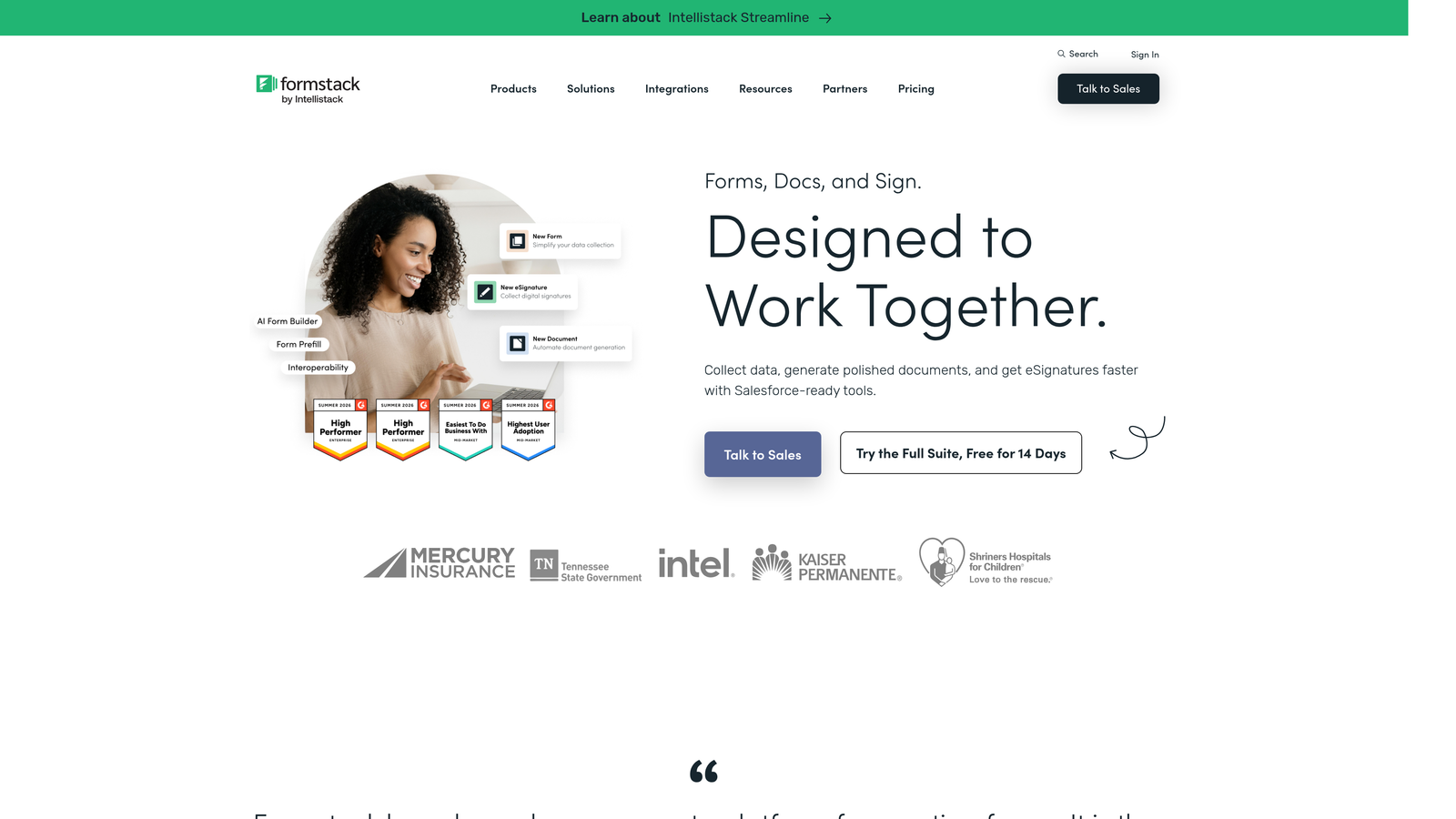
Formstack is an enterprise-grade form and workflow automation platform built for organizations where security, compliance, and process control are non-negotiable.
Where This Tool Shines
Formstack goes well beyond standard form building. It's a workflow automation platform that happens to start with forms, and its compliance credentials, including HIPAA, GDPR, and SOC 2 support, make it a serious option for regulated industries where data governance matters as much as usability.
Document generation and e-signature capabilities extend the platform beyond data collection into full process automation. For enterprise teams managing multi-step approval chains or complex data routing across departments, Formstack offers a level of control that most form builders simply don't provide. It's less suited to marketing-focused conversion workflows, but for operational and compliance use cases, it's purpose-built.
Key Features
Compliance Support: HIPAA, GDPR, and SOC 2 compliance credentials for regulated industries and enterprise buyers.
Workflow Automation: Multi-step approval routing and process automation beyond basic form submission.
Document Generation: Automated document creation and e-signature capabilities within the platform.
Advanced Data Routing: Conditional notifications and complex data routing across teams and systems.
Security and Access Controls: Enterprise-grade security features and granular user access management.
Best For
Mid-market and enterprise organizations in healthcare, finance, legal, and other regulated industries. Teams that need workflow automation and compliance assurance alongside form functionality. Less focused on marketing conversion use cases.
Pricing
Enterprise-oriented pricing. Check formstack.com for current plans and custom quotes.
Which Tool Is Right for Your Team?
The right choice here depends less on which tool has the longest feature list and more on what your team actually needs the form to do.
If you're a high-growth team that needs forms to actively qualify leads rather than just collect contact details, Orbit AI is built specifically for that. The AI-powered qualification layer and conversion-optimized templates make it a strong fit for SaaS and marketing teams focused on pipeline quality.
For a polished conversational experience that prioritizes how the form feels for respondents, Typeform delivers consistently. For a free, minimal builder with almost no setup friction, Tally is hard to beat, especially for early-stage teams. Paperform suits creative teams that want their forms to carry brand weight. Jotform works well for operations-heavy workflows that need a wide variety of field types and compliance options. And Formstack fits enterprise organizations where data governance and workflow automation are the primary requirements.
The best form builder is ultimately the one your team will actually use, and one that turns submissions into pipeline rather than just spreadsheet rows. Explore our resources on how to qualify leads with forms and lead qualification best practices to get more out of whichever tool you choose.
Ready to see what an AI-powered form builder looks like in practice? Start building free forms today and see how intelligent form design can elevate your conversion strategy.


