

When your team is evaluating form builders for lead generation and conversion optimization, the JotForm vs Formstack debate comes up quickly. Both platforms have been around for years and offer broad feature sets, but "broad" doesn't always mean "right for your use case."
High-growth teams need more than a feature checklist. They need to understand where each platform excels, where it falls short, and whether either one is actually built for the way modern marketing and sales teams operate.
This article breaks down seven critical feature dimensions where JotForm and Formstack differ meaningfully, from lead qualification logic to integration depth, pricing structures, and form design flexibility. By the end, you'll have a clear framework for making a confident platform decision, plus an honest look at whether either tool is the right fit for teams prioritizing conversion rate optimization and intelligent lead capture.
Whether you're migrating from one platform or evaluating both for the first time, these comparisons will save you hours of trial-and-error testing.
1. Conditional Logic and Smart Form Branching
The Challenge It Solves
Static forms that ask every respondent the same questions are a conversion killer. High-growth teams need forms that adapt in real time, routing prospects down different paths based on their answers. The question isn't whether JotForm and Formstack support conditional logic. They both do. The question is how well that logic scales when your qualification workflows get genuinely complex.
The Strategy Explained
JotForm uses a visual "Show/Hide" condition builder that is widely regarded as one of the more accessible implementations in the market. Non-technical marketers can set up branching paths without touching a line of code, which makes it a strong choice for teams that need to move fast without developer support.
Formstack takes a more rule-based approach to conditional logic. The system is more granular and allows for layered conditions that suit enterprise workflows with many decision points. The tradeoff is a steeper learning curve. Teams without dedicated operations support may find Formstack's logic editor less intuitive, especially when building multi-path qualification flows from scratch.
Implementation Steps
1. Map your lead qualification flow on paper before building in either platform. Identify every branching point and the condition that triggers it.
2. In JotForm, use the visual condition builder to create Show/Hide rules for each field group. Test each path individually before combining them.
3. In Formstack, build your rule sets in layers, starting with the broadest conditions first and adding specificity as you go. Use the preview mode to validate each branch.
4. Run a full end-to-end test with multiple user personas to confirm every path resolves correctly and no dead ends exist.
Pro Tips
If your qualification logic involves more than five or six branching conditions, document each rule in a spreadsheet before building. Both platforms can become difficult to audit after the fact when logic is complex. For teams that need AI-driven branching that adapts without manual rule-setting, neither platform currently offers that natively.
2. Lead Qualification and Data Enrichment Capabilities
The Challenge It Solves
Collecting form submissions is only half the job. The other half is knowing which submissions represent genuine pipeline opportunities. Many teams waste significant sales time following up on unqualified leads simply because their form tool has no mechanism for scoring or routing based on response quality. This is one of the most consequential gaps in both JotForm and Formstack.
The Strategy Explained
Neither JotForm nor Formstack offers native lead scoring at the form level. Both platforms are fundamentally data collection tools, and their architecture reflects that. You can use conditional logic to filter out obviously unqualified respondents, but there is no built-in scoring engine that evaluates a submission holistically and assigns a qualification tier.
Data enrichment is similarly limited. Neither platform automatically appends firmographic or behavioral data to a submission. Teams typically work around this by connecting their forms to a CRM or enrichment tool like Clearbit through an integration, but this adds workflow complexity and introduces latency between submission and sales follow-up.
Implementation Steps
1. Define your qualification criteria before building your form. Identify the three to five signals that distinguish a high-quality lead from a low-quality one.
2. Use conditional logic in either platform to create a "hidden score" field that accumulates points based on key responses. This is a manual workaround, but it is functional.
3. Connect your form to your CRM and map the score field to a lead rating property so sales reps can sort and prioritize by qualification tier.
4. Layer in an enrichment integration at the CRM level to append company size, industry, and other firmographic data post-submission.
Pro Tips
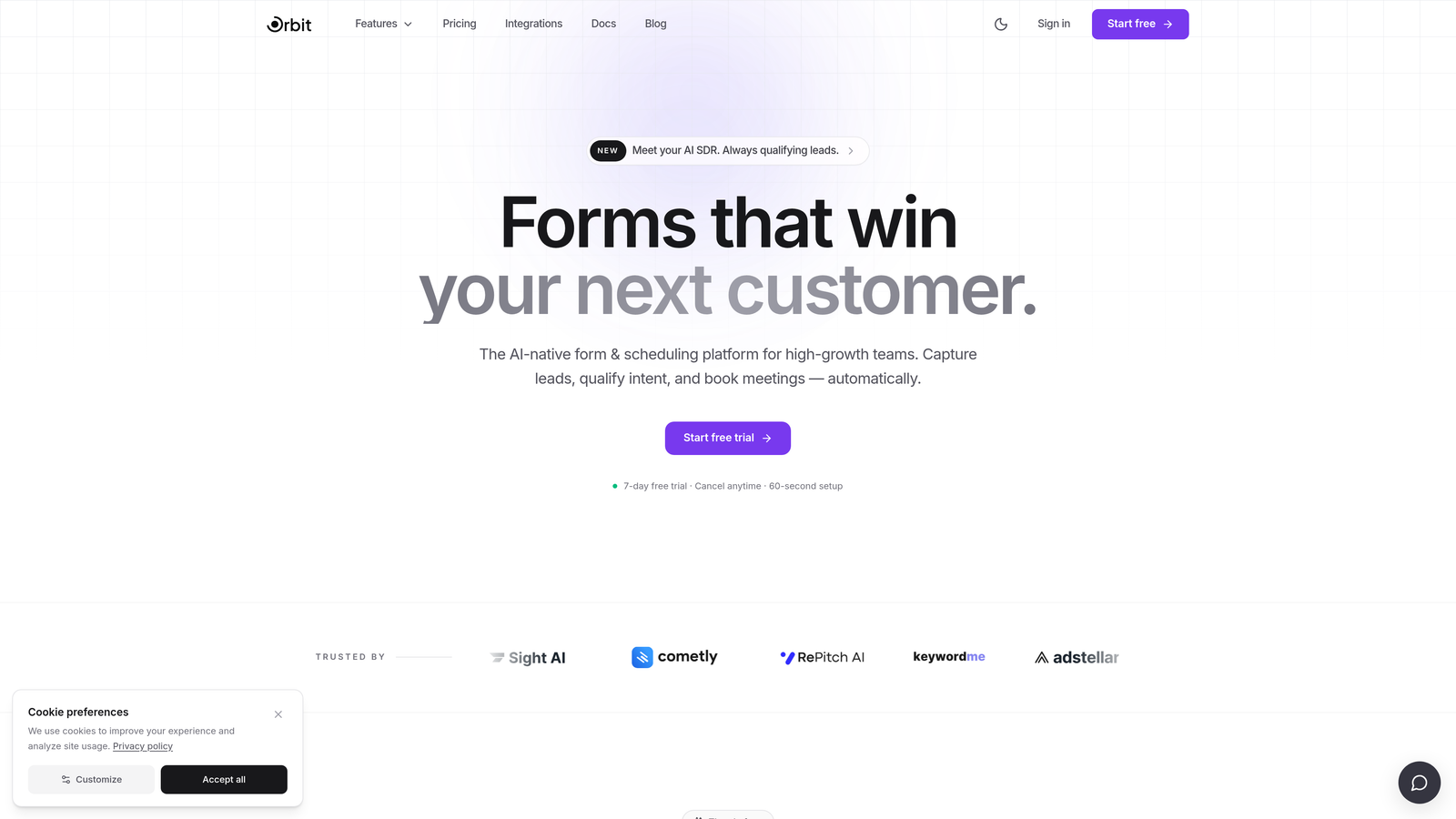
The manual scoring workaround works, but it breaks down when your qualification criteria change frequently. If your team iterates on ICP definition regularly, you'll spend significant time rebuilding logic. This is precisely the use case where an AI-native form platform like Orbit AI adds meaningful leverage, handling qualification logic dynamically rather than through static rules.
3. Integration Ecosystem and CRM Connectivity
The Challenge It Solves
A form that doesn't connect seamlessly to your sales stack creates friction at the worst possible moment: right after a prospect raises their hand. Slow or unreliable data handoffs between your form tool and your CRM mean leads go cold, follow-up gets delayed, and revenue opportunities slip through the cracks.
The Strategy Explained
JotForm offers a wide breadth of integrations, connecting with hundreds of tools across categories including CRMs, payment processors, project management platforms, and marketing automation systems. The breadth is genuinely impressive. However, depth varies considerably. Some integrations are native and robust; others are thin connectors that pass basic field data without supporting advanced mapping or bidirectional sync.
Formstack's integration story is narrower in breadth but stronger in depth for enterprise use cases. Its Salesforce integration in particular is a meaningful differentiator. Formstack has invested in making its Salesforce connector more sophisticated, supporting object creation, field mapping, and workflow triggers that go beyond what most form tools offer. For sales teams running Salesforce as their system of record, this matters.
Both platforms support webhooks and offer API access, giving technical teams flexibility to build custom integrations. Formstack's API is generally considered more mature for enterprise scenarios.
Implementation Steps
1. Audit your current tech stack and identify the three integrations that are non-negotiable for your lead routing workflow.
2. Test each critical integration in a sandbox environment before committing to a platform. Do not rely on integration documentation alone.
3. Evaluate whether you need bidirectional sync or one-way data push. Many teams assume they need the former but actually only require the latter.
4. Document your expected data latency requirements. If your sales team has a strict response-time SLA, confirm the integration can meet it consistently.
Pro Tips
Webhook reliability is often more important than native integration polish. A well-configured webhook to Zapier or Make can often outperform a native integration that is poorly maintained. Always test under realistic submission volume, not just in a low-traffic sandbox.
4. Form Design Flexibility and Conversion Optimization
The Challenge It Solves
Form design is not a cosmetic concern. It is a conversion variable. A form that looks generic, loads slowly on mobile, or presents too many fields at once will suppress submission rates regardless of how good your offer is. The design capabilities of your form platform directly affect your pipeline volume.
The Strategy Explained
JotForm offers a large template library with thousands of pre-built options across industries and use cases. Its drag-and-drop builder is flexible enough for most customization needs, and it provides CSS access for teams that want to go further. The platform supports multi-step forms and progress bars, both of which are known to improve completion rates for longer forms.
Formstack's design capabilities are more constrained by comparison. Its template library is smaller, and while it supports custom CSS, the base design options feel more utilitarian than polished. For teams in regulated industries where function matters more than aesthetics, this is acceptable. For SaaS marketing teams competing for attention in crowded acquisition channels, it can be a meaningful limitation.
Neither platform was architected primarily around conversion rate optimization principles. Both require manual effort to implement best practices like single-column layouts, social proof elements, inline validation, and smart field ordering.
Implementation Steps
1. Audit your current form completion rates by device type. If mobile completion is significantly lower than desktop, prioritize mobile-first design in your next build.
2. Implement multi-step forms for any form with more than four fields. Break questions into logical groups and add a progress indicator.
3. Remove every field that is not directly tied to a qualification or routing decision. Each additional field reduces completion probability.
4. Use CSS customization in either platform to match your brand's visual language. Generic-looking forms reduce perceived credibility.
Pro Tips
Test your forms on actual mobile devices, not just browser emulators. Tap target sizes, keyboard behavior, and scroll performance often differ in ways that emulators miss. A form that converts well on desktop but poorly on mobile is leaving pipeline on the table every day it stays unaddressed.
5. Security, Compliance, and Enterprise Readiness
The Challenge It Solves
For teams in healthcare, finance, education, or any regulated industry, form compliance is not optional. Collecting sensitive data on a non-compliant platform creates legal exposure, damages customer trust, and can trigger regulatory consequences. Getting this wrong is expensive in ways that go far beyond the cost of the form tool itself.
The Strategy Explained
Formstack has built a meaningful reputation in regulated industries, particularly healthcare. It offers HIPAA compliance, SOC 2 Type II certification, and GDPR tooling, along with features like field encryption, audit logs, and granular access controls. For enterprise teams with dedicated compliance requirements, Formstack is the stronger choice of the two on this dimension.
JotForm also offers HIPAA compliance, but it is gated behind higher-tier plans. Its GDPR tools are functional, and it provides data encryption and access controls. For SMBs and mid-market teams with moderate compliance needs, JotForm's offering is generally sufficient. For large enterprises with formal compliance programs and security review processes, Formstack's more mature compliance posture is likely to pass scrutiny more readily.
Both platforms store data on cloud infrastructure, and both offer options around data residency for teams with geographic data requirements.
Implementation Steps
1. Document your compliance requirements before evaluating either platform. HIPAA, SOC 2, GDPR, and CCPA have different implications and may not all apply to your use case.
2. Request a security review document or compliance attestation from each vendor before signing a contract.
3. Confirm that HIPAA Business Associate Agreements are available on the plan tier you intend to purchase, not just on enterprise tiers you cannot afford.
4. Evaluate access control granularity. If multiple team members will manage forms, confirm you can restrict permissions by role and form type.
Pro Tips
Compliance certifications have renewal cycles. Ask each vendor for their most recent audit date and confirm certifications are current. A SOC 2 report from two years ago tells you relatively little about the platform's current security posture.
6. Pricing Structure and Scalability
The Challenge It Solves
Platform pricing that looks reasonable at low volume can become a significant budget line item as your team scales. High-growth teams frequently underestimate how quickly they will hit submission limits, seat caps, or feature paywalls. Understanding the pricing architecture of each platform before you commit prevents painful mid-year surprises.
The Strategy Explained
JotForm uses a freemium model with tiered plans differentiated primarily by monthly submission volume, storage, and feature access. This model is transparent and accessible, making JotForm a reasonable starting point for teams with limited budgets or unpredictable form usage. The challenge emerges at scale: high-volume lead generation campaigns can push teams into higher tiers quickly, and the cost per submission can become difficult to justify as volume grows.
Formstack's pricing is structured around seats and feature modules, with a higher baseline cost that reflects its enterprise positioning. Teams that need workflow automation, document generation, or advanced compliance features may find that they are paying for bundled capabilities they do not fully use. Formstack has also historically required annual contracts for its more capable tiers, which reduces flexibility for teams that are still evaluating fit.
Both platforms can generate unexpected costs when teams need to add users, unlock specific integrations, or access compliance features that are not included in their base plan. If you're weighing the cost-benefit of either tool, reviewing a cheaper Formstack alternative may surface options worth considering alongside your evaluation.
Implementation Steps
1. Estimate your expected monthly submission volume at current scale and at two times and five times current scale. Map each scenario to the corresponding plan tier and cost.
2. Identify every feature your team requires and confirm it is included in the plan tier you are evaluating, not just in a higher tier.
3. Ask each vendor explicitly about overage fees. Understand what happens when you exceed your plan limits mid-month.
4. Factor in the cost of integrations. Some native integrations are only available on higher-tier plans, which can shift the effective cost of a plan significantly.
Pro Tips
Annual contract pricing often looks attractive compared to monthly billing, but it reduces your ability to switch if the platform underperforms. Negotiate a pilot period or a shorter initial commitment if your team is still validating whether the platform meets your conversion goals.
7. When Neither Platform Is the Right Fit
The Challenge It Solves
The most expensive mistake in platform evaluation is choosing the "better" of two options when neither option is actually right for your use case. JotForm and Formstack are both capable tools, but they were designed for data collection, not conversion optimization. For teams where every form submission represents a potential qualified lead, that distinction matters more than any individual feature comparison.
The Strategy Explained
Here is an honest assessment of where both platforms share limitations for high-growth, conversion-focused teams.
No native AI-powered lead qualification: Neither platform can automatically score, tier, or route leads based on submission content without significant manual configuration and third-party tooling.
Design defaults favor data collection over conversion: Both platforms default to form layouts optimized for completeness and data capture, not for the psychological and UX patterns that maximize submission rates in competitive acquisition environments.
Limited insight into form performance: Neither platform offers deep analytics on where prospects drop off within multi-step forms, what field combinations correlate with higher-quality leads, or how form performance compares across traffic sources.
Integration complexity grows with sophistication: As your lead routing requirements become more nuanced, both platforms require increasingly complex integration stacks that are fragile and difficult to maintain.
If your team's primary goal is intelligent lead capture and conversion optimization rather than general-purpose data collection, these shared limitations are worth taking seriously before committing to either platform.
Implementation Steps
1. Define your primary use case with precision. Are you building forms for data collection, or are you building a lead capture engine? The answer changes your evaluation criteria entirely.
2. Audit your current form performance. Identify your average completion rate, your lead-to-qualified-lead ratio, and the time between form submission and first sales contact.
3. Evaluate whether your gaps are feature gaps (solvable within JotForm or Formstack) or architectural gaps (requiring a platform built differently from the ground up).
4. Run a structured pilot with your top two or three candidates before committing. Measure against your actual conversion goals, not just feature availability.
Pro Tips
The migration cost of switching platforms is real but often overstated. Teams frequently stay on underperforming platforms longer than they should because switching feels daunting. If your current form tool is suppressing conversion rates, the cost of staying is likely higher than the cost of migrating. Calculate both before making a final decision.
Putting It All Together
JotForm and Formstack are both capable platforms with real strengths, but they were built for an era of data collection rather than conversion optimization. JotForm wins on affordability, accessibility, and template variety. Formstack wins on enterprise compliance, workflow depth, and Salesforce integration sophistication. Neither was designed with AI-powered lead qualification or modern conversion rate optimization at its core.
For high-growth teams where every form submission represents a potential qualified lead, that gap matters. Here is a simple decision framework to guide your next step.
Choose JotForm if: You need broad integration coverage, an accessible builder for non-technical users, and a flexible pricing model that works at moderate submission volumes.
Choose Formstack if: You operate in a regulated industry, run on Salesforce as your primary CRM, and need enterprise-grade compliance with workflow automation built in.
Evaluate alternatives if: Your primary goal is conversion rate optimization and intelligent lead qualification, and you find yourself building complex workarounds in either platform to approximate that functionality.
Before locking into either platform, ask yourself one clarifying question: do you need a form builder, or do you need a lead capture engine? If it's the latter, the architecture of your tool matters as much as its feature list.
Transform your lead generation with AI-powered forms that qualify prospects automatically while delivering the modern, conversion-optimized experience your high-growth team needs. Start building free forms today and see how intelligent form design can elevate your conversion strategy.


