

Custom form design platforms have come a long way from basic drag-and-drop builders. Today's best tools offer conditional logic, AI-powered qualification, brand-matched styling, and deep CRM integrations — all critical for high-growth teams where every lead counts.
But with dozens of options on the market, choosing the right platform depends on your specific goals. Are you optimizing for conversion rates? Building beautiful on-brand experiences? Qualifying leads automatically before they hit your CRM? The answers shape which tool is right for you.
This guide covers the top custom form design platforms in 2026, evaluated on design flexibility, conversion features, integrations, and pricing. Whether you're a SaaS team scaling lead generation or an agency building for clients, there's a clear winner for your use case. Let's get into it.
1. Orbit AI
Best for: High-growth SaaS and B2B teams that need AI-powered lead qualification built into the form experience.
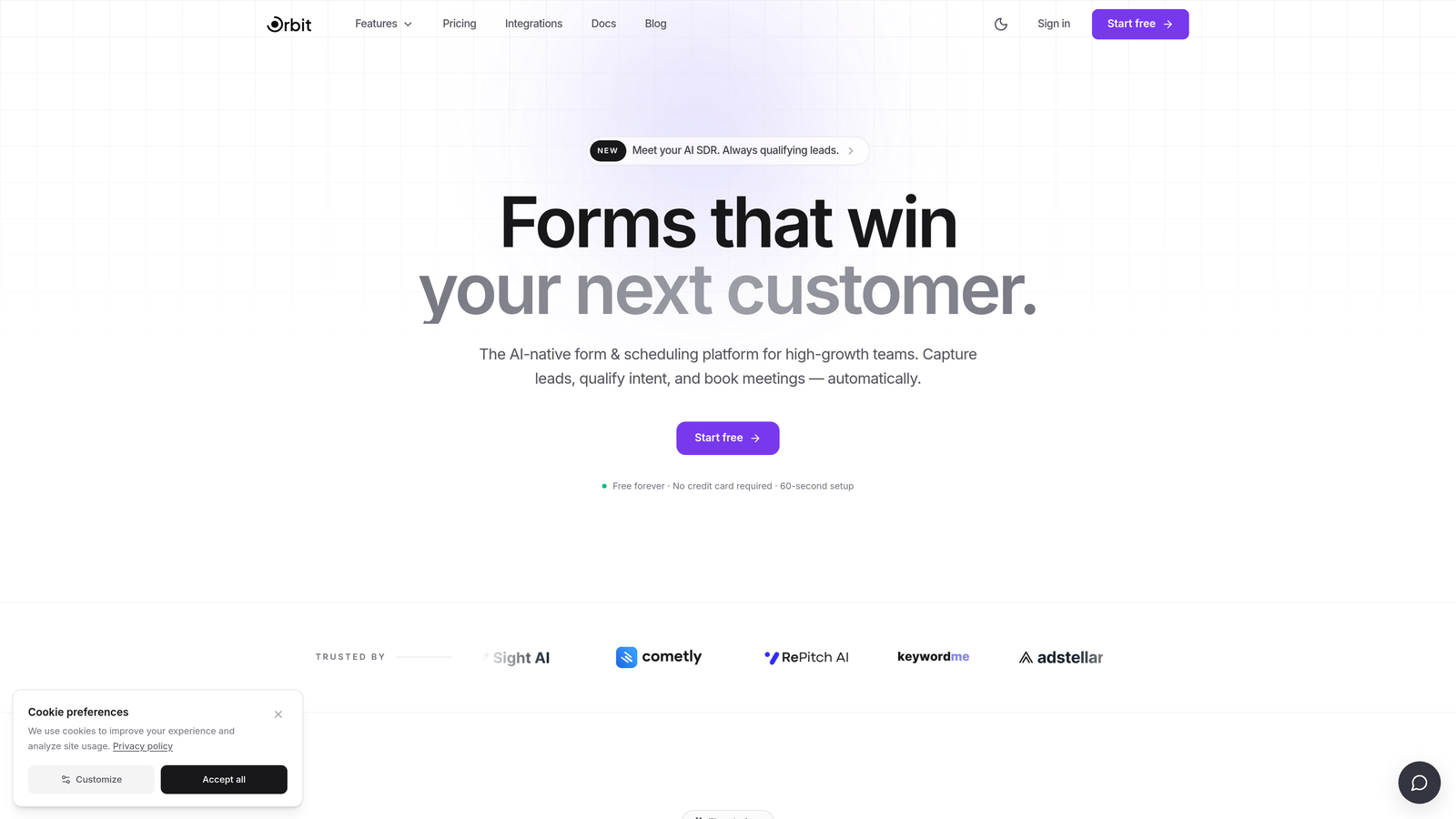
Orbit AI is an AI-powered form builder designed to do more than collect data — it qualifies, scores, and routes leads in real time before they ever reach your CRM.
Where This Tool Shines
Most form builders treat forms as data collection endpoints. Orbit AI treats them as qualification engines. The platform embeds lead scoring directly into the form flow, so by the time a prospect submits, your team already knows how to prioritize them.
This is particularly valuable for SaaS sales teams tired of manually triaging inbound leads. The combination of conversion-optimized design and intelligent routing means you're not just capturing more leads — you're capturing better ones and acting on them faster.
Key Features
AI-Powered Lead Qualification: Scores and routes leads in real time based on form responses, before they reach your CRM.
Conversion-Optimized Templates: Modern, brand-matched form designs built specifically to maximize completion rates.
Smart Routing: Automatically directs leads to the right team member or workflow based on qualification criteria.
Conditional Logic and Dynamic Fields: Adapts the form experience based on each respondent's answers for a personalized flow.
CRM and Marketing Integrations: Connects with the tools your team already uses to keep data flowing without manual work.
Best For
Orbit AI is the strongest fit for high-growth B2B and SaaS teams running active lead generation campaigns. If your sales team spends significant time qualifying inbound leads manually, this platform directly addresses that bottleneck. It's also well-suited for marketing teams that want better conversion rates without sacrificing lead quality.
Pricing
Paid plans are available. Visit orbitforms.ai for current pricing details and plan options.
2. Typeform
Best for: Marketing teams wanting conversational, brand-forward surveys, quizzes, and lead capture forms.
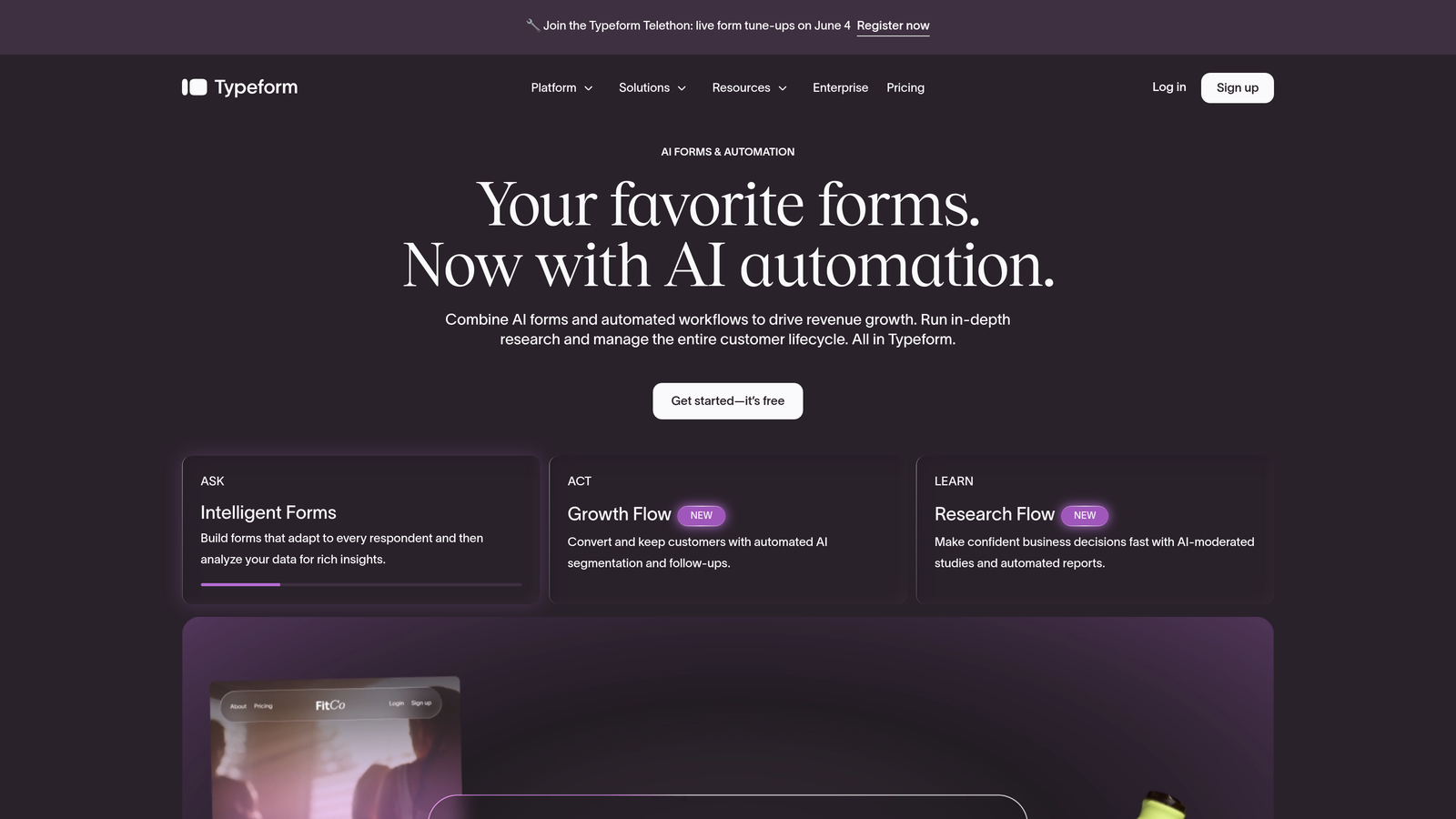
Typeform is the platform that popularized the one-question-at-a-time conversational form experience, and it remains a strong choice for brand-conscious teams.
Where This Tool Shines
Typeform's signature UX reduces the cognitive load of filling out a form by presenting one question at a time. This approach tends to feel less like a survey and more like a conversation, which can meaningfully improve completion rates for longer forms.
The visual customization options are among the best in the category, making it easy to match your brand identity across fonts, colors, and media. That said, pricing has been a consistent point of friction in user reviews, especially for smaller teams who outgrow the free tier quickly.
Key Features
Conversational One-Question Flow: Presents questions sequentially to reduce friction and improve completion rates.
Visual Brand Customization: Full control over fonts, colors, backgrounds, and media to match your brand identity.
Logic Jumps: Conditional paths that adapt question sequences based on previous answers.
Wide Integration Library: Connects with HubSpot, Salesforce, Zapier, and dozens of other tools.
Quiz and Calculator Features: Built-in functionality for scored quizzes and calculation-based forms.
Best For
Typeform works best for marketing teams running surveys, product feedback forms, or lead capture experiences where brand presentation matters. It's less ideal for teams that need deep lead qualification logic or high-volume form submissions on a tight budget.
Pricing
Free plan available with limited responses. Paid plans start at $25/month billed annually.
3. Jotform
Best for: Teams that need the broadest possible feature set, including payments, e-signatures, and workflow automation.
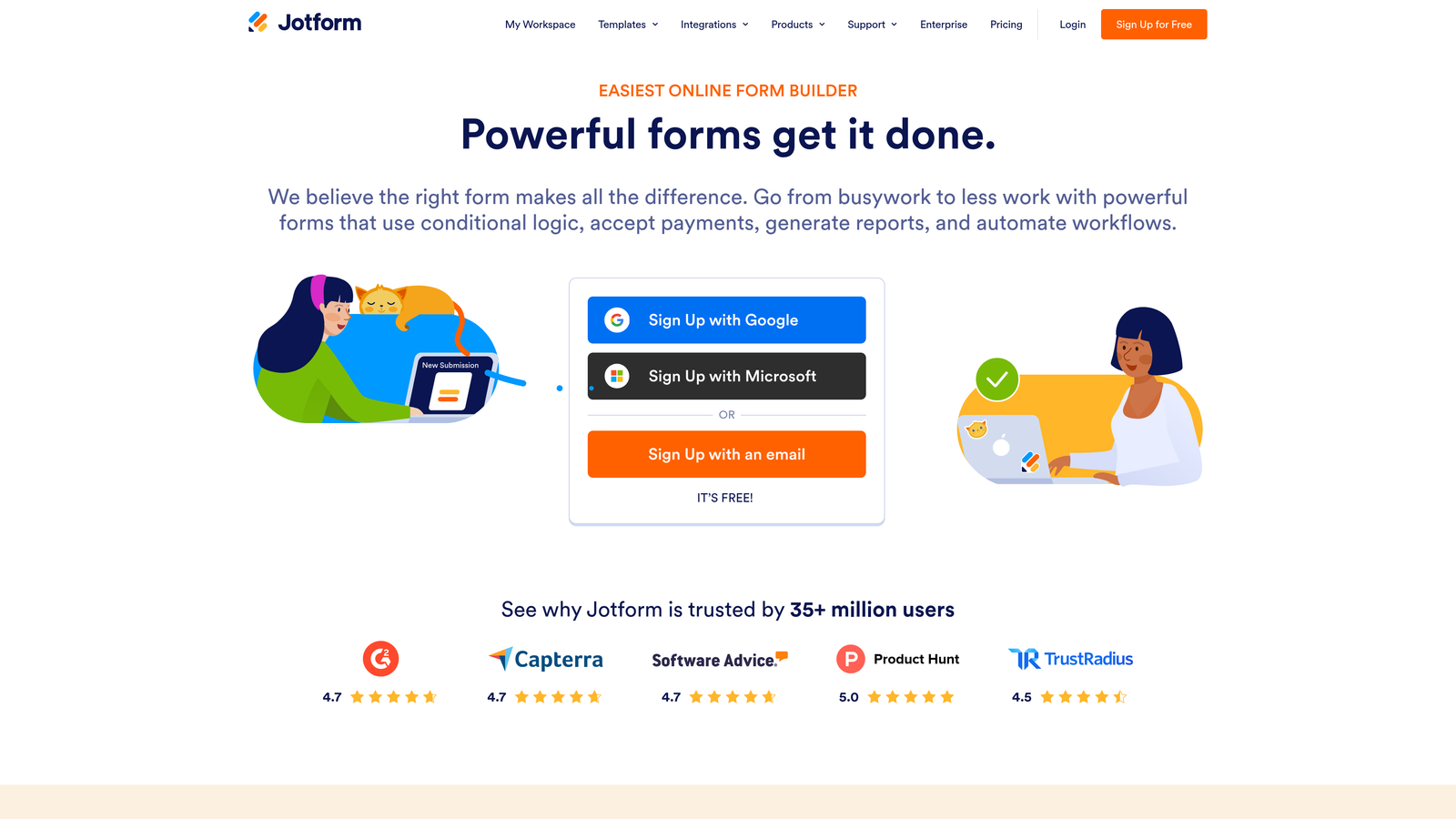
Jotform is one of the most feature-complete form builders on the market, with over 10,000 templates and capabilities that extend well beyond standard form building.
Where This Tool Shines
If you've ever thought "I wish my form builder could also handle this," Jotform probably already can. Payment collection, e-signatures, approval workflows, and HIPAA-compliant forms are all available within a single platform. The sheer breadth of what's possible here is genuinely impressive.
The template library alone makes it accessible for teams across industries, from healthcare intake forms to event registrations to client onboarding flows. It scales well from solo users to larger teams without requiring a steep learning curve.
Key Features
10,000+ Templates: An extensive library covering virtually every industry and form type imaginable.
Built-In Payment Collection: Native support for Stripe, PayPal, and Square without third-party workarounds.
E-Signature Support: Collect legally binding signatures directly within forms.
Workflow Automation: Build multi-step approval flows and automated notifications.
HIPAA-Compliant Plans: Available for healthcare teams with strict data compliance requirements.
Best For
Jotform is ideal for teams that need a versatile, all-in-one form platform without committing to an expensive enterprise solution. It's particularly strong for small to mid-sized businesses handling payments, contracts, or multi-department workflows.
Pricing
Free plan available. Paid plans start at $34/month billed annually.
4. HubSpot Forms
Best for: Inbound marketing teams already operating within the HubSpot ecosystem.
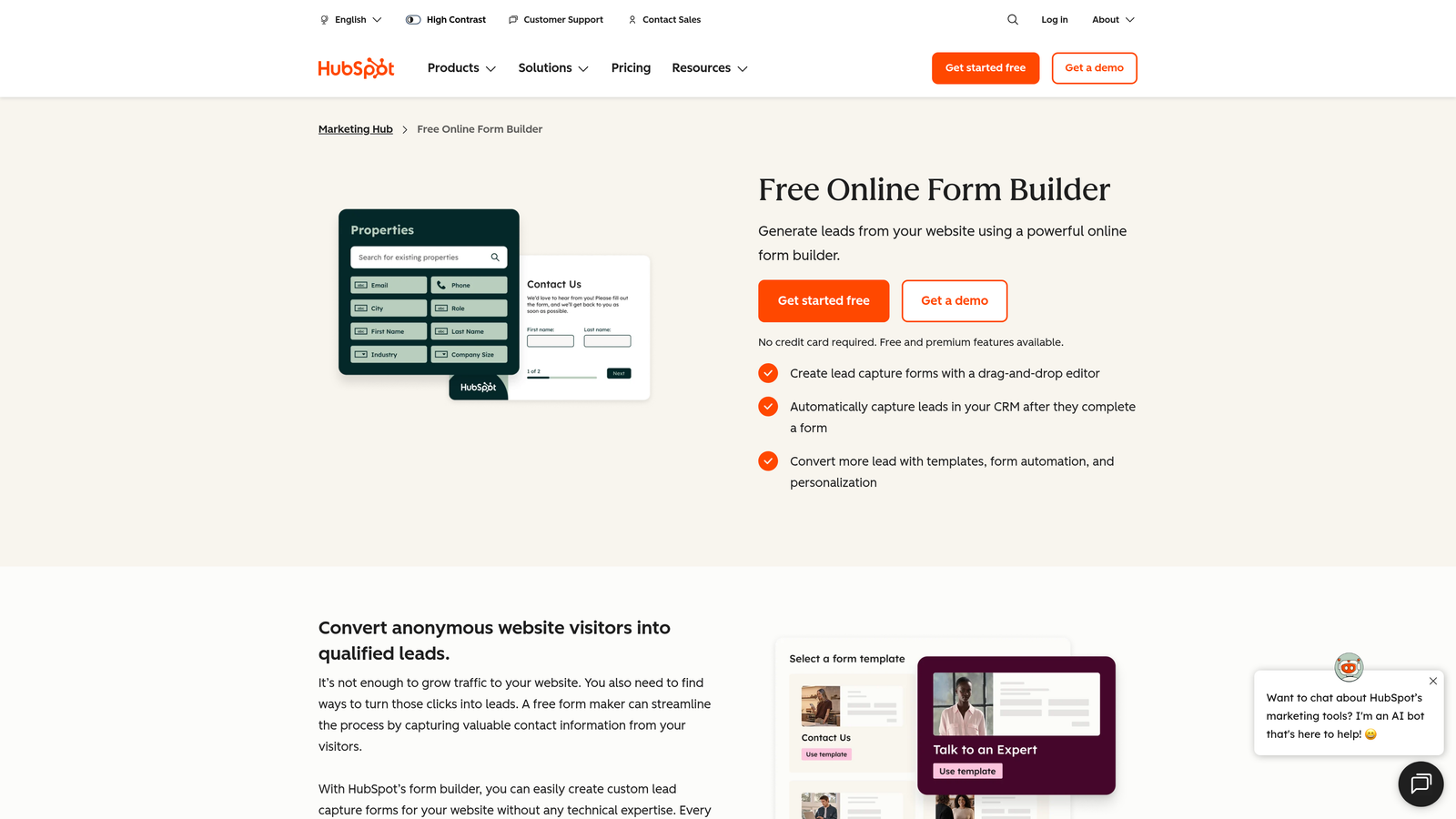
HubSpot Forms is a native form builder included with HubSpot's CRM, offering seamless data sync and progressive profiling for teams invested in the HubSpot platform.
Where This Tool Shines
The real advantage here isn't the form builder itself — it's the zero-friction integration with HubSpot CRM. Every submission automatically updates contact records, triggers workflows, and feeds into your existing marketing attribution without any manual data mapping.
Progressive profiling is a standout feature: HubSpot Forms can skip questions for contacts it already knows, showing only new fields. This keeps forms short for returning visitors while still building richer contact profiles over time.
Key Features
Native CRM Sync: Submissions flow directly into HubSpot contact records with zero configuration required.
Smart Fields: Automatically hides questions for contacts whose data HubSpot already has on file.
Progressive Profiling: Builds deeper contact profiles across multiple form submissions over time.
Embedded and Pop-Up Options: Flexible placement options for landing pages, blog posts, and website pages.
A/B Testing and Analytics: Native testing and reporting within the HubSpot dashboard.
Best For
HubSpot Forms is the obvious choice for teams already running on HubSpot's marketing or sales hub. Outside of that ecosystem, its value drops considerably — the form builder itself is functional but not particularly distinctive compared to dedicated alternatives.
Pricing
Free with HubSpot CRM. Advanced features require Marketing Hub, which starts at $15/month per seat.
5. Fillout
Best for: Operations and product teams building forms that connect directly to databases like Notion, Airtable, or Supabase.
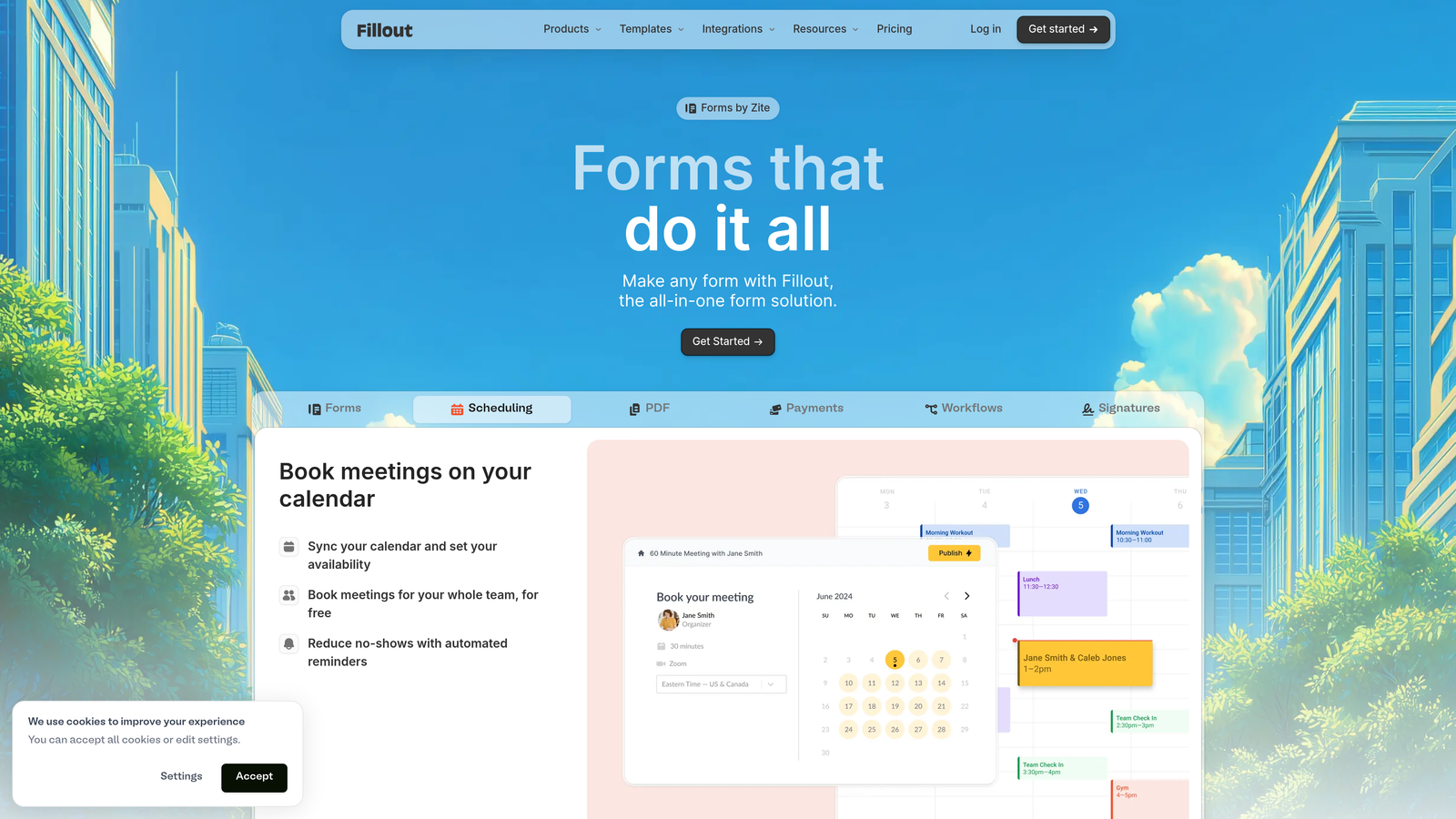
Fillout is a modern form builder that gained traction with no-code and ops communities for its native database integrations and clean, flexible UI.
Where This Tool Shines
Fillout's standout feature is how it connects to data sources. Rather than simply capturing form submissions and exporting them, Fillout can read from and write to Notion databases, Airtable bases, and Supabase tables natively. This makes it particularly powerful for product teams building internal tools or ops teams managing complex data workflows.
The form builder itself is modern and well-designed, with multi-step forms, conditional logic, and responsive layouts that work well across devices. For the price point, the feature-to-cost ratio is competitive.
Key Features
Native Database Integrations: Direct read/write connections to Notion, Airtable, and Supabase without middleware.
Multi-Step Forms with Conditional Logic: Build complex form flows that adapt based on user input.
Stripe Payments: Collect payments directly within forms without additional setup.
Scheduling and Booking Forms: Built-in appointment booking functionality for service-based workflows.
Responsive UI Builder: Modern design tools that produce clean, mobile-friendly forms by default.
Best For
Fillout is best suited for ops teams, product teams, and no-code builders who need forms tightly connected to their existing data infrastructure. It's less focused on marketing lead generation and more on operational data collection and workflow automation.
Pricing
Free plan available. Paid plans start at $15/month billed annually.
6. Tally
Best for: Indie makers, early-stage startups, and anyone who wants beautiful, functional forms completely free.
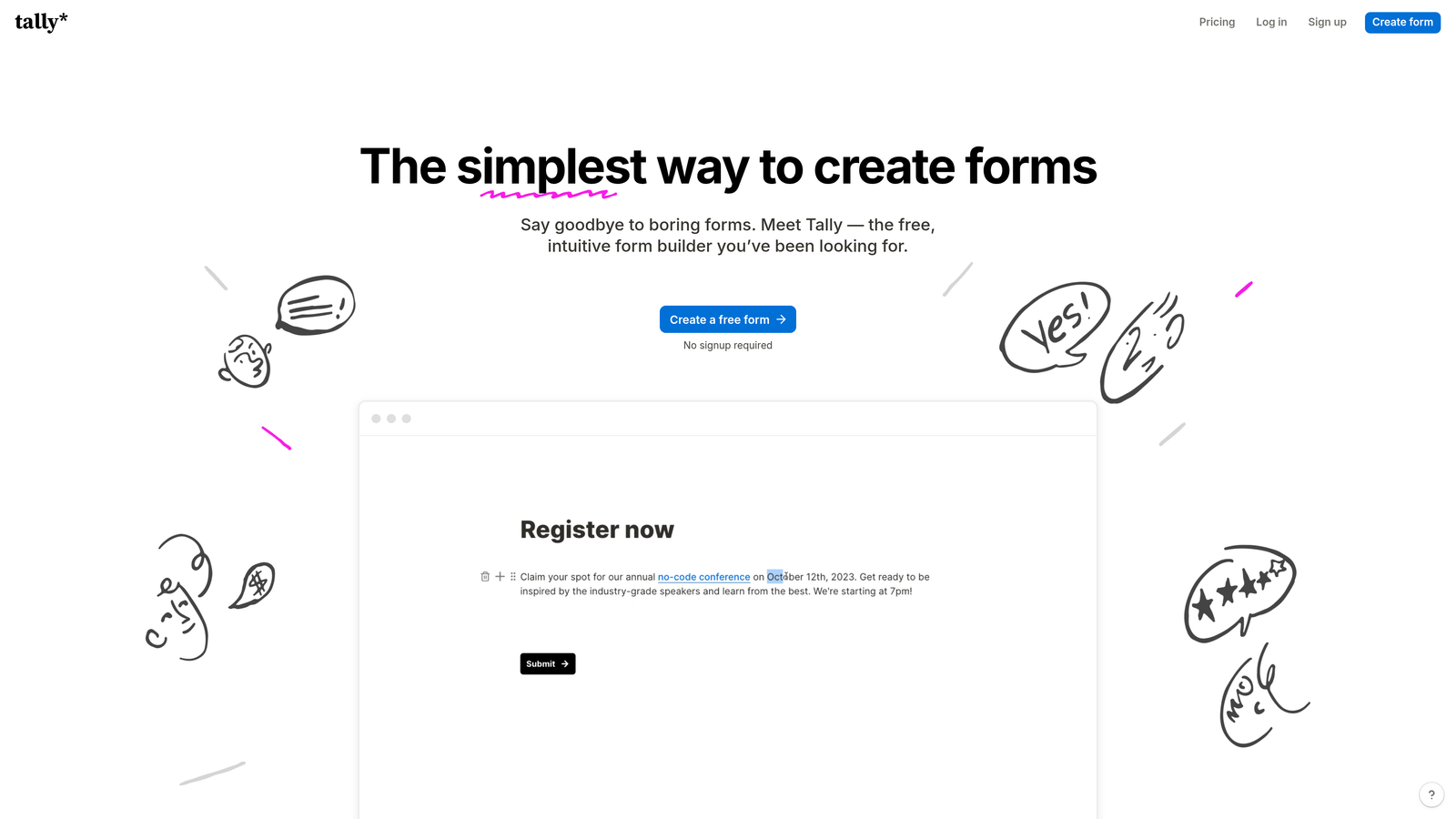
Tally is a free-first form builder with a Typeform-inspired interface and one of the most generous free tiers in the entire category.
Where This Tool Shines
Tally's free plan is genuinely remarkable: unlimited forms, unlimited submissions, and no forced Tally branding on paid plans. For early-stage teams or solo operators, this removes the usual friction of outgrowing a free tier before you're ready to pay.
The interface is clean and fast, with a block-based editor that feels more like writing in Notion than configuring a form. It won't replace an enterprise platform for complex workflows, but for teams that need great-looking forms without the overhead, it's hard to beat.
Key Features
Unlimited Forms on Free Plan: No form limits or submission caps on the free tier, which is rare in this category.
Conversational Layout Option: Typeform-style one-question-at-a-time flow available alongside standard layouts.
No Branding on Paid Plan: Remove all Tally branding for a fully white-labeled experience.
Conditional Logic and Hidden Fields: Core logic features available even on the free plan.
Zapier and Native Integrations: Connect to popular tools for automated workflows without complex setup.
Best For
Tally is ideal for content creators, indie hackers, early-stage startups, and small teams that prioritize simplicity and cost-efficiency. It's not the right fit for enterprise teams needing advanced compliance features or deep CRM integration out of the box.
Pricing
Free plan available with unlimited forms. Pro plan at $29/month billed annually.
7. Paperform
Best for: Small businesses, coaches, and service providers who want forms that function like full landing pages.
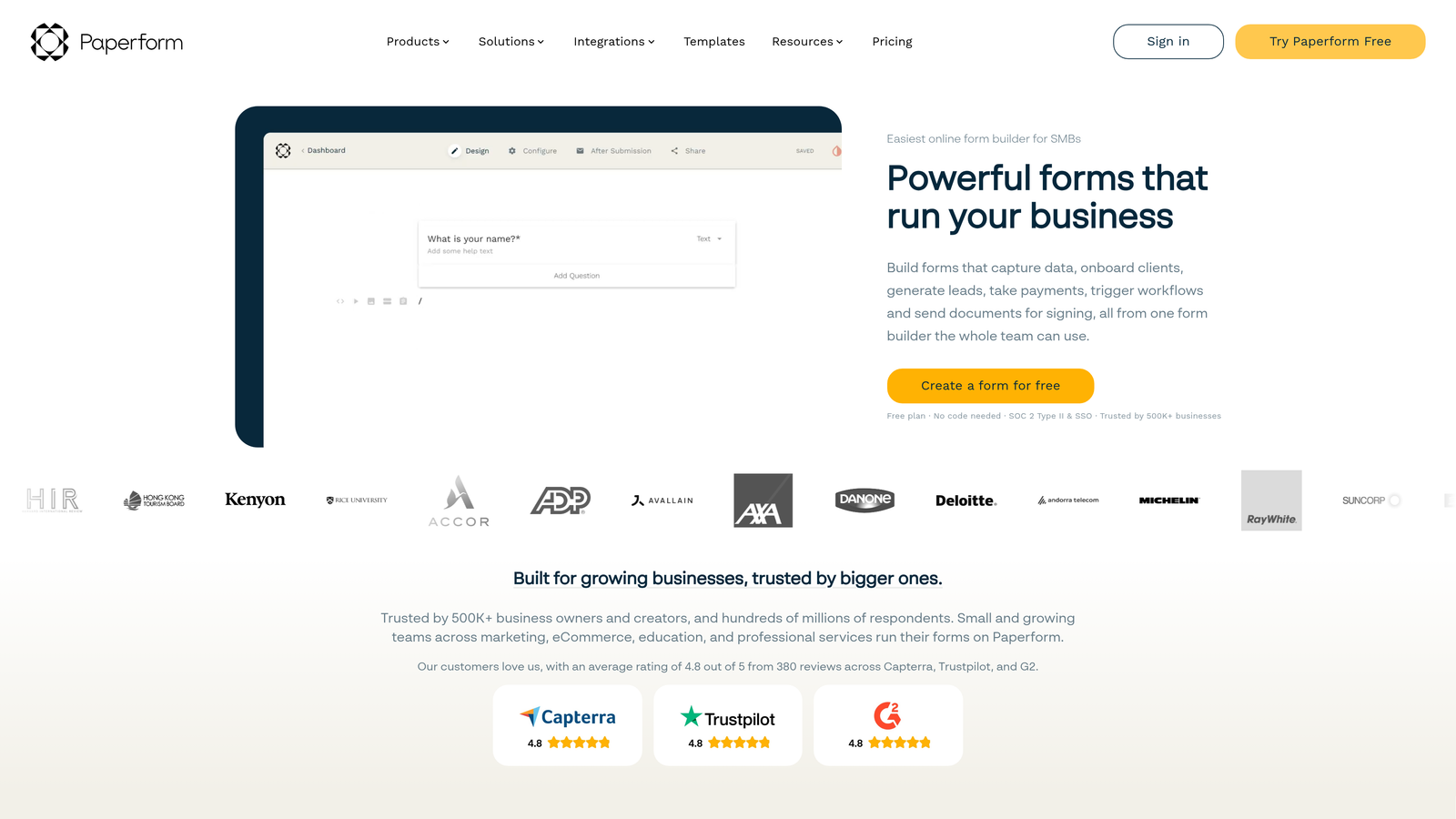
Paperform blurs the line between forms and landing pages, letting you embed media, sell products, and book appointments all within a single form page.
Where This Tool Shines
Paperform takes a fundamentally different approach to what a "form" can be. Instead of a stripped-down input field experience, Paperform pages feel like fully designed web pages — with images, video, rich text, and product listings woven directly into the form flow.
This makes it particularly effective for service businesses that want a single page to do the work of a landing page and a booking form simultaneously. It's not the most scalable solution for high-volume B2B lead generation, but for the right use case, it's genuinely elegant.
Key Features
Rich Media Embedding: Add images, videos, and GIFs directly within the form experience, not just above it.
Product Selling and Payments: Sell products and collect payments natively without a separate e-commerce setup.
Appointment Booking: Built-in scheduling functionality for service-based businesses.
Custom Domain Support: Host forms on your own domain for a fully branded experience.
Conditional Logic and Calculations: Dynamic fields and calculation-based outputs for more complex form flows.
Best For
Paperform suits small businesses, consultants, coaches, and service providers who want a single tool for intake forms, bookings, and payment collection. Teams running high-volume lead generation campaigns will likely find dedicated platforms better optimized for that use case.
Pricing
Plans start at $24/month billed annually. No permanent free plan is available.
8. Microsoft Forms
Best for: Enterprise teams within Microsoft 365 environments collecting internal data, running surveys, or building quizzes.
Microsoft Forms is a straightforward survey and form tool included with Microsoft 365 subscriptions, built primarily for internal use within enterprise Microsoft environments.
Where This Tool Shines
If your organization already runs on Microsoft 365, Microsoft Forms is the path of least resistance for internal data collection. There's no additional cost, no new platform to learn, and no integration setup required — it connects natively with SharePoint, Teams, and Excel.
It's important to set expectations here: Microsoft Forms is not designed for external-facing lead generation or advanced marketing workflows. Its design customization is limited compared to dedicated form builders, and it lacks the conditional logic depth that modern marketing teams expect.
Key Features
Included with Microsoft 365: No additional cost for organizations already on Microsoft 365 subscriptions.
Native Microsoft Integrations: Connects directly with SharePoint, Teams, and Excel for seamless data flow.
Branching Logic: Basic conditional logic for surveys and quizzes.
Real-Time Response Analytics: Built-in response dashboards without needing external reporting tools.
Multilingual Support: Forms can be configured to support multiple languages for global teams.
Best For
Microsoft Forms is best for enterprise IT, HR, and operations teams running internal surveys, event registrations, or knowledge checks within a Microsoft 365 environment. It is not recommended as a primary tool for external lead generation or marketing campaigns.
Pricing
Included with Microsoft 365 subscriptions, which start at $6/user/month.
9. Formstack
Best for: Healthcare, financial services, and legal teams that require enterprise-grade compliance and advanced workflow automation.
Formstack is an enterprise-grade form and workflow platform built for compliance-heavy industries, with HIPAA compliance, SOC 2 Type II certification, and document generation capabilities.
Where This Tool Shines
Formstack goes well beyond form building. It's a full document and workflow automation platform that happens to start with forms. The ability to generate documents, collect e-signatures, and route approvals through complex multi-step workflows makes it a genuine operational tool for regulated industries.
The compliance credentials are serious: HIPAA compliance and SOC 2 Type II certification are not standard features in this category, and for healthcare or financial services teams, they're often non-negotiable. The pricing reflects this enterprise positioning, so teams with simpler needs will likely find better value elsewhere.
Key Features
HIPAA-Compliant Forms: Built-in compliance features for healthcare teams handling sensitive patient data.
Advanced Workflow Automation: Multi-step approval routing and automated notifications for complex processes.
Document Generation: Create and populate documents automatically from form submission data.
SOC 2 Type II Certified: Enterprise security certification for organizations with strict data governance requirements.
Salesforce and Enterprise CRM Integrations: Deep integrations with Salesforce and other enterprise platforms.
Best For
Formstack is the right choice for healthcare organizations, financial services firms, and legal teams that need compliance-ready forms with enterprise workflow automation. For teams without those specific requirements, the cost-to-value ratio won't match simpler alternatives.
Pricing
Plans start at $83/month billed annually. Enterprise pricing is available for larger organizations.
Which Platform Is Right for Your Team?
Every platform on this list solves a real problem — but they're solving different problems. The right choice comes down to where you are, what you need today, and where you're headed.
Here's a quick breakdown by use case to make the decision easier:
Need AI-powered lead qualification with conversion-optimized design: Orbit AI is built specifically for this. It's the only platform on this list that treats the form as a qualification engine, not just a data collection tool.
Want a conversational one-question-at-a-time flow: Typeform remains the gold standard for brand-forward conversational forms, particularly for surveys and marketing campaigns.
Need the broadest feature set on a reasonable budget: Jotform's combination of templates, payments, e-signatures, and workflow automation is hard to match at its price point.
Already running on HubSpot: HubSpot Forms is the obvious choice — the native CRM sync and progressive profiling features add real value without additional cost.
Building database-connected forms for ops or product teams: Fillout's native Notion, Airtable, and Supabase integrations make it the clear winner for data-driven workflows.
Want beautiful, functional forms completely free: Tally's unlimited free plan is genuinely hard to beat for early-stage teams and indie builders.
Need a form that acts like a landing page: Paperform is uniquely positioned for service businesses that want to combine rich content, booking, and payment collection in one page.
Operating within Microsoft 365: Microsoft Forms handles internal data collection without adding any new tools or costs to your stack.
Working in a compliance-heavy industry: Formstack's HIPAA and SOC 2 credentials make it the go-to for healthcare, legal, and financial services teams.
For high-growth teams focused on lead generation and conversion, the right form platform isn't just about aesthetics. It's about what happens after a visitor fills out your form. That's where Orbit AI stands apart: it qualifies leads in real time, so your sales team spends time on the right prospects instead of manually triaging every inbound submission.
Transform your lead generation with AI-powered forms that qualify prospects automatically while delivering the modern, conversion-optimized experience your high-growth team needs. Start building free forms today and see how intelligent form design can elevate your lead qualification strategy and overall sales performance.


