

When you're evaluating custom form solutions, pricing pages rarely tell the full story. Feature limits, submission caps, per-seat fees, and integration paywalls can turn a "free" tool into a significant monthly expense — and a "cheap" plan into an enterprise bill.
This guide cuts through the noise. We've mapped out the real pricing structures of nine leading custom form platforms, what you actually get at each tier, and which teams they're built for. Whether you're a high-growth SaaS team optimizing lead qualification or a small business collecting basic contact info, the right tool at the right price point exists. You just need to know where to look.
We evaluated each platform on pricing transparency, feature depth at entry-level tiers, lead qualification capabilities, integration ecosystems, and scalability. Here are the top custom form solutions and what they actually cost in 2026.
1. Orbit AI
Best for: High-growth SaaS and B2B teams who need AI-powered lead qualification built into the form itself
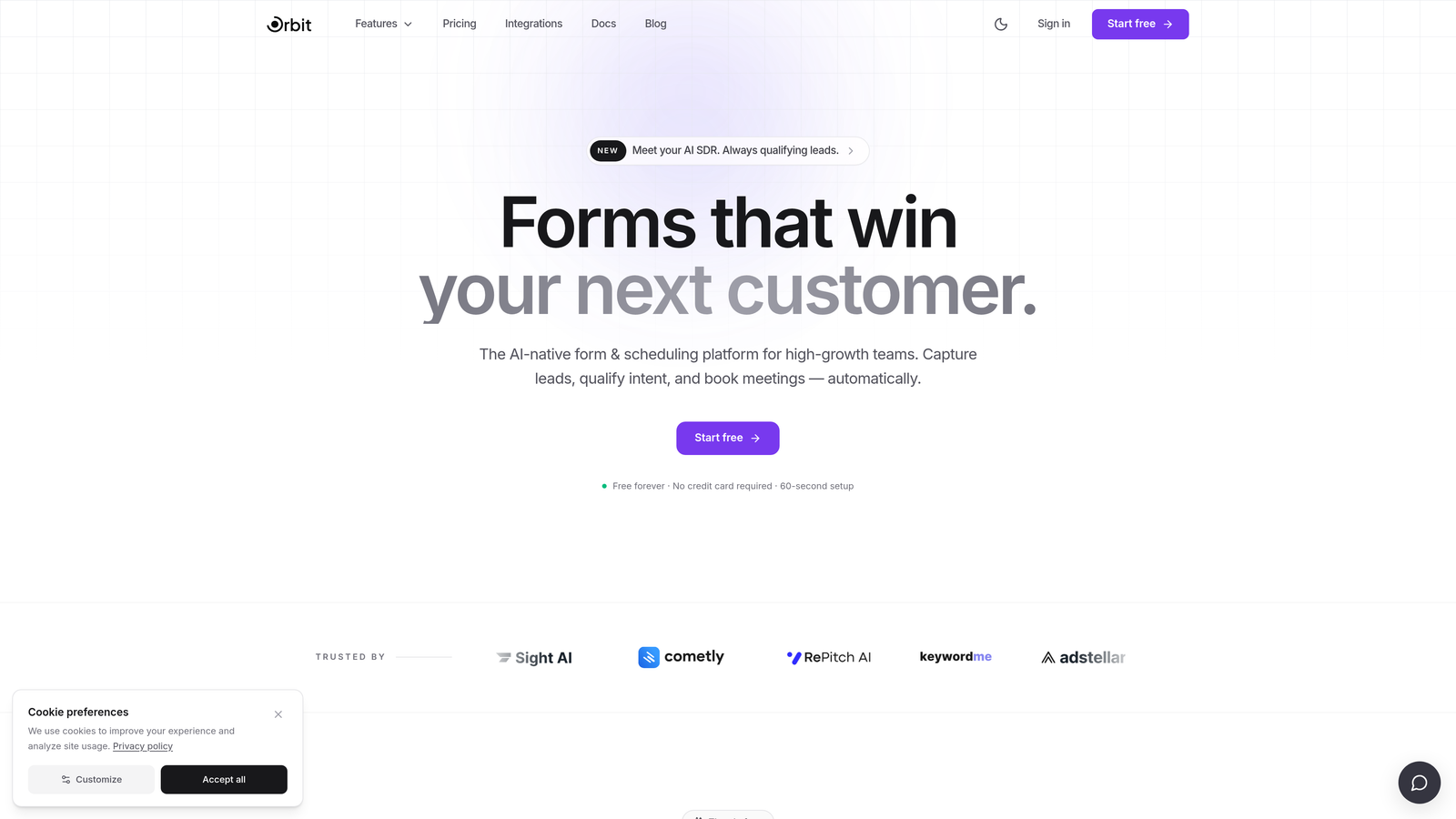
Orbit AI is an AI-native form builder designed for teams where lead quality matters as much as lead volume.
Where This Tool Shines
Most form builders collect data and hand it off. Orbit AI does something fundamentally different: it qualifies leads at the point of submission, scoring and routing prospects based on their responses before they ever reach your CRM. For B2B and SaaS teams running high-volume lead generation, this removes a significant layer of manual work from the sales process.
The form design side is equally strong. Templates are modern and conversion-optimized, and the conditional logic engine adapts the form path dynamically based on how users respond. The result is a form experience that feels intelligent rather than generic, which tends to improve completion rates for complex multi-step flows.
Key Features
AI Lead Qualification and Scoring: Automatically scores and qualifies leads within the form flow, so your sales team receives pre-prioritized submissions rather than raw data.
Conversion-Optimized Templates: A library of modern, customizable templates designed specifically for lead generation performance rather than generic data collection.
Adaptive Conditional Logic: Form paths adjust dynamically based on user responses, creating a personalized experience that improves completion rates.
Native CRM and Sales Tool Integrations: Connects directly with the CRMs and sales tools your team already uses, keeping lead data flowing without manual exports.
B2B and SaaS Workflow Design: Built from the ground up for the specific workflows high-growth teams run, not retrofitted from a general-purpose form tool.
Best For
Orbit AI is the strongest fit for SaaS companies, B2B marketing teams, and growth-focused organizations where distinguishing high-intent leads from low-quality submissions is a core operational need. If your current form tool collects data but doesn't help you act on it intelligently, this is where the upgrade matters most.
Pricing
Pricing tiers are available directly at orbitforms.ai. Given how frequently SaaS pricing evolves, check the current plans page for the most accurate tier breakdown.
2. Typeform
Best for: Marketing teams running polished lead gen campaigns, surveys, and branded quizzes
Typeform is a conversational form platform built around a one-question-at-a-time UX that makes filling out forms feel less like a chore.

Where This Tool Shines
Typeform's design-forward approach sets it apart visually. Forms feel more like guided conversations than data entry screens, which can improve engagement for marketing campaigns and audience research. The brand customization options at paid tiers are genuinely strong, with white-label capabilities that let agencies and larger teams present a polished, on-brand experience.
The trade-off is the free tier's severe limitations. At just 10 responses per month, it's essentially a sandbox for testing rather than a viable production tool. Logic jumps and HubSpot integrations also sit behind paid plans, which is worth factoring into your cost calculation from the start.
Key Features
Conversational One-Question Format: Each question appears individually, creating a guided flow that tends to feel less overwhelming than traditional long-form surveys.
Brand Customization and White-Labeling: Full visual customization and white-label options available on higher-tier plans for agency and enterprise use.
Logic Jumps and Conditional Branching: Route respondents through different question paths based on their answers, available on paid tiers.
CRM and Tool Integrations: Native connections to HubSpot, Salesforce, Slack, and other common marketing and sales tools.
Quiz and Calculator Form Types: Supports interactive quiz formats and calculator-style forms for lead generation and content marketing use cases.
Best For
Typeform suits marketing teams and agencies who prioritize visual polish and branded form experiences. It's particularly well-matched for audience surveys, product feedback campaigns, and lead gen quizzes where the form itself is part of the brand experience.
Pricing
Free plan limited to 10 responses per month. Paid plans start at approximately $25 per month billed annually. Verify current tiers at typeform.com as pricing changes regularly.
3. Jotform
Best for: Teams needing a wide range of industry-specific templates and built-in payment collection
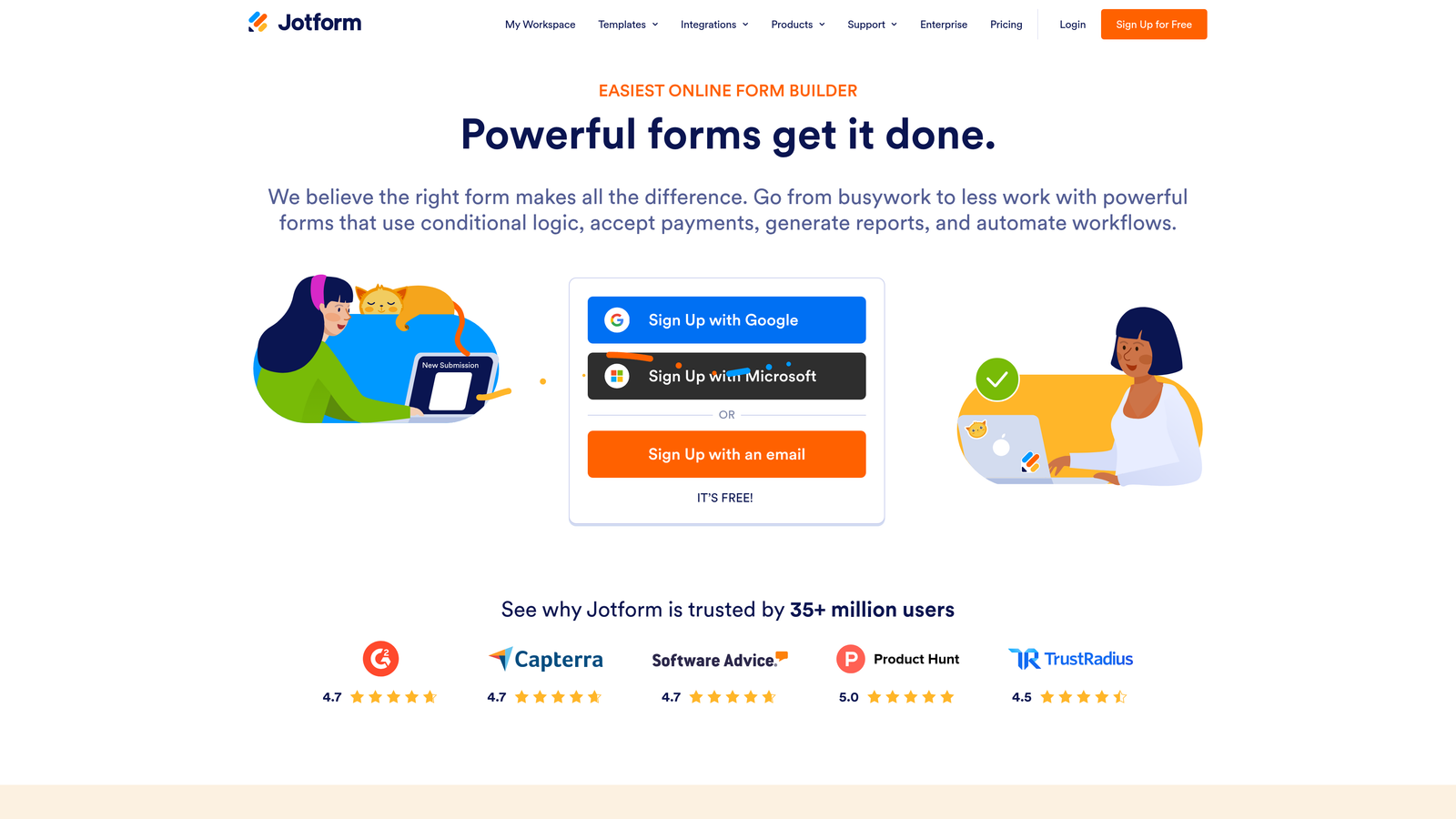
Jotform is one of the most feature-rich form builders on the market, with an enormous template library covering healthcare, education, HR, legal, and ecommerce.
Where This Tool Shines
The sheer breadth of Jotform's template library is hard to match. With over 10,000 templates spanning dozens of industries, most teams can find a starting point that's already 80% of the way to what they need. This makes Jotform especially practical for organizations managing forms across multiple departments with different requirements.
Payment collection is another genuine strength. Native integrations with Stripe, PayPal, and Square make Jotform a viable option for teams that need to collect payments or donations directly through a form without building a separate checkout flow.
Key Features
10,000+ Industry Templates: One of the largest template libraries available, covering everything from medical intake forms to event registrations and job applications.
Multi-Gateway Payment Collection: Accepts payments through Stripe, PayPal, Square, and other processors directly within the form.
Approval Workflow Builder: Routes form submissions through multi-step approval processes, useful for HR, procurement, and operations teams.
HIPAA-Compliant Plans: Healthcare-grade data handling available on appropriate plan tiers for medical and health-related use cases.
Jotform Tables: A database-style view for managing and analyzing form responses, adding a layer of data organization beyond basic spreadsheet exports.
Best For
Jotform is a strong fit for mid-size organizations, nonprofits, and teams in regulated industries who need a versatile form builder that handles everything from simple surveys to complex approval workflows and payment collection in one platform.
Pricing
Free plan includes 5 forms and 100 submissions per month. Paid plans start at approximately $34 per month. Verify current tiers at jotform.com.
4. Gravity Forms
Best for: WordPress sites that need deep conditional logic and developer-friendly customization without recurring monthly fees
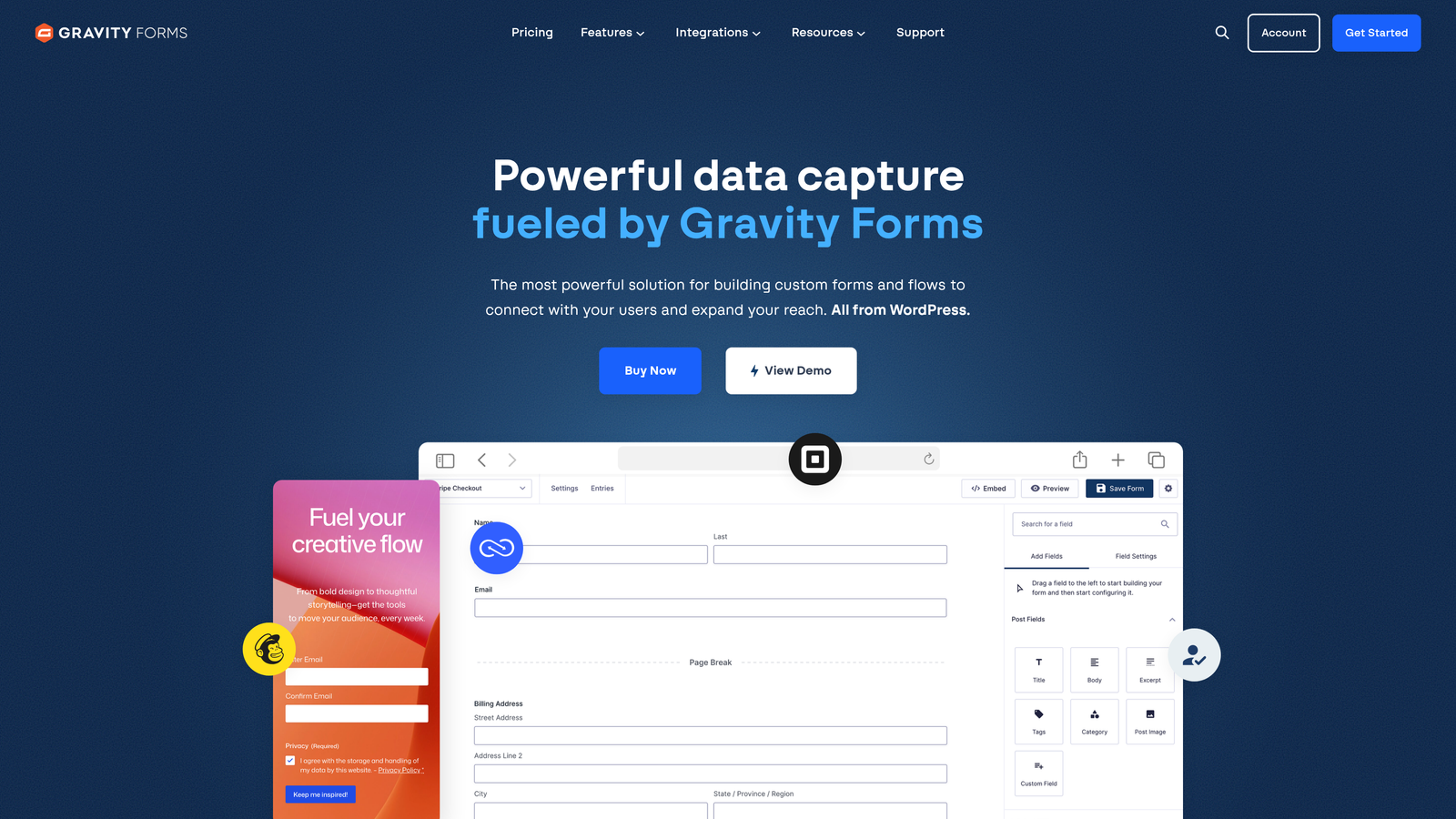
Gravity Forms is the leading form plugin for WordPress, offering an annual license model that appeals to teams who prefer one-time payments over ongoing SaaS subscriptions.
Where This Tool Shines
For established WordPress sites, Gravity Forms offers a compelling value proposition: pay once per year and own a deeply capable form tool that integrates natively with your existing theme and plugin ecosystem. The conditional logic engine is among the most sophisticated available in a WordPress-native solution, supporting complex multi-page forms with branching paths and calculated fields.
The developer API and hook system make it a favorite among agencies and in-house developers who need to build custom workflows on top of form submissions. If your team has WordPress development capacity, the customization ceiling here is genuinely high.
Key Features
WordPress-Native Integration: Deep compatibility with WordPress themes, plugins, and the broader WP ecosystem without requiring external embeds or iframes.
Advanced Conditional Logic: Sophisticated field-level and page-level conditional logic for building complex, multi-path form experiences.
Annual License Model: One payment per year rather than a monthly subscription, which often works out to better long-term value for established sites.
Add-On Ecosystem: Official add-ons for payment collection, surveys, quizzes, polls, user registration, and more, included or available by tier.
Developer API and Hooks: Extensive hooks and a REST API for building custom integrations and automations on top of form submission data.
Best For
Gravity Forms is ideal for WordPress-based businesses, agencies managing multiple client sites, and development teams who want full control over form behavior and data handling within the WordPress environment.
Pricing
Annual licenses run approximately $59 per year (Basic), $159 per year (Pro), and $259 per year (Elite). Verify current pricing at gravityforms.com.
5. HubSpot Forms
Best for: Inbound marketing teams already using or planning to use HubSpot's CRM ecosystem
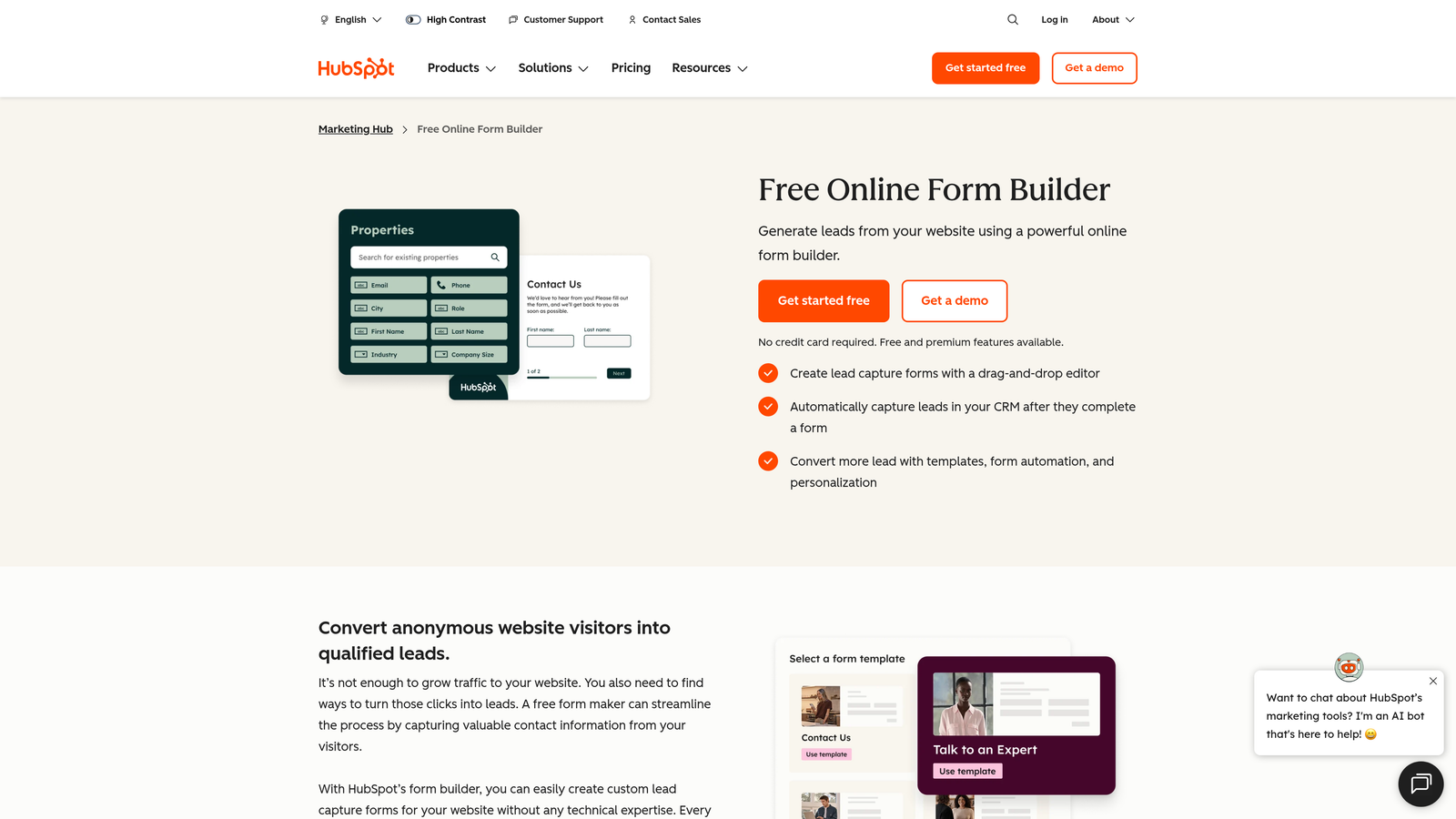
HubSpot Forms is a free form tool that integrates natively with HubSpot's CRM, making it the path of least resistance for teams already inside the HubSpot ecosystem.
Where This Tool Shines
The core value here is frictionless CRM sync. Every form submission automatically creates or updates a contact record in HubSpot, triggers workflow enrollment, and feeds into list segmentation — all without any manual configuration or third-party integration setup. For inbound marketing teams, this eliminates a significant operational gap between lead capture and lead nurturing.
The catch is that the most powerful features, including smart forms with progressive profiling that avoid asking returning visitors questions you already know the answers to, require paid Marketing Hub tiers. The free tool is genuinely useful, but its ceiling is lower than it first appears.
Key Features
Native HubSpot CRM Integration: Form submissions flow directly into HubSpot contact records with zero additional configuration required.
Smart Forms with Progressive Profiling: Dynamically swaps out form fields for returning visitors to collect new information over time, available on paid Marketing Hub tiers.
Automatic Contact Creation and Segmentation: New submissions create contacts and can automatically enroll them in lists or workflow sequences.
Flexible Embedding: Forms can be embedded on any website or hosted on HubSpot landing pages with consistent tracking.
Workflow and Email Follow-Up: Submissions trigger HubSpot automation sequences, enabling immediate follow-up without manual intervention.
Best For
HubSpot Forms is the obvious choice for teams already using HubSpot as their CRM or marketing platform. It's less compelling as a standalone form tool, but as part of the HubSpot stack, the native integration delivers real efficiency gains.
Pricing
The forms tool is free with HubSpot's free CRM tier. Advanced features require paid Marketing Hub plans. Verify current tier pricing at hubspot.com.
6. Tally
Best for: Bootstrapped founders, indie makers, and early-stage startups who need unlimited forms without a monthly bill
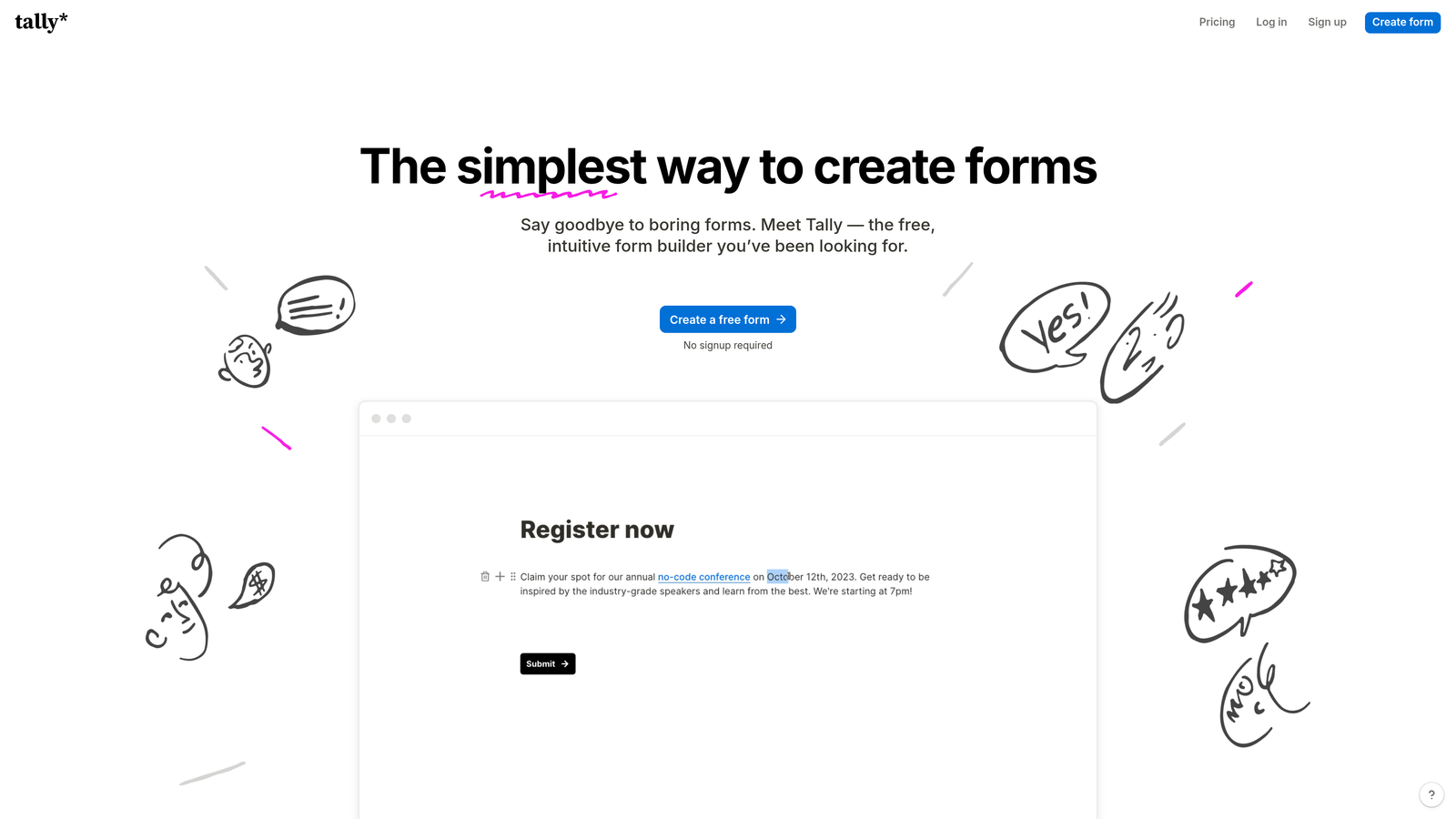
Tally is a minimalist form builder with one of the most generous free tiers in the market: unlimited forms and unlimited responses at no cost.
Where This Tool Shines
Tally's free tier is genuinely remarkable in a landscape where most tools start throttling at 100 submissions per month. For early-stage teams running multiple experiments simultaneously, the ability to spin up as many forms as needed without hitting a wall is a meaningful operational advantage. The Notion-like block-based editor also makes building forms feel intuitive for teams already comfortable with modern productivity tools.
Conditional logic is available even on the free plan, which is a notable differentiator. Many competitors lock branching logic behind paid tiers, making Tally an unusually capable free option for teams that need more than basic linear forms.
Key Features
Unlimited Free Forms and Submissions: No response caps, no form limits, and no submission throttling on the free plan — a rare offering in this category.
Block-Based Form Editor: A Notion-style editor that makes building and rearranging form elements feel familiar and fast for modern teams.
Conditional Logic on Free Tier: Branching and conditional paths available without requiring a paid upgrade, unlike many competitors.
Custom Domains and White-Labeling: Available on the Pro plan for teams that need branded form URLs and a white-label experience.
Zapier and Native Integrations: Connect form responses to external tools via Zapier or Tally's growing set of native integrations.
Best For
Tally is an excellent fit for solo founders, early-stage startups, and small teams who need capable form functionality without committing to a monthly subscription. It's also a smart choice for teams running high-volume experiments where submission caps would otherwise become a recurring friction point.
Pricing
Free plan with unlimited forms and submissions. Pro plan starts at approximately $29 per month. Verify current pricing at tally.so.
7. Formstack
Best for: Enterprise and compliance-heavy teams in healthcare, legal, and finance who need HIPAA compliance and document workflows
Formstack is an enterprise-grade data collection platform built for organizations where compliance, audit trails, and document workflows are non-negotiable requirements.
Where This Tool Shines
Formstack occupies a distinct niche: it's not trying to be the most elegant or the most affordable form builder. It's built for organizations where data governance, HIPAA compliance, and end-to-end document workflows matter more than design polish or pricing simplicity. The combination of form collection, document generation, and eSignature in a single platform removes the need to stitch together multiple tools for regulated workflows.
The Salesforce native app is a meaningful differentiator for enterprise teams running Salesforce as their system of record. Rather than relying on a Zapier middleware layer, Formstack can push data directly into Salesforce objects with tighter control over field mapping and data integrity.
Key Features
HIPAA-Compliant Data Collection: Built-in compliance controls for healthcare and other regulated industries, with Business Associate Agreements available.
Document Generation and eSignature: Create documents from form data and collect legally binding signatures within the same workflow.
Audit Trails and Data Governance: Detailed submission logs and access controls for organizations that need to demonstrate compliance in audits.
Salesforce Native App: Direct Salesforce integration that goes beyond basic Zapier connections, supporting complex object relationships and field mappings.
Approval Routing and Multi-Step Workflows: Route submissions through configurable approval chains for procurement, HR, and operations use cases.
Best For
Formstack is purpose-built for enterprise teams in healthcare, legal, financial services, and other compliance-driven industries. If your organization needs HIPAA compliance, eSignature capabilities, and Salesforce-native data handling, Formstack is one of the few platforms that handles all three natively.
Pricing
Forms plans start at approximately $83 per month. Enterprise pricing is available by quote. Verify current tiers at formstack.com.
8. Paperform
Best for: Teams who want forms that double as landing pages, with built-in payment collection and appointment scheduling
Paperform is a flexible form builder that blurs the line between a form and a full landing page experience.
Where This Tool Shines
Paperform's defining characteristic is its content richness. Unlike most form builders that focus purely on input fields, Paperform lets you embed video, images, and product blocks directly within the form itself, creating experiences that feel closer to a dedicated landing page than a traditional data collection form. This makes it particularly effective for product selling, event registrations, and service bookings where context and visual presentation matter.
The built-in payment collection and appointment scheduling capabilities mean teams can often replace multiple tools with a single Paperform. Custom domains are available on all paid plans, which is a more generous policy than many competitors who reserve this for higher tiers.
Key Features
Rich Media Embedding: Incorporate video, images, and product blocks directly into forms to create landing page-quality experiences.
Built-In Payment Collection: Accept payments and sell products directly through forms without requiring a separate e-commerce integration.
Appointment Scheduling Integration: Book appointments and manage availability within the form flow, reducing the need for a separate scheduling tool.
Conditional Sections and Logic: Show or hide entire form sections based on previous responses, enabling sophisticated multi-path experiences.
Custom Domains on All Paid Plans: Branded form URLs available across all paid tiers, not gated to premium plans.
Best For
Paperform suits small business owners, consultants, coaches, and e-commerce teams who want a single tool that handles lead capture, payment collection, and appointment booking without requiring separate platforms for each function.
Pricing
Essentials plan starts at approximately $24 per month. Higher tiers unlock more submissions and advanced features. Verify current pricing at paperform.co.
9. Google Forms
Best for: Internal surveys, event signups, and lightweight data collection where cost is the primary constraint
Google Forms is Google's completely free form tool, included with any Google account and deeply integrated with Google Sheets for response tracking.
Where This Tool Shines
The value proposition is simple and unambiguous: it's free, it's fast to set up, and it works. For internal team surveys, event registrations, and basic data collection within a Google Workspace environment, Google Forms eliminates any need to evaluate pricing tiers or feature gates. Responses flow directly into Google Sheets, making analysis straightforward for teams already living in the Google ecosystem.
Where Google Forms falls short is everywhere beyond basic collection. There's no native CRM sync, no lead scoring, no meaningful brand customization, and no way to build the kind of intelligent form flows that high-growth teams need for lead qualification. It's a solid tool for what it is, but its ceiling is low by design.
Key Features
Completely Free with No Submission Limits: No caps on responses, no paid tiers for core functionality, and no credit card required.
Native Google Sheets Integration: Responses populate automatically into a linked spreadsheet for straightforward analysis and sharing.
Basic Conditional Logic: Simple branching available for routing respondents to different sections based on their answers.
Easy Sharing and Embedding: Distribute via link, embed on websites, or share directly within Google Workspace without additional setup.
Google Workspace Compatibility: Works seamlessly within the broader Google ecosystem including Drive, Docs, and Classroom.
Best For
Google Forms is the right choice for individuals, educators, nonprofits, and small teams who need simple, no-cost data collection without any requirement for advanced features, CRM integration, or brand customization.
Pricing
Completely free. Included with any Google account at no additional cost.
Which Custom Form Solution Is Right for You
The right custom form solution depends almost entirely on what you're trying to accomplish and at what scale. Here's how the standouts break down by use case.
For high-growth SaaS and B2B teams where lead quality is the priority, Orbit AI is the clear differentiated choice. The AI-native lead qualification built directly into the form flow solves a problem that every other tool on this list requires you to solve separately, either through manual CRM work or expensive automation layers. If your team is switching platforms because your current form tool collects data but doesn't help you act on it intelligently, that's exactly the gap Orbit AI is built to close.
For teams inside the HubSpot ecosystem, HubSpot Forms is the frictionless default. For WordPress-heavy organizations watching their tool costs, Gravity Forms' annual license model offers strong long-term value. For early-stage teams who need capable forms without a monthly bill, Tally's free tier is genuinely hard to beat. For compliance-driven enterprises in healthcare or legal, Formstack handles requirements that most other tools simply can't meet.
Google Forms covers the "free and simple" end of the spectrum, while Typeform and Paperform serve teams where design and brand experience are central to the form's purpose.
The key takeaway: don't evaluate these tools on their headline pricing alone. Map your actual requirements — submission volume, CRM sync needs, conditional logic complexity, compliance requirements — against what each tier actually delivers. The cheapest plan that meets your needs is the right plan.
Transform your lead generation with AI-powered forms that qualify prospects automatically while delivering the modern, conversion-optimized experience your high-growth team needs. Start building free forms today and see how intelligent form design can elevate your conversion strategy.


