

Marketing campaigns live or die by the quality of leads they generate—and forms are where that conversion happens. Yet most marketers struggle with clunky form builders that either look outdated, lack essential integrations, or make lead qualification a manual nightmare. The right form tool transforms data collection from a friction point into a conversion asset.
What separates marketing-friendly form tools from basic builders? Look for conversion optimization features like conditional logic and multi-step flows, design flexibility that matches your brand, deep integrations with your CRM and email platforms, and analytics that go beyond counting submissions. The best tools help you qualify leads automatically, test variations easily, and sync data seamlessly across your marketing stack.
We evaluated form builders based on their marketing-specific capabilities, ease of use for non-technical teams, integration depth with popular marketing tools, and overall value for marketing departments. These nine tools represent the best options for different marketing needs—from AI-powered qualification to WordPress-native solutions. Here are the top form tools for marketers in 2026.
1. Orbit AI
Best for: High-growth marketing teams needing AI-powered lead qualification and conversion optimization
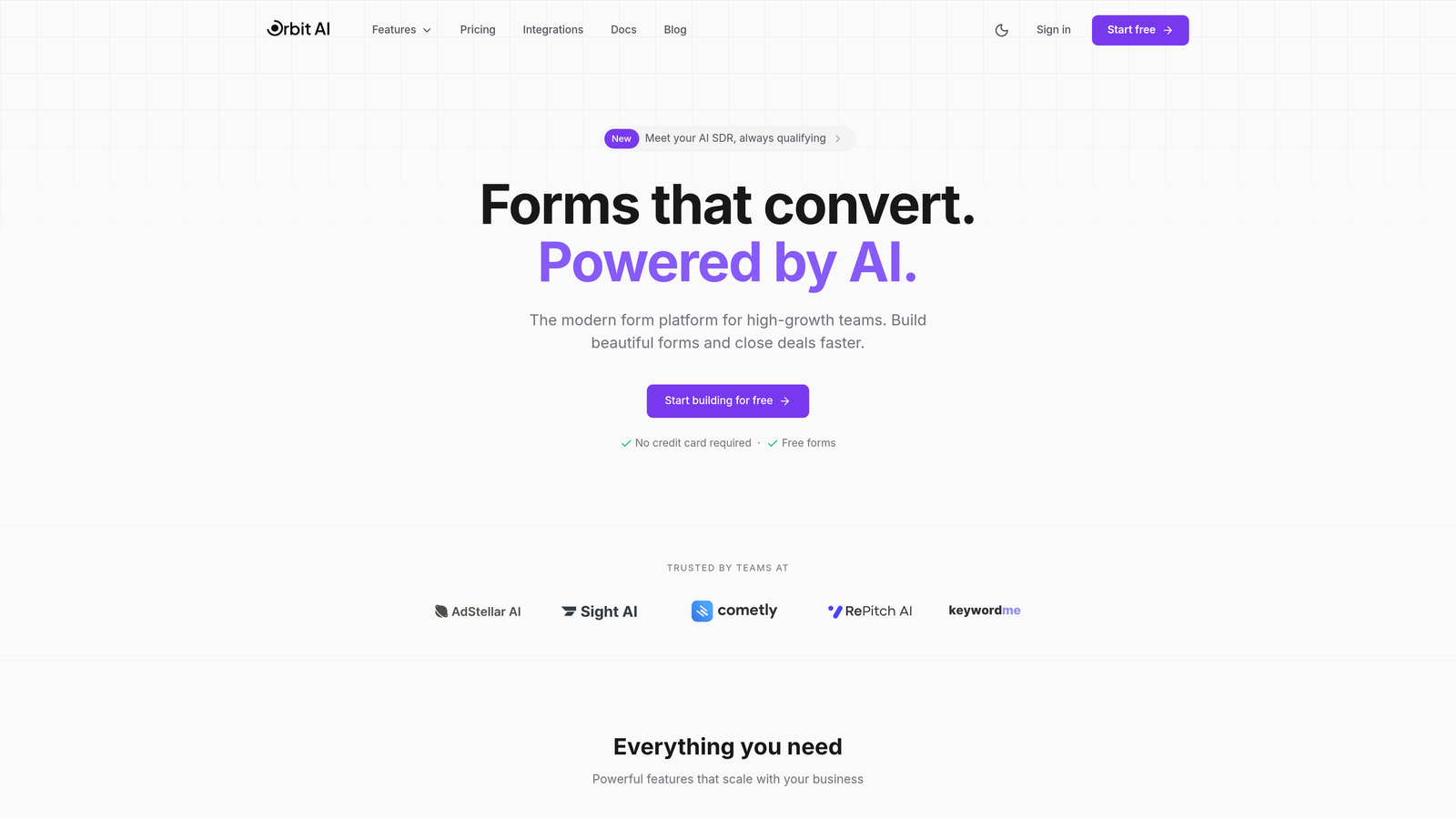
Orbit AI is an AI-powered form builder platform designed specifically for marketing teams focused on conversion optimization and lead quality.
Where This Tool Shines
Orbit AI tackles the biggest pain point in form-based lead generation: separating qualified prospects from tire-kickers. Built-in AI agents qualify and score leads in real-time as they fill out forms, routing high-value prospects to sales immediately while nurturing others automatically.
The platform combines intelligent lead qualification with modern form design that actually converts. Marketing teams get conversion-optimized templates, advanced workflow automation, and analytics that reveal which form elements drive quality submissions—not just volume.
Key Features
AI Lead Qualification: Real-time scoring and routing based on response patterns and firmographic data.
Conversion Templates: Pre-built form designs optimized for different marketing objectives and industries.
Marketing Stack Integration: Deep connections with CRMs, email platforms, and analytics tools for seamless data flow.
Advanced Analytics: Track conversion rates, drop-off points, and lead quality metrics in one dashboard.
Workflow Automation: Trigger follow-up sequences, assign leads, and update records automatically based on form responses.
Best For
High-growth B2B marketing teams that need to scale lead generation without drowning in unqualified submissions. Particularly valuable for companies with complex qualification criteria or high-volume form traffic where manual lead scoring becomes impossible.
Pricing
Free tier available for testing core features. Paid plans start at $29/month with scaling options for enterprise teams requiring advanced AI capabilities and higher submission volumes.
2. Typeform
Best for: Creating engaging, conversational forms that feel more like interactions than interrogations
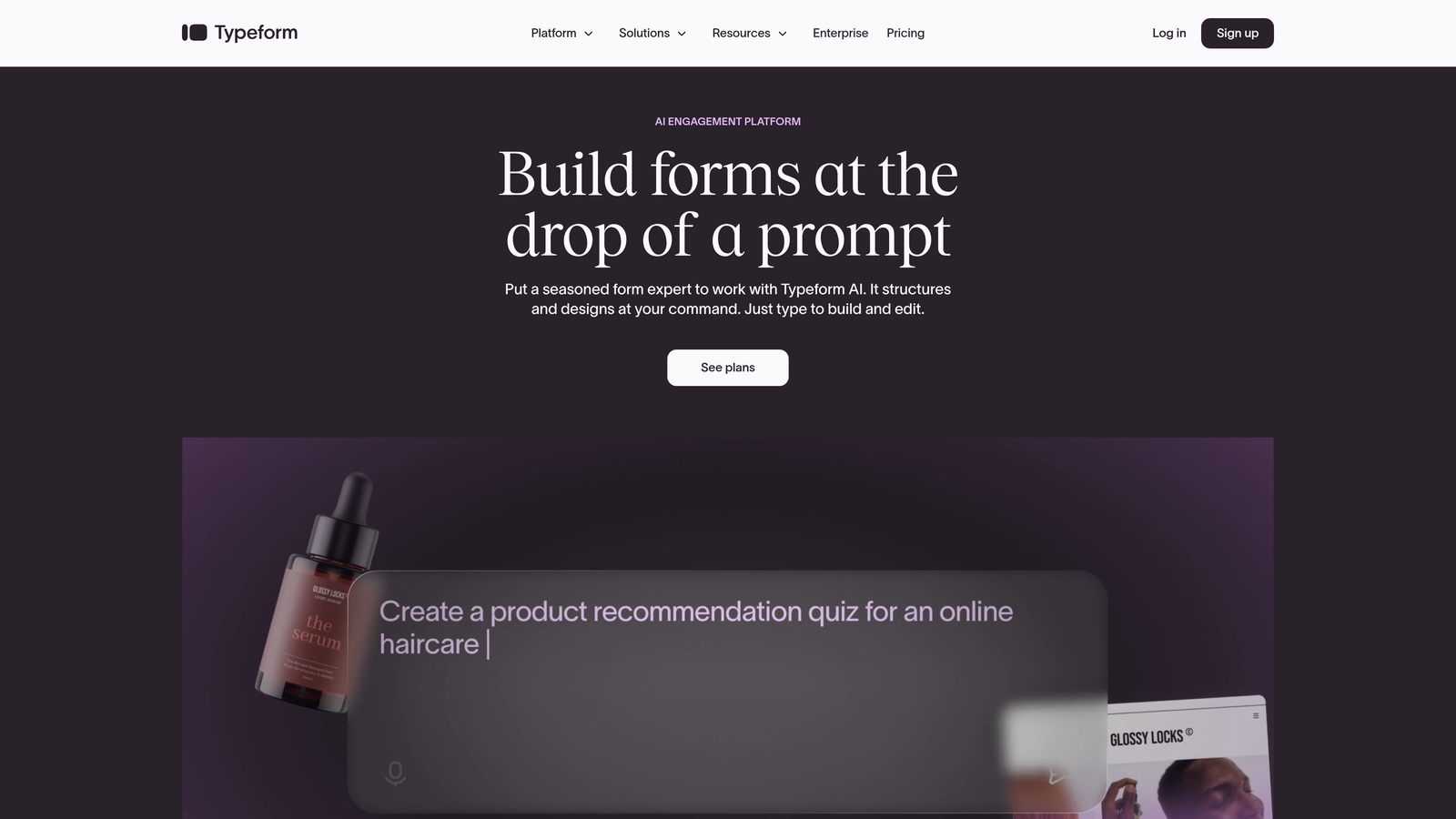
Typeform is a conversational form builder known for its distinctive one-question-at-a-time interface that drives higher completion rates.
Where This Tool Shines
Typeform revolutionized form design by ditching the traditional wall-of-fields approach. Its conversational format presents one question at a time, creating a more human interaction that reduces form abandonment. This approach works exceptionally well for surveys, lead qualification questionnaires, and any form where engagement matters more than speed.
The platform's design aesthetic sets it apart—forms look modern and professional by default, with smooth animations and transitions that feel native to contemporary web experiences. Marketers appreciate how Typeform makes even complex, multi-step forms feel approachable.
Key Features
Conversational Interface: One question per screen creates focused, engaging form experiences that improve completion rates.
Logic Jumps: Dynamic question branching based on previous answers for personalized form flows.
Rich Media Support: Embed videos, images, and GIFs directly into questions for more engaging forms.
Design Templates: Professionally designed templates for common marketing use cases, from lead gen to event registration.
Response Piping: Reference previous answers in follow-up questions for a more personalized experience.
Best For
Marketing teams prioritizing user experience and completion rates over rapid data entry. Ideal for brand-conscious companies, customer feedback collection, event registrations, and any scenario where form engagement directly impacts conversion quality.
Pricing
Free tier includes basic features with Typeform branding. Basic plan starts at $25/month for removing branding and accessing logic jumps. Higher tiers add advanced features like custom subdomains and priority support.
3. HubSpot Forms
Best for: Marketing teams already using HubSpot who need native CRM integration and progressive profiling
HubSpot Forms is the native form builder within HubSpot's marketing platform, offering seamless integration with the HubSpot CRM and marketing automation tools.

Where This Tool Shines
If you're already in the HubSpot ecosystem, this is the obvious choice—and for good reason. Forms sync instantly with contact records, enabling progressive profiling that gradually collects information across multiple interactions rather than overwhelming prospects with lengthy forms upfront.
The real power lies in what happens after submission. Forms trigger workflows automatically, update contact properties, assign leads to sales reps, and feed into HubSpot's marketing automation engine without any middleware or integration headaches. Everything lives in one platform.
Key Features
Progressive Profiling: Automatically hide fields for known contacts and ask new questions each time, building complete profiles gradually.
Smart Fields: Pre-populate form fields with known contact information to reduce friction for returning visitors.
Native CRM Sync: Instant contact creation and updates without third-party integrations or data delays.
Built-in A/B Testing: Test form variations directly within HubSpot to optimize conversion rates.
Dependent Fields: Show or hide form fields based on previous selections for cleaner, more relevant forms.
Best For
Companies already using HubSpot for CRM or marketing automation. The value proposition drops significantly if you're not in the HubSpot ecosystem, but for existing users, the native integration makes this the natural choice.
Pricing
Basic forms are free with HubSpot CRM. Advanced features like progressive profiling and A/B testing require Marketing Hub, which starts at $800/month. The steep pricing reflects the full platform rather than just form functionality.
4. Jotform
Best for: Rapid form deployment using pre-built templates across diverse marketing use cases
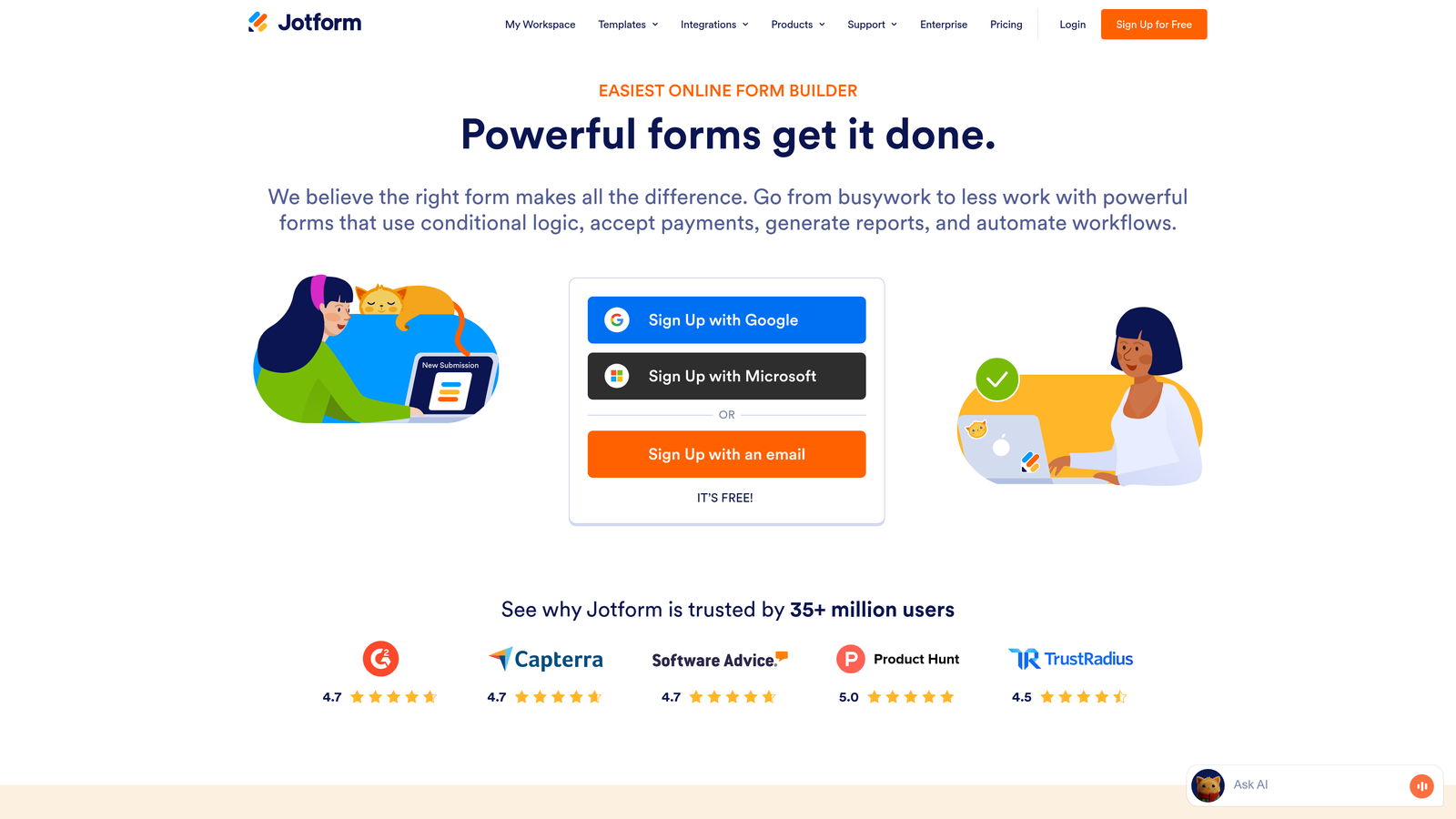
Jotform is a template-rich form builder offering over 10,000 ready-to-use form templates for virtually any marketing scenario imaginable.
Where This Tool Shines
Jotform's massive template library means you're rarely building forms from scratch. Need an event registration form? There are hundreds of variations. Lead capture for a specific industry? Covered. The templates aren't just generic starting points—many include sophisticated logic, calculations, and integrations already configured.
Beyond templates, Jotform handles complex use cases that simpler builders struggle with: payment collection, PDF generation from submissions, appointment booking, and conditional workflows. It's the Swiss Army knife of form builders—not always the most elegant, but remarkably versatile.
Key Features
Template Library: Over 10,000 pre-built form templates covering virtually every marketing use case and industry.
Drag-and-Drop Builder: Intuitive interface for customizing templates or building forms from scratch without coding.
Payment Integration: Native connections to payment processors for collecting fees, donations, or product purchases through forms.
PDF Generation: Automatically create PDF documents from form submissions for contracts, receipts, or reports.
Conditional Logic: Show, hide, or require fields based on user responses for dynamic form experiences.
Best For
Marketing teams that need to deploy many different types of forms quickly without custom development. Particularly valuable for agencies managing multiple clients or companies with diverse form needs across departments.
Pricing
Free tier includes 5 forms with Jotform branding and limited submissions. Bronze plan starts at $34/month for 25 forms and removes branding. Higher tiers add more forms, submissions, and advanced features.
5. Paperform
Best for: Creating forms that function as beautiful, conversion-focused landing pages
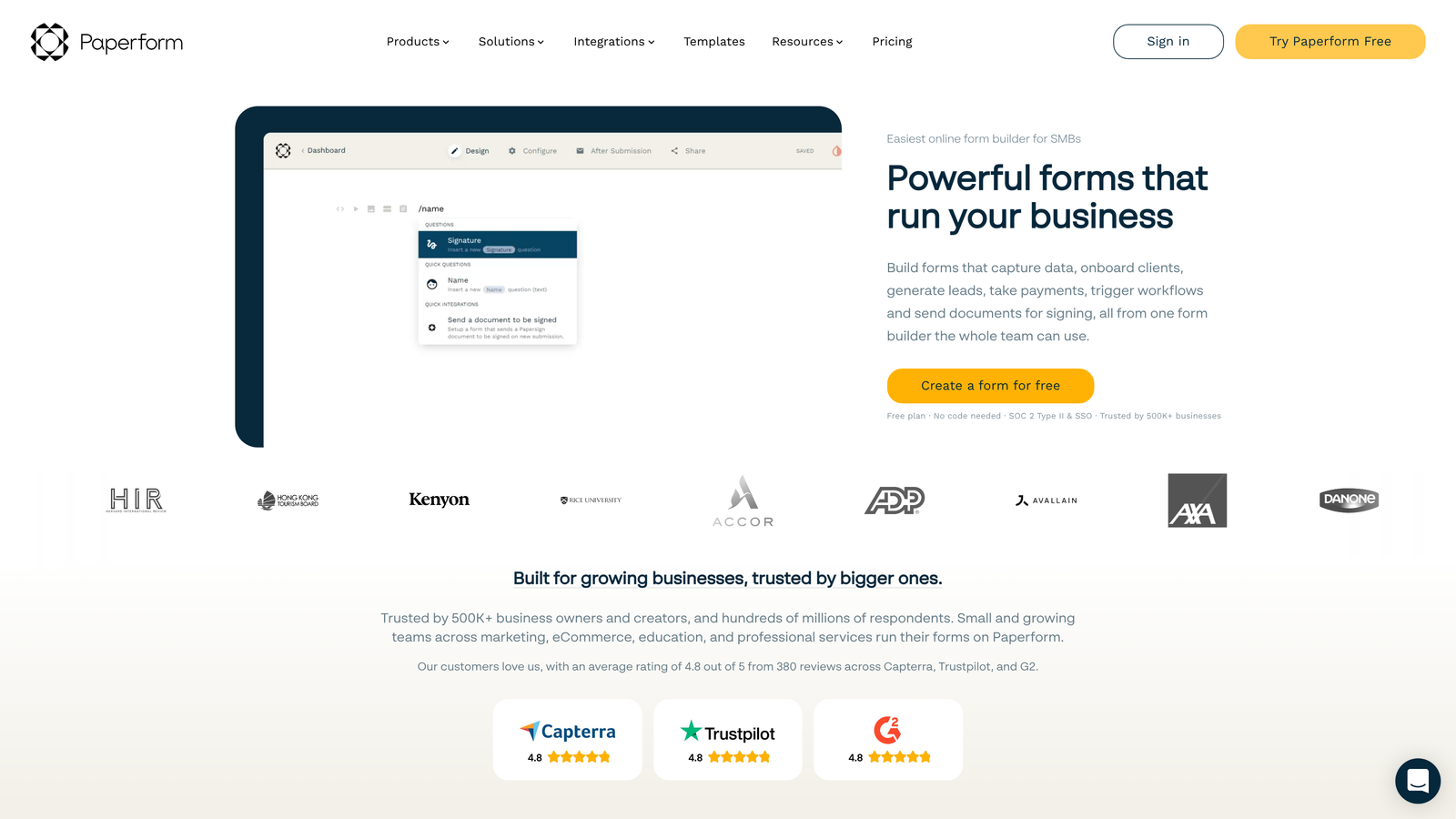
Paperform is a design-forward form builder that blurs the line between forms and landing pages, creating immersive experiences rather than traditional data collection fields.
Where This Tool Shines
Paperform treats forms as content experiences. Instead of isolated form fields, you build full landing pages with rich media, formatted text, images, and embedded content—with form fields woven throughout. This approach works brilliantly for product launches, event registrations, or any scenario where you need to tell a story while collecting information.
The platform's design flexibility lets you match brand aesthetics precisely without CSS hacking. Forms feel like native parts of your website rather than embedded widgets, which significantly impacts conversion rates for brand-conscious companies.
Key Features
Landing Page Design: Build forms that look and function like complete landing pages with rich media and formatted content.
Rich Media Embedding: Integrate videos, images, and interactive elements directly into form flows for engaging experiences.
Advanced Calculations: Build forms with dynamic pricing, scoring, or calculations based on user inputs.
E-commerce Capabilities: Accept payments, manage inventory, and handle bookings directly through forms.
Custom Branding: Remove all Paperform branding and apply custom CSS for complete design control.
Best For
Marketing teams focused on brand experience and visual storytelling. Ideal for product launches, premium service offerings, event registrations, or any scenario where form aesthetics directly impact conversion quality and brand perception.
Pricing
Essentials plan starts at $24/month with core features and unlimited forms. Pro plan at $44/month adds custom domains, integrations, and removes submission limits. All paid plans include custom branding options.
6. Formstack
Best for: Enterprise marketing teams requiring advanced compliance, security, and workflow automation
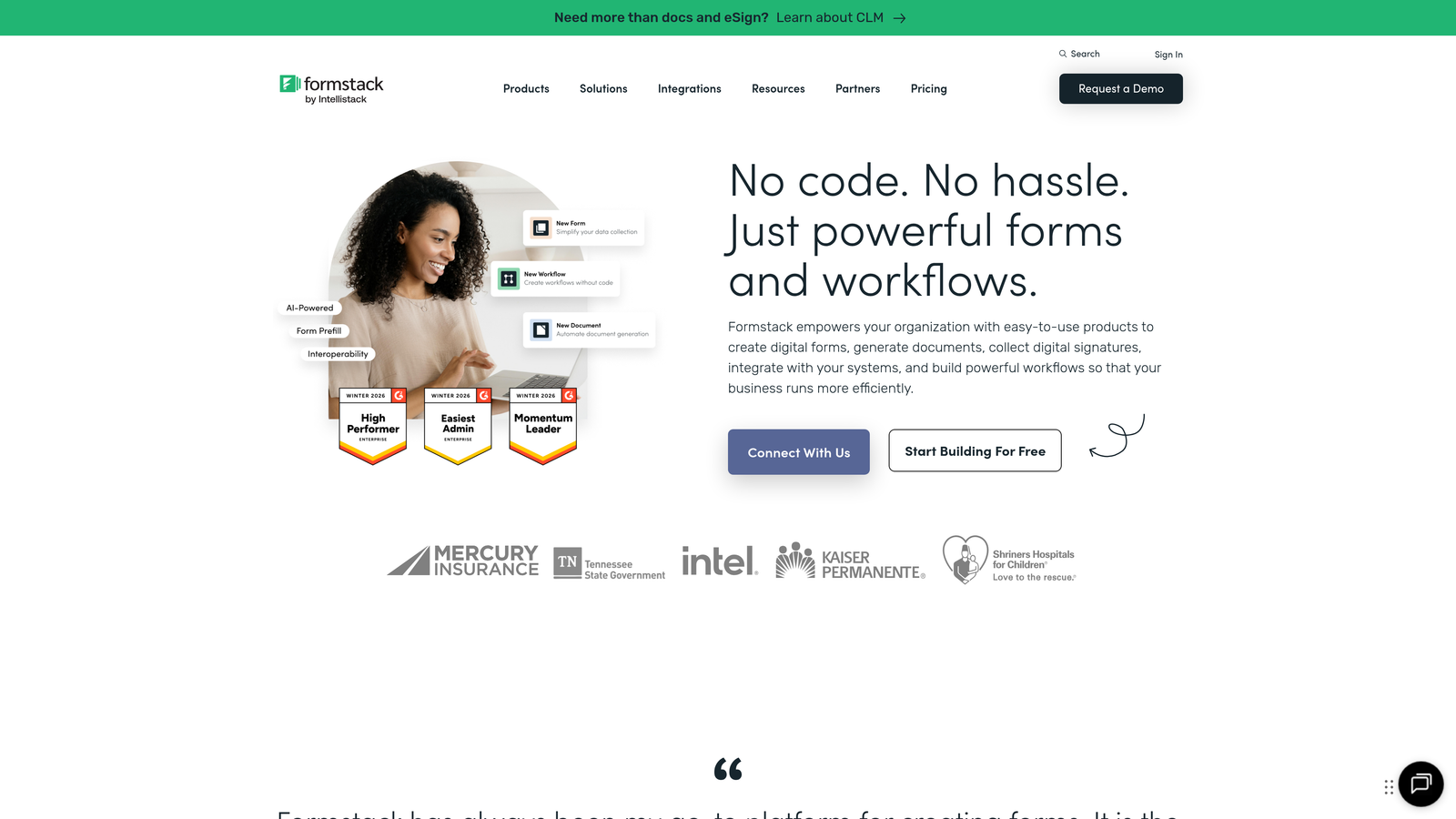
Formstack is an enterprise-grade form platform built for organizations with strict compliance requirements and complex workflow automation needs.
Where This Tool Shines
Formstack targets the enterprise market that simpler form builders can't serve. If you're in healthcare, finance, or any regulated industry, Formstack offers HIPAA and GDPR compliance features that most competitors don't address. The platform handles sensitive data collection with encryption, audit trails, and security controls that satisfy IT departments.
Beyond compliance, Formstack's workflow automation goes deeper than basic email notifications. You can route submissions through approval chains, generate documents automatically, trigger multi-step processes, and integrate with enterprise systems through robust APIs.
Key Features
Compliance Options: HIPAA and GDPR-compliant form handling with encryption and audit trails for regulated industries.
Workflow Automation: Complex routing, approval processes, and multi-step workflows triggered by form submissions.
Document Generation: Automatically create contracts, reports, or certificates from form data using customizable templates.
Enterprise Security: Advanced user permissions, SSO integration, and data governance controls for large organizations.
Advanced Analytics: Detailed reporting on form performance, conversion funnels, and submission patterns across the organization.
Best For
Enterprise marketing teams in regulated industries or organizations with complex approval workflows and data governance requirements. The platform's capabilities justify its cost when compliance and security are non-negotiable.
Pricing
Starter plan begins at $50/month for basic features. Teams plan at $83/month adds advanced features. Enterprise pricing available for large organizations requiring custom security, compliance, and support arrangements.
7. Gravity Forms
Best for: WordPress-based marketing sites needing native integration and extensive customization options
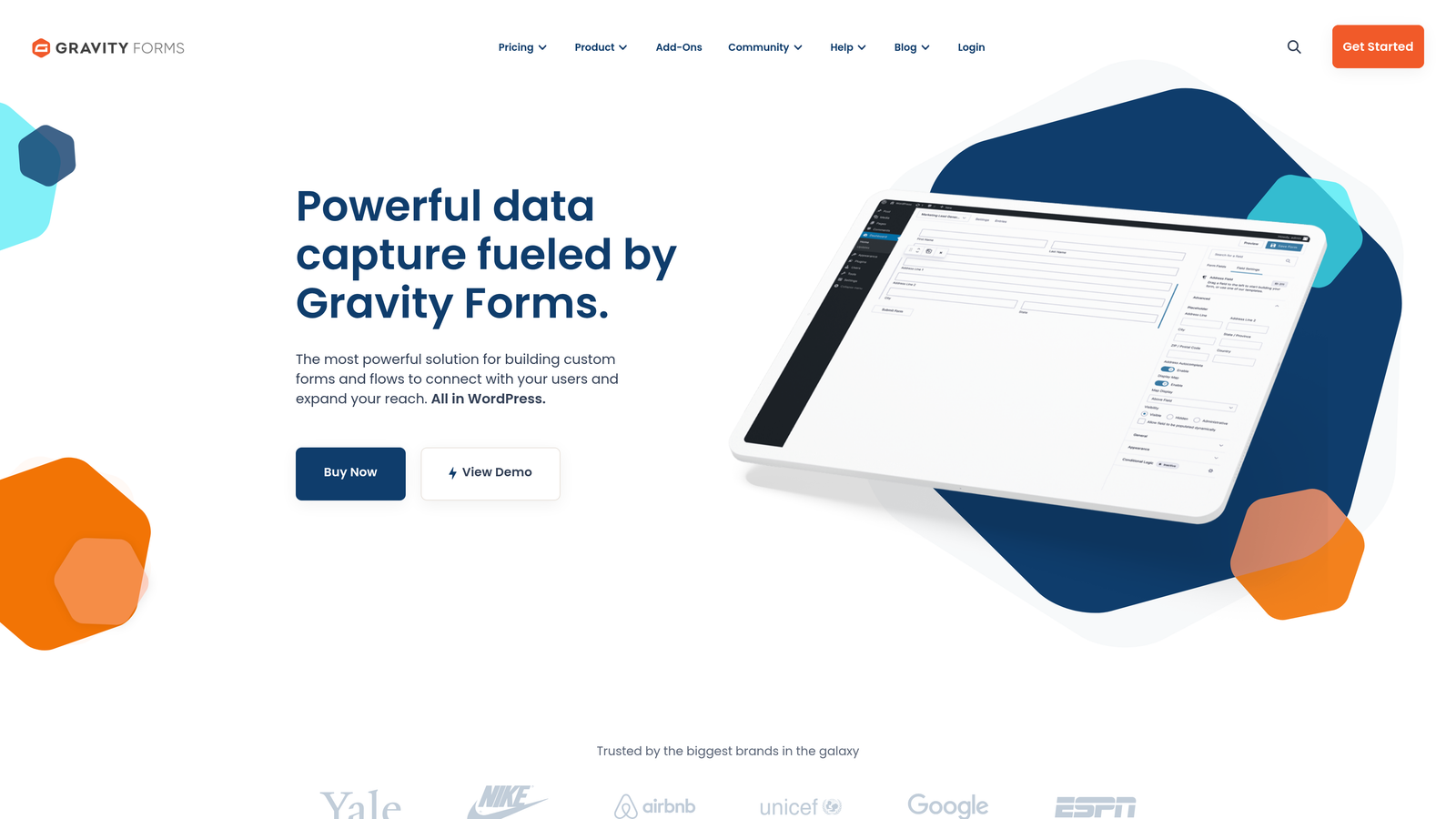
Gravity Forms is a premium WordPress form plugin with deep WordPress integration and an extensive ecosystem of add-ons for specialized functionality.
Where This Tool Shines
If your marketing site runs on WordPress, Gravity Forms offers integration depth that external form builders can't match. Forms live natively in your WordPress database, sync with user accounts, and integrate seamlessly with WordPress themes and plugins. There's no iframe embedding or external dependencies to worry about.
The add-on ecosystem extends functionality dramatically. Need to integrate with a specific CRM, payment processor, or email platform? There's probably an official or third-party add-on. Developers appreciate the hooks and filters that enable custom functionality without hacking core code.
Key Features
Native WordPress Integration: Forms integrate directly with WordPress users, posts, and custom post types without external dependencies.
Add-on Ecosystem: Extensive library of official and third-party add-ons for specialized integrations and functionality.
Conditional Logic: Show, hide, or require fields based on user selections for dynamic form experiences.
Multi-page Forms: Break long forms into multiple pages with progress indicators to improve completion rates.
Developer-Friendly: Robust hooks, filters, and API for custom functionality and theme integration.
Best For
Marketing teams running WordPress sites who want forms that feel like native site features rather than embedded widgets. Particularly valuable for content-heavy marketing sites, membership platforms, or WordPress-based marketing automation.
Pricing
Basic license starts at $59/year for a single site with core features. Pro license at $159/year adds priority support and advanced add-ons. Elite license at $259/year includes all add-ons and unlimited sites.
8. Tally
Best for: Budget-conscious marketing teams needing unlimited forms without subscription costs
Tally is a Notion-like form builder offering a remarkably generous free tier with unlimited forms and responses.
Where This Tool Shines
Tally's free tier eliminates the usual form builder constraints. Most platforms cap free users at 100 submissions or 3 forms—Tally removes both limits entirely. For startups, agencies testing campaigns, or any team watching budgets, this changes the economics of form-based marketing completely.
The Notion-style block editor feels familiar if you're already using Notion for documentation or project management. Building forms becomes as simple as arranging blocks—add a text field here, a multiple choice question there. The minimalist design aesthetic works well for modern brands without requiring design expertise.
Key Features
Unlimited Free Tier: Create unlimited forms and collect unlimited responses without subscription costs or artificial limits.
Block-Based Editor: Notion-style interface for building forms by arranging content blocks intuitively.
Clean Design: Minimalist, modern aesthetic that works well for contemporary brands without customization.
Basic Integrations: Connect to popular tools like Notion, Google Sheets, and Slack on the free tier.
Conditional Logic: Show or hide questions based on previous answers even on free plans.
Best For
Startups and small marketing teams maximizing ROI on limited budgets. Also ideal for agencies running multiple client campaigns or companies testing new marketing initiatives before committing to paid tools.
Pricing
Free tier includes unlimited forms and submissions with core features. Pro plan at $29/month adds custom branding removal, file uploads, and advanced integrations. The free tier covers most marketing team needs.
9. Leadpages
Best for: Performance marketers running paid campaigns who need combined landing page and form functionality
Leadpages is a landing page builder with integrated form functionality designed specifically for performance marketing campaigns.
Where This Tool Shines
Leadpages solves the landing page plus form equation that performance marketers face constantly. Instead of building landing pages in one tool and embedding forms from another, you get both in a single platform optimized for conversion. The templates are built specifically for paid traffic campaigns—high-converting layouts tested across millions of dollars in ad spend.
The platform includes features performance marketers actually use: A/B testing built into every page, pop-ups and alert bars for exit-intent capture, and analytics that connect form submissions back to traffic sources. Everything focuses on maximizing return from paid campaigns rather than general-purpose marketing.
Key Features
Combined Builder: Create landing pages with integrated forms in one tool rather than coordinating multiple platforms.
Conversion Templates: High-converting landing page templates designed specifically for paid advertising campaigns.
Built-in A/B Testing: Test page variations and form designs to optimize conversion rates systematically.
Pop-ups and Alert Bars: Capture leads through multiple touchpoints including exit-intent pop-ups and sticky alert bars.
Ad Integration: Connect directly to Facebook and Google Ads for streamlined campaign tracking and optimization.
Best For
Performance marketing teams running paid acquisition campaigns where landing page and form optimization directly impact ROI. Particularly valuable for companies spending significant budgets on Facebook, Google, or LinkedIn ads.
Pricing
Standard plan starts at $37/month with core landing page and form features. Pro plan at $74/month adds A/B testing and integrations. Advanced plan includes priority support and additional optimization features.
Finding Your Perfect Form Tool Match
The right form tool depends entirely on your marketing team's specific needs and constraints. For AI-powered lead qualification that separates high-value prospects automatically, Orbit AI delivers intelligent conversion optimization built for high-growth teams. If engagement and completion rates matter most, Typeform's conversational interface consistently outperforms traditional forms. HubSpot users should stick with HubSpot Forms for seamless native integration, while budget-conscious teams get remarkable value from Tally's unlimited free tier. WordPress-based marketing sites benefit most from Gravity Forms' deep native integration.
Consider your primary use case first. Performance marketers running paid campaigns need Leadpages' combined landing page and form functionality. Enterprise teams in regulated industries require Formstack's compliance features. Agencies managing multiple clients benefit from Jotform's massive template library. Brand-focused companies should explore Paperform's landing page-style design approach.
Integration depth matters more than most teams initially realize. A form tool that connects seamlessly with your existing CRM, email platform, and analytics stack saves hours of manual data transfer and prevents leads from falling through cracks. Evaluate how each tool fits into your current marketing technology ecosystem before committing.
The best form tool is the one your team will actually use consistently. A sophisticated platform that requires developer support for every change creates bottlenecks. A simple builder that lacks essential features forces workarounds. Find the balance between capability and usability that matches your team's technical comfort level.
Transform your lead generation with AI-powered forms that qualify prospects automatically while delivering the modern, conversion-optimized experience your high-growth team needs. Start building free forms today and see how intelligent form design can elevate your conversion strategy.


