

Finding the right form software subscription can make or break your lead generation strategy. With dozens of platforms competing for your attention—each with different pricing tiers, feature sets, and scaling models—choosing wisely means understanding what you actually need versus what sounds impressive in marketing copy.
This guide cuts through the noise to compare form software subscription plans that deliver real value for teams focused on growth. We've evaluated each option based on pricing transparency, feature accessibility at different tiers, scalability, and overall value for conversion-focused teams.
Whether you're a startup watching every dollar or an enterprise team needing advanced capabilities, you'll find a subscription plan that fits.
1. Orbit AI
Best for: High-growth teams prioritizing AI-powered lead qualification and conversion optimization
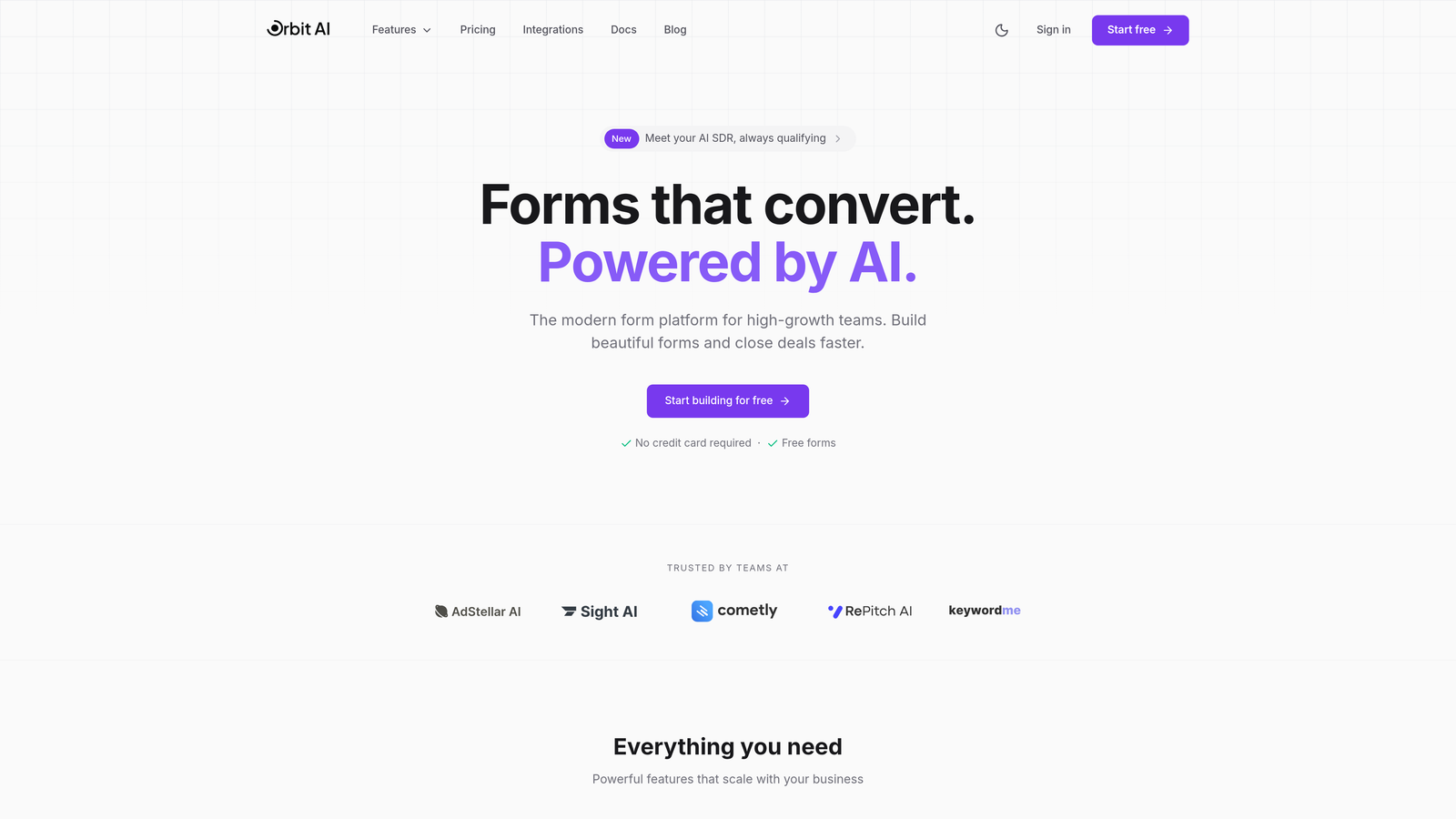
Orbit AI is an AI-powered form builder platform designed specifically for teams that need intelligent lead qualification built directly into their forms.
Where This Tool Shines
Orbit AI stands out by embedding artificial intelligence into the form experience itself. Instead of collecting responses and qualifying leads later, the platform scores and routes prospects in real-time based on their answers.
This approach transforms forms from simple data collection tools into active conversion assets. The platform's modern interface and conversion-focused templates help teams create forms that look professional while performing intelligently behind the scenes.
Key Features
AI-Powered Lead Qualification: Automatically scores and qualifies prospects based on their form responses without manual review.
Conversion-Optimized Templates: Pre-built form designs tested for maximum completion rates across industries.
Advanced Workflow Automation: Routes qualified leads to the right team members instantly based on custom criteria.
Real-Time Analytics Dashboard: Tracks form performance, conversion rates, and lead quality metrics in one unified view.
Native CRM Integrations: Connects seamlessly with major CRM platforms to sync qualified leads automatically.
Best For
Orbit AI fits teams that generate significant lead volume and need intelligent filtering before sales engagement. It's particularly valuable for SaaS companies, agencies, and B2B businesses where lead quality matters more than quantity.
Pricing
Subscription tiers are designed for growing teams with different volume needs. Visit their pricing page for current plan details and feature availability at each level.
2. Typeform
Best for: Creating engaging conversational experiences with one-question-at-a-time presentation
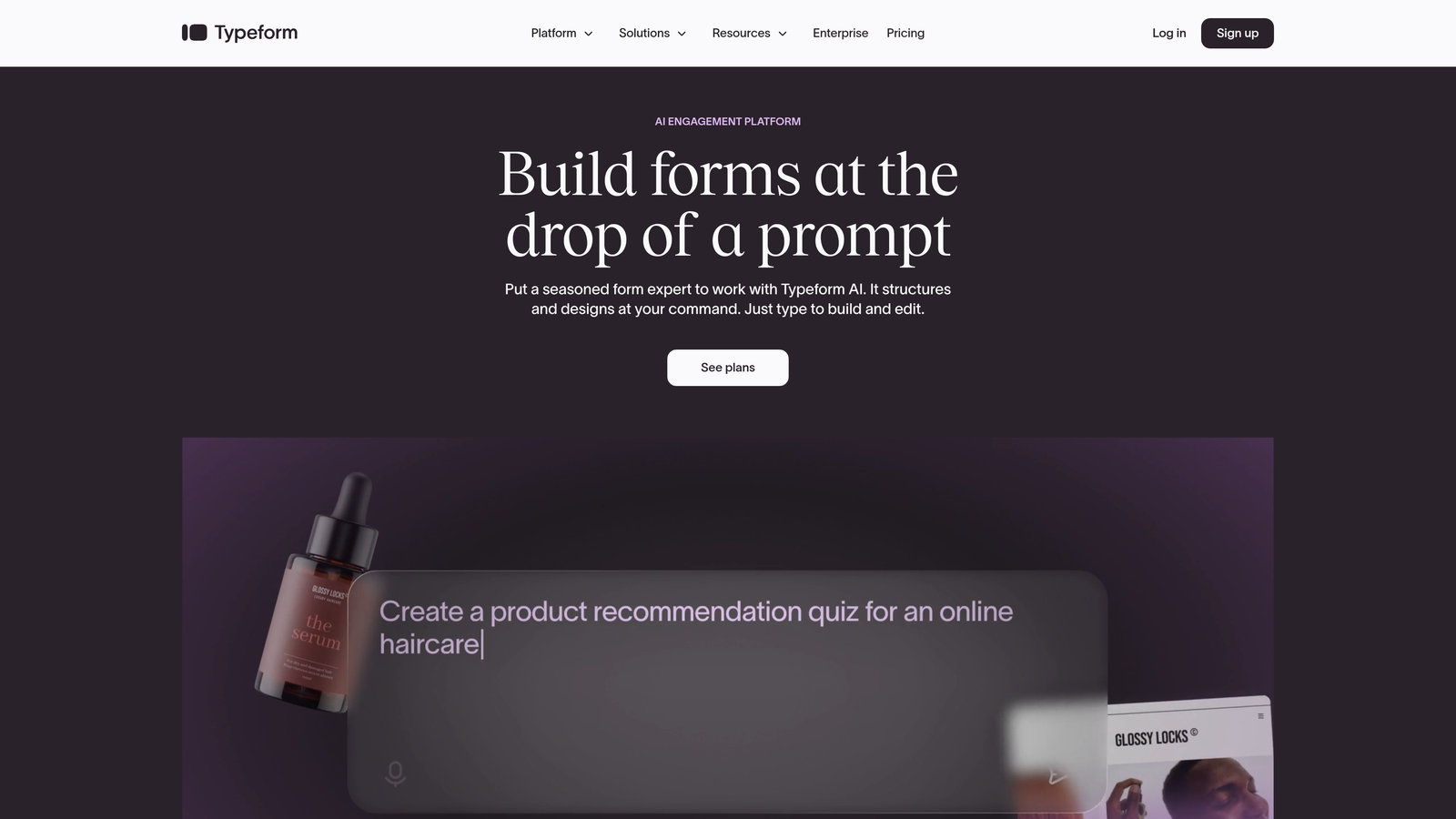
Typeform is a conversational form builder that presents questions one at a time to boost completion rates.
Where This Tool Shines
Typeform pioneered the conversational form format, and it remains the gold standard for this approach. By showing one question per screen, the platform reduces cognitive load and makes longer forms feel less overwhelming.
The interface is polished and highly customizable, allowing teams to match their brand identity perfectly. If your forms need to feel more like conversations than data collection exercises, Typeform delivers that experience consistently.
Key Features
Conversational Interface: One-question-at-a-time format that feels natural and engaging for respondents.
Strong Brand Customization: Control colors, fonts, backgrounds, and button styles to match your brand precisely.
Logic Jumps and Branching: Create dynamic forms that adapt based on previous answers.
Rich Media Embedding: Include videos, images, and GIFs directly in your form questions.
Integration Marketplace: Connect with hundreds of tools through native integrations and Zapier.
Best For
Typeform works best for teams prioritizing user experience and brand presentation. It's ideal for customer surveys, lead generation forms, and any scenario where completion rates matter more than raw speed.
Pricing
A free tier covers basic needs with limited responses. Basic plans start around $25 monthly, while Plus and Business tiers scale with increased response limits and advanced features.
3. Jotform
Best for: Teams needing extensive template libraries and generous submission limits
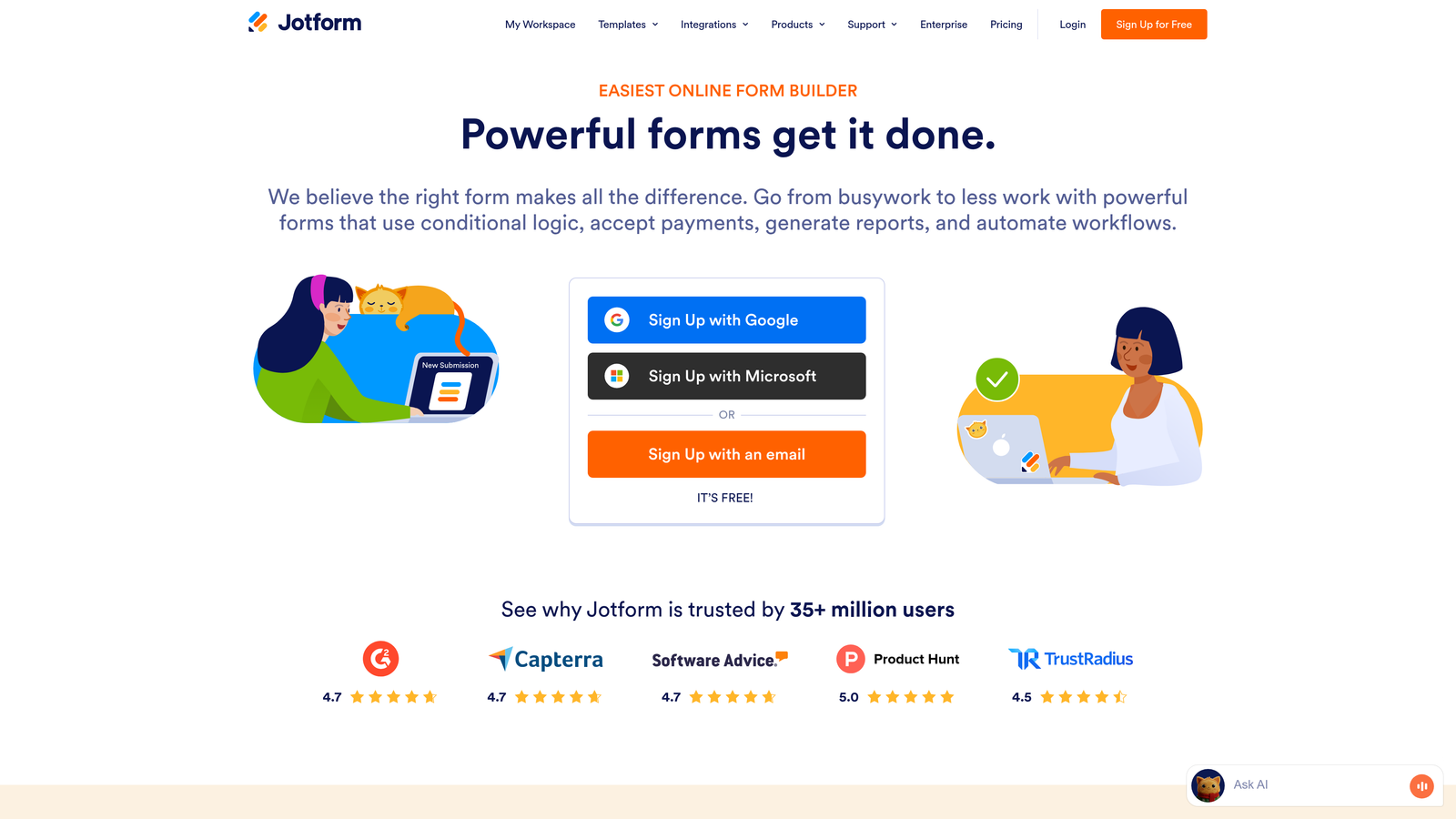
Jotform is an established form builder offering over 10,000 templates for virtually any use case.
Where This Tool Shines
Jotform's massive template library means you'll rarely need to build forms from scratch. Whether you need event registration, payment collection, or job applications, there's likely a pre-built template that gets you 80% of the way there.
The platform also offers generous submission limits compared to competitors at similar price points. For teams processing high volumes of form submissions monthly, this makes Jotform a cost-effective choice without sacrificing essential features.
Key Features
10,000+ Form Templates: Pre-built templates covering industries from healthcare to education to e-commerce.
PDF Form Generation: Automatically convert form submissions into formatted PDF documents.
Payment Integrations: Accept payments through PayPal, Square, Stripe, and other processors.
Form Analytics: Track submission rates, completion times, and drop-off points.
HIPAA Compliance Option: Available on higher tiers for healthcare organizations handling sensitive data.
Best For
Jotform suits organizations that need variety and volume. It's particularly strong for educational institutions, nonprofits, and businesses managing multiple form types simultaneously.
Pricing
The free tier includes up to 5 forms with 100 monthly submissions. Bronze plans start around $34 monthly, with Silver and Gold tiers increasing submission limits and unlocking advanced features.
4. Tally
Best for: Budget-conscious teams wanting unlimited forms without subscription costs
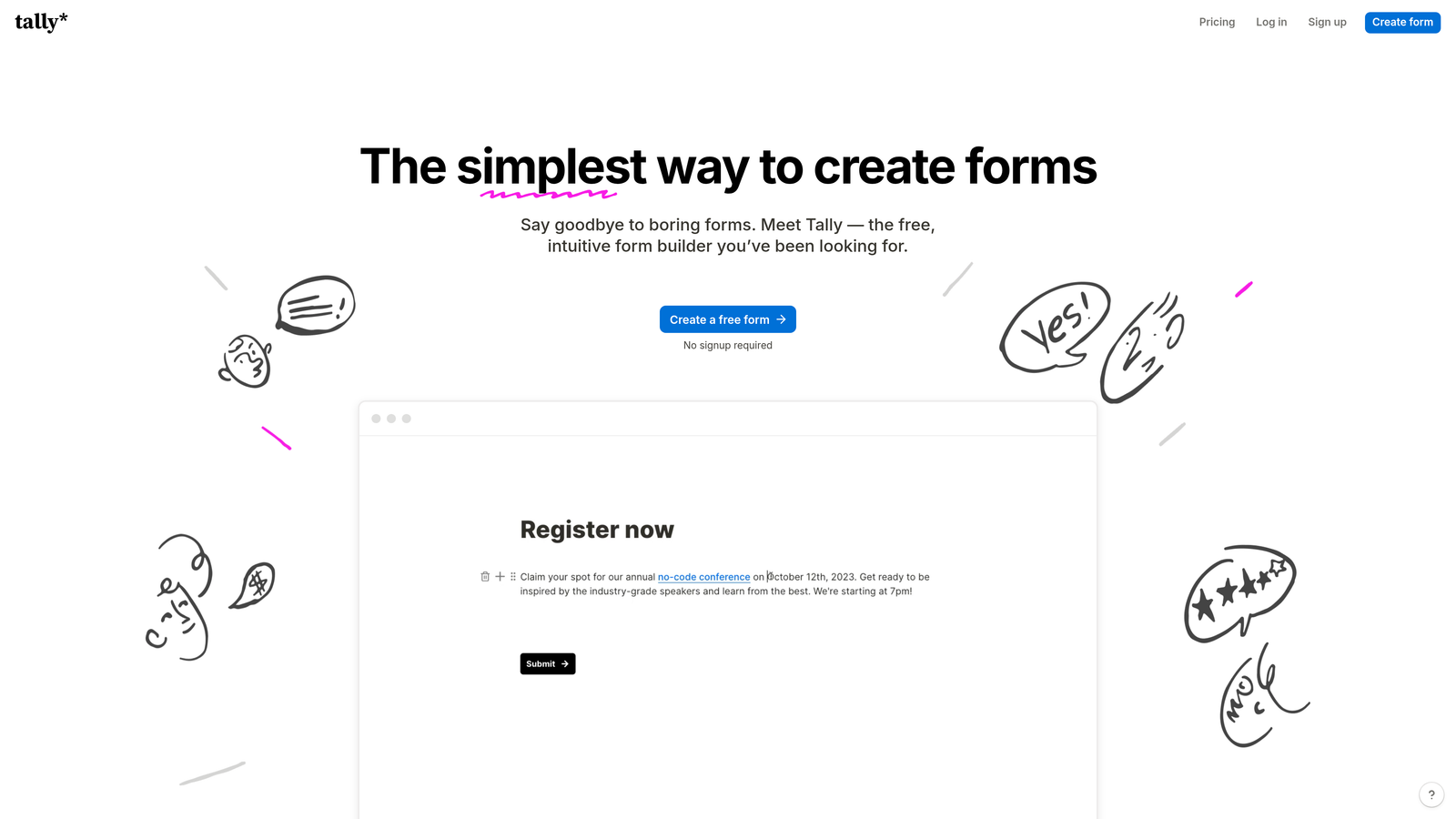
Tally is a minimalist form builder with a Notion-like interface that offers unlimited forms on its free plan.
Where This Tool Shines
Tally's free tier is genuinely generous—unlimited forms, unlimited responses, and conditional logic all included without payment. This makes it exceptional for startups, solopreneurs, and small teams testing form strategies before committing budget.
The builder interface feels familiar if you've used Notion, with a clean block-based design that's intuitive without extensive tutorials. You can create professional forms quickly without getting lost in complex settings or overwhelming feature menus.
Key Features
Unlimited Forms on Free Tier: No artificial limits on form creation or submission volumes at the free level.
Clean Builder Interface: Notion-style block editing that feels natural and distraction-free.
Conditional Logic Included: Show or hide questions based on responses without upgrading to paid plans.
File Uploads: Collect documents, images, and other files from respondents.
Collaboration Features: Share forms with team members for editing and management.
Best For
Tally is perfect for early-stage companies, content creators, and anyone who needs functional forms without monthly expenses. It's also great for teams running multiple small campaigns that don't justify premium tool costs.
Pricing
The free tier is remarkably complete. Pro plans around $29 monthly add custom domains, remove Tally branding, and unlock priority support.
5. Formstack
Best for: Enterprise teams requiring advanced workflow automation and compliance features
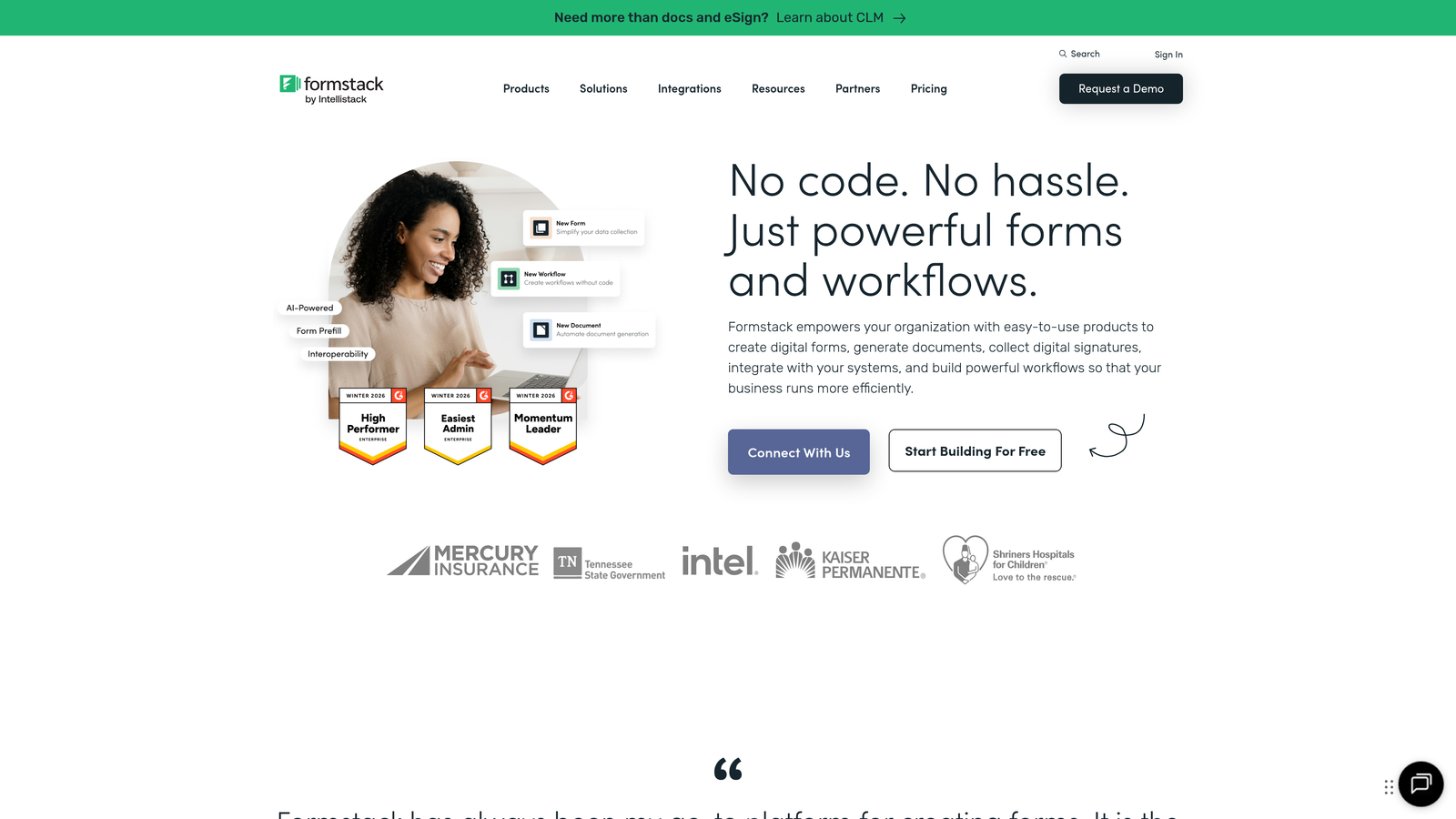
Formstack is an enterprise-grade form solution with sophisticated workflow automation and strong compliance credentials.
Where This Tool Shines
Formstack goes beyond basic form building to offer complete workflow automation. You can trigger document generation, route approvals, send automated follow-ups, and integrate with enterprise systems—all from form submissions.
The platform takes compliance seriously, with HIPAA and GDPR features built in rather than bolted on. For organizations in healthcare, finance, or other regulated industries, this attention to security and compliance reduces risk significantly.
Key Features
Advanced Workflow Automation: Build complex multi-step processes triggered by form submissions.
Document Generation: Automatically create contracts, agreements, and reports from form data.
E-Signature Integration: Collect legally binding signatures directly within your forms.
HIPAA and GDPR Compliance: Enterprise-grade security features for handling sensitive data.
Enterprise SSO: Single sign-on integration with corporate identity management systems.
Best For
Formstack fits large organizations with complex approval workflows, regulated industries requiring compliance documentation, and teams that need forms integrated deeply into enterprise systems.
Pricing
Starter plans begin around $50 monthly for basic features. Teams and Enterprise tiers add advanced automation, compliance features, and dedicated support at higher price points.
6. Paperform
Best for: Design-conscious teams needing beautiful forms with built-in payment processing
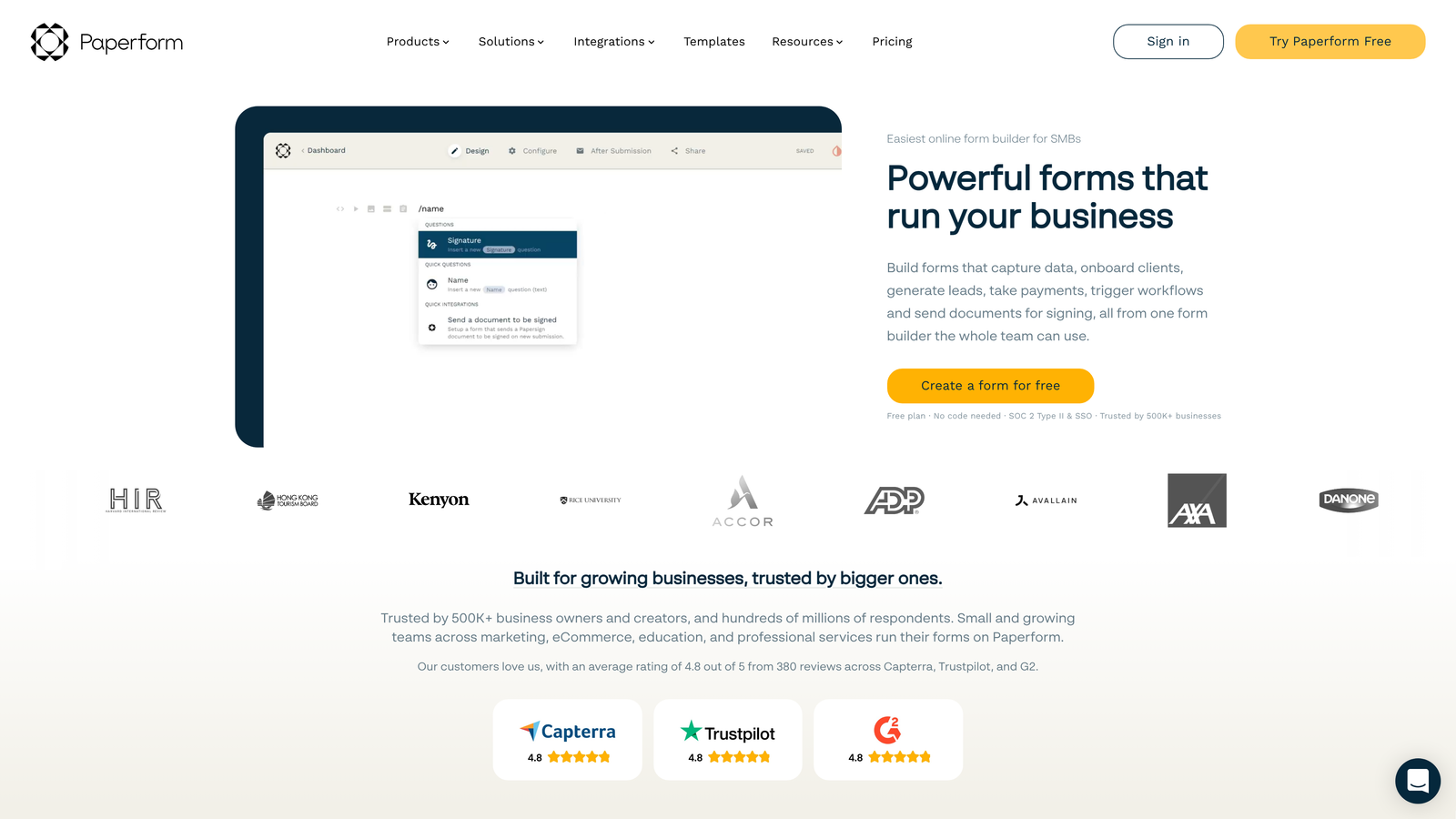
Paperform is a design-forward form builder that combines aesthetic flexibility with powerful functionality including native payments.
Where This Tool Shines
Paperform treats forms as landing pages, giving you extensive design control that most form builders don't offer. You can create forms that look like custom-designed pages rather than generic data collection tools.
The built-in payment processing is particularly strong, supporting product catalogs, booking systems, and subscriptions without external tools. If you're selling products, services, or appointments through forms, Paperform handles the entire transaction flow elegantly.
Key Features
Rich Design Customization: Control layouts, typography, spacing, and styling like a landing page builder.
Built-In Payment Processing: Accept payments through Stripe and PayPal with product catalogs and pricing tables.
Booking and Scheduling: Integrate calendar availability for appointment booking directly in forms.
Product Catalog Forms: Create order forms with product images, descriptions, and quantities.
Calculations and Scoring: Perform math operations and create quizzes with automatic scoring.
Best For
Paperform excels for creative agencies, consultants, coaches, and small businesses that sell services or products online. It's ideal when your forms need to match sophisticated brand standards.
Pricing
Essentials plans start around $24 monthly with reasonable submission limits. Pro and Agency tiers unlock higher volumes and remove branding for client work.
7. Google Forms
Best for: Basic data collection with zero budget and Google Workspace integration
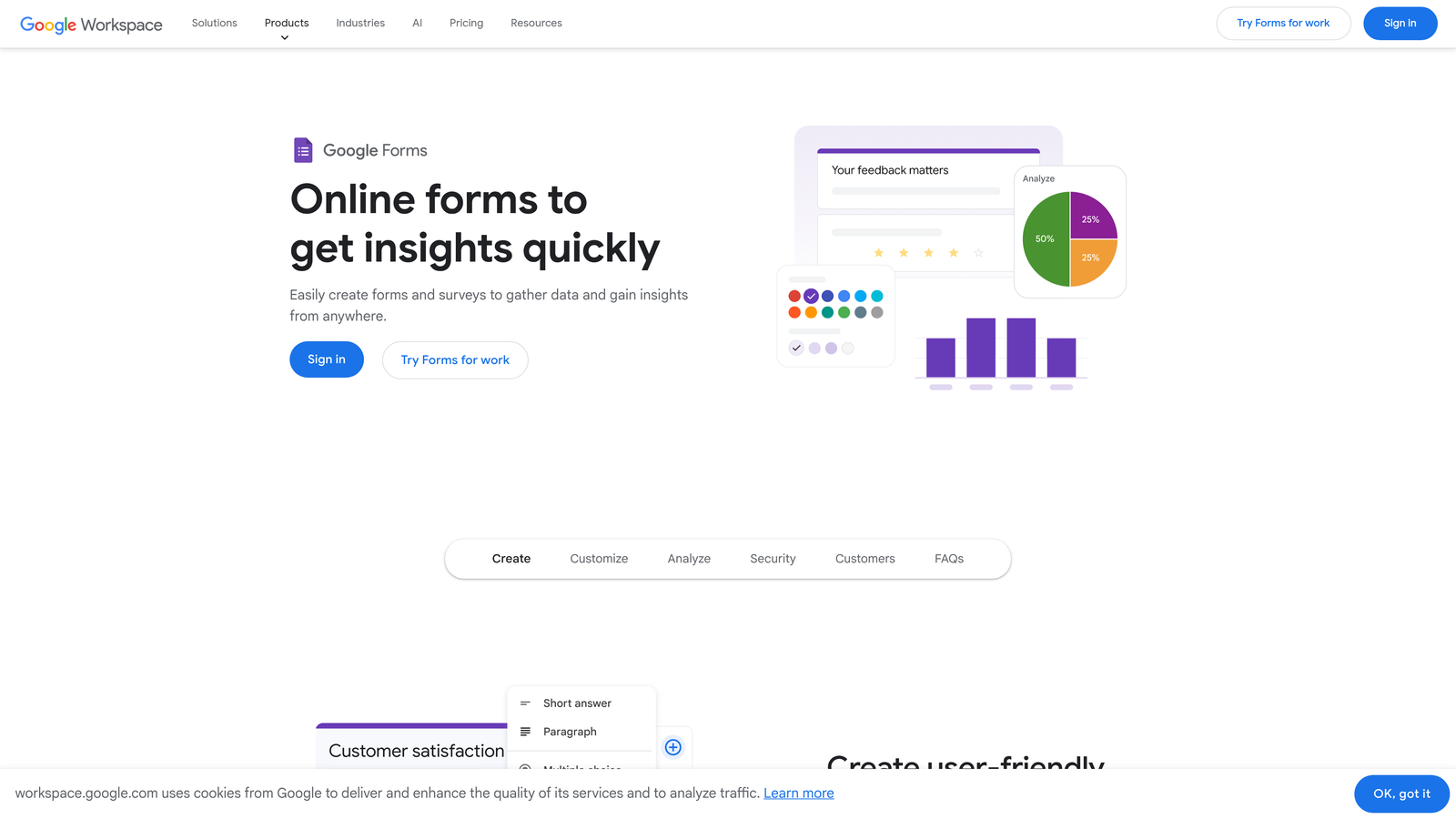
Google Forms is a completely free form builder integrated with Google Workspace for straightforward data collection.
Where This Tool Shines
Google Forms wins on simplicity and cost—it's free, requires no learning curve, and automatically saves responses to Google Sheets. For basic surveys, event registrations, or internal data collection, it handles the job without complications.
The real-time collaboration features mirror other Google Workspace tools, making it natural for teams already using Gmail, Drive, and Docs. Multiple people can edit forms simultaneously, and sharing is as simple as sending a link.
Key Features
Completely Free to Use: No paid tiers, submission limits, or hidden costs with any Google account.
Google Sheets Integration: Responses flow automatically into spreadsheets for analysis.
Real-Time Collaboration: Multiple team members can edit forms simultaneously.
Basic Conditional Logic: Show or hide questions based on previous answers.
Quiz Functionality: Create self-grading quizzes with automatic scoring.
Best For
Google Forms suits schools, nonprofits, small teams, and anyone needing simple forms without budget. It's also perfect for internal surveys and data collection where design doesn't matter.
Pricing
Completely free with any Google account. Google Workspace plans add administrative controls and increased storage but don't change core form functionality.
8. Cognito Forms
Best for: Feature-rich forms with payment collection at accessible price points
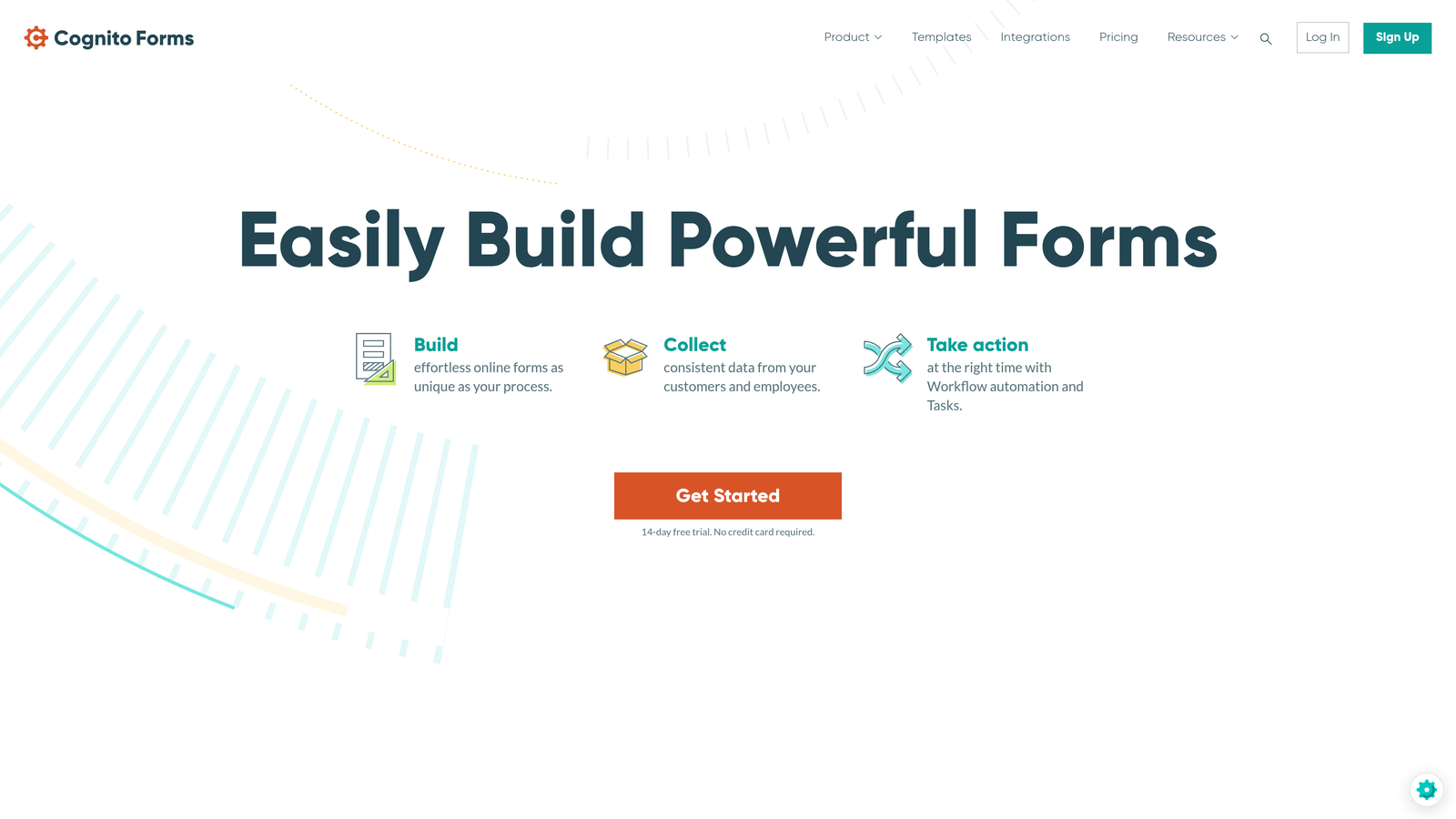
Cognito Forms is a capable form builder offering strong payment processing and advanced features at competitive prices.
Where This Tool Shines
Cognito Forms packs enterprise-level features into mid-market pricing. The repeating sections feature is particularly useful for applications, registrations, and orders where users need to add multiple items or participants.
The calculation engine is more powerful than most competitors, handling complex formulas and conditional pricing. If your forms need to calculate totals, apply discounts, or perform math based on user inputs, Cognito Forms handles it without custom coding.
Key Features
Payment Processing Included: Accept credit cards and payments through Stripe, PayPal, and Square.
Repeating Sections: Let users add multiple items, participants, or entries within a single form.
Calculations and Formulas: Build complex calculations for pricing, scoring, or data validation.
HIPAA Compliance Available: Healthcare compliance features on Team and Enterprise plans.
Workflow Automation: Trigger emails, notifications, and actions based on form submissions.
Best For
Cognito Forms works well for organizations processing registrations, applications, or orders with variable pricing. It's particularly strong for nonprofits and educational institutions needing advanced features affordably.
Pricing
A free tier covers basic needs with reasonable limits. Pro plans start around $15 monthly, making it one of the more affordable options. Team and Enterprise tiers add collaboration and compliance features.
9. 123FormBuilder
Best for: Versatile forms with industry-specific compliance and white-label options
123FormBuilder is a flexible form platform offering industry compliance templates and enterprise features.
Where This Tool Shines
123FormBuilder provides pre-built compliance templates for industries like healthcare, finance, and education. These templates include necessary disclaimers, consent language, and data handling practices specific to each sector.
The white-label options make it attractive for agencies and consultants building forms for clients. You can remove all 123FormBuilder branding and present forms under your own brand, which justifies premium pricing when billing clients.
Key Features
Industry Compliance Templates: Pre-built forms meeting HIPAA, GDPR, and sector-specific requirements.
Advanced Security Features: SSL encryption, data encryption at rest, and secure file uploads.
Multi-Page Forms: Break long forms into manageable pages with progress indicators.
Payment Integrations: Connect with major payment processors for transactions and subscriptions.
White-Label Options: Remove platform branding and use custom domains on higher tiers.
Best For
123FormBuilder suits agencies building forms for multiple clients, organizations in regulated industries, and teams needing flexible deployment options across different domains.
Pricing
A free tier covers basic use cases with limited features. Gold plans start around $25 monthly, with Platinum and Enterprise tiers scaling for higher volumes and advanced needs.
Making the Right Choice
Choosing the right form software subscription depends on where your team sits today and where you're headed. The decision comes down to matching your specific needs against realistic budget constraints.
For teams prioritizing AI-powered lead qualification and conversion optimization, Orbit AI delivers intelligent form experiences that grow with you. The platform's ability to qualify leads automatically while maintaining modern design standards makes it particularly valuable for high-growth teams where lead quality drives revenue.
If conversational design is your priority and you have predictable response volumes, Typeform excels at creating engaging experiences. Budget-conscious teams should explore Tally's generous free tier for unlimited forms or Google Forms when simplicity matters more than features.
Enterprise teams requiring compliance and advanced workflows will find Formstack worth the investment, particularly in regulated industries. For payment collection combined with beautiful design, Paperform handles transactions elegantly without external tools.
Start by mapping your must-have features against your realistic budget. Consider whether you need AI qualification, payment processing, compliance features, or simply reliable data collection. Then take advantage of free trials before committing to annual plans—most platforms offer 15-25% savings on annual subscriptions, but only if you're confident in your choice.
The form software you choose becomes part of your customer's first impression. Choose a subscription plan that not only fits your budget today but scales as your lead generation needs grow. Start building free forms today and see how intelligent form design can elevate your conversion strategy.


