

Marketing forms are often the first real handshake between your brand and a potential customer. Whether you're capturing leads, qualifying prospects, or routing signups, the form builder you choose directly affects your conversion rate.
But most teams are still using clunky, outdated tools that weren't built for modern marketing workflows. The market has evolved well beyond basic contact forms. Today's growth teams need conditional logic, CRM integrations, mobile-responsive design, and increasingly, AI-driven features like lead scoring and smart routing.
This list cuts through the noise. We've evaluated six marketing form builder tools based on ease of use, conversion-focused features, AI capabilities, integration depth, and pricing. Whether you're a lean startup or a scaling SaaS team, here's how each platform stacks up.
1. Orbit AI
Best for: High-growth SaaS and marketing teams that need AI-powered lead qualification built in.
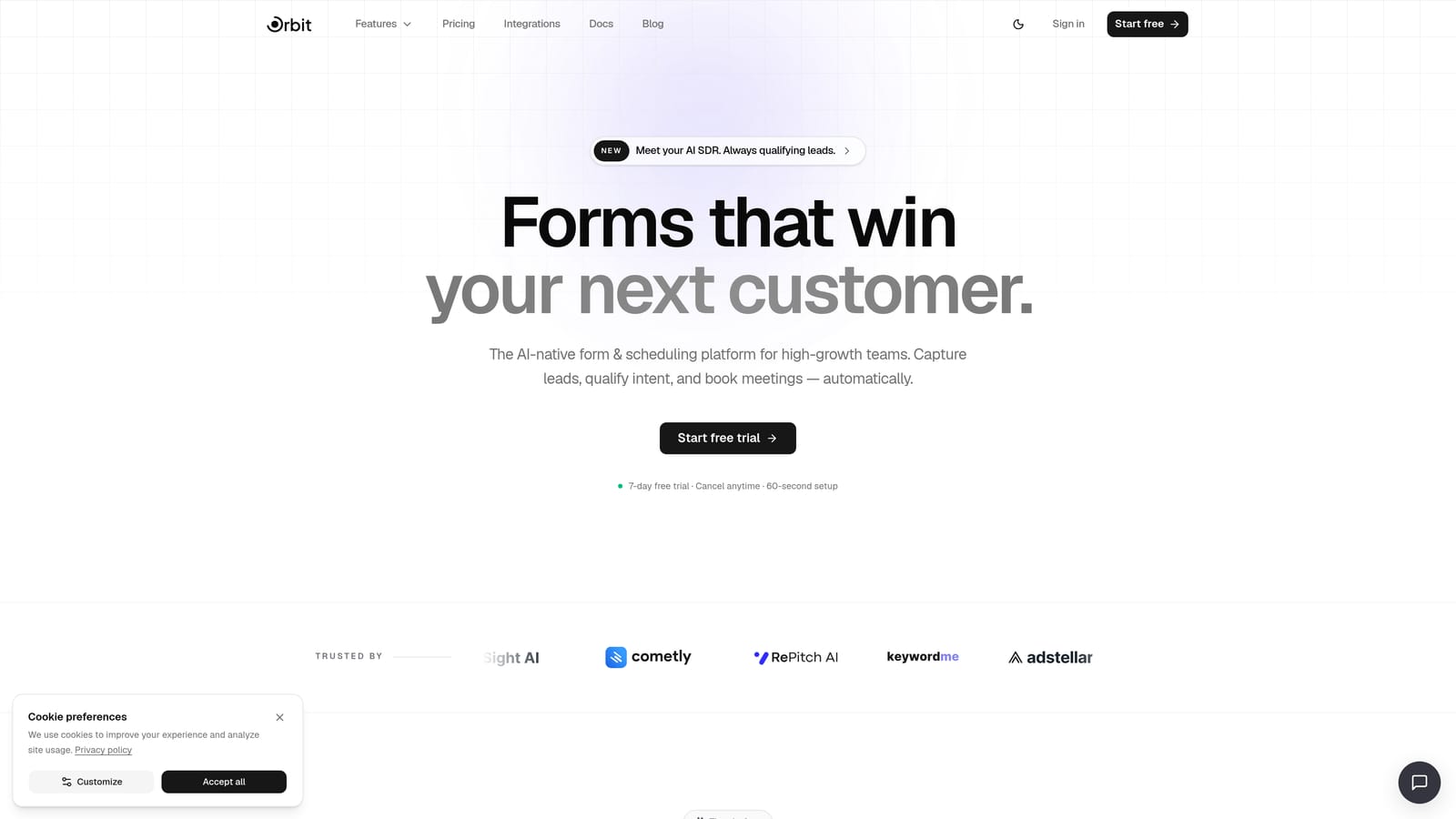
Orbit AI is an AI-native form builder designed specifically for growth-focused teams who need more than a data capture tool.
Where This Tool Shines
Most form builders collect responses and hand them off to a CRM. Orbit AI goes further: lead qualification logic lives directly inside the form layer, so you're not stitching together Zapier workflows and scoring rules after the fact. The result is a tighter, faster loop between form submission and meaningful action.
The platform bundles forms, workflows, sequences, contact management, scheduling, and AI agents into one unified product. For teams tired of paying for five tools to do the job of one, that consolidation is a genuine differentiator.
Key Features
AI-Powered Lead Qualification: Scores and routes leads based on quality signals captured directly within the form experience, with no third-party scoring tool required.
Smart Conditional Logic: Branches and routes respondents dynamically based on their answers, ensuring every lead sees the right next step.
Native Workflows and Sequences: Automates follow-up, nurture sequences, and contact management without needing external automation tools.
Built-In Analytics: Tracks form conversion performance so you can identify drop-off points and optimize without leaving the platform.
AI Agents: Handles automated follow-up and lead handling post-submission, extending the form's impact beyond the initial capture moment.
Best For
SaaS companies and high-growth marketing teams running active lead generation campaigns who want AI qualification, automation, and analytics in a single platform rather than a patchwork of integrations.
Pricing
Visit orbitforms.ai/pricing for current plans. A free starting option is available.
2. Typeform
Best for: Teams prioritizing a conversational, engaging form experience for surveys and lead generation.
Typeform is a conversational form builder known for its one-question-at-a-time format that reduces form fatigue and creates a more interactive experience.

Where This Tool Shines
Typeform's core insight is that presenting one question at a time makes forms feel less overwhelming, which can improve completion rates for longer or more complex forms. The format works particularly well for lead generation surveys, NPS forms, and qualification flows where you want respondents to stay engaged throughout.
The platform has strong brand recognition and a polished UI. Its integration ecosystem covers the major CRM and marketing automation platforms, making it relatively straightforward to connect to existing stacks.
Key Features
Conversational UI Format: Presents one question at a time to create a more engaging, less intimidating form experience.
Logic Jumps and Conditional Branching: Skips or shows questions based on previous answers, keeping forms relevant to each respondent.
CRM and Marketing Integrations: Connects natively with HubSpot, Salesforce, Mailchimp, and Zapier for data routing.
Video and Image Embedding: Allows rich media within forms to add context or personality to individual questions.
AI-Assisted Form Creation: Helps users generate form structures faster based on their stated goals.
Best For
Marketing teams focused on survey-style lead generation, NPS collection, or research forms where the conversational format adds genuine value to the respondent experience.
Pricing
Free plan available. Paid plans start around $25/month billed annually, with advanced features gated behind higher tiers.
3. Jotform
Best for: Teams needing broad template coverage, payment integrations, or compliance-ready forms across diverse use cases.
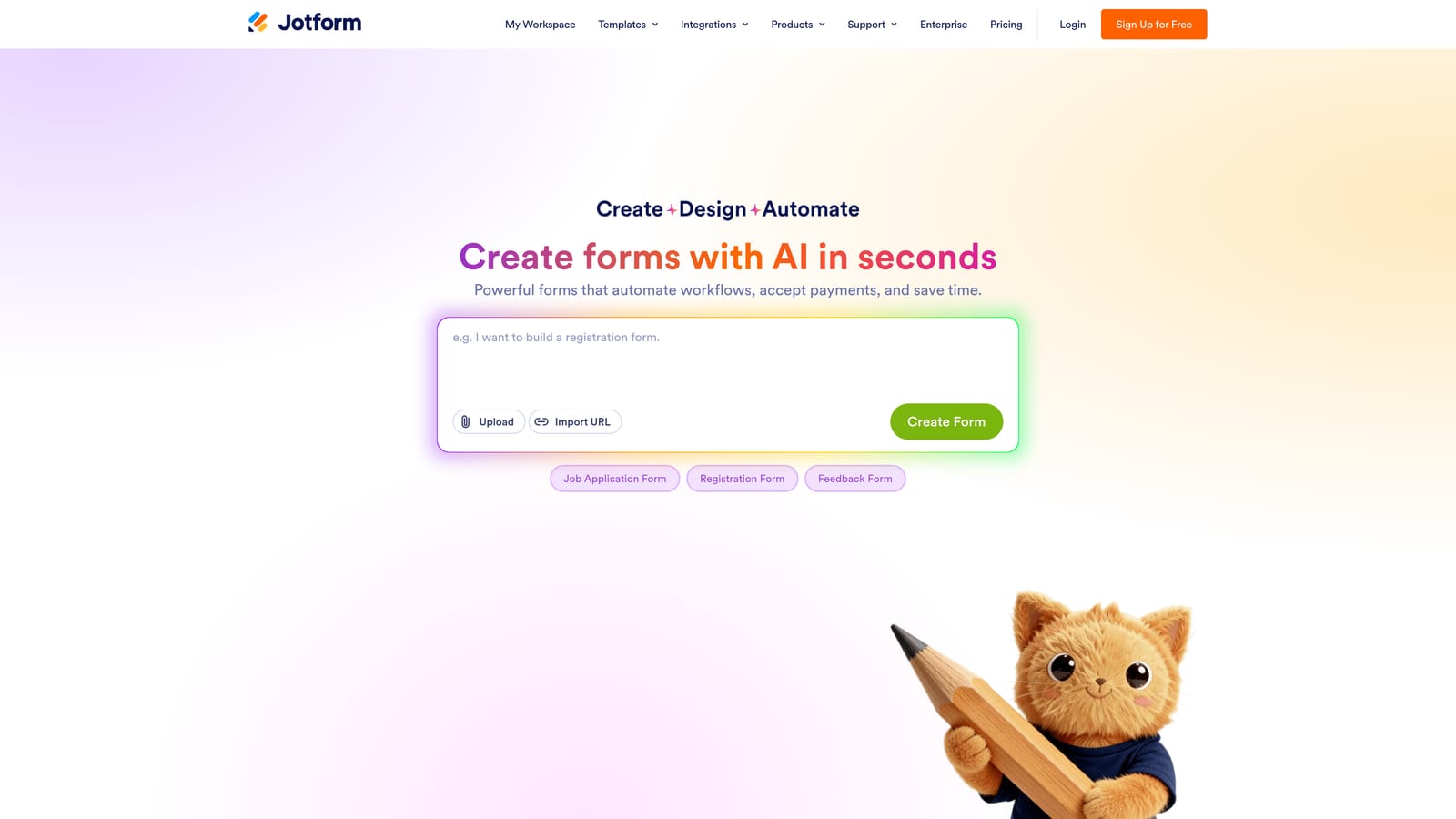
Jotform is one of the most feature-rich form builders available, with thousands of templates and strong support for payment collection and regulated industries.
Where This Tool Shines
Jotform's strength is breadth. Whether you need a marketing lead form, a payment collection form, a healthcare intake form, or an HR onboarding workflow, there's likely a template ready to go. That range makes it a reliable choice for organizations managing forms across multiple departments or use cases.
The platform's reliability and maturity are also worth noting. It's been around long enough to have ironed out most edge cases, and its HIPAA-compliant options make it one of the few form builders suitable for regulated industries without significant additional configuration.
Key Features
Extensive Template Library: Thousands of pre-built templates spanning marketing, healthcare, education, HR, and e-commerce use cases.
Native Payment Integrations: Connects directly with Stripe, PayPal, and Square for collecting payments within forms.
JotForm AI Forms: An AI-assisted form generation feature that helps users build forms faster from a description of their needs.
Conditional Logic and Multi-Page Forms: Supports complex branching and multi-step form flows for longer qualification or application processes.
HIPAA-Compliant Options: Available for healthcare organizations and other regulated industries requiring strict data handling.
Best For
Organizations with diverse form needs across multiple departments, teams requiring payment collection, or businesses operating in regulated industries where compliance is non-negotiable.
Pricing
Free plan available. Paid plans start around $34/month billed annually, scaling with submission volume and feature requirements.
4. Paperform
Best for: Marketers and small business owners who want forms that function as standalone mini landing pages.
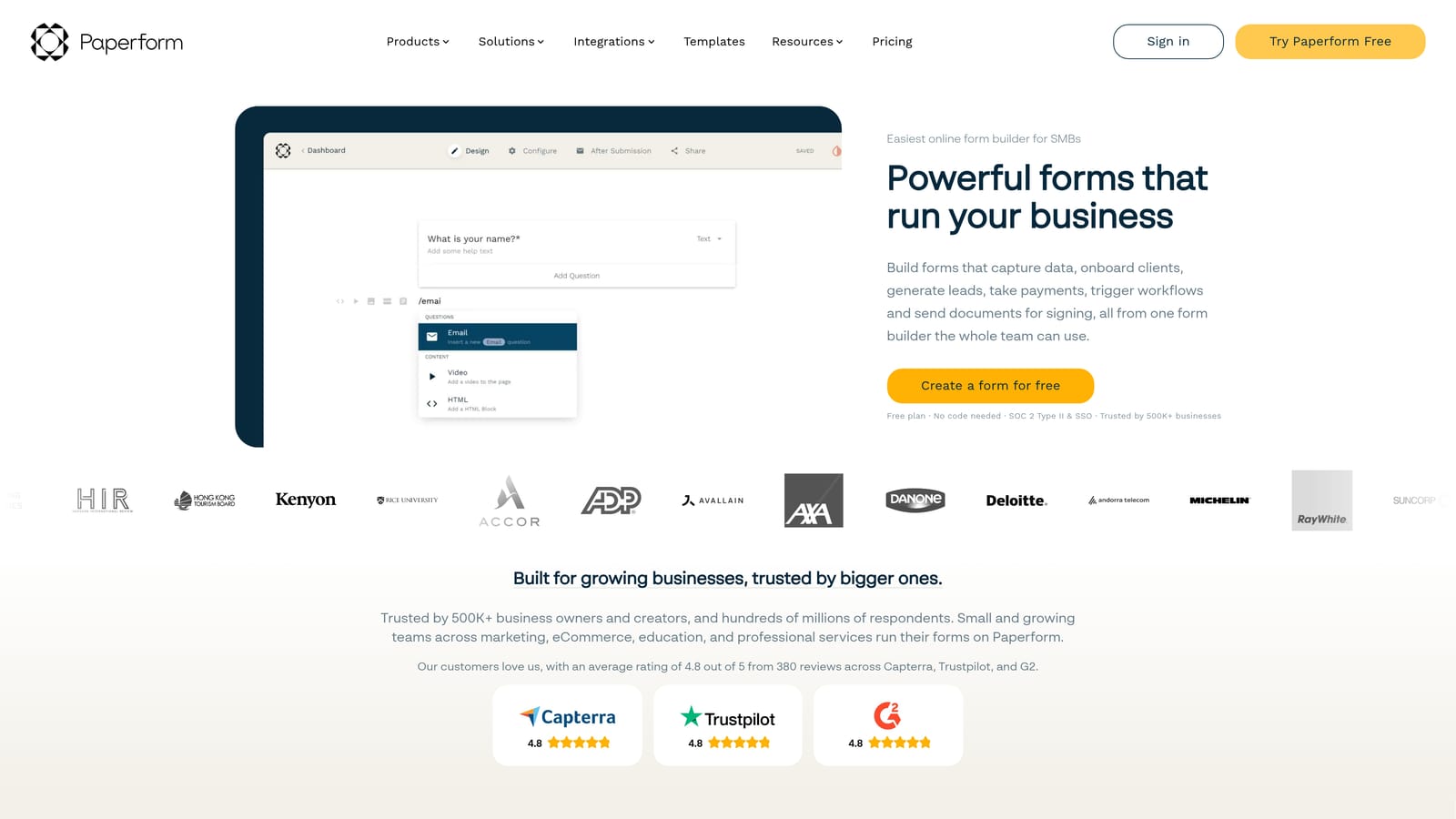
Paperform is a flexible form builder that blends form functionality with landing page design, supporting rich media, product sales, and payments all in one place.
Where This Tool Shines
Paperform's defining characteristic is how much it blurs the line between a form and a landing page. You can embed images, video, rich text, and product listings directly alongside your form fields, creating an experience that feels more like a branded campaign page than a traditional data collection form.
This makes it particularly effective for campaign-specific lead capture, product pre-orders, event registrations with detailed context, or any situation where you want the form itself to do some of the selling before the submit button is clicked.
Key Features
Rich Media Embedding: Supports text, images, and video directly within the form layout to add context and personality alongside form fields.
Built-In Payment and Product Sales: Handles payments and product transactions natively without requiring a separate e-commerce tool.
Custom Layouts as Mini Landing Pages: Lets you design form pages that function as standalone campaign assets with full visual customization.
Conditional Logic and Calculations: Supports dynamic field behavior and calculated outputs for pricing, scoring, or custom results.
Broad Integration Support: Connects with Zapier, Slack, Notion, and major email marketing platforms for workflow continuity.
Best For
Solo marketers, small business owners, and campaign managers who want a visually rich form experience that doubles as a lightweight landing page, especially for product launches or event promotions.
Pricing
Starts around $24/month billed annually. There is no permanent free tier, though a trial period is available.
5. Tally
Best for: Indie founders, content creators, and lean teams who need unlimited forms with a clean, modern aesthetic at low or no cost.
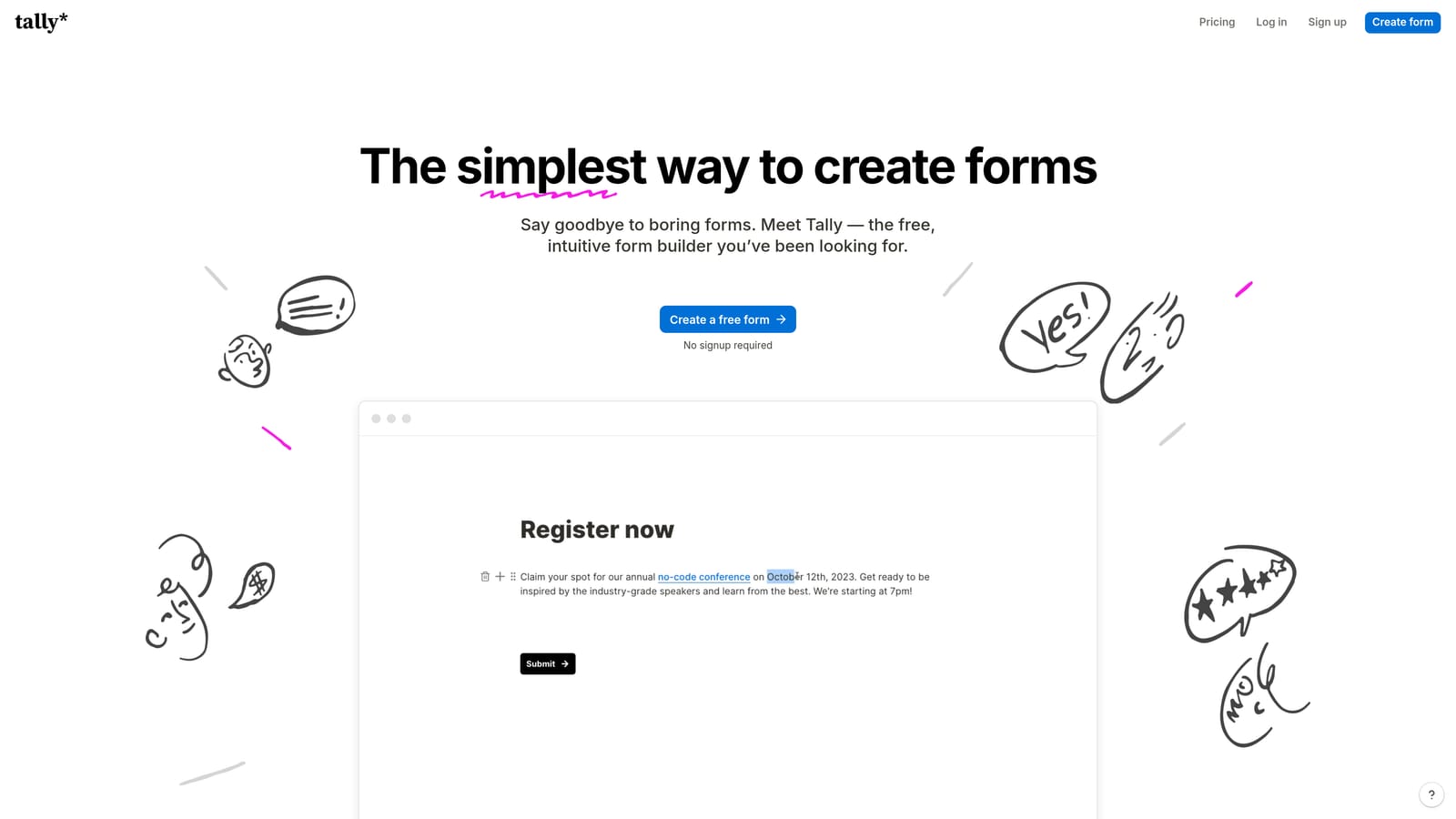
Tally is a Notion-inspired free form builder with a block-based editor, unlimited forms on the free plan, and a minimal design aesthetic that suits modern brands.
Where This Tool Shines
Tally's free plan is genuinely generous. Unlimited forms and unlimited responses without a submission cap makes it stand out from competitors who restrict volume on free tiers. For bootstrapped teams or early-stage startups testing form flows before committing to a paid tool, that's a meaningful advantage.
The block-based editor will feel immediately familiar to anyone who uses Notion. Building a form is intuitive and fast, and the clean output looks polished without requiring any design work. It's a low-friction entry point for teams that just need something that works and looks good.
Key Features
Unlimited Forms and Responses on Free Plan: No submission caps or form limits on the free tier, making it accessible for teams at any stage.
Block-Based Notion-Style Editor: Drag-and-drop block interface that makes form building fast and intuitive for anyone familiar with modern productivity tools.
Conditional Logic and File Uploads: Supports branching logic and file collection for more complex form flows even on lower tiers.
Custom Domains and Branding: Available on the paid plan for teams that need white-labeled or branded form experiences.
Embed Anywhere: Forms can be embedded on any website or shared as standalone links, with Tally branding removed on the paid tier.
Best For
Indie hackers, bootstrapped founders, content creators, and small teams who prioritize simplicity and cost-efficiency over advanced marketing automation or CRM-depth integrations.
Pricing
Free plan available with no submission limits. Pro plan starts around $29/month billed annually for custom branding, custom domains, and additional features.
6. Formstack
Best for: Large organizations needing enterprise-grade workflow automation, document generation, and compliance-ready data handling.
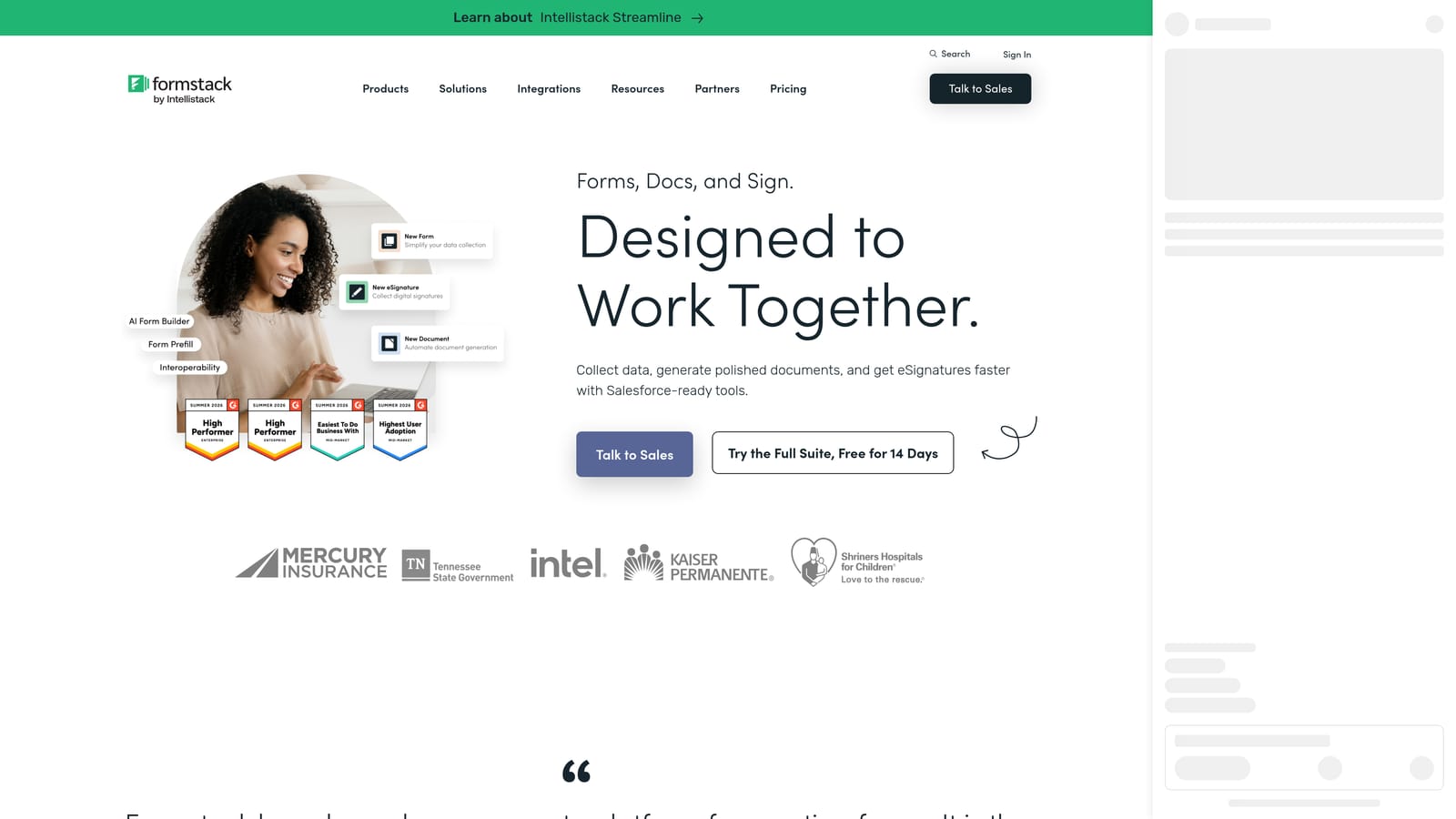
Formstack is an enterprise-grade form and workflow automation platform that goes well beyond lead capture, with document generation, e-signatures, and deep compliance features built in.
Where This Tool Shines
Formstack is built for organizational complexity. Where most form builders stop at data collection and hand off to a CRM, Formstack continues into document generation, approval routing, e-signature collection, and multi-department workflow management. For large organizations with layered processes, that depth is hard to replicate with simpler tools.
Its compliance infrastructure is also a differentiator for healthcare, finance, and other regulated sectors. HIPAA-ready data handling combined with Salesforce and Microsoft ecosystem integrations makes it a natural fit for enterprise teams already operating within those technology environments.
Key Features
Advanced Workflow Automation and Approval Routing: Manages multi-step approval processes across departments, not just simple form-to-CRM data transfers.
Document Generation and E-Signatures: Creates documents from form data and collects legally valid signatures within the same platform.
Enterprise Ecosystem Integrations: Deep integration with Salesforce and the Microsoft ecosystem for organizations already invested in those platforms.
HIPAA and Compliance-Ready Data Handling: Built for regulated industries with strict requirements around data storage, access, and processing.
Multi-Department Form Management: Supports large organizations managing forms and workflows across multiple teams, regions, or business units.
Best For
Large enterprises, healthcare organizations, and financial institutions that need workflow automation, document generation, and compliance infrastructure alongside form building. Not typically the right fit for lean startup teams or straightforward marketing lead capture.
Pricing
Starts around $83/month billed annually. Enterprise pricing is available on request for larger organizations with more complex requirements.
Which Tool Is Right for Your Stack?
The right form builder depends almost entirely on what you're trying to accomplish and where you are as a team.
If you're running active lead generation campaigns and need AI-powered qualification, automated follow-up, and conversion analytics without stitching together multiple tools, Orbit AI is the most purpose-built option in this list. It's designed specifically for the growth-focused use case, not adapted from a general-purpose tool.
For teams that prioritize a polished conversational experience for surveys and NPS forms, Typeform remains a strong choice. If you need broad template coverage or compliance-ready forms across multiple departments, Jotform's depth is hard to beat. Paperform earns its place for campaign-specific forms that need to function as mini landing pages. Tally is the clear winner for teams that need something clean and unlimited at zero cost. And Formstack is the right call when enterprise workflow complexity and document generation are the primary requirements.
The honest takeaway: most marketing teams don't need enterprise complexity or a basic free tool. They need something purpose-built for lead generation, qualification, and conversion, with AI that works at the form layer rather than bolted on as an afterthought.
Transform your lead generation with AI-powered forms that qualify prospects automatically while delivering the modern, conversion-optimized experience your high-growth team needs. Start building free forms today and see how intelligent form design can elevate your conversion strategy.


