

Webflow gives you incredible design freedom, but its native form capabilities can feel limiting when you need conditional logic, multi-step flows, or advanced lead qualification. The right form builder integration transforms your Webflow site from a beautiful brochure into a conversion machine.
We evaluated dozens of form tools based on Webflow compatibility, design flexibility, lead management features, and value for high-growth teams. Here are the top form builders that work seamlessly with Webflow in 2026.
1. Orbit AI
Best for: High-growth teams that need intelligent lead qualification built into their forms
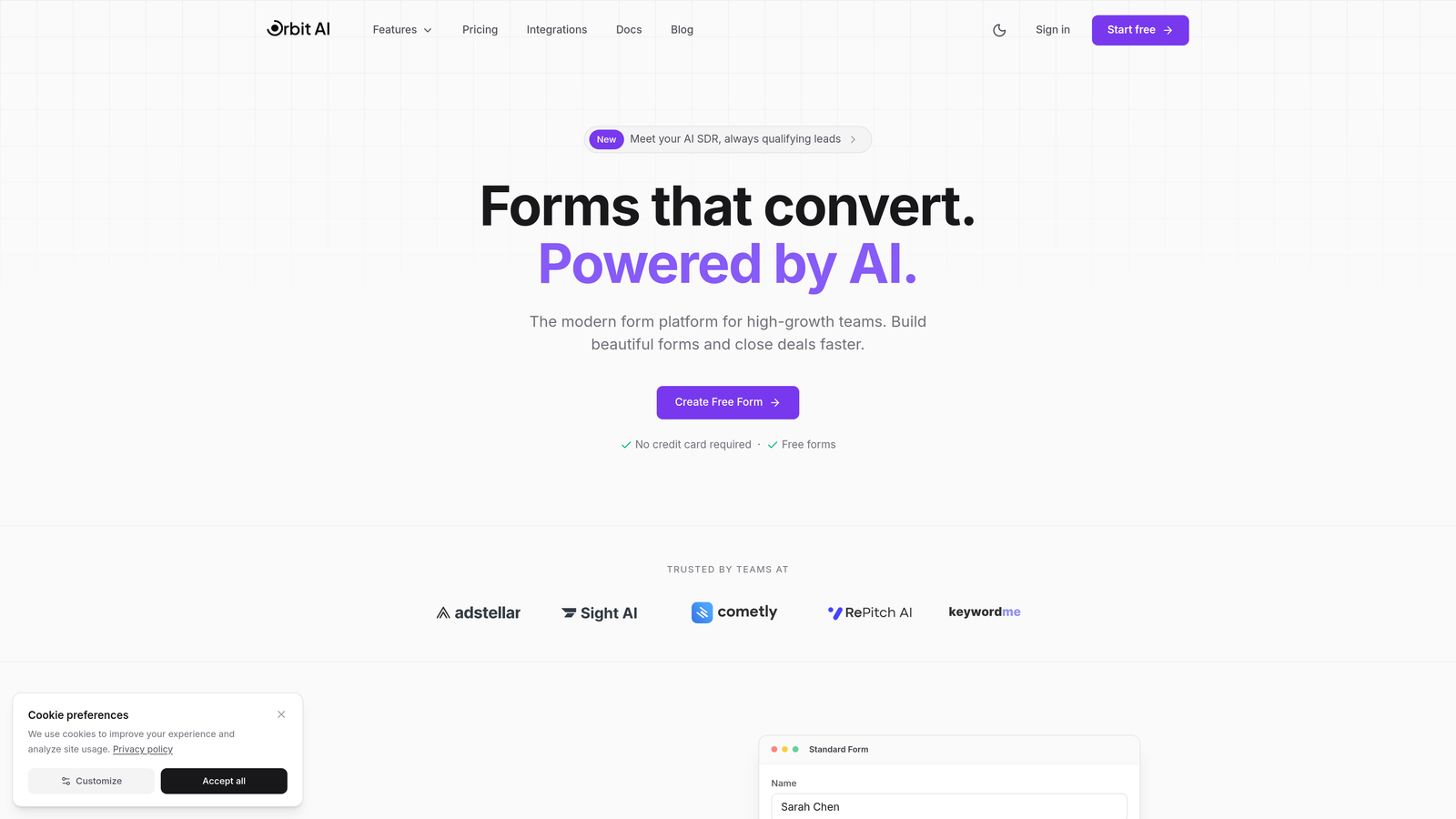
Orbit AI is an AI-powered form builder designed specifically for teams that need to qualify leads automatically while maintaining the clean, modern aesthetic that Webflow users expect.
Where This Tool Shines
Orbit AI stands out by solving a problem most form builders ignore: lead quality. While other tools focus purely on collecting responses, Orbit AI uses intelligent scoring to identify your best prospects before they reach your sales team.
The platform delivers multi-step forms with conditional logic that adapts based on responses, creating personalized experiences that feel natural rather than robotic. The design language matches Webflow's modern aesthetic without requiring custom CSS.
Key Features
AI-Powered Lead Scoring: Automatically qualifies prospects based on their responses, routing high-value leads directly to your sales team.
Multi-Step Conditional Logic: Creates dynamic form experiences that adapt to each visitor's answers without complex setup.
Native CRM Integrations: Connects directly with HubSpot, Salesforce, and Pipedrive to sync qualified leads instantly.
Automated Workflow Triggers: Launches specific actions based on lead quality scores or response patterns.
Conversion-Optimized Design: Pre-built templates designed for high conversion rates that complement Webflow's design system.
Best For
Teams running sophisticated lead generation campaigns who need more than basic form submissions. Ideal for SaaS companies, agencies, and B2B businesses where lead quality matters more than lead volume.
Pricing
Pricing is quoted on a short demo, and Orbit has no free plan. Book a demo to see it with your own forms.
2. Typeform
Best for: Creating engaging, conversational form experiences with high completion rates
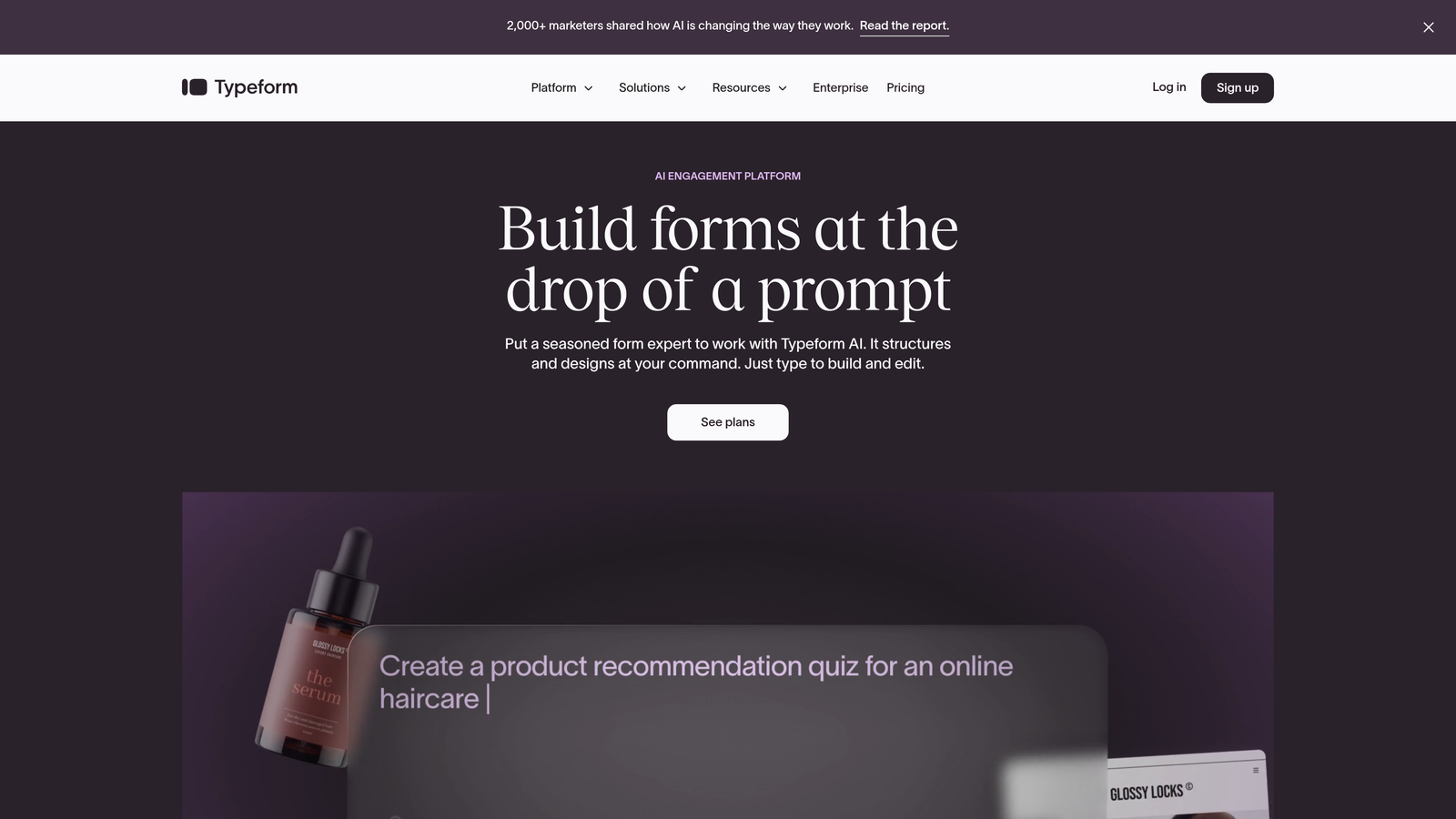
Typeform is the form builder that popularized the one-question-at-a-time approach, creating experiences that feel more like conversations than traditional forms.
Where This Tool Shines
Typeform excels at engagement. The signature one-question-per-screen format reduces cognitive load and creates a sense of progress that keeps visitors moving forward. This approach consistently delivers higher completion rates than traditional multi-field forms.
The platform's design flexibility lets you embed rich media throughout the experience. Add videos, images, or GIFs to any question, creating memorable interactions that align with your brand.
Key Features
Conversational Interface: One question at a time creates focused, distraction-free experiences.
Logic Jumps: Routes respondents to different questions based on their answers for personalized paths.
Rich Media Embedding: Incorporates videos, images, and GIFs directly into form questions.
Analytics Dashboard: Tracks completion rates, drop-off points, and response patterns.
Integration Library: Connects with hundreds of tools including Slack, Google Sheets, and major CRMs.
Best For
Marketing teams focused on creating memorable brand experiences through forms. Works well for surveys, quizzes, lead capture, and customer feedback where engagement matters.
Pricing
Free tier includes 10 responses per month. Basic plan starts at $25/month with unlimited responses and logic jumps.
3. Jotform
Best for: Teams that need extensive templates and payment processing capabilities
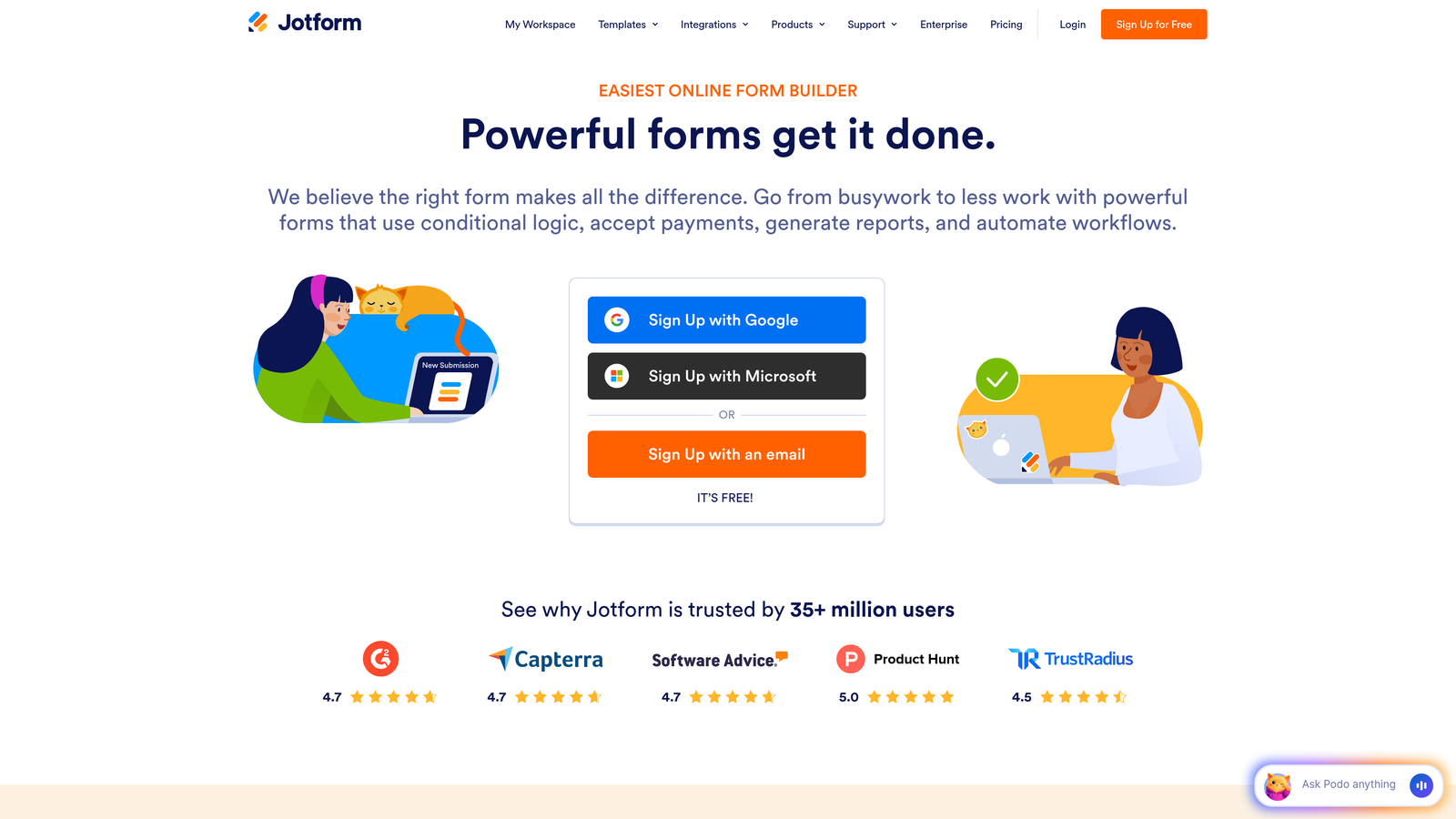
Jotform is a feature-rich platform offering one of the largest template libraries in the form builder space, with pre-built forms for virtually every use case.
Where This Tool Shines
Jotform's template library is unmatched. With over 500 professionally designed forms spanning every industry and use case, you can launch sophisticated forms in minutes. Each template is fully customizable through an intuitive drag-and-drop builder.
The platform handles complex requirements like payment processing, PDF generation, and HIPAA compliance. This makes it valuable for businesses with specialized needs beyond basic lead capture.
Key Features
500+ Templates: Pre-built forms for registration, orders, applications, surveys, and more.
Payment Integration: Accepts payments through PayPal, Square, Stripe, and other processors.
PDF Form Generation: Automatically converts submissions into formatted PDF documents.
HIPAA Compliance: Meets healthcare industry requirements for protected health information.
Conditional Logic: Shows or hides fields based on previous responses.
Best For
Businesses that need payment collection, PDF generation, or compliance features. Particularly strong for e-commerce, registration forms, and applications requiring document generation.
Pricing
Free tier includes 5 forms with 100 monthly submissions. Bronze plan starts at $34/month with 25 forms and 1,000 submissions.
4. Tally
Best for: Budget-conscious teams wanting modern forms with generous free features
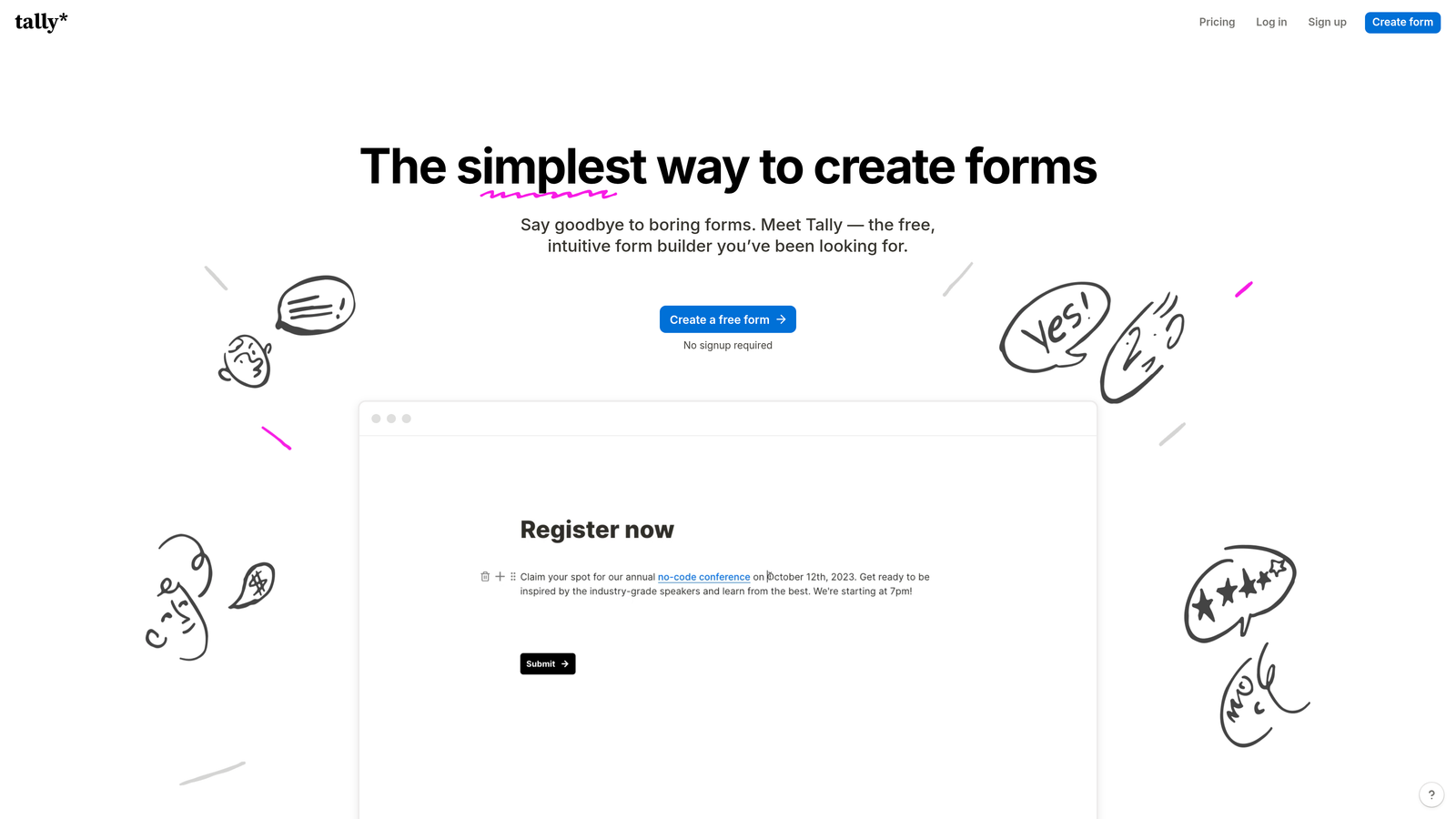
Tally is a minimalist form builder with a Notion-inspired interface that offers surprisingly powerful features on a genuinely generous free tier.
Where This Tool Shines
Tally's free tier is remarkably generous. Unlike competitors that heavily restrict free plans, Tally offers unlimited forms, unlimited responses, and includes conditional logic at no cost. This makes it accessible for startups and small teams.
The Notion-style block editor feels immediately familiar if you've used modern productivity tools. Building forms becomes intuitive, with blocks for text, images, files, and interactive elements that snap together naturally.
Key Features
Unlimited Free Forms: No artificial limits on form creation or response volume.
Block-Based Editor: Notion-style interface makes form building intuitive and fast.
Conditional Logic Included: Show or hide questions based on responses, even on free plan.
File Uploads: Collect documents, images, and signatures without upgrading.
Clean Modern Design: Minimalist aesthetic that complements contemporary Webflow sites.
Best For
Startups and small teams that need professional forms without monthly fees. Excellent for lead capture, contact forms, and surveys where simplicity matters.
Pricing
Free tier is genuinely useful with unlimited forms and responses. Pro plan at $29/month adds custom domains, hidden fields, and priority support.
5. Fillout
Best for: Teams using Airtable or Notion as their database layer
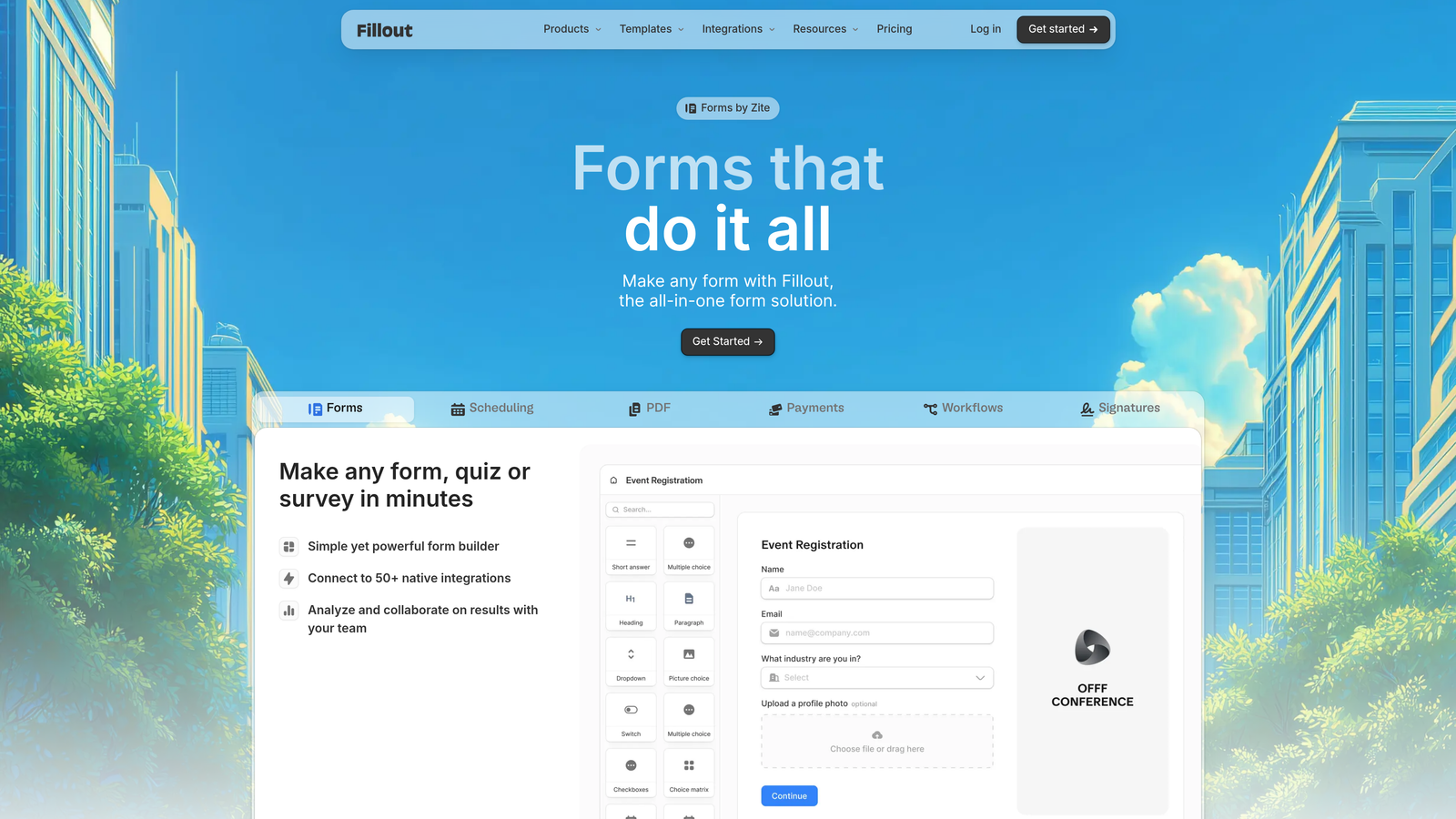
Fillout is a form builder designed specifically for teams that want native synchronization with Airtable and Notion databases.
Where This Tool Shines
Fillout's native Airtable and Notion integrations eliminate the middleware layer. Form submissions write directly to your database, and you can pull existing data into forms for pre-filling or dynamic content. This creates a seamless workflow for teams already invested in these platforms.
The calculation and formula fields handle complex logic within forms themselves. Compute prices, scores, or conditional values without requiring external tools or manual work.
Key Features
Native Airtable Sync: Forms read from and write to Airtable bases without third-party connectors.
Notion Integration: Submissions flow directly into Notion databases with full property mapping.
Calculation Fields: Perform math operations and conditional logic within form responses.
Stripe Payment Collection: Accept payments with automatic receipt generation.
Scheduling Integration: Embed calendar booking directly into forms.
Best For
Teams that have built their operations around Airtable or Notion and want forms that integrate natively with those systems. Strong for order forms, applications, and booking systems.
Pricing
Free tier includes basic features. Starter plan at $15/month adds Airtable sync, calculations, and payment collection.
6. Paperform
Best for: Creating document-style forms with rich media and e-commerce capabilities
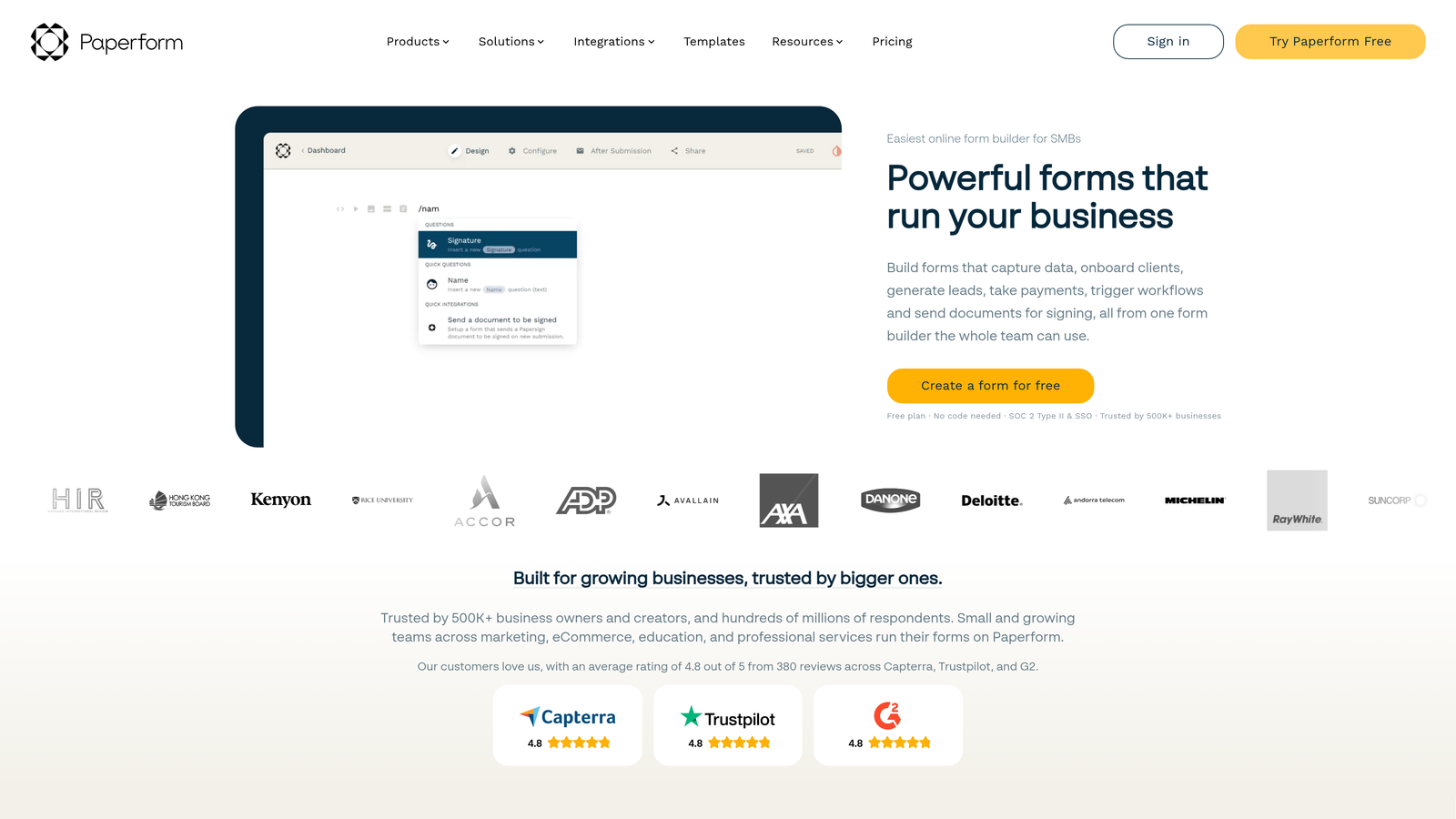
Paperform is a unique form builder that treats forms like documents, allowing you to mix questions with rich text, images, and product catalogs in a flowing layout.
Where This Tool Shines
Paperform's document-style approach breaks the traditional form mold. Instead of rigid question blocks, you create flowing experiences that mix questions, explanatory text, images, and videos. This creates forms that feel more like landing pages than traditional data collection tools.
The e-commerce features are surprisingly robust. Build product catalogs with variants, quantities, and calculations. Accept payments through multiple processors while maintaining complete design control.
Key Features
Document-Style Layout: Mix form fields with rich content for cohesive, branded experiences.
Rich Media Embedding: Integrate videos, images, and formatted text throughout forms.
Product Catalogs: Display products with images, variants, and dynamic pricing.
Calculation Fields: Compute totals, discounts, and conditional pricing automatically.
Custom Success Pages: Design branded confirmation experiences with dynamic content.
Best For
Businesses selling products or services through forms, or teams that want forms to feel like cohesive landing page experiences. Excellent for orders, bookings, and registrations.
Pricing
No free tier available. Essentials plan starts at $24/month with unlimited forms and responses.
7. Formspree
Best for: Developers who want a simple backend for HTML forms
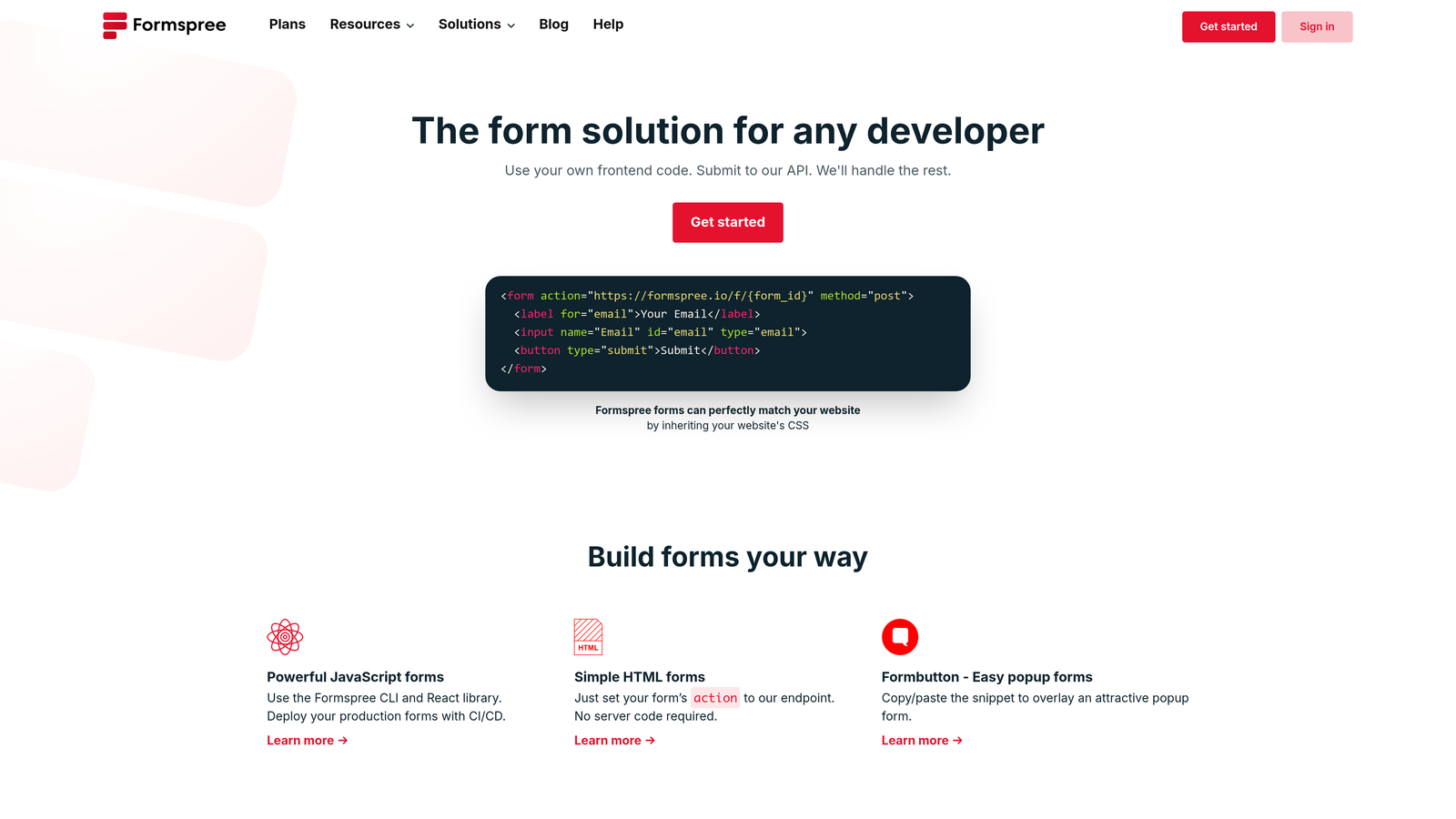
Formspree is a developer-friendly service that handles form submissions for any HTML form without requiring JavaScript or complex setup.
Where This Tool Shines
Formspree keeps things simple for developers. Point your form's action attribute to a Formspree endpoint, and submissions automatically route to your email or integrations. No JavaScript required, no complex configuration, no database management.
This approach gives you complete design control. Build forms directly in Webflow's designer using native form elements, then let Formspree handle the backend. The form looks exactly how you want because you built it yourself.
Key Features
Works With HTML Forms: Compatible with any form markup, including Webflow's native forms.
No JavaScript Required: Pure HTML form submission with server-side processing.
Spam Filtering: Built-in protection against bot submissions and spam.
Webhooks Available: Trigger custom actions or integrations when forms are submitted.
File Upload Support: Accept file attachments up to 10MB per submission.
Best For
Developers and technical teams who want full design control over forms but need reliable backend processing. Ideal for simple contact forms and lead capture.
Pricing
Free tier includes 50 submissions per month. Gold plan at $10/month increases limit to 1,000 submissions with advanced features.
8. Basin
Best for: Simple form backend specifically designed for Webflow native forms
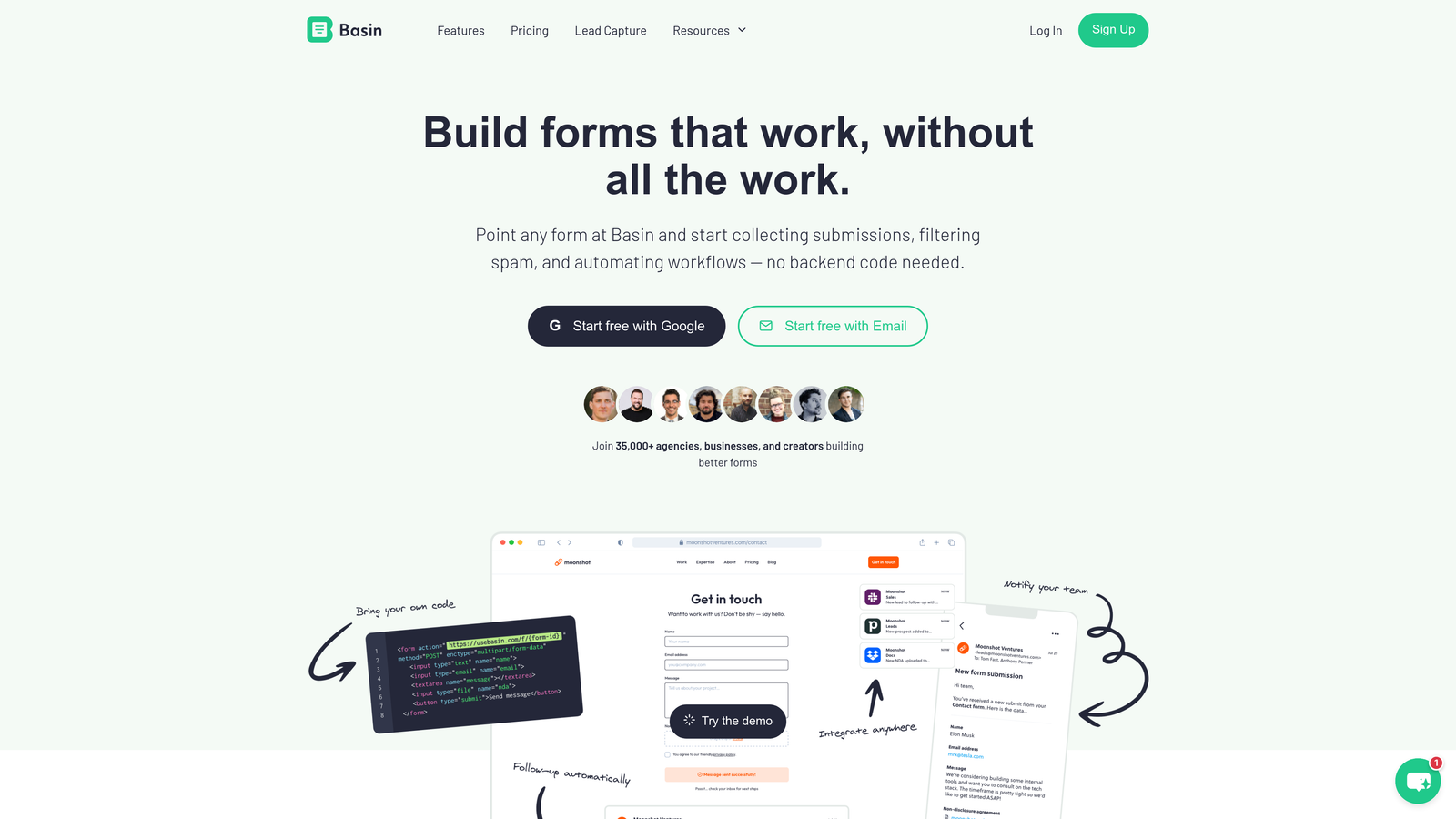
Basin is a form backend service built specifically for static sites and Webflow, offering straightforward submission handling without complexity.
Where This Tool Shines
Basin focuses exclusively on being a great form backend. It works seamlessly with Webflow's native form element, requiring only a simple URL change in your form settings. Submissions arrive in a clean dashboard, forward to your email, or connect to Zapier for automation.
The spam filtering through Akismet integration keeps your inbox clean without requiring CAPTCHA challenges that hurt conversion rates. Set it up once and forget about it.
Key Features
Webflow Native Form Support: Works directly with Webflow's built-in form element.
Akismet Spam Filtering: Automatically blocks spam without user-facing challenges.
File Upload Handling: Accepts file attachments through form submissions.
Zapier Integration: Connects submissions to thousands of apps and workflows.
Custom Redirects: Send users to specific pages after successful submission.
Best For
Teams that want to use Webflow's native forms but need better submission management and spam protection. Perfect for contact forms and simple lead capture.
Pricing
Free tier includes 100 submissions per month. Basic plan at $4.17/month increases limit to 1,000 submissions.
9. Wized
Best for: Building complex, dynamic web applications within Webflow
Wized is a Webflow-specific tool that extends the platform's capabilities, enabling dynamic form behavior, user authentication, and API connections without custom code.
Where This Tool Shines
Wized transforms Webflow from a static site builder into a dynamic application platform. Create forms that interact with external APIs, filter CMS data based on user input, or build multi-step workflows with complex conditional logic.
The deep Webflow integration means you work within familiar territory. Use Webflow's designer to build interfaces, then add dynamic behavior through Wized's visual configuration. No code required, but unlimited possibilities.
Key Features
Deep Webflow Integration: Extends Webflow's capabilities without leaving the platform.
Dynamic Form Behavior: Create forms that respond to user input in real-time.
User Authentication: Build login systems and member-only experiences.
CMS Data Filtering: Display dynamic content based on form inputs or user attributes.
API Connections: Connect forms to external services without writing code.
Best For
Advanced Webflow users building complex applications like portals, dashboards, or multi-step workflows. Requires more technical understanding than standard form builders.
Pricing
Free tier available with limited functionality. Pro plan at $19/month unlocks advanced features and higher usage limits.
Making the Right Choice
Your ideal form builder depends on your specific needs and workflow. If lead quality matters more than lead volume, Orbit AI's intelligent qualification features help your sales team focus on prospects most likely to convert. The AI-powered scoring eliminates manual lead sorting while maintaining the modern design your Webflow site deserves.
For teams prioritizing engagement and completion rates, Typeform's conversational approach consistently delivers higher response rates than traditional forms. The one-question-at-a-time format creates focused experiences that feel less overwhelming.
Budget-conscious teams should explore Tally's generous free tier. Unlike competitors that restrict free plans to the point of being unusable, Tally offers unlimited forms and responses with conditional logic included. This makes it viable for startups and small teams without monthly fees.
Teams building complex Webflow applications need Wized's advanced capabilities. While it requires more technical understanding, the ability to create dynamic forms, user authentication, and API connections transforms Webflow into a full application platform.
The backend-only services like Formspree and Basin work well if you want complete design control and are comfortable working with Webflow's native forms. These tools handle submissions reliably while letting you maintain pixel-perfect control over form appearance.
Consider your team's priorities: Do you need to qualify leads automatically? Are you collecting payments? Do you want conversational experiences or document-style layouts? Does your tech stack revolve around Airtable or Notion? The answers guide you toward the right solution.
Book a demo and see how intelligent form design can elevate your conversion strategy. Transform your lead generation with AI-powered forms that qualify prospects automatically while delivering the modern, conversion-optimized experience your high-growth team needs.


