

Squarespace is genuinely beautiful. It handles design, hosting, and content with elegance that few platforms match. But its built-in form block is intentionally basic: it captures a name, an email, maybe a message, and sends you a notification. That's it.
If you're running a high-growth business that needs conditional logic, multi-step flows, lead qualification, or CRM integrations, you've already hit the ceiling. The good news is that embedding a third-party form builder into Squarespace is straightforward, and the right tool can turn a simple contact form into a genuine conversion engine.
This guide covers the top form builders that work seamlessly with Squarespace in 2026, evaluated on embed flexibility, design quality, automation capabilities, and how well they support lead generation goals. Whether you're capturing leads, booking clients, or qualifying prospects before they reach your sales team, there's a right fit here for your stack.
1. Orbit AI
Best for: High-growth SaaS and service teams who want Squarespace forms that qualify leads, not just collect them.
Orbit AI is an AI-powered form builder built specifically for teams who treat lead generation as a strategic function, not an afterthought.

Where This Tool Shines
Most form builders are passive: they collect data and hand it off. Orbit AI is different because qualification logic is built directly into the form flow. As a prospect moves through a multi-step form, the AI evaluates their responses in real time, helping your team prioritize the leads most likely to convert before anyone picks up the phone.
For Squarespace users, the embed experience is clean. You paste the provided code snippet into Squarespace's Code Block, and the form renders natively within your page design. No awkward iframes, no mismatched styling. The forms are conversion-optimized by default, with mobile-responsive layouts that feel intentional rather than retrofitted.
Key Features
AI-Powered Lead Qualification: Qualification logic runs inside the form itself, scoring and routing prospects based on their answers automatically.
Multi-Step Form Design: Break long forms into focused, conversion-optimized steps that reduce drop-off and improve completion rates.
Workflow Automation and Follow-Up Sequences: Trigger personalized follow-up sequences the moment a form is submitted, keeping leads warm without manual effort.
Analytics Dashboard: Track form performance, completion rates, and lead quality metrics in one place, giving your team data to optimize over time.
Scheduler Integration: Let qualified prospects book directly from the form, collapsing the gap between interest and conversation.
Best For
Orbit AI is the strongest fit for SaaS companies, agencies, and service businesses that use Squarespace as their primary web presence and want their forms to act as a qualification layer, not just a data capture layer. If your sales team is spending time on unqualified leads, this is where the problem gets solved upstream.
Pricing
Visit orbitforms.ai/pricing for current plans. A free starting option is available to get your first forms live quickly.
2. Typeform
Best for: Agencies and creative businesses that prioritize polished, on-brand form experiences.
Typeform is a conversational form builder known for its distinctive one-question-at-a-time interface and strong visual customization options.

Where This Tool Shines
Typeform's core strength is the experience it creates for the person filling out the form. Rather than presenting a wall of fields, it guides respondents through questions one at a time, which tends to feel more engaging and less intimidating. For brand-conscious teams, the design customization is genuinely impressive: fonts, colors, backgrounds, and imagery can all be tailored to match a Squarespace site's aesthetic.
Embedding into Squarespace is well-documented and reliable. You can use Typeform's embed snippet inside a Code Block or Embed Block, and it renders cleanly on both desktop and mobile. Conditional logic and branching are available on paid plans, making it possible to build forms that adapt based on what respondents choose.
Key Features
Conversational UX: One-question-at-a-time format creates a guided, engaging experience that typically improves completion rates over traditional multi-field forms.
Visual Brand Customization: Deep control over colors, fonts, imagery, and layout to match your existing Squarespace design system.
Conditional Logic and Branching: Show or hide questions based on previous answers, creating personalized paths through the form.
CRM and Tool Integrations: Native connections to HubSpot, Salesforce, and Zapier for routing responses into your existing workflow.
Squarespace Embed Support: Paste a script or iframe embed code into any Squarespace Code Block for seamless integration.
Best For
Typeform works well for marketing teams, agencies, and creative businesses where form aesthetics matter as much as function. It's a strong choice for surveys, client intake forms, and lead capture where brand presentation is a priority. Note that conditional logic and deeper integrations require a paid plan.
Pricing
A free tier is available with limited features and responses. Paid plans unlock logic, integrations, and higher submission limits. Verify current pricing at typeform.com/pricing.
3. Jotform
Best for: Teams that need a comprehensive, feature-heavy form tool with payment collection, e-signatures, and compliance options.
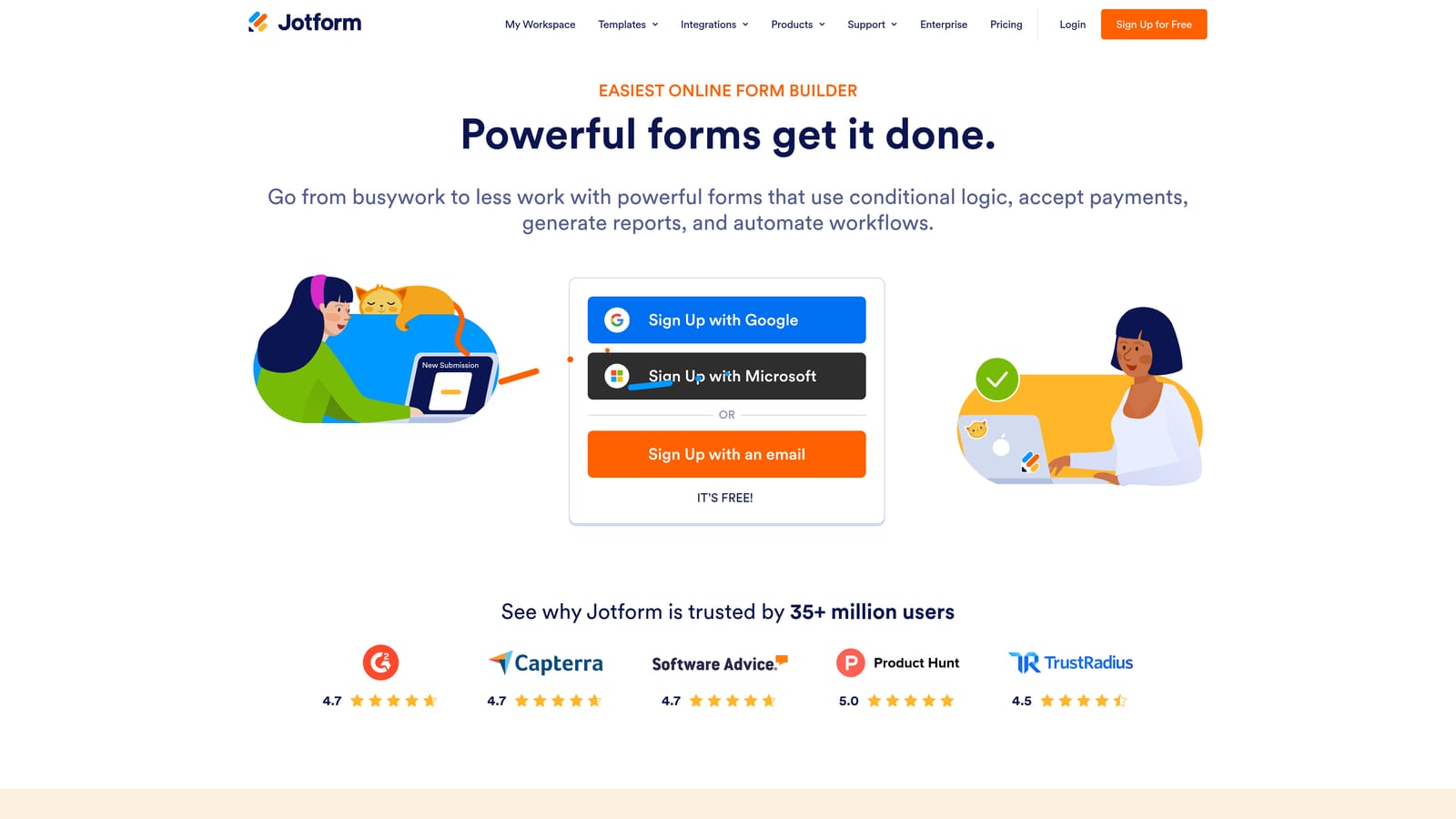
Jotform is one of the most feature-rich form builders available, with over 10,000 templates and an extensive library of integrations and field types.
Where This Tool Shines
If breadth of capability is your priority, Jotform is hard to beat. It handles use cases that most form builders can't touch out of the box: collecting payments via Stripe, PayPal, or Square; gathering legally binding e-signatures; building multi-page forms with conditional logic; and maintaining HIPAA compliance for healthcare-adjacent teams. It's the Swiss Army knife of form tools.
For Squarespace integration, Jotform generates an iframe embed code that you paste into a Code Block on any Squarespace page. The form renders within your page layout and is fully mobile responsive. The sheer volume of templates means you can usually find a starting point close to what you need, rather than building from scratch.
Key Features
10,000+ Pre-Built Templates: An extensive library covering everything from simple contact forms to complex application workflows and order forms.
Payment Collection: Accept payments directly through forms via Stripe, PayPal, Square, and other processors without needing a separate checkout tool.
E-Signature Support: Collect legally binding signatures within the form flow, useful for contracts, agreements, and onboarding documents.
Conditional Logic and Multi-Page Forms: Build branching, multi-step experiences that adapt based on respondent input.
HIPAA-Compliant Plans: For teams in healthcare or handling sensitive health information, HIPAA-compliant options are available at higher tiers.
Best For
Jotform is ideal for teams that need a single form tool to handle many different use cases: lead capture, event registration, payment collection, document signing, and internal workflows. It suits businesses in regulated industries, professional services, and e-commerce contexts where form complexity is a given.
Pricing
A free tier is available but comes with submission and storage limits. Paid plans scale with usage and unlock advanced features. Verify current tiers at jotform.com/pricing.
4. Paperform
Best for: Service businesses and consultants who want forms that feel like content experiences, not just data collection.
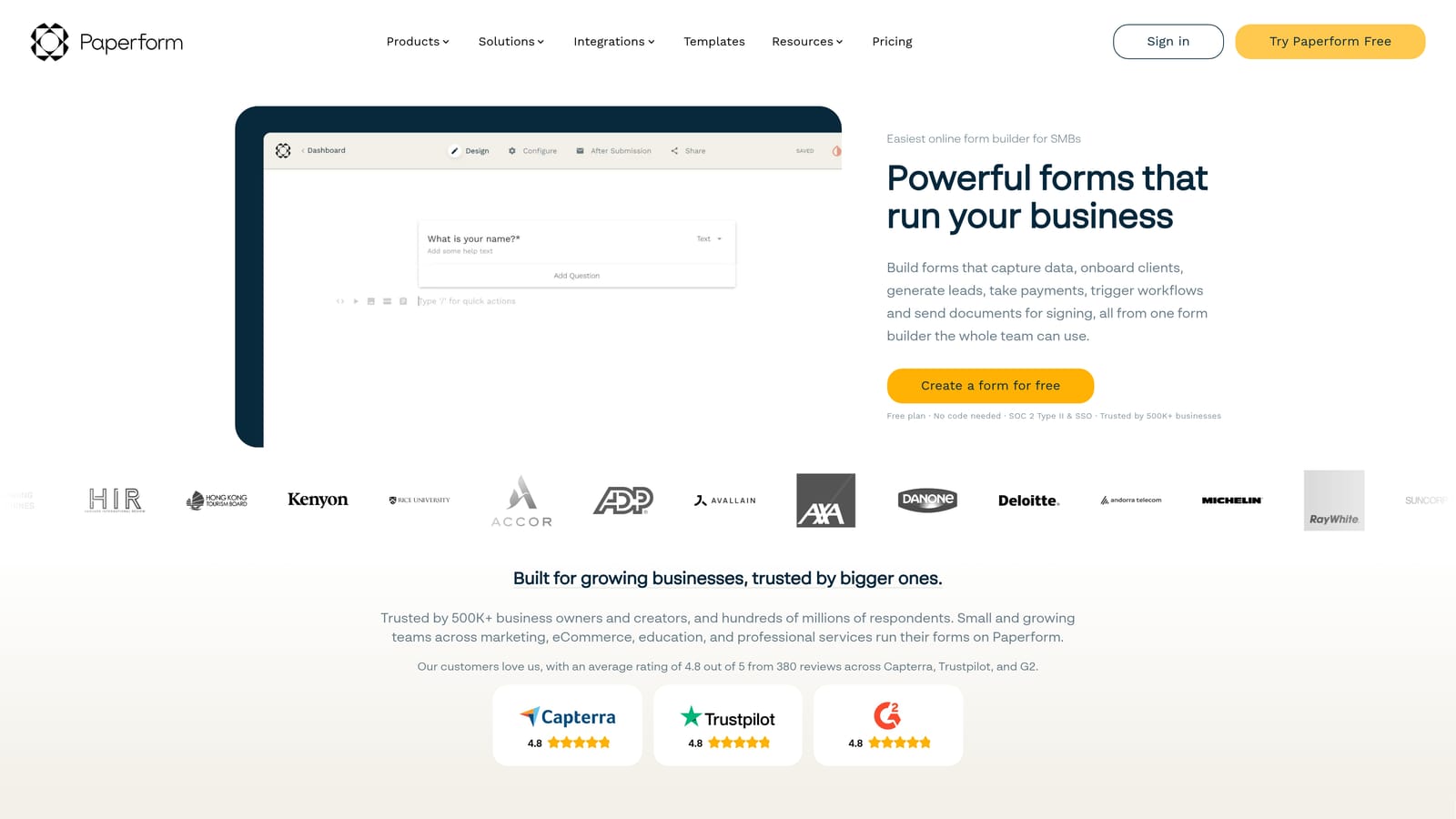
Paperform is a hybrid form-and-landing-page builder where rich text, images, video, and form fields coexist in a single, flowing document.
Where This Tool Shines
Paperform occupies a unique space: it's not quite a form builder and not quite a landing page builder. It's both. You can write narrative copy, embed images or video, and intersperse form fields throughout, creating a form that tells a story as it collects information. For service businesses where context and trust-building matter before someone fills out a form, this approach can be genuinely effective.
Paperform works well embedded directly into Squarespace, but it also functions well as a standalone linked page for cases where you want the full narrative experience without the constraints of fitting inside a Squarespace layout. Conditional logic, payment collection, and a wide integration library are all available on paid plans.
Key Features
Narrative-Style Form Design: Combine rich text, media, and form fields in a single flowing document for forms that feel like content, not bureaucracy.
Payment Collection and Product Fields: Accept payments and sell products or services directly through the form without a separate checkout flow.
Conditional Logic and Branching: Adapt the form experience based on respondent answers, showing only relevant questions.
Flexible Deployment: Embed into Squarespace via code, or share as a standalone Paperform page linked from your Squarespace site.
Wide Integration Library: Connect to CRMs, email platforms, Zapier, and other tools to route submissions into your existing stack.
Best For
Paperform is the strongest fit for consultants, coaches, agencies, and service businesses where the form itself needs to do some selling. If your intake process benefits from context, explanation, or visual storytelling before the prospect commits to filling out fields, Paperform's hybrid approach delivers that naturally.
Pricing
There is no permanent free tier. Paid plans are available at different feature levels. Verify current pricing at paperform.co/pricing.
5. Tally
Best for: Freelancers, early-stage startups, and anyone who needs a clean, capable form tool without paying for it.
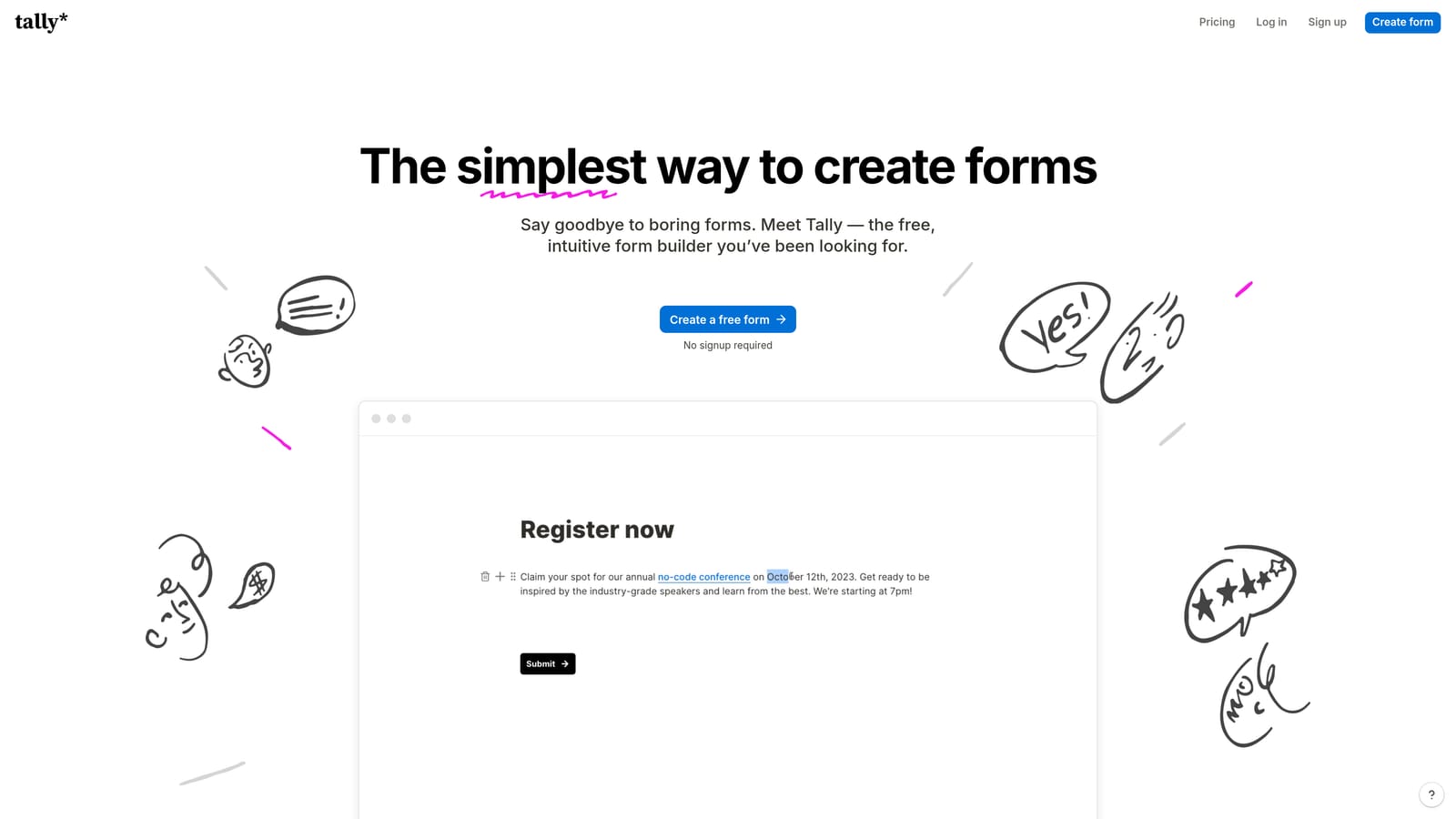
Tally is a minimal, Notion-style block-based form builder with a genuinely generous free plan and a clean aesthetic that embeds well into Squarespace.
Where This Tool Shines
Tally's appeal is its simplicity and value. The block-based editor feels familiar to anyone who has used Notion: you type a slash to add blocks, arrange them intuitively, and publish without friction. The resulting forms have a clean, modern look that doesn't feel cheap despite being free. For teams that need functional forms without a budget line item, Tally is the most credible option on this list.
The free plan includes unlimited forms and responses, which is genuinely unusual in this category. Conditional logic and file uploads are also available on the free tier. Payment collection requires the paid Pro plan. Embedding into Squarespace is straightforward: Tally provides an iframe embed code that you paste into a Code Block on any page.
Key Features
Block-Based Editor: Notion-style interface that makes form building fast and intuitive, without a steep learning curve.
Generous Free Plan: Unlimited forms and responses on the free tier, making it one of the most accessible options available.
Conditional Logic and File Uploads: Available on the free plan, enabling more sophisticated form flows without upgrading.
Payment Collection: Accept payments through forms on the paid Pro plan, adding transactional capability when needed.
Squarespace Embed Compatibility: Paste Tally's iframe embed code into any Squarespace Code Block for clean, responsive rendering.
Best For
Tally is the right call for freelancers, early-stage startups, and small teams that need solid form functionality without a subscription cost. It's also a good fit for internal tools, quick surveys, and simple lead capture forms where advanced AI or workflow automation isn't a priority yet.
Pricing
Free tier available with unlimited forms and responses. The Pro plan unlocks payment collection and additional features. Verify current limits and pricing at tally.so.
6. Formstack
Best for: Enterprise teams and regulated industries that need compliance certifications, document generation, and approval workflows.
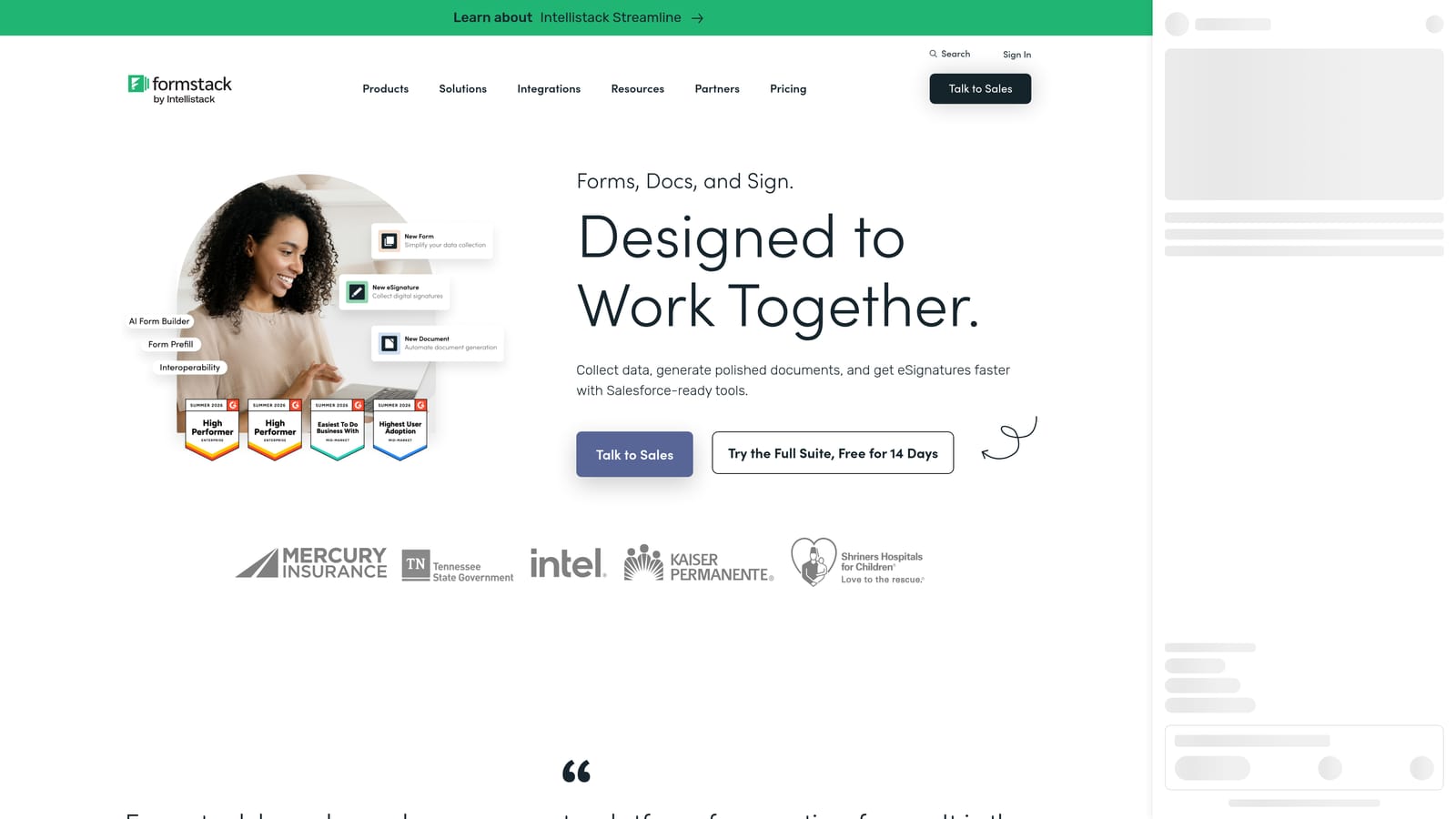
Formstack is an enterprise-grade form and workflow platform that goes well beyond data collection into document generation, e-signatures, and complex approval flows.
Where This Tool Shines
Formstack is built for operational complexity. Where other tools on this list focus on lead capture and conversion, Formstack is designed for the workflows that happen after data is collected: routing submissions through approval chains, generating populated documents automatically, collecting e-signatures, and maintaining compliance records. For teams in healthcare, finance, legal, or other regulated sectors, the HIPAA and SOC 2 certifications are meaningful differentiators.
Embedding into Squarespace is supported via the Code Block, though Formstack's primary value is less about the form experience itself and more about what happens downstream. It's a process automation platform that happens to have a form builder at the front end, which is an important distinction when evaluating whether it fits your use case.
Key Features
Document Generation: Automatically populate documents with form submission data, eliminating manual data entry in contract and agreement workflows.
E-Signature Collection: Gather legally binding signatures as part of the form or document workflow.
Approval Workflow Automation: Route submissions through multi-step approval chains with notifications and conditional routing built in.
HIPAA and SOC 2 Compliance: Certified compliance for regulated industries handling sensitive data, with appropriate security controls in place.
Conditional Logic and Branching: Adapt form paths based on respondent input, standard across the platform's form builder.
Best For
Formstack is the right fit for larger organizations and regulated industries where compliance, document generation, and internal process automation are the primary drivers. If your Squarespace site is the front door for a complex operational workflow involving approvals, contracts, or sensitive data, Formstack handles the back end with the rigor those processes require.
Pricing
Enterprise pricing reflects the platform's advanced feature set. Verify current plans and pricing at formstack.com/pricing.
Which Form Builder Is Right for Your Squarespace Site?
Each tool on this list earns its place, but they serve genuinely different needs. Here's how to think through the choice.
Orbit AI is the strongest pick for SaaS companies and high-growth teams using Squarespace for lead generation. If you want your form to qualify prospects automatically, trigger follow-up sequences, and give your sales team a prioritized pipeline rather than a raw list of submissions, Orbit AI is purpose-built for that outcome. It's the only tool here with AI-powered qualification built directly into the form flow.
Typeform is the go-to when brand presentation and conversational experience are the priority. Agencies and creative businesses that want forms matching their Squarespace aesthetic will find it the most polished option.
Jotform is the right call when you need maximum feature breadth: payments, e-signatures, HIPAA compliance, and thousands of templates in a single platform. It's the most versatile tool here for teams with varied form use cases.
Paperform suits service businesses and consultants who want their intake form to feel like a content experience, combining narrative copy with form fields in a single flowing document.
Tally is the clear winner on value. If budget is a constraint and you need clean, functional forms with conditional logic and unlimited responses, Tally's free plan is genuinely hard to beat.
Formstack is built for enterprise teams in regulated industries where the form is the entry point to a complex operational workflow involving approvals, documents, and compliance requirements.
If your Squarespace site is a lead generation asset and you want your forms to do more than collect data, the next step is clear. Start your free trial today with Orbit AI and see how intelligent form design can transform your conversion strategy, qualifying the right prospects automatically while your team focuses on closing.


