

If your forms collect data from EU residents, GDPR compliance isn't optional. It's a legal requirement with real enforcement teeth, and regulators across EU member states have made clear that data collection touchpoints like forms are firmly in scope.
The challenge is that most form builders treat compliance as an afterthought. You end up duct-taping consent banners onto non-compliant forms and hoping for the best. That approach carries real risk.
This list evaluates nine form solutions on their actual GDPR features: explicit consent mechanisms, data processing agreements (DPAs), right-to-erasure support, EU data storage options, and audit trails. Tools are ranked by their combination of compliance depth, ease of use, and suitability for teams focused on lead generation and conversion. As always, verify current compliance status directly with each vendor before deploying.
1. Orbit AI
Best for: High-growth SaaS and B2B teams that need lead qualification without sacrificing compliance.
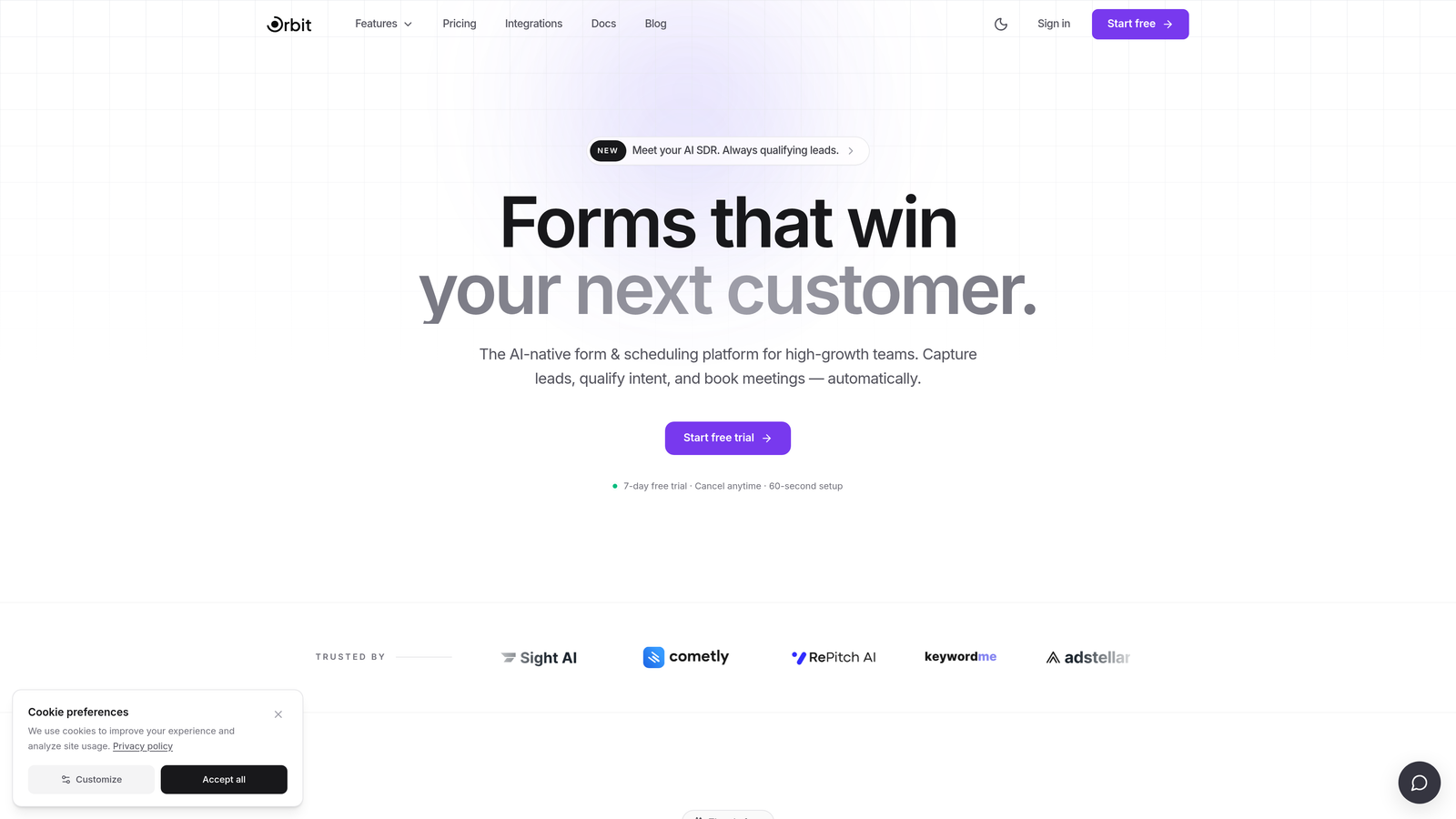
Orbit AI is an AI-powered form builder with lead qualification capabilities designed for teams that can't afford to choose between conversion performance and privacy compliance.
Where This Tool Shines
Most form tools make you pick a lane: you either get polished, conversion-optimized design or you get compliance features. Orbit AI is built for high-growth teams that need both. The platform combines intelligent lead scoring with modern, branded form experiences that are designed to convert from the first touchpoint.
The AI-powered lead qualification layer is what sets it apart for SaaS and B2B teams. Rather than dumping raw submissions into a CRM and letting your sales team sort through them manually, Orbit AI scores and routes leads automatically, so your team focuses on prospects that actually matter.
Key Features
AI-Powered Lead Qualification: Automatically scores and routes form submissions so your team prioritizes the highest-value prospects.
Consent Field Support: Built-in GDPR-compliant consent fields for explicit, unbundled data collection at the point of capture.
Conversion-Optimized Form Design: Modern, branded UX designed to maximize completion rates without compromising user experience.
Conditional Logic: Dynamic form experiences that adapt based on user responses, keeping forms relevant and reducing friction.
Built for Lead Generation: Purpose-built for high-growth teams running active acquisition funnels, not general-purpose form creation.
Best For
High-growth SaaS companies, B2B marketing teams, and demand generation teams who need intelligent lead qualification alongside compliant data collection. Particularly strong for teams where form performance directly impacts pipeline. Confirm DPA availability and EU data residency options directly with Orbit AI before deploying for EU audiences.
Pricing
Visit orbitforms.ai for current pricing details and plan options.
2. Typeform
Best for: Teams that want polished, conversational form experiences with solid GDPR tooling on higher-tier plans.
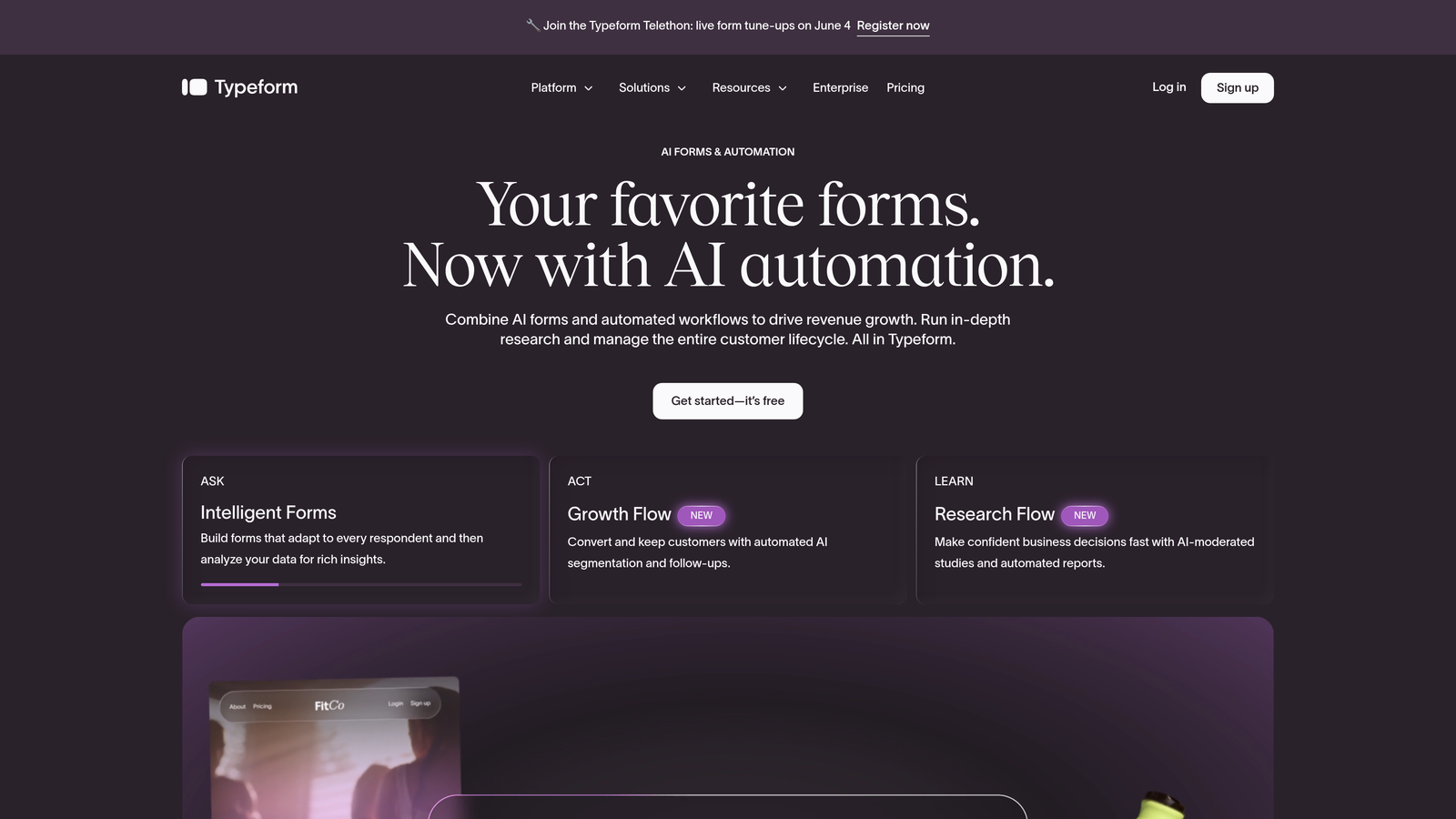
Typeform is a conversational form builder known for its distinctive one-question-at-a-time format and strong brand customization, with GDPR compliance features built into its platform.
Where This Tool Shines
Typeform's UX is genuinely differentiated. The conversational format tends to improve completion rates for longer forms, which matters when you're collecting the kind of detailed information that lead qualification requires. The brand customization is also among the best in the mid-market.
On the compliance side, Typeform offers native consent fields with customizable copy, DPA availability on business and enterprise plans, and EU data residency on higher tiers. One area to watch: teams should audit their connected integrations carefully, as third-party apps can introduce their own data processing considerations.
Key Features
Native GDPR Consent Fields: Customizable consent checkboxes with flexible copy to match your specific legal language.
DPA Availability: Data Processing Agreements available on Business and Enterprise plans.
EU Data Residency: Option to store data within the EU on higher-tier plans.
Conversational Format: One-question-at-a-time UX that typically improves completion rates on longer forms.
Extensive Integration Library: Connects with major CRMs and marketing platforms, though integrations should be audited for GDPR compliance.
Best For
Marketing teams and agencies that prioritize form UX and brand experience, and who are on plans that include DPA and EU data residency options. Less ideal for teams on the free plan who need full compliance coverage.
Pricing
Free plan available; paid plans from approximately $25/month. DPA and EU data residency require higher-tier plans.
3. HubSpot Forms
Best for: Teams already running their marketing stack on HubSpot who need consent tracking tied directly to CRM records.
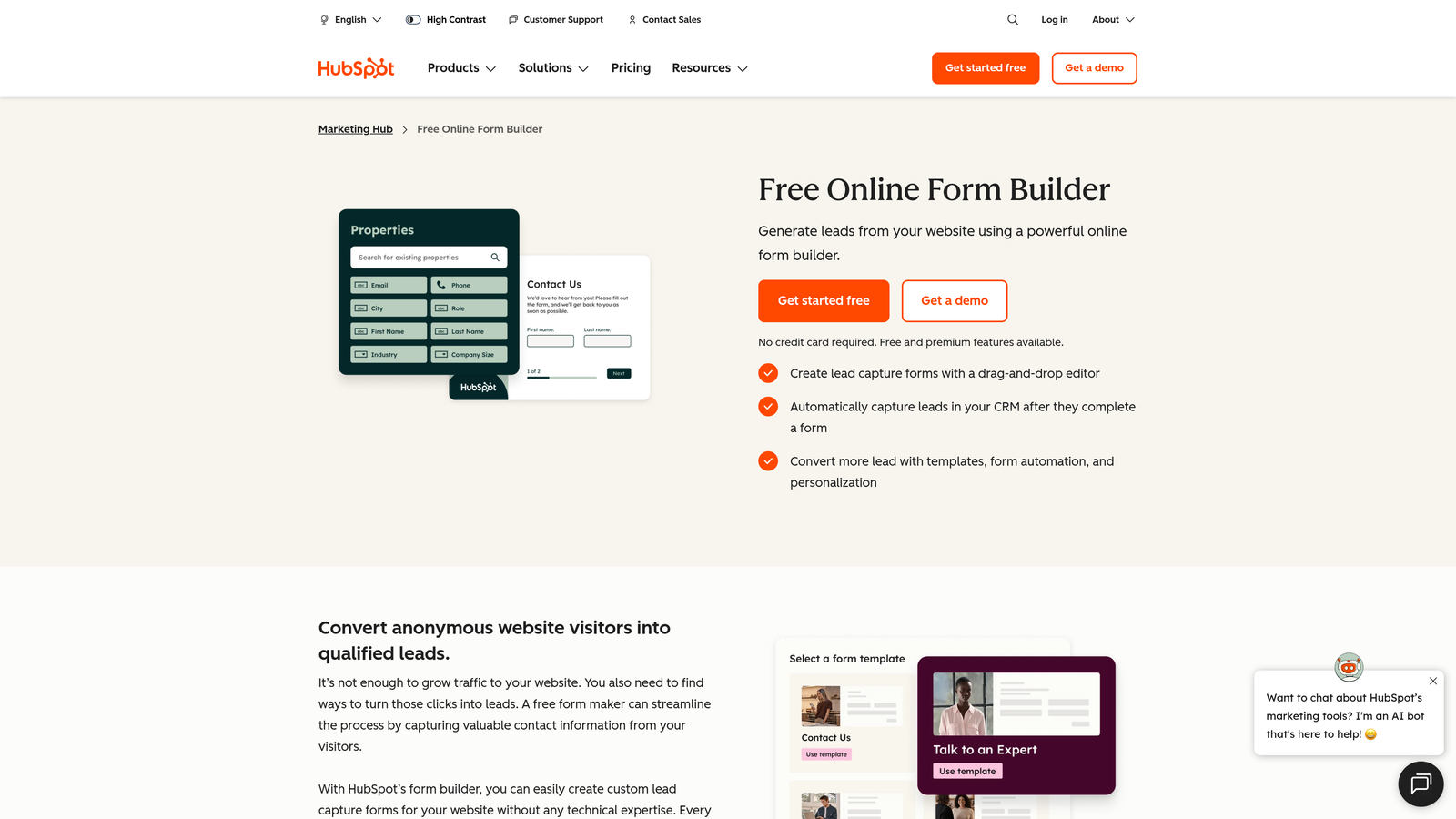
HubSpot Forms is the native form builder within the HubSpot platform, offering deep CRM-connected consent tracking and GDPR tooling that integrates directly with contact records.
Where This Tool Shines
The key advantage here is integration depth. When a contact submits a HubSpot form, their consent status, legal basis for processing, and communication subscription preferences are all stored directly on their CRM record. This makes audit trails and right-to-erasure workflows significantly more manageable than with standalone form tools.
HubSpot's GDPR toolkit goes beyond forms to cover the full contact lifecycle, which is genuinely useful for teams that need to demonstrate compliance across multiple touchpoints, not just at the point of initial data collection.
Key Features
CRM-Connected Consent Tracking: Consent status and legal basis stored directly on HubSpot contact records for clean audit trails.
Communication Subscription Types: Granular opt-in management across different communication channels.
DPA and EU Data Center: DPA available; EU data center option available for data residency requirements.
Consent Timestamp Logging: Automatic logging of when and how consent was given for documentation purposes.
Native Platform Integration: Seamless sync with HubSpot CRM, email marketing, and workflow automation.
Best For
Teams already using HubSpot as their CRM and marketing platform. The compliance features are most powerful when used as part of the broader HubSpot ecosystem. Less compelling as a standalone form tool if you're not already invested in HubSpot.
Pricing
Free with HubSpot CRM; Marketing Hub paid plans from approximately $15/month. Enterprise features require higher-tier plans.
4. Paperform
Best for: SMBs and agencies needing flexible forms that handle payments, bookings, and lead capture with GDPR compliance.
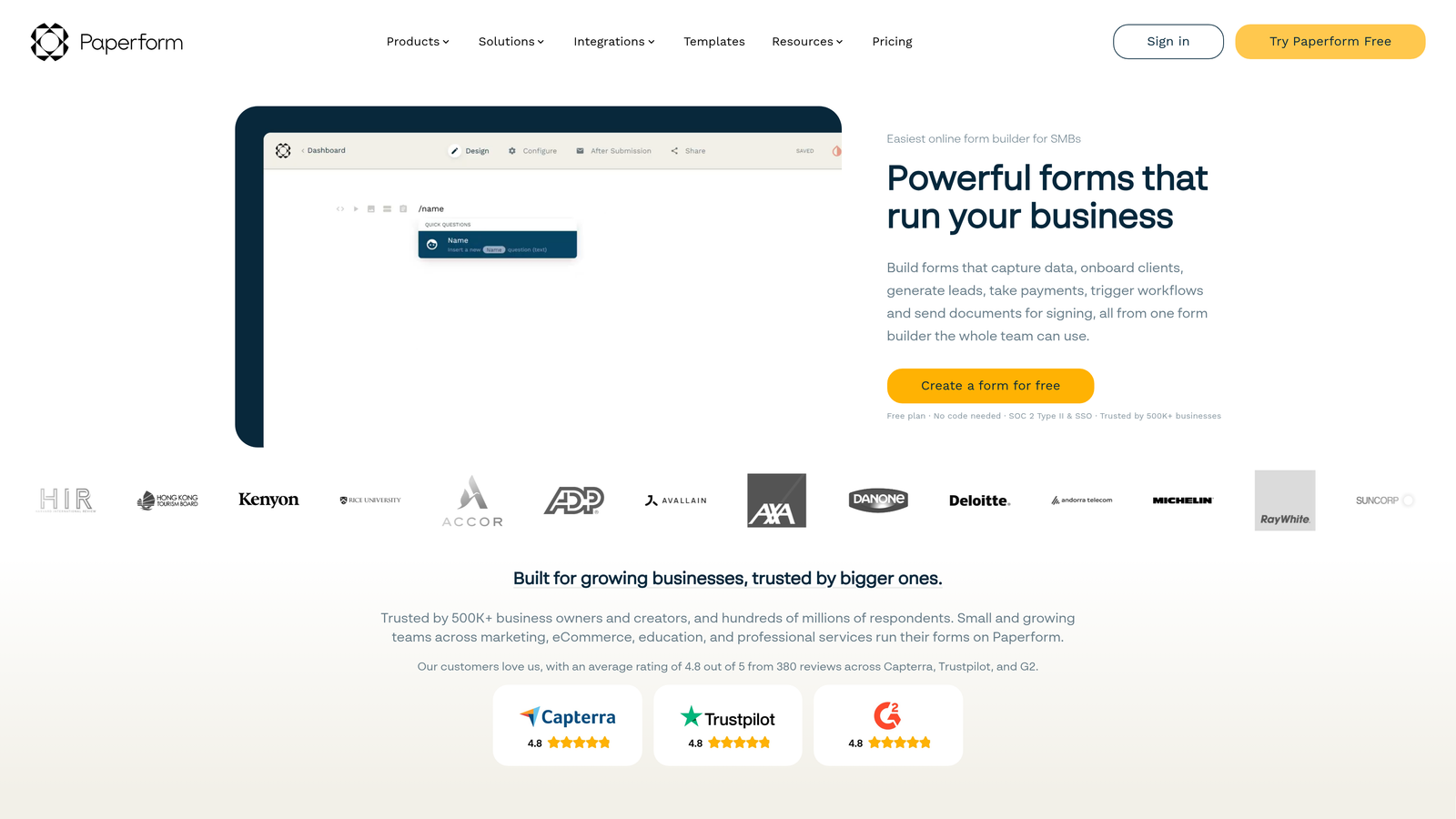
Paperform is a flexible form builder from an Australian company with a strong privacy stance, supporting GDPR-compliant consent fields and DPA availability across its plan tiers.
Where This Tool Shines
Paperform's strength is versatility. Most form builders specialize in either lead capture or transactional forms (payments, bookings). Paperform handles both well, which makes it a practical choice for agencies and SMBs managing multiple form types under one subscription.
The design customization is also notably strong for a mid-market tool. Branded form experiences that don't look generic matter for conversion rates, and Paperform gives you enough control to build forms that feel like part of your product rather than a bolted-on widget.
Key Features
GDPR Consent Fields: Customizable consent checkboxes with flexible copy to meet specific legal requirements.
DPA Availability: Data Processing Agreements available on request.
Multi-Purpose Form Types: Supports payments, bookings, surveys, and lead capture within a single platform.
Design Customization: Strong branding controls for creating forms that match your visual identity.
Data Deletion Tools: Export and deletion workflows to support right-to-erasure requests.
Best For
SMBs and agencies that need one form platform to handle multiple use cases. Also well-suited for teams that prioritize design quality alongside compliance. Verify current DPA terms and EU data residency options directly with Paperform.
Pricing
Essentials plan from approximately $24/month; Pro from approximately $49/month. No free plan, but a trial is available.
5. Jotform
Best for: Regulated industries needing comprehensive compliance coverage including both GDPR and HIPAA.
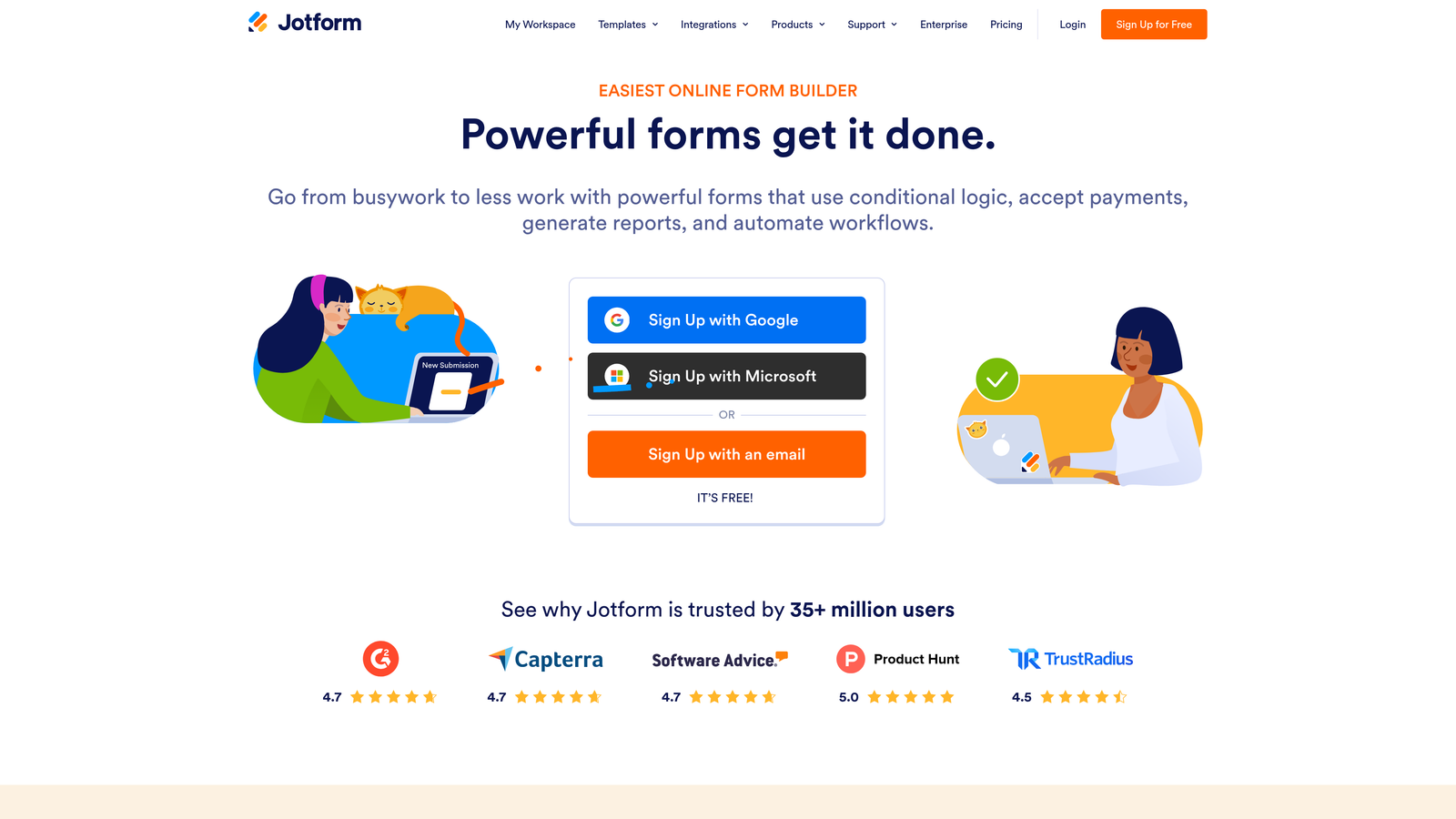
Jotform is one of the most compliance-rich form builders in the mid-market, with a dedicated GDPR Compliance Center, EU data storage options, and field-level encryption built into the platform.
Where This Tool Shines
Jotform takes compliance seriously in a way that's visible in the product. The dedicated GDPR Compliance Center in account settings makes it easier for non-technical team members to understand and manage their compliance posture, rather than requiring legal or engineering to interpret settings.
For teams in adjacent regulated industries (healthcare-adjacent SaaS, legal tech, financial services), the combination of GDPR and HIPAA compliance on paid plans is a meaningful differentiator. You're not stitching together separate tools to meet different regulatory requirements.
Key Features
GDPR Compliance Center: Dedicated in-product section for managing GDPR settings and documentation.
EU Data Storage: Option to store form data on EU-based servers.
Data Encryption: Encryption at rest and in transit, plus field-level encryption for sensitive data.
DPA and HIPAA Compliance: DPA available; HIPAA compliance available on paid plans for regulated use cases.
Data Retention Controls: Configurable retention periods and submission deletion tools for right-to-erasure workflows.
Best For
Teams in regulated or adjacent-regulated industries who need GDPR coverage alongside other compliance frameworks. Also a strong choice for mid-market teams who want compliance features without enterprise pricing.
Pricing
Free plan available; paid plans from approximately $34/month. HIPAA compliance requires a paid plan.
6. Tally
Best for: EU-based startups and indie teams who want GDPR compliance by default without complex configuration.
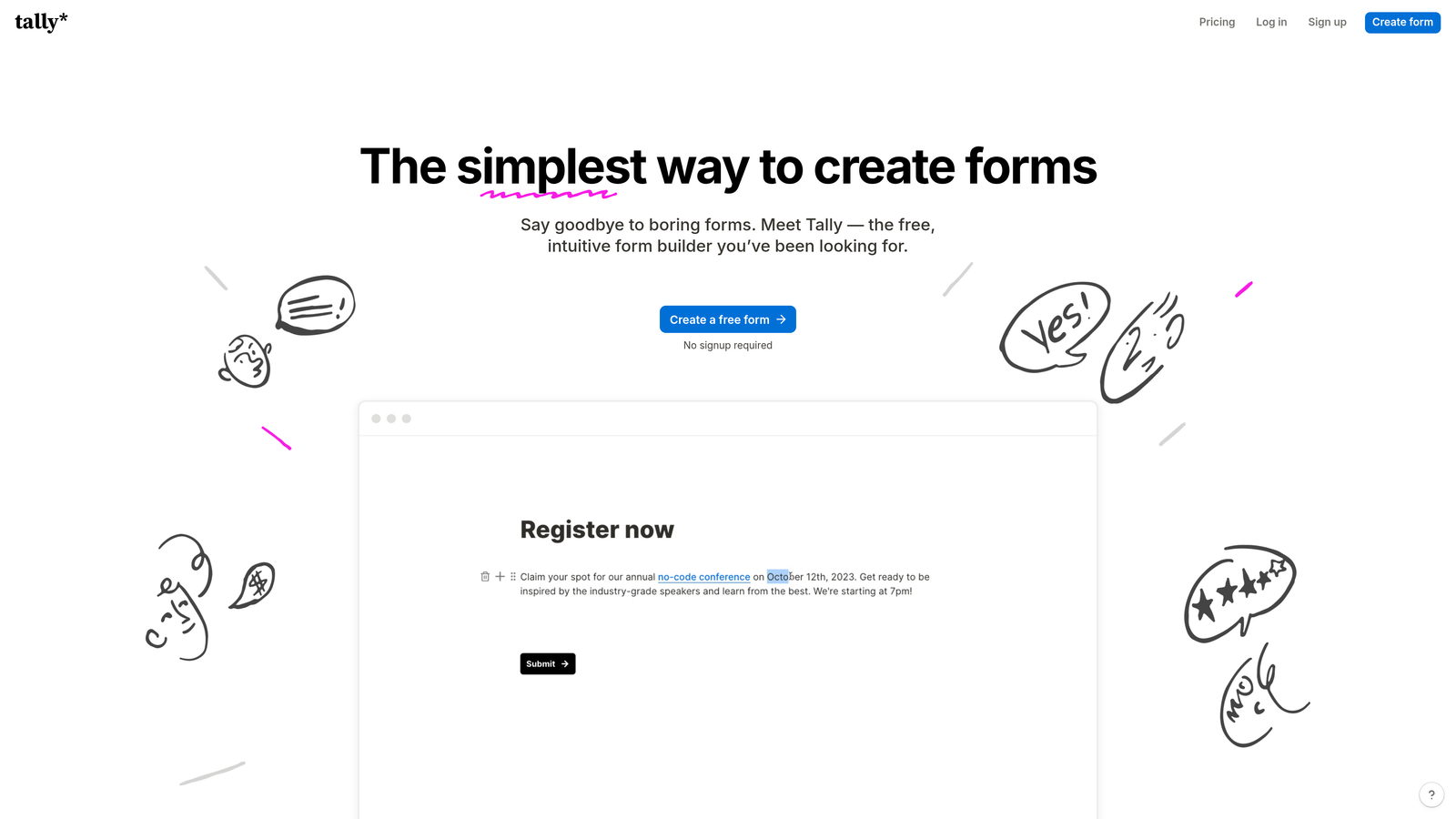
Tally is a European (Belgium-based) form builder that is GDPR-native by design, with no cookies used by default and a generous free plan that makes it accessible for early-stage teams.
Where This Tool Shines
Being a European company isn't just a marketing point for Tally. It shapes the product architecture. The no-cookies-by-default approach means you're not starting from a non-compliant baseline and trying to configure your way to compliance. Privacy is built in, not bolted on.
The UX is clean and Notion-like, which makes it approachable for teams without dedicated form design resources. The free plan with unlimited forms is genuinely useful for startups that need compliant data collection before they've scaled their tooling budget.
Key Features
No Cookies by Default: Embedded forms don't use cookies by default, reducing your cookie consent overhead.
GDPR-Native Architecture: Built by a European company with privacy-by-design principles embedded in the product.
DPA Availability: Data Processing Agreements available for teams that need documented compliance.
Unlimited Forms on Free Plan: Generous free tier that makes compliance accessible for early-stage teams.
Notion-Like Editing: Intuitive, clean UX that requires minimal training to get started.
Best For
EU-based startups, indie makers, and small teams who want GDPR compliance without configuration overhead. Also a strong choice for any team that wants to minimize cookie consent complexity in their embedded forms.
Pricing
Free plan available with unlimited forms; Pro plan from approximately $29/month for advanced features.
7. Cognito Forms
Best for: Teams handling sensitive form submissions who need granular data control and documented compliance.
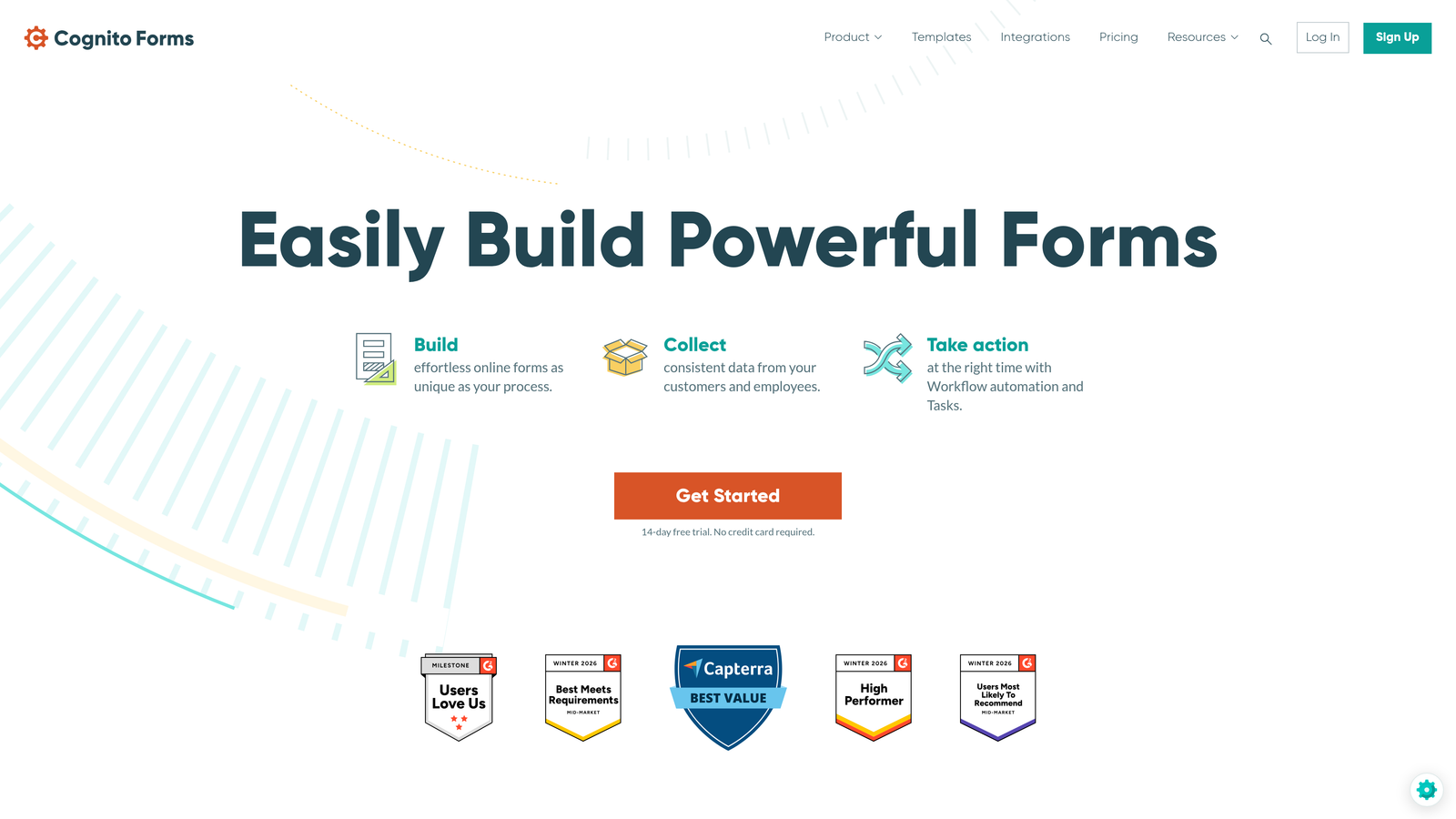
Cognito Forms is a form builder with unusually granular data control features, including field-level encryption and configurable data retention policies, designed for teams that need documented compliance workflows.
Where This Tool Shines
Cognito Forms stands out for its data control depth. Field-level encryption means you can apply stronger protection to specific sensitive fields within a form, rather than relying solely on transport-level encryption. This is particularly useful for forms that collect financial information, legal details, or health-adjacent data.
The configurable data retention and automatic deletion policies are also worth noting. Rather than manually managing right-to-erasure requests, you can set retention rules that automatically purge data after defined periods, which reduces your ongoing compliance maintenance burden.
Key Features
Field-Level Encryption: Apply encryption to specific sensitive fields within a form, not just at the transport level.
Configurable Data Retention: Set automatic deletion policies to manage data lifecycle without manual intervention.
DPA and Compliance Documentation: Data Processing Agreements available with published GDPR compliance documentation.
Role-Based Access Controls: Restrict who can view submission data based on team roles.
Conditional Logic and Calculations: Supports complex form logic for detailed data collection workflows.
Best For
Legal, financial, and health-adjacent teams handling sensitive form data who need documented compliance and granular data controls. Also suitable for teams that want to automate their data retention and deletion workflows rather than managing them manually.
Pricing
Free plan available; paid plans from approximately $15/month, making it one of the more accessible options for teams with tight budgets.
8. Formstack
Best for: Enterprise organizations with complex, multi-regulation data governance requirements.
Formstack is an enterprise-grade form and workflow platform with compliance coverage across GDPR, HIPAA, SOC 2 Type II, and PCI DSS, designed for large organizations where data governance is a core operational requirement.
Where This Tool Shines
Formstack's compliance depth is enterprise-grade in a way that most form tools can't match. When you need to satisfy multiple regulatory frameworks simultaneously, whether because you operate across jurisdictions or handle multiple data types, having a single platform that covers GDPR, HIPAA, SOC 2, and PCI DSS reduces the complexity of your compliance stack significantly.
The workflow automation with built-in compliance controls is also a meaningful differentiator. Compliance isn't just about data collection; it extends to how data moves through your organization. Formstack's approval workflows and data routing features address that broader compliance surface area.
Key Features
Multi-Framework Compliance: GDPR, HIPAA, SOC 2 Type II, and PCI DSS compliance in a single platform.
Audit Logs and Consent Tracking: Detailed governance documentation for demonstrating compliance to regulators or auditors.
Compliance-Integrated Workflows: Workflow automation with data routing and approval controls built in.
Enterprise Security Controls: Advanced access controls, encryption, and security configurations for enterprise environments.
DPA Availability: Data Processing Agreements available alongside enterprise security documentation.
Best For
Large enterprises, regulated industries, and organizations that operate across multiple compliance frameworks simultaneously. The price point makes it less suitable for SMBs or early-stage teams, but for enterprise use cases, the compliance breadth justifies the investment.
Pricing
Forms plans from approximately $83/month; enterprise pricing available for larger deployments. Confirm current plan structure directly with Formstack.
9. Growform
Best for: Agencies and performance marketers running paid campaigns into EU markets who need conversion performance and compliance together.
Growform is a multi-step form builder purpose-built for lead generation and performance marketing, with GDPR consent fields supported for teams running EU-targeted paid campaigns.
Where This Tool Shines
Growform is built for a specific use case: high-volume lead generation through paid traffic. The multi-step form UX is specifically optimized for the kind of completion rates that make paid campaigns economically viable. Progress bars, conditional logic, and a conversion-focused layout are core to the product, not optional add-ons.
For agencies managing campaigns into EU markets, the combination of strong conversion UX and GDPR consent field support is genuinely useful. Growform is a relatively newer tool, so teams should verify DPA availability and data residency options directly with the vendor before deploying for EU audiences.
Key Features
Multi-Step Form UX: Optimized for conversion on paid traffic with progress indicators and staged data collection.
GDPR Consent Fields: Customizable consent checkboxes with flexible copy for EU compliance requirements.
Agency and Lead Gen Focus: Built specifically for agencies and performance marketers, not general-purpose form creation.
CRM and Platform Integrations: Connects with major CRMs and marketing platforms for lead routing.
Conditional Logic: Dynamic form paths that improve relevance and completion rates for complex lead capture flows.
Best For
Performance marketing agencies, lead generation specialists, and in-house teams running paid acquisition campaigns into EU markets. Verify current DPA and data residency status directly with Growform before deploying for EU data collection.
Pricing
Plans from approximately $49/month; agency pricing available for teams managing multiple clients or campaigns.
Making the Right Choice for Your Team
The right GDPR-compliant form solution depends on where your team sits on the spectrum from early-stage startup to enterprise, and what your primary use case actually is.
Here's a quick guide by team type:
High-growth SaaS and B2B lead generation teams: Orbit AI combines AI-powered lead qualification with conversion-optimized form design and consent field support, making it the strongest option for teams where form performance directly impacts pipeline.
Teams already on HubSpot: HubSpot Forms is the natural choice. The consent tracking tied to CRM records and the full GDPR toolkit across the contact lifecycle make compliance significantly more manageable than standalone tools.
EU-based startups and indie teams: Tally's GDPR-native architecture, no-cookies-by-default approach, and generous free plan make it the lowest-friction path to compliance for early-stage European teams.
Enterprise organizations with multi-regulation requirements: Formstack's coverage across GDPR, HIPAA, SOC 2, and PCI DSS makes it the only real choice when you need to satisfy multiple frameworks simultaneously.
Agencies running paid campaigns into EU markets: Growform's conversion-optimized multi-step UX with GDPR consent support is purpose-built for exactly this use case.
Before committing to any tool on this list, follow three non-negotiable steps. First, request a signed DPA before you collect a single form submission from an EU resident. Second, confirm exactly where your data is stored and whether EU/EEA residency is available on your plan tier. Third, verify that the platform supports right-to-erasure workflows so you can respond to deletion requests without a manual data archaeology project.
Compliance features change as products evolve, so always verify current status directly with each vendor rather than relying solely on this article.
For high-growth teams that want to lead with conversion performance without cutting compliance corners, Orbit AI is where we'd start. Transform your lead generation with AI-powered forms that qualify prospects automatically while delivering the modern, conversion-optimized experience your team needs. Start your free trial today and see how intelligent form design can elevate your conversion strategy.


