

Form spam is a silent conversion killer. Bots flood your CRM with junk leads, inflate your metrics, and waste your sales team's time chasing contacts that don't exist. For high-growth teams running lead generation at scale, the damage goes beyond annoyance: it corrupts your data, skews your attribution, and erodes the ROI of every campaign you run.
The good news is that modern form spam protection has gotten remarkably sophisticated. From AI-powered behavioral analysis to invisible honeypots and device fingerprinting, today's tools stop bots without adding friction that kills real conversions.
Here are the top form spam protection tools in 2026, evaluated on detection accuracy, ease of implementation, UX impact, and how well they integrate with modern form and CRM workflows. Whether you're protecting a high-volume lead gen form or a simple contact page, there's a right tool here for your stack. For context on broader form security best practices, see our guide to form security and data protection.
1. Orbit AI
Best for: High-growth B2B and SaaS teams who want spam protection and lead qualification in one platform.
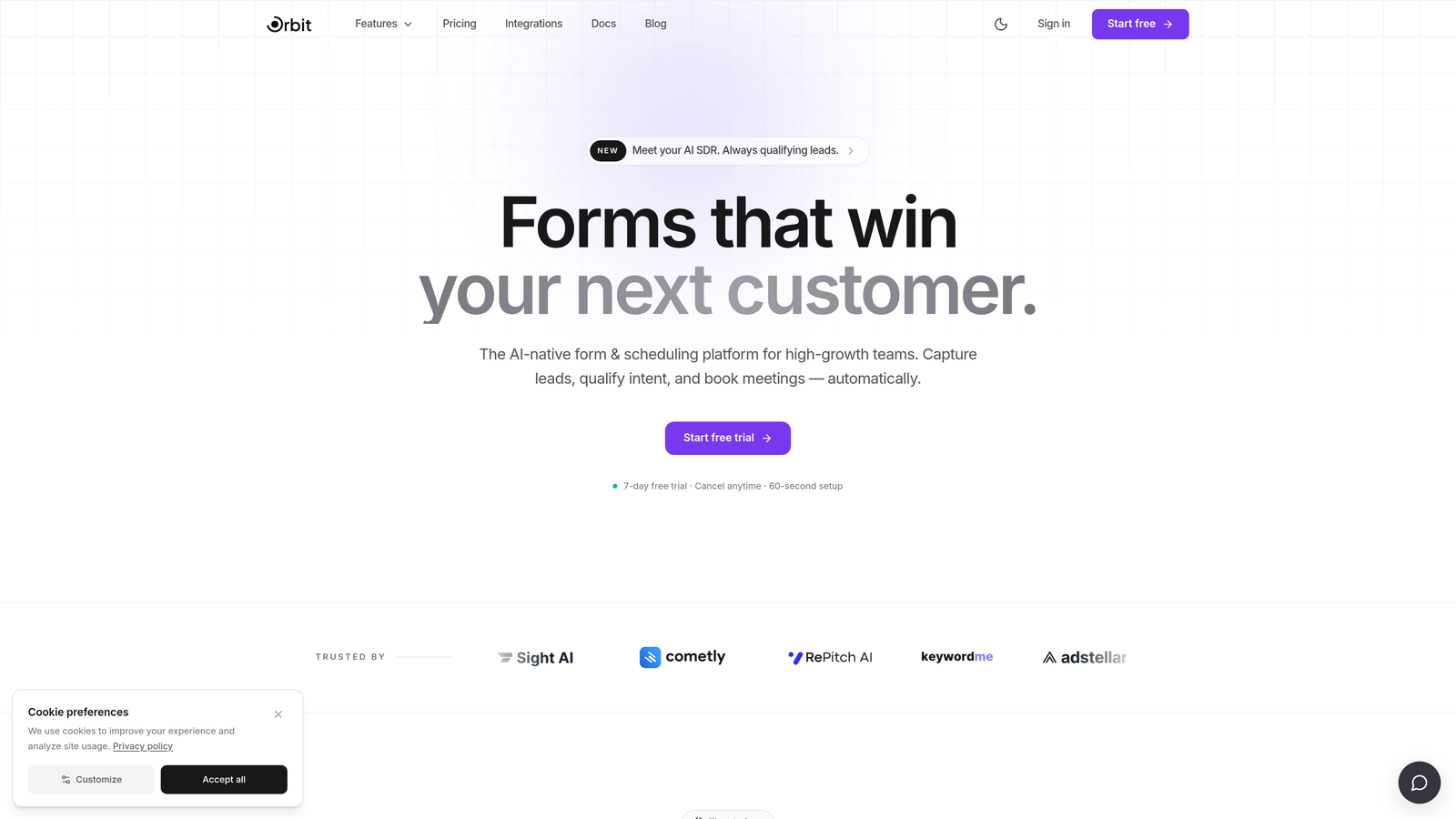
Orbit AI is an AI-powered form builder that filters low-quality and bot submissions before they ever reach your CRM.
Where This Tool Shines
Most spam protection tools are bolt-on layers you add after building your form. Orbit AI takes a different approach: protection and lead qualification are baked directly into the form builder itself. That means you're not just blocking bots, you're ensuring that only genuinely qualified, human-verified leads flow downstream into your CRM and sales workflows.
This matters especially for B2B and SaaS teams where a single bad data batch can throw off pipeline forecasting for a quarter. Instead of managing a separate spam tool alongside your form tool, Orbit AI handles both in one place, with AI that scores and filters submissions at the form layer.
Key Features
AI-Powered Lead Qualification: Scores and filters submissions at the form layer, so junk never reaches your CRM in the first place.
Behavioral Analysis: Distinguishes real prospects from automated submissions by analyzing interaction patterns in the background.
Native CRM Integration: Only qualified, human-verified leads flow downstream, keeping your pipeline data clean and actionable.
Built-In Protection: No separate spam tool required — protection is part of the platform, not an afterthought.
Conversion-Optimized Design: Forms are designed for high-growth lead gen workflows, balancing security with a smooth user experience.
Best For
B2B SaaS teams and high-growth companies running lead generation at scale who need both spam protection and lead quality filtering without managing multiple tools. Particularly valuable for teams where CRM data integrity directly impacts revenue forecasting and sales efficiency.
Pricing
Paid plans available. Visit orbitforms.ai for current pricing details.
2. Google reCAPTCHA
Best for: Teams wanting a free, widely-supported solution with flexible visible and invisible options.
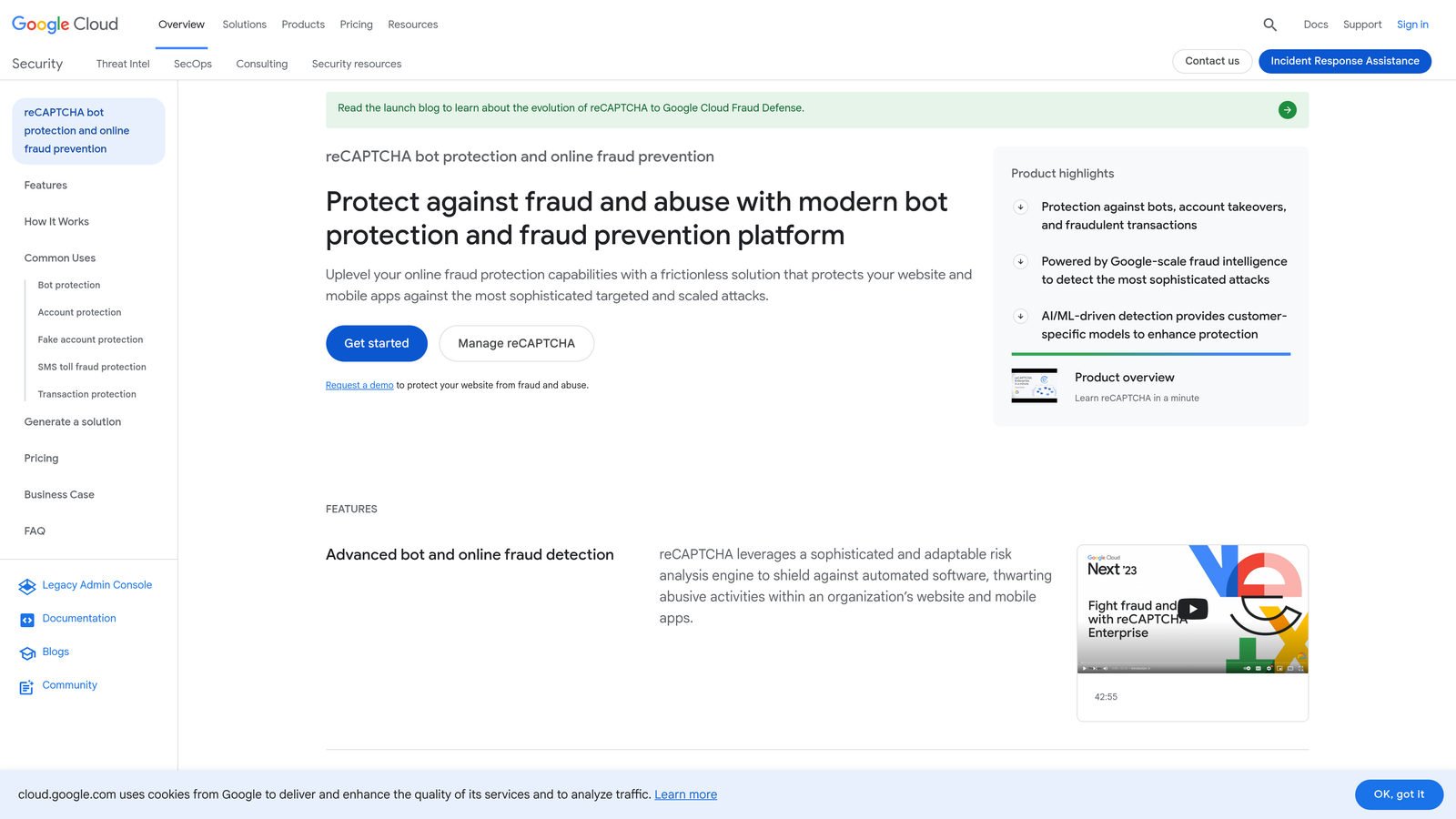
Google reCAPTCHA is the most widely deployed CAPTCHA system on the web, offering both visible challenge and invisible behavioral scoring models.
Where This Tool Shines
reCAPTCHA v3 is the real workhorse here. It runs entirely in the background, scoring every submission from 0.0 to 1.0 based on behavioral signals, with no user interaction required. That means no friction for legitimate visitors while still catching the vast majority of automated submissions.
The breadth of platform support is hard to beat. Virtually every major CMS, form builder, and e-commerce platform has a reCAPTCHA plugin or native integration, making implementation straightforward regardless of your stack.
Key Features
reCAPTCHA v3 Scoring: Assigns every submission a bot-likelihood score from 0.0 to 1.0 with zero user interaction.
v2 Challenge Options: Checkbox and image challenge modes available for higher-risk forms where explicit verification is preferred.
Google's Bot Signal Network: Detection accuracy is powered by Google's global network of bot activity signals.
Broad Platform Support: Plugins and SDKs available for virtually every major CMS and form platform.
Free to Use: No cost for standard usage with generous request limits.
Best For
Teams on a budget who need reliable, widely-supported spam protection and are comfortable with Google's data practices. Also a strong choice for developers who want flexibility between invisible scoring and visible challenges depending on the risk level of each form.
Pricing
Free, with generous request limits for standard use cases.
3. hCaptcha
Best for: Privacy-conscious teams and organizations with GDPR or CCPA compliance requirements.
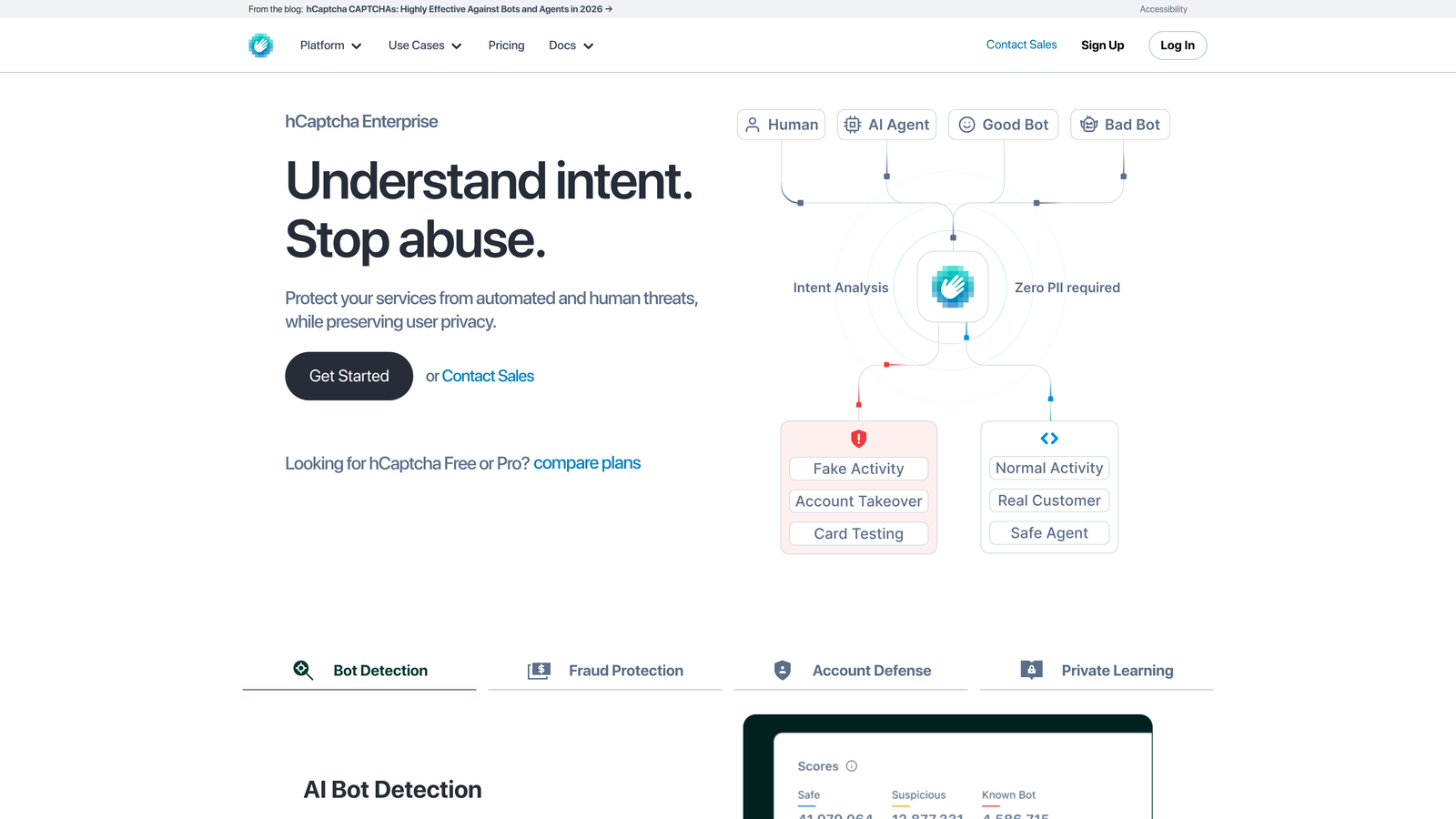
hCaptcha is a privacy-first CAPTCHA alternative that keeps user data off Google's infrastructure entirely.
Where This Tool Shines
If GDPR compliance or data sovereignty is a concern, hCaptcha removes a significant headache. Because it runs on fully independent infrastructure, you're not routing visitor interaction data through Google, which simplifies your privacy compliance posture considerably.
The API structure closely mirrors reCAPTCHA, so migration is relatively painless for teams switching over. High-traffic publishers also benefit from hCaptcha's revenue-sharing model, which is a genuinely unusual perk in this category.
Key Features
Google-Free Infrastructure: No user data sent to Google, with fully independent backend processing.
GDPR and CCPA Compliant: Privacy compliance is built into the architecture, not an add-on configuration.
Revenue Sharing: High-traffic publishers can earn revenue from hCaptcha's data labeling model.
Accessible Challenges: Alternative challenge options available for users with accessibility needs.
Drop-In reCAPTCHA Replacement: Similar API structure makes switching straightforward for existing implementations.
Best For
Teams in regulated industries, European markets, or any organization where routing user data through Google creates compliance complexity. Also a good fit for publishers looking to offset the cost of spam protection with the revenue-sharing model.
Pricing
Free tier available; paid plans for enterprise use cases and advanced accessibility features.
4. Akismet
Best for: WordPress sites looking for invisible, database-driven spam filtering with no user friction.
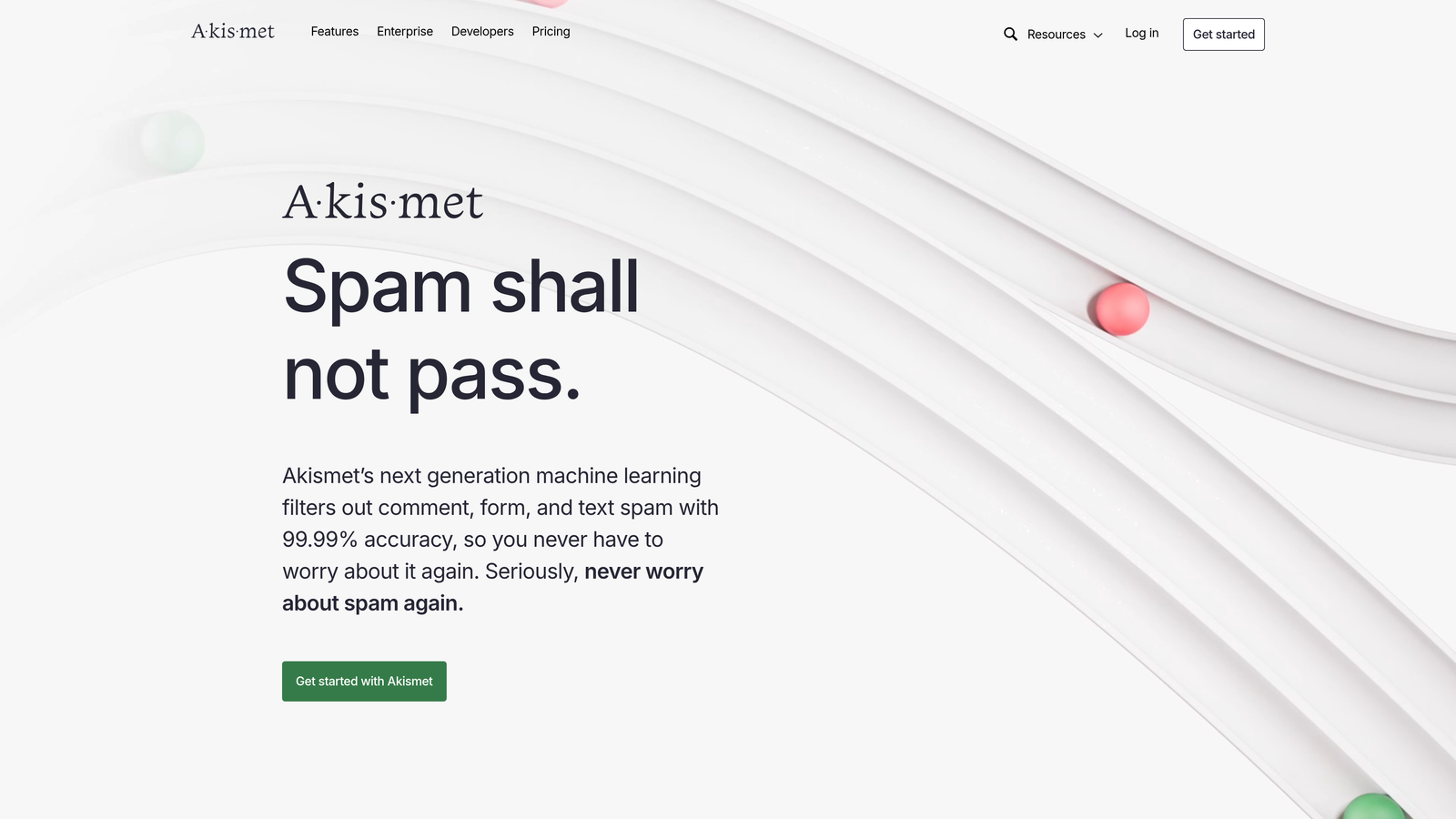
Akismet is the go-to spam filter for WordPress-based forms and comment sections, backed by Automattic's continuously updated global spam signal database.
Where This Tool Shines
Akismet's strength is its database. Built and maintained by Automattic, the company behind WordPress.com, it has been trained on an enormous volume of real-world spam signals over many years. That accumulated intelligence makes it highly effective at catching known spam patterns without presenting any challenge to real visitors.
For WordPress sites specifically, the integration story is excellent. Native support for Contact Form 7, Gravity Forms, and WPForms means most teams can get up and running in minutes. It also flags submissions for review rather than silently discarding them, which gives you visibility into what's being caught.
Key Features
Global Spam Database: Trained on a large, continuously updated database of real-world spam signals from across the web.
Native WordPress Integrations: Works directly with Contact Form 7, Gravity Forms, WPForms, and more.
Completely Invisible: No user-facing challenges — visitors never know it's there.
Review Queue: Flags suspicious submissions rather than silently discarding them, preserving your ability to audit.
API Access: Available for non-WordPress integrations via REST API.
Best For
WordPress site owners and agencies managing multiple WordPress properties who want reliable, frictionless spam filtering without building a custom solution. Less relevant for teams on non-WordPress stacks.
Pricing
Free for personal and non-commercial use; commercial plans start at approximately $10 per month.
5. Cloudflare Turnstile
Best for: Teams wanting a completely frictionless, privacy-preserving CAPTCHA replacement at no cost.
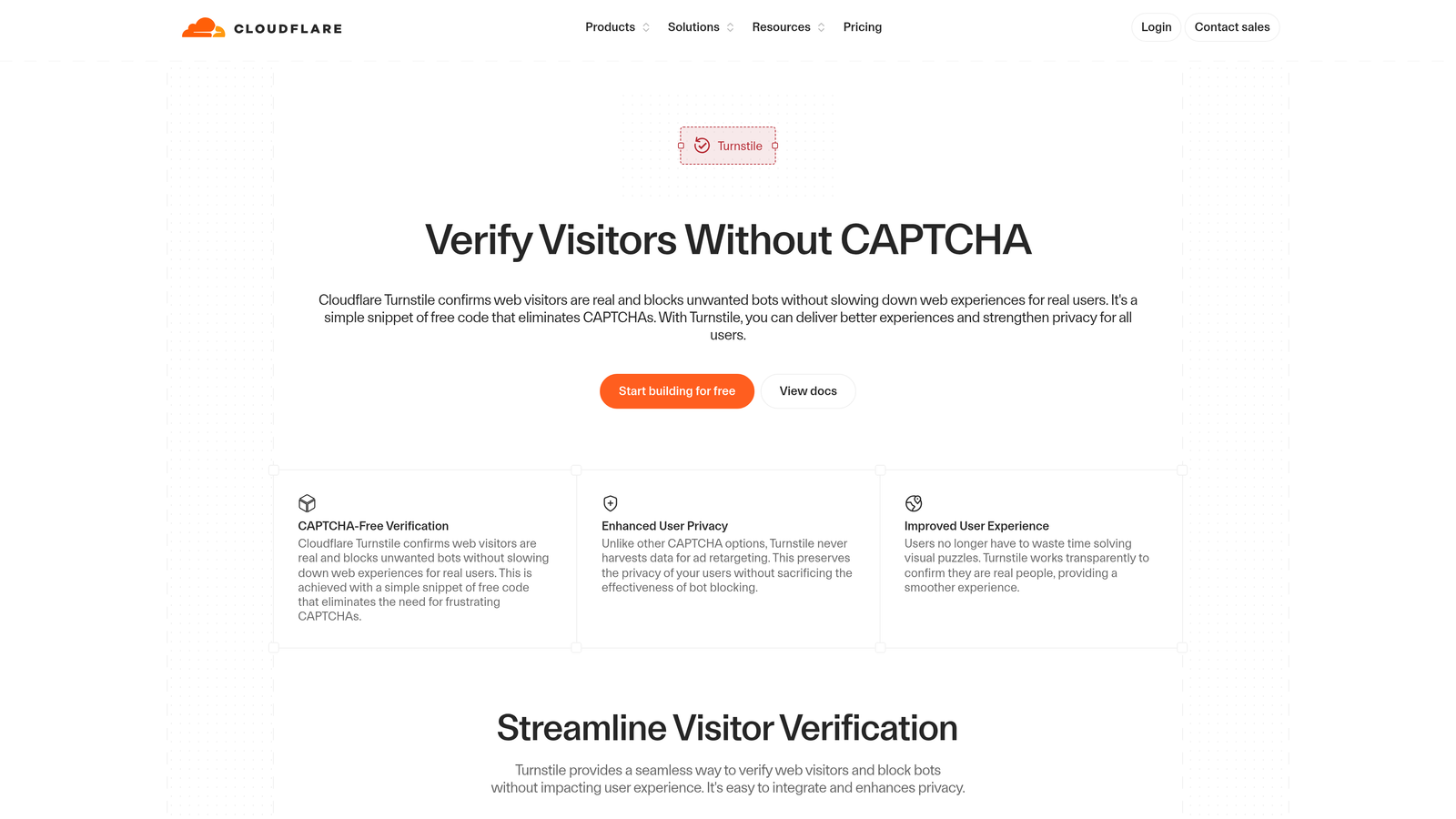
Cloudflare Turnstile is a free, invisible CAPTCHA replacement that validates browsers using non-intrusive signals, with no puzzles or challenges for users.
Where This Tool Shines
Turnstile's defining characteristic is that it's completely invisible. There's no checkbox, no image puzzle, no friction of any kind for legitimate visitors. It works by analyzing browser-level signals in the background, and its managed challenge mode adapts automatically based on the threat level it detects.
It's also available to anyone, not just Cloudflare customers, which makes it an accessible option regardless of your hosting setup. The combination of zero cost, zero friction, and strong privacy posture (minimal data collection, no cross-site tracking) makes it one of the more compelling free options in 2026.
Key Features
Fully Invisible: No visual challenges of any kind — completely transparent to real visitors.
Privacy-Preserving: Minimal data collection with no cross-site tracking built into the model.
Adaptive Threat Response: Managed challenge mode adjusts based on real-time threat signals.
Universal Availability: Works for any site, not just those hosted on Cloudflare infrastructure.
Simple Implementation: Straightforward JavaScript embed with a clean API for server-side verification.
Best For
Developers and teams who want a modern, frictionless alternative to reCAPTCHA without the privacy trade-offs, and who don't want to pay for basic spam protection. Particularly appealing for teams already in the Cloudflare ecosystem.
Pricing
Free with no usage tiers for standard implementation.
6. OOPSpam
Best for: No-code and low-code teams needing multi-signal spam filtering with Zapier and Make integrations.
OOPSpam is a multi-signal spam filtering API that combines IP reputation, email validation, content analysis, and geographic blocking in a single API call.

Where This Tool Shines
Where most tools rely on a single detection method, OOPSpam stacks multiple signals simultaneously. In one API call, it checks IP reputation, flags disposable email addresses, analyzes content for toxicity, and can block submissions from specific countries or languages. That layered approach catches spam that slips through single-method solutions.
The no-code integration story is genuinely useful. Zapier and Make integrations mean teams running Webflow, Bubble, or custom HTML forms can add OOPSpam without writing backend code. Each submission also returns an explainable spam score, so you can see exactly why something was flagged.
Key Features
Multi-Signal Detection: Simultaneously checks IP reputation, disposable email addresses, and content toxicity in a single call.
Geographic Blocking: Country and language filtering for controlling region-specific spam campaigns.
No-Code Integrations: Native Zapier and Make integrations for teams without backend development resources.
Broad Platform Compatibility: Works with Webflow, Bubble, and custom HTML forms.
Explainable Scores: Returns a spam score with specific signal breakdowns for each submission, making auditing straightforward.
Best For
No-code and low-code teams who need more sophisticated filtering than a basic CAPTCHA provides, and developers who want a flexible API that integrates cleanly with non-standard form setups.
Pricing
Free tier available; paid plans scale based on API call volume.
7. CleanTalk
Best for: Agencies and small businesses managing multiple sites who need affordable, CAPTCHA-free protection.
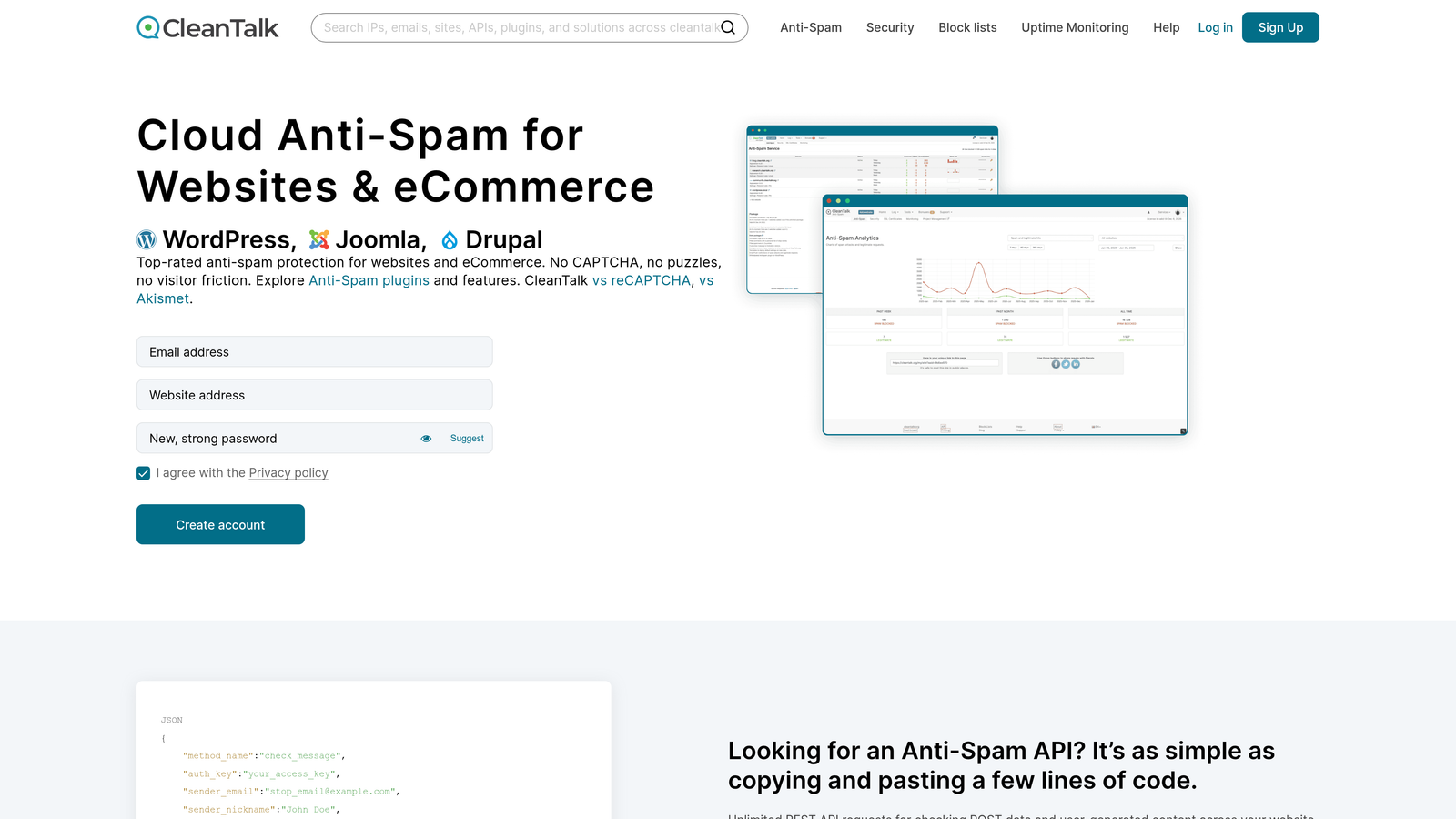
CleanTalk is a cloud-based, CAPTCHA-free spam protection service that checks submissions against a continuously updated blacklist of known spam IPs and email addresses.
Where This Tool Shines
CleanTalk's cloud blacklist is its core asset. It's updated in real time with global spam signals, meaning known bad actors are blocked automatically without any configuration on your end. Because it operates entirely in the background, there's zero friction for legitimate visitors — no challenges, no checkboxes, nothing.
For agencies managing multiple client sites, the multi-site account structure is a practical advantage. A single account can cover multiple domains, and the spam log and analytics dashboard gives you visibility into submission quality across all of them.
Key Features
Real-Time Cloud Blacklist: Continuously updated database of known spam IPs and email addresses.
Completely Invisible: No CAPTCHA or challenge of any kind presented to visitors.
WordPress Plugin: Easy installation for WordPress sites alongside API access for custom builds.
Multi-Site Support: Manage multiple domains and forms under a single account.
Spam Analytics Dashboard: Visibility into submission quality and flagged entries across all protected forms.
Best For
Digital agencies managing multiple client sites who need affordable, low-maintenance spam protection across a portfolio of properties. Also a solid choice for small businesses that want CAPTCHA-free protection without a complex setup.
Pricing
Starts at approximately $12 per year per site; multi-site plans available at reduced per-site rates.
8. Botpoison
Best for: Developers who want a frictionless, cryptographic approach to deterring high-volume bot submissions.
Botpoison is a developer-focused spam deterrent that uses cryptographic proof-of-work challenges to make automated bot submissions computationally expensive.
Where This Tool Shines
Botpoison takes a fundamentally different approach to spam deterrence. Rather than identifying and blocking bots, it makes mass automated submissions economically costly by requiring the submitting browser to solve a cryptographic puzzle before the form can be submitted. For a real user on a modern device, this happens invisibly and near-instantly. For a bot running thousands of submissions, the computational cost adds up fast.
The implementation is refreshingly simple: a single JavaScript snippet on the frontend and a server-side API call to verify the solution. No complex configuration, no backend infrastructure changes required.
Key Features
Proof-of-Work Model: The browser solves a cryptographic puzzle before submission, making mass bot campaigns resource-expensive.
Completely Frictionless: Real users on modern devices experience no perceptible delay or challenge.
Economic Deterrence: Doesn't block bots outright, but makes high-volume automated submissions impractical.
Simple Integration: Single JavaScript snippet on the frontend with no backend infrastructure changes needed.
Server-Side Verification: API endpoint to validate cryptographic solutions before processing submissions.
Best For
Developers building custom form implementations who want a lightweight, frictionless deterrent that doesn't rely on external databases or behavioral tracking. Particularly effective against high-volume bot campaigns where the economic cost model is most impactful.
Pricing
Free tier available; paid plans for higher submission volumes.
9. Formspree
Best for: Static site developers who want form handling, email routing, and spam protection bundled in one hosted service.
Formspree is a form backend service for static sites that bundles form handling, email routing, and built-in spam protection in one hosted solution.
Where This Tool Shines
Formspree solves a specific but common problem: static sites built with Next.js, Gatsby, Hugo, or similar frameworks don't have a backend to process form submissions. Formspree provides that backend as a service, and spam protection comes included rather than as a separate concern to configure.
The submission dashboard with spam flagging gives non-technical users visibility into what's being filtered without needing to dig into logs or APIs. For teams that just want forms to work cleanly without building infrastructure, it's a practical all-in-one solution.
Key Features
Serverless Form Handling: Processes form submissions without requiring any custom backend infrastructure.
Built-In Spam Filtering: reCAPTCHA and honeypot protection included out of the box.
Flexible Routing: Routes submissions to email, Slack, webhooks, or other integrations.
Static Site Compatibility: Works with any static site generator including Next.js, Gatsby, and Hugo.
Spam Dashboard: Submission management interface with spam flagging and filtering visibility.
Best For
Frontend developers and small teams running static sites who want a complete form solution without managing backend infrastructure. Not the right fit for teams with complex lead qualification needs or high-volume B2B lead gen workflows.
Pricing
Free tier includes 50 submissions per month; paid plans start at $10 per month for higher volumes and additional features.
Which Tool Is Right for Your Team?
The right form spam protection tool depends on what you're actually trying to protect, and what "protection" means for your business. Here's a quick way to think through it.
High-growth B2B and SaaS lead gen teams: If CRM data quality and lead qualification matter as much as blocking bots, Orbit AI is the standout choice. It's the only tool on this list that handles spam protection and lead qualification at the same layer, so you're not just filtering junk, you're actively improving pipeline quality.
WordPress-heavy teams and agencies: Akismet remains the most practical choice for WordPress sites, especially when managing multiple properties. CleanTalk is worth considering for agencies who want multi-site coverage at a low annual cost.
Privacy-first and compliance-driven teams: hCaptcha and Cloudflare Turnstile are the natural alternatives to reCAPTCHA when GDPR compliance or data sovereignty is a concern. Turnstile has the edge on frictionlessness; hCaptcha has the edge on accessibility options.
Developers building custom implementations: OOPSpam gives you the most signal flexibility via API, Botpoison offers a clever cryptographic deterrence model, and Cloudflare Turnstile is the simplest drop-in for invisible protection without any cost.
Static site teams: Formspree solves the backend problem and spam problem simultaneously, making it the most practical bundled solution for teams without server-side infrastructure.
For most high-growth teams, the bigger strategic question isn't just "how do I block bots?" It's "how do I ensure my forms are generating qualified pipeline, not just submissions." That's where the conversation shifts from spam protection to lead intelligence.
Transform your lead generation with AI-powered forms that qualify prospects automatically while delivering the modern, conversion-optimized experience your high-growth team needs. Start your free trial today and see how intelligent form design can elevate your conversion strategy.


