

Recruitment agencies live and die by their intake process. Whether you're collecting candidate applications, capturing client briefs, or qualifying inbound leads, the form builder you choose directly shapes your pipeline quality and your team's daily workload. A clunky form loses candidates mid-application. A generic one fails to surface the details that actually matter to a recruiter.
The best form builders for recruitment agencies do more than collect data: they qualify leads, route submissions intelligently, and connect seamlessly with your ATS and CRM stack. This list covers tools worth considering in 2026, evaluated on ease of use, conditional logic, integration depth, candidate experience, and how well they support high-volume, fast-moving recruiting workflows.
Whether you're a boutique agency placing niche talent or a high-growth firm scaling across multiple verticals, there's a right fit here for you.
1. Orbit AI
Best for: High-growth recruitment agencies that want intake forms to qualify and route leads automatically
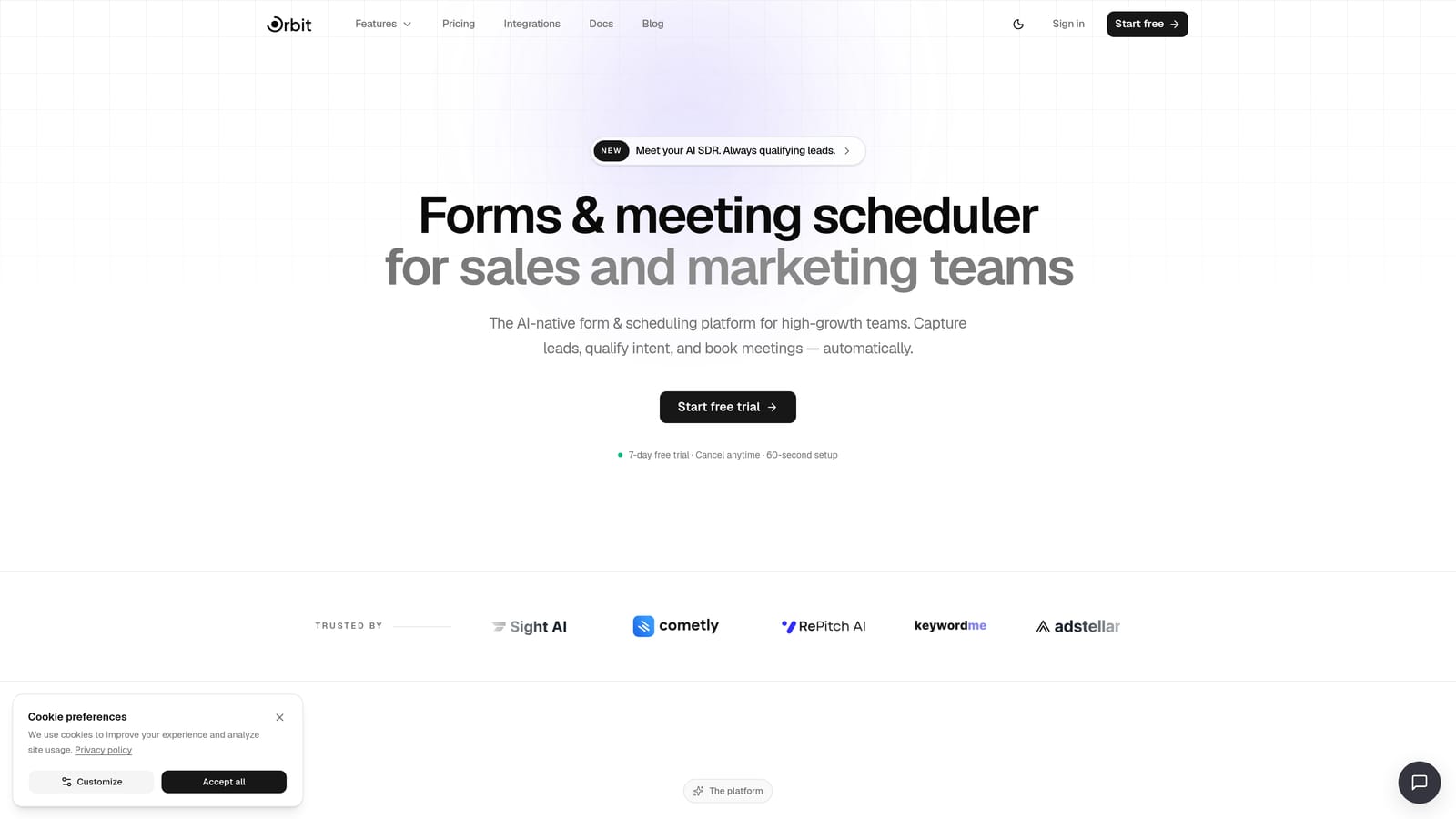
Orbit AI is an AI-powered form builder with built-in lead qualification, workflow automation, and contact management, designed for teams that need their intake process to do more than collect data.
Where This Tool Shines
Most form builders stop at data collection. Orbit AI goes further by embedding AI agents directly into your intake flow, automatically scoring and qualifying candidate or client submissions before they ever reach a recruiter. For agencies dealing with high application volumes, this is a meaningful shift: your team sees pre-qualified leads instead of a raw, unfiltered inbox.
The platform also handles follow-up sequences and workflow automation, making it closer to a lightweight intake CRM than a standalone form tool. Combine that with scheduler integration for booking interviews directly from a form submission, and you have a tool that compresses several steps in the recruiting funnel into one seamless experience.
Key Features
AI Lead Qualification: AI agents automatically score and qualify candidate or client leads based on form responses, so your team focuses on the strongest fits.
Multi-Step Form Design: Conversion-optimized, multi-step layouts reduce drop-off on longer application flows and keep candidates engaged throughout.
Workflow and Sequence Automation: Set up automated follow-up sequences triggered by form submissions, keeping candidates and clients in the loop without manual effort.
Scheduler Integration: Candidates can book interviews or calls directly from the form, eliminating the back-and-forth that slows down placement timelines.
Analytics and Integrations: Native analytics give visibility into form performance, and Zapier compatibility connects Orbit AI to your existing ATS, CRM, or communication stack.
Best For
Recruitment agencies focused on pipeline quality over volume, particularly those handling inbound candidate or client leads at scale. Also a strong fit for agencies that want to reduce recruiter admin time through automation without investing in a full CRM platform.
Pricing
Visit orbitforms.ai/pricing for current plan details. Multiple tiers are available to suit different team sizes and feature needs.
2. Typeform
Best for: Candidate-facing application forms where completion rate and experience are the priority
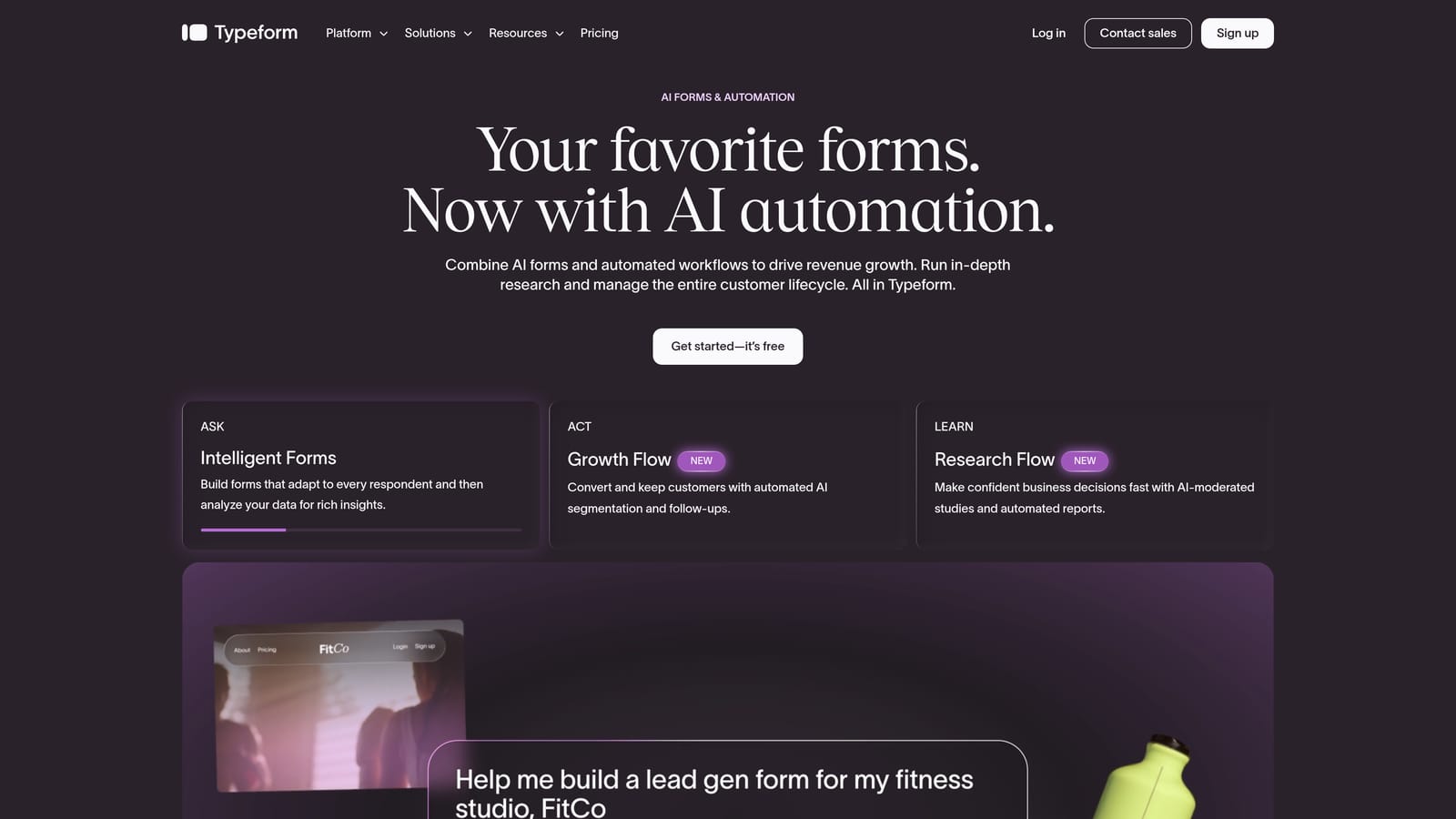
Typeform is a conversational form builder known for its one-question-at-a-time format, which keeps candidates engaged through longer application flows.
Where This Tool Shines
Typeform's signature format works particularly well for candidate applications where a traditional wall-of-fields would cause drop-off. The conversational pacing feels less like a form and more like a dialogue, which can make a meaningful difference when you're asking candidates to share detailed information about their experience and preferences.
The platform is mobile-optimized by default, which matters when a significant portion of candidates are applying from their phones. Video question support is a standout feature for agencies that want to incorporate async video screening into their initial application flow.
Key Features
Conversational UI: One-question-at-a-time format reduces cognitive load and improves completion rates on longer forms.
Logic Jumps: Basic conditional branching lets you route candidates to different questions based on their answers.
Video Questions: Embed async video prompts within forms for early-stage screening without scheduling a call.
CRM and ATS Integrations: Connects with popular tools via native integrations and Zapier.
Mobile-Optimized: Forms render cleanly on any device without additional configuration.
Best For
Agencies prioritizing candidate experience and completion rates on application forms. Particularly strong for mid-length applications where engagement matters. Less suited for teams that need deep conditional logic or AI-powered qualification built into the same tool.
Pricing
Free tier available with limited responses. Paid plans scale by response volume. Verify current pricing at typeform.com before committing.
3. JotForm
Best for: Agencies that want to move fast using pre-built HR and recruitment templates
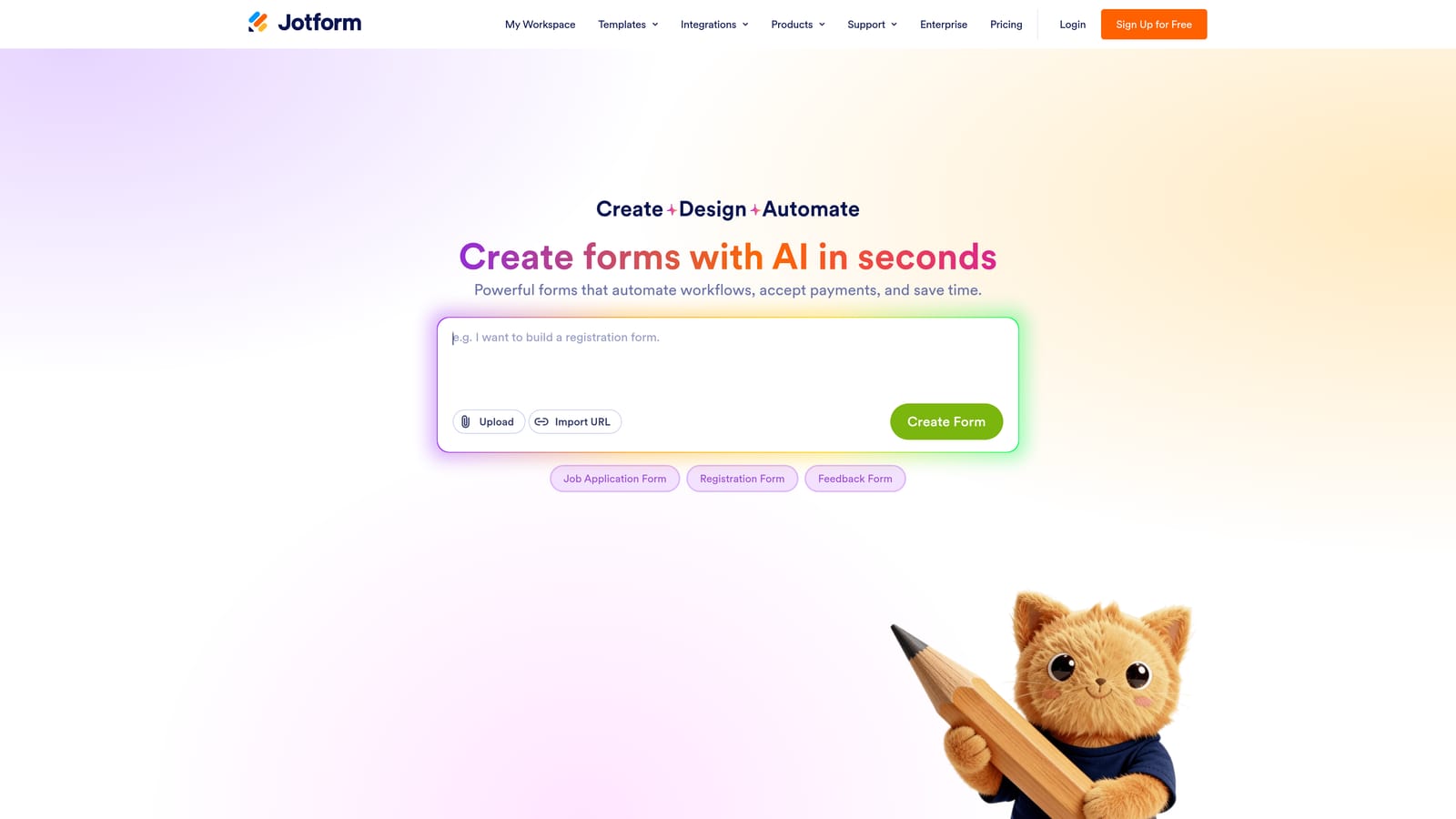
JotForm is a feature-rich form builder with one of the largest template libraries available, including a solid selection of HR and recruitment-specific forms.
Where This Tool Shines
If speed of deployment matters, JotForm is hard to beat. The template library means you can have a functional candidate application or client intake form live in minutes, not hours. Templates are genuinely useful starting points rather than cosmetic shells that require rebuilding from scratch.
JotForm also handles some features that recruitment workflows specifically require: file uploads for CVs and portfolios, e-signature collection for consent forms or offer letters, and GDPR-compliant data handling options for agencies operating across jurisdictions.
Key Features
Recruitment Templates: Hundreds of HR and recruitment-specific templates available out of the box, covering applications, reference checks, and more.
File Upload Support: Candidates can upload CVs, cover letters, and portfolios directly through the form.
E-Signature Collection: Built-in e-signature capability for consent forms, NDAs, or offer letter acknowledgments.
Wide Integration Ecosystem: Native connectors and Zapier support cover most ATS and CRM platforms agencies commonly use.
GDPR Compliance Options: Data handling configurations to support privacy compliance for agencies operating in regulated markets.
Best For
Agencies that want a reliable, template-driven solution they can deploy quickly. Also a strong fit for teams that need e-signature capability without adding a separate tool to their stack.
Pricing
Free tier available with limited submissions. Paid plans from approximately $34/month. Verify current pricing at jotform.com as plans change frequently.
4. Tally
Best for: Lean agencies or independent recruiters who need clean, simple intake forms without a budget
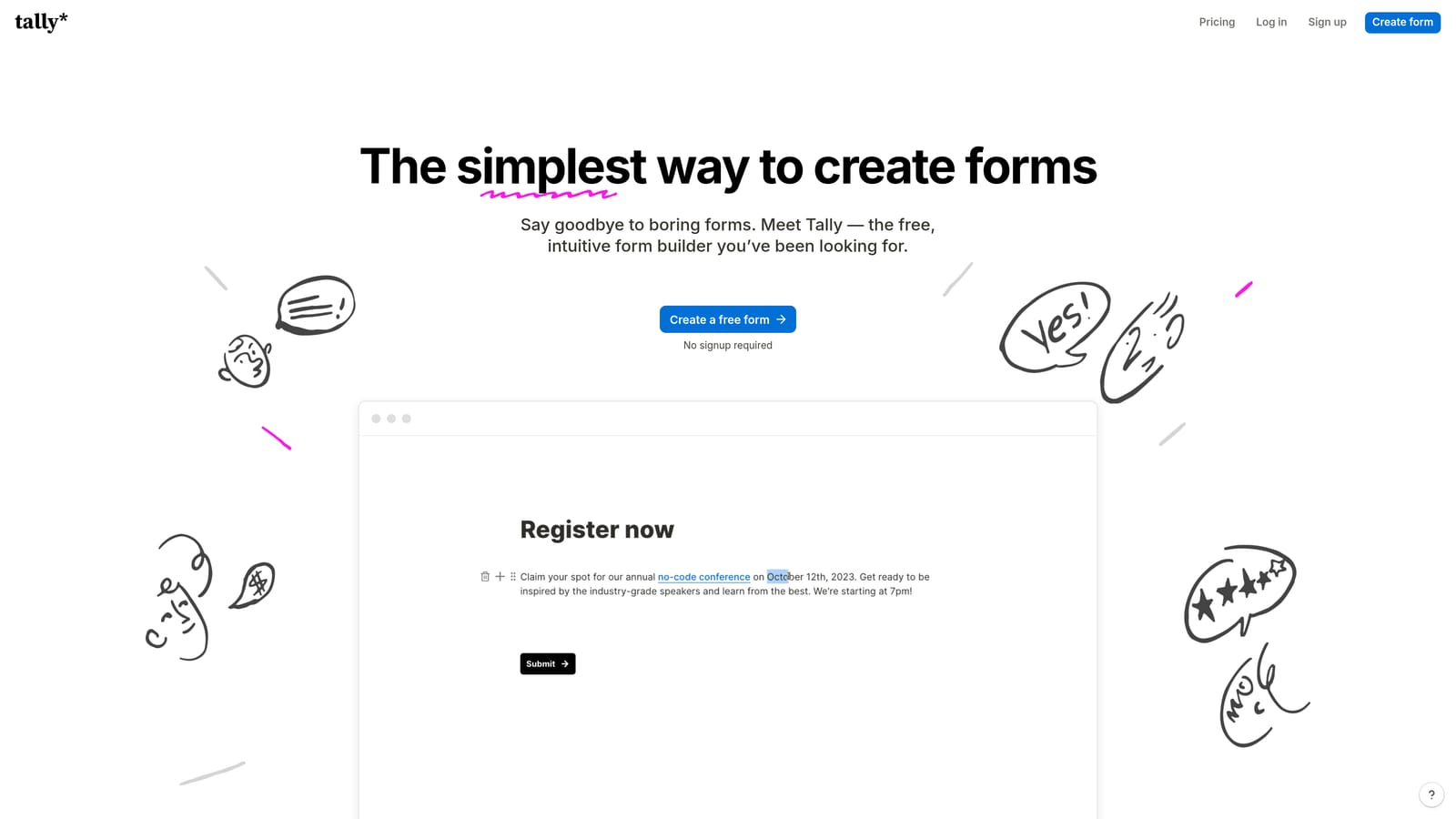
Tally is a Notion-inspired form builder with a genuinely unlimited free tier, making it one of the most accessible options for small or bootstrapped recruiting teams.
Where This Tool Shines
Tally's free plan is unusually generous: unlimited forms and unlimited responses, with no artificial caps designed to push you toward a paid tier. For a lean agency that needs a solid candidate intake form without committing budget, this is a meaningful advantage over most competitors.
The interface is clean and distraction-free, which translates into forms that feel modern without requiring design work. Notion integration is a practical bonus for agencies already using Notion as a lightweight ATS or project management layer.
Key Features
Unlimited Free Plan: Unlimited forms and responses on the free tier, with no submission limits or watermarks on the core experience.
Clean Form UI: Distraction-free design that keeps candidate focus on completing the form.
Conditional Logic: Basic branching and conditional logic for routing candidates based on their answers.
Notion Integration: Sync responses directly to a Notion database for teams using it as a lightweight ATS.
Custom Domain Support: Available on paid plans for agencies that want branded form URLs.
Best For
Independent recruiters, early-stage agencies, or teams that need simple intake forms quickly and without cost. Less suited for agencies that need AI qualification, deep workflow automation, or complex multi-path screening logic.
Pricing
Free tier with unlimited forms and responses. Pro plan available for additional features. Verify current pricing at tally.so.
5. Google Forms
Best for: Internal use or simple application collection for teams already in Google Workspace
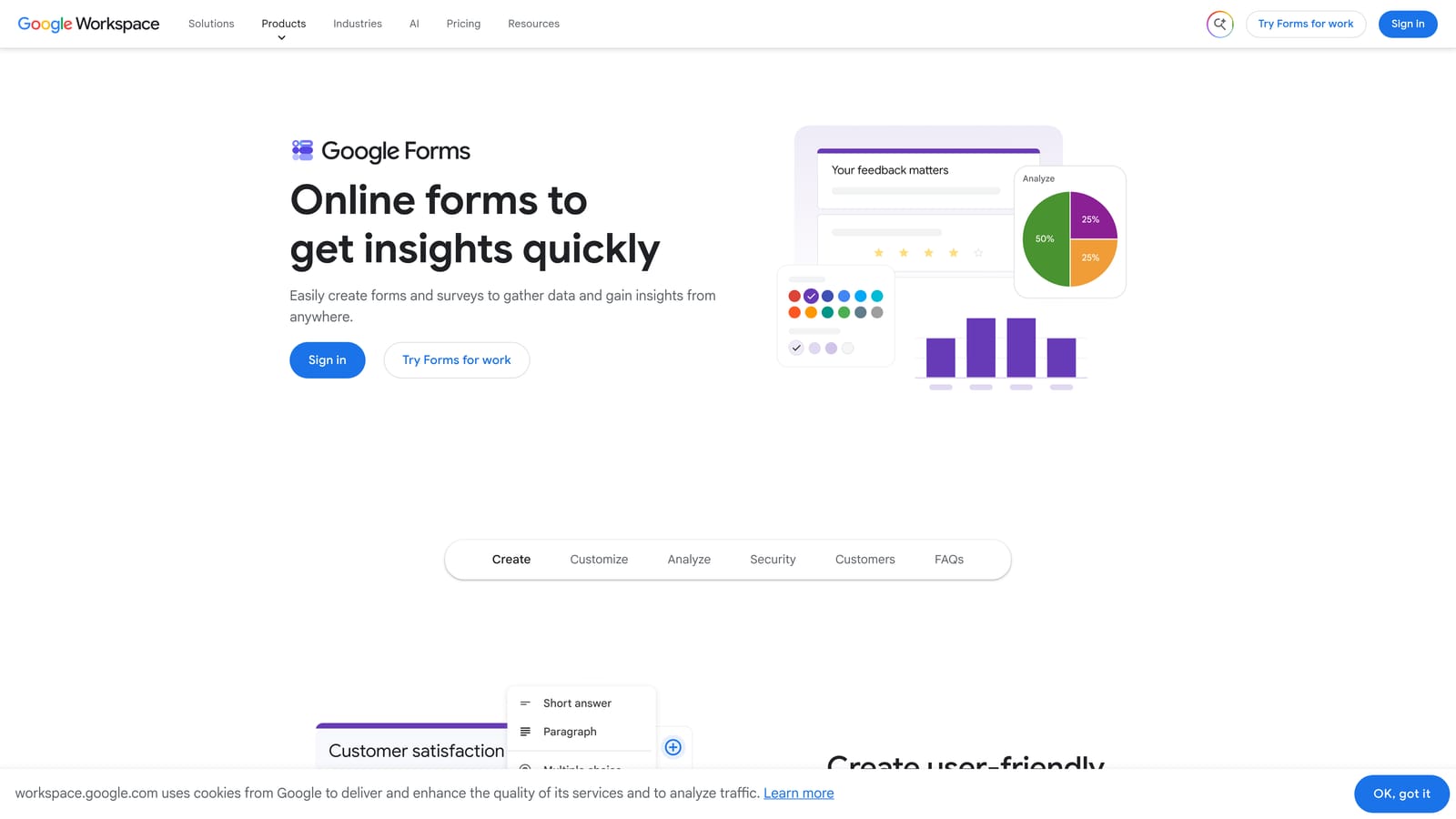
Google Forms is a zero-cost form builder from Google, best suited for agencies already in the Google Workspace ecosystem who need a no-setup application form quickly.
Where This Tool Shines
The case for Google Forms is straightforward: it's free, it requires no setup, and it integrates natively with Google Sheets for response tracking. If your agency already runs on Google Workspace and you need a basic intake form in the next 30 minutes, this gets the job done.
Collaboration is built in, which is useful for recruiting teams where multiple people need to review or edit a form. The learning curve is essentially zero, making it accessible to any team member regardless of technical background.
Key Features
Zero Cost: Free with any Google account, with no response limits or paid tiers required for basic use.
Google Sheets Integration: Responses flow directly into a connected spreadsheet for easy tracking and filtering.
Basic Branching: Simple conditional logic based on answer selection, though limited compared to dedicated form builders.
File Upload Support: Candidates can upload files via Google Drive, with storage tied to the account.
Easy Collaboration: Share and co-edit forms with team members using standard Google permissions.
Best For
Agencies with very simple intake needs, internal forms, or teams on a zero budget. Not recommended for high-volume candidate pipelines, branded client-facing forms, or workflows that require conditional logic depth or ATS integration.
Pricing
Free with a Google account. Google Workspace business plans start from approximately $6 per user per month for additional storage and admin features.
6. Paperform
Best for: Agencies that want application forms to feel like a branded landing page experience
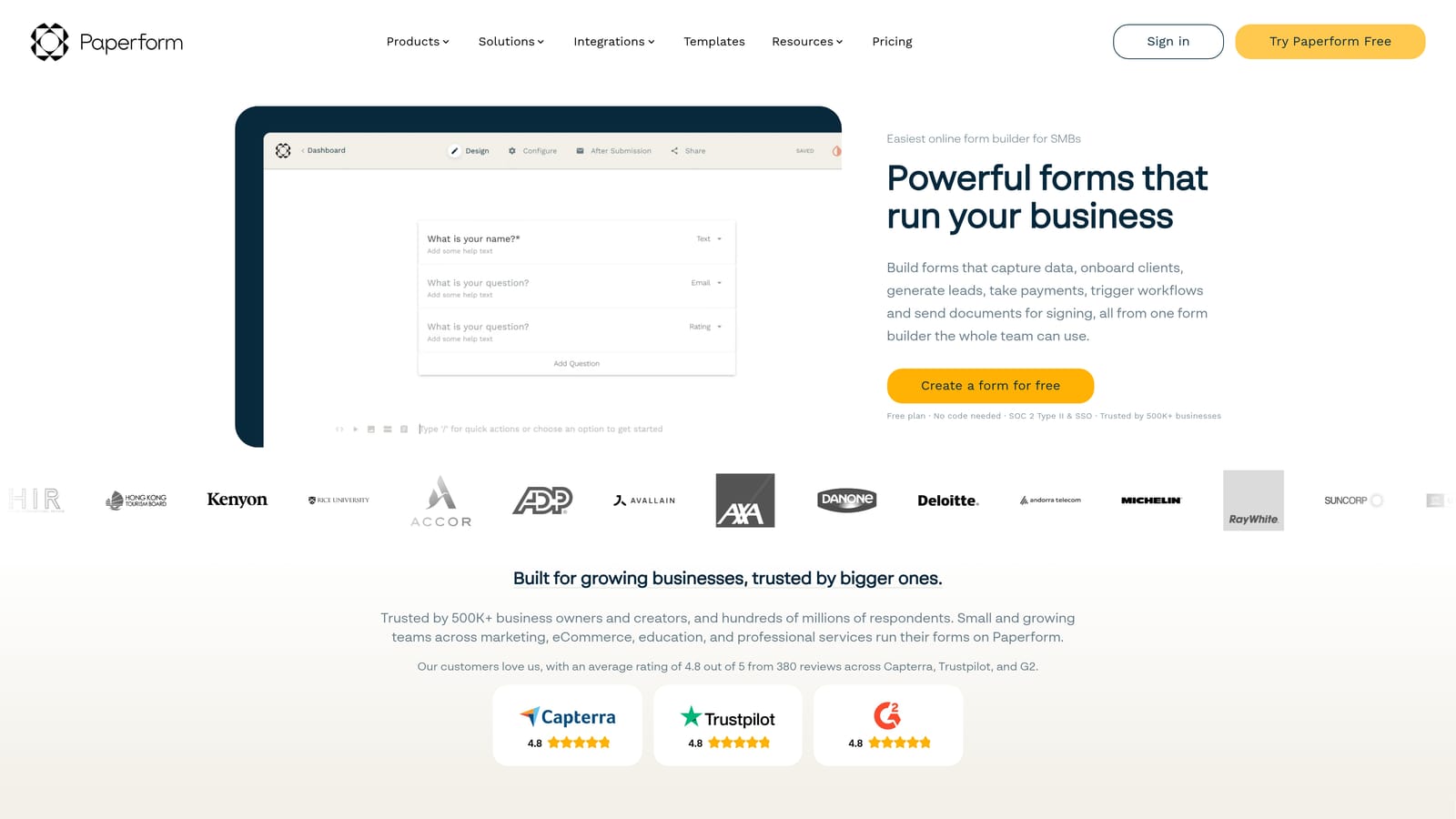
Paperform is a hybrid form and page builder that lets agencies create highly branded, multi-section application forms without touching code.
Where This Tool Shines
Paperform occupies a unique space: it's part form builder, part landing page tool. You can embed rich text, images, and video alongside form fields, which means your candidate application can feel like a polished brand experience rather than a plain data collection screen. For agencies that invest in employer branding or client-facing intake, this matters.
Multi-section layouts allow complex applications to be broken into digestible chunks, and custom branding with domain support means your forms can carry your agency's identity end to end.
Key Features
Rich Media Embeds: Add text, images, and video directly within forms to provide context or instructions alongside questions.
Custom Branding: Full custom branding and domain support for client-facing and candidate-facing forms.
Multi-Section Layouts: Break complex applications into organized sections without forcing candidates through a single long scroll.
Payment and Scheduling: Built-in integrations for payment collection and appointment scheduling, useful for agencies offering paid assessments or discovery calls.
Conditional Logic: Conditional fields and calculation logic for more dynamic form flows.
Best For
Agencies where brand presentation matters, particularly those building client-facing intake forms or candidate applications that double as a first impression of the firm. Also useful for agencies that want to combine form collection with scheduling or payment in a single flow.
Pricing
Paid plans only; no permanent free tier. Verify current pricing at paperform.co before evaluating.
7. Fillout
Best for: Agencies with complex, multi-path screening flows or teams using Notion as a lightweight ATS
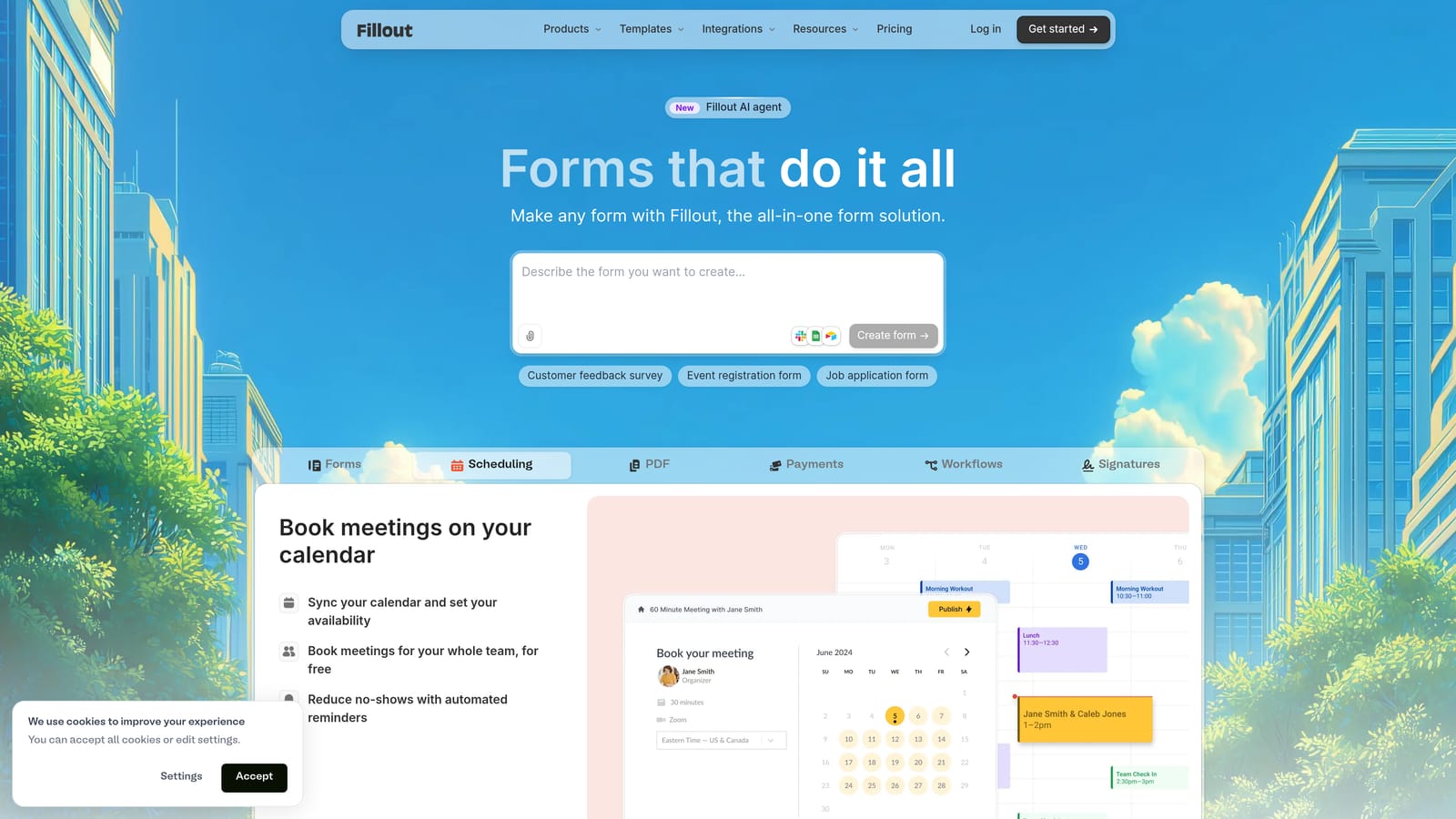
Fillout is a modern form builder with particularly strong conditional logic and branching capabilities, plus native Notion integration for teams managing candidate pipelines in Notion.
Where This Tool Shines
Fillout's conditional logic is genuinely advanced compared to many tools in this category. Multi-path branching means you can build screening flows that route candidates down entirely different question sets based on their experience level, role preference, or location, without stitching together workarounds. For agencies with nuanced screening criteria, this flexibility is significant.
The native Notion database integration is a practical differentiator for teams that have built their ATS or candidate tracking workflow in Notion. Responses feed directly into a Notion database without needing Zapier as a middleman.
Key Features
Advanced Conditional Logic: Multi-path branching that routes candidates through different question flows based on their answers.
Native Notion Integration: Sync form responses directly into Notion databases without third-party connectors.
Multi-Page Forms: Progress indicators and paginated layouts improve completion rates on longer screening forms.
Custom Branding: White-label options and custom branding for client-facing or candidate-facing deployments.
API and Zapier: Connect to your broader recruiting stack via API or Zapier for teams not on Notion.
Best For
Agencies with complex screening logic or multiple candidate pathways in a single form. Particularly well-suited for recruiting teams using Notion as their primary candidate management tool.
Pricing
Free tier available. Paid plans scale with features and usage. Verify current pricing at fillout.com.
8. Formstack
Best for: Larger agencies or RPO firms with strict compliance requirements and multi-stage approval workflows
Formstack is an enterprise-grade form and workflow platform built for organizations with serious compliance requirements, particularly relevant for agencies placing candidates in regulated industries.
Where This Tool Shines
Formstack sits in a different tier from the other tools on this list. It's not trying to win on simplicity or price. Its value is in compliance depth and workflow sophistication: HIPAA, GDPR, and SOC 2 certifications make it one of the few form platforms that can genuinely handle sensitive candidate data in regulated sectors like healthcare, finance, or government.
The platform also supports document generation and approval routing, which is useful for agencies managing multi-stage hiring processes or offer letter workflows that require sign-off from multiple stakeholders before a candidate is formally engaged.
Key Features
Compliance Certifications: HIPAA, GDPR, and SOC 2 compliance for agencies handling sensitive personal data in regulated industries.
Document Generation: Generate offer letters, contracts, and compliance documents directly from form data.
E-Signature Workflows: Collect legally binding signatures as part of multi-step hiring or onboarding processes.
Approval Routing: Route submissions through multi-stage approval chains before finalizing candidate or client records.
Enterprise Access Controls: SSO, role-based permissions, and audit logs for larger teams with security requirements.
Best For
Mid-to-large recruitment agencies, RPO firms, or staffing companies placing candidates in healthcare, finance, or other regulated sectors where compliance is non-negotiable. The price point reflects an enterprise feature set, so smaller agencies should evaluate whether the compliance depth justifies the cost.
Pricing
Higher-end pricing; contact Formstack directly for enterprise quotes. Verify current plans at formstack.com.
Which Tool Is Right for Your Agency?
The honest answer is that the right form builder depends on what's slowing your recruiting workflow down right now.
If your challenge is qualifying high volumes of inbound candidates or client leads without adding recruiter headcount, Orbit AI is built for exactly that. The AI qualification layer and workflow automation make it the strongest fit for agencies focused on pipeline quality and conversion.
If candidate experience and completion rates are your priority, Typeform is the conversational format leader. If you need to move fast with pre-built templates, JotForm delivers. If budget is tight and simplicity is enough, Tally gives you more for free than almost any competitor.
For agencies placing candidates in regulated industries, Formstack is the compliance-first choice. For teams with complex screening logic or a Notion-based workflow, Fillout earns a close look. And if your forms need to feel like a brand experience, Paperform is worth exploring.
The tools that will serve you best in 2026 are the ones that connect your intake process to your pipeline outcomes, not just your inbox. If you want to see what AI-powered intake looks like in practice, book a demo and experience how intelligent form design can transform the quality of leads your team works with every day.


