For SaaS teams, forms aren't just data collection tools. They're the front door to your pipeline. Whether you're qualifying leads, onboarding new users, running NPS surveys, or gating content, the form builder you choose directly impacts conversion rates and data quality.
The problem? Most form builders were designed for generic use cases, not the nuanced workflows of fast-moving SaaS companies. You need conditional logic, CRM integrations, lead scoring, and a design that doesn't look like it was built in 2012.
We evaluated nine form builders specifically through the lens of SaaS teams, weighing integration depth, lead qualification capabilities, automation support, and scalability. Whether you're a two-person startup or a scaling growth team, this list will help you find the right tool for your stack.
1. Orbit AI
Best for: SaaS growth teams that want AI-powered lead qualification built directly into their forms.
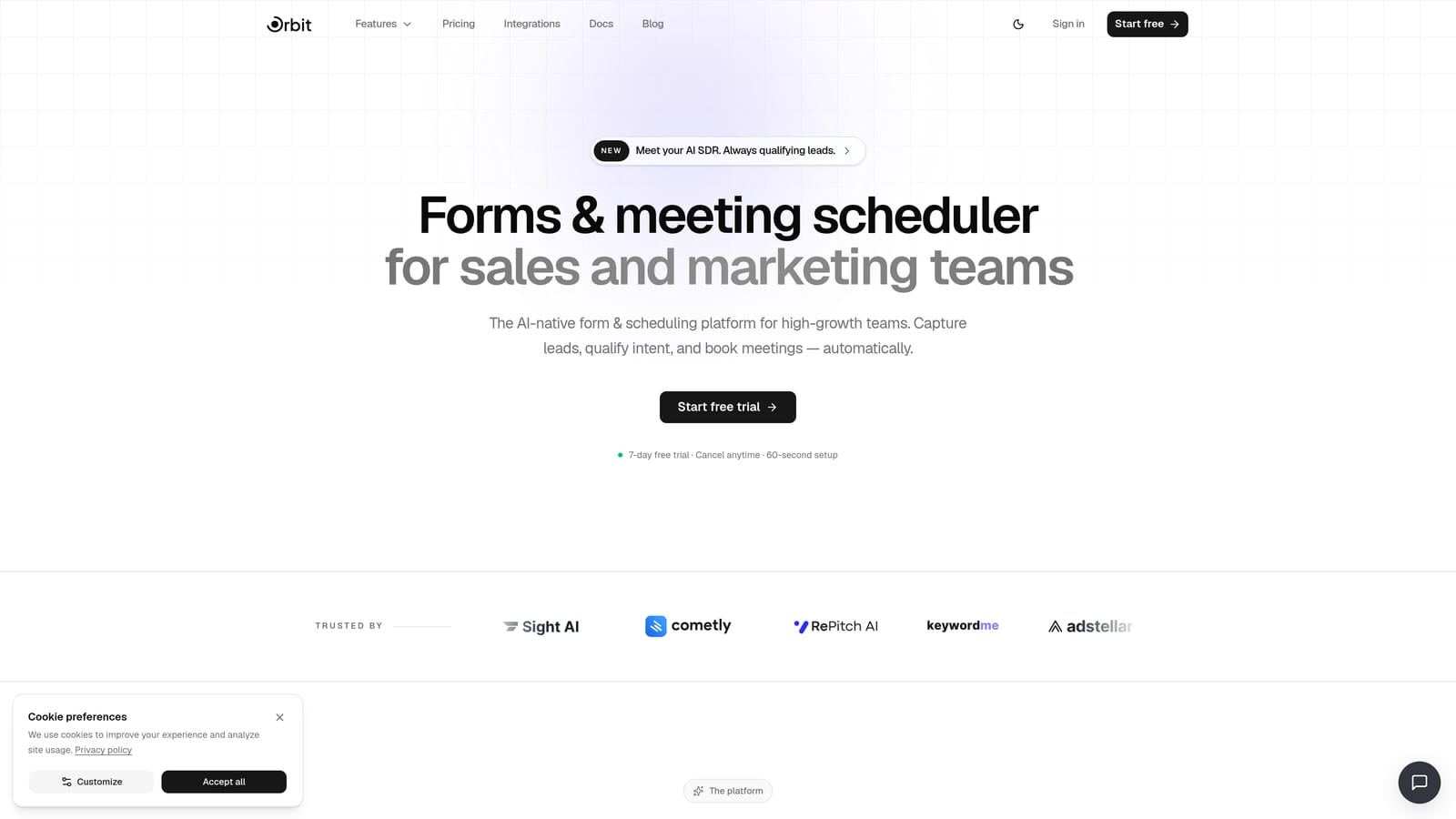
Orbit AI is an AI-powered form builder built specifically for SaaS growth teams, combining lead qualification, workflow automation, and contact management in one platform.
Where This Tool Shines
Most form builders stop at data collection. Orbit AI picks up where they leave off. Its AI agents can score, route, and follow up with leads automatically the moment a form is submitted, turning a passive intake tool into an active part of your sales funnel.
What makes it genuinely different for SaaS teams is the combination of built-in sequences, workflow automation, and a contact management dashboard. You're not stitching together Zapier, a CRM, and an email tool. It's all in one place, designed from the ground up for conversion-focused teams.
Key Features
AI Lead Qualification: AI agents automatically score and route incoming leads based on form responses, without manual review.
Built-in Sequences: Set up automated follow-up sequences triggered by form submissions, keeping prospects engaged immediately.
Native Workflow Automation: Build multi-step workflows without relying on Zapier or third-party connectors.
Contact Management Dashboard: View, segment, and manage all form contacts in one unified analytics view.
SaaS-Optimized Templates: Conversion-focused form templates designed specifically for SaaS use cases like demo requests, trial signups, and onboarding flows.
Best For
Orbit AI is the strongest fit for SaaS growth teams, demand generation marketers, and founders who want their forms to do more than collect data. If you're tired of manually qualifying leads or managing multiple tools to handle follow-up, this platform was built for exactly that problem.
Pricing
Visit orbitforms.ai/pricing for current plan details. Multiple tiers are available to fit early-stage and scaling teams alike.
2. Typeform
Best for: SaaS teams running NPS surveys, user research, or longer-form lead capture that benefits from higher completion rates.
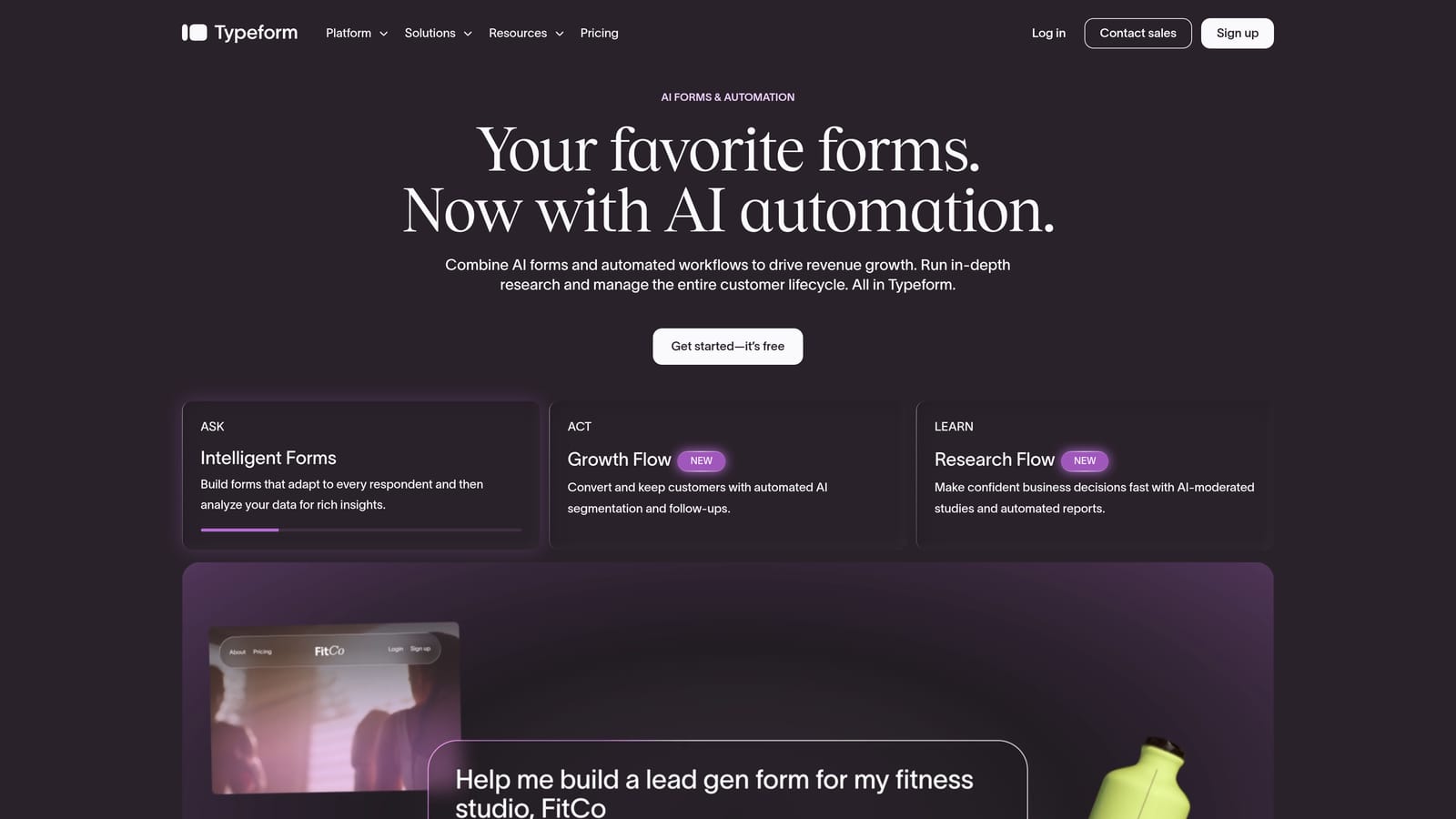
Typeform is a conversational form builder known for its one-question-at-a-time format that drives higher engagement and completion rates.
Where This Tool Shines
Typeform pioneered the conversational form format, and it still leads in that category. The single-question flow reduces cognitive load for respondents, which tends to improve completion rates on longer forms. For SaaS teams running detailed onboarding surveys or multi-question qualification forms, this format can make a real difference.
Its native integrations with Salesforce, HubSpot, and Slack mean it fits naturally into most SaaS stacks. The design is polished enough that your forms won't embarrass you in front of enterprise prospects.
Key Features
Conversational Single-Question Flow: Presents one question at a time to reduce friction and improve completion rates.
Logic Jumps and Conditional Branching: Route respondents through different paths based on their answers.
Native CRM Integrations: Direct connections to Salesforce, HubSpot, and Slack without requiring Zapier.
Video and Image Embedding: Enrich form experiences with media to add context or personality.
NPS and Survey Templates: Pre-built templates for common SaaS feedback and research use cases.
Best For
Typeform works best for SaaS teams focused on user research, NPS measurement, and lead capture where form experience and completion rate are the priority. Keep in mind that pricing scales with response volume, which can become costly for high-traffic funnels.
Pricing
Free plan available. Paid plans start at approximately $25/month, with costs increasing based on response volume and advanced features.
3. Tally
Best for: Early-stage SaaS teams that need forms deployed fast with a generous free tier and a clean editing experience.
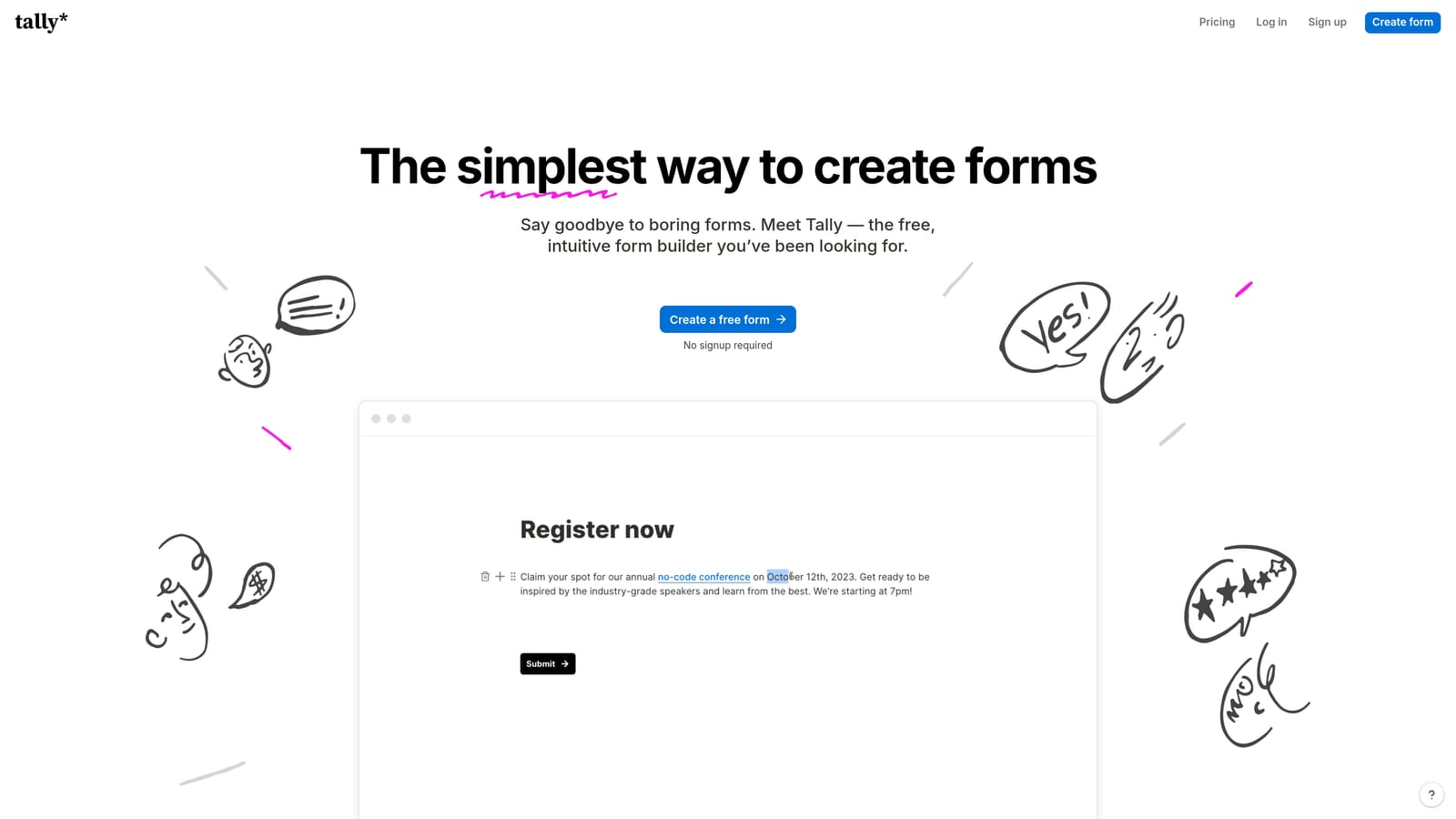
Tally is a Notion-inspired form builder with a clean block-based editing experience and one of the most generous free tiers in the market.
Where This Tool Shines
Tally has become a favorite in the SaaS startup community for good reason. Its Notion-like editor feels immediately familiar to teams already living in that ecosystem, and the free plan offers unlimited forms and unlimited responses with no tricks or caps. For early-stage teams watching their tool spend, that's a meaningful advantage.
It's not the most powerful tool on this list when it comes to automation or lead qualification, but it's fast to set up, easy to share, and produces clean-looking forms without much effort.
Key Features
Unlimited Free Forms and Responses: The free tier has no submission caps, making it genuinely usable at scale for basic use cases.
Block-Based Editor: Familiar Notion-style editing experience that reduces the learning curve significantly.
Conditional Logic and Calculations: Build branching paths and calculated fields into your forms.
Zapier and Make Integrations: Connect to your existing stack through popular automation platforms.
Custom Domain Support: Available on paid plans for a more branded form experience.
Best For
Tally is ideal for early-stage SaaS teams, indie hackers, and product teams that need forms up quickly without a budget. It's less suited for teams that need deep CRM workflows, AI qualification, or enterprise-level automation out of the box.
Pricing
Free plan with unlimited forms and responses. Pro plan is approximately $29/month with additional customization and branding features.
4. JotForm
Best for: Operations and RevOps teams managing complex multi-step intake processes, payments, and approval workflows.
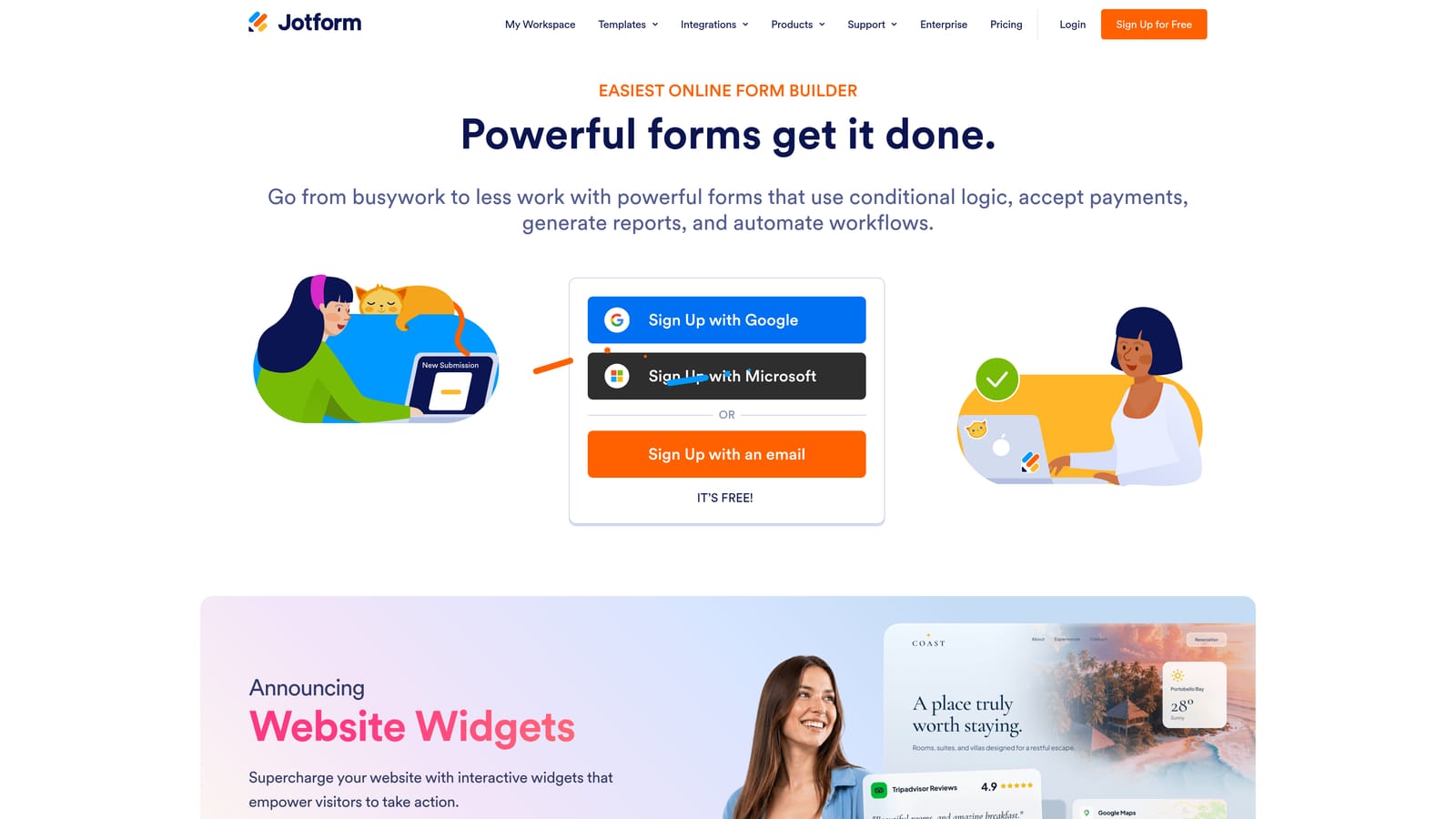
JotForm is one of the most feature-rich form builders available, with an extensive template library and support for complex workflows including payments and approvals.
Where This Tool Shines
JotForm is the Swiss Army knife of form builders. With over 10,000 templates and support for payment collection, approval routing, PDF generation, and HIPAA-compliant plans, it can handle almost any workflow a SaaS operations team might throw at it.
The tradeoff is complexity. JotForm can feel overwhelming for simple use cases, and the interface carries the weight of its many features. But for teams managing vendor onboarding, customer intake, or internal approval chains, that depth is exactly what they need.
Key Features
10,000+ Templates: One of the largest template libraries available, covering virtually every industry and use case.
Payment Collection: Native integrations with Stripe, PayPal, and Square for collecting payments directly through forms.
Approval Workflow Builder: Route submissions through multi-step approval processes with automated notifications.
PDF Generation: Automatically generate formatted PDF documents from form submissions.
HIPAA-Compliant Plans: Available for SaaS teams operating in regulated healthcare adjacent spaces.
Best For
JotForm is best suited for RevOps, operations, and finance teams within SaaS companies that need to manage complex, multi-step intake and approval processes. It's less optimized for front-end lead capture and conversion than some alternatives on this list.
Pricing
Free plan includes up to 100 submissions per month. Paid plans start at approximately $34/month, with pricing based on submission volume and feature access.
5. Google Forms
Best for: Internal SaaS team use cases like employee surveys, event registrations, and quick feedback collection within Google Workspace.
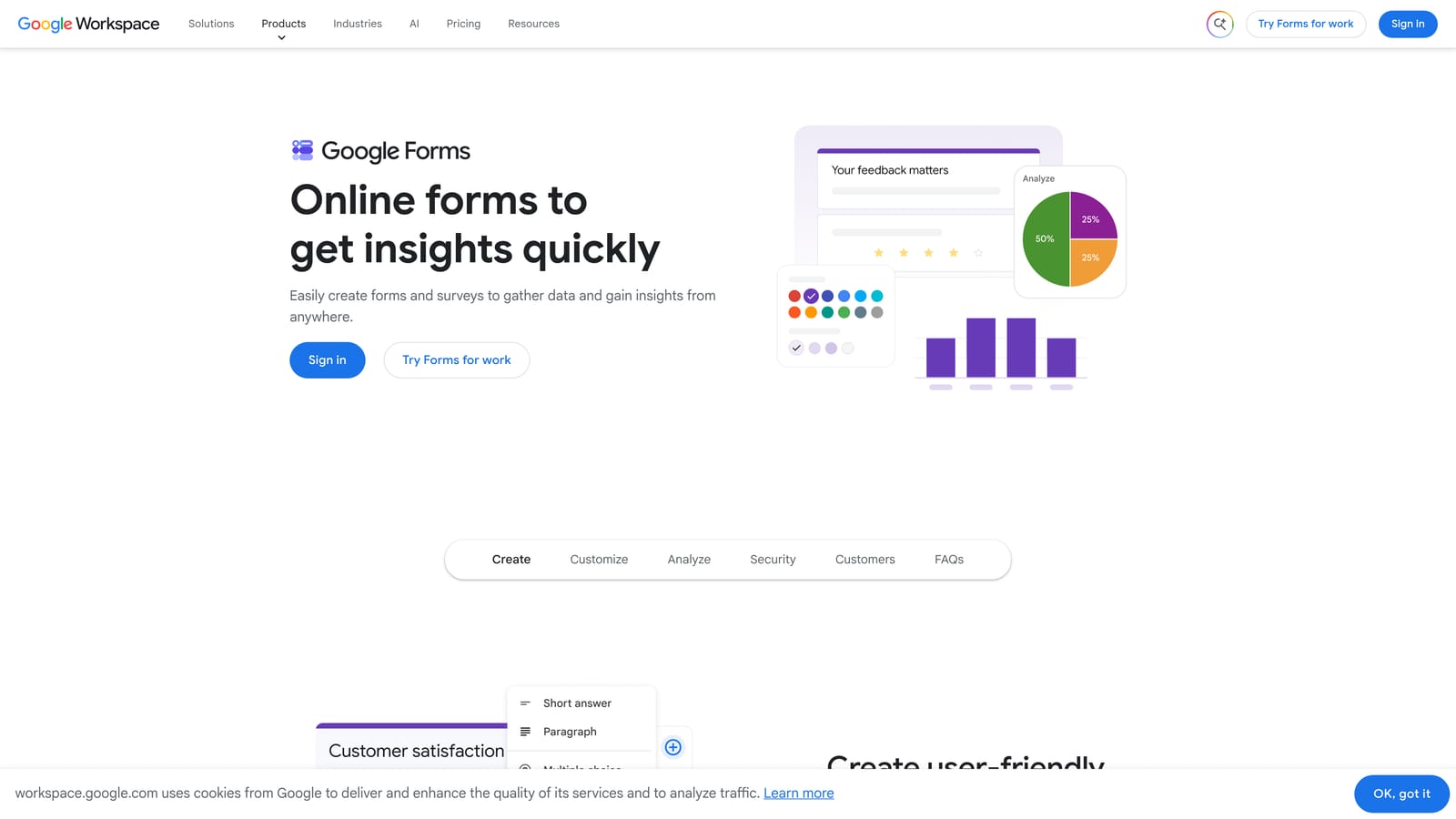
Google Forms is Google's free, no-frills form builder that integrates natively with Google Sheets and the broader Google Workspace ecosystem.
Where This Tool Shines
Google Forms is not trying to compete on features or design. What it offers is reliability, zero cost, and seamless integration with tools your team is already using. Form responses sync instantly to Google Sheets, making it easy to analyze data without exporting or connecting anything.
For internal SaaS workflows like team retrospectives, hiring intake forms, or quick customer satisfaction checks, it gets the job done without any friction or setup time.
Key Features
Completely Free: No submission limits, no paid tiers, no hidden costs with a Google account.
Google Sheets Sync: Responses flow automatically into a linked spreadsheet in real time.
Basic Branching Logic: Simple conditional routing based on multiple-choice answers.
Real-Time Collaboration: Multiple team members can edit forms simultaneously, just like Google Docs.
Quiz and Grading Mode: Built-in scoring for assessments, useful for onboarding knowledge checks.
Best For
Google Forms is a solid supplementary tool for SaaS teams already in Google Workspace. It is not a primary lead capture or conversion optimization solution, but for internal surveys, event signups, and quick feedback loops, nothing beats the price-to-simplicity ratio.
Pricing
Completely free with any Google account. No paid tiers or submission limits.
6. HubSpot Forms
Best for: SaaS teams already running on HubSpot who want native CRM sync without any integration overhead.
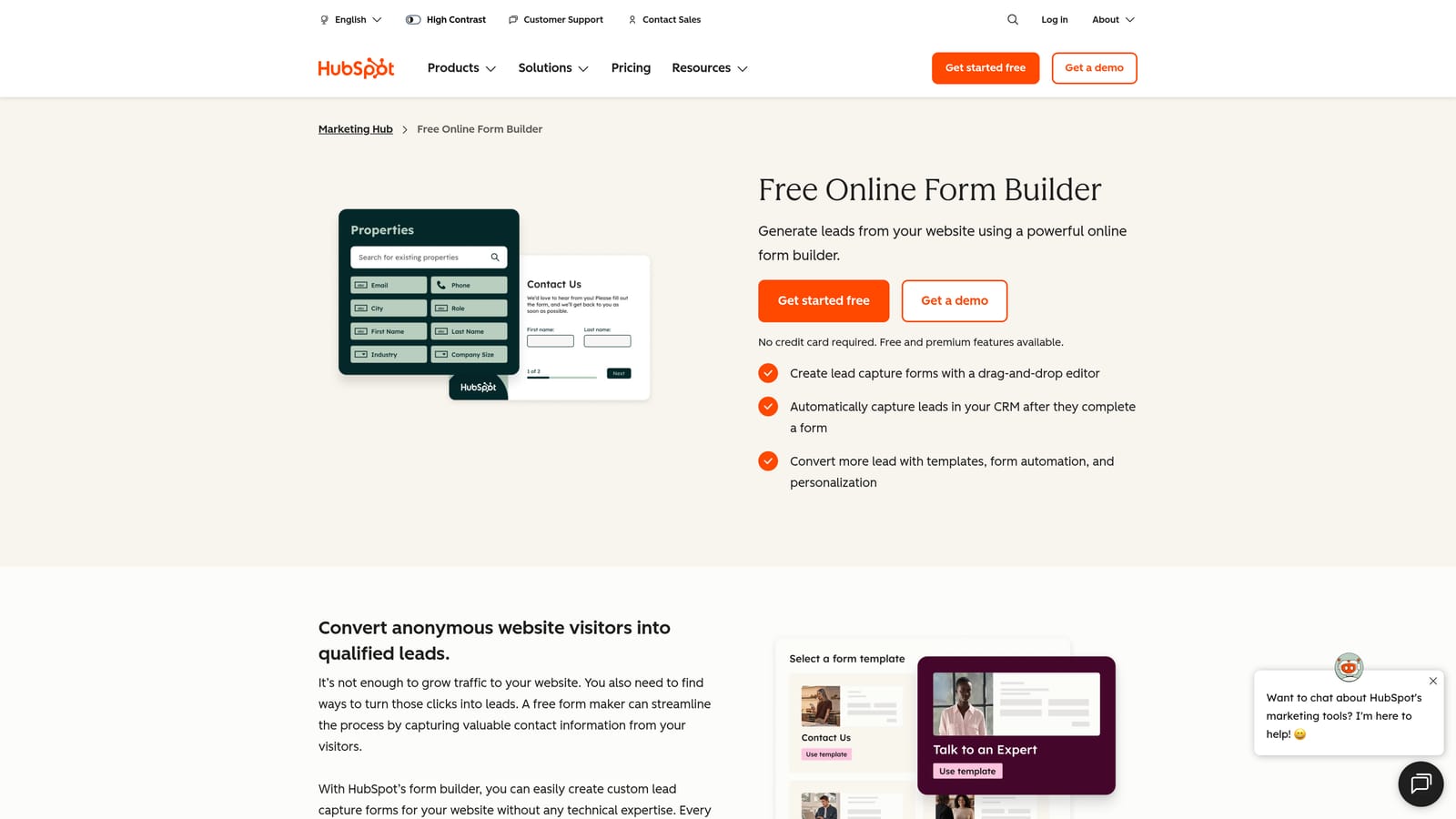
HubSpot Forms is a native form builder included in HubSpot's CRM platform, designed to feed leads directly into HubSpot's contact database and marketing workflows.
Where This Tool Shines
If your SaaS team is already running HubSpot as your CRM, HubSpot Forms is a natural extension of that investment. Every submission automatically creates or updates a contact record, enrolls leads in workflows, and feeds into your reporting. There's no integration to maintain because it's all the same platform.
Progressive profiling is a particularly useful feature for SaaS teams. Rather than asking for the same information twice, HubSpot Forms can display new questions to returning visitors based on what you already know about them, reducing friction over multiple touchpoints.
Key Features
Native CRM Sync: Submissions automatically create or update HubSpot contact records with no integration required.
Workflow Enrollment: Leads are automatically enrolled in HubSpot marketing sequences upon submission.
Progressive Profiling: Shows different fields to returning visitors based on existing contact data to reduce form fatigue.
Embedded and Pop-Up Options: Deploy forms inline on your site or as triggered pop-ups.
GDPR Consent Fields: Built-in compliance fields for teams operating in European markets.
Best For
HubSpot Forms is the obvious choice for SaaS teams already committed to the HubSpot ecosystem. For teams not on HubSpot, the design limitations and platform dependency make it harder to justify over dedicated form builders.
Pricing
Free with HubSpot's free CRM tier. Advanced features like A/B testing and deeper automation require Marketing Hub paid plans, which start at higher price points.
7. Paperform
Best for: SaaS marketing teams that want branded, media-rich lead capture experiences without a separate landing page tool.
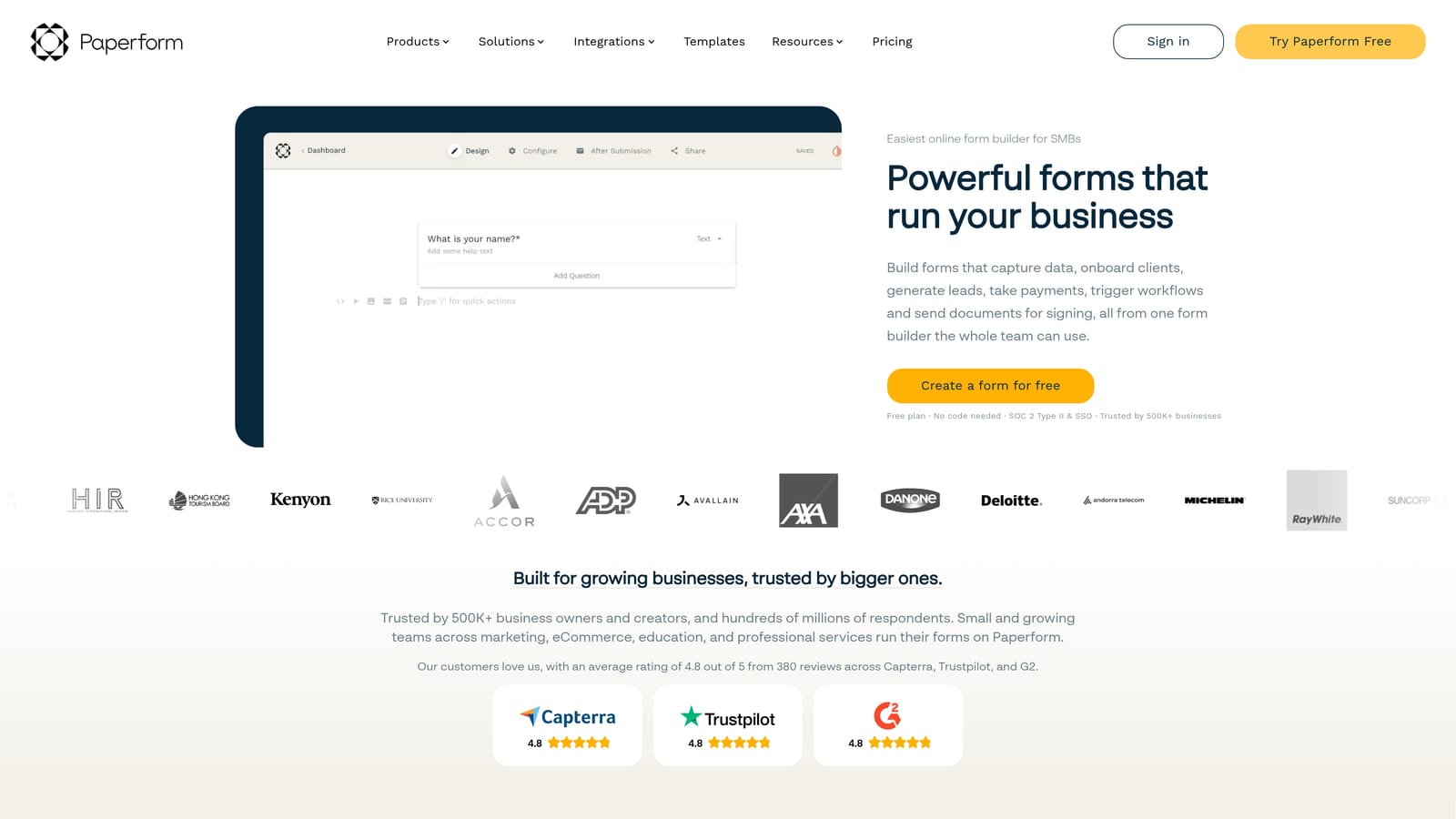
Paperform is a form builder that blurs the line between forms and landing pages, allowing rich media embedding and highly branded form experiences.
Where This Tool Shines
Paperform occupies an interesting niche: it's more expressive than a typical form builder but less complex than a full landing page platform. You can embed images, video, and rich text alongside your form fields, creating experiences that feel more like branded content than a standard data entry form.
For SaaS marketing teams running content gating, product waitlists, or event registrations, Paperform lets you create polished, on-brand experiences without needing a developer or a separate landing page tool in your stack.
Key Features
Rich Media Embedding: Add images, videos, and formatted text directly alongside form fields for richer experiences.
Highly Customizable Design: Extensive branding controls including fonts, colors, backgrounds, and layout options.
Payment Collection: Sell products or collect payments directly through Paperform pages.
500+ Integrations: Connect via native integrations and Zapier to most tools in your SaaS stack.
Best For
Paperform is best for SaaS marketing teams that prioritize brand experience in their lead capture flows. It's particularly strong for teams that want a single tool to handle both the form and the surrounding page experience without maintaining a separate landing page builder.
Pricing
Plans start at approximately $24/month billed annually. No permanent free plan, but a trial is available.
8. Fillout
Best for: Technical SaaS teams and product builders who need forms that read and write directly to databases like Notion, Airtable, or Supabase.
Fillout is a developer-friendly form builder with native integrations into databases like Notion, Airtable, and Supabase for reading and writing data directly.
Where This Tool Shines
Fillout has carved out a clear niche with technical SaaS teams by doing something most form builders can't: connecting directly to databases as both a data source and a destination. You can build forms that pre-populate fields from Airtable records, collect responses, and write them back to the same database, all without a line of code.
This makes Fillout particularly powerful for product teams building internal tools, customer portals, or data collection workflows where the form needs to interact with live data rather than just capture new submissions.
Key Features
Native Database Integrations: Direct read and write access to Notion, Airtable, and Supabase from within forms.
Conditional Logic and Multi-Step Forms: Build complex branching flows and multi-page form experiences.
Scheduling and Payment Collection: Handle meeting bookings and payment capture within the same form flow.
Pre-Population from Data Sources: Pull existing records into form fields to reduce manual entry for known users.
Clean Modern UI: Well-designed interface with solid customization options for a polished end-user experience.
Best For
Fillout is the strongest choice for technical SaaS teams and product builders who are already using Notion, Airtable, or Supabase as their operational backbone. For teams not using those databases, other tools on this list may offer more relevant integrations.
Pricing
Free plan available. Paid plans start at approximately $15/month, making it one of the more accessible options for technical teams on a budget.
9. Formstack
Best for: Enterprise and mid-market SaaS teams in regulated industries where compliance, audit trails, and document generation are non-negotiable.
Formstack is an enterprise-grade form and workflow platform built for regulated industries, offering HIPAA compliance, advanced automation, and document generation.
Where This Tool Shines
Formstack is built for a different set of problems than most tools on this list. Where other form builders optimize for conversion rate and design flexibility, Formstack optimizes for compliance, security, and workflow complexity. If you're a HealthTech, FinTech, or EdTech SaaS company operating under strict regulatory requirements, these priorities matter more than pixel-perfect design.
Its Salesforce native integration is particularly strong for enterprise SaaS teams with established CRM infrastructure. Combined with document generation, e-signatures, and audit trails, it covers the full lifecycle of a regulated data collection workflow.
Key Features
HIPAA and GDPR Compliance: Built-in compliance tools with business associate agreements available for regulated data handling.
Advanced Workflow Automation: Multi-step approval routing and conditional workflow logic for complex internal processes.
Document Generation and E-Signatures: Generate contracts, agreements, and documents directly from form data with e-signature support.
Salesforce Native Integration: Deep, native Salesforce connection for enterprise CRM workflows without third-party connectors.
Audit Trails and Security Controls: Detailed activity logs and data access controls for compliance reporting.
Best For
Formstack is the right choice for enterprise and mid-market SaaS companies in regulated industries where compliance is a core requirement. The pricing reflects its enterprise positioning, so early-stage teams or those without compliance needs will likely find better value elsewhere on this list.
Pricing
Plans start at approximately $83/month. Enterprise pricing is available for larger organizations with advanced security and support requirements.
Which Form Builder Is Right for Your SaaS Team?
The right choice depends almost entirely on where your team is and what you need your forms to actually do.
If you're an early-stage SaaS team on a tight budget, Tally's unlimited free plan is hard to argue with. If you're already deep in the HubSpot ecosystem, HubSpot Forms is the path of least resistance for CRM-connected lead capture. For technical teams building on Notion or Airtable, Fillout's database integrations are genuinely unique. And if compliance is a core requirement for your HealthTech or FinTech product, Formstack is built for exactly that environment.
But if you're a growth-focused SaaS team that wants your forms to do more than collect data, Orbit AI is in a category of its own. Instead of capturing a lead and handing it off to a separate tool for scoring, routing, and follow-up, Orbit AI handles the full qualification workflow automatically. AI agents score incoming submissions, route leads to the right person, and trigger follow-up sequences without any manual intervention.
For teams where lead quality and speed-to-follow-up directly impact revenue, that's not a nice-to-have. It's a competitive advantage.
Transform your lead generation with AI-powered forms that qualify prospects automatically while delivering the modern, conversion-optimized experience your high-growth team needs. Book a demo and see how intelligent form design can elevate your conversion strategy.