

Application forms are often the first real interaction a prospect or candidate has with your brand. A clunky, generic form can kill conversions before they even begin. Whether you're collecting job applicants, onboarding new clients, processing grant requests, or qualifying leads, the template you start with shapes everything: completion rates, data quality, and first impressions.
The good news is you don't have to build from scratch. A growing number of form builders offer purpose-built application form templates designed for specific use cases, from hiring pipelines to SaaS onboarding flows. This list covers the best tools offering application form templates in 2026, evaluated on template variety, customization depth, AI capabilities, and how well they support high-growth teams focused on conversion.
1. Orbit AI
Best for: High-growth teams that need application forms with built-in lead qualification and automated routing
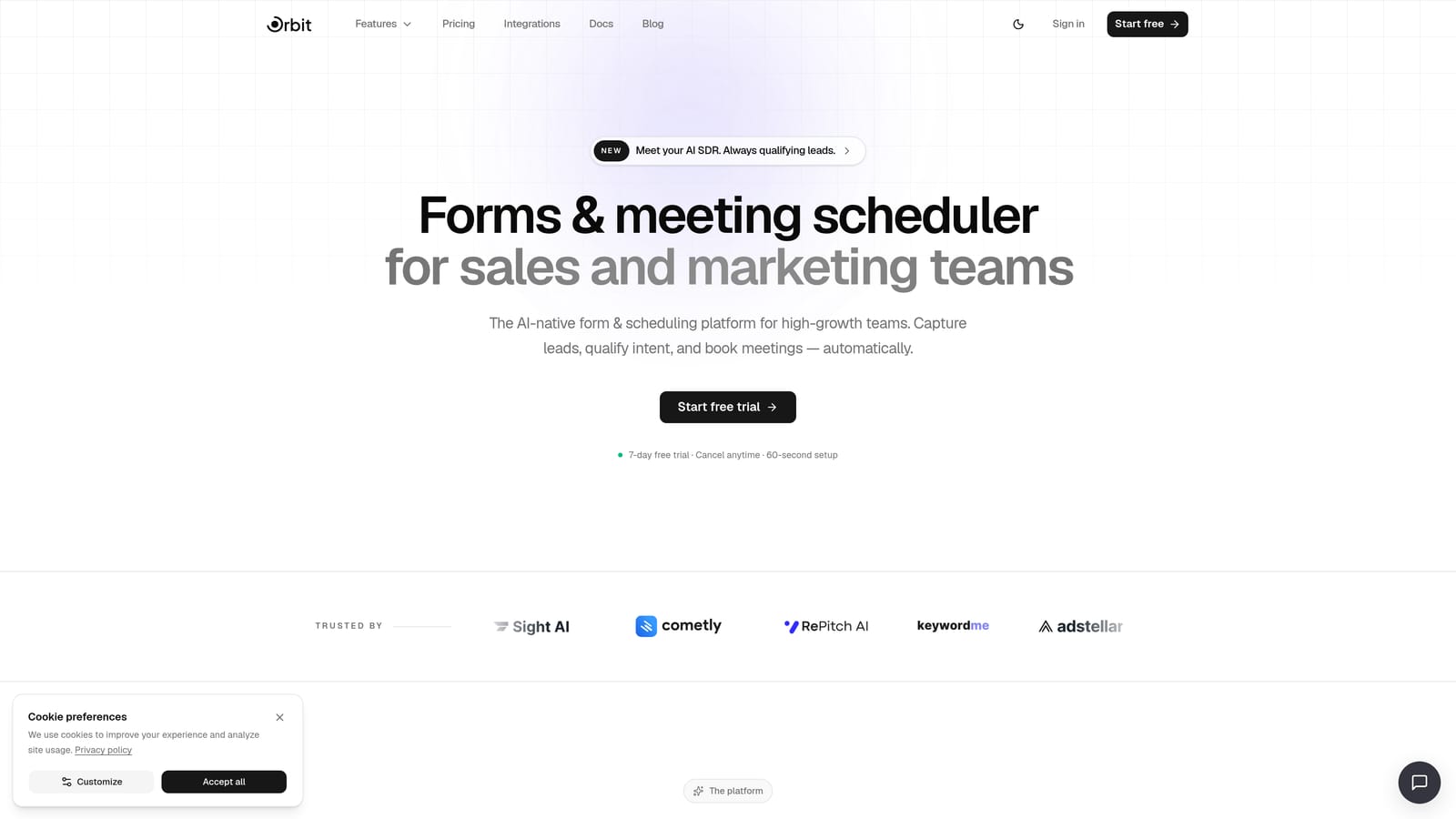
Orbit AI is an AI-powered form builder with application templates built specifically for conversion optimization and intelligent applicant qualification.
Where This Tool Shines
Most form builders treat templates as static starting points. Orbit AI goes further by pairing its application templates with AI agents that automatically qualify, score, and route applicants based on their responses. For B2B teams and high-growth companies, this means your form isn't just collecting data — it's actively working as a front-line filter in your pipeline.
The template library covers the use cases growth teams care most about: lead generation flows, client onboarding, intake forms, and qualification surveys. Conditional logic and branching ensure each applicant sees only the fields relevant to them, keeping completion rates high and drop-off low.
Key Features
AI Qualification Agents: Automatically score and route applicants based on their form responses, without manual review.
Purpose-Built Templates: Pre-built application templates for lead gen, client onboarding, and intake workflows.
Conditional Logic and Branching: Dynamic form flows that adapt in real time based on what applicants select.
Built-In Analytics: Track completion rates, drop-off points, and conversion metrics directly within the platform.
Zapier and Native Workflow Automation: Connect your forms to CRMs, Slack, email sequences, and hundreds of other tools.
Best For
Orbit AI is the strongest fit for SaaS companies, agencies, and growth teams that need application forms to do more than collect submissions. If lead qualification, applicant scoring, or automated routing are part of your workflow, this is the tool built for that job.
Pricing
Visit orbitforms.ai/pricing for current plan details. A free starting option is available.
2. Typeform
Best for: Teams that want a conversational, polished experience for longer application forms
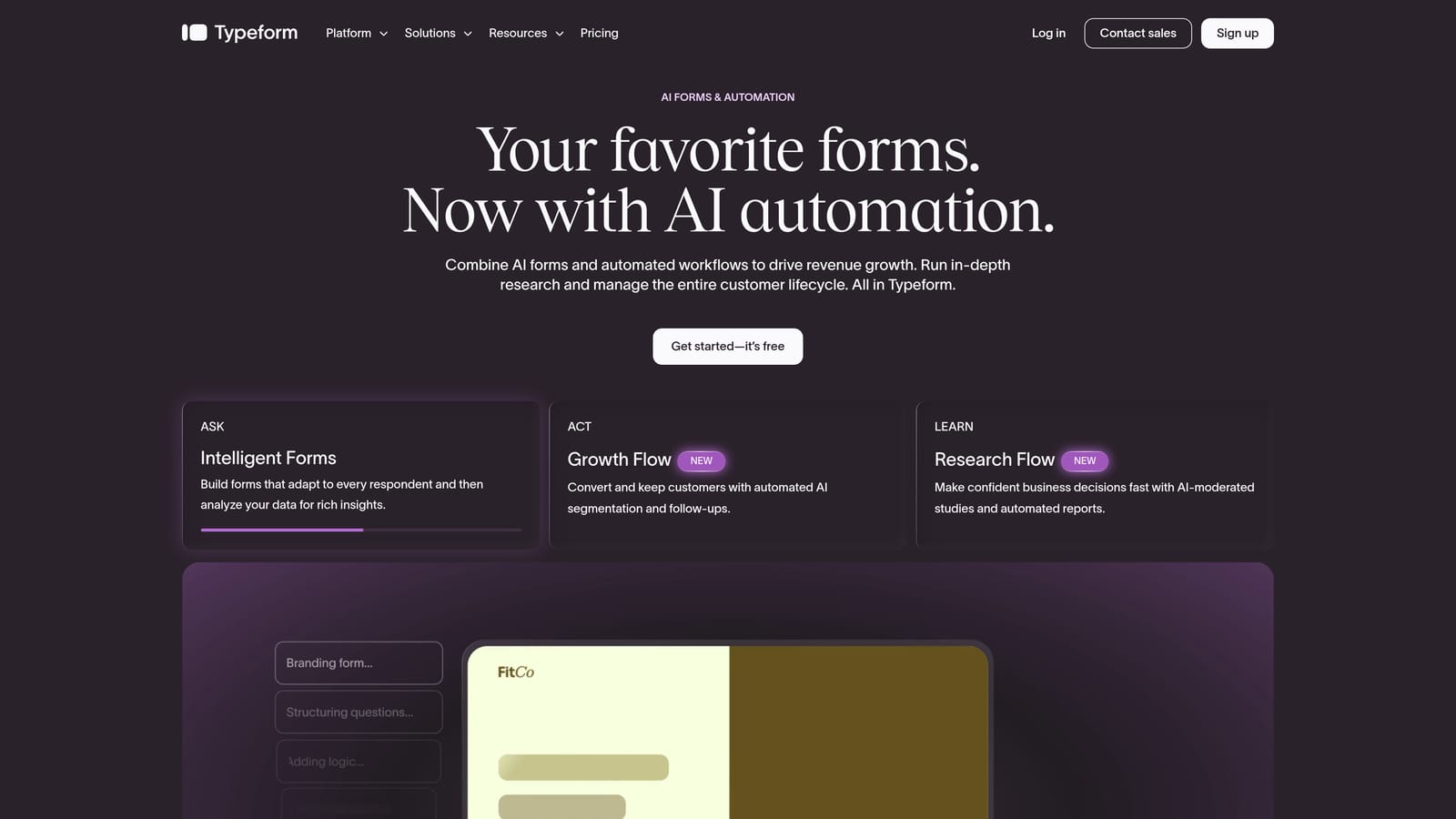
Typeform is a conversational form builder known for its one-question-at-a-time interface that keeps applicants engaged through longer flows.
Where This Tool Shines
Typeform's biggest strength is its user experience. Instead of presenting a wall of fields, it guides applicants through one question at a time, which tends to reduce abandonment on longer forms like job applications or detailed intake questionnaires. The result feels more like a conversation than a form.
The template library includes solid options for job applications, event registrations, and client intake flows. Video and image embedding within forms is a nice touch for teams that want to add context or personality to their application process.
Key Features
Conversational Interface: One-field-at-a-time flow that keeps applicants engaged and reduces drop-off.
Application Templates: Pre-built templates for jobs, events, and intake use cases.
Logic Jumps: Conditional branching that adapts the form path based on previous answers.
Native Integrations: Connects directly with HubSpot, Slack, Zapier, and other common tools.
Rich Media Embedding: Add video and images within the form to provide context or improve engagement.
Best For
Typeform works well for teams that prioritize a premium applicant experience and are willing to invest in design and UX. It's particularly popular for client-facing intake forms and job applications where brand impression matters.
Pricing
Free tier available with limited responses. Paid plans start at approximately $25/month and scale with response volume and advanced features.
3. JotForm
Best for: Teams that need the widest possible selection of ready-made application form templates
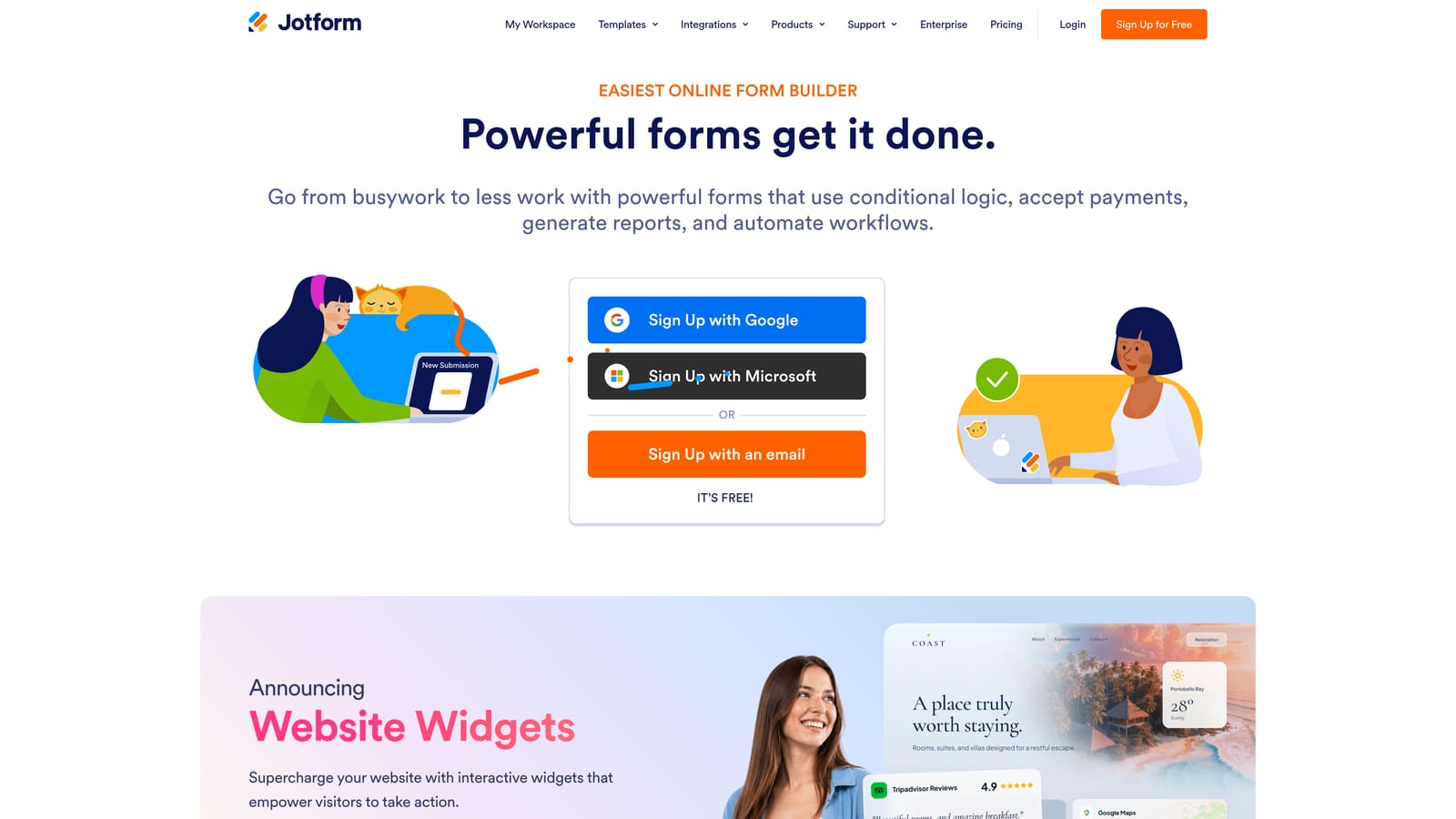
JotForm is a feature-rich form builder with one of the largest pre-built template libraries available, covering virtually every application use case.
Where This Tool Shines
If template variety is your top priority, JotForm is hard to beat. The library spans thousands of templates including job applications, volunteer forms, scholarship applications, grant requests, membership enrollments, and more. Whatever the use case, there's almost certainly a starting point ready to go.
Beyond templates, JotForm offers a strong feature set: payment processing, e-signature support, HIPAA-compliant plans for healthcare-related applications, and approval workflows that support multi-step review processes. It's a capable all-rounder that scales well.
Key Features
Massive Template Library: Thousands of pre-built application templates covering jobs, grants, scholarships, memberships, and more.
Drag-and-Drop Builder: Extensive field types with intuitive drag-and-drop customization.
HIPAA-Compliant Plans: Available for healthcare organizations with sensitive data requirements.
Payment and E-Signature: Native support for collecting payments and digital signatures within forms.
Approval Workflows: Multi-step review and approval flows for structured application processes.
Best For
JotForm is an excellent fit for nonprofits, educational institutions, healthcare organizations, and any team that needs a broad template library with compliance options and built-in payment or signature support.
Pricing
Free tier available. Paid plans start at approximately $34/month and scale based on submission volume and features.
4. Google Forms
Best for: Internal applications and low-stakes use cases where cost is the primary constraint
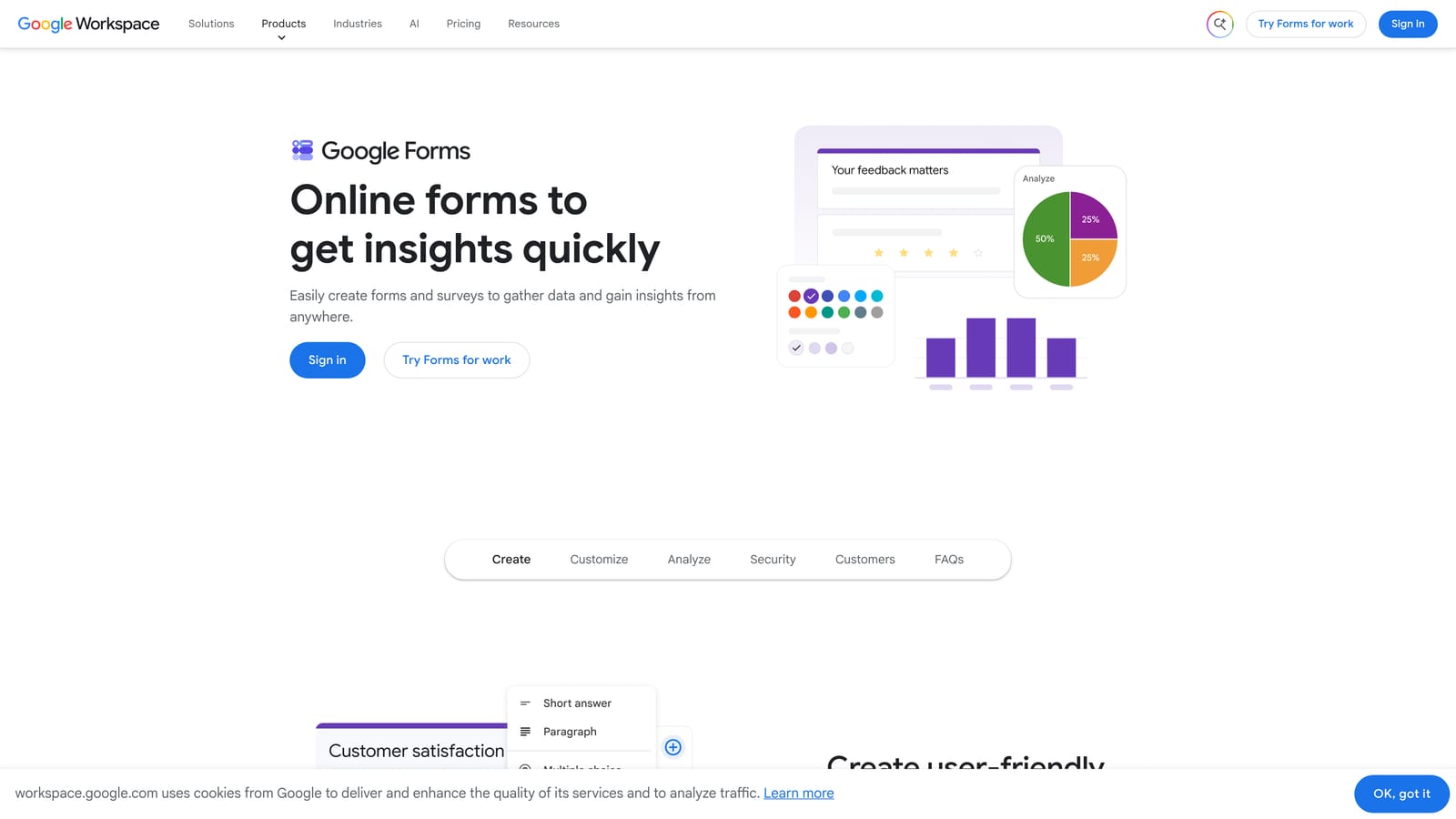
Google Forms is a free, straightforward form tool with basic application templates and deep integration with the broader Google Workspace ecosystem.
Where This Tool Shines
The case for Google Forms is simple: it's completely free and already in the toolkit for anyone with a Google account. For internal job applications, employee surveys, or basic intake forms where design and advanced logic aren't critical, it gets the job done without any setup cost or learning curve.
Native integration with Google Sheets means every response flows automatically into a spreadsheet for easy review and tracking. Real-time response summaries and basic charts make it easy to get a quick read on incoming applications without exporting data.
Key Features
Completely Free: No cost with a Google account — no submission limits or paywalled features.
Google Workspace Integration: Automatic connection to Sheets, Drive, and Gmail.
Basic Application Templates: Simple starting points for common application use cases.
Simple Branching Logic: Basic conditional logic for showing different sections based on responses.
Real-Time Summaries: Instant response charts and data summaries as submissions arrive.
Best For
Google Forms is best suited for internal teams, small organizations, or situations where budget is the deciding factor. It's not the right choice for client-facing applications where brand experience or advanced qualification logic matters.
Pricing
Completely free with any Google account. No paid tiers or submission limits.
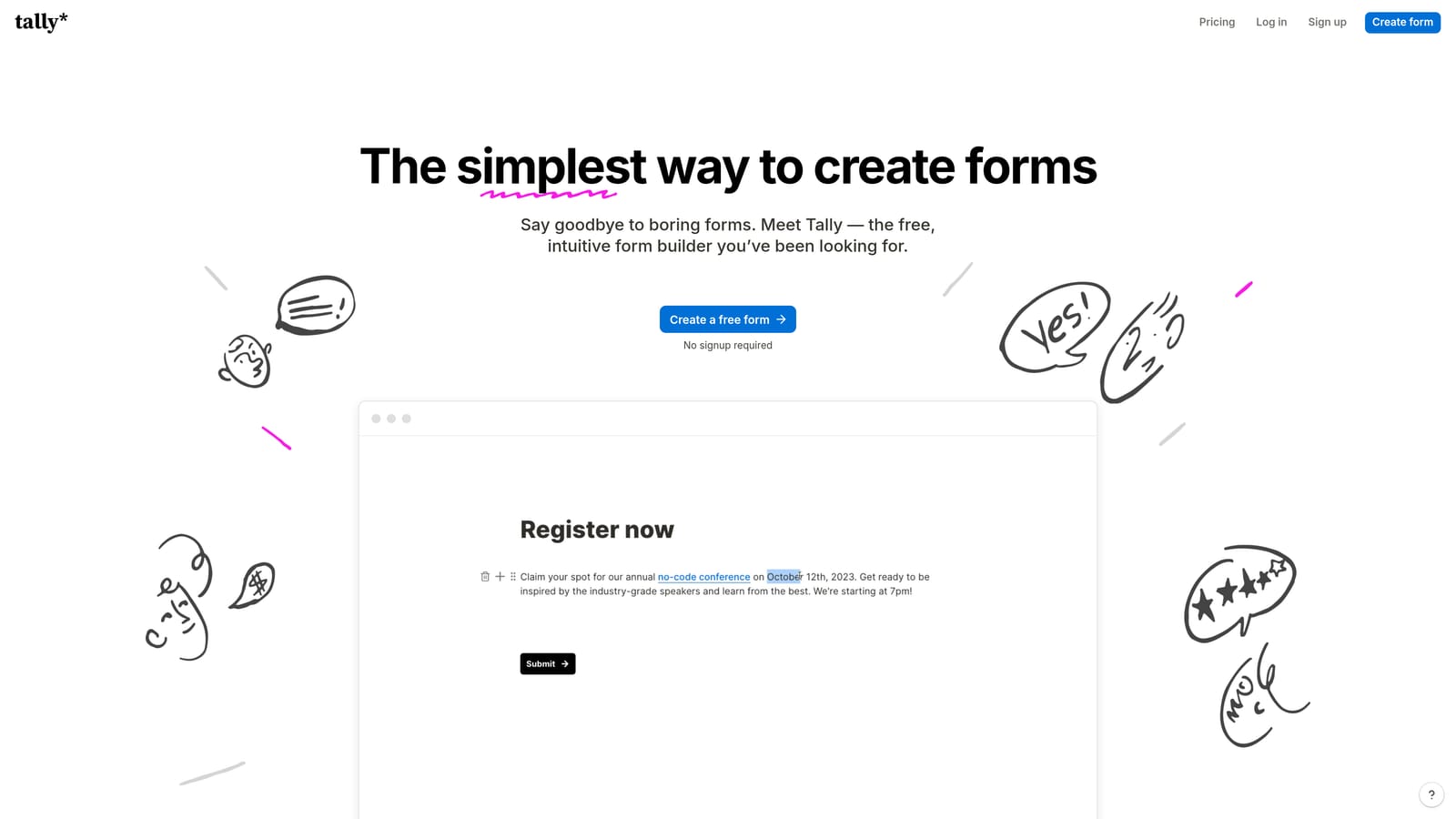
5. Tally
Best for: Lean startups and indie teams that want modern application forms without paying for basic functionality
Tally is a minimalist form builder with a Notion-style block editor and an unusually generous free plan that includes unlimited forms and unlimited responses.
Where This Tool Shines
Tally's free plan is genuinely remarkable in a market where most tools cap responses or lock core features behind paywalls. Unlimited forms and unlimited responses at no cost makes it an easy choice for early-stage teams experimenting with application workflows before committing to a paid tool.
The editing experience is clean and intuitive for anyone already familiar with Notion. Application form templates are modern and well-designed, and the overall aesthetic is a step above what you'd expect from a free tool. Conditional logic and integrations unlock on paid plans for teams that need more sophisticated flows.
Key Features
Unlimited Free Forms and Responses: No caps on the free plan — a genuine differentiator in this category.
Notion-Style Block Editor: Intuitive, clean editing experience for teams already in the Notion ecosystem.
Modern Templates: Well-designed application form templates that look polished out of the box.
Conditional Logic: Available on paid plans for dynamic, branching application flows.
Integrations: Connects with Zapier, Notion, and Slack on paid plans.
Best For
Tally is ideal for startups, indie makers, and small teams that need functional, attractive application forms without the overhead of a paid subscription. Teams with more complex qualification or automation needs will eventually outgrow the free plan.
Pricing
Free tier with unlimited forms and responses. Pro plan starts at approximately $29/month for conditional logic and integrations.
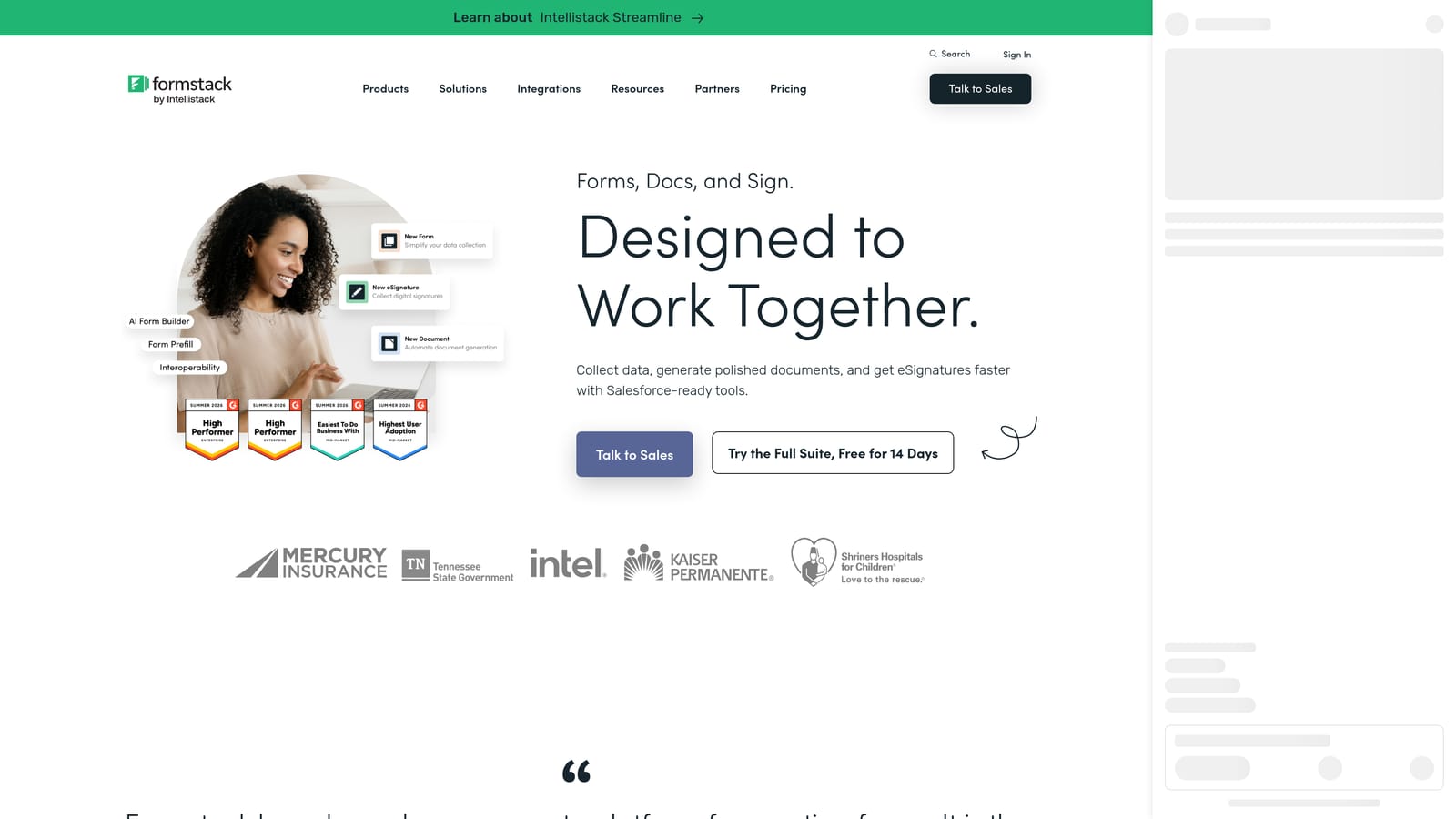
6. Formstack
Best for: Enterprise teams and regulated industries that need compliance-grade application workflows
Formstack is an enterprise-grade form platform with strong compliance credentials, advanced workflow capabilities, and document generation built in.
Where This Tool Shines
Formstack is built for organizations where compliance isn't optional. HIPAA and GDPR-compliant form options, combined with advanced conditional logic and multi-step approval workflows, make it a natural fit for healthcare, legal, financial services, and other regulated industries that need application processes with an audit trail.
The addition of document generation and e-signature capabilities within the same platform is a meaningful convenience for teams that need to move applicants from form submission through to a signed agreement without switching tools.
Key Features
HIPAA and GDPR Compliance: Built-in compliance options for regulated industries handling sensitive applicant data.
Advanced Conditional Logic: Sophisticated branching and field logic for complex application flows.
Document Generation and E-Signature: Move from application to signed document within a single platform.
Multi-Step Approval Workflows: Structured review processes for applications requiring multiple stakeholders.
Enterprise CRM Integrations: Native Salesforce integration and connections to other enterprise systems.
Best For
Formstack is the right choice for larger organizations in regulated industries where compliance, document generation, and enterprise integrations are non-negotiable requirements. It's priced accordingly and not the right fit for small teams or simple use cases.
Pricing
Paid plans with pricing available on request via their website. Positioned at the higher end of the market, reflecting its enterprise feature set.
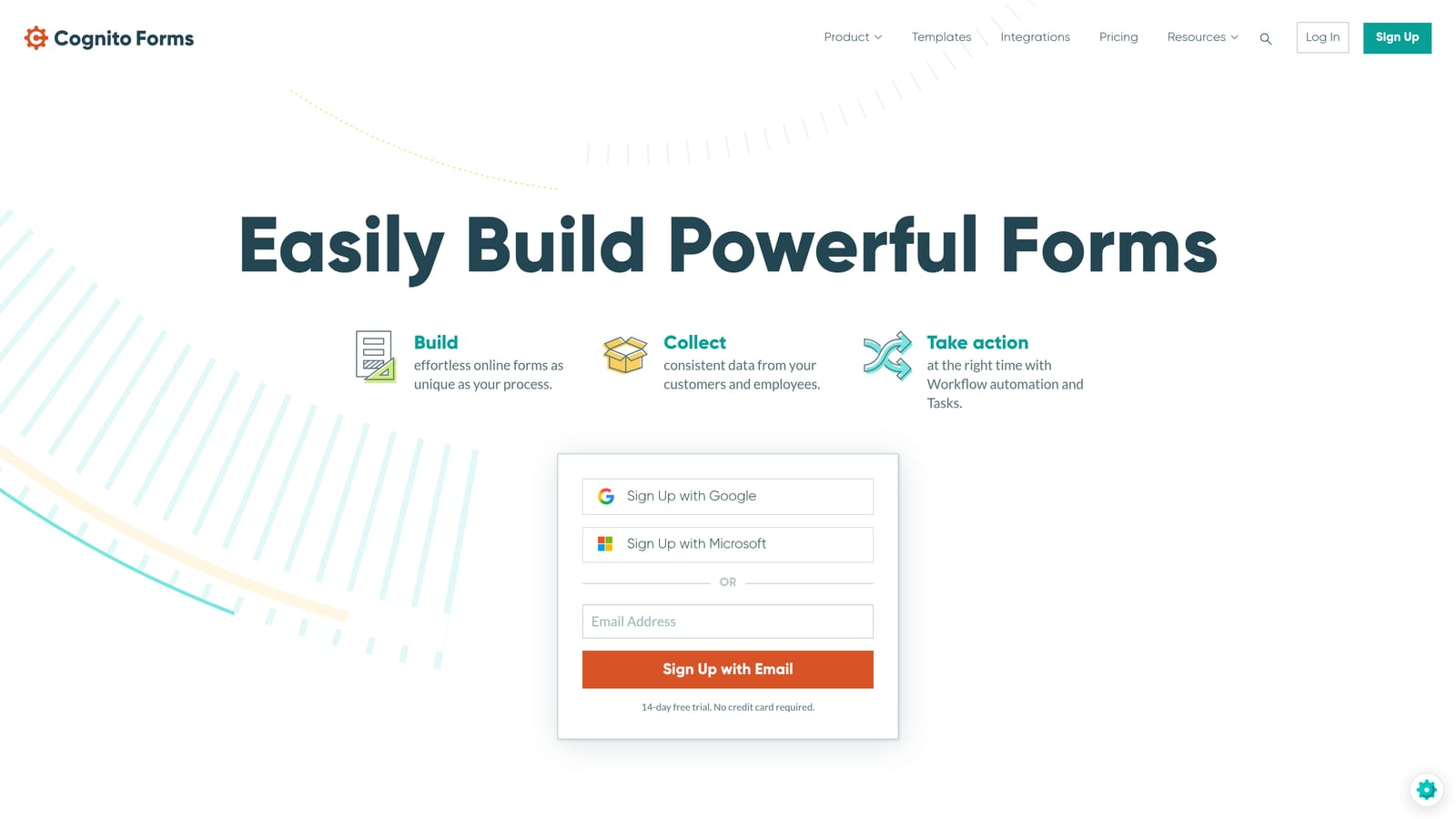
7. Cognito Forms
Best for: Application forms that involve fees, calculated pricing, or membership enrollment
Cognito Forms is a form builder with native Stripe payment processing and calculated fields, making it well-suited for application forms that require fee collection.
Where This Tool Shines
Cognito Forms fills a specific gap: application forms that need to collect payment as part of the process. Course enrollments, event registrations, membership applications, and permit requests often require a fee alongside the application itself. Cognito handles both in a single form without requiring a separate payment tool.
Calculated fields add another layer of utility, enabling dynamic pricing or scoring based on applicant responses. Repeating sections are useful for applications that require multiple entries of the same type, such as listing previous employers or adding multiple attendees.
Key Features
Native Stripe Payment Processing: Collect application fees directly within the form without a separate payment integration.
Calculated Fields: Dynamic pricing, scoring, or totals based on applicant inputs.
Conditional Logic and Repeating Sections: Flexible form structure for complex application requirements.
Application Templates: Pre-built templates for events, memberships, and course enrollments.
HIPAA-Compliant Plan: Available for healthcare-related applications with sensitive data.
Best For
Cognito Forms is the best choice for organizations running application processes that involve fees or dynamic pricing, such as course providers, event organizers, membership associations, and permit offices.
Pricing
Free tier available. Paid plans start at approximately $15/month, making it one of the more affordable options with payment processing included.
8. Paperform
Best for: Agencies and consultants who want application forms that look like branded landing pages
Paperform is a freeform editor that blends rich content with form fields, letting teams build application forms that feel like fully designed web pages rather than standard forms.
Where This Tool Shines
Paperform's editing approach is genuinely different. Rather than a traditional form builder layout, it gives you a freeform canvas where you can mix text, images, videos, and form fields in any arrangement. The result is application forms that can double as branded landing pages, complete with context, storytelling, and visual design.
Built-in payment processing and scheduling add practical utility for agencies and consultants who need application forms that also handle bookings or deposits. The template library is strong, and custom thank-you pages allow for a polished post-submission experience.
Key Features
Freeform Page-Style Editor: Mix text, images, and fields freely for application forms that look like designed landing pages.
Application and Intake Templates: Pre-built starting points for common application scenarios.
Built-In Payment and Scheduling: Collect fees and bookings alongside application submissions.
Conditional Logic and Custom Thank-You Pages: Dynamic flows with a polished post-submission experience.
Zapier and CRM Integrations: Connect to Slack, major CRMs, and hundreds of automation tools.
Best For
Paperform is ideal for agencies, consultants, and creative teams that want application forms to reflect their brand at a high level. It's also a good fit for businesses that need payment or scheduling built into the application flow.
Pricing
Paid plans start at approximately $24/month. No permanent free tier is available, though a trial period is offered.
9. Microsoft Forms
Best for: Enterprise teams already operating within the Microsoft 365 ecosystem
Microsoft Forms is a built-in Microsoft 365 form tool offering quick application forms with native integration across Teams, SharePoint, and Power Automate.
Where This Tool Shines
For organizations already running on Microsoft 365, Forms is the path of least resistance. There's no additional cost, no new tool to evaluate, and no integration work required to connect with Teams or SharePoint. For internal application processes, HR intake forms, or quick surveys within an enterprise environment, that zero-friction access is a genuine advantage.
Power Automate integration opens up some workflow automation possibilities for teams willing to invest in building those flows. Real-time response analytics provide a basic but functional overview of incoming submissions.
Key Features
Included with Microsoft 365: No additional cost for organizations already subscribed to M365.
Native Teams and SharePoint Integration: Deploy forms directly within the tools your team already uses daily.
Power Automate Connectivity: Build automated workflows triggered by form submissions.
Real-Time Analytics: Instant response summaries and basic reporting on incoming applications.
Best For
Microsoft Forms is the right pick for enterprise teams deeply embedded in the Microsoft ecosystem who need quick, internal application forms without adding a new vendor. It's not suited for external-facing applications where design, advanced logic, or brand experience are priorities.
Pricing
Included with Microsoft 365 subscriptions at no additional cost. No standalone pricing available.
Which Tool Is Right for Your Use Case?
The best application form template tool depends entirely on what you need the form to do. Here's a quick guide to cut through the decision.
If your primary goal is lead qualification and conversion optimization, Orbit AI is the standout choice. Its AI-powered qualification agents and purpose-built templates for growth teams go well beyond what static form builders offer. It's the only tool on this list where the form actively works to qualify and route applicants for you.
For teams that prioritize applicant experience and a polished, conversational flow, Typeform delivers a premium UX that keeps completion rates strong on longer forms. If template variety is the deciding factor, JotForm has the deepest library by a significant margin, covering nearly every application type imaginable.
Budget-conscious teams should look at Tally for its genuinely unlimited free plan, or Google Forms for zero-cost simplicity within the Google ecosystem. Enterprise teams in regulated industries will find Formstack the most capable option for compliance and multi-step approval workflows. For application forms that collect fees, Cognito Forms handles payment natively at an accessible price point.
If brand design is your top priority, Paperform's freeform canvas lets application forms look like polished landing pages. And for Microsoft 365 shops that need internal forms without adding a new tool, Microsoft Forms is already there waiting.
For high-growth teams ready to move beyond basic form builders, Orbit AI offers a free starting point to explore what intelligent, conversion-optimized application forms can look like. Book a demo and see how AI-powered qualification can transform your application workflow from a passive data collector into an active part of your pipeline.


