

When you're launching a product, every lead counts. A generic form that collects an email address and calls it a day isn't going to cut it when you're trying to build momentum, qualify early adopters, and feed your launch pipeline with the right people from day one.
The best form builders for product launches go beyond basic data collection. They qualify interest, route leads intelligently, integrate with your launch stack, and look polished enough to match the excitement of your release. Whether you're building a waitlist, running a presale, or capturing early adopters, the right tool can meaningfully impact your conversion rate before you've even shipped.
This guide covers top form builders purpose-built or well-suited for product launch scenarios, evaluated on lead qualification, design flexibility, automation capabilities, and ease of setup under launch-day pressure. We've included tools for different team sizes and budgets, from scrappy indie launches to enterprise-scale rollouts. If you're also thinking about how your forms connect to your broader launch workflow, check out Orbit AI's features overview and our guide to form automation with Zapier.
1. Orbit AI
Best for: High-growth SaaS teams that need AI-powered lead qualification built into their launch forms.
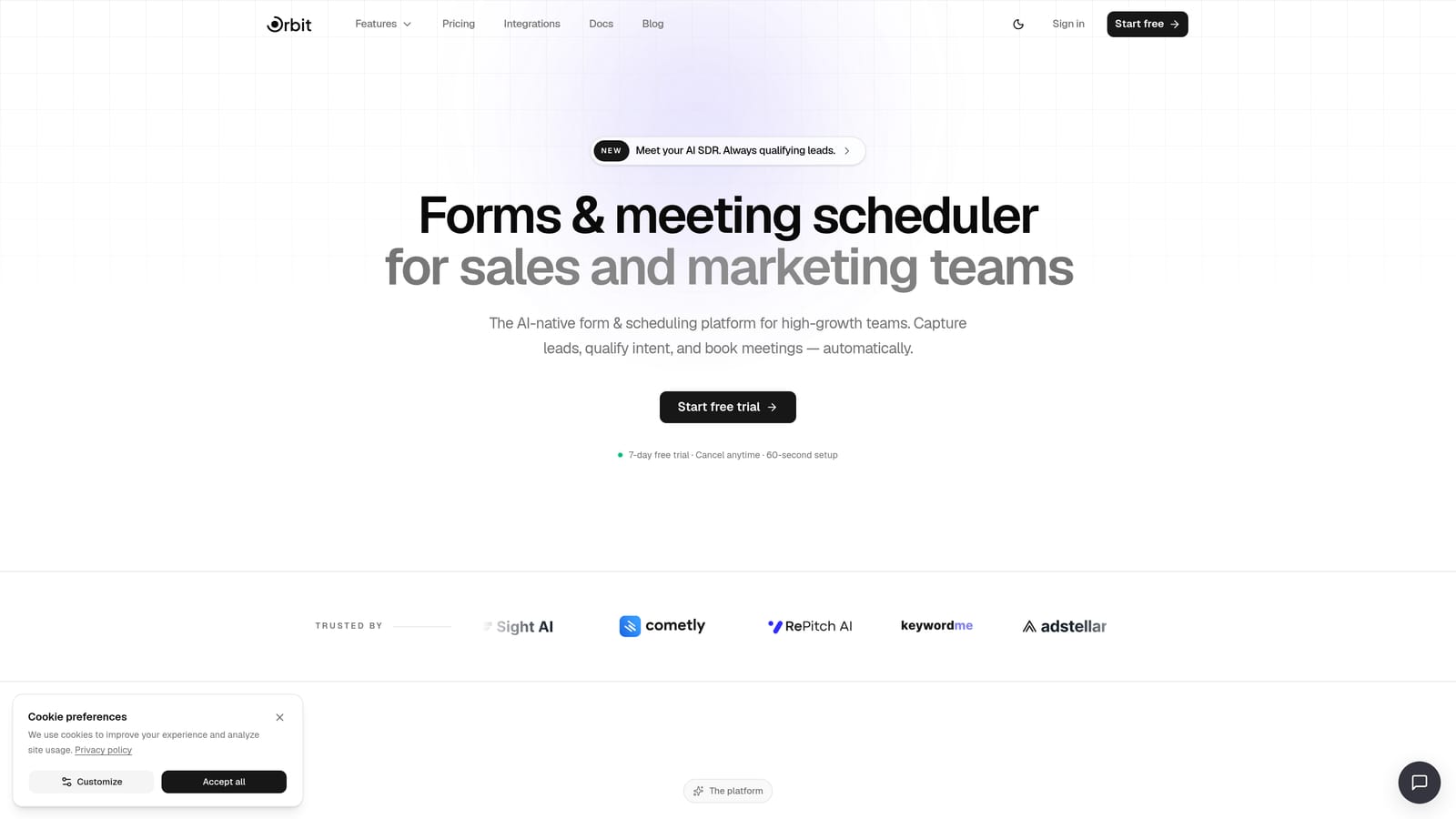
Orbit AI is an AI-powered form builder designed specifically for teams where lead quality matters as much as lead volume.
Where This Tool Shines
Most form builders collect data and hand it off. Orbit AI goes further by qualifying that data in real time. Its AI agents score and route leads the moment someone submits a form, which means your team isn't wading through a spreadsheet of unvetted signups the morning after launch. That's a meaningful advantage when launch-day momentum is everything.
The platform is also built around conversion-optimized design from the ground up. Templates for waitlists, presales, and demo requests are ready to deploy without needing a designer, and the analytics dashboard gives you a live read on form performance so you can iterate quickly during a launch window.
Key Features
AI Lead Qualification: AI agents score and route leads in real time based on submission data, so your highest-value prospects get immediate attention.
Launch-Ready Templates: Conversion-optimized templates for waitlists, presales, and demo requests that are ready to deploy quickly.
Built-In Workflows and Sequences: Post-submission nurture flows are built directly into the platform, removing the need for a separate email tool at launch.
Analytics Dashboard: Track form performance in real time during your launch window, including submission rates and lead quality metrics.
Contact Management: Organize, segment, and manage early adopters directly within the platform without exporting to a separate CRM.
Best For
SaaS teams running structured product launches who need more than a data collection form. Particularly strong for teams where sales or success needs to prioritize outreach immediately after launch and can't afford to manually sort through unqualified leads.
Pricing
Visit orbitforms.ai/pricing for current plans and pricing details.
2. Typeform
Best for: B2C and consumer launches where form experience and completion rates are top priorities.
Typeform is a conversational form builder known for its one-question-at-a-time format that reduces friction on longer qualification forms.

Where This Tool Shines
Typeform's signature UX is genuinely effective for launches where you need to ask more than just an email address. When you're collecting information about use case, company size, or purchase intent, a conversational flow feels less like a form and more like a dialogue. That can meaningfully improve completion rates on multi-question applications.
The design quality is also a real differentiator. Typeform forms look polished out of the box, which matters when your launch page is someone's first impression of your brand. Logic Jumps let you build conditional flows that adapt to each respondent, keeping the experience relevant without overwhelming anyone.
Key Features
Conversational Format: One-question-at-a-time flow that reduces cognitive load and keeps respondents engaged through longer forms.
Logic Jumps: Conditional branching lets you show different questions based on previous answers, enabling lightweight qualification.
Brand-Friendly Templates: Polished, customizable templates that match the visual quality of a well-designed launch page.
Native Integrations: Direct connections to HubSpot, Slack, Mailchimp, and hundreds more via Zapier.
Best For
Teams launching consumer products or B2C SaaS where the form experience itself contributes to brand perception. Also strong for beta application flows where you need to qualify respondents through a multi-step conversational sequence.
Pricing
Free plan available with limited responses; paid plans start at approximately $25/month for higher response limits and advanced logic features.
3. Tally
Best for: Indie founders and bootstrapped teams who need clean, functional forms without a paid subscription.
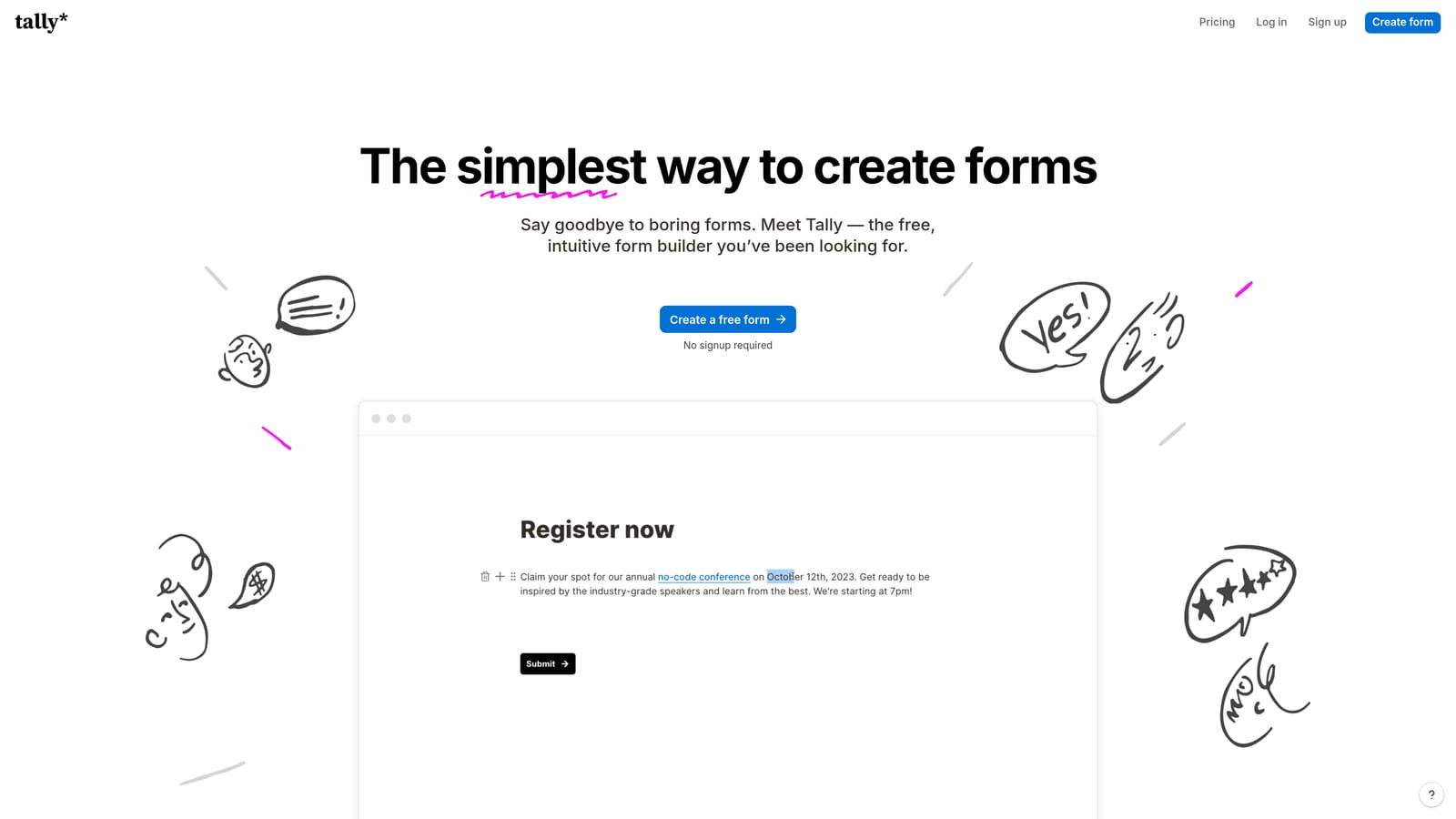
Tally is a Notion-inspired form builder with a genuinely generous free tier and a minimal, distraction-free design aesthetic.
Where This Tool Shines
Tally's biggest advantage is accessibility. Unlimited forms and unlimited responses on the free plan means you can run an entire launch without spending anything on your form tool. For indie founders and solo operators managing every dollar, that's not a small thing.
The editing experience feels familiar if you use Notion, which makes setup fast. Forms look clean and professional without requiring design work, and conditional logic lets you build branching flows that collect the right information from different respondent types.
Key Features
Unlimited Free Tier: Unlimited forms and responses on the free plan, making it genuinely usable for a full launch without upgrading.
Clean Design: Minimal, distraction-free form aesthetic that looks professional without customization effort.
Conditional Logic: Multi-page forms with branching logic for lightweight qualification flows.
Automation Integrations: Zapier and Make integrations for connecting form submissions to your broader launch stack.
Best For
Bootstrapped founders, indie hackers, and small teams running their first launch who need a fast, cost-effective form solution. Less suited for teams that need advanced lead scoring or CRM-native integration out of the box.
Pricing
Free tier with unlimited forms and responses; Pro plan at approximately $29/month for removed Tally branding and additional features.
4. HubSpot Forms
Best for: B2B teams already on HubSpot who want launch leads flowing directly into CRM pipelines.
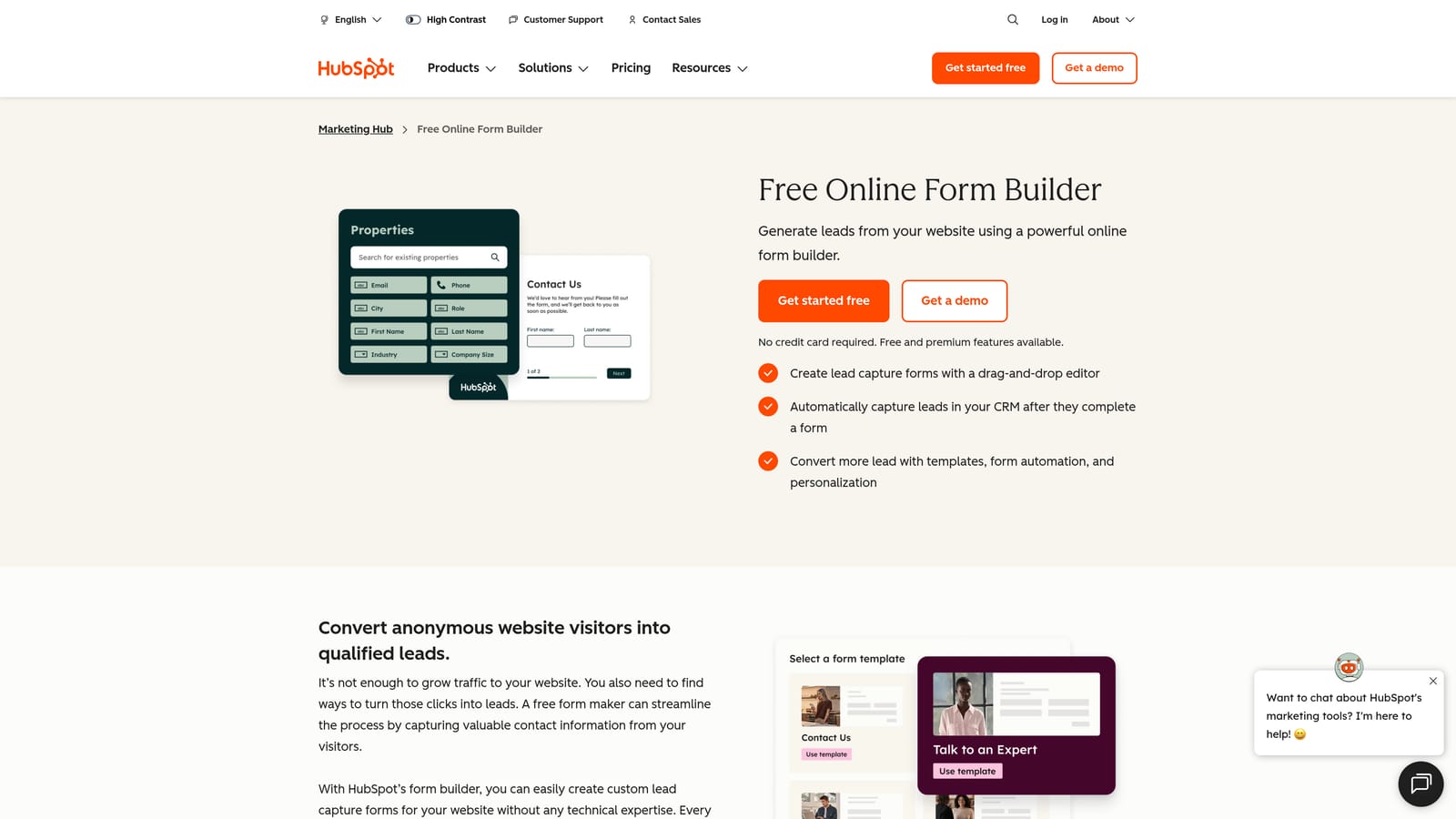
HubSpot Forms is the native form tool within the HubSpot ecosystem, built to feed submissions directly into contact records and automated workflows.
Where This Tool Shines
If your team is already running on HubSpot, the case for using HubSpot Forms at launch is straightforward. Every submission becomes a contact record immediately, with no export, no Zapier step, and no manual sync. You can trigger email sequences, update deal pipelines, and notify sales reps the moment someone signs up, all within the same platform.
Progressive profiling is a particularly useful feature for launch scenarios. Rather than asking for everything upfront, HubSpot Forms can surface different fields to returning visitors, gradually enriching contact records over time without creating a long, intimidating form at first touch.
Key Features
Native CRM Sync: Submissions create or update HubSpot contact records instantly, with no third-party connector required.
Workflow Triggers: Form submissions can trigger HubSpot email sequences, internal notifications, and deal pipeline updates automatically.
Progressive Profiling: Show different fields to returning visitors to enrich lead data over multiple touchpoints.
Flexible Embed Options: Deploy as embedded forms on any page or as standalone HubSpot-hosted pages.
Best For
B2B SaaS teams running HubSpot as their CRM who want launch leads to enter existing sales and marketing workflows without any integration overhead. Less compelling as a standalone tool if you're not already in the HubSpot ecosystem.
Pricing
Free with any HubSpot free CRM account; advanced features like smart forms and progressive profiling require a Marketing Hub paid subscription.
5. Jotform
Best for: Teams running presale or beta intake scenarios that need payment collection alongside form capture.
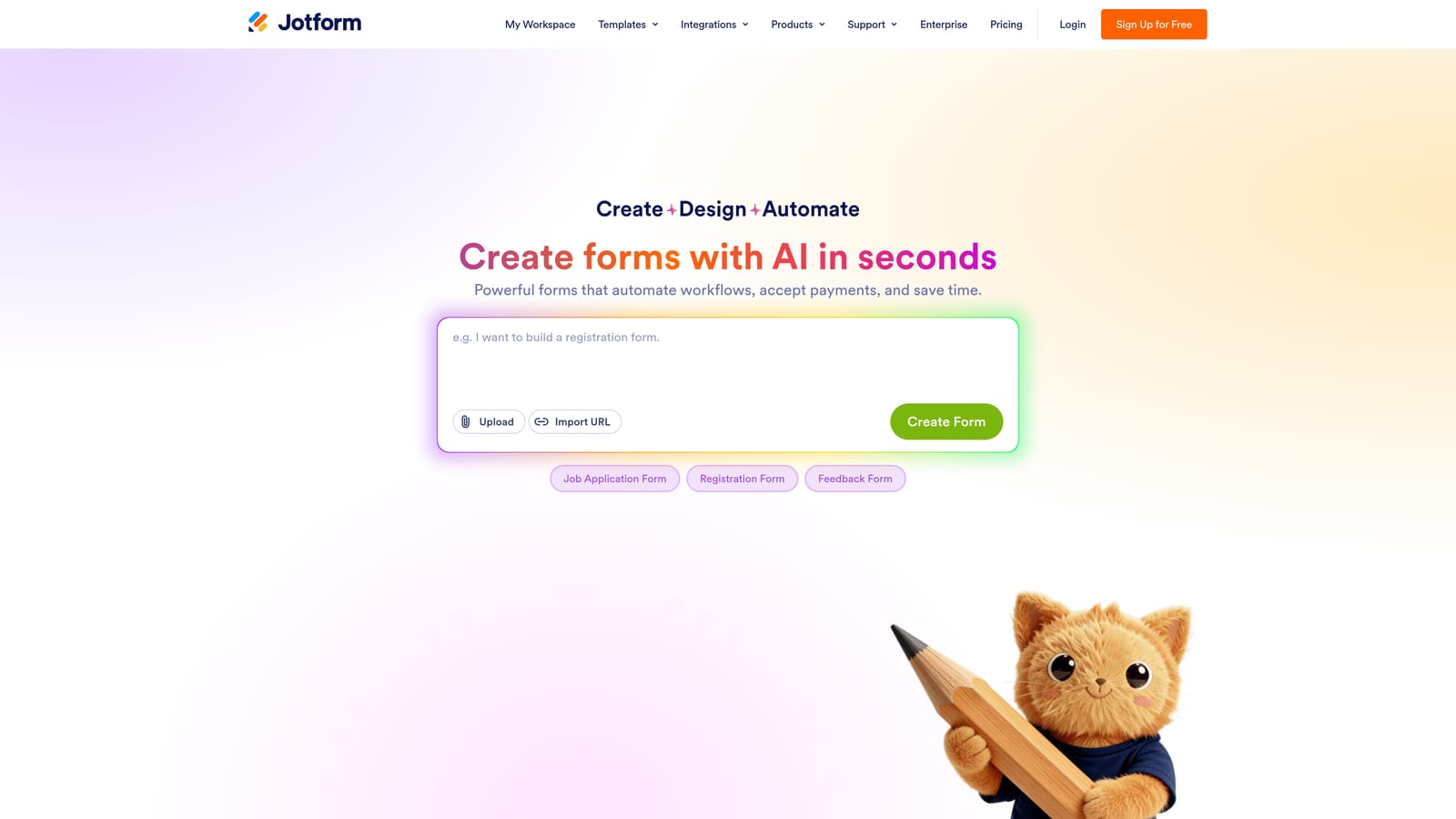
Jotform is a feature-rich form builder with thousands of templates, advanced conditional logic, and built-in payment processing.
Where This Tool Shines
Jotform's depth is its defining characteristic. If you need a form that collects a deposit, processes a presale, or handles a complex multi-step application, Jotform has the infrastructure to support it. The payment integrations with Stripe and PayPal are native, not bolted on, which makes presale flows smoother to set up than with tools that require workarounds.
The template library is genuinely extensive. For teams under launch pressure who don't have time to build from scratch, finding a close-enough starting point and customizing it is often faster than building fresh. The conditional logic engine is also mature and handles complex branching scenarios well.
Key Features
Template Library: Thousands of templates covering launch scenarios from waitlists to beta applications to presale registrations.
Payment Collection: Native Stripe and PayPal integration for presale deposits and digital product purchases directly within the form.
Advanced Conditional Logic: Multi-step forms with sophisticated branching to qualify respondents based on their answers.
App Integrations: Connections to 150+ apps including popular CRMs, email platforms, and project management tools.
Best For
Teams running presale campaigns or paid beta programs that need payment collection alongside lead capture. Also strong for complex intake forms where deep conditional logic is required. The design aesthetic is functional rather than cutting-edge, so teams prioritizing visual impact may prefer other options.
Pricing
Free plan available with limited submissions; paid plans start at approximately $34/month for higher submission limits and advanced features.
6. Webflow Forms
Best for: Design-first teams building their launch page natively in Webflow who want zero embed friction.
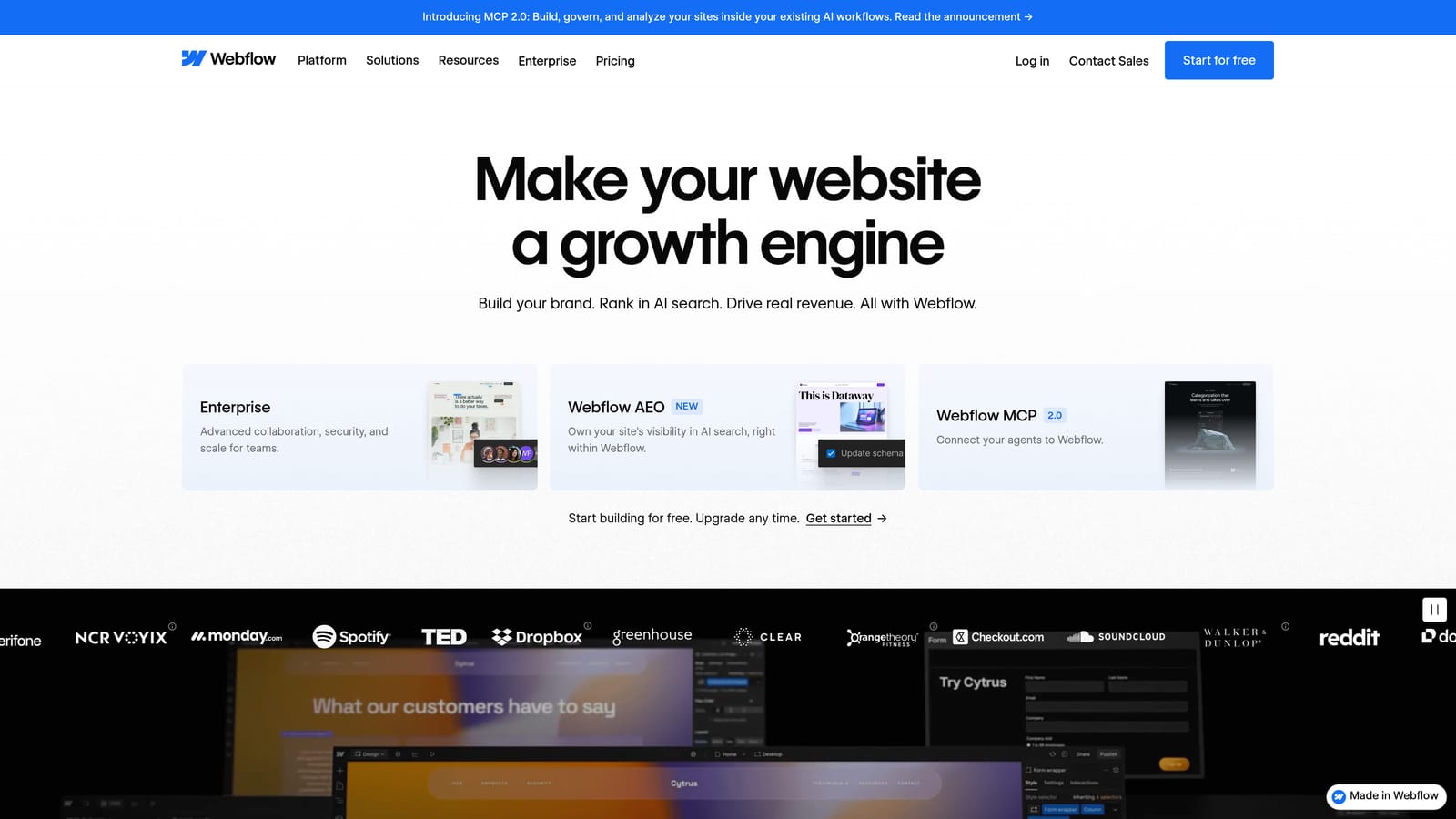
Webflow Forms is the native form component inside the Webflow visual builder, offering complete design control for teams already working in that environment.
Where This Tool Shines
The core advantage here is integration with the page itself. When your launch page is built in Webflow, adding a form as a native component means it inherits your design system, responds to your animations, and requires no embed code or iframe workarounds. The result is a seamless experience that looks and performs exactly as designed.
For teams where brand presentation is central to the launch strategy, that level of design fidelity is hard to replicate with embedded third-party forms. Submissions can be accessed directly in the Webflow dashboard or piped to other tools via Zapier for more sophisticated workflows.
Key Features
Native Design Integration: Forms are built directly within Webflow's visual editor, inheriting your full design system and animations.
Zero Embed Friction: No iframes or third-party scripts, resulting in faster load times and consistent visual rendering.
Zapier-Ready: Route submissions to any external tool including CRMs, email platforms, and notification systems via Zapier.
Responsive by Default: Forms respond to Webflow's breakpoint system automatically, ensuring mobile performance on launch day.
Best For
Teams building bespoke launch pages in Webflow where design consistency is non-negotiable. Not the right choice for teams that need conditional logic, multi-step flows, or advanced qualification natively, as Webflow Forms is intentionally minimal in feature scope.
Pricing
Included with Webflow site plans, which start at approximately $14/month; no separate form tool cost for teams already on Webflow.
7. Fillout
Best for: Small teams using Notion as their launch operations hub who want native database integration.
Fillout is a modern form builder with standout Notion database integration and a clean, contemporary design aesthetic.

Where This Tool Shines
Fillout's native Notion integration is genuinely useful for teams that run their launch operations inside Notion. Form submissions flow directly into a Notion database without any Zapier step, which keeps the ops stack simple and the data immediately accessible to everyone working in that environment.
Beyond Notion, Fillout punches above its weight in terms of feature depth for its price point. Conditional logic, multi-step forms, scheduling, and payment support are all available, making it a capable all-rounder for launch scenarios that go beyond basic email capture.
Key Features
Native Notion Integration: Submissions flow directly into Notion databases in real time, with no third-party connector required.
Conditional Logic: Multi-step forms with branching logic for qualification and personalized form experiences.
Scheduling and Payments: Built-in scheduling and payment support for demo booking and presale scenarios within a single form.
Modern Templates: Clean, contemporary design templates that look current without requiring design customization.
Best For
Indie teams, early-stage startups, and small product teams that use Notion as their primary operations tool and want form data to live natively in that environment. Also a strong option for teams that want a modern-looking form tool with a solid free tier.
Pricing
Free plan available; paid plans start at approximately $15/month for additional responses and advanced features.
8. Google Forms
Best for: Internal pilots and soft launches where speed and zero cost matter more than design polish.
Google Forms is Google's free, instant form tool that feeds responses automatically into Google Sheets.
Where This Tool Shines
Google Forms is the fastest path from zero to a working form. If you have a Google account, you can have a form collecting responses in under five minutes with no setup, no subscription, and no learning curve. For internal user research, employee feedback during a soft launch, or a quick survey for an existing customer segment, that speed is genuinely valuable.
The automatic Google Sheets integration means your team can collaborate on response data immediately without any export step. For teams already living in Google Workspace, the workflow feels completely natural.
Key Features
Completely Free: No cost, no response limits, no subscription required with any Google account.
Automatic Sheets Integration: Responses flow into a Google Sheet in real time, enabling immediate collaborative analysis.
Basic Branching Logic: Simple conditional section routing for straightforward qualification flows.
Instant Setup: No onboarding, no configuration, no learning curve whatsoever.
Best For
Internal pilots, soft launches to existing audiences, and situations where response speed and cost are the only constraints. Not appropriate for public-facing launch pages where brand impression and design quality matter. The visual output is functional but dated, and customization options are extremely limited.
Pricing
Completely free with any Google account. No paid tiers or usage limits for standard form functionality.
9. Kit (ConvertKit)
Best for: Creator-led launches where the email list is the primary asset and nurture needs to start immediately.
Kit is an email-first platform with embedded form capabilities that trigger nurture sequences the moment someone subscribes.
Where This Tool Shines
Kit's core strength is the tight connection between form submission and email sequence. The moment someone fills out a Kit form, they're in your email system and can receive a sequence immediately, with no Zapier step and no delay. For creator-led launches where the email relationship is the product, that immediacy matters.
Subscriber tagging lets you segment your launch audience based on how they signed up, what they expressed interest in, or which form they came through. That segmentation enables more targeted launch communications without building a complex CRM workflow.
Key Features
Native Email Sequence Triggers: Form submissions immediately enroll subscribers in email sequences without any third-party integration.
Subscriber Tagging: Tag subscribers at the point of form submission for launch segmentation and targeted communication.
Landing Page Builder: Built-in landing page creator for teams that want a simple, self-contained launch page without a separate tool.
Commerce Integration: Digital product presales and paid subscriptions can be connected directly for creator commerce launches.
Best For
Creators, newsletter operators, and content-led businesses running launches where the email list is the primary distribution channel. Kit's form customization is limited compared to dedicated form builders, so teams that need complex logic or deep design control will find it constraining. But for straightforward email capture with immediate nurture, it's purpose-built for the job.
Pricing
Free up to 10,000 subscribers; paid plans start at approximately $25/month for additional features and higher subscriber counts.
Choosing the Right Tool for Your Launch
The right form builder for your launch depends less on which tool has the most features and more on which tool fits your team's workflow, budget, and the specific type of launch you're running.
Here's a quick decision framework based on launch type:
AI-qualified SaaS launches: Orbit AI is the clear choice when lead quality and real-time qualification matter. The combination of AI scoring, built-in nurture workflows, and conversion-optimized templates is purpose-built for this scenario.
Conversational B2C launches: Typeform's one-question-at-a-time format and polished design make it the strongest option for consumer products where the form experience contributes to brand perception.
Bootstrapped or solo launches: Tally gives you unlimited forms and responses for free, with a clean enough design to use publicly. It's the most accessible option for indie founders who need to move fast without spending.
CRM-connected B2B launches: HubSpot Forms is the obvious answer if your team is already running HubSpot. The native CRM sync and workflow triggers eliminate the integration overhead that slows down launch operations.
Creator-led launches: Kit handles the email capture to nurture sequence pipeline in a single platform, making it the most efficient choice for creators where the list is the launch.
If you're running a product launch where lead quality, qualification speed, and conversion optimization are the metrics that matter most, Orbit AI was designed for exactly that scenario. Transform your lead generation with AI-powered forms that qualify prospects automatically while delivering the modern, conversion-optimized experience your high-growth team needs. Book a demo and see how intelligent form design can elevate your conversion strategy from the first day of your launch.


