

Typeform's free plan has always come with a catch. Response limits, forced branding, and feature gates that lock away the logic and integrations you actually need — these aren't minor inconveniences for high-growth teams. They're conversion killers. When you're running lead generation campaigns or qualifying inbound prospects at scale, hitting a response cap mid-month isn't just frustrating. It's pipeline revenue walking out the door.
The good news is that a new generation of form builders has emerged with more generous free tiers, smarter qualification logic, and cleaner design — without forcing you into expensive upgrades just to remove a logo or add a basic integration.
This article breaks down seven practical strategies for evaluating and choosing a Typeform free alternative that fits how modern teams actually operate. We'll cover what to look for, which platforms deserve serious consideration (including Tally, Jotform, Paperform, Form Stack, and Orbit AI), and how to make the switch without losing momentum on your existing campaigns.
Whether you're capturing leads from a landing page, qualifying inbound prospects, or collecting customer feedback at scale, the right tool should work with your workflow — not against it. Let's get into it.
1. Audit What Typeform's Free Plan Is Actually Costing You
The Challenge It Solves
Most teams don't switch tools until the pain becomes undeniable. But the real cost of staying on a limiting free plan often accumulates quietly: forms that stop accepting responses mid-campaign, leads who see a competitor's branding on your form, or integrations that simply don't work without a paid tier. Before you evaluate alternatives, you need a clear picture of what Typeform's free plan is actually costing you right now.
The Strategy Explained
Start by pulling your last 90 days of form activity. Look at how often you've hit response limits, which integrations you're currently blocked from using, and whether Typeform branding appears on any customer-facing forms. Then cross-reference those friction points with your actual business impact: did any campaigns get interrupted? Did any lead flows break?
This audit serves two purposes. First, it quantifies the real cost of staying put — not just in dollars, but in missed conversions and workflow workarounds. Second, it gives you a clear requirements list for evaluating alternatives. You'll know exactly which features are non-negotiable and which are nice-to-have. Understanding why visitors abandon forms is also worth reviewing here, since form tool limitations often contribute directly to abandonment.
Implementation Steps
1. Export your Typeform response data and note the dates when you approached or hit monthly limits.
2. List every integration your current forms use and check whether each one requires a paid Typeform plan to function.
3. Review all customer-facing forms and document which ones display Typeform branding.
4. Calculate the number of leads or responses you may have lost due to response caps in the past quarter.
5. Define your minimum requirements for a replacement: response volume, integrations, branding, and logic features.
Pro Tips
Don't just audit current usage — project forward. If your team is growing, your form volume is likely growing too. Choose an alternative based on where you'll be in six months, not where you are today. A tool that fits now but gates key features at your next growth stage will put you right back in the same position.
2. Prioritize Platforms With Generous Free Response Limits
The Challenge It Solves
Response volume is the most common breaking point on free form plans. Hitting a monthly cap mid-campaign means leads go uncaptured, workflows stall, and your team scrambles for a workaround. The problem isn't just the limit itself — it's that many platforms make the cap easy to miss until you've already crossed it.
The Strategy Explained
When comparing free tiers across alternatives, response limits deserve more scrutiny than they typically get. Two platforms might both advertise a "free plan," but one may offer unlimited responses while another caps you at a few hundred per month. Beyond the headline number, pay attention to how limits are structured: some platforms reset monthly, while others use a cumulative cap that never resets unless you upgrade.
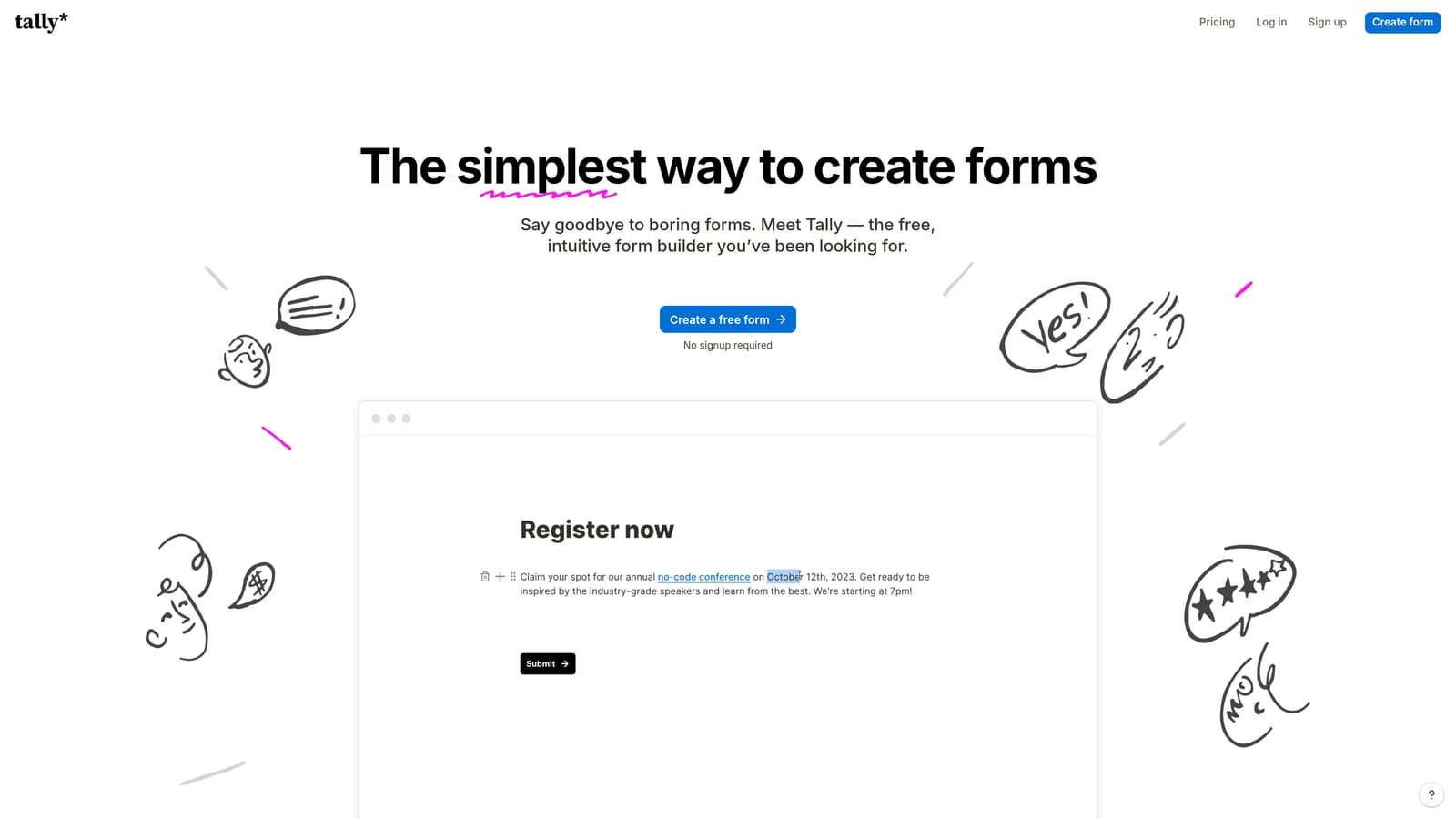
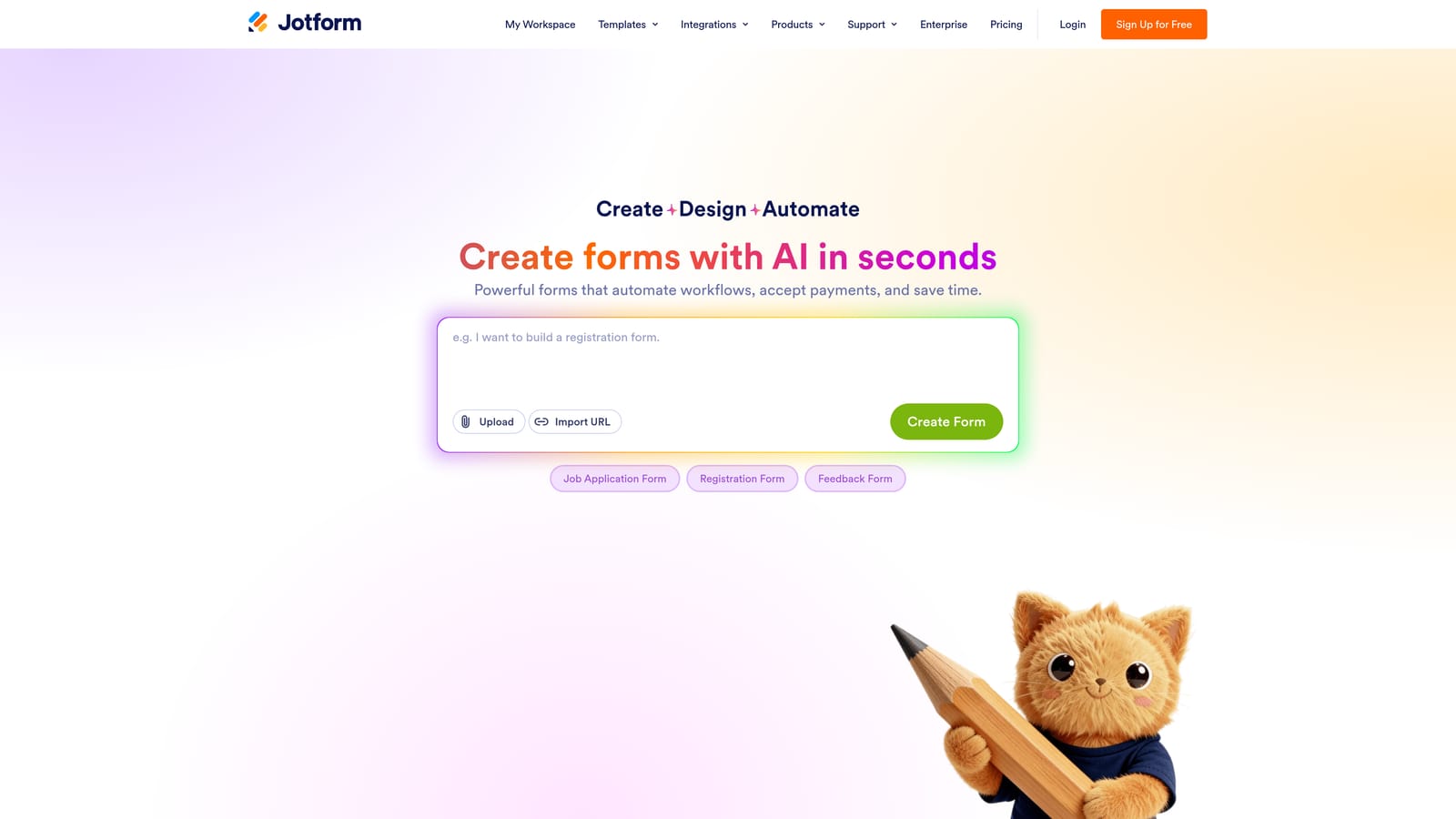
Tally is widely recognized in the form-builder community for offering a genuinely generous free tier, including unlimited forms and unlimited responses — though Tally branding appears on free-tier forms. Jotform's free plan includes a meaningful number of monthly submissions along with a large template library, though storage and submission limits do apply. Both are worth evaluating, but always verify current terms directly at their respective pricing pages, as these change periodically.
The key is to match the platform's free tier structure to your actual volume patterns. If your lead gen campaigns are seasonal or campaign-driven, a monthly reset model works well. If you're running always-on forms with steady traffic, unlimited or high-cap options are safer.
Implementation Steps
1. Calculate your average monthly form responses across all active forms for the past three months.
2. Add a 30% growth buffer to that number to account for campaign spikes and team expansion.
3. Check whether each platform's free tier resets monthly or uses a cumulative cap.
4. Verify current response limits directly on each platform's pricing page — don't rely on third-party comparisons alone.
5. Shortlist only platforms where your projected volume fits comfortably within the free tier, with room to grow.
Pro Tips
Watch for platforms that advertise "unlimited" responses but quietly limit form submissions through storage caps or data retention policies. Read the fine print on what happens to your data when you hit a storage limit — some platforms stop accepting new responses without warning.
3. Choose a Tool Built for Lead Qualification, Not Just Data Collection
The Challenge It Solves
A form that collects data is table stakes. A form that qualifies leads before they reach your sales team is a competitive advantage. For high-growth B2B teams, the difference between a raw lead list and a pre-qualified pipeline can mean the difference between a productive sales week and a wasted one. Most free form builders are built for data collection — not conversion intelligence.
The Strategy Explained
Lead qualification at the form level means routing prospects based on their answers before they ever touch your CRM or sales queue. This requires conditional logic that adapts the form experience based on responses, smart routing that sends high-intent leads to the right follow-up sequence, and ideally AI-powered scoring that identifies your best prospects automatically.
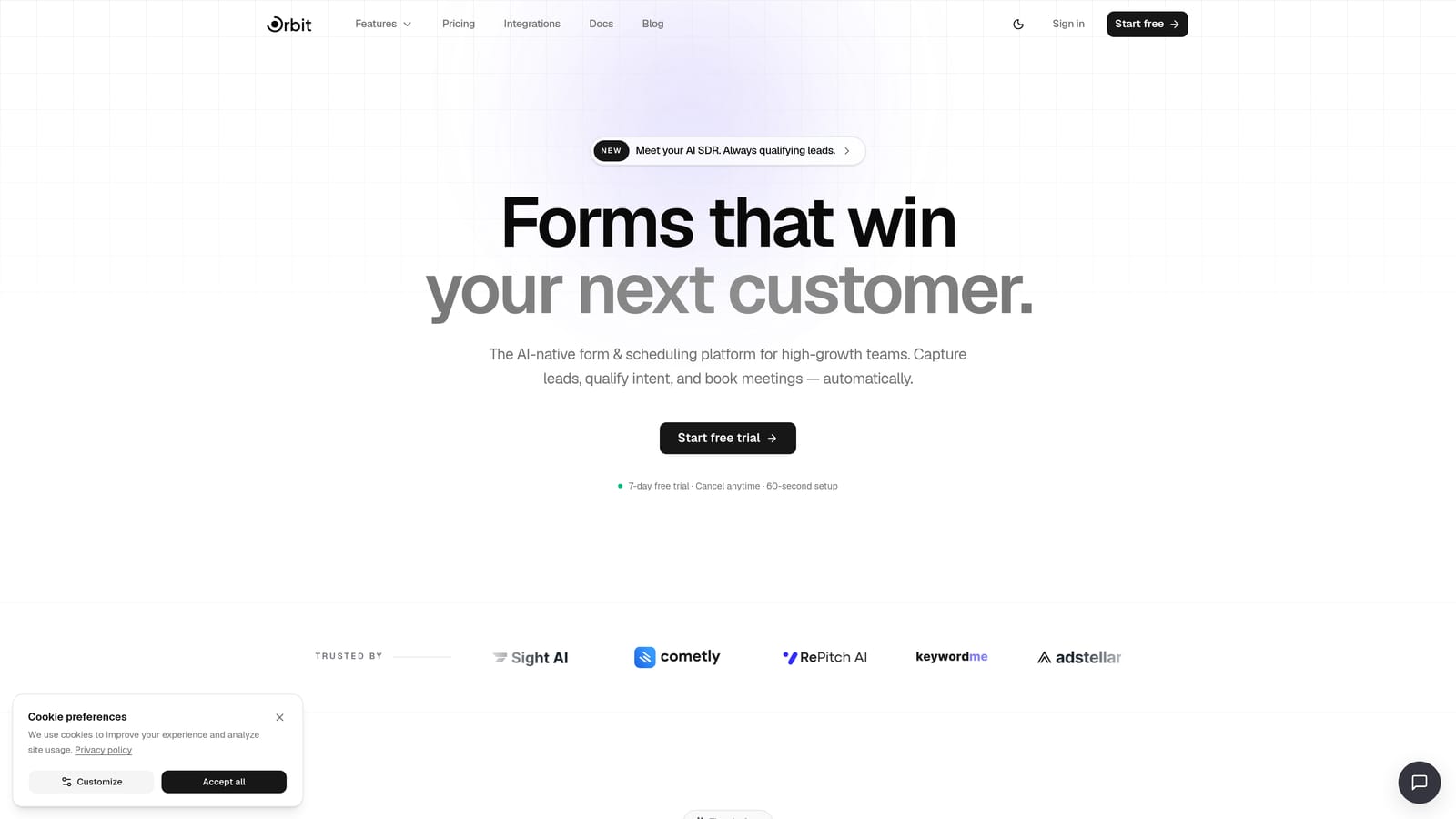
This is where platforms like Orbit AI separate themselves from basic form builders. Orbit AI is purpose-built for high-growth teams that need more than a pretty form — it's a qualification engine designed to surface the right leads and filter out the noise. You can explore the full form capabilities to see how conditional logic and AI-powered routing work in practice.
Understanding why forms lose leads is also essential context here. Often, the issue isn't traffic volume — it's that forms fail to engage the right prospects or route them intelligently once they've responded.
Implementation Steps
1. Map your current lead qualification process: what questions do you ask, and what happens based on each answer?
2. Identify which steps in that process currently happen manually after form submission.
3. Evaluate whether each alternative supports conditional logic that can automate those manual steps.
4. Test whether the platform's logic builder is accessible on the free tier or gated behind a paid plan.
5. Look for AI-powered features like lead scoring or smart routing that can further reduce manual qualification work.
Pro Tips
Don't just test whether conditional logic exists — test how easy it is to build. Some platforms offer logic features that are so technically complex they require developer support to set up. If your marketing team can't build and modify qualification flows independently, the feature might as well not exist.
4. Evaluate Branding Flexibility on Free Plans
The Challenge It Solves
Forced platform branding on free-tier forms is more than an aesthetic issue. When a prospect lands on your lead capture form and sees another company's logo at the bottom, it raises questions about your credibility and professionalism. For high-growth teams working hard to build brand trust, this is a real conversion problem — not just a vanity concern.
The Strategy Explained
Branding flexibility varies significantly across free alternatives. Some platforms, like Tally, include their branding on free-tier forms but make it relatively unobtrusive. Others place prominent badges that are difficult to ignore. A handful of platforms offer white-label or minimal-branding options without requiring a paid upgrade, which is worth identifying early in your evaluation.
When assessing branding flexibility, look at three things: where the branding appears (footer badge, header, loading screen), how prominent it is, and whether there's any free-tier option to reduce or remove it. Also consider what the branding communicates to your audience. A badge from a well-known platform may feel less intrusive than one from an unfamiliar tool.
For teams where brand consistency is a priority, this criterion may be enough to eliminate several options from consideration entirely. It's worth deciding upfront whether you can accept any branding on free-tier forms, or whether white-label capability is a hard requirement that justifies a paid plan.
Implementation Steps
1. Preview the free-tier form experience for each alternative by creating a test form and viewing it as a respondent.
2. Document exactly where branding appears and how prominent it is in the live form experience.
3. Check whether the platform offers any free-tier settings to minimize branding without upgrading.
4. Consider your audience: would your target prospects recognize or react negatively to the platform's branding?
5. Weigh branding removal against paid plan costs — sometimes a low-cost paid tier is worth it purely for white-label capability.
Pro Tips
Test your forms on mobile as well as desktop. Platform branding that feels minor on a large screen can feel much more prominent on a mobile display, where screen real estate is limited and every element competes for attention.
5. Match Your Alternative to Your Integration Stack
The Challenge It Solves
A form tool that doesn't connect cleanly to your CRM, email platform, or analytics setup isn't just inconvenient — it creates manual data transfer work that introduces errors and slows down your lead response time. Integration paywalls are also common: a platform may advertise integrations prominently, but lock the most important ones behind a paid tier.
The Strategy Explained
When evaluating integrations, the first distinction to make is between native integrations and Zapier-dependent connections. Native integrations are built directly into the platform and typically offer more reliable data transfer, better field mapping, and fewer failure points. Zapier-dependent connections work, but they add a layer of dependency, potential latency, and additional cost if you're not already on a Zapier plan.
Check whether the integrations you rely on most — your CRM, email automation tool, and analytics platform — are available natively on the free tier of each alternative. Orbit AI's analytics integrations are worth reviewing if data visibility is a priority for your team. For teams that rely heavily on automation between tools, it's also worth exploring how Zapier form automation works and what Zapier-free alternatives exist for connecting your stack.
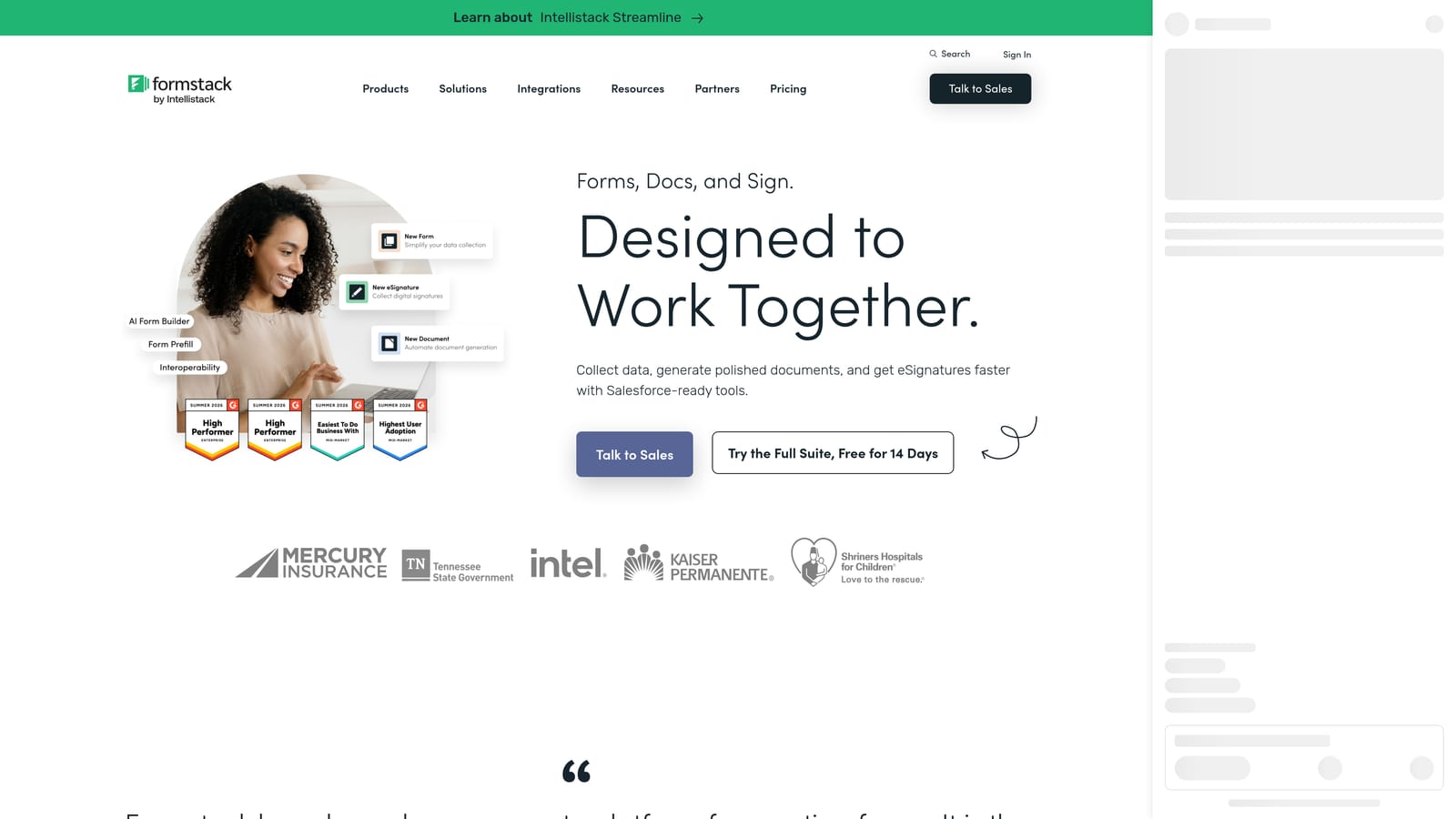
Form Stack is worth noting here as an enterprise-leaning option with robust integration capabilities, though its free tier is limited and it's better evaluated as a paid alternative for teams with complex integration requirements.
Implementation Steps
1. List every tool in your current stack that receives data from your forms: CRM, email platform, analytics, Slack notifications, etc.
2. For each alternative, check whether those integrations are available natively or only via Zapier.
3. Verify which integrations are accessible on the free tier versus gated behind a paid plan.
4. Test at least one critical integration before committing — don't rely on documentation alone.
5. Factor in the cost of any middleware tools (like Zapier) needed to make the integrations work.
Pro Tips
Pay attention to field mapping quality, not just connection availability. A native integration that maps form fields incorrectly to your CRM is worse than a well-configured Zapier workflow. Always test with real data before going live.
6. Test for Conversion-Optimized Design Out of the Box
The Challenge It Solves
Form design directly affects completion rates. A form that loads slowly, breaks on mobile, or presents a cluttered interface will lose respondents before they reach the submit button — regardless of how good your traffic source is. Many free form builders offer functional but visually dated templates that don't meet the design standards modern audiences expect.
The Strategy Explained
Conversion-optimized design isn't just about aesthetics. It encompasses mobile responsiveness, load speed, visual hierarchy, and the overall UX flow that guides a respondent from the first question to submission. When evaluating alternatives, test the actual form experience as a respondent — not just the builder interface.
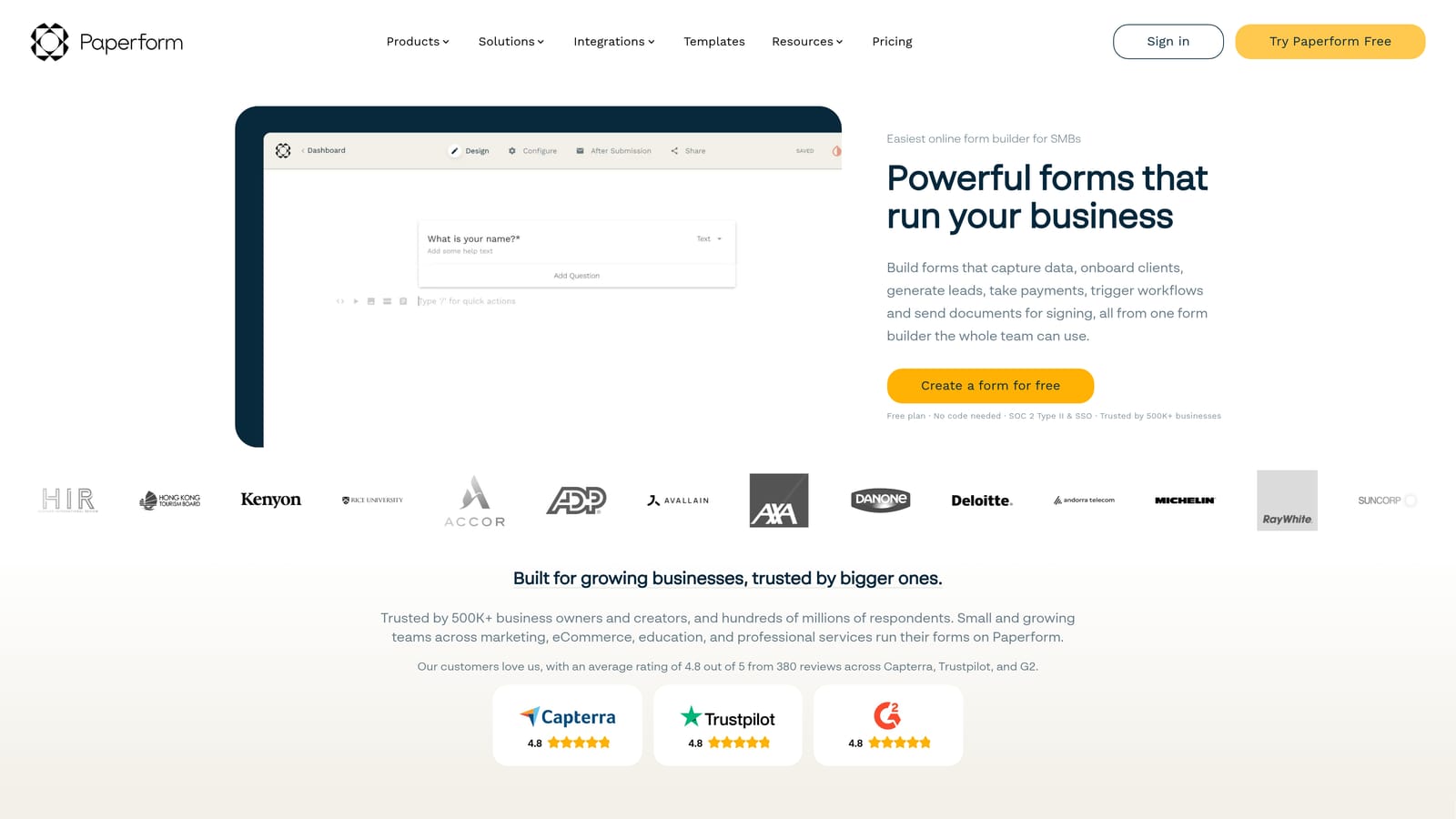
Paperform stands out as a design-forward option with strong visual customization capabilities, though it's worth noting that Paperform operates primarily as a paid tool with a trial period rather than a perpetual free plan. Verify current terms at paperform.io before building your evaluation around it.
Orbit AI is built with conversion optimization as a core design principle, not an afterthought. The platform's forms are designed to perform well on mobile, load quickly, and present a polished experience that reflects well on your brand. For high-growth teams where every percentage point of form completion matters, design quality is a legitimate evaluation criterion — not a superficial one.
Implementation Steps
1. Build a test form on each shortlisted platform using a template closest to your actual use case.
2. Complete the form yourself on both desktop and mobile, noting any friction points in the experience.
3. Check load speed using a free tool like Google PageSpeed Insights by testing the published form URL.
4. Evaluate the visual quality of the default design: does it look professional without customization?
5. Test how much customization is available on the free tier versus locked behind a paid plan.
Pro Tips
Run your test forms past someone unfamiliar with the tool — a colleague or even a friend. First impressions from someone who didn't build the form are far more useful than your own assessment. What feels intuitive to the builder often isn't intuitive to the respondent.
7. Plan a Migration That Protects Your Existing Lead Flows
The Challenge It Solves
Switching form tools mid-campaign carries real risk. If you cut over too quickly, you can break embed links, lose response data, or disrupt the conditional logic that routes leads into your CRM. For teams with active campaigns and live forms embedded across landing pages and emails, an unplanned migration can mean dropped leads and broken workflows at exactly the wrong moment.
The Strategy Explained
A safe migration starts with a clear inventory of everything that will need to move: forms, response data, conditional logic, integrations, and embed locations. The safest approach for active campaigns is to run parallel forms during the transition — keeping your Typeform forms live while you build, test, and validate the replacement forms on your new platform.
Only cut over to the new form once you've confirmed that every integration is working correctly, the conditional logic produces the expected routing outcomes, and the new form is fully embedded and tested in its live location. Then monitor the new form closely for the first 48 to 72 hours to catch any issues before they affect a significant volume of leads.
Implementation Steps
1. Create a complete inventory of all active Typeform forms, including where each one is embedded and which integrations it uses.
2. Export all existing Typeform response data before beginning the migration.
3. Rebuild each form on your new platform, starting with the highest-traffic forms first.
4. Test every conditional logic branch and integration connection on the new forms before going live.
5. Run the old and new forms in parallel for at least one week before deactivating the Typeform versions.
6. Update all embed codes, landing page links, and email links to point to the new forms only after full validation.
Pro Tips
Don't migrate everything at once. Prioritize your highest-volume or highest-value forms first, learn from that migration, and apply those lessons to the remaining forms. A phased approach reduces risk and gives your team time to get comfortable with the new platform before it's handling your full lead volume.
Putting It All Together
The right Typeform free alternative isn't just about escaping response limits. It's about finding a platform that actively supports your growth goals. For teams focused on lead generation and conversion optimization, the stakes are higher than they are for casual form users. A tool that qualifies leads intelligently, integrates cleanly with your stack, and presents a polished experience to prospects can meaningfully move the needle on pipeline quality.
Here's a practical starting point: run the audit in Strategy 1 first. Identify the one or two Typeform limitations causing the most friction right now, then evaluate alternatives specifically against those pain points. Don't try to solve every problem at once — solve the most expensive ones first.
If response volume is your primary constraint, Tally and Jotform are worth testing first. If branding and design quality matter most, Paperform and Orbit AI deserve a close look. If AI-powered lead qualification and conversion-optimized design are priorities, Orbit AI is worth putting at the top of your list.
For teams exploring other comparisons in this space, the Wufoo alternatives guide covers similar ground and may surface additional options worth considering.
Transform your lead generation with AI-powered forms that qualify prospects automatically while delivering the modern, conversion-optimized experience your high-growth team needs. Start building free forms today and see how intelligent form design can elevate your conversion strategy — no credit card required.


