

Insurance teams live and die by their forms. From quote requests and policy applications to claims submissions and renewal check-ins, every client touchpoint runs through a form — and a poorly designed one means lost leads, frustrated clients, and compliance headaches you really don't want.
The right form builder doesn't just collect data. It qualifies prospects, integrates with your CRM, keeps sensitive information secure, and makes the whole experience feel seamless for the person filling it out. That last part matters more than most teams realize: a clunky form on a high-intent lead is a missed opportunity.
This list covers the top form builders purpose-built or well-suited for insurance workflows in 2026. Each tool was evaluated on conditional logic, data security, conversion optimization, integrations, and ease of use — the factors that matter most when you're handling sensitive client information. Whether you're a solo broker or a growing agency, there's a right tool here for your stack.
1. Orbit AI
Best for: Insurance teams that want AI-powered lead qualification built directly into their form workflow.
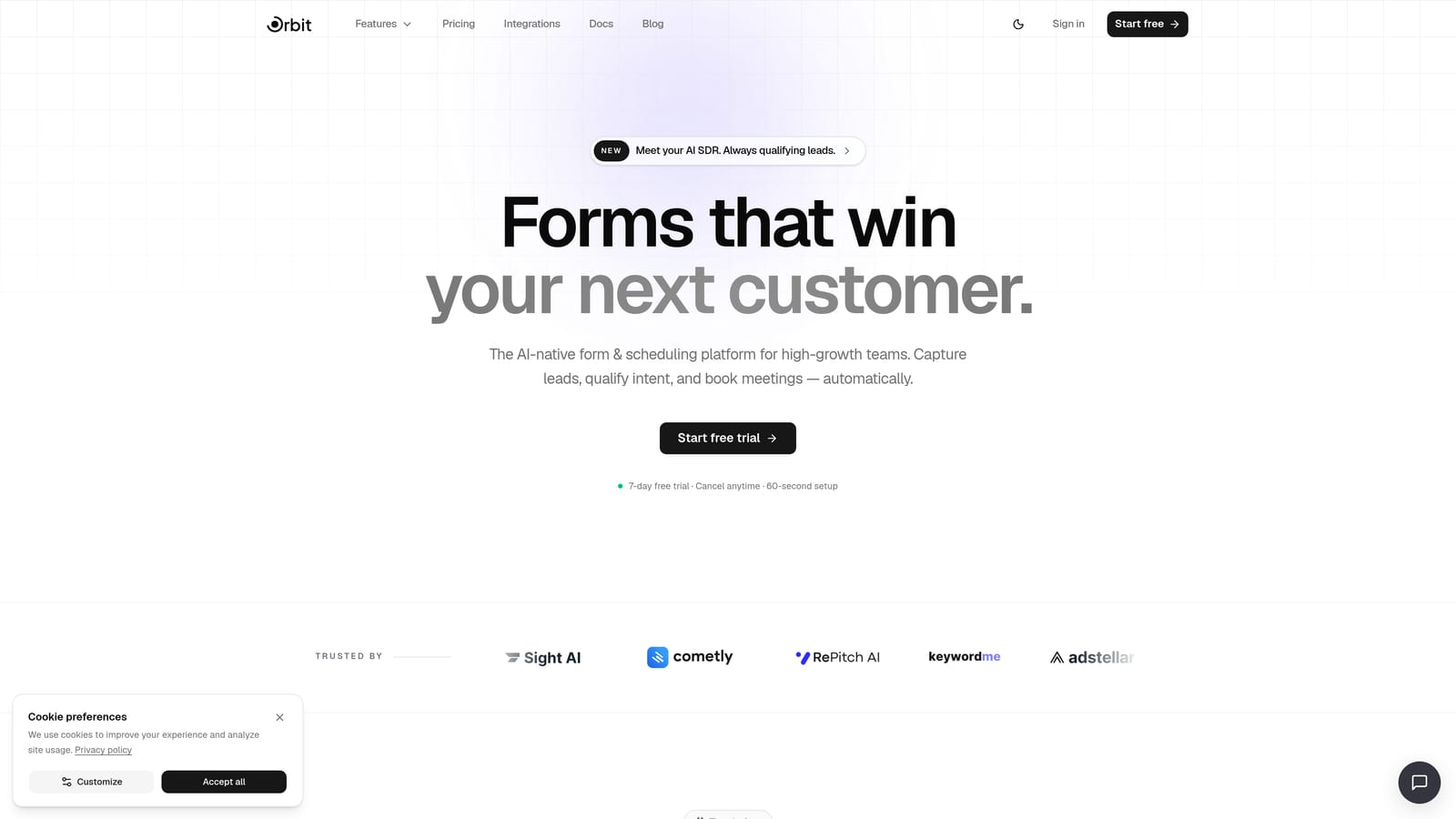
Orbit AI is an AI-powered form builder with built-in lead qualification agents, designed for high-growth teams that care as much about what happens after a form submission as the form itself.
Where This Tool Shines
Most form builders stop at data collection. Orbit AI goes further by letting you deploy AI agents that evaluate form responses in real time — scoring leads based on coverage type, budget, timeline, and risk signals before they ever reach a human agent. For insurance teams juggling a high volume of inbound inquiries, this is a meaningful operational advantage.
The platform also handles the full post-submission journey. Workflow automation and follow-up sequences mean a qualified lead doesn't sit in a queue waiting for someone to notice it. Combine that with a built-in scheduler for booking consultations directly from the form, and you've got a complete intake pipeline rather than just a data collection tool.
Key Features
AI Lead Qualification Agents: Automatically score and route leads based on form responses like coverage type, budget, and timeline — so your agents focus on the right prospects first.
Conditional Logic and Multi-Step Flows: Build complex insurance intake forms that adapt based on prior answers, keeping forms relevant and reducing abandonment on longer applications.
Workflow Automation and Sequences: Trigger follow-up sequences immediately after submission, so no qualified lead goes cold while waiting for manual outreach.
Analytics Dashboard: Track form performance, completion rates, and conversion metrics to understand where leads drop off and optimize accordingly.
Contacts and CRM-Lite Features: Manage captured leads directly within the platform, with enough contact management built in to support smaller teams without a full CRM setup.
Scheduler Integration: Let prospects book consultations directly from the form — removing friction between interest and conversation.
Best For
Orbit AI is the strongest fit for growing insurance agencies and brokerages that want to automate lead qualification rather than rely on manual triage. If your team is handling significant inbound volume and losing time sorting leads by hand, the AI qualification layer alone justifies the switch.
Pricing
Visit orbitforms.ai/pricing for current plan details. A free tier is available to get started without a credit card.
2. Jotform
Best for: Insurance teams that need HIPAA-compliant forms with a large library of ready-to-use templates.
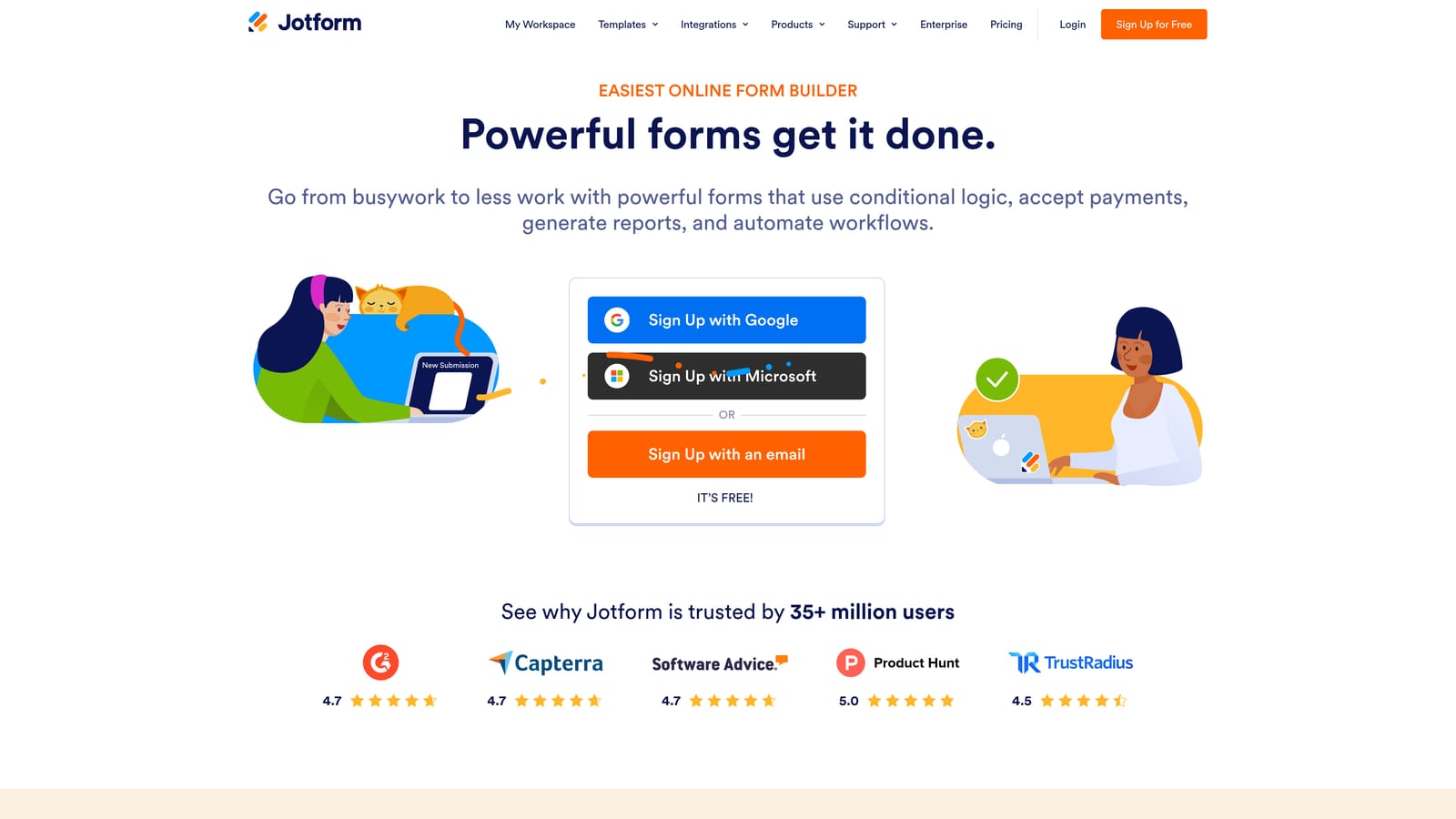
Jotform is one of the most established form builders on the market, with a reputation for compliance features and an extensive template library that covers virtually every insurance use case.
Where This Tool Shines
For health insurance teams in particular, Jotform's HIPAA-compliant forms on paid plans are a significant draw. When you're collecting protected health information, having a form builder with documented compliance infrastructure reduces your risk exposure considerably.
The template library is genuinely impressive. Auto, home, life, and commercial insurance templates are all available, meaning most teams can launch a functional form in minutes rather than building from scratch. The breadth of integrations — including Salesforce and HubSpot — also makes Jotform a natural fit for agencies already operating within established CRM ecosystems.
Key Features
HIPAA-Compliant Forms: Available on paid plans, making Jotform one of the few form builders with documented compliance infrastructure for health insurance workflows.
Insurance-Specific Templates: A large library covering auto, home, life, and commercial lines — ready to customize and deploy quickly.
Conditional Logic and Smart Branching: Show or hide fields based on prior answers, keeping complex insurance forms manageable for applicants.
E-Signature Support: Built-in signing via JotSign, useful for policy acknowledgments and application completions.
CRM Integrations: Native connectors to Salesforce, HubSpot, and other major platforms for seamless lead routing.
Best For
Jotform works well for health insurance teams with HIPAA requirements, agencies that want to deploy quickly using pre-built templates, and organizations already invested in Salesforce or HubSpot ecosystems. It's a reliable, proven choice with broad functionality.
Pricing
Free plan available. Paid plans start at $34/month (Starter). HIPAA compliance requires the Bronze plan or higher.
3. Typeform
Best for: Insurance teams that want to improve completion rates on longer intake forms through a conversational experience.
Typeform is a conversational form builder known for its one-question-at-a-time interface, which tends to reduce abandonment on multi-step applications — a genuine advantage for complex insurance intake flows.

Where This Tool Shines
The core insight behind Typeform is that presenting one question at a time feels less overwhelming than a wall of fields. For insurance forms that need to gather detailed information — coverage needs, property details, health history — this format keeps applicants engaged through what would otherwise be a tedious process.
Typeform also excels on the brand experience side. Custom themes, imagery, and a polished visual presentation make your forms feel like an extension of your brand rather than a generic intake sheet. For agencies competing on client experience, that distinction matters.
Key Features
Conversational One-Question Format: Presents questions sequentially to reduce cognitive load and improve completion rates on longer insurance forms.
Logic Jumps and Conditional Branching: Personalizes the form path based on prior answers — auto applicants see different questions than life insurance prospects.
Branded Design: Custom themes, imagery, and fonts let you create forms that feel consistent with your agency's visual identity.
Native Integrations: Connects to HubSpot, Salesforce, and Zapier for CRM routing and downstream automation.
Hidden Fields: Pre-populate forms with known lead data from ads or landing pages, reducing friction for returning prospects.
Best For
Typeform is a strong choice for agencies prioritizing client experience and form completion rates over compliance infrastructure. It's less focused on HIPAA and enterprise security than Jotform or Formstack, so it's best suited for P&C lines and general lead capture rather than health insurance workflows requiring strict data governance.
Pricing
Free plan available with limited responses. Paid plans start at $25/month (Basic).
4. Paperform
Best for: Insurance teams that want to display dynamic quote estimates within the form itself.
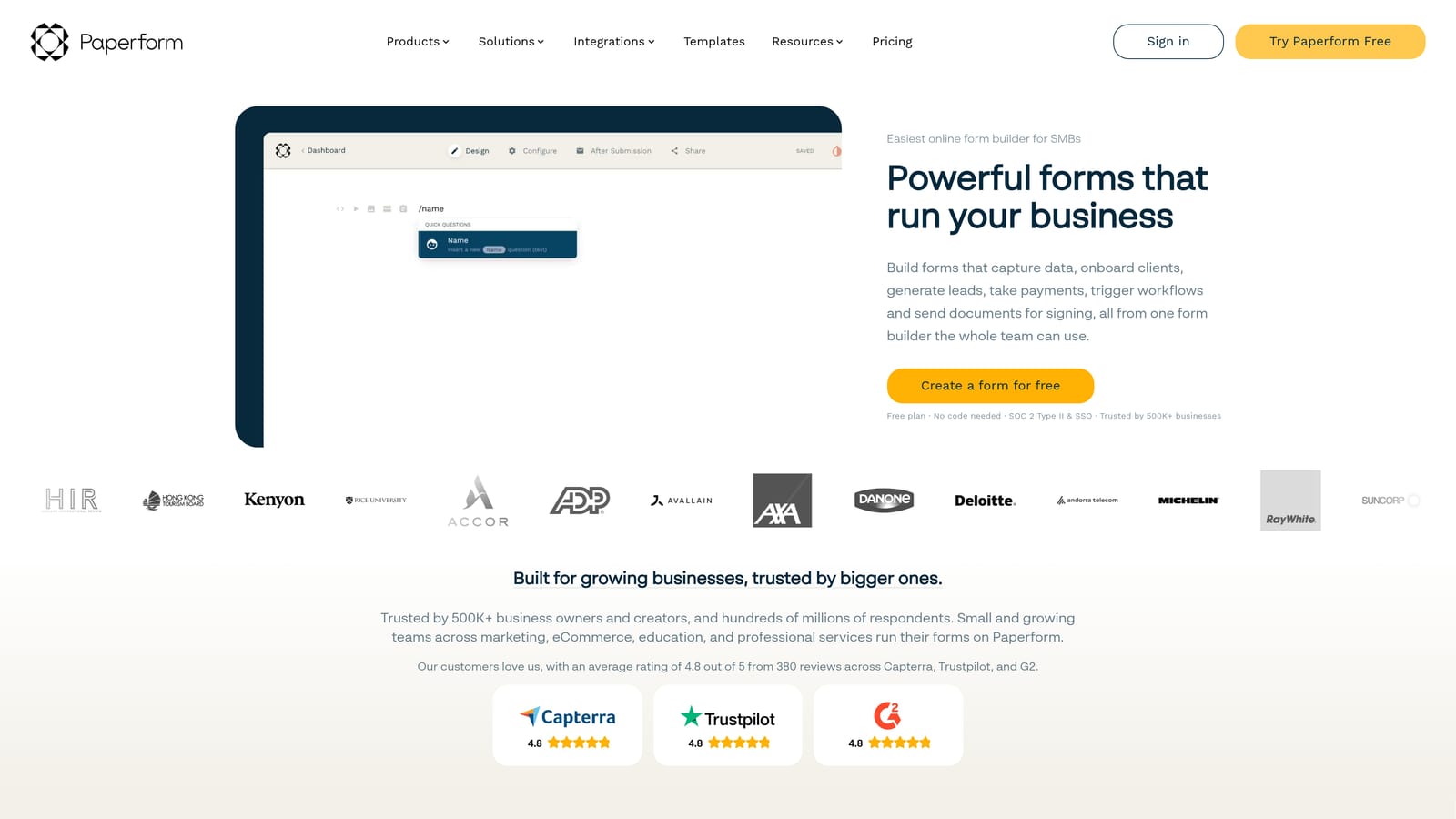
Paperform is a flexible form builder with a document-like editing experience and built-in calculation fields — a genuine differentiator for insurance teams that want to show prospects a real-time estimate before they submit.
Where This Tool Shines
Calculation fields are where Paperform stands apart from most competitors on this list. You can build forms that calculate and display dynamic pricing estimates based on user inputs — coverage amount, property value, vehicle type — in real time. For quote request forms, this creates an interactive experience that keeps prospects engaged and sets expectations before the conversation with an agent begins.
The document-like editing interface also makes Paperform unusually flexible. You can mix text, images, and form fields in a single view, which is useful for building intake forms that include explanatory context alongside the questions themselves.
Key Features
Calculation Fields: Display dynamic pricing estimates or coverage calculations in real time based on form inputs — a standout feature for quote-focused forms.
Conditional Sections and Multi-Step Logic: Build branching form paths that adapt based on coverage type, applicant profile, or other variables.
In-Form Payment Collection: Accept deposits or fees directly within the form, useful for agencies that collect binding payments at application.
Built-In Scheduling: Appointment booking is native to the platform, so prospects can book a follow-up call without leaving the form flow.
Integrations: Connects to major tools via native connectors and Zapier for CRM routing and automation.
Best For
Paperform is ideal for P&C agencies and brokers who want to offer an interactive quoting experience within the form itself. It's less focused on enterprise compliance than Jotform or Formstack, making it better suited for teams where the priority is engagement and conversion rather than strict regulatory requirements.
Pricing
Essentials plan starts at $24/month. No free plan; a 14-day free trial is available.
5. Formstack
Best for: Large insurance organizations with complex multi-step workflows that span forms, documents, and e-signatures.
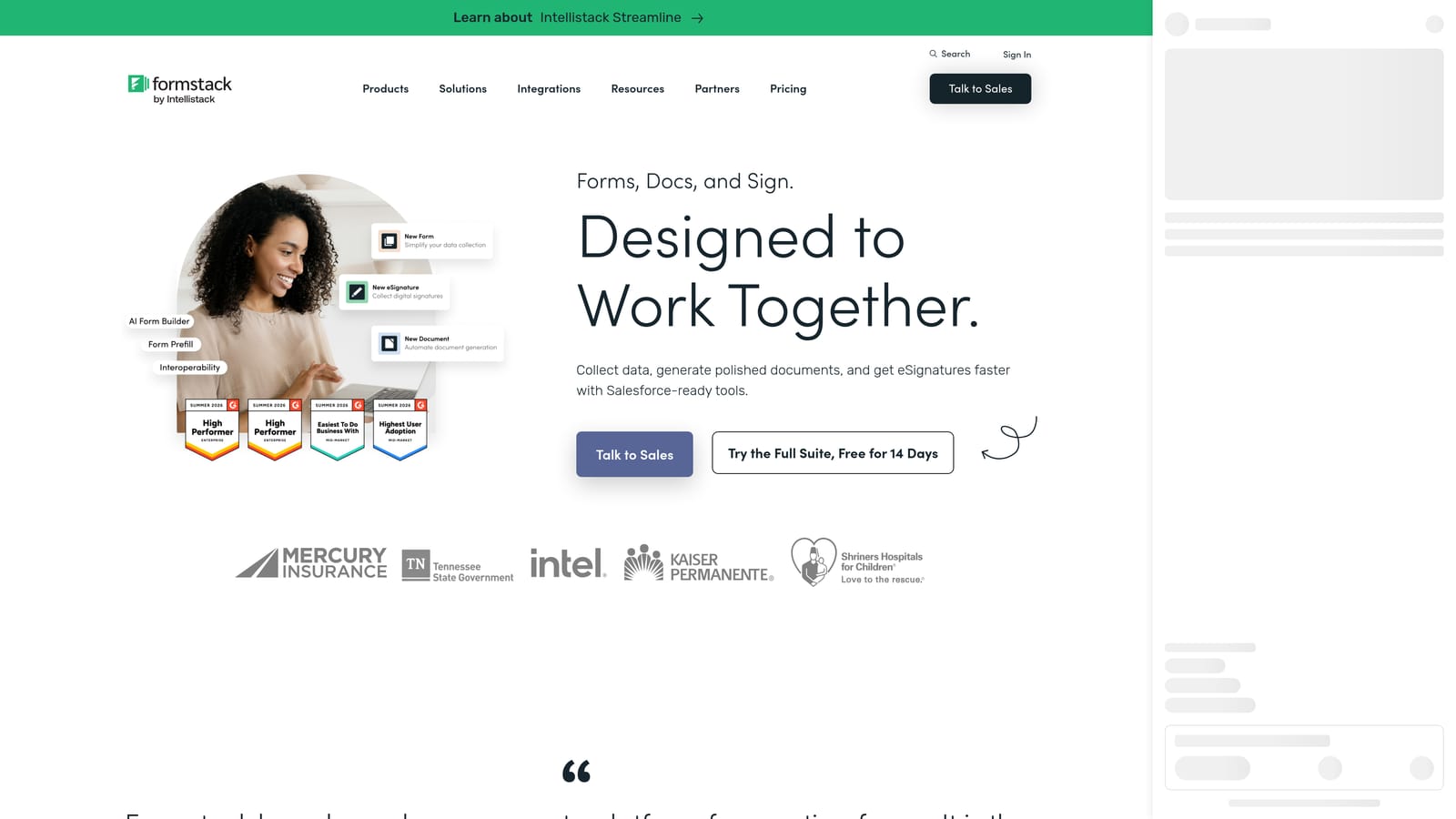
Formstack is an enterprise-grade workplace productivity platform that goes well beyond form building, offering document generation and e-signature capabilities within a single ecosystem.
Where This Tool Shines
Formstack's core advantage is end-to-end workflow coverage. A prospect fills out a form, that data populates a policy document, and the document is sent for e-signature — all within the same platform. For large carriers and agencies managing high volumes of applications, renewals, and policy acknowledgments, eliminating the hand-offs between separate tools reduces both friction and error.
The Salesforce-native integration (Formstack for Salesforce) is another meaningful differentiator. For enterprise insurance organizations already running their operations in Salesforce, having a form builder that lives natively inside that environment — rather than syncing data to it — is a significant workflow advantage.
Key Features
End-to-End Document Workflow: Forms feed directly into document generation and e-signature within a single platform, eliminating manual data re-entry across tools.
HIPAA Compliance: Available for health insurance use cases, with enterprise security controls and audit trails to support regulatory requirements.
Advanced Conditional Logic and Approval Workflows: Route submissions through multi-step internal approval processes before documents are generated or sent.
Salesforce-Native Integration: Formstack for Salesforce operates directly inside the CRM, making it the strongest option for Salesforce-first organizations.
Enterprise Security Controls: Audit trails, access controls, and data governance features built for organizations with compliance obligations.
Best For
Formstack is built for large insurance carriers, MGAs, and enterprise agencies with complex workflows that span multiple document types and require strict compliance infrastructure. It's more expensive and more complex than the other tools on this list — which is appropriate for the use case it serves, but likely overkill for smaller teams.
Pricing
Forms plan starts at $83/month. The full suite (Forms, Documents, and Sign) is priced separately; contact Formstack for enterprise pricing.
6. Tally
Best for: Independent agents and small brokers who want a clean, capable form builder without a monthly subscription.
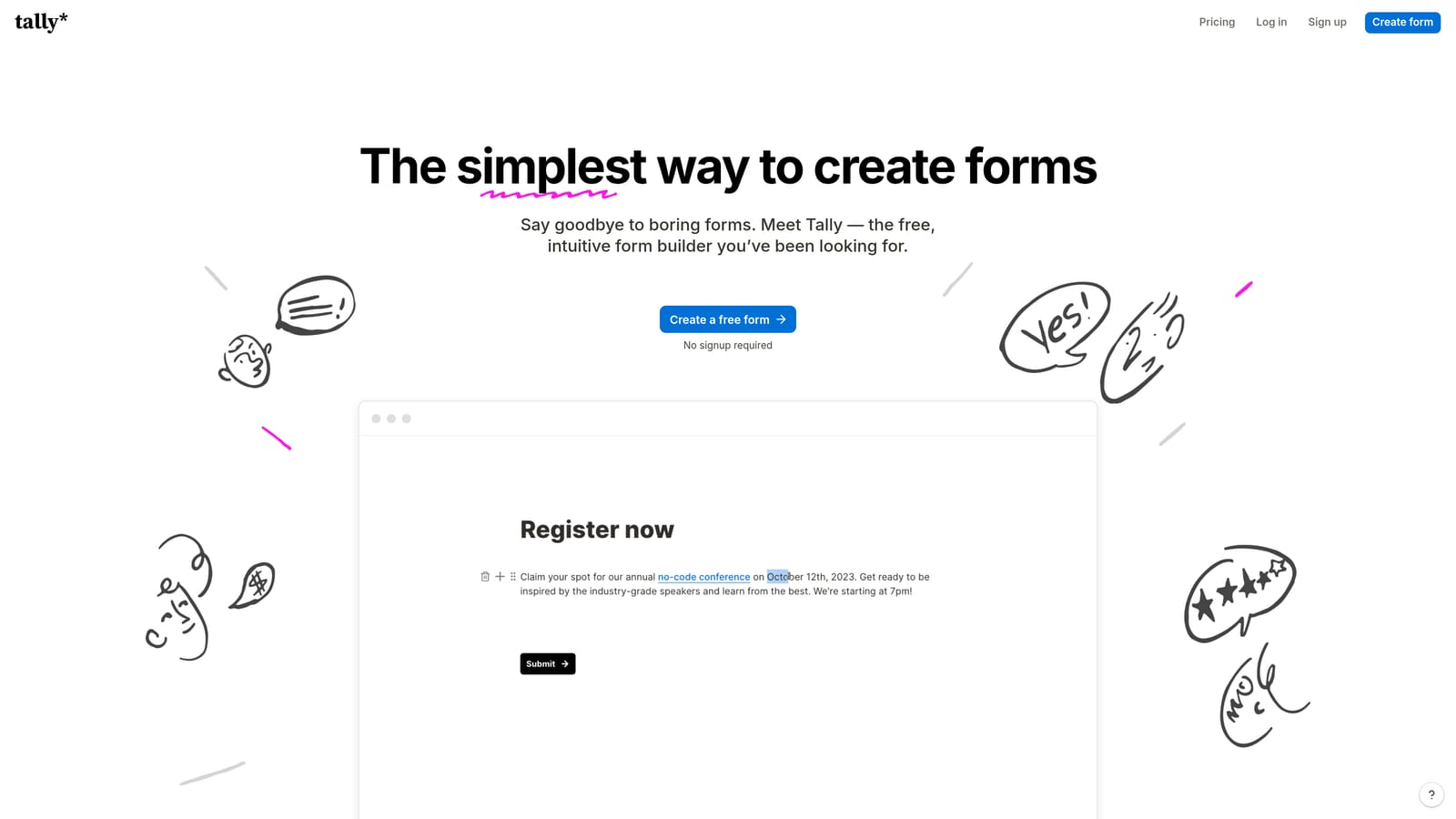
Tally is a free-first form builder with a Notion-like editing interface, offering unlimited forms and responses on its free plan — making it the most accessible entry point for digital lead capture in insurance.
Where This Tool Shines
Tally's free tier is genuinely generous compared to most competitors. Unlimited forms, unlimited responses, and no Tally branding on the free plan means independent agents can build and deploy professional-looking forms without spending anything. For brokers who are just starting to digitize their intake process, this removes the financial barrier entirely.
The editing experience is clean and intuitive — if you've used Notion, you'll feel at home immediately. Forms can be embedded on any website with a simple code snippet, and Zapier integration allows basic CRM routing for teams that already have a workflow tool in place.
Key Features
Unlimited Forms and Responses on Free Plan: No submission caps or form limits, even on the free tier — a meaningful differentiator for budget-conscious users.
No Branding on Free Tier: Unlike many competitors, Tally doesn't watermark free-plan forms, keeping the client-facing experience professional.
Conditional Logic and Multi-Page Forms: Basic branching logic is available to create adaptive form paths without upgrading to a paid plan.
Simple Website Embedding: Embed forms on any site with a code snippet — no technical setup required.
Zapier Integration: Connect form submissions to CRMs, email tools, and other platforms for basic automation.
Best For
Tally is the right starting point for independent agents, small brokerages, and teams new to digital lead capture who want to test the waters without a financial commitment. It lacks advanced compliance features, AI capabilities, and deep CRM integrations — so teams that outgrow the basics will likely need to migrate to a more capable platform.
Pricing
Free plan available with unlimited forms and responses. Tally Pro starts at $29/month for custom domains, file uploads, and priority support.
Which Tool Is Right for Your Insurance Team?
The honest answer is that the best form builder for your team depends on what you're optimizing for: compliance, conversion, or automation.
If you're a solo broker or small agency just getting started with digital intake, Tally gives you a capable, professional tool at zero cost. Paperform is worth a look if interactive quote estimates are a priority for your prospect experience.
For agencies that need documented compliance infrastructure, Jotform is the most accessible HIPAA-compliant option, while Formstack serves large carriers and enterprise organizations that need forms, documents, and e-signatures under one roof. Typeform sits in the middle — strong on client experience and completion rates, less focused on compliance.
If lead qualification and conversion automation are your primary goals, Orbit AI is the only tool on this list built specifically around that problem. The AI agents that score and route leads based on form responses address one of the most common pain points for growing insurance teams: spending time on the wrong leads while high-intent prospects go cold.
For teams serious about turning their forms into a lead qualification engine, Start building free forms today and see what AI-powered intake can do for your conversion rates. And if you're trying to understand why your current forms are losing leads before you even see them, exploring common form abandonment patterns is a good place to start.


