

Recruiting teams live and die by their ability to capture the right candidate information quickly. Generic forms don't cut it anymore. Whether you're screening applicants at scale, collecting portfolio links, or routing candidates to the right hiring manager, the form builder you choose shapes the entire candidate experience from the very first click.
The pain points are familiar: long applications that candidates abandon on mobile, manual screening that eats up recruiter hours, and forms that collect data but don't actually help you decide who moves forward. The right tool solves those problems before they become bottlenecks.
This guide covers the top form builders for recruitment in 2026, evaluated on ease of use, conditional logic, HR integrations, and how well each tool helps you qualify candidates without adding friction. Each has a distinct sweet spot, so we've mapped them to the team types and use cases where they genuinely shine.
1. Orbit AI
Best for: High-growth teams that need AI-powered candidate qualification at scale
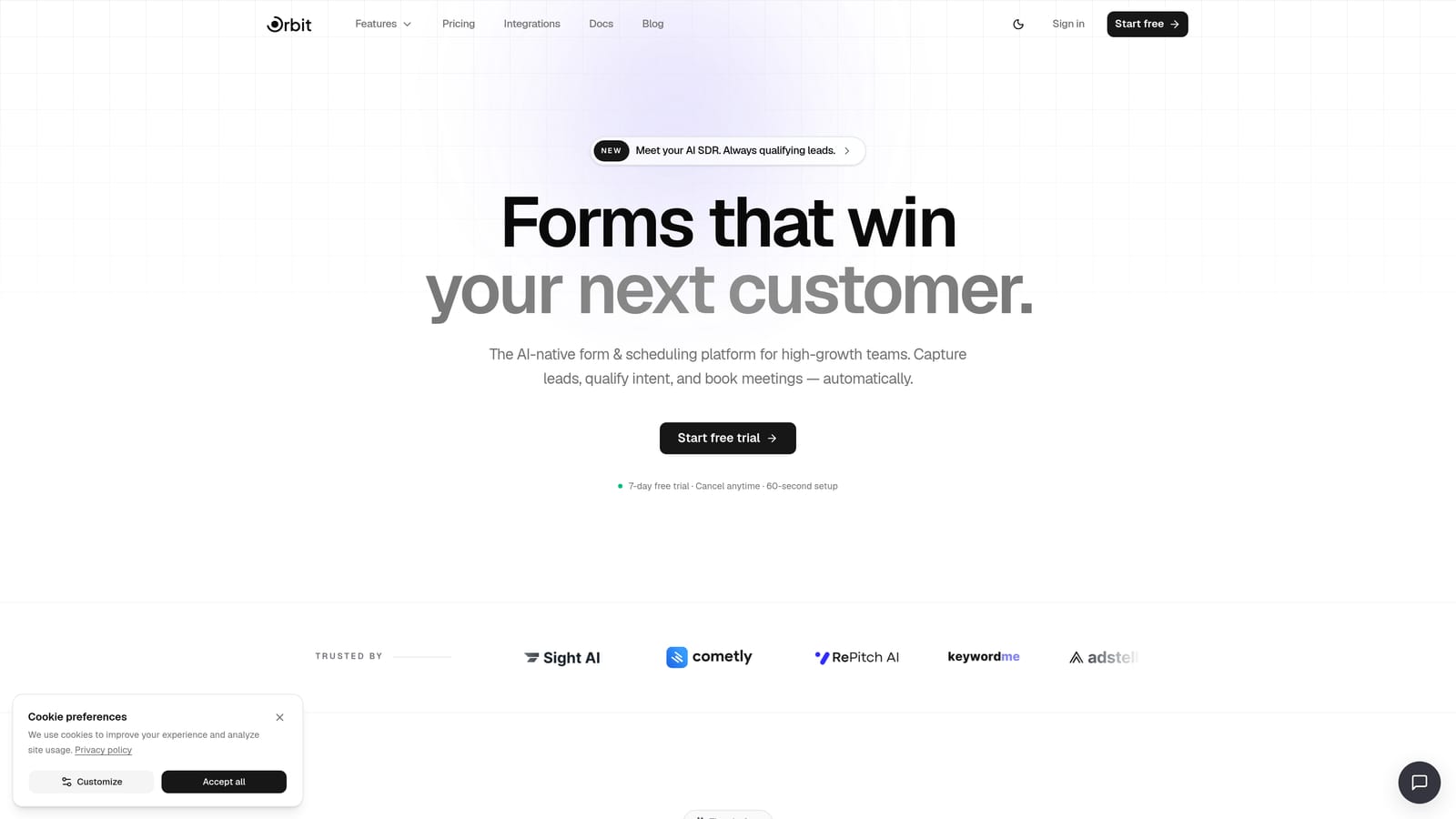
Orbit AI is an AI-powered form builder with built-in candidate qualification, smart routing, and conversion-optimized design built specifically for teams that need to screen applicants at scale, not just collect their details.
Where This Tool Shines
Most form builders stop at data collection. Orbit AI goes further by scoring and qualifying candidates in real time, so your team spends time on the applicants who actually meet your criteria rather than wading through every submission manually. That distinction matters enormously when you're hiring across multiple roles simultaneously.
The smart routing capability is particularly useful for recruitment: candidates can be automatically directed to the right hiring manager or pipeline stage based on their answers, without any manual intervention. Pair that with conversion-optimized form design that reduces application abandonment, and you're improving both the quantity and quality of completed applications.
Key Features
AI Candidate Qualification: Scores applicants in real time based on their responses, surfacing the strongest candidates automatically.
Conditional Logic and Smart Routing: Directs candidates to the right hiring manager or pipeline stage without manual sorting.
Conversion-Optimized Design: Form layouts built to reduce drop-off, particularly on mobile applications.
Built-in Workflows and Sequences: Automates candidate follow-up so no applicant falls through the cracks after submitting.
Analytics Dashboard: Tracks application completion rates and identifies exactly where candidates are dropping off in the form.
Best For
Orbit AI is the strongest fit for high-growth startups and scaling SaaS teams that are hiring across multiple roles and need qualification baked into the process, not bolted on afterward. If recruiter time is your scarcest resource, this is where the AI advantage is most tangible.
Pricing
Multiple plans available to suit different team sizes. See orbitforms.ai/pricing for current options and feature breakdowns.
2. Typeform
Best for: Creating a polished candidate experience that reduces drop-off on longer applications
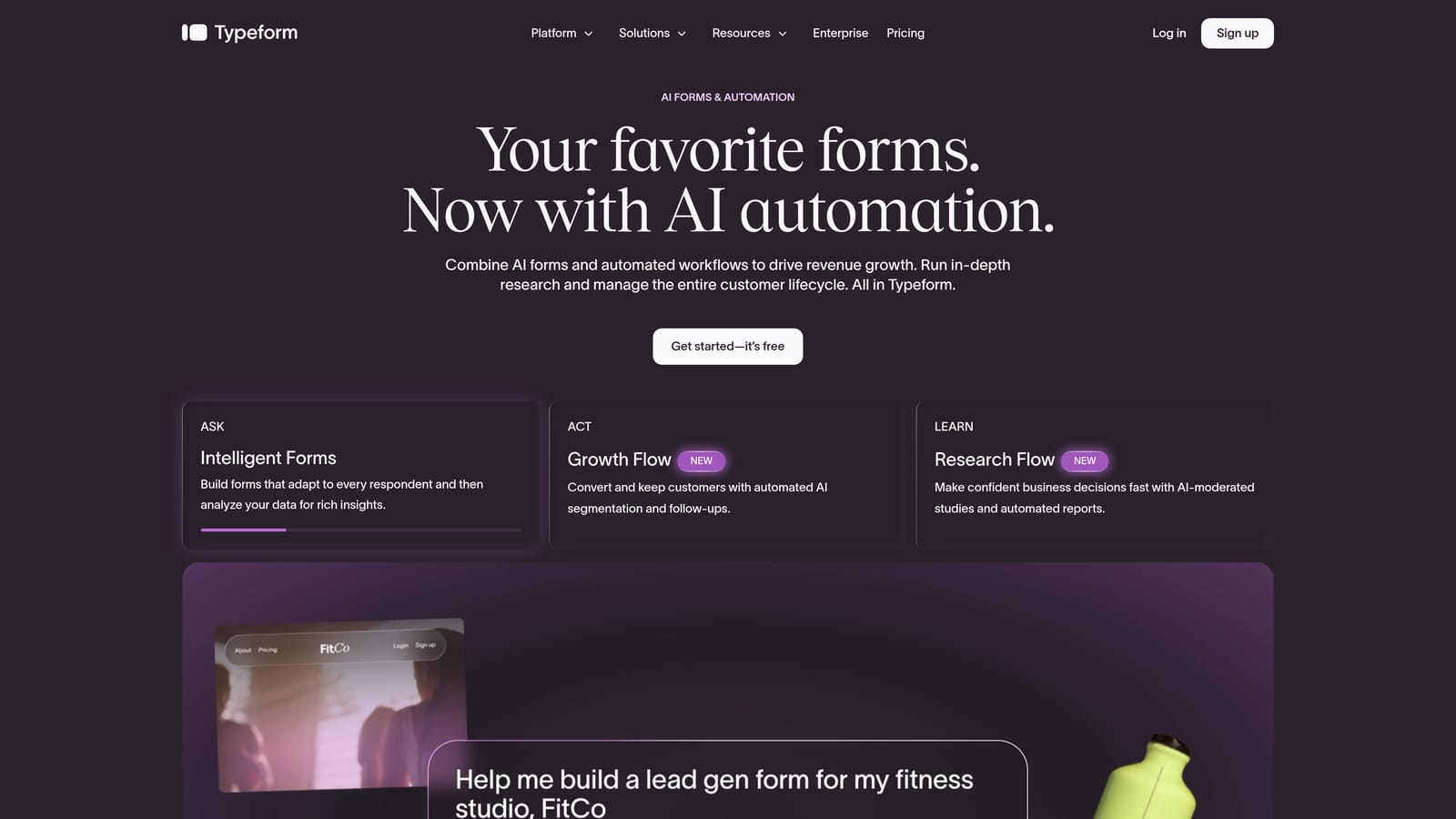
Typeform is a conversational form builder renowned for its one-question-at-a-time interface that makes even lengthy application forms feel approachable rather than overwhelming.
Where This Tool Shines
Candidate experience is Typeform's core strength. When applicants encounter a traditional multi-field form, the cognitive load can cause them to abandon mid-way. Typeform's conversational format breaks that pattern, presenting one question at a time in a way that feels closer to a dialogue than a bureaucratic checklist.
For roles where candidate drop-off is a known problem, particularly senior or passive candidates who won't tolerate a clunky application, Typeform's design philosophy pays dividends. Logic jumps also allow you to tailor the question flow based on which role or department a candidate selects, keeping the experience relevant throughout.
Key Features
Conversational UI: One-question-at-a-time format reduces cognitive friction on multi-step applications.
Logic Jumps: Branch questions based on role, department, or any previous answer to keep forms relevant.
Integration Ecosystem: Connects with Zapier, Slack, Google Sheets, and a wide range of other platforms.
Branded Design: Custom themes, fonts, and media embedding for a polished, on-brand application experience.
Best For
Typeform works best for teams where the candidate experience is a priority and where application forms are medium-length rather than deeply complex. It's a strong choice for companies hiring in competitive talent markets where first impressions count. Note that qualification scoring requires third-party tools or manual review, as there's no native AI screening.
Pricing
Free tier available with limited responses. Paid plans start at approximately $25/month. Verify current pricing at typeform.com.
3. Jotform
Best for: Teams that want a ready-to-deploy template for any recruitment scenario
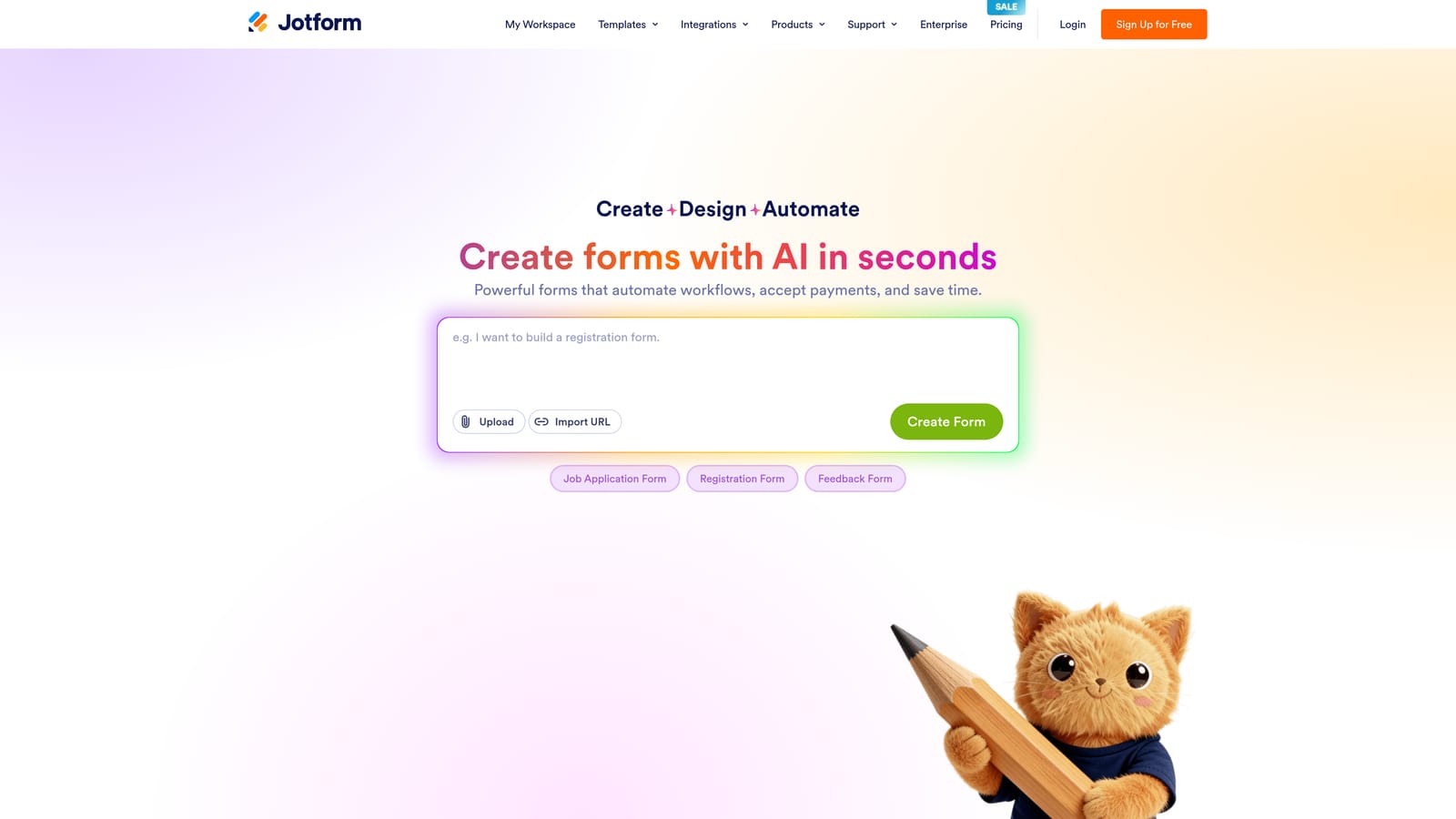
Jotform is a feature-rich form builder with one of the largest template libraries in the market, covering everything from job applications and reference checks to interview feedback forms and onboarding checklists.
Where This Tool Shines
Speed of deployment is Jotform's biggest advantage for recruitment teams. If you need a reference check form or an interview feedback template live by tomorrow, Jotform almost certainly has one ready. The template library is genuinely extensive, and most recruitment-specific forms can be customized and published within an hour.
The approval workflow feature is worth noting: while it's not a full ATS replacement, it allows you to create basic pipeline stages where submissions move through a review and approval process. For smaller teams without a dedicated ATS, this can bridge the gap effectively.
Key Features
Recruitment Template Library: Hundreds of pre-built templates including job applications, reference checks, and onboarding forms.
Approval Workflows: Basic pipeline stage management through a structured review and approval process.
HR and ATS Integrations: Wide integration ecosystem connecting to popular HR platforms and tools.
File Upload Fields: Native support for resume, cover letter, and portfolio uploads.
Mobile-Responsive Design: Forms work across devices, with offline data collection available.
Best For
Jotform is a strong fit for HR teams that need to cover many different form types across the hiring lifecycle, not just the initial application. It's also practical for organizations that need basic workflow management without investing in a full ATS. The interface is functional rather than sleek, so it's best suited to internal or semi-internal use cases rather than candidate-facing applications where first impressions are critical.
Pricing
Free tier available with submission limits. Paid plans start at approximately $34/month. Verify current pricing at jotform.com.
4. Paperform
Best for: Recruitment teams that want their application page to sell the role as well as collect information
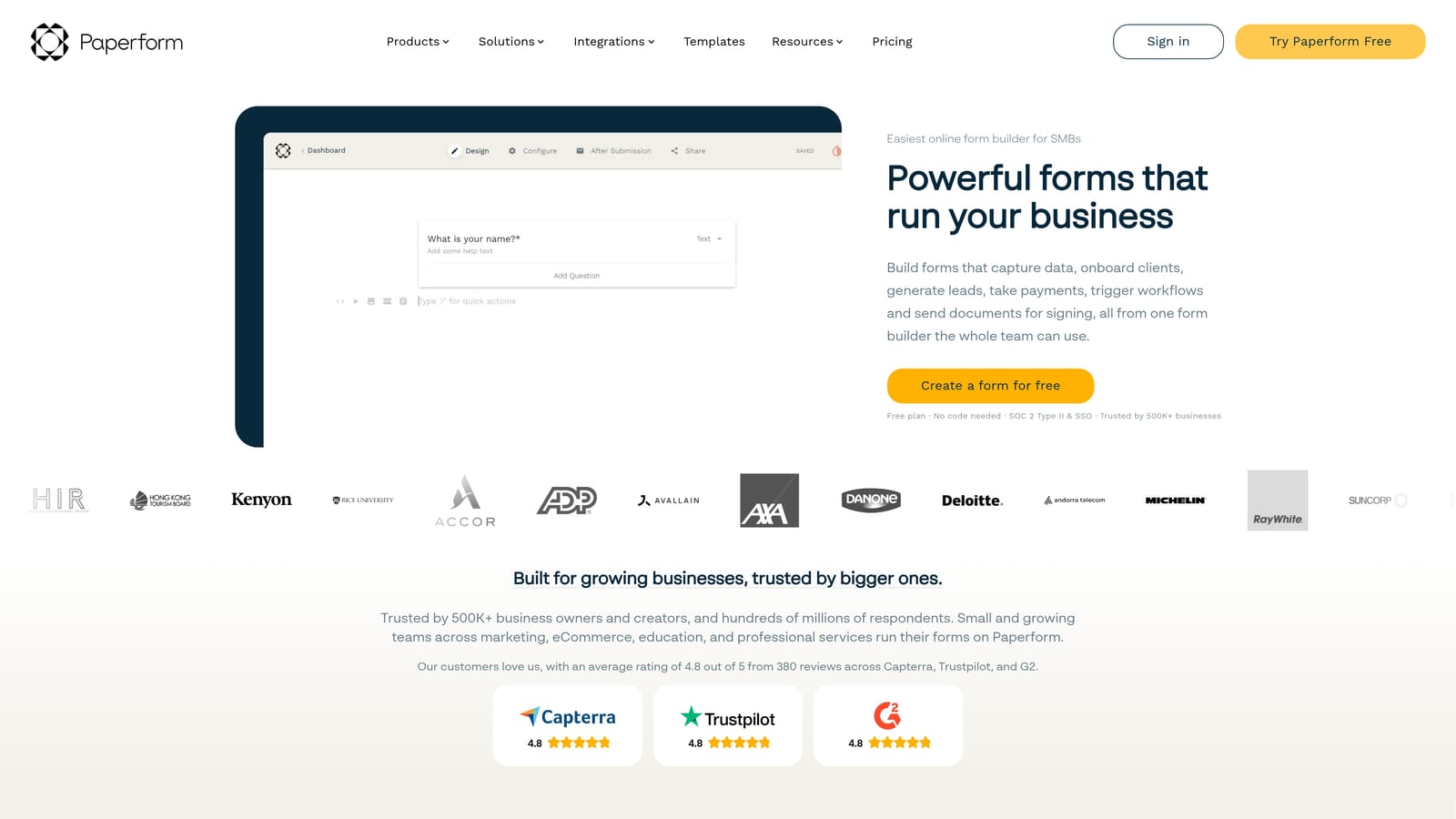
Paperform is a hybrid form and landing page builder that lets recruitment teams create application pages that look polished and communicate the role's appeal while simultaneously gathering candidate data.
Where This Tool Shines
Paperform occupies an interesting niche: it blurs the line between a form and a landing page. You can embed images, video, rich text, and branded design elements directly within the form itself, which means your application page can tell a story about the role and the company before asking candidates to fill anything in. For competitive roles where you're also trying to attract candidates, that context matters.
The calculator and scoring fields are a practical feature for structured screening. You can assign weighted scores to specific answers and use those to rank or filter candidates, giving you a lightweight qualification layer without needing a separate tool.
Key Features
Rich Embedded Content: Images, video, and formatted text can be woven throughout the form to create a branded application experience.
Conditional Sections: Show or hide entire question blocks based on previous responses, keeping forms clean and relevant.
Scheduling Integrations: Candidates can book interview slots directly within the form without leaving the page.
Calculator and Scoring Fields: Assign scores to answers for structured, consistent candidate screening.
Best For
Paperform suits recruitment teams at design-conscious companies where employer branding is a genuine priority. It's also a good fit when the application form is also doing some of the work of convincing candidates to apply. It's not purpose-built for recruitment and lacks AI qualification, so high-volume screening teams will likely need additional tooling.
Pricing
No permanent free tier. Paid plans start at approximately $24/month. Verify current pricing at paperform.co.
5. Formstack
Best for: Enterprise and regulated-industry organizations handling sensitive hiring data
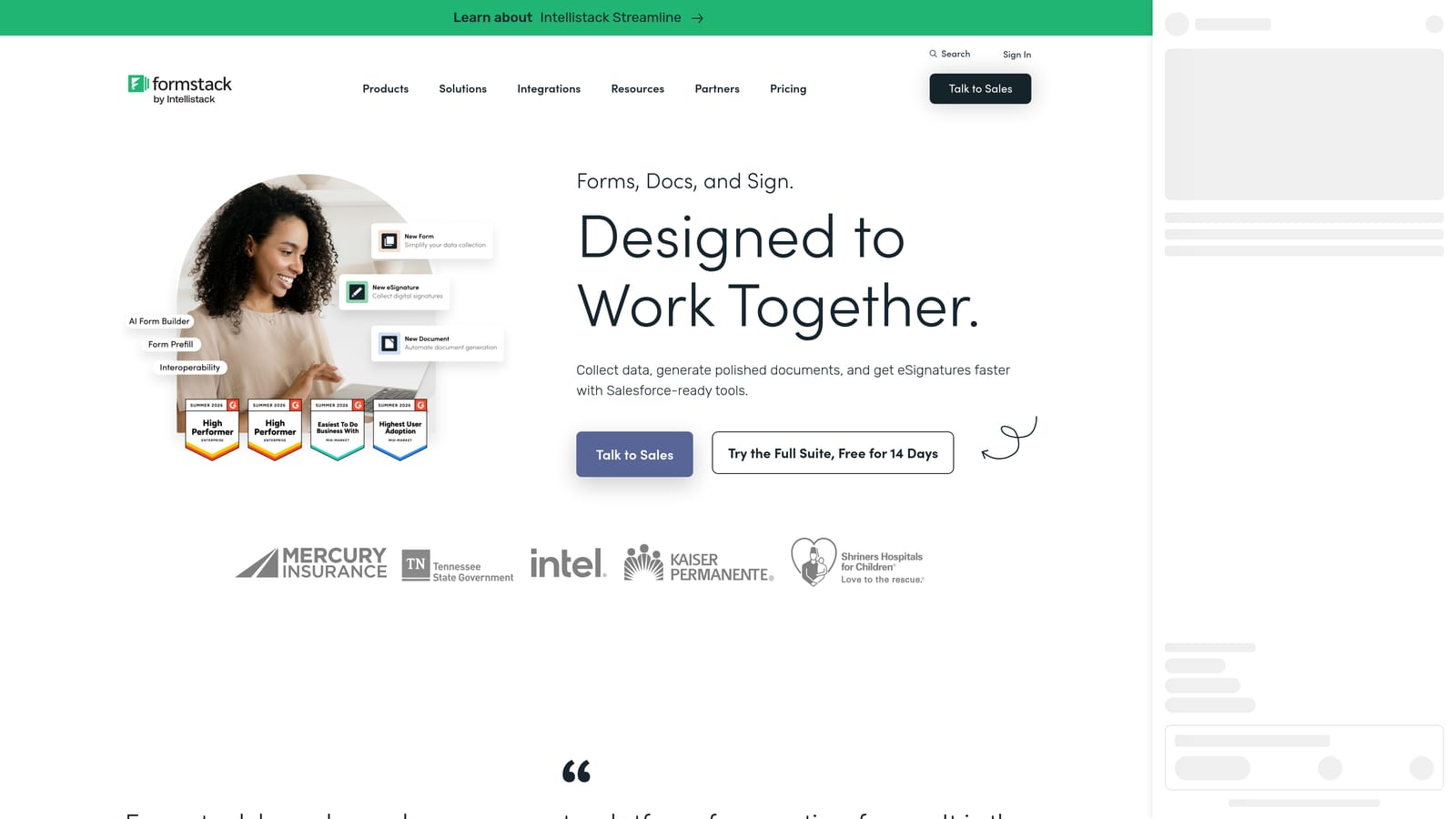
Formstack is an enterprise-grade form and workflow platform with strong compliance credentials, built for organizations that need to handle sensitive recruitment data within strict regulatory frameworks.
Where This Tool Shines
Compliance is the headline here. Formstack holds HIPAA, GDPR, and SOC 2 certifications, which makes it one of the few form builders that regulated industries, such as healthcare, financial services, or government contractors, can use for recruitment without additional legal review. The audit trails and data security controls give compliance teams the visibility they need.
Beyond compliance, Formstack's document generation and e-signature capabilities extend its value beyond the application stage. You can generate offer letters, NDAs, or onboarding documents directly within the platform and collect signatures, which reduces the number of separate tools in your hiring stack.
Key Features
Compliance Certifications: HIPAA, GDPR, and SOC 2 compliance for organizations with strict data handling requirements.
Audit Trails and Security Controls: Detailed access logs and data security features for sensitive recruitment information.
Document Generation and E-Signature: Create and sign offer letters and contracts without leaving the platform.
Multi-Stage Workflow Automation: Structured approval processes for complex hiring workflows across multiple stakeholders.
Best For
Formstack is the right choice for enterprise HR teams in regulated industries where data compliance is non-negotiable. It's heavier to set up than other tools on this list and carries a higher price point that reflects its enterprise positioning. For small teams or early-stage companies, it's likely more than you need.
Pricing
Enterprise pricing model. Plans start at approximately $83/month. Verify current pricing at formstack.com.
6. Tally
Best for: Early-stage startups and small teams that need simple recruitment forms without a budget
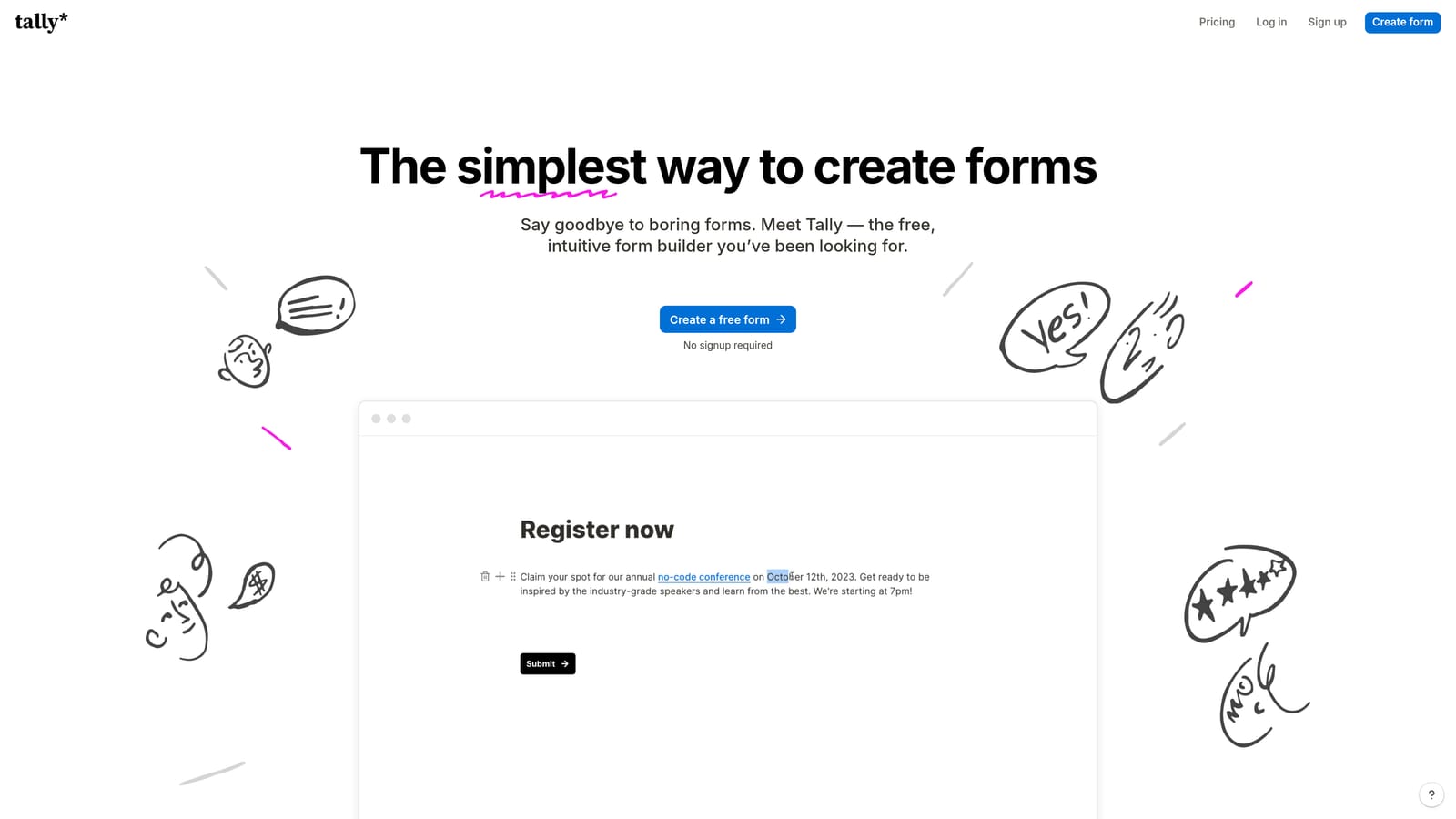
Tally is a minimal, Notion-inspired form builder with a genuinely generous free tier, making it a practical starting point for teams that need to get a job application form live quickly without spending anything.
Where This Tool Shines
Tally's free plan is unusually permissive: unlimited forms and unlimited responses, which is rare in this category. For a founding team or small HR department that needs a simple application form for one or two open roles, that's often all you need. The Notion-like editor is intuitive enough that most people can build and publish a form in under fifteen minutes.
The embeddability is a practical plus. Tally forms can be embedded directly into Notion pages, websites, or job board listings without any code, which makes it easy to deploy wherever your candidates are already looking.
Key Features
Unlimited Free Forms and Responses: The free plan imposes no limits on form count or submission volume, which is rare in this space.
Clean Minimal Interface: Notion-inspired editor makes form creation fast and accessible without a learning curve.
Basic Conditional Logic: Simple branching logic for straightforward question flows.
Flexible Embedding: Forms embed easily into Notion, websites, and job listings without requiring technical setup.
Best For
Tally is the right tool for early-stage startups, solo recruiters, or teams hiring for just a few roles at a time who need something functional and fast without a monthly cost. It's not built for scale, lacks AI qualification, and has limited integrations, so teams expecting to grow their hiring volume will likely outgrow it relatively quickly.
Pricing
Free tier with unlimited forms and responses. Pro plan available for additional features. Verify current pricing at tally.so.
Which Tool Is Right for Your Recruiting Team?
The honest answer is that the best form builder for recruitment depends almost entirely on where your biggest friction point lives right now.
If you're losing recruiter hours to manual screening and need to qualify candidates automatically, Orbit AI is the clearest fit. Its AI qualification layer and smart routing are purpose-built for the problem that costs scaling teams the most time.
If candidate drop-off is your primary concern and you're hiring in a competitive market where the application experience reflects on your employer brand, Typeform delivers the most polished conversational experience. For teams that need to cover the entire hiring lifecycle with ready-made templates, Jotform's library is hard to beat on sheer breadth.
Paperform earns its place when the application page needs to do double duty as a role-selling landing page. Formstack is the defensible choice for enterprise teams in regulated industries where compliance isn't optional. And Tally remains the most practical starting point for small teams who need something live today without a budget conversation.
Most teams start with what's free or familiar, then hit a ceiling when volume grows or qualification becomes manual and time-consuming. If you're approaching that ceiling, the move to an AI-powered tool pays for itself quickly in recruiter hours recovered.
Start building free forms today and see how intelligent form design and built-in candidate qualification can transform the way your team hires.


