

When your team needs a shared form builder, pricing gets complicated fast. Per-seat costs, hidden fees for extra submissions, and feature gates that lock collaboration tools behind enterprise tiers can turn a simple purchase into a spreadsheet exercise.
This guide cuts through the noise. We compared the best form builders designed for team use, breaking down exactly what you'll pay and what you'll get at every tier. Whether you're a lean startup splitting one workspace or a scaling org that needs granular permissions and shared analytics, you'll find the right fit here.
We evaluated each tool on team-specific pricing transparency, collaboration features like shared workspaces and role permissions, integration depth, and overall value per seat. Let's get into it.
1. Orbit AI
Best for: High-growth teams that want AI-powered lead qualification built directly into their forms.
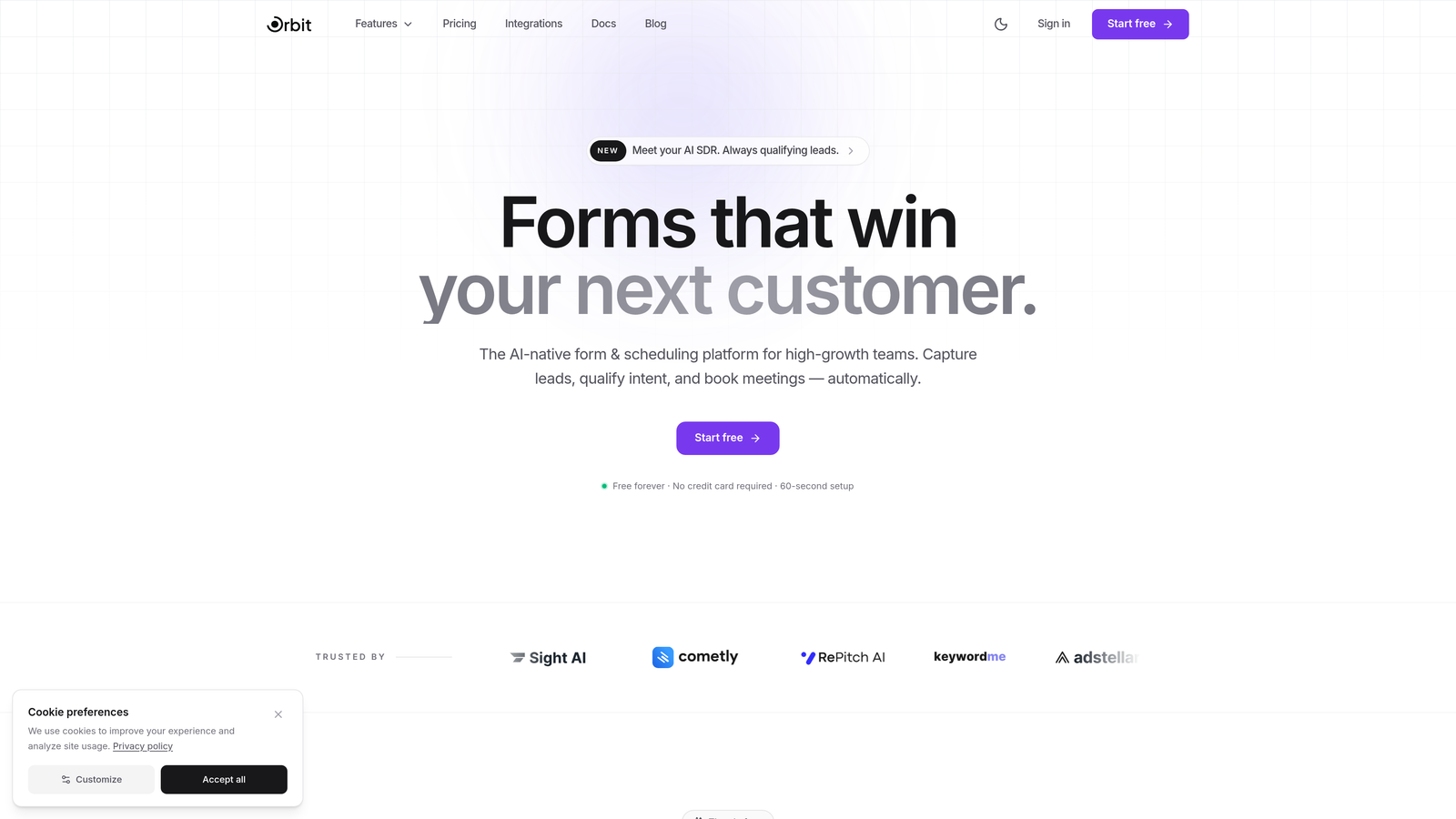
Orbit AI is an AI-powered form builder that goes beyond data collection by qualifying and routing leads automatically inside the form experience itself.
Where This Tool Shines
Most form builders are passive. They collect responses and hand them off to your CRM, where a human or a separate tool has to figure out what to do next. Orbit AI flips that model by embedding lead scoring and qualification logic directly into the form, so by the time a submission lands in your pipeline, the work of evaluating it is already done.
For teams running lead generation at scale, this is a meaningful workflow upgrade. Instead of syncing forms to a scoring tool to a CRM, everything happens in one place. The shared workspace and role-based permissions also make it easy for sales, marketing, and ops teams to collaborate on forms without stepping on each other's work.
Key Features
AI-Powered Lead Scoring: Automatically qualifies leads based on form responses, so your team focuses on the highest-value prospects first.
Smart Lead Routing: Routes qualified submissions to the right team member or pipeline stage without manual intervention.
Shared Team Workspaces: Role-based permissions let different team members access, edit, or view forms based on their responsibilities.
Conversion-Optimized Templates: Pre-built form templates designed specifically to maximize completion rates and lead quality.
CRM and Marketing Integrations: Connects with the tools your team already uses, keeping your stack clean and data flowing.
Best For
Orbit AI is purpose-built for growth-focused teams where form submissions feed directly into a sales or marketing funnel. If your team is evaluating leads manually or stitching together forms with third-party scoring tools, this is the more efficient path. Particularly well-suited for SaaS companies, agencies, and B2B teams with high inbound volume.
Pricing
Visit orbitforms.ai for current team pricing tiers. A free starting option is available, making it accessible to teams at any stage.
2. Typeform
Best for: Teams that prioritize design-forward, conversational form experiences with strong brand customization.
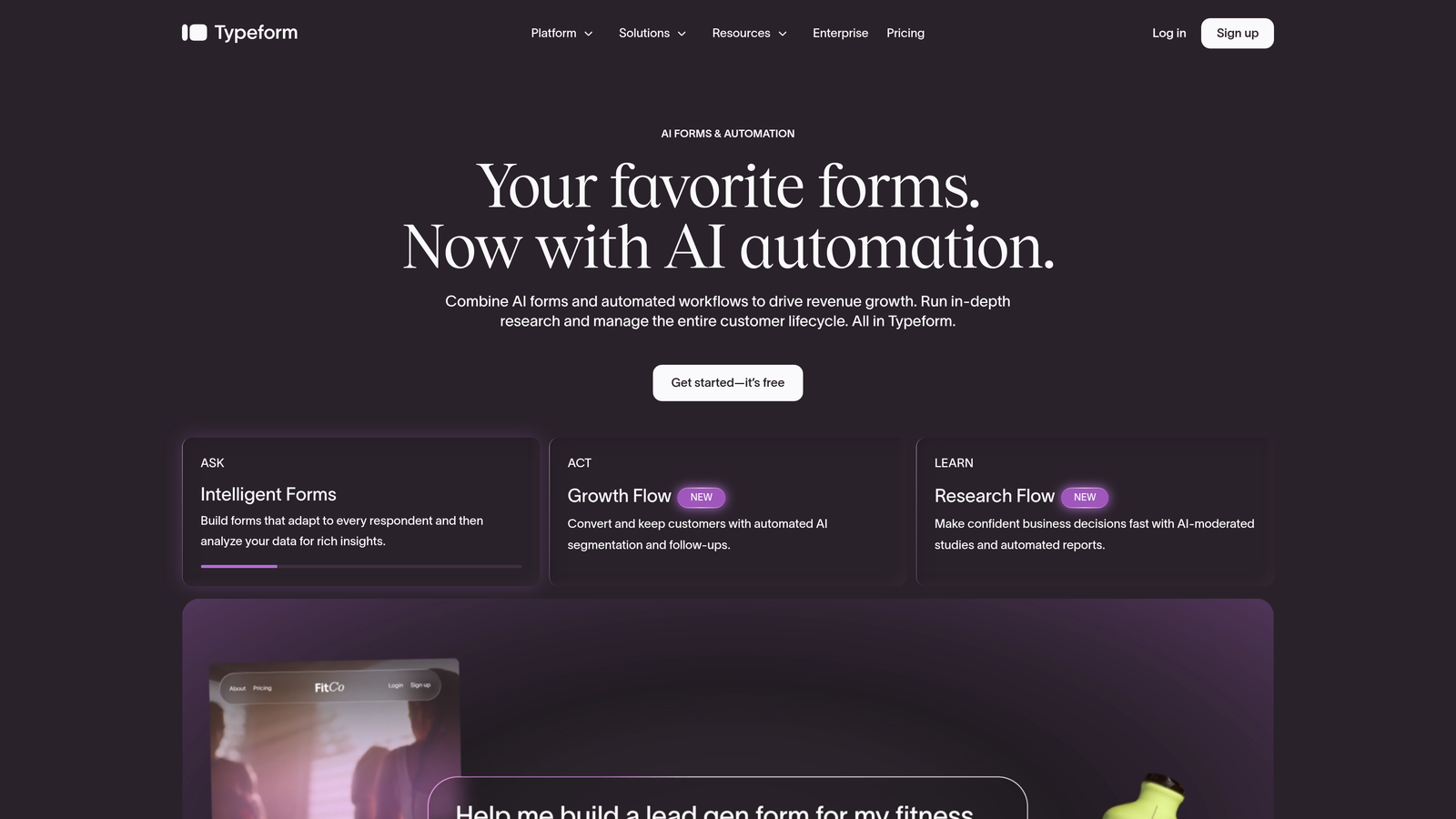
Typeform is a conversational form builder known for its one-question-at-a-time interface and polished visual design.
Where This Tool Shines
Typeform's signature format, presenting one question at a time, tends to feel less overwhelming to respondents than traditional form layouts. This can translate to higher completion rates for longer forms like surveys, onboarding flows, and detailed lead capture forms.
On the team side, Typeform offers shared workspaces and a brand kit that keeps every form your team creates visually consistent. The tradeoff is that collaboration features are gated behind higher plans, and per-seat pricing can add up quickly for larger teams.
Key Features
Conversational Interface: One-question-at-a-time format reduces friction and can improve completion rates on longer forms.
Brand Kit: Apply custom fonts, colors, and layouts across all team forms for consistent visual identity.
Shared Workspaces: Teams can collaborate on forms within a shared environment, with access controls by plan tier.
Logic Jumps: Conditional branching sends respondents down different paths based on their answers.
Native Integrations: Connects directly with HubSpot, Zapier, Slack, and other common business tools.
Best For
Typeform works well for marketing teams, UX researchers, and customer success teams that send forms directly to end users and care deeply about the respondent experience. Less ideal for teams on tight budgets due to per-seat pricing at the Business tier.
Pricing
Business plan starts around $33/user/month billed annually. Team plans require minimum seats, so factor in your full headcount when evaluating total cost.
3. Jotform
Best for: Teams that need a massive template library, generous submission limits, and built-in data management.
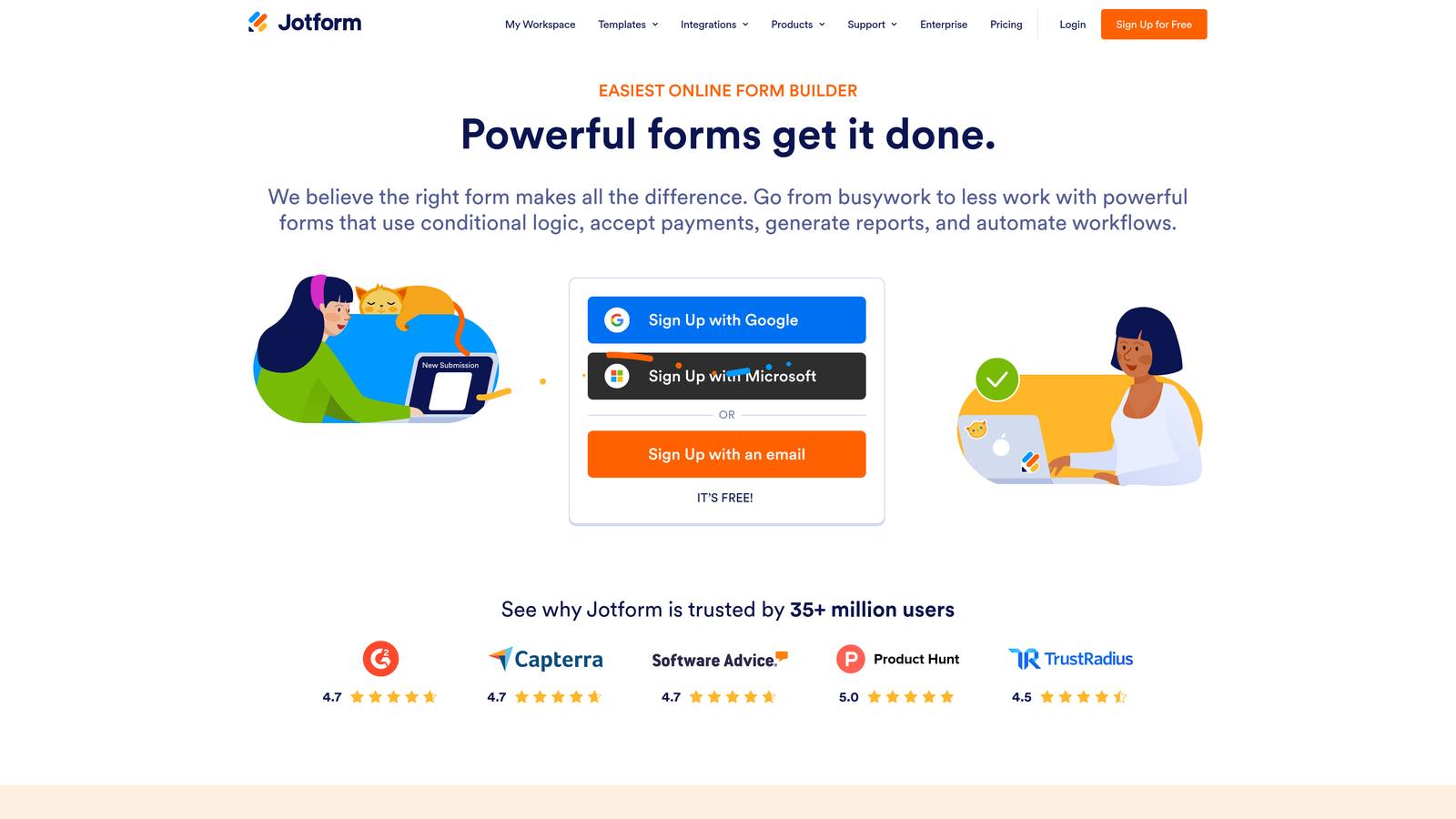
Jotform is a feature-rich form builder with one of the largest template libraries available and a dedicated team plan that keeps shared data organized.
Where This Tool Shines
Jotform's depth is its biggest strength. With over 10,000 templates spanning industries from healthcare to e-commerce, teams can launch professional forms quickly without starting from scratch. The platform also includes Jotform Tables, a built-in spreadsheet and database view that makes managing form responses a much cleaner experience than exporting to external tools.
Approval workflows and the ability to assign forms to specific team members make Jotform a strong choice for operations-heavy teams. HIPAA compliance is available on higher tiers, which matters for healthcare and legal teams.
Key Features
10,000+ Templates: One of the largest template libraries in the space, covering virtually every industry and use case.
Jotform Tables: Built-in data management tool that turns form responses into a structured, filterable database.
Team Collaboration: Shared forms, submissions, and storage across team members on the Team plan.
Approval Workflows: Route form submissions through multi-step approval chains with automated notifications.
HIPAA Compliance: Available on higher-tier plans for teams in regulated industries.
Best For
Jotform suits operations, HR, and admin teams that need variety, volume, and structure. The flat-rate team pricing makes it more predictable than per-seat tools, especially for teams with five or more users who need shared access to a large volume of forms.
Pricing
Team plan (Bronze) starts around $39/month for up to 5 users. Higher tiers scale with submission volume and storage needs. Verify current pricing at jotform.com.
4. Google Forms
Best for: Teams already in the Google Workspace ecosystem that need free, collaborative form creation with no setup required.
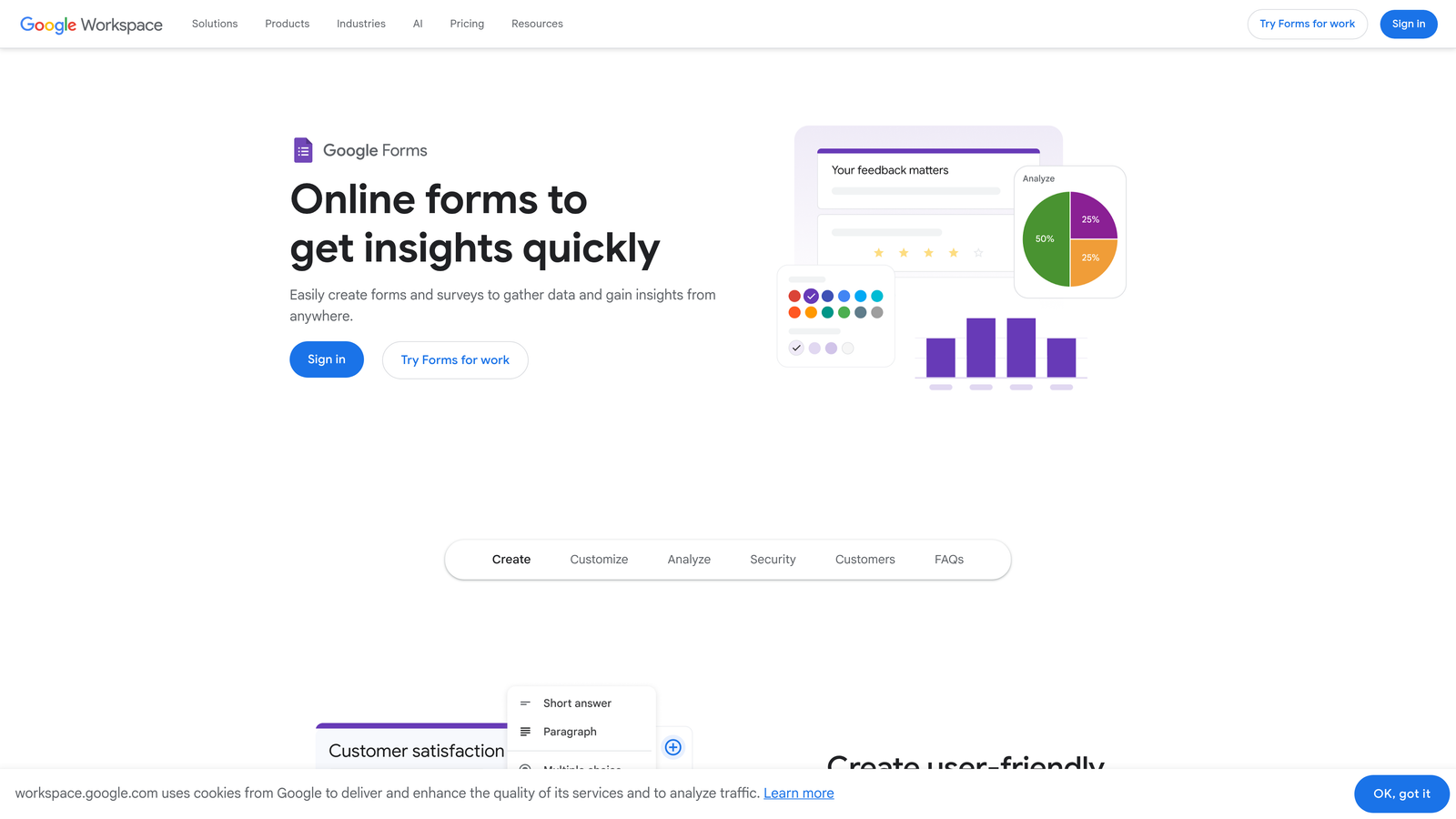
Google Forms is a completely free form builder with real-time co-editing built into the Google Workspace suite.
Where This Tool Shines
The value proposition is hard to argue with: Google Forms is free, requires no installation, and supports real-time collaboration in the same way Google Docs does. If your team already lives in Google Workspace, forms can be created, shared, and edited without any additional tool or login to manage.
Responses flow directly into Google Sheets, which makes analysis straightforward for teams comfortable with spreadsheets. The limitation is that Google Forms is genuinely basic. There's no advanced logic, no design customization, no lead scoring, and no meaningful team management beyond shared Drive access.
Key Features
Completely Free: Unlimited forms and unlimited responses at no cost with any Google account.
Real-Time Co-Editing: Multiple team members can edit the same form simultaneously, just like a Google Doc.
Google Sheets Integration: Responses automatically populate a linked spreadsheet for easy analysis.
Basic Conditional Logic: Simple branching based on multiple-choice answers, though limited compared to dedicated form builders.
Zero Setup: Available immediately to anyone with a Google account, no onboarding required.
Best For
Internal surveys, quick feedback collection, and simple data gathering for teams that don't need design control or advanced logic. Not suitable for customer-facing lead generation or any use case requiring branded, conversion-optimized forms.
Pricing
Free with any Google account. Google Workspace plans start at $7/user/month and add admin controls and organizational management features.
5. Tally
Best for: Startups and small teams that want a modern, generous free tier without per-seat pricing pressure.
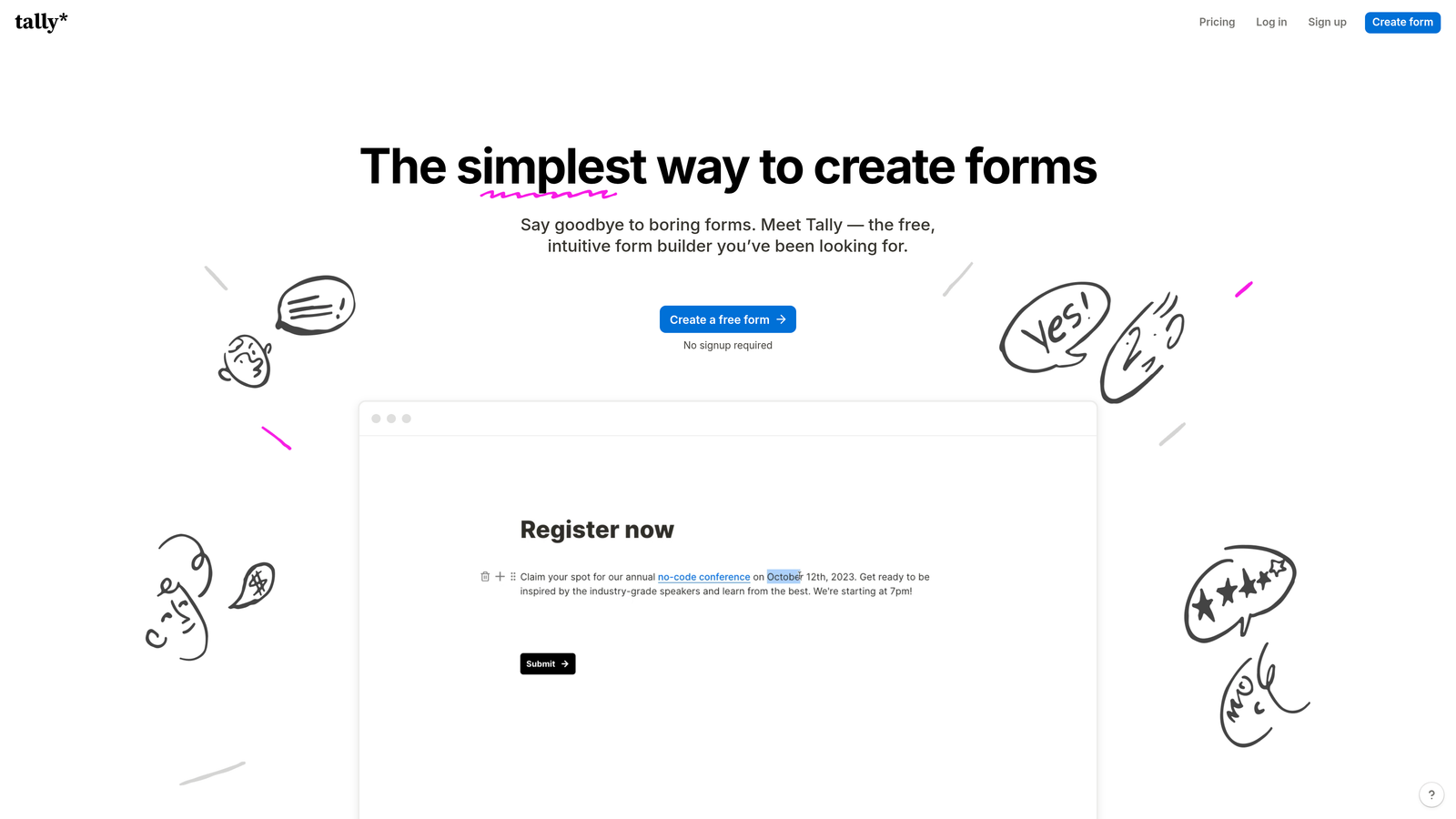
Tally is a modern form builder with a Notion-style editing experience and one of the most generous free plans in the category.
Where This Tool Shines
Tally's free tier is genuinely impressive. Unlimited forms, unlimited submissions, conditional logic, hidden fields, and calculations are all available without paying anything. For early-stage teams that need functional forms without a budget line item, this is often the default recommendation.
The block-based editor feels intuitive to anyone familiar with Notion, which makes onboarding fast for modern teams. The Pro plan is also flat-rate rather than per-seat, which means your cost doesn't balloon as your team grows.
Key Features
Unlimited Free Forms and Submissions: No artificial limits on the free plan, which is rare in this category.
Block-Based Editor: Notion-style interface makes form creation fast and intuitive for teams already using block editors.
Conditional Logic and Calculations: Available even on the free tier, covering most common use cases.
Custom Domains and Branding Removal: Available on the Pro plan for teams that need white-label forms.
Webhooks and Native Integrations: Connect to external tools and workflows without needing Zapier on most setups.
Best For
Early-stage startups, indie teams, and small organizations that want powerful form capabilities without per-seat pricing. Teams that need advanced collaboration controls or enterprise permissions may find Tally's team features limited compared to more mature platforms.
Pricing
Free for core features. Pro plan at $29/month flat (not per-seat), which includes team collaboration features. One of the best value structures in the space for small teams.
6. Fillout
Best for: Teams that run database-driven workflows and need two-way sync with Airtable, Notion, or Supabase.
Fillout is a database-native form builder built around deep, two-way integration with the backends teams already use.

Where This Tool Shines
Fillout's standout capability is its native two-way sync with tools like Airtable, Notion, Google Sheets, and Supabase. Rather than treating form submissions as one-directional data dumps, Fillout can pre-fill forms from existing database records and write updates back to the source. This makes it particularly powerful for update forms, intake workflows, and any scenario where you're collecting information about records that already exist.
For teams building on no-code or low-code stacks, Fillout slots in naturally without requiring custom API work. Team workspaces are available on paid plans, making collaboration manageable as the team scales.
Key Features
Two-Way Database Sync: Native connections to Airtable, Notion, Google Sheets, and Supabase that read and write data in both directions.
Pre-Fill From Existing Records: Populate form fields automatically from your database, reducing manual entry for respondents.
Conditional Logic and Multi-Page Forms: Standard form logic capabilities with a clean, modern builder interface.
Scheduling Integrations: Calendar-based scheduling forms that connect with booking tools.
Team Workspaces: Collaborative workspaces available on Business and higher plans.
Best For
Operations teams, product teams, and no-code builders who use Airtable or Notion as their primary data layer. Less suited for teams focused on lead generation or customer-facing conversion forms where design and AI features matter more.
Pricing
Free tier available. Starter at $19/month. Business plan with team features around $49/month. Verify current pricing at fillout.com as plans evolve frequently.
7. Cognito Forms
Best for: Teams that need built-in payment processing and complex calculation logic without transaction fees eating into revenue.
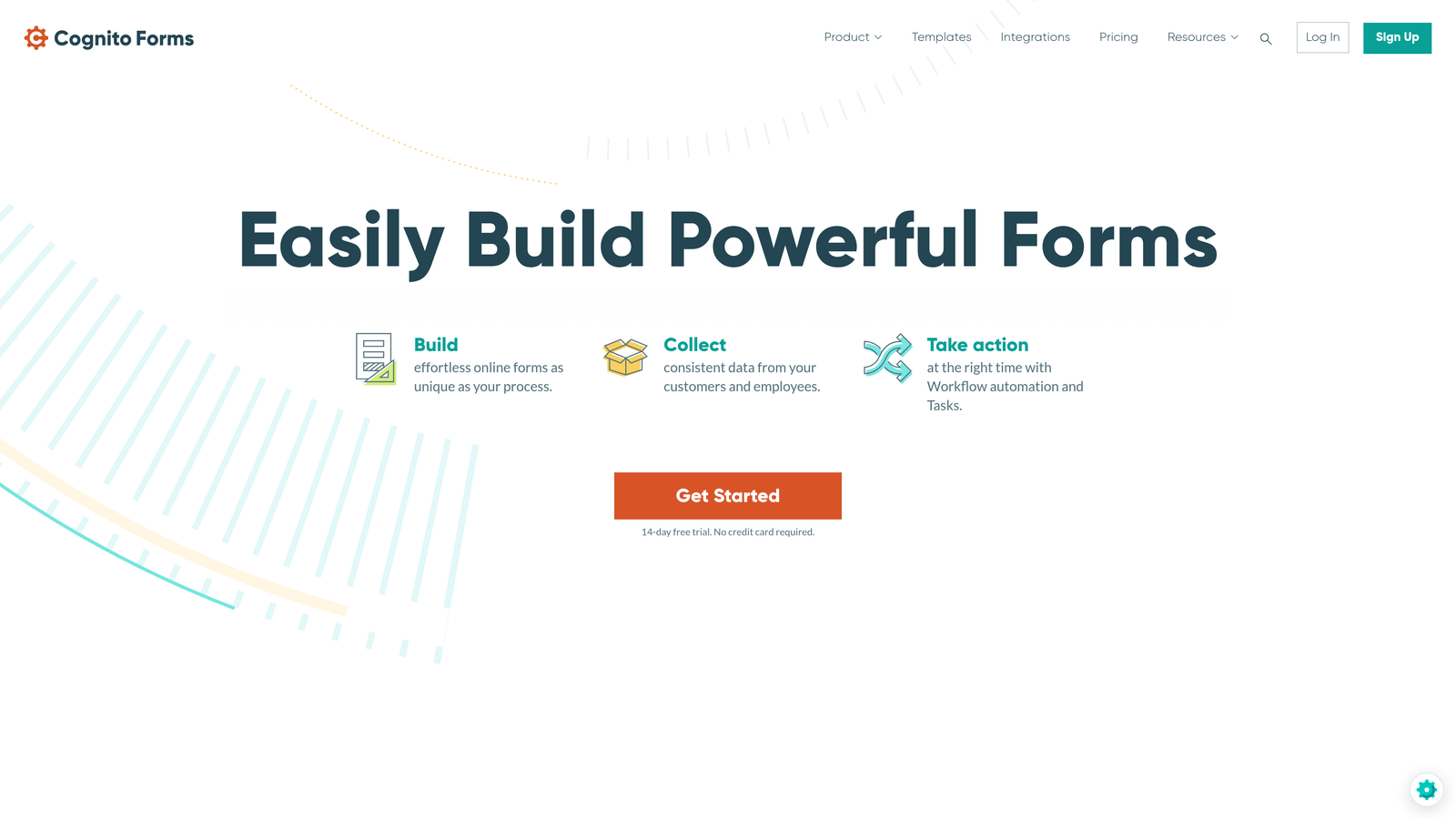
Cognito Forms is a form builder with unusually strong native payment and calculation capabilities built in from the ground up.
Where This Tool Shines
If your team collects payments through forms, Cognito Forms stands out because it charges no additional transaction fees on paid plans. Most form builders that support payments take a percentage of each transaction on top of the payment processor's cut. Cognito Forms eliminates that layer, which matters significantly for teams processing high volumes or high-value transactions.
The calculation engine is also more advanced than most competitors, supporting repeating sections, complex field dependencies, and conditional pricing logic. Approval chain workflows add a layer of process control that's useful for procurement, HR, and operations teams.
Key Features
Built-In Payment Processing: Accepts payments via Stripe, PayPal, and Square with no additional transaction fees on paid plans.
Advanced Calculations: Complex field calculations, repeating sections, and conditional pricing logic that goes well beyond basic math.
Approval Workflows: Multi-step approval chains with automated routing and notifications.
Role-Based Access: Team management with granular permissions for different user types.
Workflow Automation: Conditional actions triggered by form responses to automate downstream processes.
Best For
Finance, procurement, HR, and operations teams that regularly collect payments or need structured approval workflows. The pricing is accessible for small teams, and the no-transaction-fee model becomes increasingly valuable as payment volume grows.
Pricing
Free tier for individuals. Team plan at $24/month. Enterprise at $99/month with advanced permissions and higher submission limits. One of the more affordable team plans in this list.
8. Paperform
Best for: Teams that want forms that look and feel like branded landing pages, with built-in payments and rich media.
Paperform is a form builder that doubles as a lightweight landing page creator, supporting embedded images, videos, and full custom styling.
Where This Tool Shines
Paperform occupies a unique position: it's not quite a form builder and not quite a landing page builder, but something in between. Forms can include rich media, product fields, payment collection, and full custom CSS, which makes them suitable for scenarios where you'd otherwise need a separate landing page tool alongside your form builder.
For agencies and marketing teams managing multiple brands, this can meaningfully reduce tool sprawl. The Agency plan supports five users with team collaboration features, making it a reasonable option for small creative teams that need both design flexibility and shared access.
Key Features
Rich Media Embedding: Add images, videos, and GIFs directly within form content for a landing-page-style experience.
Full Custom CSS: Complete styling control for teams that need pixel-perfect brand consistency.
Built-In Payments: Accept payments and sell products directly through forms without third-party plugins.
Conditional Logic and Calculations: Standard logic capabilities with calculation fields for dynamic pricing and scoring.
Team Collaboration: Shared workspaces and multi-user access on the Agency plan.
Best For
Marketing teams and agencies that need forms to double as branded experiences. The Agency plan's $159/month price point for five users is higher than most options here, so it's best justified when the landing-page-style design capability is actively needed rather than just nice to have.
Pricing
Essentials at $24/month. Pro at $49/month. Agency plan (team features, 5 users) at $159/month. Team collaboration is only available at the Agency tier.
9. Formstack
Best for: Enterprise teams that need forms, document generation, and e-signatures in a single compliance-ready platform.
Formstack is an enterprise-grade workflow platform that extends well beyond form building into document generation and digital signatures.
Where This Tool Shines
Formstack is the right tool when your team's needs outgrow forms alone. The platform combines Forms, Documents, and Sign into a connected workflow suite, which means you can collect data through a form, auto-generate a document from that data, and route it for e-signature without leaving the platform or stitching together separate tools.
For teams in regulated industries, Formstack's compliance credentials are a genuine differentiator. HIPAA, GDPR, and SOC 2 compliance options are available, and the Salesforce-native edition makes it a natural fit for organizations already running their operations on Salesforce.
Key Features
Full Workflow Suite: Forms, Documents, and Sign work together as a connected platform for end-to-end data workflows.
Advanced Approval Routing: Conditional workflows with multi-step approvals and automated notifications.
Compliance Options: HIPAA, GDPR, and SOC 2 compliance available for teams in regulated industries.
Granular Permissions: Detailed team permission controls and admin management across the organization.
Salesforce-Native Edition: Deep Salesforce integration for teams that need forms to live inside their CRM environment.
Best For
Mid-market and enterprise teams in healthcare, legal, financial services, or any regulated industry where compliance, document generation, and workflow automation are requirements, not nice-to-haves. The pricing reflects the enterprise positioning, so smaller teams will likely find better value elsewhere.
Pricing
Forms plan starts around $50/month for one user. Team plans with multiple seats start higher. Enterprise pricing available on request. Verify current pricing at formstack.com.
Picking the Right Plan for Your Team Size
After comparing these nine tools across pricing, collaboration features, and real-world use cases, a few clear patterns emerge that should make your decision easier.
If your team is focused on lead generation and conversion: Orbit AI is the standout choice. The AI-powered lead qualification built directly into the form experience is genuinely unique in this space. Most competitors require you to layer a separate scoring tool on top of your form builder. Orbit AI eliminates that step, which matters for high-growth teams where speed and pipeline quality are the metrics that count.
If you need a free starting point: Tally and Google Forms are both strong options, but for different reasons. Tally gives you more form power (unlimited submissions, logic, calculations) on its free tier. Google Forms wins if your team already lives in Google Workspace and just needs something quick and collaborative.
If you're running database-driven workflows: Fillout's two-way sync with Airtable and Notion is hard to replicate with any other tool in this list. For operations and no-code teams, it's the most natural fit.
If compliance and enterprise workflow are requirements: Formstack is the only tool here that combines forms, documents, and e-signatures with HIPAA and SOC 2 compliance in a single platform. The price reflects that, but for regulated industries it's often the right tradeoff.
If your team collects payments through forms: Cognito Forms' no-transaction-fee model on paid plans makes it the most cost-effective option as payment volume grows, especially compared to tools that take a cut of every transaction.
The most common mistake teams make is evaluating form builders on the base plan price rather than the actual team plan price. Many tools gate their collaboration features behind higher tiers, so the number to compare is what you'll actually pay once you add your team. Run the math on your full headcount and expected submission volume before committing.
For teams serious about converting leads rather than just collecting them, the investment in a purpose-built platform pays off quickly. Start building free forms today with Orbit AI and see how AI-powered lead qualification can transform the quality of your pipeline from the very first form submission.


