

Not all forms are created equal. Simple contact forms are easy to build — but when you need multi-step flows, conditional branching, lead scoring, payment collection, and CRM integrations all working together, most basic form builders fall apart fast.
Complex form builder tools are purpose-built to handle logic-heavy, high-stakes data collection. Whether you're qualifying enterprise leads, building multi-page application flows, or running sophisticated surveys with skip logic, the right tool can mean the difference between a frictionless experience and one that users abandon halfway through.
This guide covers the best complex form builder tools available in 2026, evaluated on conditional logic depth, integration ecosystem, UX quality, and scalability. Selection criteria include conditional logic capabilities, multi-step support, integration depth, pricing transparency, and real-world usability for growth teams.
1. Orbit AI
Best for: High-growth SaaS and B2B teams that need AI-powered lead qualification baked into their forms.
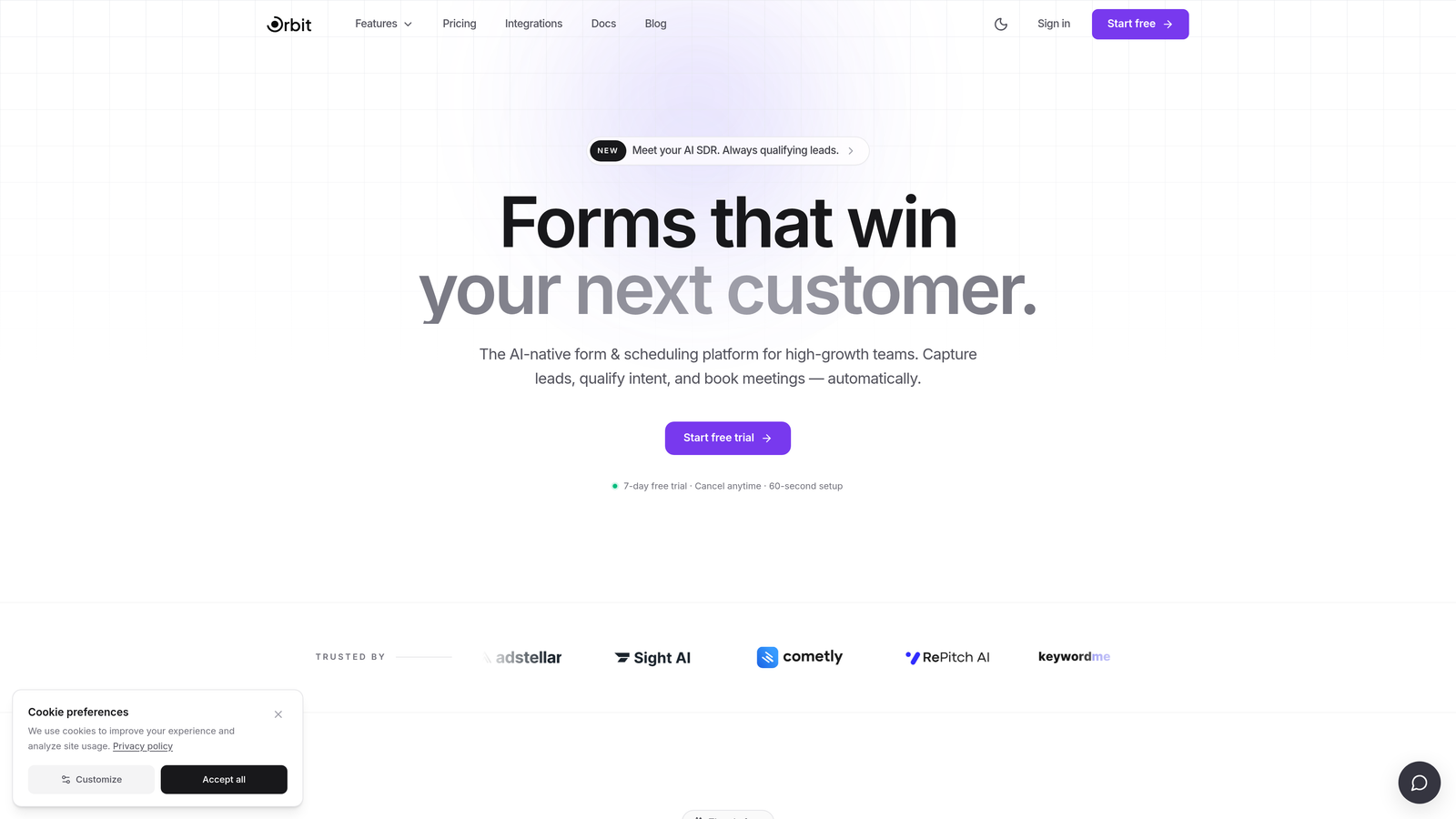
Orbit AI is an AI-powered form builder platform with built-in lead qualification, conditional logic, and conversion-optimized design for modern growth teams.
Where This Tool Shines
Most form builders collect data and hand it off to another tool for qualification. Orbit AI collapses that gap by scoring and routing leads in real time, directly within the form experience. This means your sales team sees qualified leads the moment a form is submitted, not after a separate enrichment or scoring step.
The platform also prioritizes end-user experience with a clean, modern UI that's designed to keep completion rates high. Complex doesn't have to mean clunky, and Orbit AI is built around that principle.
Key Features
AI-Driven Lead Qualification: Scores and routes leads in real time at the form level, so high-intent prospects are flagged immediately without additional tooling.
Advanced Conditional Logic: Supports multi-step, branching form flows with sophisticated show/hide and routing rules built for complex use cases.
Conversion-Optimized Templates: Pre-built templates designed specifically for B2B lead generation, reducing time-to-launch without sacrificing quality.
CRM and Marketing Stack Integrations: Connects with the tools your team already uses, keeping data flowing cleanly across your pipeline.
Modern, Clean UI: Designed with completion rates in mind — the kind of form experience that doesn't make respondents want to quit halfway through.
Best For
Orbit AI is the strongest fit for SaaS and B2B marketing and revenue teams who want more than a data collection tool. If lead quality and pipeline efficiency matter as much as form functionality, this is built for that specific problem. It's especially well-suited for teams running high-volume inbound lead flows who need intelligent triage without adding more software to the stack.
Pricing
Pricing is available directly at orbitforms.ai. Worth checking for the most current plan details and any available free tier.
2. Typeform
Best for: Conversational, consumer-facing forms where UX and engagement are top priorities.
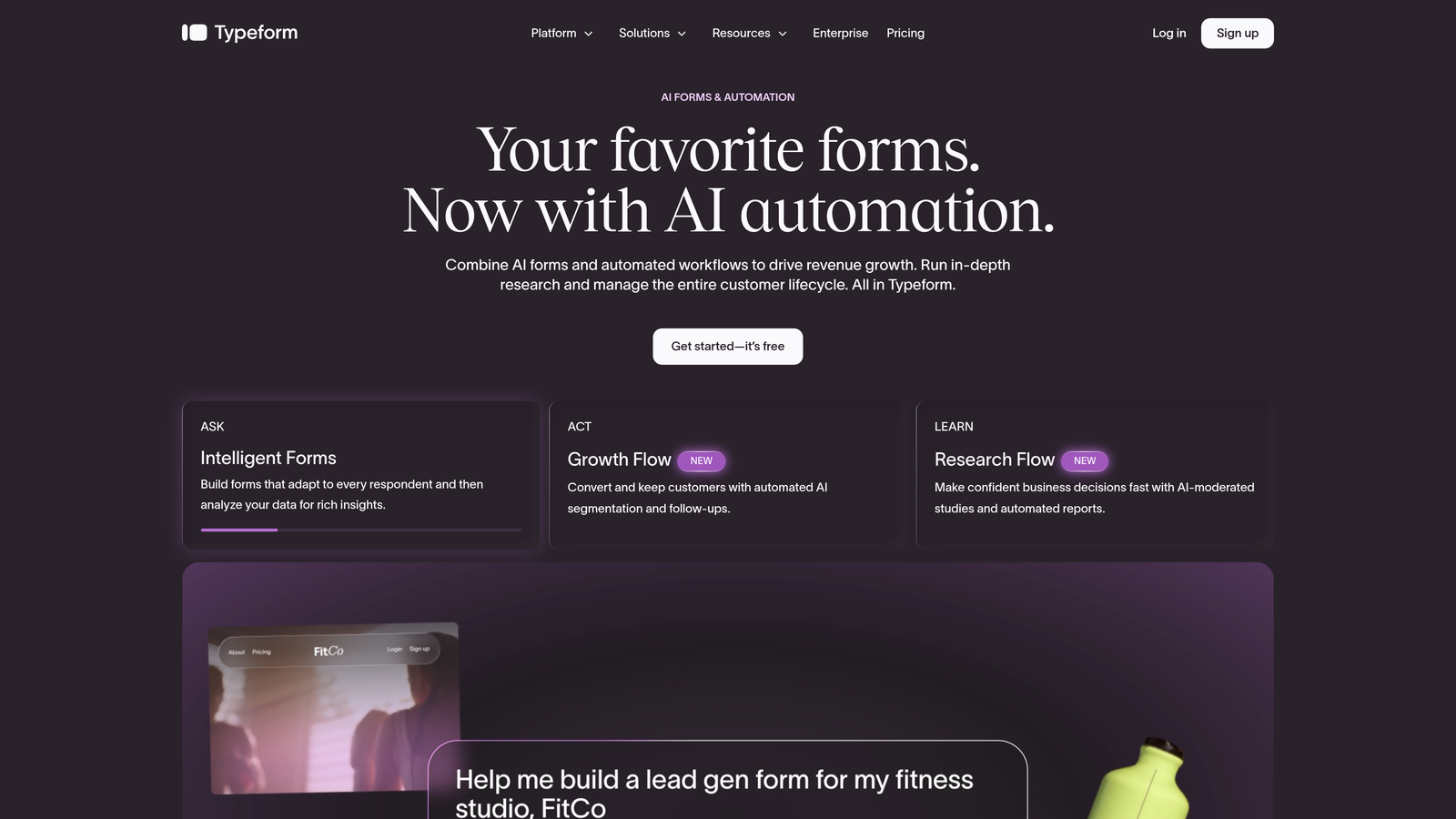
Typeform is a conversational form builder known for its one-question-at-a-time UX and strong conditional logic capabilities.
Where This Tool Shines
Typeform's signature one-question-at-a-time format creates a genuinely different experience from traditional form layouts. For audience research, customer surveys, and lead capture where engagement matters, that format tends to drive higher completion rates than a wall of fields.
The conditional logic is solid, with Logic Jumps allowing you to route respondents through different question paths based on previous answers. The integration library is broad, covering most major CRMs and marketing tools through native connectors and Zapier.
Key Features
Conversational Flow: One-question-at-a-time format reduces cognitive load and keeps respondents engaged through longer forms.
Logic Jumps: Routes respondents through different question sequences based on their answers, enabling genuinely branching survey paths.
Conditional Logic: Supports branching and skip logic for complex question routing across multi-step forms.
Integration Library: Native connections to HubSpot, Salesforce, Zapier, and many other tools in the marketing and sales stack.
Rich Media Embedding: Video and image embedding within forms adds context and can improve engagement on longer flows.
Best For
Marketing teams running audience research, consumer-facing surveys, or brand-forward lead capture forms. Typeform works well when the form experience itself is part of the brand impression. Teams on tighter budgets should note that pricing can escalate at higher response volumes.
Pricing
Free plan available with limited responses. Paid plans start at $25/month, with costs increasing based on response volume and feature access.
3. Jotform
Best for: Teams that need a feature-complete form builder with payment processing and approval workflows out of the box.
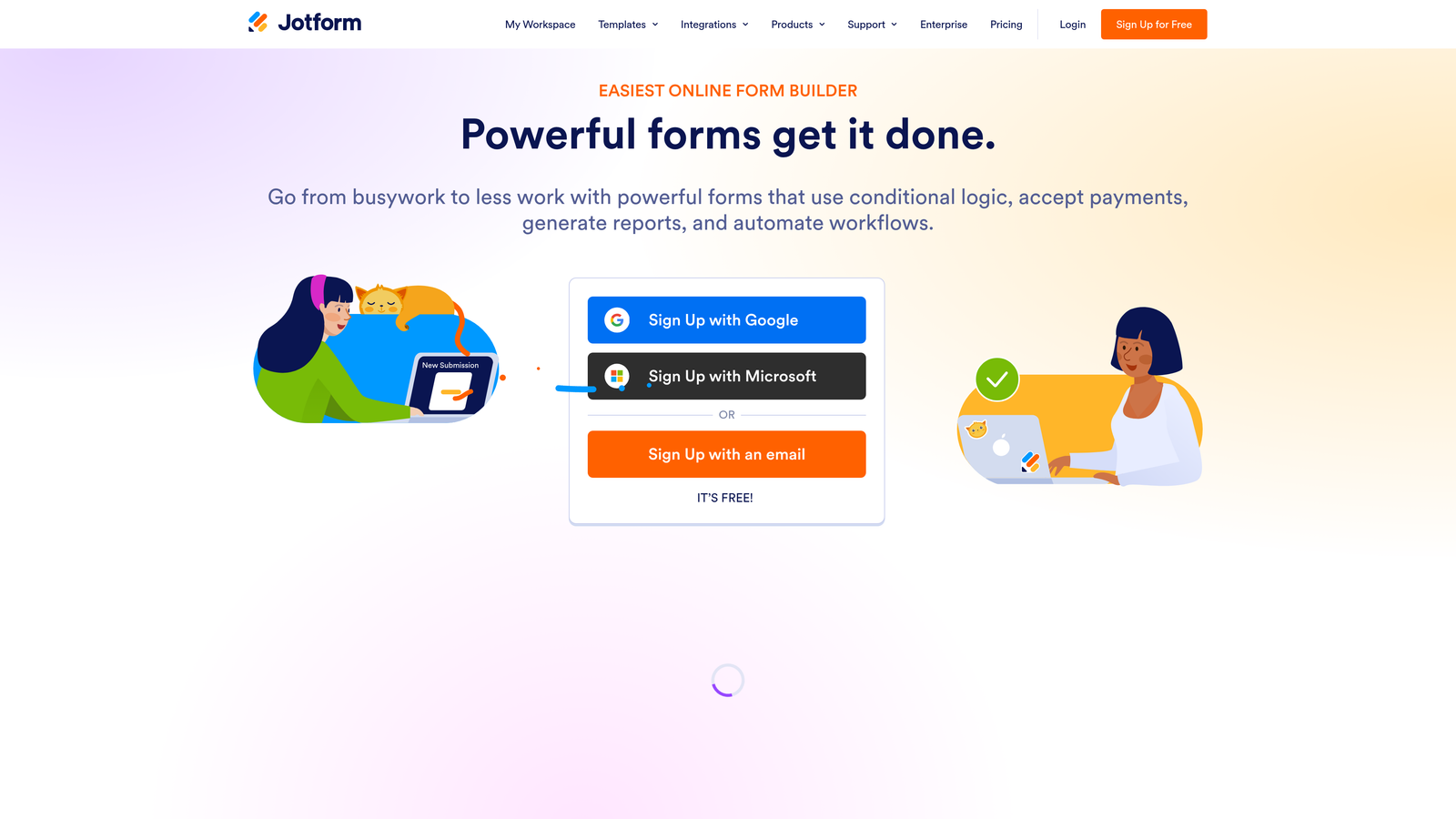
Jotform is a feature-rich form builder with 10,000+ templates, built-in payment processing, approval workflows, and a wide integration ecosystem.
Where This Tool Shines
Jotform's depth is hard to match. It covers an enormous range of use cases through its template library, and the built-in payment and approval workflow capabilities mean you can build fairly sophisticated operational processes without leaving the platform.
For operations and enterprise teams that need forms to connect to a wide variety of downstream systems, Jotform's integration library is one of the broadest available. The HIPAA-compliant plan option also makes it viable for healthcare and regulated industries.
Key Features
10,000+ Templates: One of the largest template libraries available, covering use cases from lead capture to event registration to job applications.
Built-in Payment Collection: Native integrations with Stripe, PayPal, and Square for collecting payments directly through forms.
Approval Workflow Builder: Route form submissions through multi-step approval processes without additional automation tools.
Conditional Logic and Calculations: Supports field-level conditions, show/hide rules, and calculation fields for dynamic form behavior.
HIPAA-Compliant Plan: Available for healthcare and regulated industries that need compliant data handling.
Best For
Operations teams, enterprise users, and anyone who needs a broad feature set without building custom integrations. Jotform is particularly strong when payment collection and approval workflows need to live in the same tool as the form itself.
Pricing
Free plan available with usage limits. Paid plans start at $34/month, with higher tiers unlocking more submissions, storage, and features.
4. Formstack
Best for: Mid-market and enterprise teams that need form-triggered workflow automation, document generation, and e-signature in one platform.
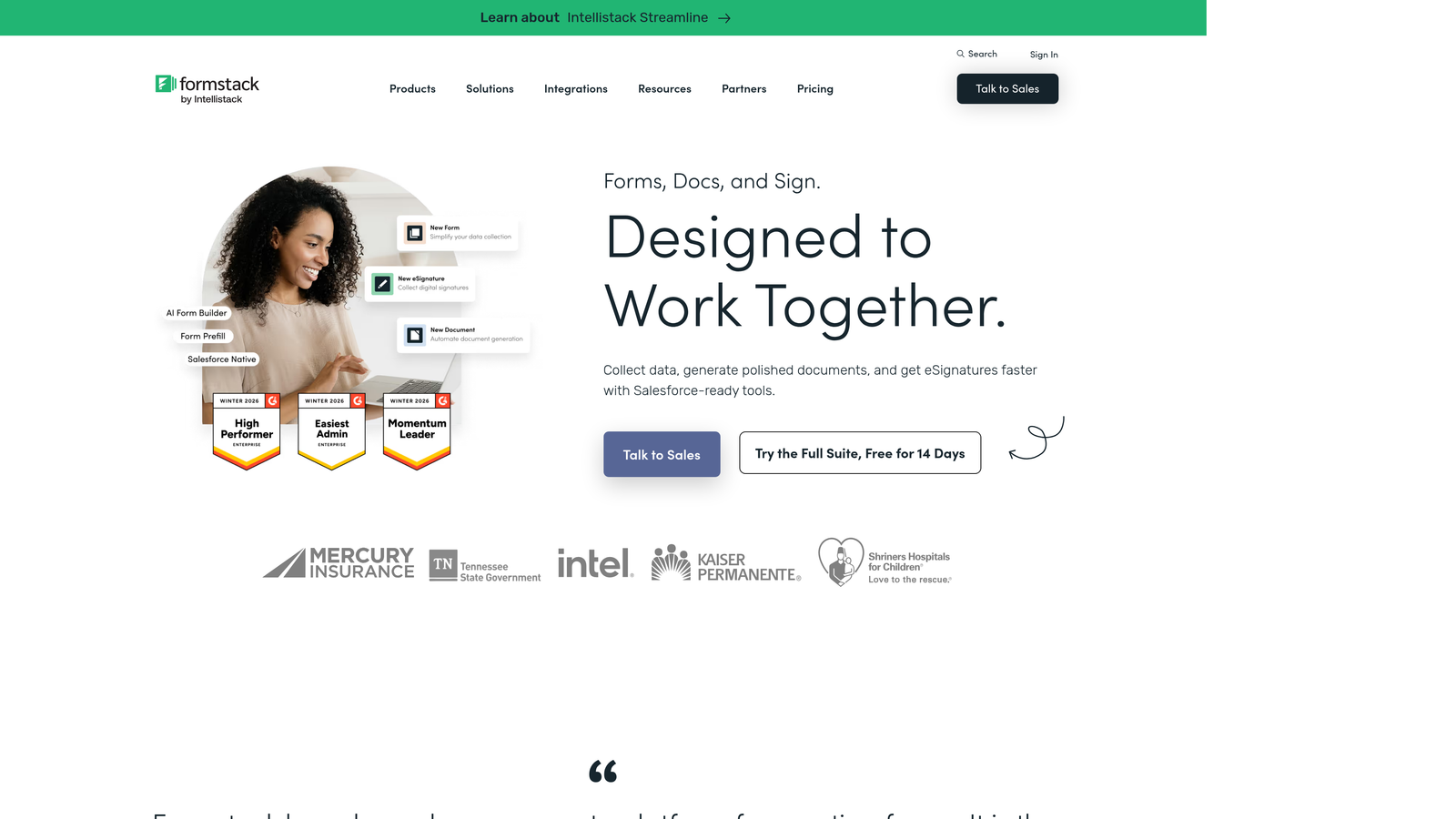
Formstack is a workplace productivity platform built around forms, with native workflow automation, document generation, and e-signature capabilities layered on top of form logic.
Where This Tool Shines
Formstack positions itself beyond a form builder, and that's accurate. The platform's strength is in connecting form submissions to downstream business processes: generating documents, routing approvals, and collecting signatures without jumping between tools. For teams running contract workflows, onboarding processes, or compliance-heavy data collection, that end-to-end capability is genuinely valuable.
The enterprise-grade security and compliance features also make Formstack a viable option for industries where data governance is a hard requirement, not just a nice-to-have.
Key Features
Form-Triggered Workflow Automation: Submissions automatically kick off approval chains, notifications, and downstream actions without manual intervention.
Document Generation: Populate documents with form submission data, reducing manual data entry in contract and reporting workflows.
E-Signature Collection: Collect legally binding signatures as part of the form or document workflow.
Conditional Logic and Field Dependencies: Supports complex show/hide rules and field-level dependencies for branching form behavior.
Enterprise Security and Compliance: Built to meet the requirements of regulated industries and larger organizations with strict data governance needs.
Best For
Mid-market and enterprise teams running complex operational workflows that start with a form submission. Particularly strong for HR, legal, and compliance use cases where document generation and e-signature are part of the same process.
Pricing
Plans start at $83/month. Enterprise pricing is available for larger organizations with more complex needs.
5. Cognito Forms
Best for: Teams building calculation-heavy forms like quote builders, pricing calculators, and complex order forms.
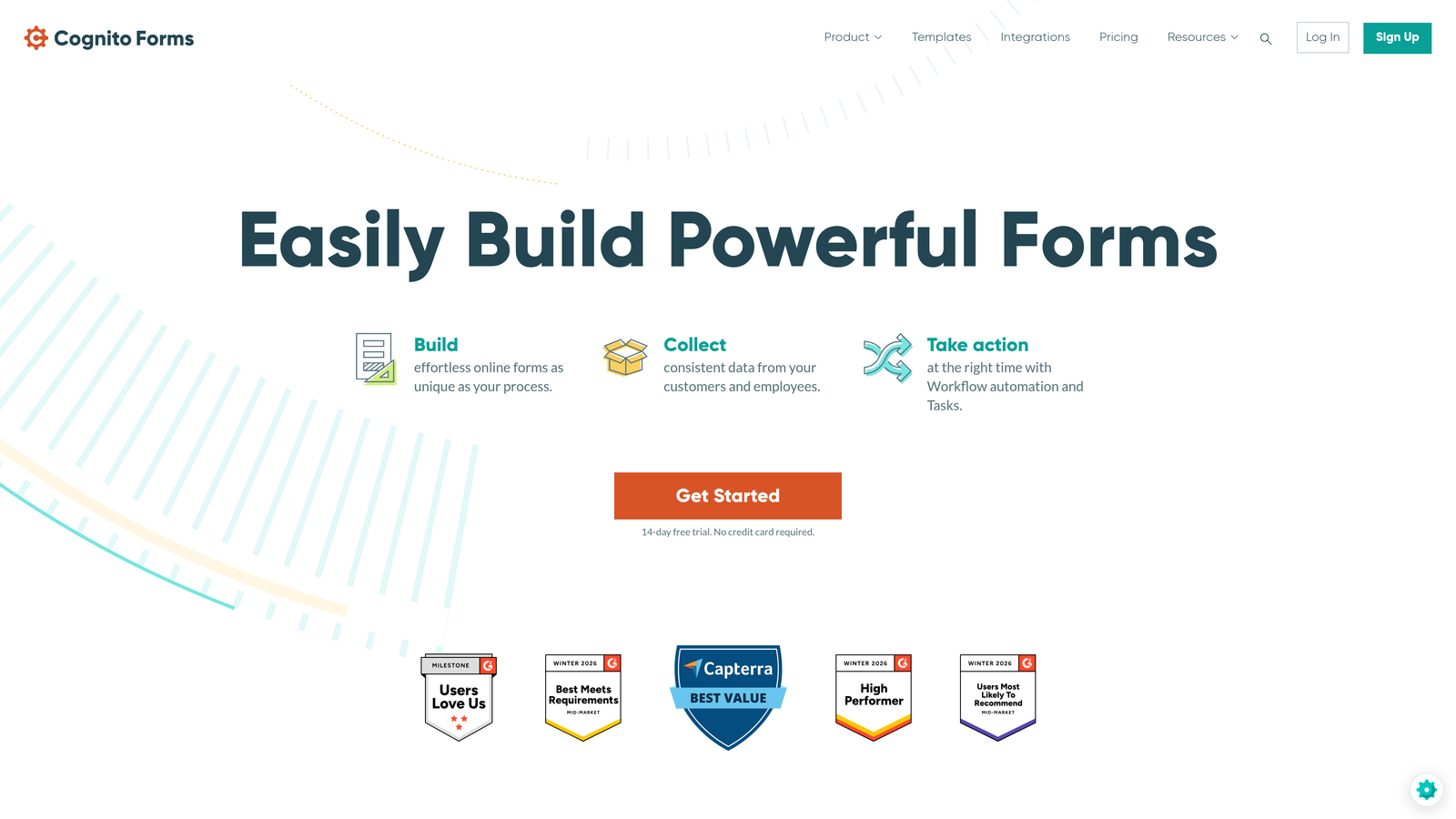
Cognito Forms is a specialized form builder with a powerful built-in formula engine for forms that require real-time calculations and dynamic field behavior.
Where This Tool Shines
Cognito Forms occupies a specific niche and does it exceptionally well. The built-in formula engine goes significantly deeper than the basic calculation fields you'll find in general-purpose form builders. If you need forms that compute pricing on the fly, apply conditional discounts, or handle repeating line items like an order form, Cognito Forms handles that logic without requiring workarounds.
The generous free tier with unlimited forms is also notable — it's genuinely useful for smaller teams or agencies that need calculation capabilities without a significant monthly commitment.
Key Features
Built-in Formula Engine: Handles complex in-form calculations including conditional pricing, totals, and dynamic field values.
Repeating Sections: Supports dynamic, list-style entries where respondents can add multiple rows of data within a single form.
Conditional Logic: Show/hide rules and routing based on field values and calculated results.
Payment Collection: Native Stripe integration for collecting payments based on calculated totals.
Generous Free Tier: Unlimited forms on the free plan, making it accessible for teams testing the platform before committing.
Best For
Teams building quote generators, pricing calculators, order forms, or any form where real-time math is central to the user experience. The UI is more functional than polished, so it's better suited to internal tools and transactional forms than brand-forward lead capture.
Pricing
Free plan available with unlimited forms. Paid plans start at $15/month for additional features and higher submission limits.
6. Gravity Forms
Best for: WordPress sites that need deep form extensibility through a robust add-on ecosystem.
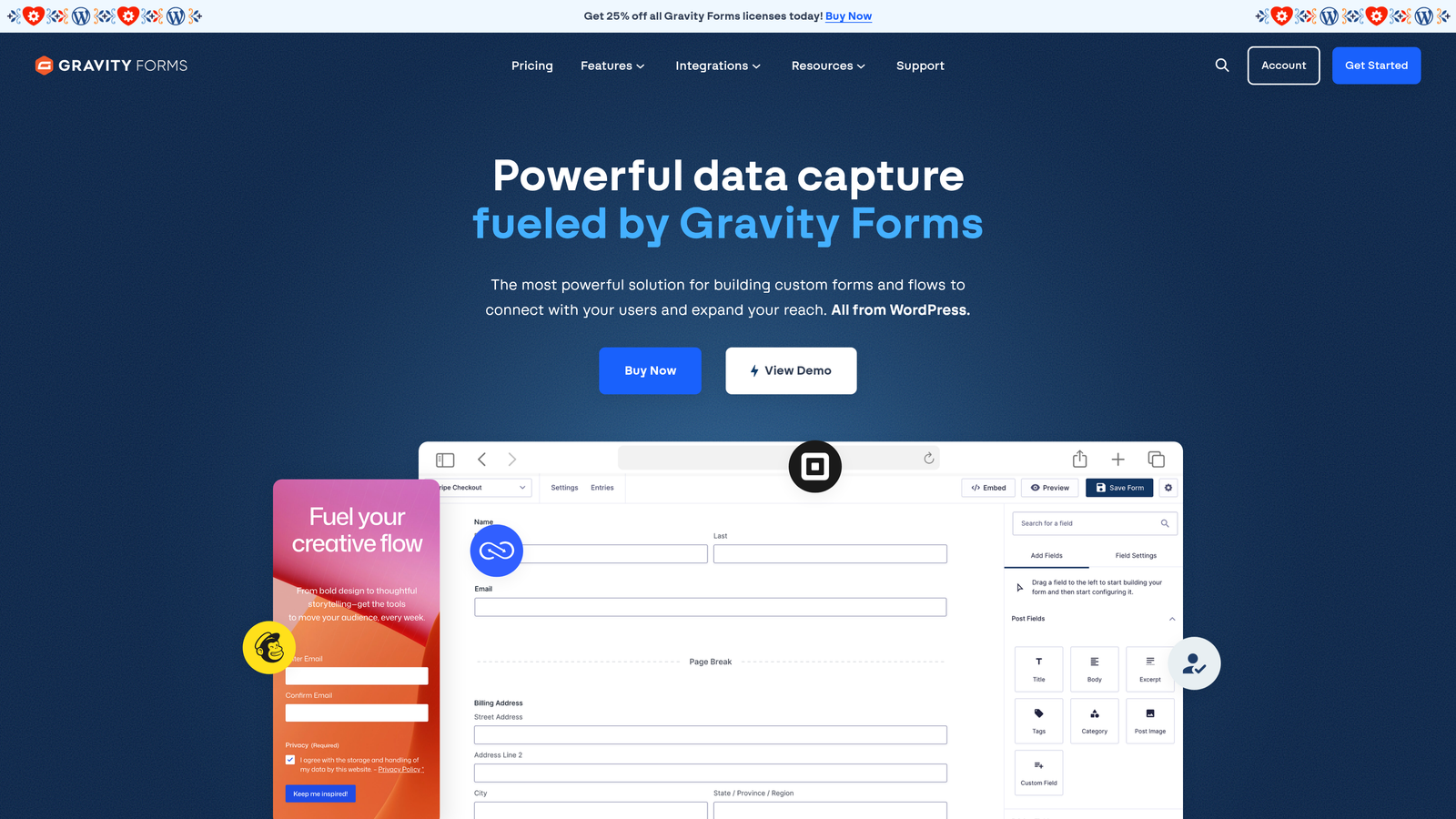
Gravity Forms is the leading complex form plugin for WordPress, offering extensive conditional logic, multi-page support, and a large library of add-ons for payments, CRMs, and automation.
Where This Tool Shines
For teams already running WordPress, Gravity Forms is the go-to for anything beyond basic contact forms. The add-on ecosystem covers virtually every integration a growth team would need, from Stripe and PayPal to Salesforce, Zapier, and Mailchimp. The developer-friendly architecture also means custom functionality is achievable without building from scratch.
The annual license model is a meaningful advantage over per-response pricing tools, especially for high-volume use cases where per-response costs can escalate quickly.
Key Features
Advanced Conditional Logic: Field visibility rules, branching paths, and skip logic with fine-grained control over form behavior.
Extensive Add-On Library: Native integrations with Stripe, Salesforce, Zapier, Mailchimp, and many others through official and third-party add-ons.
Multi-Page Forms: Progress indicators and page-by-page form flows for longer application and data collection processes.
Calculations and Dynamic Population: Populate fields dynamically based on user input or URL parameters, and compute values in real time.
Developer-Friendly: Hooks, filters, and custom code support for teams that need to extend functionality beyond what's available out of the box.
Best For
WordPress-based teams that need complex form functionality and are comfortable with a plugin-based approach. Strong for agencies managing multiple client sites and development teams who want to customize form behavior at the code level.
Pricing
Annual licenses start at $59/year for the Basic plan. The Elite plan, which includes all add-ons, is $259/year — a flat cost regardless of form volume.
7. HubSpot Forms
Best for: Existing HubSpot users who want forms natively connected to CRM workflows and contact records.
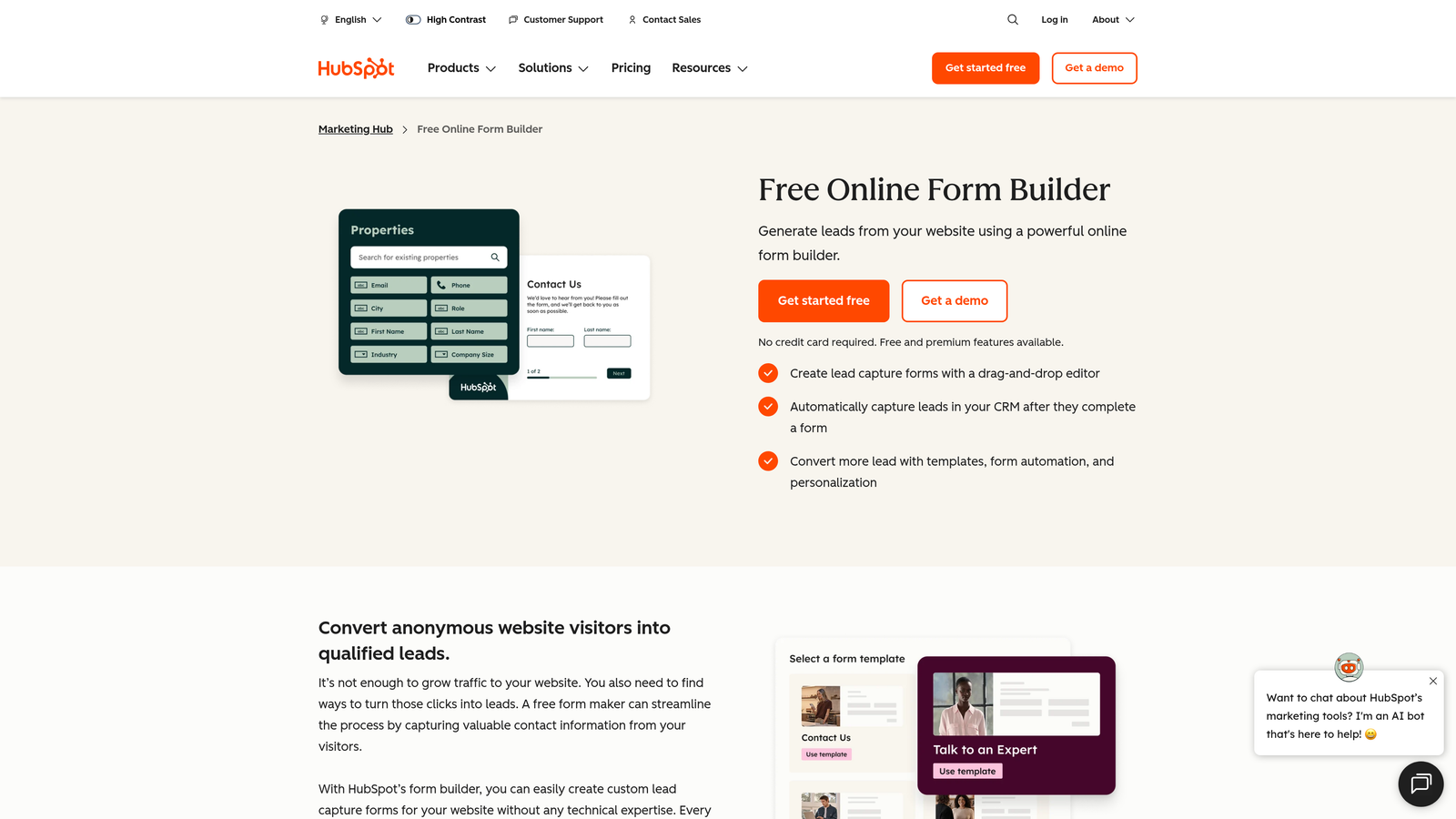
HubSpot Forms is a CRM-native form builder with smart fields, progressive profiling, and direct HubSpot workflow integration.
Where This Tool Shines
The core advantage of HubSpot Forms is how tightly it connects to the HubSpot CRM. Progressive profiling is a standout feature: smart fields automatically skip questions for contacts whose data HubSpot already knows, reducing friction for returning visitors and keeping forms short without sacrificing data completeness over time.
For teams already running their marketing and sales operations in HubSpot, the native workflow triggers mean a form submission can immediately enroll a contact in a nurture sequence, notify a rep, or update a deal stage, all without Zapier or custom code.
Key Features
Progressive Profiling: Smart fields don't re-ask data HubSpot already has for known contacts, keeping forms lean while building richer profiles over time.
Automatic CRM Sync: Form submissions create or update contact records in HubSpot instantly, with no manual data transfer.
Workflow Triggers: Submissions can directly trigger HubSpot workflows, sequences, and internal notifications.
Dependent Fields and Conditional Logic: Supports field-level conditions for showing or hiding questions based on previous answers.
Free with HubSpot CRM: Core form functionality is included in the free HubSpot CRM tier.
Best For
Teams already invested in the HubSpot ecosystem. Outside of HubSpot, the tool's value drops significantly. For non-HubSpot users, the advanced features require Marketing Hub, which starts at $800/month and represents a substantial investment.
Pricing
Free with HubSpot CRM for core features. Advanced capabilities require Marketing Hub, starting at $800/month.
8. Paperform
Best for: Teams that want fully branded, standalone form pages that combine conditional logic, payments, and scheduling.
Paperform is a document-style form builder that blurs the line between forms and landing pages, with built-in payment collection and scheduling capabilities.
Where This Tool Shines
Paperform's document-style editor is genuinely different from grid-based form builders. You write and design the form like a page, mixing text, images, and form fields in a freeform layout. The result is form pages that look like branded content rather than generic data collection screens.
For solopreneurs, small teams, and agencies building client-facing forms that need to reflect a specific brand, Paperform delivers a level of visual polish that most form builders don't match without custom CSS.
Key Features
Document-Style Editor: Freeform layout that mixes text, media, and form fields for highly branded, page-like form experiences.
Conditional Logic: Show/hide rules and page branching based on respondent answers.
Built-in Payment Collection: Native integrations with Stripe, PayPal, and Square for collecting payments within the form.
Scheduling and Booking Fields: Appointment booking built directly into the form, useful for service businesses and consultation flows.
Product Fields: Lightweight e-commerce functionality for selling products or services directly through a form page.
Best For
Solopreneurs, small teams, and agencies who need beautiful, branded form pages that can handle payments and scheduling without stitching together multiple tools. Less suited to enterprise teams needing deep CRM integrations or high-volume lead qualification workflows.
Pricing
Plans start at $24/month. No free plan, but a 14-day free trial is available.
9. SurveySparrow
Best for: Teams running recurring feedback programs, NPS automation, and chat-style survey experiences.
SurveySparrow is a conversational survey platform focused on recurring data collection, NPS automation, and engaging chat-style survey formats.
Where This Tool Shines
SurveySparrow's differentiator is its focus on ongoing, recurring feedback rather than one-time data collection. The ability to schedule surveys to automatically resurface at set intervals makes it a strong fit for teams running quarterly NPS programs, annual employee engagement surveys, or continuous customer satisfaction tracking.
The chat-style survey format is also genuinely engaging, presenting questions in a conversational interface that tends to feel less formal than traditional survey layouts. Offline mode and kiosk functionality extend its usefulness to in-person data collection scenarios.
Key Features
Chat-Style and Classic Formats: Switch between conversational chat-style surveys and traditional layouts depending on the use case.
Recurring Survey Scheduling: Automate survey distribution on a schedule for ongoing feedback loops without manual resending.
NPS, CSAT, and 360-Degree Feedback: Purpose-built templates and automation for common feedback frameworks used by customer success and HR teams.
Conditional Logic and Question Branching: Route respondents through different question paths based on their answers.
Offline Mode and Kiosk Functionality: Collect responses without an internet connection, useful for events, retail locations, and in-person research.
Best For
Customer success, HR, and research teams running structured, recurring feedback programs. SurveySparrow is less suited to B2B lead generation or complex multi-step application flows, but it's a strong specialist tool for teams where ongoing feedback collection is a core operational function.
Pricing
Free plan available with limited features. Paid plans start at $19/month, with higher tiers unlocking additional survey types and automation features.
Which Tool Is Right for Your Team?
The right complex form builder depends less on which tool has the longest feature list and more on which one solves your specific problem without creating new ones. Here's a quick breakdown by use case to help narrow it down.
AI lead qualification and modern UX: Orbit AI is purpose-built for this. If your primary goal is capturing and qualifying inbound leads at scale, the AI-driven scoring and routing at the form level is a meaningful advantage over tools that treat qualification as a post-submission problem.
Conversational, consumer-facing forms: Typeform's one-question-at-a-time format remains the benchmark for engagement-focused survey and lead capture experiences.
Enterprise feature depth: Jotform or Formstack, depending on whether payment and workflow automation or document generation and e-signature are more central to your use case.
Calculation-heavy forms: Cognito Forms is the specialist here. The formula engine depth isn't matched by general-purpose tools.
WordPress sites: Gravity Forms is the clear choice, especially for teams that want extensibility through add-ons and a flat annual pricing model.
HubSpot ecosystem: HubSpot Forms, without question, for teams already running marketing and sales in HubSpot. Outside that ecosystem, the value proposition weakens considerably.
Branded standalone pages: Paperform delivers the best visual output for teams where form aesthetics matter as much as functionality.
Recurring surveys: SurveySparrow's scheduling and feedback automation features make it the strongest fit for ongoing NPS and CSAT programs.
For high-growth teams focused on lead generation and conversion, the form builder you choose directly impacts pipeline quality. A tool that just collects data isn't enough. You need one that helps you act on it.
Orbit AI was built specifically for this: complex forms that qualify leads in real time, without sacrificing the clean, modern UX that keeps completion rates high. Transform your lead generation with AI-powered forms that qualify prospects automatically while delivering the experience your team needs. Start building free forms today and see how intelligent form design can elevate your conversion strategy.


