

AI-powered form software has transformed how businesses capture and qualify leads. Instead of static forms that collect data passively, these tools use artificial intelligence to personalize questions, score leads in real-time, and route submissions to the right teams automatically. For high-growth teams juggling limited resources and ambitious targets, the right AI form builder can mean the difference between drowning in unqualified leads and focusing on prospects ready to convert.
We evaluated dozens of options based on AI capabilities, ease of use, integration depth, and value for money. Here are the nine best AI-powered form software platforms worth your attention in 2026.
1. Orbit AI
Best for: High-growth teams needing intelligent lead qualification built directly into their forms
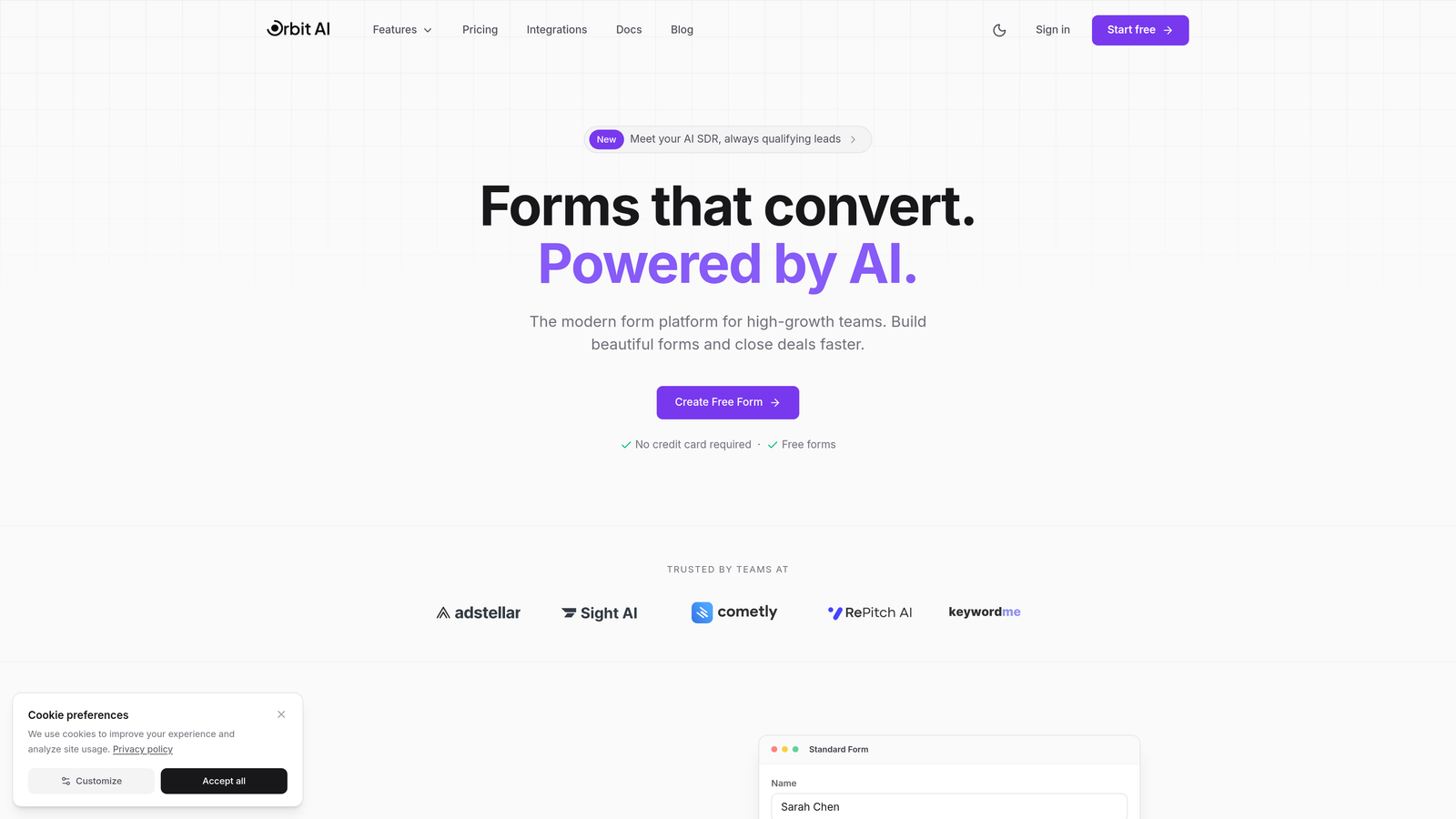
Orbit AI is an AI-powered form builder platform designed specifically for teams that need to do more than just collect data—they need to qualify it.
Where This Tool Shines
What sets Orbit AI apart is how it approaches lead qualification. Instead of treating forms as passive data collectors, the platform uses AI to score and qualify leads as they complete your forms. This means your sales team receives context-rich submissions with intelligence about lead quality before they even pick up the phone.
The platform's modern, conversion-optimized templates are built with high-growth teams in mind. You're not starting from scratch or fighting with outdated interfaces—you're working with forms designed to convert from day one.
Key Features
AI-Powered Lead Qualification: Automatically scores and qualifies leads based on their responses, helping your team prioritize follow-ups effectively.
Intelligent Routing: Sends qualified leads to the right team members automatically based on criteria you define, eliminating manual triage.
Conversion-Optimized Templates: Modern form designs built specifically to maximize completion rates and lead quality.
Deep CRM Integration: Connects seamlessly with your existing automation tools and CRM platforms to maintain workflow continuity.
Real-Time Analytics: Track form performance, conversion rates, and lead quality metrics to continuously optimize your approach.
Best For
Orbit AI works exceptionally well for high-growth SaaS teams, B2B companies with complex sales cycles, and marketing teams that need to prove ROI on lead generation efforts. If you're spending too much time sorting through unqualified leads or your sales team complains about lead quality, this platform addresses those pain points directly.
Pricing
Free tier available for teams getting started. Paid plans start at competitive rates designed to scale with growing teams without breaking the budget.
2. Typeform
Best for: Creating beautiful, conversational form experiences that feel more like conversations than interrogations
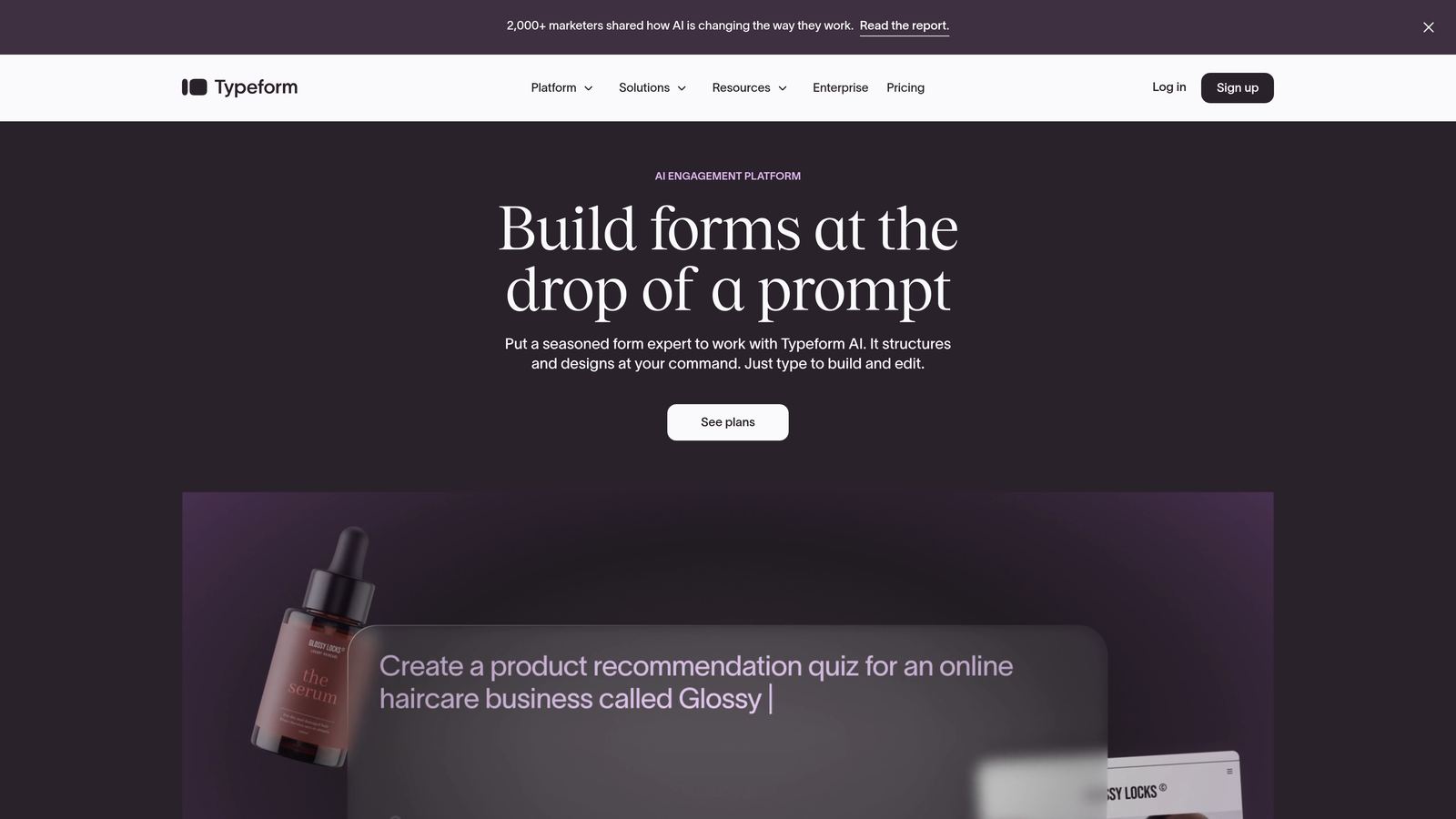
Typeform is a conversational form builder that pioneered the one-question-at-a-time format, making forms feel engaging rather than overwhelming.
Where This Tool Shines
Typeform's conversational approach fundamentally changes how people interact with forms. Instead of facing a wall of fields, respondents answer one question at a time, creating a more natural flow that typically results in higher completion rates. The platform's design aesthetic is instantly recognizable—clean, modern, and brand-friendly.
The AI-powered branching logic adapts questions based on previous answers, creating personalized experiences without manual setup complexity. This makes sophisticated form flows accessible to teams without technical resources.
Key Features
Conversational Format: One-question-at-a-time interface that reduces form abandonment and creates engaging experiences.
AI-Powered Logic Jumps: Automatically creates conditional paths based on responses, personalizing the experience for each respondent.
VideoAsk Integration: Collect video responses from leads, adding a personal dimension to form submissions.
Brand Customization: Extensive design controls let you match forms perfectly to your brand identity.
Hidden Fields: Pass UTM parameters and tracking data invisibly to maintain context across your marketing funnel.
Best For
Typeform excels for marketing teams prioritizing brand experience, companies collecting feedback or survey data, and businesses where form completion rates directly impact revenue. If your forms currently feel transactional and you want something more engaging, Typeform delivers.
Pricing
Free tier available with Typeform branding. Basic plan starts at $25/month, removing branding and adding logic jumps and integrations.
3. Jotform
Best for: Teams needing extensive templates and AI generation to deploy forms quickly across multiple use cases
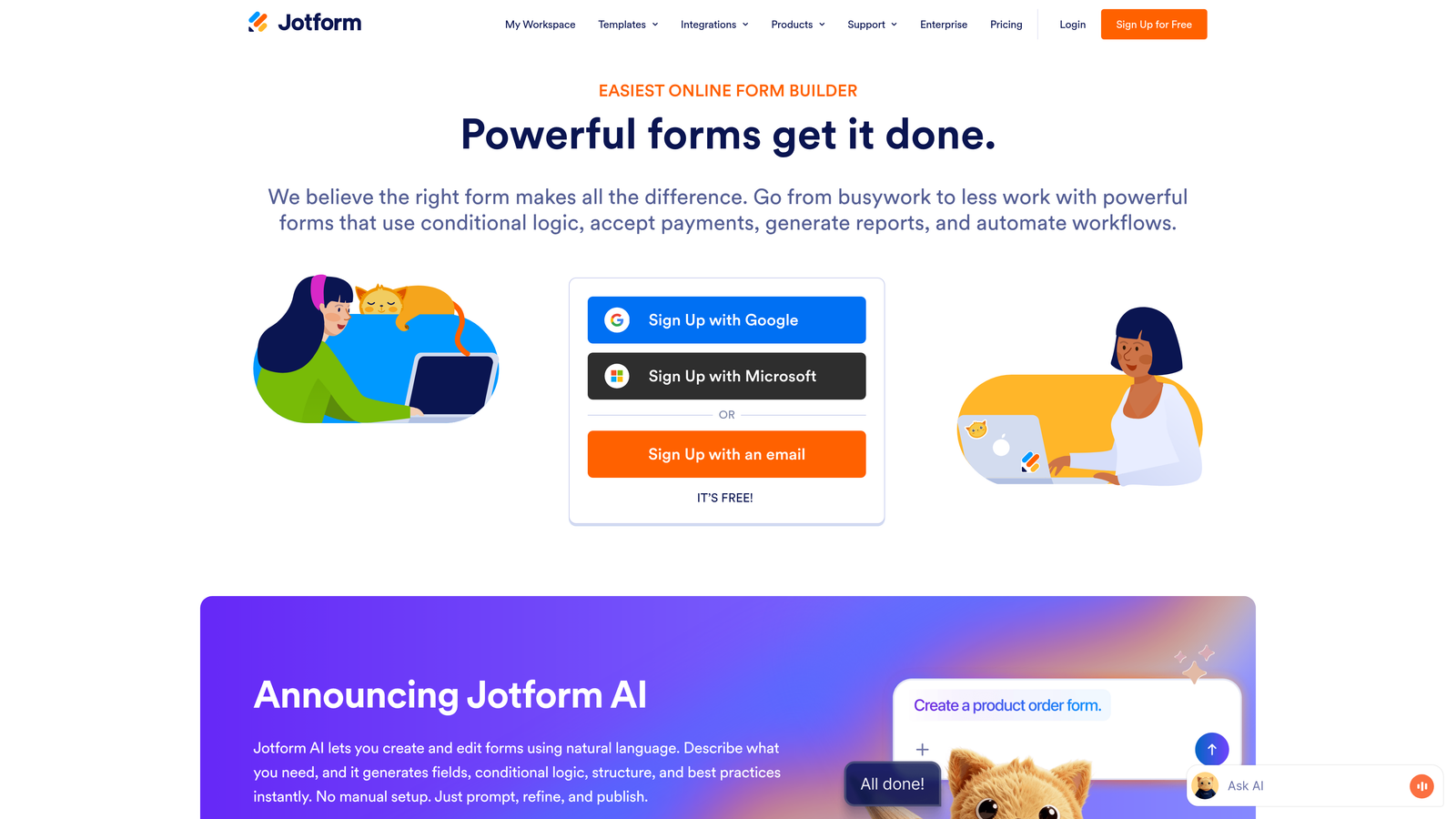
Jotform is a versatile form builder with over 10,000 templates and AI capabilities that generate complete forms from simple text descriptions.
Where This Tool Shines
Jotform's library of pre-built templates means you're rarely starting from scratch. Whether you need event registration, customer feedback, or complex application forms, there's likely a template that gets you 80% of the way there. The platform handles everything from simple contact forms to complex workflows with approval chains.
The AI form generator is genuinely useful for rapid deployment. Describe what you need in plain language, and Jotform creates a functional form you can refine. This dramatically reduces the time from concept to live form.
Key Features
AI Form Generator: Create complete forms from text prompts, dramatically speeding up form creation for common use cases.
10,000+ Templates: Extensive library covering virtually every form type imaginable, from simple to complex.
Smart PDF Generation: Automatically convert form submissions into formatted PDF documents for records or approvals.
Approval Workflows: Route submissions through approval chains with e-signature capabilities built in.
Payment Collection: Accept payments directly through forms via multiple payment processors.
Best For
Jotform works well for organizations managing many different form types, teams without dedicated designers, and businesses needing approval workflows or e-signatures. If you value breadth of capability over specialized features, Jotform delivers impressive versatility.
Pricing
Free tier includes 5 forms with 100 monthly submissions. Bronze plan starts at $34/month for 25 forms and 1,000 submissions.
4. Fillout
Best for: Teams already using Notion or Airtable who want forms that sync natively with their existing workspace
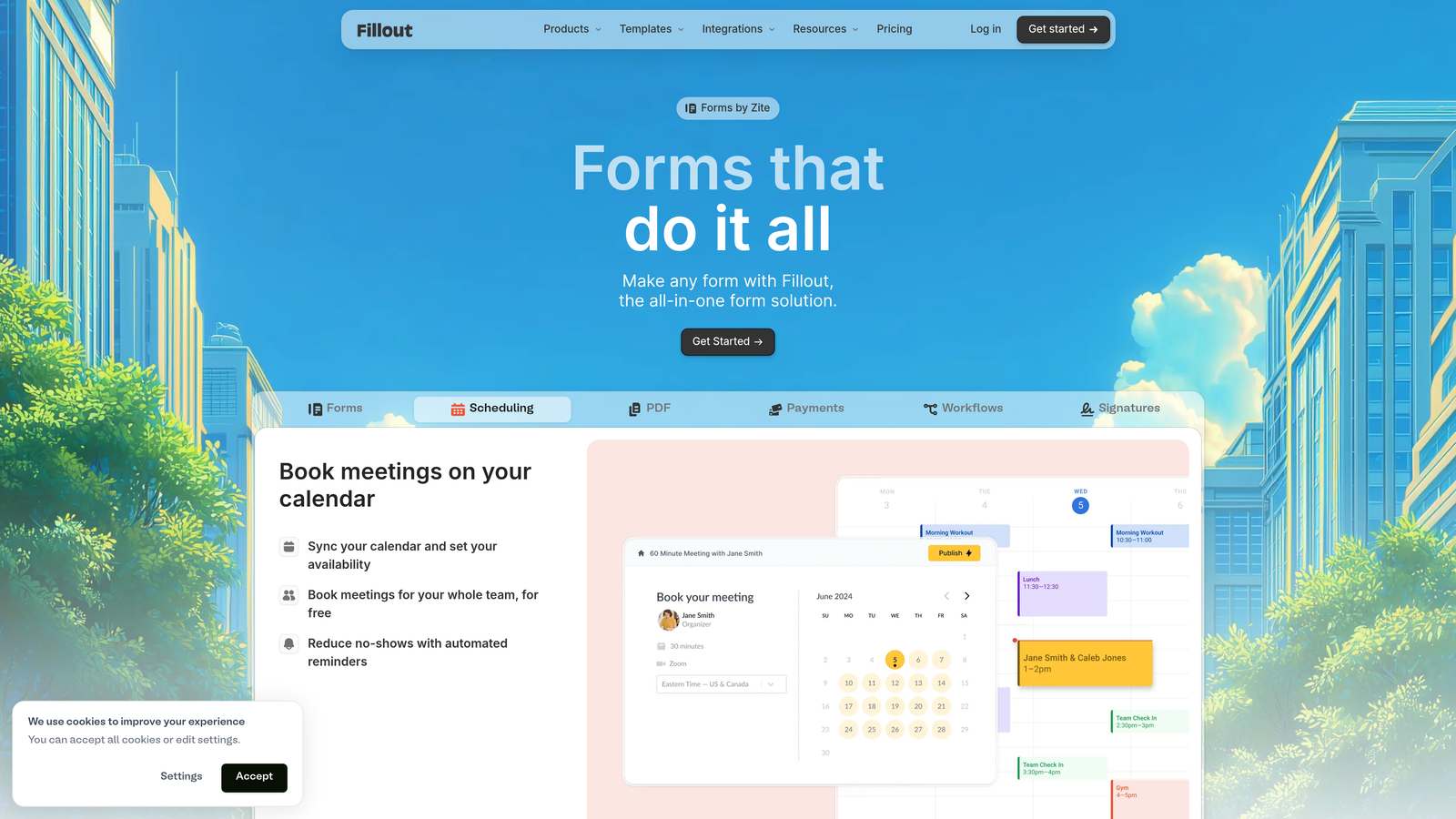
Fillout is a modern form builder designed specifically for teams that live in Notion and Airtable, offering native sync capabilities that eliminate data transfer friction.
Where This Tool Shines
If your team already manages data in Notion or Airtable, Fillout eliminates the usual export-import dance. Form submissions flow directly into your existing databases, maintaining your established workflows without forcing you to adopt yet another tool. The native integration means real-time sync, not periodic exports.
The AI form builder understands natural language descriptions and generates forms that match your intent. Combined with the clean, modern interface, you can deploy professional forms quickly without wrestling with complex builders.
Key Features
Native Notion Sync: Form submissions populate Notion databases automatically, maintaining your existing workspace structure.
Airtable Integration: Direct connection to Airtable bases with field mapping and real-time updates.
AI Form Creation: Generate complete forms from text descriptions, then refine as needed.
Scheduling Integration: Embed calendar booking directly in forms for seamless appointment setting.
Payment Collection: Accept payments through Stripe integration without leaving the form experience.
Best For
Fillout is ideal for startups and agencies using Notion or Airtable as their primary workspace, teams wanting to avoid tool proliferation, and businesses prioritizing clean design and user experience. If you're already invested in the Notion ecosystem, this is your form solution.
Pricing
Generous free tier with unlimited forms and 1,000 monthly submissions. Pro plan starts at $15/month for advanced features and higher limits.
5. Tally
Best for: Teams wanting powerful form capabilities without budget constraints or branding limitations
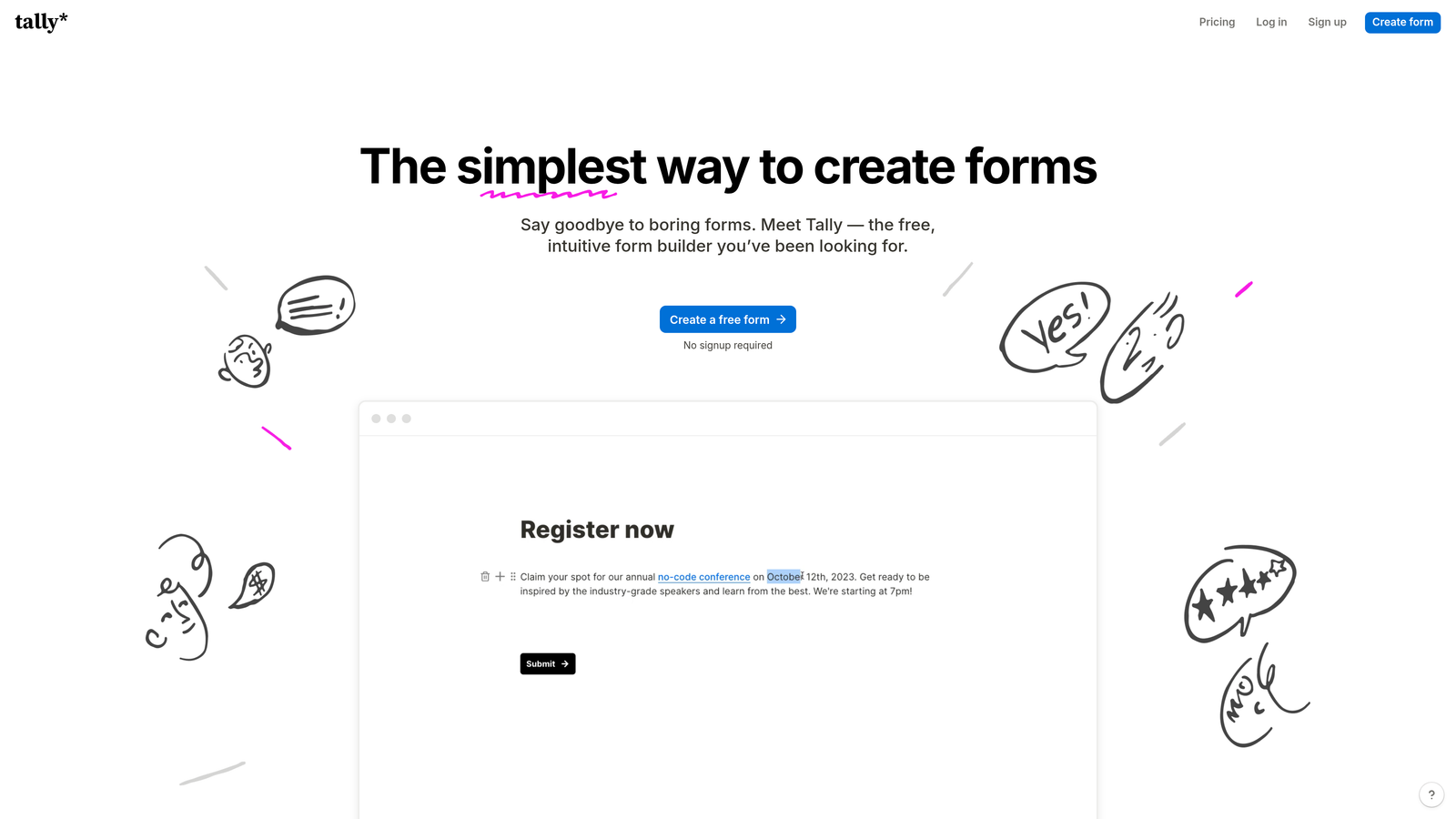
Tally is a simple yet powerful form builder offering unlimited forms on its free tier, making it remarkably accessible for growing teams.
Where This Tool Shines
Tally's free tier is genuinely generous—unlimited forms, unlimited submissions, and no branding requirements. This makes it perfect for teams testing form strategies or running multiple campaigns without worrying about hitting limits. The Notion-like editing experience feels familiar and intuitive if you've used block-based editors.
The AI form generation capability helps you create forms quickly from descriptions, while the clean interface ensures your forms look professional without design effort. For teams prioritizing speed and simplicity over advanced features, Tally hits the sweet spot.
Key Features
Unlimited Free Forms: No artificial limits on form creation or submissions on the free tier, unusual in this market.
Notion-Style Editor: Block-based editing that feels intuitive and familiar to modern teams.
AI Form Generation: Create forms from text descriptions, speeding up deployment for standard use cases.
No Branding Required: Even free tier forms can be completely white-labeled, maintaining brand consistency.
Conditional Logic: Show or hide fields based on previous answers without upgrading to paid plans.
Best For
Tally excels for bootstrapped startups watching every dollar, content creators and educators needing simple data collection, and teams running multiple campaigns who need form flexibility without budget impact. If you're testing strategies or have unpredictable form volume, the unlimited free tier removes anxiety.
Pricing
Free tier is remarkably robust with unlimited forms and submissions. Pro plan at $29/month adds file uploads, custom domains, and advanced integrations.
6. Feathery
Best for: Product teams building complex onboarding flows that need to feel seamless and intelligent
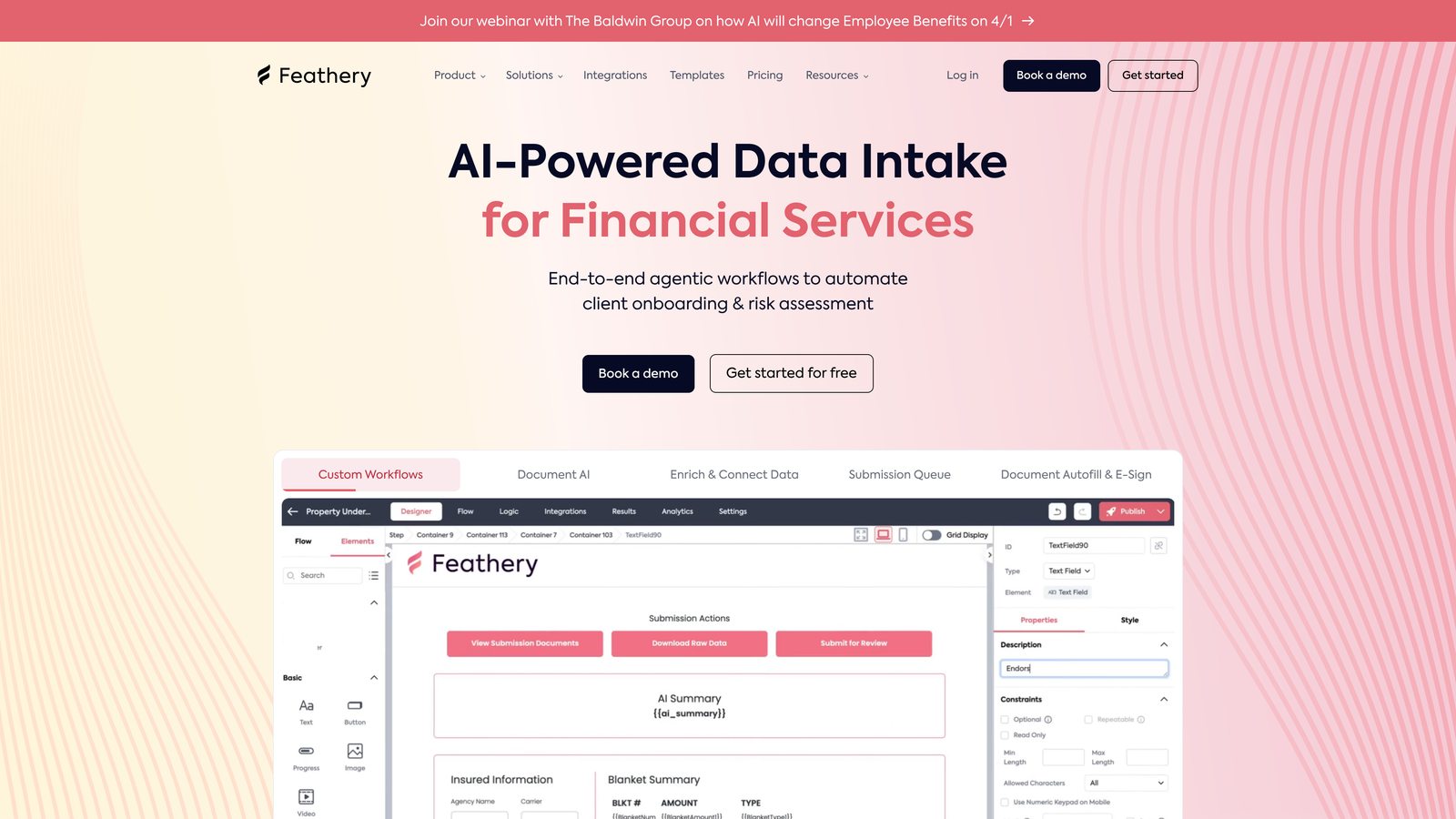
Feathery is a product-focused form builder designed specifically for multi-step onboarding experiences with sophisticated conditional logic.
Where This Tool Shines
Feathery approaches forms from a product perspective rather than a marketing one. The platform excels at creating multi-step onboarding flows that adapt based on user responses, making complex signup processes feel simple and personalized. The AI-powered conditional logic handles sophisticated branching without requiring you to map every possible path manually.
For product teams, the developer-friendly customization options mean you can match forms exactly to your product's design system. The user authentication integration makes it perfect for logged-in experiences where forms are part of the product itself.
Key Features
Multi-Step Flow Builder: Create sophisticated onboarding sequences that guide users through complex processes logically.
AI-Powered Conditional Logic: Automatically adapts form paths based on user responses without manual path mapping.
Developer Customization: CSS and JavaScript access for teams needing pixel-perfect brand matching.
User Authentication: Built-in support for logged-in experiences, treating forms as part of your product.
Progress Saving: Users can complete forms across multiple sessions without losing data.
Best For
Feathery is ideal for SaaS companies with complex onboarding needs, fintech applications requiring detailed user information, and product teams where forms are core product experiences rather than marketing tools. If your forms feel more like product features than lead capture, Feathery speaks your language.
Pricing
Free tier available for testing and small projects. Growth plan starts at $49/month with higher submission limits and advanced features.
7. Formstack
Best for: Enterprise teams needing compliance, security, and sophisticated workflow automation
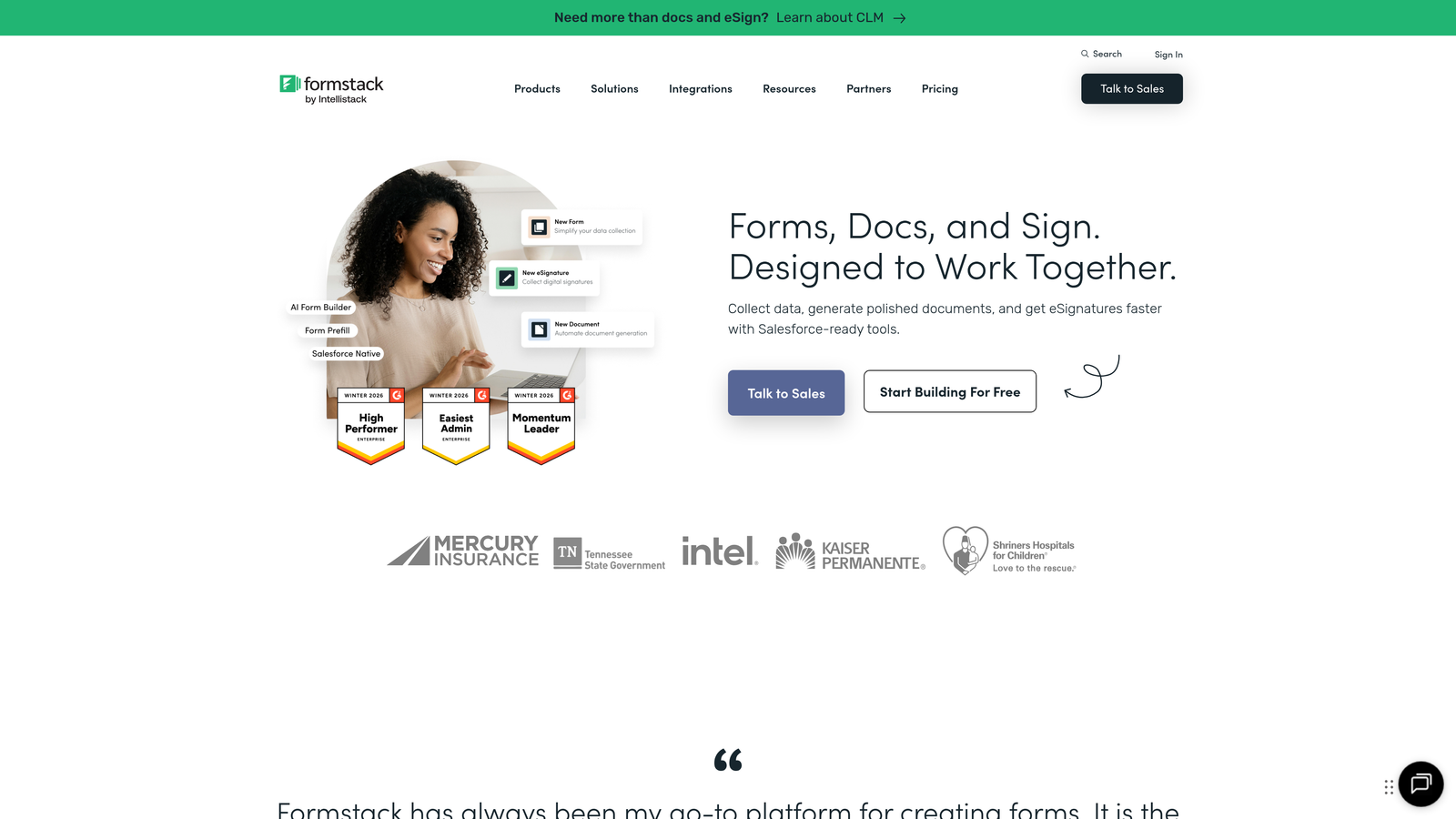
Formstack is an enterprise-grade form and workflow platform with AI document generation and compliance features that meet strict regulatory requirements.
Where This Tool Shines
Formstack takes forms seriously from a compliance and security perspective. HIPAA and SOC 2 compliance come standard, making it suitable for healthcare, financial services, and other regulated industries where data handling isn't negotiable. The platform treats forms as part of larger business processes, not isolated data collection points.
The AI-powered document generation automatically creates formatted documents from form submissions—contracts, agreements, reports—eliminating manual data transfer into templates. Combined with e-signature integration, you can complete entire business processes without leaving the platform.
Key Features
AI Document Generation: Automatically populate document templates from form data, eliminating manual copy-paste workflows.
HIPAA and SOC 2 Compliance: Built-in compliance features for regulated industries with strict data handling requirements.
Advanced Workflow Automation: Route submissions through approval chains and trigger actions across your business systems.
E-Signature Integration: Collect legally binding signatures as part of form workflows.
Offline Forms: Collect data without internet connection, syncing when connectivity returns.
Best For
Formstack serves healthcare organizations managing patient data, financial services firms with compliance requirements, and large enterprises needing audit trails and security controls. If compliance and security are non-negotiable, Formstack delivers the features and certifications you need.
Pricing
Starts at $50/month for basic features. Enterprise pricing available with custom compliance and security requirements.
8. Paperform
Best for: Creating content-rich experiences that blend landing pages with forms seamlessly
Paperform is a unique form builder that combines landing page capabilities with form functionality, creating experiences that feel more like interactive pages than traditional forms.
Where This Tool Shines
Paperform blurs the line between landing pages and forms in the best way possible. You can embed rich content—images, videos, explanatory text—directly alongside form fields, creating experiences that educate and convert simultaneously. This approach works exceptionally well for complex products or services where context matters.
The payment and booking integration means you can create complete purchase or appointment experiences without cobbling together multiple tools. The design flexibility lets you match your brand precisely while maintaining the functionality of a powerful form builder.
Key Features
Landing Page Hybrid: Combine rich content with form fields to create experiences that inform and convert.
Rich Content Embedding: Add images, videos, and formatted text directly within your forms for context and engagement.
Payment Integration: Accept payments through Stripe and PayPal without redirecting users to external checkout pages.
Booking System: Embed calendar scheduling directly in forms for appointment-based businesses.
Design Flexibility: Extensive customization options without requiring custom code.
Best For
Paperform excels for service businesses selling through forms, event organizers managing registrations and payments, and creative professionals who want forms that match their aesthetic standards. If your forms need to do more than collect data—they need to sell—Paperform delivers.
Pricing
Essentials plan at $24/month includes unlimited forms and basic features. Pro plan at $49/month adds advanced customization and integrations.
9. HubSpot Forms
Best for: Teams already using HubSpot who want native CRM integration and progressive profiling
HubSpot Forms is the native form builder within HubSpot's ecosystem, offering seamless CRM integration and AI-powered progressive profiling.
Where This Tool Shines
If you're already in the HubSpot ecosystem, HubSpot Forms eliminates integration headaches entirely. Form submissions flow directly into your CRM with full context, triggering workflows and updating contact records automatically. There's no data sync delay or integration configuration—it just works.
The progressive profiling feature uses AI to avoid asking contacts for information you already have. Returning visitors see different questions, gradually building complete profiles without form fatigue. This intelligence is particularly valuable for companies with long sales cycles where multiple touchpoints are common.
Key Features
Seamless CRM Integration: Form data flows directly into HubSpot CRM with complete contact history and context.
Progressive Profiling: AI automatically adjusts form fields for returning visitors, building profiles without repetitive questions.
Smart Content Personalization: Show different form fields or content based on what you know about the contact.
Built-In Analytics: Track form performance, conversion rates, and submission sources within HubSpot's analytics suite.
A/B Testing: Test different form versions to optimize conversion rates systematically.
Best For
HubSpot Forms is ideal for companies already using HubSpot CRM, marketing teams running complex multi-touch campaigns, and businesses prioritizing CRM data quality and completeness. If you're committed to the HubSpot ecosystem, using their native forms maintains data integrity and workflow simplicity.
Pricing
Free with HubSpot CRM, which is also free. Advanced features like progressive profiling and A/B testing require paid Marketing Hub tiers starting at $45/month.
Making the Right Choice
The right AI-powered form software depends on where you are and where you're going. If intelligent lead qualification is your priority and you need forms that actually help your sales team focus on qualified prospects, Orbit AI delivers that specific capability without unnecessary complexity. For teams prioritizing beautiful, conversational experiences, Typeform's one-question-at-a-time approach consistently delivers higher completion rates.
Budget-conscious teams should look seriously at Tally's unlimited free tier or Fillout's generous pricing—both offer genuine value without artificial limitations. If you're already invested in specific ecosystems, the native options make sense: Fillout for Notion/Airtable users, HubSpot Forms for HubSpot customers.
For regulated industries or enterprise environments, Formstack's compliance features and security certifications justify the higher price point. Product teams building onboarding flows will appreciate Feathery's developer-friendly approach and sophisticated conditional logic.
The AI capabilities vary significantly across platforms. Some tools use AI primarily for form generation—helpful for speed but not transformative. Others, like Orbit AI, apply intelligence to lead qualification and routing, fundamentally changing how your team works with form data. Consider whether you need AI to help you build forms faster or to make the forms themselves smarter.
Integration depth matters more than integration count. A tool that connects deeply with your CRM and automation platform delivers more value than one with hundreds of surface-level connections. Most teams find that 5-10 well-integrated tools cover their needs better than 100 basic integrations.
Most platforms offer free tiers or trials, making hands-on testing straightforward. Create a simple lead capture form in your top two choices and run real traffic to them. Completion rates, data quality, and workflow friction become immediately obvious when you're using the tools with real leads rather than test data.
Transform your lead generation with AI-powered forms that qualify prospects automatically while delivering the modern, conversion-optimized experience your high-growth team needs. Start building free forms today and see how intelligent form design can elevate your conversion strategy.


