

When it comes to capturing leads, the debate between scheduling tools like Calendly and traditional form builders isn't as simple as picking one or the other. Each approach serves different stages of the buyer journey—and increasingly, the smartest teams are using both strategically.
Scheduling tools excel at booking-ready prospects who know exactly what they want. They eliminate the back-and-forth email dance and get meetings on the calendar fast. But they often skip qualification entirely, which means your sales team ends up taking calls with prospects who aren't ready, aren't a fit, or aren't even decision-makers.
Form builders, on the other hand, capture interest at every awareness level. They qualify leads before they hit your calendar, gather rich data that powers personalization, and give you control over who gets through to your team. The challenge has always been connecting that qualification to scheduling without adding friction.
Here are the top tools across both categories, helping you choose the right approach—or combination—for your lead generation goals.
1. Orbit AI
Best for: High-growth teams who need intelligent lead qualification before scheduling meetings.
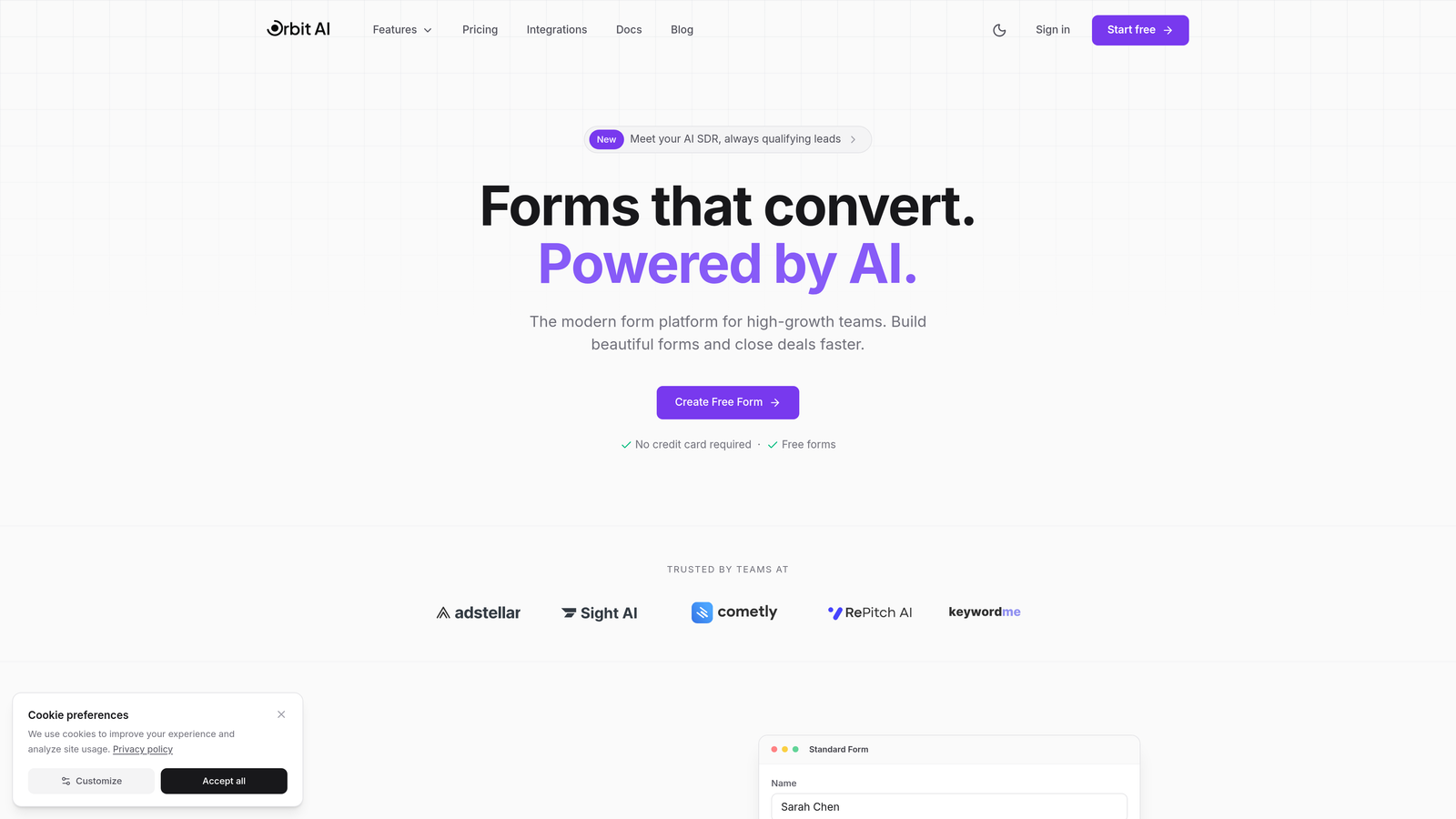
Orbit AI bridges the gap between form builders and scheduling tools by combining beautiful, conversion-optimized forms with AI-powered lead qualification that routes prospects intelligently.
Where This Tool Shines
The platform's AI qualification engine analyzes responses in real-time, scoring leads based on criteria you define and routing high-value prospects directly to scheduling while nurturing others through automated sequences. This means your sales team only sees calendar invites from prospects who actually match your ideal customer profile.
Unlike traditional form builders that dump all submissions into the same bucket, Orbit AI creates dynamic pathways based on how prospects answer. A qualified lead might see your Calendly embed immediately, while an early-stage prospect gets educational content and stays in your nurture track.
Key Features
AI-Powered Lead Scoring: Automatically evaluates responses against your qualification criteria and assigns priority scores.
Conditional Logic with Smart Routing: Routes qualified leads to scheduling, others to nurture sequences, based on their answers and score.
Conversion-Optimized Templates: Pre-built form designs tested for high completion rates across industries.
Native CRM Integrations: Syncs directly with major platforms so lead data flows seamlessly into your existing stack.
Real-Time Analytics and A/B Testing: Track conversion rates, drop-off points, and test variations to continuously improve performance.
Best For
Ideal for B2B SaaS companies, agencies, and consulting firms that need to capture leads at multiple funnel stages while protecting sales team time. Works especially well for teams with complex qualification criteria or multiple product lines requiring different sales approaches.
Pricing
Free tier available for getting started. Paid plans begin at $29/month with advanced features like AI qualification, A/B testing, and priority support.
2. Calendly
Best for: Teams who need simple, reliable scheduling for booking-ready prospects.
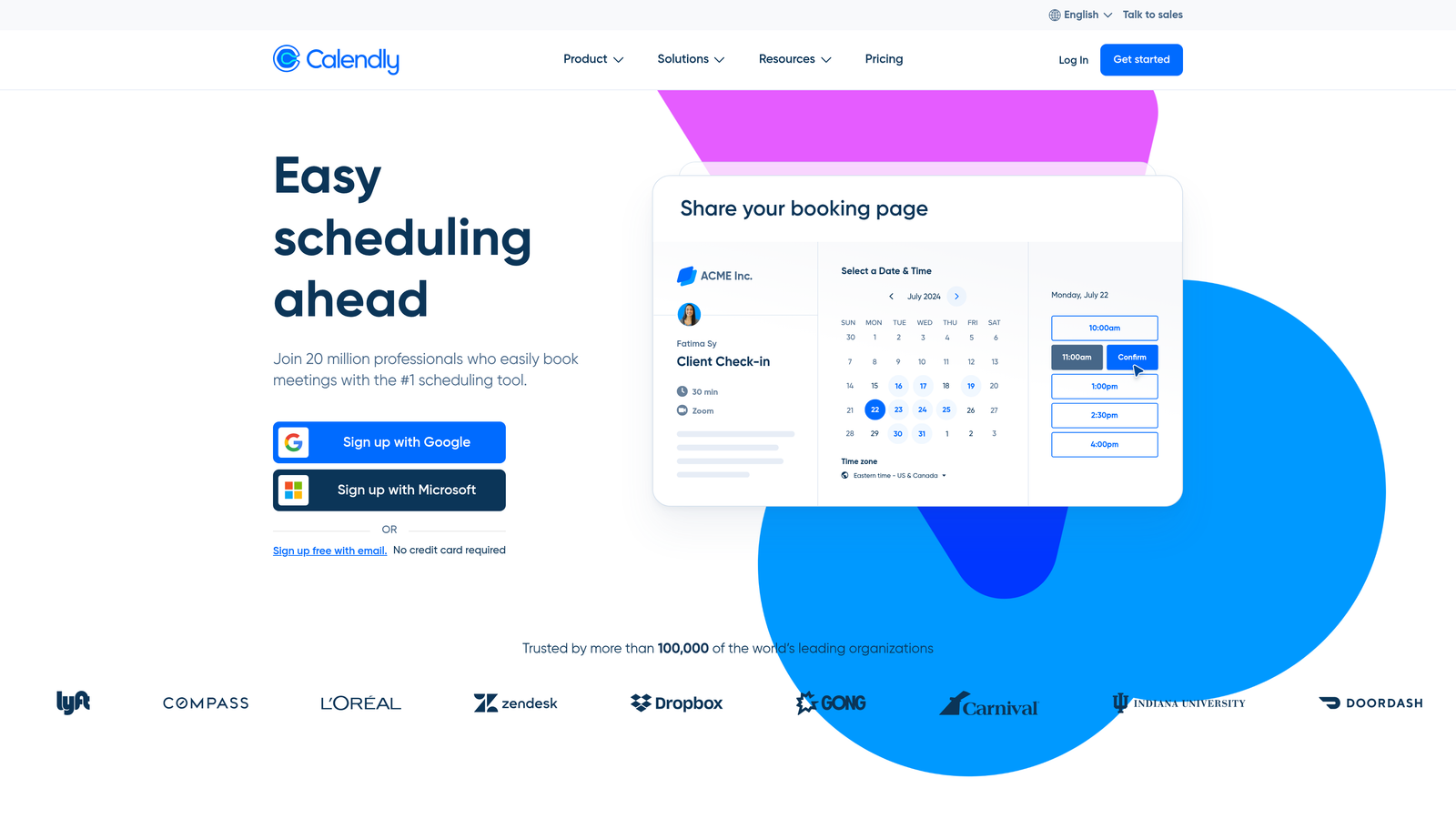
Calendly is the industry-standard scheduling tool that eliminates back-and-forth emails by letting prospects book directly into your available time slots.
Where This Tool Shines
Calendly has become synonymous with easy scheduling for good reason. Share a link, prospects see your availability overlaid with their timezone, they pick a slot, and it's done. The interface is so intuitive that even the least tech-savvy prospects can book without confusion.
For teams who get inbound requests from qualified prospects—think enterprise sales teams with warm referrals or consultants whose expertise is already established—Calendly removes the last bit of friction before the meeting happens.
Key Features
Simple Link Sharing: Generate a personal scheduling link you can drop anywhere—email signatures, LinkedIn messages, website pages.
Team Scheduling and Round-Robin: Distribute meetings across team members automatically based on availability or custom rules.
Calendar Integrations: Syncs with Google Calendar, Outlook, and iCloud to prevent double-bookings and maintain accurate availability.
Automated Reminders: Sends confirmation and reminder emails to reduce no-shows without manual follow-up.
Website Embeds: Add scheduling directly to landing pages or resource hubs for seamless booking.
Best For
Perfect for service providers, consultants, and sales teams working with pre-qualified leads who are ready to book. Also strong for internal meetings where you need to coordinate schedules across departments or timezones.
Pricing
Free basic plan includes core scheduling features. Paid plans start at $10/user/month with team features, integrations, and workflow automations.
3. Typeform
Best for: Creating engaging, conversational form experiences that feel less like data collection.
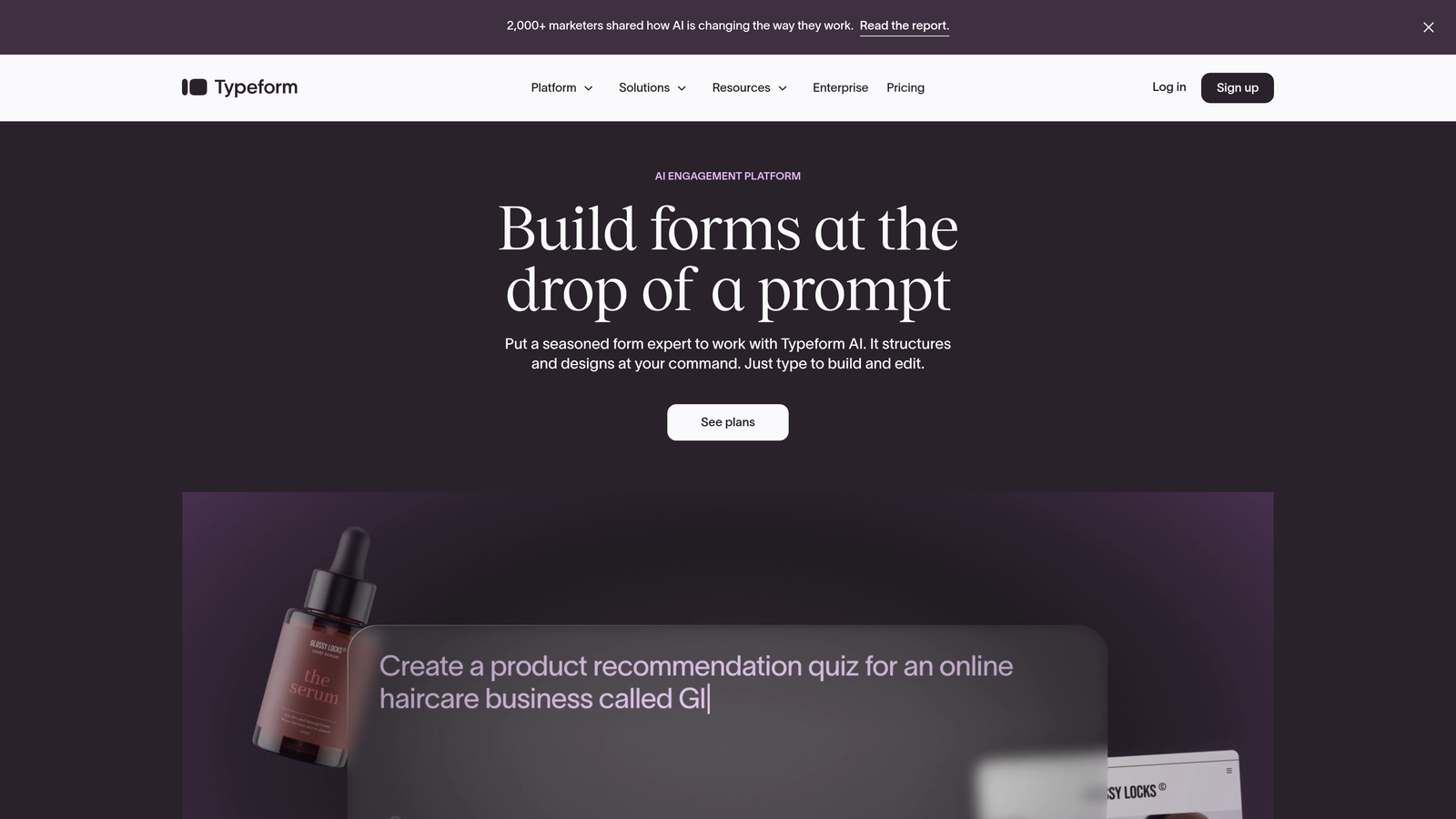
Typeform is a conversational form builder known for its one-question-at-a-time format that boosts completion rates through thoughtful, human-centered design.
Where This Tool Shines
The conversational approach makes forms feel like actual conversations rather than interrogations. By showing one question at a time with smooth transitions, Typeform reduces the psychological overwhelm that causes people to abandon traditional multi-field forms.
The design customization is exceptional. You can match brand colors, add custom backgrounds, embed videos, and create experiences that feel native to your website rather than like generic form widgets dropped onto a page.
Key Features
One-Question-at-a-Time Format: Presents questions sequentially with smooth animations, reducing form abandonment through focused attention.
Design Customization: Extensive branding options including custom colors, fonts, backgrounds, and media embedding.
Logic Jumps: Creates dynamic pathways where questions change based on previous answers, personalizing the experience.
Integration Ecosystem: Native connections to major platforms plus Zapier for connecting to thousands of tools.
Media Embedding: Add images, videos, and GIFs to create richer, more engaging form experiences.
Best For
Marketing teams focused on brand experience, creative agencies, and companies where form aesthetics matter as much as functionality. Works well for surveys, lead magnets, and early-funnel lead capture where engagement is critical.
Pricing
Free tier available with Typeform branding. Paid plans start at $25/month with custom branding, logic jumps, and advanced features.
4. HubSpot Forms
Best for: Teams already using HubSpot who need native CRM integration and marketing automation.
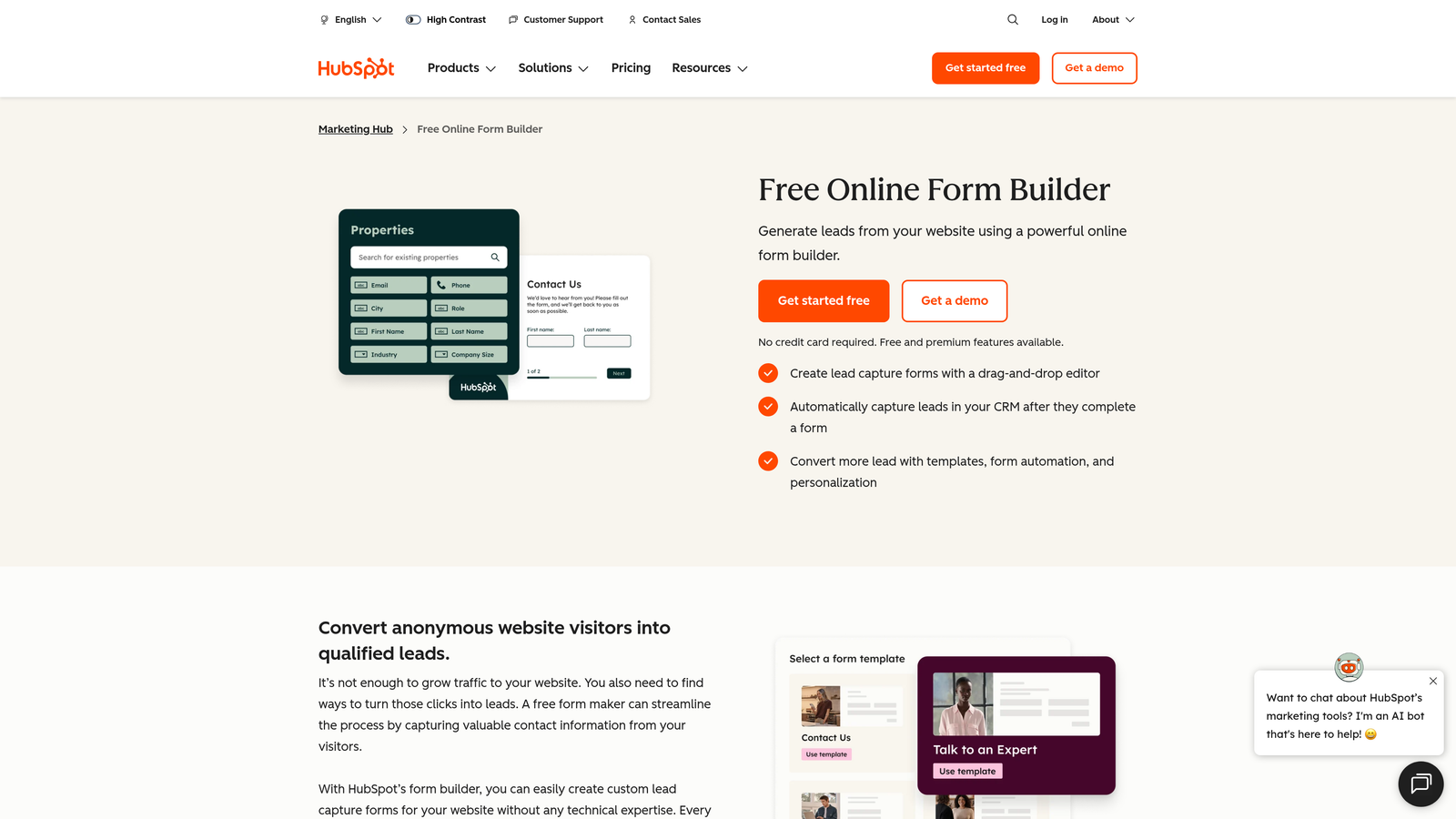
HubSpot Forms is the native form builder within the HubSpot ecosystem, offering seamless CRM integration and powerful marketing automation triggers.
Where This Tool Shines
If you're already in the HubSpot universe, this is the obvious choice. Form submissions automatically create or update CRM contacts, trigger workflows, and feed into your lead scoring model without any middleware or integration complexity.
The progressive profiling feature is particularly clever. Returning visitors see different questions than first-timers, so you gradually build complete contact profiles without overwhelming people with long forms on their first interaction.
Key Features
Direct CRM Contact Creation: Submissions instantly create contacts in HubSpot with all form data attached, no integration needed.
Progressive Profiling: Shows different questions to returning visitors, building richer profiles over multiple interactions.
Workflow Triggers: Form submissions automatically kick off email sequences, task assignments, and other marketing automation.
A/B Testing: Test form variations to optimize conversion rates directly within the platform.
Multiple Form Types: Create embedded forms, pop-ups, slide-ins, and standalone landing page forms from one interface.
Best For
Companies already invested in HubSpot's CRM and Marketing Hub. Makes most sense when you're using multiple HubSpot tools and want everything in one ecosystem without integration headaches.
Pricing
Free with HubSpot CRM, including basic form functionality. Advanced features like A/B testing and progressive profiling require paid Marketing Hub tiers.
5. Chili Piper
Best for: Enterprise teams who need instant form-to-meeting conversion with sophisticated routing.
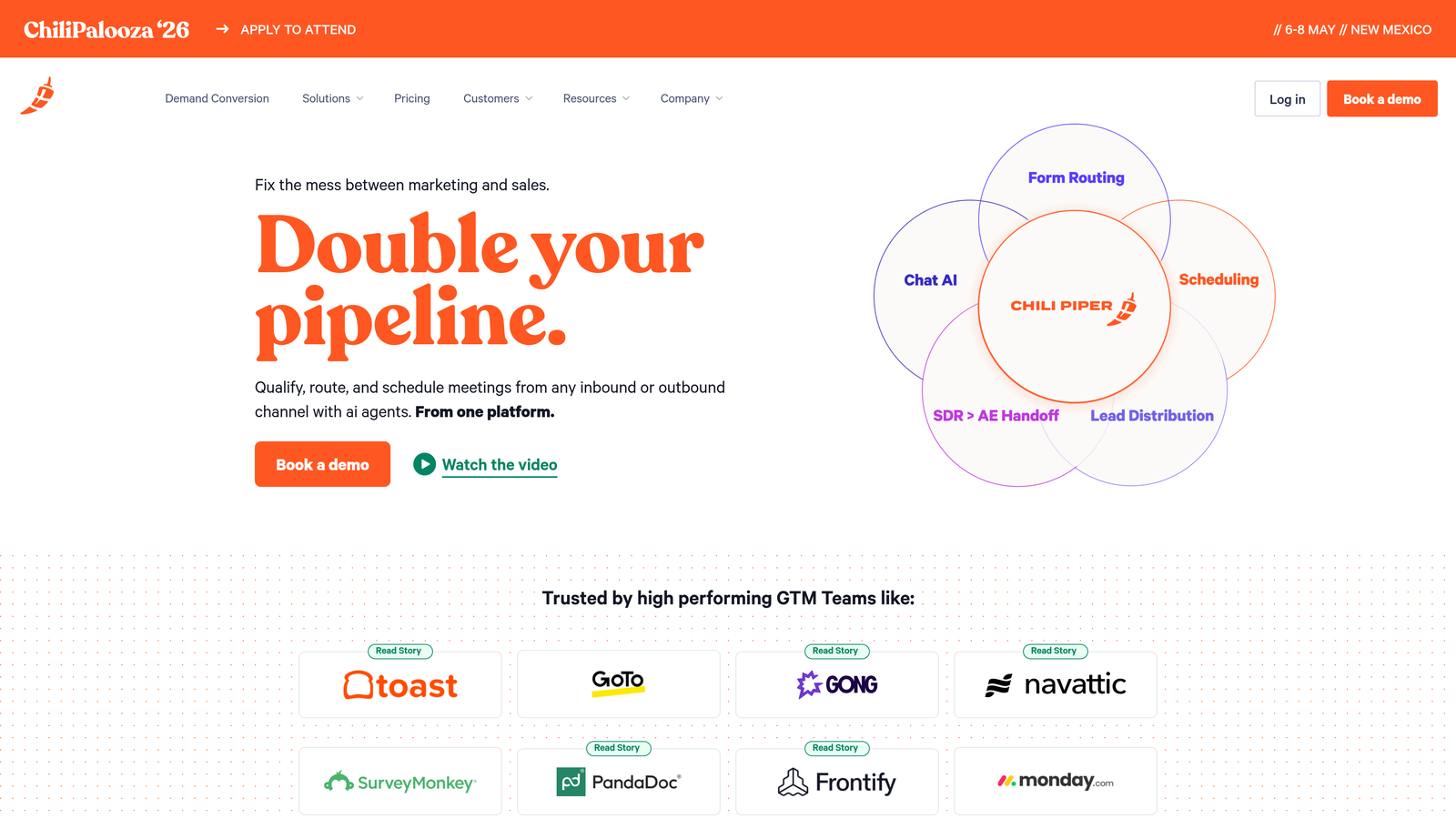
Chili Piper is an enterprise-focused platform that combines form routing with instant scheduling, letting qualified leads book meetings the moment they submit.
Where This Tool Shines
The instant booking experience is where Chili Piper separates itself. A prospect fills out your form, and instead of a generic thank-you page, they immediately see available meeting slots. No separate scheduling link, no extra clicks, no opportunity for them to get distracted and never book.
The routing intelligence handles complex scenarios that basic tools can't. Route by territory, product interest, company size, industry, or any combination of factors. Hand off between SDRs and AEs seamlessly. Queue prospects when everyone's booked. It's built for enterprise sales complexity.
Key Features
Instant Form-to-Meeting Conversion: Displays scheduling options immediately after form submission, eliminating the gap between interest and booking.
Advanced Lead Routing: Distributes leads based on territory, product, company attributes, or custom rules with sophisticated logic.
Deep CRM Integration: Native connections to Salesforce and HubSpot with bi-directional data sync and custom field mapping.
Handoff Scheduling: Enables smooth transitions between SDRs and AEs, or between team members at different sales stages.
Concierge Live Booking: Live chat assistance helps prospects find the right meeting type and book with the right person.
Best For
Enterprise B2B companies with complex sales organizations, multiple product lines, or territory-based routing needs. Particularly valuable for teams where speed-to-lead directly impacts conversion rates.
Pricing
Starts at $15/user/month for basic features. Enterprise plans with advanced routing, analytics, and support available at custom pricing.
6. Jotform
Best for: Teams needing versatile forms with payment collection and approval workflows.
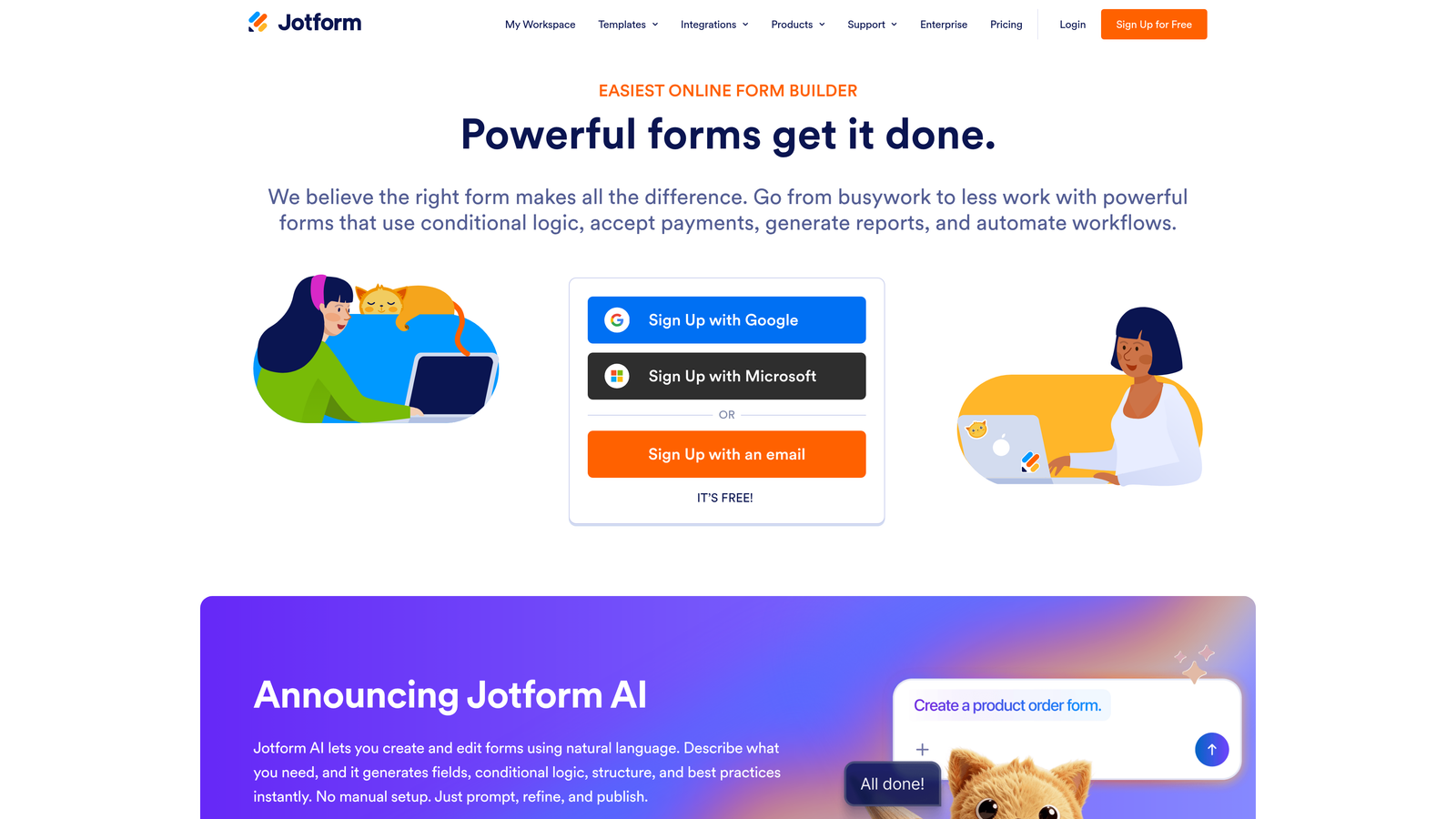
Jotform is a versatile form builder with thousands of templates, strong payment integrations, and approval workflows for diverse use cases beyond lead capture.
Where This Tool Shines
Jotform's template library is genuinely useful. With over 10,000 pre-built forms covering everything from event registration to job applications, you can often find something close to what you need and customize from there rather than starting from scratch.
The payment integration is more robust than most form builders. Accept payments through PayPal, Stripe, Square, and other processors directly in your forms—perfect for registration fees, deposits, or product orders alongside lead capture.
Key Features
10,000+ Templates: Extensive library covering nearly every form use case, from simple contact forms to complex applications.
Payment Collection: Native integrations with major payment processors for collecting fees, deposits, or purchases through forms.
Approval Workflows: Route submissions through approval chains, useful for applications, requests, or internal processes.
PDF Generation: Automatically create PDF reports from submissions for record-keeping or sharing with stakeholders.
HIPAA Compliance: Enterprise plans include HIPAA-compliant forms for healthcare and sensitive data collection.
Best For
Organizations with diverse form needs beyond marketing—HR departments, educational institutions, nonprofits, and businesses that need payment collection alongside data capture. Works well when you need one platform for multiple departments.
Pricing
Free tier includes basic features with Jotform branding. Paid plans start at $34/month with increased submissions, storage, and advanced features.
7. Cal.com
Best for: Privacy-focused teams who want open-source flexibility and self-hosting options.
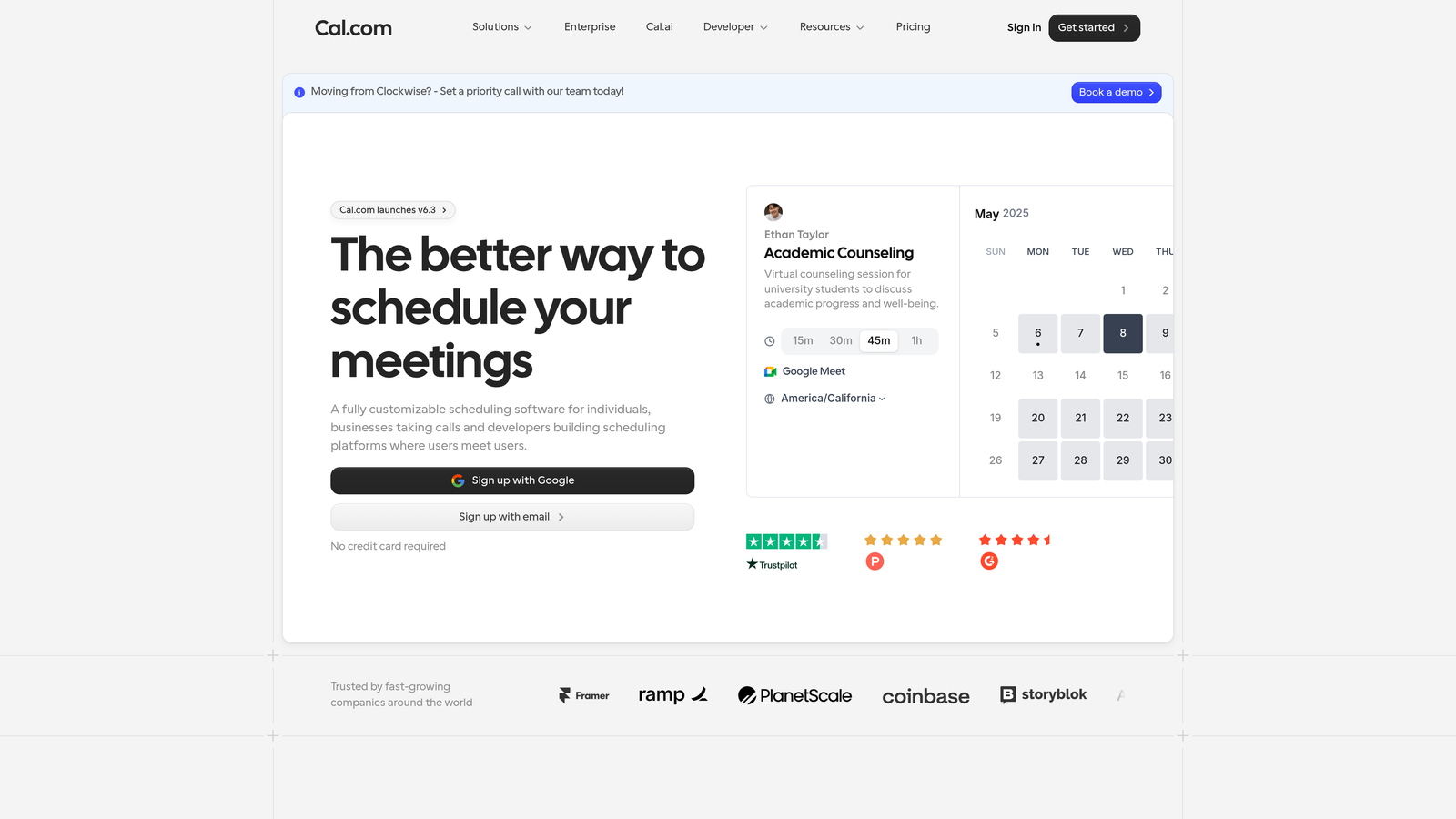
Cal.com is an open-source Calendly alternative offering self-hosting options, extensive customization through APIs, and transparent pricing for teams who value control.
Where This Tool Shines
Being open-source changes everything about what's possible. You can self-host Cal.com on your own infrastructure, giving you complete control over data privacy and security—critical for regulated industries or privacy-conscious markets.
The API access is extensive, letting developers build custom integrations and workflows that would be impossible with closed platforms. If you need scheduling to work in a specific way that matches your unique processes, Cal.com gives you the flexibility to make it happen.
Key Features
Open-Source Platform: Full access to source code with self-hosting option for complete data control and customization.
Extensive API: Build custom integrations, automate workflows, and extend functionality beyond what's available out-of-the-box.
Team Scheduling: Coordinate availability across team members with collective scheduling and round-robin distribution.
White-Labeling: Remove Cal.com branding and add your own for a seamless brand experience.
Workflow Automations: Trigger actions based on bookings, cancellations, or reschedules to automate follow-up processes.
Best For
Development teams who want to customize deeply, companies in regulated industries requiring data sovereignty, and organizations who prefer open-source tools for transparency and long-term control.
Pricing
Free tier available with core features. Paid plans start at $12/user/month for advanced features, or self-host for free with your own infrastructure.
8. Tally
Best for: Lean teams who need fast form creation with a generous free tier.
Tally is a minimalist form builder with a Notion-like interface, offering unlimited forms on the free tier and fast form creation for teams who value simplicity.
Where This Tool Shines
If you use Notion, Tally will feel instantly familiar. The block-based editor lets you build forms by simply typing and adding elements—no dragging, no complex menus, just a clean interface that gets out of your way.
The free tier is remarkably generous. Unlimited forms, unlimited submissions, and most features available without paying anything. For startups and small teams who need capable forms without budget, Tally delivers real value.
Key Features
Notion-Style Editor: Block-based interface that feels natural if you're already using Notion for documentation or project management.
Unlimited Free Forms: No artificial limits on form creation or submissions in the free tier, unlike most competitors.
Conditional Logic: Show or hide questions based on previous answers to create dynamic, personalized form experiences.
File Uploads and Signatures: Collect documents, images, or electronic signatures directly through forms.
Webhook Integrations: Send form data to other tools via webhooks, plus Zapier connectivity for broader automation.
Best For
Startups, solopreneurs, and small teams who need capable forms quickly without complexity or cost. Particularly good for teams already using Notion who want consistent interfaces across tools.
Pricing
Generous free tier with unlimited forms and most features. Pro plan at $29/month adds custom branding, advanced logic, and priority support.
9. SavvyCal
Best for: Consultants and service providers who want recipient-focused scheduling experiences.
SavvyCal is a recipient-focused scheduling tool that lets bookers overlay their calendar, reducing friction and improving the booking experience through thoughtful design.
Where This Tool Shines
The calendar overlay feature flips the traditional scheduling dynamic. Instead of prospects staring at your available slots trying to remember their own schedule, they can overlay their calendar and instantly see where your availability aligns with their free time.
Ranked availability is clever for managing your energy. Mark certain time slots as preferred and others as available-but-not-ideal. Prospects see all options, but you subtly guide them toward times that work best for you, leading to better meeting experiences.
Key Features
Calendar Overlay: Recipients can display their own calendar alongside yours to find mutual availability instantly.
Personalized Scheduling Links: Create custom links for different meeting types, durations, or booking scenarios.
Ranked Availability: Mark preferred time slots to guide prospects toward your best times while keeping other slots available.
Team Scheduling: Coordinate group meetings and route bookings across team members based on availability or custom rules.
CRM Integrations: Connect with major CRMs to log meetings and sync contact data automatically.
Best For
Independent consultants, coaches, and service providers who schedule frequently and want to create a premium booking experience. Also strong for sales professionals who value relationship-building over transaction speed.
Pricing
Free basic plan available. Paid plans start at $12/user/month with advanced features, customization, and integrations.
Making the Right Choice
The Calendly vs form builders question often leads to a false choice. For booking-ready prospects who know exactly what they want, scheduling tools like Calendly, Cal.com, or SavvyCal streamline the path to your calendar. They're perfect for warm referrals, existing customers, or anyone who's already decided they want to meet.
But for capturing leads at earlier stages—when prospects are exploring options, comparing solutions, or still defining their needs—form builders prove essential. They qualify leads before they consume sales time and gather the context that makes meetings productive when they do happen.
Tools like Orbit AI bridge this gap by combining intelligent forms with qualification logic. You're not just collecting contact information; you're evaluating fit, understanding needs, and routing prospects appropriately. Your calendar fills with the right meetings, not just more meetings.
For most high-growth teams, the winning strategy combines both approaches. Use forms to capture and qualify leads at every funnel stage. Route qualified prospects directly to scheduling. Nurture others until they're ready. This prevents two common problems: sales teams wasting time on unqualified calls, and qualified prospects getting stuck in endless email threads trying to find a meeting time.
Start by mapping your current lead sources and identifying where prospects drop off. Are you losing qualified leads because scheduling feels like too much work after they've filled out a form? Or are you booking too many meetings with prospects who aren't actually ready to buy? Your drop-off points reveal which tools you need most urgently.
If you're capturing leads who need qualification before booking, prioritize form builders with smart routing capabilities. If you're working with pre-qualified prospects and scheduling is the bottleneck, focus on scheduling tools with good integrations. If you're doing both at scale, consider platforms that handle the entire flow.
Start building free forms today and see how intelligent form design can elevate your conversion strategy. Transform your lead generation with AI-powered forms that qualify prospects automatically while delivering the modern, conversion-optimized experience your high-growth team needs.


