

When your team is scaling fast, every lead matters. The forms you use to capture them can quietly make or break your conversion pipeline, and most teams don't realize it until they're already leaving opportunities on the table.
High-growth teams need more than a basic form builder. They need tools that qualify leads on the fly, integrate seamlessly with their tech stack, handle complex workflows, and surface data that actually drives decisions. The problem is that dozens of platforms claim to do all of this, and evaluating them takes time you simply don't have.
We assessed the top form platforms based on what matters most to fast-moving teams: AI capabilities, lead qualification features, integration depth, analytics, design flexibility, and scalability. Whether you're a lean startup capturing your first thousand leads or a growth-stage company optimizing conversion at scale, this list has a tool that fits.
1. Orbit AI
Best for: High-growth teams that want AI-powered lead qualification built directly into their forms.
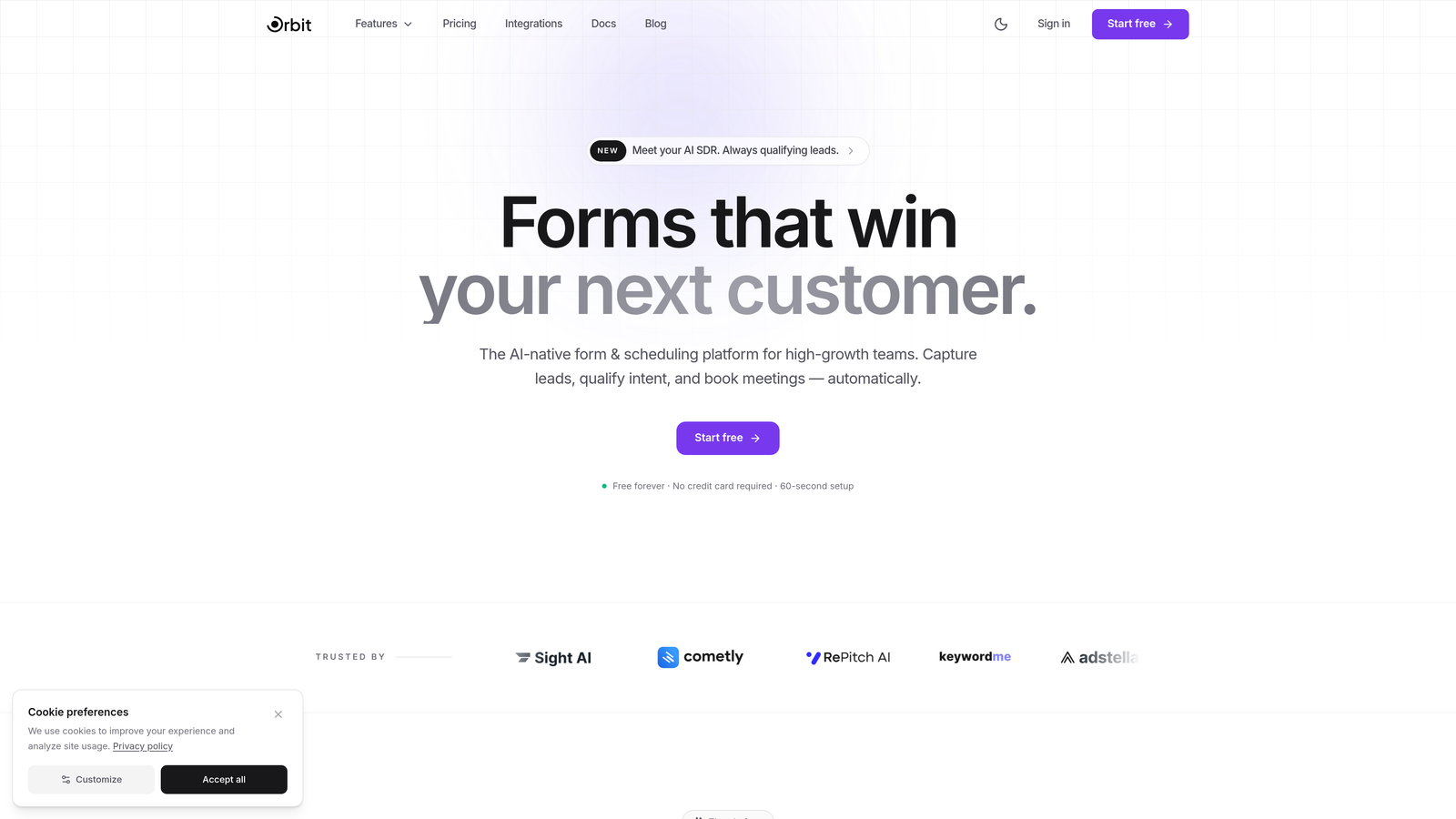
Orbit AI is an AI-native form builder platform designed from the ground up for teams that treat lead capture as a conversion surface, not a checkbox.
Where This Tool Shines
What separates Orbit AI from most form builders is that qualification happens inside the form itself. AI agents evaluate responses in real time as prospects complete the form, scoring and routing leads without any manual review required. For teams running high-volume inbound, this changes the economics of lead management entirely.
The platform also prioritizes design quality in a way that most tools don't. Templates are built with conversion optimization in mind, so you're not starting from a blank slate and guessing what works. The combination of intelligent qualification and modern form UX makes Orbit AI a natural fit for growth teams that want their forms to do more work.
Key Features
AI Lead Qualification: AI agents score and qualify leads in real time during form completion, so your team receives pre-qualified submissions rather than raw data.
Conversion-Optimized Templates: Pre-built templates designed specifically to reduce drop-off and improve completion rates, with modern, branded aesthetics.
Built-in Analytics Dashboard: Tracks drop-off points, completion rates, and lead quality scores in one place, giving teams actionable data without a separate analytics tool.
Native CRM Integrations: Connects directly with HubSpot, Close, Attio, and other popular CRMs so qualified leads flow straight into your pipeline.
Automated Workflows: Trigger follow-up sequences, routing rules, and internal notifications based on form submission data and lead scores.
Best For
Orbit AI is the strongest fit for growth-stage SaaS teams, marketing teams running demand generation campaigns, and any organization where lead quality matters as much as lead volume. If your team is spending manual hours triaging form submissions, this platform is built to solve that problem directly.
Pricing
Free plan available. Paid plans start at an accessible tier designed for growing teams. Visit orbitforms.ai/pricing for current plan details.
2. Typeform
Best for: Teams that prioritize engagement and want a conversational, one-question-at-a-time form experience.
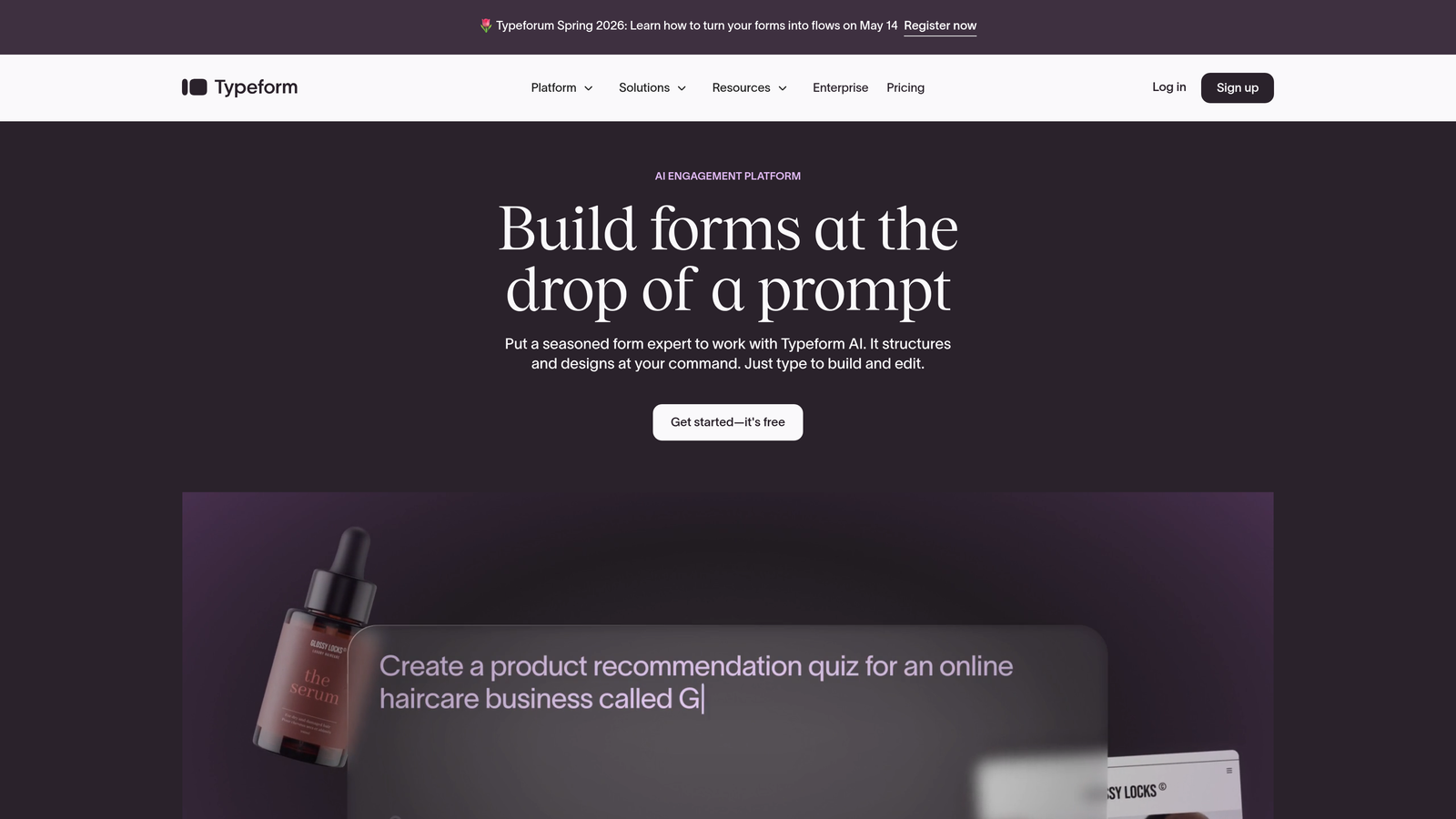
Typeform is a conversational form builder widely recognized for its polished, interactive interface that keeps respondents engaged through the entire form.
Where This Tool Shines
Typeform's signature one-question-at-a-time format reduces the cognitive load on respondents, which tends to improve completion rates compared to traditional multi-field layouts. For surveys, onboarding flows, and brand-forward lead capture pages, the experience feels more like a conversation than a form.
The platform's logic and branching capabilities are solid, and its integration ecosystem is broad. However, it's worth noting that Typeform is primarily a form experience tool rather than a lead qualification platform. Teams that need scoring, routing, or AI-driven qualification will need to build those workflows externally.
Key Features
Conversational UI: One-question-at-a-time interface designed to keep respondents engaged and reduce drop-off.
Logic Jumps: Conditional branching lets you show different questions based on previous answers, creating personalized form paths.
Rich Media Embedding: Add images and videos directly within forms to create immersive, brand-consistent experiences.
Integration Ecosystem: Connects with Zapier, HubSpot, Slack, and hundreds of other tools for flexible workflow automation.
Completion Analytics: Built-in tracking for drop-off rates and completion metrics by question.
Best For
Typeform is ideal for marketing teams focused on brand experience, customer research, and onboarding surveys. It's a strong choice when engagement and aesthetics are the priority, though teams needing deep lead qualification should plan for additional tooling.
Pricing
Free plan with limited responses. Paid plans start around $25/month, scaling with response volume and advanced features.
3. HubSpot Forms
Best for: Teams already using HubSpot CRM who want zero-friction lead capture with native contact record sync.
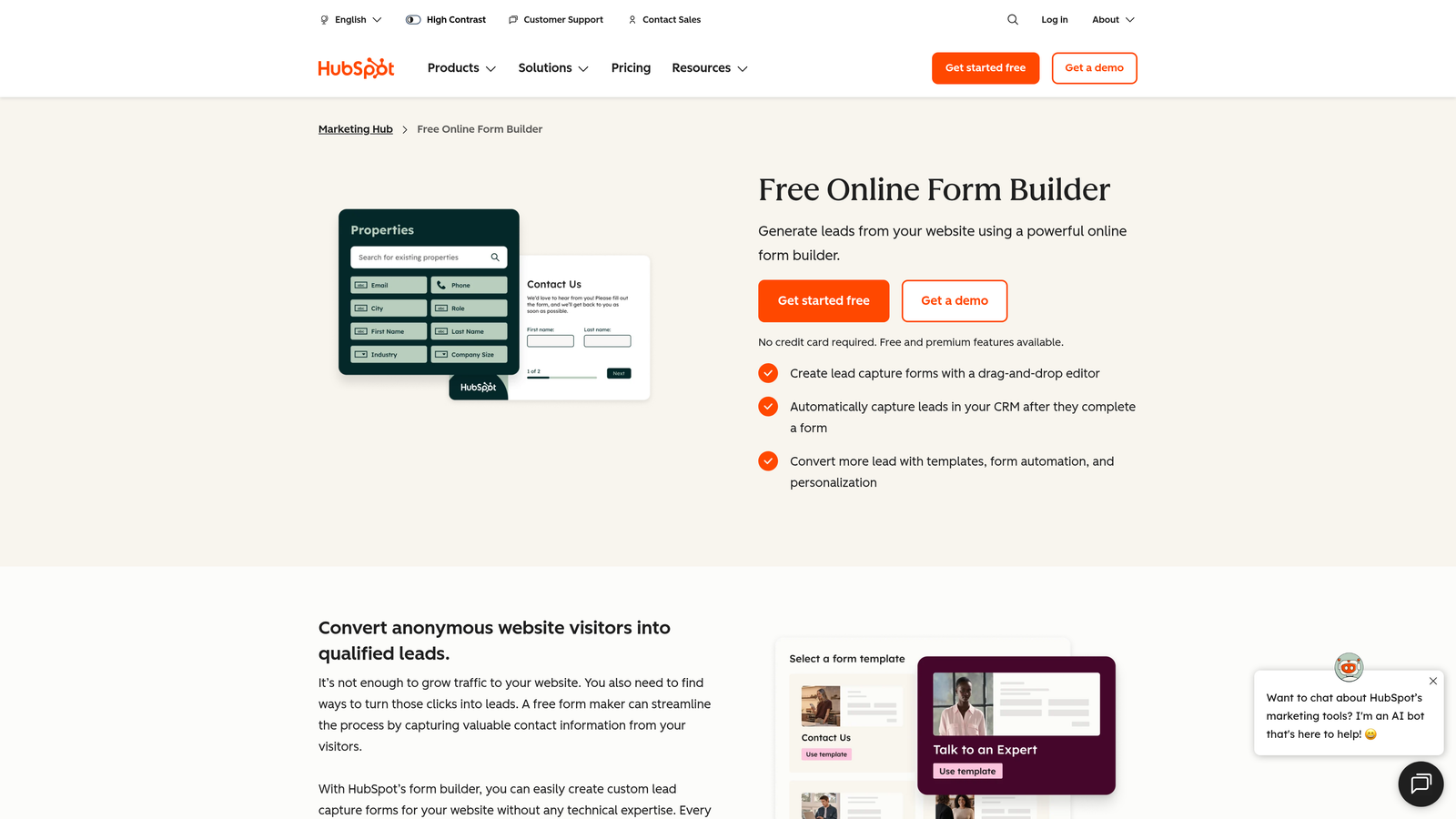
HubSpot Forms is a form builder built natively into the HubSpot platform, designed to feed lead data directly into your CRM without any integration work.
Where This Tool Shines
If your team lives in HubSpot, this is the most frictionless path from form submission to CRM contact record. There's no Zapier setup, no field mapping headaches, and no data latency. Submissions become contacts instantly, with all form data mapped to the right properties.
The progressive profiling feature is particularly valuable for teams running multiple touchpoints. Instead of asking the same questions repeatedly, HubSpot Forms detects returning visitors and surfaces new fields to gradually build out their contact profile over time.
Key Features
Native CRM Integration: Submissions flow directly into HubSpot contact records with automatic property mapping.
Progressive Profiling: Automatically shows new fields to returning visitors, building richer contact data over multiple interactions.
Smart Fields and Logic: Dependent field logic lets you show or hide fields based on previous answers.
Flexible Placement: Deploy as embedded forms, pop-ups, slide-ins, or standalone landing pages within the HubSpot ecosystem.
Free Tier: Fully functional form builder included with the free HubSpot CRM, making it accessible to early-stage teams.
Best For
HubSpot Forms is the obvious choice for teams already invested in the HubSpot ecosystem. For teams outside HubSpot, the value proposition is less compelling since the form builder itself is relatively basic compared to dedicated platforms.
Pricing
Free with HubSpot CRM. Advanced features like A/B testing and smart content require Marketing Hub Starter at $20/month or higher tiers.
4. Jotform
Best for: Teams that need a versatile, template-rich form builder with payment processing and approval workflows.
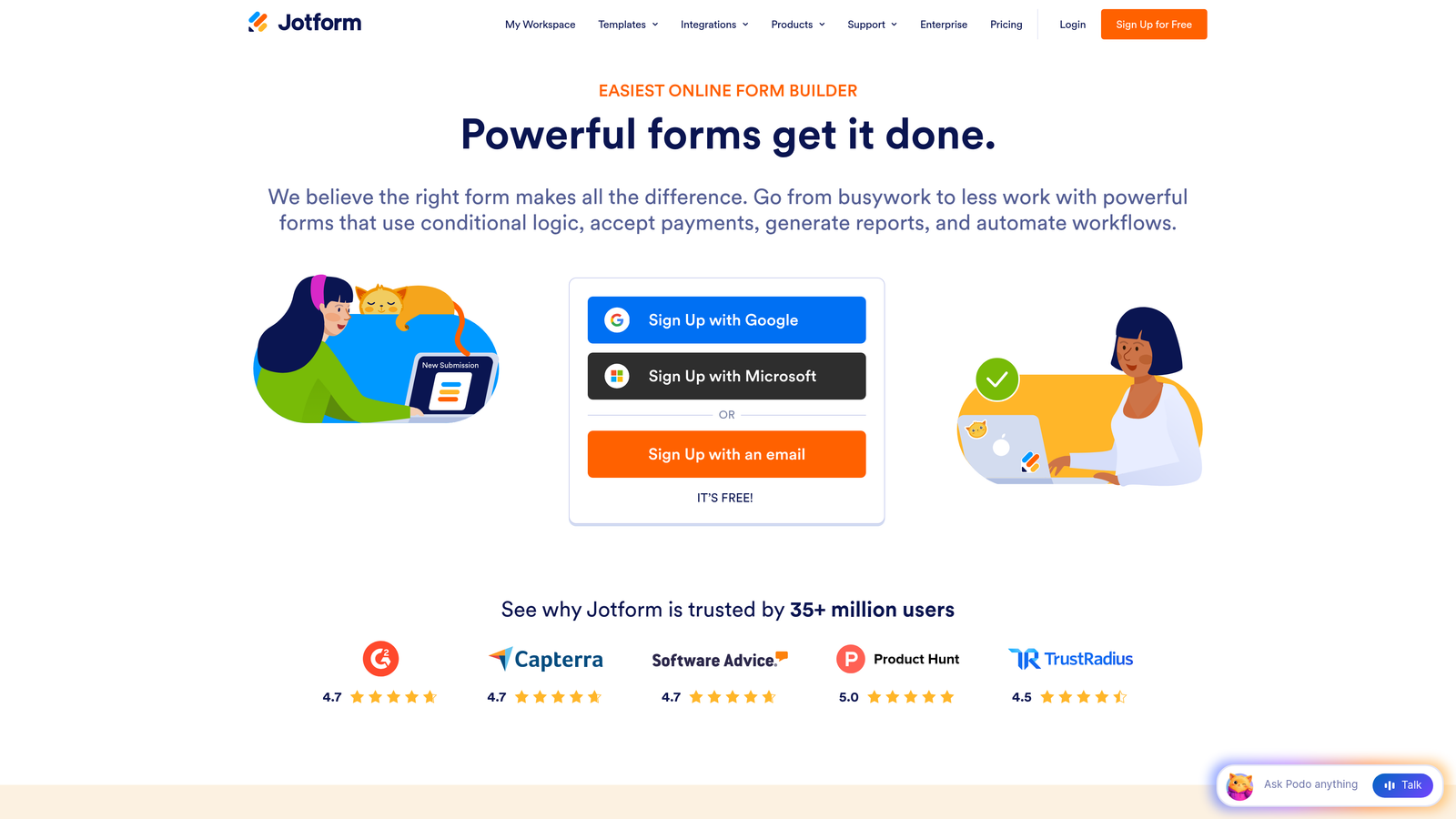
Jotform is one of the most feature-complete form builders on the market, covering everything from simple contact forms to complex multi-step workflows with payments and approvals.
Where This Tool Shines
Jotform's template library is genuinely impressive. With over 10,000 pre-built templates spanning industries and use cases, you can get a functional form live in minutes. This breadth makes it a go-to for teams that need to build many different form types without starting from scratch each time.
The platform also handles use cases that most form builders don't touch, including payment collection, approval routing, and HIPAA-compliant data handling. For teams in regulated industries or those managing complex internal workflows, Jotform punches well above its price point.
Key Features
Massive Template Library: Over 10,000 pre-built templates covering nearly every industry and form type imaginable.
Built-in Payments: Accept payments directly through forms via Stripe, PayPal, Square, and other processors.
Approval Workflows: Route submissions through multi-step approval processes with conditional logic and automated notifications.
Jotform Tables: A spreadsheet-style submission management interface built directly into the platform.
HIPAA Compliance: Available as an add-on for healthcare and regulated industry use cases.
Best For
Jotform suits operations teams, HR departments, and businesses that need to handle diverse form types including payments and approvals. It's less specialized for pure lead generation and conversion optimization, but it's hard to beat for sheer versatility.
Pricing
Free plan includes 5 forms and 100 submissions per month. Paid plans start around $34/month with higher limits and advanced features.
5. Tally
Best for: Small teams and solo operators who want unlimited forms with a clean, Notion-like editing experience at no cost.
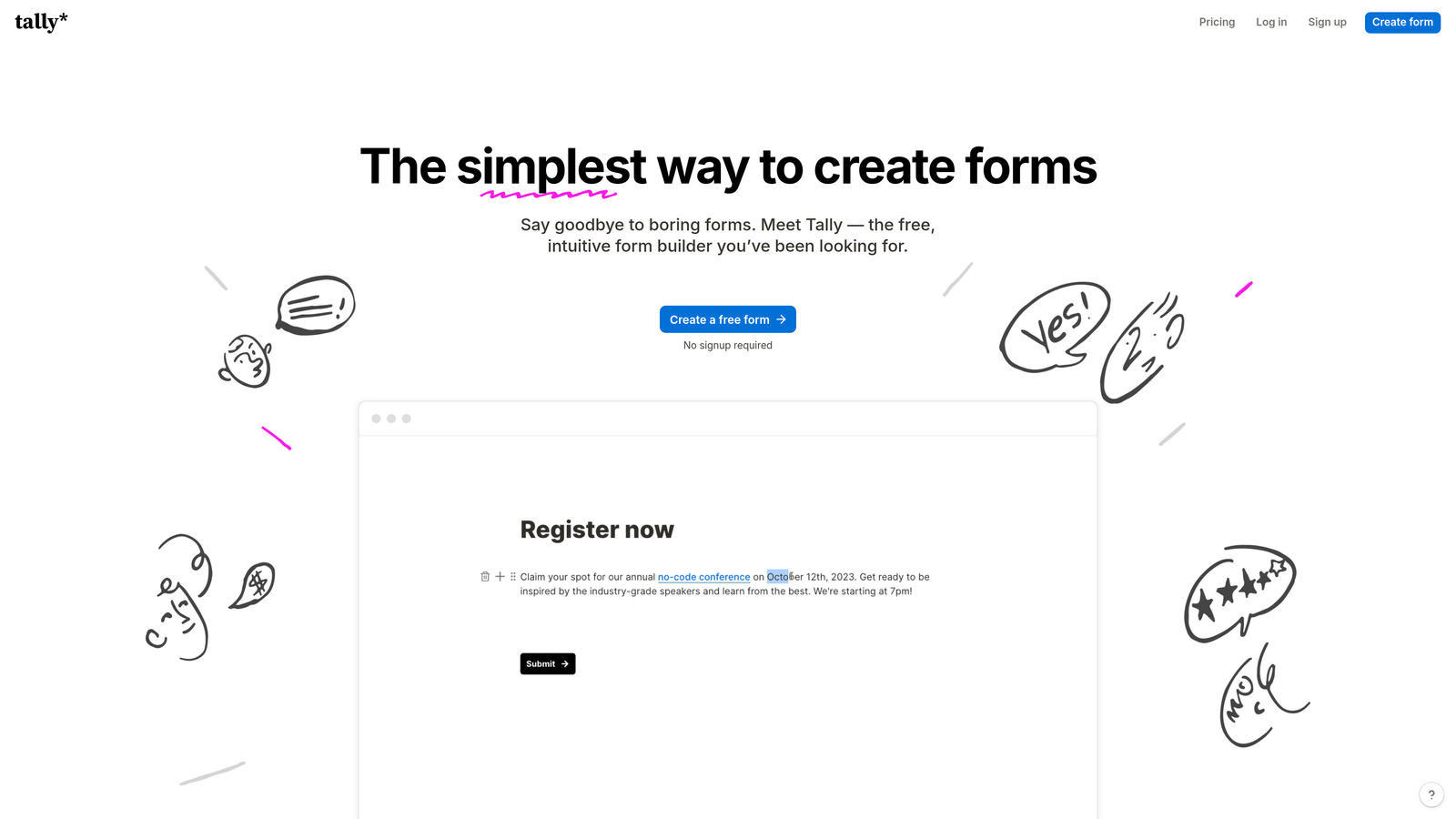
Tally is a minimalist form builder with a block-based editor that feels familiar to anyone who uses Notion, offering an unusually generous free tier for teams watching their budget.
Where This Tool Shines
Tally's free plan is genuinely unlimited in a way that most competitors aren't. No form limits, no submission caps, no watermarks on the free tier. For early-stage teams or those building internal tools alongside external forms, this is a meaningful differentiator.
The editing experience is clean and fast. The Notion-style block editor makes building forms feel intuitive rather than technical, and the output is simple and readable. Where Tally falls short is in advanced features: there's no built-in analytics depth, no AI capabilities, and the integration options are more limited than enterprise-focused tools.
Key Features
Unlimited Free Forms: No limits on forms or submissions on the free plan, which is rare in this category.
Block-Based Editor: Notion-style editing experience that makes form building feel natural and fast.
Conditional Logic: Show or hide fields based on previous responses, with hidden field support for tracking parameters.
Custom Domains: Available on Tally Pro for teams that want a fully branded form URL.
Webhooks and Integrations: Connect to other tools via native integrations and webhooks for basic automation.
Best For
Tally is a great fit for early-stage startups, individual creators, and teams building lightweight internal forms or surveys. Teams that need conversion analytics, lead scoring, or deep CRM integration will quickly outgrow it.
Pricing
Free for most features with no form or submission limits. Tally Pro is $29/month and adds custom domains, branding removal, and team collaboration tools.
6. Fillout
Best for: Teams using Airtable, Notion, or SmartSuite as their backend who need two-way data sync with their forms.
Fillout is a form builder built specifically for teams that want their forms to read from and write back to existing databases, rather than creating a separate data silo.

Where This Tool Shines
Most form builders push data in one direction: submission goes in, data goes to a spreadsheet or CRM. Fillout's two-way sync changes that dynamic. Forms can pre-fill fields from existing Airtable or Notion records, update records on submission, and stay in sync with your source of truth without any manual reconciliation.
This makes Fillout particularly powerful for teams using no-code databases as their operational backbone. Client portals, update request forms, and customer-facing data collection flows that would normally require custom development become buildable without writing a line of code.
Key Features
Two-Way Database Sync: Native bidirectional sync with Airtable, Notion, SmartSuite, and Google Sheets keeps your data consistent.
Pre-Fill from Records: Automatically populate form fields from existing database records for a seamless user experience.
Flexible Form Types: Supports scheduling forms, payment collection, quizzes, and multi-page flows in addition to standard lead capture.
Conditional Logic: Multi-page forms with branching logic for more complex data collection workflows.
Custom Themes: Embeddable forms with customizable styling to match your brand.
Best For
Fillout is the top choice for operations and product teams using Airtable or Notion as their primary data layer. It's less suited for teams focused purely on conversion optimization or lead qualification at scale.
Pricing
Free plan available with core functionality. Paid plans start at $19/month, making it one of the more affordable options for database-connected forms.
7. Paperform
Best for: Teams that want forms to feel like landing pages, with rich content, payments, and deep customization in a single tool.
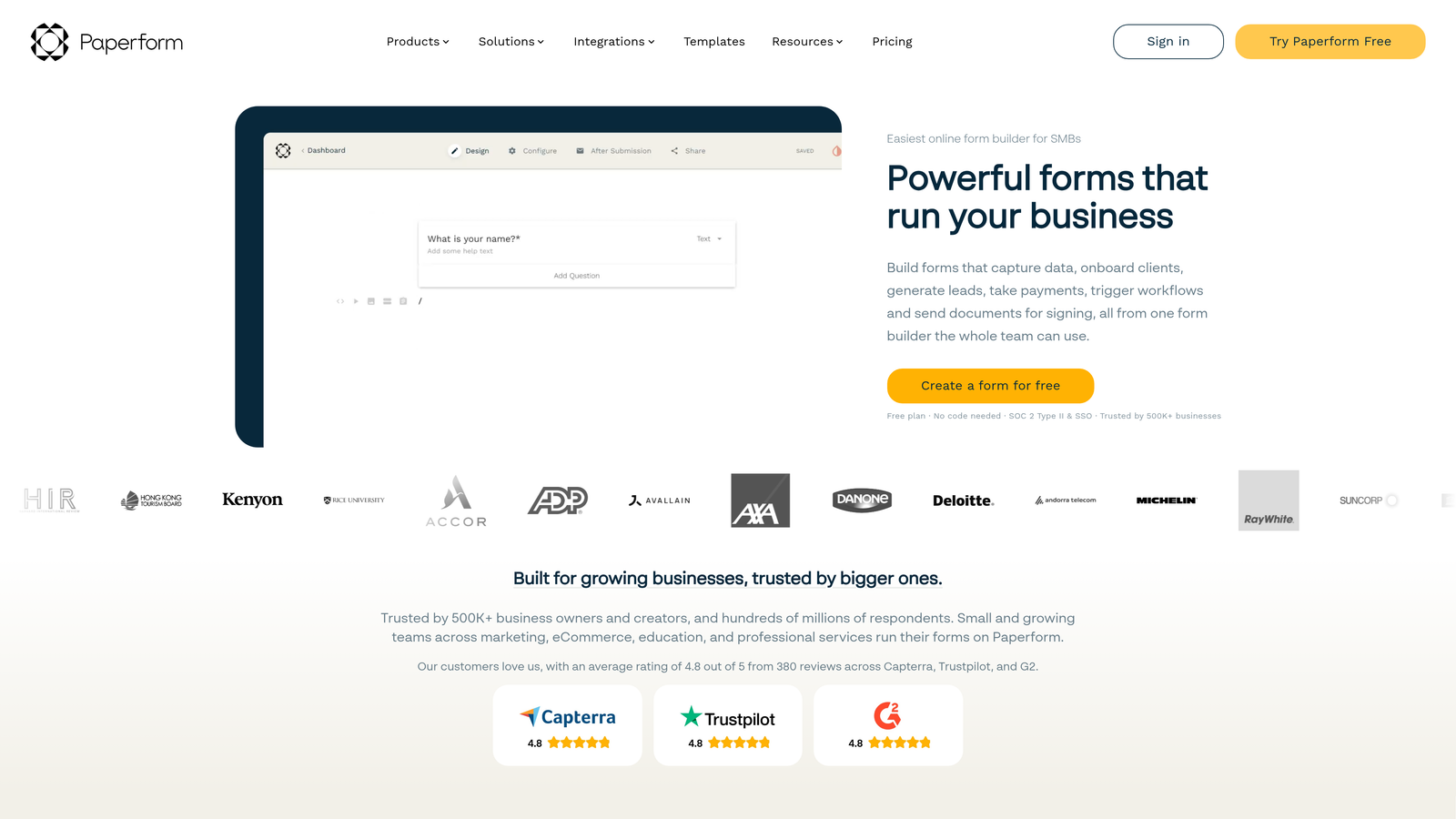
Paperform is a form builder that blends rich content editing with form functionality, producing experiences that look more like designed landing pages than traditional forms.
Where This Tool Shines
Paperform gives you a true content editor within the form builder. You can embed images, videos, instructional text, and product fields alongside your form questions, creating a cohesive experience that doesn't feel like a stripped-down data collection tool. For teams selling products or services through forms, this matters.
The built-in payment processing and calculation fields make Paperform a strong choice for order forms, event registrations, and service booking flows. It's one of the few form builders where you can genuinely replace a simple landing page and checkout flow with a single form URL.
Key Features
Rich Content Editor: Embed images, videos, and formatted text blocks directly within your form to create landing-page-quality experiences.
Built-in Payments: Accept payments and sell products directly through forms with native processing support.
Calculations and Logic: Conditional logic combined with calculation fields for pricing configurators and dynamic quotes.
Full Custom Branding: Control fonts, colors, themes, and layout to match your brand identity precisely.
Broad Integration Support: Over 3,000 integrations available via Zapier and direct connections to popular tools.
Best For
Paperform is ideal for small businesses, consultants, and marketing teams that want to combine content, forms, and payments in one polished experience. It's less focused on lead qualification or enterprise-scale workflows.
Pricing
Plans start at $24/month for the Essentials tier. No free plan, but a 14-day free trial is available to explore the full feature set.
8. Formstack
Best for: Enterprise and regulated-industry teams that need forms, documents, e-signatures, and compliance in one platform.
Formstack is an enterprise-grade workflow platform that extends well beyond form building into document generation, e-signatures, and compliance management for complex organizations.
Where This Tool Shines
Formstack's strength is depth, not simplicity. For organizations in healthcare, financial services, or legal where data handling requirements are strict, the platform's HIPAA, GDPR, and SOC 2 compliance credentials are a significant advantage. You're not bolting compliance onto a consumer tool; it's built into the architecture.
The integrated suite of forms, documents, and e-signatures means teams can automate multi-step processes entirely within one platform. A form submission can trigger a document to be generated and sent for signature automatically, which eliminates a lot of manual handoff work in regulated workflows.
Key Features
Integrated Workflow Suite: Forms, document generation, and e-signatures in one connected platform for end-to-end process automation.
Enterprise Compliance: HIPAA, GDPR, and SOC 2 compliance built in, with audit trails and data governance controls.
Salesforce-Native Integration: Deep Salesforce integration for enterprise teams with complex CRM requirements.
A/B Testing: Built-in form testing and conversion analytics to optimize performance over time.
Multi-Step Forms and Logic: Advanced conditional logic and multi-page flows for complex data collection scenarios.
Best For
Formstack is designed for enterprise teams, healthcare organizations, and any business where compliance, document workflows, and e-signatures need to live in a single governed platform. It's overbuilt for most early-stage teams.
Pricing
Plans start at $50/month. Enterprise pricing is available for larger organizations with compliance-heavy requirements.
9. Formsort
Best for: Developer-savvy growth teams that want to treat forms as optimizable conversion surfaces with built-in A/B testing.
Formsort is a developer-friendly form platform built specifically for growth teams that want to run experiments, track funnel performance, and iterate on forms the same way they would iterate on any other conversion asset.
Where This Tool Shines
Formsort occupies a unique position in this market: it's built for teams that think about forms as optimizable products, not just data collection utilities. The built-in A/B testing engine lets you run experiments on form flows, question ordering, and copy without needing a separate experimentation platform or developer involvement for every test.
The API-first architecture also makes Formsort a strong fit for product and engineering teams that want to integrate form data into custom systems or build tightly coupled workflows. It's more technical than most tools on this list, but that technical depth is the point.
Key Features
Built-in A/B Testing: Run experiments on form flows, branching logic, and content variations with a native experimentation engine.
Funnel Analytics: Conversion analytics with detailed funnel visualization to identify and address drop-off at every step.
Advanced Branching Logic: Dynamic, complex form flows that adapt based on user inputs and external data sources.
API-First Architecture: Deep integration capabilities for engineering teams building custom workflows and data pipelines.
HIPAA Compliance: Available for teams operating in regulated industries that need both experimentation and compliance.
Best For
Formsort is the right tool for growth engineering teams, product-led growth companies, and organizations that run continuous conversion optimization programs on their forms. Teams without technical resources may find the platform more complex than necessary.
Pricing
Custom pricing based on submission volume. A free trial is available to evaluate the platform before committing.
Which Tool Is Right for Your Team?
The right form tool depends on where your team is, what your stack looks like, and what you actually need forms to do. Here's a quick way to think through the decision.
If lead qualification is your primary challenge, Orbit AI is the clear starting point. The combination of real-time AI scoring, conversion-optimized templates, and native CRM integrations means your forms are doing qualification work automatically, not just collecting raw submissions for your team to sort through manually.
If you're already deep in HubSpot, HubSpot Forms removes all the integration friction and is free to start. If your team runs on Airtable or Notion and needs forms that sync back to those databases, Fillout solves a problem the other tools don't address. For enterprise teams in regulated industries, Formstack is built for that level of compliance and workflow complexity.
For teams that want beautiful, engaging form experiences without a heavy feature set, Typeform and Tally are both excellent options at their respective price points. And for growth engineering teams that want to run continuous experiments on their forms, Formsort is in a category of its own.
But if you're a high-growth team that wants AI-powered lead qualification built directly into your forms alongside modern design and conversion analytics, Orbit AI was built specifically for that use case. Start building free forms today and see how intelligent form design can elevate your conversion strategy.


