

Wufoo helped pioneer online forms, but that was a different era of the web. Today's startups need form builders that do more than collect data: they need tools that qualify leads, connect natively to CRMs, look great on mobile, and don't require a developer to customize. If you've found yourself fighting Wufoo's dated interface or hitting walls with its limited logic and integrations, you're not alone.
This list focuses on alternatives that actually fit how startups operate in 2026. The selection criteria: startup-friendly pricing (ideally with a free tier), modern design and customization, a strong integration ecosystem, ease of use without engineering support, and features that move the needle on lead generation and conversion. Whether you're collecting demo requests, qualifying inbound leads, or running onboarding surveys, there's a better option below.
1. Orbit AI
Best for: Startups that want AI-powered lead qualification built directly into their forms
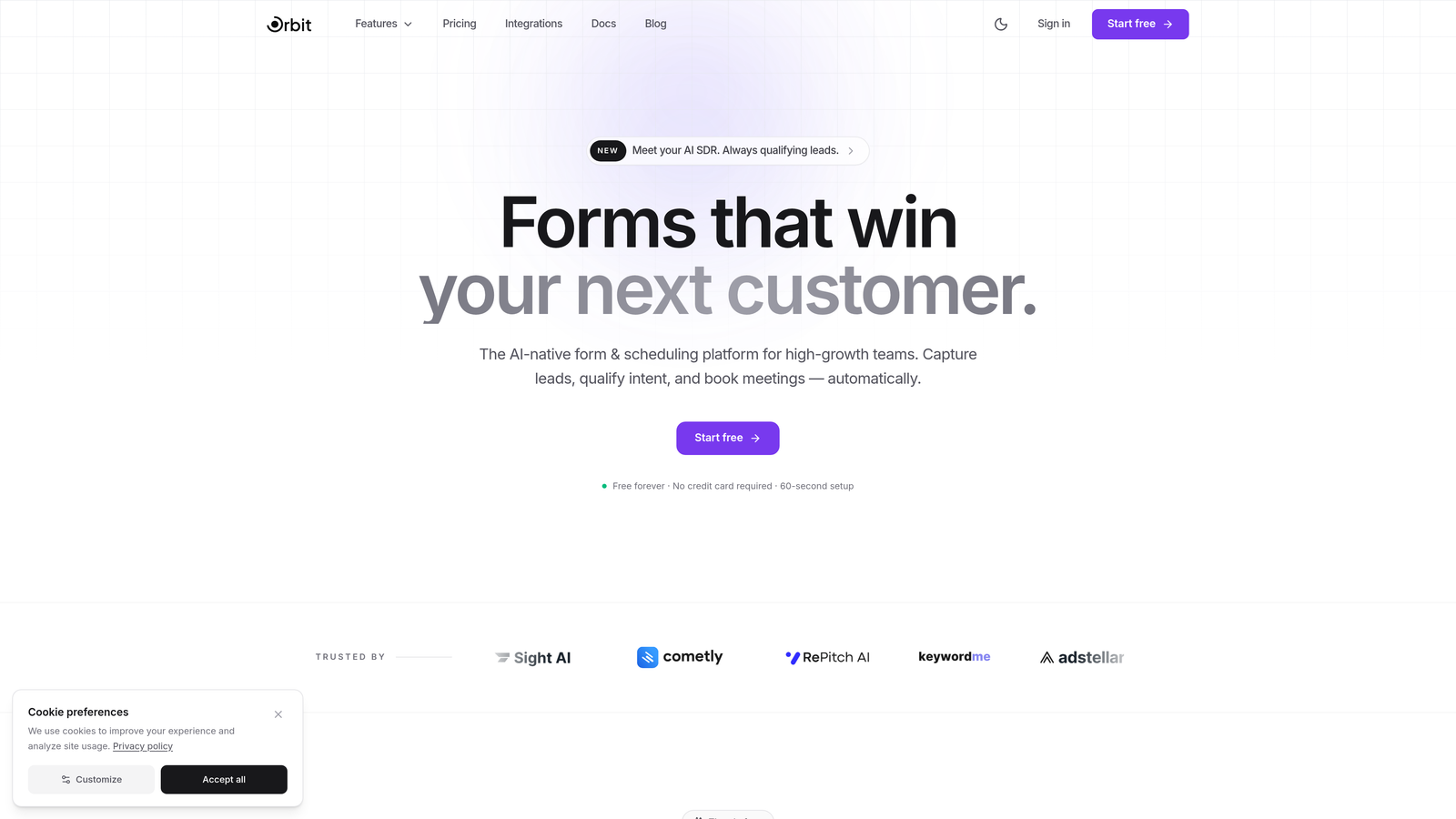
Orbit AI is an AI-powered form builder designed for high-growth teams who need more than a data collection tool.
Where This Tool Shines
What separates Orbit AI from every other tool on this list is what happens during the form submission itself. Rather than passing raw responses to your CRM and hoping your sales team sorts them out, Orbit AI's AI agents qualify and score leads in real-time as respondents fill out the form. That means your team gets enriched, prioritized leads instead of a flat spreadsheet.
The platform is also built with conversion in mind from the ground up. Templates are designed around lead generation best practices, not generic data collection, and the workflow automation layer means you can trigger follow-up sequences, schedule outreach, and route leads without stitching together five different tools.
Key Features
AI Lead Qualification: AI agents score and qualify leads in real-time during form submission, so your CRM receives enriched data from the start.
Conversion-Optimized Templates: Pre-built templates designed specifically for lead generation, demo requests, and high-intent conversion flows.
Workflow Automation: Built-in sequences and scheduling let you automate follow-up without relying on external tools.
Native CRM Integrations: Direct integrations with HubSpot, Close, and Attio eliminate the need for middleware on your most critical data connections.
Built-in Analytics Dashboard: Track form performance, completion rates, and lead quality directly within the platform.
Best For
Orbit AI is the strongest fit for B2B SaaS startups and growth teams running active inbound pipelines. If lead qualification is a bottleneck and you're tired of manually triaging form submissions, this is the tool built to solve that exact problem.
Pricing
Free tier available. Paid plans with advanced AI and automation features are detailed at orbitforms.ai/pricing.
2. Typeform
Best for: Teams that prioritize form engagement and polished, branded experiences
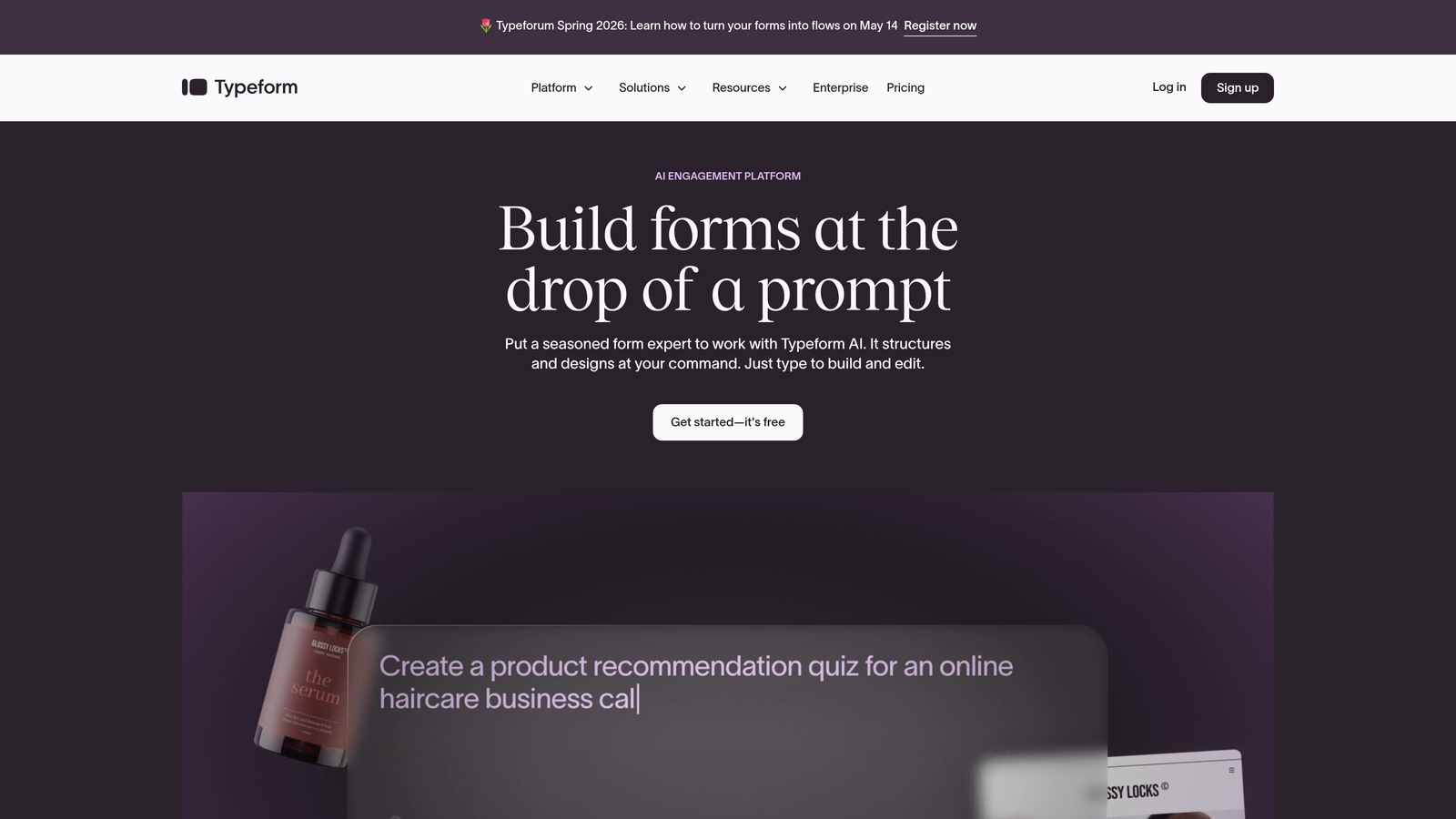
Typeform is a conversational form builder known for its one-question-at-a-time format and high completion rates.
Where This Tool Shines
Typeform's signature approach, presenting one question at a time in a clean, full-screen layout, genuinely changes how people experience forms. It feels less like filling out paperwork and more like a conversation, which tends to improve completion rates on longer forms like surveys, applications, and onboarding questionnaires.
The design customization is also a step above most competitors. You can match fonts, colors, and imagery to your brand with precision, making Typeform a strong choice when the form itself is customer-facing and needs to reflect your product quality.
Key Features
Conversational Format: One-question-at-a-time interface creates a more engaging, less overwhelming experience for respondents.
Design Customization: Extensive branding controls including fonts, colors, backgrounds, and custom domains.
Logic Jumps: Conditional branching routes respondents to different questions based on previous answers.
Integrations: Connects with HubSpot, Salesforce, Slack, Mailchimp, and hundreds more via native integrations and Zapier.
Media Embedding: Add video and images directly within form questions to provide context or increase engagement.
Best For
Typeform works well for startups that need branded, customer-facing forms and surveys where presentation matters. It's particularly strong for product feedback, NPS surveys, and lead capture flows where engagement is a priority over speed of setup.
Pricing
Free plan available with limited responses. Paid plans start at around $25/month, with higher tiers for advanced logic and integrations.
3. Tally
Best for: Early-stage startups that need powerful forms without paying anything upfront
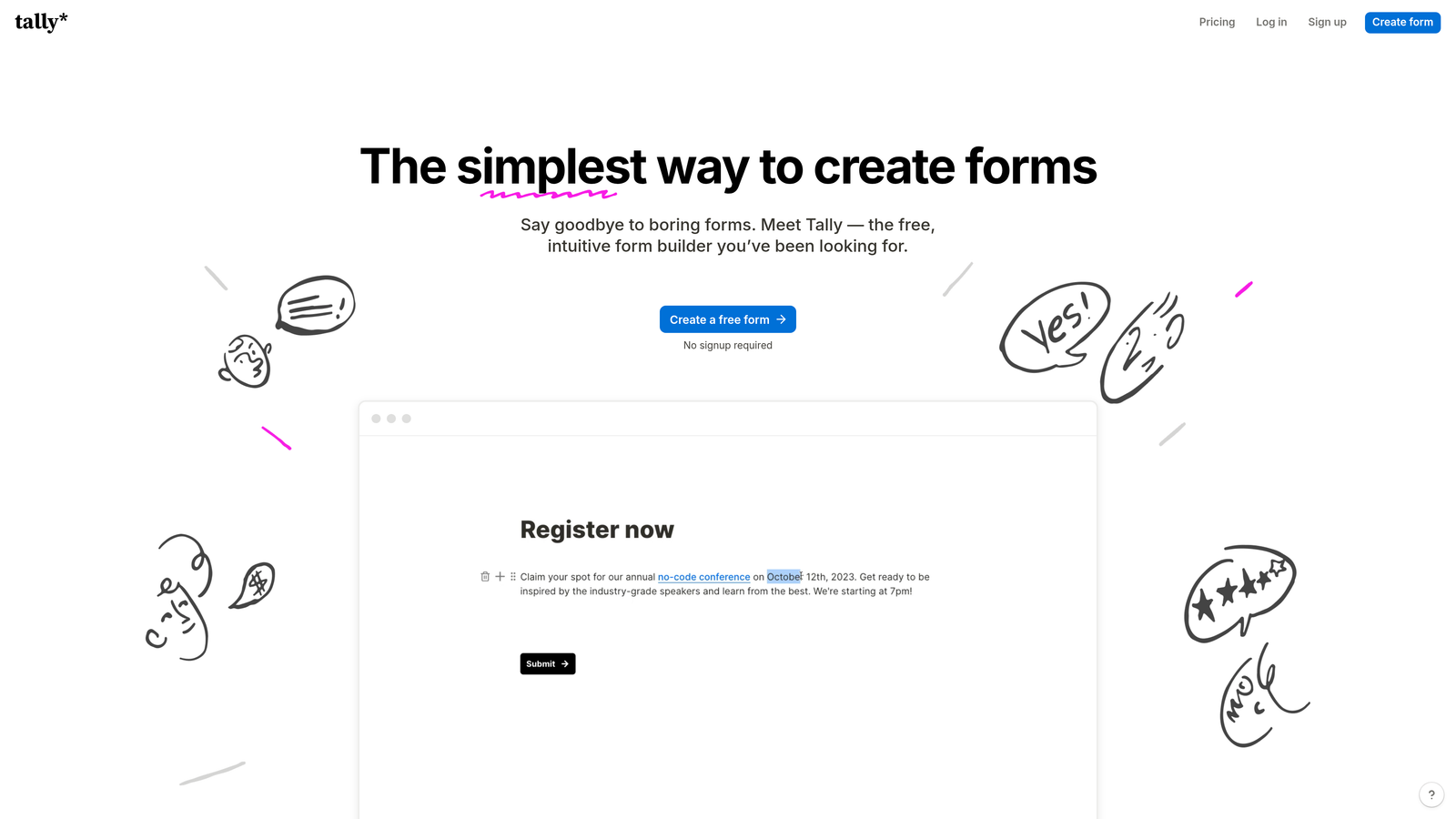
Tally is a free-first form builder with a Notion-style editing experience and genuinely unlimited forms and submissions on its free plan.
Where This Tool Shines
Tally's free tier is unusually generous. Most form builders cap responses, forms, or features on free plans, but Tally gives you unlimited forms and unlimited submissions without a credit card. For a pre-revenue startup or a small team watching burn rate, that's a meaningful difference.
The block-based editor will feel immediately familiar to anyone who uses Notion. Building a form feels more like writing a document than configuring a tool, which lowers the learning curve significantly. It's not the most feature-rich option on this list, but it covers the fundamentals extremely well for free.
Key Features
Unlimited Free Tier: Unlimited forms and submissions at no cost, with no response caps or artificial limits.
Block-Based Editor: Notion-style interface makes building forms fast and intuitive without a learning curve.
Conditional Logic: Show or hide fields based on previous answers, available even on the free plan.
Stripe Payments: Collect payments directly through forms without needing a separate tool.
Custom Domains: Use your own domain and remove Tally branding on the Pro plan.
Best For
Tally is the obvious choice for bootstrapped founders, early-stage teams, and anyone who needs functional, well-designed forms without a budget. It's also a great fit for internal tools like team surveys, feedback forms, and simple intake flows.
Pricing
Core features are completely free. Tally Pro is $29/month and adds custom domains, white-labeling, and priority support.
4. Jotform
Best for: Startups that need a wide template library and built-in payment processing
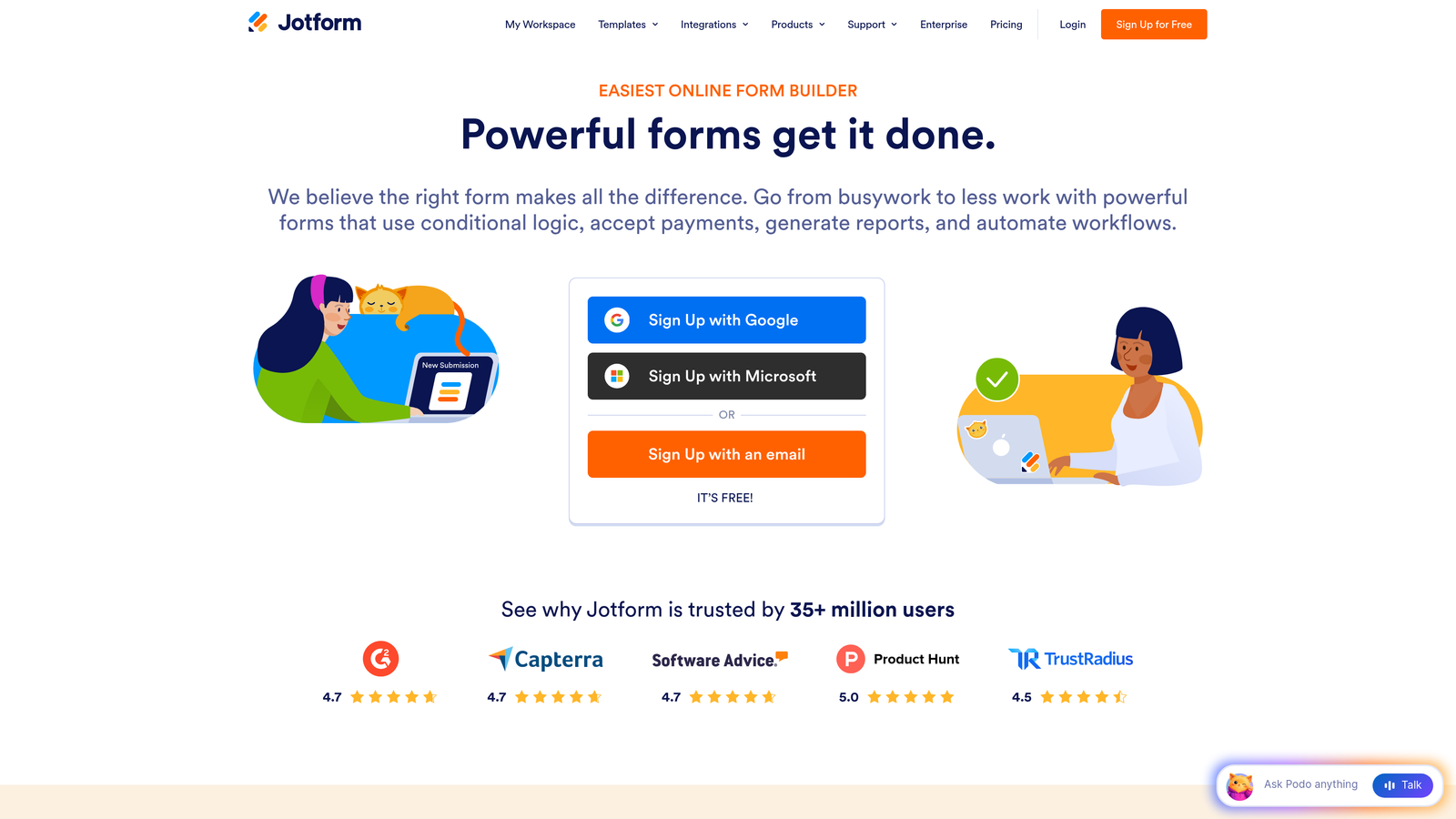
Jotform is a feature-rich form builder with one of the largest template libraries available and strong payment processing support.
Where This Tool Shines
If you need a form built quickly and don't want to start from scratch, Jotform's library of over 10,000 templates is hard to beat. There's a template for nearly every use case imaginable, from job applications to event registrations to medical intake forms, and most are well-designed enough to use with minimal modification.
Jotform also stands out for payment collection. Native integrations with PayPal, Stripe, and Square mean you can accept payments directly through forms without additional setup, making it useful for startups selling services, collecting deposits, or running paid registrations.
Key Features
10,000+ Templates: Massive library covering virtually every form use case, reducing setup time significantly.
Drag-and-Drop Builder: Visual editor with conditional logic that requires no technical knowledge.
Payment Processing: Native support for PayPal, Stripe, and Square directly within forms.
Jotform Tables: Built-in submission management tool that organizes responses in a spreadsheet-like view.
HIPAA Compliance: Available on higher-tier plans for healthcare and regulated industries.
Best For
Jotform suits startups that need a broad, versatile form tool that can handle many different use cases across teams. It's particularly strong for operations, HR, and finance workflows where templates and payment collection matter.
Pricing
Free plan available with submission and storage limits. Paid plans start at around $34/month.
5. Google Forms
Best for: Internal surveys, quick data collection, and teams already in the Google Workspace ecosystem
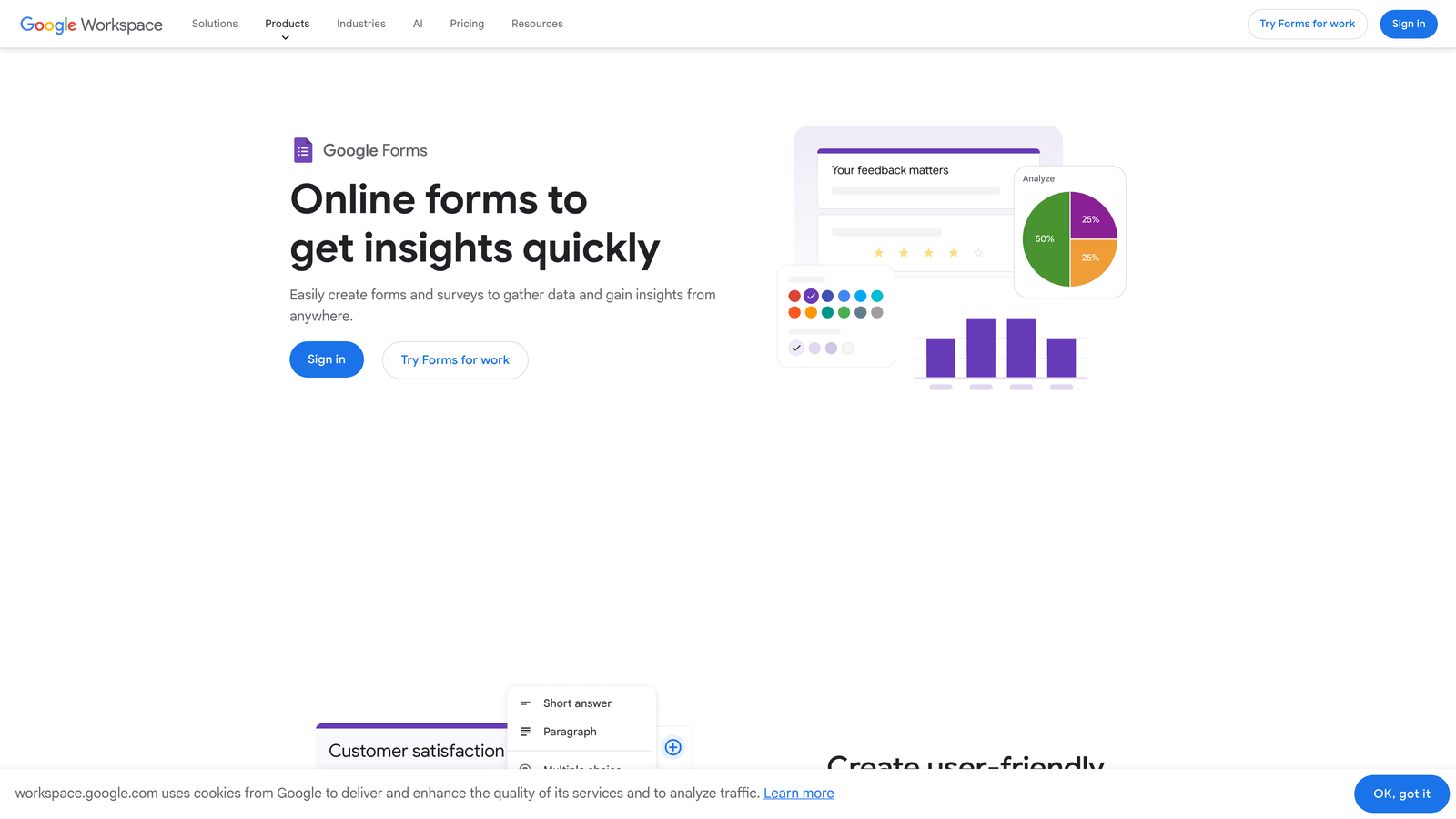
Google Forms is Google's free form builder with seamless Sheets integration and zero cost for unlimited usage.
Where This Tool Shines
Google Forms wins on simplicity and price. It's completely free, requires no account setup beyond a Google login, and automatically pipes every submission into Google Sheets for analysis. For internal use cases like team surveys, event sign-ups, or quick feedback collection, it's often the fastest path from idea to live form.
Real-time collaboration is another genuine strength. Multiple team members can edit the same form simultaneously, which is useful for teams building intake forms or surveys together without version control headaches.
Key Features
Completely Free: No submission limits, no paid tiers, no hidden costs with a Google account.
Google Sheets Integration: All responses automatically populate a connected spreadsheet in real-time.
Team Collaboration: Multiple editors can work on the same form simultaneously.
Conditional Logic: Basic branching to show different sections based on responses.
File Uploads: Respondents can attach files directly through the form.
Best For
Google Forms is best for internal use cases where design and branding don't matter. It's not a strong choice for customer-facing lead generation, but it's unbeatable for quick internal surveys, research collection, and team-facing workflows.
Pricing
Completely free with any Google account. No paid tiers or submission limits.
6. Fillout
Best for: Teams using Airtable, Notion, or other databases who want direct form-to-database connections
Fillout is a modern form builder built around native integrations with popular databases, removing the need for middleware on most connections.

Where This Tool Shines
Fillout's core differentiator is its native database connectivity. While most form builders require Zapier or Make to push data into Airtable or Notion, Fillout connects directly, which means fewer failure points, real-time syncing, and the ability to pre-fill forms from existing records. For startups running their operations in Airtable or Notion, this is a significant workflow improvement.
The form builder itself is clean and modern, with multi-page support, conditional logic, and a polished default design that doesn't require heavy customization to look professional.
Key Features
Native Database Integrations: Direct connections to Airtable, Notion, Google Sheets, and Smartsheet without middleware.
Pre-fill from Records: Populate form fields from existing database records, useful for update forms and client portals.
Conditional Logic: Multi-page forms with branching logic based on respondent answers.
Payments and Scheduling: Accept payments and bookings directly within forms.
Custom Domains: Embed forms or host them on your own domain.
Best For
Fillout is the natural choice for ops-heavy startups and product teams that live in Airtable or Notion and want form submissions to flow directly into their existing database structure without manual syncing.
Pricing
Free plan available. Paid plans start at around $19/month, making it one of the more affordable options with strong native integrations.
7. Paperform
Best for: Startups that want forms to feel like branded landing pages rather than generic input fields
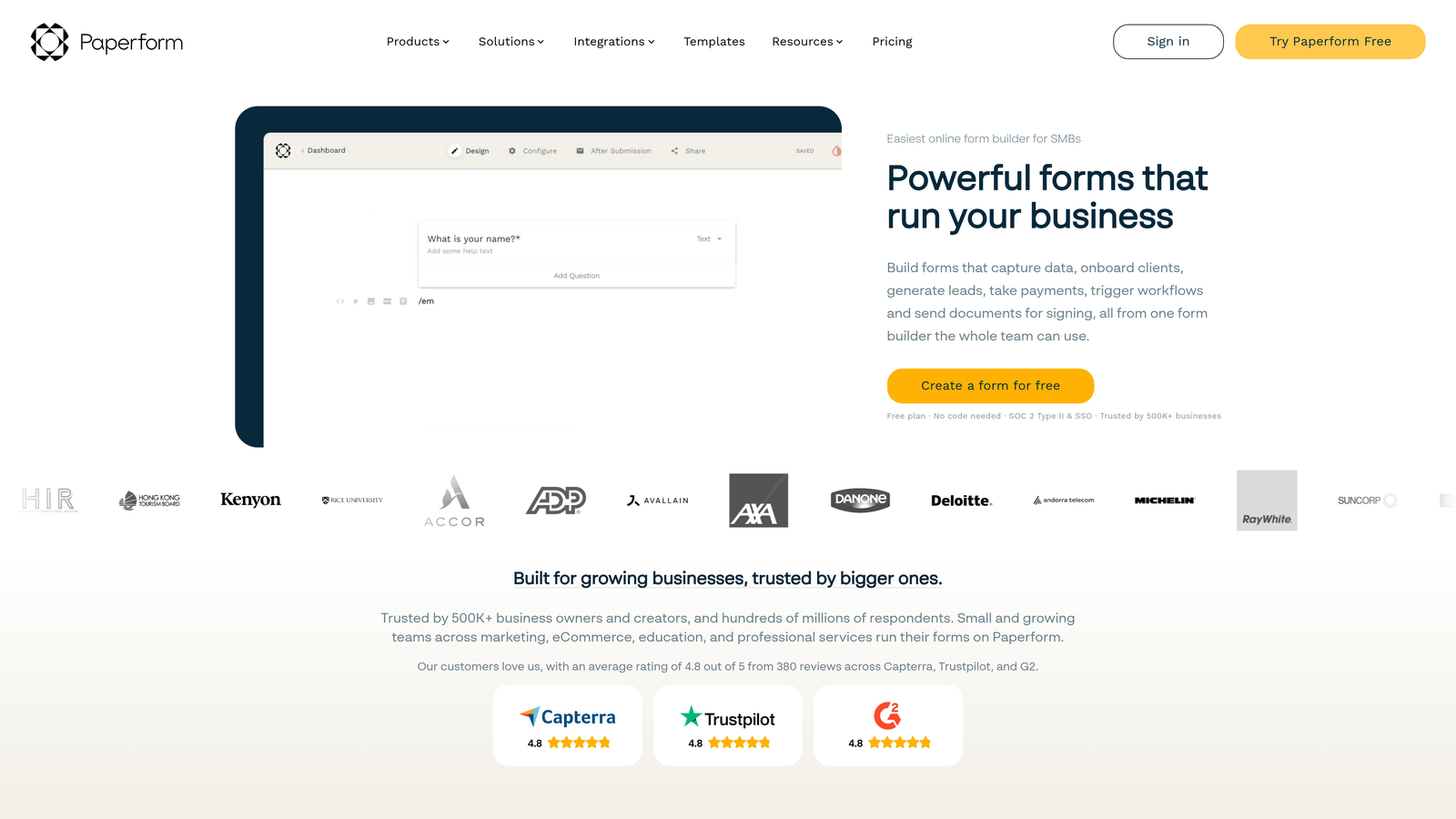
Paperform is a form builder that blends rich content with form fields, creating experiences that feel closer to a landing page than a traditional form.
Where This Tool Shines
Paperform's editor lets you mix text, images, video, and form fields freely on the same canvas, which means your form can tell a story, provide context, or reinforce your brand while collecting information. It's a fundamentally different approach from tools that treat forms as isolated input fields.
The built-in booking and payment functionality is also well-executed. You can build a complete service booking flow, including product selection, scheduling, payment, and confirmation, without leaving the platform or connecting external tools.
Key Features
Rich Content Editor: Mix text, images, and video freely alongside form fields in a single document-style canvas.
Payments and Bookings: Built-in payment processing and appointment scheduling within forms.
Advanced Logic and Calculations: Conditional logic with calculation fields for pricing, scoring, and dynamic outputs.
Custom Branding: Full control over fonts, colors, themes, and custom domains.
2,000+ Integrations: Direct connections and Zapier support cover most marketing and CRM stacks.
Best For
Paperform suits startups in service businesses, consulting, or any context where the form itself is a customer touchpoint that needs to reflect brand quality. It's also strong for booking flows and multi-step sales processes.
Pricing
Plans start at around $24/month. There is no free tier, though a 14-day trial is available.
8. Formstack
Best for: Startups in regulated industries or teams needing document generation and e-signatures alongside forms
Formstack is an enterprise-leaning form and workflow platform with document generation, e-signatures, and compliance capabilities built in.
Where This Tool Shines
Formstack goes beyond form building into full workflow automation. Submissions can trigger multi-step approval processes, generate pre-filled documents, and collect e-signatures, all within a single platform. For startups dealing with contracts, compliance, or complex internal approvals, that end-to-end capability is genuinely valuable.
The compliance infrastructure is also a differentiator. HIPAA, GDPR, and other regulatory requirements are built into the platform rather than bolted on, which matters for startups in healthcare, legal, or financial services.
Key Features
Workflow Automation: Multi-step approval routing and conditional workflows triggered by form submissions.
Document Generation: Auto-generate populated documents from form data without manual data entry.
E-Signatures: Collect legally binding electronic signatures within the same platform.
Compliance Ready: HIPAA, GDPR, and SOC 2 compliance built into the platform.
A/B Testing: Test form variations to optimize completion rates over time.
Best For
Formstack is best suited for startups in regulated industries or those with complex internal workflows involving approvals, document generation, and signatures. It's overbuilt for simple lead capture but powerful for compliance-heavy use cases.
Pricing
Plans start at around $50/month. Higher tiers are required for the full workflow and document generation feature set.
9. HubSpot Free Form Builder
Best for: Startups already using HubSpot CRM who want zero-friction lead capture with automatic contact creation
HubSpot's form builder is a native tool that feeds submissions directly into HubSpot CRM with automatic contact creation and list segmentation.
Where This Tool Shines
If your team is already in HubSpot, the form builder is the path of least resistance for lead capture. Every submission automatically creates or updates a contact record, assigns it to the right list, and can trigger follow-up email sequences without any integration setup. The data just flows where it needs to go.
Progressive profiling is another standout feature. Rather than asking the same questions repeatedly, HubSpot's forms detect what information you already have on a contact and surface new fields instead, reducing form fatigue while gradually building richer contact profiles over time.
Key Features
Native CRM Integration: Submissions automatically create or update HubSpot contact records with no middleware required.
Drag-and-Drop Editor: Simple visual builder for creating embedded forms and pop-ups.
Progressive Profiling: Shows different fields to returning visitors based on existing CRM data, reducing repetition.
Follow-Up Automation: Trigger email sequences and internal notifications directly from form submissions.
Embedded Analytics: View form performance data within the HubSpot dashboard alongside your broader marketing metrics.
Best For
HubSpot's form builder is the right choice for startups that are already committed to the HubSpot ecosystem. It's less compelling as a standalone tool but unbeatable for teams who want their forms deeply integrated with their CRM and marketing automation.
Pricing
Free with HubSpot CRM. Advanced features like A/B testing and smart forms are included in paid Marketing Hub plans, which start at higher price points.
Finding the Right Form Builder for Your Startup
The right choice depends on where your startup is and what you're optimizing for. Here's a quick way to think through it.
If you're early-stage and budget-constrained, Tally gives you the most functionality for free, and Google Forms works well for anything internal. Neither will win design awards, but they'll get the job done without touching your runway.
If design and engagement matter, Typeform remains the benchmark for conversational, branded form experiences. Paperform is the better choice when you want the form itself to function as a landing page.
If your team lives in Airtable or Notion, Fillout eliminates the middleware layer that slows most form-to-database workflows down. If you're deep in HubSpot, the HubSpot Form Builder is the obvious default. And if compliance is a core requirement, Formstack is built for exactly that context.
For startups focused on lead generation and conversion, the tools above can collect data effectively. But if you want your forms to actively qualify leads rather than just capture them, that's where Orbit AI does something different. The AI qualification layer means your team receives scored, enriched leads from the moment a form is submitted, not raw responses that need manual review.
Start building free forms today and see how intelligent form design can transform your lead generation. Transform your lead generation with AI-powered forms that qualify prospects automatically while delivering the modern, conversion-optimized experience your high-growth team needs.


