

When you're running a startup, every dollar counts. Spending hundreds per month on a form builder isn't realistic when you're still validating product-market fit, hiring your first team members, and stretching every budget line as far as it will go.
But cheap doesn't have to mean clunky. Today's budget-friendly form builders offer surprisingly powerful features: conditional logic, CRM integrations, analytics, and even AI-powered lead qualification. The challenge is finding the right balance between affordability and the features you actually need to capture leads, collect feedback, and grow.
We evaluated dozens of options based on free tiers, starter pricing, ease of use, integration options, and scalability for growing teams. Whether you need a simple contact form or a conversion-optimized lead capture machine, here are the best cheap form builders for startups in 2026.
1. Orbit AI
Best for: Startups focused on lead generation and qualifying prospects without manual effort
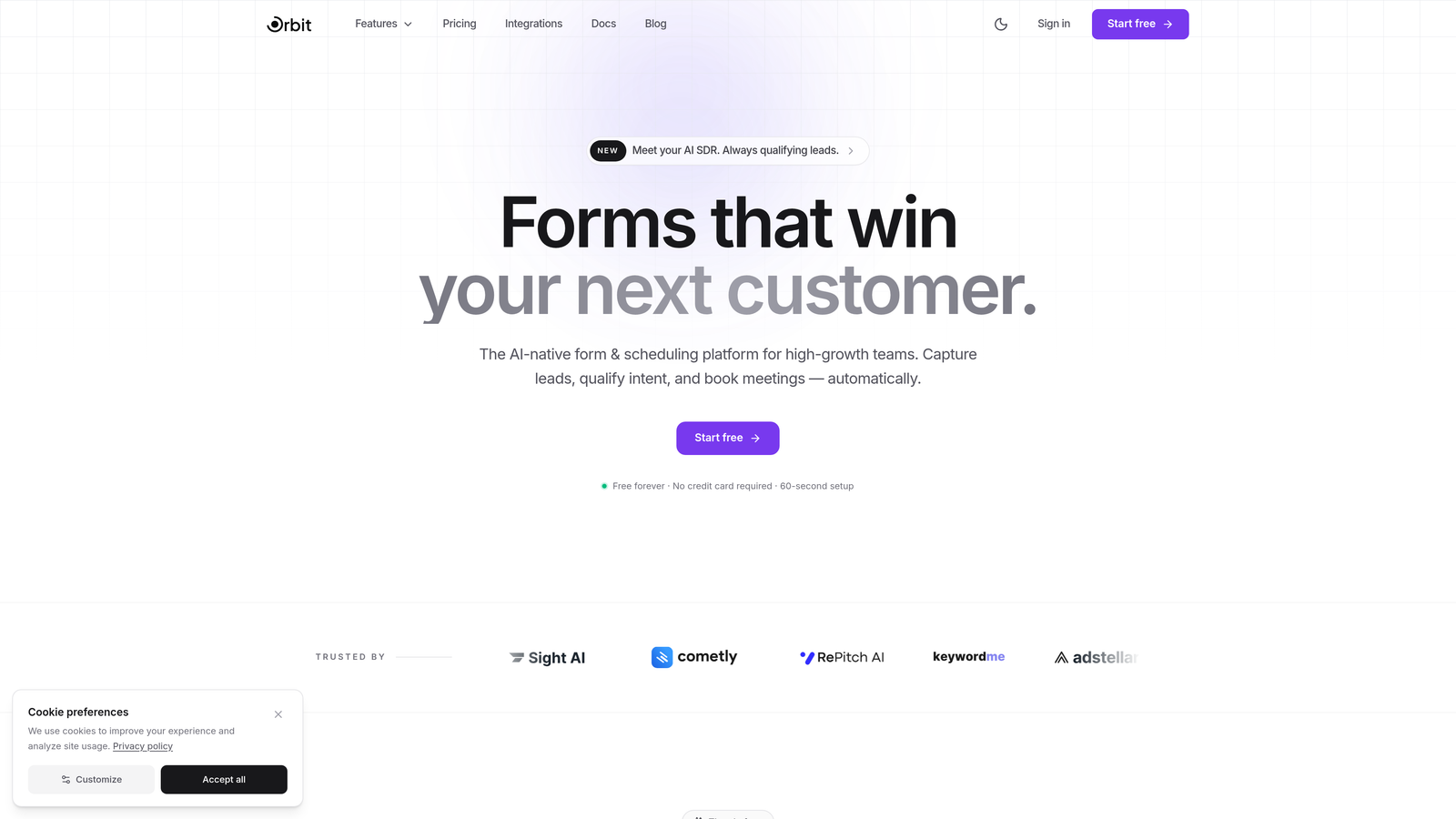
Orbit AI is an AI-powered form builder designed specifically for high-growth teams that want conversion-optimized forms without enterprise-level pricing.
Where This Tool Shines
Most form builders collect data and stop there. Orbit AI goes a step further by qualifying leads directly within the form experience, using AI to score submissions and surface the prospects most worth your team's attention. For a lean startup team without a dedicated sales ops function, this is genuinely valuable.
The form design is clean and modern, which matters more than people admit. A polished form signals professionalism to potential customers, especially if you're selling to other businesses. Orbit AI's templates are built with conversion in mind, not just aesthetics.
Key Features
AI-Powered Lead Scoring: Automatically qualifies and scores form submissions so your team focuses on the highest-value prospects first.
Conversion-Optimized Templates: Pre-built templates designed specifically for lead generation, not generic data collection.
Conditional Logic: Dynamic fields that adapt based on user responses, creating a more relevant and engaging form experience.
CRM and Marketing Integrations: Connects with the tools already in your stack, so leads flow directly into your pipeline.
Mobile-Optimized Design: Forms look and perform well on any device, which is critical when a significant portion of traffic comes from mobile.
Best For
Startups running active lead generation campaigns who can't afford to waste time chasing unqualified prospects. Particularly strong for B2B SaaS teams, agencies, and any growth-focused company where lead quality matters as much as lead volume.
Pricing
Free tier available with paid plans designed to fit startup budgets. Pricing scales with your growth rather than punishing you for early traction.
2. Tally
Best for: Startups that want unlimited forms and submissions without paying a cent
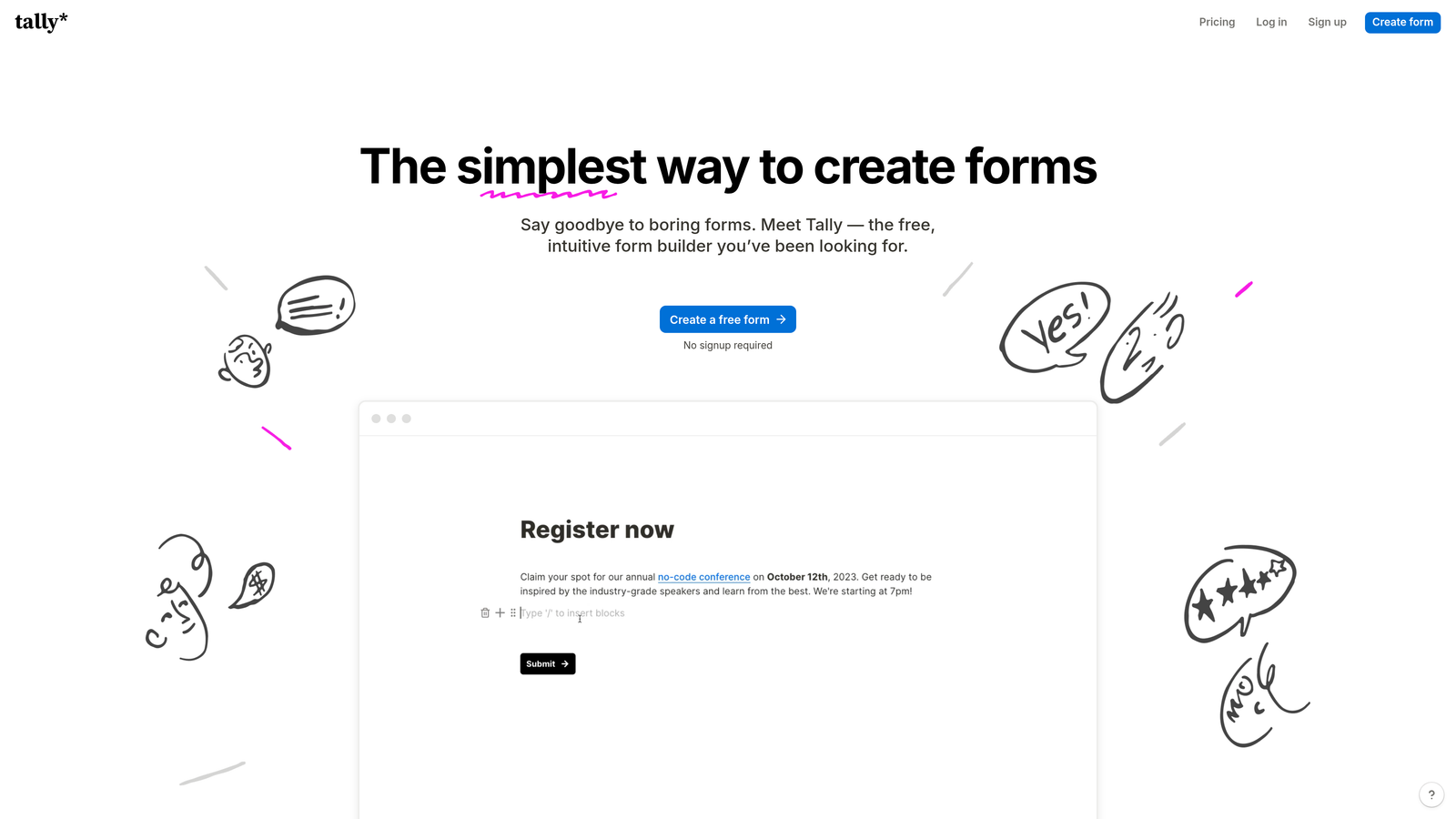
Tally is a free-first form builder with a Notion-style editing experience that has become a favorite in the startup community.
Where This Tool Shines
Tally's free plan is genuinely generous. Unlimited forms, unlimited submissions, and no Tally branding on embedded forms. For a bootstrapped startup watching every dollar, that's hard to beat. The block-based editor feels intuitive if your team already lives in Notion.
It handles more complexity than you'd expect from a free tool. Conditional logic, hidden fields, and webhook integrations mean you can build fairly sophisticated workflows without touching the paid plan.
Key Features
Unlimited Free Forms and Submissions: No artificial caps on the free plan, which is rare in this category.
Notion-Style Block Editor: Familiar drag-and-drop experience for teams already using Notion.
Conditional Logic and Hidden Fields: Build smart forms that respond to user input on the free tier.
Webhooks and Zapier Integration: Connect to your existing tools without needing a paid plan.
Custom Branding: Available on the Pro plan for a more polished, on-brand experience.
Best For
Early-stage startups and solo founders who need functional, unlimited forms without any upfront cost. Also great for internal tools like employee surveys, bug reports, or onboarding checklists.
Pricing
Free plan with unlimited forms and submissions. Pro plan at $29/month adds custom branding, payment collection, and priority support.
3. Google Forms
Best for: Quick surveys, internal data collection, and teams already in the Google Workspace ecosystem
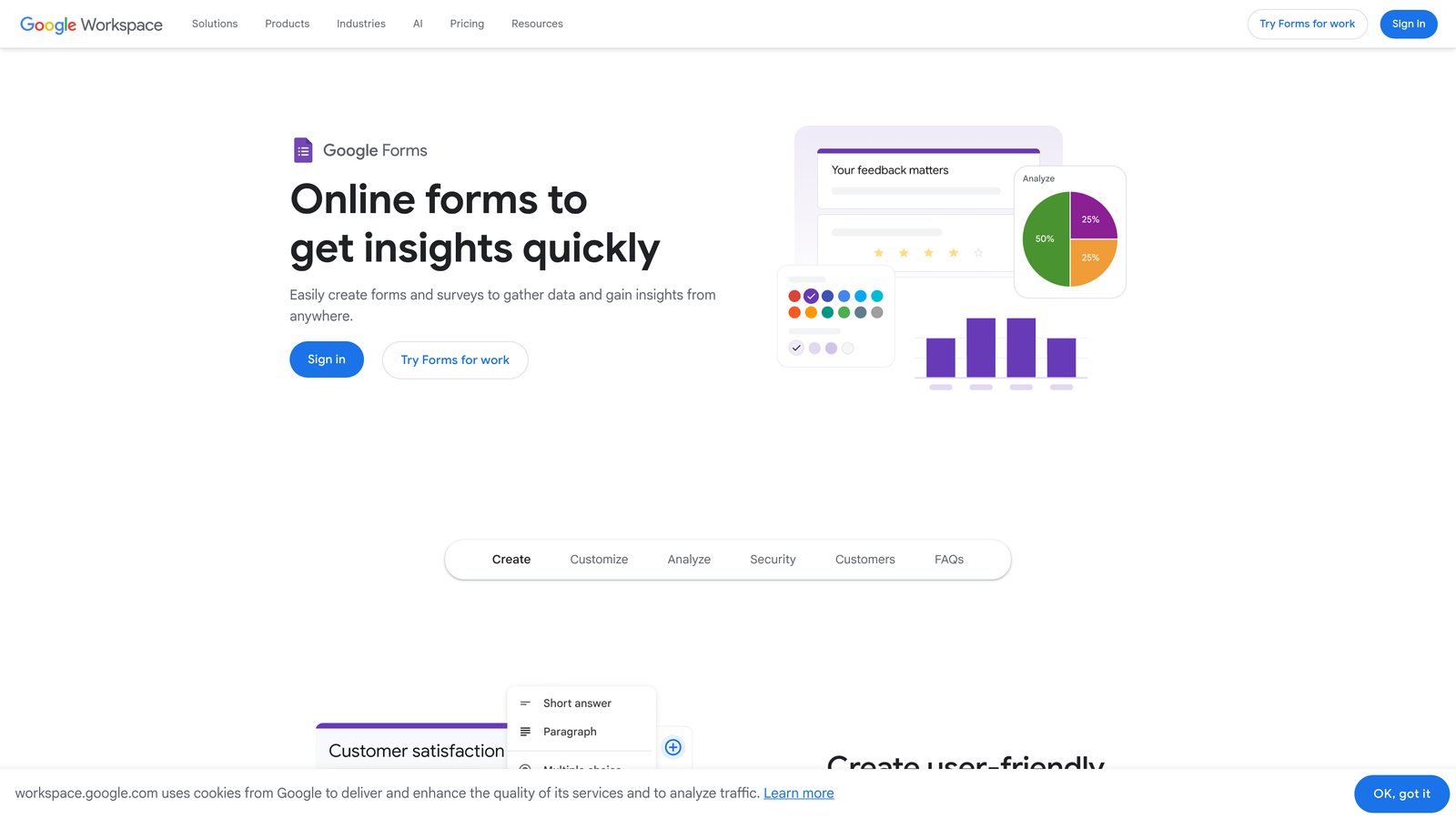
Google Forms is completely free and requires nothing more than a Google account to get started.
Where This Tool Shines
There's no faster way to get a form live than Google Forms. Open a browser tab, start typing questions, share the link. No sign-up friction, no credit card, no submission limits. For internal use cases like team feedback, quick polls, or event RSVPs, it's often all you need.
The automatic Google Sheets integration is a genuine time-saver. Every submission populates a spreadsheet in real time, which makes it easy to analyze results, filter responses, or share data with teammates who don't need to log into a separate platform.
Key Features
Completely Free: No submission limits, no paid tiers, no hidden costs.
Automatic Google Sheets Integration: Responses flow directly into a spreadsheet for easy analysis.
Real-Time Collaboration: Multiple team members can edit forms simultaneously.
Basic Conditional Logic: Section branching based on responses covers simple use cases.
File Upload Support: Respondents can attach files directly to their submissions.
Best For
Startups that need fast, no-frills forms for internal purposes or simple surveys. Not ideal for customer-facing lead capture where design and branding matter, but excellent for operational use cases.
Pricing
Completely free. Included with any Google account, including free Gmail accounts and Google Workspace subscriptions.
4. Jotform
Best for: Startups that need a wide variety of form types, including payments and e-signatures
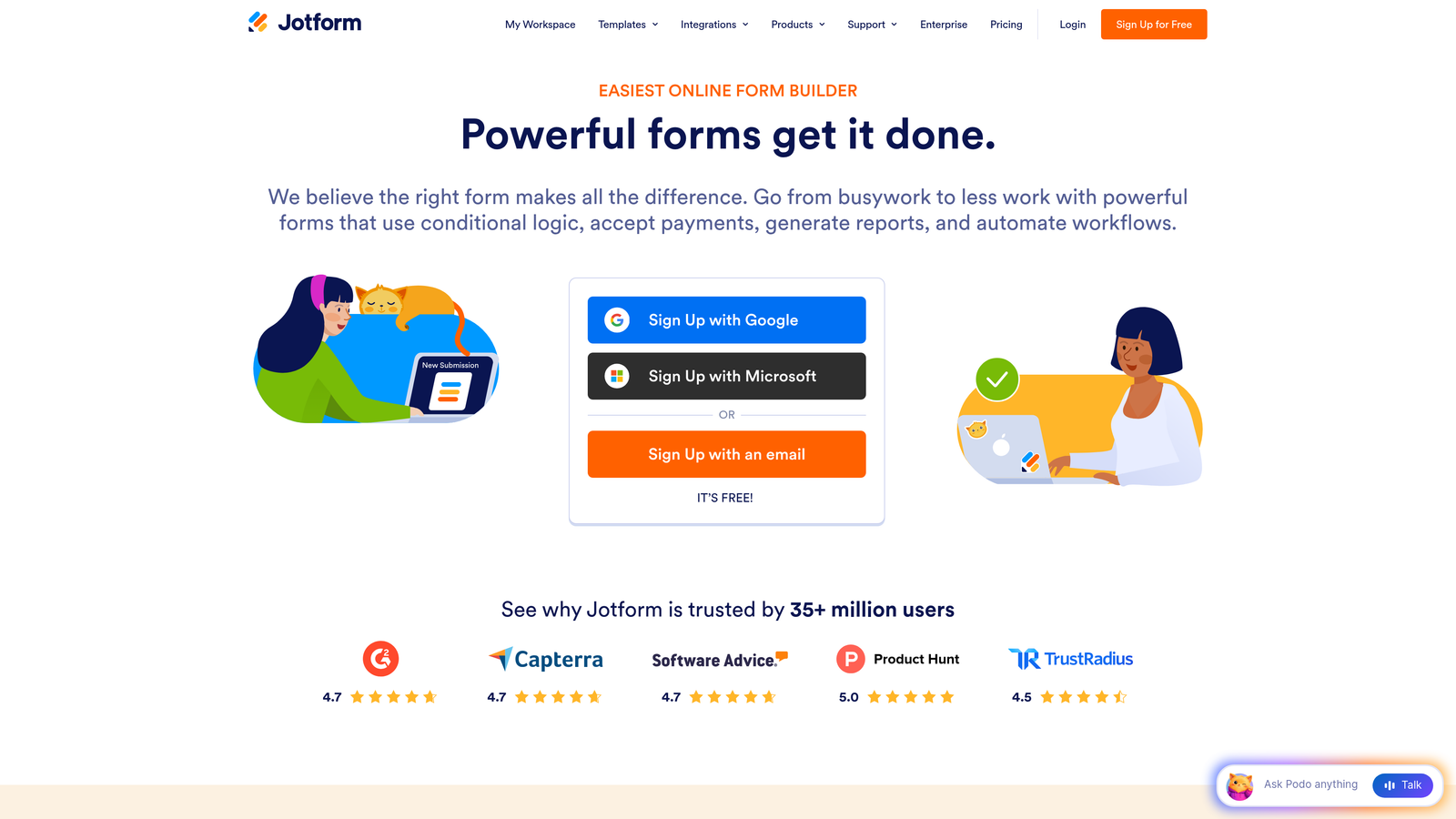
Jotform is a feature-rich form builder with over 10,000 templates and a generous free tier for startups getting started.
Where This Tool Shines
Jotform's template library is one of the most comprehensive in the category. Whatever you need to build, there's likely a starting point already there: job applications, order forms, event registrations, client intake forms, and much more. This saves significant time when you're building multiple form types across different parts of the business.
The built-in payment processing is a standout feature at this price point. You can collect payments via Stripe, PayPal, or Square directly through your forms without needing a separate integration layer, which is valuable for startups selling services or digital products.
Key Features
10,000+ Templates: One of the largest template libraries available, covering virtually every use case.
Built-In Payment Processing: Accept payments through Stripe, PayPal, and Square natively.
Conditional Logic: Dynamic form behavior based on user responses.
PDF Generation and E-Signatures: Create signed documents directly from form submissions.
HIPAA Compliance: Available on higher-tier plans for healthcare-adjacent startups.
Best For
Startups that need a versatile tool handling many different form types, especially those that involve payments, contracts, or document generation. The breadth of templates makes it particularly useful for teams building multiple workflows quickly.
Pricing
Free plan includes 5 forms and 100 submissions per month. Starter plan at $34/month removes most restrictions for growing teams.
5. Typeform
Best for: Startups that prioritize form completion rates and brand experience
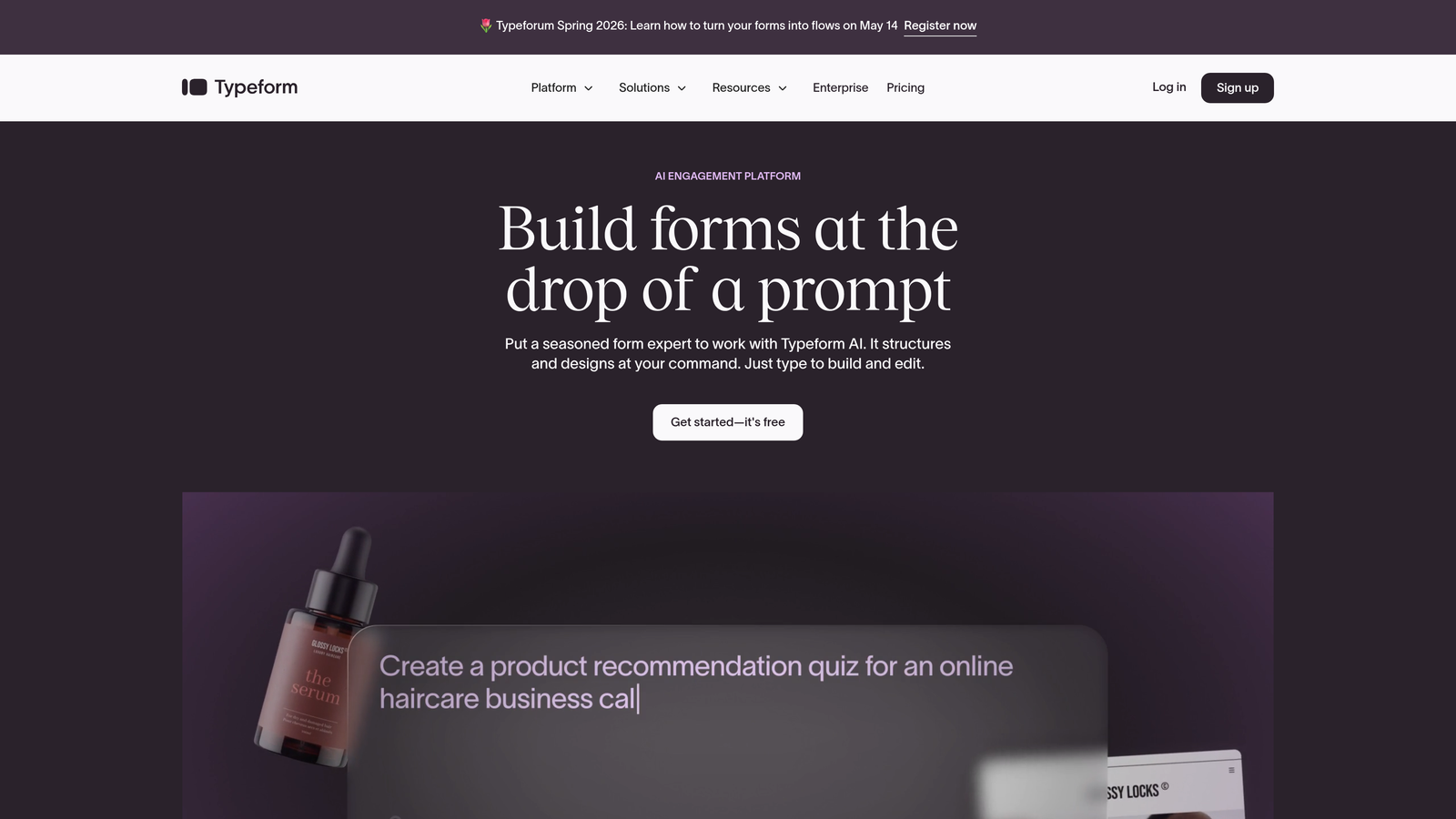
Typeform is a conversational form builder known for its one-question-at-a-time interface that creates engaging, high-completion-rate experiences.
Where This Tool Shines
Typeform's format is fundamentally different from traditional form builders. Rather than presenting all questions at once, it walks respondents through one question at a time, creating a more conversational and less overwhelming experience. For longer forms, this approach can meaningfully improve the number of people who actually finish.
The visual design is polished by default. Even without extensive customization, Typeform forms look professional and on-brand. For customer-facing use cases where first impressions matter, this is a real differentiator compared to more utilitarian tools.
Key Features
Conversational One-Question Format: Reduces form fatigue and can improve completion rates on longer surveys.
Brand Customization: Colors, fonts, backgrounds, and imagery all customizable to match your brand.
Logic Jumps: Advanced conditional branching that creates personalized form paths.
Native Integrations: Connects directly with popular CRMs, email tools, and project management platforms.
Video and Image Embedding: Rich media within forms for more engaging experiences.
Best For
Startups running customer research, NPS surveys, or lead qualification forms where completion rate and brand perception are priorities. Less ideal if you need a simple, quick form with minimal setup.
Pricing
Free plan available with limited responses. Basic plan at $25/month unlocks more responses and features for growing teams.
6. Fillout
Best for: Startups using Notion, Airtable, or Supabase as their database backbone
Fillout is a modern form builder with native integrations to popular databases, eliminating the need for middleware tools like Zapier.

Where This Tool Shines
Fillout's native database integrations are its biggest differentiator. If your startup already uses Airtable, Notion, or Supabase to manage data, Fillout connects directly without requiring a Zapier workflow in between. This simplifies your stack and reduces the number of paid tools you need to maintain.
The feature set punches above its price point. Scheduling, payment collection, multi-page forms, and conditional logic are all available on plans that undercut many competitors. For startups wanting more functionality without a higher bill, Fillout is worth a close look.
Key Features
Native Database Integrations: Direct connections to Notion, Airtable, Supabase, and Google Sheets without middleware.
Conditional Logic and Multi-Page Forms: Build complex, branching form experiences.
Scheduling and Payment Collection: Handle bookings and transactions within the same tool.
Custom Domains and Branding: Present forms under your own domain for a professional experience.
URL Pre-Fill and Hidden Fields: Pass data into forms automatically for personalized experiences.
Best For
Startups with a data-first workflow built around Notion or Airtable who want forms that feed directly into those systems. Also a strong choice for teams wanting to consolidate scheduling and form collection into a single tool.
Pricing
Free plan available with core features. Starter plan at $19/month, making it one of the more affordable paid options in this category.
7. HubSpot Free Form Builder
Best for: Startups actively building a sales pipeline who want forms connected to a CRM from day one
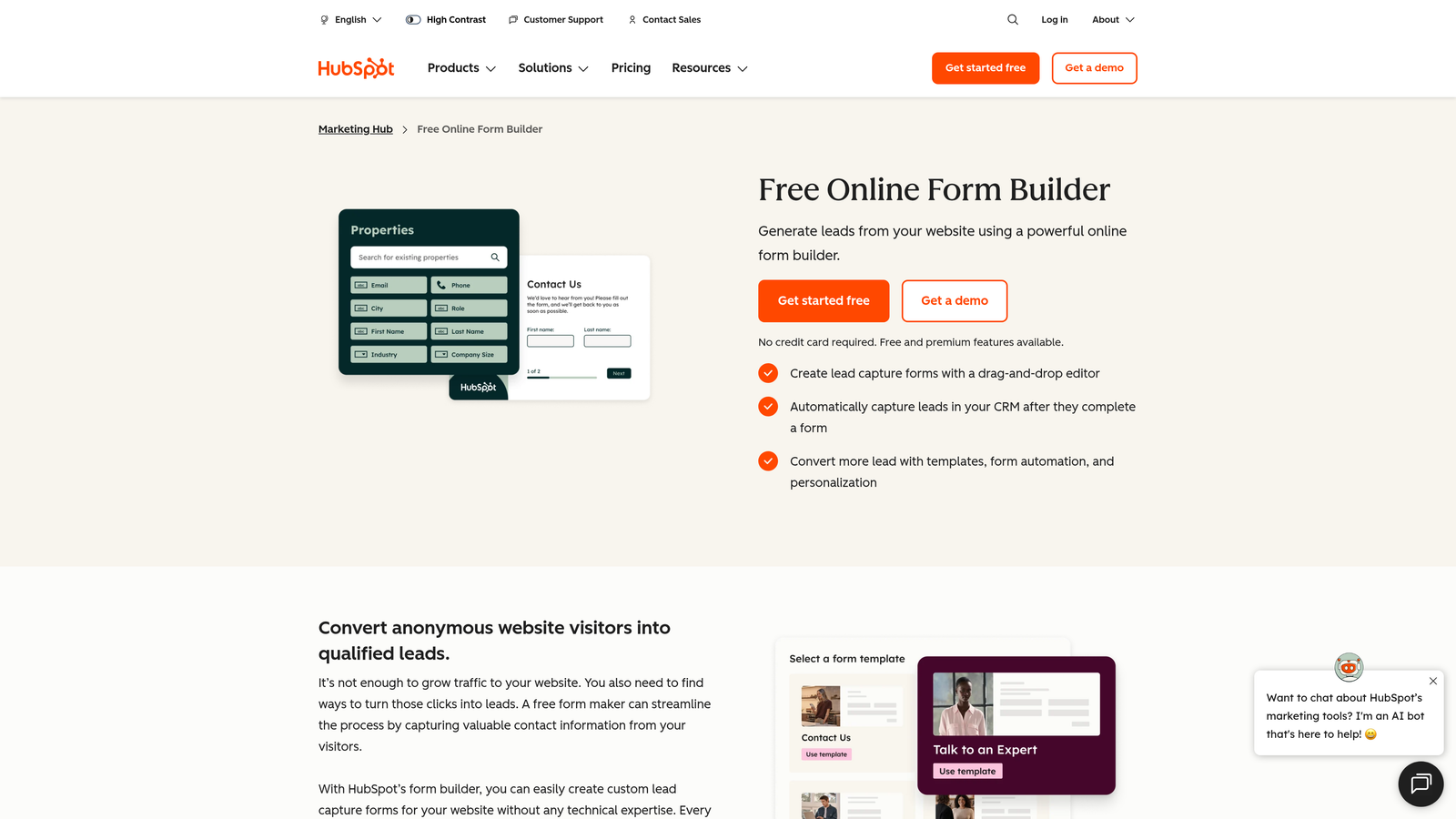
HubSpot's free form builder connects directly to HubSpot's free CRM, making it ideal for startups building their first structured sales process.
Where This Tool Shines
The real value here isn't the form builder itself. It's the native CRM connection. Every form submission automatically creates or updates a contact record in HubSpot, which means your sales team has full context on every lead without any manual data entry or Zapier workflows. For a startup trying to build a repeatable sales process, that's a meaningful head start.
The drag-and-drop builder is straightforward and covers the essentials. Dependent fields, follow-up email automation, and form analytics are all available on the free tier, which is more than most competitors offer without a paid plan.
Key Features
Direct CRM Integration: Every submission creates a contact record automatically in HubSpot's free CRM.
Dependent Fields: Show or hide fields based on previous answers.
Automatic Follow-Up Emails: Trigger email sequences from form submissions without additional tools.
Form Analytics: Track views, submissions, and conversion rates natively.
Progressive Profiling: Available on paid plans to gradually collect more data without overwhelming respondents.
Best For
Early-stage startups that want to build their CRM and lead capture infrastructure simultaneously. Particularly strong for B2B teams where contact management and follow-up speed matter most.
Pricing
Free with a HubSpot account. Paid Marketing Hub plans start at $20/month and unlock automation, progressive profiling, and advanced analytics.
8. Formspree
Best for: Developer-led startups with custom-coded websites who want a form backend without building one
Formspree is a form backend service that handles submissions, spam filtering, and integrations for HTML forms you write yourself.
Where This Tool Shines
Formspree solves a specific problem: you've built a custom website or landing page, you have a contact form in your HTML, but you don't want to build and maintain a backend to process submissions. Formspree handles all of that with a single endpoint URL in your form's action attribute.
For technical teams, this is a clean, low-overhead solution. You keep full control over the form's design and UX since you're writing the HTML yourself. Formspree just handles the plumbing: spam filtering, email notifications, file uploads, and webhook delivery.
Key Features
Form Backend API: Point your existing HTML form at Formspree's endpoint and it handles everything else.
Spam Filtering: Built-in reCAPTCHA and Akismet integration keeps junk submissions out.
File Upload Handling: Accept file attachments through your custom forms.
Webhook and Zapier Integrations: Route submissions to any tool in your stack.
Custom Auto-Reply Emails: Send branded confirmation emails to respondents automatically.
Best For
Developer-led startups with custom-built sites who want form functionality without building a backend from scratch. Not the right fit if your team doesn't write code or prefers a visual drag-and-drop builder.
Pricing
Free plan handles 50 submissions per month. Starter plan at $10/month is one of the most affordable paid options in this entire list.
9. Paperform
Best for: Startups selling services or digital products who want forms that double as landing pages
Paperform is a hybrid form builder and landing page creator with built-in payments, designed for businesses that want a polished sales experience without a separate page builder.
Where This Tool Shines
Paperform blurs the line between a form and a landing page. You can embed rich text, images, and video alongside your form fields, creating a full-featured sales or intake page in a single tool. For startups selling consulting services, digital downloads, or online courses, this eliminates the need for a separate landing page builder.
The built-in appointment scheduling is a genuine differentiator. If your business involves booking calls or sessions, Paperform handles the scheduling and payment collection in one flow, which reduces friction for potential customers and cuts the number of tools you need to manage.
Key Features
Combined Form and Landing Page Editor: Build rich, media-heavy pages with embedded form functionality.
Built-In Payment Processing: Accept payments via Stripe, PayPal, and Braintree natively.
Rich Media Embedding: Add text, images, and video alongside form questions.
Advanced Calculations and Conditional Logic: Handle complex pricing calculators or multi-path forms.
Built-In Appointment Scheduling: Book calls and sessions directly through the form without a separate tool.
Best For
Startups in services, coaching, consulting, or digital products who want a single tool that handles both the sales page and the transaction. Less suitable for teams that just need a simple lead capture or survey form.
Pricing
No free tier. Essentials plan starts at $24/month with a 14-day free trial to evaluate before committing.
Which Tool Is Right for Your Startup?
Every tool on this list earns its place, but the right choice depends on what your startup actually needs right now.
Best free option: Tally wins here. Unlimited forms, unlimited submissions, and no branding on the free plan is an offer that's genuinely hard to beat for bootstrapped teams.
Best for lead generation and qualification: Orbit AI. If capturing and qualifying leads is your primary goal, the built-in AI lead scoring gives you a meaningful advantage over tools that just collect data and hand it off.
Best for developers: Formspree. At $10/month for the Starter plan, it's the most affordable way to add a reliable form backend to a custom-built site without any infrastructure overhead.
Best for CRM-first teams: HubSpot's free form builder. If you're building a sales pipeline and want every lead automatically in a CRM from day one, the native HubSpot integration makes this the obvious choice.
Best for scaling: Orbit AI again. As your lead volume grows, having AI-powered qualification built into your forms means your team's efficiency scales with it rather than being overwhelmed by volume.
The bottom line: don't let budget constraints push you toward a tool that limits your growth. The best cheap form builder is the one that fits your workflow today and won't force a painful migration six months from now.
If lead generation and conversion are central to your growth strategy, start building free forms today with Orbit AI and see how intelligent form design and automated lead qualification can change the quality of your pipeline, not just the quantity.


