

AI has fundamentally changed what a form builder can do. Where forms were once static data collection tools, today's AI-powered platforms can generate entire forms from a single sentence, adapt questions based on how someone responds, qualify leads in real time, and continuously optimize layouts for higher completion rates.
The challenge is that not every tool marketed as "AI-powered" delivers the same depth of intelligence. Some offer AI generation as a surface-level feature. Others have built AI into the core of how their platform works, from the moment a form is created to the moment a lead is routed to your CRM.
To build this list, we evaluated tools based on the quality of their AI capabilities (generation, conditional logic, optimization), ease of use for non-technical teams, integration ecosystem, pricing value, and how well each platform serves growth-focused teams running serious lead generation. If you want a deeper look at what AI-native form capabilities actually look like in practice, the Orbit AI features page is a useful reference point. Here are the top AI form builder solutions worth your attention in 2026.
1. Orbit AI
Best for: High-growth teams that need AI-powered lead qualification built directly into their forms.
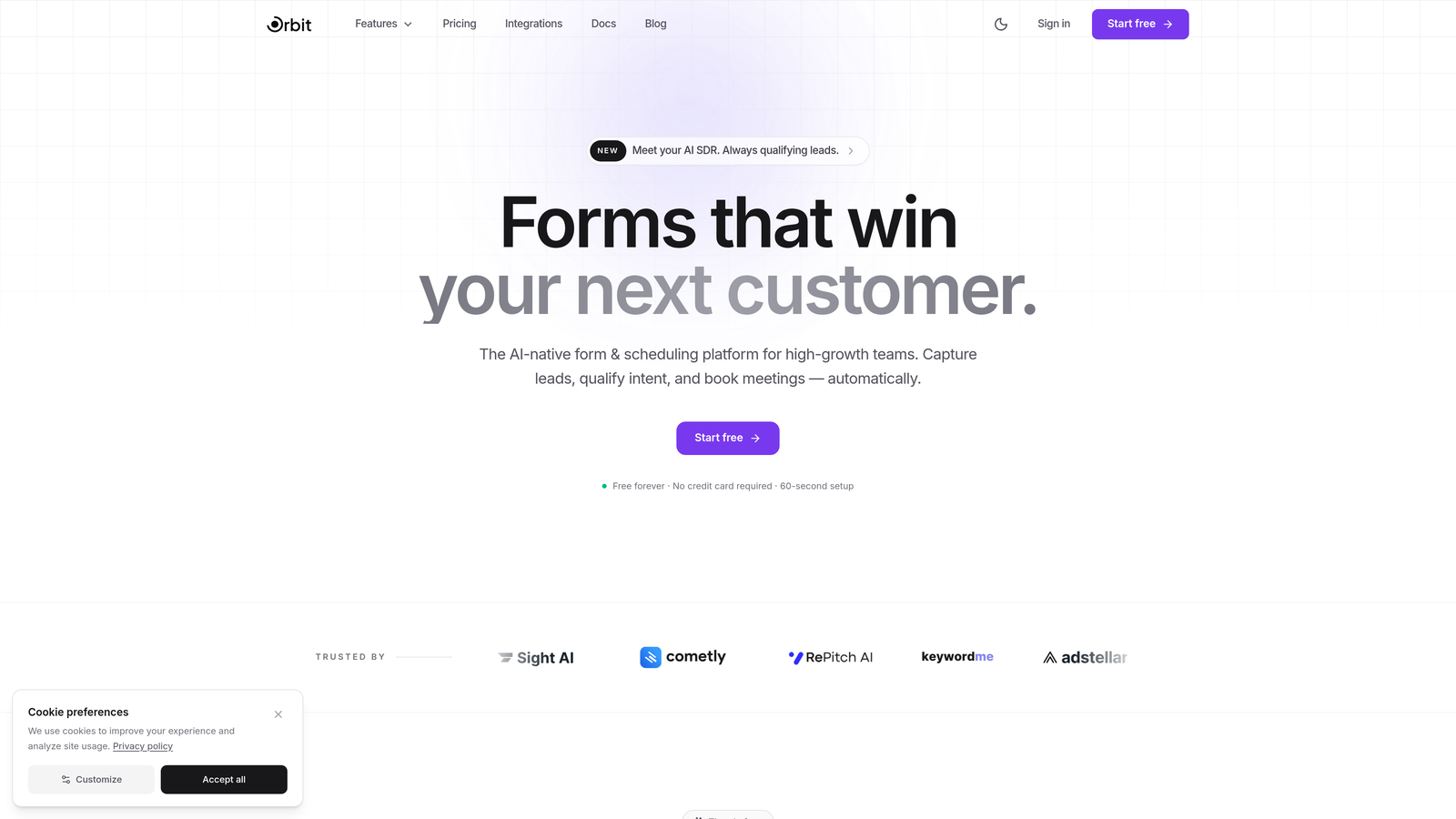
Orbit AI is an AI-native form builder with built-in lead qualification, AI agents, and conversion-optimized design for growth-focused teams.
Where This Tool Shines
Most form builders stop at data collection. Orbit AI goes further by embedding AI agents directly into the form experience. These agents qualify and score leads in real time as respondents move through a form, meaning your sales team receives pre-qualified contacts rather than raw form submissions to sort through manually.
The platform is built specifically for teams where lead quality matters as much as lead volume. The combination of intelligent qualification, conversion-optimized templates, and deep CRM integrations makes it a genuinely differentiated option in a crowded category.
Key Features
AI Lead Qualification Agents: AI agents score and qualify leads in real time during form completion, before the submission even hits your CRM.
Natural Language Form Generation: Describe the form you need in plain language and Orbit AI builds it, including fields, logic, and layout.
Conversion-Optimized Templates: Pre-built templates designed specifically for lead capture with layouts tested for higher completion rates.
Analytics Dashboard: Built-in performance tracking shows drop-off points, completion rates, and lead quality metrics in one place.
CRM Integrations: Native integrations with HubSpot, Close, and Attio keep qualified leads flowing directly into your pipeline without manual work.
Best For
Orbit AI is the strongest fit for SaaS companies, agencies, and high-growth B2B teams that want their forms to do more than collect data. If lead qualification is a bottleneck in your current workflow, the AI agent capability alone makes this platform worth evaluating seriously.
Pricing
Free plan available to get started. Paid plans with expanded AI capabilities and integrations are detailed on the Orbit AI pricing page.
2. Typeform
Best for: Teams that prioritize beautiful, engaging conversational form experiences with strong brand customization.
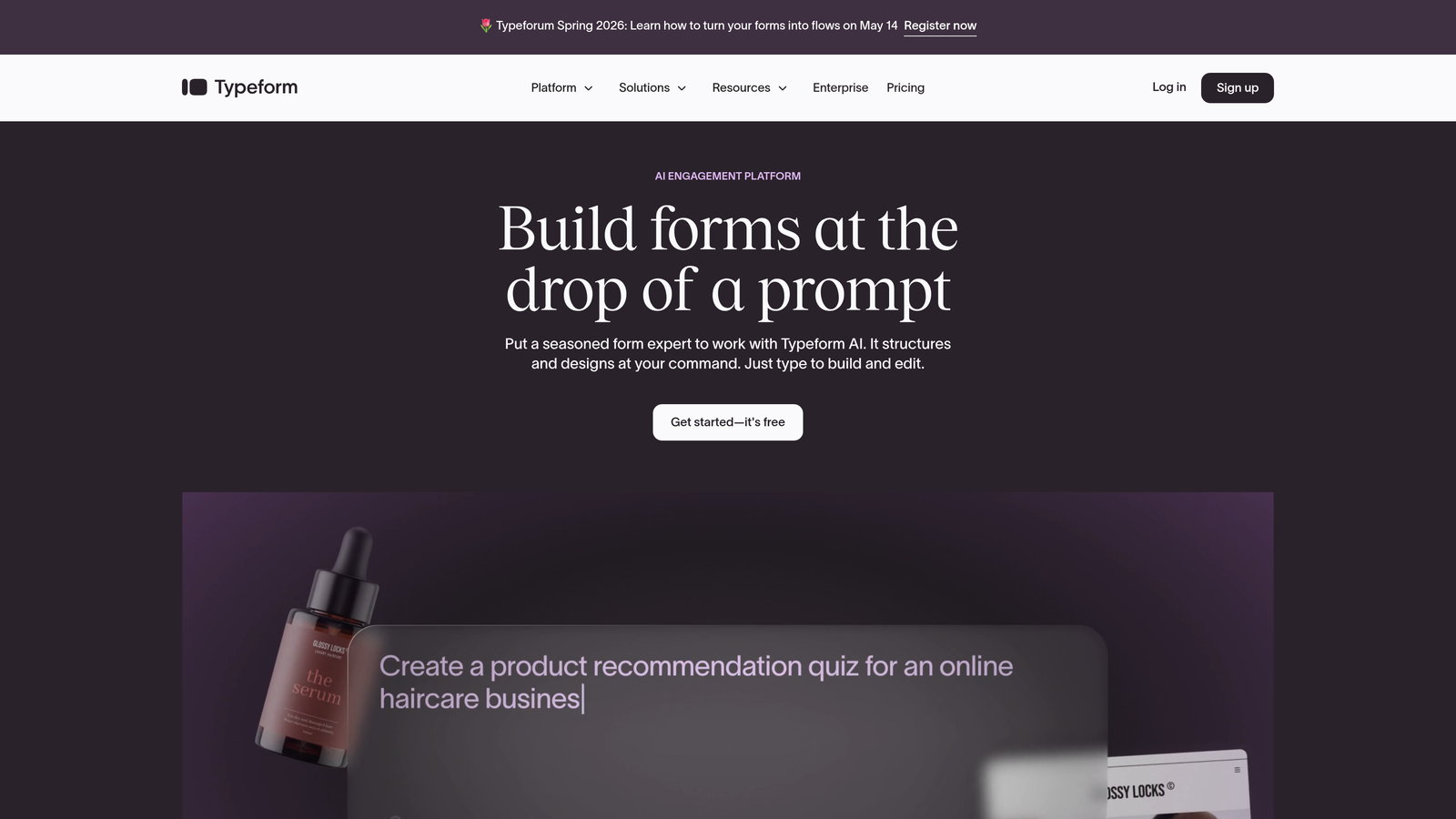
Typeform is the original conversational form builder, now enhanced with AI-assisted form creation and optimization for one-question-at-a-time experiences.
Where This Tool Shines
Typeform essentially invented the conversational form format, and it remains one of the best at delivering an experience that feels more like a dialogue than a data entry task. The single-question-at-a-time format consistently drives higher completion rates for longer forms, particularly in surveys, quizzes, and lead capture flows where engagement matters.
The AI-assisted creation tools make it faster to get a polished form live, and the design customization options are among the best in the category. If your brand presentation matters, Typeform gives you the most control.
Key Features
Conversational Format: The signature one-question-at-a-time flow keeps respondents engaged and reduces abandonment on longer forms.
AI Form Generation: Generate and optimize question sets using AI based on your goal or topic description.
Brand Customization: Extensive design controls including custom fonts, colors, backgrounds, and logos.
Logic Jumps: Conditional branching sends respondents down different paths based on their answers.
Integration Ecosystem: Connects with Zapier, HubSpot, Slack, Google Sheets, and hundreds of other tools.
Best For
Typeform works best for marketing teams, agencies, and brands where the form experience itself is part of the brand impression. It is particularly strong for surveys, quizzes, and top-of-funnel lead capture where visual polish and engagement drive results.
Pricing
Free plan available with limited responses. Paid plans start around $25 per month, with higher tiers unlocking more responses and advanced features.
3. Jotform
Best for: Teams that need a feature-rich platform with a massive template library and flexible form types including payments and e-signatures.
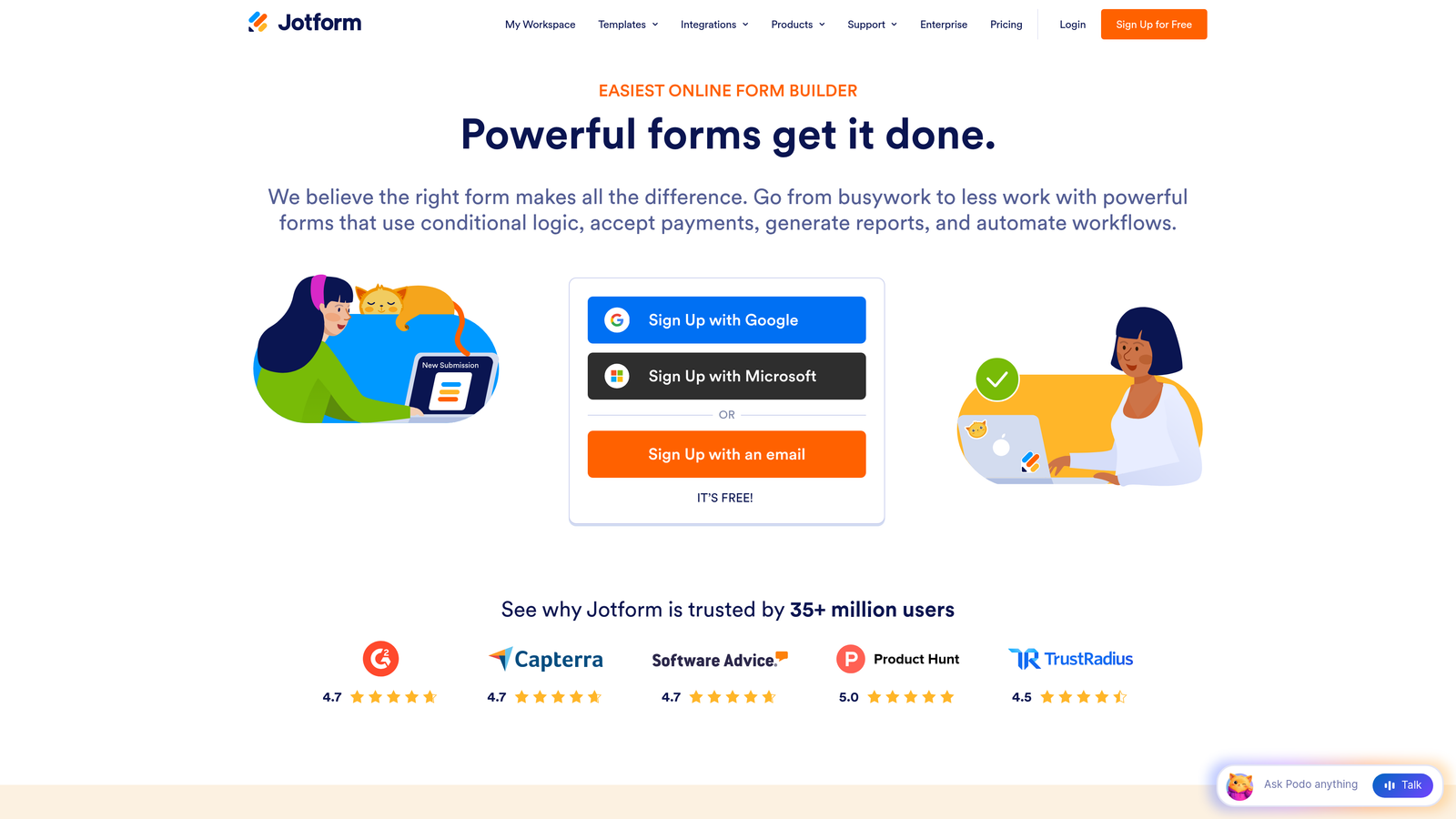
Jotform is a comprehensive form builder with over 10,000 templates, AI form generation, and built-in support for payments and document signing.
Where This Tool Shines
Jotform's biggest strength is its sheer breadth. With templates spanning virtually every industry and use case, and field types that go well beyond standard text inputs, it handles complex form requirements that simpler tools cannot. The AI form generator adds speed to an already capable platform, letting you generate a starting point from a text description and then customize from there.
The addition of Jotform Tables turns your form submissions into a structured, queryable database without needing a separate tool, which is genuinely useful for teams managing high submission volumes.
Key Features
AI Form Generator: Build complete forms from natural language descriptions, including appropriate field types and structure.
Template Library: Over 10,000 pre-built templates covering industries from healthcare to e-commerce to nonprofits.
Advanced Field Types: Supports file uploads, signatures, payment fields, appointment scheduling, and more.
Payment Collection: Built-in integrations with Stripe, PayPal, Square, and other payment processors.
Jotform Tables: View and manage form submissions as a structured database with filtering and sorting capabilities.
Best For
Jotform is ideal for operations teams, small businesses, and organizations that need versatility across many different form types. It handles everything from simple contact forms to complex multi-page applications with payment collection.
Pricing
Free plan supports up to 5 forms. Paid plans start around $34 per month and scale based on submission volume and feature access.
4. Tally
Best for: Individuals and small teams that want a clean, fast form builder with an exceptionally generous free tier.
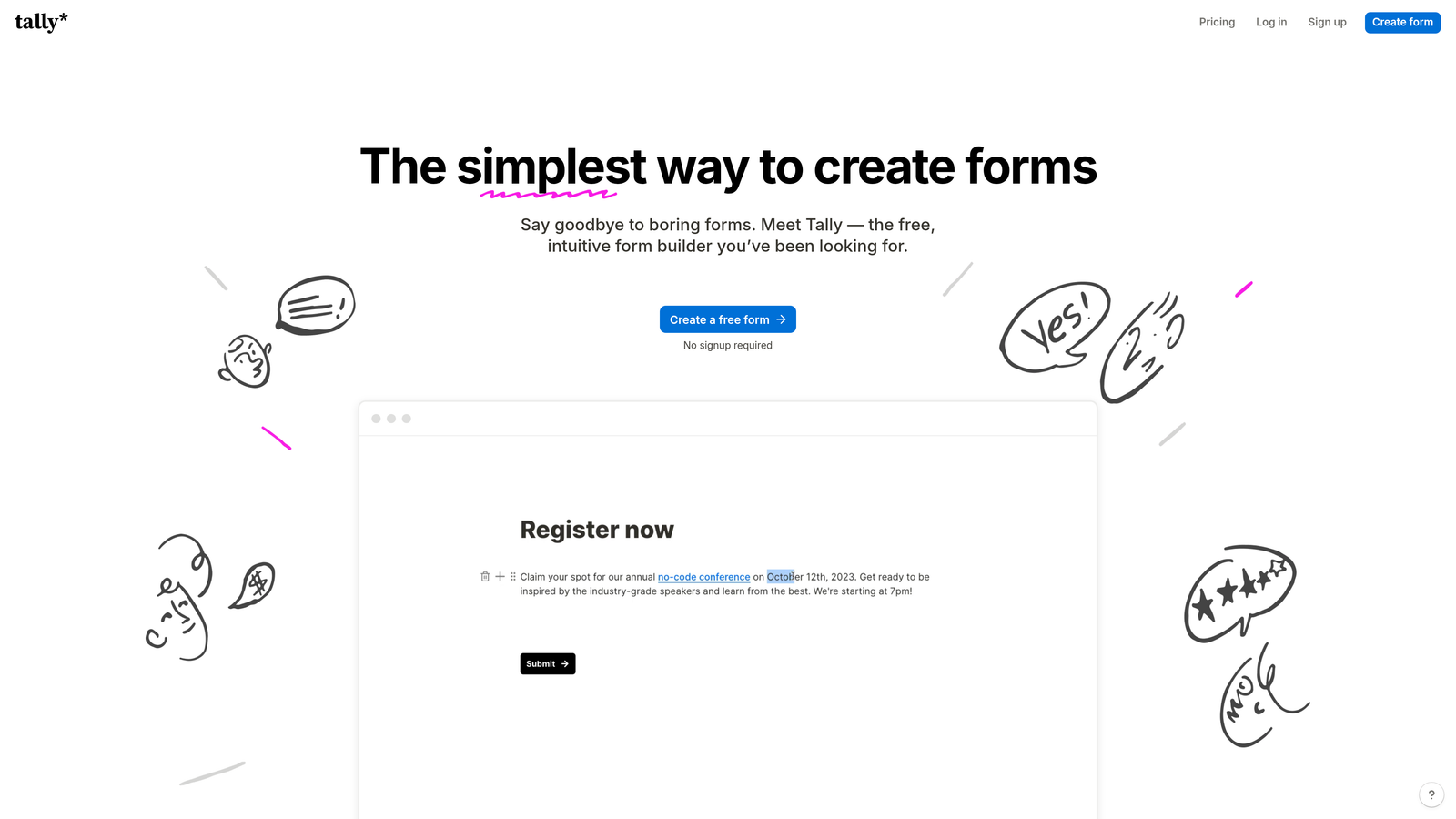
Tally is a minimalist, Notion-style form builder with AI generation and unlimited forms on its free plan.
Where This Tool Shines
Tally's interface is genuinely refreshing. Instead of a traditional drag-and-drop builder, you create forms by typing, similar to how you would write in Notion. This makes building forms feel natural and fast, especially for users who already live in document-style tools. The learning curve is close to zero.
The free plan is remarkably generous compared to competitors. Unlimited forms and unlimited submissions without paying anything makes Tally an easy recommendation for individuals, freelancers, or early-stage teams watching their tool spend carefully.
Key Features
Document-Style Interface: Type to create forms just like writing a document, with slash commands to add fields and blocks.
AI Form Generation: Describe your form in plain text and Tally generates the structure and fields automatically.
Unlimited Free Usage: No caps on forms or submissions on the free plan, which is rare in this category.
Conditional Logic: Show or hide fields based on previous answers, including support for hidden fields.
Integrations: Connects via native integrations and through Zapier and Make for broader workflow automation.
Best For
Tally is the go-to for freelancers, creators, early-stage startups, and anyone who needs capable forms without a budget. It also appeals to Notion power users who appreciate the familiar editing experience.
Pricing
Free plan with unlimited forms and submissions. Tally Pro is available at $29 per month, adding custom domains, file uploads, and removal of Tally branding.
5. Fillout
Best for: Data-driven teams that want form responses flowing directly into Airtable, Notion, or other database tools.
Fillout is a database-first form builder with AI capabilities and native sync with Airtable, Notion, and Google Sheets.

Where This Tool Shines
Fillout's core differentiator is how tightly it connects to the databases and tools teams already use. Rather than exporting data after the fact, Fillout syncs responses directly into Airtable records, Notion databases, or Google Sheets in real time. For operations teams and product managers who live in these tools, that native connection removes a significant layer of manual work.
The ability to pre-fill form fields from connected databases is particularly powerful. You can pull existing contact data into a form automatically, reducing friction for returning users and improving the quality of your submissions.
Key Features
Database Sync: Native real-time sync with Airtable, Notion, Smartsheet, and Google Sheets as form responses come in.
AI Form Creation: Generate multi-step forms from natural language prompts with appropriate field types and logic.
Conditional Logic: Multi-step forms with branching paths based on respondent answers.
Multiple Form Types: Supports scheduling, payment collection, quizzes, and standard lead capture forms.
Field Pre-Fill: Pull existing data from connected databases to pre-populate form fields for known contacts.
Best For
Fillout is the strongest choice for operations teams, no-code builders, and anyone whose workflow is centered around Airtable or Notion. If your data lives in those tools, Fillout keeps it there seamlessly.
Pricing
Free plan available. Paid plans start around $19 per month, making it one of the more affordable options in the category for teams needing database connectivity.
6. Feathery
Best for: Product teams building complex multi-step onboarding flows, signup sequences, and application workflows.
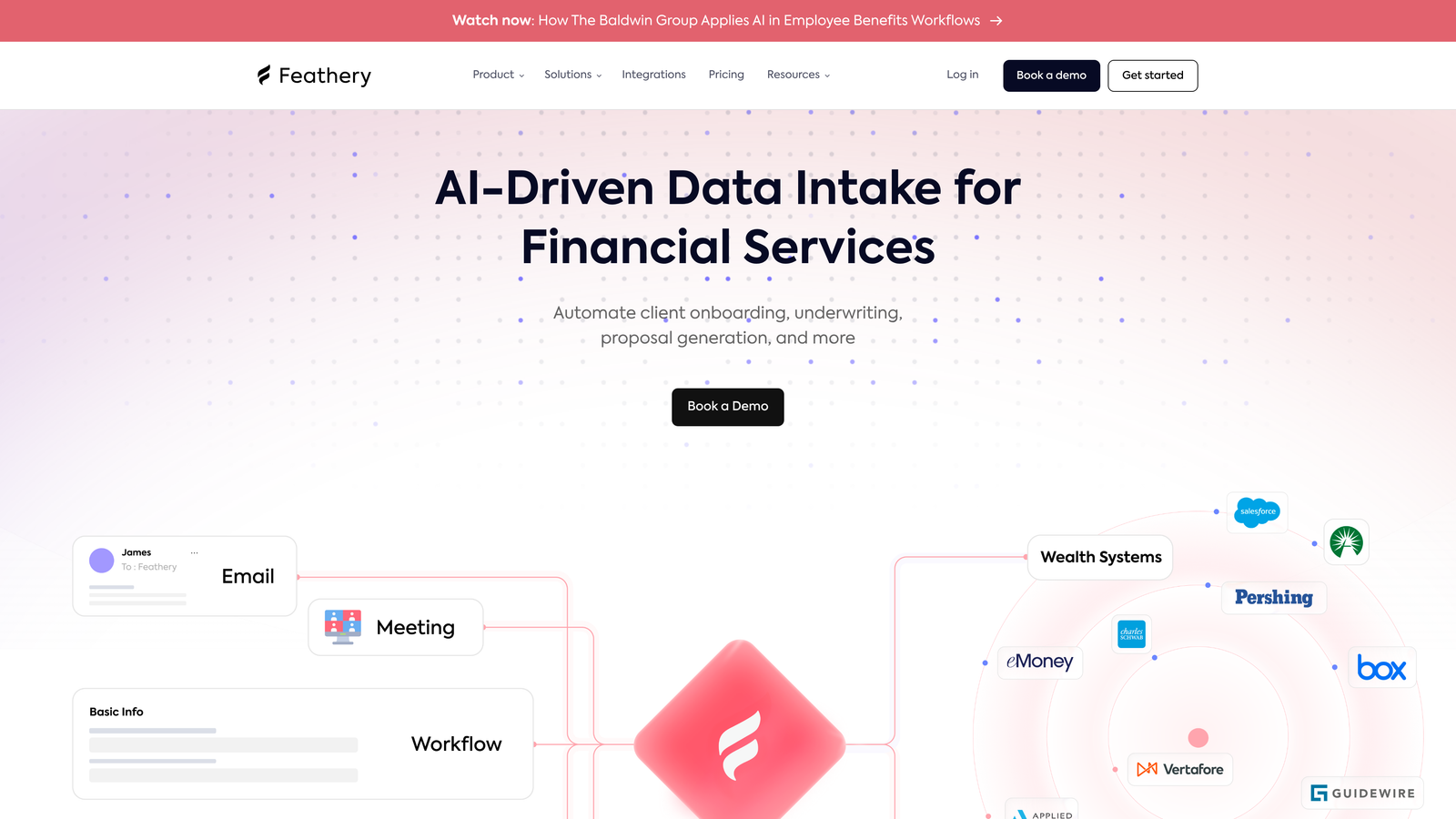
Feathery is an advanced form and flow builder with AI-powered logic, designed for product-led growth teams and developers.
Where This Tool Shines
Feathery operates at a higher level of complexity than most tools on this list, and that is intentional. It is built for product teams that need more than a form: they need a full onboarding flow, a multi-step application, or a complex signup sequence with branching logic that would be difficult to build in a standard form tool.
The developer-friendly architecture, including custom CSS and JavaScript support, means Feathery can be deeply integrated into a product experience rather than sitting on top of it. The SOC 2 compliance also makes it viable for teams in regulated industries or handling sensitive data.
Key Features
AI-Generated Flows: Describe a multi-step flow in natural language and Feathery generates the structure, steps, and logic.
Advanced Conditional Logic: AI-powered branching that handles complex decision trees across multi-step flows.
Developer Controls: Full custom CSS and JavaScript support for teams that need precise design and behavior control.
PLG Onboarding Focus: Built specifically for product-led growth use cases including user onboarding, signup flows, and in-app forms.
Enterprise Security: SOC 2 compliant with security features suitable for enterprise and regulated industry requirements.
Best For
Feathery is best suited for product managers, developers, and growth engineers at SaaS companies building sophisticated user-facing flows. It is overkill for simple lead capture but excellent for complex product onboarding.
Pricing
Free plan available for basic use. Paid plans start around $49 per month, reflecting the platform's more advanced capabilities and enterprise-grade features.
7. Formless by Typeform
Best for: Teams exploring AI-native data collection that replaces the traditional form interface entirely with conversational AI.
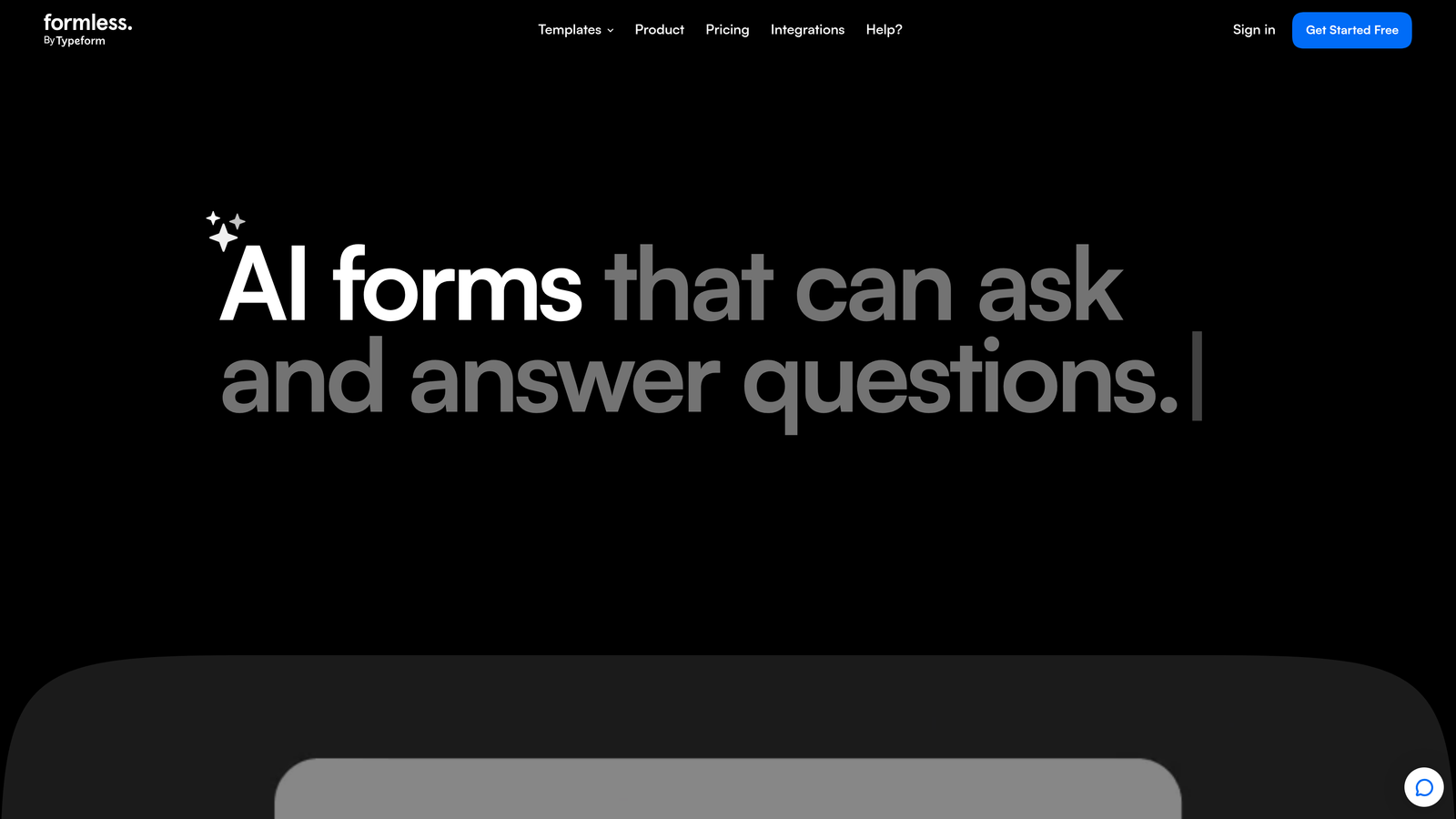
Formless is an AI-first conversational data collection tool where an AI agent conducts natural dialogue instead of a traditional form UI.
Where This Tool Shines
Formless represents a genuinely different approach to data collection. There is no form in the traditional sense. Instead, an AI agent engages respondents in natural conversation, asking questions, handling follow-ups, and clarifying answers dynamically. The result is structured data collected through what feels like a real dialogue.
This approach can work particularly well for research, feedback collection, and qualifying conversations where rigid form fields feel limiting. The AI's ability to ask follow-up questions based on previous responses creates a depth of data that static forms simply cannot match.
Key Features
AI-Driven Conversation: No traditional form interface; an AI agent conducts the entire data collection through natural language dialogue.
Structured Output: Despite the conversational format, responses are collected and organized as structured data.
Customizable AI Persona: Configure the AI agent's personality, tone, and conversational style to match your brand.
Dynamic Follow-Ups: The AI automatically asks clarifying questions and follow-ups based on what respondents say.
Flexible Deployment: Embed on websites or share via link for external use.
Best For
Formless is best for teams running qualitative research, customer discovery, or feedback collection where conversational depth matters more than speed. It is also worth testing for lead qualification flows where a conversational experience might outperform a traditional form.
Pricing
Pricing varies by plan and usage. Check the Formless website for current pricing details, as plans have continued to evolve.
8. Google Forms + AI Extensions
Best for: Teams already in Google Workspace that need a completely free, zero-friction form solution with basic AI assistance.
Google Forms is the ubiquitous free form builder, now enhanced with Gemini AI integration for question suggestions and response analysis.
Where This Tool Shines
Google Forms wins on accessibility and cost. It is completely free, requires no setup, and anyone with a Google account can build and share a form in minutes. For teams that do not need advanced features, the simplicity is a genuine advantage rather than a limitation.
The Gemini AI integration brings smart question suggestions and response analysis directly into the Google Workspace experience. It is not as powerful as dedicated AI form builders, but for internal surveys, event registrations, and simple data collection, it covers the basics effectively.
Key Features
Completely Free: No limits on forms, questions, or responses with any Google account.
Gemini AI Integration: AI-powered question suggestions and response analysis built into Google Workspace.
Google Sheets Sync: Responses flow directly into Google Sheets for analysis, filtering, and sharing.
Zero Learning Curve: Familiar interface that anyone who has used Google products can navigate immediately.
Collaboration: Multiple team members can edit forms simultaneously, consistent with Google Workspace's collaboration model.
Best For
Google Forms is the right choice for internal use cases, educational settings, nonprofits, and any situation where budget is zero and simplicity is the priority. It is not suited for high-conversion lead capture or advanced qualification workflows.
Pricing
Completely free with any Google account. Google Workspace plans start at $7 per user per month and unlock additional admin and collaboration features.
9. HubSpot Forms
Best for: Inbound marketing teams running lead generation through HubSpot who need forms tightly integrated with their CRM and marketing automation.
HubSpot Forms is a CRM-integrated form builder with smart fields, progressive profiling, and AI-assisted optimization for HubSpot-centric marketing teams.
Where This Tool Shines
HubSpot Forms is not trying to be the most advanced standalone form builder. Its strength is how deeply it connects to the broader HubSpot ecosystem. Every form submission automatically creates or updates a contact record in HubSpot CRM, triggers workflows, enrolls contacts in sequences, and feeds your marketing automation without any manual steps or third-party integrations.
The progressive profiling feature is particularly smart. Instead of asking the same questions repeatedly, HubSpot Forms remembers what it already knows about a contact and replaces those fields with new questions, gradually building a richer profile over multiple touchpoints.
Key Features
Native CRM Integration: Every submission automatically creates or enriches a HubSpot contact record and triggers downstream workflows.
Progressive Profiling: Smart fields replace already-known questions with new ones for returning contacts, building richer profiles over time.
AI Optimization Recommendations: AI-assisted suggestions for improving form performance based on submission data.
Automatic Contact Enrichment: Submissions trigger contact record creation, list enrollment, and workflow automation simultaneously.
A/B Testing: Test form variations to identify which layouts and question sets drive higher conversion rates.
Best For
HubSpot Forms is the obvious choice for teams already using HubSpot as their CRM and marketing platform. If you are not in the HubSpot ecosystem, the standalone form capabilities do not justify the platform cost compared to dedicated alternatives.
Pricing
Basic forms are free with the HubSpot CRM free tier. Advanced features including A/B testing and progressive profiling are available in Marketing Hub plans starting at $20 per month.
Finding Your Perfect AI Form Builder
The right AI form builder depends heavily on what you need forms to actually do for your business. Here is a quick breakdown to help you match the tool to the use case.
For AI-powered lead qualification: Orbit AI is the strongest choice. Its AI agents qualify and score leads in real time during form completion, which goes well beyond what any other tool on this list does natively. If lead quality is your primary challenge, start here.
For beautiful, brand-forward experiences: Typeform remains the benchmark for conversational form design and visual polish. If the form experience itself shapes how prospects perceive your brand, Typeform delivers.
For database-centric teams: Fillout's native sync with Airtable and Notion makes it the obvious pick if your workflows are built around those tools.
For complex product onboarding: Feathery handles multi-step flows and advanced logic that would overwhelm simpler builders, making it the right choice for product and engineering teams.
For zero-budget situations: Tally's unlimited free plan is genuinely hard to beat for individuals and early-stage teams. Google Forms works if you are already inside Google Workspace.
For HubSpot-centric teams: HubSpot Forms wins on CRM integration depth, full stop.
If you are running a high-growth team where lead generation and conversion optimization are central to your strategy, the AI capabilities built into your form builder can make a meaningful difference. Start building free forms today with Orbit AI and see how intelligent form design and real-time lead qualification can elevate your conversion strategy from the very first touchpoint.


