

Every service-based business lives or dies by how well it captures and qualifies incoming inquiries. A clunky, generic contact form doesn't just lose leads — it wastes your team's time with unqualified requests and incomplete information.
The right service inquiry form software does more than collect names and emails. It routes requests intelligently, qualifies prospects before they ever reach your inbox, and creates a seamless first impression that reflects the quality of your services.
We evaluated dozens of form builders and narrowed the field to nine standout tools based on ease of use, lead qualification capabilities, integration depth, customization options, and pricing flexibility. Whether you're a solo consultant fielding project requests or a growing agency managing hundreds of weekly inquiries, there's a tool here that fits your workflow.
1. Orbit AI
Best for: High-growth service teams that need AI-powered lead qualification built directly into their forms.
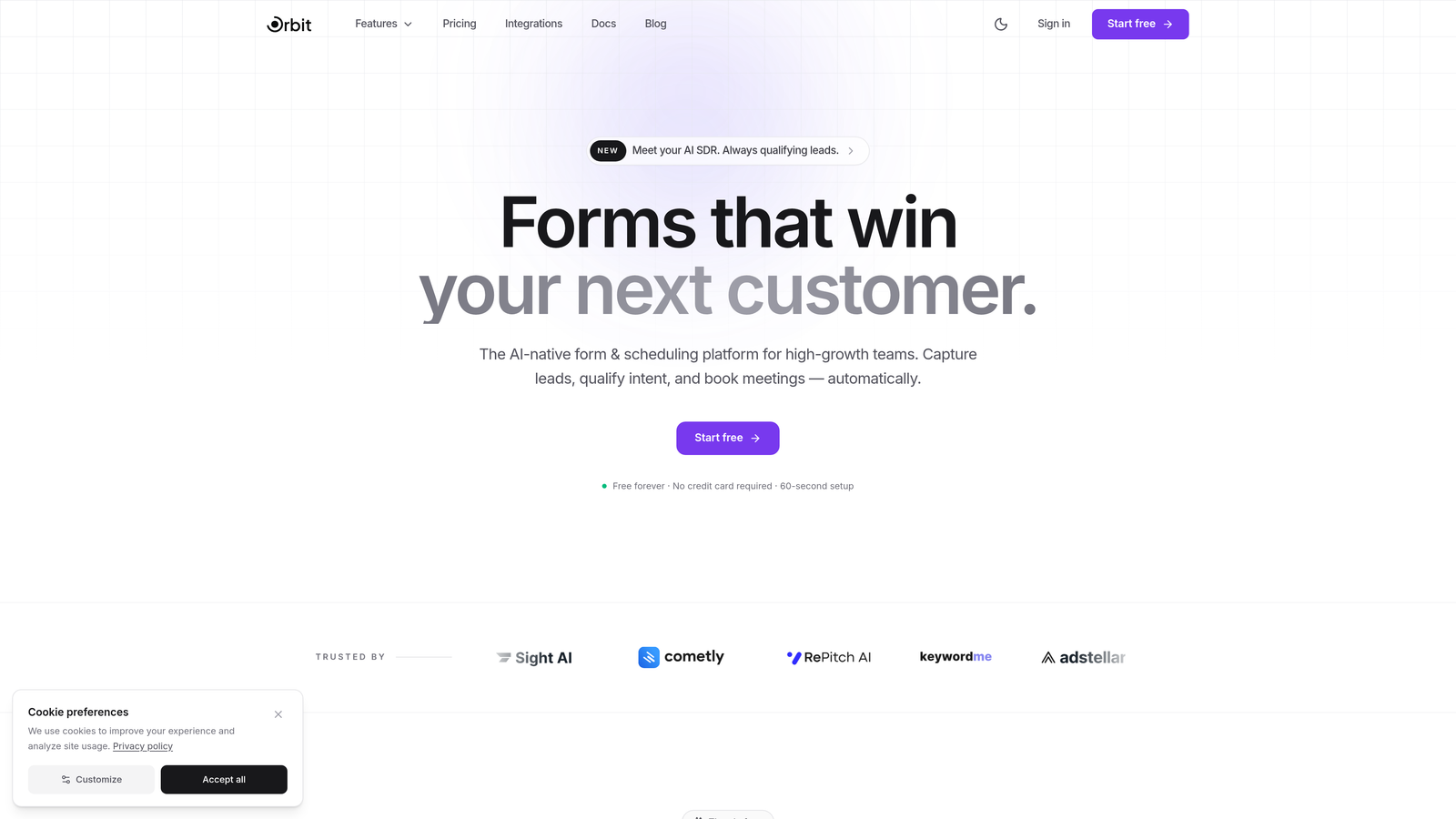
Orbit AI is an AI-native form builder that qualifies and scores incoming service inquiries in real time, so your team only engages with the leads worth pursuing.
Where This Tool Shines
Most form builders collect data and stop there. Orbit AI goes further by embedding AI agents directly into the form experience, evaluating each submission as it happens and surfacing qualified leads automatically. For service businesses that receive high inquiry volumes, this distinction matters enormously.
The platform is designed specifically with conversion in mind. Templates are built for service contexts, the interface is modern and polished, and the routing logic is sophisticated enough to handle complex inquiry workflows without requiring a developer to set it up.
Key Features
AI Lead Qualification: AI agents score and qualify leads in real time during form completion, before submissions even hit your inbox.
Smart Conditional Routing: Route inquiries based on lead quality, inquiry type, or any custom criteria you define.
Conversion-Optimized Templates: Pre-built form templates designed specifically for service business inquiry flows.
Native Integrations: Connects directly with popular CRMs, Slack, and project management tools for seamless handoff.
Built-in Analytics: Track form performance, submission quality, and conversion rates from a single dashboard.
Best For
Orbit AI is the strongest fit for growth-focused service teams, digital agencies, SaaS companies, and consultancies that want to stop manually triaging inquiries. If lead qualification is a bottleneck in your current workflow, this is where the platform delivers the most immediate value.
Pricing
Free plan available. Paid plans start at an accessible tier designed for growing teams. Visit orbitforms.ai/pricing for current details.
2. Typeform
Best for: Teams that want a conversational, high-engagement inquiry experience with strong design aesthetics.
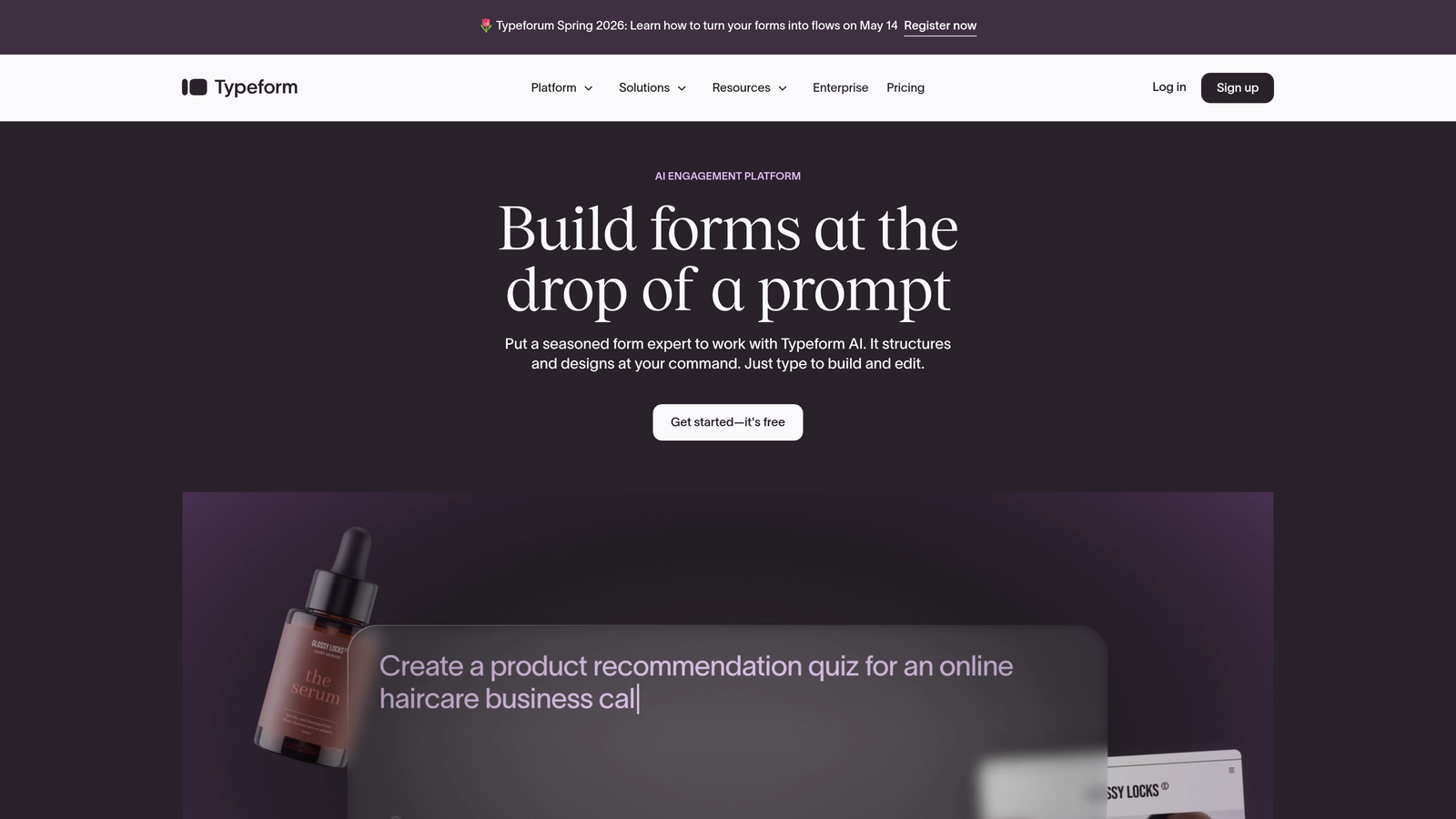
Typeform is a conversational form builder that presents one question at a time, creating an interview-like experience that typically improves completion rates for longer inquiry forms.
Where This Tool Shines
Typeform's one-question-at-a-time format reduces the visual overwhelm that kills completion rates on traditional multi-field forms. For service businesses asking detailed questions about project scope, budget, and timeline, this approach keeps prospects engaged through the full inquiry process.
The design customization is genuinely impressive. You can match your brand precisely, embed video directly into questions, and create inquiry flows that feel like a natural conversation rather than a bureaucratic form.
Key Features
Conversational UI: One-question-at-a-time format that reduces abandonment on detailed service inquiry forms.
Logic Jumps: Branch the inquiry path based on previous answers to surface the most relevant questions.
Design Customization: Extensive branding controls including fonts, colors, backgrounds, and custom domains.
Integration Ecosystem: Connects with Zapier, HubSpot, Slack, Salesforce, and hundreds of other tools.
Media Support: Embed images and videos directly within form questions for richer context.
Best For
Typeform works well for creative agencies, consultants, and service businesses where brand perception matters and inquiry forms are a direct extension of the client experience. Less ideal for teams that need built-in lead scoring or complex approval workflows.
Pricing
Free plan with limited monthly responses. Paid plans start around $25/month, with higher tiers unlocking more responses and advanced logic features.
3. Jotform
Best for: Service businesses that need a wide variety of form types and want to get started quickly using pre-built templates.
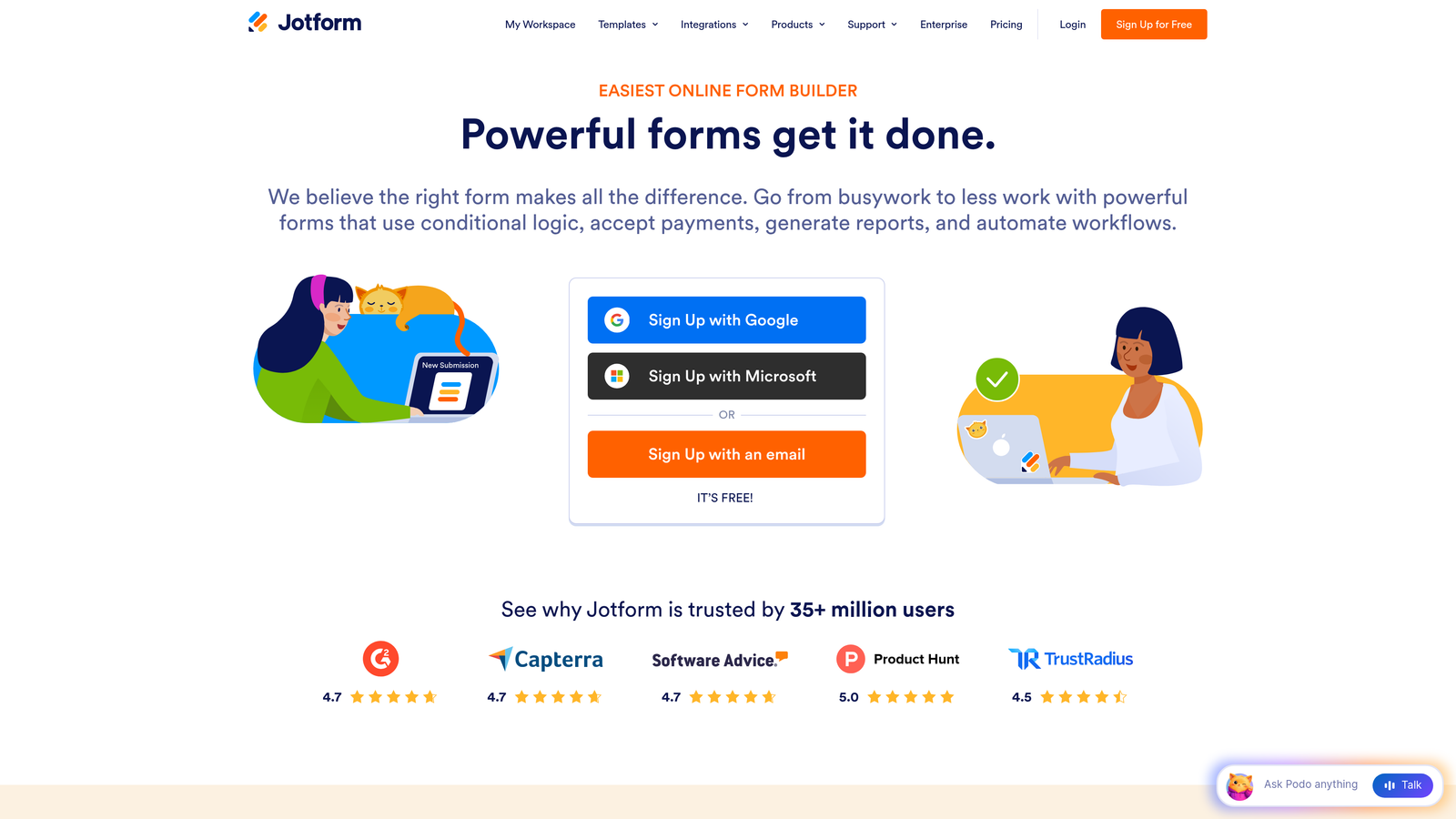
Jotform is one of the most feature-rich form builders available, offering thousands of templates and an extensive library of field types that cover nearly every service inquiry scenario imaginable.
Where This Tool Shines
The sheer depth of Jotform's template library is its biggest advantage. Whether you're building inquiry forms for a law firm, a home services company, a photography studio, or a healthcare provider, there's almost certainly a template that gets you 80% of the way there on day one.
The platform also handles payment collection natively, which is valuable for service businesses that collect deposits or consultation fees at the point of inquiry. This removes the need for a separate payment tool in the initial client touchpoint.
Key Features
10,000+ Templates: Massive template library with service-specific inquiry forms across dozens of industries.
Conditional Logic: Show or hide fields based on previous answers to keep forms relevant and concise.
Payment Integration: Collect deposits or fees directly within the inquiry form via Stripe, PayPal, and others.
PDF Autoresponder: Automatically send branded PDF confirmations to submitters upon completion.
HIPAA Compliance: Available on higher-tier plans for healthcare and wellness service providers.
Best For
Jotform is an excellent fit for service businesses that want a proven, versatile tool with minimal setup time. Particularly strong for healthcare providers, legal services, and businesses that need to collect payments alongside inquiry details.
Pricing
Free plan includes 5 forms and 100 monthly submissions. Paid plans start around $34/month with significantly higher submission limits and additional features.
4. Gravity Forms
Best for: WordPress-based service businesses that need deep conditional logic and custom development flexibility.
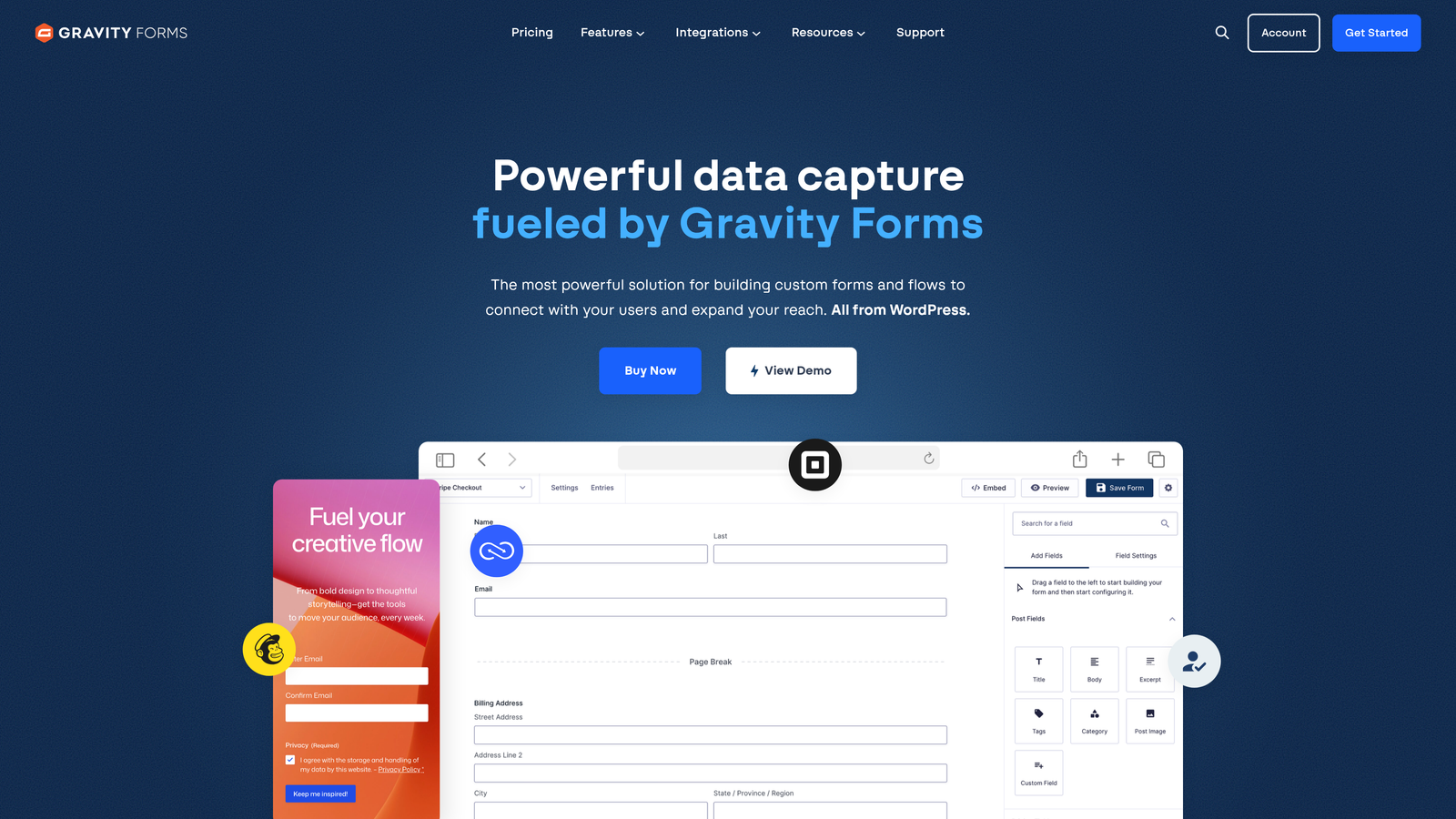
Gravity Forms is the go-to premium form plugin for WordPress, offering sophisticated conditional logic and an extensive add-on ecosystem that can power complex service inquiry workflows without leaving your existing site.
Where This Tool Shines
If your service business runs on WordPress, Gravity Forms integrates at a level that standalone SaaS tools simply cannot match. Everything lives within your site, your data stays on your server, and the plugin hooks deeply into WordPress's native functionality for maximum control.
The conditional logic engine is genuinely powerful. You can build multi-page inquiry forms that adapt based on service type, budget range, or any other field, creating a tailored experience without the need for a separate form platform subscription.
Key Features
Native WordPress Integration: Runs entirely within WordPress with no external platform dependencies.
Advanced Conditional Logic: Multi-page forms with field-level show/hide logic and complex branching.
Add-On Ecosystem: Official add-ons for HubSpot, Salesforce, Stripe, Slack, and user registration workflows.
Partial Entry Saving: Let users save progress on long inquiry forms and return to complete them later.
Developer-Friendly: Extensive hooks, filters, and API access for custom functionality.
Best For
Gravity Forms is purpose-built for WordPress sites that need more than basic contact forms. Ideal for agencies, consultancies, and service businesses that have developer resources or want maximum control over their inquiry data and form behavior.
Pricing
Starts at $59/year for a single site license. Higher tiers unlock more add-ons and multi-site usage.
5. HubSpot Forms
Best for: Service businesses already using HubSpot CRM that want inquiry forms tightly integrated with their sales pipeline.
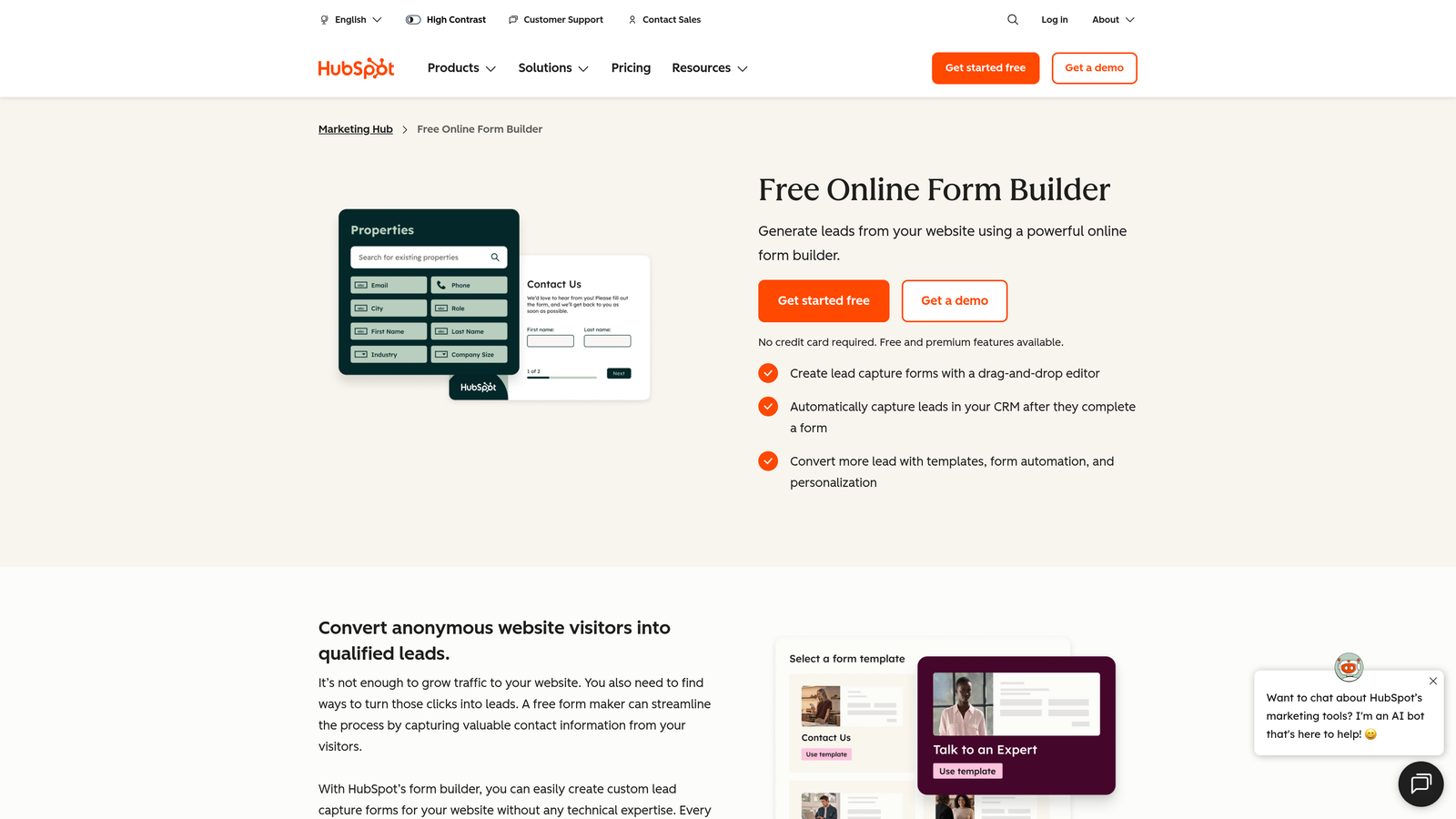
HubSpot Forms is a free form builder embedded within the HubSpot ecosystem, automatically creating CRM contacts and feeding service inquiries directly into sales workflows the moment someone submits.
Where This Tool Shines
The core advantage is frictionless CRM synchronization. When a prospect submits a service inquiry through a HubSpot form, a contact record is created, deal properties can be populated, and follow-up sequences can trigger automatically. For sales-driven service teams, this eliminates a significant amount of manual data entry.
Progressive profiling is another standout feature. HubSpot can recognize returning visitors and swap out fields they've already answered, keeping forms short and relevant without sacrificing data completeness over time.
Key Features
Automatic CRM Contact Creation: Every submission instantly creates or updates a contact record in HubSpot CRM.
Progressive Profiling: Dynamically replaces already-answered fields to gather new information without repetition.
Smart Fields: Dependent dropdowns and conditional fields that adapt based on prior answers.
Follow-Up Automation: Trigger email sequences or task assignments immediately after inquiry submission.
Attribution Reporting: Full source tracking to understand which channels are driving your best service inquiries.
Best For
HubSpot Forms is the obvious choice for teams already invested in the HubSpot ecosystem. Less compelling as a standalone tool if you're not using HubSpot CRM, since the core value comes from the native integration rather than the form builder itself.
Pricing
Free with HubSpot CRM. Advanced features like smart content and A/B testing require Marketing Hub paid plans starting around $20/month.
6. Paperform
Best for: Service businesses that want inquiry forms embedded within beautifully branded content pages rather than standalone form widgets.
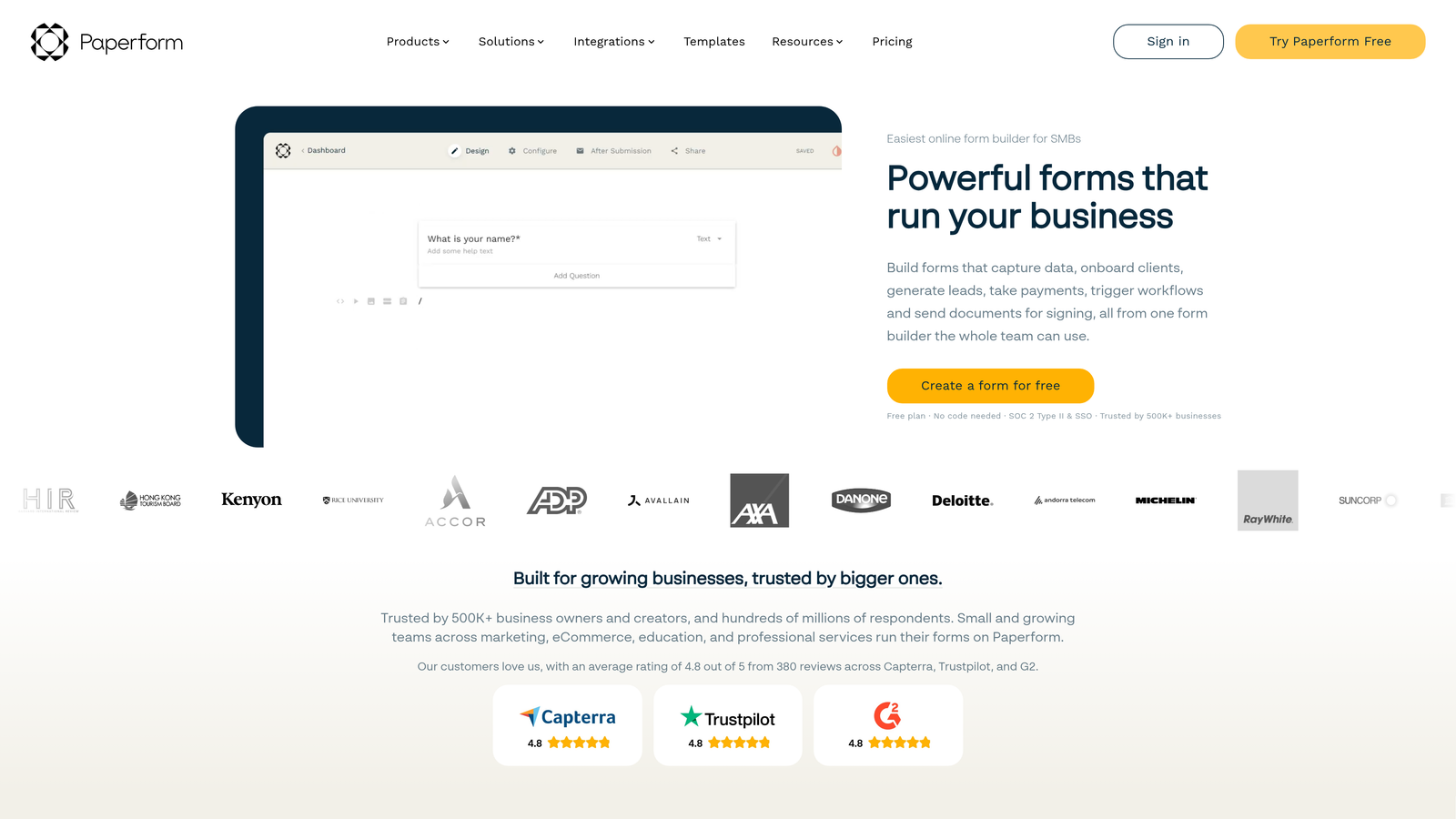
Paperform is a hybrid form builder and landing page creator that lets you blend rich content, images, and form fields into a single cohesive page experience.
Where This Tool Shines
Paperform blurs the line between a form and a landing page. Instead of dropping a form widget onto a page, you build the entire context around the inquiry: service descriptions, pricing context, testimonials, and the actual form fields all coexist in one document-style layout. This creates a more informed, higher-intent submission.
The built-in appointment scheduling fields are a practical differentiator for service businesses. Rather than sending prospects to a separate booking tool after form submission, you can capture the inquiry and book an initial call in a single step.
Key Features
Rich Content Editor: Blend text, images, videos, and form fields in a single document-style layout.
Calculation and Scoring Fields: Build instant service estimate calculators or lead scoring directly into the form.
Custom Thank-You Logic: Redirect or display personalized follow-up content based on form answers.
Appointment Scheduling: Built-in scheduling fields to book follow-up calls without a separate tool.
3,000+ App Integrations: Connect to your existing stack via native integrations and Zapier.
Best For
Paperform suits service businesses where the inquiry form is also a sales tool: consultants, coaches, event planners, and agencies that want to educate and qualify prospects in the same experience. Great for businesses without a dedicated landing page platform.
Pricing
Starts at $29/month on the Essentials plan. Higher tiers unlock more submissions, custom domains, and advanced features.
7. Cognito Forms
Best for: Service providers that want to deliver instant quotes or collect deposits directly within the inquiry form.
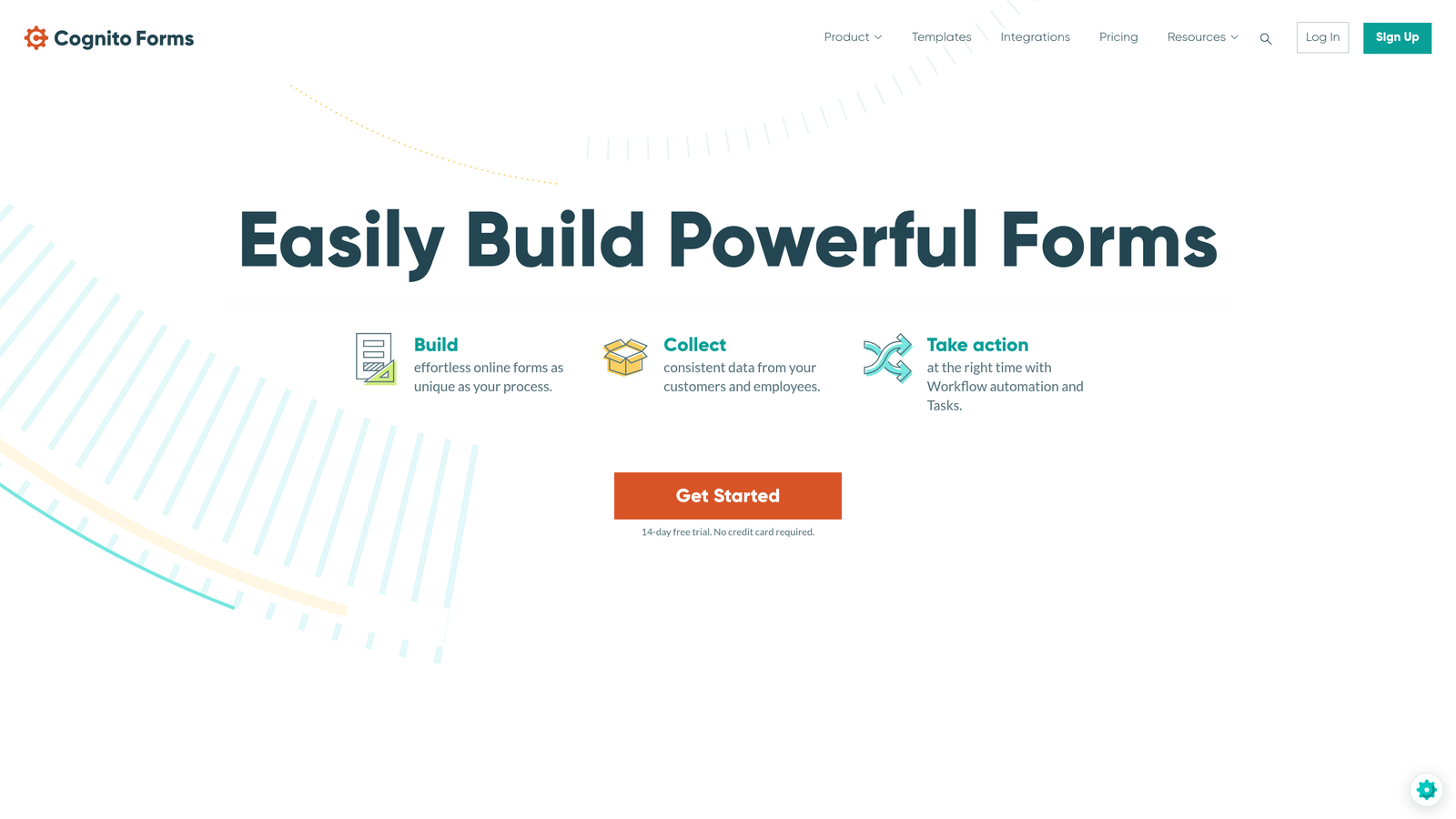
Cognito Forms is a form builder with standout calculation and payment capabilities, making it particularly well-suited for service businesses where pricing depends on the specifics of each inquiry.
Where This Tool Shines
The calculation engine sets Cognito Forms apart from most competitors. You can build formulas that calculate service estimates in real time based on what the prospect selects: number of users, project duration, service tier, or any other variable. Prospects see a price before they submit, which filters out mismatched budget expectations early.
Combining calculations with native payment processing means a prospect can request a service, see an instant estimate, and pay a deposit all in one form. For service businesses that charge for consultations or require retainers upfront, this is a meaningful workflow simplification.
Key Features
Calculation Fields: Build real-time service estimate calculators using form data and custom formulas.
Native Payment Processing: Accept deposits or full payments via Stripe, PayPal, and Square without third-party tools.
Repeating Sections: Let prospects add multiple service line items within a single inquiry submission.
Conditional Logic: Multi-page support with field-level branching for tailored inquiry paths.
Compliance Options: Data encryption and HIPAA-compliant configurations available for regulated industries.
Best For
Cognito Forms is the top pick for service businesses with variable pricing: event production companies, web agencies, home services, and professional services where each inquiry has a different scope and cost structure.
Pricing
Free plan available with basic features. Paid plans start at $15/month, making it one of the more affordable options with robust calculation and payment capabilities.
8. Formstack
Best for: Enterprise service organizations that need inquiry forms connected to document generation, e-signatures, and compliance workflows.
Formstack is an enterprise workflow platform that extends well beyond form building, connecting service inquiry capture to document automation, digital signatures, and structured approval processes.
Where This Tool Shines
Formstack's strength is in what happens after the inquiry arrives. Where most form builders hand off data to a CRM and stop, Formstack can trigger document generation, route the inquiry through an internal approval chain, collect a signed agreement, and initiate an onboarding workflow, all within the same platform. For service businesses with structured intake processes, this is transformative.
The compliance credentials are also enterprise-grade. HIPAA, GDPR, and SOC 2 compliance options make Formstack a serious contender for healthcare organizations, legal service providers, and financial services firms where data handling requirements are strict.
Key Features
Workflow Suite: Forms, document generation, and e-signatures in a single integrated platform.
Advanced Routing and Approvals: Route inquiries through multi-step internal approval workflows before response.
Enterprise Compliance: HIPAA, GDPR, and SOC 2 compliance options for regulated service industries.
Prefill and Save-and-Resume: Support for complex, multi-session inquiry forms with progress saving.
Deep CRM Integrations: Native connections with Salesforce, Microsoft 365, and other enterprise platforms.
Best For
Formstack is built for enterprise service organizations, particularly in healthcare, legal, financial services, and government contracting, where inquiry handling is part of a larger compliance and workflow infrastructure. Likely overkill for small teams or simple inquiry needs.
Pricing
Forms-only plans start around $50/month. Full platform bundles including documents and signatures are priced higher. Contact Formstack for enterprise pricing.
9. Tally
Best for: Budget-conscious service businesses or solo operators who want clean, functional inquiry forms without spending anything.
Tally is a minimalist form builder with a Notion-inspired block editor and one of the most generous free tiers in the market, offering unlimited forms and submissions at no cost.
Where This Tool Shines
Tally's free plan is genuinely remarkable. Unlimited forms, unlimited submissions, conditional logic, and hidden fields are all available without paying a cent. For freelancers, early-stage service businesses, or teams that just need a clean inquiry form without a budget allocation, this is hard to argue with.
The block-based editor feels intuitive to anyone familiar with Notion or modern document editors. Building a service inquiry form takes minutes rather than hours, and the output is clean and professional without requiring any design expertise.
Key Features
Unlimited Free Forms: No caps on the number of forms or submissions on the free plan.
Block Editor: Notion-style drag-and-drop building experience that's fast and intuitive.
Conditional Logic Included Free: Show or hide fields based on answers without upgrading to a paid tier.
Hidden Fields: Pass UTM parameters or custom data into submissions for source tracking.
Key Integrations: Connects with Notion, Google Sheets, Slack, and Zapier on both free and paid plans.
Best For
Tally is the right call for freelancers, solopreneurs, and early-stage service businesses that need professional inquiry forms immediately without a budget. Also a solid option for internal intake forms or low-volume inquiry scenarios where advanced qualification isn't a priority.
Pricing
Free for most features. Tally Pro at $29/month adds custom domains, branding removal, and priority support.
Which Tool Is Right for Your Service Business?
The best service inquiry form software depends entirely on where your biggest friction point lives. Here's a quick way to cut through the options.
If lead qualification is your priority: Orbit AI is the clear frontrunner. No other tool on this list scores and qualifies leads in real time during form completion. For high-growth teams drowning in unqualified submissions, this is where the ROI shows up fastest.
If you're on WordPress: Gravity Forms is the natural choice. The native integration depth and developer flexibility make it the most powerful option for WordPress-based service sites.
If your team lives inside HubSpot: HubSpot Forms is the path of least resistance. The automatic CRM sync and attribution reporting are genuinely valuable when you're already in that ecosystem.
If you need enterprise compliance: Formstack is built for exactly this. HIPAA, SOC 2, and structured approval workflows make it the responsible choice for regulated industries.
If budget is the constraint: Tally's free tier is unmatched. You get unlimited forms, conditional logic, and clean design at zero cost, which is the right starting point for early-stage businesses.
If you quote variable pricing: Cognito Forms' calculation engine is uniquely suited to service businesses where each inquiry has a different scope and cost.
For most growing service businesses, the gap between capturing inquiries and qualifying them is where revenue leaks. Tools that simply collect form data leave your team doing manual triage. Tools that intelligently score, route, and qualify leads before they reach your inbox change the economics of your entire sales process.
If that's the outcome you're after, start building free forms today with Orbit AI and see how AI-powered qualification can transform the quality of leads your team works with every day.


