

Gravity Forms has served WordPress-powered businesses well for years. But if your SaaS team is running a React frontend, a headless architecture, or simply has no WordPress installation in sight, it starts to feel like you're trying to fit a square peg into a round hole. The per-site licensing model doesn't scale cleanly either, and native AI capabilities are nowhere to be found.
The good news: the form builder landscape has evolved significantly. Today's best alternatives are platform-agnostic, integrate deeply with modern GTM stacks, and some even bring AI-powered lead qualification directly into the form experience.
To build this list, we evaluated tools across five criteria: no WordPress dependency, integration depth with SaaS sales and marketing stacks, lead qualification or scoring capabilities, pricing that scales with usage, and conversion optimization features like conditional logic, A/B testing, and analytics. Here are the top Gravity Forms alternatives worth considering for your SaaS team in 2026.
1. Orbit AI
Best for: SaaS teams that want AI-powered lead qualification built directly into their forms.
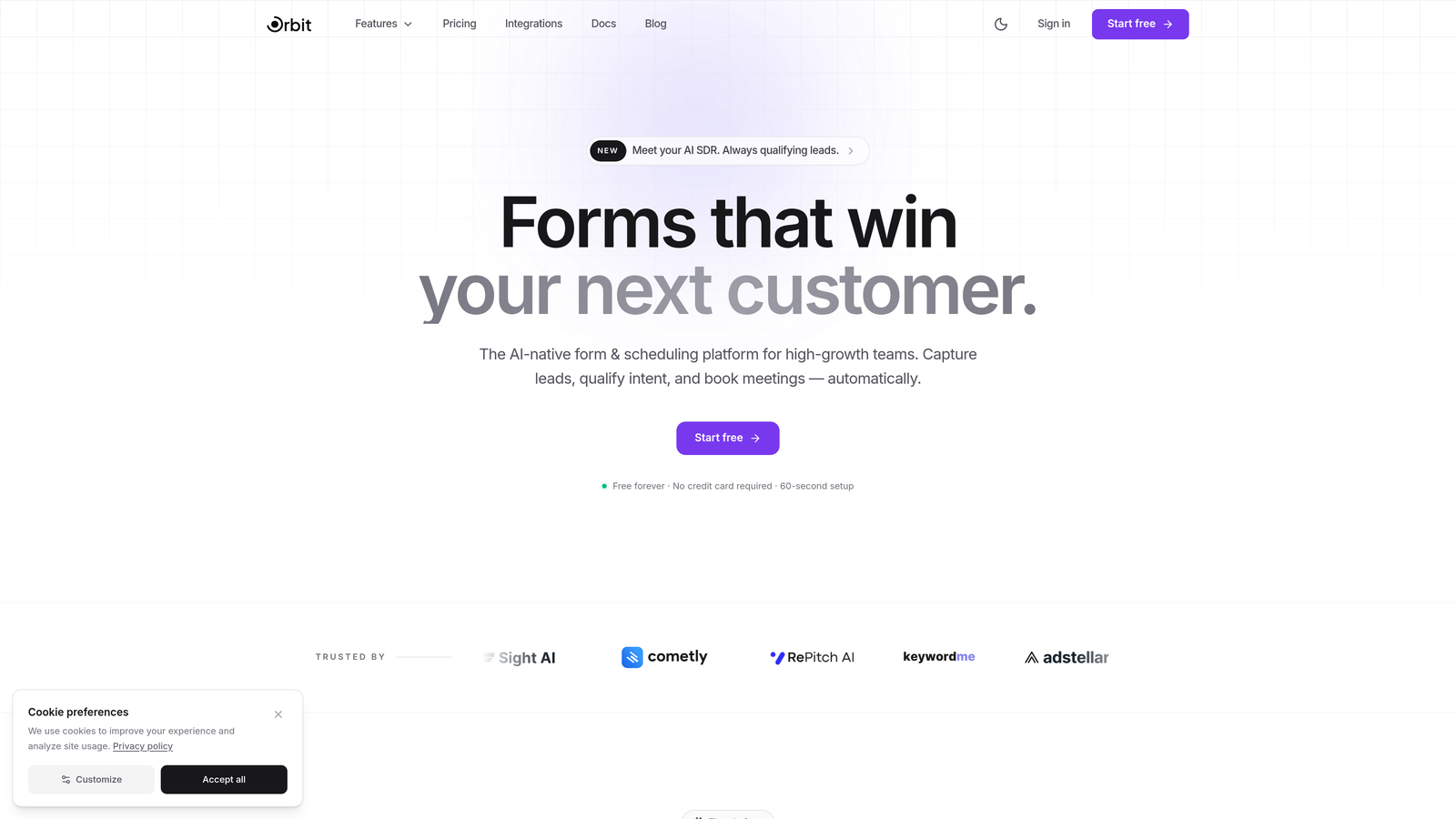
Orbit AI is an AI-powered form builder designed from the ground up for high-growth SaaS teams who need more than just data collection.
Where This Tool Shines
Most form builders collect information and hand it off. Orbit AI goes a step further by qualifying leads in real time as respondents move through the form. AI agents assess answers on the fly, score prospects, and surface the most valuable leads automatically. For teams running high-volume inbound, this means your sales team spends time on the right conversations, not sorting through unqualified submissions.
The platform is also built with conversion in mind from the start. Templates are designed specifically for SaaS use cases, and the native integrations with modern CRMs like HubSpot, Close, and Attio mean there's no duct-taping required to connect your form data to your pipeline.
Key Features
AI Lead Qualification: AI agents qualify and score leads in real time during form completion, so your team gets pre-prioritized submissions.
SaaS-Optimized Templates: Conversion-focused form templates built specifically for SaaS acquisition and onboarding flows.
Native CRM Integrations: Direct connections to HubSpot, Close, and Attio keep your pipeline updated without middleware headaches.
Built-in Analytics and Automation: Track form performance and trigger workflows automatically based on submission data.
Sequences and Scheduling: Post-submission follow-up sequences and scheduling features built into the platform, so the handoff from form to conversation is seamless.
Best For
Growth-stage SaaS teams running active lead generation campaigns who want to reduce manual lead sorting. Particularly valuable for revenue teams using HubSpot, Close, or Attio as their CRM of record and looking for a form experience that actively contributes to pipeline quality, not just volume.
Pricing
Free plan available. Paid plans with advanced AI features and integrations are listed on orbitforms.ai/pricing.
2. Typeform
Best for: Teams prioritizing brand experience and conversational form UX.
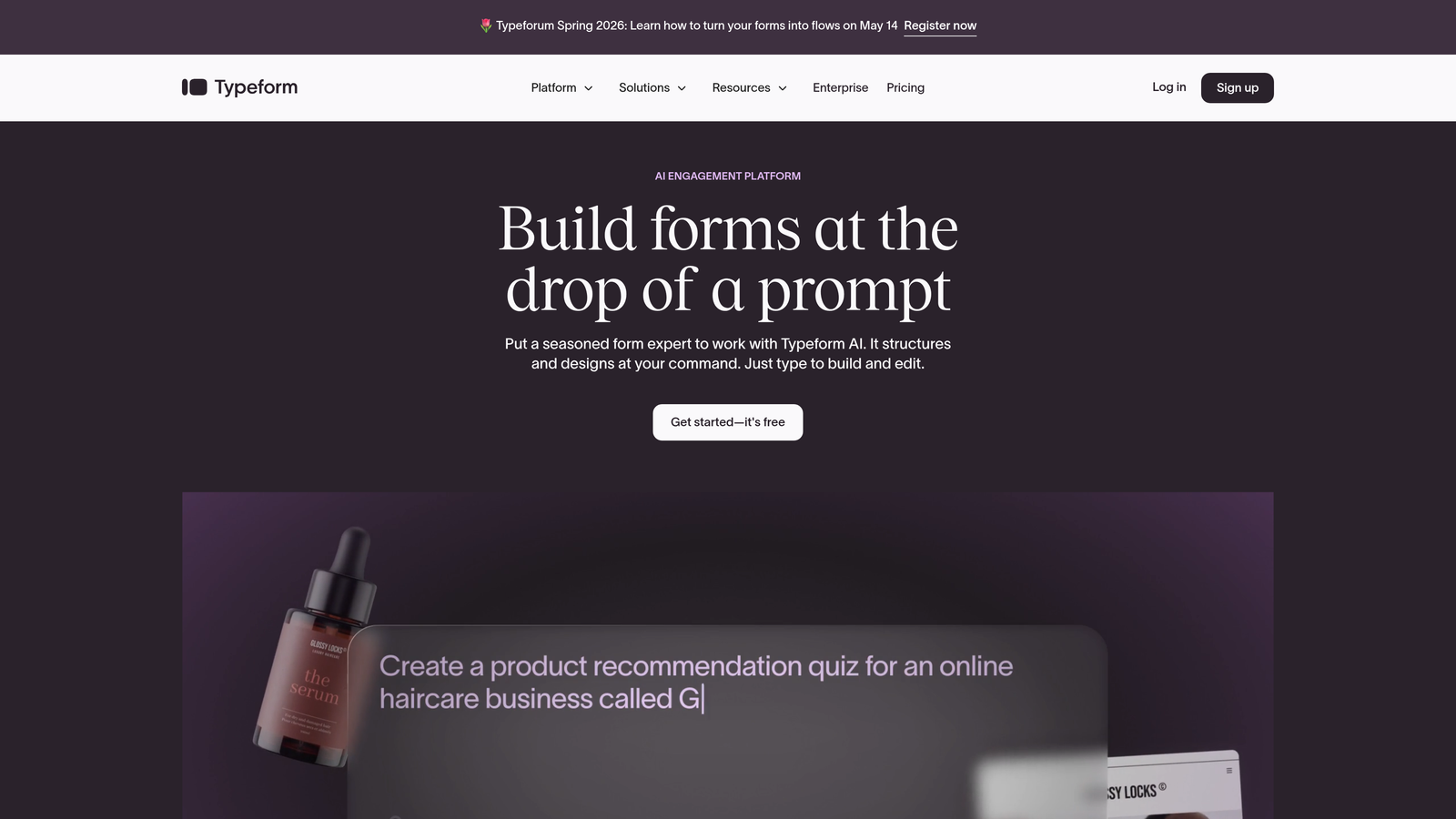
Typeform is a conversational form builder known for its distinctive one-question-at-a-time interface and polished design.
Where This Tool Shines
Typeform's core strength is the respondent experience. By presenting one question at a time, it reduces cognitive load and tends to drive higher completion rates on longer forms. For SaaS teams running demos requests, onboarding surveys, or customer research, the format feels less like a form and more like a conversation.
The design customization options are genuinely strong. You can match forms to your brand with precision, embed video and images inline, and create flows that feel like a natural extension of your product rather than a bolt-on tool.
Key Features
Conversational Interface: One-question-at-a-time format that reduces drop-off on longer form flows.
Logic Jumps and Branching: Advanced conditional logic lets you route respondents through personalized paths based on their answers.
Brand Customization: Deep design controls for fonts, colors, backgrounds, and layout to match your visual identity.
Integration Ecosystem: Connects with Zapier, HubSpot, Slack, Salesforce, and many more tools in the modern SaaS stack.
Rich Media Embeds: Add video and photos directly within forms to create more engaging, context-rich experiences.
Best For
SaaS teams where brand experience is a priority and form completion rates on longer surveys or intake flows matter. Also a solid choice for customer research and NPS collection where the conversational format keeps respondents engaged.
Pricing
Free plan available. Paid plans start at around $25/month, with higher tiers unlocking more responses, logic features, and integrations.
3. Jotform
Best for: Teams that need a massive template library and no-code flexibility.
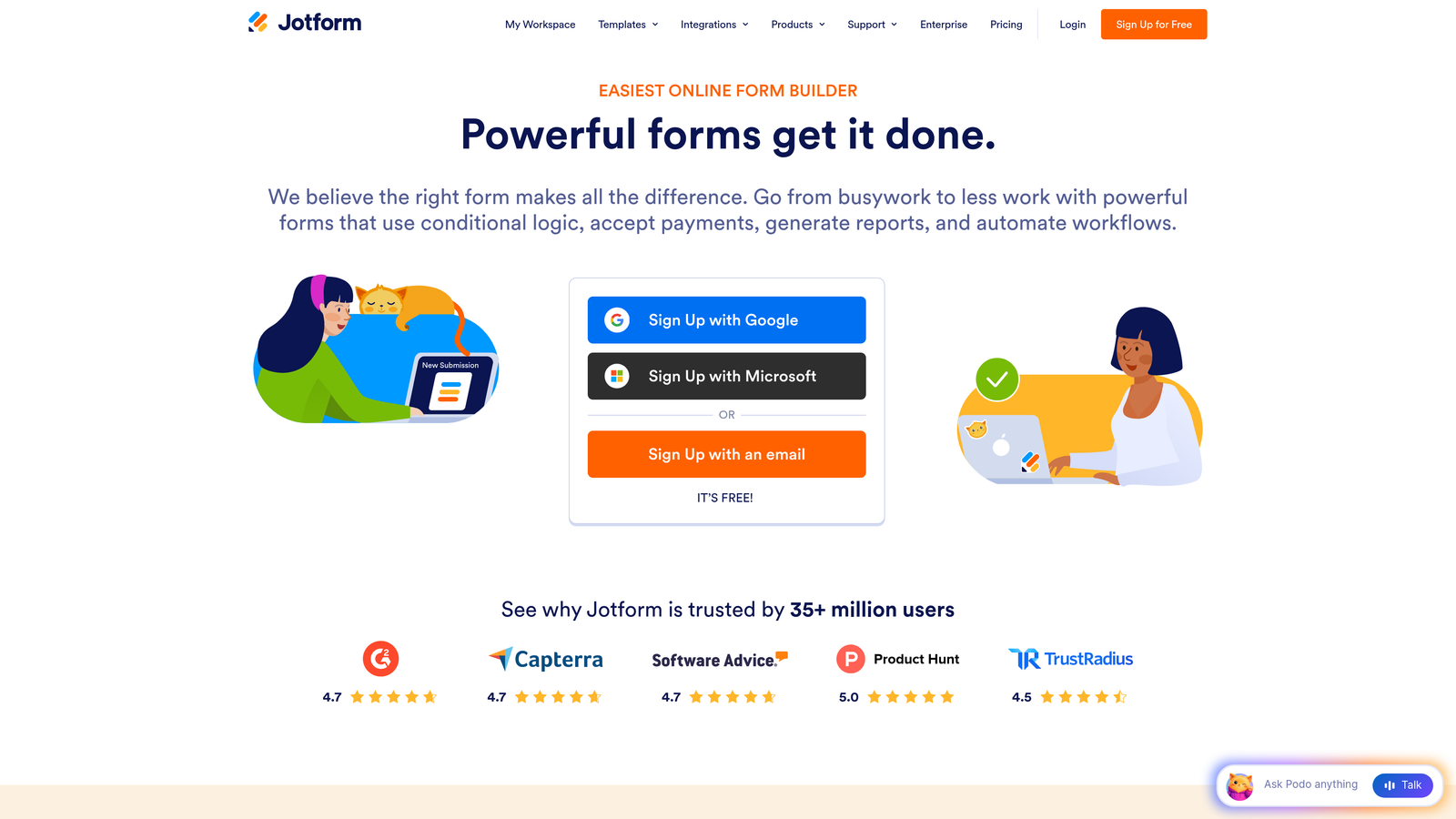
Jotform is one of the most feature-complete form builders available, offering an enormous template library alongside no-code app building tools.
Where This Tool Shines
When volume and variety are priorities, Jotform is hard to beat. With over 10,000 pre-built templates spanning virtually every use case, teams can launch forms quickly without starting from scratch. The breadth of functionality is also notable: payment collection, conditional logic, multi-page forms, and even full no-code app creation are all available within a single platform.
For SaaS teams with compliance requirements, Jotform also offers a HIPAA-compliant tier, which makes it one of the few general-purpose form builders that can serve healthcare-adjacent SaaS products without a custom build.
Key Features
10,000+ Templates: An extensive library covering virtually every form type, making it easy to launch quickly.
Jotform Apps: Build simple no-code applications on top of form data without additional tooling.
Payment Collection: Native integrations with Stripe, PayPal, and Square for collecting payments directly through forms.
Conditional Logic: Multi-step forms with branching logic to personalize the respondent experience.
HIPAA Compliance: Available on higher-tier plans for teams operating in regulated industries.
Best For
SaaS teams that need a versatile, all-in-one form solution with minimal setup time. Particularly useful for operations-heavy teams managing multiple form types across departments, or for healthcare-adjacent products with compliance requirements.
Pricing
Free plan includes up to 5 forms. Paid plans start at around $34/month, scaling with submission volume and feature access.
4. Tally
Best for: Startups and lean teams looking for a generous free tier with a clean, modern UX.
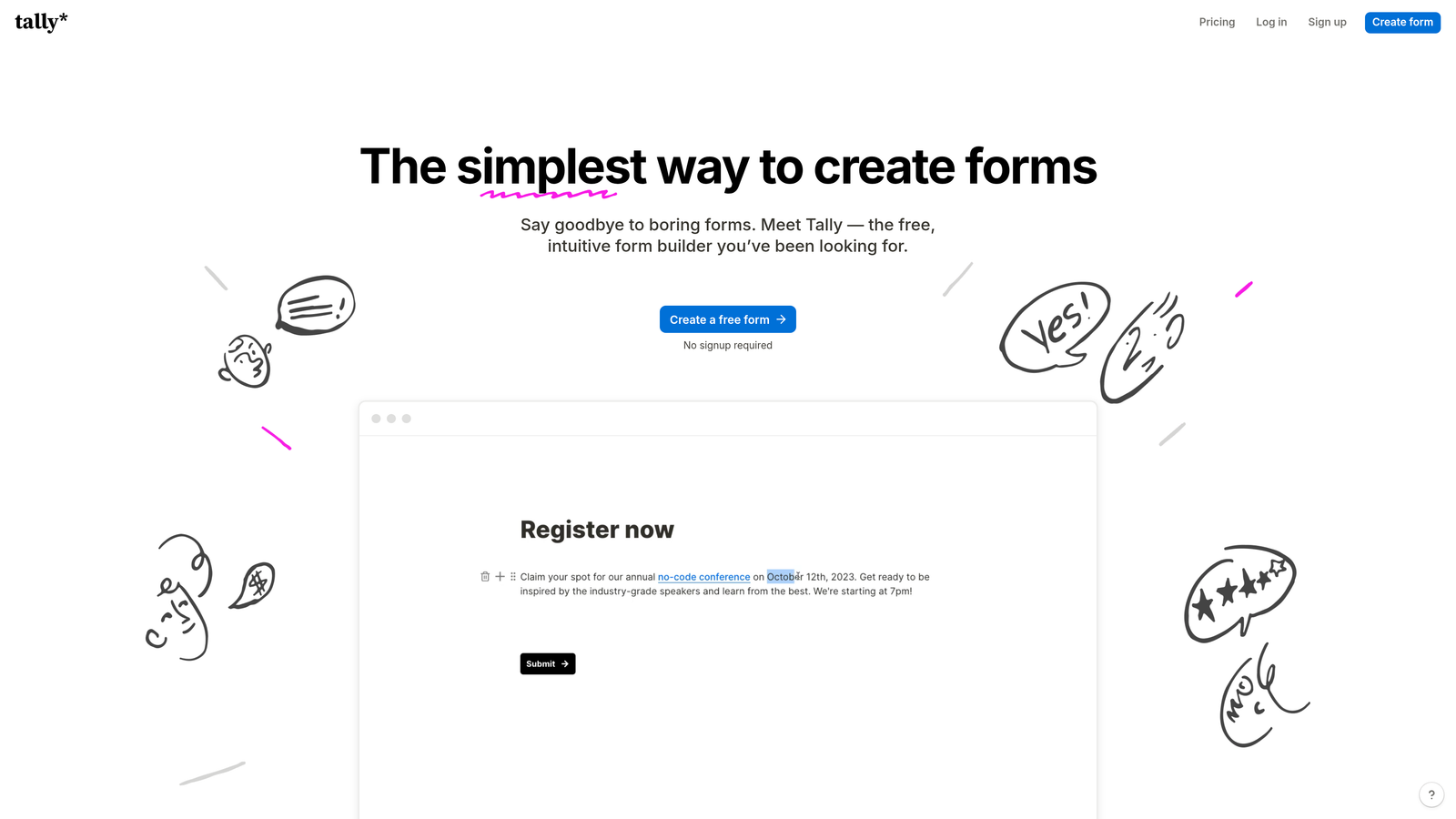
Tally is a minimalist, Notion-style form builder that has earned a loyal following among early-stage SaaS teams and indie makers.
Where This Tool Shines
Tally's biggest differentiator is its free plan: unlimited forms and unlimited submissions, no strings attached. For early-stage teams watching every dollar, this is genuinely rare in the form builder space. The editor also feels familiar to anyone who uses Notion, with a block-based interface that makes form building intuitive without a learning curve.
It handles the fundamentals well: conditional logic, hidden fields, embeddable forms, and popup options are all available. While it doesn't have the AI capabilities or deep CRM integrations of more enterprise-focused tools, for teams that need to move fast and ship forms without budget friction, Tally punches well above its price point.
Key Features
Unlimited Free Forms: No submission caps or form limits on the free plan, making it uniquely accessible for growing teams.
Block-Based Editor: Notion-style interface that makes building forms feel natural and fast.
Conditional Logic: Route respondents through different paths based on their answers, even on the free tier.
Flexible Embedding: Embed forms inline or trigger them as popups on any website or SaaS product.
Automation Integrations: Connect via Zapier, Make, or webhooks to push data into your existing stack.
Best For
Early-stage SaaS teams, solo founders, and lean operations teams who need functional, clean forms without a budget commitment. Also a strong choice for internal tooling like feedback collection or team surveys.
Pricing
Free plan is exceptionally generous with no form or submission limits. Pro plan is $29/month for advanced features like custom domains and priority support.
5. HubSpot Forms
Best for: SaaS teams already running their GTM motion on HubSpot.
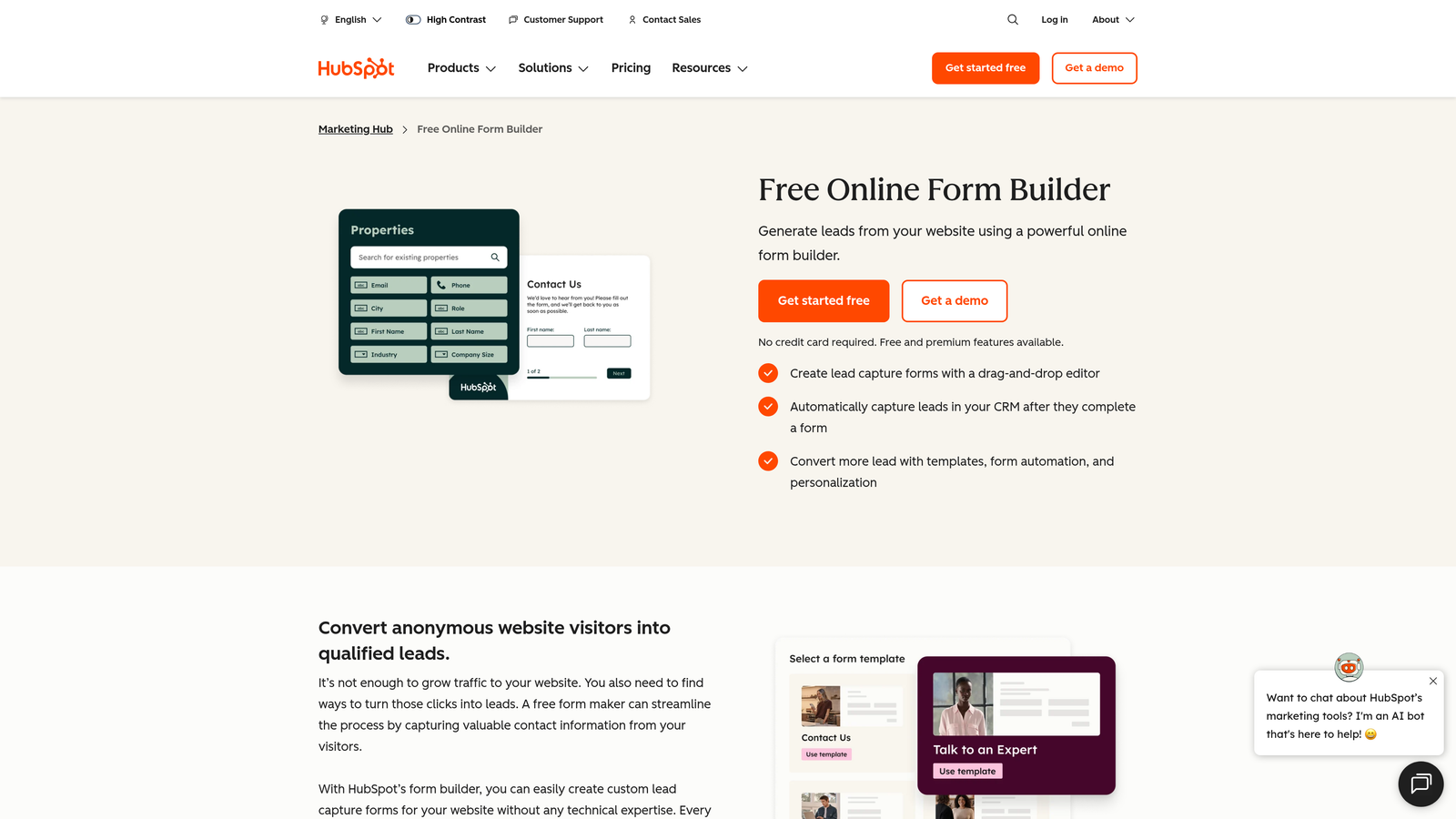
HubSpot Forms is the native form builder within HubSpot's marketing platform, offering tight CRM integration for inbound-focused SaaS teams.
Where This Tool Shines
If HubSpot is your CRM, there's a compelling case for using HubSpot Forms: every submission automatically creates or updates a contact record, enriches it with form data, and triggers whatever workflows you've set up. There's no integration to configure because it's all native. That frictionless connection to your CRM is a meaningful time saver for teams running active inbound programs.
Progressive profiling is another standout capability. HubSpot Forms can detect known visitors and replace fields you already have data for with new questions, reducing form fatigue while continuously enriching contact records over time.
Key Features
Automatic CRM Sync: Submissions instantly create or enrich contact records in HubSpot without any middleware.
Progressive Profiling: Smart fields replace already-known data with new questions to reduce friction for returning visitors.
Smart Field Adaptation: Forms adapt dynamically based on what HubSpot already knows about a visitor.
Native Analytics: Form performance data feeds directly into HubSpot's reporting dashboards.
Free Tier Included: Access to HubSpot Forms comes with the free HubSpot CRM, lowering the barrier to entry.
Best For
SaaS teams with HubSpot as their primary CRM who want zero-friction form-to-pipeline connectivity. Less compelling for teams not already in the HubSpot ecosystem, where the tool's value proposition diminishes significantly.
Pricing
Free with HubSpot CRM. Advanced features unlock with Marketing Hub Starter at $20/month, scaling up with higher Marketing Hub tiers.
6. Paperform
Best for: Teams that want forms to double as branded landing pages.
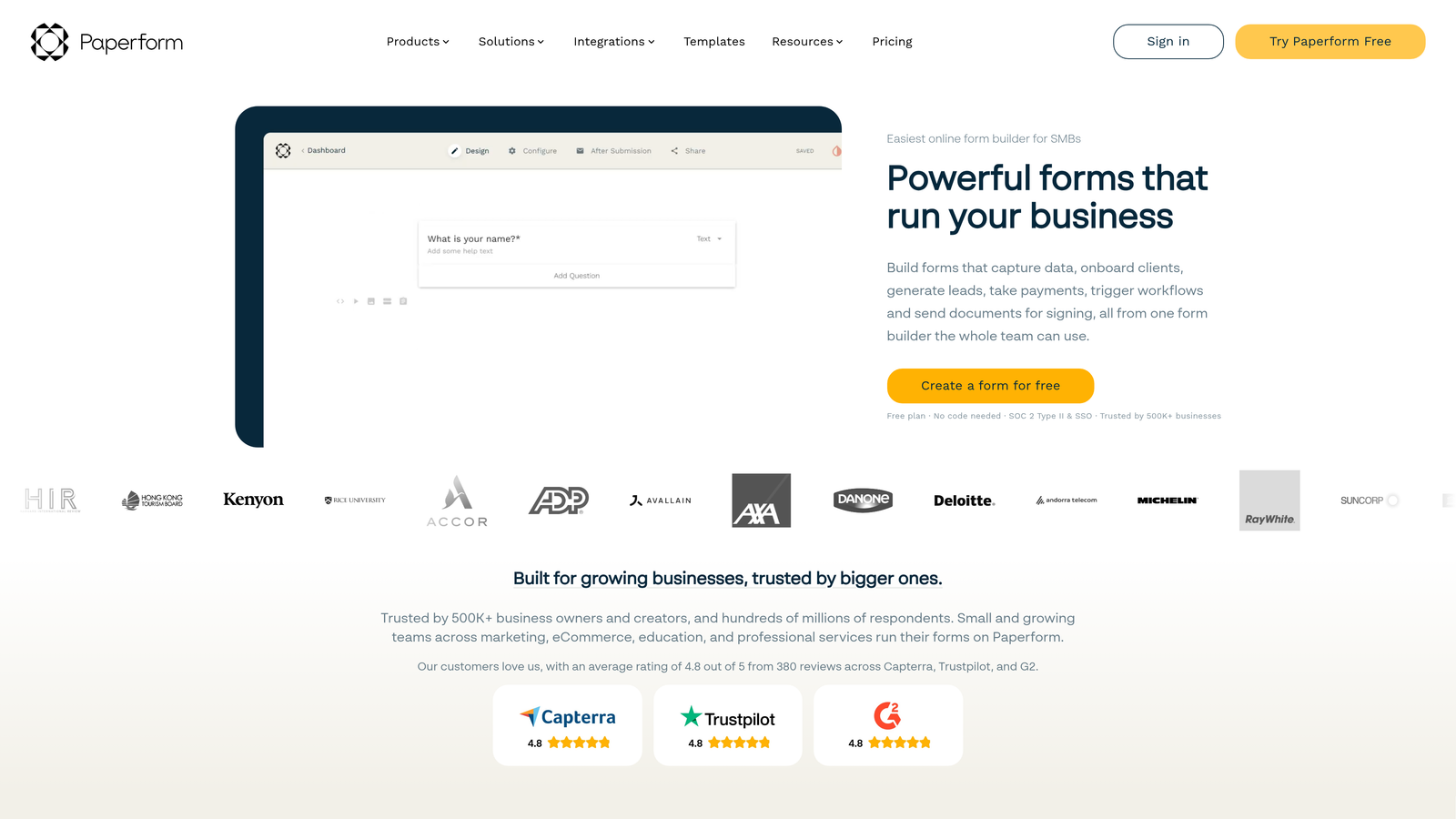
Paperform blends rich content editing with form functionality, creating a form-meets-landing-page experience that stands apart from traditional builders.
Where This Tool Shines
Paperform treats forms as documents first. You can embed rich text, images, and video alongside form fields, creating experiences that feel closer to a landing page than a traditional intake form. For SaaS teams running product demos, event registrations, or intake flows where context matters, this approach can meaningfully improve completion rates by giving respondents the information they need right alongside the questions being asked.
The built-in payment processing and calculation fields also make Paperform a strong choice for teams that need to collect money or produce dynamic outputs like quotes or estimates directly within the form experience.
Key Features
Rich Content Embedding: Add text, images, and video inline with form fields to create context-rich experiences.
Built-in Payments: Native payment processing via Stripe, Square, and Braintree without third-party plugins.
Calculation Fields: Build dynamic outputs like pricing estimates or scores based on respondent answers.
Custom Thank-You Pages: Redirect rules and custom confirmation pages for post-submission experiences.
Extensive Integrations: Over 3,000 integrations available via Zapier alongside direct native connections.
Best For
SaaS teams running intake flows, event registrations, or quote-generation forms where context and content richness improve the respondent experience. Also well-suited for teams that need built-in payment collection without a separate tool.
Pricing
Plans start at around $29/month. No free plan, but a 14-day trial is available.
7. Fillout
Best for: Teams working heavily with Airtable, Notion, or Google Sheets.
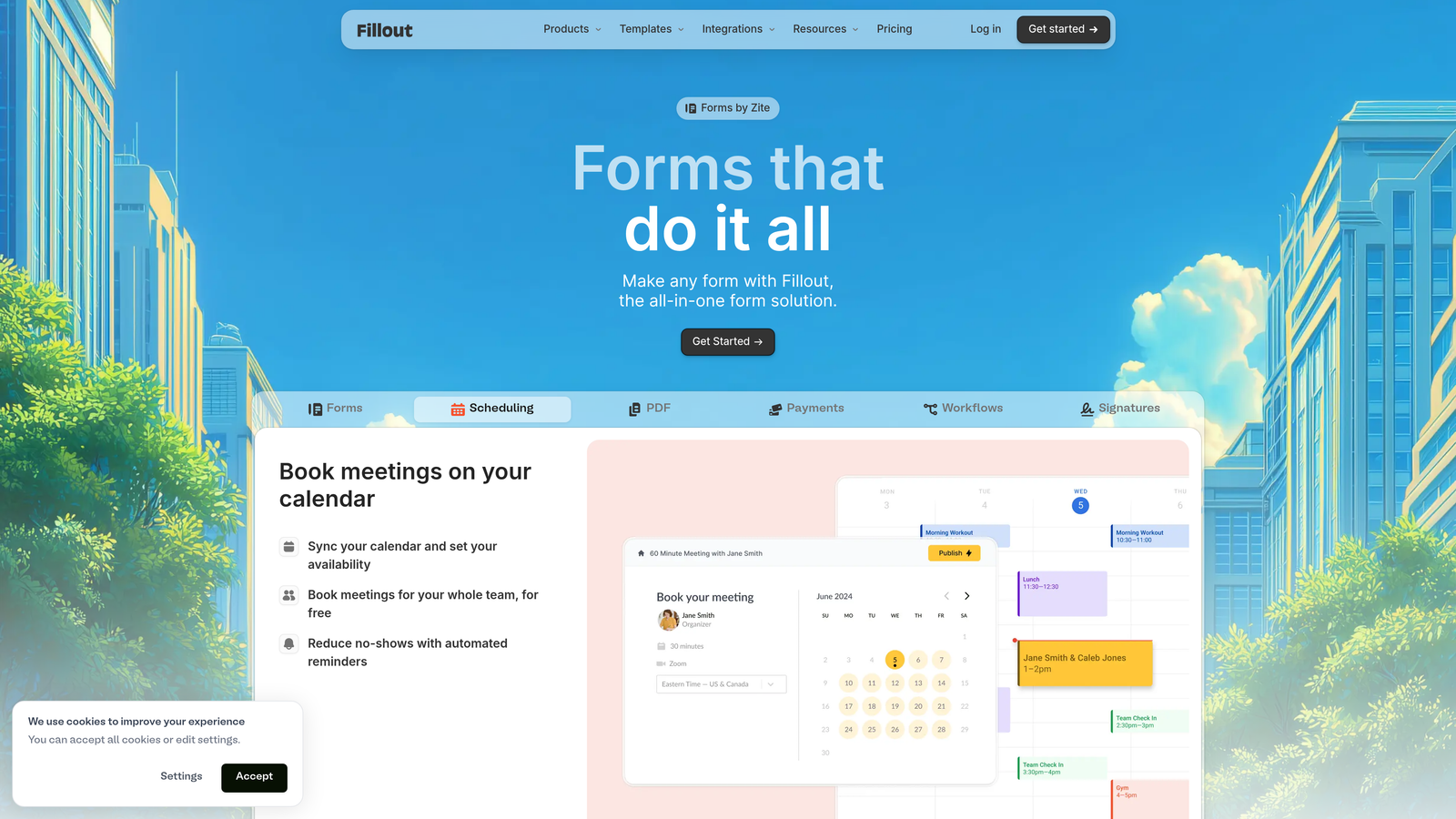
Fillout is a database-connected form builder with native two-way sync to the most popular no-code data platforms.
Where This Tool Shines
Fillout's standout feature is its ability to connect forms directly to databases and sync data in both directions. If your team lives in Airtable or Notion, Fillout can pre-fill forms from existing records, update them on submission, and keep everything in sync without manual exports or Zapier workarounds. For SaaS teams using these tools as lightweight CRMs or project databases, this is a genuine workflow accelerator.
The platform also covers the basics well: multi-step forms, conditional logic, scheduling, and payment collection are all included. It's a well-rounded tool that happens to be exceptionally strong in the database-connectivity niche.
Key Features
Two-Way Database Sync: Native bi-directional sync with Airtable, Notion, and Google Sheets keeps records updated automatically.
Pre-Fill from Records: Pull existing data from your database to pre-populate form fields for returning users.
Multi-Step Forms: Conditional logic and multi-page flows for more complex data collection.
Scheduling Integration: Built-in scheduling capability for booking flows without additional tools.
Payment Collection: Accept payments directly within forms via native payment integrations.
Best For
SaaS teams and operations managers using Airtable, Notion, or Google Sheets as their primary data layer who want forms that stay in sync with their existing records automatically.
Pricing
Generous free plan available. Paid plans start at $19/month, making it one of the more affordable options with strong functionality.
8. Formsort
Best for: Growth teams running high-volume acquisition flows who need built-in experimentation.
Formsort is a growth-focused form builder with native A/B testing and funnel analytics built for teams optimizing at scale.
Where This Tool Shines
Formsort is built for teams that treat their forms as a growth lever, not just a data collection tool. Native A/B testing lets you run experiments on form variants without external tooling, and the funnel analytics give you step-by-step drop-off data so you know exactly where respondents are abandoning. For SaaS teams running high-volume acquisition flows, this kind of insight is the difference between guessing and optimizing.
The API-first architecture is also worth noting. For engineering teams that want to integrate form logic deeply into their product or data infrastructure, Formsort is built to accommodate that without friction.
Key Features
Native A/B Testing: Run experiments on form variants directly within the platform without third-party testing tools.
Funnel Analytics: Step-by-step drop-off tracking reveals exactly where respondents abandon your forms.
Responder-Level Event Tracking: Granular event data at the individual respondent level for detailed analysis.
Custom Styling: Full CSS support and theme customization for pixel-perfect brand alignment.
API-First Architecture: Developer-friendly integration approach for teams embedding forms into complex product environments.
Best For
Growth-stage SaaS teams running high-volume acquisition or onboarding flows where incremental conversion improvements have significant revenue impact. Best suited for teams with at least some engineering resources to leverage the API-first capabilities.
Pricing
Custom pricing based on usage and team needs. Contact the Formsort sales team for a quote.
9. Feathery
Best for: Product teams building complex onboarding and signup flows directly into their SaaS product.
Feathery is a developer-friendly form builder designed for the kind of multi-step, logic-heavy flows that live inside SaaS products rather than alongside them.
Where This Tool Shines
Feathery is for teams that want form infrastructure with the flexibility of a custom build but without the full development overhead. The visual builder handles complex conditional logic and multi-step flows, while React, Vue, and vanilla JS SDKs let engineers embed those flows directly into the product experience. It's the kind of tool that bridges the gap between "we need a form" and "we need a fully custom onboarding flow."
Built-in identity verification and document upload capabilities also make Feathery a strong fit for SaaS products in regulated or high-trust industries like fintech, insurtech, or legal tech, where onboarding flows require more than standard form fields.
Key Features
Visual Builder with Code Support: Design flows visually while retaining the ability to add custom code and API calls.
Advanced Conditional Logic: Complex multi-step flows with branching logic for sophisticated onboarding experiences.
Identity Verification and Document Upload: Built-in support for KYC-style flows and file collection within forms.
Frontend SDKs: React, Vue, and vanilla JS SDKs for embedding flows natively inside your product.
Role-Based Access: Team collaboration features with role-based permissions for larger product teams.
Best For
Product and engineering teams at SaaS companies building complex in-product onboarding, signup, or verification flows. Particularly strong for regulated industries where identity verification and document collection are part of the onboarding process.
Pricing
Free plan available. Paid plans start at $49/month, with pricing scaling based on usage and team size.
Which Tool Is Right for Your SaaS Team?
The right Gravity Forms alternative depends on where your team is in its growth journey and what your GTM stack looks like. Here's a quick-hit guide to cut through the noise.
Best for AI-powered lead qualification: Orbit AI is the clear choice here. No other tool on this list qualifies and scores leads in real time during the form experience, which is a meaningful advantage for teams focused on pipeline quality over pipeline volume.
Best for conversational UX: Typeform remains the gold standard for form experiences where brand impression and completion rates are the priority.
Best free option: Tally offers unlimited forms and submissions on its free plan, making it the most accessible starting point for early-stage teams.
Best for HubSpot users: HubSpot Forms wins on pure integration depth if you're already running your CRM on HubSpot. The native sync is hard to replicate with any other tool.
Best for growth experimentation: Formsort's native A/B testing and funnel analytics make it the strongest choice for teams that treat form optimization as a growth discipline.
Best for product-embedded flows: Feathery's SDK-first approach and support for complex onboarding logic make it the go-to for product teams building inside their SaaS product rather than alongside it.
If you're a high-growth SaaS team looking to turn your forms into an active part of your lead qualification process, Orbit AI was built for exactly that use case. Start building free forms today and see how AI-powered qualification and conversion-optimized design can elevate the quality of leads hitting your pipeline, not just the volume.


