

For service businesses, the contact form is where revenue begins. Whether you run a consulting practice, a law firm, a home services company, or a marketing agency, every inbound lead starts with someone filling out a form on your website. A clunky, generic, or poorly optimized form doesn't just create friction: it sends potential clients straight to a competitor.
Choosing the right contact form tool means thinking beyond basic fields. The best options for service businesses offer lead qualification, seamless integrations with CRMs and scheduling tools, payment collection, mobile-responsive design, and compliance features for regulated industries. If you want to go deeper on optimizing your setup, check out our guides on contact forms for professional services and how to optimize contact forms for conversion.
Here are the top contact form tools built to help service businesses capture, qualify, and convert more leads in 2026.
1. Orbit AI
Best for: Service businesses that want AI-powered lead qualification built directly into their forms.
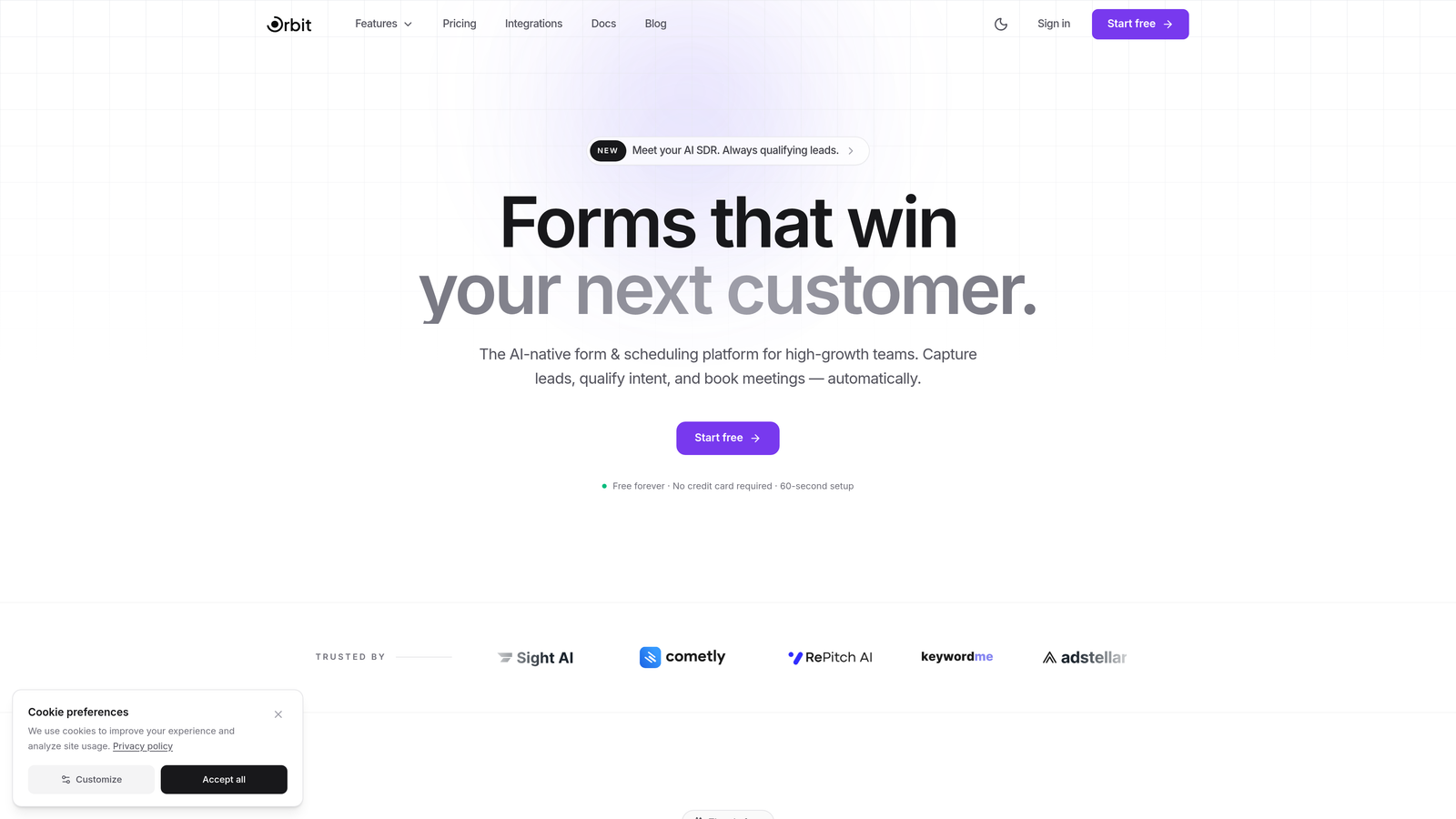
Orbit AI is an AI-powered form builder designed to help high-growth service teams automatically score and prioritize incoming inquiries the moment they arrive.
Where This Tool Shines
Most form builders simply collect data and pass it along. Orbit AI goes a step further by analyzing each submission in real time, scoring leads based on their responses, and surfacing the highest-value prospects so your team can follow up where it matters most. For service businesses fielding a mix of tire-kickers and serious buyers, that distinction is genuinely valuable.
The templates are built with conversion in mind, not just aesthetics. Conditional logic keeps forms short and relevant, asking follow-up questions based on what a prospect has already answered, which reduces drop-off and improves the quality of data you collect.
Key Features
AI-Powered Lead Qualification: Every submission is automatically scored and prioritized, so your sales or intake team knows exactly who to call first.
Conditional Logic and Dynamic Fields: Forms adapt in real time based on user responses, keeping the experience relevant and concise.
Conversion-Optimized Templates: Pre-built templates designed specifically for service business use cases, from agency intake to consultation requests.
CRM and Workflow Integrations: Connect directly to your existing tools so leads flow into your pipeline without manual data entry.
Mobile-Responsive Design: Every form looks and performs beautifully on any device, critical when many prospects search on their phones.
Best For
High-growth service teams, agencies, consultants, and any business that receives a meaningful volume of inbound inquiries and needs to prioritize follow-up intelligently. Particularly valuable for teams without a dedicated sales development function who need the form itself to do some of the qualification work.
Pricing
Free plan available. Paid plans start at an accessible tier for growing teams. Visit orbitforms.ai for current pricing details.
2. Typeform
Best for: Service businesses that want a polished, conversational form experience that feels nothing like a standard web form.
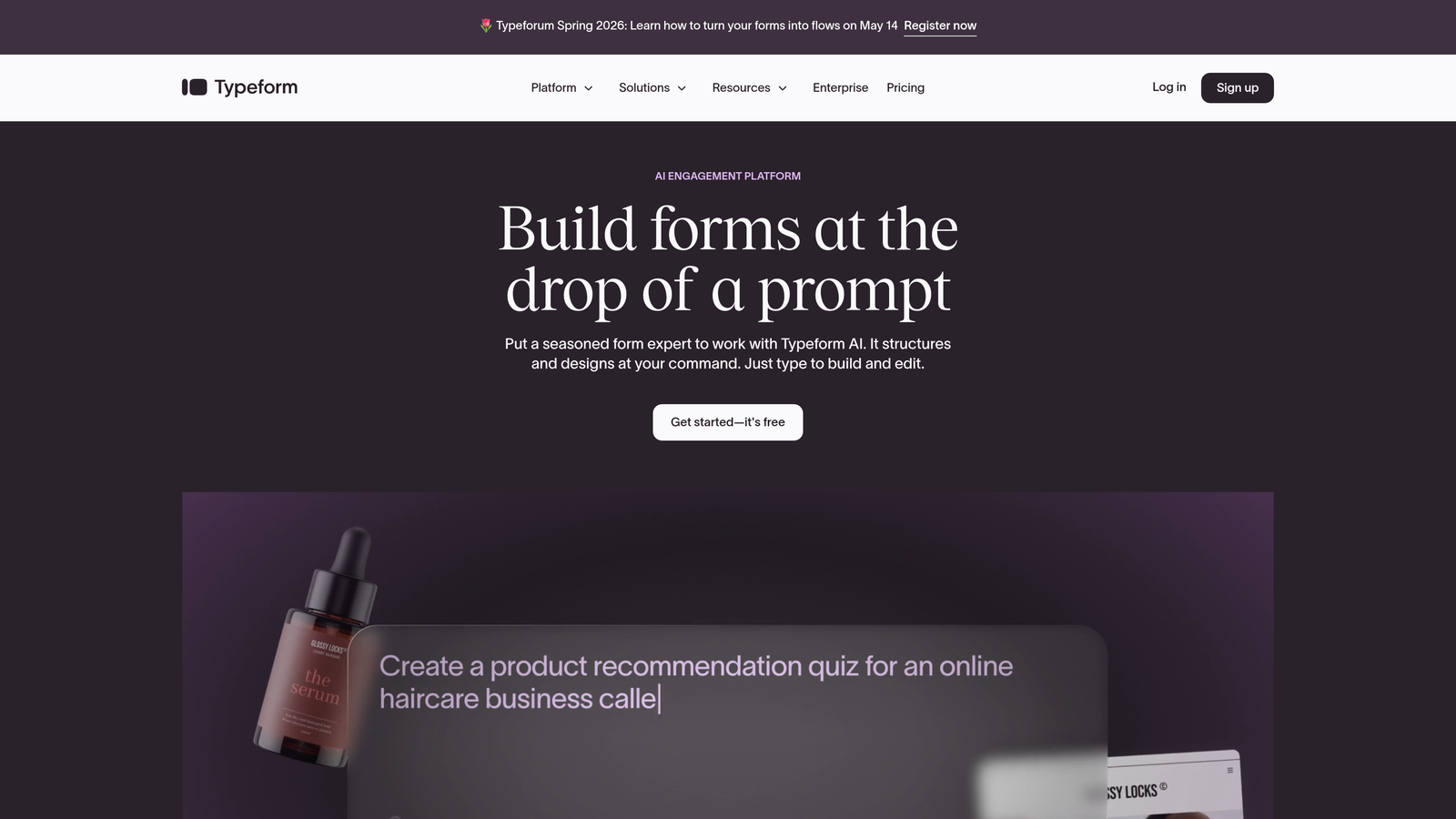
Typeform is a conversational form builder that presents one question at a time, creating a dialogue-style experience that tends to feel more engaging than a wall of fields.
Where This Tool Shines
For service businesses where first impressions matter, such as creative agencies, consultants, and premium service providers, Typeform's visual polish gives contact forms a distinctly high-end feel. The one-question-at-a-time format can reduce overwhelm and encourage prospects to complete longer intake forms.
The logic jump system is robust, allowing you to branch prospects down different paths based on their answers. A prospect who says they have an urgent timeline can be routed to a different follow-up sequence than someone still in the research phase.
Key Features
Conversational One-Question UI: Presents each question individually to create a guided, interview-style experience.
Logic Jumps and Branching: Route respondents through different question paths based on previous answers.
Design Customization: Strong branding controls including custom fonts, colors, backgrounds, and imagery.
Broad Integrations: Connects with Zapier, HubSpot, Slack, Google Sheets, and many other tools.
Built-In Analytics: View completion rates, drop-off points, and response data directly in the dashboard.
Best For
Design-forward service businesses, creative agencies, consultants, and coaches who want their intake experience to reflect their brand quality. Also useful for longer qualification surveys where a traditional multi-field form would feel overwhelming.
Pricing
Free plan with limited responses. Paid plans start around $25/month. Response volume limits on lower tiers can add up for busy service businesses.
3. Jotform
Best for: Service businesses that need a feature-rich, all-in-one form solution with payment collection and e-signatures.
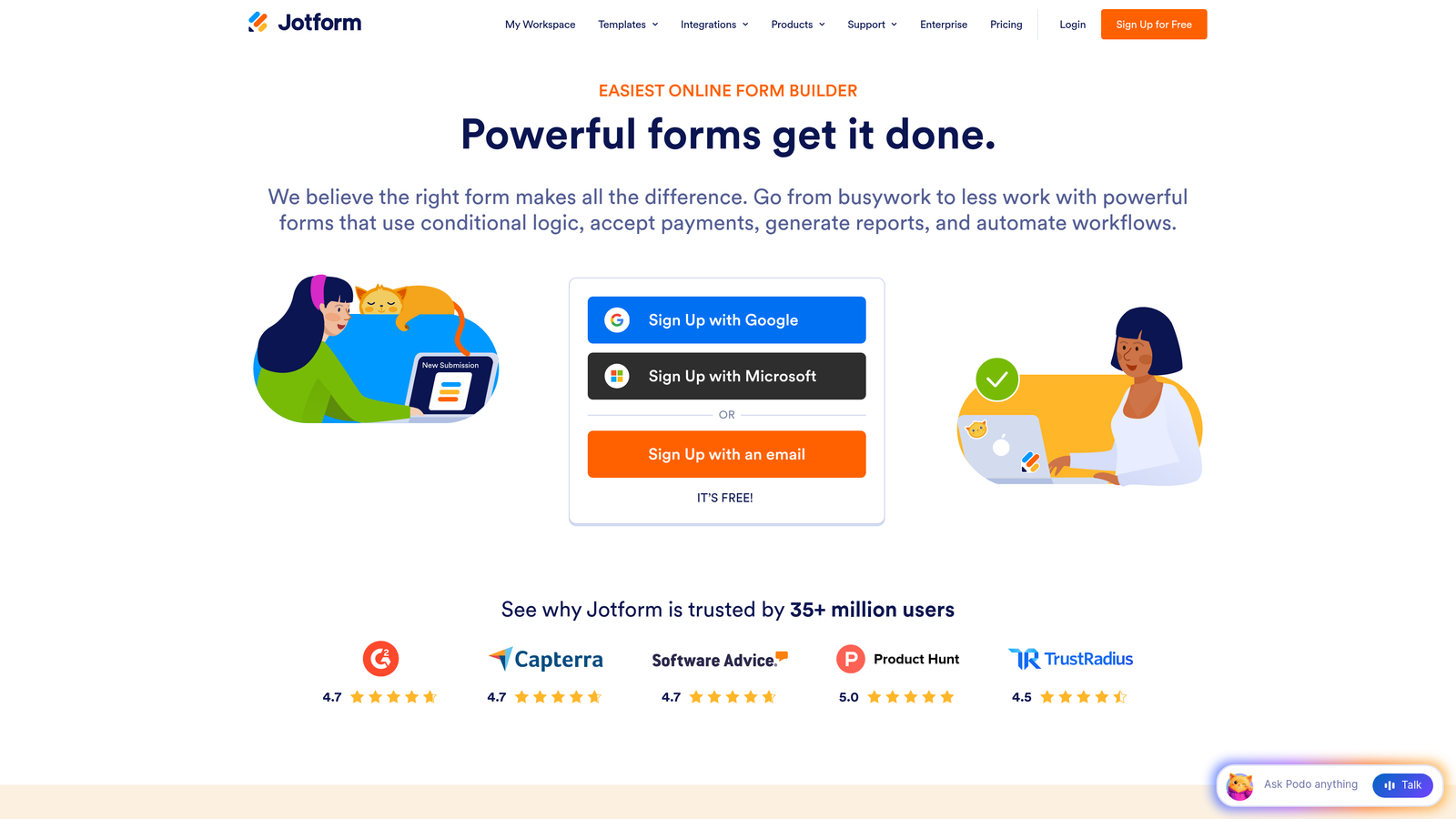
Jotform is one of the most feature-complete form builders available, combining a massive template library with built-in payment processing and document signing capabilities.
Where This Tool Shines
If your service business needs to collect a deposit at the time of inquiry, get a signature on an intake agreement, or generate a PDF summary of a client's project brief, Jotform handles all of it within a single platform. That breadth of functionality is genuinely rare at this price point.
The template library is extensive, with options tailored to specific service verticals including legal, healthcare, home services, and professional consulting. For teams that want to get a sophisticated form live quickly, starting from a relevant template saves significant setup time.
Key Features
10,000+ Templates: Includes industry-specific templates for service businesses across multiple verticals.
Integrated Payments: Accept payments via PayPal, Stripe, and Square directly within forms.
E-Signature Collection: Collect legally binding signatures on intake documents and agreements.
PDF Generation: Automatically generate formatted PDF reports from form submissions.
Conditional Logic and Calculations: Build smart forms that adapt to responses and calculate quotes or totals.
Best For
Home service providers, legal firms, healthcare practices, and any service business that needs payment collection, e-signatures, or document generation alongside standard contact form functionality.
Pricing
Free plan includes 5 forms and 100 submissions per month. Paid plans start around $34/month with higher submission limits and advanced features.
4. Gravity Forms
Best for: WordPress-based service businesses that need deep customization and a large ecosystem of add-ons.
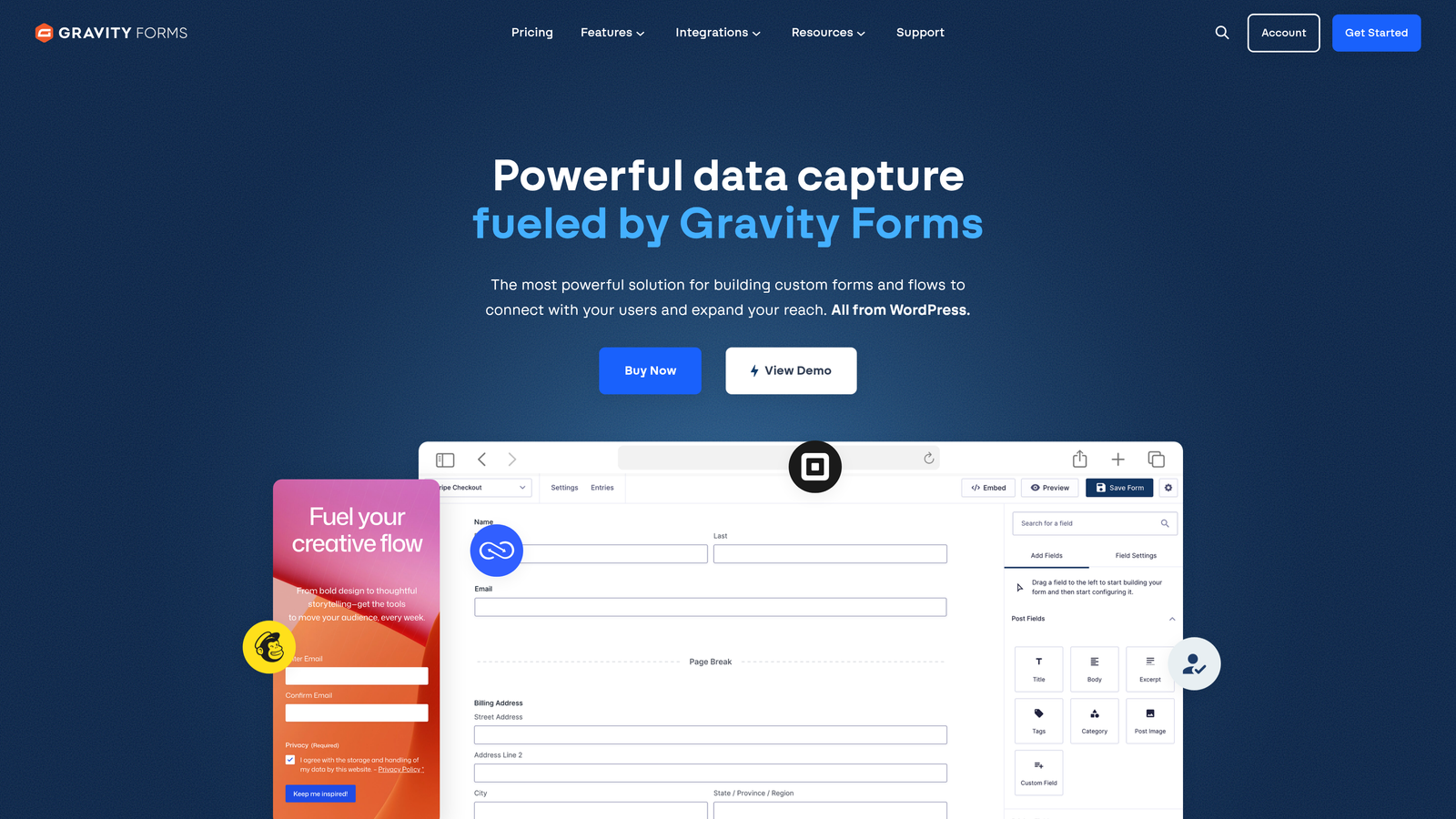
Gravity Forms is the go-to premium form plugin for WordPress, offering extensive customization through a large marketplace of integrations and developer-friendly architecture.
Where This Tool Shines
If your service business website runs on WordPress and you need a form solution that can grow with you, Gravity Forms is hard to beat. The add-on marketplace covers CRM integrations, payment processors, email marketing tools, and more, making it possible to build sophisticated lead capture workflows without leaving the WordPress ecosystem.
For developers or agencies managing multiple client sites, the hooks and filters system offers fine-grained control that most SaaS form builders simply can't match. You can build multi-page intake forms, conditional routing, and custom field types with precision.
Key Features
Deep WordPress Integration: Lives inside your WordPress admin, with native access to user data and site structure.
Large Add-On Marketplace: Connects to CRMs, payment processors, email marketing platforms, and more through official and third-party add-ons.
Advanced Conditional Logic: Build complex form flows with multi-page support and dynamic field visibility.
Developer-Friendly: Extensive hooks and filters for custom functionality and deep site integration.
Drag-and-Drop Builder: Intuitive visual builder within the WordPress admin interface.
Best For
WordPress-based service businesses, web agencies managing client sites, and teams with developer resources who need maximum flexibility and customization.
Pricing
Starts at $59/year for a Basic license. No free plan. Higher tiers unlock additional add-ons and multi-site usage.
5. HubSpot Free Form Builder
Best for: Service businesses already using or considering HubSpot CRM who want zero-friction lead capture and automated follow-up.
HubSpot's free form builder is designed to feed submissions directly into HubSpot CRM, turning every contact form into an automated lead management engine.
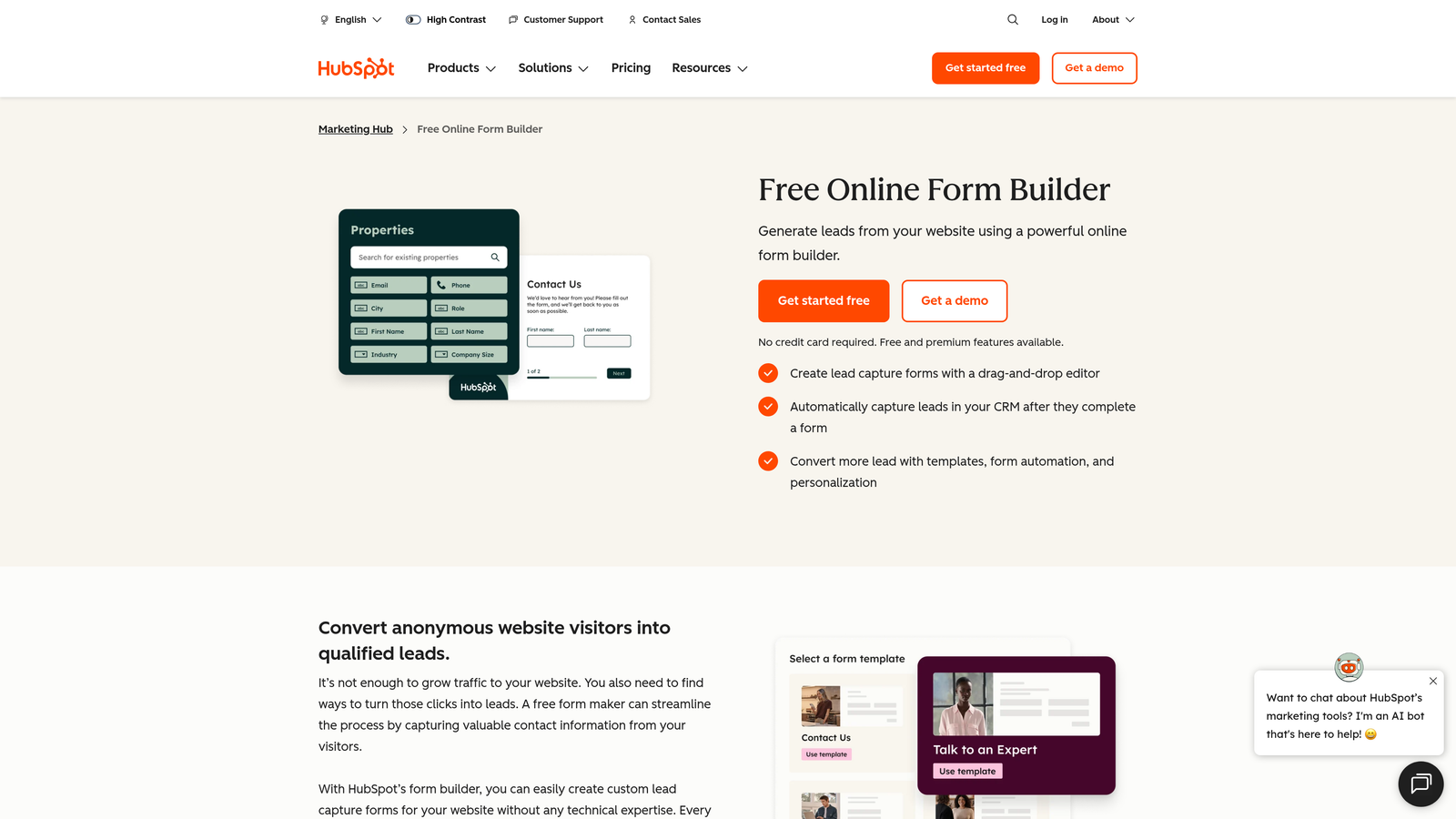
Where This Tool Shines
The core value here is the native CRM connection. Every form submission automatically creates or updates a contact record in HubSpot, and you can trigger follow-up email sequences, task assignments, or lifecycle stage changes without any third-party integration. For service businesses that rely on timely follow-up, that automation can be a significant advantage.
Progressive profiling is a particularly useful feature for service businesses with returning visitors. Rather than showing the same fields repeatedly, HubSpot forms ask new questions on each visit, gradually building a richer contact profile over time without overwhelming prospects on their first interaction.
Key Features
Native CRM Integration: Submissions automatically create contact records and populate deal data in HubSpot.
Pop-Up and Embedded Options: Deploy forms as embedded page elements or triggered pop-ups.
Automated Workflows: Trigger email sequences, task creation, and lifecycle updates on form submission.
Progressive Profiling: Ask new questions on return visits to build richer contact profiles over time.
Unlimited Submissions on Free Tier: No submission caps on the free plan, unlike many competitors.
Best For
Service businesses that are already in the HubSpot ecosystem or plan to adopt it. Less compelling as a standalone form tool if you use a different CRM, since the main value is the native integration.
Pricing
Free with HubSpot CRM. Advanced marketing automation features are available in paid Marketing Hub plans starting at $20/month.
6. Paperform
Best for: Service businesses that want intake forms that look and feel like branded landing pages rather than standard web forms.
Paperform is a form builder that lets you embed rich content including images, video, and text blocks directly within forms, creating a full-page branded experience for prospects.
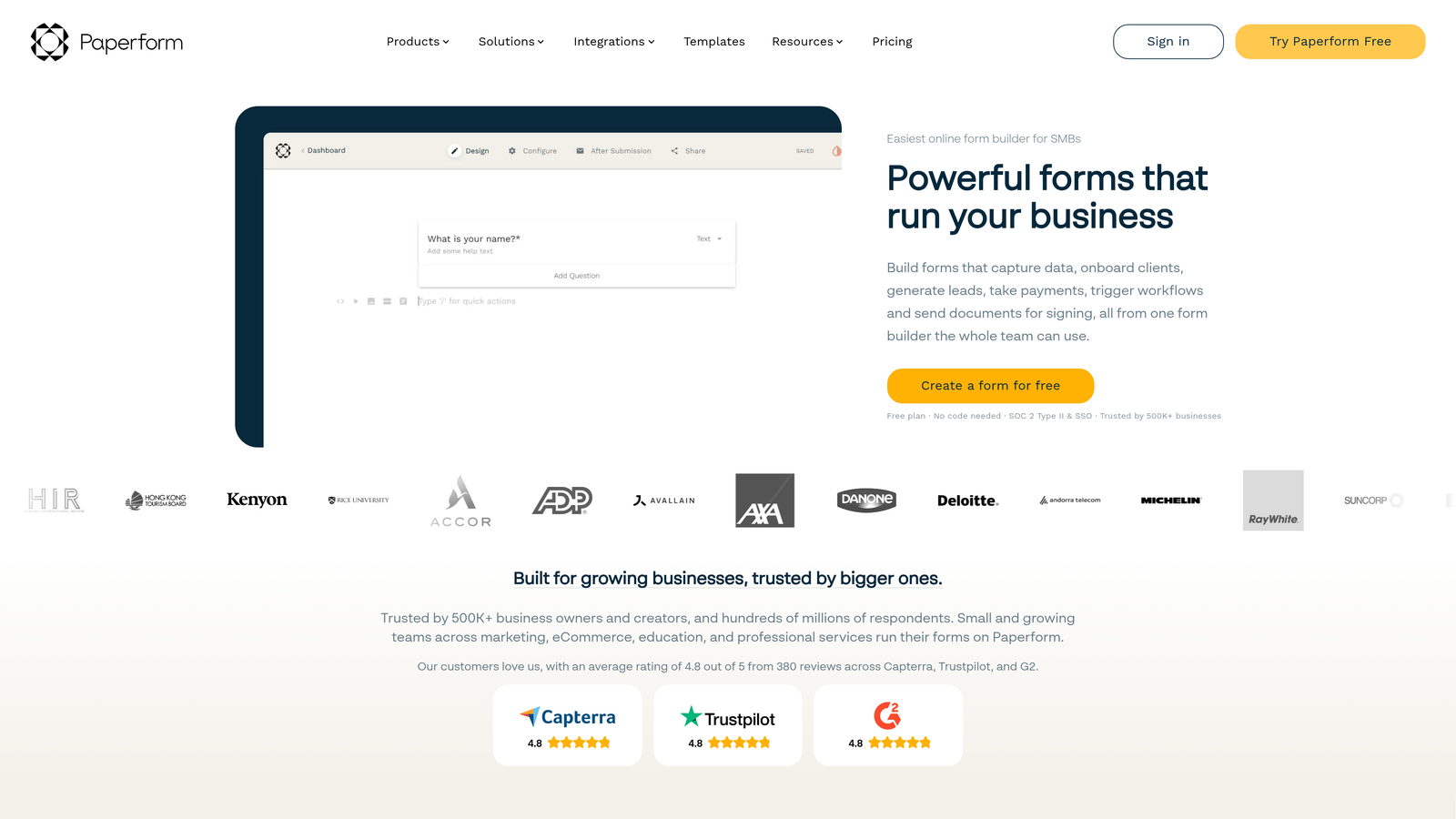
Where This Tool Shines
Paperform occupies an interesting space between a form builder and a landing page tool. For service businesses that want to tell a story or set context before asking questions, the ability to weave in imagery, video explanations, or descriptive text makes forms feel less transactional and more consultative.
Built-in scheduling and payment features mean you can take a prospect from initial inquiry to booked appointment to deposit collected within a single Paperform experience. That end-to-end flow is genuinely useful for solo consultants and small service teams who want to minimize the number of tools in their stack.
Key Features
Rich Content Embedding: Add images, video, and formatted text blocks within your forms for a landing page feel.
Built-In Scheduling: Allow prospects to book appointments directly within the form experience.
Payment Collection: Accept payments inline without redirecting to a separate checkout page.
Conditional Logic and Calculations: Build adaptive forms with dynamic fields and automatic quote calculations.
3,000+ App Integrations: Connect to external tools via Zapier and direct integrations.
Best For
Solo consultants, coaches, freelancers, and small service teams who want a polished, all-in-one intake experience that handles scheduling and payments without requiring multiple tools.
Pricing
Starts at $24/month on the Essentials plan. A 14-day free trial is available. No permanent free tier.
7. Cognito Forms
Best for: Budget-conscious service businesses that need conditional logic, calculations, and payment collection without a monthly fee.
Cognito Forms is a capable form builder that stands out for offering conditional logic, repeating sections, and payment collection on a genuinely generous free plan.
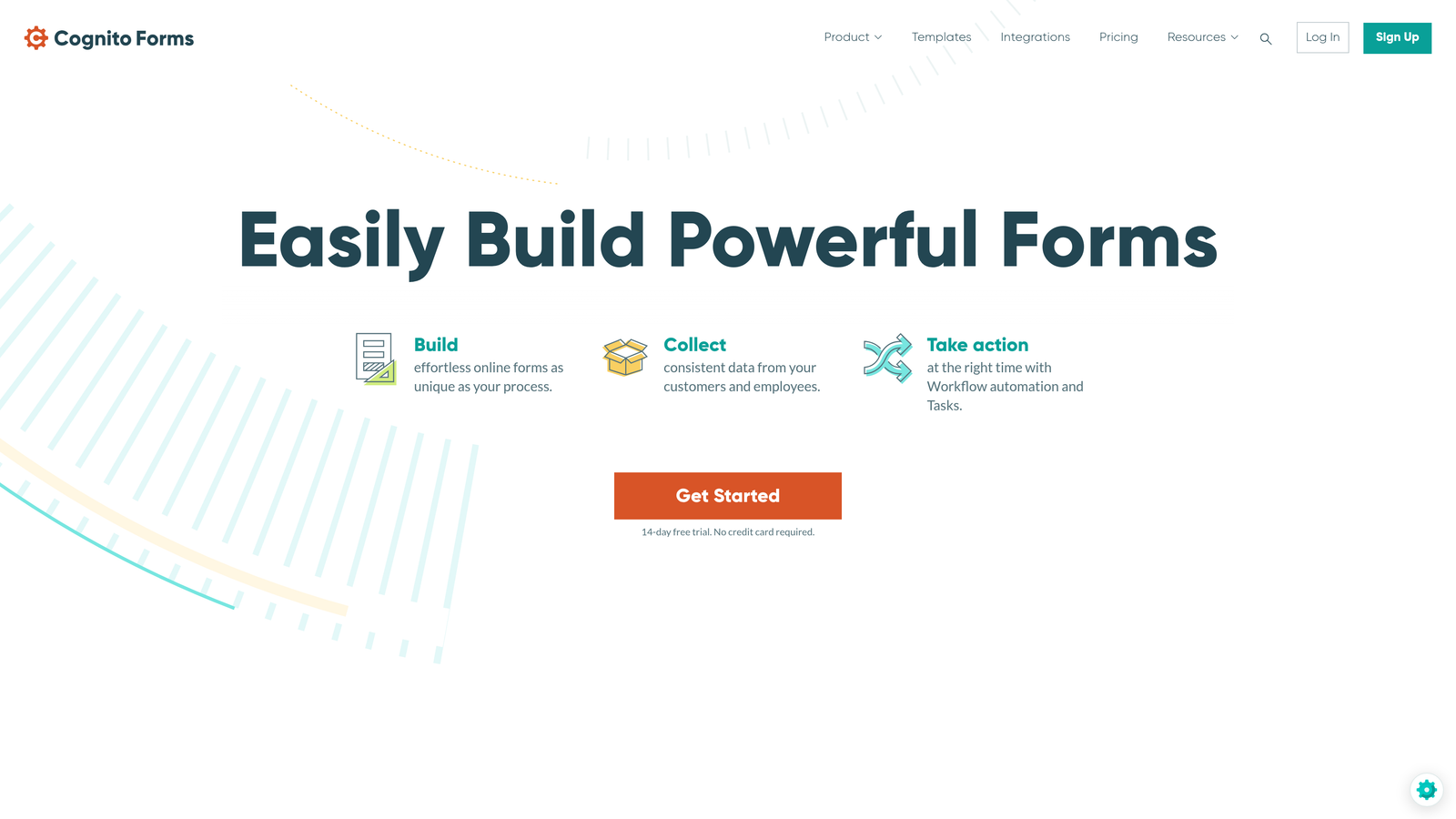
Where This Tool Shines
Most form builders reserve conditional logic and payment features for paid tiers. Cognito Forms includes both on its free plan, making it an unusually capable starting point for service businesses that are watching their software spend. The calculation fields are particularly useful for service businesses that want to show estimated pricing or project scope summaries based on form inputs.
Workflow and approval routing features make it practical for teams where form submissions need to be reviewed or approved before action is taken, such as service requests that require manager sign-off or multi-step intake processes.
Key Features
Generous Free Plan: Conditional logic, calculations, and payment collection available without a paid subscription.
Payment Collection: Accept payments via Stripe, PayPal, and Square directly in forms.
Repeating Sections: Allow respondents to add multiple line items, useful for project scope or service selection forms.
Data Encryption and Compliance: Security features suitable for handling sensitive client information.
Workflow and Approval Routing: Route submissions through internal review and approval processes.
Best For
Freelancers, small service businesses, and early-stage teams that need a capable form solution without committing to a monthly subscription. Also useful for internal service request forms where approval routing adds value.
Pricing
Free plan available with strong feature access. Paid plans start at $15/month for higher submission volumes and additional team features.
8. 123FormBuilder
Best for: Service businesses in regulated industries that need HIPAA, GDPR, or PCI-compliant form solutions.
123FormBuilder is an enterprise-grade form builder that prioritizes security and compliance, offering purpose-built solutions for healthcare, legal, and financial service businesses.
Where This Tool Shines
For most form builders, compliance is an afterthought or an expensive add-on. 123FormBuilder treats it as a core offering, with HIPAA-compliant forms available for healthcare and mental health service providers, GDPR controls for businesses serving European clients, and PCI compliance for payment collection. If your service business operates in a regulated space, that focus on compliance reduces risk significantly.
Team collaboration features including role-based access controls make it practical for larger service organizations where multiple staff members need to manage forms and access submission data without full administrative access.
Key Features
HIPAA, GDPR, and PCI Compliance: Purpose-built compliance features for regulated service industries.
Conditional and Skip Logic: Build adaptive forms that show relevant questions based on previous answers.
Payment and E-Signature: Collect payments and signatures within compliant form workflows.
Role-Based Access Control: Manage team permissions and data access at a granular level.
Industry-Specific Templates: Pre-built templates for healthcare, legal, and financial services intake.
Best For
Healthcare practices, mental health providers, legal firms, financial advisors, and any service business that handles sensitive client data and needs verifiable compliance with data protection regulations.
Pricing
Free plan available. Paid plans start around $24/month. HIPAA-compliant plans are available at higher pricing tiers.
9. Tally
Best for: Service businesses that need a simple, clean contact form live as quickly as possible with minimal setup.
Tally is a minimalist, Notion-style form builder that offers unlimited forms and submissions for free, making it the fastest path to a functional contact form for any service business.
Where This Tool Shines
Tally's block-based editor feels immediately familiar to anyone who uses Notion, making it one of the lowest-friction form builders to learn. For service businesses that just need a clean, professional contact form without the overhead of a full-featured platform, Tally delivers that in minutes.
The unlimited free tier is genuinely unlimited, covering both forms and submissions without the artificial caps that make other free plans feel restrictive. Conditional logic and file uploads are also included at no cost, which covers the core needs of most basic service business intake forms.
Key Features
Unlimited Free Forms and Submissions: No caps on the free plan, making it genuinely usable without upgrading.
Notion-Style Block Editor: Familiar, intuitive editing experience for quick form creation.
Conditional Logic and Hidden Fields: Build adaptive forms and pass contextual data without upgrading.
File Uploads and Payments: Accept supporting documents and payments within forms.
Minimal, Clean Design: Forms look polished out of the box with no design work required.
Best For
Solo service providers, freelancers, and early-stage businesses that need a functional, good-looking contact form immediately. Also useful as a quick-launch option while evaluating more feature-rich platforms.
Pricing
Free for most features with no submission limits. Tally Pro is $29/month and adds custom domains, team collaboration, and branding removal.
Finding the Right Fit for Your Service Business
The right contact form tool depends on where your service business is right now and where you're headed. There's no single answer, but there are some clear patterns worth considering.
If lead qualification and conversion optimization are your top priorities, Orbit AI is the strongest choice. The AI-powered scoring built into every submission means your team spends time on the leads most likely to convert, not just the ones who submitted first. For high-growth service teams fielding consistent inbound volume, that intelligence layer is a genuine competitive advantage.
For teams already committed to the HubSpot ecosystem, the HubSpot Free Form Builder is the obvious choice since the CRM integration alone justifies using it. For WordPress-based businesses that need maximum customization, Gravity Forms remains the gold standard. And for regulated industries like healthcare or legal services, 123FormBuilder's compliance features are difficult to match.
If budget is the primary constraint, both Cognito Forms and Tally offer surprisingly capable free tiers that can carry a small service business for a long time without requiring an upgrade.
The broader point is this: your contact form is not a passive element on your website. It's an active part of your revenue engine. Treating it that way, with the right tool, the right questions, and the right qualification logic, can meaningfully change how many inbound inquiries turn into paying clients.
Start building free forms today and see how intelligent form design can transform your lead generation. Orbit AI combines the speed of modern form building with AI-powered qualification so your service business captures better leads and follows up smarter from day one.


