

Whether you're capturing leads, collecting payments, or running customer surveys, your choice of form builder shapes the entire experience — for you and your users. With dozens of options on the market, each claiming to be the easiest or most powerful, how do you actually decide?
We evaluated nine of the most popular online form builders across the criteria that matter most to high-growth teams: ease of use, design quality, conversion optimization features, integrations, pricing flexibility, and AI capabilities. This ranked list cuts through the noise so you can find the right fit for your workflow, budget, and growth goals.
Let's get into it.
1. Orbit AI
Best for: High-growth teams that need AI-powered lead qualification built directly into their forms.
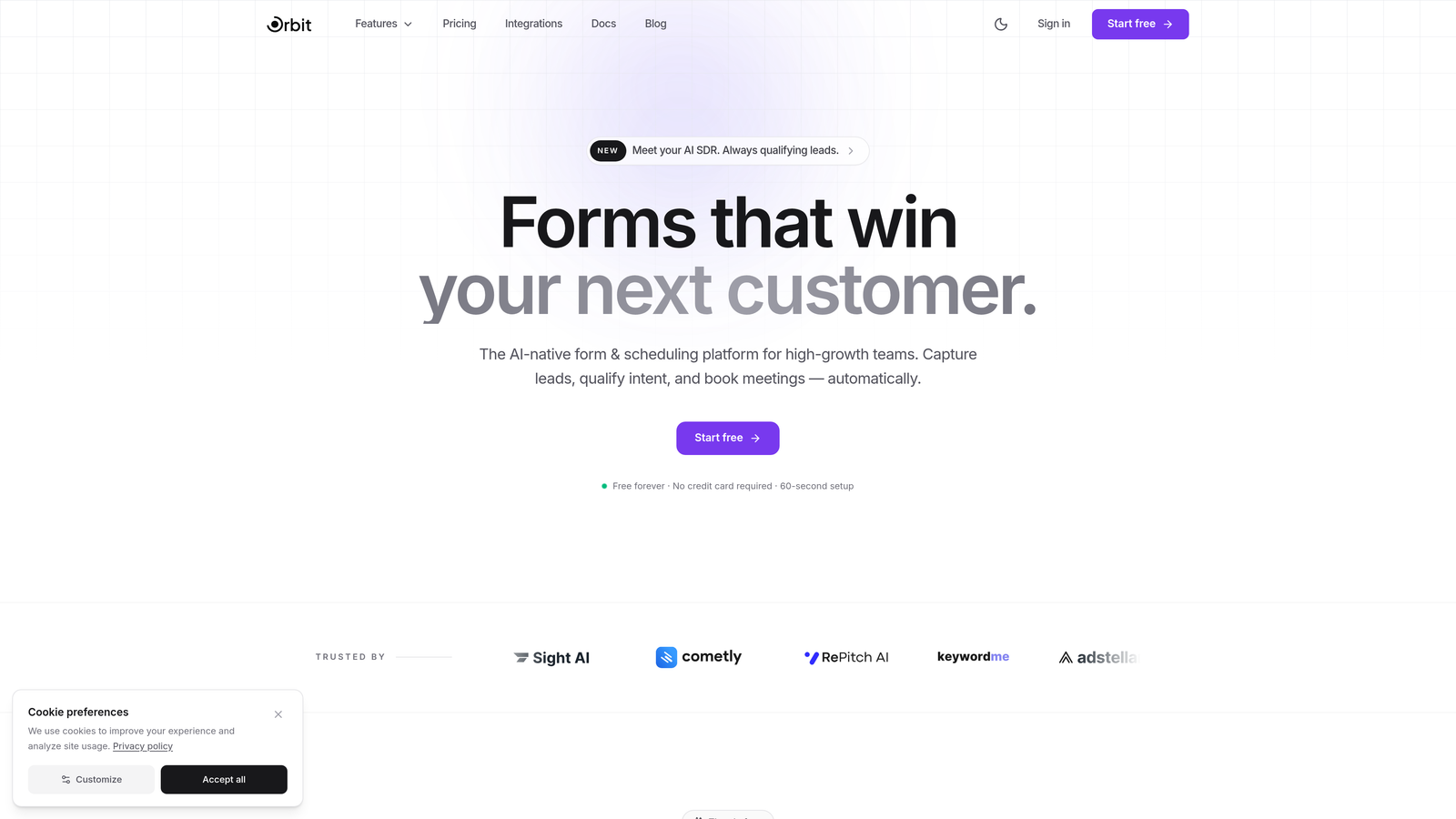
Orbit AI is a modern form builder platform designed around conversion optimization and intelligent lead qualification at the point of submission.
Where This Tool Shines
Most form builders collect data and hand it off. Orbit AI goes a step further by qualifying leads automatically as submissions come in, so your sales team isn't wading through unfiltered responses to find the prospects worth pursuing. That's a meaningful shift for any team where pipeline quality matters as much as pipeline volume.
The design quality is another standout. Orbit AI's templates are built with conversion in mind, not just aesthetics. Combined with conditional logic and dynamic fields, forms adapt to each respondent's input, creating a more personalized experience that tends to keep people engaged through to completion.
Key Features
AI Lead Scoring and Qualification: Automatically evaluates and scores submissions at the moment of form completion, giving your team instant signal on lead quality.
Conversion-Optimized Templates: Modern, professionally designed templates built to maximize completion rates and visual appeal.
Conditional Logic and Dynamic Fields: Forms adapt in real time based on user input, creating personalized paths that feel natural rather than generic.
CRM and Marketing Tool Integrations: Connects with popular CRMs and marketing platforms so qualified leads flow directly into your existing workflow.
Analytics Dashboard: Built-in conversion tracking gives you visibility into where drop-offs happen and which form variants perform best.
Best For
Orbit AI is the strongest fit for SaaS companies, marketing teams, and growth-focused businesses that want more than a data collection tool. If lead quality, conversion rates, and a modern user experience are priorities, this is built for that context specifically.
Pricing
A free tier is available to get started. Paid plans with advanced AI and qualification features are listed on the Orbit AI pricing page. Pricing is competitive for the feature set offered.
2. Typeform
Best for: Teams that prioritize a conversational, high-engagement form experience.
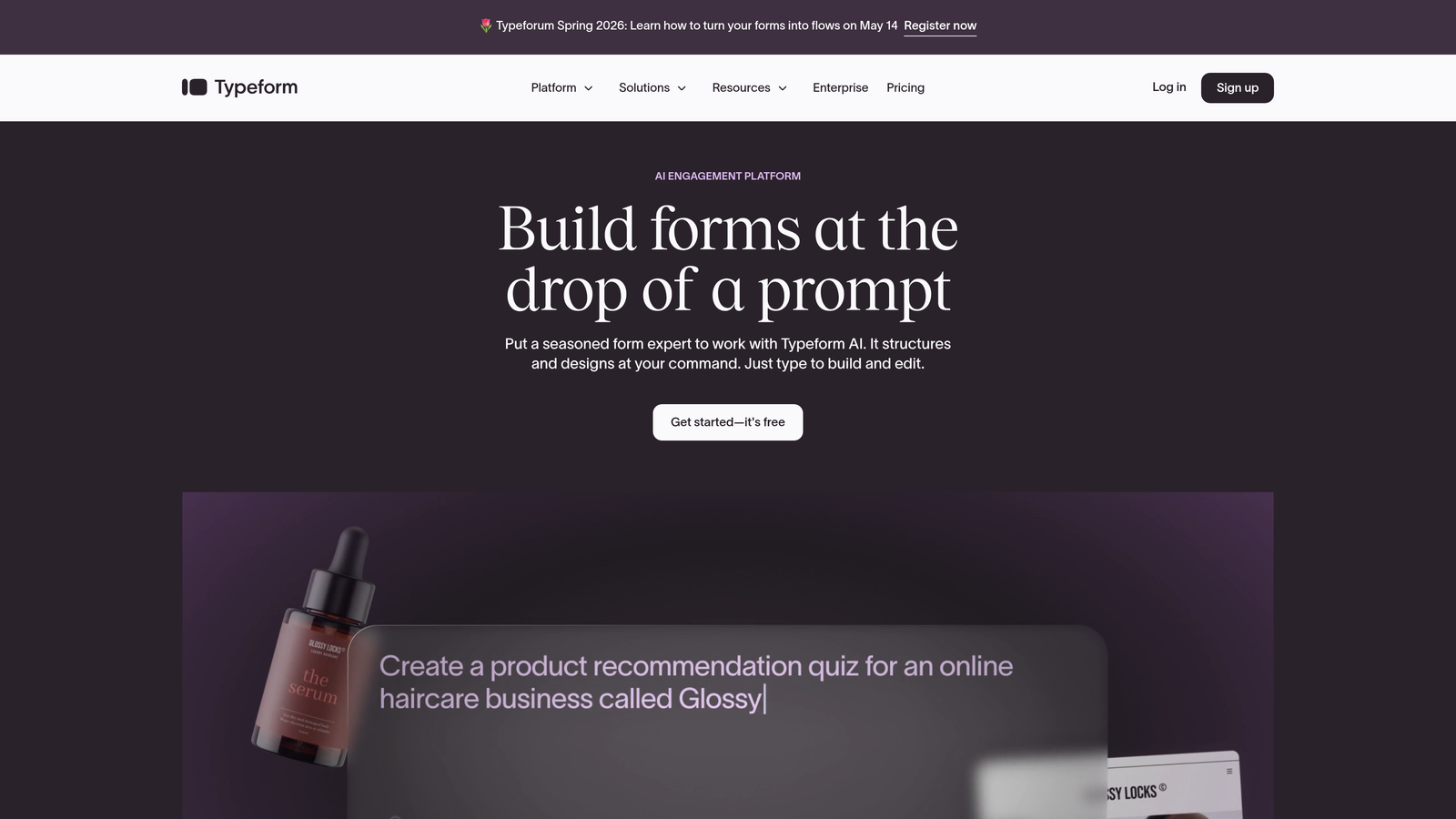
Typeform is the platform that popularized the one-question-at-a-time format, and it remains one of the most polished options in the market.
Where This Tool Shines
Typeform's core insight was that forms feel less like interrogations when they show one question at a time. The result is a more focused experience for respondents, which typically translates to higher completion rates compared to traditional multi-field forms. The interface is genuinely beautiful out of the box, with minimal effort required to produce something that looks professional.
Logic jumps allow you to branch respondents down different paths based on their answers, making it practical for surveys, quizzes, and lead capture forms that need to feel personalized.
Key Features
Conversational One-Question UX: The signature format presents one question at a time, reducing friction and improving completion rates.
Logic Jumps and Branching: Directs respondents through different question paths based on their previous answers.
Media Embedding: Supports video and image embedding directly within form questions for richer context.
Design Customization: Extensive theme and branding options while maintaining the clean default aesthetic.
Integration Ecosystem: Connects with Zapier, HubSpot, Slack, and many other tools through native and third-party integrations.
Best For
Typeform works well for marketing teams running surveys, product teams collecting user research, and anyone who wants a form experience that feels premium without heavy customization work. It's less ideal for teams that need deep lead qualification or advanced analytics.
Pricing
Free plan available with limited responses. Paid plans start at approximately $25 per month, with higher tiers unlocking more responses, logic features, and branding controls.
3. Jotform
Best for: Teams that need a wide range of form types and the largest template library available.
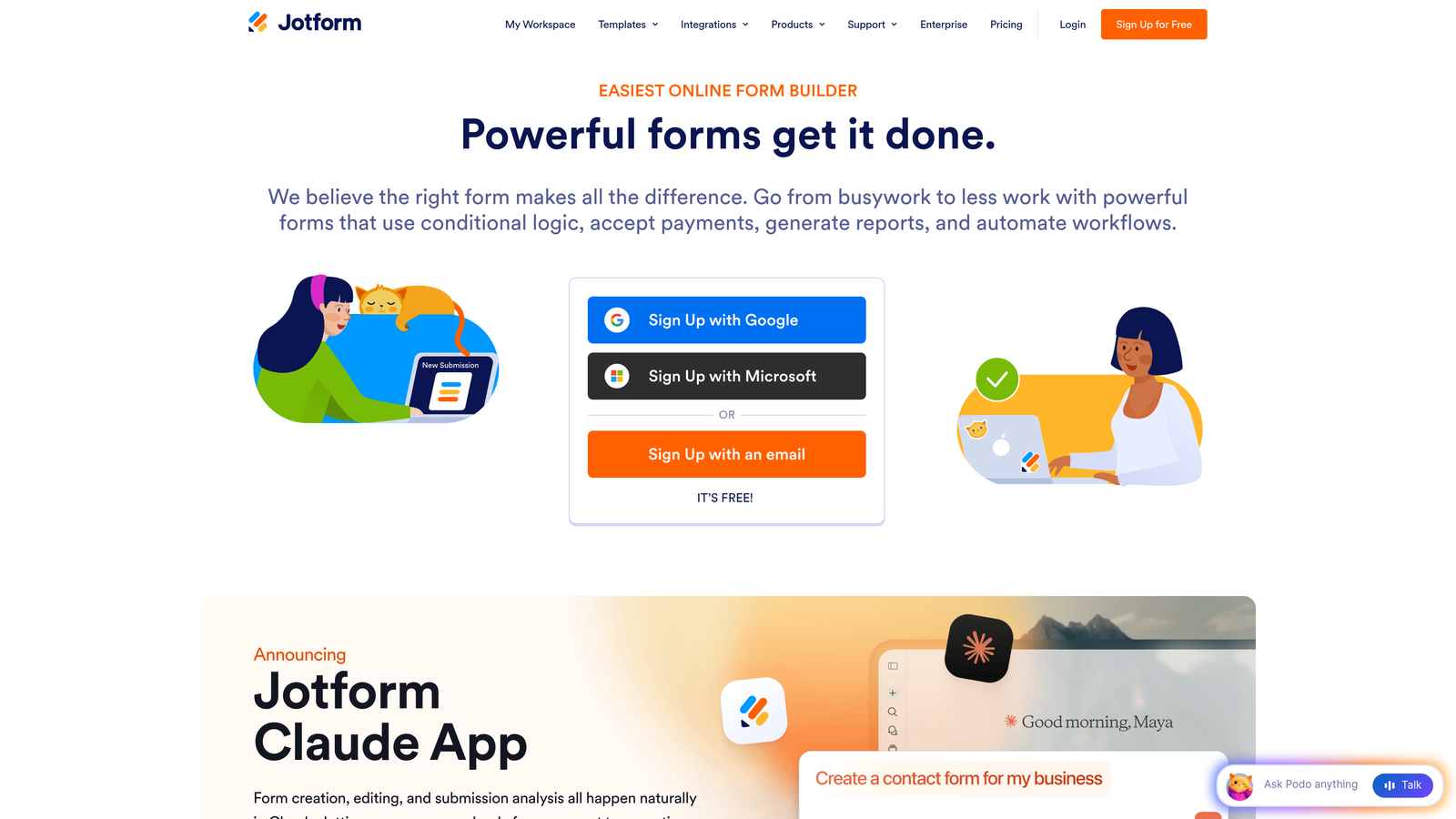
Jotform is a feature-rich, no-code form builder with over 10,000 templates and a broad set of capabilities that extends well beyond basic data collection.
Where This Tool Shines
Jotform's template library is genuinely unmatched. Whatever you're building — payment forms, event registrations, medical intake forms, job applications — there's almost certainly a starting point ready to customize. The drag-and-drop builder is approachable for non-technical users while still offering enough depth for complex form logic.
The platform also stands out for compliance use cases. HIPAA-compliant plans make Jotform a practical choice for healthcare organizations and other regulated industries that need more than a standard form tool.
Key Features
10,000+ Templates: One of the largest pre-built template libraries available, covering virtually every industry and use case.
Payment and E-Signature Widgets: Built-in support for collecting payments and digital signatures without third-party tools.
Jotform Tables: A built-in data management layer for organizing and filtering form submissions.
PDF Report Generation: Automatically generates formatted PDF reports from submission data.
HIPAA-Compliant Plans: Available for healthcare and regulated industry use cases that require data compliance.
Best For
Jotform suits small businesses, nonprofits, healthcare providers, and teams that need a wide variety of form types without a steep learning curve. The generous free tier also makes it accessible for individuals and early-stage teams.
Pricing
Free plan includes 5 forms and 100 submissions per month. Paid plans start at approximately $34 per month with higher submission limits and advanced features.
4. Google Forms
Best for: Quick internal data collection and anyone already working within Google Workspace.
Google Forms is a completely free, no-frills form builder that prioritizes simplicity and native Google ecosystem integration.
Where This Tool Shines
There's no faster way to get a form live than Google Forms. No account setup beyond a Google account, no pricing decisions, no learning curve. For internal surveys, quick polls, event RSVPs, or team feedback collection, it covers the basics without any overhead.
The native Google Sheets integration is genuinely useful. Responses flow directly into a spreadsheet in real time, and anyone comfortable with Sheets can slice and analyze the data immediately without exporting or reformatting.
Key Features
Completely Free: Unlimited forms and submissions at no cost, included with any Google account.
Google Sheets Integration: Responses automatically populate a connected spreadsheet for instant analysis.
Real-Time Collaboration: Multiple team members can edit forms simultaneously, just like other Google Workspace tools.
Basic Conditional Logic: Section branching based on answers allows for simple personalized paths.
Quiz Mode: Built-in auto-grading makes it practical for educational assessments and knowledge checks.
Best For
Google Forms is ideal for internal use cases, educators, and small teams that need basic data collection without any budget. It's not the right choice for customer-facing lead generation, branded experiences, or anything requiring conversion optimization.
Pricing
Completely free. Included with any Google account, with no paid tier or usage limits.
5. Tally
Best for: Indie makers, startups, and teams that want a Notion-like form experience with a genuinely generous free plan.
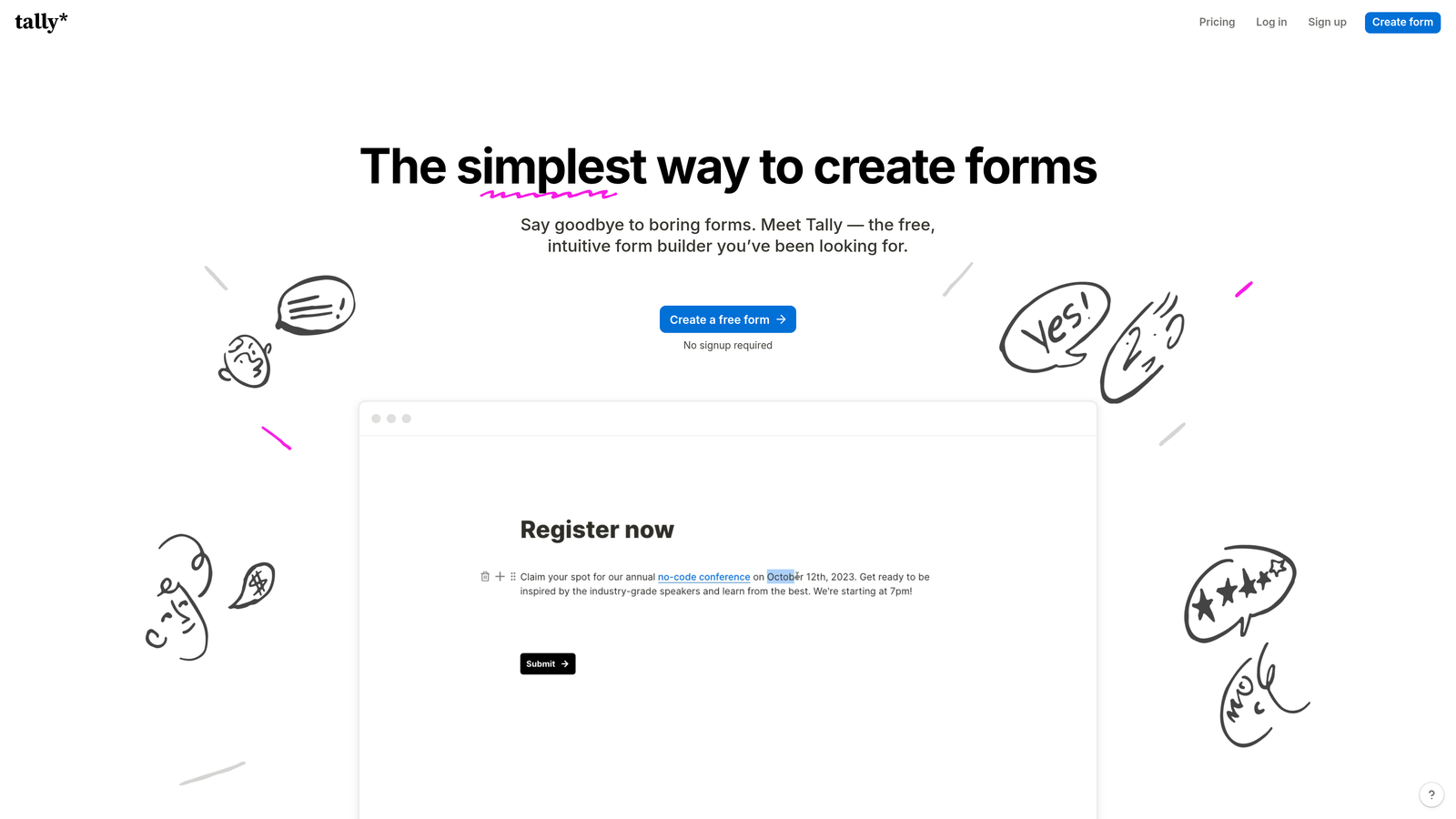
Tally is a minimalist form builder with a block-based editor that feels familiar to anyone who uses Notion, and a free tier that's unusually capable.
Where This Tool Shines
Tally's free plan is the most generous in this list. Unlimited forms, unlimited submissions, conditional logic, hidden fields, and calculations are all available without paying a cent. For bootstrapped teams or anyone who resists paying for tools they're still evaluating, that's a compelling starting point.
The editing experience is clean and intuitive. The block-based interface makes building forms feel more like writing a document than configuring a tool, which lowers the barrier for non-technical users considerably.
Key Features
Unlimited Free Forms and Submissions: No artificial caps on the free plan, which is rare in this category.
Block-Based Editor: Notion-style interface that makes form creation feel natural and document-like.
Conditional Logic and Calculations: Available even on the free tier, covering most standard use cases.
Custom Domains and Branding: Available on paid plans for teams that need white-labeled form experiences.
Integrations: Supports Zapier, webhooks, and a growing set of native connections for workflow automation.
Best For
Tally is a strong fit for solo founders, early-stage startups, and content creators who need capable forms without the cost. It's less suited to enterprise teams that need advanced analytics, compliance features, or deep CRM integration.
Pricing
Free plan is very capable for most use cases. Pro plan starts at approximately $29 per month, unlocking custom domains, branding removal, and priority support.
6. HubSpot Forms
Best for: Teams already using HubSpot who want forms that feed directly into their CRM without any integration work.
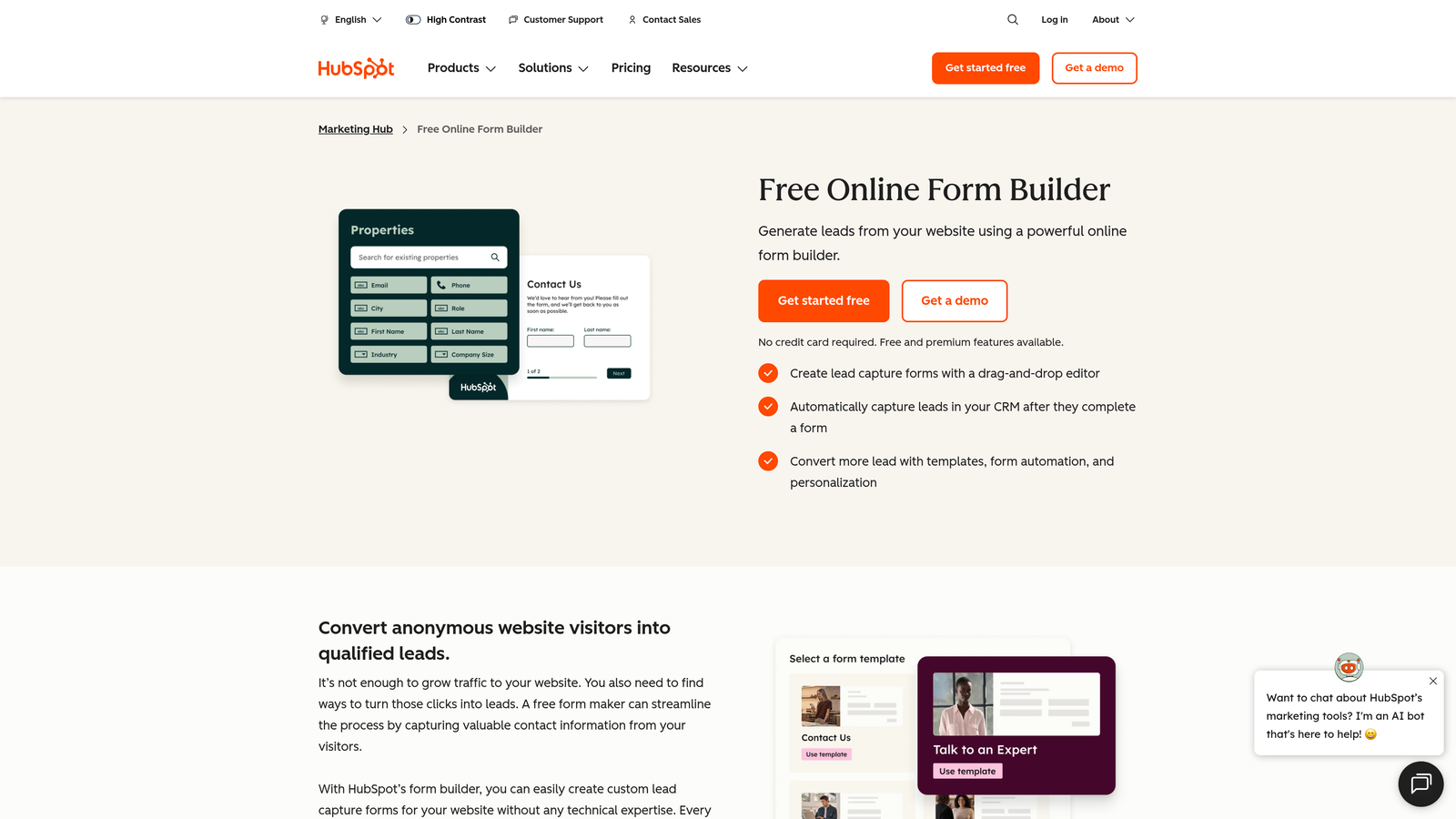
HubSpot Forms is a CRM-native form builder where every submission automatically creates or updates a contact record in HubSpot's ecosystem.
Where This Tool Shines
The key advantage here is zero friction between form submission and CRM record. When someone fills out a HubSpot form, they're immediately in your contact database with their data mapped correctly, no Zapier connection required. For sales and marketing teams that live in HubSpot, that tight integration is genuinely valuable.
Progressive profiling is another standout feature. Rather than asking the same questions repeatedly, HubSpot Forms can detect returning visitors and surface new questions instead, building richer contact profiles over time without overwhelming people on their first visit.
Key Features
Native CRM Sync: Submissions automatically create or update HubSpot contact records without any integration setup.
Progressive Profiling: Detects returning visitors and shows new questions to gradually enrich contact data.
Smart Fields and Dependent Logic: Fields adapt based on known visitor data and previous answers.
A/B Testing: Built-in form variant testing to identify which version drives better conversion.
Free Tier Available: Basic form functionality is included with HubSpot's free CRM.
Best For
HubSpot Forms is the obvious choice for teams already invested in the HubSpot ecosystem. It's less compelling as a standalone form tool if you're not using HubSpot for CRM or marketing automation, as the pricing structure reflects the broader platform.
Pricing
Free with HubSpot CRM. Advanced features including A/B testing and progressive profiling are available in Marketing Hub Starter, which begins at $20 per month and scales with contact volume.
7. Paperform
Best for: Teams that want forms that look and feel like landing pages, with built-in payment processing.
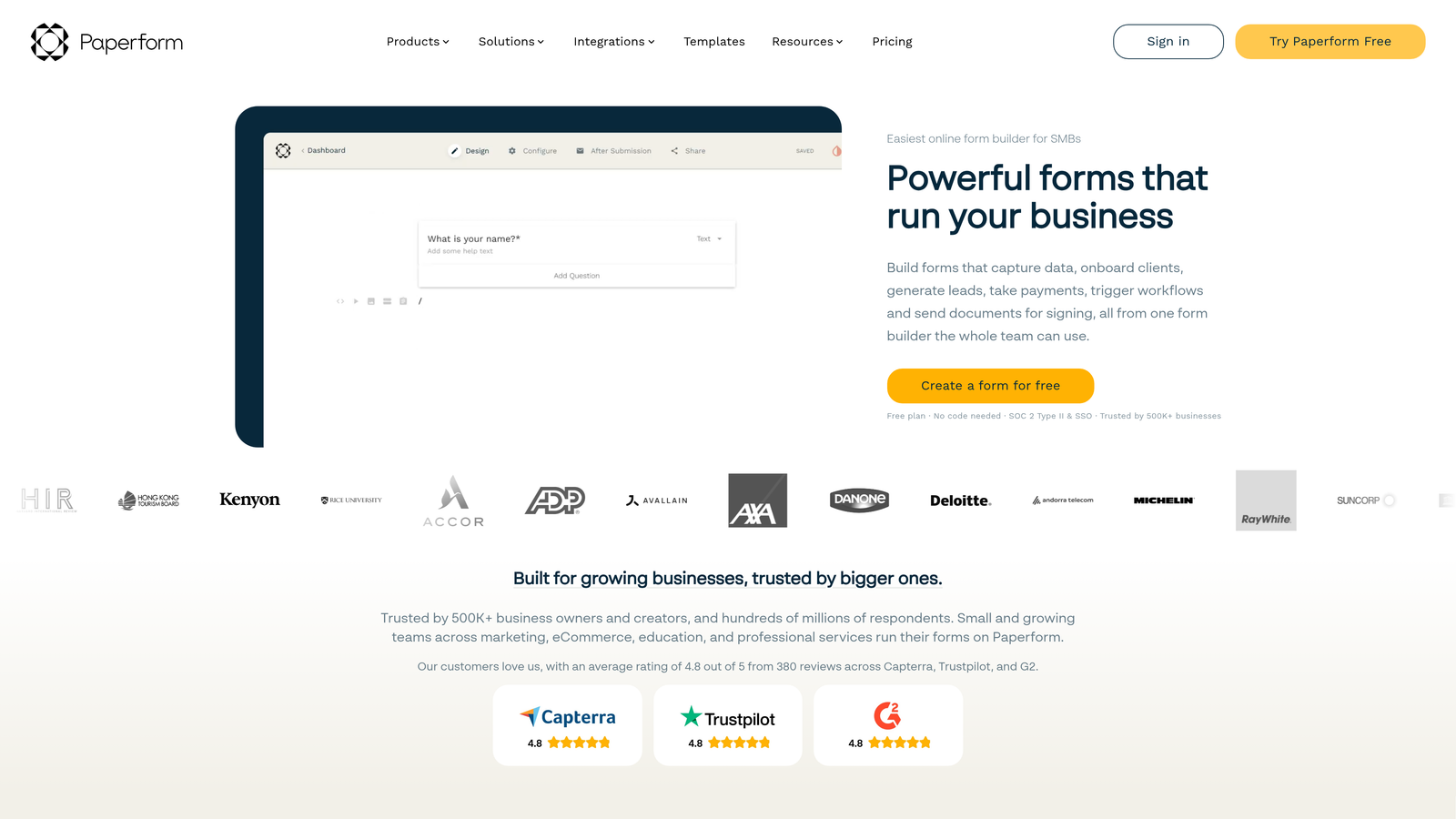
Paperform is a design-forward form builder that blends long-form content with embedded form fields, creating experiences that sit somewhere between a form and a full landing page.
Where This Tool Shines
Paperform's hybrid approach is its defining characteristic. You can write descriptive text, embed images or video, and place form fields inline throughout a page, creating a richer context for each question. This works especially well for product order forms, event registrations, and intake forms where a bit of explanation improves the experience.
The built-in payment processing is solid and supports multiple processors including Stripe, Square, and Braintree. For teams selling products or services directly through forms, that removes the need for a separate checkout tool.
Key Features
Page and Form Hybrid: Rich text editor with inline form fields creates landing-page-style experiences within a single builder.
Built-In Payment Processing: Accepts payments via Stripe, Square, and Braintree without third-party tools.
Product Catalog Support: Enables e-commerce-style forms with product selection and order management.
Custom Success Pages: Redirect logic and custom post-submission pages for a complete conversion flow.
Conditional Logic and Calculations: Dynamic fields and formula-based calculations for complex form logic.
Best For
Paperform is a strong choice for small businesses, service providers, and e-commerce teams that want to sell or collect payments directly through forms without a full e-commerce platform. It's also well-suited to teams that care about the visual presentation of their forms.
Pricing
Plans start at approximately $24 per month for the Essentials tier. No free plan is available, though a trial period is offered.
8. Cognito Forms
Best for: Teams that need advanced calculation logic, repeating sections, or built-in payment collection at a low price point.
Cognito Forms is a powerful form builder with a notably capable calculation engine and support for dynamic, variable-length forms through repeating sections.
Where This Tool Shines
Cognito Forms punches above its weight on the technical side. The calculation engine supports complex formulas, making it practical for quote forms, order forms, and any scenario where you need to compute a value based on user input. Most form builders handle basic math; Cognito handles genuinely complex logic.
Repeating sections are another differentiator. If you need respondents to enter a variable number of items (multiple line items on an order, multiple family members on an application), repeating sections handle that elegantly without workarounds.
Key Features
Advanced Calculation Fields: Formula support for complex computed values based on form input, well beyond basic arithmetic.
Repeating Sections: Dynamic, variable-length form sections for use cases that require multiple entries of the same data type.
Integrated Payment Processing: Accepts payments via Stripe, Square, and PayPal without additional tools.
Entry Management: Built-in data management with entry editing, status tracking, and workflow features.
Conditional Logic and Multi-Page Forms: Standard branching and multi-step form support for complex flows.
Best For
Cognito Forms is ideal for operations teams, small businesses, and developers who need technically capable forms, particularly for order processing, quoting, or applications that involve complex data entry. The pricing is accessible relative to the feature depth.
Pricing
Free plan available for basic use. Paid plans start at approximately $15 per month, making it one of the more affordable options for teams that need advanced functionality.
9. Formstack
Best for: Enterprise teams that need compliance features, document generation, and e-signature collection alongside form building.
Formstack is an enterprise-grade form and workflow platform that extends well beyond form building into document automation and digital signature collection.
Where This Tool Shines
Formstack is the most complete platform in this list for organizations with serious compliance requirements. HIPAA, GDPR, and SOC 2 compliance options are available, which matters significantly for healthcare, financial services, and enterprise teams operating in regulated environments.
The platform's document generation capability (Formstack Documents) is a genuine differentiator. Form data can automatically populate branded document templates, generating contracts, proposals, or reports without manual data entry. Combined with built-in e-signature collection, it creates a complete end-to-end workflow from form submission to signed document.
Key Features
Document Generation: Automatically populates document templates with form data via Formstack Documents.
E-Signature Collection: Built-in digital signature capability through Formstack Sign, integrated directly with form workflows.
Compliance Options: HIPAA, GDPR, and SOC 2 compliance available for regulated industry use cases.
Advanced Conditional Logic: Sophisticated branching and field logic for complex enterprise form requirements.
Deep Enterprise Integrations: Native connections with Salesforce, Microsoft 365, and other enterprise platforms.
Best For
Formstack is built for enterprise teams, healthcare organizations, legal firms, and any organization where forms are part of a larger document and approval workflow. It's overkill for small teams or straightforward lead capture use cases, but the right tool for complex, compliance-sensitive environments.
Pricing
Plans start at approximately $50 per month. Enterprise pricing is available for larger organizations with custom requirements. This is the highest starting price in this list, reflecting the platform's enterprise positioning.
Picking the Right Form Builder for Your Team
Nine tools, nine distinct approaches to the same fundamental problem. The right choice comes down to where your priorities actually sit.
If lead qualification and conversion optimization are your primary goals, Orbit AI is the most purpose-built option in this list. The AI-powered qualification layer is something no other tool here offers natively, and it's designed specifically for high-growth teams where pipeline quality is a strategic priority.
For teams already deep in the HubSpot ecosystem, HubSpot Forms is the path of least resistance. The CRM-native integration removes friction that every other tool on this list requires you to manage manually.
If budget is the primary constraint, Tally's free plan is genuinely capable, and Google Forms handles internal use cases without any cost at all. For enterprise teams with compliance requirements and document workflows, Formstack is the only option here that covers that full scope.
A few practical questions to guide your decision:
Do you need lead qualification, not just lead capture? That points clearly toward Orbit AI, which is built for that specific outcome.
Is design and user experience a priority? Typeform and Paperform both produce forms that feel premium with minimal effort.
Do you need payments, e-signatures, or document generation? Paperform, Cognito Forms, and Formstack each handle different parts of that spectrum.
Are you in a regulated industry? Jotform's HIPAA plans and Formstack's compliance options are the right starting points.
The form builder market in 2026 has matured to the point where every tool on this list does the basics well. The differentiation lives in the specifics: AI capabilities, integration depth, compliance coverage, and how well the tool's design philosophy matches your team's workflow.
For high-growth teams focused on turning form submissions into qualified pipeline, start building free forms today with Orbit AI and see how intelligent form design can elevate your conversion strategy.


