

Webinar registration is a make-or-break moment. A clunky sign-up form kills momentum before your event even starts, and a generic form that captures emails but nothing else leaves your sales team flying blind heading into every call.
The best form builders for webinars do more than collect names. They qualify leads, route registrants intelligently, and sync seamlessly with your webinar platform and CRM. This list covers nine tools built for teams who care about conversion, not just collection.
Whether you're running a one-time product demo or a recurring webinar series, each option here offers a distinct approach to capturing and acting on registrant data. We've evaluated each tool on ease of setup, integration depth, lead qualification capabilities, and how well they handle the specific demands of webinar workflows.
1. Orbit AI
Best for: High-growth SaaS teams who need to qualify leads at the point of registration
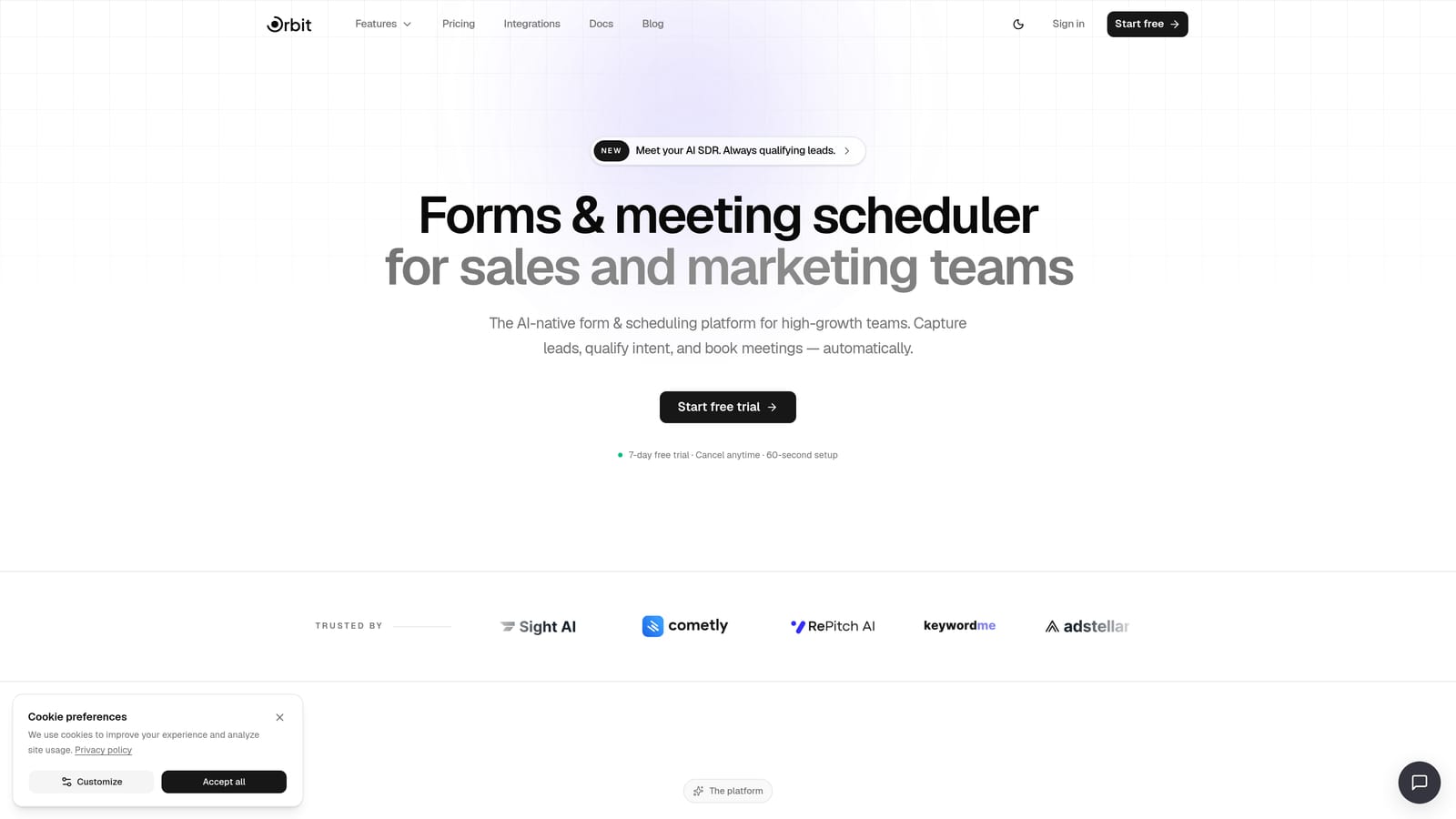
Orbit AI is an AI-powered form builder with lead qualification built directly into the registration experience, designed for teams who need to know who's registering, not just that they registered.
Where This Tool Shines
Most form builders collect data and hand it off. Orbit AI acts on it. When someone fills out your webinar registration form, the platform's AI qualification layer evaluates their answers in real time, scoring and routing leads before they ever hit your CRM. That means your sales team walks into every post-webinar follow-up with context, not just a contact list.
The no-code builder produces clean, conversion-optimized forms that don't look like an afterthought. Conditional logic adapts the form experience based on each registrant's answers, so a VP of Sales sees a different path than a junior SDR. Combined with automated follow-up sequences triggered by registration data, Orbit AI covers the full webinar funnel from sign-up to outreach.
Key Features
AI-Driven Lead Qualification: Scores and categorizes registrants at the point of submission based on their form responses, giving your team instant signal on who to prioritize.
Conditional Logic and Smart Routing: Adapts form questions dynamically and routes registrant data to the right team, sequence, or workflow based on their answers.
Automated Follow-Up Sequences: Triggers personalized outreach sequences based on registration data, so high-intent leads hear from you faster.
Native Analytics: Tracks form conversion rates and registrant quality in one dashboard, so you can optimize both quantity and quality over time.
No-Code Form Builder: Clean, modern design interface that produces beautiful forms without engineering support.
Best For
Orbit AI is the strongest fit for SaaS marketing and demand-gen teams running webinars as a pipeline channel. If you're hosting product demos, thought leadership webinars, or any event where registrant intent matters, this is built for that workflow specifically.
Pricing
Pricing is quoted on a short demo, and Orbit has no free plan. Book a demo to see it with your own forms.
2. Typeform
Best for: Teams prioritizing brand experience and high form completion rates
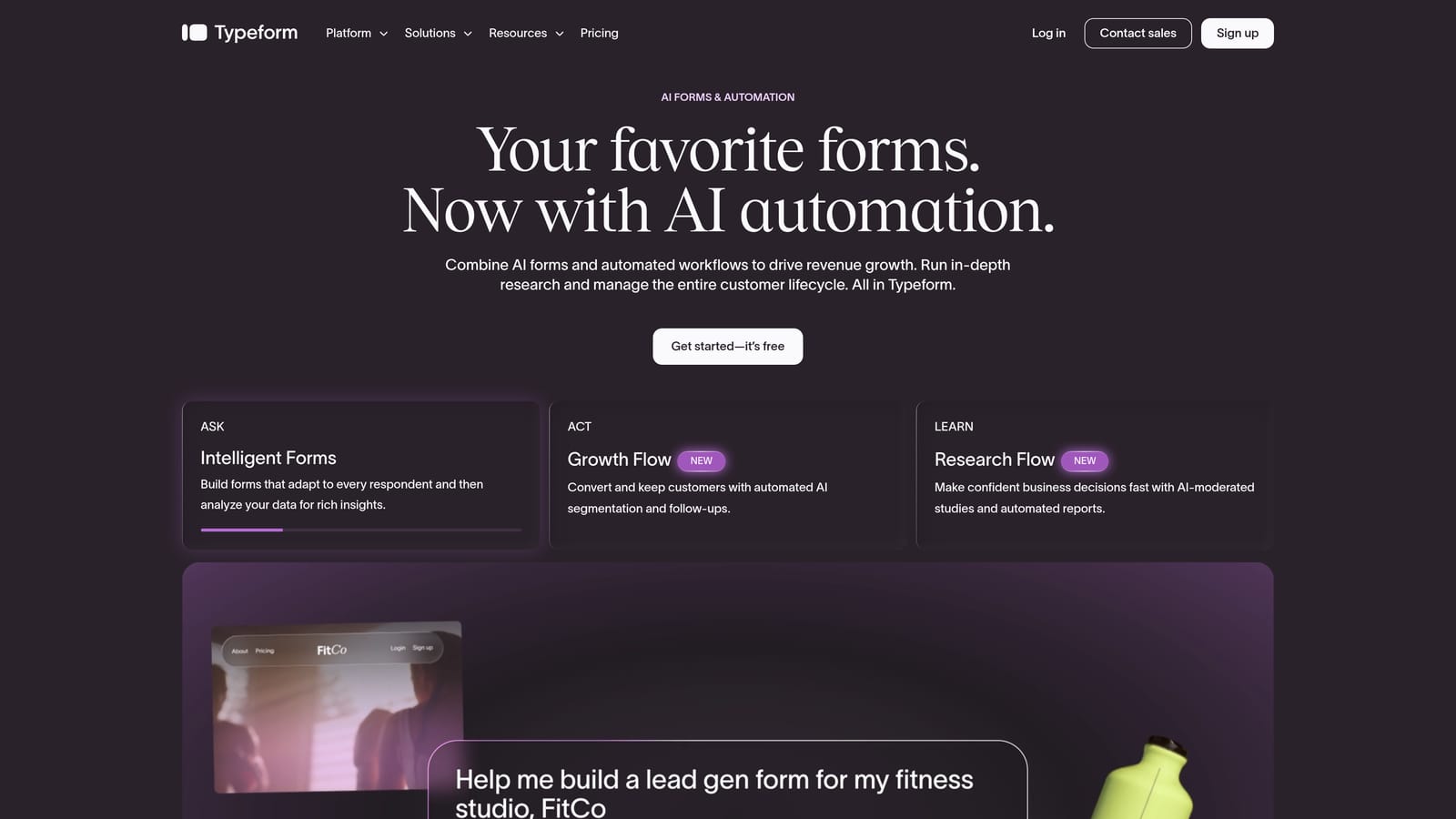
Typeform is a conversational form builder known for its one-question-at-a-time interface that reduces friction and improves completion rates on registration forms.
Where This Tool Shines
Typeform's signature format works particularly well for webinar registration because it feels less like a form and more like a conversation. Instead of presenting a wall of fields, it guides registrants through questions one at a time, which tends to reduce abandonment on longer forms with qualification questions included.
The brand customization options are genuinely strong. You can match fonts, colors, and imagery to your company's visual identity in a way that most form builders don't support at this level. For teams where the registration experience is an extension of their brand, that matters.
Key Features
Conversational Single-Question Flow: Presents one question at a time to reduce cognitive load and improve form completion rates.
Logic Jumps: Conditional branching that adapts the question path based on previous answers, useful for segmenting registrant types.
Brand Customization: Full control over fonts, colors, background imagery, and layout to match your visual identity.
Webinar Platform Integrations: Connects with Zoom, GoToWebinar, and major CRMs via native connectors and Zapier.
Media Embedding: Supports video and image embedding within form questions, useful for product-led registration experiences.
Best For
Typeform suits marketing teams where the registration experience itself is a brand touchpoint. It's a strong choice for companies with well-developed visual identities who want their sign-up flow to feel as polished as their website.
Pricing
Free tier available with limited responses. Paid plans start at $25/month, with pricing scaling based on response volume.
3. JotForm
Best for: Teams that need to move fast using pre-built webinar registration templates
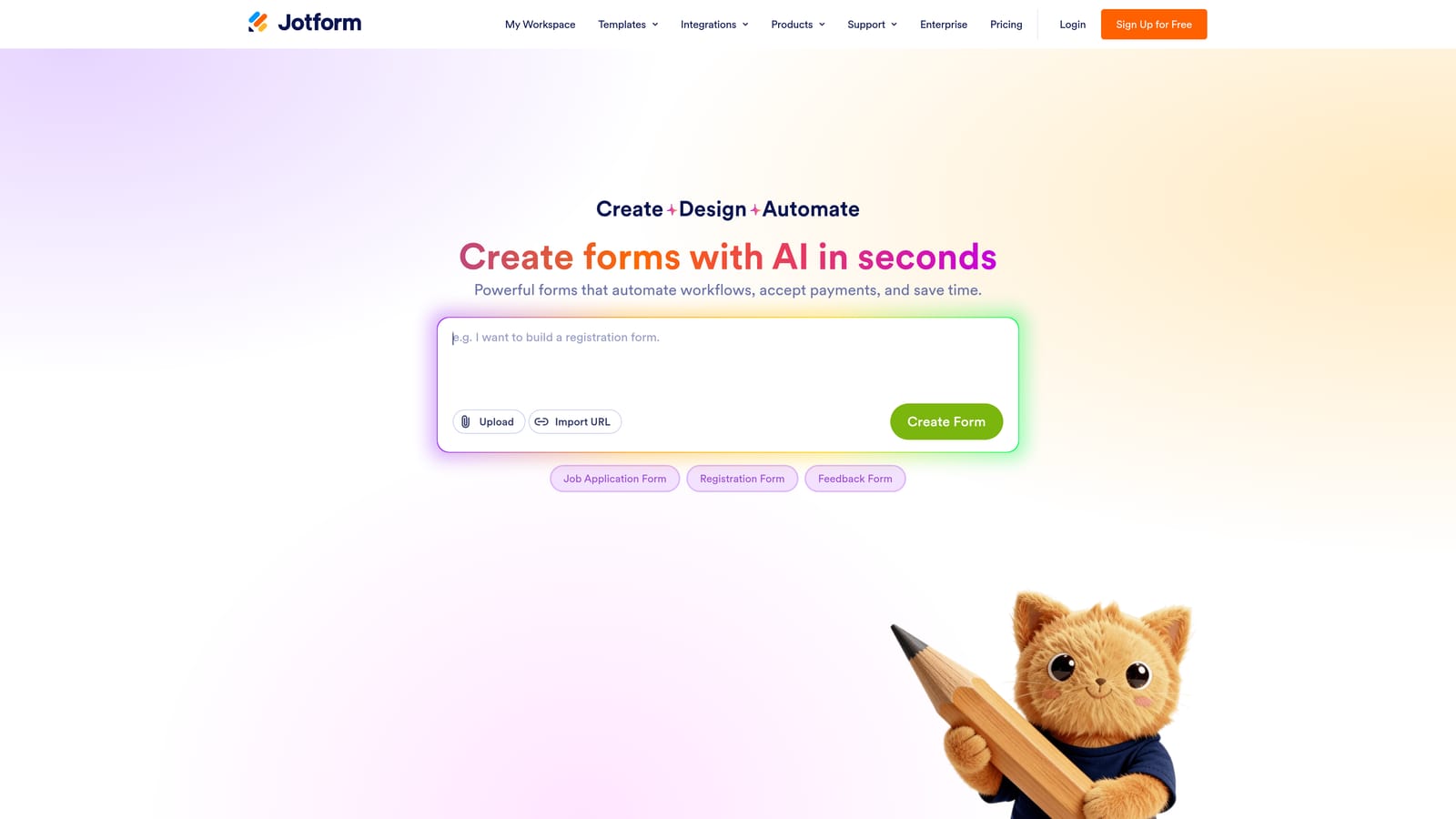
JotForm is a feature-rich form builder with one of the largest template libraries available, including ready-made webinar and event registration forms.
Where This Tool Shines
When you need a fully functional webinar registration form in under an hour, JotForm's template library is hard to beat. There are purpose-built templates for webinars, virtual events, and conference registrations, many of which already include conditional logic and relevant field types. The setup time from template to live form is genuinely fast.
JotForm also handles more complex form requirements than most tools at this price point. Calculated fields, payment collection, and advanced conditional logic are all available without needing a premium tier, making it useful for teams running paid webinars or events with tiered registration options.
Key Features
Webinar Registration Template Library: Extensive collection of pre-built templates specifically for webinars and virtual events, ready to customize and deploy.
Advanced Conditional Logic: Supports complex branching and calculated fields for multi-track or tiered registration workflows.
Built-In Payment Collection: Native integrations with Stripe, PayPal, and Square for paid webinar registration without third-party tools.
Webinar Platform Integrations: Connects with Zoom, GoToWebinar, and 100+ other apps natively.
HIPAA-Compliant Option: Available for regulated industries that need compliant data handling on registration forms.
Best For
JotForm is ideal for event coordinators and marketing teams that run webinars frequently and want a reliable, template-driven workflow. It's also a strong fit for organizations in regulated industries where compliance requirements affect form design.
Pricing
Free tier available with up to 100 monthly submissions. Paid plans start at $34/month with higher response limits and advanced features.
4. Google Forms
Best for: Budget-constrained teams or internal webinars within a Google Workspace environment
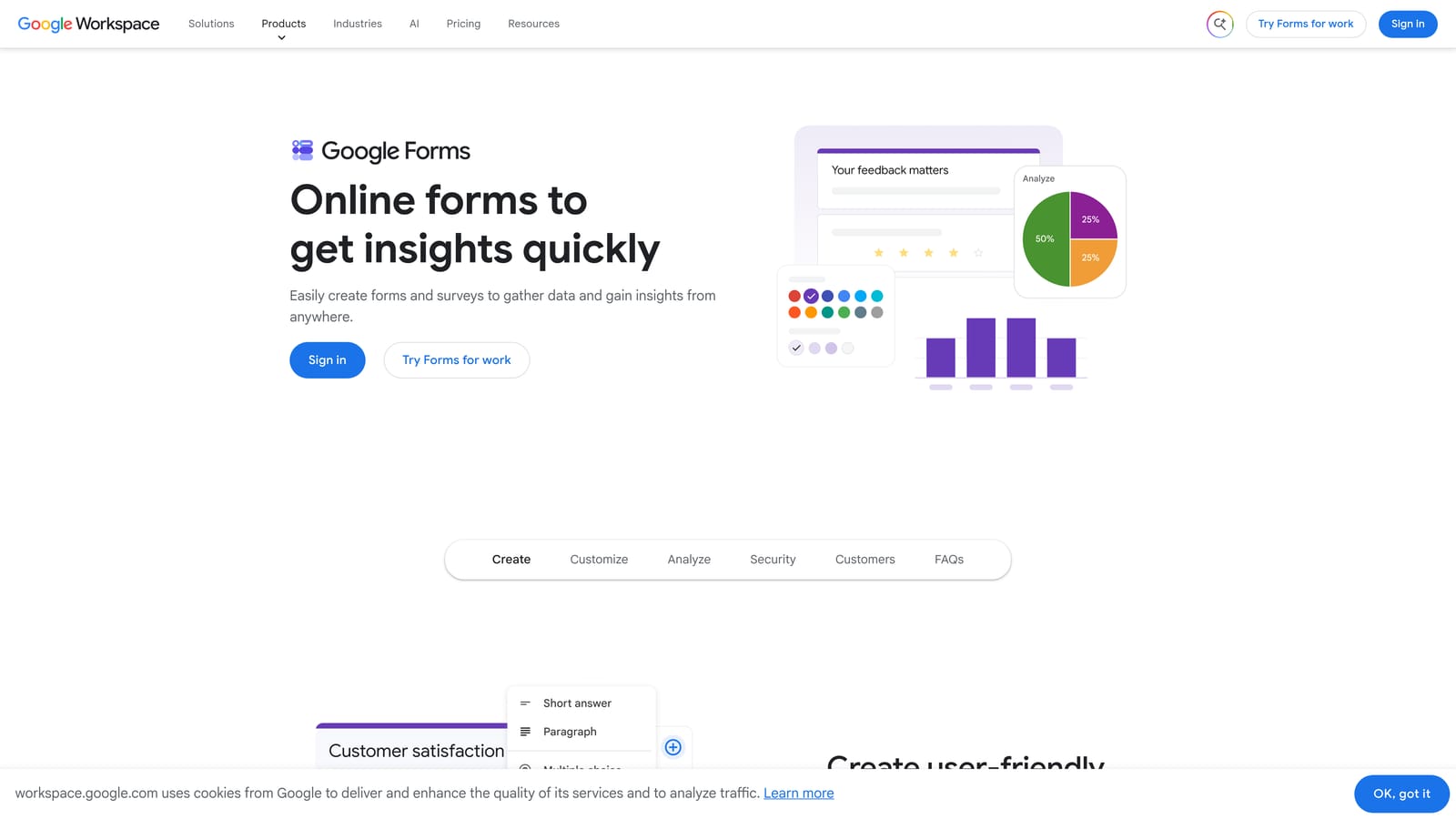
Google Forms is a free, no-frills form builder that integrates natively with Google Sheets, making it the default choice for teams with no budget and an existing Google Workspace setup.
Where This Tool Shines
The case for Google Forms is simple: it's free, it works, and if your team already lives in Google Workspace, there's essentially no setup overhead. Responses flow automatically into a connected Google Sheet, which means your registrant data is immediately available for sorting, filtering, and sharing without any export steps.
For internal webinars, team training sessions, or low-stakes external events where brand experience isn't a priority, Google Forms covers the basics without any cost or complexity. It's not the right tool for demand-gen webinars where lead qualification matters, but it doesn't need to be.
Key Features
Completely Free: No response limits, no paid tiers, no credit card required.
Automatic Google Sheets Sync: All responses populate a connected spreadsheet in real time with no export needed.
Basic Conditional Logic: Section branching based on answers, suitable for simple registration flows.
Easy Sharing: Distribute via link, embed on a page, or share directly within Google Workspace.
Google Ecosystem Integration: Works seamlessly with Google Calendar, Drive, and other Workspace tools.
Best For
Google Forms works best for teams running internal webinars, community events, or low-volume external sessions where lead qualification and CRM routing aren't requirements. It's also a practical fallback for teams that need something live immediately with no budget approval needed.
Pricing
Completely free. No paid tiers or response limits.
5. Tally
Best for: Startups and indie creators who want unlimited forms and responses without paying
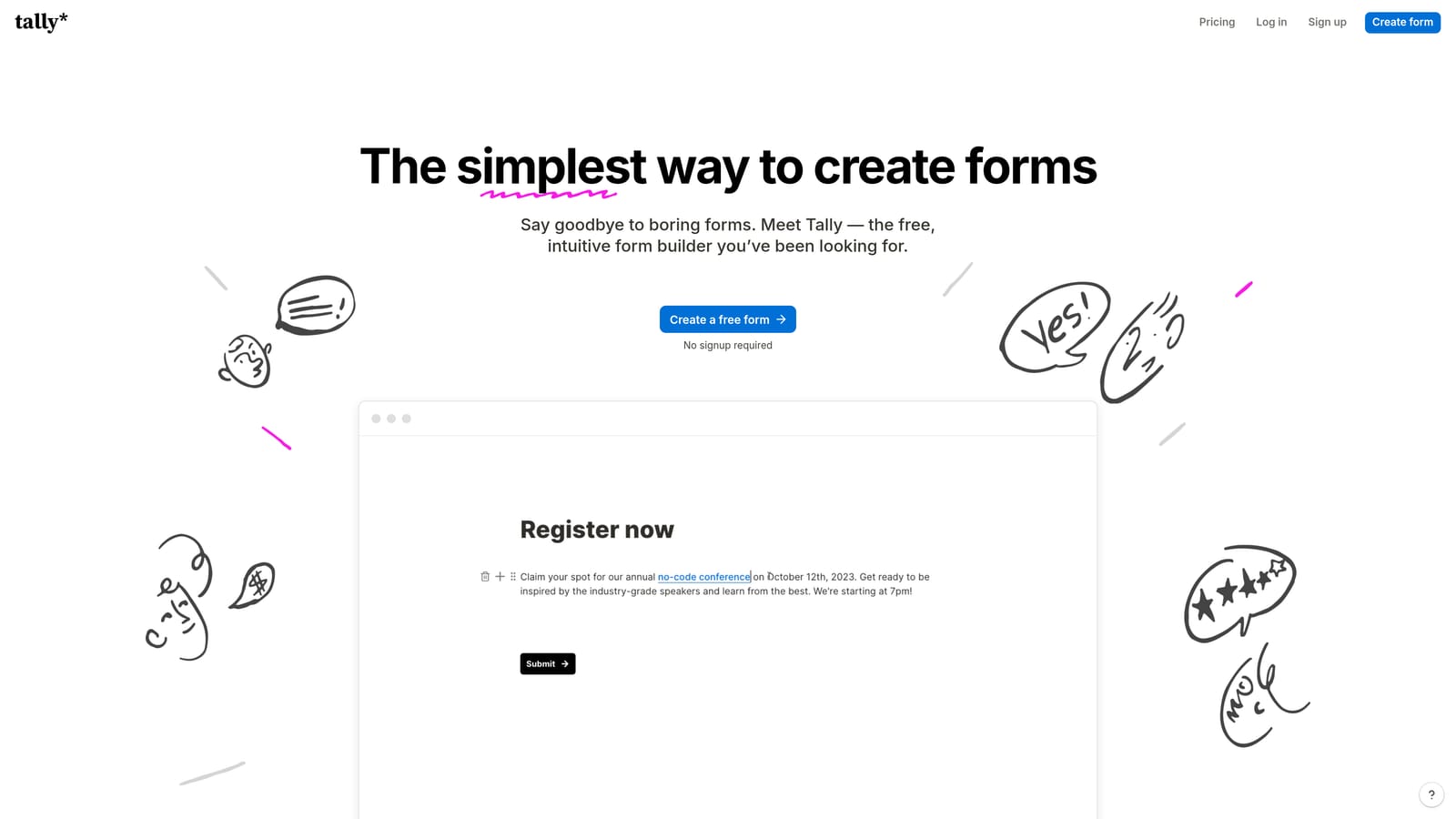
Tally is a minimal, Notion-inspired form builder with unlimited forms and responses on its free plan, popular with startups and early-stage teams who prioritize simplicity and speed.
Where This Tool Shines
Tally's free tier is genuinely generous in a market where most tools cap responses aggressively. Unlimited forms and unlimited responses means you can run as many webinar registration campaigns as you want without worrying about hitting a ceiling. The builder itself is clean and distraction-free, following a similar block-based editing pattern to Notion.
Embedding is a particular strength. Tally forms drop cleanly into Notion pages, websites, and landing pages without styling conflicts, which makes it a natural fit for teams that already use Notion as their operational hub. Zapier support extends its reach to webinar platforms like Zoom and GoToWebinar.
Key Features
Unlimited Free Forms and Responses: No caps on form volume or submission count on the free plan.
Clean Block-Based Builder: Minimal, distraction-free interface that's fast to learn and use.
Conditional Logic and Multi-Page Forms: Supports branching logic and multi-step flows for more structured registration experiences.
Clean Embeds: Drops into Notion pages, websites, and landing pages without visual conflicts.
Zapier Integration: Connects to webinar platforms and CRMs through Zapier for automated data routing.
Best For
Tally is the right pick for early-stage startups, indie creators, and small teams running webinars on a tight budget. It's less suited for enterprise-scale workflows or teams that need native CRM integration and lead scoring.
Pricing
Free tier with unlimited forms and responses. Pro plan at $29/month adds custom domains, file uploads, and priority support.
6. HubSpot Forms
Best for: Revenue teams who use HubSpot and need zero-friction CRM sync on registrant data
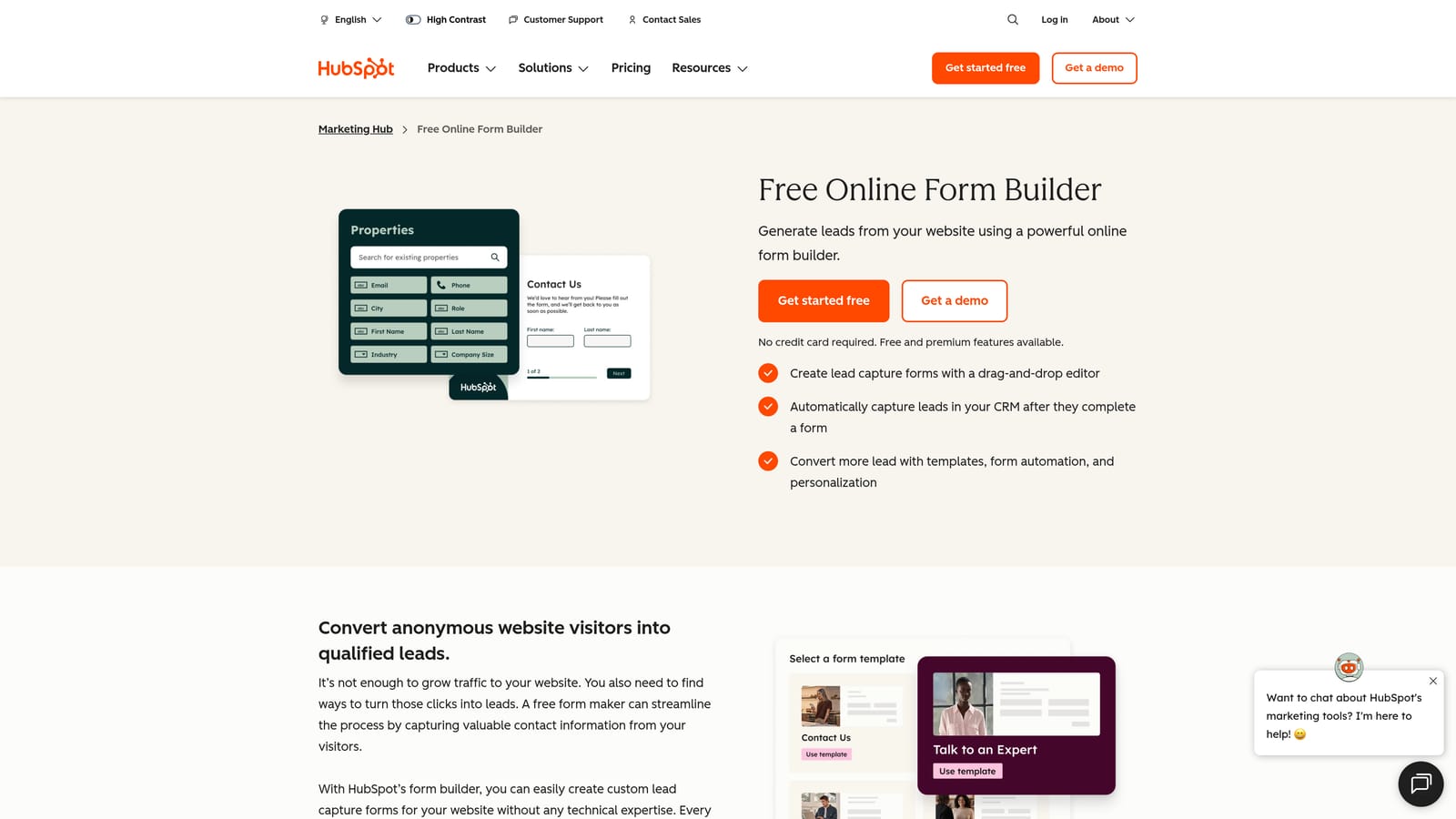
HubSpot Forms is the native HubSpot form tool that maps registrant data directly to CRM contact properties, lifecycle stages, and automated follow-up workflows without any third-party connector.
Where This Tool Shines
If your team already runs on HubSpot, the case for using HubSpot Forms for webinar registration is straightforward. Every submission updates contact records, adjusts lifecycle stages, and can trigger email sequences or internal notifications automatically. There's no Zapier step, no field mapping to maintain, and no data sync delay.
Progressive profiling is a genuinely useful feature for teams running multiple webinars. Rather than asking returning contacts for information you already have, HubSpot Forms serves up new questions to fill gaps in their contact record. Over time, your CRM data gets richer with each event without adding friction to the registration experience.
Key Features
Native HubSpot CRM Sync: Registrant data maps directly to contact properties and lifecycle stages with no third-party connector required.
Workflow Triggers: Submissions automatically trigger HubSpot email sequences, internal notifications, and deal pipeline updates.
Progressive Profiling: Shows new questions to returning contacts instead of re-asking for data you already have.
Lifecycle Stage Management: Automatically updates contact lifecycle stages based on form submission and field values.
Free CRM Tier Access: Basic form functionality is available within HubSpot's free CRM, making it accessible without a paid subscription.
Best For
HubSpot Forms is the obvious choice for marketing and revenue teams already invested in the HubSpot ecosystem. If your post-webinar follow-up sequences, lead scoring, and pipeline management all live in HubSpot, keeping registration data in the same system eliminates a significant source of friction.
Pricing
Free with HubSpot CRM. Advanced features including A/B testing and smart forms require a Marketing Hub subscription, which starts at higher price points.
7. Wufoo
Best for: Teams with established form workflows who need a reliable, no-surprises solution
Wufoo is one of the original SaaS form builders, still widely used by teams with established workflows who haven't migrated to newer tools and don't need to.
Where This Tool Shines
Wufoo's strength is reliability. It's been around long enough that its quirks are well-documented, its integrations are stable, and teams that have built workflows around it know exactly what to expect. For organizations where form infrastructure is a solved problem and the priority is consistency rather than innovation, that's a real advantage.
The built-in reporting and entry management tools are more developed than what you'll find in newer minimalist builders. Teams managing high-volume webinar registrations can filter, sort, and export entries without leaving the platform, which reduces operational overhead for events teams handling logistics manually.
Key Features
Proven Drag-and-Drop Builder: Reliable form construction interface with a long track record in production environments.
Built-In Reporting and Entry Management: Filter, sort, and manage registrant entries directly within the platform.
Payment Integrations: Native support for Stripe, PayPal, and Authorize.net for paid webinar registrations.
Webhooks and Zapier Support: Connects to webinar platforms and CRMs through webhooks or Zapier automation.
Role-Based Access: Team collaboration features with permission controls for larger events teams.
Best For
Wufoo suits teams with existing form infrastructure built around the platform who aren't ready to migrate. It's a reliable fallback rather than a first choice for teams building new webinar registration workflows from scratch.
Pricing
Free tier available with limited submissions. Paid plans start at $14.08/month, making it one of the more affordable paid options on this list.
8. Paperform
Best for: Small marketing teams who want a registration page and form in a single tool
Paperform is a hybrid form and landing page builder that lets you create webinar registration pages without needing a separate page builder, combining form and page in one styled document.
Where This Tool Shines
Most form builders produce a form. Paperform produces a page. The difference matters for teams without a dedicated landing page builder in their stack. You can add headlines, body copy, images, video, and a call to action alongside your registration fields, all in a single Paperform document that functions as a standalone registration page.
The Zoom and GoToWebinar integrations handle automated registration, so submitting the Paperform automatically registers the attendee with your webinar platform. Combined with built-in payment and scheduling capabilities, it covers a lot of surface area for a single tool, which makes it particularly useful for lean marketing teams wearing multiple hats.
Key Features
Form and Landing Page Combined: Build a complete registration page with copy, media, and form fields in a single document without a separate page builder.
Rich Content Support: Embed text, images, and video alongside form fields for a full registration page experience.
Webinar Platform Integrations: Native connections to Zoom and GoToWebinar for automated attendee registration on submission.
Payment and Scheduling: Built-in payment collection and scheduling functionality for paid or time-slotted webinar events.
Best For
Paperform is the right fit for small marketing teams or solo operators who need a complete webinar registration experience without managing separate tools for landing pages and forms. It's particularly strong for teams running paid webinars or workshops.
Pricing
Essentials plan starts at $24/month. There is no permanent free tier, though a trial period is available.
9. Fillout
Best for: Ops-forward teams managing webinar registrant data in Notion or Airtable
Fillout is a modern form builder with native Notion and Airtable integrations, ideal for teams who manage webinar registrant data in a database rather than a traditional CRM.
Where This Tool Shines
Fillout's native Notion and Airtable integrations are the headline feature, and they genuinely work without the usual Zapier middleware. If your team tracks webinar registrants, follow-up tasks, and event logistics in an Airtable base or a Notion workspace, Fillout pipes form submissions directly into those databases with field mapping that stays in sync.
The form builder itself is clean and modern, with strong customization options that produce forms that don't look like they were built by an ops team. Conditional logic, calculated fields, and multi-step form support give it enough flexibility to handle qualification-style registration flows, making it more capable than its minimal aesthetic might suggest.
Key Features
Native Notion and Airtable Integrations: Pipes registrant data directly into Notion databases or Airtable bases without Zapier.
Conditional Logic and Calculated Fields: Supports dynamic form flows and field calculations for more complex registration requirements.
Modern Form Design: Clean, customizable forms that look polished without requiring design expertise.
Scheduling and Payment Collection: Built-in scheduling and payment features for webinars that require booking or paid access.
Generous Free Tier: Free plan with a high response limit, suitable for teams testing the tool before committing to a paid plan.
Best For
Fillout is the best option for operations-focused teams who have built their workflows around Notion or Airtable and want registrant data to flow directly into those systems. It's less suited for teams who need deep CRM integration or AI-driven lead qualification.
Pricing
Free tier available with generous response limits. Paid plans start at $15/month with additional features and higher submission caps.
Which Tool Is Right for Your Webinar Stack?
The right form builder for webinars depends on two things: where your registrant data needs to go, and what you want to know about each person before your event begins.
If you're a high-growth SaaS team running demand-gen webinars and need to qualify leads at registration, Orbit AI is the clear starting point. It's purpose-built for exactly this workflow, with AI qualification, smart routing, and automated follow-up sequences that turn registration data into pipeline signal.
If brand experience and completion rates are your top priority, Typeform delivers the most polished conversational registration flow available. HubSpot Forms is the obvious pick if your team lives in HubSpot and needs zero-friction CRM sync without any middleware to maintain.
For budget-conscious teams or internal events, Google Forms and Tally both deliver solid functionality at no cost. Paperform suits teams who want a registration page and form in a single tool, while Fillout works best for ops-heavy teams managing data in Notion or Airtable. JotForm's template depth makes it a strong choice when you need to move fast with conditional logic already built in, and Wufoo remains a reliable option for teams with existing workflows they're not ready to migrate.
Start with the tool that fits your stack, then optimize from there. And if qualifying registrant intent before your webinar is a priority, transform your lead generation with AI-powered forms that qualify prospects automatically while delivering the modern, conversion-optimized experience your high-growth team needs. Book a demo and see how intelligent form design can elevate your conversion strategy.


