

Every form your team publishes is a moment of truth. A clunky, generic form signals low effort to a prospect who was almost ready to engage. A smart, well-designed form can be the difference between a qualified lead entering your pipeline and a visitor quietly bouncing. For high-growth teams, that gap compounds quickly.
The good news is that the professional form builder market has matured dramatically. Today's options range from AI-powered platforms that qualify leads automatically to enterprise-grade tools built for regulated industries. Choosing the right one depends on your specific workflow, your team's technical comfort, and what happens after someone hits submit.
To build this list, we evaluated tools on ease of use, design quality, integration ecosystem, analytics capabilities, and overall value for growing teams. Whether you're optimizing a lead capture funnel or building internal workflows, you'll find the right fit here. If you're newer to the space, our guide to the best online form builders and our deep-dive on how to build effective web forms are great starting points.
1. Orbit AI
Best for: High-growth teams that need AI-driven lead qualification built directly into their forms.
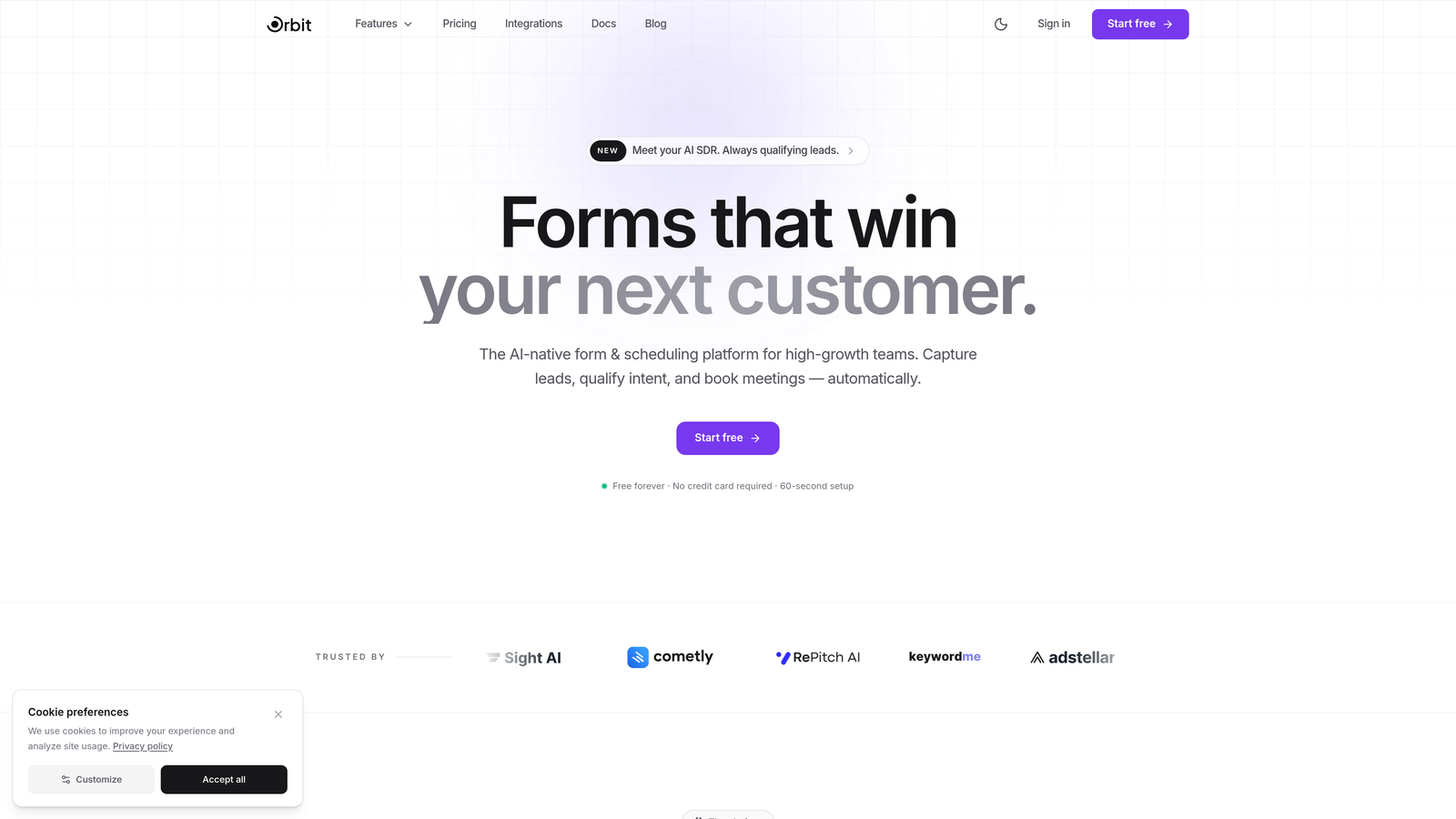
Orbit AI is an AI-powered form builder designed specifically for teams where lead quality matters as much as lead volume.
Where This Tool Shines
Most form builders stop at collecting data. Orbit AI goes further by qualifying that data the moment a submission comes in. Its built-in lead scoring engine analyzes responses and routes or prioritizes leads automatically, so your sales team spends time on the prospects most likely to convert rather than manually triaging a spreadsheet.
The design quality is another standout. Orbit AI's templates are built for conversion from the ground up, not just visually polished but structurally optimized. Conditional logic and dynamic fields keep forms lean and relevant, showing respondents only what matters to them. For high-growth teams that can't afford to let good leads slip through a friction-heavy form, this combination of intelligence and design is a genuine differentiator.
Key Features
AI-Powered Lead Qualification: Automatically scores and qualifies leads on submission, so your team focuses on the highest-value prospects first.
Conversion-Optimized Templates: Pre-built form templates designed specifically for lead generation, not generic data collection.
Conditional Logic and Dynamic Fields: Show or hide fields based on previous answers to keep forms short and contextually relevant.
Modern Form Design: Beautiful, branded form experiences out of the box without needing a designer.
CRM and Marketing Integrations: Connects with popular CRMs and marketing tools so qualified leads flow directly into your existing workflows.
Best For
SaaS companies, agencies, and B2B teams running active lead generation campaigns who want to close the loop between form submission and lead qualification. If your team is spending too much time sorting through unqualified inquiries, Orbit AI addresses that problem at the source.
Pricing
Visit orbitforms.ai for current plans and pricing. A free tier is available to get started.
2. Typeform
Best for: Brands that want a polished, conversational form experience with high completion rates.
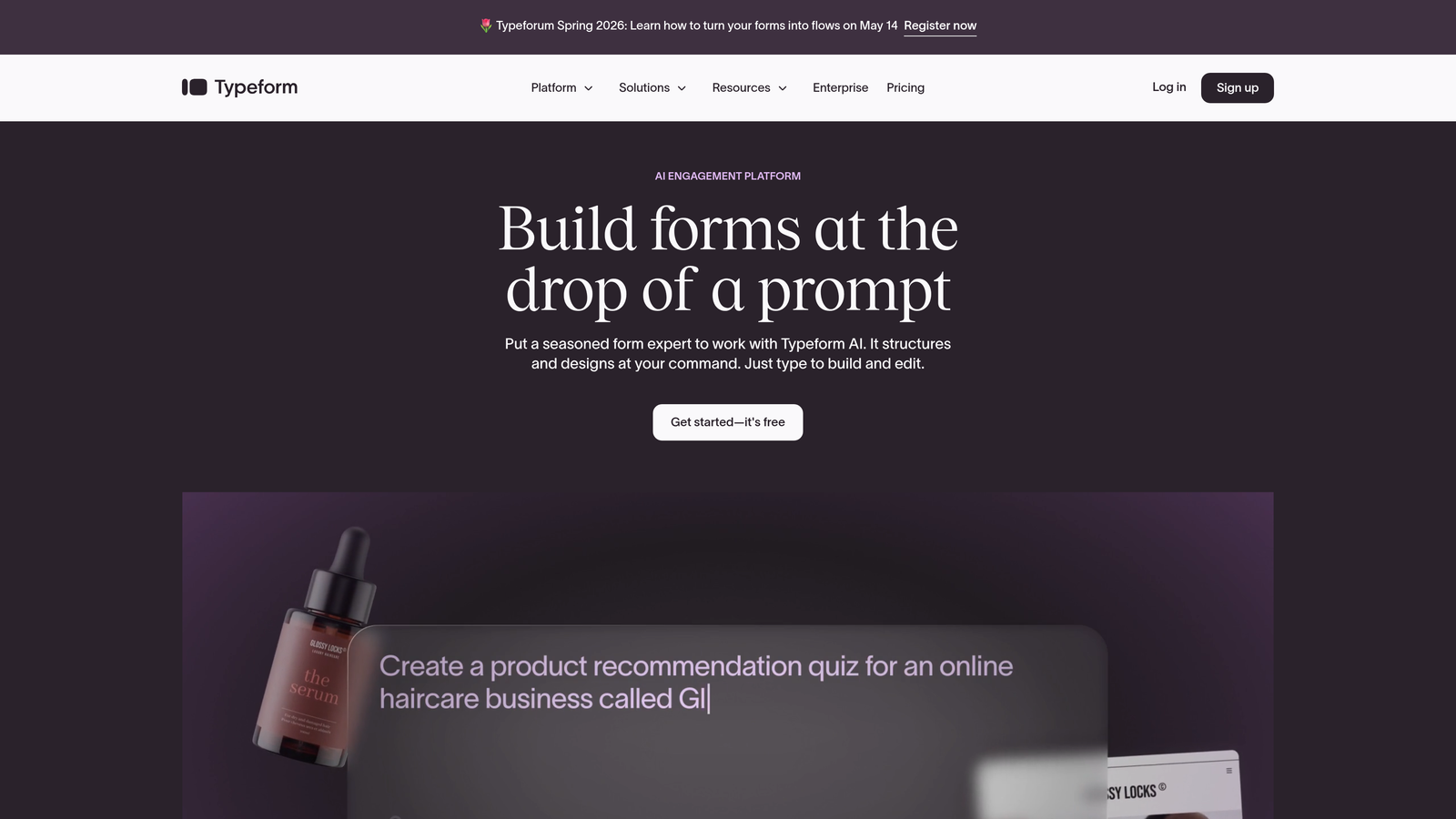
Typeform is a conversational form builder that presents one question at a time, creating an experience that feels more like a dialogue than a data collection exercise.
Where This Tool Shines
Typeform's signature one-question-at-a-time format consistently outperforms traditional multi-field forms in terms of completion rate, particularly for longer surveys and onboarding flows. The interface feels premium, and that perception transfers to how respondents experience your brand.
Logic jumps allow you to build genuinely personalized paths through a form, so a prospect who selects "enterprise" sees a completely different follow-up sequence than one who selects "startup." This level of personalization, combined with the clean visual design, makes Typeform a strong choice for customer-facing forms where brand impression matters.
Key Features
Conversational One-Question UI: Presents questions sequentially to reduce overwhelm and improve completion rates.
Logic Jumps and Branching: Create personalized form paths based on respondent answers.
Video and Image Embedding: Add rich media directly within form questions for context or engagement.
Native Integrations: Connects with Zapier, HubSpot, Slack, Salesforce, and dozens of other tools.
Built-in Analytics: Track drop-off rates and completion metrics per question to identify friction points.
Best For
Marketing teams, product researchers, and customer success teams that prioritize the respondent experience and want forms that reflect a high-quality brand. Less suited for teams needing bulk data collection or complex multi-column layouts.
Pricing
Free plan available with limited responses. Paid plans start around $25/month with increased response limits and advanced features.
3. Jotform
Best for: Teams that need a wide template library and versatile form types including payments and HIPAA-compliant data collection.
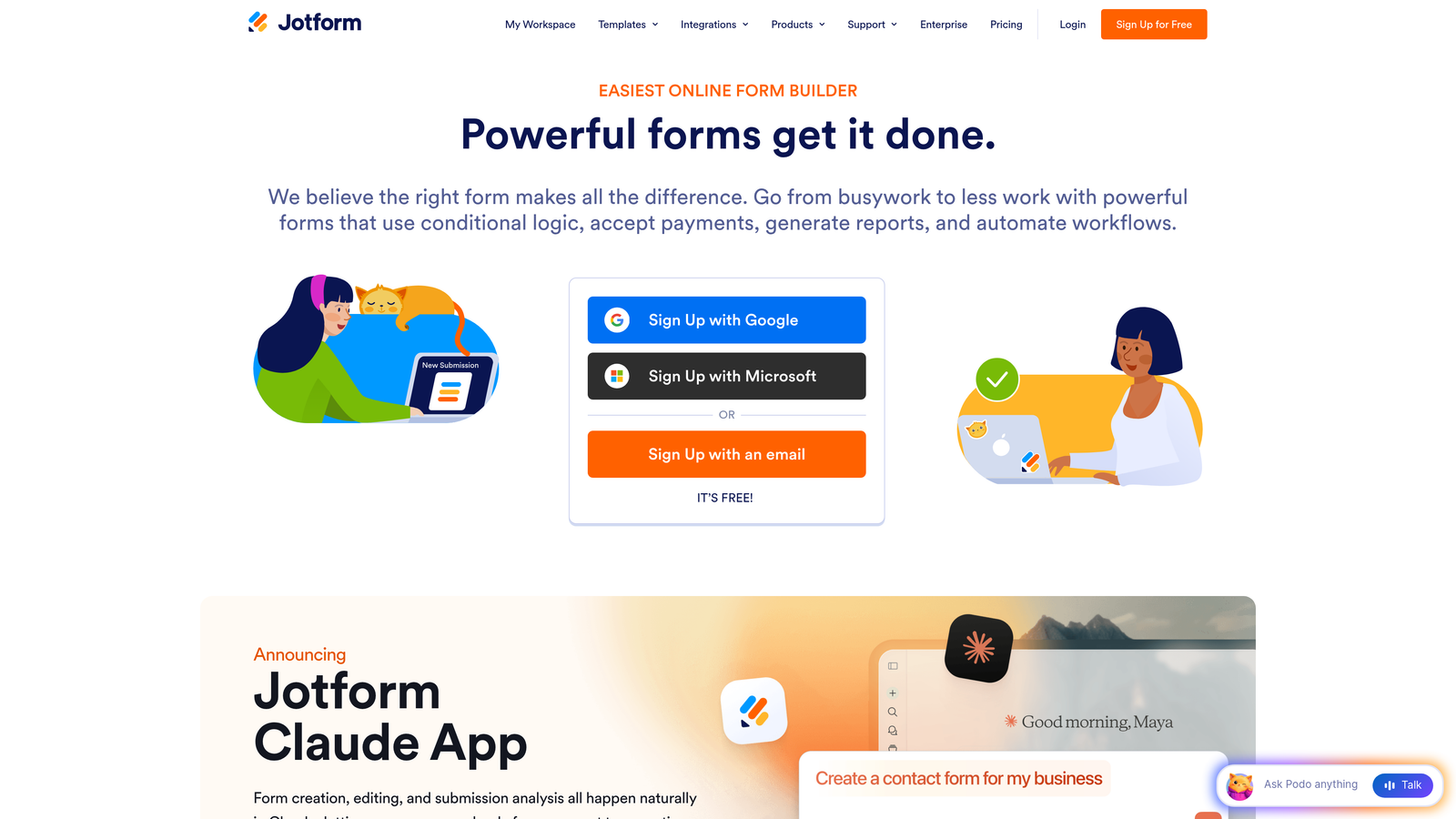
Jotform is one of the most feature-rich no-code form builders available, with a template library and integration set that covers nearly every use case.
Where This Tool Shines
With over 10,000 pre-built templates, Jotform dramatically reduces the time it takes to go from idea to live form. Whether you need a job application, a patient intake form, an event registration, or a payment checkout, there's almost certainly a template that gets you most of the way there.
Jotform Tables adds a layer of response management that turns form data into a lightweight database, useful for teams that want to organize and act on submissions without immediately routing everything into a CRM. Payment collection via Stripe, PayPal, and Square is also native, making it a solid option for teams selling products or services through forms.
Key Features
10,000+ Templates: One of the largest pre-built template libraries in the form builder market.
Drag-and-Drop Builder: Intuitive editor with conditional logic for dynamic form experiences.
Payment Collection: Native integrations with PayPal, Stripe, and Square for in-form transactions.
Jotform Tables: Built-in response management tool that organizes submissions in a spreadsheet-style view.
HIPAA-Compliant Plans: Available for healthcare teams that need to collect sensitive patient data securely.
Best For
Small businesses, healthcare providers, nonprofits, and operations teams that need a wide variety of form types and don't want to build from scratch. Also a strong pick for teams collecting payments through forms.
Pricing
Free plan supports up to 5 forms. Paid plans start around $34/month with expanded form limits, submissions, and storage.
4. Tally
Best for: Individuals and small teams that want unlimited forms and submissions on a free plan with a clean, Notion-like editing experience.
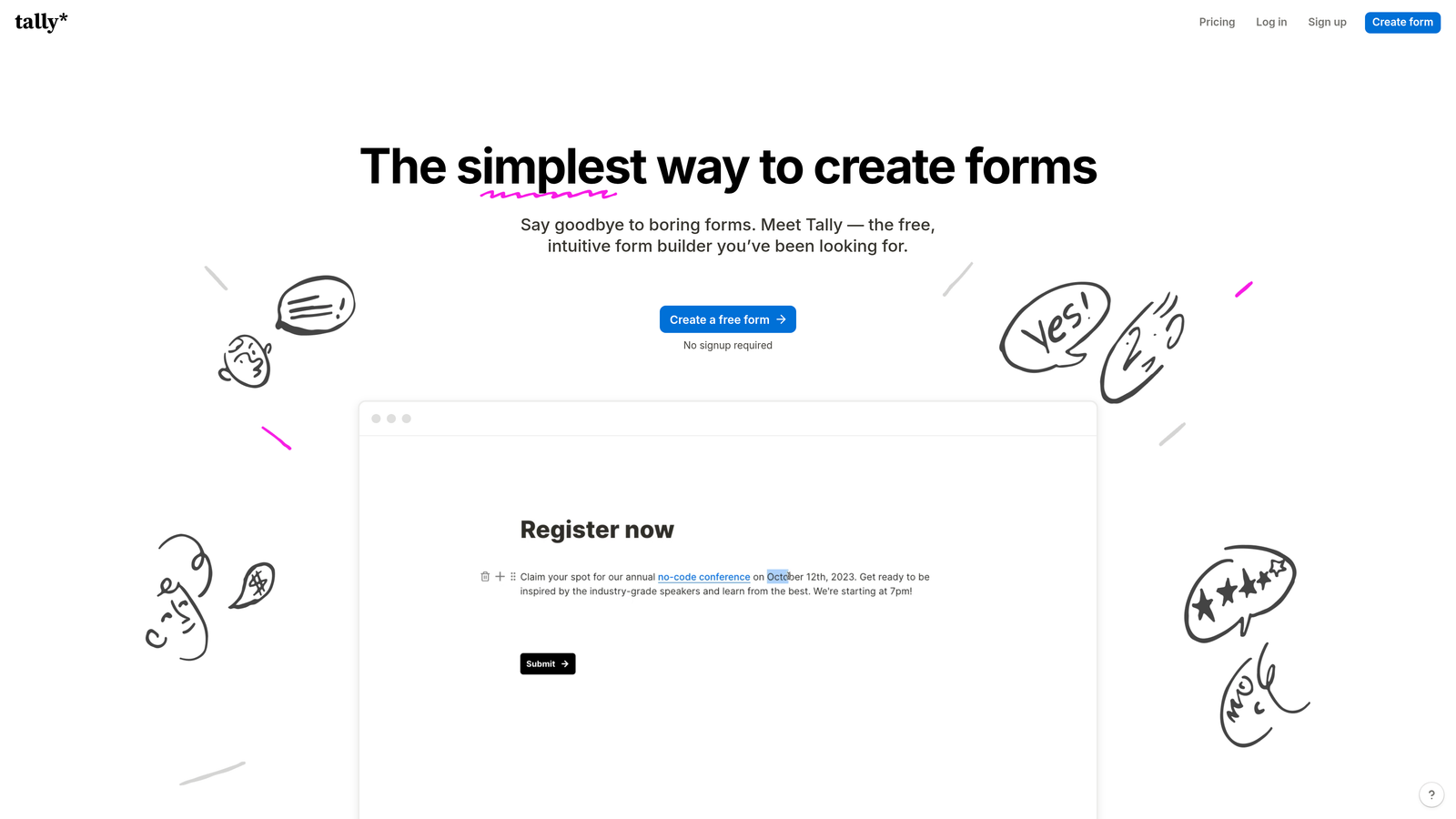
Tally is a minimalist form builder that strips away complexity without stripping away capability, making it one of the most accessible tools on this list.
Where This Tool Shines
Tally's free plan is genuinely generous. Unlimited forms, unlimited submissions, conditional logic, and hidden fields are all available without paying a cent. For early-stage startups, solopreneurs, or teams running internal surveys, this makes Tally an obvious starting point.
The block-based editing experience will feel immediately familiar to anyone who uses Notion. Building a form is as simple as typing and adding blocks, which lowers the learning curve significantly compared to traditional drag-and-drop builders. It won't win on design sophistication or AI features, but for clean, functional forms built quickly, it's hard to beat.
Key Features
Unlimited Free Forms and Submissions: No submission caps or form limits on the free plan, which is rare in this market.
Notion-Style Block Editor: Familiar, frictionless editing experience for users already in the Notion ecosystem.
Conditional Logic and Hidden Fields: Available on the free plan, making dynamic forms accessible without upgrading.
Custom Domain and Branding: Available on the Pro plan for teams that need white-labeled form experiences.
Native Integrations: Connects with Notion, Google Sheets, Airtable, and Slack.
Best For
Freelancers, early-stage startups, and internal teams that need functional forms fast without a budget commitment. Also great for Notion-heavy teams that want forms that slot naturally into their existing workflows.
Pricing
Free plan is highly capable. Pro plan is $29/month for custom branding, custom domains, and additional integrations.
5. HubSpot Forms
Best for: Teams already on HubSpot that want forms tightly integrated with their CRM and marketing automation.
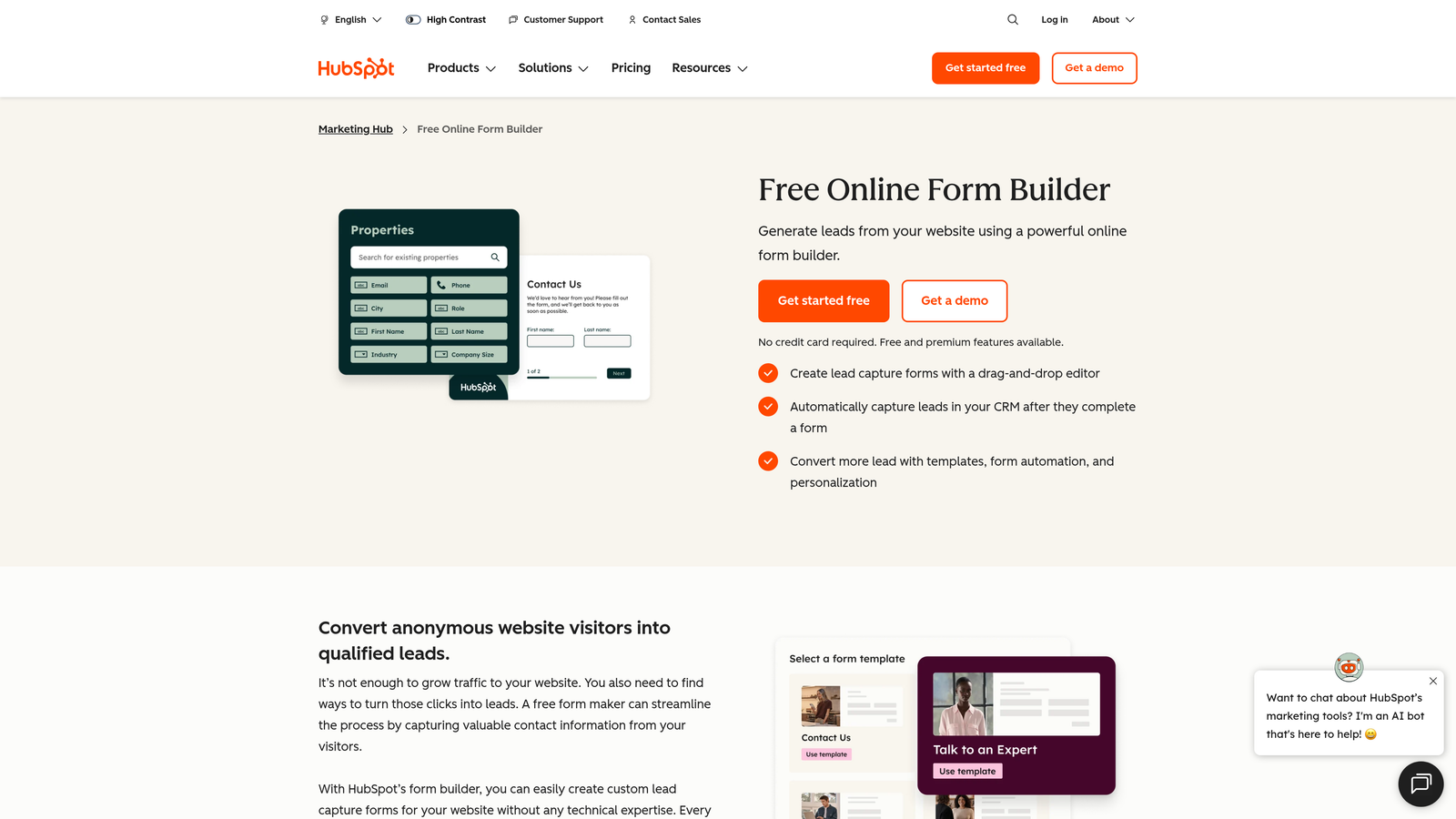
HubSpot Forms is a native form builder built into the HubSpot platform, designed to feed contact data directly into HubSpot's CRM with zero manual effort.
Where This Tool Shines
If your team lives in HubSpot, building forms anywhere else creates unnecessary friction. HubSpot Forms automatically creates or updates contact records on every submission, triggering workflows, enrollment in sequences, and lead scoring updates instantly. There's no middleware required.
Progressive profiling is a particularly useful feature for teams running ongoing inbound campaigns. Instead of showing the same fields to returning visitors, HubSpot Forms detects known contacts and asks new questions, gradually enriching contact records over time without overwhelming respondents with a long form on the first interaction.
Key Features
Native CRM Integration: Every submission automatically creates or updates a HubSpot contact record in real time.
Progressive Profiling: Asks different questions to returning visitors to enrich contact data incrementally.
Smart Fields and Dependent Logic: Show or hide fields based on existing contact properties or form answers.
Flexible Embed Options: Deploy forms as embedded, popup, or slide-in formats across your site.
A/B Testing: Available within HubSpot Marketing Hub for optimizing form performance over time.
Best For
Inbound marketing teams, RevOps professionals, and any team using HubSpot as their primary CRM. Less compelling as a standalone form tool if you're not already invested in the HubSpot ecosystem.
Pricing
Free with HubSpot CRM. Advanced features like A/B testing and smart fields require Marketing Hub Starter, starting around $20/month.
6. Paperform
Best for: Teams that want forms to look and function like branded landing pages rather than traditional data collection interfaces.
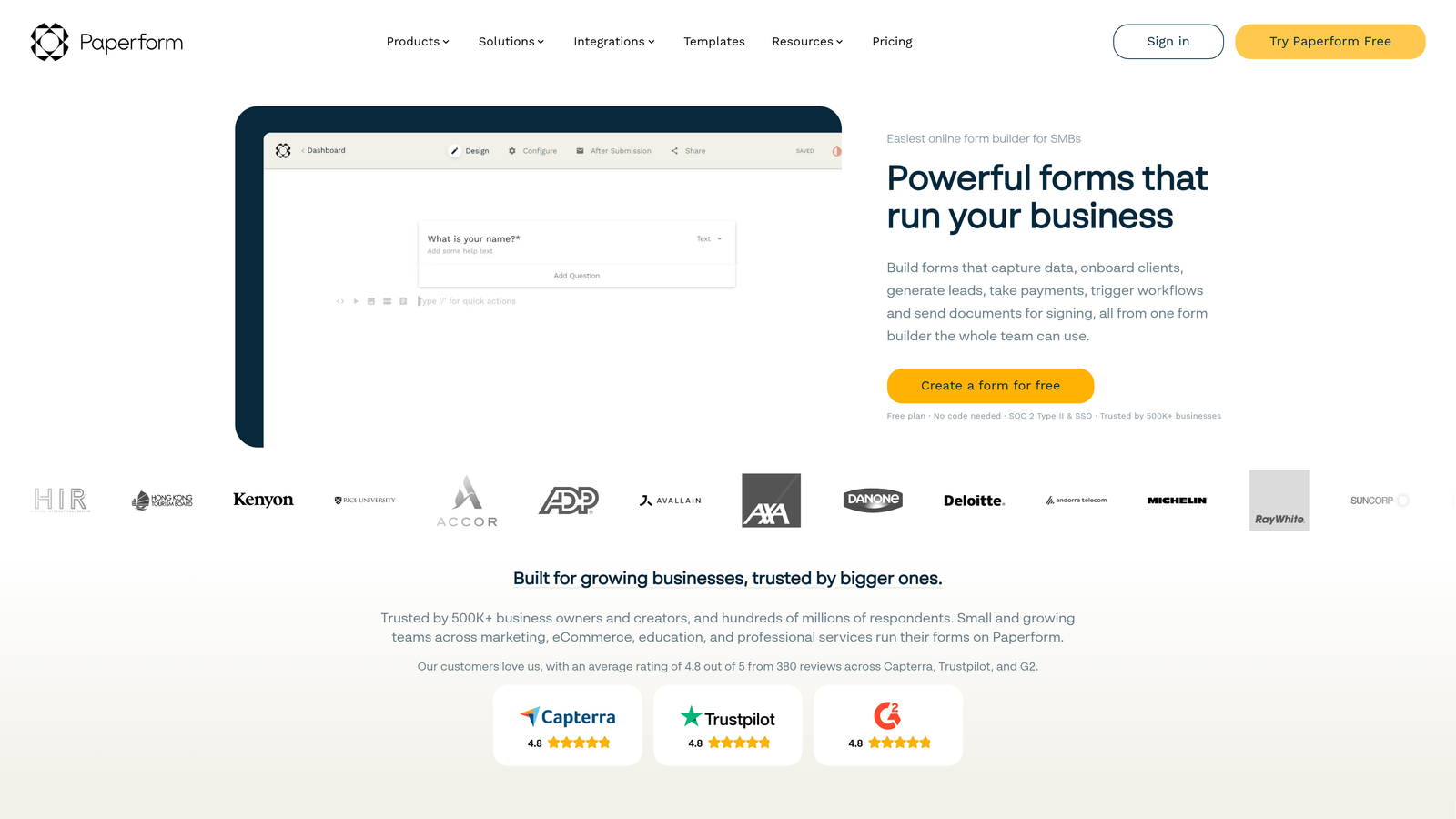
Paperform is a design-forward form builder that blends rich content with form fields, creating experiences that feel more like interactive pages than forms.
Where This Tool Shines
Paperform's editor lets you mix text, images, video, and form fields freely on the same canvas. The result is a form that can tell a story, explain context, and collect information all in one place. This makes it particularly effective for product order forms, event registrations, and intake flows where context helps respondents answer more accurately.
Built-in payment processing and product display features mean you can build a lightweight sales page and checkout flow without a separate landing page tool. For small teams running campaigns without a dedicated developer, this consolidation saves real time and removes dependencies.
Key Features
Rich Content Editor: Mix text, images, video, and form fields freely to create page-like form experiences.
Built-in Payments: Accept payments and display products natively within forms without third-party tools.
Custom Themes and CSS: Full branding control including custom CSS for teams that need pixel-perfect design.
Conditional Logic and Calculations: Dynamic fields and calculation fields for pricing, scoring, and personalization.
3,000+ Integrations: Connect via Zapier and direct integrations with popular marketing and CRM tools.
Best For
Creative agencies, consultants, and small businesses that want forms to function as mini landing pages. Strong fit for teams selling products or services through forms and wanting a polished, on-brand experience.
Pricing
Plans start around $24/month. No free plan, but a trial is available to test the platform before committing.
7. Formstack
Best for: Enterprise teams and regulated industries that need compliance, document generation, and workflow automation in a single platform.
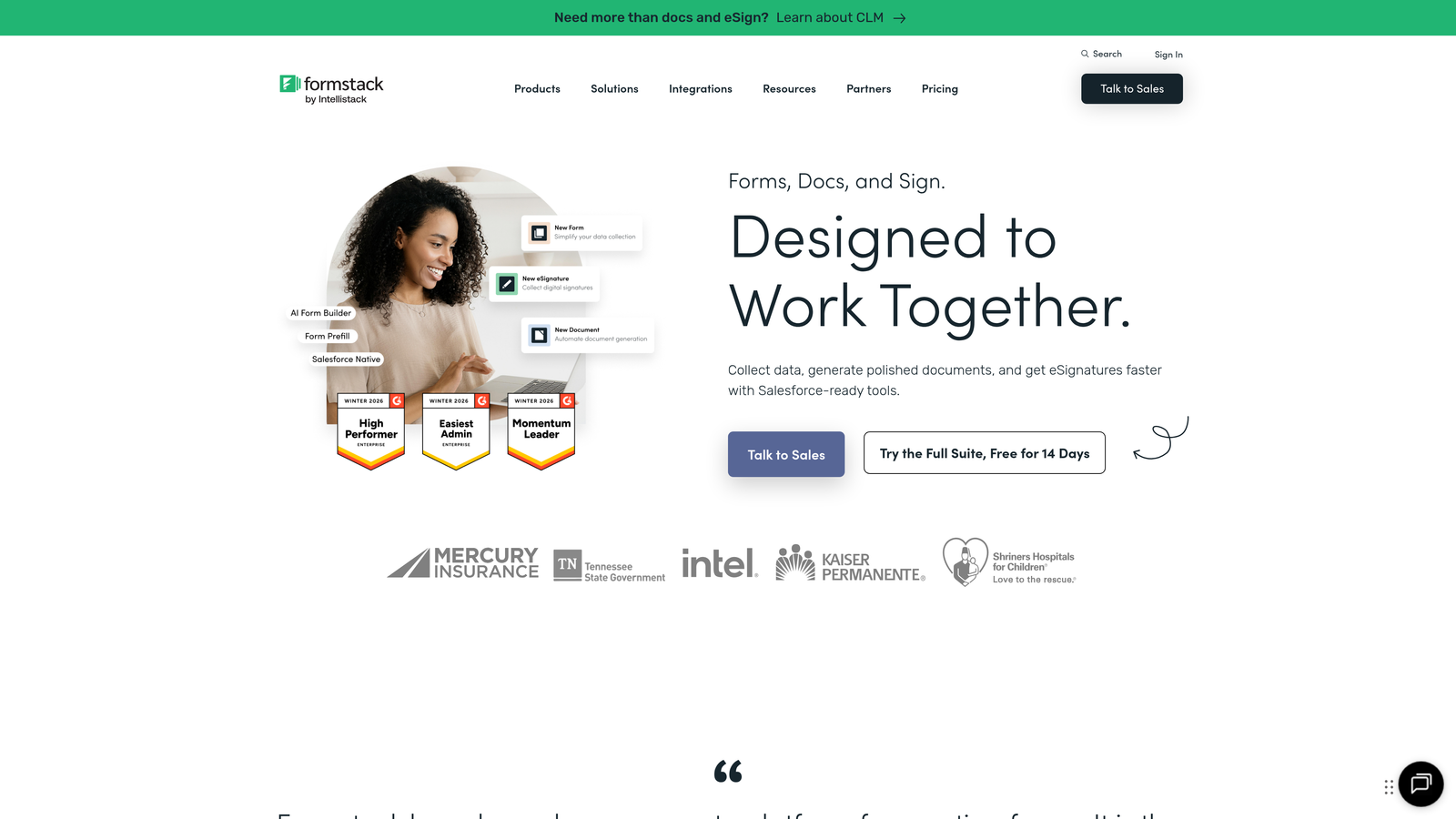
Formstack is an enterprise-grade forms and workflow platform built for organizations where compliance, security, and process automation are non-negotiable requirements.
Where This Tool Shines
Formstack goes well beyond form building. Its platform connects forms to document generation and e-signature workflows, meaning a single submission can trigger a complete document workflow: auto-populating a contract, routing it for approval, and capturing a signature, all without leaving the platform. For teams in healthcare, finance, or legal, this eliminates a significant amount of manual document handling.
Compliance coverage is comprehensive. HIPAA, GDPR, and SOC 2 options are available, and Formstack offers a Salesforce-native form building option for organizations that require data to stay entirely within their Salesforce environment. This level of enterprise infrastructure is rare among form builders.
Key Features
Compliance Options: HIPAA, GDPR, and SOC 2 compliance available for regulated industries.
Document Generation and E-Signatures: Auto-populate documents from form data and collect legally binding signatures.
Advanced Conditional Logic: Multi-page forms with complex branching logic for enterprise workflows.
Salesforce-Native Option: Build and manage forms entirely within Salesforce for strict data governance requirements.
Workflow Automation: Route submissions for approvals, notifications, and multi-step process management.
Best For
Healthcare organizations, financial services firms, legal teams, and enterprise operations that need forms as part of a broader document and approval workflow. Overkill for simple lead gen use cases, but purpose-built for complex regulated environments.
Pricing
Plans start around $50/month. Enterprise pricing is available for larger organizations with advanced compliance and volume needs.
8. Google Forms
Best for: Zero-budget use cases, internal surveys, and quick data collection within Google Workspace environments.
Google Forms is a completely free form builder integrated with Google Workspace, offering straightforward functionality with no cost barrier whatsoever.
Where This Tool Shines
The value proposition is simple: it's free, it's fast, and it connects directly to Google Sheets. For internal surveys, event RSVPs, employee feedback, or any situation where design and advanced logic aren't priorities, Google Forms gets the job done without any setup, subscription, or learning curve.
Collaboration is seamless for teams already in Google Workspace. Multiple team members can edit a form simultaneously, responses populate a linked Sheet in real time, and everything lives in Drive with familiar sharing permissions. For organizations standardized on Google's ecosystem, it's often the path of least resistance for basic data collection needs.
Key Features
Completely Free: No submission limits, no paid tiers, no hidden costs for any Google account holder.
Google Sheets Sync: Responses automatically populate a linked spreadsheet for instant analysis.
Basic Conditional Logic: Navigate respondents to different sections based on their answers.
Google Workspace Collaboration: Real-time co-editing and familiar Drive-based sharing permissions.
Quiz Mode: Auto-grading and answer feedback for educational or assessment use cases.
Best For
Internal teams, educators, nonprofits, and anyone who needs a functional form immediately with no budget. Not suitable for customer-facing lead generation, brand-conscious campaigns, or any use case requiring advanced design or integrations.
Pricing
Completely free for all Google account holders. No paid tiers or premium features to unlock.
9. Fillout
Best for: Teams that use Airtable, Notion, or Smartsheet as their primary database and want forms that sync directly with those tools.
Fillout is a database-first form builder built around native two-way sync with popular no-code and spreadsheet platforms.
Where This Tool Shines
Fillout's core insight is that many modern teams don't use a traditional CRM as their source of truth. They use Airtable, Notion, or Smartsheet. Fillout connects directly to these tools with two-way sync, meaning form submissions update the database and existing database records can pre-fill forms for returning users. This creates a tighter feedback loop between data collection and data management.
The ability to pre-fill forms from existing records is particularly powerful for update workflows: sending a client a form pre-populated with their current information to confirm or revise, or asking a user to update their preferences without starting from scratch. It's a level of database integration that most general-purpose form builders don't offer natively.
Key Features
Two-Way Database Sync: Native sync with Airtable, Notion, and Smartsheet for real-time bidirectional data flow.
Pre-Fill from Existing Records: Populate forms automatically from database records to streamline update and verification workflows.
Conditional Logic and Multi-Page Support: Build complex, branching forms with a clean visual editor.
Scheduling, Payments, and File Uploads: Specialized field types that extend forms beyond simple data collection.
Custom Branding and Embeds: White-label forms with custom colors, logos, and embed options for any site.
Best For
Operations teams, project managers, and no-code builders whose workflows are centered around Airtable, Notion, or Smartsheet. A natural fit for teams that want forms to feel like a native extension of their existing data infrastructure.
Pricing
Free plan available with core features. Paid plans start around $15/month for custom branding, increased response limits, and advanced integrations.
Which Tool Is Right for Your Team?
The best professional form builder is the one that matches not just your design preferences, but your post-submission workflow. Here's a quick guide to help you choose.
For AI-driven lead qualification: Orbit AI is the standout choice. If your team's primary challenge is identifying and routing high-quality leads quickly, no other tool on this list addresses that problem as directly. Its combination of intelligent scoring, conversion-optimized design, and CRM integrations makes it purpose-built for high-growth teams.
For brand experience and conversational forms: Typeform delivers a premium, one-question-at-a-time experience that's hard to match when respondent engagement is the priority.
For template variety and payment collection: Jotform's library and built-in payment options make it the most versatile all-rounder on the list.
For free, unlimited forms with zero friction: Tally's free plan is genuinely hard to beat for teams that don't need AI features or advanced branding.
For CRM-connected inbound marketing: HubSpot Forms is the obvious choice if your team is already invested in the HubSpot ecosystem.
For landing-page-style form experiences: Paperform's rich content editor creates form experiences that double as branded sales pages.
For enterprise compliance and document workflows: Formstack is built for regulated industries where forms are part of a larger document and approval process.
For zero-budget internal use: Google Forms remains the fastest path to a functional form when cost is the primary constraint.
For database-connected workflows: Fillout's native Airtable, Notion, and Smartsheet sync makes it the best fit for no-code-first teams.
For high-growth teams where lead quality and conversion rate are the metrics that matter most, the gap between a basic form builder and an intelligent one is significant. Start building free forms today with Orbit AI and experience how AI-powered lead qualification and conversion-optimized design can transform what your forms actually deliver. When you're ready to go deeper, our guides on how to improve form conversion rates and building a high-performing lead capture form will help you get the most out of every submission.


