

Whether you're collecting job applications, program enrollments, grant requests, or membership signups, the right application form builder can mean the difference between a smooth intake process and a leaky funnel that frustrates applicants and buries your team in manual work. Modern application form builders go far beyond basic fields and submit buttons. They offer conditional logic, file uploads, automated workflows, and even AI-powered lead qualification to help you collect better data and act on it faster.
We evaluated dozens of platforms on ease of use, customization depth, integration ecosystem, pricing flexibility, and how well they handle complex, multi-step application workflows. Here are nine standout options for 2026, starting with the tools best suited for teams that care about conversion and growth.
1. Orbit AI
Best for: High-growth teams that need AI-powered lead qualification built directly into their application forms.
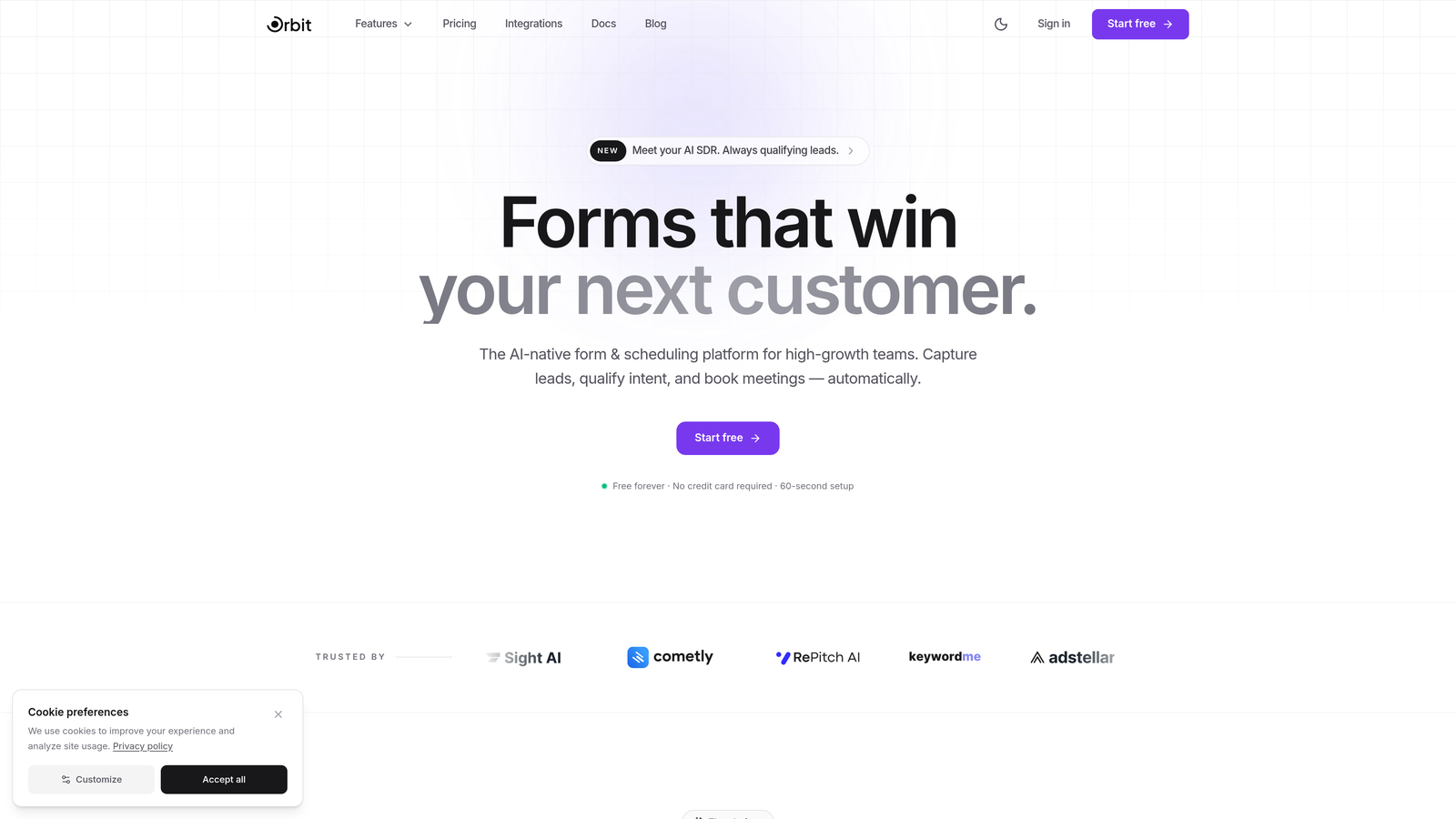
Orbit AI is an AI-powered form builder platform designed specifically for teams that want to qualify applicants automatically while delivering a polished, conversion-optimized experience.
Where This Tool Shines
Most form builders collect data and hand it off. Orbit AI goes a step further by scoring and qualifying applicants as submissions come in, so your team spends time on the leads and candidates that actually matter. This makes it particularly valuable for sales teams, admissions workflows, and any high-volume application process where manual review creates a bottleneck.
The builder itself is clean and modern, with templates built around conversion principles rather than just aesthetics. If your team cares about completion rates as much as data quality, that combination is hard to find elsewhere.
Key Features
AI-Powered Lead Qualification: Automatically scores and qualifies applicants based on their responses, reducing manual review time significantly.
Drag-and-Drop Builder: Intuitive editor with conversion-focused templates that look polished without requiring design skills.
Conditional Logic and Multi-Step Flows: Guide applicants through personalized paths based on their answers, keeping forms relevant and completion rates high.
CRM and Marketing Tool Integrations: Connects with popular platforms so qualified leads flow directly into your existing workflows.
Real-Time Analytics and Submission Insights: Track drop-off points, submission trends, and qualification outcomes from a single dashboard.
Best For
Orbit AI is the strongest fit for growth-focused SaaS teams, marketing and sales operations, and any organization running high-volume application workflows where automated qualification adds immediate value. If your team is evaluating applicants manually at scale, this platform addresses that pain point directly.
Pricing
Free tier available for getting started. Paid plans unlock advanced AI qualification features and higher submission volumes, making it scalable as your application volume grows.
2. Typeform
Best for: Teams that prioritize applicant experience and want a conversational, high-completion form interface.
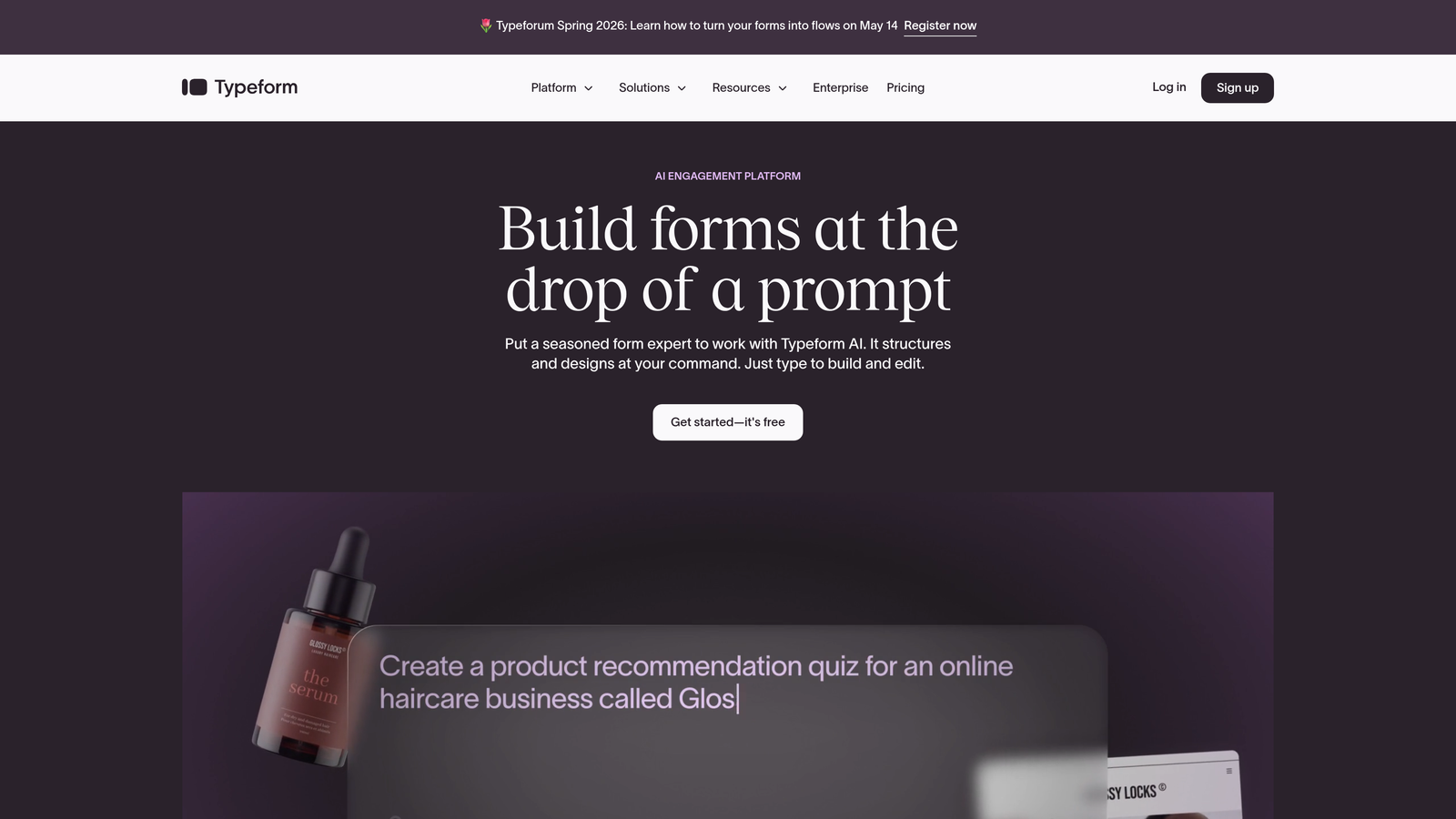
Typeform is a conversational form builder known for its one-question-at-a-time format that consistently drives higher engagement and completion rates.
Where This Tool Shines
Typeform's defining characteristic is the experience it creates for the person filling it out. Instead of presenting a wall of fields, it guides applicants through questions one at a time, which feels closer to a conversation than a form. For application contexts where first impressions matter, that difference is meaningful.
The logic jump system is also genuinely powerful. You can branch applicants into completely different question paths based on their responses, which keeps the form relevant and avoids asking questions that don't apply.
Key Features
Conversational One-Question UI: The signature format that reduces friction and keeps applicants engaged through longer forms.
Logic Jumps and Branching: Create personalized application flows that adapt based on what each applicant answers.
Native Integrations: Direct connections with HubSpot, Zapier, Slack, and dozens of other tools for seamless data routing.
Video and Image Embedding: Add context, instructions, or branding visuals directly within the form experience.
Custom Branding and Themes: Full control over colors, fonts, and visual identity to match your brand.
Best For
Typeform works best for teams where applicant experience is a priority: recruitment, program admissions, client onboarding, and any use case where a polished, engaging form reflects positively on your brand.
Pricing
Free plan available with limited responses. Paid plans start around $25/month and unlock higher response limits, logic features, and integrations.
3. JotForm
Best for: Teams needing a feature-rich platform with a massive template library and built-in payment collection.
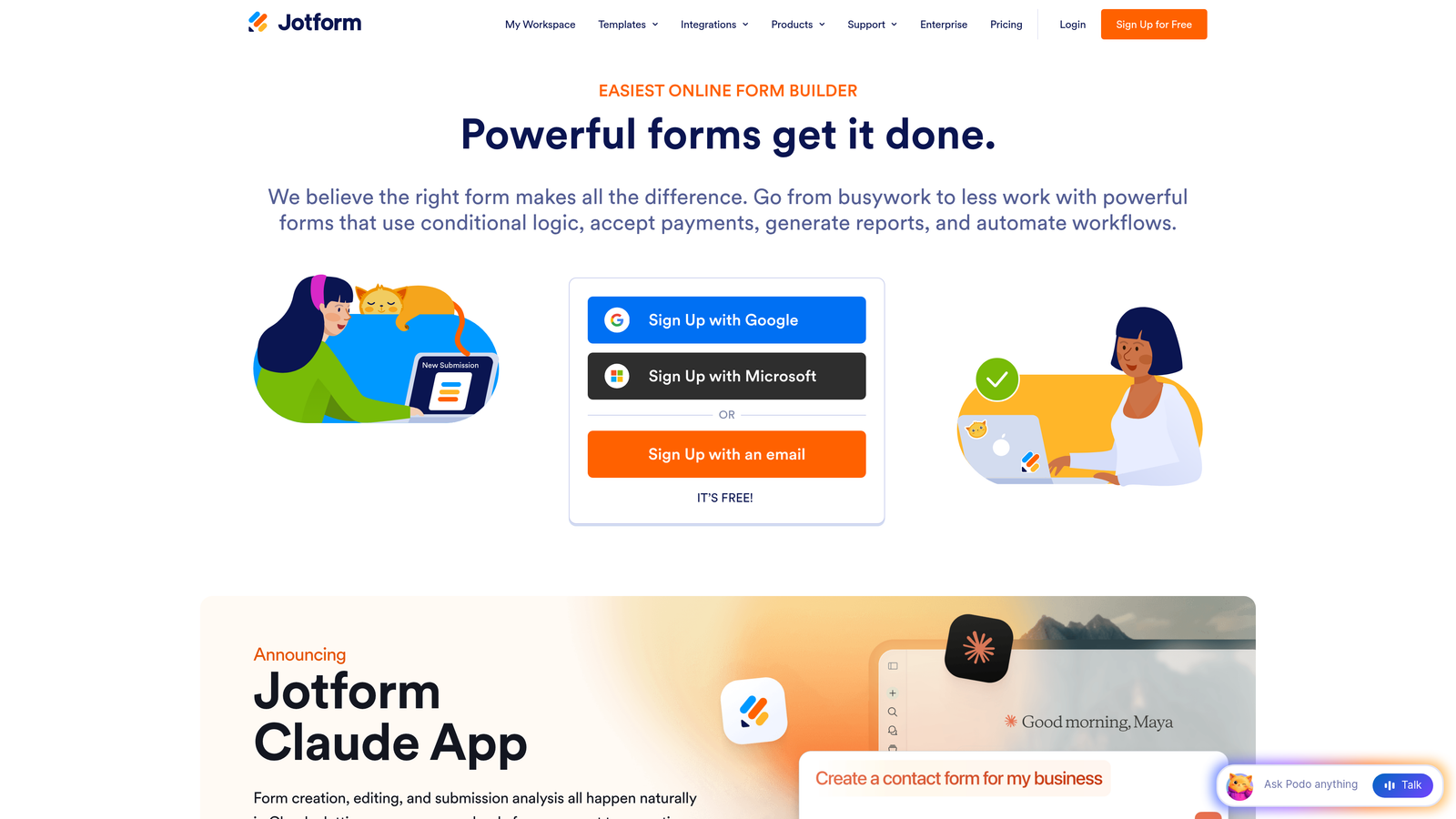
JotForm is one of the most established form builders available, offering over 10,000 templates and a broad set of features that cover almost every application scenario imaginable.
Where This Tool Shines
JotForm's depth is its biggest advantage. Whether you need a scholarship application with file uploads, a membership form with payment collection, or a healthcare intake form with HIPAA compliance, there's likely a template and a workflow path that fits. The sheer breadth of widgets and integrations means you rarely hit a wall.
The approval workflow add-ons are particularly useful for organizations that need structured review processes after submissions come in, turning JotForm into more than just a data collection tool.
Key Features
10,000+ Templates: Extensive library including application-specific templates for jobs, grants, programs, and more.
Built-In Payment Collection: Accept payments via Stripe, PayPal, and Square directly within application forms.
PDF Auto-Generation: Automatically create formatted PDF documents from form submissions for record-keeping or review.
Approval Workflow Add-Ons: Route submissions through multi-stage review and approval processes.
HIPAA-Compliant Plans: Available for healthcare and regulated-industry use cases.
Best For
JotForm suits teams that need a proven, feature-complete platform without a steep learning curve. It's especially strong for nonprofits, educational institutions, and healthcare organizations that need compliance options alongside rich form functionality.
Pricing
Free plan supports up to 5 forms. Paid plans start around $34/month and scale with submission volume and feature access.
4. Google Forms
Best for: Teams on a zero budget that need a simple, reliable tool for straightforward application collection.
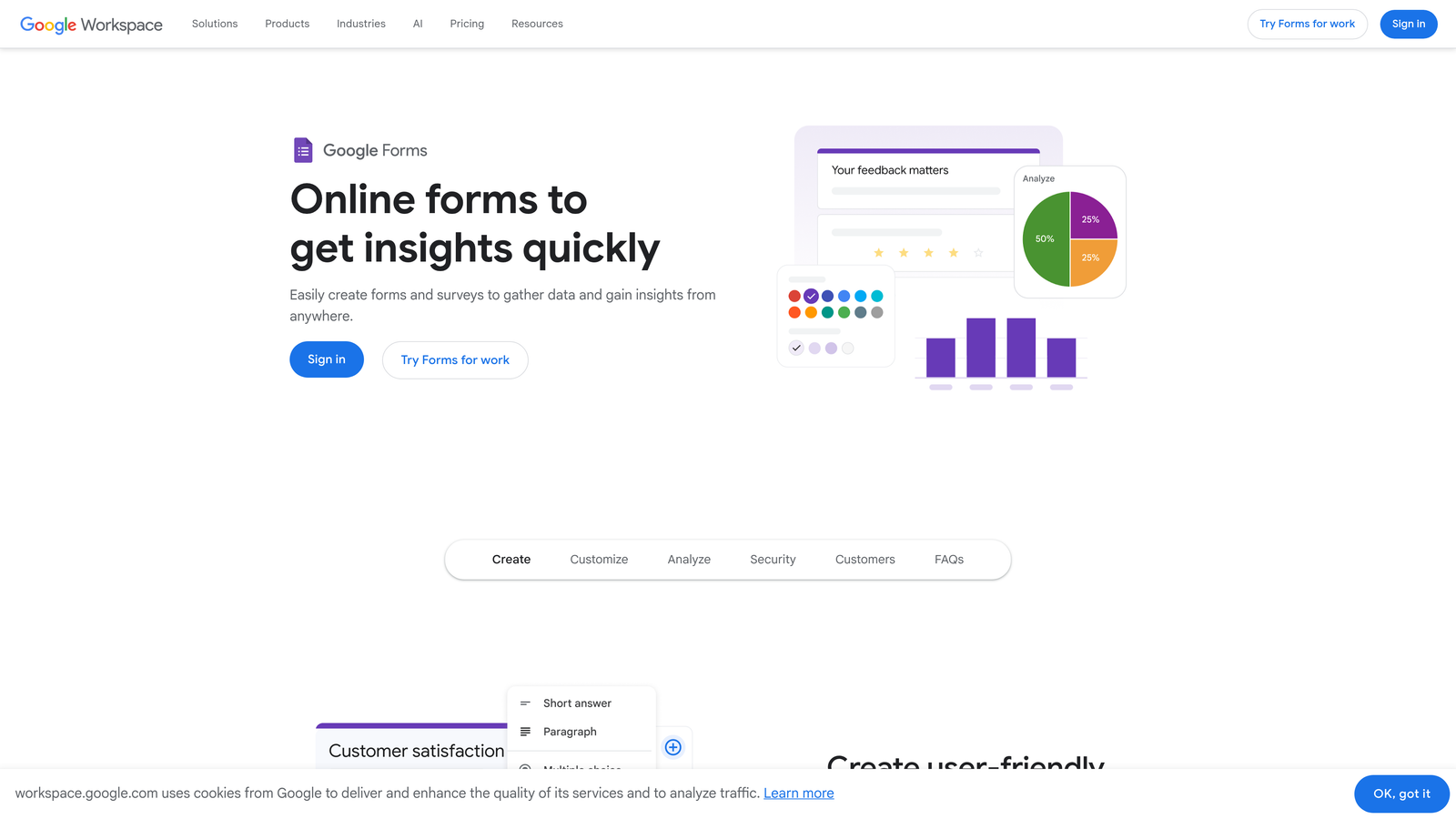
Google Forms is a completely free form builder included with any Google account, offering no-frills functionality that integrates directly with Google Sheets.
Where This Tool Shines
The case for Google Forms is simple: it costs nothing, works immediately, and connects to Google Sheets for instant data analysis without any setup. For internal applications, event registrations, or low-volume intake processes, it handles the job without friction.
Real-time collaboration is another underrated strength. Multiple team members can edit and manage the same form simultaneously, which is useful for teams that build and review forms together without a dedicated tool owner.
Key Features
Completely Free: Unlimited forms and responses with any Google account, no paid tier required.
Automatic Google Sheets Sync: Every submission flows directly into a spreadsheet for sorting, filtering, and analysis.
Basic Conditional Logic: Section-branching logic lets you route respondents based on answers, though it's limited compared to dedicated tools.
Real-Time Collaboration: Multiple editors can work on the same form simultaneously, just like Google Docs.
File Upload Support: Applicants can attach documents, portfolios, or supporting materials directly in the form.
Best For
Google Forms is the right call for small teams, internal workflows, and early-stage organizations that need functional application collection without any budget. It's not built for high-volume or conversion-focused use cases, but for simple needs it's hard to beat free.
Pricing
Completely free with any Google account. No paid tiers or limits on forms and responses.
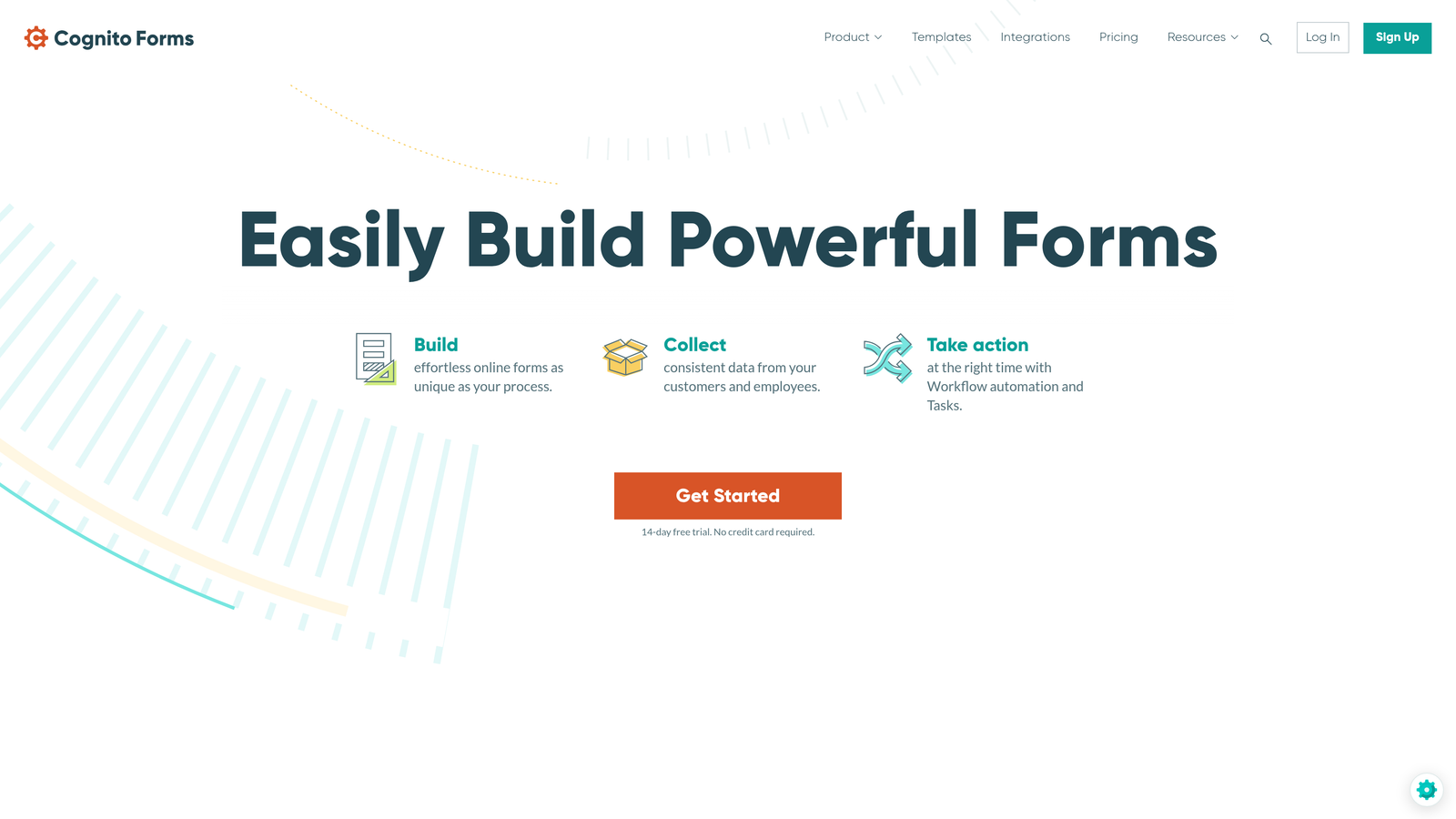
5. Cognito Forms
Best for: Complex, multi-page applications that require advanced calculations, repeating sections, or e-signature collection.
Cognito Forms is a specialized form builder with a strong focus on structured, data-rich applications that other tools struggle to handle cleanly.
Where This Tool Shines
Cognito Forms earns its place on this list through capabilities that most form builders simply don't offer. Repeating sections let applicants add variable numbers of entries, which is essential for things like listing multiple work experiences, references, or project items within a single form. The calculation engine handles scoring, fee computation, and conditional math without requiring any coding.
For organizations in regulated industries, the HIPAA compliance option and data encryption features make it a credible choice without the enterprise price tag that tools like Formstack carry.
Key Features
Repeating Sections: Allow applicants to add as many entries as needed for variable-length data like work history or references.
Advanced Calculation Engine: Compute scores, fees, or conditional values automatically based on applicant responses.
Built-In E-Signatures: Collect legally binding signatures within the application flow without a third-party tool.
Multi-Page Layouts with Conditional Logic: Build structured, multi-step applications that adapt to each applicant's answers.
HIPAA Compliance and Data Encryption: Available for organizations handling sensitive applicant information.
Best For
Cognito Forms is ideal for grant applications, detailed job applications, healthcare intake forms, and any scenario where the data structure is complex and repeating or calculated fields are required.
Pricing
Free plan available with solid core features. Paid plans start around $15/month, making it one of the more affordable options for advanced functionality.
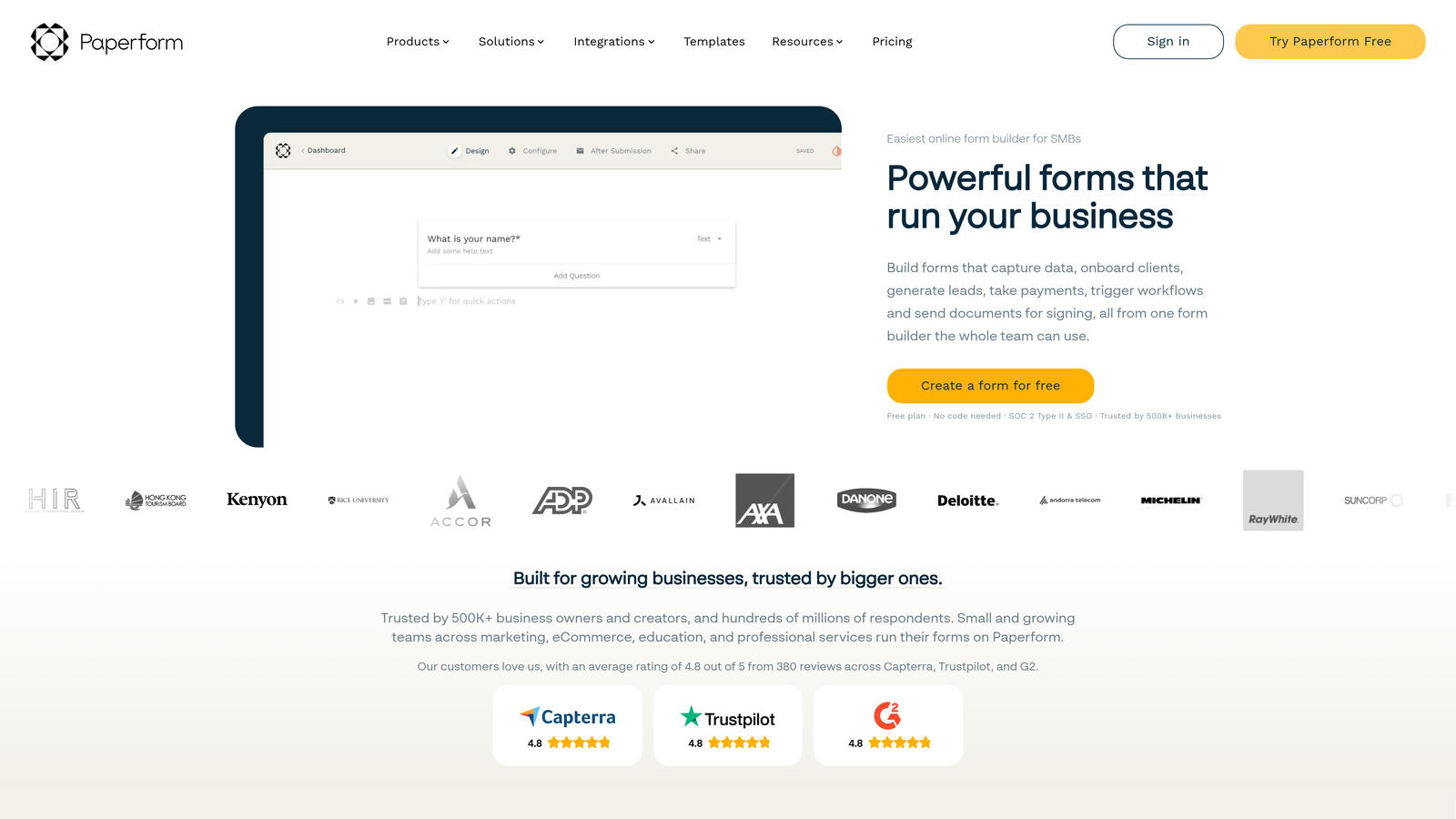
6. Paperform
Best for: Teams that want their application form to feel like a branded landing page rather than a standard form.
Paperform is a form builder that blends rich content editing with form functionality, letting you create editorial-quality application experiences with text, images, and video alongside your fields.
Where This Tool Shines
Paperform occupies a unique niche: it's as much a content creation tool as it is a form builder. You can write explanatory copy, embed videos, add imagery, and structure the page layout around your form fields, creating an experience that feels more like a dedicated microsite than a form. For organizations where brand presentation matters, this is a genuine differentiator.
The built-in payment and booking capabilities also make it a versatile option for applications tied to registration fees, deposits, or scheduled interviews.
Key Features
Rich Content Editor: Combine text, images, and video with form fields on the same page for a fully branded experience.
Custom Branding: Control fonts, colors, backgrounds, and themes to match your visual identity precisely.
Conditional Logic and Hidden Fields: Personalize the application flow and pass data behind the scenes without cluttering the form.
Built-In Payments and Booking: Collect application fees or schedule follow-up appointments within the same form.
3,000+ Integrations: Connect via Zapier and direct integrations with CRMs, email tools, and project management platforms.
Best For
Paperform suits creative agencies, educational programs, and membership organizations that want their application process to reflect a high level of brand care. It's less suited for purely functional, high-volume workflows.
Pricing
Plans start around $24/month. There is no free tier, though a trial period is available to test the platform before committing.
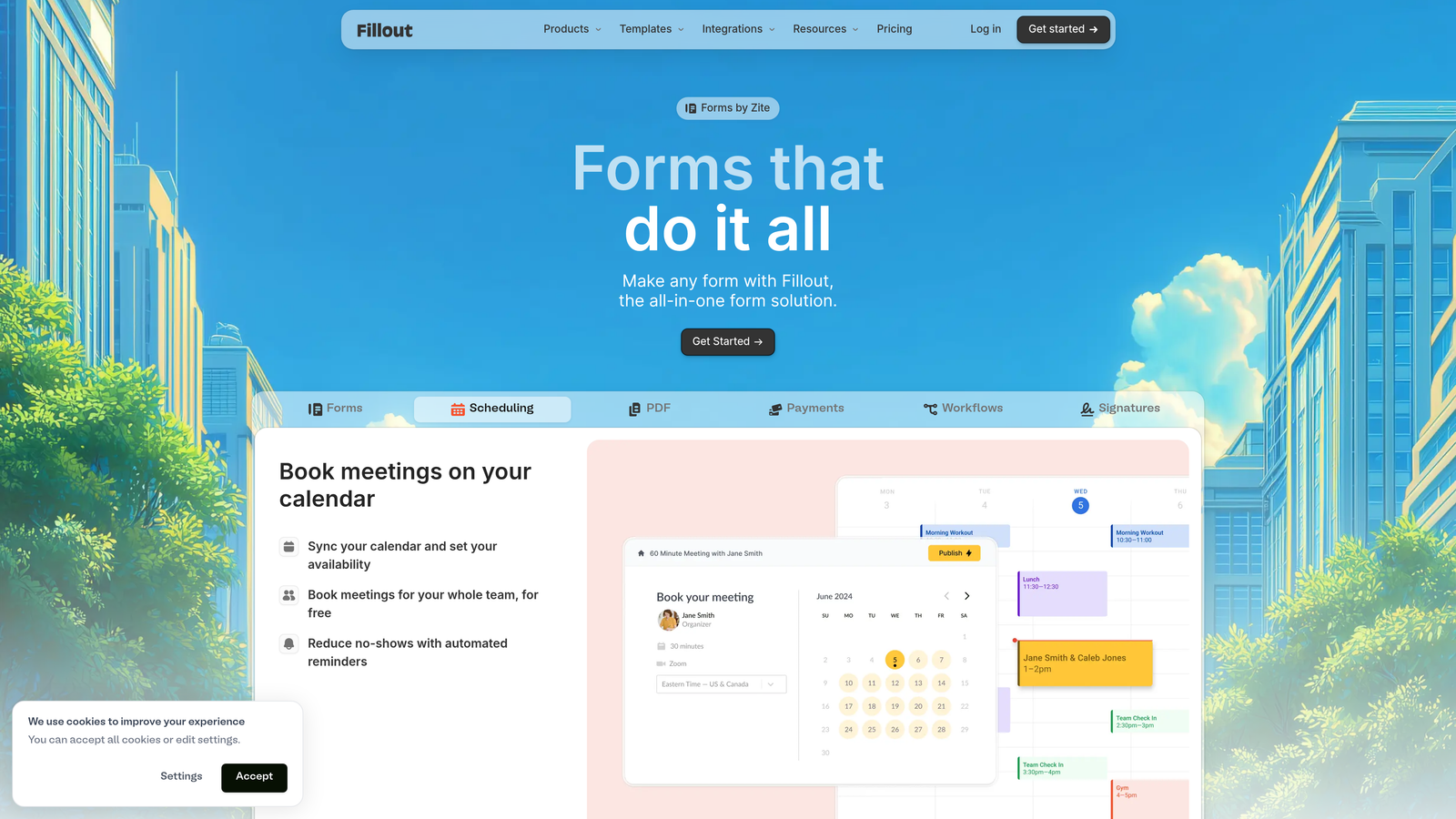
7. Fillout
Best for: Teams already working in Airtable, Notion, or Supabase who want forms that sync natively with their existing database.
Fillout is a database-native form builder that connects directly to Airtable, Notion, Supabase, and Postgres, eliminating the need to export and import application data manually.
Where This Tool Shines
If your team already manages applicant data in Airtable or Notion, Fillout removes a significant friction point. Submissions write directly to your existing database structure, keeping everything in one place without Zapier workarounds or manual CSV imports. The pre-fill capability is also worth highlighting: you can populate form fields from existing records, which is useful for returning applicants or multi-stage application processes.
The generous free plan is another reason Fillout has gained traction quickly. You get access to meaningful features without hitting a paywall immediately, which makes it easy to evaluate properly before committing.
Key Features
Native Database Sync: Direct two-way connections with Airtable, Notion, Supabase, and Postgres for seamless data flow.
Pre-Fill from Existing Records: Populate form fields automatically from your database for returning applicants or multi-stage workflows.
Conditional Logic and Multi-Step Forms: Build structured application flows that adapt based on responses.
File Uploads and Scheduling Fields: Handle document submissions and interview scheduling within the same form.
Generous Free Plan: Solid feature access on the free tier without aggressive limitations.
Best For
Fillout is the strongest choice for operations and product teams that have already built their workflow infrastructure in Airtable or Notion and want their application forms to be a natural extension of that system.
Pricing
Free plan available with strong feature access. Paid plans start around $19/month for higher submission volumes and advanced capabilities.
8. Formstack
Best for: Enterprise teams in regulated industries that need compliance certifications, approval routing, and document generation in one platform.
Formstack is an enterprise-grade forms and workflow platform built for organizations where compliance, security, and structured approval processes are non-negotiable.
Where This Tool Shines
Formstack's value proposition is depth of compliance and workflow capability. HIPAA, GDPR, and SOC 2 certifications are available, which matters enormously for healthcare systems, financial institutions, and government-adjacent organizations. The approval routing engine supports multi-stage review workflows, so applications can move through defined stages with the right people notified at each step.
The Salesforce-native edition is a standout feature for enterprise sales teams. Forms that live inside Salesforce and write directly to CRM records eliminate data handoff entirely, which is a significant operational advantage for large teams.
Key Features
Compliance Certifications: HIPAA, GDPR, and SOC 2 options for regulated industry requirements.
Multi-Stage Approval Routing: Route submissions through defined review stages with automated notifications.
Document Generation: Automatically produce formatted documents from form data for contracts, agreements, or records.
E-Signature Collection: Integrated via Formstack Sign for legally binding signatures within the application process.
Salesforce-Native Edition: Build and manage forms directly within Salesforce for CRM-embedded application workflows.
Best For
Formstack is built for enterprise HR teams, healthcare organizations, financial services firms, and any large organization that needs compliance documentation alongside sophisticated workflow automation.
Pricing
Plans start around $50/month, with enterprise pricing available for larger organizations. It's one of the higher-priced options on this list, but the compliance and workflow depth justify the cost for the right use case.
9. Tally
Best for: Budget-conscious teams and solo operators who want unlimited forms and submissions without paying anything.
Tally is a minimalist form builder with a Notion-inspired block editor that offers one of the most generous free plans in the category, including unlimited forms and submissions.
Where This Tool Shines
Tally's free plan is genuinely remarkable. Most form builders cap responses, forms, or features on their free tiers in ways that force upgrades quickly. Tally lets you build unlimited forms and collect unlimited submissions at no cost, which makes it an excellent starting point for startups, side projects, and small teams testing an application workflow before investing in a paid tool.
The block-based editor is clean and fast to use. If you're familiar with Notion, the building experience will feel immediately natural. It won't win awards for advanced workflow features, but for straightforward application collection it delivers more than you'd expect from a free tool.
Key Features
Unlimited Free Forms and Submissions: No caps on the free plan, making it genuinely usable without a credit card.
Notion-Style Block Editor: Clean, intuitive building experience that's fast to learn and use.
Conditional Logic and Hidden Fields: Personalize application flows and pass data behind the scenes without extra cost.
File Uploads and Payment Collection: Handle document submissions and application fees within the same form.
Custom Domains and Branding: Available on paid plans for teams that need a polished, branded experience.
Best For
Tally is the right pick for early-stage startups, freelancers, nonprofits, and any team that needs functional application forms without a budget. It's also a solid backup tool for teams that need quick forms without spinning up a more complex platform.
Pricing
Free plan includes most core features with unlimited usage. The Pro plan is around $29/month and adds custom branding, custom domains, and priority support.
Which Tool Is Right for Your Team?
The best application form builder depends entirely on what your team needs most. Here's a quick way to think through the decision.
If AI-powered applicant qualification is the priority, Orbit AI is the clear choice. It's the only tool on this list built specifically around scoring and qualifying applicants automatically, which directly reduces review time and improves conversion outcomes for high-growth teams.
For conversational, high-completion application experiences, Typeform remains the gold standard. For teams managing application data in Airtable or Notion, Fillout eliminates the friction of data handoffs entirely.
On the budget end, Google Forms and Tally both offer free tiers that are genuinely usable for real workflows. Tally edges ahead for teams that want a slightly more modern building experience. For complex, multi-page applications with repeating sections or calculations, Cognito Forms handles scenarios that most tools can't.
Enterprise teams in regulated industries should look at Formstack, which offers the compliance certifications and approval routing that large organizations require. And if brand presentation is a priority, Paperform creates application experiences that feel more like landing pages than forms.
For teams focused on conversion and growth, the combination of AI qualification, modern design, and real-time analytics makes Orbit AI the strongest starting point. Start building free forms today and see how intelligent form design can transform your application process and elevate your conversion strategy.


