

Committing to a form builder before you've tested it against your actual workflows is a gamble, especially when your conversion rates hang in the balance. The good news? Many top-tier form platforms now offer genuine free trials that don't require a credit card, so you can explore features, test integrations, and measure results risk-free.
We evaluated dozens of form builders and narrowed the list to nine that let you start building immediately. No payment info, no awkward cancellation dance. Whether you need AI-powered lead qualification, simple contact forms, or advanced survey logic, there's an option here for your team.
Here's what shaped this list: true no-credit-card signup, meaningful trial length (not 24-hour teasers), access to core features during the trial, and suitability for high-growth teams focused on conversion optimization. Trial terms and pricing can change, so always verify current offers on each tool's website before signing up.
1. Orbit AI
Best for: High-growth teams that want AI-powered lead qualification built directly into their forms.
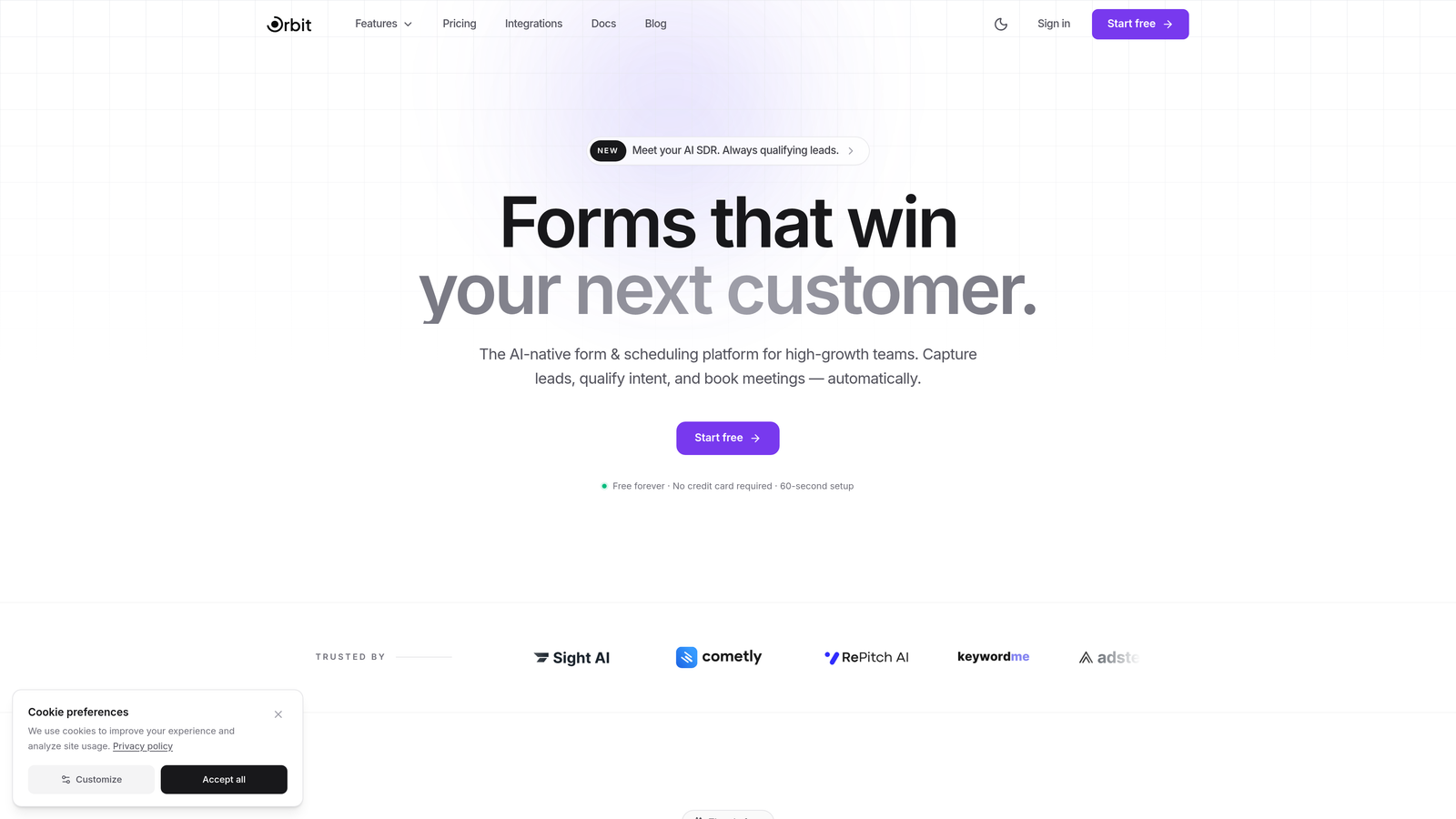
Orbit AI is an AI-powered form builder designed to qualify and score leads at the moment of submission, not after.
Where This Tool Shines
Most form builders collect data and hand it off to your CRM for someone else to sort through. Orbit AI takes a different approach by embedding lead qualification logic directly into the form experience itself. That means your team gets scored, prioritized leads from the moment someone hits submit.
The platform is built with conversion optimization at its core. Templates are designed to reduce friction, the editor is no-code friendly, and the overall aesthetic is polished enough to match modern brand standards without needing a designer involved.
Key Features
AI-Driven Lead Scoring: Automatically qualifies and scores leads at the point of form submission, so your sales team knows exactly who to contact first.
Conversion-Optimized Templates: Pre-built templates designed specifically for lead generation, not generic data collection.
No-Code Customization: Visually polished form design that teams can fully customize without touching a line of code.
CRM and Marketing Automation Integrations: Connects with popular CRMs and marketing tools so qualified leads flow directly into your existing stack.
Modern Form UX: Clean, contemporary interface that keeps completion rates high on customer-facing forms.
Best For
Sales and marketing teams at high-growth SaaS companies or B2B businesses where lead quality matters as much as lead volume. If you're spending time manually sorting form submissions to find your best prospects, Orbit AI addresses that problem directly at the source.
Pricing
Free trial available with no credit card required. Paid plans scale by team size. Visit orbitforms.ai for current pricing details.
2. Tally
Best for: Startups and lean teams that need unlimited forms without ever paying a cent.
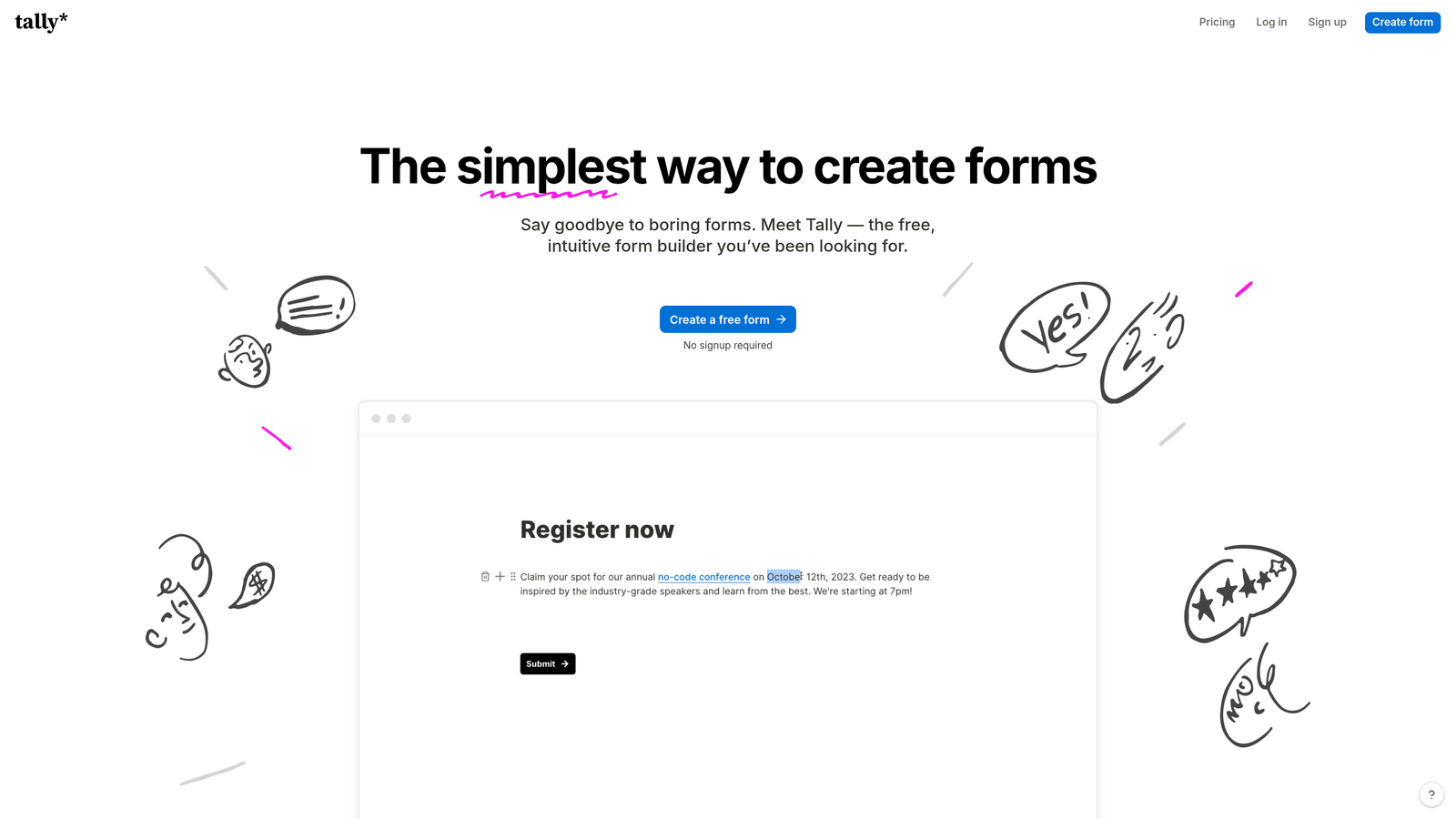
Tally is a free-first form builder with a Notion-like editing experience and a genuinely generous free tier.
Where This Tool Shines
Tally's biggest differentiator is simple: the free plan includes unlimited forms and unlimited submissions. For early-stage teams or bootstrapped operations, that removes the mental overhead of tracking submission counts or upgrading just to handle a spike in responses.
The block-based editor feels instantly familiar to anyone who uses Notion, which shortens the learning curve significantly. It's not the flashiest form builder on this list, but it's one of the most practical for teams that just need things to work without a budget conversation.
Key Features
Unlimited Forms and Submissions (Free): No caps on the free plan, which is genuinely rare in this category.
Notion-Style Block Editor: Intuitive editing experience that most modern teams will pick up in minutes.
Conditional Logic (Free): Branching logic and hidden fields are available without upgrading.
Custom Domains and Branding: White-label options and branding removal available on the paid Pro plan.
Best For
Startups, solo founders, and small teams that need a capable form tool without any financial commitment. Also works well for internal forms, feedback collection, and lightweight lead capture where submission volume is unpredictable.
Pricing
Free plan with unlimited forms and submissions. Tally Pro starts at $29/month for custom branding and advanced features.
3. Typeform
Best for: Customer-facing forms where design quality and completion rates are the top priority.
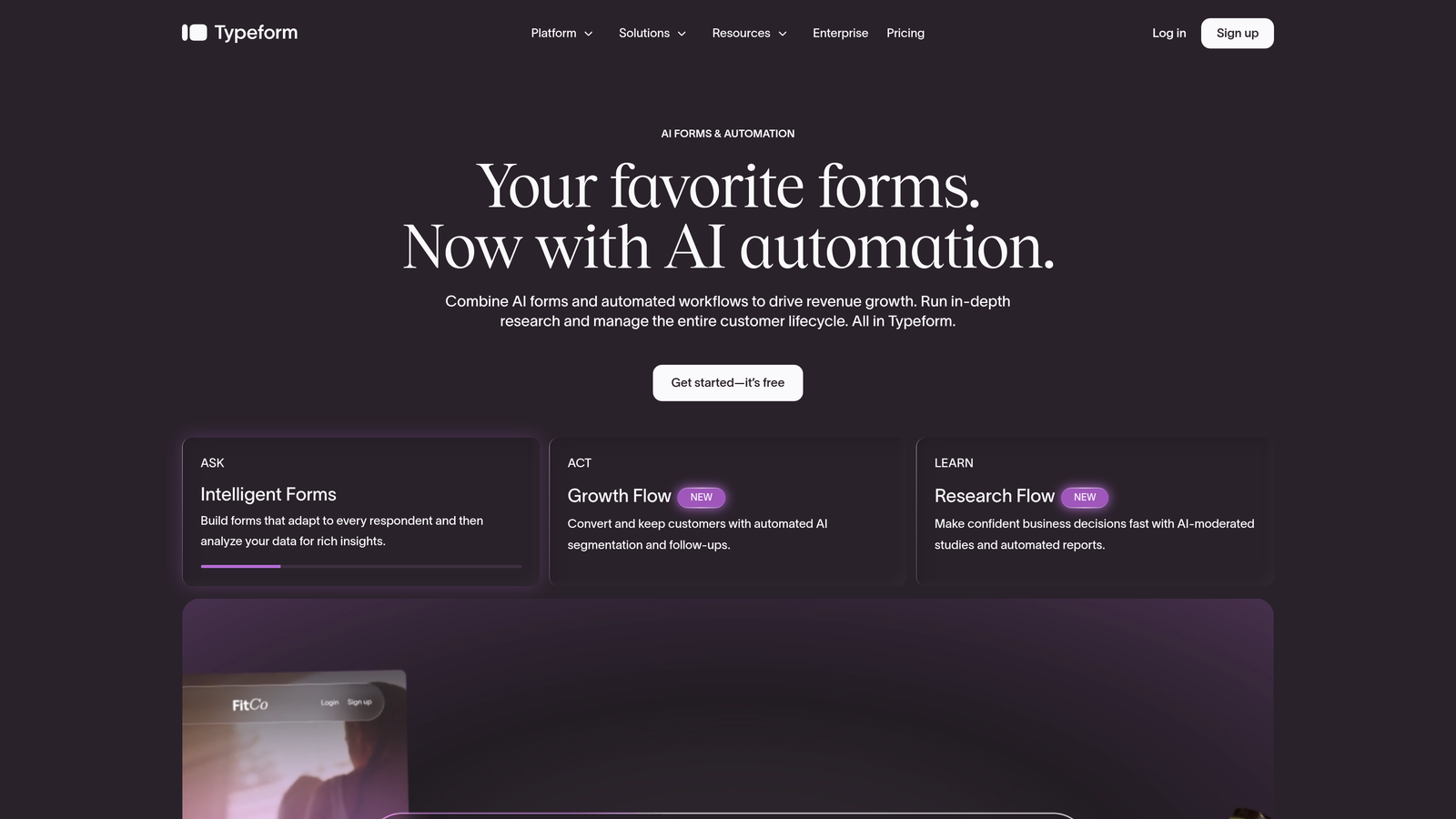
Typeform is the pioneer of conversational, one-question-at-a-time form design, known for high engagement and beautiful presentation.
Where This Tool Shines
Typeform's conversational format changes how respondents experience a form. Instead of a wall of fields, they answer one question at a time, which tends to feel less overwhelming and keeps people moving through to completion. For customer surveys, NPS forms, or lead capture on a marketing site, that UX difference is meaningful.
The design customization options are among the strongest in the category. You can match brand colors, fonts, and imagery closely enough that the form feels like a natural extension of your website rather than a third-party embed.
Key Features
Conversational One-Question Format: Reduces form fatigue and can improve completion rates on longer forms.
Deep Design Customization: Extensive branding options including fonts, colors, backgrounds, and media.
Logic Jumps and Branching: Personalized question flows based on previous answers.
Native Integrations: Connects directly with Zapier, HubSpot, Slack, Salesforce, and more.
Best For
Marketing teams running customer research, lead generation campaigns, or brand-forward surveys where visual quality matters. Less suited for high-volume internal workflows due to response limits on lower-tier plans.
Pricing
Free plan available with limited monthly responses. Paid plans start at around $25/month. No credit card required to start.
4. Jotform
Best for: Power users who need a massive template library, complex logic, and payment collection in one place.
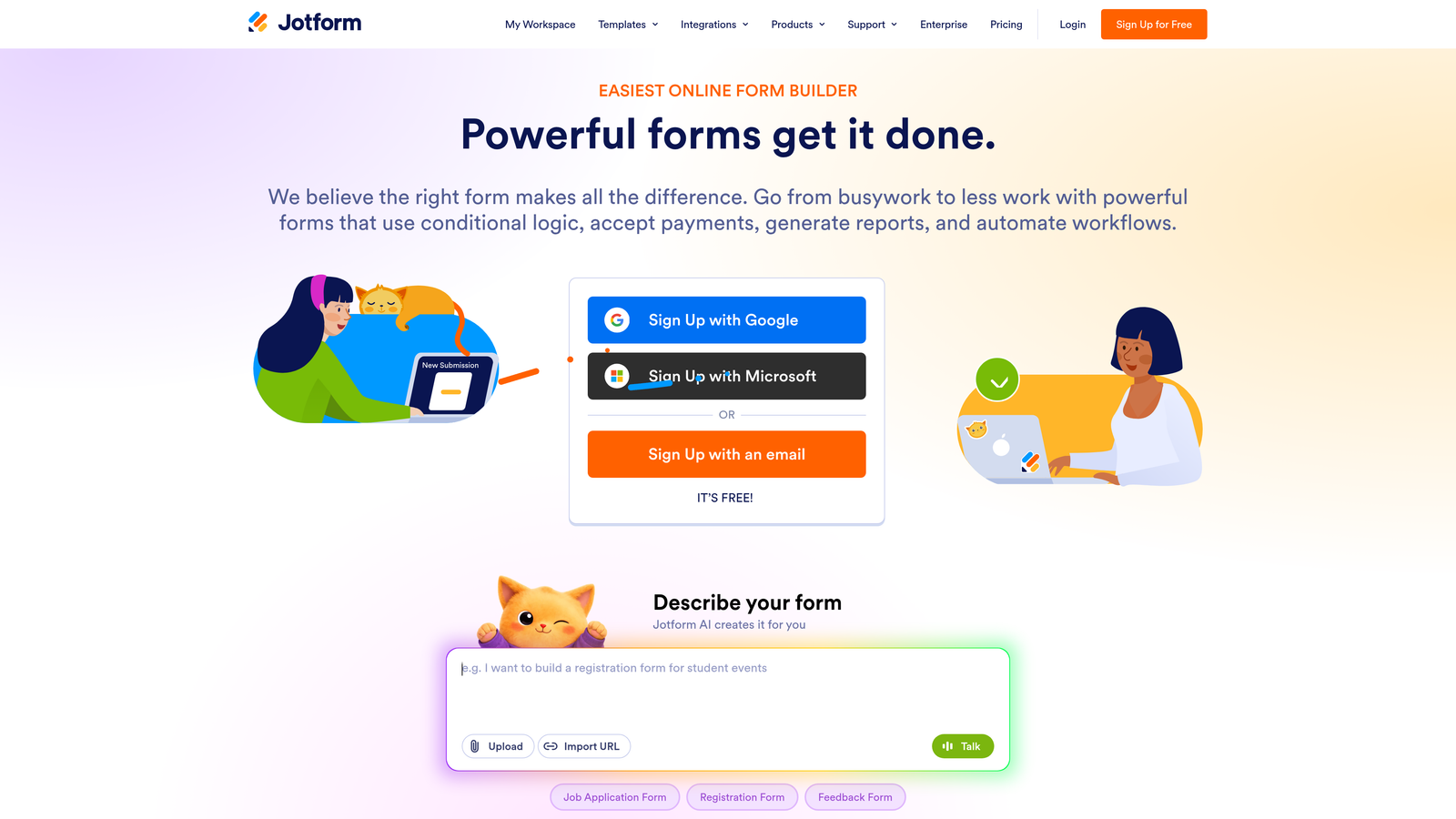
Jotform is a no-code form builder with one of the largest template ecosystems in the market and a broad widget library for advanced use cases.
Where This Tool Shines
If you need to build something specific quickly, Jotform's template library is hard to beat. With over 10,000 pre-built templates spanning industries from healthcare to e-commerce, there's a solid starting point for almost any use case. That depth also extends to its widget ecosystem, where you can add calculators, signature fields, file uploads, and more without custom development.
The platform also handles payment collection natively through Stripe, PayPal, and Square, which makes it a practical choice for businesses that need to collect money alongside form data without stitching together separate tools.
Key Features
10,000+ Templates: One of the largest pre-built template libraries available in any form builder.
Advanced Conditional Logic: Complex branching and calculation fields for sophisticated form flows.
Native Payment Collection: Accepts payments via Stripe, PayPal, and Square directly in forms.
Jotform Tables: Built-in database view for managing and filtering submission data.
HIPAA-Compliant Plans: Available for healthcare and regulated industry use cases.
Best For
Operations teams, healthcare organizations, and e-commerce businesses that need a versatile, deeply featured form tool. The free plan's limits (5 forms, 100 monthly submissions) make it a trial experience rather than a long-term free option for growing teams.
Pricing
Free plan with 5 forms and 100 monthly submissions. Paid plans start at around $34/month. No credit card required to create a free account.
5. HubSpot Free Form Builder
Best for: Sales-driven teams already using or planning to use HubSpot's CRM.
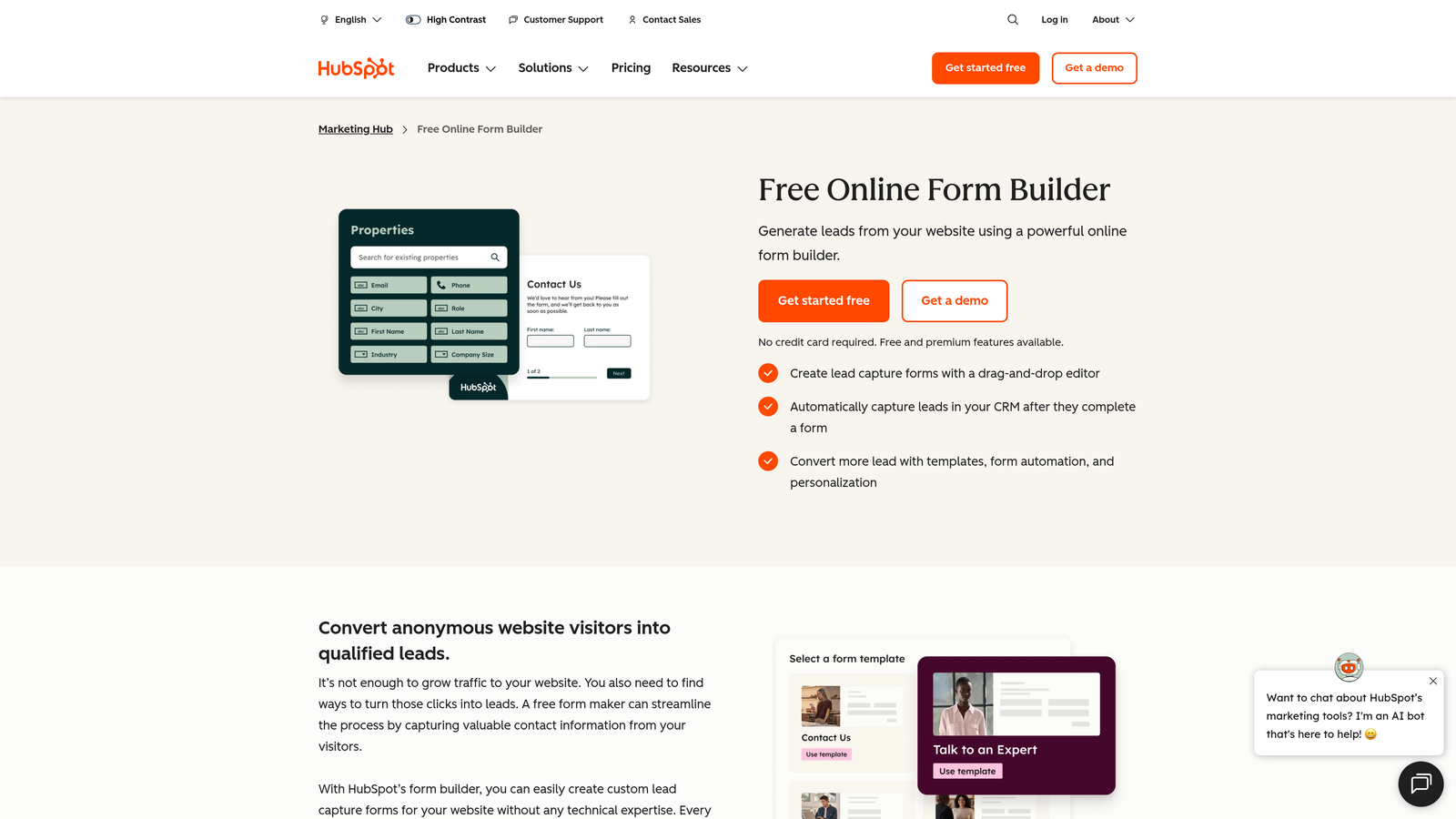
HubSpot's form builder is baked into the free CRM tier, automatically syncing every submission into contact records without any manual work.
Where This Tool Shines
The real value here isn't the form builder itself — it's the automatic CRM sync. Every time someone submits a form, HubSpot either creates a new contact or updates an existing one. For sales teams that live in HubSpot, that eliminates an entire step in the lead capture process.
Progressive profiling is another standout feature. Instead of showing the same fields to a returning visitor, HubSpot can surface new questions to enrich contact data over time. That's a genuinely useful capability for teams doing sustained inbound marketing.
Key Features
Native CRM Integration: Form submissions automatically create or update contact records in HubSpot CRM.
Progressive Profiling: Dynamically shows new fields to returning contacts to progressively enrich data.
Follow-Up Email Automation: Basic automated follow-up emails available on the free tier.
Embeddable Forms and Pop-Ups: Deploy forms as page embeds, standalone pages, or pop-up overlays.
Best For
Teams already in the HubSpot ecosystem or those evaluating HubSpot as their CRM. The form builder works best as part of the broader HubSpot stack rather than as a standalone tool.
Pricing
Free forever with HubSpot CRM. Advanced marketing features in paid Marketing Hub plans starting at $20/month.
6. Fillout
Best for: Teams that use Airtable, Notion, or Google Sheets as their operational backbone.
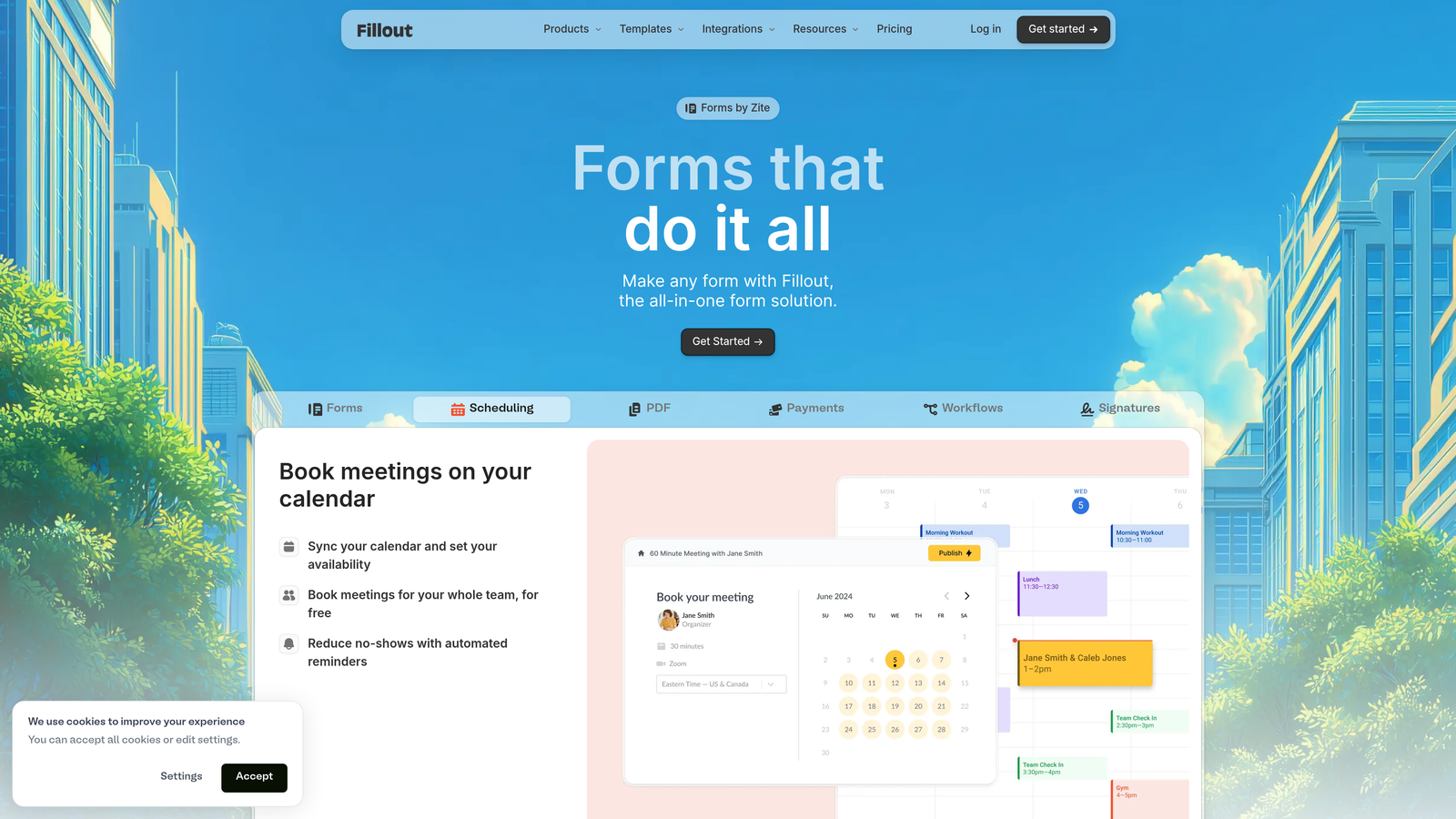
Fillout is a modern form builder designed to act as a polished front-end for database-driven workflows.
Where This Tool Shines
Fillout solves a specific problem well: most database tools like Airtable and Notion have native form builders that are functional but visually underwhelming. Fillout replaces those with a much more capable form experience while writing data directly back to the same source. Your team keeps working in the tools they know; respondents get a better-looking, more capable form.
The platform also includes scheduling forms and payment collection as built-in features, which means you can handle appointment booking or simple transactions without layering in additional tools.
Key Features
Native Database Integrations: Direct connections to Airtable, Notion, Google Sheets, and Supabase.
Conditional Logic and Multi-Page Forms: Branching logic and multi-step flows included on all plans.
Scheduling and Payments: Built-in appointment scheduling and payment collection without third-party add-ons.
Custom Thank-You Pages: Redirect logic and customizable post-submission experiences.
Best For
Operations teams, product teams, and agencies that have standardized on Airtable, Notion, or Google Sheets for data management and want a better public-facing form experience on top of those systems.
Pricing
Free plan with unlimited forms. Paid plans start at $19/month. No credit card required to get started.
7. Paperform
Best for: Teams that want forms that look and feel like landing pages, with rich content mixed in.
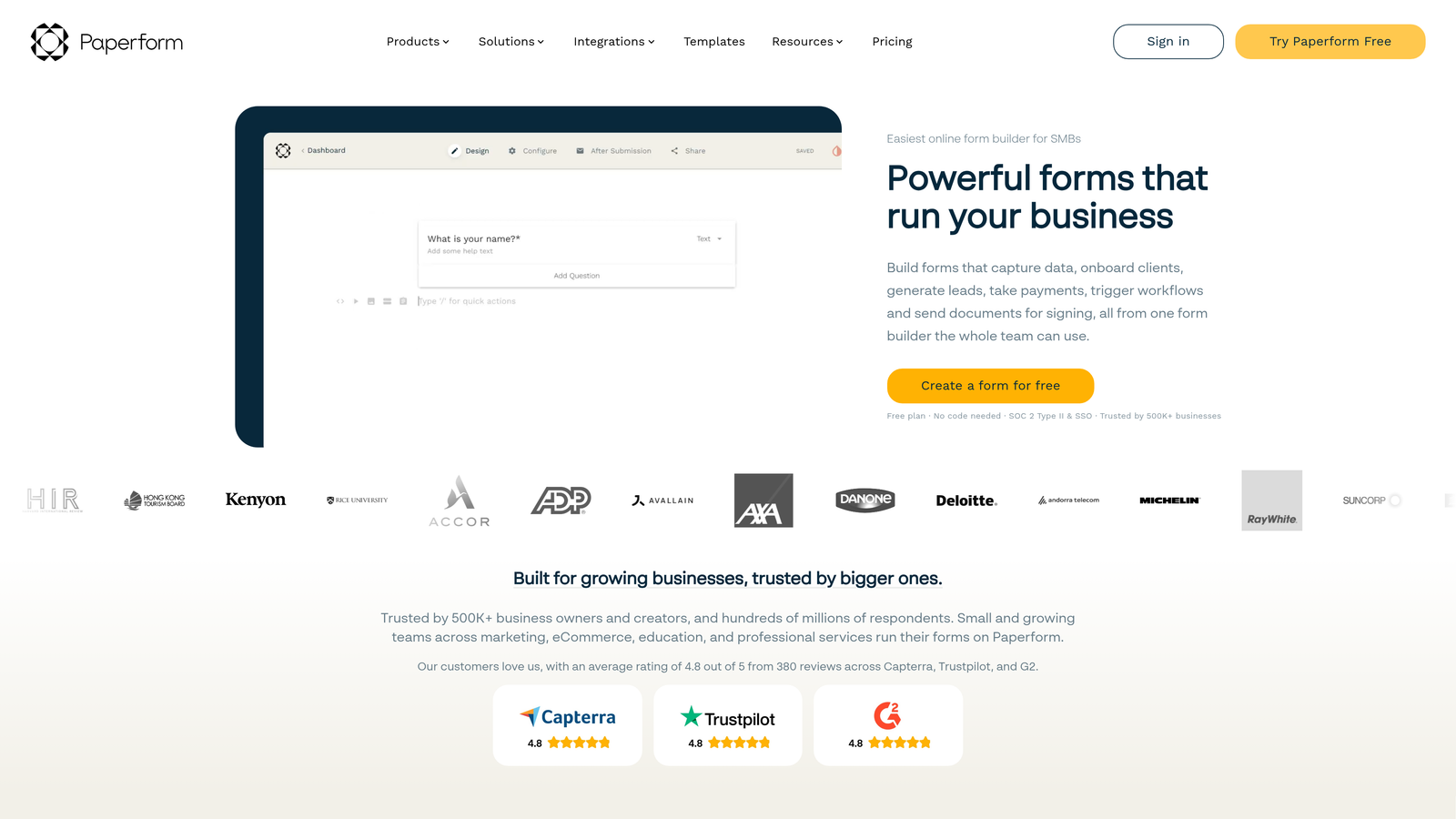
Paperform blurs the line between form builder and landing page creator, letting you embed images, video, and text blocks alongside your form fields.
Where This Tool Shines
Where most form builders keep form fields separate from content, Paperform lets you mix them freely. You can write a compelling description, drop in a product image, add a pricing breakdown, and then follow it with a purchase or inquiry form, all in a single page-like document. For product launches, event registrations, or service bookings, that contextual approach can make a meaningful difference in conversion.
The built-in payment processing is also worth highlighting. Rather than treating payments as a plugin, Paperform handles Stripe, Square, and Braintree natively, which keeps the checkout experience clean.
Key Features
Rich Content Blocks: Mix images, video, text, and pricing tables directly alongside form fields.
Built-In Payment Processing: Native support for Stripe, Square, and Braintree without third-party tools.
Conditional Logic and Calculations: Dynamic fields and calculated outputs for complex forms.
60+ Direct Integrations: Native connections plus Zapier for extended workflow automation.
Best For
Small businesses, freelancers, and marketing teams that need a form that also functions as a lightweight sales or booking page. Particularly strong for service businesses handling payments and appointments.
Pricing
14-day free trial, no credit card required. Paid plans start at $24/month.
8. Formstack
Best for: Enterprise teams that need forms connected to document generation, e-signatures, and compliance workflows.
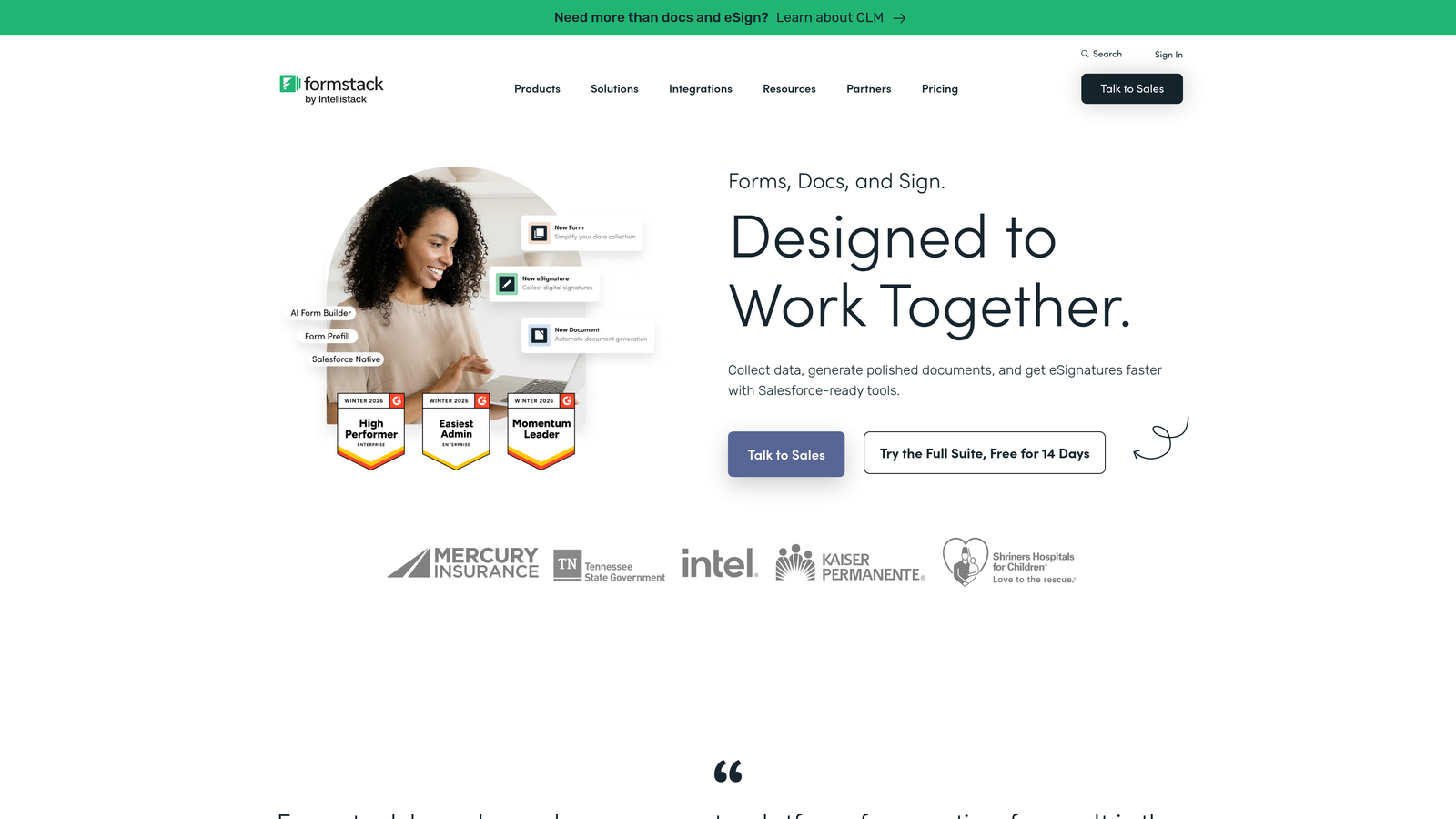
Formstack is an enterprise-grade platform that extends well beyond data collection into end-to-end workflow automation.
Where This Tool Shines
Formstack's differentiator is the breadth of its workflow suite. A form submission can trigger document generation, route for approval, collect an e-signature, and archive the completed record, all within the same platform. For compliance-heavy industries or operations teams managing multi-step processes, that end-to-end capability reduces the number of tools in the stack considerably.
The Salesforce-native form builder option is also notable for enterprise teams. Instead of syncing data between systems, forms can be built and managed directly inside Salesforce, which matters for organizations with strict data governance requirements.
Key Features
Form-to-Document Workflow: Automatically generate documents from form submissions and route them for approval and signature.
Compliance Options: HIPAA, GDPR, and SOC 2 compliance configurations available.
Advanced Approval Routing: Multi-step approval workflows with team collaboration built in.
Salesforce-Native Builder: Build and manage forms directly inside Salesforce without external tools.
Best For
Mid-market and enterprise teams in regulated industries like healthcare, financial services, or legal, where data compliance and multi-step document workflows are requirements rather than nice-to-haves.
Pricing
14-day free trial, no credit card required. Paid plans start at around $50/month.
9. Zoho Forms
Best for: SMBs already invested in the Zoho ecosystem looking for a tightly integrated, budget-friendly form tool.
Zoho Forms is a capable form builder that earns its place on this list primarily through deep native integration with Zoho CRM, Desk, and Analytics.
Where This Tool Shines
If your team already runs on Zoho apps, adding Zoho Forms is a natural extension rather than a new tool to evaluate. The integration depth goes beyond basic data passing: form submissions can update CRM records, trigger Desk tickets, and populate Analytics dashboards without any middleware setup.
The offline data collection capability is a practical feature that often gets overlooked. Mobile-responsive forms can capture submissions without an internet connection and sync when connectivity is restored, which is genuinely useful for field teams or event check-ins.
Key Features
Deep Zoho Ecosystem Integration: Native connections to Zoho CRM, Desk, Analytics, and other Zoho apps.
Offline Data Collection: Mobile forms that capture submissions without internet and sync later.
Payments, Approvals, and E-Signatures: Multiple advanced features available within a single platform.
CSS-Level Design Control: Custom themes and code-level styling for teams that need precise brand control.
Best For
Small and mid-sized businesses already using Zoho CRM or other Zoho products. The pricing is among the most competitive on this list, making it a strong value play for budget-conscious teams with existing Zoho infrastructure.
Pricing
Free plan with 3 forms. Paid plans start at around $10/month. No credit card required to sign up.
How to Choose the Right Form Builder for Your Team
With nine solid options in front of you, the real question is which one fits how your team actually works. Here's a practical breakdown to help you narrow it down quickly.
Prioritizing lead qualification and conversion optimization: Start with Orbit AI. The AI-driven lead scoring at the point of submission is a capability that most form builders don't offer natively, and for high-growth teams where lead quality determines pipeline health, that difference is significant. The no-credit-card free trial makes it easy to test against your actual workflows before committing.
Need something free with no limits: Tally is the clear answer. Unlimited forms and submissions on a free plan is genuinely rare, and the Notion-style editor means most teams can get productive within minutes.
Customer-facing forms where design matters: Typeform's conversational format and deep branding options make it the strongest choice when your form is part of a polished customer experience.
Already using HubSpot: The HubSpot Free Form Builder is the obvious pick. The automatic CRM sync alone eliminates enough manual work to justify it over any standalone tool.
Running on Airtable, Notion, or Google Sheets: Fillout was built specifically for this workflow. It gives your database-driven operations a much better public-facing form layer without changing your underlying data structure.
Enterprise compliance and document workflows: Formstack is the most complete option for regulated industries or teams that need forms connected to approvals, document generation, and e-signatures.
The good news is that every tool on this list offers a genuine no-credit-card entry point, so you're not locked into anything before you've had a chance to evaluate it properly. Start with the tool that matches your primary use case and put it through a real workflow during the trial period.
For teams where lead generation and conversion optimization are the core focus, start building free forms today with Orbit AI and experience how intelligent lead qualification built directly into your forms can change the quality of what lands in your pipeline.


