

When high-growth teams debate Typeform vs Jotform for lead generation, they often get stuck comparing surface-level features: pricing tiers, template counts, and UI polish. But the real question isn't which tool looks prettier. It's which approach to form-based lead generation will actually fill your pipeline with qualified prospects.
The truth is, both Typeform and Jotform have genuine strengths, and both have significant gaps when it comes to modern lead generation workflows. Rather than a feature-by-feature comparison that goes stale in months, this guide takes a different approach.
We'll walk through seven battle-tested strategies that determine whether your form builder choice actually drives revenue: from conversational UX design to AI-powered lead qualification. Along the way, you'll see where Typeform excels, where Jotform wins, and where neither platform fully delivers what high-growth teams need in 2026.
Whether you're evaluating a switch or optimizing your current setup, these strategies will help you think beyond the tool and focus on what matters: converting more visitors into qualified leads.
1. Design Conversational Form Experiences
The Challenge It Solves
Traditional multi-field forms feel like filling out a tax return. Prospects see a wall of input boxes and either rush through carelessly or abandon the form entirely. The result is low completion rates, shallow data, and a first impression that signals "we care about our database, not your experience."
The Strategy Explained
Conversational form design presents one question at a time, mimicking the natural rhythm of a real conversation. This approach reduces cognitive load by keeping the respondent focused on a single decision at a time, which typically improves both completion rates and the quality of answers provided.
Typeform built its entire brand identity around this principle, and it shows. Their one-question-at-a-time interface is polished and genuinely engaging. Jotform, by contrast, defaults to a more traditional multi-field layout, though their "Card" form type offers a similar conversational experience for teams that want it. For a deeper side-by-side breakdown, see our Typeform vs Jotform comparison.

The key is intentional question sequencing. Start with low-stakes, easy questions to build momentum. Save sensitive fields like budget or company size for later, after the respondent is already invested in completing the form.
Implementation Steps
1. Audit your current form and identify any question that could feel intrusive or cognitively heavy early in the flow. Move those questions toward the end.
2. Rewrite question copy in a conversational tone. Replace "Please enter your annual revenue range" with "What's your team's approximate annual revenue?" Small language shifts matter.
3. Add micro-copy or progress indicators so respondents know how far they've come. A simple "Question 3 of 6" reduces drop-off at the halfway point.
Pro Tips
Personalize the experience by referencing earlier answers in later questions. If someone says they're in SaaS, your next question can acknowledge that context. Both Typeform and Jotform support recall fields for this purpose, and it makes the form feel less like a survey and more like a conversation with a knowledgeable rep.
2. Build Conditional Logic Paths for Pre-Qualification
The Challenge It Solves
Not every lead deserves the same follow-up. When your form treats a solo freelancer and an enterprise VP of Marketing identically, your sales team wastes time on poor-fit prospects while high-value leads wait too long for a response. Conditional logic is how you fix that before the form is even submitted.
The Strategy Explained
Branching logic routes respondents down different question paths based on their answers. A prospect who selects "500+ employees" sees different follow-up questions than someone who selects "1-10 employees." By the time they hit submit, you've collected role-specific data and implicitly segmented them into qualification tiers.
Typeform calls this feature "Logic Jumps" and it's tightly integrated into their builder. Jotform offers conditional field visibility and page branching, giving teams a similarly capable toolkit with a slightly more complex setup interface. Both platforms handle standard branching well; the differences emerge in how deeply you can nest logic and how easy it is to visualize complex decision trees. Teams focused specifically on qualification should also explore a dedicated form builder for lead qualification.
Think of it like a choose-your-own-adventure book. Each answer narrows the path, ensuring every respondent only sees questions relevant to their situation while you collect exactly the qualification signals you need.
Implementation Steps
1. Define your lead tiers upfront. Before building any logic, decide what "qualified" means for your team: company size, budget range, role, or use case. These become your branching triggers.
2. Map the logic visually before building it in your form tool. A simple flowchart on paper or in a tool like Miro prevents tangled logic that's hard to debug later.
3. Test every path end-to-end before going live. Walk through each branch as if you were a respondent to catch dead ends, repeated questions, or misconfigured jumps.
Pro Tips
Use disqualifying branches gracefully. If a respondent's answers indicate they're not a fit, redirect them to a helpful resource rather than a dead end. This protects your brand while keeping the door open for future opportunities when their situation changes.
3. Reduce Field Friction Without Sacrificing Data Quality
The Challenge It Solves
There's a constant tension in lead generation forms: shorter forms get more submissions, but longer forms capture richer data. Teams that optimize purely for completion end up with a high volume of shallow leads. Teams that optimize for data depth end up with a trickle of submissions. Progressive disclosure is the strategy that resolves this tension.
The Strategy Explained
Progressive disclosure means showing fields contextually rather than all at once. You collect the most critical information upfront with minimal friction, then reveal additional fields based on earlier answers or as the respondent demonstrates intent by continuing through the form.
For example, a top-of-funnel form might ask only for name, email, and company size. Once the respondent submits, a second-step form (or a conditional reveal) asks for role, use case, and timeline. The first step lowers the barrier to entry; the second step enriches the lead profile for prospects who are genuinely interested. For more guidance on striking this balance, check out our article on form length best practices.
Both Typeform and Jotform support multi-step forms and conditional field visibility, making this strategy accessible on either platform. The discipline comes from your form architecture decisions, not the tool itself.
Implementation Steps
1. Rank every field in your current form by importance. Identify the three to four fields that are truly essential for initial qualification and make those your first step.
2. Move secondary enrichment fields into a second step or conditional reveal triggered after the initial submission. Frame this as a natural continuation: "Just a couple more questions to personalize your experience."
3. Monitor completion rates at each step separately. If drop-off spikes at a specific field, that field is creating friction worth investigating.
Pro Tips
Avoid asking for information you can enrich programmatically. Tools like Clearbit or Apollo can append company data, industry, and role information to an email address, meaning you may not need to ask for it at all. Fewer fields with smart enrichment often outperforms longer forms on both completion rate and data quality.
4. Integrate Real-Time Lead Scoring
The Challenge It Solves
Without scoring, every form submission lands in your CRM with equal weight. Your sales team either works every lead manually (expensive and slow) or relies on gut instinct to prioritize (unreliable). Real-time lead scoring transforms raw form data into an actionable priority queue the moment someone submits.
The Strategy Explained
Lead scoring assigns point values to specific form responses based on how closely they match your ideal customer profile. A respondent who indicates a large team, a relevant use case, and an immediate timeline scores higher than someone with a small team exploring options for next year. High-scoring leads trigger immediate sales outreach; lower-scoring leads enter a nurture sequence.
Here's where both Typeform and Jotform show a meaningful limitation: neither platform offers native lead scoring at the form level. Both rely on third-party integrations, typically through Zapier or direct CRM connections, to pass form data into a scoring model. This works, but it adds setup complexity and introduces potential data gaps if integrations break. Teams looking to streamline this process may benefit from a smart forms approach that handles scoring natively.
The integration chain typically looks like this: form submission triggers a Zapier workflow, which passes data to HubSpot or Salesforce, where a scoring rule evaluates the lead and assigns it to the appropriate rep or sequence. It functions, but it's fragile and requires ongoing maintenance.
Implementation Steps
1. Define your scoring criteria before building integrations. Identify which form fields are the strongest predictors of a qualified lead and assign relative weights to each answer option.
2. Set up your integration layer using Zapier, Make, or native CRM connectors. Map each form field to the corresponding CRM property that feeds your scoring model.
3. Create differentiated follow-up workflows for each score tier. High-score leads should receive a personal outreach within minutes; mid-tier leads enter an automated nurture sequence; low-tier leads receive a self-service resource.
Pro Tips
Revisit your scoring model regularly. The answers that predicted your best customers six months ago may not reflect your current ideal customer profile. Schedule a quarterly review of which scored leads actually converted to revenue and adjust weights accordingly.
5. Optimize Form Placement and Embedding
The Challenge It Solves
A brilliantly designed form that appears in the wrong place at the wrong moment in the buyer journey simply won't convert. Form placement is one of the most underrated variables in lead generation, yet many teams default to a single contact page and call it a day.
The Strategy Explained
Different form formats serve different stages of the buyer journey. Embedded forms within high-intent content pages capture prospects who are already engaged and reading. Standalone landing page forms work well for paid traffic where you want to eliminate all distractions. Popup forms can be effective for exit-intent capture or timed engagement triggers, though they require careful implementation to avoid harming the user experience.
Both Typeform and Jotform support embedded forms, standalone pages, and popup configurations. Typeform's embed options are visually clean and integrate smoothly into modern site designs. Jotform offers more granular control over embed styling and popup trigger conditions, which appeals to teams with specific technical requirements.

The strategic question isn't "which format is best?" It's "which format matches the intent level of visitors on this specific page?" Our guide to lead generation tactics for websites covers placement strategies in more depth.
Implementation Steps
1. Map your highest-traffic pages to buyer journey stages: awareness, consideration, and decision. Each stage warrants a different form type and ask level.
2. Place embedded forms directly within long-form content at natural pause points, not just at the bottom of the page where many readers never scroll. Mid-content placement often outperforms footer placement for engaged readers.
3. For popup forms, set trigger conditions thoughtfully. Exit-intent popups or time-delayed triggers (after 60+ seconds on page) tend to perform better than immediate popups that interrupt the reading experience.
Pro Tips
Match the form's ask to the page's content. A blog post about lead generation best practices warrants a light-touch offer like a checklist download. A pricing page warrants a direct demo request form. Mismatched asks create friction even when the form itself is well-designed.
6. A/B Test Form Variations Systematically
The Challenge It Solves
Most teams launch a form, watch the submission rate, and make intuitive changes based on gut feel. This approach is slow, often misleading, and leaves significant conversion improvements on the table. Systematic A/B testing replaces guesswork with data, compounding improvements over time.
The Strategy Explained
Structured form testing means running controlled experiments where you change one variable at a time and measure the impact on a clearly defined metric, typically submission rate or lead quality score. Variables worth testing include field count, question order, CTA button copy, form headline, and visual design choices.
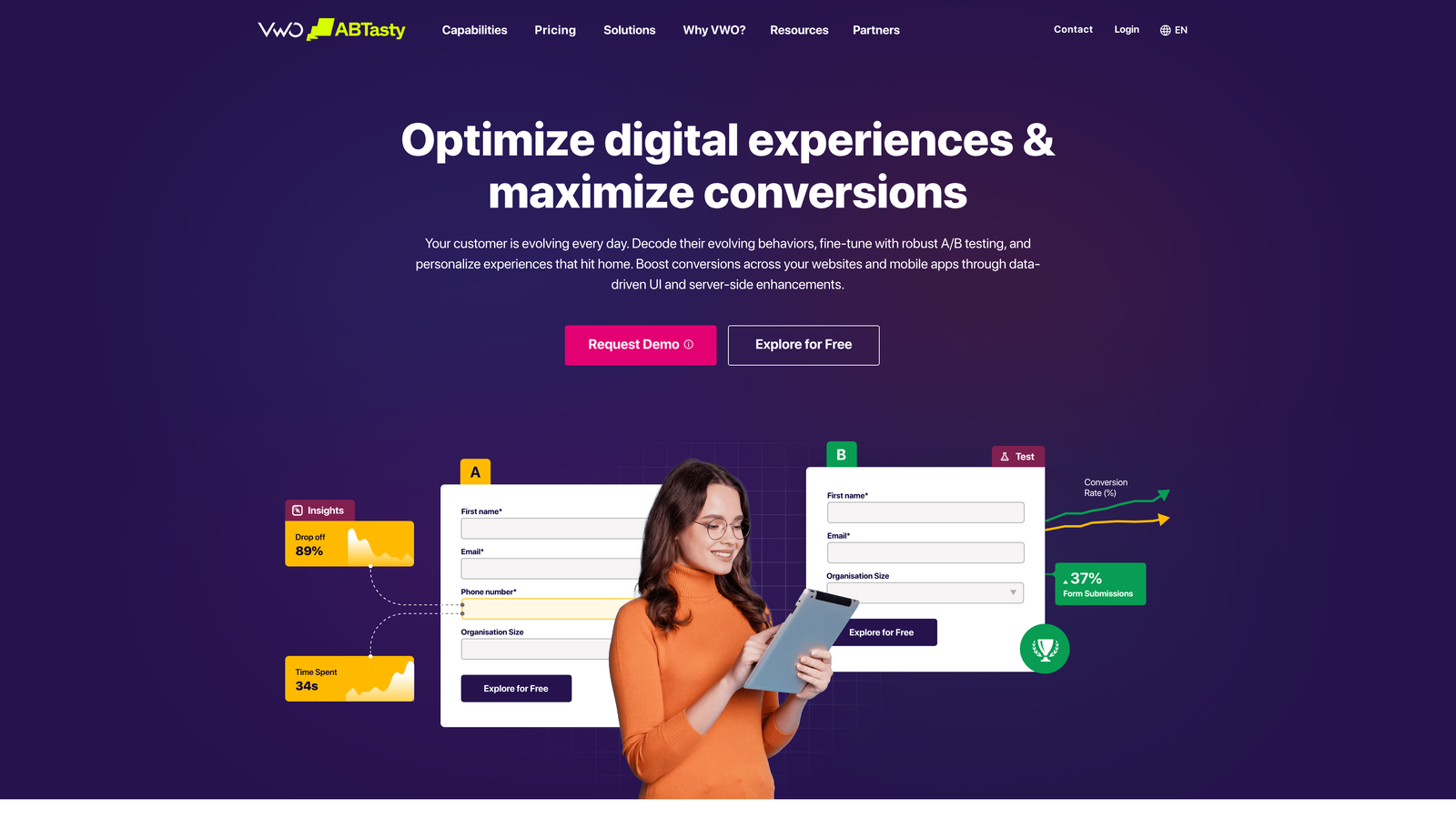
The challenge with both Typeform and Jotform is that neither platform offers native A/B testing for forms. You'll need to use an external tool like Google Optimize (or its successors), VWO, or a landing page platform to run split tests between form variants. This adds a layer of technical setup but is entirely manageable for teams already using conversion rate optimization tools. If you're exploring alternatives that offer more built-in optimization features, our roundup of Typeform alternatives for lead generation is worth reviewing.
Think of your form as a living asset, not a one-time build. Teams that treat form optimization as an ongoing program consistently outperform those that treat it as a "set it and forget it" task.
Implementation Steps
1. Start with the highest-impact variables: CTA button copy and the number of visible fields. These tend to produce the most meaningful differences in early tests and give you fast learning cycles.
2. Run one test at a time and let it reach statistical significance before drawing conclusions. Ending tests early based on early trends is one of the most common and costly mistakes in CRO.
3. Document every test, including the hypothesis, the variant, the result, and the insight. A testing log compounds in value over time and prevents teams from re-testing the same ideas after team turnover.
Pro Tips
Don't just test for submission rate. A variant that generates more submissions but lower-quality leads may actually hurt your pipeline. Track downstream metrics like qualified lead rate and opportunity conversion alongside raw submission volume to understand the full picture. For more on diagnosing quality issues, see our article on poor lead generation form performance.
7. Layer AI-Powered Qualification on Form Data
The Challenge It Solves
Static forms are fundamentally reactive. They collect responses and pass data downstream, but they can't interpret context, detect intent signals, or make real-time decisions about lead quality. As lead volumes grow and buyer expectations rise, the gap between what a static form can do and what high-growth teams actually need continues to widen.
The Strategy Explained
AI-powered qualification moves beyond collecting form responses to analyzing them in real time. Instead of waiting for a CRM scoring model to evaluate a lead hours after submission, an AI layer can assess response patterns, cross-reference firmographic signals, and route leads to the appropriate workflow instantly, before the prospect has even closed the browser tab. Our deep dive into AI form builders for lead generation explores this category in detail.
This is where the Typeform vs Jotform comparison reaches its clearest limitation. As of 2026, neither platform offers native AI-powered lead qualification at the form level. Both are fundamentally data collection tools that rely on external integrations to add intelligence downstream. For teams generating modest lead volumes with straightforward qualification criteria, this gap is manageable. For high-growth teams running complex qualification workflows at scale, it becomes a genuine bottleneck.
Platforms built specifically for lead generation, like Orbit AI, address this gap by embedding AI qualification directly into the form experience. This means leads are scored, segmented, and routed automatically based on the intelligence of their responses, not just the presence of certain keywords in a field.
Implementation Steps
1. Audit your current post-submission workflow and identify where manual review or delayed scoring creates bottlenecks. These are the highest-value targets for AI augmentation.
2. Define what "qualified" means in behavioral terms, not just firmographic terms. What patterns in a prospect's answers consistently predict a good-fit customer? These patterns become the training signal for your AI qualification layer.
3. Evaluate whether your current form platform can support AI qualification natively or whether the integration complexity required to bolt it on creates more problems than it solves. Sometimes the right answer is a platform purpose-built for the job.
Pro Tips
AI qualification works best when it complements human judgment, not replaces it. Use AI to handle the high-volume, clear-cut cases automatically, and flag edge cases for human review. This hybrid approach captures the efficiency gains of automation while maintaining the nuance your best reps bring to complex deals.
Your Lead Generation Form Playbook: Putting It All Together
The seven strategies above aren't a checklist to tackle all at once. They're a progressive implementation roadmap, and sequencing matters.
Start with the quick wins: conversational design and friction reduction. These changes require no new integrations and can meaningfully improve your submission rates within days. If your forms still feel like paperwork, everything downstream suffers regardless of how sophisticated your scoring model is.
Next, layer in the medium-effort strategies: conditional logic for pre-qualification, real-time lead scoring integrations, and systematic placement optimization. These require more planning and some technical setup, but they directly impact lead quality and sales team efficiency. Done well, they transform your form from a data collection tool into a genuine pipeline filter.
Finally, adopt the high-leverage capabilities: systematic A/B testing and AI-powered qualification. These compound over time. Each test makes your forms smarter. Each AI-qualified lead reduces manual review burden and speeds up response time for your best prospects.
Here's the insight worth taking away from this entire guide: the Typeform vs Jotform debate matters far less than the strategy behind your forms. Both tools can support the first several strategies reasonably well. Where they diverge, and where the choice becomes consequential, is at the level of native intelligence and qualification capability.
Before committing to either platform, ask whether it can support all seven strategies without requiring a fragile stack of integrations to fill the gaps. For many high-growth teams, the answer reveals that the real question isn't Typeform vs Jotform at all. It's whether a purpose-built lead generation platform would serve them better from the start.
Start building free forms today with Orbit AI and experience a platform designed from the ground up for lead generation teams who need every advantage: AI-powered qualification, modern conversational design, and conversion optimization built into every form you create.


