

Most teams treat form builders and CRMs as completely separate concerns. One tool captures leads, another manages them, and somewhere in between, qualified prospects get lost in spreadsheet exports, delayed follow-ups, or a pipeline cluttered with unscored noise.
Forms with built-in CRM features solve this by keeping data capture and contact management in the same ecosystem. Whether you're running a B2B sales funnel, a SaaS onboarding flow, or a high-volume marketing campaign, having submissions automatically organized, scored, and actionable is a genuine competitive advantage. This guide covers the best options available in 2026, evaluated on CRM depth, form flexibility, lead qualification capabilities, and ease of use for high-growth teams.
1. Orbit AI
Best for: High-growth SaaS and marketing teams who want CRM-ready leads, not raw form data.
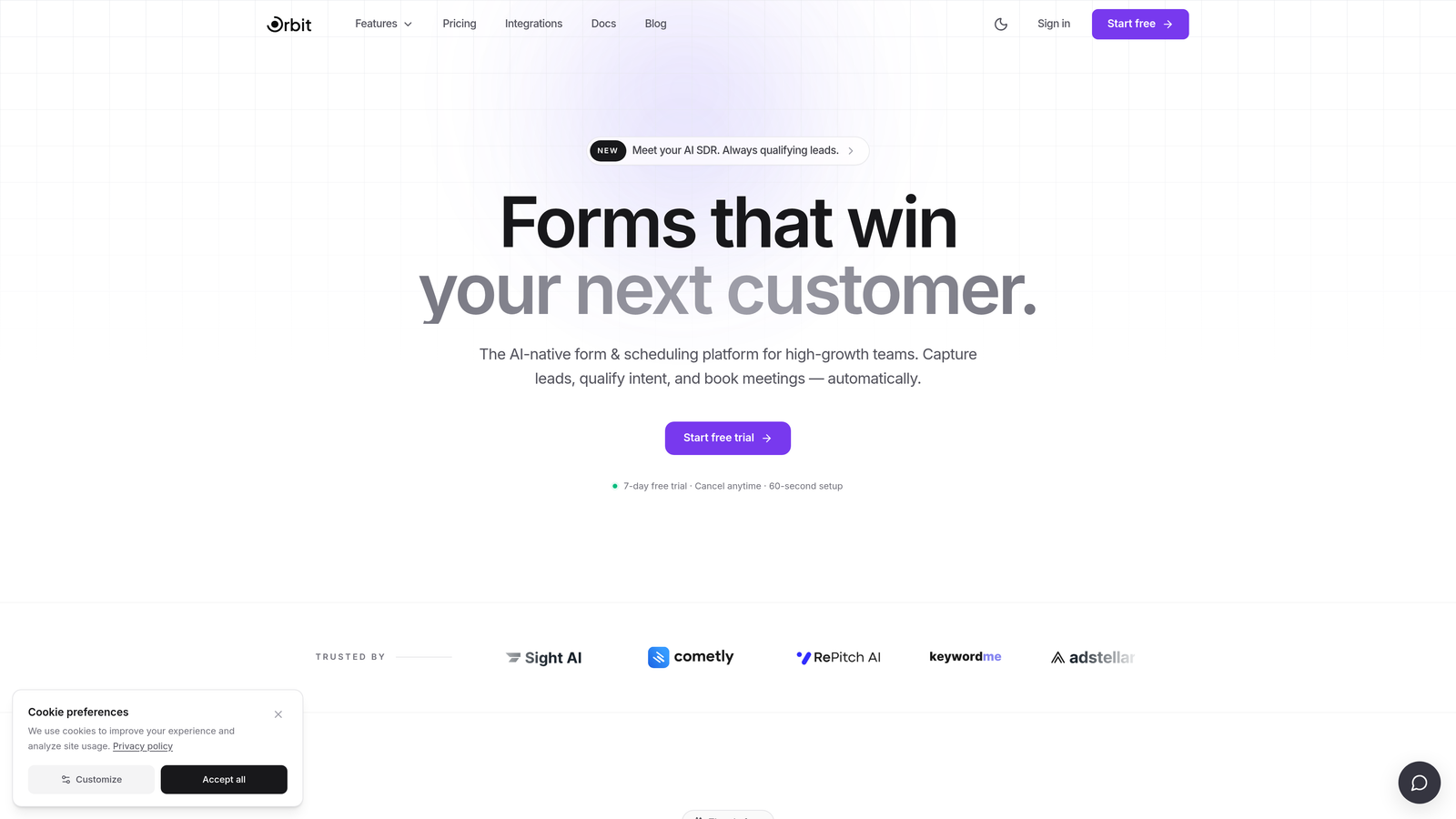
Orbit AI is an AI-powered form builder that qualifies and scores leads at the point of capture, delivering enriched contacts instead of unfiltered submissions.
Where This Tool Shines
The core differentiator here is timing. Most form tools capture data and push it downstream, leaving your CRM or sales team to sort the qualified from the noise. Orbit AI moves qualification upstream, scoring leads before they ever enter your pipeline. That means your sales team spends time on the right contacts, not triaging a flood of raw submissions.
The form design itself is built for conversion. Conditional logic, smart branching, and fast load performance combine with modern, brandable aesthetics that feel native to high-growth SaaS products. It's not just a form that qualifies leads; it's a form that converts them first.
Key Features
AI Lead Qualification: Scores and enriches leads automatically within the form flow, before submissions reach your CRM or sales team.
Conditional Logic and Smart Branching: Personalizes the form experience based on respondent answers, improving completion rates and data quality.
CRM-Ready Output: Passes enriched, scored contacts directly to your CRM or sales workflow, eliminating manual triage.
Conversion-Optimized Design: Modern, brandable form layouts built for performance, with fast load times suited to product and marketing pages.
Built for High-Growth Teams: The feature set and workflow are designed specifically for SaaS and marketing teams prioritizing lead quality over lead volume.
Best For
Orbit AI is the right fit for growth-stage SaaS companies, B2B marketing teams, and demand generation leads who need their forms to do more than collect data. If lead quality is a priority and you want AI-powered qualification baked into the capture experience itself, this is the tool built for that exact use case.
Pricing
Pricing is available at orbitforms.ai and is designed for growth-stage teams. Check the site directly for current plan details.
2. Jotform
Best for: Teams that want native spreadsheet-style CRM functionality without leaving their form platform.
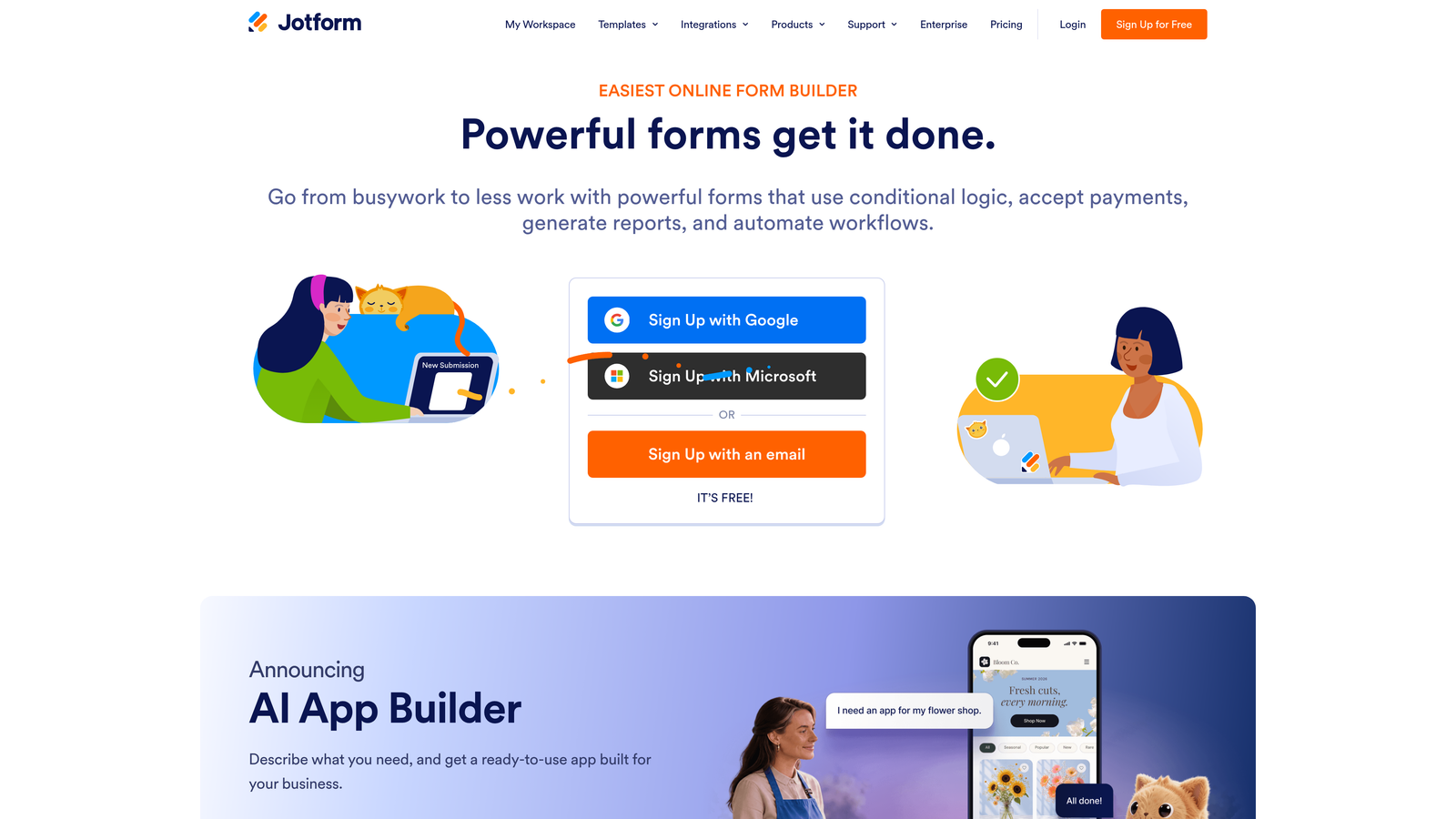
Jotform is an established form builder with Jotform Tables providing native contact management, approval workflows, and team assignment built in.
Where This Tool Shines
Jotform Tables is the feature that sets Jotform apart from most form builders. It gives you a spreadsheet-style database of all your submissions, with the ability to add status columns, filter by field values, and assign contacts to team members. For small-to-mid-size sales teams, it can genuinely replace a lightweight CRM for managing inbound leads.
Beyond Tables, Jotform's breadth is hard to match. With thousands of integrations and a wide template library, it handles a remarkable range of use cases from lead generation to event registration to HIPAA-compliant patient intake.
Key Features
Jotform Tables: Built-in contact and lead database with filtering, status columns, and team assignment for native pipeline management.
Approval Workflows: Routes submissions through internal review processes before they reach a CRM or trigger follow-up actions.
Extensive Integration Library: Connects to major CRM platforms including HubSpot, Salesforce, and Zoho for teams that do use a dedicated CRM.
Wide Template Library: Covers lead generation, registration, surveys, and more, reducing setup time significantly.
HIPAA-Compliant Plans: Available for healthcare and regulated industry use cases, expanding its applicability beyond typical marketing teams.
Best For
Jotform works well for small-to-mid-size teams that need a centralized place to manage form submissions without investing in a full CRM. It's also a strong choice for teams with diverse form use cases who want a single platform that scales from simple contact forms to complex approval workflows.
Pricing
A free plan is available with generous limits. Paid plans start at around $34 per month, with higher tiers for larger teams and enterprise needs.
3. Typeform
Best for: Teams prioritizing high-engagement form experiences with direct CRM record creation via native integrations.
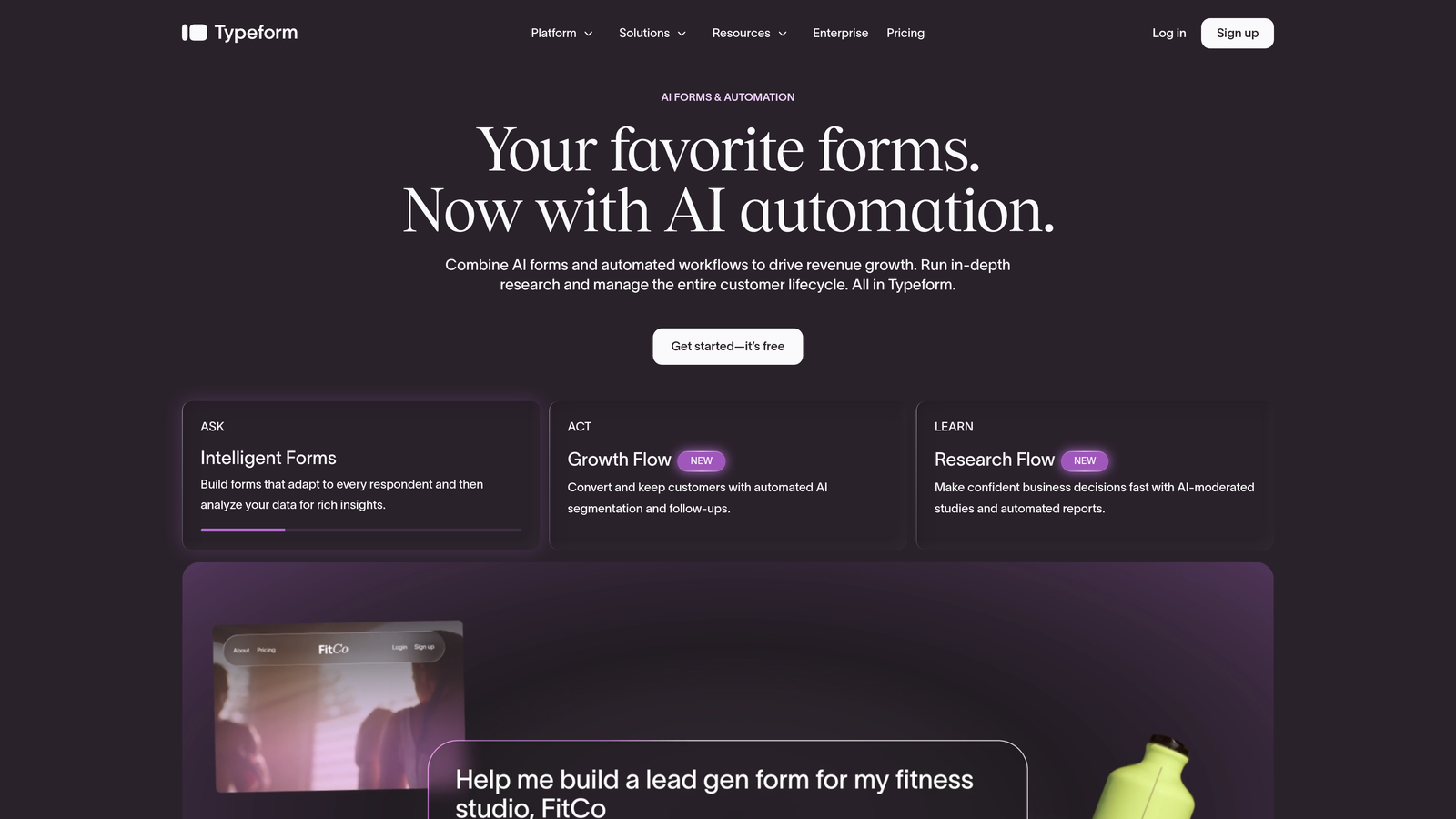
Typeform is a conversational form builder known for its one-question-at-a-time design, with native HubSpot and Salesforce integrations available on higher-tier plans.
Where This Tool Shines
Typeform's design philosophy is built around engagement. The conversational format presents one question at a time, which typically reduces the visual overwhelm that causes respondents to abandon traditional multi-field forms. For lead generation flows where completion rate matters, this format can make a real difference.
On the CRM side, Typeform doesn't have a built-in contact database, but it connects cleanly to major platforms. Native integrations with HubSpot and Salesforce on higher-tier plans mean submissions can create or update CRM records directly, without relying on middleware like Zapier.
Key Features
Conversational Form Design: One-question-at-a-time format designed to improve completion rates compared to traditional multi-field layouts.
Native CRM Integrations: Direct connections to HubSpot and Salesforce for automatic record creation from form submissions, available on higher-tier plans.
Logic Jumps and Branching: Personalizes the form path based on respondent answers, enabling qualification flows and tailored experiences.
Typeform AI: Generates form drafts from text prompts, speeding up the creation process for teams building multiple forms.
Clean Embed Options: Flexible embedding for landing pages, product flows, and popups without visual friction.
Best For
Typeform is a strong pick for marketing and product teams that already use HubSpot or Salesforce and want a high-engagement front-end form experience that feeds directly into their existing CRM. It's less suited for teams looking for a standalone CRM replacement.
Pricing
Plans start at around $25 per month. Native CRM integrations are available on higher-tier plans, so budget accordingly if that's a core requirement.
4. Paperform
Best for: Small sales teams that want lightweight lead management alongside forms, payments, and scheduling in one tool.
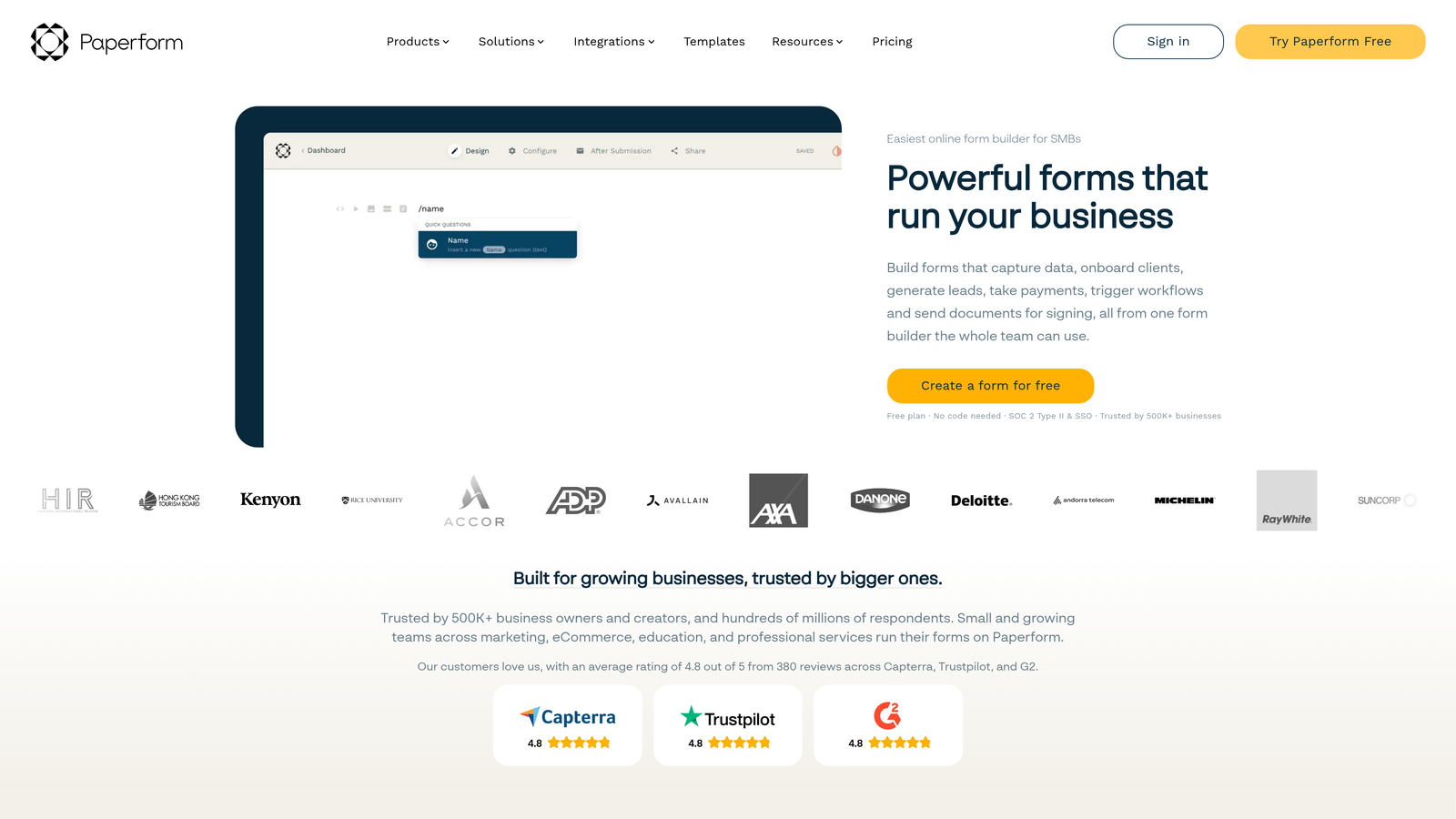
Paperform is a flexible form and landing page builder with a submission inbox that provides basic pipeline management for teams that don't need a full CRM.
Where This Tool Shines
Paperform's submission inbox goes a step beyond a simple data dump. You can tag submissions, filter by field values, and track status, giving small teams a workable system for managing inbound leads without a dedicated CRM. It's not as powerful as Jotform Tables, but for leaner teams, it covers the essentials.
What makes Paperform genuinely useful is how much it consolidates. Forms, payments, appointment scheduling, and landing page design all live in one platform. For small businesses or agencies managing multiple client touchpoints, that consolidation reduces tool sprawl significantly.
Key Features
Submission Inbox with Tagging and Status Tracking: Provides basic pipeline management directly within the platform, without needing a separate CRM for simple workflows.
Multi-Purpose Platform: Combines forms, payments, scheduling, and landing page creation in a single tool, reducing the need for multiple subscriptions.
Conditional Logic and Calculation Fields: Supports complex qualification flows and dynamic pricing or scoring within the form itself.
Native CRM Integrations: Connects to HubSpot, Salesforce, and ActiveCampaign via native connectors for teams using dedicated CRM platforms.
Custom Domain and Branding: Strong white-label and branding options for agencies and teams with strict brand standards.
Best For
Paperform suits small sales teams, freelancers, and agencies that want a flexible all-in-one tool for capturing and lightly managing leads. Teams with complex CRM requirements or large submission volumes will likely outgrow it, but for many smaller operations, it handles the full workflow comfortably.
Pricing
Plans start at around $24 per month. There is no free plan, but a 14-day free trial is available to test before committing.
5. Formstack
Best for: Enterprise teams and regulated industries that need a native Salesforce app and strong compliance credentials.
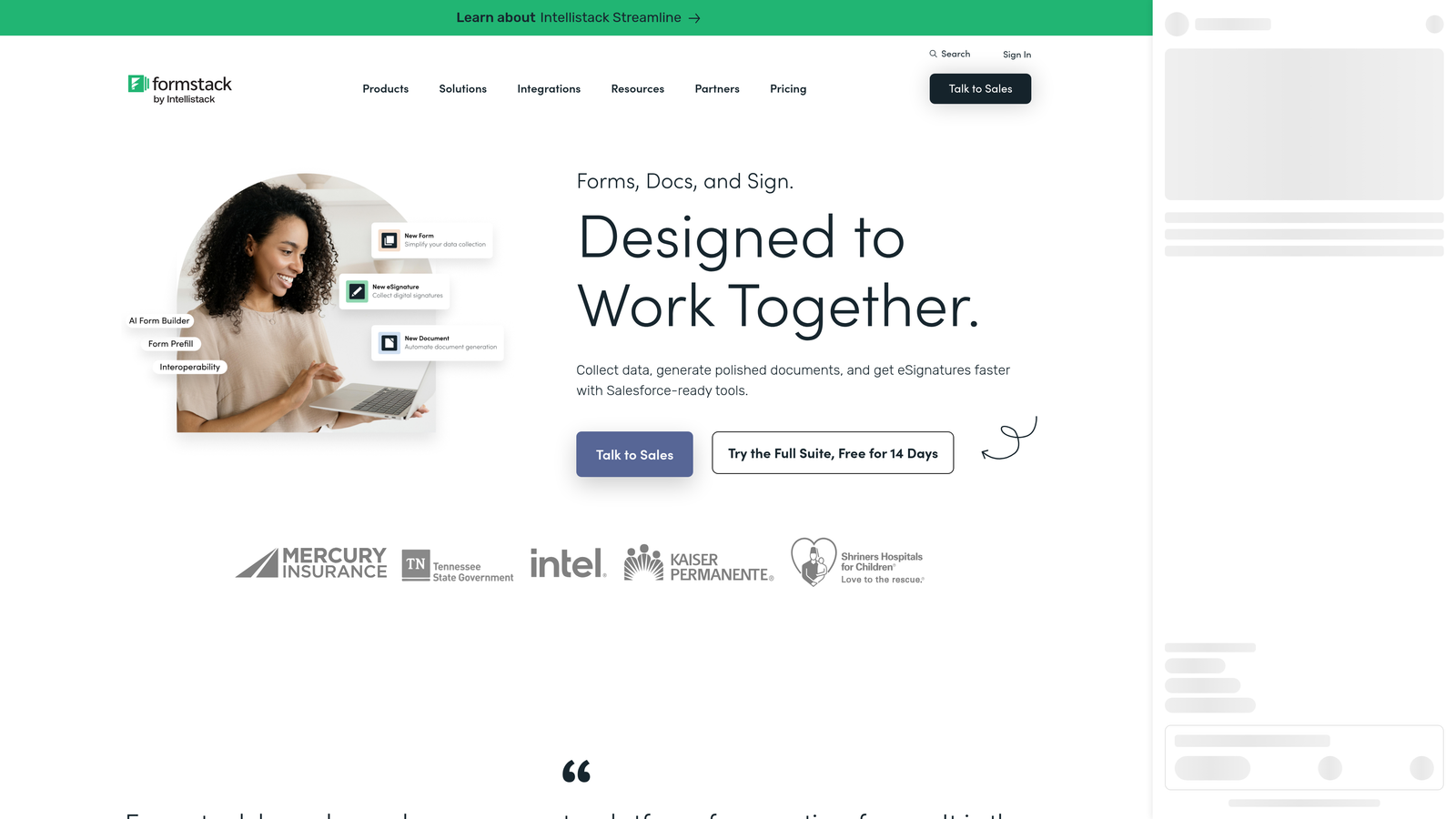
Formstack is an enterprise form platform with a dedicated Salesforce native app, HIPAA compliance, and advanced workflow capabilities built for large sales organizations.
Where This Tool Shines
Formstack for Salesforce is the headline feature: a native Salesforce app that creates and updates CRM records directly from form submissions, without any middleware. For Salesforce-heavy organizations, this level of native integration eliminates the data mapping headaches that come with third-party connectors.
The compliance posture is equally strong. HIPAA-compliant forms, enterprise SSO, and audit trail support make Formstack a viable option for healthcare, finance, and other regulated industries where most form tools simply can't operate. It's a genuinely enterprise-grade platform, and the pricing reflects that.
Key Features
Formstack for Salesforce: Native Salesforce app that creates and updates CRM records directly from submissions, with no middleware required.
HIPAA Compliance: Meets healthcare data requirements, making it one of the few form platforms suitable for patient-facing workflows.
Document Generation and E-Signatures: Extends beyond forms to handle contracts, agreements, and document workflows alongside data capture.
Advanced Workflow Routing: Multi-step approval chains and conditional routing for complex internal review processes.
Enterprise SSO and Audit Trails: Meets enterprise security and compliance requirements for large organizations with strict IT governance.
Best For
Formstack is the right choice for large sales organizations running Salesforce, healthcare providers needing HIPAA-compliant intake forms, and enterprise teams with complex compliance or workflow requirements. It's overbuilt for most small-to-mid-size teams, but for the right use case, it's hard to replace.
Pricing
Paid plans start in the mid-range, with enterprise pricing available on a custom basis. It's positioned at the higher end of the market, reflecting its enterprise feature set.
6. Tally
Best for: Early-stage teams and indie builders who want a free, flexible form tool that connects to CRMs via webhooks or automation platforms.
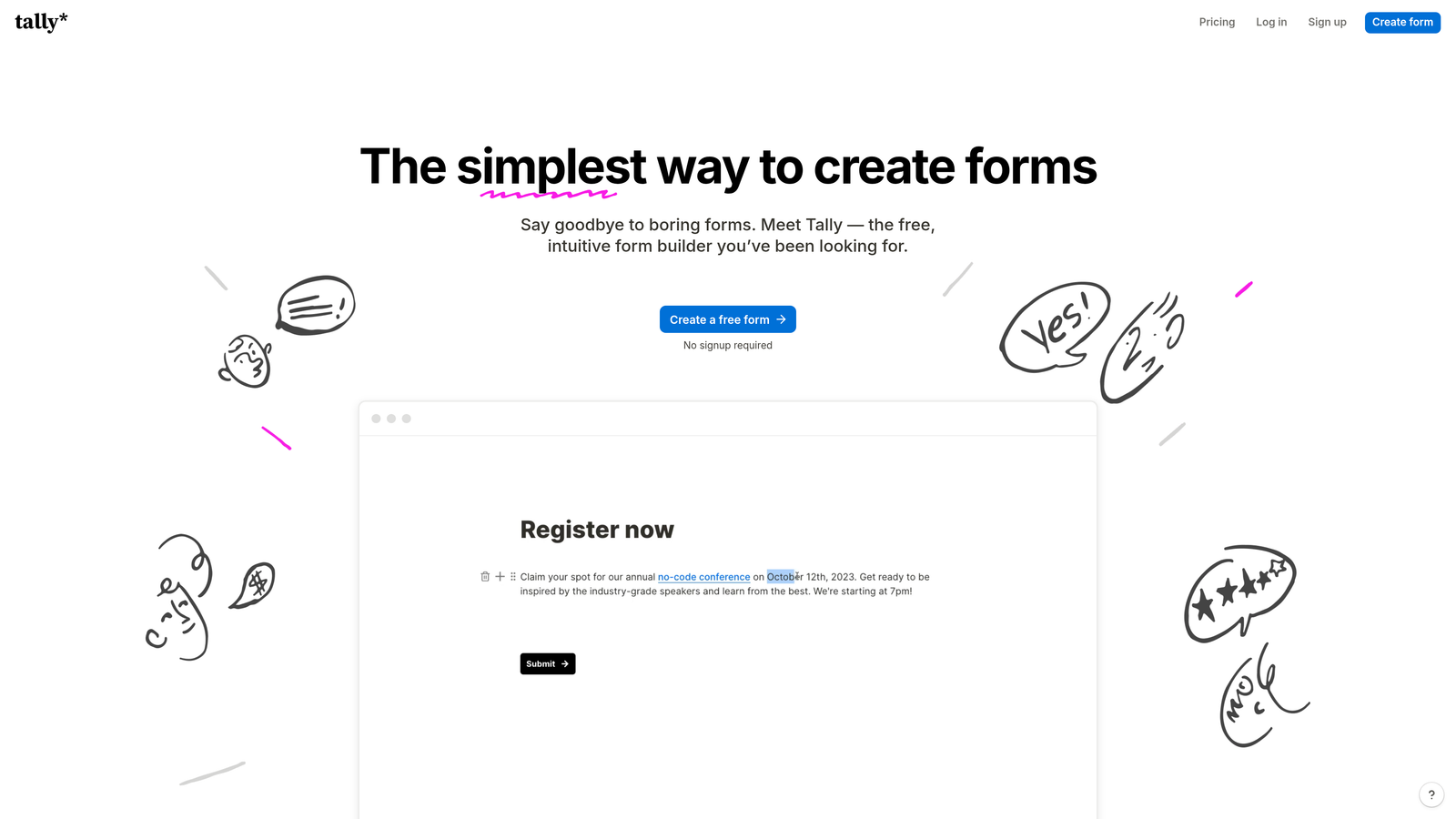
Tally is a minimalist, Notion-inspired form builder with a generous free plan and CRM connectivity via Zapier, Make, or direct webhooks.
Where This Tool Shines
Tally's free plan is genuinely rare. Unlimited forms and unlimited submissions at no cost puts it in a category of its own for early-stage teams, solo operators, and product teams running experiments. The block-based editor feels immediately familiar to anyone who uses Notion, which lowers the learning curve to near zero.
On the CRM side, Tally doesn't have a native contact database, but it connects reliably to most CRM platforms through Zapier, Make, or direct webhooks. For teams already running automation stacks, this flexibility is a feature rather than a limitation.
Key Features
Unlimited Free Plan: Unlimited forms and submissions on the free tier, which is genuinely uncommon among form builders with this level of functionality.
Block-Based Editor: Notion-style interface that feels intuitive for modern product and operations teams without any design overhead.
Webhook and Automation Connectivity: Connects to CRMs via Zapier, Make, or direct webhooks, giving flexibility to teams with existing automation infrastructure.
Conditional Logic and File Uploads: Supports branching logic and file collection on the free plan, with payment collection available on the paid tier.
Clean, Distraction-Free Forms: Minimalist design that works well for internal tools, product feedback, and early-stage lead capture without heavy branding requirements.
Best For
Tally is ideal for early-stage startups, indie hackers, and product teams that need flexible forms without a budget. It's also a solid choice for teams that want to connect form data into an existing CRM via automation platforms, rather than relying on native integrations.
Pricing
The free plan covers unlimited forms and submissions. The Pro plan starts at around $29 per month and unlocks payment collection, custom domains, and additional customization options.
Which Tool Is Right for Your Team?
The right choice depends less on which tool has the longest feature list and more on where your biggest bottleneck actually sits.
If your problem is lead quality rather than lead volume, Orbit AI is the standout option. Qualifying and scoring leads at the point of capture means your CRM stays clean and your sales team focuses on the contacts most likely to convert. For high-growth SaaS and marketing teams where pipeline quality directly affects revenue, that upstream qualification is a meaningful advantage.
If you want a native CRM-like experience without leaving your form platform, Jotform is the most capable option. Jotform Tables gives you a real contact management layer with assignment, status tracking, and filtering built in.
For teams deeply embedded in Salesforce or operating in regulated industries, Formstack is the enterprise-grade choice. The native Salesforce app and HIPAA compliance cover use cases that most other tools on this list simply can't.
Typeform is the right pick when engagement and completion rate are the primary concern, especially for teams already using HubSpot or Salesforce who want a polished front-end experience. Paperform works well for smaller teams that want forms, payments, and lightweight lead management consolidated into one affordable tool. And Tally is the logical starting point for early-stage teams or anyone who needs powerful forms without a budget.
Whatever your current setup, the shift toward forms that do more than collect data is accelerating. The teams winning on lead generation in 2026 are the ones treating the form itself as part of the qualification process, not just the beginning of it.
Transform your lead generation with AI-powered forms that qualify prospects automatically while delivering the modern, conversion-optimized experience your high-growth team needs. Start building free forms today and see how intelligent form design can elevate your conversion strategy.


