

Choosing a form builder isn't just about features. It's about whether the pricing model scales with your growth without quietly punishing your success. Whether you're a lean startup collecting early leads or a high-growth SaaS team qualifying hundreds of submissions daily, the wrong plan can drain your budget or cap your potential at exactly the wrong moment.
This guide breaks down the real pricing structures of six leading form builders: what's included, what's gated, and what each tool is genuinely built for. We've evaluated free tiers, paid plan structures, submission limits, user seats, and AI capabilities to give you a clear picture of total cost of ownership. If you're also wrestling with form abandonment or lead quality issues alongside pricing, we've linked to relevant deep-dives throughout.
Here are the top form builders compared by pricing model, capabilities, and ideal use case.
1. Orbit AI
Best for: High-growth B2B SaaS teams that need forms to qualify leads automatically, not just collect them.
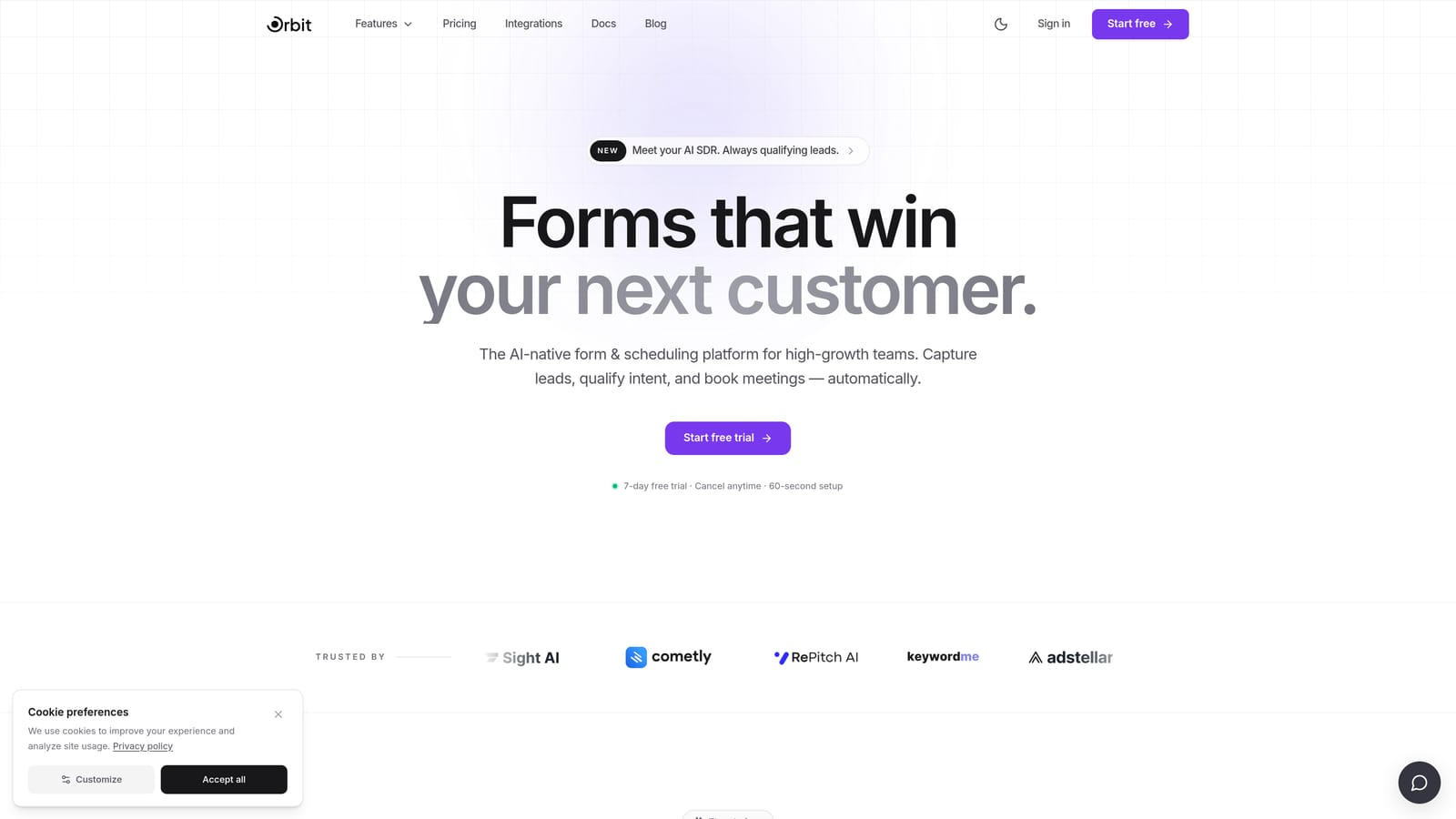
Orbit AI is an AI-powered form builder built specifically for teams where lead quality matters as much as lead volume.
Where This Tool Shines
Most form builders stop at data collection. Orbit AI is designed around a different premise: that the form itself should be doing qualification work, not just passing raw submissions to your sales team for manual review. If you've ever dealt with the frustration of too many unqualified leads coming through your forms, this is the tool built to solve that problem at the source.
The combination of AI-powered scoring, conversion-optimized design, and built-in lead routing means high-growth teams can reduce the gap between "form submitted" and "sales-ready lead" without stitching together separate tools. For teams where time-to-qualified-lead is a real metric, that consolidation has genuine operational value.
Key Features
AI Lead Qualification and Scoring: Automatically evaluates and scores submissions at the form level, so your sales team only sees prospects worth their time.
Conversion-Optimized Form Design: Modern, flexible UI designed to reduce drop-off and improve completion rates for high-intent lead gen flows.
Built-In Lead Routing: Prioritizes and routes leads without requiring third-party automation tools, reducing workflow complexity.
B2B SaaS-Focused Workflows: Purpose-built for the lead generation patterns common in SaaS, not retrofitted from a general-purpose form tool.
Reduced Sales Noise: By filtering unqualified submissions before they reach your CRM, it protects sales bandwidth and improves pipeline quality.
Best For
B2B SaaS companies, demand generation teams, and high-growth startups where lead qualification is a bottleneck. Particularly valuable if your current stack involves manually reviewing form submissions before passing them to sales, or if you're seeing high volume but low conversion from form-generated leads.
Pricing
Pricing is structured around growth team use cases rather than raw submission volume. Visit orbitforms.ai for current plan details, as tiers are designed to reflect business outcomes rather than penalize you for traffic.
2. Typeform
Best for: Marketing teams running brand-forward surveys, lead gen campaigns, and conversational intake flows.
Typeform is a conversational form builder known for its one-question-at-a-time interface and strong visual customization.

Where This Tool Shines
Typeform's signature UX, presenting one question at a time in a clean, full-screen format, creates a more engaging experience than traditional multi-field forms. For brand-conscious marketing teams running surveys, NPS forms, or top-of-funnel lead capture, the aesthetic quality and completion-friendly design genuinely differentiate it from utilitarian alternatives.
The logic jump system is intuitive, and the integration ecosystem covers most major CRMs and marketing platforms. Where Typeform gets complicated is pricing: its response-based model means costs scale directly with your traffic volume, which can become a meaningful budget concern for teams running high-volume campaigns. If you're exploring the cost implications further, our form builder annual pricing breakdown covers this dynamic in more depth.
Key Features
Conversational One-Question UX: Presents questions sequentially in a distraction-free format that tends to improve completion rates for longer forms.
Visual Brand Customization: Strong theming controls, custom fonts, background images, and color matching for brand-consistent experiences.
Logic Jumps and Conditional Branching: Route respondents through different question paths based on their previous answers.
CRM and Marketing Integrations: Native connections to major platforms, with Zapier support for extended reach.
AI Features on Higher Tiers: Advanced capabilities including AI-assisted form creation and analysis are available on upper-tier plans.
Best For
Marketing teams prioritizing form aesthetics and brand experience, companies running surveys or research studies, and teams with moderate response volumes where the per-response pricing model stays manageable. Less ideal for high-volume lead gen teams where response-based costs compound quickly.
Pricing
Response-based model: the free tier is limited to 10 responses per month, with paid plans scaling based on monthly response volume across Basic, Plus, Business, and Enterprise tiers. Visit typeform.com/pricing for current rates, as prices update periodically.
3. Jotform
Best for: SMBs, agencies, and operations teams that need a wide template library and multi-use form workflows.
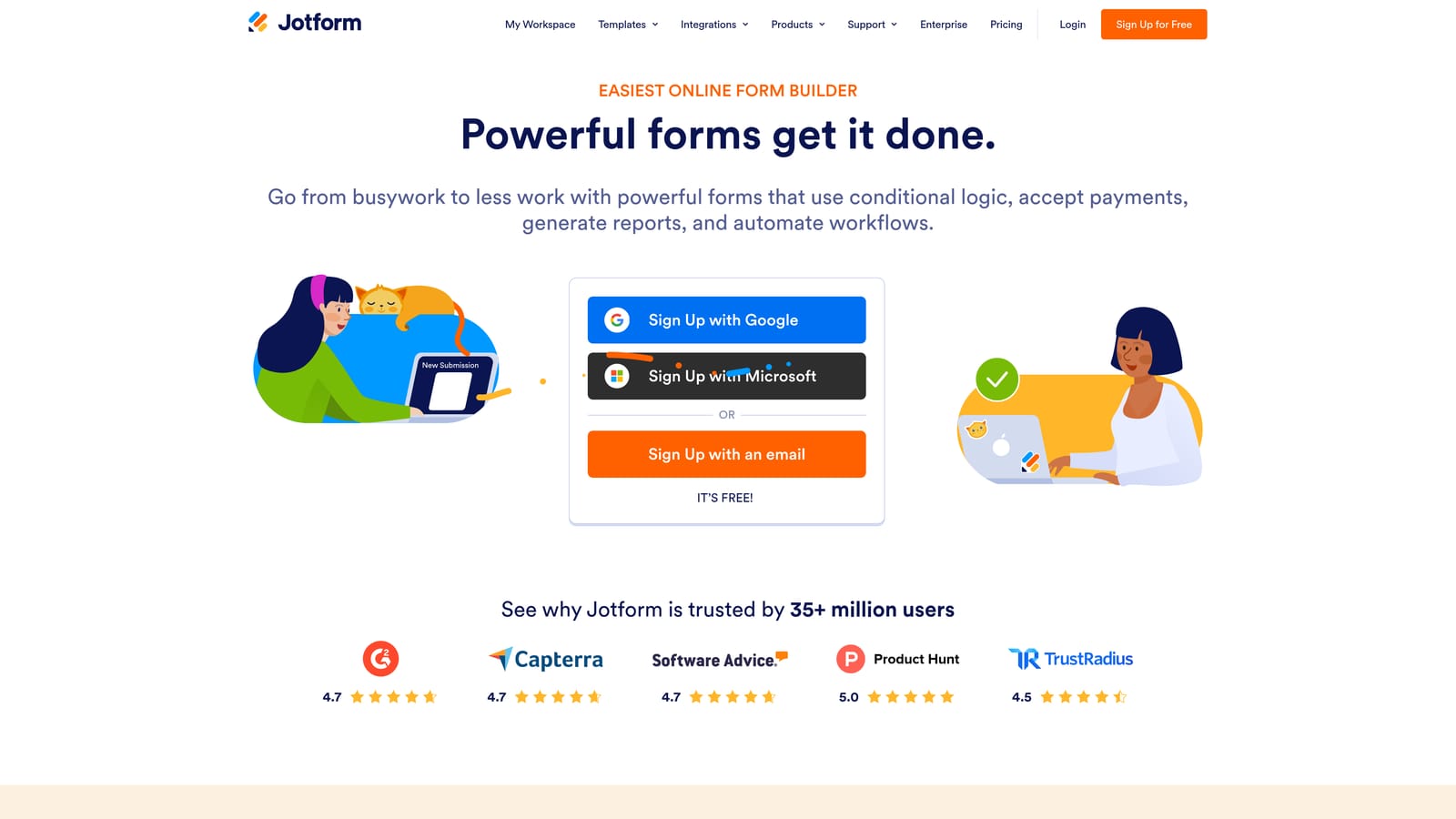
Jotform is a versatile form builder with one of the largest template libraries available and a generous free tier.
Where This Tool Shines
Jotform's depth is its defining characteristic. With over 10,000 templates spanning industries from healthcare to e-commerce, and built-in support for payments, e-signatures, and approval workflows, it's one of the most capable all-purpose form platforms available. Teams that need to build and manage many different form types across an organization will find a lot to work with here.
The pricing model tiers by form count, monthly submissions, and storage, which is predictable for most use cases but can catch teams off guard when they hit submission caps mid-month. HIPAA-compliant options are available on higher plans, making it a reasonable choice for healthcare-adjacent teams that don't need Formstack's full enterprise workflow depth. For a broader comparison of how tiered pricing models compare, see our form builder comparison chart.
Key Features
10,000+ Templates: Industry-spanning template library covering almost any form use case imaginable, from job applications to medical intake.
Payment Collection and E-Signatures: Native support for collecting payments and obtaining digital signatures without third-party tools.
Approval Workflows: Built-in workflow routing for forms that require internal review or multi-step approvals.
HIPAA Compliance Options: Available on higher-tier plans for teams in regulated healthcare environments.
Wide Integration Ecosystem: Connects to hundreds of apps including major CRMs, project management tools, and cloud storage.
Best For
SMBs and agencies managing diverse form needs across multiple clients or departments, operations teams that need approval routing, and organizations in or adjacent to healthcare that need HIPAA-compliant options without moving to full enterprise pricing.
Pricing
Tiered by form count, monthly submissions, and storage. A free plan is available; paid plans include Bronze, Silver, Gold, and Enterprise at increasing price points. Visit jotform.com/pricing for current rates.
4. Tally
Best for: Bootstrapped teams and early-stage startups that need a capable free form builder with no submission limits.
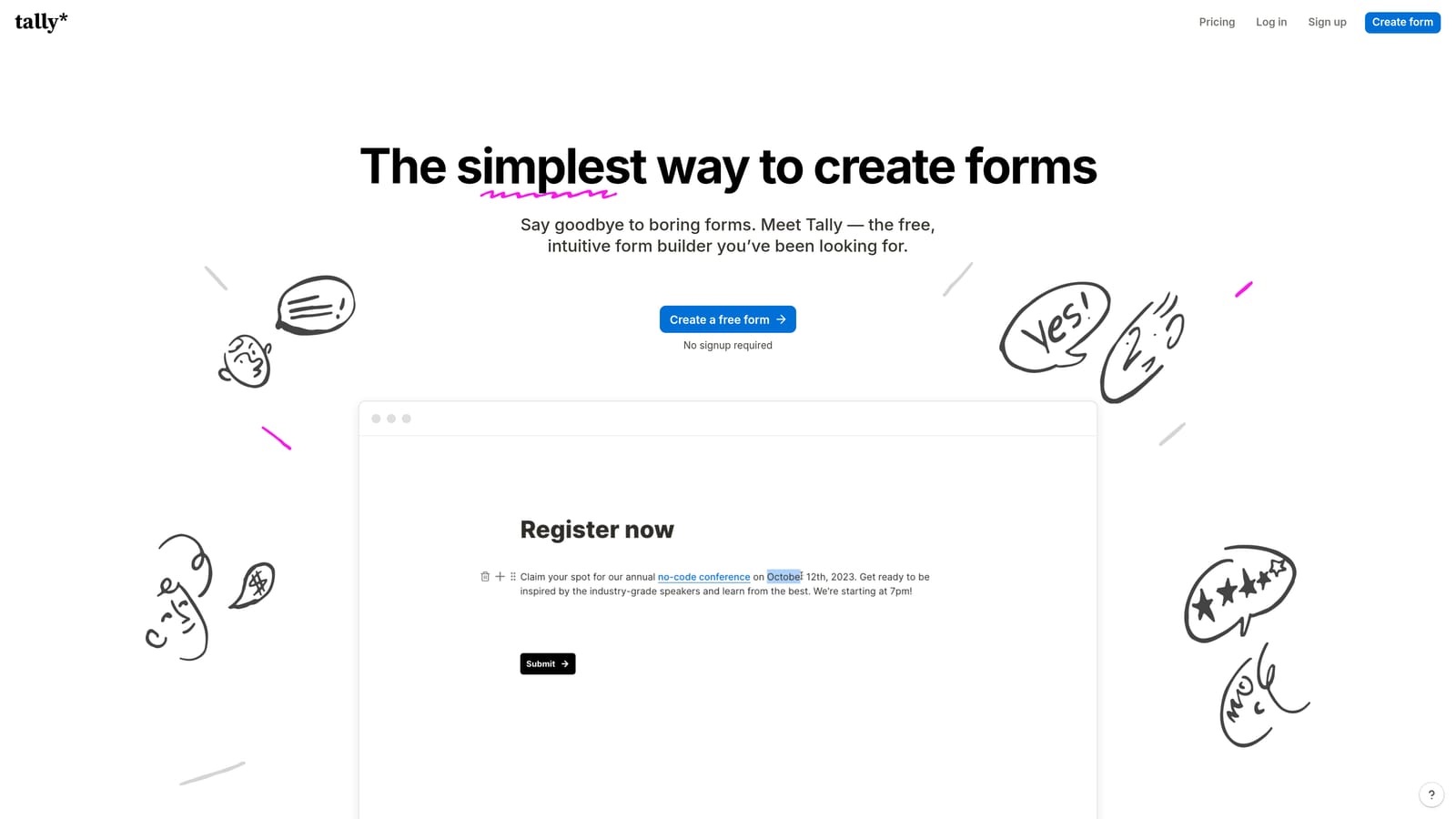
Tally is a Notion-inspired form builder with a genuinely unlimited free tier that stands out in a market full of heavily restricted free plans.
Where This Tool Shines
Tally's free plan is the real story here. Unlike most tools that offer a free tier with tight submission caps designed to push you toward a paid plan quickly, Tally's free offering includes unlimited forms and unlimited submissions. For bootstrapped founders, indie makers, or early-stage teams validating ideas, that's a meaningfully different value proposition.
The block-based editor feels immediately familiar to anyone who uses Notion, which lowers the learning curve considerably. The Pro plan adds the features most teams eventually need: custom domains, Tally branding removal, conditional logic, and integrations. Where Tally has less depth is in enterprise workflows, native CRM integrations on the free tier, and lead qualification capabilities. It's a tool optimized for simplicity and accessibility, not complex B2B lead gen pipelines.
Key Features
Truly Unlimited Free Plan: No submission caps and no form limits on the free tier, making it genuinely usable without paying anything.
Notion-Like Block Editor: Intuitive drag-and-drop building experience that feels familiar to teams already working in Notion.
Conditional Logic on Pro: Route respondents through different form paths based on their answers, available on the paid plan.
Custom Domains and White-Labeling: Remove Tally branding and use your own domain on the Pro plan.
Zapier and Native Integrations: Connect to your existing stack on paid tiers for automated data routing.
Best For
Early-stage startups, solo founders, and bootstrapped teams that need functional forms without a budget commitment. Also a strong fit for internal forms, quick surveys, and lightweight data collection where enterprise-grade features aren't required.
Pricing
Free plan covers unlimited forms and submissions. The Pro plan is a flat monthly or annual fee for advanced features. Visit tally.so for current pricing, as rates are updated periodically.
5. Paperform
Best for: Teams that want flat-rate pricing with no per-response surprises, plus strong payment and scheduling support.
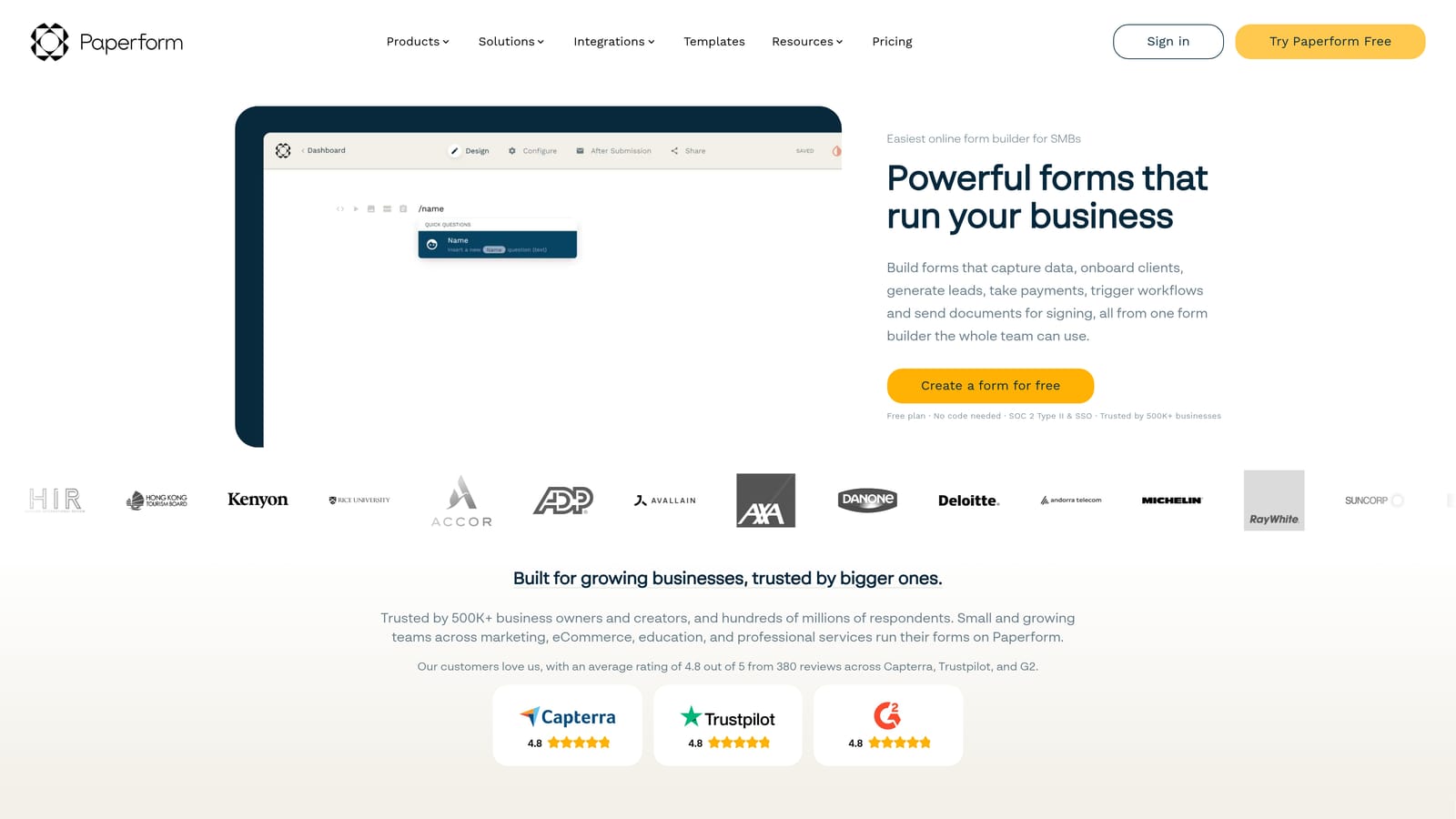
Paperform is a flexible form builder that functions as a lightweight landing page tool, with flat-rate pricing that removes response-volume anxiety entirely.
Where This Tool Shines
Paperform's most meaningful differentiator is its pricing model. Where Typeform charges per response, Paperform charges a flat subscription rate regardless of how many responses you collect. For teams running active campaigns or seasonal promotions where response volume is unpredictable, that distinction matters a lot for budget predictability.
Beyond pricing, Paperform's forms feel more like mini landing pages than traditional form interfaces. You can embed rich text, images, and media directly alongside form fields, which makes it particularly useful for product sales pages, booking flows, and anything where context helps conversion. If you're thinking through the subscription model tradeoffs between flat-rate and usage-based pricing, Paperform is the clearest example of the flat-rate approach done well.
Key Features
Flat-Rate Pricing: No per-response fees or overage charges, regardless of submission volume, making budgeting straightforward.
Rich Media in Forms: Embed text, images, and video alongside form fields to create landing page-style experiences.
Built-In Payment Collection: Native support for one-time payments, subscriptions, and product catalogs without third-party tools.
Scheduling and Booking: Built-in scheduling capabilities make it useful for appointment booking and service intake flows.
Conditional Logic and Calculations: Route respondents based on answers and perform calculations within the form itself.
Best For
Small businesses and solopreneurs selling products or services, teams running campaigns where response volume is unpredictable, and anyone who wants a clean flat-rate pricing model without worrying about response-based overage charges.
Pricing
Flat-rate subscription across Essentials, Pro, and Agency tiers with no per-response fees. Visit paperform.co/pricing for current rates.
6. Formstack
Best for: Regulated industries requiring HIPAA compliance, document generation, e-signatures, and enterprise workflow automation.
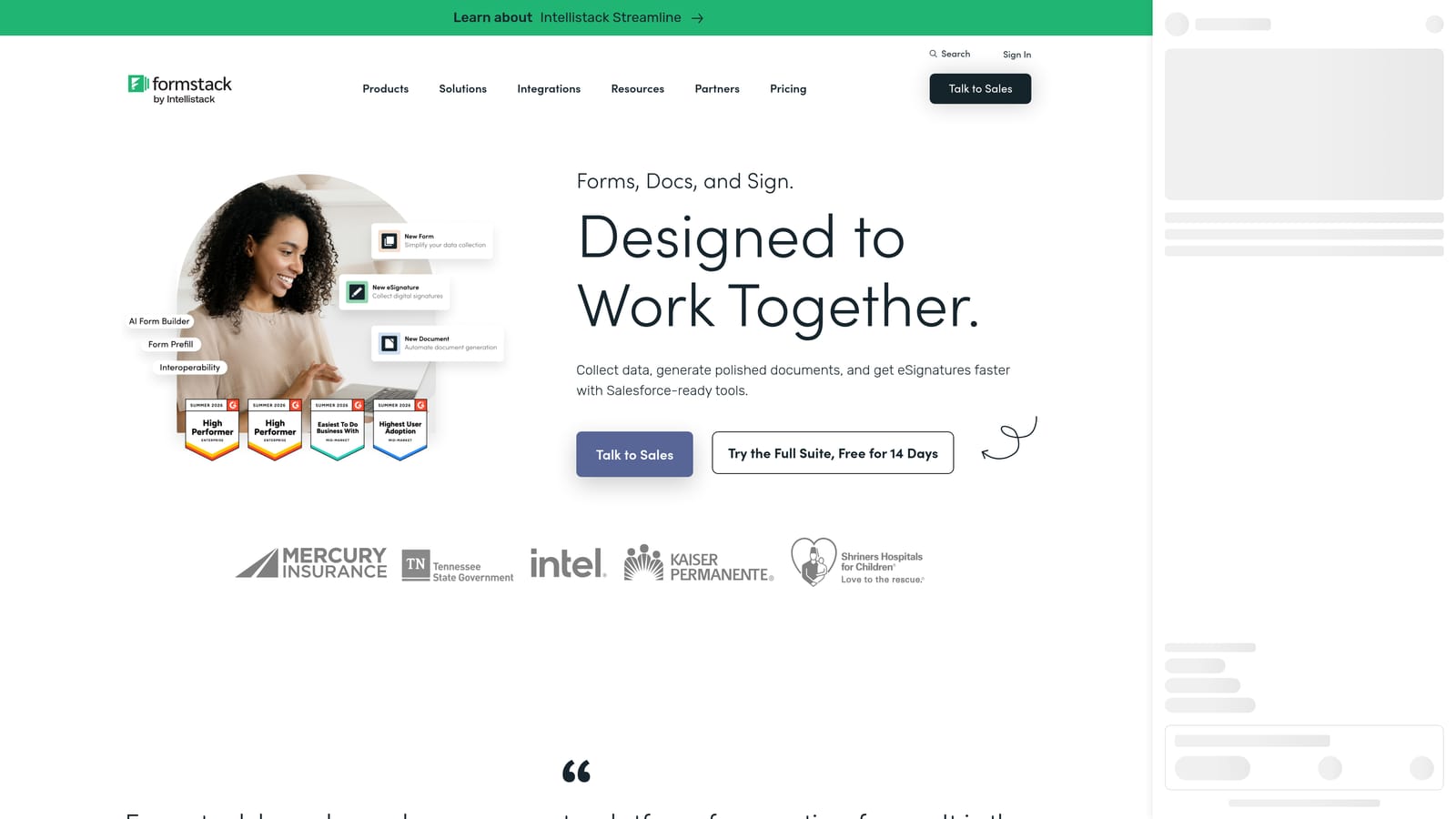
Formstack is an enterprise-grade form and workflow platform built for organizations where compliance and process automation are non-negotiable.
Where This Tool Shines
Formstack operates in a different category from the other tools on this list. It's not primarily a lead gen tool or a survey builder. It's a workflow platform where forms are one component of a broader system that includes document generation, e-signatures, approval routing, and audit trails. For healthcare organizations, legal teams, and financial services companies that need HIPAA-compliant data handling and compliance-grade security, Formstack addresses requirements that lighter tools simply can't meet.
The tradeoff is price and complexity. Formstack is significantly more expensive than every other tool in this comparison, and enterprise plans typically require a custom quote through their sales team. If your primary need is lead generation forms for a SaaS product, Formstack is likely more platform than you need. But if you're in a regulated industry and need forms to trigger document workflows with full audit trails, it's one of the few tools built specifically for that use case. For teams considering whether to purchase a form builder license at the enterprise level, understanding what you're actually buying matters.
Key Features
HIPAA-Compliant Forms: Built-in compliance controls for healthcare and other regulated industries handling sensitive data.
Document Generation: Automatically generate populated documents from form submissions, reducing manual data transfer.
E-Signature Capabilities: Collect legally binding signatures as part of form-triggered workflows.
Advanced Workflow Automation: Multi-step approval routing and process automation that goes well beyond standard form logic.
Enterprise Security Controls: SSO, audit trails, role-based access, and compliance-grade data handling for enterprise environments.
Best For
Healthcare organizations, legal teams, financial services companies, and enterprise operations teams in regulated industries that need HIPAA compliance, document workflows, and audit trails as core requirements rather than optional add-ons.
Pricing
Feature-tiered pricing at a significantly higher price point than other tools on this list. Enterprise plans typically require contacting sales for a custom quote. Visit formstack.com/pricing for current rates and plan details.
Which Tool Is Right for Your Team?
The most important takeaway from this comparison isn't about dollar amounts. It's that these tools use fundamentally different pricing structures, and the wrong model for your use case will cost you more than a slightly higher subscription rate ever would.
Here's a quick-reference guide based on team type and primary need:
High-growth SaaS teams focused on lead quality: Orbit AI is the only tool in this list with native AI lead qualification built into the form layer. If your problem is volume without quality, or sales teams wasting time on unqualified submissions, that's the differentiator that matters.
Marketing teams running brand-forward campaigns: Typeform delivers the strongest visual and conversational experience, but watch the response-based pricing if your campaigns drive significant traffic. The costs can scale faster than expected.
Agencies and SMBs managing diverse form needs: Jotform's template depth and workflow capabilities make it a strong all-rounder, particularly if you need payment collection or HIPAA options without moving to enterprise pricing.
Bootstrapped teams and early-stage startups: Tally's unlimited free plan is genuinely hard to beat for teams that need functional forms without a budget commitment. Upgrade to Pro when you need integrations and custom branding.
Teams prioritizing budget predictability: Paperform's flat-rate model removes the anxiety of response-based overage charges, making it a smart choice for anyone running unpredictable-volume campaigns or selling products and services through forms.
Regulated industries with compliance requirements: Formstack is in a category of its own for healthcare, legal, and financial services teams that need HIPAA compliance, document generation, and enterprise-grade audit trails.
The pricing model you choose shapes your cost trajectory as you grow. Response-based pricing rewards low volume and penalizes success. Flat-rate pricing rewards heavy usage. Feature-tiered pricing rewards teams that need depth, not breadth. And value-based pricing, like Orbit AI's approach, ties cost to business outcomes rather than raw submission counts.
If your team is focused on conversion optimization and lead quality, the right form builder isn't just the cheapest option or the one with the most templates. It's the one that actively contributes to pipeline quality. Start building free forms today and see how intelligent form design can elevate your conversion strategy.


