

Tracking form submissions is one thing. Understanding which forms convert, which questions lose prospects, and which traffic sources deliver quality leads? That's where contact form software with built-in analytics transforms your lead generation strategy from guesswork into data-driven optimization.
The best contact form platforms now combine submission tracking with behavioral insights, conversion funnel analysis, and source attribution—giving you the visibility needed to refine your forms and improve lead quality. We evaluated these tools based on analytics depth, ease of use, integration capabilities, and pricing value.
Here are the top contact form software solutions with analytics capabilities to help you track and optimize lead performance in 2026.
1. Orbit AI
Best for: High-growth teams seeking AI-powered lead qualification with conversion analytics
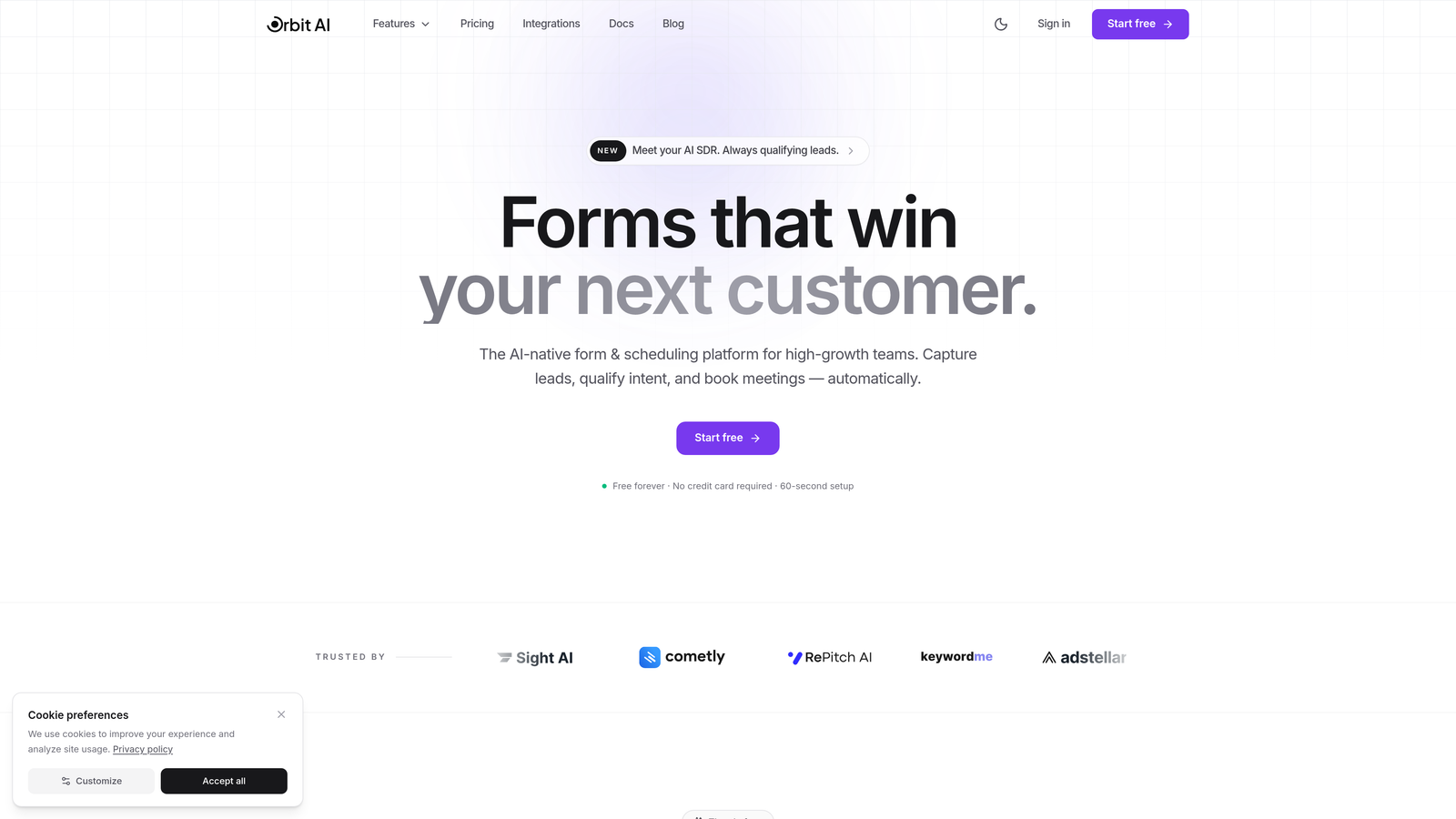
Orbit AI is an AI-powered form builder platform that combines conversion-optimized design with intelligent lead qualification and behavioral analytics.
Where This Tool Shines
Orbit AI takes form analytics beyond basic submission tracking by automatically qualifying leads based on responses and engagement patterns. The platform analyzes not just who submitted, but which prospects are most likely to convert based on behavioral signals.
The conversion analytics dashboard reveals which form elements drive engagement, where prospects drop off, and how different traffic sources perform—all while the AI continuously scores and prioritizes leads in real-time.
Key Features
AI-Powered Lead Qualification: Automatically scores and categorizes leads based on response quality and engagement patterns.
Conversion Analytics Dashboard: Track submission rates, drop-off points, and behavioral insights across all your forms.
Real-Time Submission Tracking: Monitor form performance and lead flow as it happens with instant notifications.
CRM and Marketing Integrations: Connect seamlessly with your existing tools to maintain unified analytics across platforms.
Conversion-Optimized Templates: Start with professionally designed forms built specifically to maximize completion rates.
Best For
High-growth teams and businesses that need more than basic form analytics. Particularly valuable for companies managing high volumes of leads who want to automatically identify and prioritize the most qualified prospects while tracking conversion performance across multiple forms and traffic sources.
Pricing
Free tier available with essential analytics features. Paid plans unlock advanced AI qualification capabilities and deeper behavioral insights for teams scaling their lead generation efforts.
2. Typeform
Best for: Creating engaging conversational forms with detailed completion analytics
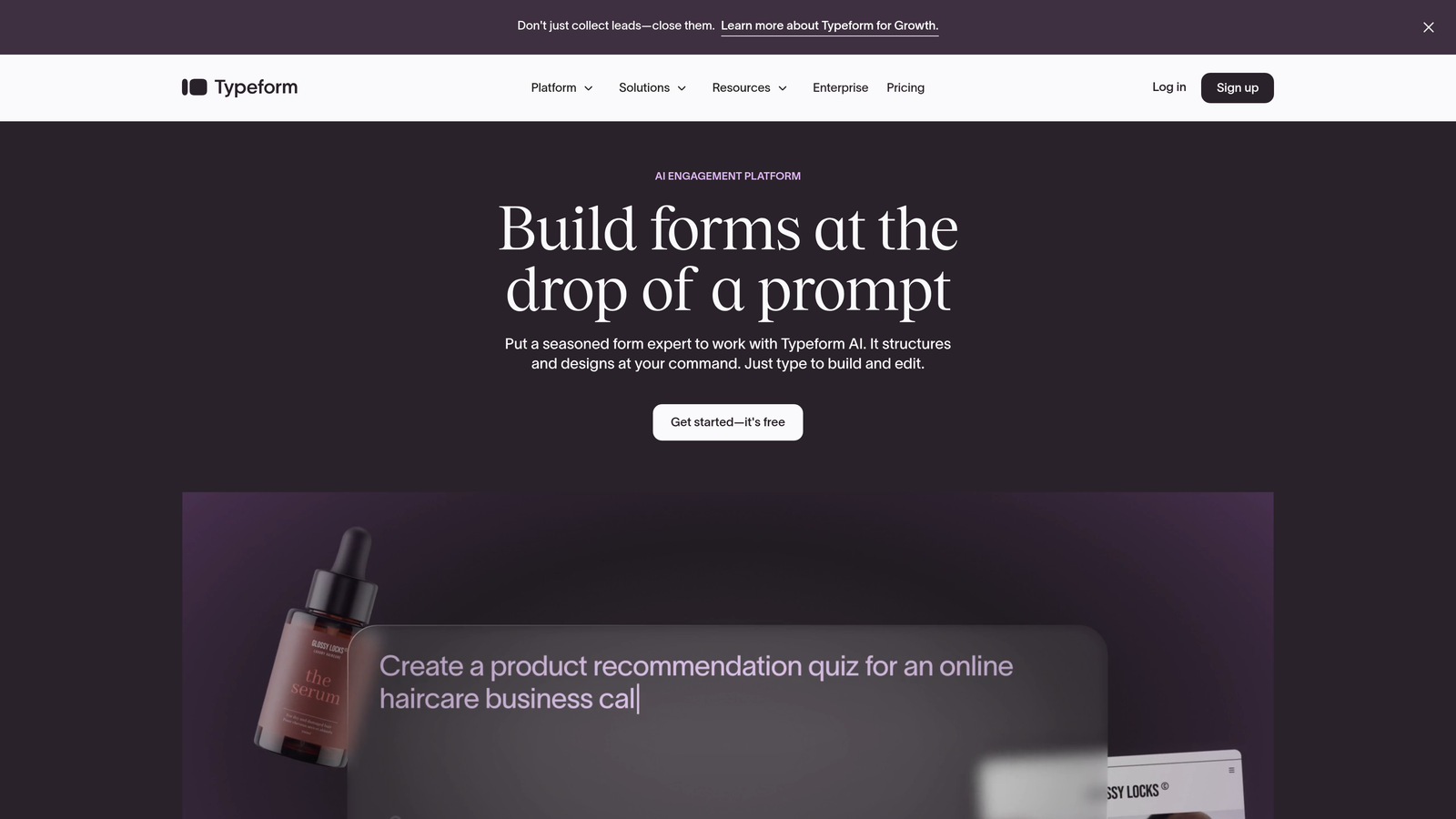
Typeform is a conversational form builder that presents questions one at a time, tracking engagement and drop-off at each step.
Where This Tool Shines
Typeform's question-by-question approach creates a unique advantage for analytics. You can see exactly where prospects lose interest, which questions cause confusion, and how completion rates vary across different form versions.
The platform excels at visualizing the respondent journey through your form, making it easy to identify friction points and optimize accordingly. The conversational interface typically achieves higher engagement rates than traditional forms.
Key Features
Question-Level Drop-Off Analysis: Identify exactly which questions cause prospects to abandon your form.
Completion Rate Tracking: Monitor overall form performance and benchmark against industry standards.
Response Insights Dashboard: Visualize submission patterns, average completion times, and engagement metrics.
Analytics Platform Integration: Connect with Google Analytics and other tools for unified tracking.
A/B Testing Capabilities: Test different form variations and measure performance differences with built-in analytics.
Best For
Marketing teams focused on user experience and engagement metrics. Particularly effective for surveys, lead qualification forms, and any scenario where understanding the respondent journey matters as much as the final submission.
Pricing
Free tier available with basic analytics. Basic plan starts at $25/month with expanded analytics features and higher submission limits.
3. Jotform
Best for: Teams needing versatile form building with robust visual reporting
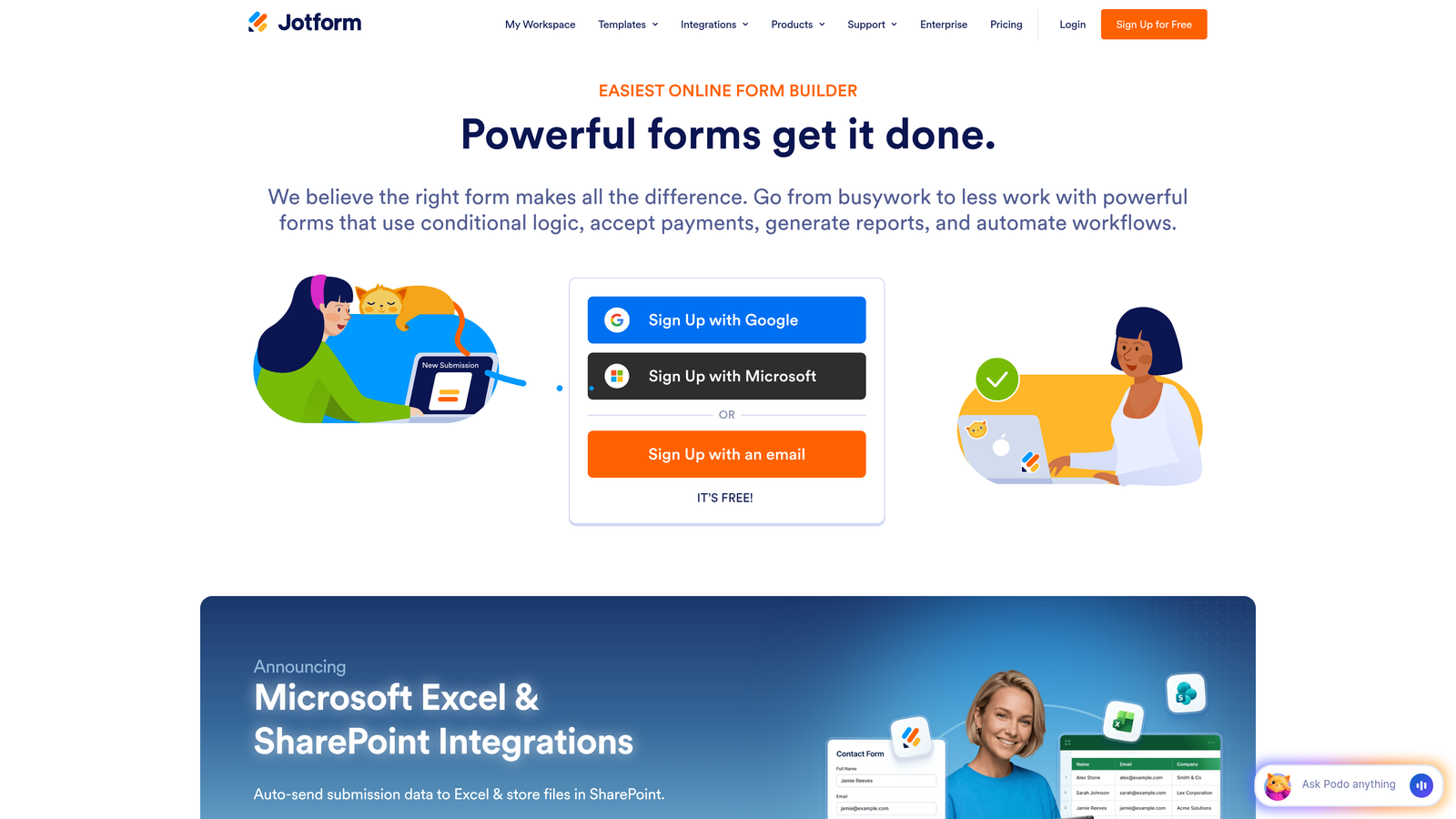
Jotform is a comprehensive form builder offering extensive customization options paired with a powerful visual report builder.
Where This Tool Shines
Jotform's visual report builder lets you create custom analytics dashboards without technical expertise. You can generate charts, graphs, and tables from your form data, then share these reports with stakeholders who don't need access to the raw submissions.
The platform tracks submission trends over time, geographic distribution of responses, and device-specific performance—all presented in customizable visual formats that make insights immediately actionable.
Key Features
Visual Report Builder: Create custom charts, graphs, and analytics dashboards from your form data.
Customizable Analytics Dashboards: Design personalized views showing the metrics that matter most to your team.
Submission Trend Analysis: Track form performance over time with historical data visualization.
Geographic Response Tracking: See where your submissions originate on interactive maps.
Multi-Format Export: Download analytics and submission data in Excel, CSV, PDF, or other formats.
Best For
Organizations that need flexible reporting capabilities and want to create custom analytics views for different stakeholders. Works well for teams managing diverse form types who need unified reporting across multiple use cases.
Pricing
Free tier with basic analytics included. Bronze plan starts at $34/month with advanced reporting features and increased submission capacity.
4. HubSpot Forms
Best for: Full-funnel attribution tracking from first touch to conversion
HubSpot Forms is deeply integrated with HubSpot's CRM, enabling complete visibility into how form submissions progress through your sales funnel.

Where This Tool Shines
HubSpot Forms doesn't just track submissions—it connects form data to the entire customer lifecycle. You can see which marketing campaigns drove form fills, how those leads progressed through your pipeline, and ultimately which forms contribute to closed revenue.
The native CRM integration means every form submission automatically becomes a contact record with full attribution history, eliminating data silos between marketing and sales teams.
Key Features
Full-Funnel Attribution Reporting: Track leads from initial form submission through deal closure and revenue impact.
Contact Lifecycle Tracking: Monitor how form submissions move through each stage of your customer journey.
Source and Campaign Analytics: Identify which traffic sources and marketing campaigns generate the highest-quality form submissions.
Native CRM Integration: Automatically sync form data with contact records for unified analytics across all touchpoints.
Progressive Profiling Insights: Track how additional information collection impacts form completion and lead quality over time.
Best For
Teams already using HubSpot CRM or those seeking tight integration between marketing forms and sales pipeline analytics. Particularly valuable for organizations focused on revenue attribution and closed-loop reporting.
Pricing
Free with HubSpot CRM, including basic form analytics. Marketing Hub starts at $45/month with advanced attribution reporting and automation features.
5. Formstack
Best for: Enterprise teams requiring advanced analytics with compliance features
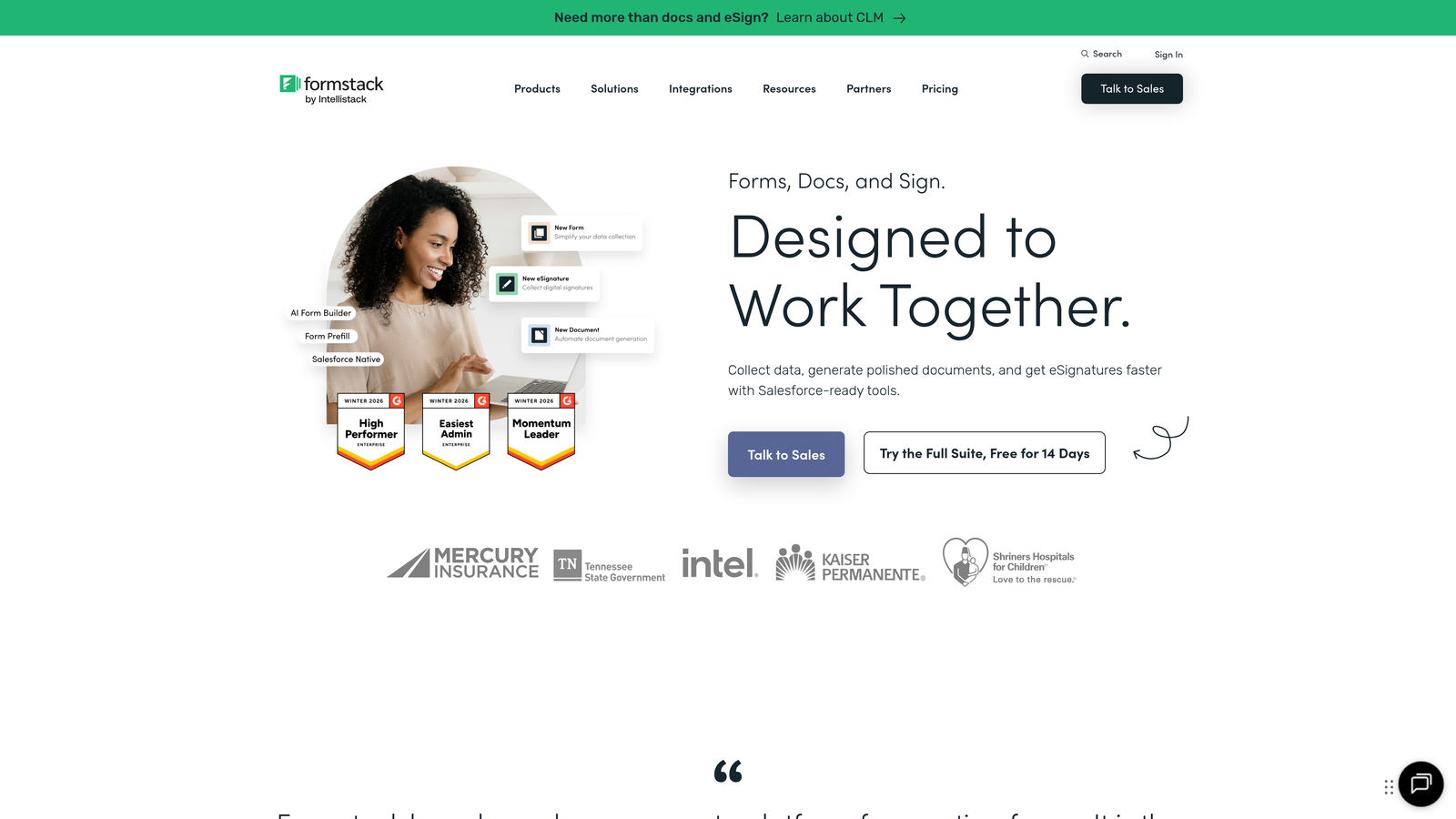
Formstack is an enterprise-grade form solution combining sophisticated analytics with workflow automation and compliance capabilities.
Where This Tool Shines
Formstack delivers enterprise-level analytics depth, including partial submission tracking that captures data even when prospects don't complete the form. This feature alone provides valuable insights into where friction occurs and which information requests cause abandonment.
The platform also tracks team performance metrics, showing how different departments or individuals perform when handling form-generated leads—useful for organizations with distributed teams managing lead intake.
Key Features
Advanced Conversion Analytics: Deep-dive into completion rates, submission patterns, and conversion funnel performance.
Partial Submission Tracking: Capture and analyze data from incomplete form submissions to understand abandonment patterns.
HIPAA-Compliant Options: Maintain analytics capabilities while meeting healthcare data protection requirements.
Workflow Automation Analytics: Track how automated processes impact form completion and lead processing efficiency.
Team Performance Reporting: Monitor how different team members or departments handle form-generated leads.
Best For
Enterprise organizations with complex compliance requirements and teams that need granular analytics on both form performance and lead handling processes. Particularly suited for healthcare, finance, and regulated industries.
Pricing
Starter plan begins at $50/month. Enterprise pricing available for organizations requiring advanced security, compliance, and analytics features.
6. Gravity Forms
Best for: WordPress sites needing customizable analytics through extensive add-ons
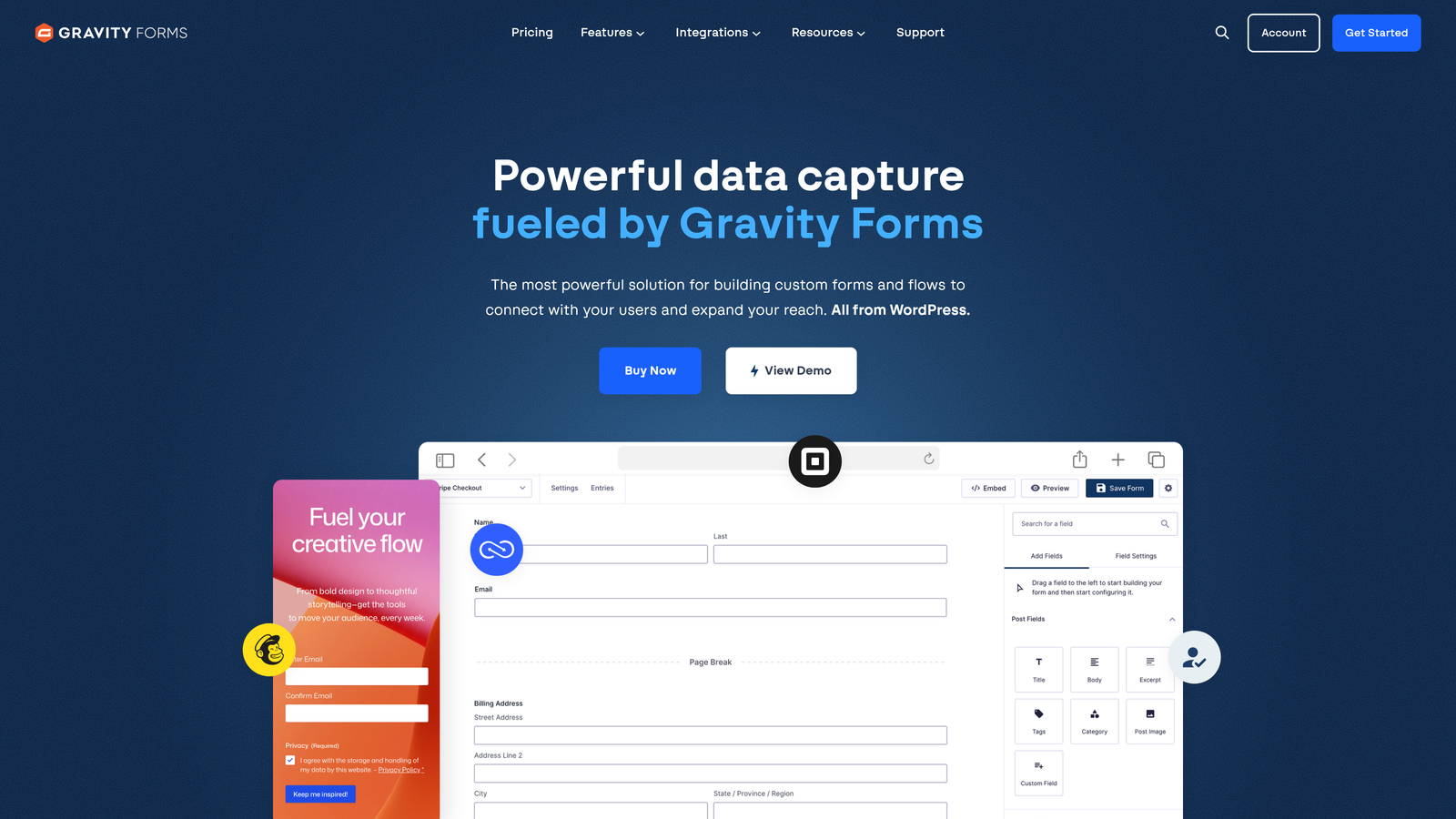
Gravity Forms is a WordPress-native form plugin with a robust add-on ecosystem that enables highly customized analytics setups.
Where This Tool Shines
Gravity Forms takes a modular approach to analytics. While basic entry management comes standard, you can extend capabilities through add-ons for Google Analytics integration, partial entry tracking, and advanced reporting—building exactly the analytics stack your team needs.
The platform's deep WordPress integration means form analytics can connect seamlessly with your site's existing tracking setup, maintaining consistency across all your conversion points.
Key Features
Google Analytics Integration Add-On: Track form events, conversions, and user behavior directly in your Google Analytics dashboard.
Entry Management with Filtering: Search, filter, and analyze form submissions using custom criteria and saved views.
Partial Entry Tracking: Capture incomplete submissions to identify where prospects abandon forms.
Extensive Third-Party Integrations: Connect with CRM, email marketing, and analytics platforms for unified tracking.
Custom Reporting via Add-Ons: Build specialized analytics dashboards using community-developed and premium add-ons.
Best For
WordPress-based businesses that want complete control over their form analytics setup and prefer building custom solutions using a flexible plugin ecosystem rather than working within a proprietary platform's limitations.
Pricing
Basic license starts at $59/year. Pro and Elite tiers unlock additional add-ons and priority support for more sophisticated analytics implementations.
7. 123FormBuilder
Best for: Real-time analytics with geographic insights and response time tracking
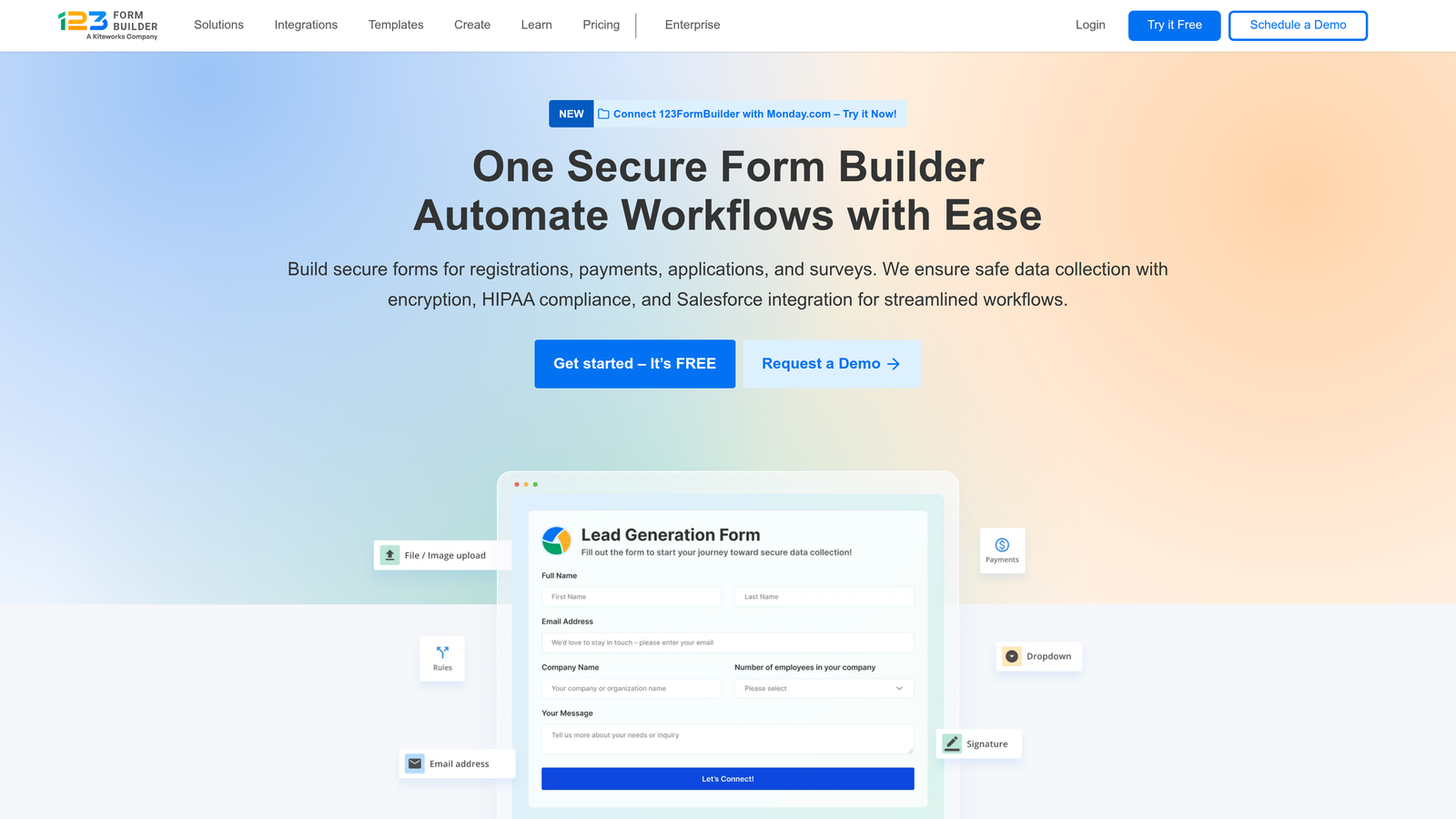
123FormBuilder is a form platform emphasizing real-time analytics and geographic response tracking capabilities.
Where This Tool Shines
123FormBuilder excels at real-time visibility. You receive instant notifications when forms are submitted, and the dashboard updates immediately with new data—particularly valuable for time-sensitive lead generation campaigns or event registrations.
The geographic response mapping feature visualizes where your form submissions originate, helping identify regional performance patterns and optimize targeting strategies based on location-specific conversion data.
Key Features
Real-Time Submission Notifications: Receive instant alerts when new forms are submitted for immediate follow-up.
Geographic Response Mapping: Visualize submission locations on interactive maps to identify regional patterns.
Response Time Analytics: Track how quickly prospects complete forms and identify optimal timing patterns.
Conversion Funnel Tracking: Monitor how prospects move through multi-page forms with step-by-step analytics.
Custom Report Generation: Create tailored reports focusing on the metrics most relevant to your business.
Best For
Teams running location-based campaigns or those needing immediate visibility into form submissions. Works well for businesses with distributed sales teams requiring instant lead notifications and geographic performance insights.
Pricing
Free tier available with basic analytics. Gold plan starts at $24.99/month with advanced reporting and geographic tracking features.
8. Paperform
Best for: Design-conscious teams wanting clean analytics alongside beautiful forms
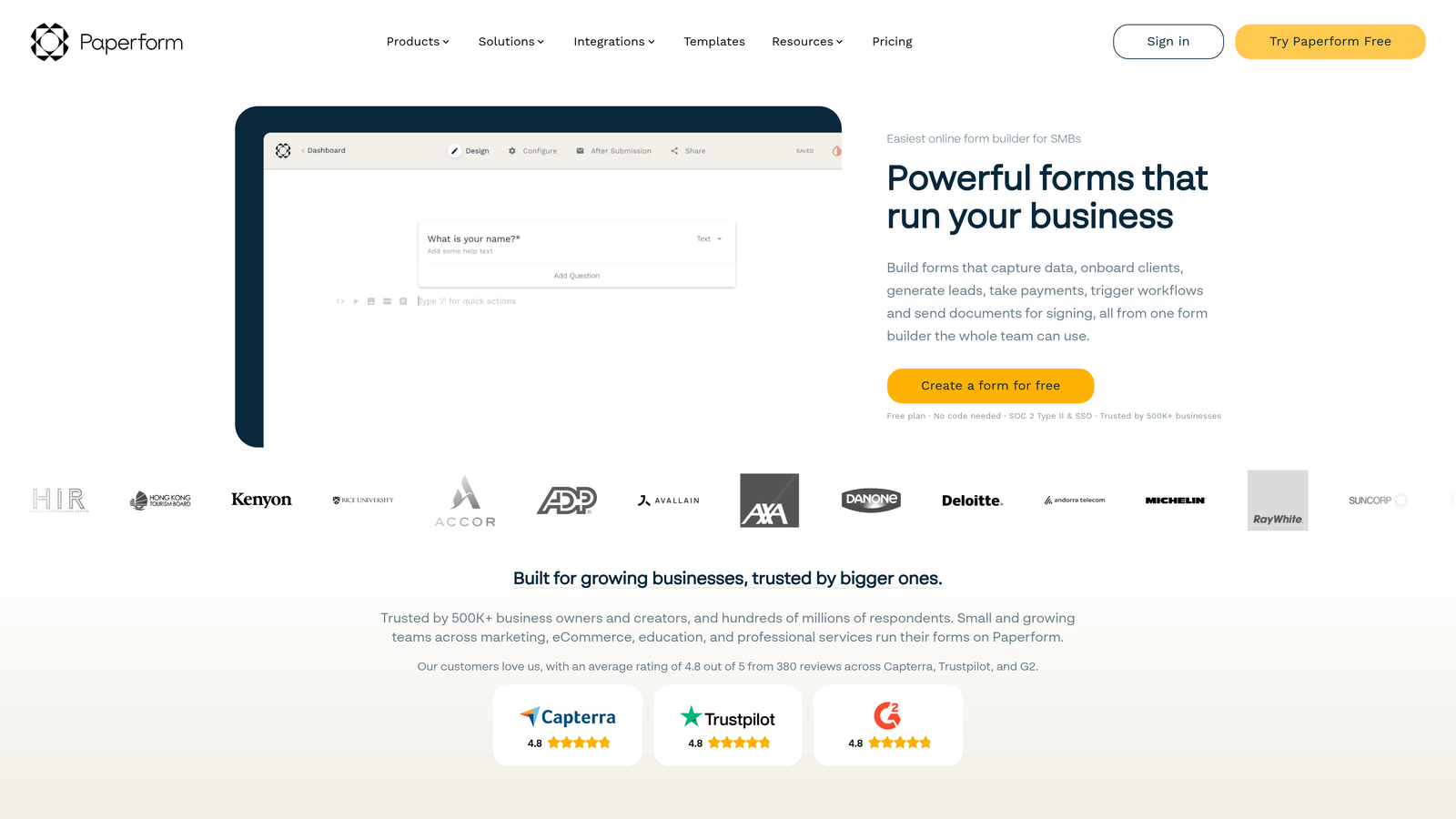
Paperform is a design-focused form builder that combines aesthetic flexibility with a streamlined analytics dashboard.
Where This Tool Shines
Paperform brings the same design philosophy to analytics that it applies to form building—clean, intuitive, and focused on what matters. The analytics dashboard presents conversion data without overwhelming you with excessive metrics.
The platform particularly excels when forms include payment elements, tracking not just submission rates but payment conversion analytics—showing which form designs drive both completions and actual transactions.
Key Features
Built-In Analytics Dashboard: Access clean, focused metrics showing form performance at a glance.
Conversion Rate Tracking: Monitor completion rates and identify optimization opportunities across your forms.
Payment Analytics Integration: Track transaction success rates when forms include payment processing.
Partial Submission Insights: Understand where prospects abandon forms before completion.
Google Analytics Connection: Sync form data with your existing analytics setup for unified tracking.
Best For
Creative teams, agencies, and businesses that prioritize design aesthetics while still needing solid analytics capabilities. Particularly effective for forms that combine lead generation with payment processing.
Pricing
Essentials plan starts at $24/month, including full analytics features. Higher tiers add increased submission capacity and advanced customization options.
9. Cognito Forms
Best for: Budget-conscious teams needing submission analytics with payment tracking
Cognito Forms is a cost-effective form builder that combines submission analytics with payment conversion tracking capabilities.
Where This Tool Shines
Cognito Forms delivers solid analytics functionality at a price point that works for smaller teams and startups. The submission analytics dashboard covers essential metrics without unnecessary complexity, making it easy to monitor form performance without extensive training.
The payment conversion tracking feature stands out in this price range, allowing you to see not just who submitted forms but who completed transactions—critical for businesses using forms for order collection or registration fees.
Key Features
Submission Analytics Dashboard: Track form completions, submission trends, and basic performance metrics.
Payment Conversion Tracking: Monitor transaction success rates when forms include payment processing.
Entry Status Monitoring: Track the lifecycle of submissions from initial entry through processing completion.
Basic Funnel Visualization: See how prospects move through multi-page forms with simple analytics.
Data Export Capabilities: Download submission data and analytics for custom analysis in external tools.
Best For
Small businesses, nonprofits, and startups that need reliable form analytics without enterprise pricing. Works well for organizations processing payments through forms who want to track both submission and transaction metrics.
Pricing
Free tier available with basic analytics features. Pro plan starts at $15/month, making it one of the most affordable options with comprehensive analytics capabilities.
Making the Right Choice
The right contact form software depends on your specific analytics needs and technical environment. For teams seeking AI-powered lead qualification combined with conversion analytics, Orbit AI delivers intelligent insights that go beyond basic submission tracking. HubSpot Forms excels when you need full-funnel attribution tied to your CRM, while Gravity Forms offers maximum flexibility for WordPress-based sites.
Budget-conscious teams will find solid analytics capabilities in Cognito Forms, while enterprise organizations requiring compliance features should consider Formstack's advanced tracking with HIPAA options. Typeform remains the top choice for conversational forms with detailed engagement analytics.
When evaluating these tools, prioritize analytics depth that matches your optimization goals. Basic submission tracking works for simple lead collection, but if you're serious about conversion optimization, look for platforms offering behavioral insights, drop-off analysis, and source attribution. The ability to connect form analytics with your broader marketing stack—whether through native integrations or API access—determines how effectively you can act on the insights you gather.
Consider whether you need real-time analytics for immediate follow-up or if periodic reporting suffices. Teams managing high lead volumes benefit from automated qualification and scoring, while smaller operations might prioritize simplicity and ease of use over advanced features.
Transform your lead generation with AI-powered forms that qualify prospects automatically while delivering the modern, conversion-optimized experience your high-growth team needs. Start building free forms today and see how intelligent form design can elevate your conversion strategy.


