

Every lead, customer inquiry, and feedback submission flows through your forms. Yet most businesses still rely on clunky builders that frustrate visitors and leak conversions.
The right online form maker transforms data collection from a friction point into a growth engine—qualifying leads automatically, integrating with your stack, and looking polished enough to match your brand.
We evaluated dozens of platforms based on ease of use, customization depth, integration options, pricing flexibility, and features that actually matter for business growth. Here are the top online form makers that deliver real results.
1. Orbit AI
Best for: High-growth teams needing AI-powered lead qualification and conversion optimization
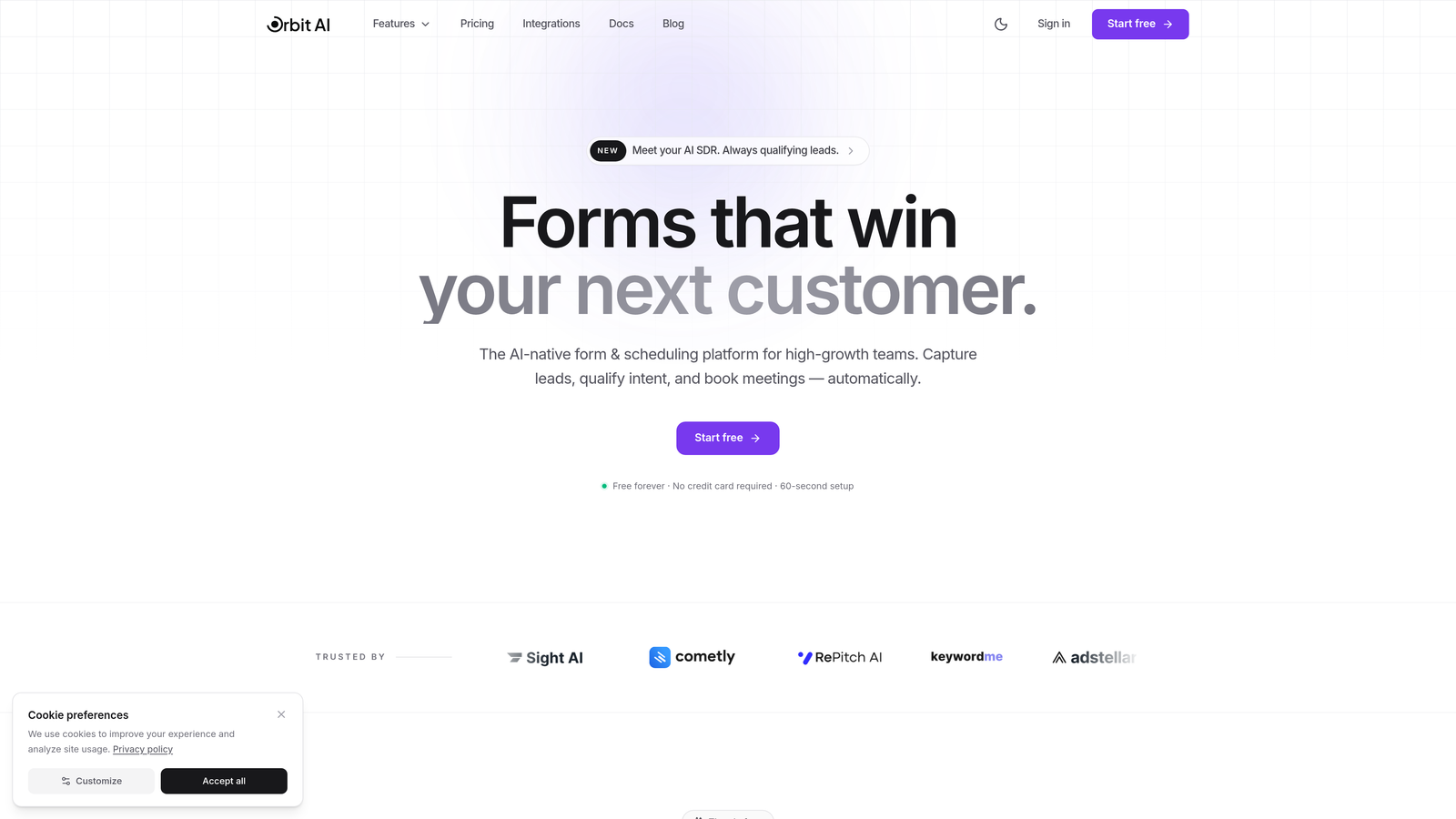
Orbit AI is an AI-powered form builder designed specifically for businesses that need to qualify leads while they're filling out forms, not after.
Where This Tool Shines
The platform's AI engine analyzes responses in real-time, scoring leads and routing high-value prospects to your sales team immediately. This means your team spends time on qualified opportunities instead of sifting through unqualified submissions.
The conversion-optimized templates are built on data from thousands of high-performing forms, giving you a head start on design patterns that actually convert. The interface feels modern and polished—important when your forms represent your brand to potential customers.
Key Features
AI-Powered Lead Qualification: Automatically scores and routes leads based on their responses and behavior patterns.
Conversion-Optimized Templates: Pre-built forms designed specifically for lead generation, event registration, and customer feedback.
Native CRM Integrations: Direct connections to major CRMs without relying on third-party automation tools.
Intelligent Workflow Automation: Trigger actions based on lead scores, response patterns, and qualification criteria.
Real-Time Analytics Dashboard: Track conversion rates, completion times, and lead quality metrics in one view.
Best For
SaaS companies, B2B service providers, and marketing agencies that need to maximize lead quality while maintaining high conversion rates. Particularly valuable for teams that currently waste time on unqualified leads or struggle with form abandonment.
Pricing
Free tier available for getting started. Paid plans begin at $29/month with advanced AI features and predictable response limits.
2. Typeform
Best for: Creating engaging conversational forms with high completion rates
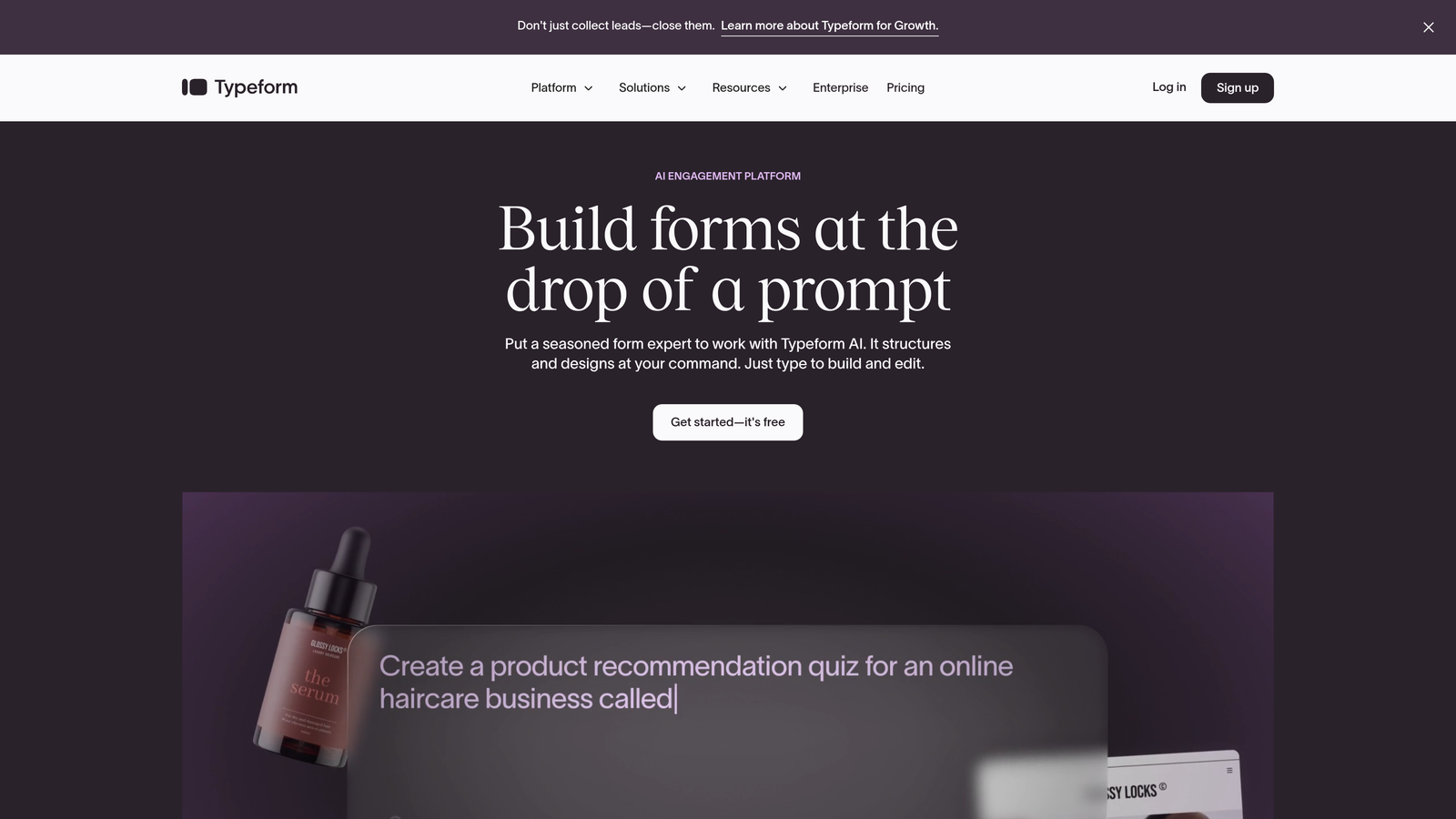
Typeform pioneered the one-question-at-a-time format that makes long forms feel less intimidating and more like a conversation.
Where This Tool Shines
The conversational interface significantly reduces form abandonment by breaking complex forms into digestible steps. Instead of overwhelming visitors with a wall of fields, Typeform presents questions sequentially, creating a more engaging experience.
The brand customization options are extensive—you can match fonts, colors, and imagery to your exact brand guidelines. This attention to design detail makes Typeform popular with agencies and design-conscious brands.
Key Features
Conversational One-Question Format: Present questions sequentially to reduce cognitive load and improve completion rates.
Extensive Brand Customization: Control every visual element from fonts and colors to background images and button styles.
Logic Jumps and Branching: Create dynamic forms that adapt based on previous answers.
Video and Image Embedding: Add rich media to make forms more engaging and provide context.
Native Integrations: Connect directly to popular tools like Slack, Google Sheets, and Mailchimp.
Best For
Businesses prioritizing user experience and completion rates over complex data collection. Works particularly well for surveys, lead capture, and feedback forms where engagement matters more than gathering extensive information upfront.
Pricing
Free tier available with Typeform branding. Basic plan starts at $25/month.
3. Jotform
Best for: Businesses needing extensive templates and no-code customization flexibility
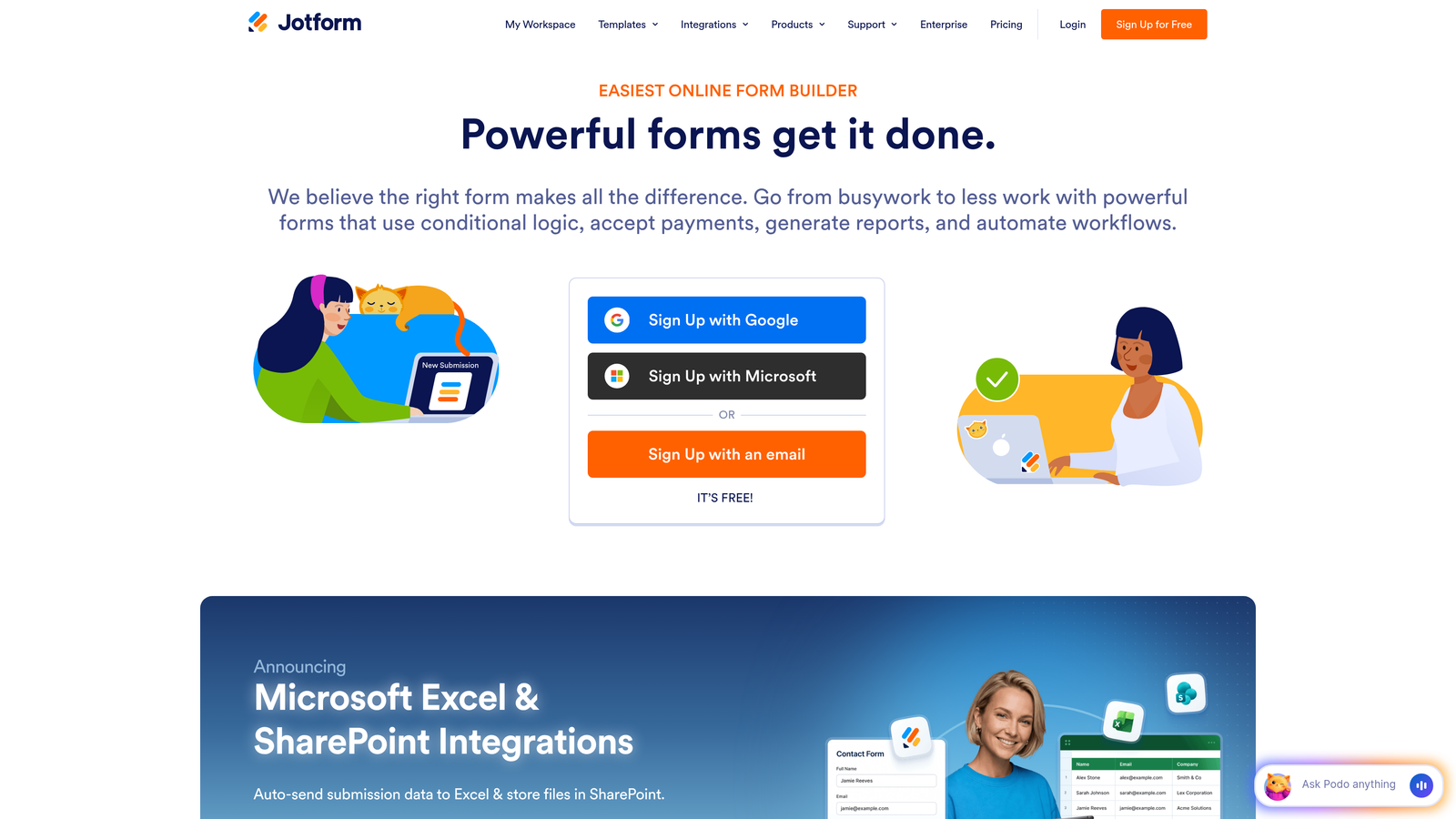
Jotform offers the largest template library in the industry with over 10,000 pre-built forms covering virtually every use case.
Where This Tool Shines
The sheer variety of templates means you can find a starting point for almost any form type—from complex registration forms to simple contact pages. This dramatically reduces build time when you need forms quickly.
The drag-and-drop builder provides granular control without requiring code. You can customize field types, add conditional logic, and integrate payment processing all within the visual interface.
Key Features
10,000+ Form Templates: Pre-built forms for every industry and use case imaginable.
Drag-and-Drop Builder: Visual editor with precise control over form layout and functionality.
Payment Integrations: Accept payments directly through forms via PayPal, Stripe, and Square.
PDF Form Conversion: Convert existing PDF forms into fillable online versions.
Mobile App for Submissions: Collect responses offline and sync when connected.
Best For
Small to medium businesses that need versatile form capabilities across multiple departments. Particularly valuable for organizations that regularly create different types of forms and want to avoid starting from scratch each time.
Pricing
Free tier includes up to 5 forms. Bronze plan starts at $34/month for unlimited forms.
4. Google Forms
Best for: Simple forms with Google Workspace integration on a zero budget
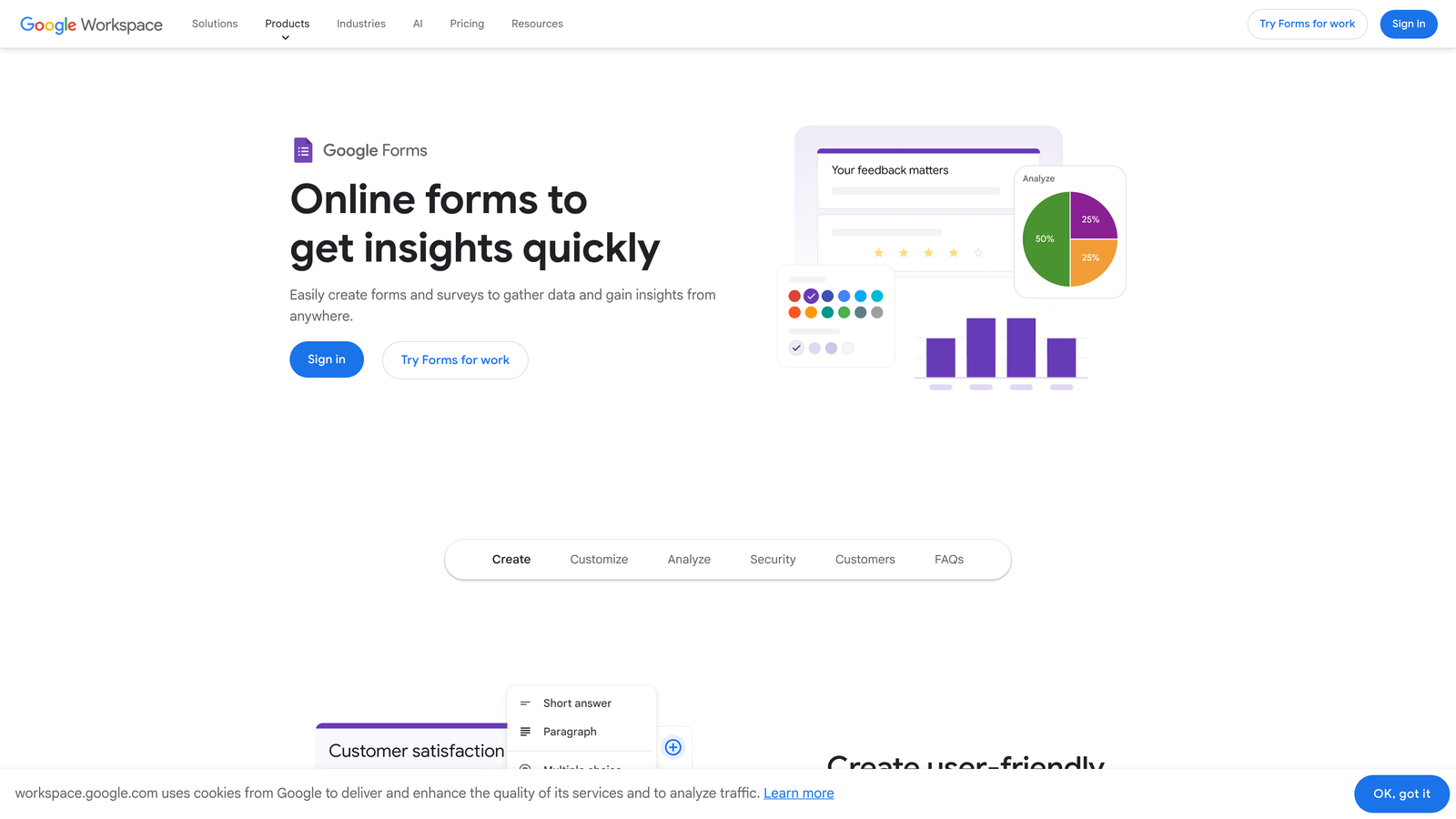
Google Forms provides straightforward form building with automatic Google Sheets integration, completely free.
Where This Tool Shines
The real-time collaboration features make Google Forms ideal for teams already working in Google Workspace. Multiple people can edit forms simultaneously, and responses automatically populate in Sheets for easy analysis.
The simplicity is both a strength and limitation. You won't find advanced features, but for basic data collection, surveys, and internal forms, it handles the essentials without complexity.
Key Features
Completely Free Unlimited Forms: No restrictions on form count or submissions.
Real-Time Collaboration: Multiple team members can build and edit forms together.
Automatic Google Sheets Sync: Responses flow directly into spreadsheets for analysis.
Basic Conditional Logic: Show or hide questions based on previous answers.
Quiz and Assessment Features: Create graded quizzes with automatic scoring.
Best For
Organizations already using Google Workspace that need simple forms for internal processes, basic surveys, or event registrations. Not suitable for businesses requiring advanced branding or complex workflows.
Pricing
Free with any Google account.
5. Tally
Best for: Unlimited forms without branding on a generous free plan
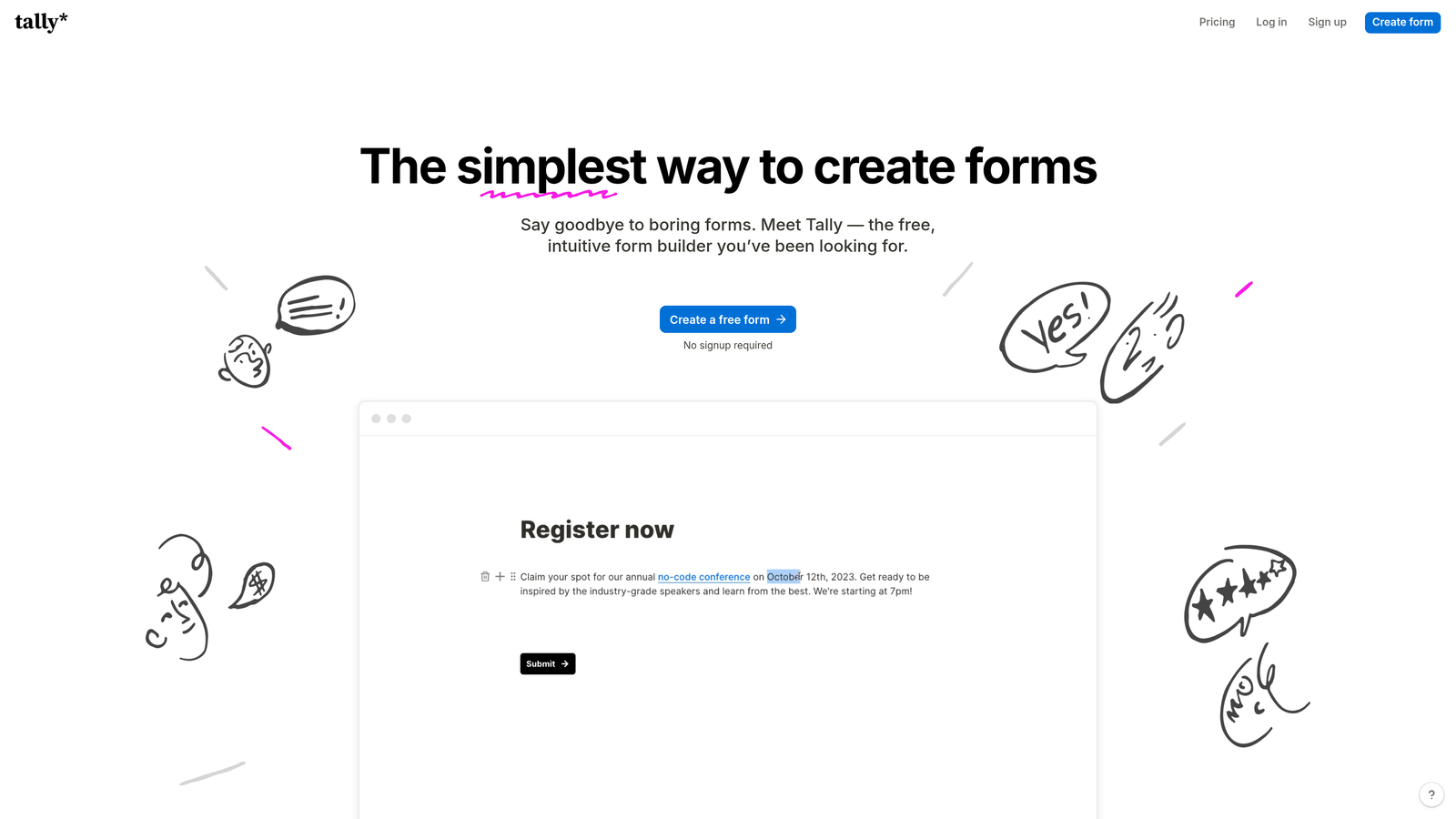
Tally disrupts traditional form builder pricing by offering unlimited forms with no Tally branding on its free tier.
Where This Tool Shines
The Notion-style block editor feels familiar if you're already using Notion for documentation. Building forms becomes as simple as adding blocks and typing—no learning curve for teams already comfortable with block-based interfaces.
The free plan's generosity makes Tally particularly attractive for startups and small businesses. You get professional-looking forms without watermarks or submission limits, removing the typical pressure to upgrade.
Key Features
Unlimited Forms on Free Tier: No artificial limits on form count or submissions.
No Tally Branding on Free Plan: Forms look professional without "Powered by" watermarks.
Notion-Style Block Editor: Intuitive building experience using familiar block-based interface.
Conditional Logic: Create dynamic forms that adapt based on responses.
Partial Submissions Capture: Save incomplete responses to recover abandoned form data.
Best For
Startups and small teams that need professional forms without monthly costs. Works well for businesses already using Notion who want a consistent interface across their tools.
Pricing
Free tier with unlimited forms. Pro plan at $29/month adds advanced features and integrations.
6. Cognito Forms
Best for: Payment collection, complex calculations, and compliance requirements
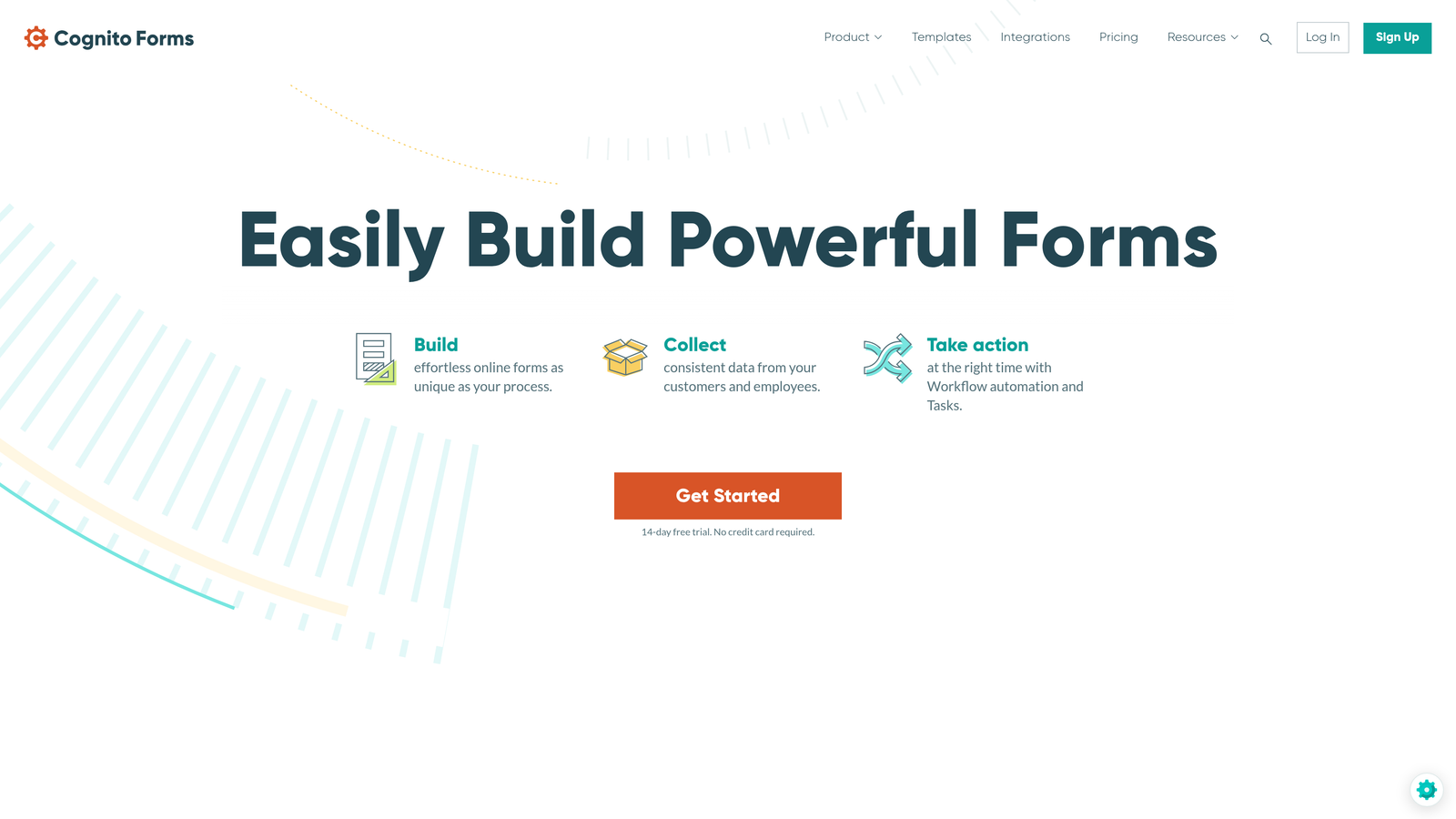
Cognito Forms specializes in advanced functionality like payment processing, complex calculations, and compliance-ready features.
Where This Tool Shines
The calculation engine handles complex math within forms—useful for quote requests, order forms, or registration fees that vary based on selections. You can create sophisticated pricing logic without custom code.
HIPAA compliance options make Cognito Forms a strong choice for healthcare organizations that need to collect protected health information securely while maintaining regulatory compliance.
Key Features
Advanced Calculation Fields: Perform complex math operations based on form inputs.
Payment Processing Built-In: Accept payments through Stripe, PayPal, or Square directly in forms.
HIPAA Compliance Available: Business Associate Agreement and encrypted data storage for healthcare use cases.
Repeating Sections: Allow users to add multiple entries of the same field group.
Workflow Automation: Trigger actions and notifications based on submission data.
Best For
Healthcare providers, financial services, and businesses in regulated industries requiring compliance features. Also ideal for organizations that need sophisticated payment collection or calculation capabilities.
Pricing
Free tier available. Pro plan starts at $15/month.
7. Formstack
Best for: Enterprise workflows with document generation and advanced automation
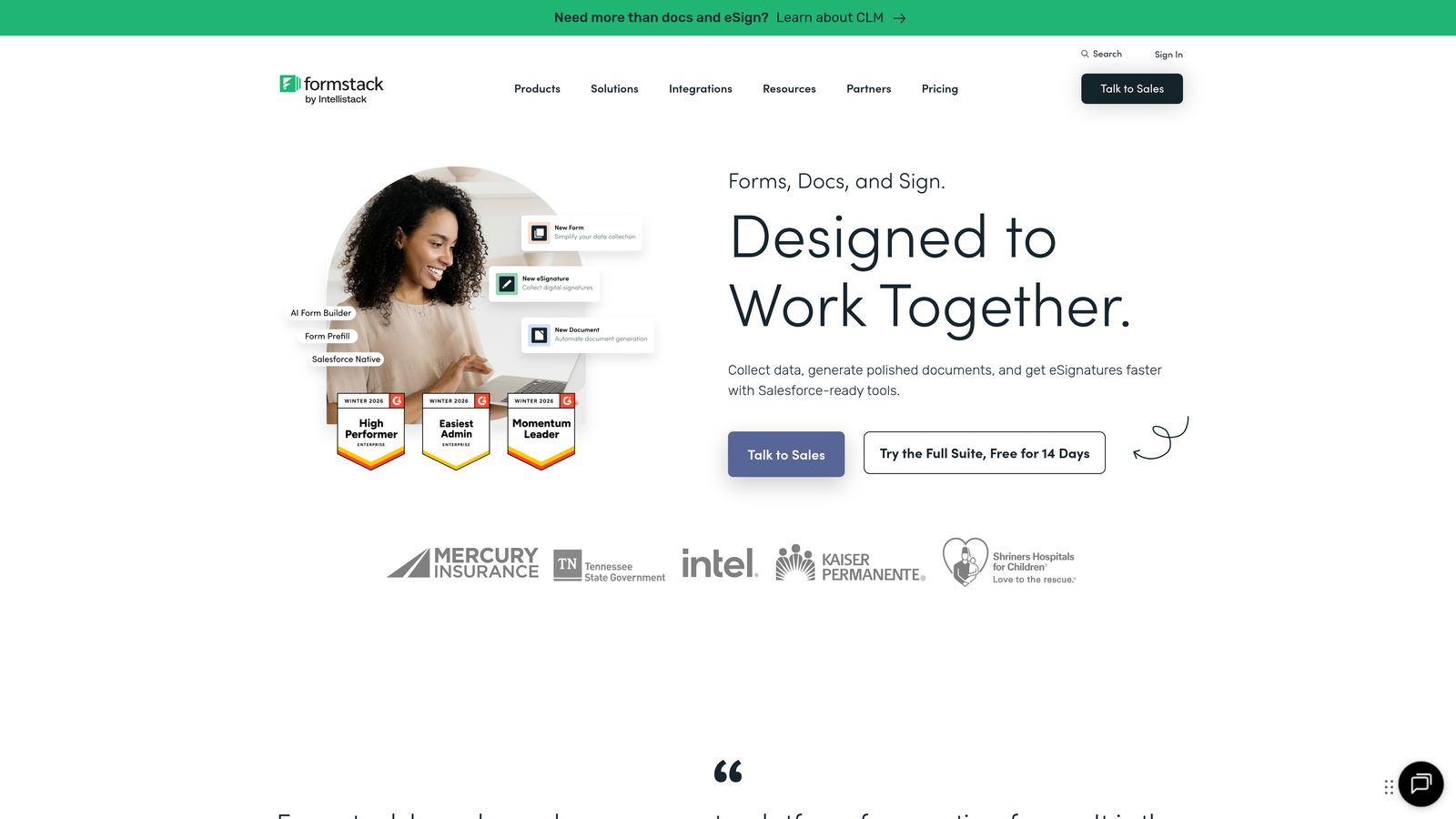
Formstack targets enterprise customers with advanced workflow automation, document generation, and comprehensive compliance certifications.
Where This Tool Shines
The document generation feature automatically creates PDFs, contracts, or reports from form submissions. This eliminates manual data entry when creating customer agreements, work orders, or compliance documentation.
The platform holds HIPAA, GDPR, and SOC 2 compliance certifications, making it suitable for enterprises with strict data security requirements. The native Salesforce integration is particularly robust compared to competitors.
Key Features
Document Generation from Submissions: Automatically create formatted documents using form data.
Advanced Workflow Builder: Create multi-step approval processes and routing logic.
HIPAA, GDPR, SOC 2 Compliance: Enterprise-grade security certifications and data protection.
Salesforce Native Integration: Deep two-way sync with Salesforce objects and workflows.
E-Signature Collection: Capture legally binding signatures within forms.
Best For
Large enterprises and regulated industries requiring robust compliance, advanced automation, and document generation. Particularly valuable for organizations with complex approval workflows or heavy Salesforce usage.
Pricing
Starter plan begins at $50/month. Enterprise pricing available for larger organizations.
8. 123FormBuilder
Best for: Compliance-focused forms for healthcare, finance, and regulated industries
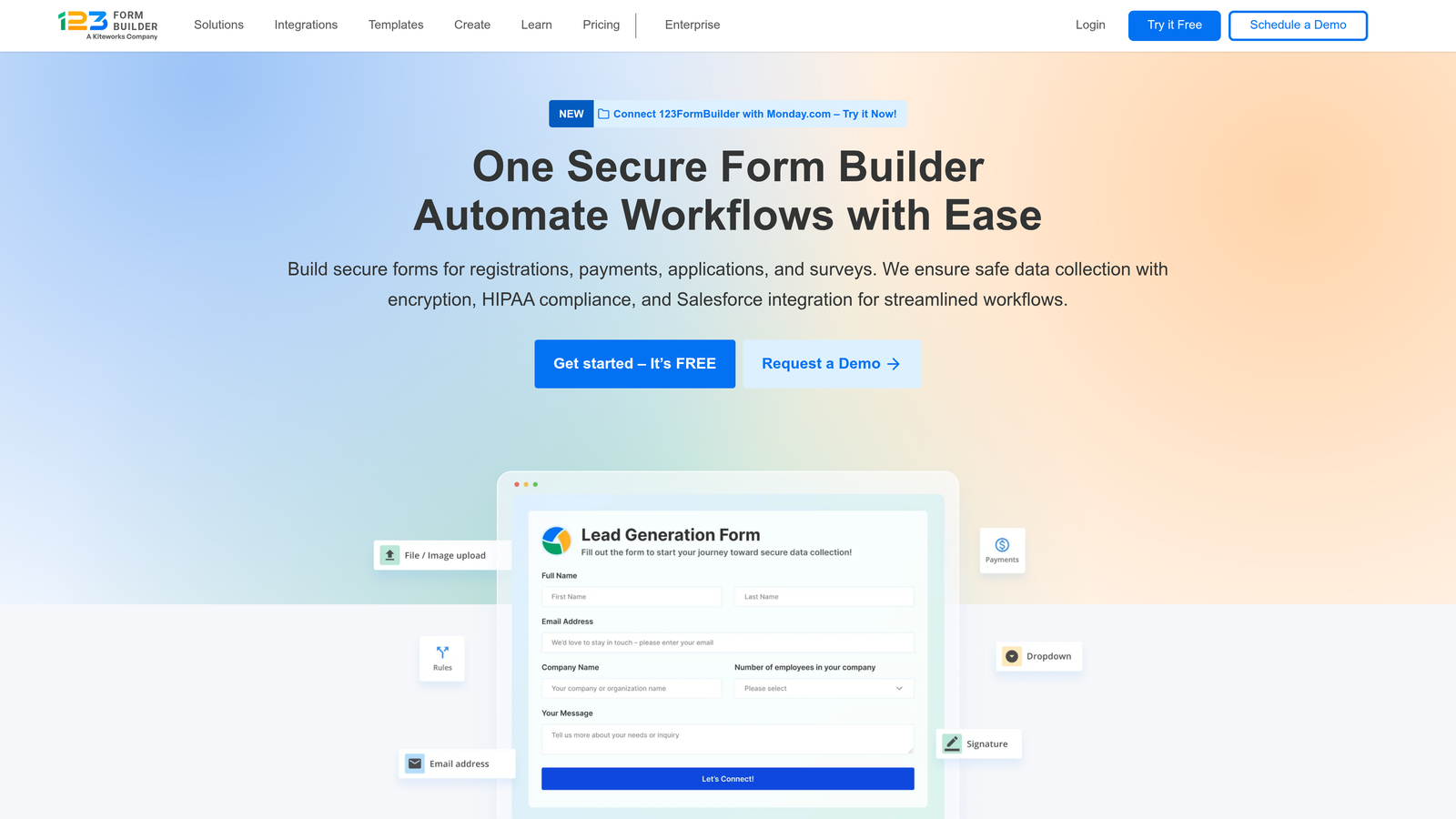
123FormBuilder emphasizes compliance and security features while maintaining user-friendly form creation.
Where This Tool Shines
The platform's HIPAA and GDPR compliance features come standard rather than as expensive add-ons. This makes it accessible for smaller healthcare practices and European businesses that need compliance without enterprise budgets.
The conditional logic capabilities are particularly sophisticated, allowing you to create complex branching forms that adapt extensively based on user responses—useful for detailed intake forms or assessments.
Key Features
HIPAA and GDPR Compliance: Built-in compliance features without premium pricing tiers.
Advanced Conditional Logic: Create sophisticated branching based on multiple conditions.
Multi-Page Forms: Break long forms into organized sections with progress indicators.
Payment Integrations: Accept payments through major processors with PCI compliance.
Custom Branding: Remove platform branding and apply your own visual identity.
Best For
Healthcare providers, financial advisors, and businesses handling sensitive data that need compliance features at accessible price points. Works well for organizations requiring complex conditional logic in their forms.
Pricing
Free tier available. Gold plan starts at $24.99/month with compliance features.
9. Paperform
Best for: Design-forward landing page-style forms with e-commerce capabilities
Paperform blurs the line between forms and landing pages, creating visually rich experiences that can also sell products.
Where This Tool Shines
The landing page-style design approach makes forms feel less like data collection and more like branded experiences. You can embed images, videos, and rich text throughout forms to provide context and maintain engagement.
Built-in product selling capabilities mean you can create order forms, booking pages, or donation forms without integrating separate e-commerce platforms. The checkout experience stays within your branded form.
Key Features
Landing Page-Style Design: Create visually rich forms that function as standalone pages.
Built-In Product Selling: Sell products, services, or accept donations directly through forms.
Rich Media Embedding: Add videos, images, and formatted text throughout forms.
Custom Success Pages: Design branded thank-you pages with additional content or offers.
Scheduling Integration: Connect calendars for appointment booking within forms.
Best For
Creative agencies, consultants, and businesses that prioritize design and want forms that double as landing pages. Particularly valuable for service-based businesses that need booking and payment capabilities in one place.
Pricing
Essentials plan starts at $24/month. No free tier available.
10. Fillout
Best for: Database-first workflows with native Airtable and Notion integrations
Fillout focuses on seamless database integration, particularly with Airtable and Notion, for teams building database-driven applications.
Where This Tool Shines
The native Airtable integration is deeper than typical form builders—you can read from and write to Airtable bases, update existing records, and use Airtable data to populate form options. This creates powerful database-driven workflows.
The Notion database sync works similarly, making Fillout ideal for teams already managing data in Notion who want forms that feed directly into their existing database structure.
Key Features
Native Airtable Integration: Two-way sync with Airtable bases including record updates and lookups.
Notion Database Sync: Write form submissions directly to Notion databases.
Multi-Step Forms: Break complex forms into organized steps with progress tracking.
Conditional Logic: Show or hide fields based on previous responses.
Custom Domains: Host forms on your own domain for brand consistency.
Best For
Teams using Airtable or Notion as their primary database who want forms that integrate natively without middleware. Particularly useful for operations teams building internal tools or customer-facing applications on these platforms.
Pricing
Free tier available. Starter plan begins at $15/month.
11. Microsoft Forms
Best for: Enterprise Microsoft 365 environments requiring built-in security compliance
Microsoft Forms provides form building capabilities integrated directly into the Microsoft 365 ecosystem with enterprise security features.
Where This Tool Shines
The Microsoft 365 integration means forms work seamlessly with your existing enterprise infrastructure. Data stays within your Microsoft environment, important for organizations with strict data residency requirements.
Enterprise security features come standard—data encryption, compliance with Microsoft's enterprise agreements, and integration with Azure Active Directory for authentication and access control.
Key Features
Microsoft 365 Integration: Native integration with Outlook, Teams, SharePoint, and other Microsoft tools.
Automatic Excel Sync: Responses flow directly into Excel for analysis and reporting.
Teams Embedding: Share and collect responses directly within Microsoft Teams channels.
Enterprise Security: Inherits your organization's Microsoft 365 security and compliance settings.
Branching Logic: Create conditional forms that adapt based on responses.
Best For
Large enterprises already standardized on Microsoft 365 that need forms integrated into their existing ecosystem. Particularly valuable for organizations with strict data governance requirements or heavy Teams usage.
Pricing
Included with Microsoft 365 subscriptions. No standalone pricing.
Finding Your Perfect Form Builder
The right online form maker depends on what you're actually trying to accomplish. Here's how to choose based on your specific needs.
For high-growth teams focused on lead quality, Orbit AI's intelligent qualification features ensure you're spending time on prospects worth pursuing. The AI-powered scoring and routing capabilities deliver immediate ROI by filtering out tire-kickers before they reach your sales team.
If completion rates are your primary concern, Typeform's conversational interface consistently outperforms traditional forms. The one-question-at-a-time approach works particularly well for longer surveys or multi-step lead capture.
Budget-conscious teams should look at Tally for unlimited free forms without branding, or Google Forms if you're already in the Google ecosystem. Both provide solid functionality without monthly costs.
Regulated industries handling sensitive data need the compliance features in Cognito Forms, 123FormBuilder, or Formstack. These platforms handle HIPAA, GDPR, and other regulatory requirements so you can focus on your business instead of compliance documentation.
Teams building on Airtable or Notion will find Fillout's native integrations far more powerful than connecting through Zapier. The two-way sync capabilities enable database-driven workflows that aren't possible with traditional form builders.
The form builder landscape continues evolving toward intelligent automation and seamless integration. The platforms that win aren't just making forms easier to build—they're making the entire data collection process smarter, more connected, and more valuable to your business growth.
Transform your lead generation with AI-powered forms that qualify prospects automatically while delivering the modern, conversion-optimized experience your high-growth team needs. Start building forms today and see how intelligent form design can elevate your conversion strategy.


