

Your forms are leaving money on the table. The average form abandonment rate hovers around 70%, meaning most visitors who start filling out your forms never complete them. For high-growth teams obsessed with conversion optimization, choosing the right form platform isn't just a technical decision—it's a revenue decision.
This guide covers the top conversion-focused form platforms that go beyond basic data collection. We evaluated each tool on conversion-boosting features like conditional logic, multi-step flows, A/B testing, and lead qualification capabilities. Whether you're capturing demo requests, qualifying enterprise leads, or building complex application workflows, these platforms are engineered to turn more visitors into qualified leads.
1. Orbit AI
Best for: High-growth teams needing AI-powered lead qualification and intelligent form routing
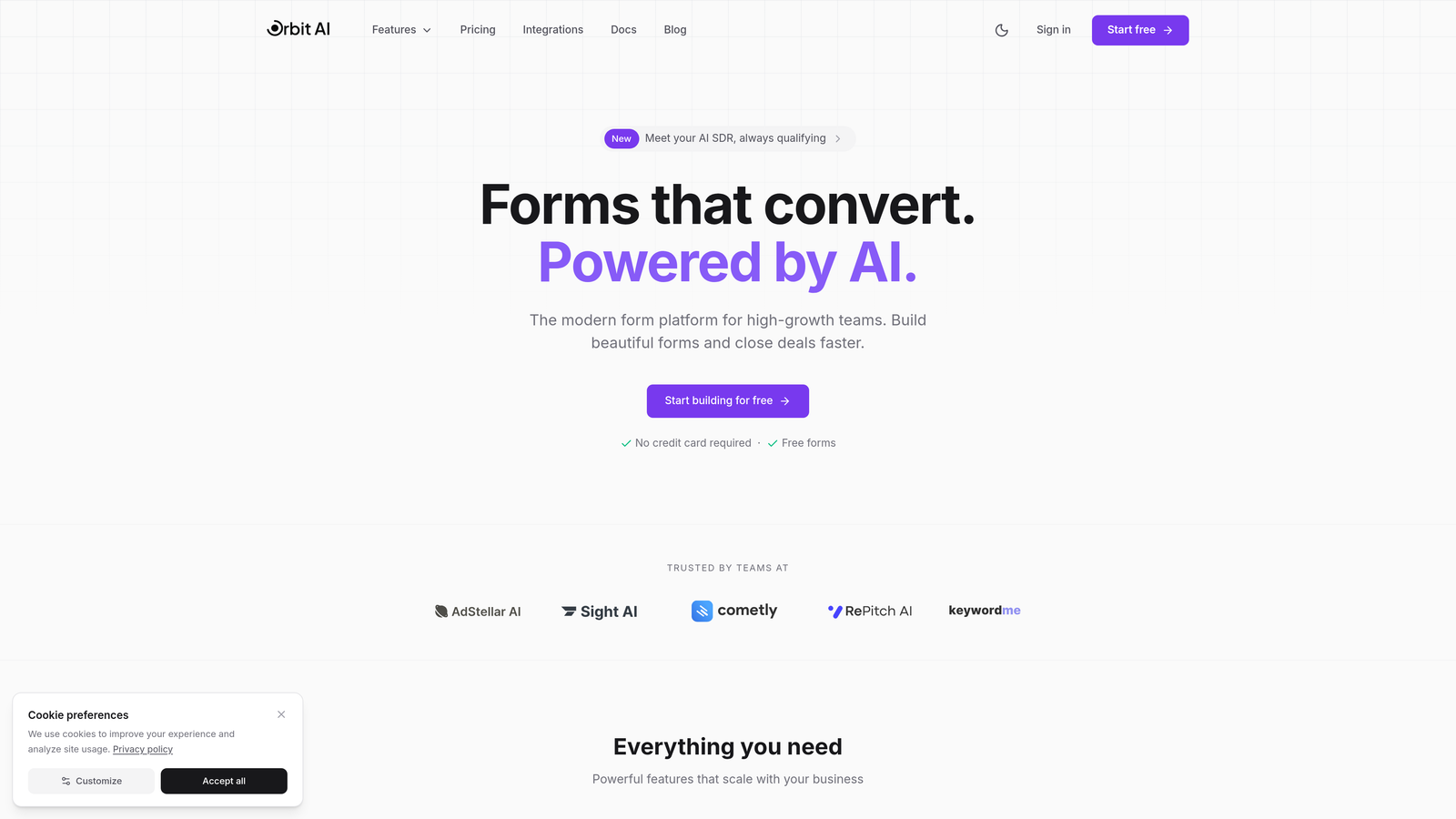
Orbit AI is an AI-powered form builder platform designed specifically for teams that treat conversion optimization as a competitive advantage.
Where This Tool Shines
Orbit AI stands out by automating the lead qualification process that typically happens after form submission. Instead of manually scoring leads or relying on basic conditional logic, the platform uses AI to assess lead quality in real-time, routing high-value prospects to sales immediately while nurturing others appropriately.
The platform's conversion-optimized templates aren't just aesthetically pleasing—they're engineered based on behavioral patterns that reduce abandonment. Think progressive disclosure, smart field ordering, and validation that guides rather than frustrates.
Key Features
AI-Powered Lead Qualification: Automatically scores and categorizes leads based on response patterns and data signals, eliminating manual triage.
Intelligent Form Routing: Routes qualified leads to the right team member or workflow based on AI analysis of their responses.
Conversion-Optimized Templates: Pre-built form designs engineered to minimize abandonment and maximize completion rates.
Native CRM Integration: Seamlessly connects with your existing CRM and marketing automation tools for instant data sync.
Real-Time Analytics: Provides optimization insights showing exactly where leads drop off and which fields cause friction.
Best For
Orbit AI is ideal for SaaS companies, B2B teams, and high-growth businesses where lead quality matters as much as lead volume. If your sales team wastes time on unqualified leads or your marketing team struggles to identify which form variations actually convert better prospects, this platform addresses both problems simultaneously.
Pricing
Free tier available for teams getting started, with paid plans starting at competitive rates designed for growing teams that need advanced qualification and routing capabilities.
2. Typeform
Best for: Creating conversational form experiences that feel like guided conversations
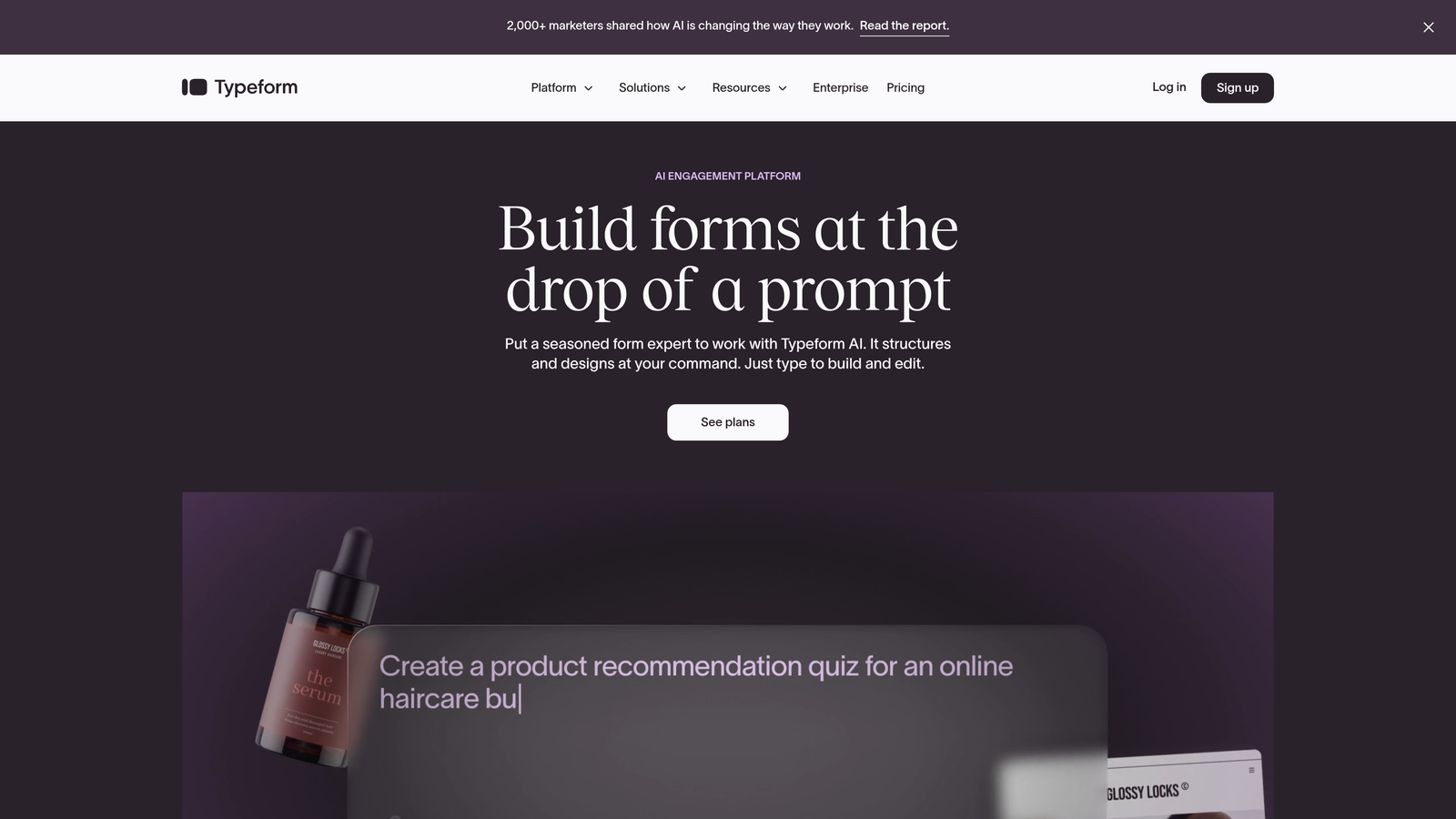
Typeform pioneered the one-question-at-a-time format that transforms forms from intimidating data collection into engaging dialogues.
Where This Tool Shines
Typeform's signature approach reduces cognitive load by showing only one question at a time. This seemingly simple design choice dramatically improves completion rates because users aren't overwhelmed by a long list of fields. The experience feels more like texting with a friend than filling out paperwork.
The platform excels at creating brand-consistent experiences with custom images, videos, and GIFs that make forms memorable. For customer feedback, event registrations, or any scenario where engagement matters, Typeform sets the standard.
Key Features
Conversational Flow: One-question-at-a-time interface that keeps users focused and reduces abandonment.
Logic Jumps: Dynamic branching that shows different questions based on previous answers, creating personalized paths.
Rich Media Embedding: Add videos, images, and GIFs to create visually engaging form experiences.
Native Integrations: Connects directly with popular tools like Slack, Google Sheets, Mailchimp, and HubSpot.
Custom Thank-You Screens: Create branded completion pages with custom messages, redirects, or next steps.
Best For
Marketing teams focused on brand experience, agencies collecting client information, and companies where form aesthetics directly impact conversion rates. If your audience expects polished, modern experiences, Typeform delivers.
Pricing
Free tier includes basic features with limited responses. Basic plan starts at $25/month, with Plus and Business tiers adding advanced logic and integrations.
3. Jotform
Best for: Complex forms requiring extensive customization, widgets, and payment processing
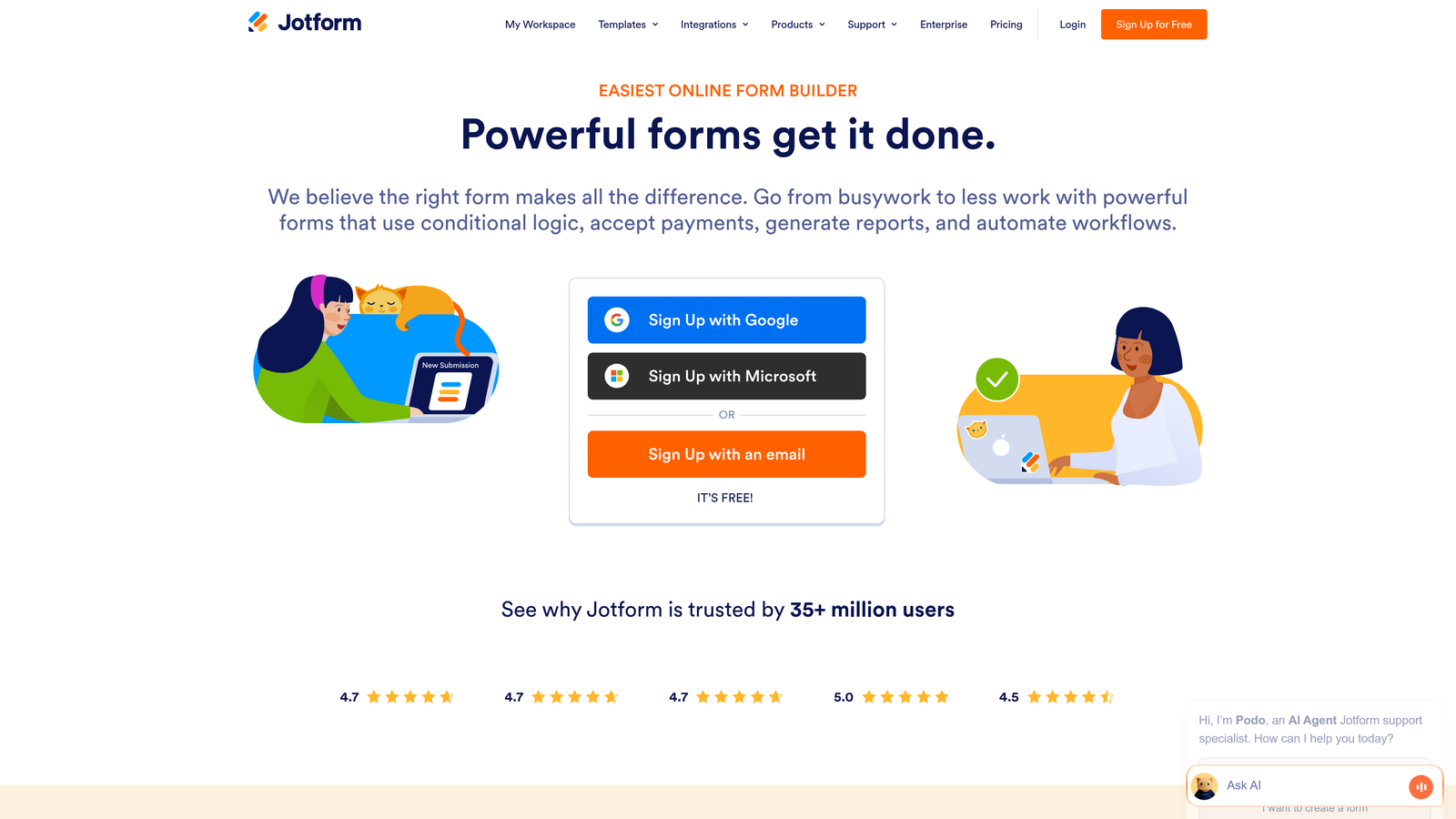
Jotform offers one of the most comprehensive form-building ecosystems with thousands of templates and widgets for virtually any use case.
Where This Tool Shines
Jotform's massive template library means you're rarely building from scratch. Whether you need event registration forms, job applications, order forms, or donation pages, there's likely a pre-built template that gets you 80% of the way there. The widget marketplace extends functionality far beyond standard form fields.
The platform handles complex requirements like multi-page forms with save-and-resume functionality, calculation fields for quotes, and approval workflows for internal processes. For teams managing diverse form needs across departments, Jotform's versatility is unmatched.
Key Features
10,000+ Templates: Massive library covering virtually every form type and industry, dramatically reducing build time.
Payment Integration: Native support for PayPal, Stripe, Square, and other payment processors for collecting fees or donations.
PDF Generation: Automatically convert form submissions into branded PDF documents for records or sharing.
Approval Workflows: Route submissions through multi-step approval processes with notifications and status tracking.
Conditional Logic: Show or hide fields based on user responses, plus calculation fields for dynamic pricing or quotes.
Best For
Organizations with diverse form requirements across multiple departments, businesses collecting payments through forms, and teams needing complex workflows with approval chains. Jotform handles both simple contact forms and intricate multi-step applications equally well.
Pricing
Free tier includes up to 5 forms with monthly submission limits. Bronze plan starts at $34/month, with Silver and Gold tiers for higher volume and advanced features.
4. HubSpot Forms
Best for: HubSpot users wanting seamless CRM integration and progressive profiling
HubSpot Forms is the native form solution built directly into HubSpot's marketing and CRM platform, offering unmatched integration depth.
Where This Tool Shines
Progressive profiling is HubSpot Forms' killer feature. Instead of asking returning visitors the same questions repeatedly, the platform automatically hides fields with known information and asks new questions instead. This reduces form fatigue while continuously enriching contact profiles over time.
Smart fields auto-populate data for known contacts, creating a personalized experience that acknowledges previous interactions. Every submission instantly creates or updates CRM records with zero manual data entry, making it ideal for teams running sophisticated nurture campaigns.
Key Features
Progressive Profiling: Automatically swaps out completed fields for new questions on repeat visits, gathering more data without overwhelming users.
Smart Fields: Pre-fill form data for known contacts, reducing friction and improving completion rates.
Direct CRM Integration: Submissions instantly create or update contact records with complete activity history.
Built-In A/B Testing: Test different form variations to identify which fields, copy, or layouts convert best.
Dependent Fields: Show or hide fields based on previous answers, creating dynamic form experiences.
Best For
Companies already using HubSpot for marketing automation or CRM, teams running multi-touch nurture campaigns where progressive profiling adds value, and organizations prioritizing seamless data flow between forms and contact records.
Pricing
Free with HubSpot's free CRM tier, including basic form features. Advanced capabilities like progressive profiling and A/B testing require paid Marketing Hub subscriptions starting at $45/month.
5. Leadpages
Best for: Campaign-focused teams building landing pages with integrated forms and conversion tracking
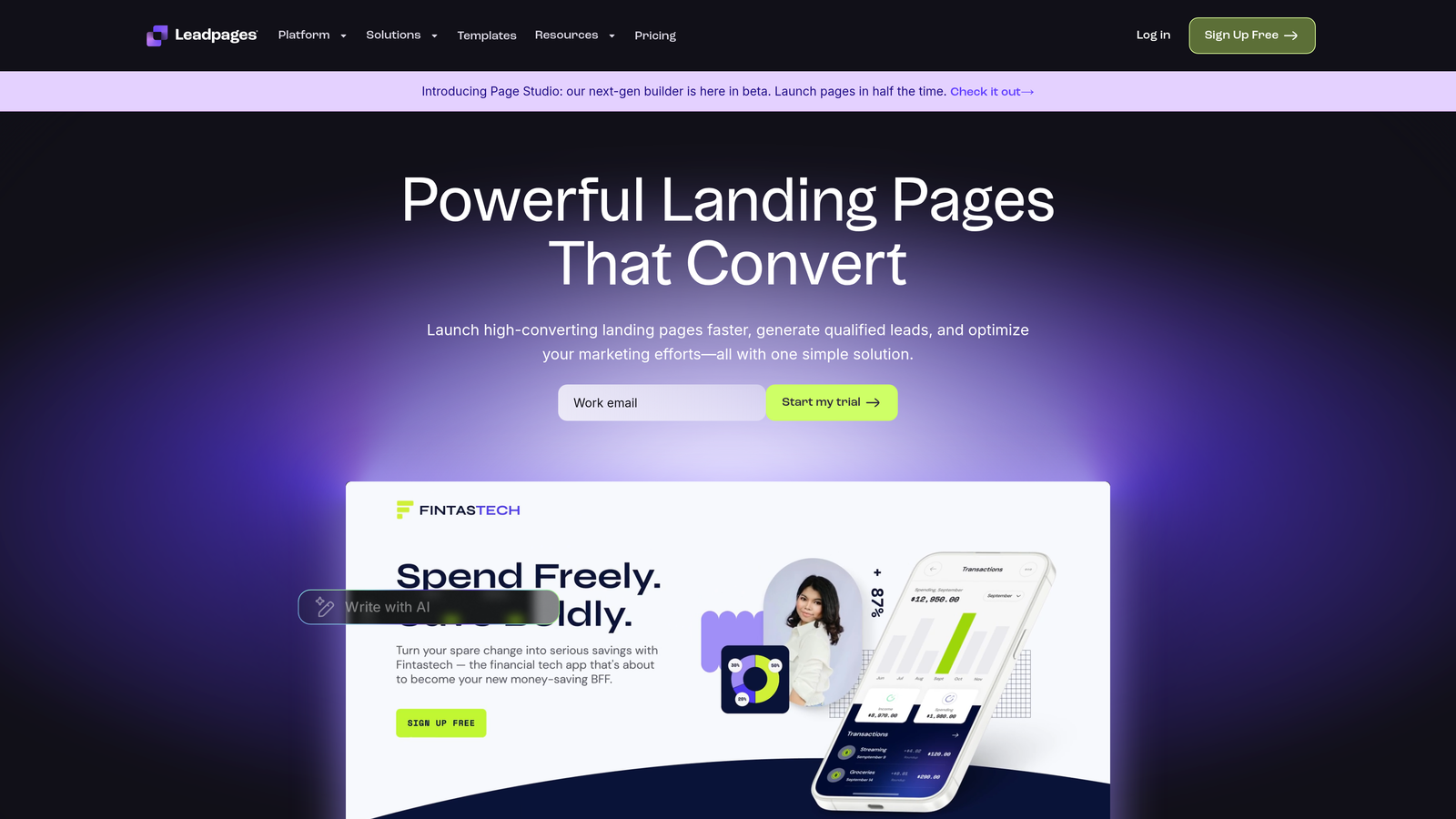
Leadpages combines landing page creation with form building, offering an all-in-one solution for campaign launches.
Where This Tool Shines
Leadpages treats forms as part of a complete conversion ecosystem rather than standalone elements. You're not just building a form—you're creating an entire landing page experience with alert bars, pop-ups, and inline forms working together to maximize conversions.
The built-in A/B testing lets you experiment with different form placements, field combinations, and page layouts to identify what actually drives conversions. Real-time analytics show exactly which variations perform best, removing guesswork from optimization.
Key Features
Integrated Page and Form Builder: Create complete landing page experiences with forms, pop-ups, and alert bars in one platform.
Built-In Split Testing: Run A/B tests on entire pages or individual form elements to optimize conversion rates.
Alert Bars and Pop-Ups: Add timed pop-ups, exit-intent forms, and sticky alert bars to capture leads at multiple touchpoints.
Real-Time Conversion Analytics: Track form performance, conversion rates, and visitor behavior across all campaign elements.
Drag-and-Drop Customization: Easily customize templates without coding, maintaining brand consistency across campaigns.
Best For
Marketing teams running paid ad campaigns, businesses launching product promotions, and companies that need landing pages and forms as part of integrated campaign workflows rather than standalone tools.
Pricing
Standard plan starts at $37/month with unlimited landing pages and pop-ups. Pro plan at $74/month adds A/B testing and advanced integrations.
6. Paperform
Best for: Creating beautiful, document-style forms that feel more like interactive pages
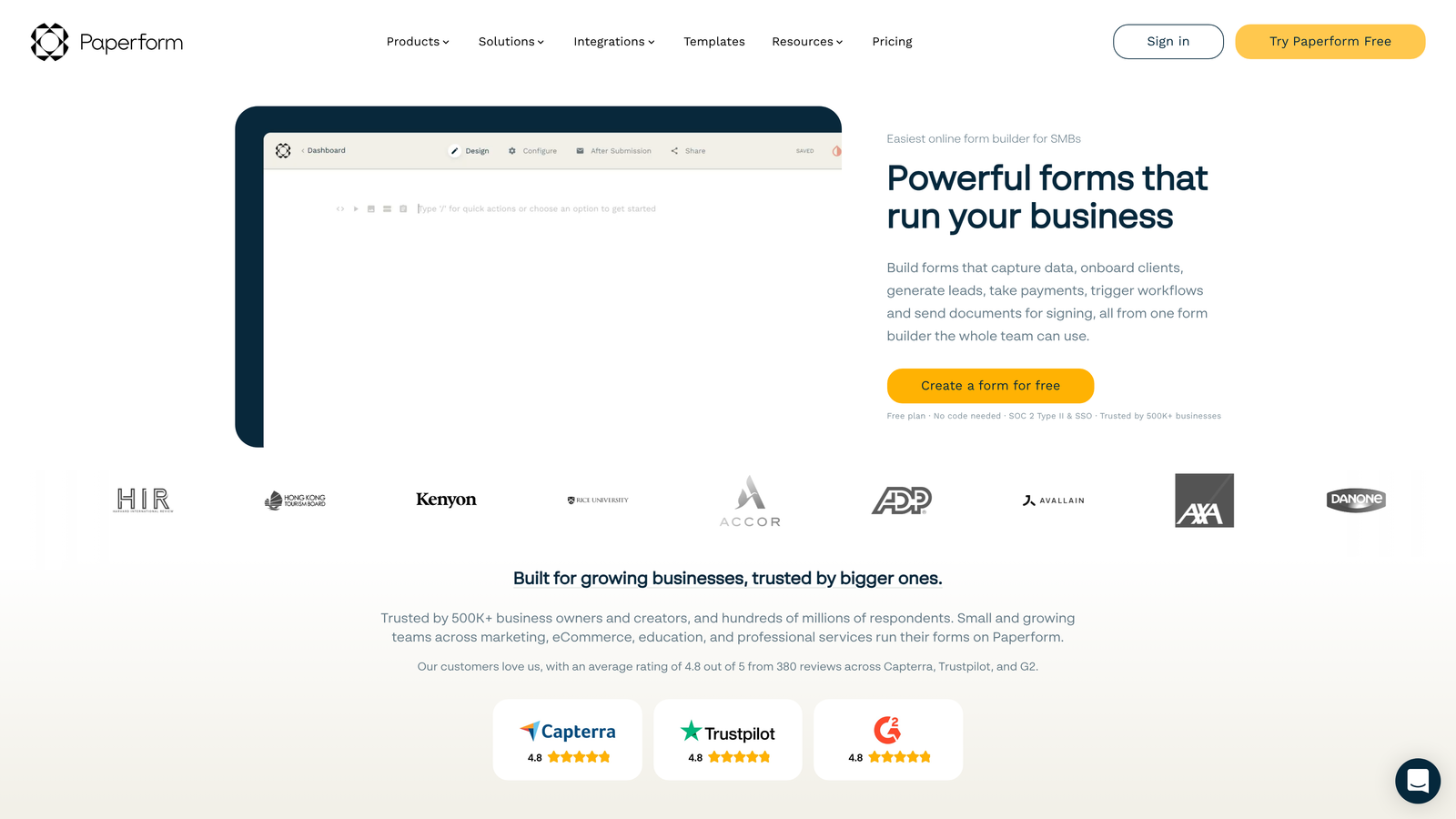
Paperform takes a unique document-based approach to form building, creating experiences that read more like interactive content than traditional forms.
Where This Tool Shines
Paperform's document-style layout lets you mix form fields with rich text, images, and formatting in ways that feel natural and engaging. Instead of rigid field-after-field structures, you can create forms that tell a story, explain context, and guide users through complex processes with narrative flow.
The platform excels at scenarios requiring calculations, like quote generators or pricing configurators. Calculation fields update in real-time as users input data, providing immediate feedback and transparency that builds trust.
Key Features
Document-Style Layout: Blend form fields with rich text, images, and formatting for more engaging, contextual experiences.
Advanced Conditional Logic: Create sophisticated branching paths that adapt the entire form experience based on responses.
Payment and Booking Integration: Accept payments via Stripe or PayPal, and integrate with scheduling tools for appointments.
Custom Success Pages: Design branded completion experiences with custom messages, redirects, or next-step instructions.
Calculation Fields: Build dynamic quote generators or pricing calculators that update in real-time as users input data.
Best For
Service businesses creating quote request forms, organizations building complex application processes, and teams prioritizing brand-consistent form experiences that match their website's design language.
Pricing
Essentials plan starts at $24/month with unlimited forms and submissions. Pro plan at $49/month adds advanced features like custom domains and priority support.
7. Formstack
Best for: Enterprise teams requiring HIPAA compliance, advanced security, and complex workflow automation
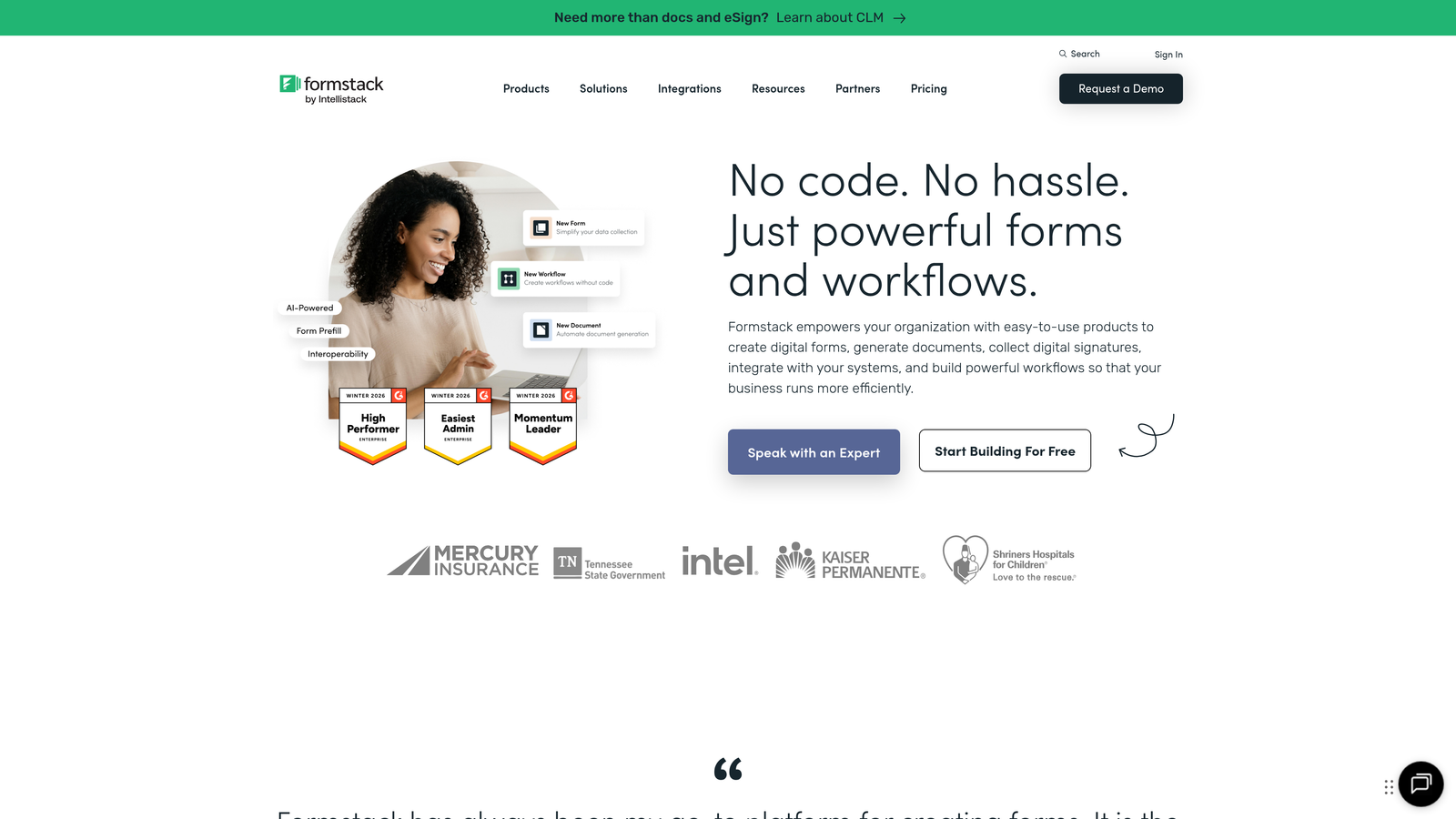
Formstack is built for organizations with strict compliance requirements and sophisticated workflow needs that go beyond basic form collection.
Where This Tool Shines
Formstack handles the regulatory and security requirements that many form builders ignore. HIPAA compliance isn't an afterthought—it's baked into the platform's architecture, making it suitable for healthcare, finance, and other regulated industries where data protection isn't optional.
Advanced workflow routing goes far beyond simple email notifications. You can build multi-step approval processes, route submissions based on complex conditions, and integrate e-signatures for contracts or agreements—all within automated workflows that eliminate manual handoffs.
Key Features
HIPAA and GDPR Compliance: Enterprise-grade security with compliance features for regulated industries handling sensitive data.
Advanced Workflow Routing: Build sophisticated approval chains and conditional routing based on submission data or user roles.
E-Signature Integration: Collect legally binding signatures within forms for contracts, agreements, or consent documents.
Offline Form Capability: Continue collecting submissions even without internet connectivity, syncing when connection resumes.
Enterprise Security Controls: SSO authentication, audit logs, role-based permissions, and data encryption at rest and in transit.
Best For
Healthcare organizations collecting patient information, financial services firms requiring regulatory compliance, and enterprise teams with complex approval workflows spanning multiple departments or stakeholders.
Pricing
Starter plan at $50/month for small teams. Teams plan at $83/month adds collaboration features and advanced integrations. Enterprise pricing available for organizations needing compliance features.
8. Unbounce Smart Builder
Best for: AI-assisted landing page creation with automatic conversion optimization
Unbounce combines AI-powered page building with Smart Traffic technology that automatically optimizes which visitors see which form variations.
Where This Tool Shines
Smart Traffic is Unbounce's standout feature—it uses machine learning to automatically route visitors to the landing page and form variation most likely to convert them based on their attributes. Instead of manually analyzing A/B test results, the platform optimizes in real-time, improving conversion rates without constant intervention.
The AI-assisted builder accelerates page creation by suggesting layouts, copy, and form placements based on conversion best practices. Dynamic text replacement personalizes forms based on ad keywords or UTM parameters, creating relevant experiences that match visitor intent.
Key Features
AI-Assisted Creation: Get intelligent suggestions for page layouts, form designs, and copy that align with conversion best practices.
Smart Traffic Optimization: Automatically routes visitors to the form variation most likely to convert them based on behavioral signals.
Dynamic Text Replacement: Personalize form headlines and copy based on ad keywords, UTM parameters, or visitor attributes.
Pop-Ups and Sticky Bars: Layer multiple conversion opportunities with timed pop-ups, exit-intent triggers, and persistent alert bars.
Conversion Benchmarking: Compare your form performance against industry benchmarks to identify optimization opportunities.
Best For
PPC marketers running multiple ad campaigns, growth teams optimizing conversion funnels at scale, and businesses willing to invest in AI-powered optimization rather than manual testing.
Pricing
Launch plan starts at $99/month with core features. Optimize plan at $145/month adds Smart Traffic and A/B testing. Enterprise plans available for high-volume needs.
9. Tally
Best for: Budget-conscious teams wanting unlimited forms with a clean, Notion-like interface
Tally offers an exceptionally generous free tier with unlimited forms and submissions, making it accessible for startups and small teams.
Where This Tool Shines
Tally's Notion-style block editing feels immediately familiar if you've used modern productivity tools. There's no learning curve—you simply add blocks for different field types, rearrange them with drag-and-drop, and customize styling with intuitive controls. The simplicity is refreshing in a market full of feature-bloated alternatives.
The free tier genuinely includes features that other platforms reserve for paid plans: conditional logic, file uploads, calculation fields, and webhooks. For early-stage companies or side projects, Tally eliminates the "we'll upgrade when we can afford it" conversation entirely.
Key Features
Unlimited Free Forms: Create and publish unlimited forms with unlimited submissions on the free plan—no artificial limits.
Notion-Style Editing: Familiar block-based interface that makes form building intuitive for anyone who's used modern productivity tools.
Conditional Logic Included: Show or hide questions based on previous answers, even on the free tier.
File Uploads and Signatures: Collect documents and capture e-signatures without paying for premium features.
Webhooks and Integrations: Connect to Zapier, Make, or custom webhooks to automate workflows and sync data.
Best For
Startups and small businesses with limited budgets, side projects and MVPs testing product ideas, and teams wanting a straightforward form solution without enterprise complexity or pricing.
Pricing
Free tier is extremely generous with unlimited forms and most features. Pro plan at $29/month adds custom domains, remove Tally branding, and priority support.
Making the Right Choice
The right conversion-focused form platform depends on where you are in your growth journey and what specific problems you're solving. If you're dealing with high lead volume but struggling to identify which prospects are actually qualified, Orbit AI's intelligent lead scoring eliminates that manual triage work while optimizing the form experience itself.
For teams already invested in HubSpot's ecosystem, their native forms offer progressive profiling that continuously enriches contact data without asking redundant questions. Typeform remains unmatched for creating conversational experiences that feel more like guided dialogues than traditional forms.
Start by auditing your current form abandonment rates and identifying exactly where leads drop off. Are users abandoning because forms are too long? Is the design uninspiring? Are you collecting unnecessary information upfront? Match your biggest pain points to the platform strengths outlined above.
Most platforms offer free trials or generous free tiers. Test two or three with real traffic before committing. Pay attention to completion rates, time-to-complete metrics, and which tool actually delivers qualified leads rather than just form submissions. The platform that looks best in a demo might not perform best with your actual audience.
Consider your integration requirements carefully. The most beautiful form in the world doesn't help if data gets stuck in a CSV file instead of flowing into your CRM and triggering nurture sequences. Prioritize platforms that connect seamlessly with your existing marketing and sales stack.
Ready to transform your forms into conversion engines? Start building free forms today and see how intelligent form design can elevate your conversion strategy. AI-powered lead qualification means your sales team focuses on prospects actually ready to buy, while your marketing team gets the insights needed to continuously optimize performance.


