

Choosing the right online survey and form builder shouldn't feel like navigating a maze of feature lists and pricing tiers. With hundreds of options available, each promising seamless integrations and beautiful designs, the real challenge isn't finding a tool—it's finding the one that actually moves the needle for your business. The best form builders in 2026 share a few critical traits: they're genuinely easy to use without sacrificing power, they integrate with your existing tech stack without friction, they provide actionable analytics rather than vanity metrics, and they deliver clear value for what you pay. Here are the top online survey and form builders that meet these standards, each excelling in specific use cases to help you make the right choice for your team.
1. Orbit AI
Best for: High-growth teams prioritizing lead qualification alongside conversion-optimized form design
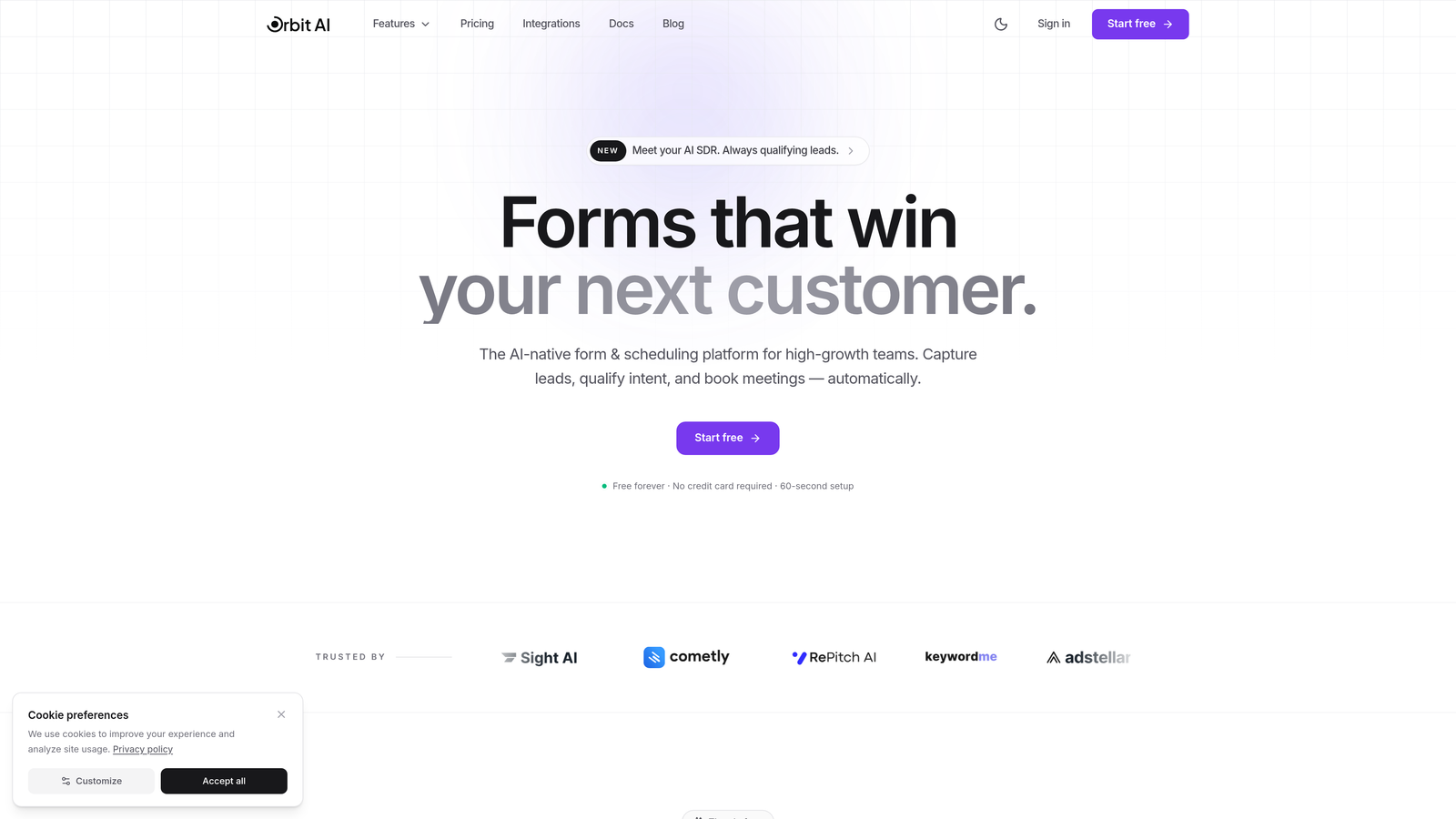
Orbit AI represents the emerging category of AI-enhanced form builders, designed specifically for teams that view forms as lead intelligence tools rather than passive data collectors.
Where This Tool Shines
What sets Orbit AI apart is its approach to lead qualification happening automatically as prospects fill out your forms. Instead of collecting contact information and hoping your sales team can determine fit later, the platform's AI agents analyze responses in real-time to score and route leads based on actual buying signals.
The platform combines this intelligence layer with genuinely modern form design that prioritizes conversion optimization. You're not choosing between beautiful forms and smart forms—you get both in a single platform built for teams that measure success by qualified pipeline, not just form submissions.
Key Features
AI-Powered Lead Qualification: Automatic scoring and routing based on response patterns and buying signals detected during form completion.
Conversion-Optimized Templates: Pre-built form designs tested for completion rates across different industries and use cases.
Built-In Analytics Dashboard: Track not just submissions but qualification rates, conversion paths, and lead quality metrics in one view.
Workflow Automation with AI Agents: Set up intelligent workflows that adapt based on lead quality and behavior without manual configuration.
Native CRM Integrations: Sync qualified leads directly to your CRM with enriched data and AI-generated insights about prospect fit.
Best For
Orbit AI works best for B2B companies, SaaS teams, and high-growth businesses where lead quality matters more than lead volume. If you're measuring marketing success by pipeline contribution rather than MQL counts, and you need forms that actively contribute to revenue rather than just collecting contact information, this platform aligns with how modern growth teams operate.
Pricing
Free tier available for teams getting started. Paid plans begin at $29/month, scaling with features and AI capabilities as your lead generation needs grow.
2. Typeform
Best for: Creating engaging conversational experiences with one-question-at-a-time presentation
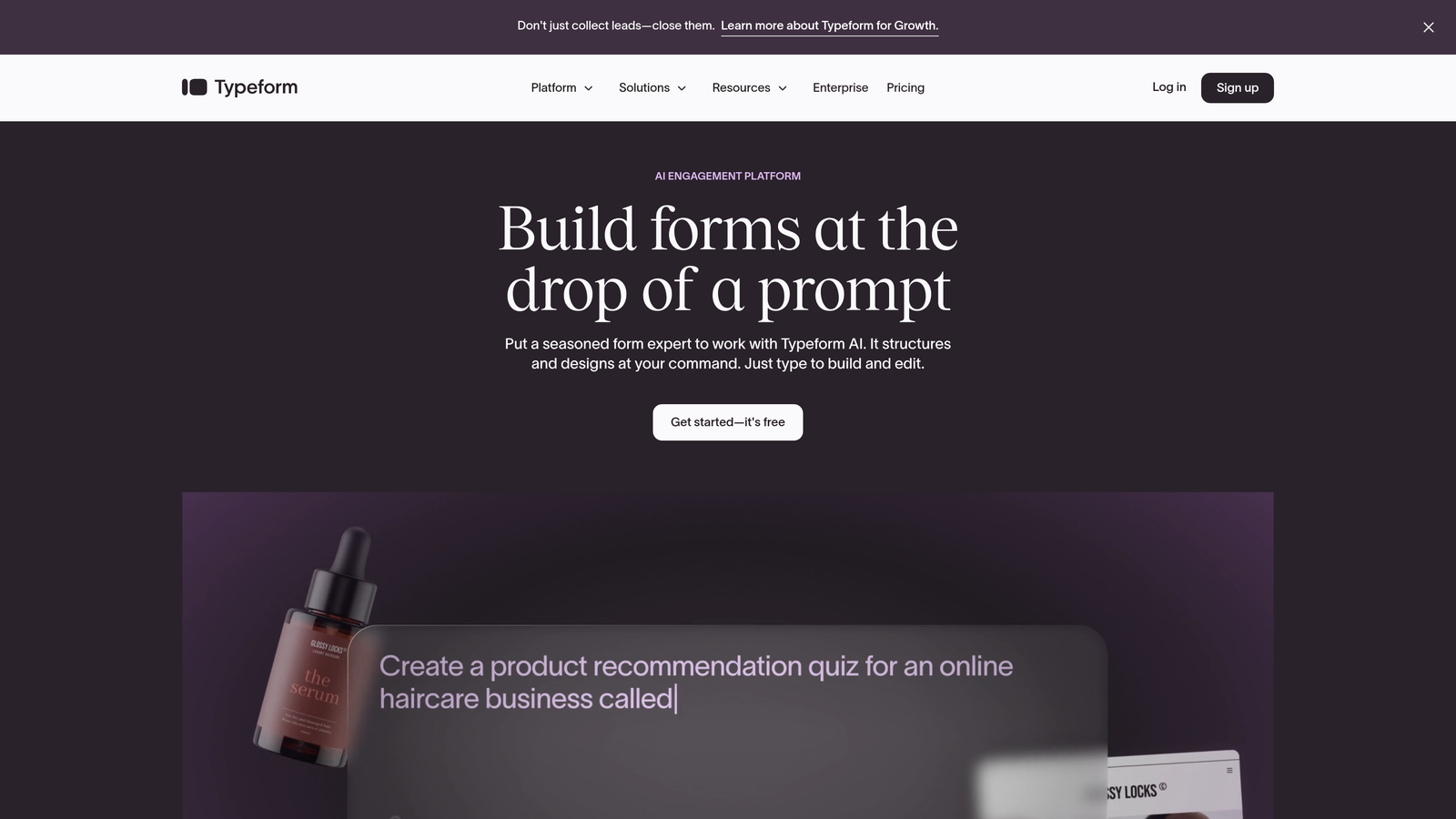
Typeform pioneered the conversational form format that's now widely imitated across the industry.
Where This Tool Shines
Typeform's signature one-question-at-a-time interface fundamentally changes how people interact with forms. Instead of facing an intimidating wall of fields, respondents focus on a single question, creating a conversation-like flow that consistently delivers higher completion rates than traditional multi-field layouts.
The platform excels at creating forms that feel less like data collection and more like human interaction. This approach works particularly well for customer feedback surveys, event registrations, and any scenario where you need to ask multiple questions without overwhelming your audience.
Key Features
One-Question-at-a-Time Interface: Present questions sequentially to reduce cognitive load and improve completion rates.
Logic Jumps and Branching: Create dynamic question paths that adapt based on previous answers for personalized experiences.
Video and Image Embedding: Enhance questions with rich media to provide context and maintain engagement throughout longer forms.
Native Zapier and HubSpot Integrations: Connect responses to thousands of apps or sync directly with HubSpot for marketing automation.
Hidden Fields: Pass UTM parameters and other tracking data invisibly to understand source attribution without asking respondents.
Best For
Typeform works exceptionally well for customer experience teams, event organizers, and marketers running lead generation campaigns where form aesthetics and completion rates directly impact results. The conversational format particularly shines for surveys with 8+ questions that would feel overwhelming in traditional layouts.
Pricing
Free tier available with Typeform branding and limited responses. Basic paid plans start at $25/month, with higher tiers unlocking advanced logic, integrations, and response limits.
3. Jotform
Best for: Teams needing extensive template variety and widget customization for complex forms
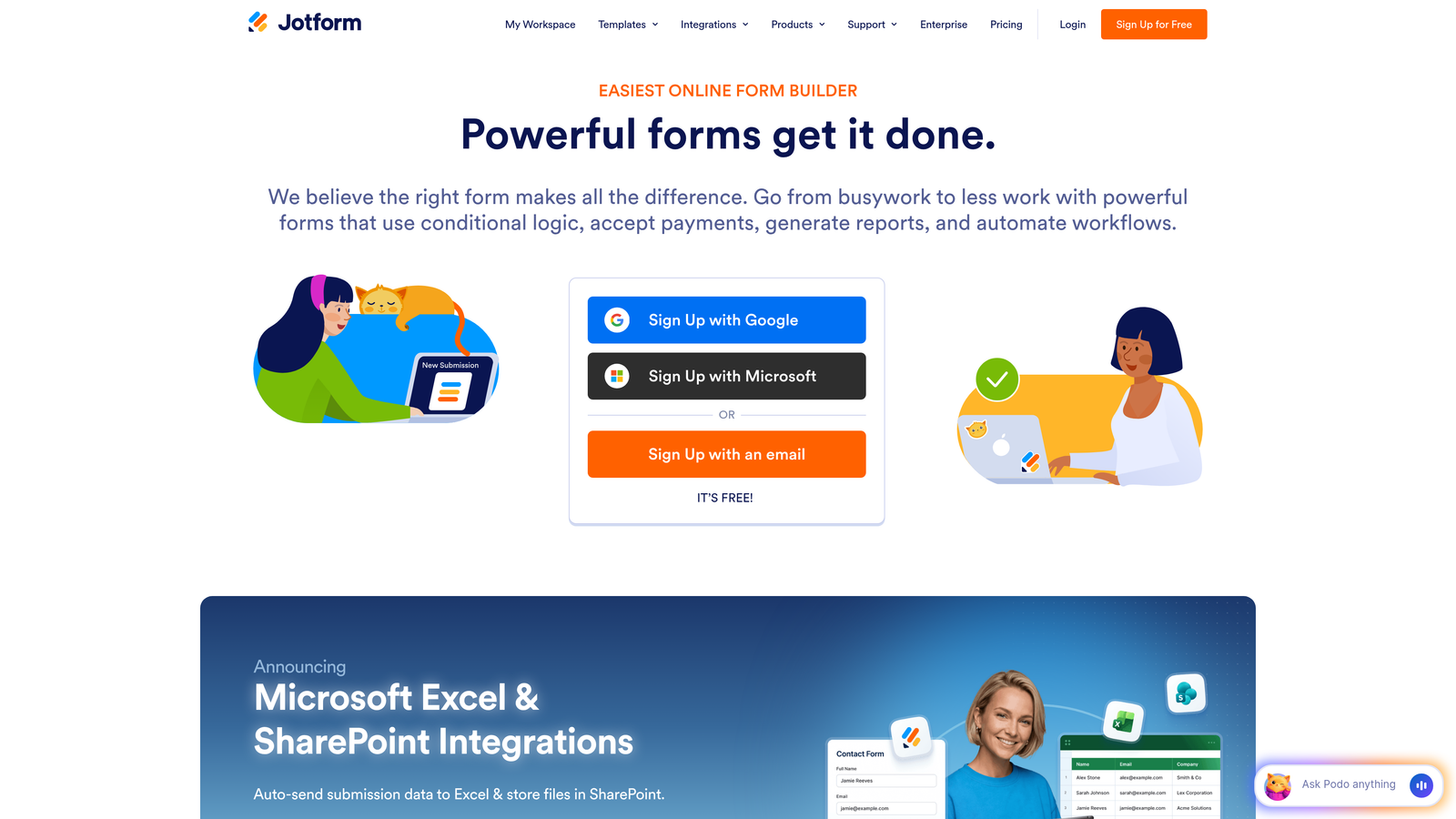
Jotform takes a maximalist approach with thousands of templates and widgets covering virtually every form use case imaginable.
Where This Tool Shines
When you need a form for something specific—event registration with seating charts, job applications with file uploads, or donation forms with payment processing—Jotform likely has a pre-built template that's 80% of the way there. This extensive template library means you're customizing rather than building from scratch, dramatically reducing setup time.
The platform's widget ecosystem extends functionality in ways that would require custom development on other platforms. Need appointment scheduling, signature collection, or product catalogs embedded in your form? There's a widget for that, often multiple options to choose from.
Key Features
10,000+ Form Templates: Pre-built templates for industries from healthcare to education, each customizable to your specific needs.
PDF Report Generation: Automatically convert form submissions into formatted PDF reports for record-keeping or client delivery.
Payment Integrations: Accept payments through PayPal, Stripe, Square, and other processors directly within your forms.
Conditional Logic and Calculations: Build complex forms with field visibility rules and automatic calculations for order forms or quote requests.
HIPAA Compliance Option: Enterprise plans include HIPAA-compliant features for healthcare organizations collecting protected health information.
Best For
Jotform serves organizations needing versatility across departments—HR for applications, sales for order forms, operations for internal workflows. The template library and widget ecosystem make it ideal when you need different types of forms regularly rather than focusing on one specific use case.
Pricing
Free tier allows up to 5 forms with 100 monthly submissions. Bronze plan starts at $34/month, with higher tiers increasing form limits and adding features like HIPAA compliance.
4. Google Forms
Best for: Budget-conscious teams already using Google Workspace who need simple, reliable forms
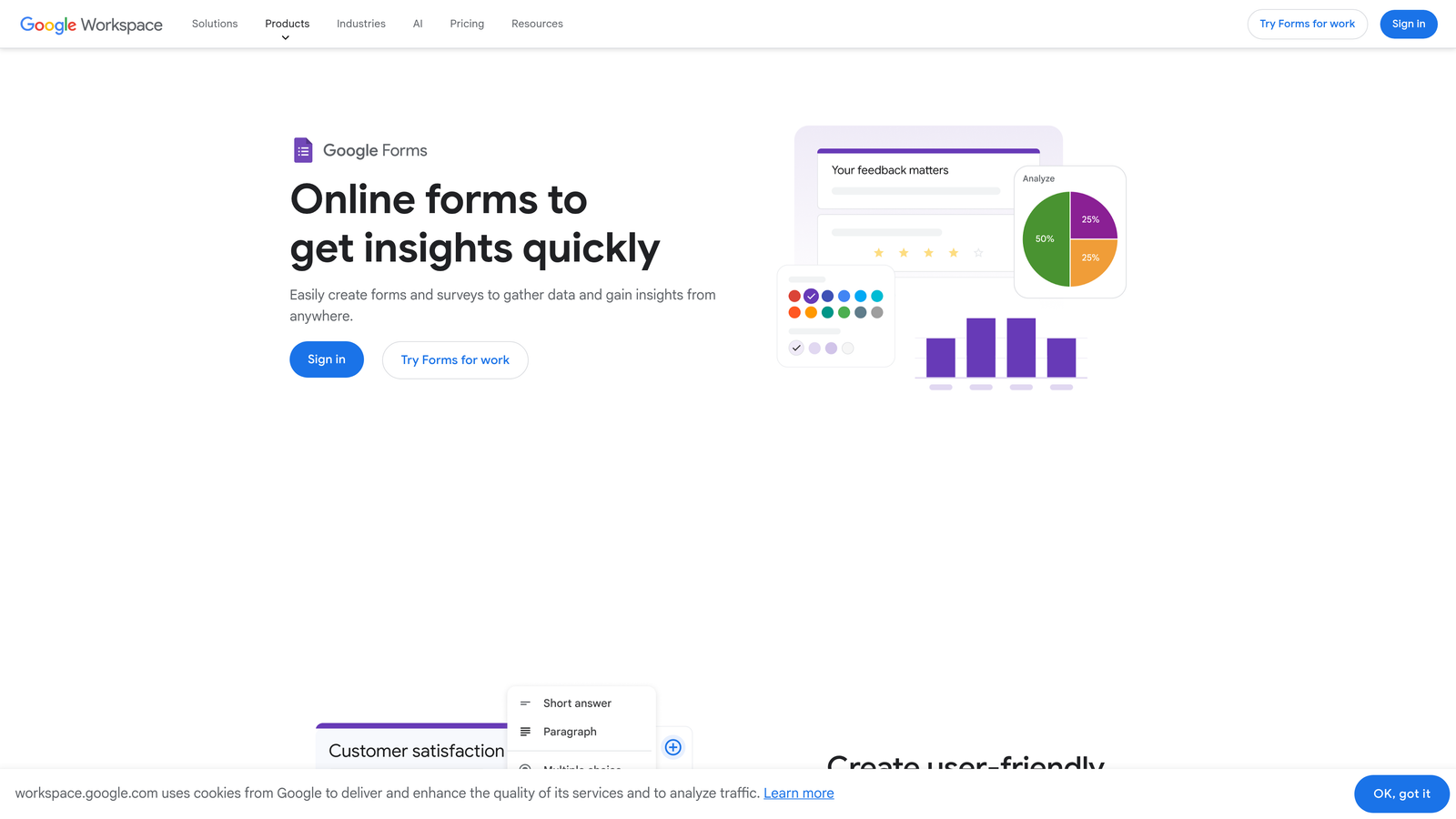
Google Forms offers straightforward form building with seamless Google ecosystem integration at an unbeatable price point.
Where This Tool Shines
Google Forms eliminates the pricing complexity that plagues most form builders. There are no response limits, no feature gates, no surprise charges when you hit certain thresholds. For teams already living in Google Workspace, the automatic sync to Google Sheets means your data flows directly into the spreadsheet environment where you're likely analyzing it anyway.
The platform's simplicity becomes a strength when you need to create and share forms quickly without wrestling with advanced features you don't need. Real-time collaboration means multiple team members can build and edit forms simultaneously, applying the same workflow you use for Docs and Sheets.
Key Features
Completely Free with No Response Limits: Unlimited forms, unlimited responses, all features included without tiered pricing or usage caps.
Automatic Google Sheets Sync: Every submission flows directly into a linked spreadsheet for immediate analysis and reporting.
Real-Time Collaboration: Multiple users can build and edit forms simultaneously with changes syncing instantly.
Basic Conditional Logic: Show or hide questions based on previous answers for simple branching scenarios.
Response Validation: Set rules for acceptable answers to ensure data quality and reduce cleanup work later.
Best For
Google Forms works best for internal surveys, event RSVPs, feedback collection, and any scenario where you prioritize speed and cost over advanced features or branding. Educational institutions and nonprofits particularly benefit from the zero-cost model with unlimited usage.
Pricing
Completely free with any Google account. No paid tiers, no premium features, no usage limits.
5. SurveyMonkey
Best for: Research-focused teams requiring statistical analysis and benchmarking capabilities
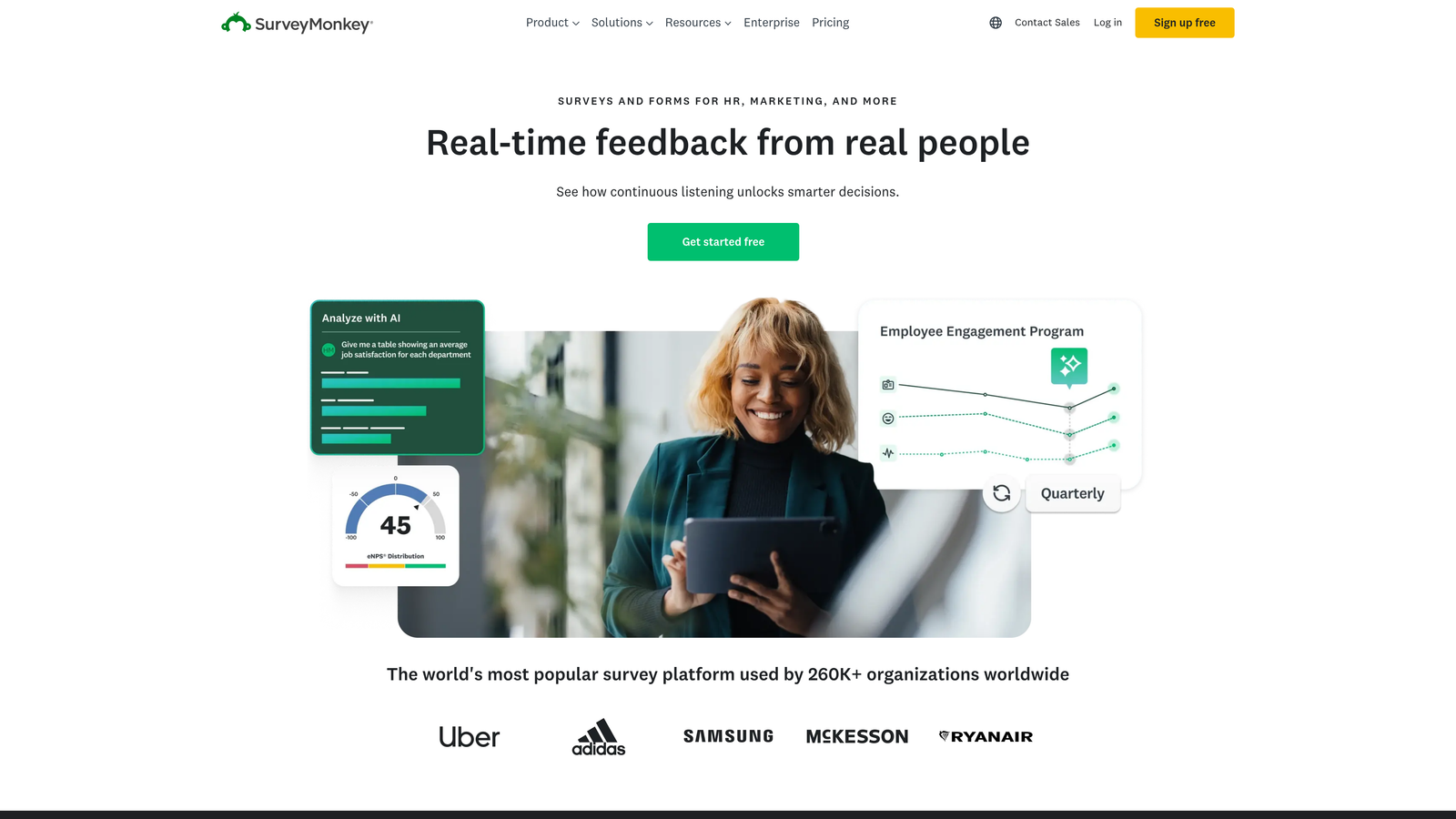
SurveyMonkey serves as the industry standard for serious survey research with advanced analytics and question science built in.
Where This Tool Shines
When your survey results need to withstand scrutiny—whether from executives, academic reviewers, or regulatory bodies—SurveyMonkey provides the methodological rigor other platforms lack. The expert question bank draws from decades of survey research to help you ask questions that actually measure what you intend to measure, avoiding common biases that invalidate results.
The platform's statistical analysis tools go beyond basic charts to provide significance testing, cross-tabulation, and benchmarking against industry data. This depth matters when you're making strategic decisions based on survey insights rather than just collecting feedback.
Key Features
Expert Question Bank Library: Access professionally written, tested questions across dozens of categories to ensure valid measurement.
Advanced Skip Logic: Create complex survey paths with multiple branching scenarios based on combinations of previous answers.
Statistical Significance Testing: Understand whether differences in responses represent real trends or random variation.
Benchmarking Data: Compare your results against aggregated data from similar surveys in your industry.
Enterprise Security Features: SSO, advanced permissions, and compliance certifications for organizations with strict data requirements.
Best For
SurveyMonkey excels for market research teams, customer experience professionals, HR departments conducting employee engagement studies, and anyone who needs defensible data rather than directional feedback. The platform's depth justifies its cost when survey validity directly impacts business decisions.
Pricing
Basic free tier available with significant limitations. Team Advantage plan starts at $25/user/month, with Team Premier and Enterprise tiers adding advanced features and higher response limits.
6. Tally
Best for: Notion users and budget-conscious teams wanting powerful features without subscription costs
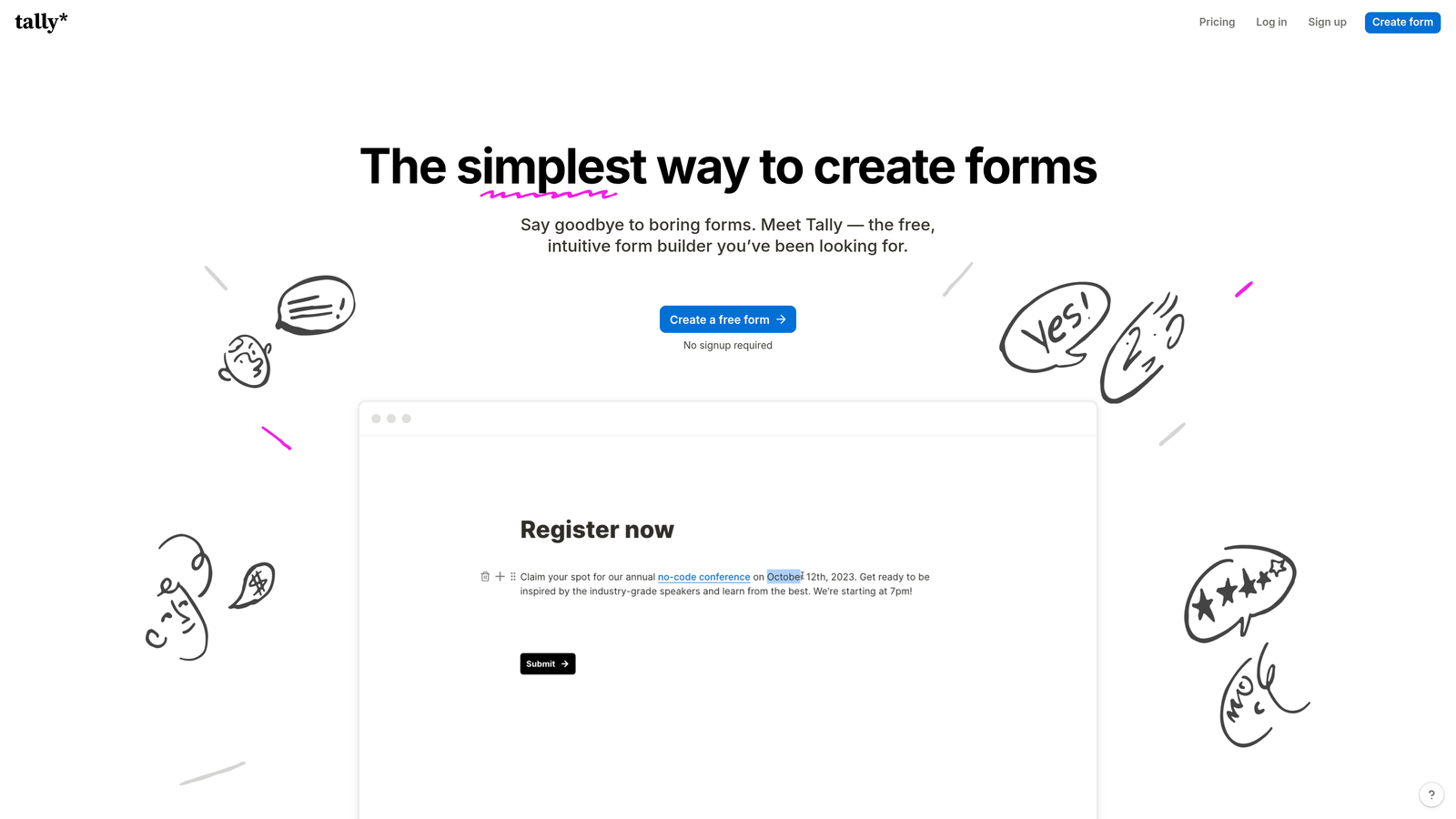
Tally brings Notion's block-based editing philosophy to form building with a remarkably generous free tier.
Where This Tool Shines
Tally's free tier offers unlimited forms and unlimited responses—a pricing model that's genuinely unusual in the form builder space where most competitors gate responses aggressively. This makes it ideal for teams just starting with lead generation or running multiple campaigns where submission volume is unpredictable.
The Notion-inspired interface means if your team already uses Notion for documentation and project management, Tally feels immediately familiar. The block-based editor lets you mix form fields with rich text, images, and formatting to create forms that feel more like landing pages than traditional data collection tools.
Key Features
Unlimited Forms and Responses on Free Tier: No artificial caps on usage, making it viable for high-volume scenarios without paid plans.
Notion-Like Block-Based Editor: Build forms by adding and arranging blocks for text, fields, images, and other elements with familiar controls.
Hidden Fields and Calculations: Pass tracking parameters invisibly and perform calculations on numeric inputs for dynamic pricing or scoring.
Custom Thank You Pages: Create unique confirmation experiences based on form responses for personalized follow-up messaging.
File Upload Support: Collect documents, images, and other files directly through your forms without third-party storage integrations.
Best For
Tally works particularly well for solopreneurs, early-stage startups, and teams already embedded in the Notion ecosystem who want form functionality that matches their existing workflow. The generous free tier also suits nonprofits and educational projects where budget constraints are significant.
Pricing
Free tier includes unlimited forms and responses with Tally branding. Pro plan at $29/month removes branding and adds custom domains, advanced integrations, and priority support.
7. Formstack
Best for: Enterprise organizations requiring compliance, workflows, and document generation
Formstack positions itself as a complete form and workflow platform for enterprises with complex compliance and automation requirements.
Where This Tool Shines
Formstack goes beyond data collection to orchestrate entire business processes. The workflow automation builder connects form submissions to approval chains, document generation, and multi-step processes that would typically require custom development or multiple disconnected tools.
For organizations in regulated industries, Formstack's compliance certifications aren't afterthoughts—they're core features. HIPAA, GDPR, and SOC 2 compliance come standard on appropriate plans, with features like data encryption, audit trails, and consent management built into the platform architecture rather than bolted on.
Key Features
Workflow Automation Builder: Create multi-step processes triggered by form submissions, including approvals, notifications, and data routing.
Document Generation from Submissions: Automatically populate contracts, agreements, and reports with form data for instant document creation.
HIPAA, GDPR, and SOC 2 Compliance: Enterprise-grade security and compliance certifications for organizations handling sensitive data.
Approval Workflows: Route submissions through stakeholder approval chains with status tracking and automated escalation.
Salesforce Native Integration: Deep, bi-directional sync with Salesforce for enterprise sales and service processes.
Best For
Formstack serves healthcare systems, financial services firms, government agencies, and large enterprises where forms are part of regulated business processes. The platform makes sense when you need forms, workflows, and document generation in a single compliant system rather than stitching together multiple tools.
Pricing
Starter plan begins at $50/month for basic features. Professional and Enterprise tiers add advanced workflows, compliance features, and dedicated support with custom pricing based on requirements.
8. Cognito Forms
Best for: Service businesses collecting payments and building complex order forms
Cognito Forms specializes in payment collection and calculation-heavy forms for businesses selling services or products through their forms.
Where This Tool Shines
When your form needs to function as a lightweight e-commerce system, Cognito Forms delivers calculation capabilities that go far beyond simple addition. The platform handles complex pricing logic—quantity discounts, conditional pricing based on selections, add-on options, tax calculations—all within the form builder without requiring custom code.
The repeating sections feature proves invaluable for order forms where customers might purchase multiple items or services. Instead of creating separate fields for each potential line item, you build one section that users can duplicate as needed, with calculations updating automatically.
Key Features
Advanced Calculation Fields: Build complex formulas for pricing, discounts, totals, and conditional calculations based on user selections.
Payment Processing: Accept payments through Stripe, PayPal, or Square directly within forms without redirecting to external checkout pages.
Repeating Sections for Line Items: Let users add multiple items or services dynamically with automatic calculation updates.
Conditional Pricing Logic: Apply different pricing rules based on quantity, customer type, or other form responses.
Inventory Management: Track available quantities and automatically close registration when limits are reached.
Best For
Cognito Forms excels for consultants selling service packages, event organizers with tiered ticket pricing, membership organizations with multiple dues structures, and any business where the form needs to calculate final pricing based on customer selections before collecting payment.
Pricing
Free tier available for basic forms. Pro plan starts at $15/month, making it one of the more affordable options for payment-enabled forms with advanced calculations.
9. Paperform
Best for: Creating immersive, content-rich form experiences that double as landing pages
Paperform blurs the line between forms and landing pages, letting you embed rich content alongside form fields for cohesive experiences.
Where This Tool Shines
Paperform treats forms as complete web pages rather than isolated data collection widgets. You can embed product images, explanatory videos, pricing tables, and formatted text throughout your form, creating experiences where the form fields feel like natural parts of a compelling page rather than interruptions.
This approach works particularly well for high-consideration purchases or registrations where people need context and reassurance before committing. Instead of linking to separate landing pages and then asking people to fill out forms, you provide all the information and collection points in one seamless experience.
Key Features
Rich Text and Media Embedding: Add formatted text, images, videos, and custom HTML anywhere within your forms for complete design control.
Product Catalog Displays: Showcase items with images and descriptions directly in the form for visual product selection.
Appointment Scheduling: Embed calendar availability and booking directly within forms for service businesses.
Custom Success Pages with Logic: Create different confirmation experiences based on what users selected or submitted.
Partial Submission Saving: Let users save progress and return later for complex forms that can't be completed in one session.
Best For
Paperform serves creative professionals, event organizers, course creators, and businesses where the form experience needs to educate and persuade alongside collecting information. The platform shines when you're replacing multi-page funnels with single, content-rich form experiences.
Pricing
Essentials plan starts at $24/month with all core features. Pro tier adds advanced integrations and removes Paperform branding for white-label experiences.
10. Microsoft Forms
Best for: Enterprise teams embedded in Microsoft 365 requiring native Office integration
Microsoft Forms provides straightforward survey and form functionality built directly into the Microsoft 365 ecosystem.
Where This Tool Shines
For organizations already paying for Microsoft 365, Forms represents zero additional cost with the advantage of living within the same security and compliance framework as the rest of your Microsoft tools. The native Excel integration means responses flow directly into the spreadsheet environment where many teams already perform analysis.
The Teams integration proves particularly valuable for internal surveys and feedback collection. You can share forms directly in Teams channels, view responses collaboratively, and discuss results without leaving the platform where your team already communicates.
Key Features
Microsoft 365 Native Integration: Works seamlessly with Excel, Teams, SharePoint, and other Microsoft tools without third-party connectors.
Real-Time Response Tracking: View submissions as they arrive with automatic summary charts and individual response review.
Branching Logic: Create different question paths based on previous answers for personalized survey experiences.
Automatic Excel Export: Responses sync to Excel automatically for analysis using familiar spreadsheet tools.
Quiz Mode with Grading: Create scored assessments with automatic grading for training and educational purposes.
Best For
Microsoft Forms works best for internal employee surveys, training assessments, event feedback, and other scenarios within organizations already standardized on Microsoft 365. The platform makes less sense for external marketing forms where branding and advanced features matter more.
Pricing
Included with Microsoft 365 subscriptions at no additional cost. No standalone pricing or free tier outside of Microsoft 365 plans.
11. Fillout
Best for: Teams building on Airtable, Notion, or modern database stacks
Fillout specializes in native integrations with contemporary database platforms, treating forms as interfaces to existing data rather than standalone collection tools.
Where This Tool Shines
Fillout's approach differs fundamentally from traditional form builders. Instead of collecting data and then pushing it to your database, Fillout connects directly to Airtable or Notion as the source of truth. This means you can pre-fill forms with existing data, update records through form submissions, and maintain a single source of truth rather than syncing between systems.
The ability to update existing records proves particularly powerful for customer portals, order status updates, or any scenario where you need to modify existing data rather than just append new submissions. This transforms forms from one-way data collection into two-way database interfaces.
Key Features
Native Airtable and Notion Sync: Connect directly to your database as the form's data source without middleware or Zapier.
Pre-Fill from Existing Records: Populate form fields automatically from database records for update workflows.
Update Existing Database Entries: Modify records through form submissions rather than only creating new entries.
Scheduling Integration: Embed Calendly and other scheduling tools directly within forms for appointment booking.
Conditional Logic Based on Database Fields: Show or hide questions based on values in your connected database.
Best For
Fillout serves teams that have already built their operations on Airtable or Notion and need forms that integrate natively with those systems. The platform makes particular sense for customer portals, internal tools, and workflows where forms need to interact with existing data rather than just collect new submissions.
Pricing
Free tier available with basic features and Fillout branding. Starter plan begins at $15/month, offering strong value for teams already invested in supported database platforms.
Making the Right Choice for Your Team
The right form builder depends less on feature checklists and more on how forms fit into your broader business processes. If you're focused on lead quality over quantity and need intelligence built into your forms rather than bolted on afterward, Orbit AI delivers AI-powered qualification that most platforms still treat as a separate workflow step. Teams prioritizing engagement and completion rates continue to find Typeform's conversational approach effective, while organizations needing versatility across departments often land on Jotform's extensive template library.
Budget constraints point different directions depending on your needs. Google Forms and Tally both offer genuinely free options, but Google Forms works best for internal use while Tally's feature set supports external lead generation. For payment collection specifically, Cognito Forms delivers advanced calculation capabilities at a lower price point than enterprise platforms. Enterprise buyers evaluating compliance requirements should focus on Formstack and SurveyMonkey, which treat security and regulatory features as core rather than add-ons.
The emerging trend toward AI-enhanced form building represents more than incremental improvement. Traditional form builders collect data and leave qualification to manual review or separate scoring systems. Platforms integrating AI directly into the form experience can surface buying signals, route high-intent leads immediately, and provide intelligence that informs sales conversations rather than just populating CRM fields. This shift matters most for teams where sales efficiency depends on lead quality and speed-to-contact.
Consider your integration ecosystem when making the final decision. Teams living in Google Workspace gain immediate value from Google Forms' native sync. Microsoft 365 organizations already have Forms included. If your operations run on Airtable or Notion, Fillout's native database connections eliminate the middleware other platforms require. The best technical features mean little if the platform doesn't connect cleanly with the tools your team actually uses daily.
Transform your lead generation with AI-powered forms that qualify prospects automatically while delivering the modern, conversion-optimized experience your high-growth team needs. Start building free forms today and see how intelligent form design can elevate your conversion strategy.


