

Your contact form is often the first real interaction prospects have with your business—and a clunky, outdated form can kill conversions before they start. The right contact form software does more than collect submissions; it qualifies leads, integrates with your stack, and creates experiences that actually encourage people to reach out.
We evaluated dozens of platforms based on ease of use, customization options, integration capabilities, lead qualification features, and pricing transparency. Whether you're a solo founder needing something simple or a growth team requiring AI-powered lead routing, this list covers the best options available today.
1. Orbit AI
Best for: High-growth teams needing AI-powered lead qualification and conversion-optimized forms
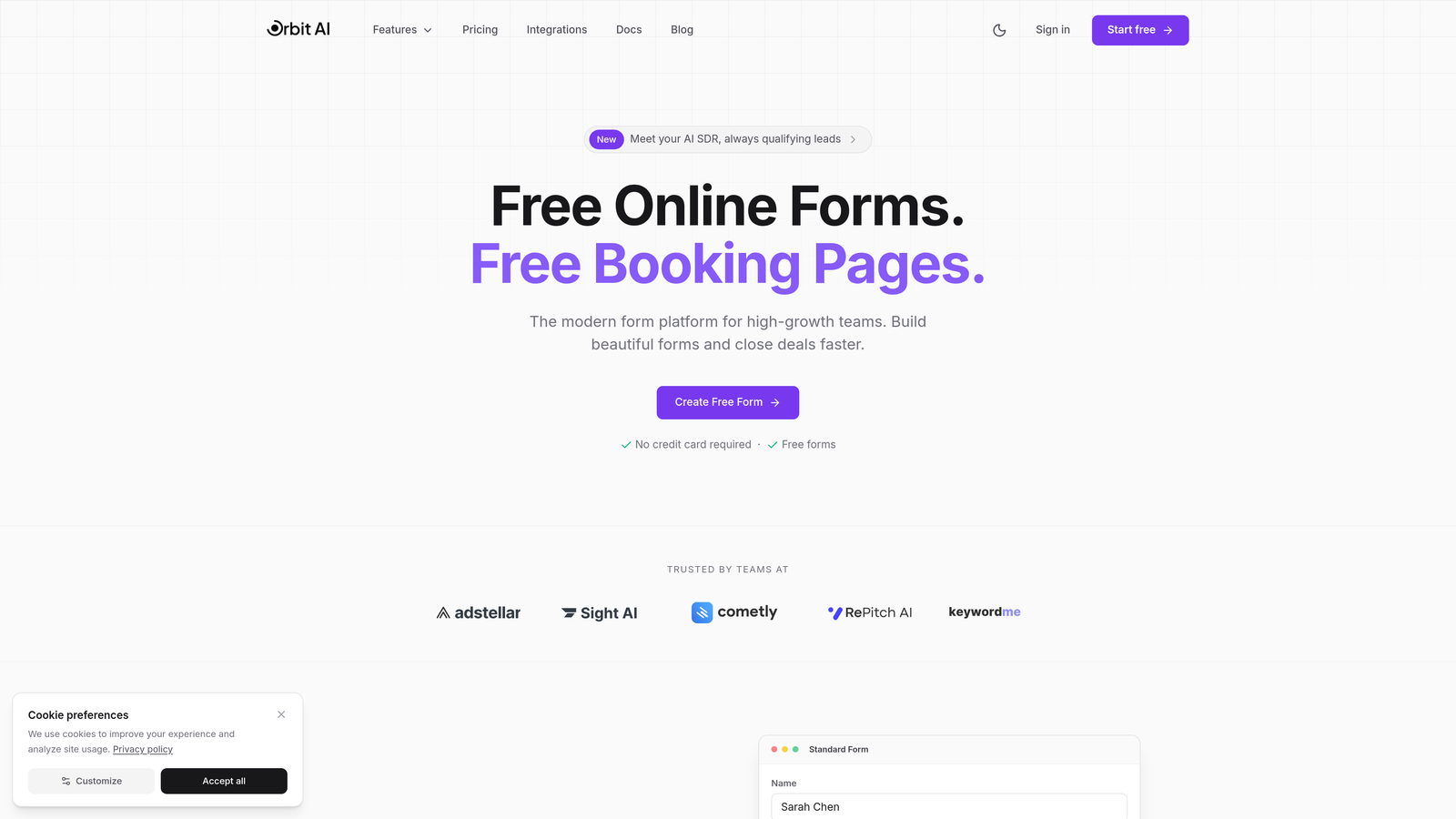
Orbit AI is an AI-powered form builder platform designed specifically for teams that need to qualify leads automatically while maintaining beautiful, conversion-focused design.
Where This Tool Shines
The standout feature here is intelligent lead qualification that happens in real-time. Instead of collecting submissions and manually sorting through them later, Orbit AI scores and routes leads automatically based on criteria you define.
The platform combines this intelligence with conversion-optimized templates that are actually designed to get more people to complete your forms. Think of it as having a smart assistant who not only collects contact information but also figures out which prospects are worth your immediate attention.
Key Features
AI-Powered Lead Qualification: Automatically scores incoming leads and routes high-value prospects to the right team members.
Conversion-Optimized Templates: Pre-built form designs tested for maximum completion rates across devices.
Native CRM Integrations: Seamlessly connects with HubSpot, Salesforce, and Pipedrive without third-party tools.
Real-Time Analytics: Track submission patterns, completion rates, and lead quality metrics as they happen.
Conditional Logic and Smart Routing: Create dynamic forms that adapt based on responses and send leads exactly where they need to go.
Best For
This platform is ideal for B2B companies, SaaS teams, and agencies that generate high volumes of leads and need to separate qualified prospects from tire-kickers. If your sales team wastes time on unqualified leads, the AI qualification features pay for themselves quickly.
Pricing
Free tier available for getting started. Paid plans start at competitive rates designed for growing teams, scaling with your submission volume and feature needs.
2. Typeform
Best for: Creating conversational, engaging form experiences with high completion rates
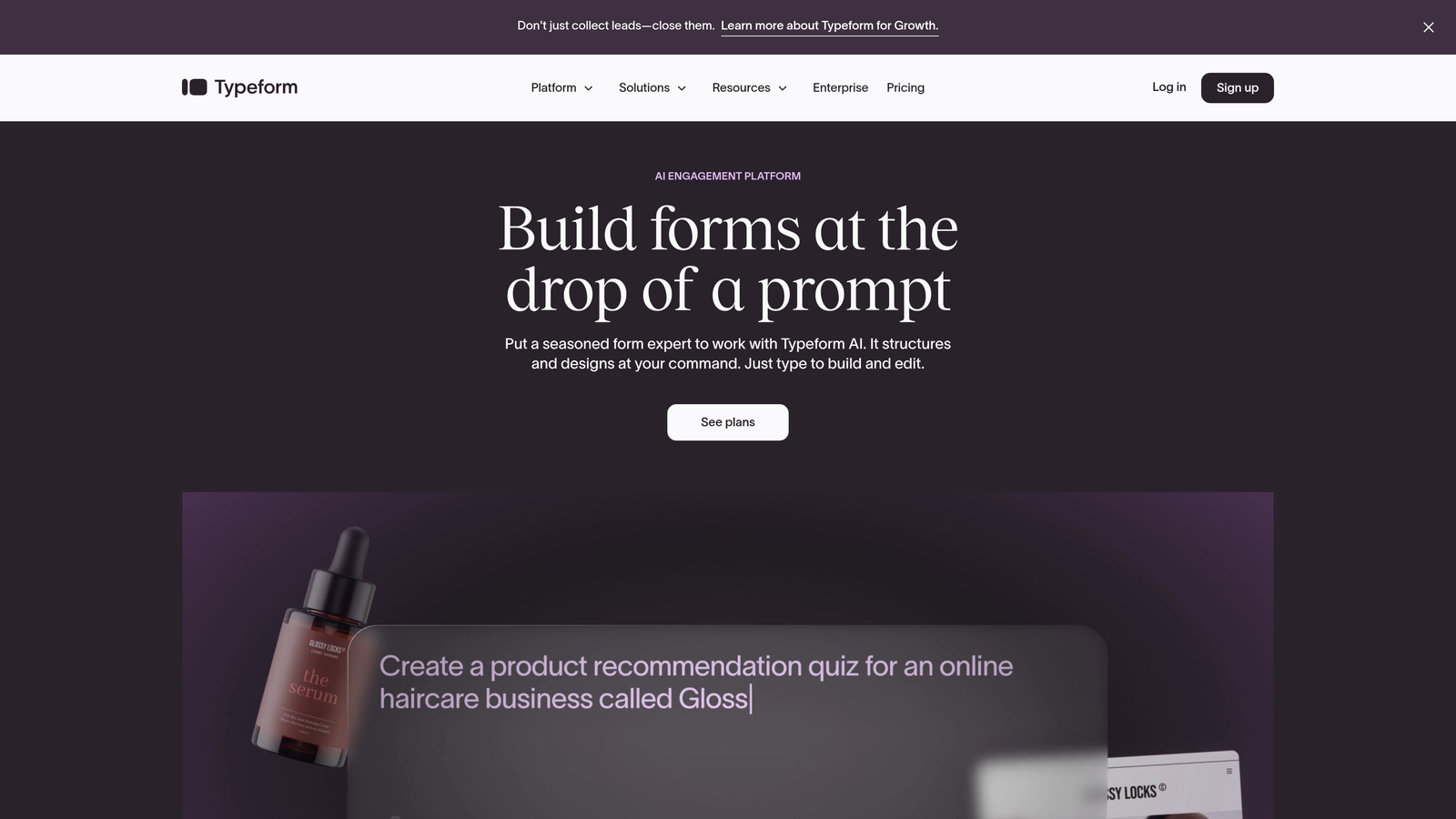
Typeform is a conversational form builder that presents one question at a time, creating an experience that feels more like a chat than a traditional form.
Where This Tool Shines
The one-question-at-a-time format significantly reduces form abandonment. Instead of overwhelming visitors with a wall of fields, Typeform guides them through a conversation. This approach works exceptionally well for surveys, quizzes, and lead capture where engagement matters more than speed.
The platform also offers strong brand customization options. You can match your brand colors, fonts, and style so thoroughly that the form feels like a native part of your website rather than an embedded widget.
Key Features
Conversational Interface: One-question-at-a-time format that feels natural and reduces cognitive load.
Logic Jumps: Create branching paths based on responses to personalize the experience for each visitor.
Rich Media Support: Embed videos and images directly into questions to create more engaging experiences.
Brand Customization: Full control over colors, fonts, backgrounds, and button styles to match your identity.
Popular Integrations: Native connections to Slack, Google Sheets, Mailchimp, and dozens of other tools.
Best For
Marketing teams focused on engagement metrics, companies running interactive quizzes or assessments, and brands that prioritize user experience over pure efficiency. The conversational format works particularly well for consumer-facing businesses.
Pricing
Free plan allows 10 responses per month. Basic plan starts at $25/month for 100 responses, with Plus and Business tiers offering higher limits and advanced features.
3. JotForm
Best for: Teams needing extensive templates and widget options for diverse use cases
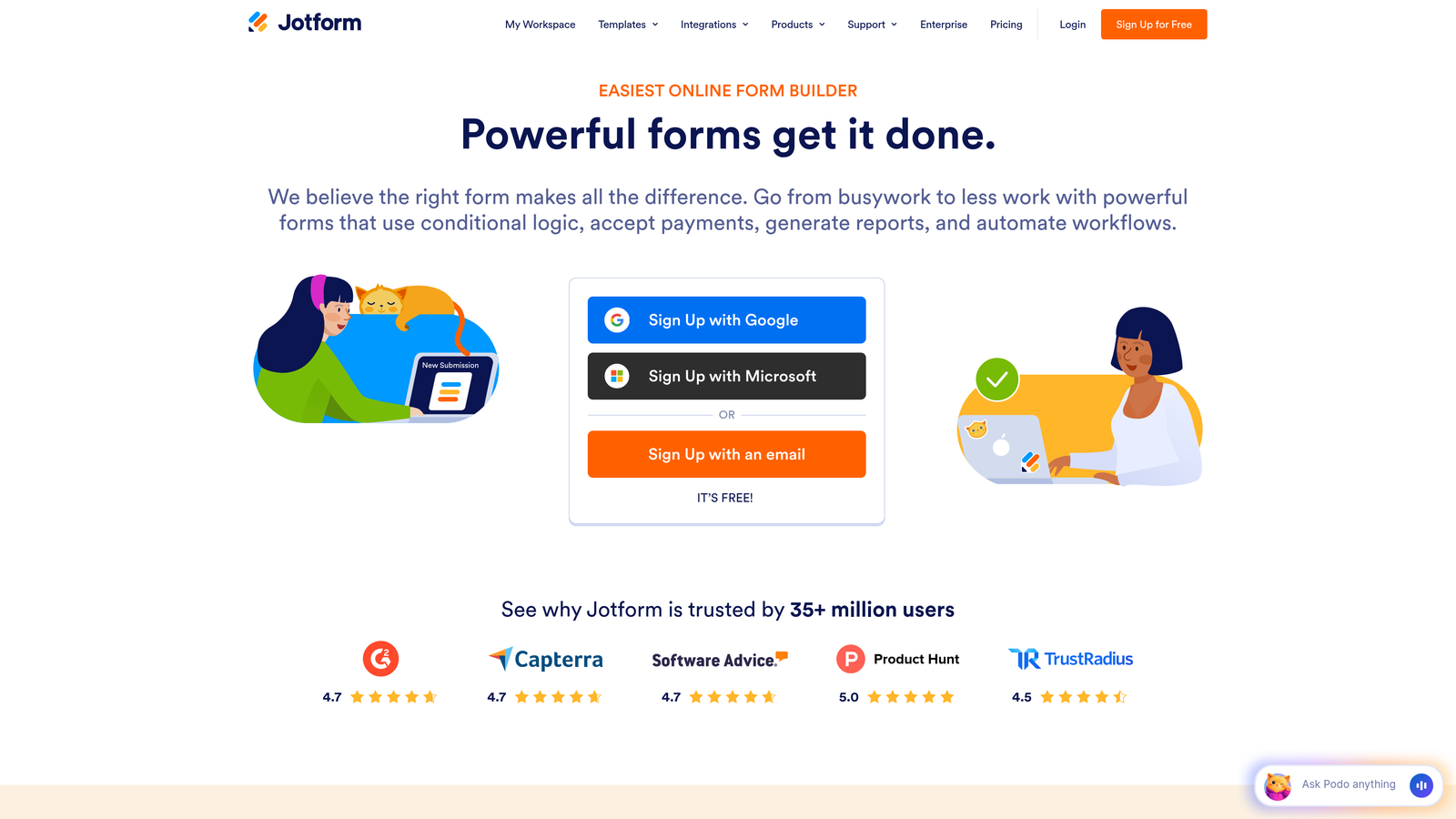
JotForm is a feature-rich form builder offering over 10,000 pre-built templates and an extensive widget library for virtually any scenario you can imagine.
Where This Tool Shines
The template library is genuinely massive. Whether you need event registration forms, job applications, order forms, or customer feedback surveys, there's likely a pre-built template you can customize in minutes rather than building from scratch.
The widget ecosystem extends functionality far beyond basic forms. Need appointment scheduling? There's a widget. Payment collection? Multiple options. File uploads, signature capture, calculators—JotForm has widgets for scenarios most platforms don't even consider.
Key Features
10,000+ Templates: Pre-built forms for virtually every industry and use case, ready to customize.
Widget Library: Hundreds of add-ons that extend functionality without coding or third-party tools.
Payment Integrations: Built-in support for PayPal, Stripe, Square, and other payment processors.
PDF Form Creation: Convert submissions into professional PDF documents automatically.
Approval Workflows: Route submissions through multi-step approval processes with notifications.
Best For
Small businesses and agencies managing diverse form needs across multiple clients or departments. The template variety makes it especially valuable when you need to spin up different form types quickly without specialized knowledge.
Pricing
Free plan includes 5 forms and 100 monthly submissions. Bronze starts at $34/month, Silver at $39/month, and Gold at $99/month with increasing limits and features.
4. Gravity Forms
Best for: WordPress sites requiring deep customization and developer-friendly features
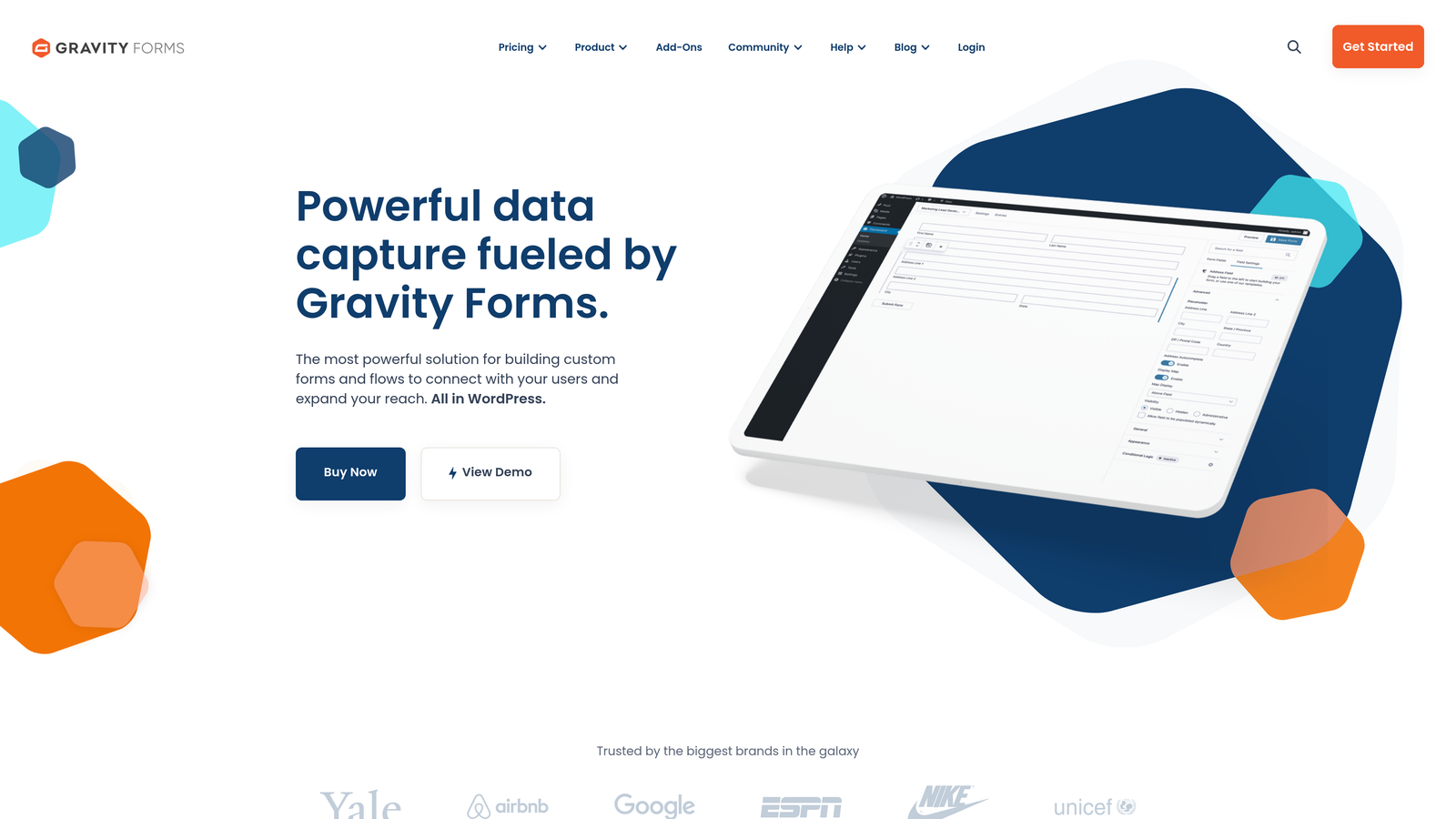
Gravity Forms is a premium WordPress plugin offering extensive customization options and a rich ecosystem of add-ons for developers and power users.
Where This Tool Shines
If your website runs on WordPress, Gravity Forms integrates at a level that standalone platforms simply cannot match. It's not embedded via iframe—it's actually part of your WordPress installation, which means faster load times, better SEO, and complete control over styling.
The developer-friendly approach includes hooks, filters, and extensive documentation that let you customize virtually every aspect of form behavior. The add-on marketplace extends functionality for payment processing, CRM integration, and specialized workflows without switching platforms.
Key Features
WordPress-Native Integration: Lives inside your WordPress installation for maximum performance and control.
Add-On Ecosystem: Official and third-party add-ons for payments, CRMs, email marketing, and more.
Advanced Conditional Logic: Create complex form behaviors based on user input, roles, or other criteria.
Multi-Page Forms: Split long forms across pages with save-and-continue functionality.
Developer Tools: Extensive hooks and filters for custom functionality and integration.
Best For
WordPress agencies, developers building custom solutions for clients, and organizations with complex form requirements that need fine-grained control. Less ideal if you're not on WordPress or prefer no-code solutions.
Pricing
Basic license at $59/year for one site. Pro at $159/year for three sites. Elite at $259/year for unlimited sites plus priority support.
5. HubSpot Forms
Best for: Teams already using HubSpot CRM who want seamless native integration
HubSpot Forms is a free form builder that integrates seamlessly with HubSpot CRM, creating a unified system for capturing and managing leads.

Where This Tool Shines
The native CRM integration eliminates the data sync headaches that plague most form-to-CRM workflows. Submissions flow directly into HubSpot contacts with full context, automatically triggering workflows, updating deal stages, and notifying the right team members.
Progressive profiling is particularly clever: the form recognizes returning visitors and asks new questions instead of requesting information you already have. This creates shorter forms for known contacts while still gathering comprehensive data over time.
Key Features
Native CRM Integration: Submissions automatically create or update HubSpot contacts with complete activity history.
Progressive Profiling: Show different questions to returning visitors to gradually build complete contact records.
Smart Fields: Pre-populate fields with known information to reduce friction for existing contacts.
Automated Follow-Up: Trigger email sequences, task creation, or workflow enrollment based on submissions.
Built-In Analytics: Track form performance, conversion rates, and submission sources within HubSpot.
Best For
Companies already invested in the HubSpot ecosystem who want forms that work as an integrated part of their marketing and sales process. Less compelling if you're using a different CRM or don't need the marketing automation features.
Pricing
Free with HubSpot CRM. Advanced features like progressive profiling and automated workflows require Marketing Hub Starter ($45/month) or higher tiers.
6. Tally
Best for: Teams wanting unlimited forms on a generous free plan with minimal learning curve
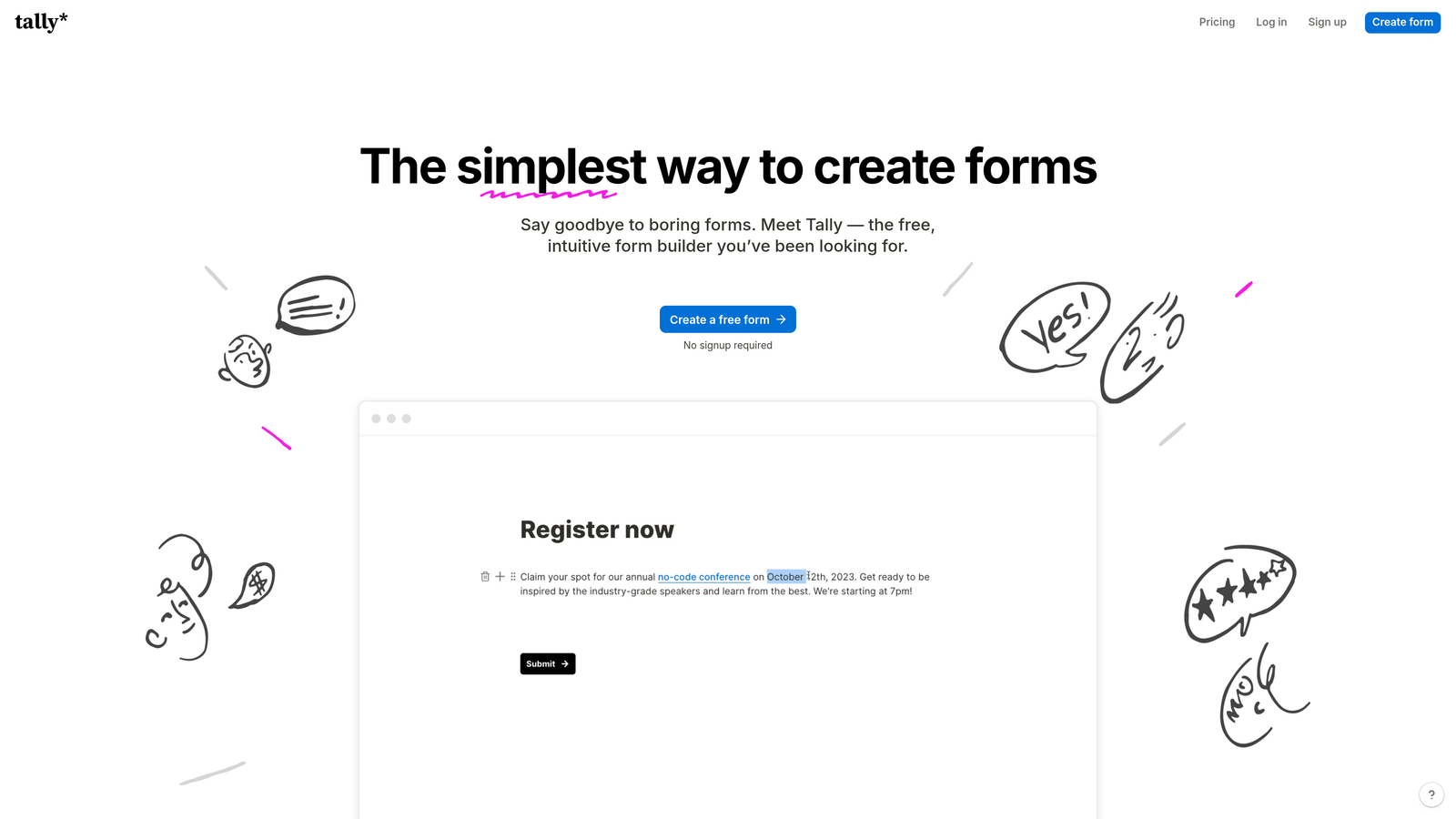
Tally is a minimalist form builder with a Notion-like interface that offers unlimited forms and responses on its free plan.
Where This Tool Shines
The pricing model is genuinely generous. While most platforms limit free users to a handful of forms or monthly submissions, Tally gives you unlimited forms and unlimited responses at no cost. For startups and small teams, this removes a significant barrier to entry.
The Notion-style block editor feels immediately familiar if you've used modern document tools. You build forms by adding blocks—text, multiple choice, file upload—and arranging them with simple drag-and-drop. There's almost no learning curve.
Key Features
Unlimited Free Plan: No limits on forms or responses, making it viable for long-term use without upgrading.
Block-Based Editor: Notion-style interface that requires minimal training or technical knowledge.
Conditional Logic: Show or hide questions based on previous answers without coding.
File Uploads: Accept documents, images, and other files directly through forms on the free plan.
Custom Domains: Use your own domain for form URLs to maintain brand consistency.
Best For
Startups operating on tight budgets, small teams that need multiple forms without monthly costs, and anyone who values simplicity over advanced features. The free plan covers most basic contact form needs indefinitely.
Pricing
Free plan includes unlimited forms and responses. Pro plan at $29/month adds features like removing Tally branding, advanced integrations, and priority support.
7. Formstack
Best for: Enterprise organizations requiring compliance, security, and advanced workflow automation
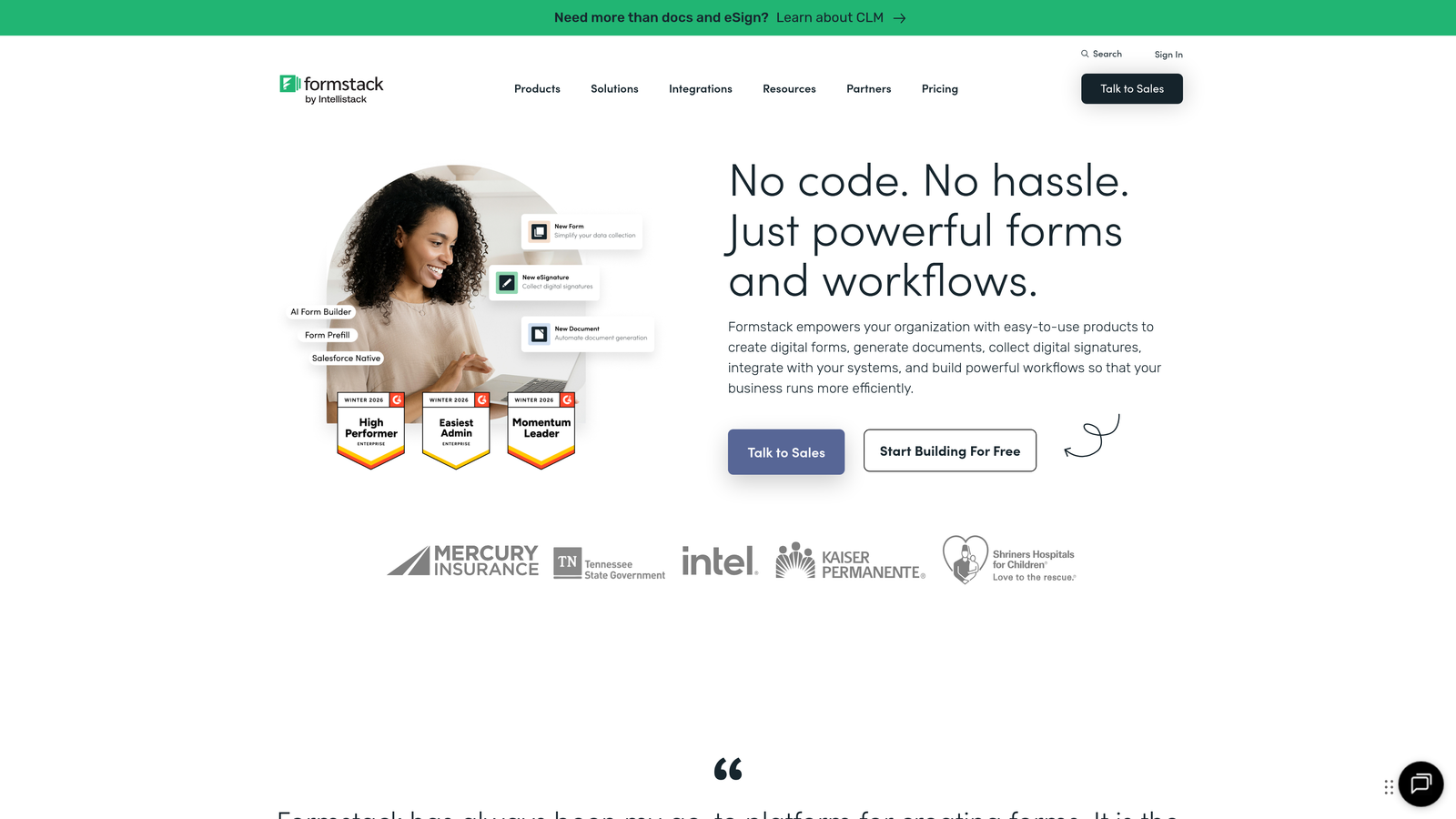
Formstack is an enterprise-grade form solution with advanced workflow automation, compliance features, and robust security options designed for regulated industries.
Where This Tool Shines
Compliance capabilities set Formstack apart for healthcare, finance, and other regulated industries. The platform offers HIPAA-compliant forms with business associate agreements, GDPR compliance tools, and security features that meet enterprise IT requirements.
Workflow automation goes deeper than most competitors. You can build multi-step approval processes, route submissions through complex decision trees, and integrate with enterprise systems through APIs. This makes it viable for internal processes beyond simple lead capture.
Key Features
Compliance Options: HIPAA and GDPR compliance with BAAs, data processing agreements, and audit trails.
Advanced Workflows: Multi-step approval processes with conditional routing and escalation rules.
Electronic Signatures: Collect legally binding signatures directly within forms.
Offline Forms: Continue collecting submissions even when internet connectivity is unavailable.
Enterprise Security: SSO, encryption at rest and in transit, role-based access control, and detailed audit logs.
Best For
Healthcare organizations, financial services companies, government agencies, and enterprises with strict compliance requirements. The security and compliance features justify the premium pricing for regulated industries.
Pricing
Starter at $50/month for basic features. Teams at $83/month adds workflows and integrations. Enterprise pricing requires custom quotes based on volume and compliance needs.
8. Paperform
Best for: Creating branded landing page experiences with built-in e-commerce capabilities
Paperform is a form builder that doubles as a landing page creator, ideal for branded experiences that need payment processing and product catalogs.
Where This Tool Shines
Paperform blurs the line between forms and landing pages. Instead of embedding a form widget into an existing page, you create a complete standalone page with rich text, images, videos, and form fields all in one place. This works particularly well for product orders, event registrations, and booking scenarios.
The built-in payment processing handles complex scenarios like product catalogs, quantity calculations, and discount codes without third-party tools. You can essentially build a simple e-commerce experience within a form.
Key Features
Landing Page Design: Create complete branded pages with forms, text, media, and CTAs in one tool.
Payment Processing: Accept payments via Stripe or PayPal with support for products, subscriptions, and donations.
Product Catalogs: Build order forms with multiple products, variants, and dynamic pricing calculations.
Rich Media: Embed videos, images, and formatted text to create engaging experiences.
Appointment Scheduling: Integrate calendar booking directly into forms for service-based businesses.
Best For
Service businesses taking bookings or payments, e-commerce stores needing custom order forms, and event organizers selling tickets. The landing page approach works well when you need a complete experience rather than just data collection.
Pricing
Essentials at $24/month for basic features. Pro at $49/month adds advanced integrations and removes branding. Agency at $159/month for teams managing multiple clients.
9. Google Forms
Best for: Internal surveys and basic contact collection with zero cost or learning curve
Google Forms is a free, straightforward form builder perfect for simple use cases where you need quick data collection without advanced features.
Where This Tool Shines
The complete lack of friction makes Google Forms ideal for internal use. Need a quick employee survey? Team lunch order form? Event RSVP? You can build and deploy it in minutes without creating an account, entering payment information, or learning new software.
The Google Sheets integration provides instant access to submission data in a familiar spreadsheet format. For teams already using Google Workspace, this creates a seamless workflow from form creation to data analysis without switching tools.
Key Features
Completely Free: No limits, no paid tiers, no credit card required—truly free for unlimited use.
Google Sheets Integration: Submissions automatically populate spreadsheets for easy analysis and sharing.
Real-Time Collaboration: Multiple team members can edit forms simultaneously like Google Docs.
Basic Conditional Logic: Show or hide questions based on previous answers for simple branching.
Quiz Functionality: Create scored quizzes with automatic grading for training or educational purposes.
Best For
Internal team surveys, simple event registration, basic feedback collection, and any scenario where you need quick data collection without brand considerations. Less suitable for customer-facing lead generation where design and integrations matter.
Pricing
Completely free with a Google account. Included with Google Workspace subscriptions at no additional cost.
Making the Right Choice
The best contact form software depends entirely on what you're trying to accomplish. If lead qualification and conversion optimization are your top priorities, Orbit AI's AI-powered approach eliminates the manual work of sorting through submissions. For teams focused on engagement and completion rates, Typeform's conversational interface creates experiences people actually enjoy filling out.
Need massive template variety? JotForm's 10,000+ options cover virtually any scenario. Already invested in WordPress? Gravity Forms integrates at a level standalone platforms cannot match. Working within the HubSpot ecosystem? Their native forms eliminate integration headaches entirely.
Budget-conscious teams will appreciate Tally's genuinely unlimited free plan, while regulated industries require Formstack's compliance features. Paperform excels when you need landing page functionality alongside forms, and Google Forms remains unbeatable for quick internal use cases.
Consider these factors when deciding: How many leads do you generate monthly? Do you need AI-powered qualification to separate high-value prospects from tire-kickers? What systems need to integrate with your forms? Is compliance a requirement? What's your budget for form software relative to the value of each qualified lead?
For high-growth teams where lead quality matters as much as lead quantity, the automation and intelligence built into modern form platforms pay for themselves quickly. Manual lead qualification wastes sales time on prospects who were never a fit—time that could be spent closing deals with qualified buyers.
Start building free forms today and see how intelligent form design can elevate your conversion strategy. Transform your lead generation with AI-powered forms that qualify prospects automatically while delivering the modern, conversion-optimized experience your high-growth team needs.


