

The right form builder can transform your website from a passive information hub into a lead-generating machine. Whether you're capturing email subscribers, qualifying sales leads, or processing payments, your forms are often the first interactive touchpoint between you and potential customers. But with dozens of form builders on the market, each promising seamless integrations and beautiful designs, how do you choose the right one?
We've tested the leading form builders based on what matters most: ease of use for non-technical teams, customization flexibility, integration ecosystems, pricing value, and specialized capabilities like AI-powered lead qualification or payment processing. Some excel at conversational experiences that boost completion rates, while others shine with enterprise-grade security or native database integrations.
Here are the top form builders for websites in 2026, each evaluated for its unique strengths and ideal use cases.
1. Orbit AI
Best for: High-growth teams that need AI-powered lead qualification and conversion optimization
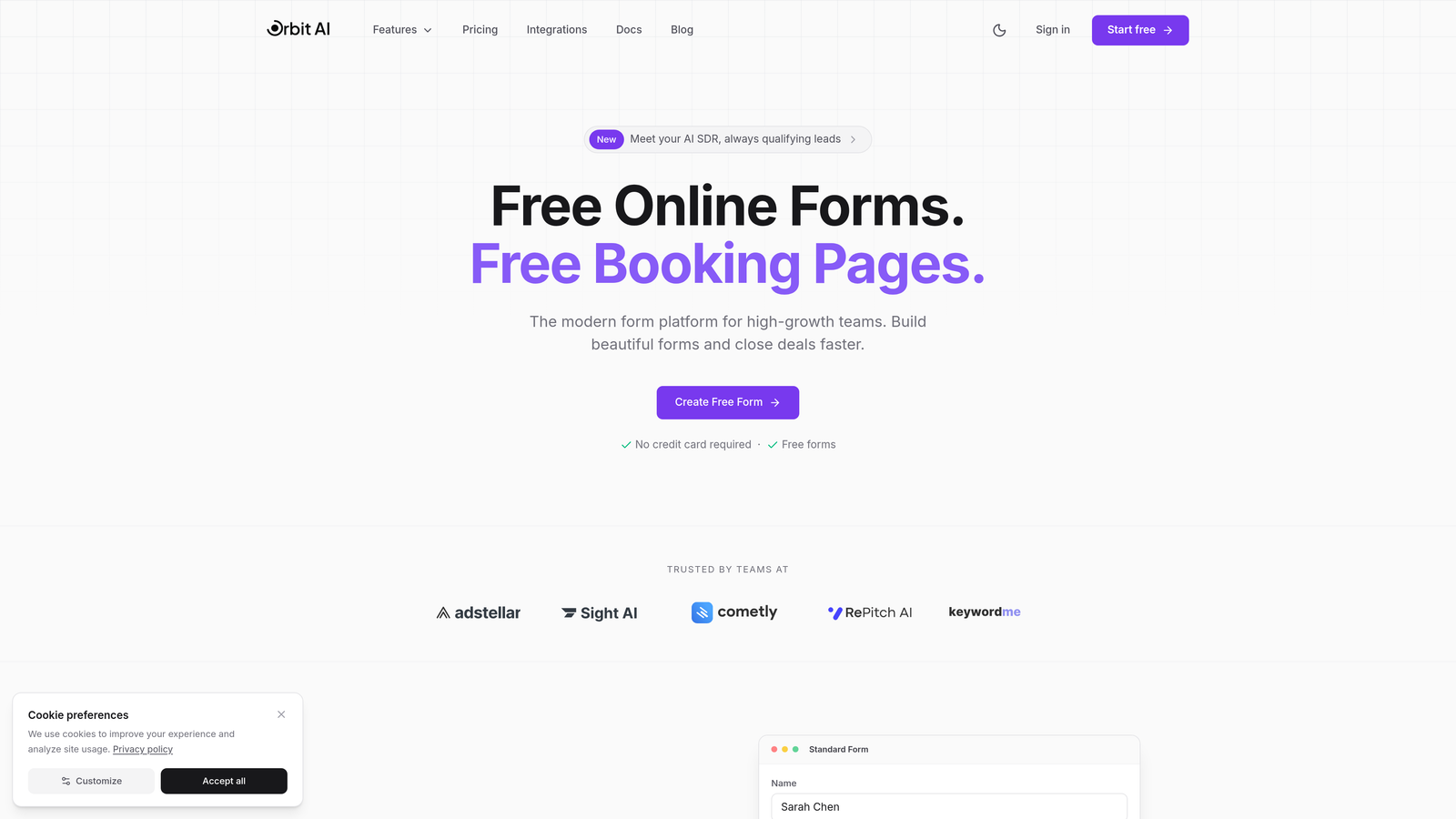
Orbit AI is an AI-powered form builder platform designed specifically for teams focused on lead generation and conversion optimization.
Where This Tool Shines
Orbit AI distinguishes itself by going beyond simple data collection to intelligently qualify and score leads as they submit forms. The platform analyzes responses in real-time to determine lead quality, automatically routing high-value prospects to sales while nurturing others through marketing workflows.
The modern, conversion-optimized templates are built with growth in mind, incorporating best practices from thousands of high-performing forms. This means you're not starting from scratch—you're building on proven designs that maximize completion rates.
Key Features
AI-Powered Lead Qualification: Automatically scores and qualifies leads based on their responses, eliminating manual sorting.
Conversion-Optimized Templates: Pre-built form designs based on conversion best practices for various industries and use cases.
Intelligent Lead Routing: Automatically directs qualified leads to the right team members based on custom criteria.
Modern Form Designs: Beautiful, mobile-responsive forms that align with contemporary web design standards.
Workflow Automation: Trigger automated follow-up sequences and internal notifications based on form submissions and lead scores.
Best For
Orbit AI is ideal for SaaS companies, B2B businesses, and marketing agencies that need to maximize the value of every form submission. If your team struggles with lead quality or spends too much time manually qualifying prospects, this platform addresses those pain points directly.
Pricing
Free tier available for teams getting started. Paid plans unlock advanced AI features, higher submission limits, and premium integrations.
2. Typeform
Best for: Creating engaging, conversational form experiences that feel like natural interactions
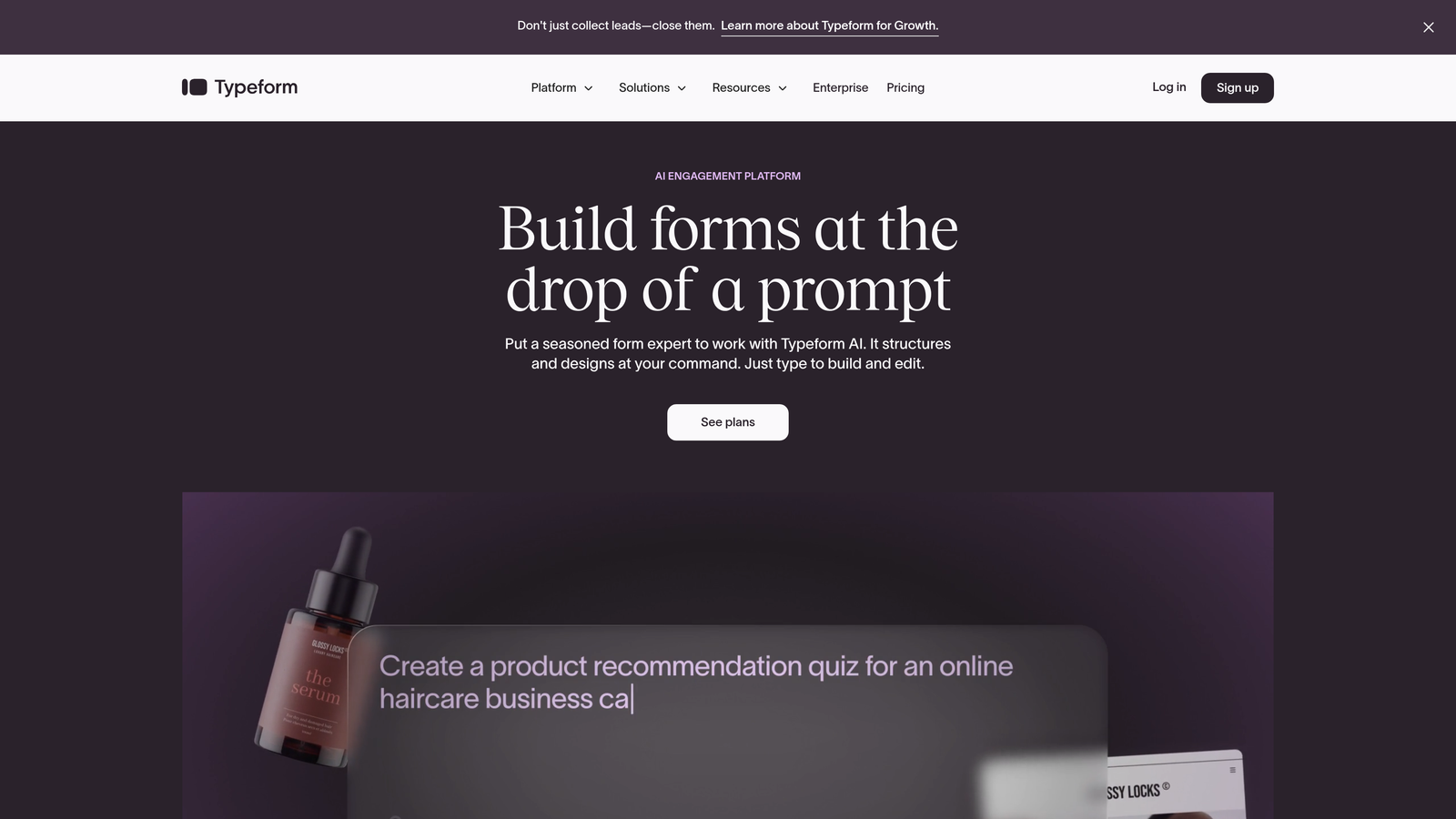
Typeform is a conversational form builder that presents questions one at a time, creating an interactive experience that typically achieves higher completion rates than traditional long forms.
Where This Tool Shines
Typeform revolutionized form design by treating data collection as a conversation rather than an interrogation. The one-question-at-a-time approach reduces cognitive load and makes even lengthy surveys feel manageable. Users report completion rates significantly higher than traditional multi-field forms.
The platform's design-forward aesthetic means your forms look polished without requiring design skills. Video backgrounds, custom fonts, and branded color schemes create memorable experiences that reflect your brand personality.
Key Features
Conversational Format: One-question-at-a-time interface that guides respondents through your form like a conversation.
Beautiful Templates: Design-forward templates that look professional out of the box with minimal customization.
Logic Jumps: Show or hide questions based on previous answers to create personalized form paths.
Rich Media Embedding: Add videos, images, and GIFs to make forms more engaging and provide context.
Analytics Dashboard: Track completion rates, drop-off points, and response patterns to optimize form performance.
Best For
Typeform works best for customer feedback surveys, lead qualification questionnaires, event registrations, and any scenario where user experience and completion rates are priorities. It's particularly effective for brands that value aesthetics and want forms that feel premium.
Pricing
Free plan available with Typeform branding and limited features. Basic plan starts at $25/month, with Plus and Business tiers offering advanced logic and integrations.
3. Jotform
Best for: Teams needing extensive template variety and customization options for diverse use cases
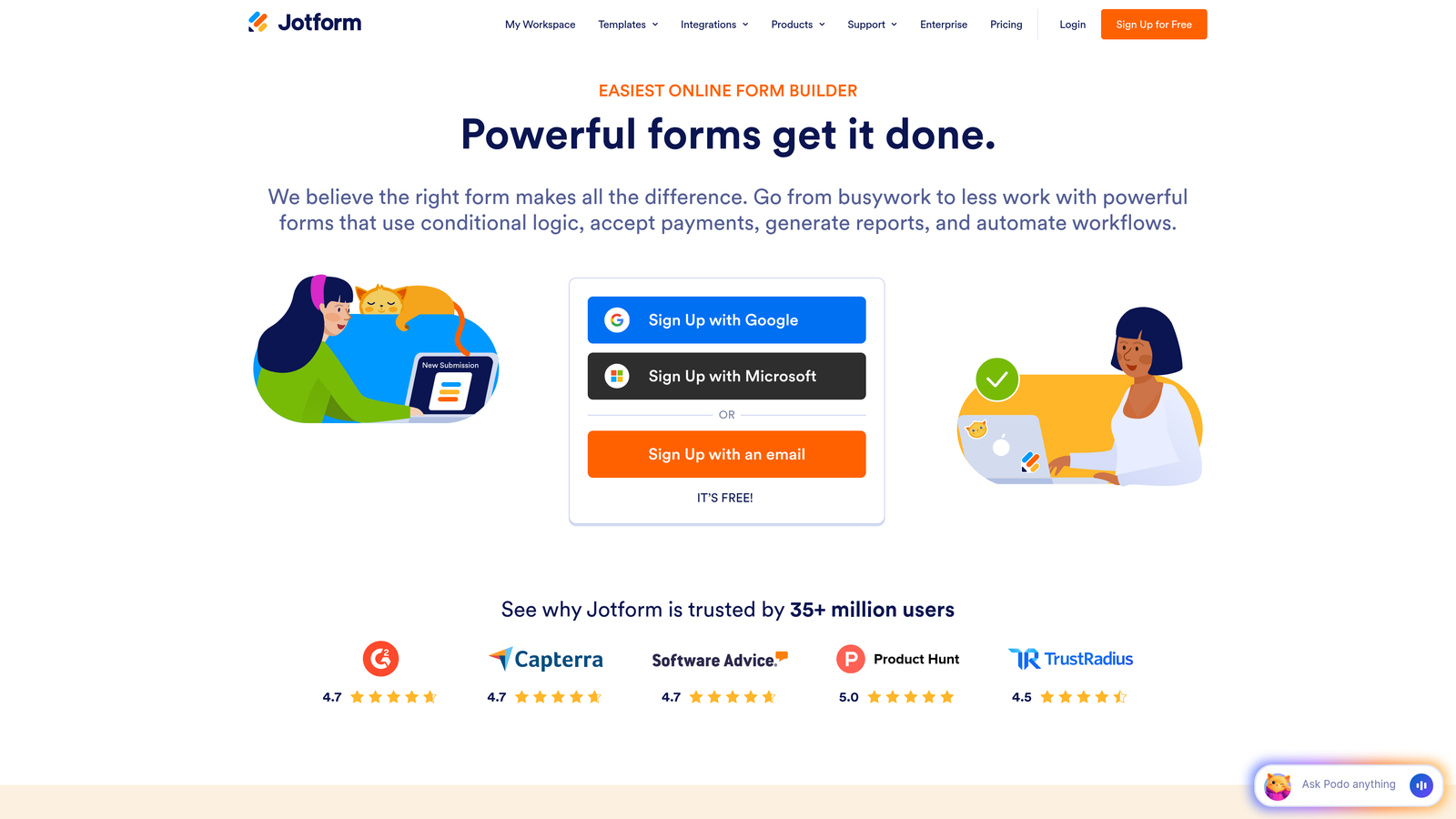
Jotform is a versatile form builder offering over 10,000 templates and powerful customization capabilities for virtually any form requirement.
Where This Tool Shines
Jotform's massive template library means you'll find a starting point for almost any use case—from job applications to medical intake forms to event registrations. This breadth makes it invaluable for organizations that need multiple form types without learning different platforms.
The drag-and-drop builder balances ease of use with advanced functionality. Non-technical users can create professional forms quickly, while power users can access conditional logic, calculations, and custom CSS for precise control.
Key Features
10,000+ Templates: Industry-specific templates covering everything from healthcare to education to e-commerce.
Drag-and-Drop Builder: Intuitive interface that makes form creation accessible to non-technical users.
Payment Integrations: Accept payments through PayPal, Stripe, Square, and other processors directly in forms.
PDF Generation: Automatically convert form submissions into formatted PDF documents for records or contracts.
Mobile App Builder: Create native mobile apps for your forms for offline data collection.
Best For
Jotform serves organizations that need versatility—schools managing multiple registration processes, healthcare providers with various intake forms, or agencies building forms for diverse clients. The template library and customization options make it a Swiss Army knife solution.
Pricing
Free plan includes 5 forms with 100 monthly submissions. Bronze plan starts at $34/month for 25 forms, with Silver and Gold tiers adding more forms and features.
4. Tally
Best for: Budget-conscious teams that need unlimited forms without branding restrictions
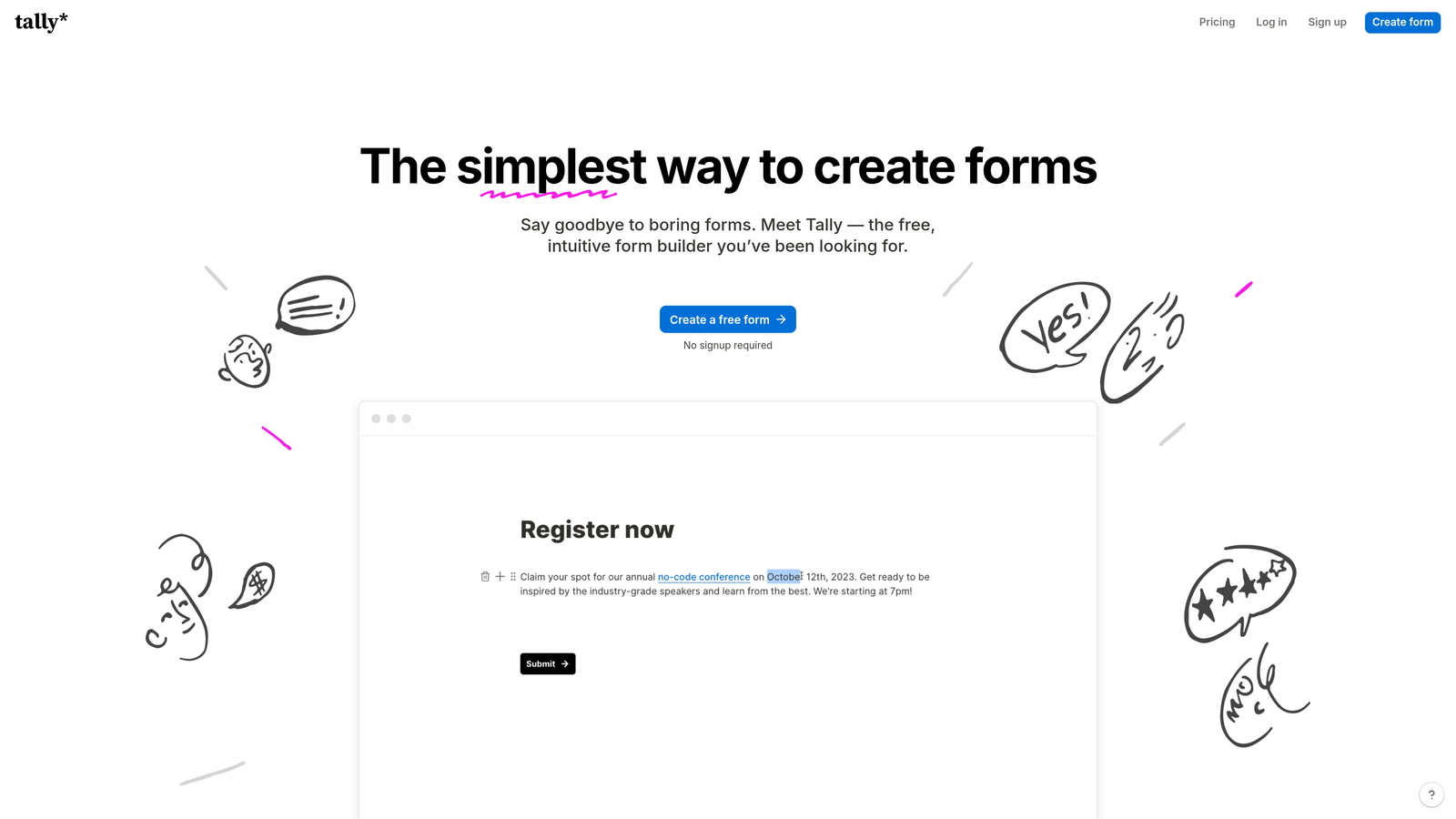
Tally is a simple form builder with a Notion-like interface that offers unlimited forms on its free plan—a rarity in the market.
Where This Tool Shines
Tally's generous free tier disrupts traditional form builder pricing by offering unlimited forms, unlimited submissions, and no Tally branding. This makes it exceptional for startups, side projects, or organizations managing many low-volume forms without budget for paid tools.
The Notion-style interface feels familiar to teams already using block-based editors. You build forms by typing and selecting field types inline, creating a faster workflow than traditional drag-and-drop builders for simple forms.
Key Features
Unlimited Free Forms: Create as many forms as needed without hitting artificial limits or paying for additional forms.
Notion-Style Interface: Block-based editing that feels natural and requires minimal learning curve.
No Branding: Remove Tally branding even on the free plan, maintaining your professional appearance.
Conditional Logic: Show or hide fields based on previous answers to create dynamic form experiences.
File Uploads: Collect documents, images, and other files directly through your forms.
Best For
Tally is perfect for startups, content creators, small businesses, and anyone managing multiple simple forms on a tight budget. If you need basic contact forms, feedback surveys, or registration forms without complex workflows, Tally delivers impressive value.
Pricing
Generous free plan includes unlimited forms and most features. Pro plan at $29/month adds custom domains, payment collection, and priority support.
5. Paperform
Best for: Creating branded, document-style forms that combine rich content with data collection
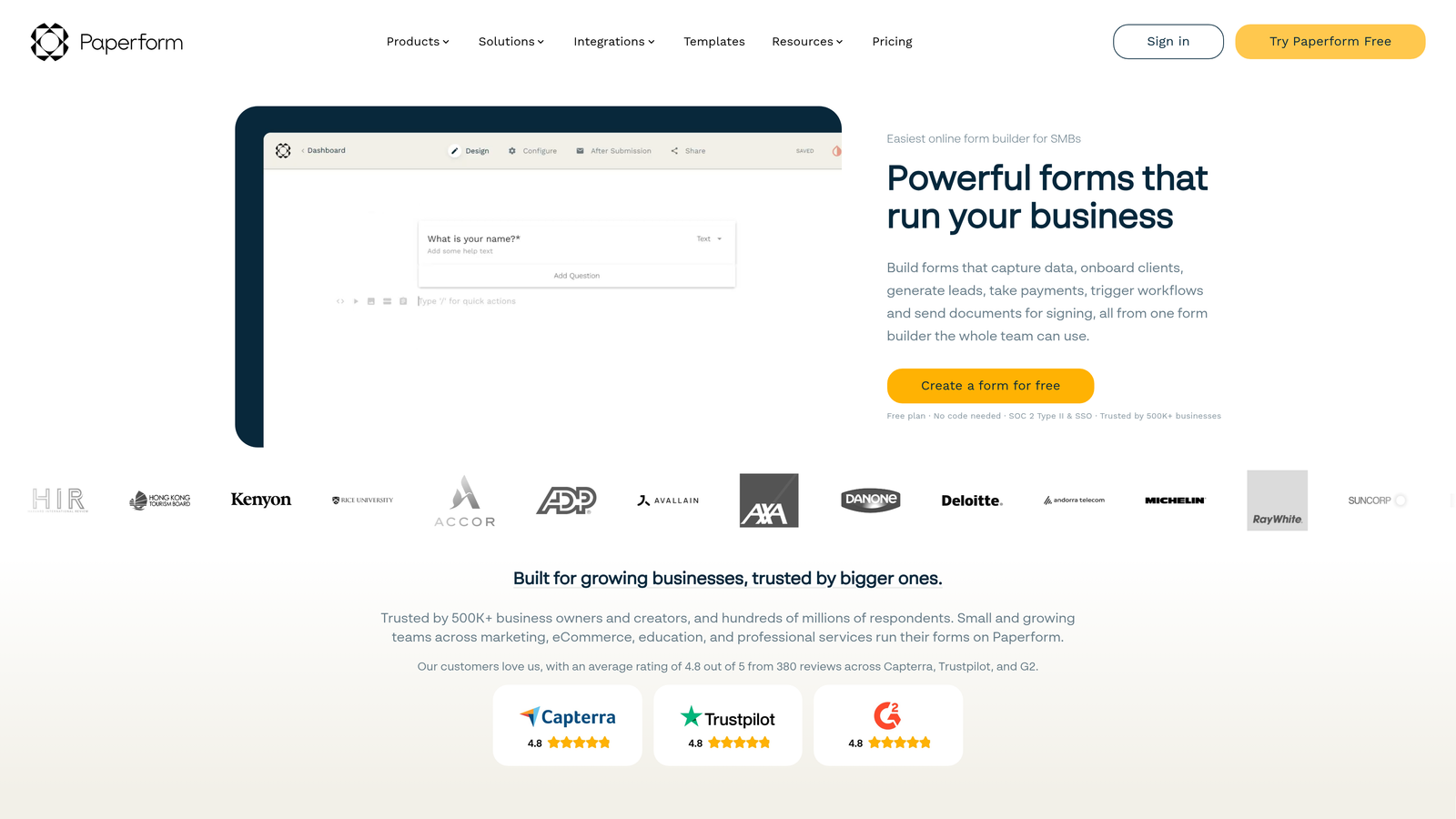
Paperform is a document-style form builder that lets you create forms that look like landing pages, combining text, images, videos, and form fields seamlessly.
Where This Tool Shines
Paperform treats forms as content experiences rather than simple data collection tools. You can embed explanatory text, images, videos, and form fields in the same flow, creating forms that educate and convert simultaneously. This approach works exceptionally well for product orders, event registrations, or any scenario requiring context before submission.
The platform's e-commerce capabilities go beyond basic payment collection. You can build complete product catalogs, calculate totals based on quantities and options, and create checkout experiences that rival dedicated e-commerce platforms.
Key Features
Document-Style Layouts: Combine form fields with rich text, images, and videos in a flowing document format.
E-commerce Integration: Sell products, calculate pricing based on options, and process payments directly through forms.
Rich Content Embedding: Add videos, images, and formatted text to provide context and improve completion rates.
Booking and Scheduling: Integrate calendar availability for appointment bookings and event registrations.
Custom Branding: Full control over colors, fonts, and styling to match your brand identity perfectly.
Best For
Paperform excels for businesses selling products or services through forms, event organizers needing registration with rich event details, and brands that want forms to feel like natural extensions of their website rather than utilitarian data collection tools.
Pricing
Essentials plan at $24/month includes unlimited forms and submissions. Pro plan at $49/month adds advanced features like calculations and priority support.
6. Google Forms
Best for: Simple data collection with seamless Google Workspace integration at zero cost
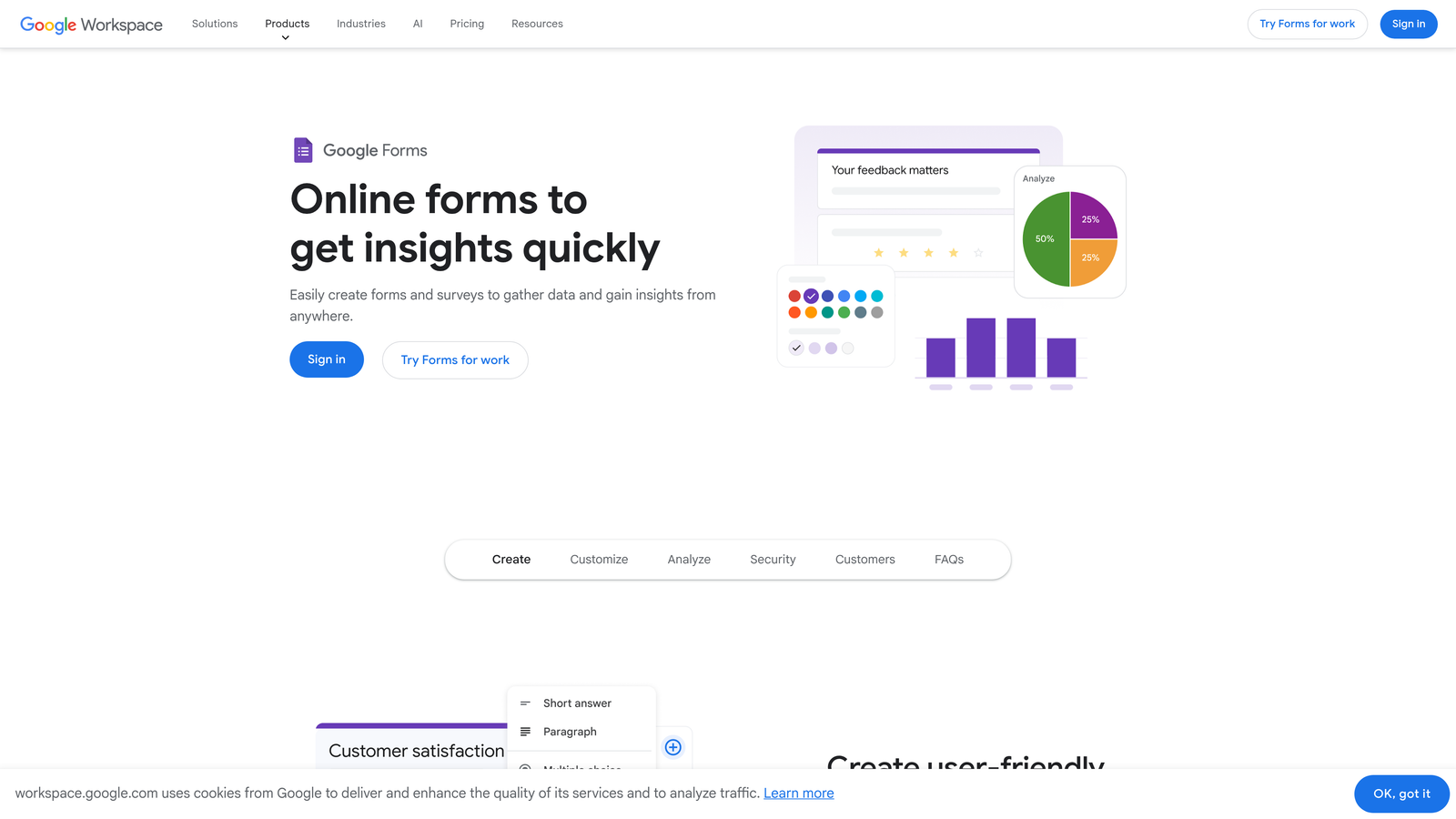
Google Forms is a free, straightforward form builder fully integrated with Google Workspace, offering unlimited forms and responses.
Where This Tool Shines
Google Forms wins on simplicity and accessibility. Anyone with a Google account can create unlimited forms in minutes, with responses automatically populating Google Sheets for easy analysis. This zero-friction setup makes it ideal for internal surveys, quick feedback collection, or any scenario where speed matters more than advanced features.
The real-time collaboration features mirror other Google Workspace tools. Multiple team members can edit forms simultaneously, viewing changes instantly—a workflow that feels natural for teams already living in Google's ecosystem.
Key Features
Completely Free: Unlimited forms, unlimited responses, and all core features at no cost with a Google account.
Google Sheets Integration: Responses automatically populate spreadsheets for instant analysis and reporting.
Real-Time Collaboration: Multiple users can edit forms simultaneously with live updates.
Quiz Functionality: Create self-grading quizzes with automatic scoring and answer feedback.
Simple Interface: Minimal learning curve makes form creation accessible to anyone.
Best For
Google Forms serves teams already using Google Workspace, educators creating quizzes and assignments, nonprofits with limited budgets, and anyone needing simple surveys or registration forms without advanced customization requirements.
Pricing
Completely free with a Google account. No premium tiers or paid features.
7. Formstack
Best for: Enterprise organizations requiring advanced security, compliance, and workflow automation
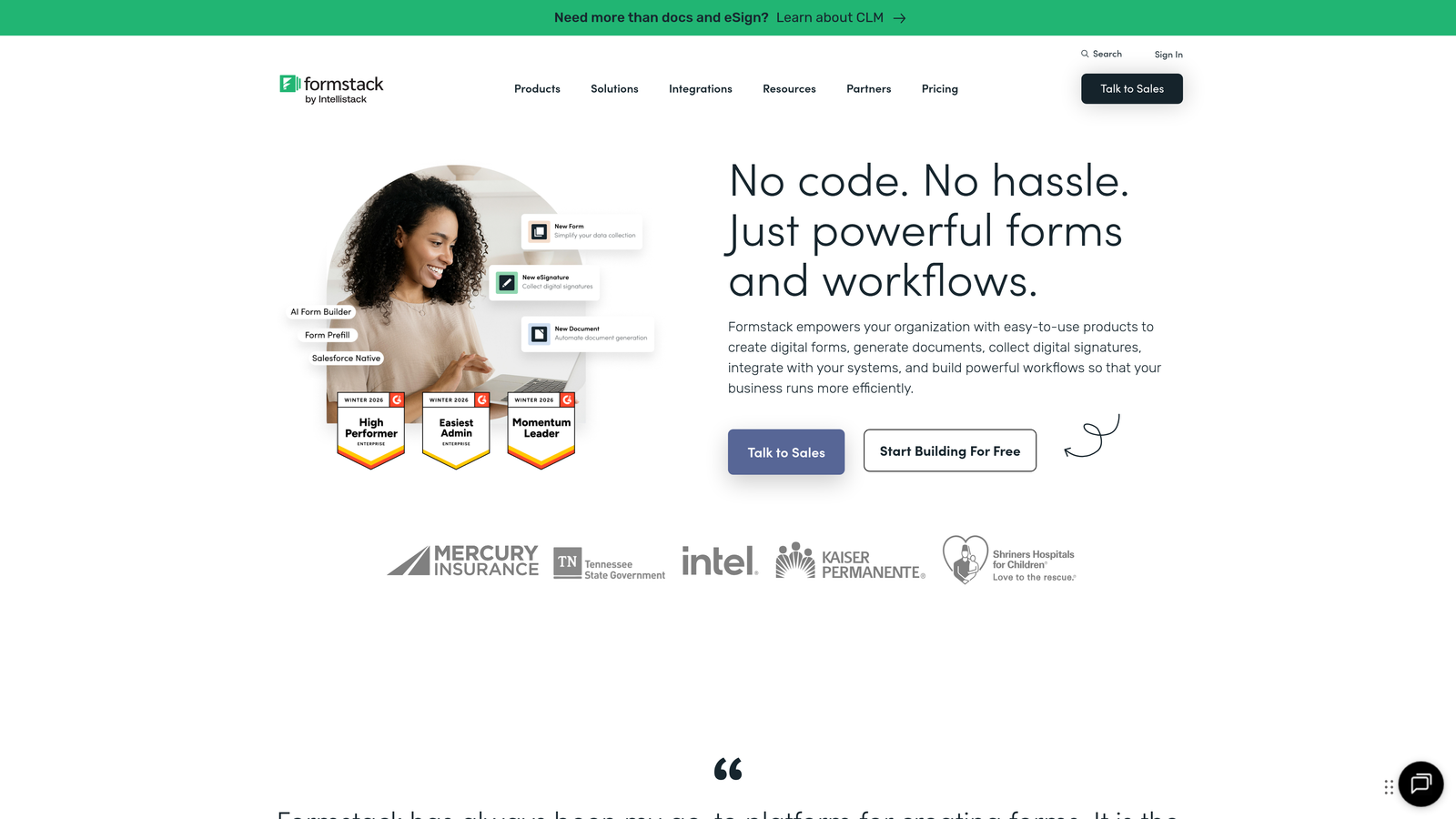
Formstack is an enterprise-grade form builder with advanced workflows, compliance certifications, and security features for regulated industries.
Where This Tool Shines
Formstack addresses enterprise requirements that consumer-focused form builders often overlook. HIPAA compliance options make it viable for healthcare organizations, while SOC 2 certification and advanced encryption satisfy security teams in financial services and other regulated industries.
The platform's workflow automation goes beyond simple email notifications. You can route submissions through multi-step approval processes, generate populated documents automatically, collect e-signatures, and integrate with enterprise systems through robust API connections.
Key Features
HIPAA Compliance: Business Associate Agreements and security controls for healthcare data collection.
Advanced Conditional Logic: Complex branching and field visibility rules for sophisticated form workflows.
Document Generation: Automatically populate templates with form data to create contracts, reports, or records.
E-Signature Integration: Collect legally binding signatures directly within form workflows.
Enterprise Security: SSO, advanced encryption, audit logs, and compliance certifications for regulated industries.
Best For
Formstack targets healthcare organizations, financial institutions, government agencies, and any enterprise with strict compliance requirements or complex approval workflows. If your legal or security team has specific requirements, Formstack likely addresses them.
Pricing
Starter plan at $50/month for small teams. Teams plan at $83/month adds advanced features. Enterprise pricing available for organizations requiring compliance features.
8. Cognito Forms
Best for: Payment collection with complex calculations and conditional pricing logic
Cognito Forms is a form builder specializing in payment processing, calculations, and scenarios requiring dynamic pricing based on user selections.
Where This Tool Shines
Cognito Forms handles payment scenarios that frustrate other form builders. Need to calculate totals based on quantities, add-ons, and conditional discounts? Cognito makes it straightforward with calculation fields that reference other fields and apply complex formulas automatically.
The platform's repeating sections feature is particularly powerful for scenarios like event registrations where users might register multiple attendees with different meal choices and add-ons. Each section calculates independently before rolling up to a final total.
Key Features
Built-In Payment Processing: Accept credit cards through Stripe or Square without third-party integrations.
Calculation Fields: Create complex formulas that calculate totals, discounts, and conditional pricing automatically.
Conditional Pricing: Adjust prices dynamically based on user selections, quantities, or other form inputs.
Data Encryption: All form data encrypted at rest and in transit for payment security.
Repeating Sections: Allow users to add multiple entries of the same field group for complex scenarios.
Best For
Cognito Forms excels for event registrations with variable pricing, order forms with product options and quantities, membership applications with tiered pricing, and any scenario requiring payment collection with calculations more complex than simple totals.
Pricing
Free plan available with limited features. Pro plan at $15/month per user includes payment processing and advanced features.
9. 123FormBuilder
Best for: Industry-specific templates and compliance features for regulated sectors
123FormBuilder is a form builder offering industry-specific templates and strong security features designed for healthcare, education, and other regulated industries.
Where This Tool Shines
123FormBuilder's industry-specific approach means you'll find templates designed for your exact use case—medical intake forms that capture all necessary patient information, educational assessment forms with proper structure, or HR onboarding workflows with required documentation.
The platform takes compliance seriously with GDPR and HIPAA options, making it viable for organizations that can't use consumer-focused tools due to regulatory requirements. Data residency options and comprehensive audit trails provide the documentation compliance teams require.
Key Features
Industry Templates: Pre-built forms designed for healthcare, education, government, and other specific sectors.
GDPR and HIPAA Compliance: Security controls and documentation required for regulated data collection.
Multi-Page Forms: Break long forms into multiple pages to improve completion rates and user experience.
Payment Integrations: Accept payments through multiple processors including PayPal, Stripe, and Authorize.net.
Workflow Automation: Route submissions through approval processes and trigger automated actions.
Best For
123FormBuilder serves healthcare providers needing patient intake forms, educational institutions managing applications and assessments, HR departments handling employee onboarding, and any organization in regulated industries requiring compliance documentation.
Pricing
Free plan available with basic features. Gold plan at $24.99/month includes advanced features and integrations.
10. Fillout
Best for: Teams using Notion, Airtable, or other databases as their primary data layer
Fillout is a modern form builder with native integrations for Notion, Airtable, and other popular databases, eliminating manual data transfer.
Where This Tool Shines
Fillout solves a specific pain point for teams using Notion or Airtable as their source of truth: getting external data into those systems without manual copying. The native integrations mean form submissions automatically create database entries with proper field mapping and relationships.
The modern interface feels contemporary and mobile-optimized out of the box. Forms look professional without customization effort, and the mobile experience rivals dedicated mobile form apps.
Key Features
Native Notion Integration: Form submissions automatically create Notion database entries with full field mapping.
Airtable Sync: Direct integration with Airtable bases, maintaining relationships and field types.
Modern UI Design: Contemporary interface that looks polished on desktop and mobile without customization.
Conditional Logic: Show or hide fields based on previous answers for personalized form flows.
File Uploads: Collect documents and images that sync to connected databases.
Best For
Fillout is ideal for teams using Notion or Airtable as their primary workflow tool, startups wanting modern forms without design effort, and anyone frustrated by manually copying form data into database systems.
Pricing
Free plan available with core features. Starter plan at $15/month adds advanced integrations and removes branding.
11. HubSpot Forms
Best for: Marketing teams using HubSpot CRM for lead management and automation
HubSpot Forms is a free form builder that integrates seamlessly with HubSpot's CRM and marketing automation platform.
Where This Tool Shines
HubSpot Forms excels at progressive profiling—a technique where forms ask different questions to known contacts versus new visitors, gradually building complete profiles without overwhelming users with lengthy forms. This approach significantly improves conversion rates for teams with returning visitors.
The tight CRM integration means every form submission automatically creates or updates contact records, triggers lead scoring updates, and can initiate automated email sequences or sales notifications. This eliminates the data silos that plague teams using disconnected tools.
Key Features
Free with HubSpot CRM: Complete form builder included in HubSpot's free CRM tier with no additional cost.
Progressive Profiling: Show different fields to known contacts to gradually build complete profiles without form fatigue.
Lead Scoring Integration: Form submissions automatically update lead scores based on your scoring criteria.
Marketing Automation Triggers: Form submissions can trigger email sequences, task creation, and workflow automation.
Pop-up and Embedded Forms: Deploy forms as pop-ups, slide-ins, or embedded directly in page content.
Best For
HubSpot Forms serves marketing teams already using HubSpot CRM, B2B companies focused on lead nurturing and scoring, and organizations wanting forms tightly integrated with their marketing automation without additional tool complexity.
Pricing
Free with HubSpot CRM. Advanced features like A/B testing and additional automation available in paid Marketing Hub tiers starting at $45/month.
Finding Your Perfect Form Builder Match
The right form builder depends entirely on your specific needs and existing tech stack. For teams focused on lead quality and conversion optimization, Orbit AI's intelligent qualification capabilities eliminate the manual work of sorting prospects. If you're creating customer surveys or feedback forms where user experience drives completion rates, Typeform's conversational approach consistently delivers results.
Budget-conscious teams and startups should seriously consider Tally or Google Forms—both offer impressive functionality without monthly fees. Tally provides more customization and removes branding even on free plans, while Google Forms wins for teams already living in Google Workspace.
Enterprise organizations with compliance requirements can't compromise on security. Formstack and 123FormBuilder provide the HIPAA compliance, audit trails, and security certifications that regulated industries require. For payment collection scenarios, Cognito Forms handles complex calculations and conditional pricing that frustrate other platforms.
Teams using Notion or Airtable as their primary workflow tool will appreciate Fillout's native integrations that eliminate manual data transfer. Similarly, HubSpot users should leverage the free Forms tool rather than paying for separate form software—the CRM integration and progressive profiling features are too valuable to ignore.
Transform your lead generation with AI-powered forms that qualify prospects automatically while delivering the modern, conversion-optimized experience your high-growth team needs. Start building free forms today and see how intelligent form design can elevate your conversion strategy.


