

Paperform has earned its reputation as a beautiful form builder with powerful conditional logic and seamless payment collection. But as your lead generation strategy matures, you might find yourself hitting walls—whether it's pricing that scales faster than your budget, limited AI capabilities when you need smart lead qualification, integration gaps that force manual data transfers, or simply the realization that collecting information isn't the same as converting prospects.
For high-growth teams in 2026, forms need to do more than look good. They need to actively qualify leads, route prospects intelligently, integrate seamlessly with your tech stack, and optimize for conversion at every step. The right form builder becomes a revenue driver, not just a data collection tool.
This guide evaluates seven compelling Paperform alternatives through the lens of what actually moves the needle: ease of use that doesn't sacrifice power, AI and automation features that work behind the scenes, integration ecosystems that connect your workflows, pricing that delivers value as you scale, and conversion optimization tools that turn more visitors into qualified leads.
Whether you're a startup watching every dollar, a mid-market team drowning in unqualified leads, or an enterprise requiring compliance features, one of these alternatives will align better with your specific growth trajectory.
1. Orbit AI: AI-Powered Lead Qualification That Works While You Sleep
The Challenge It Solves
Your forms collect hundreds of submissions, but your sales team wastes hours qualifying leads that should never have reached their inbox. You need intelligent filtering that happens automatically, routing hot prospects to sales while nurturing others appropriately. Traditional form builders make you choose between beautiful design and smart functionality—Orbit AI eliminates that compromise.
The Strategy Explained
Orbit AI approaches form building from a conversion-first perspective. Instead of just capturing data, the platform uses AI to analyze responses in real-time, scoring lead quality and routing prospects to the right team members or workflows automatically. The form experience remains clean and modern—visitors never see the intelligence working behind the scenes.
What sets Orbit apart is the focus on high-growth teams who need forms that actively contribute to pipeline quality. The AI learns from your conversion patterns, identifying which lead characteristics predict success and adjusting qualification criteria accordingly. This means your forms get smarter over time, not just more cluttered with fields.
Implementation Steps
1. Build your form using the intuitive drag-and-drop interface, focusing on the questions that actually predict lead quality rather than collecting every possible data point.
2. Configure AI-powered lead scoring rules based on your ideal customer profile—the system will automatically categorize incoming leads as hot, warm, or cold based on their responses. Understanding lead scoring platform costs helps you budget appropriately for this capability.
3. Set up smart routing to send qualified leads directly to sales while triggering nurture sequences for prospects who aren't ready yet, ensuring no opportunity falls through the cracks.
Pro Tips
Start with a simple qualification framework and let the AI refine it. Many teams over-engineer their initial setup when the platform's intelligence works best with clean, focused criteria. Monitor which questions contribute most to accurate lead scoring and eliminate fields that don't move the needle.
2. Typeform: Conversational Experience That Feels Like a Real Conversation
The Challenge It Solves
Traditional multi-field forms overwhelm visitors with walls of questions, killing completion rates before prospects even start. You need an experience that feels natural and engaging, guiding people through your form one thoughtful question at a time without the cognitive overload that drives abandonment.
The Strategy Explained
Typeform pioneered the one-question-at-a-time format that transforms form completion from a chore into a conversation. Each question appears individually with smooth transitions, creating focus and momentum. The interface is minimal by design—no distracting navigation, no overwhelming progress bars, just the current question and a clear path forward. If you're exploring similar options, check out our guide on Typeform alternatives for lead generation.
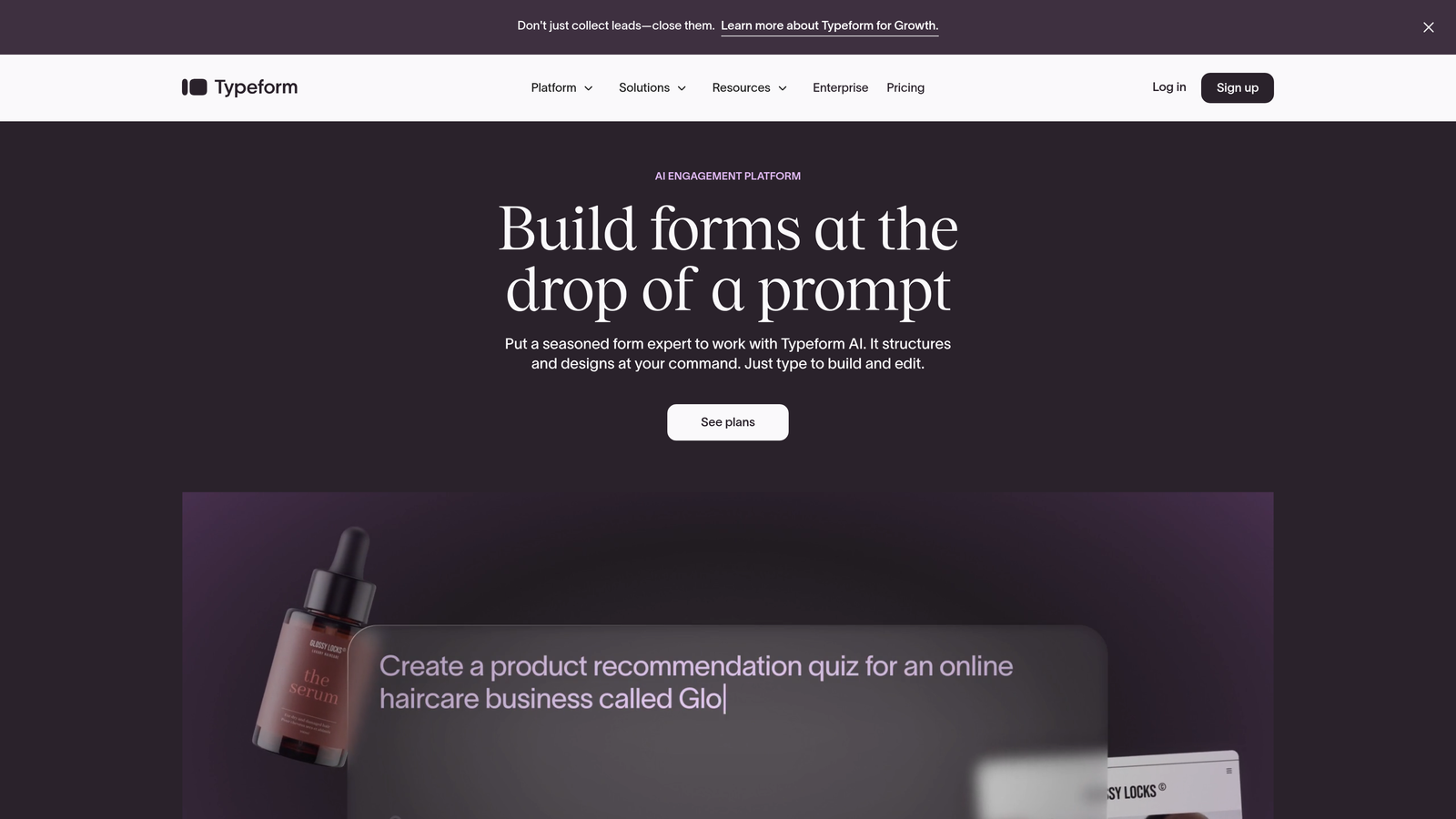
The platform excels at brand customization, letting you match every visual element to your identity. From custom fonts and colors to background images and button styles, Typeform becomes an extension of your brand experience rather than a generic form tool. This consistency matters when you're building trust with high-value prospects.
Implementation Steps
1. Map your question flow strategically, starting with easy, engaging questions that build momentum before asking for sensitive information like email or phone numbers.
2. Leverage logic jumps to create personalized paths—if someone indicates they're a small business, show them different questions than enterprise prospects would see.
3. Apply your brand styling comprehensively, ensuring every touchpoint from welcome screen to thank-you page reinforces your visual identity and builds recognition.
Pro Tips
The one-question format works best for longer forms where traditional layouts would intimidate. For quick 3-5 field captures, the format can actually increase friction. Test both approaches and let completion data guide your decision rather than defaulting to the signature style.
3. Jotform: Template Library That Jumpstarts Any Use Case
The Challenge It Solves
Building forms from scratch drains time you don't have, especially when you need different form types for events, registrations, surveys, and lead capture. You need a starting point that's already 80% complete, letting you customize the final 20% rather than wrestling with blank canvases repeatedly.
The Strategy Explained
Jotform's strength lies in its extensive template library—the platform offers thousands of pre-built forms covering virtually every business scenario. Whether you need event registration, customer feedback, job applications, or order forms, there's likely a template that matches your use case closely enough to save hours of setup time. For teams focused on pipeline growth, explore Jotform alternatives for lead generation to compare options.
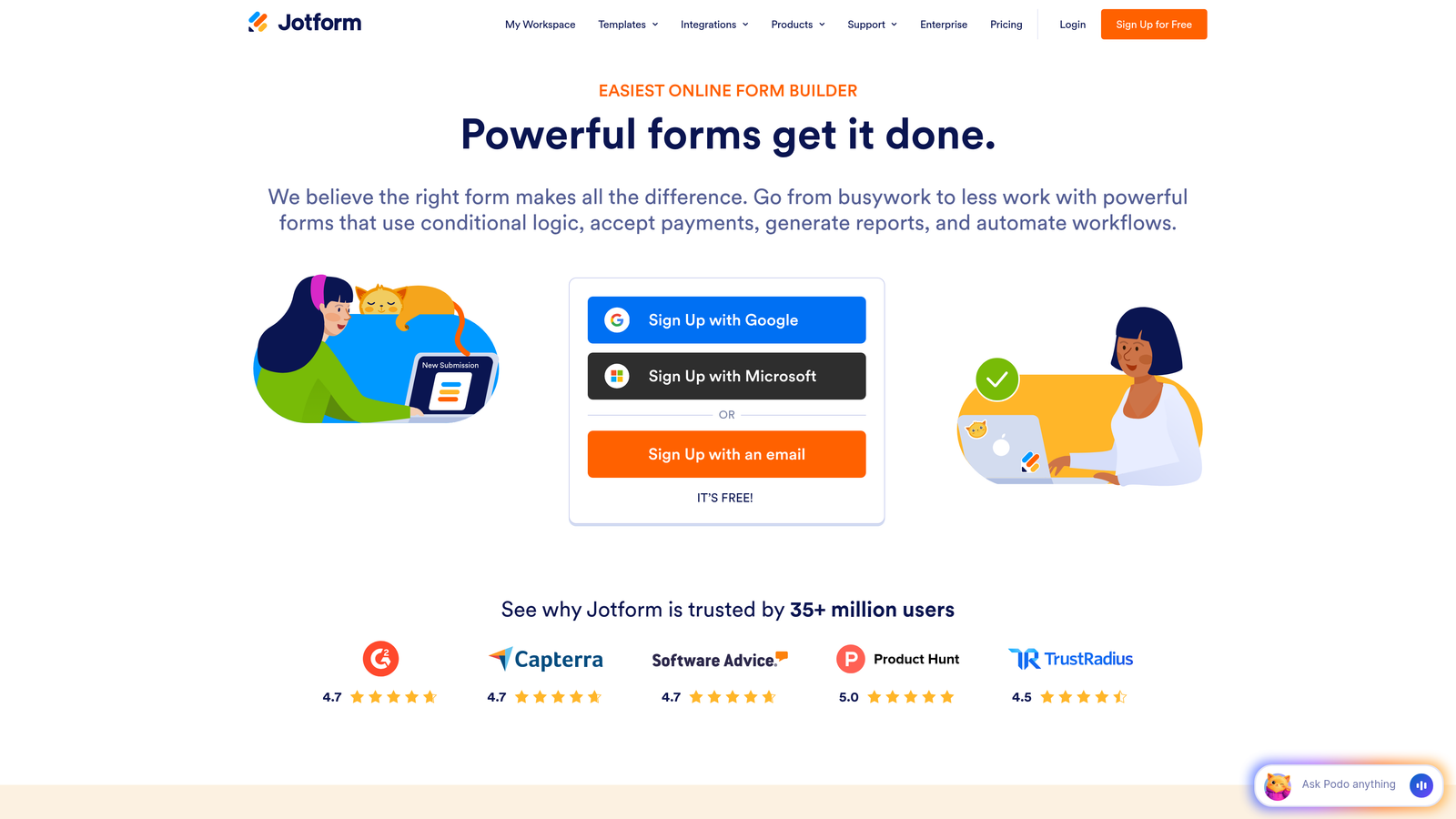
The platform also provides a generous free tier that many growing teams can operate within indefinitely, making it budget-friendly for companies watching costs. Payment integrations span major processors, and the widget ecosystem extends functionality without requiring custom code or third-party tools.
Implementation Steps
1. Search the template library using specific keywords related to your use case rather than browsing categories—the sheer volume makes targeted search more efficient than exploration.
2. Clone your chosen template and customize branding, field labels, and logic flows to match your specific requirements, treating the template as a framework rather than a finished product.
3. Add widgets strategically to enhance functionality—signature capture for contracts, appointment scheduling for demos, or calculation widgets for quote generation—without cluttering the core experience.
Pro Tips
The free tier's 100 monthly submissions limit works well for testing and low-volume use cases, but monitor your submission count carefully. Teams often hit the limit unexpectedly during campaigns or seasonal spikes, requiring urgent upgrades when you're least prepared to evaluate pricing.
4. Tally: Notion-Style Simplicity With Unlimited Free Forms
The Challenge It Solves
Complex form builders with overwhelming feature sets create friction when you just need to collect information quickly. You're tired of subscription costs for basic functionality and want a straightforward tool that doesn't punish you for creating multiple forms across different projects or campaigns.
The Strategy Explained
Tally brings Notion's block-based editing philosophy to form building, creating an interface that feels instantly familiar if you've used modern document editors. Add questions by typing, arrange them by dragging, and style everything with simple formatting options. There's no learning curve for team members who already think in blocks and sections. Our comparison of modern form builder alternatives covers similar lightweight options.
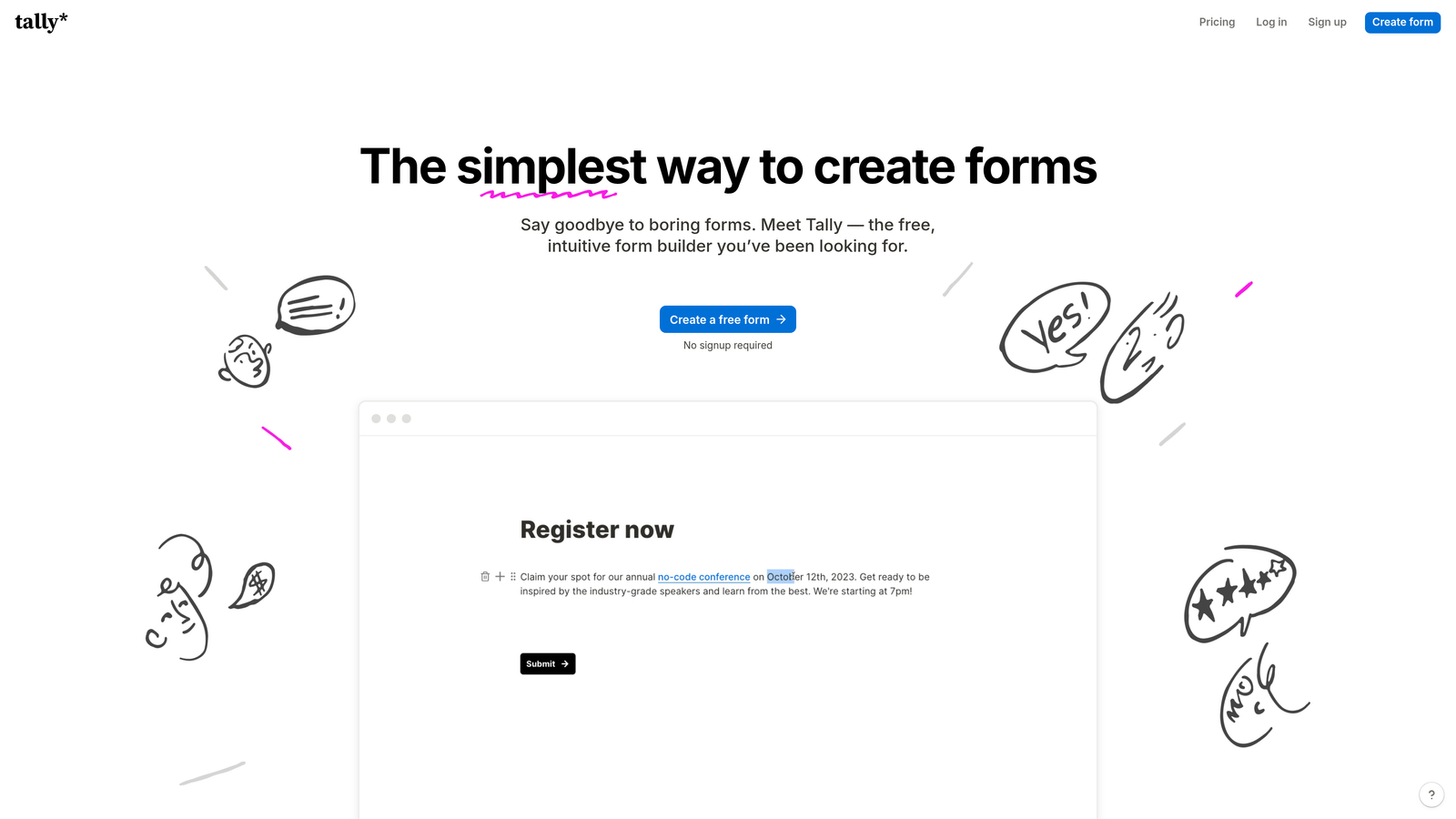
The platform's unlimited free tier stands out in a market where most competitors cap form creation or submissions aggressively. You can build as many forms as you need without worrying about hitting arbitrary limits, making Tally ideal for teams running multiple campaigns or managing diverse lead sources simultaneously.
Implementation Steps
1. Start typing your first question and watch Tally automatically create the appropriate field type based on your text—this natural language approach eliminates menu hunting and speeds up form creation significantly.
2. Organize questions into logical sections using the same block-dragging interface you'd use in Notion, creating visual hierarchy that guides respondents through complex forms without confusion.
3. Share forms via direct links or embed them on your website using the provided code—the lightweight embeds load quickly and match your site's styling automatically.
Pro Tips
The simplicity is both strength and limitation. Tally works beautifully for straightforward data collection but lacks advanced features like complex conditional logic or payment processing. Evaluate whether your use case truly needs those capabilities before assuming you do—many teams over-engineer when simple works better.
5. Fillout: Database-First Forms That Live Where Your Data Lives
The Challenge It Solves
Your team lives in Airtable or Notion, but form submissions land in disconnected tools, forcing manual data transfers or fragile automation bridges. You need forms that write directly to your databases, treating form building as an extension of your existing workspace rather than a separate system requiring integration.
The Strategy Explained
Fillout positions itself explicitly as the form layer for Airtable and Notion users, creating forms that read from and write to your existing databases natively. When someone submits a form, the data appears instantly in your base or workspace without webhooks, Zapier connections, or API configurations. The form becomes just another interface to your single source of truth.

This database-first approach means you can build forms that reference existing data—imagine a customer portal where people see their order history pulled from Airtable, or a survey that pre-fills based on Notion database records. Teams seeking similar functionality might also explore Google Forms alternatives for business that offer better integration options.
Implementation Steps
1. Connect Fillout to your Airtable base or Notion workspace, granting permissions to the specific tables or databases where form submissions should land.
2. Map form fields to database columns, ensuring data types align—text fields to text columns, date pickers to date fields, dropdowns to select options that already exist in your base.
3. Configure any lookup or rollup functionality to pull existing data into forms, creating dynamic experiences where respondents see personalized information based on their previous interactions.
Pro Tips
The database integration is powerful but requires thoughtful data modeling. If your Airtable base or Notion workspace is messy, that chaos will flow into your forms. Clean up your database structure before building forms on top of it, establishing clear naming conventions and field types that support form logic.
6. Cognito Forms: Calculation Engine for Complex Payment and Quote Forms
The Challenge It Solves
Your forms need to calculate prices, generate quotes, or process variable payments based on user selections, but most form builders treat calculations as an afterthought with limited functionality. You need spreadsheet-like power within your forms, handling complex math without forcing prospects to calculate totals themselves or wait for manual quotes.
The Strategy Explained
Cognito Forms builds calculation capabilities into its core architecture, treating math and logic as first-class features rather than add-ons. The platform uses spreadsheet-style formulas that reference other fields, perform complex calculations, and update in real-time as users make selections. This makes it ideal for order forms, quote generators, registration forms with variable pricing, or any scenario where the final amount depends on multiple factors. For a deeper comparison, see our analysis of Cognito Forms vs modern alternatives.
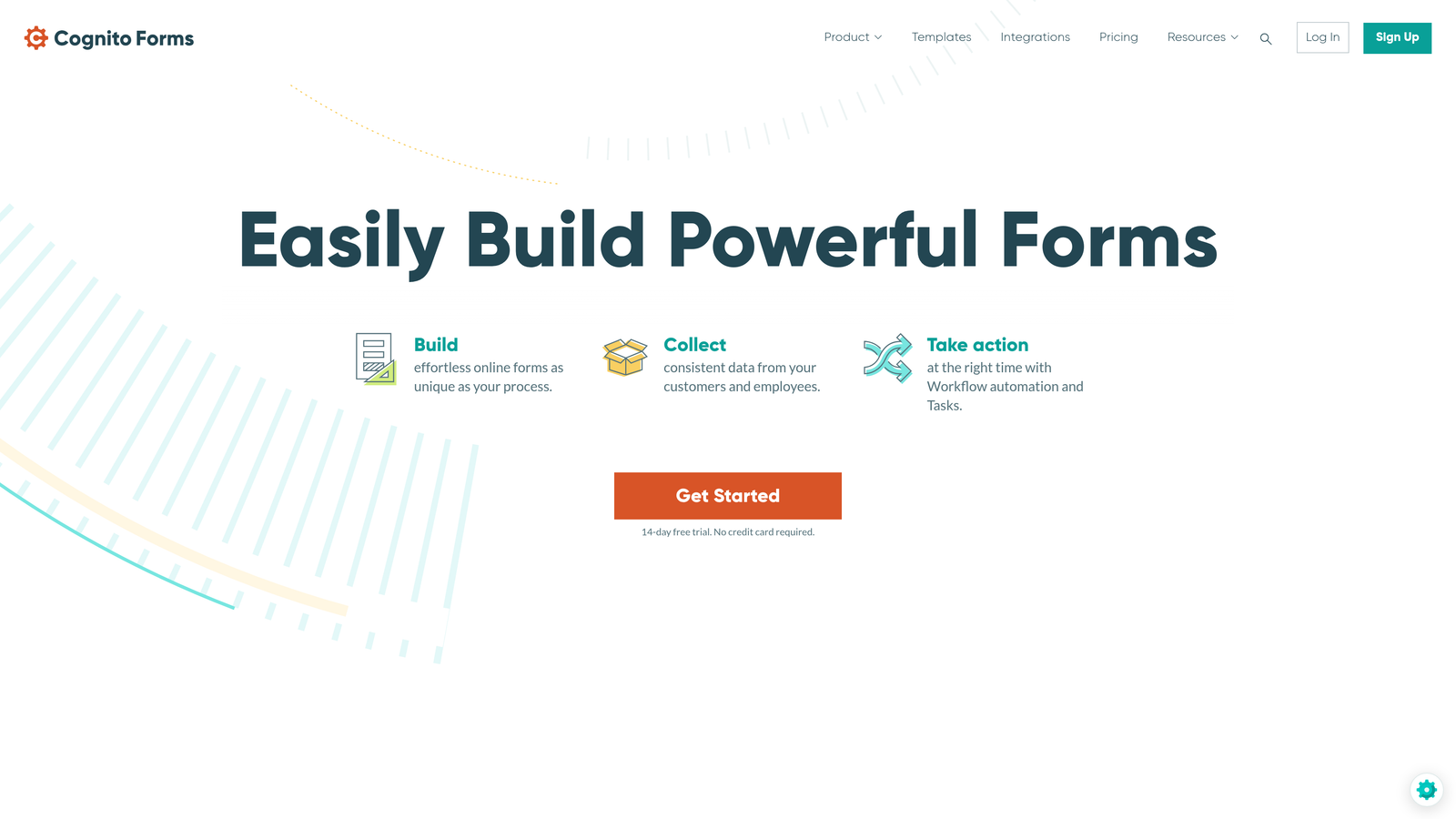
Payment processing integrates directly with these calculations, so users see accurate totals before submitting payment information. The forms can handle discounts, tax calculations, quantity-based pricing, and conditional fees—all updating automatically as prospects interact with the form.
Implementation Steps
1. Build your base form structure with all the fields that influence pricing or calculations, organizing them logically so the calculation flow makes sense to both you and your users.
2. Add calculated fields using formula syntax similar to Excel—reference other fields by name, use standard operators, and apply functions for rounding, conditionals, or date math as needed.
3. Connect payment processing and configure which calculated field represents the final amount to charge, testing thoroughly with various scenarios to ensure calculations handle edge cases correctly.
Pro Tips
Formula debugging can get tricky in complex forms. Build calculations incrementally, testing each formula before adding the next layer of complexity. Use hidden fields to break complex calculations into intermediate steps rather than creating one massive formula that becomes impossible to troubleshoot.
7. Formstack: Enterprise-Grade Security and Compliance for Regulated Industries
The Challenge It Solves
Your industry requires HIPAA compliance, SOC 2 certification, or other regulatory standards that consumer-focused form builders don't address. You need enterprise-grade security, audit trails, e-signature capabilities, and compliance features that satisfy legal teams and regulatory bodies without sacrificing usability for the people filling out your forms.
The Strategy Explained
Formstack positions itself squarely in the enterprise and regulated industry space, offering HIPAA-compliant plans for healthcare, advanced security controls, comprehensive audit logging, and native e-signature functionality. The platform understands that for certain organizations, compliance isn't optional—it's the baseline requirement before any other features matter. Compare this with other options in our guide to Formstack alternatives for enterprises.
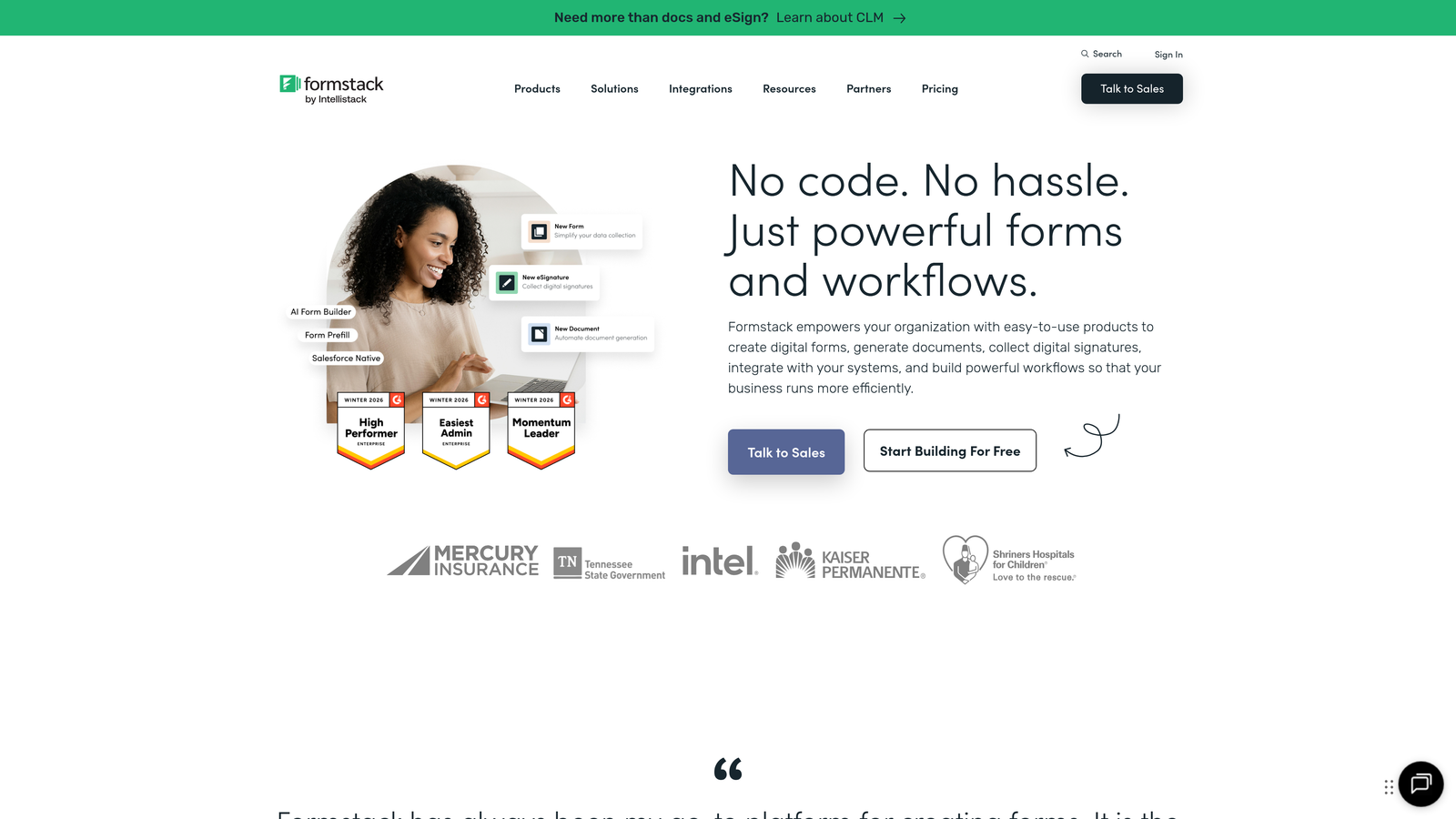
Beyond security, Formstack provides workflow automation that routes submissions through approval processes, triggers document generation, and integrates with enterprise systems like Salesforce. The platform scales to handle complex organizational needs while maintaining the security posture that regulated industries demand.
Implementation Steps
1. Evaluate which compliance requirements apply to your use case and select the appropriate Formstack plan—HIPAA compliance requires specific plan tiers and configuration settings that aren't available on all levels.
2. Configure security settings including encryption at rest, access controls, session timeouts, and IP restrictions based on your organization's security policies and compliance requirements.
3. Build forms with compliance in mind from the start—include required disclosures, configure data retention policies, and set up audit trails that capture who accessed what data and when.
Pro Tips
Enterprise features come with enterprise complexity and pricing. Many teams assume they need HIPAA compliance or advanced security when their actual requirements are less stringent. Consult with your legal and compliance teams to understand true requirements before committing to enterprise-tier pricing for features you may not legally need.
Finding Your Perfect Match in the Form Builder Landscape
The right Paperform alternative depends entirely on your primary need. If AI-powered lead qualification and conversion optimization drive your strategy, Orbit AI delivers intelligent forms that actively improve pipeline quality. Teams prioritizing engaging user experience will appreciate Typeform's conversational approach, while budget-conscious organizations can leverage Jotform's extensive templates or Tally's unlimited free tier.
For teams deeply embedded in Airtable or Notion, Fillout's database-first approach eliminates integration headaches. Complex pricing scenarios call for Cognito Forms' calculation engine, and regulated industries requiring HIPAA compliance or enterprise security should evaluate Formstack's specialized capabilities.
Here's the reality that matters most: For high-growth teams, your form builder choice directly impacts pipeline quality and conversion rates. A beautiful form that generates unqualified leads wastes sales time. A feature-rich platform that overwhelms prospects kills completion rates. The optimal solution balances user experience, intelligent qualification, and seamless integration with your existing workflows.
Transform your lead generation with AI-powered forms that qualify prospects automatically while delivering the modern, conversion-optimized experience your high-growth team needs. Start building free forms today and see how intelligent form design can elevate your conversion strategy.


