

SurveyMonkey built its reputation on surveys, but if you're focused on capturing and qualifying leads, you might be using a screwdriver when you need a power drill. Modern form builders have evolved far beyond basic data collection—they now qualify leads in real-time, integrate with your entire sales stack, and turn form submissions into actionable pipeline.
This comparison breaks down when SurveyMonkey makes sense versus when a dedicated form builder will drive better results for your growth team. We evaluated each tool on lead qualification capabilities, conversion optimization features, integrations, and pricing to help you pick the right fit.
1. Orbit AI
Best for: High-growth teams that need AI-powered lead qualification and conversion optimization
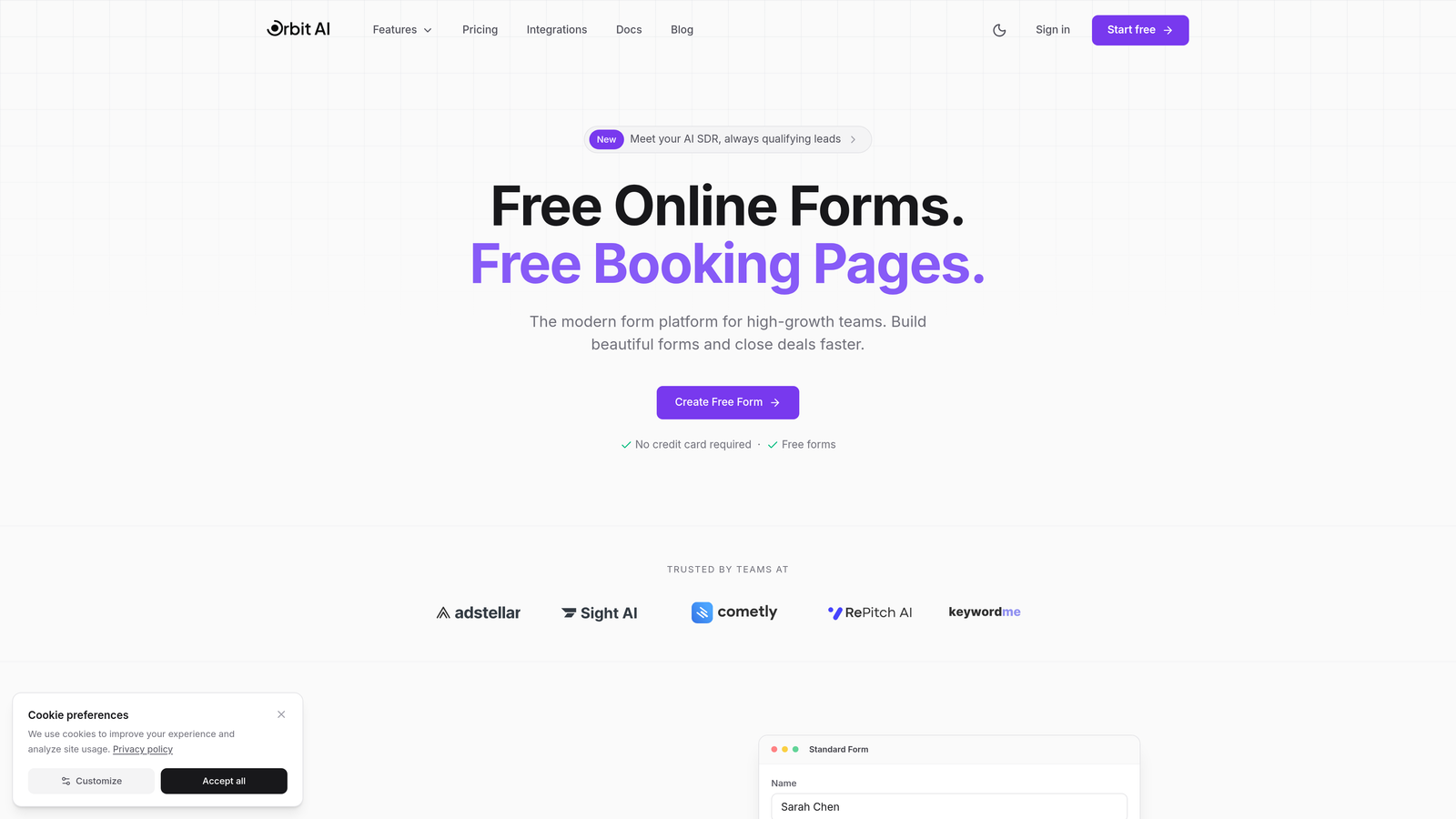
Orbit AI is a form builder platform designed specifically for teams focused on turning form submissions into qualified pipeline.
Where This Tool Shines
The standout feature is AI-powered lead qualification that happens automatically as prospects fill out your forms. Instead of manually reviewing every submission, Orbit AI scores and routes leads based on their responses, company data, and behavioral signals.
This means your sales team gets notifications only for high-intent prospects, while marketing can nurture everyone else appropriately. The platform also optimizes form design for conversion, using templates and layouts tested across thousands of high-performing forms.
Key Features
AI Lead Qualification: Automatically scores and qualifies leads based on response patterns and enrichment data.
Conversion-Optimized Templates: Pre-built form designs that follow conversion best practices for lead generation.
Native CRM Integrations: Direct connections to HubSpot, Salesforce, and Pipedrive without middleware.
Smart Lead Routing: Routes qualified leads to the right sales rep based on territory, product interest, or custom rules.
Built-In Analytics: Tracks conversion rates, drop-off points, and lead quality metrics in one dashboard.
Best For
Growth teams at B2B SaaS companies who need to capture leads efficiently and get them to sales quickly. Particularly valuable if you're tired of sifting through unqualified form submissions or want to automate lead scoring without complex workflow builders.
Pricing
Free tier available for teams getting started. Paid plans start at competitive rates designed for growing teams that need advanced qualification and routing features.
2. Typeform
Best for: Creating branded, conversational form experiences with strong visual design
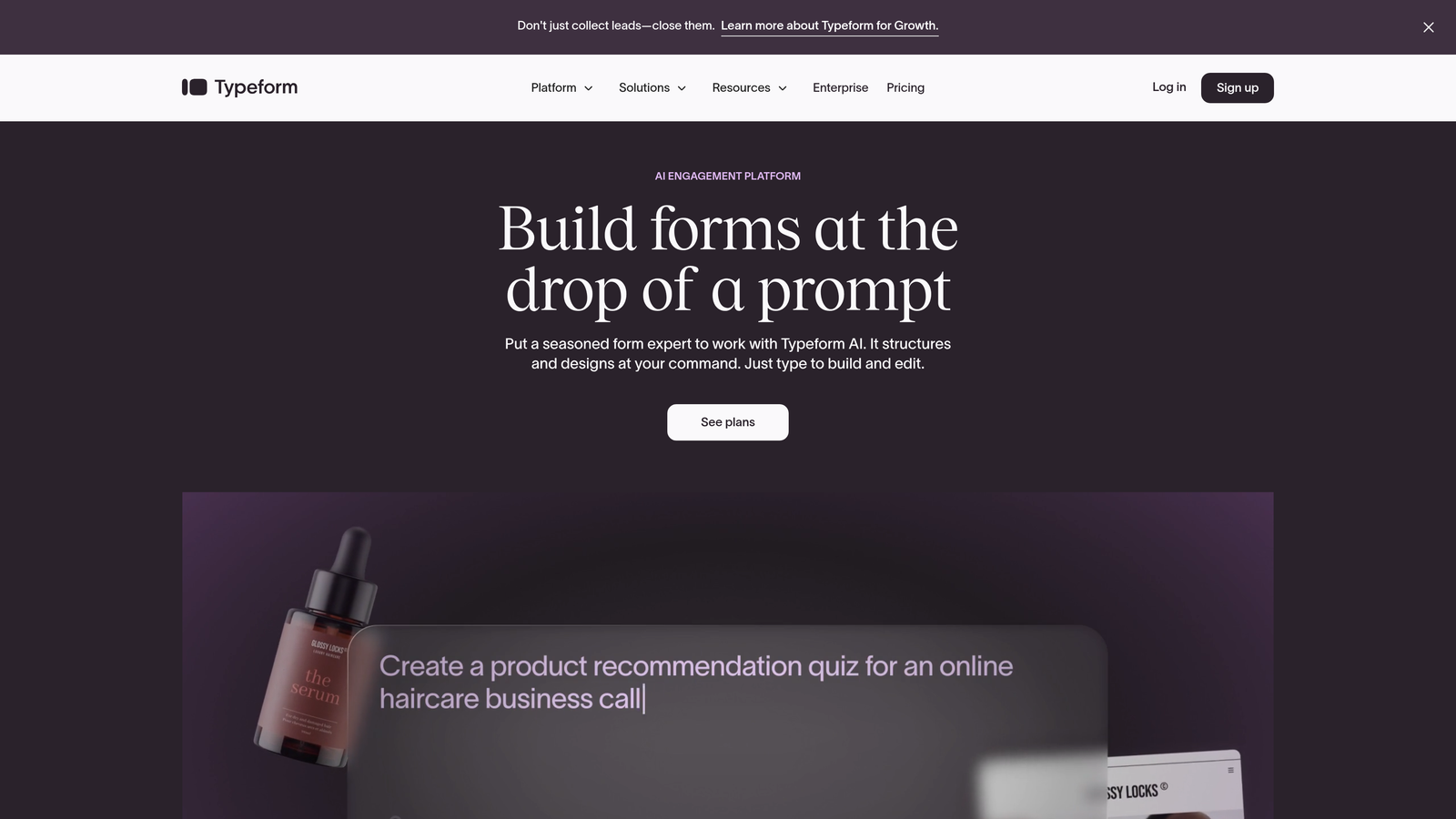
Typeform pioneered the one-question-at-a-time format that feels more like a conversation than a traditional form.
Where This Tool Shines
Typeform's conversational approach reduces form abandonment by making long forms feel manageable. Instead of seeing 15 fields at once, respondents answer one question, then move to the next. This creates a sense of progress and keeps people engaged.
The design customization is exceptional. You can match your brand colors, upload custom backgrounds, and create forms that feel native to your website. For companies where brand experience matters as much as data collection, Typeform delivers.
Key Features
Conversational Interface: One-question-at-a-time format that increases completion rates for longer forms.
Advanced Branding: Custom colors, fonts, backgrounds, and even custom domains for white-label experiences.
Logic Jumps: Show or hide questions based on previous answers to create personalized paths.
Rich Media Support: Embed videos and images directly in questions to provide context.
Integration Library: Connect to popular tools via Zapier or native integrations with major platforms.
Best For
Marketing teams at consumer brands or design-forward B2B companies where form aesthetics matter. Works well for lead magnets, event registrations, and product interest forms where you want to make a strong brand impression.
Pricing
Free tier allows 10 responses per month. Basic plan starts at $25/month for 100 responses. Professional plans scale up for higher volume needs.
3. Jotform
Best for: Teams needing extensive templates and widget options across diverse use cases
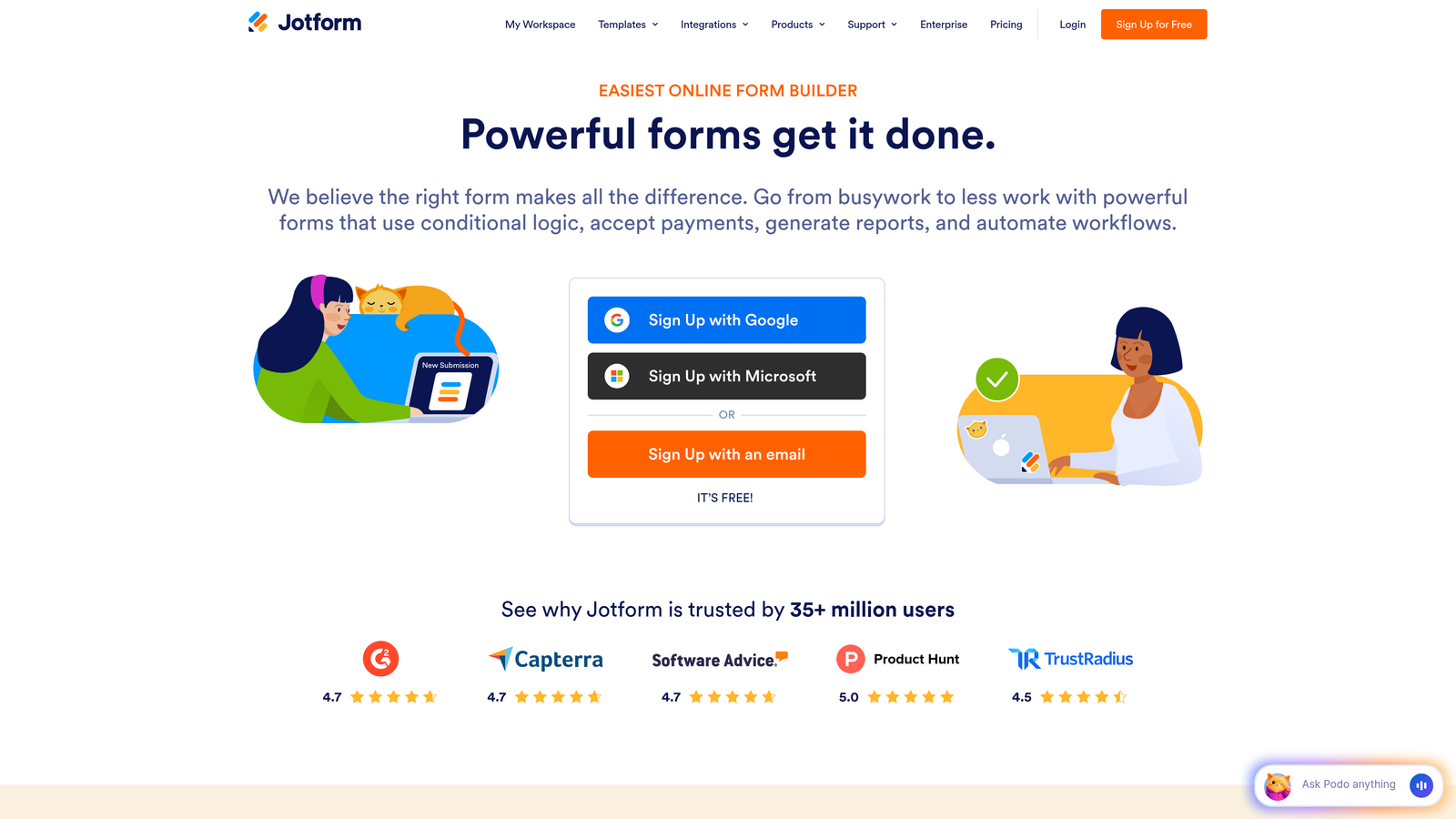
Jotform offers one of the largest template libraries in the form builder space with over 10,000 pre-built forms.
Where This Tool Shines
The sheer variety of templates means you can find a starting point for almost any use case, from lead capture to event registration to payment collection. Each template is customizable, so you're not starting from scratch but you're not locked into a rigid structure either.
Jotform's widget library extends functionality far beyond basic form fields. Need to collect payments? There's a widget. Want to generate PDFs automatically? There's a widget. This extensibility makes Jotform adaptable to complex workflows without custom development.
Key Features
10,000+ Templates: Pre-built forms for virtually every industry and use case to accelerate setup.
Widget Marketplace: Hundreds of add-ons for payments, signatures, file uploads, and specialized functions.
Payment Processing: Accept payments directly through forms with support for major payment gateways.
PDF Generation: Automatically create PDF documents from form submissions with custom templates.
Mobile App: Manage forms and view submissions from iOS or Android devices.
Best For
Operations teams managing multiple form types across an organization. Particularly useful for companies that need payment collection, document generation, or specialized functionality beyond standard lead capture.
Pricing
Free tier includes 5 forms and 100 monthly submissions. Bronze plan at $34/month increases limits. Higher tiers add team features and remove Jotform branding.
4. HubSpot Forms
Best for: HubSpot users who need native CRM integration and marketing automation
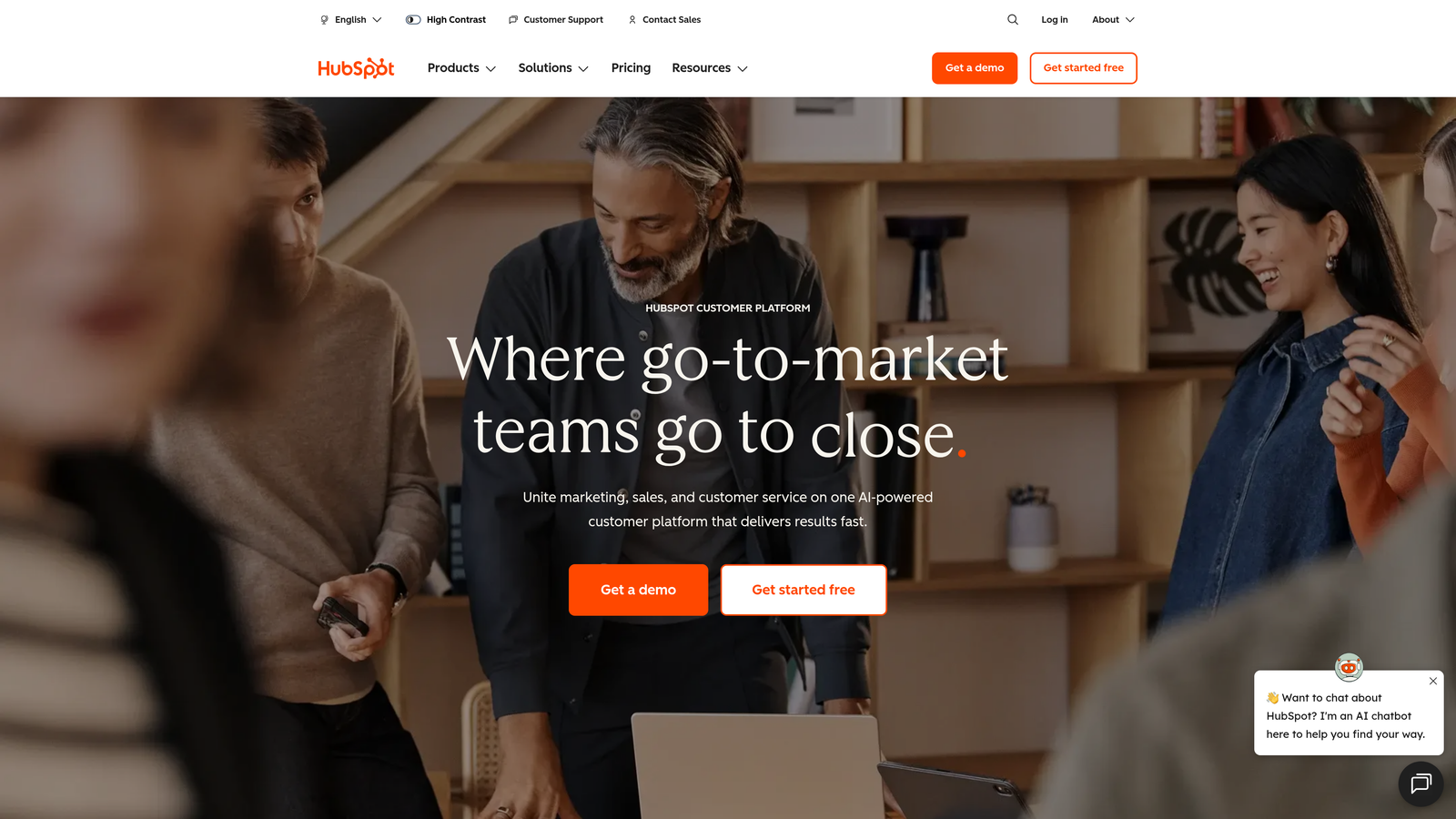
HubSpot Forms is the built-in form builder within HubSpot's marketing platform, designed for seamless CRM integration.
Where This Tool Shines
If you're already using HubSpot CRM, the native integration is unbeatable. Form submissions automatically create or update contact records, trigger workflows, and populate deal properties without any middleware. Everything lives in one system.
Progressive profiling is a standout feature. Instead of asking for the same information repeatedly, HubSpot Forms remembers what you already know about a contact and asks new questions each time they submit a form. This reduces friction for repeat visitors while gradually building complete profiles.
Key Features
Native CRM Integration: Direct connection to HubSpot CRM with automatic contact creation and enrichment.
Progressive Profiling: Smart fields that change based on what information you already have about a contact.
Workflow Triggers: Automatically start email sequences, assign tasks, or update properties based on form submissions.
A/B Testing: Test different form versions to optimize conversion rates with built-in analytics.
Attribution Reporting: Track which forms drive pipeline and revenue within HubSpot's reporting suite.
Best For
Marketing teams already invested in the HubSpot ecosystem who want forms that integrate seamlessly with their CRM, email marketing, and automation workflows. The value increases dramatically if you're using multiple HubSpot hubs.
Pricing
Basic forms are free with HubSpot CRM. Advanced features like progressive profiling and A/B testing require Marketing Hub, which starts at $800/month for professional-tier features.
5. Tally
Best for: Budget-conscious teams that need unlimited forms without feature restrictions
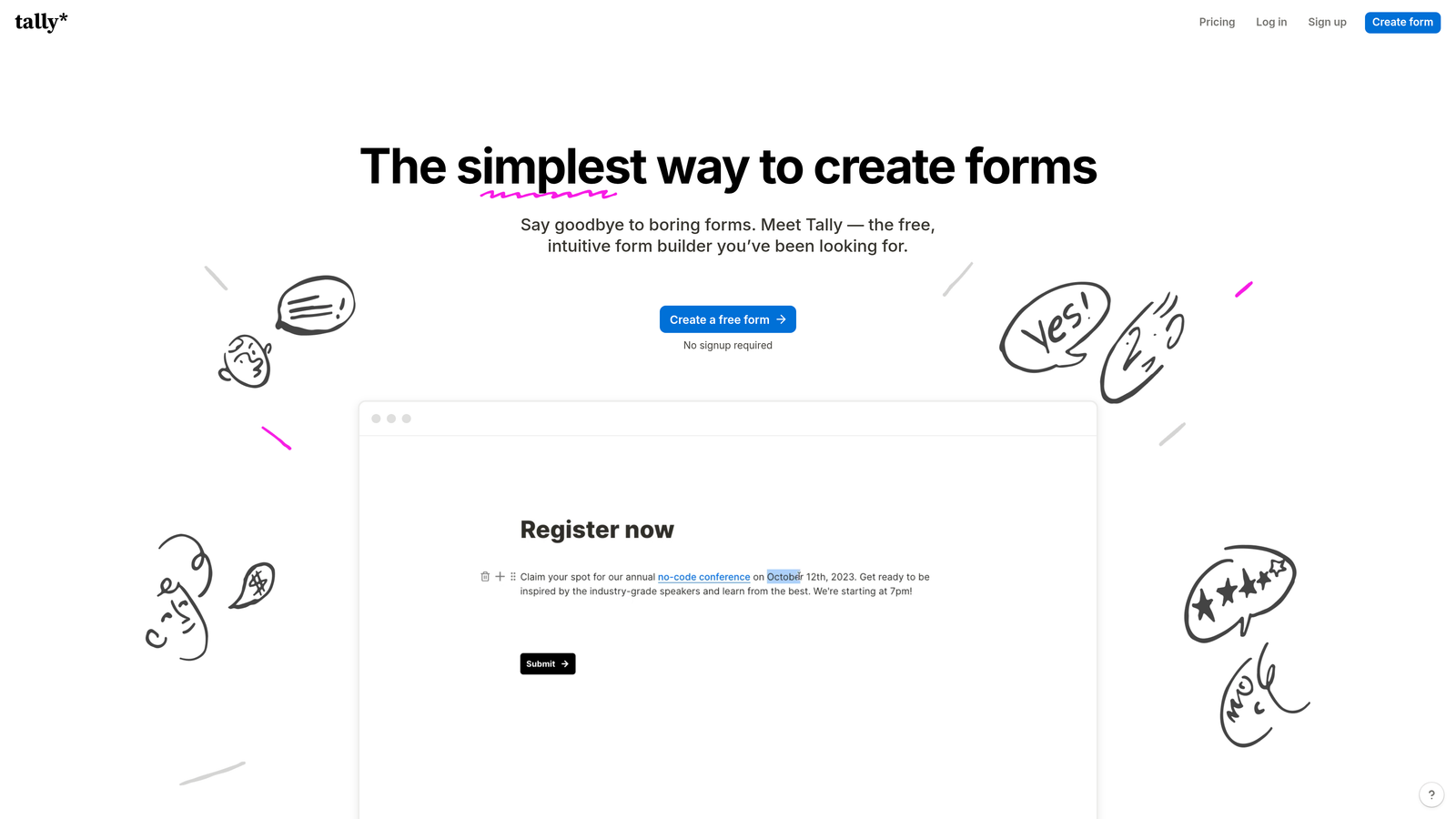
Tally brings a Notion-style editing experience to form building with a remarkably generous free tier.
Where This Tool Shines
The free tier includes unlimited forms and unlimited responses, which is almost unheard of in the form builder space. Most competitors cap responses aggressively on free plans, but Tally lets you scale without hitting paywalls.
The block-based editor feels familiar if you've used Notion. You add fields by typing "/" and selecting from a menu, making form creation fast and intuitive. The clean, minimal design aesthetic works well for modern brands that prefer simplicity over elaborate customization.
Key Features
Unlimited Everything: No caps on forms, responses, or fields even on the free tier.
Block-Based Editor: Notion-style interface that makes form building feel natural and fast.
Conditional Logic: Show or hide fields based on previous answers to create dynamic forms.
File Uploads: Accept document uploads directly through forms without additional storage fees.
Payment Integration: Connect Stripe to collect payments through forms.
Best For
Startups and small teams with tight budgets who need professional form functionality without monthly costs. Also great for side projects, newsletters, and community initiatives where paid tools feel excessive.
Pricing
Free tier is extremely generous with unlimited forms and responses. Pro plan at $29/month adds custom domains, remove Tally branding, and priority support.
6. Paperform
Best for: Creating landing page-style forms with rich content and storytelling
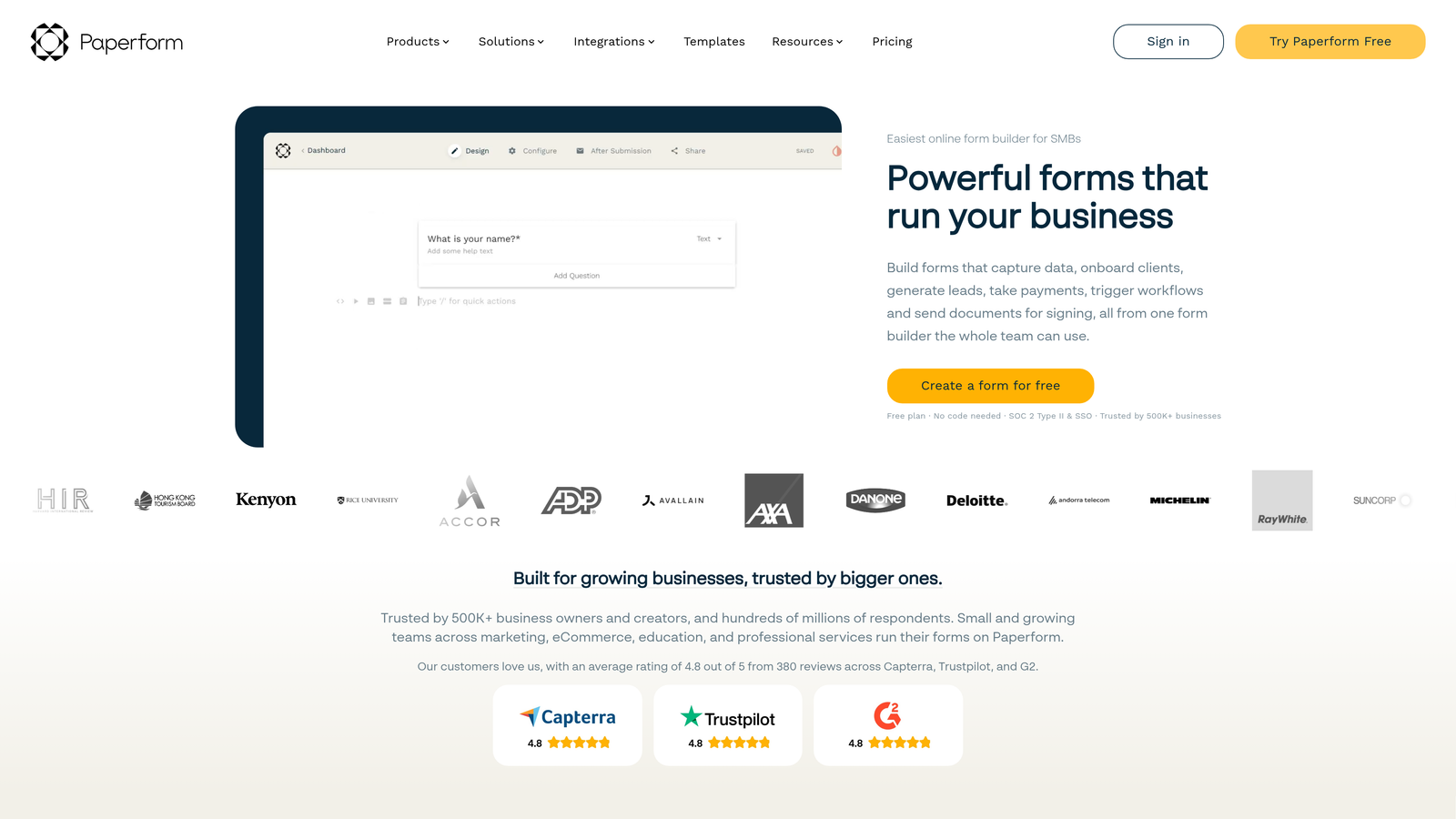
Paperform takes a document-first approach that lets you blend forms with rich content, images, and formatting.
Where This Tool Shines
Paperform feels more like building a landing page than a traditional form. You can add paragraphs, images, videos, and formatted text alongside form fields, creating experiences that educate and convert simultaneously.
This approach works particularly well for product launches, event registrations, and applications where you need to provide context before asking questions. Instead of sending people to a landing page and then a separate form, you combine both into one seamless experience.
Key Features
Document-Style Builder: Create forms that look and feel like landing pages with rich content.
Rich Media Embedding: Add videos, images, and formatted text throughout your forms.
E-Commerce Capabilities: Sell products or services directly through forms with inventory management.
Advanced Calculations: Build pricing calculators and quote generators with custom formulas.
Custom Success Pages: Create branded thank-you pages or redirect to specific URLs based on responses.
Best For
Marketing teams that need forms to do double duty as landing pages. Works well for product launches, course registrations, consulting intake forms, and anywhere you need to provide significant context before collecting information.
Pricing
Essentials plan at $24/month includes core features. Pro plan at $49/month adds advanced logic, custom domains, and priority support.
7. Formstack
Best for: Enterprise teams requiring compliance features and advanced workflow automation
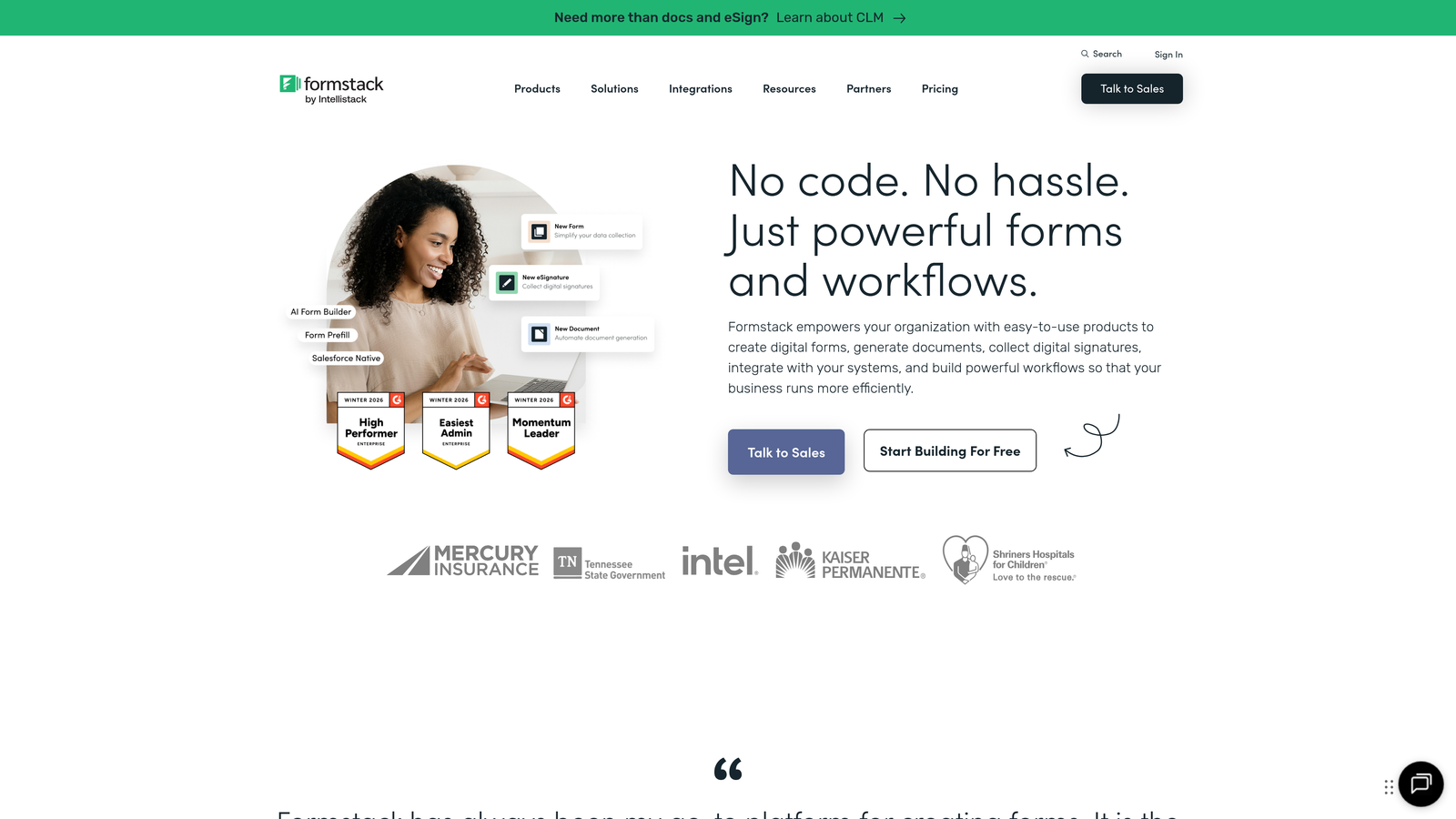
Formstack is built for organizations with complex requirements around data security, compliance, and approval workflows.
Where This Tool Shines
HIPAA and GDPR compliance features make Formstack the go-to choice for healthcare, finance, and other regulated industries. The platform includes business associate agreements, encryption at rest, and audit trails that meet strict compliance requirements.
Advanced workflow automation goes beyond basic integrations. You can build multi-step approval processes, route submissions to different teams based on complex rules, and generate documents automatically. The Salesforce-native integration is particularly strong, with bidirectional syncing and custom object support.
Key Features
Compliance Options: HIPAA and GDPR-compliant features with encryption and audit trails.
Workflow Automation: Build complex approval processes and routing rules without code.
Document Generation: Automatically create PDFs, contracts, or reports from form data.
Salesforce Integration: Native connection with support for custom objects and bidirectional syncing.
Role-Based Permissions: Control who can view, edit, and manage forms at a granular level.
Best For
Enterprise organizations in regulated industries that need compliance certifications and advanced security features. Also valuable for companies with complex approval workflows or Salesforce-heavy tech stacks.
Pricing
Starts at $50/month for basic features. Enterprise pricing applies for compliance features, advanced workflows, and dedicated support.
8. Google Forms
Best for: Simple data collection with zero budget and Google Workspace integration
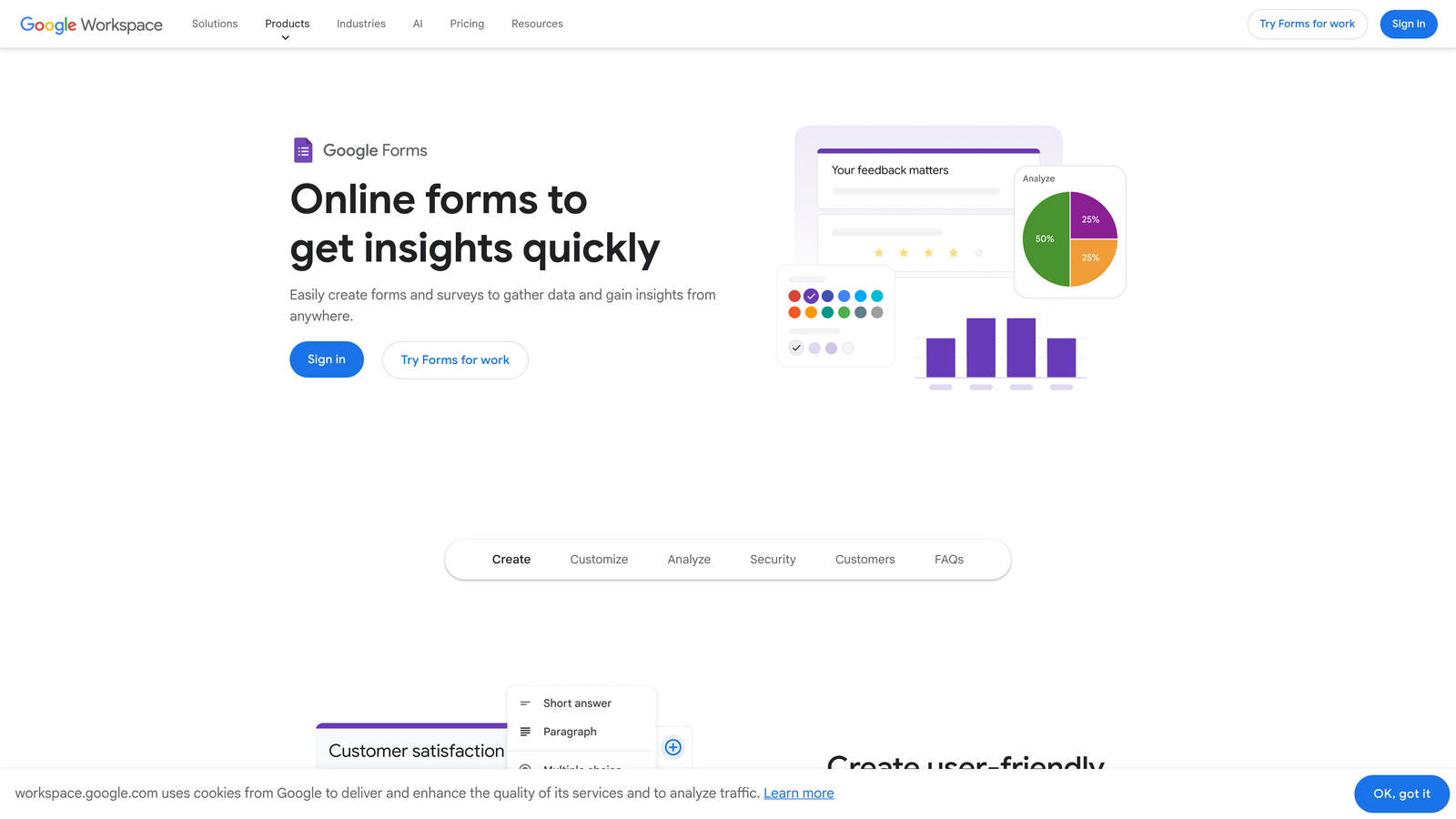
Google Forms is the free form builder included with every Google account, designed for straightforward data collection.
Where This Tool Shines
The complete lack of cost makes Google Forms accessible to anyone. There are no response limits, no feature paywalls, and no upgrade pressure. For internal surveys, event RSVPs, or basic feedback collection, it gets the job done without budget approval.
Real-time collaboration mirrors Google Docs. Multiple team members can edit forms simultaneously, see changes instantly, and manage responses together. The automatic Google Sheets integration means data flows directly into a familiar spreadsheet format for analysis.
Key Features
Completely Free: No limits on forms, responses, or features with any Google account.
Real-Time Collaboration: Multiple users can edit forms simultaneously like Google Docs.
Automatic Sheets Integration: Responses flow directly into Google Sheets for analysis.
Basic Conditional Logic: Show or hide questions based on previous answers.
Quiz Mode: Create scored quizzes with automatic grading and feedback.
Best For
Internal teams collecting feedback, HR departments running surveys, educators creating quizzes, or any situation where budget is zero and requirements are basic. Not ideal for customer-facing lead generation where branding matters.
Pricing
Completely free with any Google account. No paid tiers or upgrade options.
9. SurveyMonkey
Best for: Market research, feedback collection, and survey-specific analysis
SurveyMonkey remains the dominant platform for survey research, with features specifically designed for data analysis and benchmarking.
Where This Tool Shines
Survey-specific question types go beyond what general form builders offer. Matrix questions, ranking scales, and slider questions are built for research methodology. The platform understands survey best practices and guides you toward statistically sound designs.
Benchmarking features let you compare your results against industry averages and similar organizations. If you're running employee satisfaction surveys or customer feedback studies, seeing how your scores stack up against comparable companies adds valuable context. Access to research panels means you can recruit respondents directly through the platform.
Key Features
Survey Question Types: Matrix questions, ranking scales, and research-specific formats.
Benchmarking Tools: Compare your results against industry averages and similar organizations.
Statistical Analysis: Built-in tools for cross-tabulation, filtering, and significance testing.
Panel Access: Recruit survey respondents from SurveyMonkey's research panel.
Team Collaboration: Share surveys, combine results, and manage research projects across teams.
Best For
Market research teams, product managers conducting user research, HR departments running employee surveys, or anyone focused on collecting feedback rather than generating leads. Less suitable for lead capture where CRM integration and qualification matter more than analysis.
Pricing
Free tier is limited to 10 questions and 40 responses. Team Advantage plan at $25/user/month unlocks unlimited questions and responses with advanced features.
Making the Right Choice
The right form builder depends entirely on what you're trying to accomplish. SurveyMonkey excels at research and feedback collection, but if you're focused on lead generation, you need tools built for conversion and qualification.
For AI-powered lead qualification, Orbit AI stands out by automatically scoring prospects and routing them to sales based on intent signals. Typeform wins on conversational brand experiences. HubSpot Forms makes sense if you're already deep in the HubSpot ecosystem and want native CRM integration.
Budget-conscious teams should look at Tally or Google Forms for unlimited responses without costs. Enterprise organizations in regulated industries need Formstack's compliance features. And if you're genuinely running surveys rather than capturing leads, SurveyMonkey remains the research-focused choice.
The key distinction is purpose. Forms designed for lead generation prioritize conversion optimization, CRM integration, and qualification. Survey tools prioritize analysis, benchmarking, and research methodology. Choose based on whether you're collecting feedback or building pipeline.
Transform your lead generation with AI-powered forms that qualify prospects automatically while delivering the modern, conversion-optimized experience your high-growth team needs. Start building free forms today and see how intelligent form design can elevate your conversion strategy.


