

Finding the right form builder for your SaaS business means balancing features against cost—and pricing models vary wildly across the market. Some charge per form, others per response, and a few offer unlimited everything at a flat rate. Whether you're a bootstrapped startup watching every dollar or a scaling team ready to invest in conversion optimization, understanding these pricing structures helps you avoid overpaying while getting the capabilities you actually need.
This guide breaks down 9 leading SaaS form builders, comparing their pricing structures, what you actually get at each tier, and which pricing model makes sense for different team sizes and use cases. Here are the top tools worth considering.
1. Orbit AI
Best for: High-growth SaaS teams prioritizing lead quality over raw submission volume
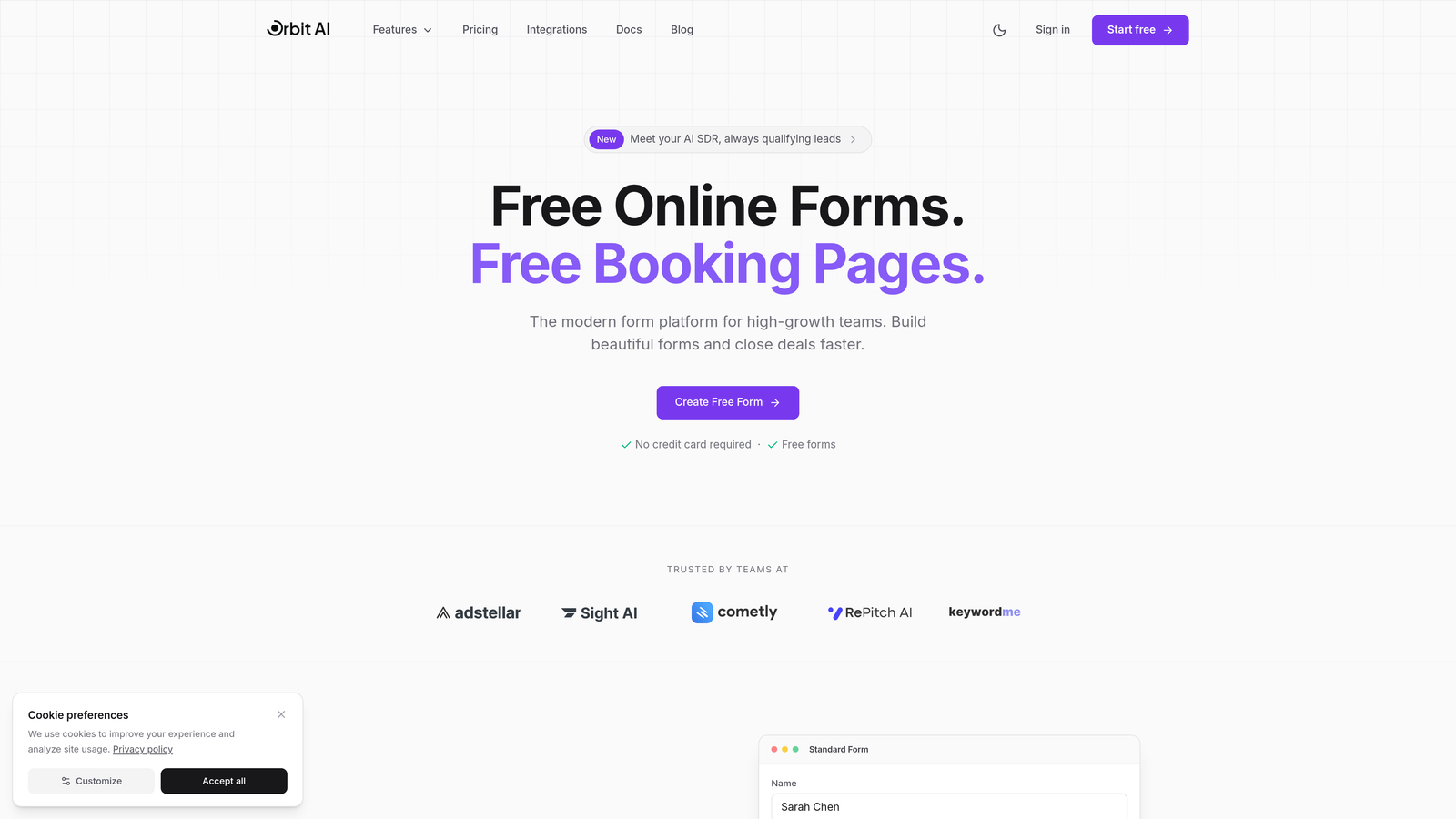
Orbit AI is an AI-powered form builder that qualifies leads automatically while collecting responses, designed specifically for teams where conversion quality matters more than quantity.
Where This Tool Shines
The standout feature here is AI-powered lead qualification that happens during form completion—not after. Instead of manually sorting through hundreds of submissions to find serious prospects, the platform identifies high-intent leads in real-time and routes them accordingly.
This approach shifts the value proposition from "collect more responses" to "collect better responses," which matters significantly for SaaS teams where sales time is expensive and lead quality directly impacts revenue.
Key Features
AI Lead Qualification: Automatically scores and routes leads based on responses and behavior patterns during form completion.
Conversion-Optimized Design: Modern form templates built specifically for high completion rates rather than generic data collection.
Workflow Automation: Trigger actions based on lead scores, routing qualified prospects to sales while nurturing others through marketing.
Analytics Dashboard: Track form performance, conversion rates, and lead quality metrics in one centralized view.
Native CRM Integrations: Connect directly to popular CRMs with lead data and qualification scores flowing automatically.
Best For
SaaS companies with defined ideal customer profiles who need to filter signal from noise. Particularly valuable for teams running paid acquisition campaigns where cost-per-qualified-lead matters more than cost-per-submission. Also strong for sales teams drowning in unqualified form fills who need intelligent pre-filtering.
Pricing
Visit orbitforms.ai/pricing for current plans. Pricing typically reflects the platform's focus on lead quality rather than volume-based models used by traditional form builders.
2. Typeform
Best for: Creating engaging conversational forms with premium design and high completion rates
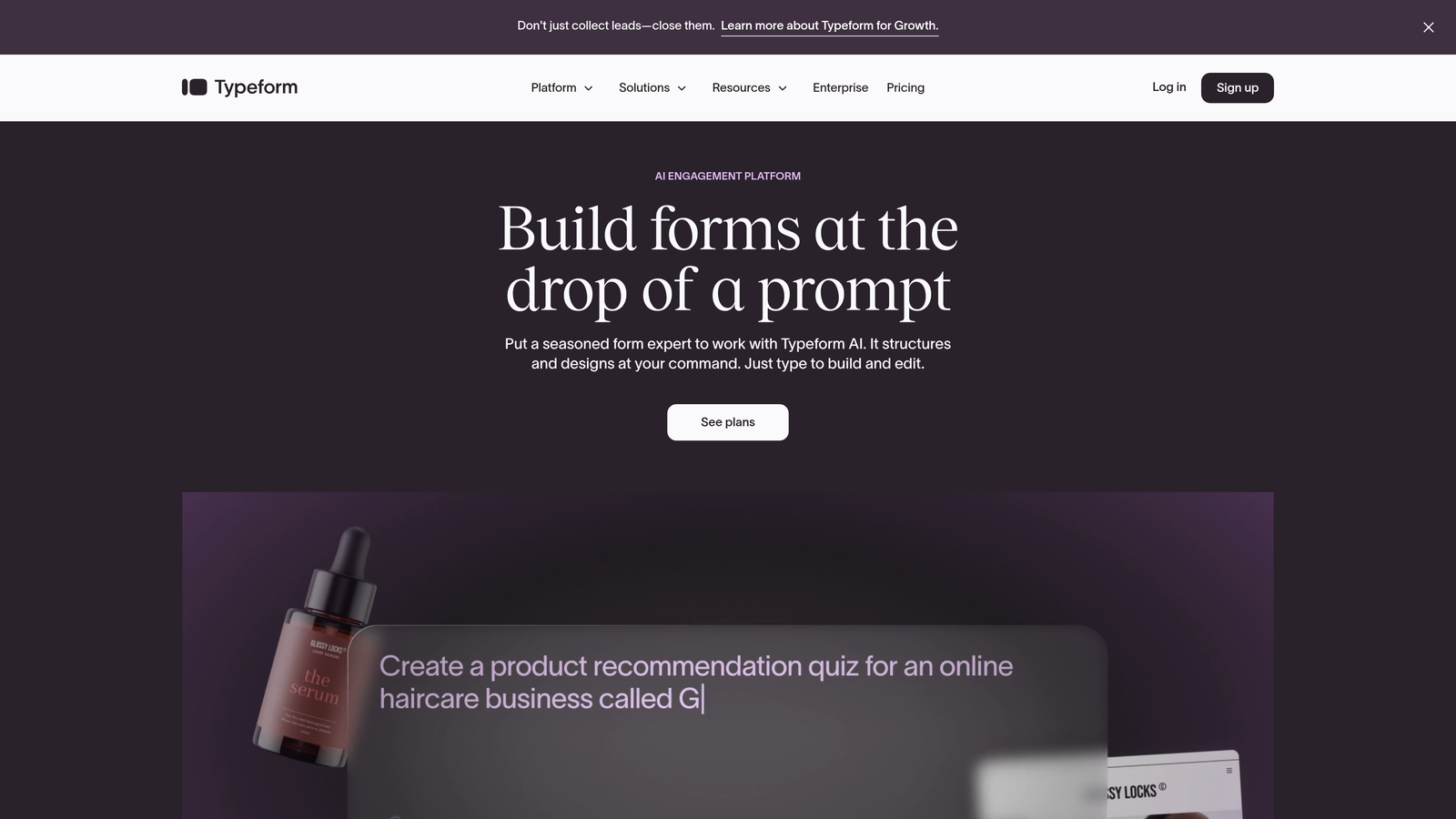
Typeform is a conversational form builder that displays one question at a time, creating an interactive experience that typically achieves higher completion rates than traditional multi-field forms.
Where This Tool Shines
The one-question-at-a-time format reduces cognitive load and makes forms feel less overwhelming. This approach works particularly well for longer surveys or complex qualification questionnaires where showing all questions upfront would scare people away.
Typeform's design aesthetic is polished and modern, making forms feel like part of your brand experience rather than a generic data collection tool. The platform handles visual customization better than most competitors.
Key Features
Conversational Interface: One question per screen creates a dialogue-like experience that feels more engaging than traditional forms.
Logic Jumps: Show different questions based on previous answers, creating personalized paths through your form.
Media Integration: Embed videos, images, and GIFs directly into questions to create richer context.
Brand Customization: Control colors, fonts, backgrounds, and button styles to match your brand identity precisely.
Hidden Fields: Capture UTM parameters and other tracking data automatically for better attribution.
Best For
Marketing teams creating lead magnets, survey campaigns, or quiz funnels where user experience matters. Also strong for customer feedback collection where higher response rates justify the per-response pricing model.
Pricing
Free tier allows 10 responses per month. Basic starts at $25/month (100 responses), Plus at $50/month (1,000 responses), and Business at $83/month (10,000 responses). Note that pricing scales with response volume, which can become expensive at high submission counts.
3. Jotform
Best for: Teams needing extensive templates and specialized widgets without custom development
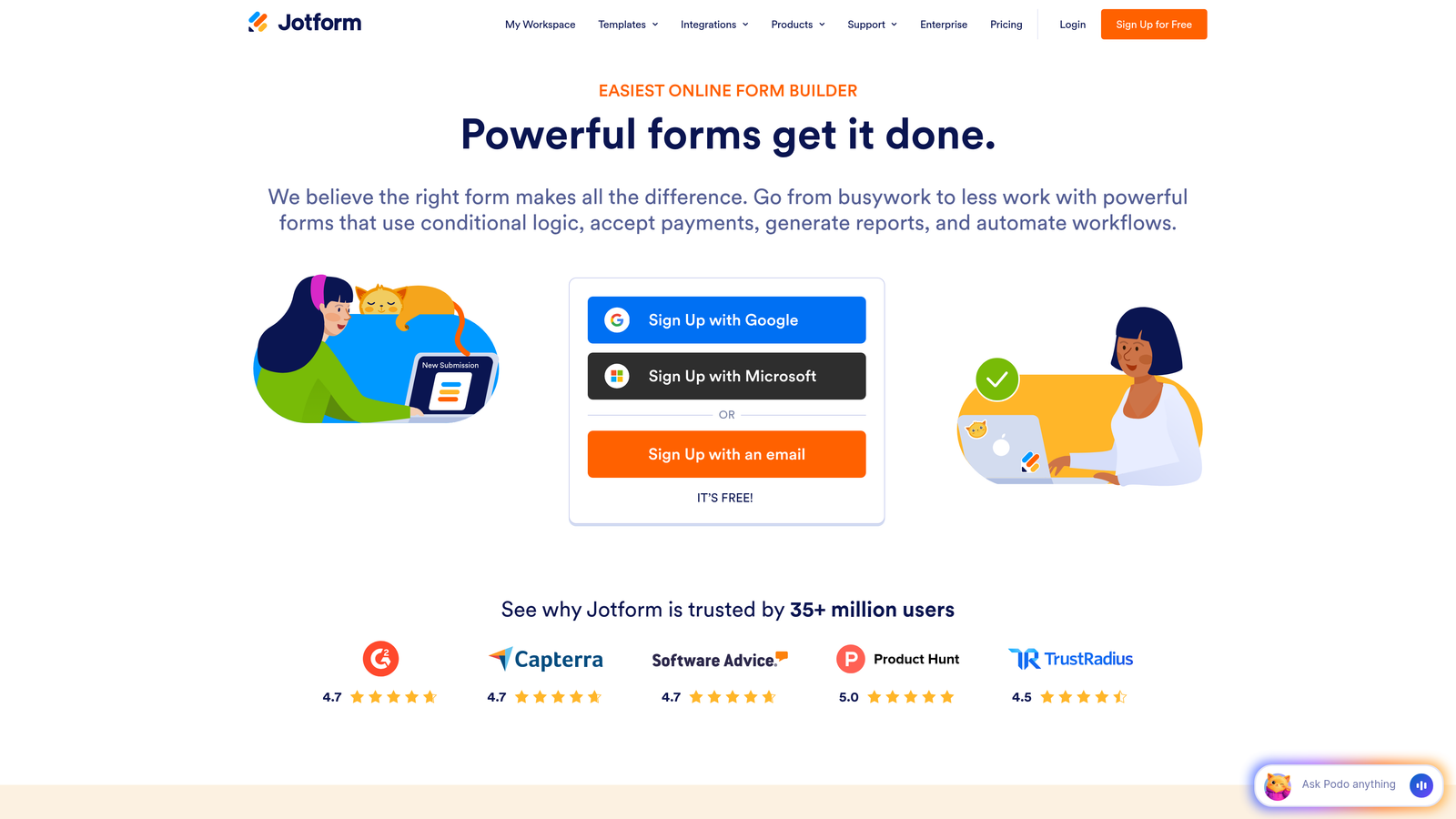
Jotform is a feature-rich form builder offering over 10,000 pre-built templates and a marketplace of specialized widgets for nearly any use case imaginable.
Where This Tool Shines
The template library is genuinely massive—if you need a specific form type, Jotform probably has three versions of it already built. This saves significant setup time compared to building from scratch.
The widget marketplace extends functionality in creative ways. Need appointment scheduling? There's a widget. Want to collect e-signatures? Another widget. This modular approach means you can add complex features without switching tools.
Key Features
Template Library: Over 10,000 pre-built forms covering everything from contact forms to complex application workflows.
PDF Generation: Automatically convert form submissions into formatted PDF documents for contracts or reports.
E-Signature Collection: Built-in signature capture for agreements and approvals without third-party tools.
Mobile App Builder: Create native mobile apps for offline form collection in field environments.
Widget Marketplace: Hundreds of add-ons for payments, scheduling, calculations, and specialized data collection.
Best For
Organizations with diverse form needs across departments—HR, operations, customer service—who benefit from a single platform handling multiple use cases. Also strong for teams who prefer starting with templates rather than blank canvases.
Pricing
Free tier includes 5 forms and 100 monthly submissions. Bronze is $34/month (25 forms, 1,000 submissions), Silver is $39/month (100 forms, 10,000 submissions), and Gold is $99/month (unlimited forms, 100,000 submissions). Form limits matter more than submission caps for multi-departmental use.
4. Tally
Best for: Bootstrapped startups and side projects needing unlimited forms without monthly costs
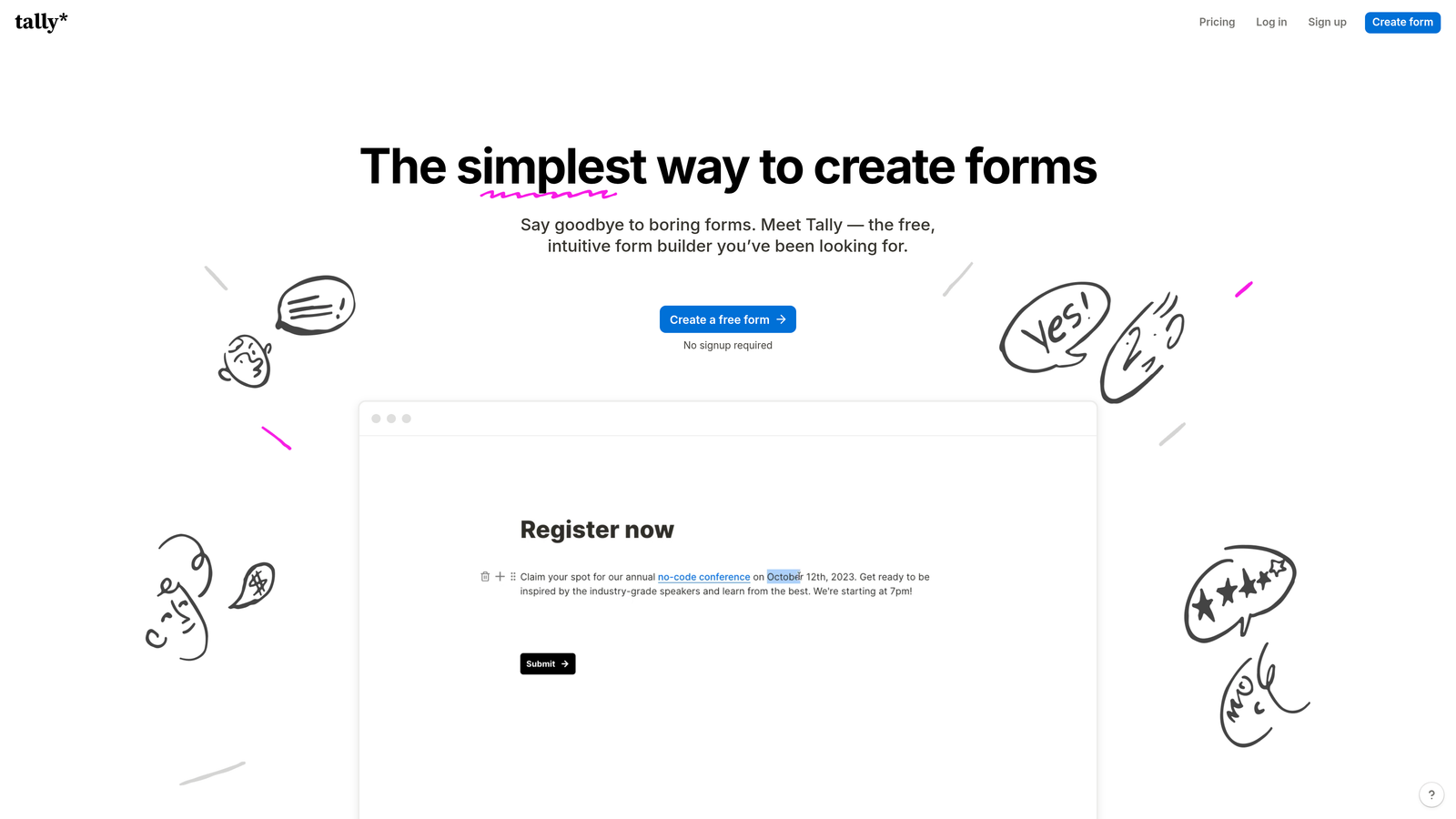
Tally is a simple form builder with a Notion-like interface that offers unlimited forms and submissions on its free tier—a rare pricing model in the form builder market.
Where This Tool Shines
The free tier genuinely includes unlimited forms and unlimited responses, which is unheard of among competitors. This makes Tally perfect for early-stage projects where budget is tight but form needs are real.
The Notion-style editor feels familiar if you're already using Notion for documentation. You build forms by typing slash commands and dragging blocks, which is faster than clicking through traditional form builders once you learn the shortcuts.
Key Features
Unlimited Free Tier: No caps on forms, submissions, or basic features—genuinely free for unlimited use.
Notion-Style Editor: Block-based building with keyboard shortcuts for faster form creation.
File Uploads: Collect documents and images without upgrading to paid tiers.
Basic Integrations: Connect to Google Sheets, Notion, and Zapier for workflow automation.
Custom Domains: Available on Pro tier for white-labeling forms under your own domain.
Best For
Founders validating product ideas, content creators building email lists, or any project where form volume is unpredictable and budget is constrained. The free tier handles serious workloads without artificial limitations.
Pricing
Free tier includes unlimited forms and submissions with Tally branding. Pro is $29/month and adds custom domains, remove branding, and priority support. The value proposition is simple: pay only if you need white-labeling.
5. Formstack
Best for: Enterprise teams requiring compliance certifications and advanced workflow automation
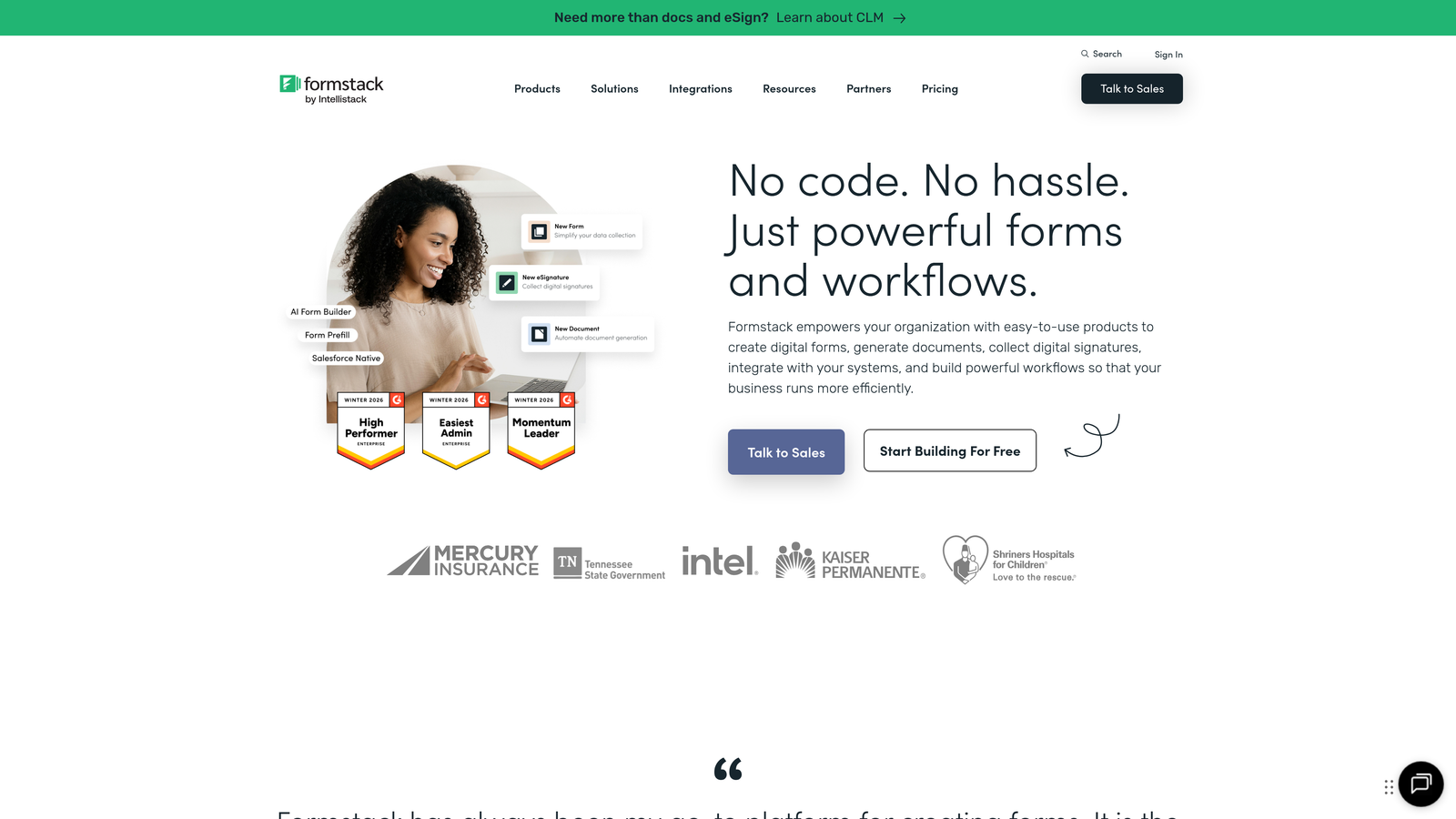
Formstack is an enterprise-grade form platform with built-in compliance features, document generation, and sophisticated workflow capabilities designed for regulated industries.
Where This Tool Shines
HIPAA compliance is built into the platform, not an add-on. For healthcare organizations or any business handling protected health information, this eliminates the compliance headaches that come with most consumer-grade form builders.
The document generation feature automatically creates formatted PDFs, contracts, or reports from form data—useful for organizations that need to convert submissions into official documentation without manual copying and pasting.
Key Features
HIPAA Compliance: Business Associate Agreements and encrypted data handling for healthcare and regulated industries.
Document Generation: Automatically create formatted documents from form submissions using custom templates.
E-Signature Integration: Collect legally binding signatures with audit trails and timestamp verification.
Advanced Workflows: Multi-step approval processes, conditional routing, and automated notifications based on complex rules.
Offline Forms: Mobile app for field data collection without internet connectivity.
Best For
Healthcare providers, financial services firms, government contractors, or any organization where compliance requirements eliminate cheaper alternatives. Also strong for operations teams managing complex approval workflows.
Pricing
Basic plans start around $50/month, but most organizations requiring compliance features end up on Enterprise pricing, which is customized based on needs. Request quotes directly for accurate pricing on HIPAA-compliant configurations.
6. Paperform
Best for: Creating landing page-style forms with built-in payment processing and booking
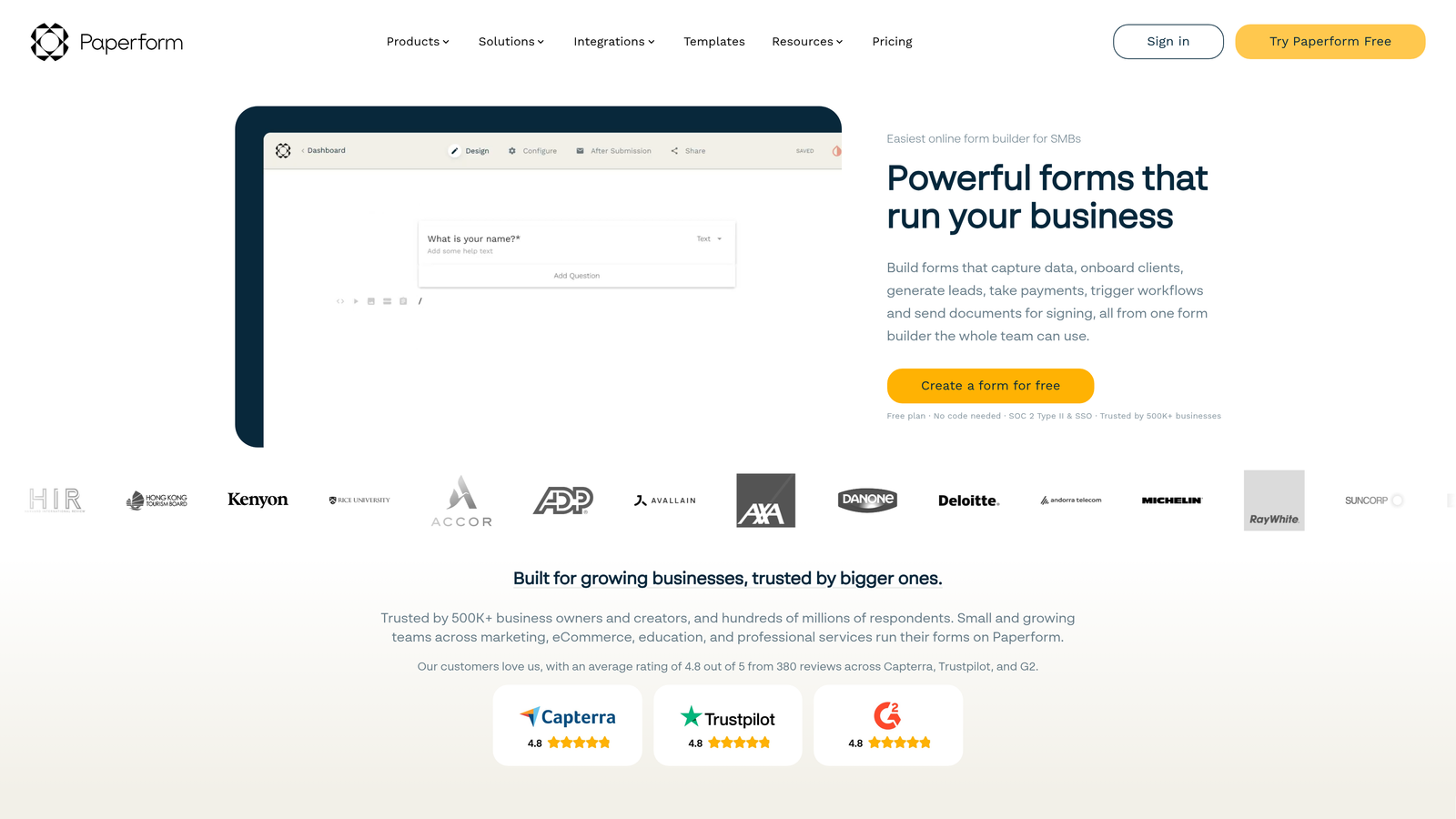
Paperform is a form builder that doubles as a landing page creator, with native support for payment collection, appointment scheduling, and product sales directly within forms.
Where This Tool Shines
Forms look like landing pages rather than traditional data collection forms. This visual approach works well for product launches, event registrations, or service bookings where the form itself is the primary conversion point.
Payment processing is native to the platform rather than requiring third-party integrations. You can sell products, collect deposits, or charge for services directly within the form experience without bouncing users to external checkout pages.
Key Features
Landing Page Design: Forms function as standalone pages with rich layouts, images, and formatting beyond traditional form builders.
Payment Processing: Accept payments via Stripe or PayPal directly within forms without external integrations.
Appointment Scheduling: Built-in calendar booking for service-based businesses collecting availability preferences.
Calculations and Pricing: Dynamic pricing based on quantity selections, add-ons, or conditional options.
Product Catalogs: Display multiple products with images and descriptions for order forms and e-commerce.
Best For
Consultants and service providers collecting bookings and deposits, event organizers selling tickets, or small e-commerce businesses selling simple products without full shopping cart complexity.
Pricing
Essentials is $24/month (1,000 submissions), Pro is $49/month (10,000 submissions), and Agency is $159/month (100,000 submissions). Payment processing incurs standard Stripe/PayPal fees on top of subscription costs.
7. Google Forms
Best for: Internal surveys and basic data collection with zero budget
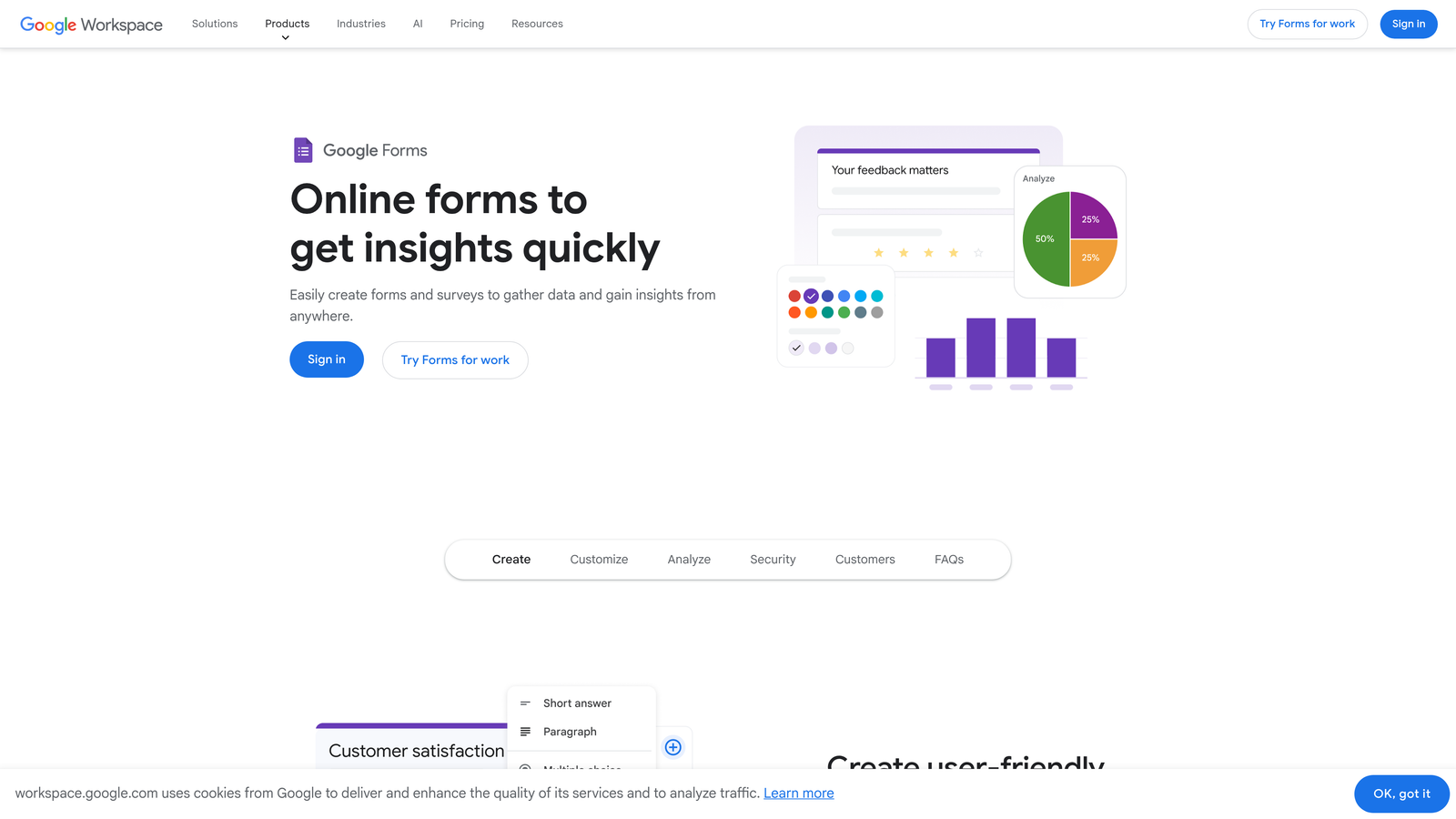
Google Forms is a free, no-frills form builder integrated with Google Workspace that handles basic form creation without monthly costs or feature limitations.
Where This Tool Shines
It's completely free with no hidden costs, submission limits, or upgrade pressure. For internal team surveys, event RSVPs, or simple feedback collection, paying for a premium form builder often makes no sense.
Google Sheets integration is seamless and automatic. Responses flow directly into spreadsheets where you can analyze, filter, and share data using familiar tools your team already knows.
Key Features
Zero Cost: Completely free with a Google account—no submission caps, form limits, or paid tiers.
Google Sheets Integration: Automatic response collection in spreadsheets with real-time updates.
Real-Time Collaboration: Multiple team members can edit forms simultaneously like Google Docs.
Basic Question Types: Multiple choice, checkboxes, dropdowns, short answer, and file uploads cover most use cases.
Response Validation: Set rules for required fields, email format verification, and number ranges.
Best For
Internal team surveys, event planning, volunteer coordination, or any scenario where form aesthetics matter less than functionality. Not ideal for customer-facing forms where branding and design impact conversion rates.
Pricing
Free with any Google account. Additional storage beyond the free 15GB tier requires Google Workspace subscription, but basic form usage rarely hits storage limits.
8. Cognito Forms
Best for: Complex calculations and payment collection with quantity-based pricing
Cognito Forms is a form builder specializing in mathematical calculations, repeating sections, and payment processing—particularly strong for order forms and registration scenarios.
Where This Tool Shines
The calculation engine handles complex math that other form builders struggle with. You can multiply quantities by prices, apply discounts based on conditions, add taxes, and display running totals—all without custom code.
Repeating sections let users add multiple items or attendees within a single form submission. This works well for event registrations where one person might register multiple attendees, or order forms where customers select multiple products.
Key Features
Payment Processing: Native Stripe and PayPal integration for collecting payments without leaving the form.
Calculations: Complex mathematical operations including pricing, discounts, taxes, and conditional totals.
Repeating Sections: Allow users to add multiple entries within one submission for registrations or orders.
Data Encryption: Field-level encryption for sensitive information beyond standard SSL protection.
Conditional Logic: Show or hide fields based on previous answers or calculated values.
Best For
Organizations selling products with variable pricing, event coordinators managing multi-attendee registrations, or membership organizations collecting dues with calculation-based pricing tiers.
Pricing
Free tier includes 500 entries per month. Pro is $15/month (2,000 entries), Team is $35/month (10,000 entries), and Enterprise is $99/month (100,000 entries). Payment processing fees are separate through Stripe or PayPal.
9. HubSpot Forms
Best for: Lead capture within existing HubSpot CRM ecosystem
HubSpot Forms is a CRM-integrated form builder designed for lead capture that syncs directly with HubSpot's contact database and marketing automation.
Where This Tool Shines
Direct CRM synchronization means form submissions become contacts instantly without integration middleware. If you're already using HubSpot CRM, forms are the natural choice for maintaining data consistency.
Progressive profiling gradually collects contact information across multiple form submissions rather than asking for everything upfront. This reduces form friction while building richer contact profiles over time.
Key Features
CRM Sync: Form submissions automatically create or update contact records in HubSpot CRM.
Progressive Profiling: Show different fields to returning visitors to gradually enrich contact data.
Smart Fields: Pre-populate known information for returning visitors to reduce form friction.
Pop-Up Forms: Create exit-intent pop-ups, slide-ins, and embedded forms from one builder.
Workflow Triggers: Automatically start email sequences or task assignments based on form submissions.
Best For
Marketing teams already invested in the HubSpot ecosystem who need forms to integrate seamlessly with existing lead nurturing workflows. Less valuable if you're not using HubSpot CRM or marketing automation.
Pricing
Free with HubSpot CRM including basic form functionality. Advanced features like progressive profiling and A/B testing require Marketing Hub Starter ($20/month minimum) or higher tiers. Pricing scales with contact database size.
Making the Right Choice
The "best" pricing plan depends entirely on your submission volume, feature requirements, and whether you value lead quality over raw quantity. Here's how to think through your decision.
For bootstrapped startups watching every dollar, Tally's unlimited free tier is hard to beat for basic forms. If you're validating a product idea or building an email list, paying monthly fees before revenue makes little sense. Google Forms works similarly well for internal use cases where branding doesn't matter.
Teams running paid acquisition campaigns should calculate cost-per-qualified-lead rather than cost-per-submission. A form builder that costs more monthly but improves lead quality often delivers better ROI than a cheaper tool that collects more noise. This is where AI-powered qualification features shift the value equation significantly.
If you're collecting payments or selling products through forms, Paperform and Cognito Forms offer native payment processing that's cleaner than cobbling together separate tools. The calculation engines in both platforms handle complex pricing scenarios that generic form builders struggle with.
Enterprise teams in regulated industries have fewer choices—compliance requirements eliminate most consumer-grade options. Formstack's HIPAA certification and audit trails justify premium pricing when the alternative is regulatory violations.
For teams already using HubSpot CRM, the forms tool is essentially free with your existing subscription. Fighting that integration by using a separate form builder rarely makes sense unless you need specialized features HubSpot doesn't offer.
The pricing model matters as much as the monthly cost. Per-response pricing (Typeform) works well for low-volume, high-value use cases but becomes expensive at scale. Flat-rate unlimited models (Tally) favor high-volume scenarios. Per-form limits (Jotform) matter most for organizations with diverse departmental needs.
Think about your growth trajectory too. A tool that's affordable at 500 monthly submissions might become prohibitively expensive at 10,000. Check pricing tiers beyond your current needs to avoid painful migrations later.
Transform your lead generation with AI-powered forms that qualify prospects automatically while delivering the modern, conversion-optimized experience your high-growth team needs. Start building free forms today and see how intelligent form design can elevate your conversion strategy.


