

Building forms shouldn't drain your budget before you've captured your first lead. Whether you're launching a startup, running a side project, or testing new lead generation strategies, free form builder tools have evolved far beyond basic contact forms. Today's best options offer conditional logic, integrations, and even AI-powered features without requiring a credit card.
We've tested dozens of form builders to find the ones that deliver genuine value at no cost—not just stripped-down trials designed to frustrate you into upgrading. Here are the top free form builder tools that actually work for growing teams.
1. Orbit AI
Best for: Teams that want AI-powered lead qualification built directly into their forms
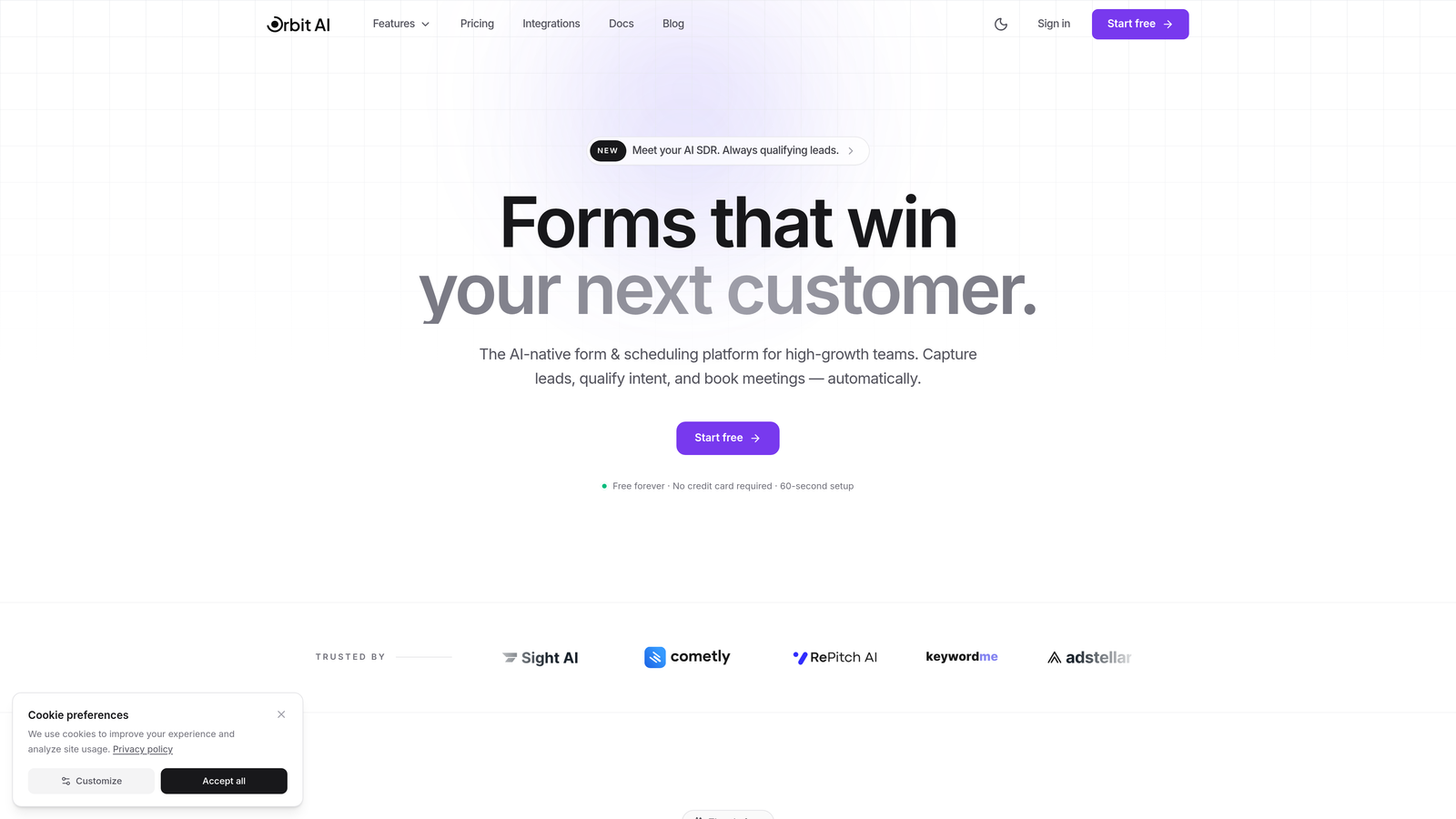
Orbit AI combines modern form design with intelligent lead scoring to help high-growth teams convert more visitors into qualified prospects.
Where This Tool Shines
What sets Orbit AI apart is its built-in intelligence layer. While most form builders simply collect data, Orbit AI actively qualifies leads as they submit, scoring prospects based on their responses and routing them accordingly. This means your sales team stops chasing cold leads and focuses on conversations that actually convert.
The platform delivers this sophistication without sacrificing design flexibility. Forms look modern and professional out of the box, with conversion-optimized templates that you can customize to match your brand exactly.
Key Features
AI-Powered Lead Scoring: Automatically qualifies and prioritizes leads based on submission data and behavioral signals.
Conversion-Optimized Templates: Pre-built form designs tested for maximum completion rates across industries.
Modern Form Builder: Intuitive drag-and-drop interface with advanced customization options for branding.
Built-In Analytics: Track form performance, completion rates, and lead quality metrics in real-time.
Workflow Automation: Route qualified leads to the right team members and trigger follow-up sequences automatically.
Best For
High-growth teams and businesses focused on lead generation who need more than just data collection. If you're spending time manually qualifying form submissions or struggling to identify your best prospects, Orbit AI handles that intelligence layer for you.
Pricing
Free tier available with core features. Premium plans unlock advanced AI capabilities, additional integrations, and higher submission volumes as your lead generation scales.
2. Google Forms
Best for: Simple data collection with automatic Google Sheets integration
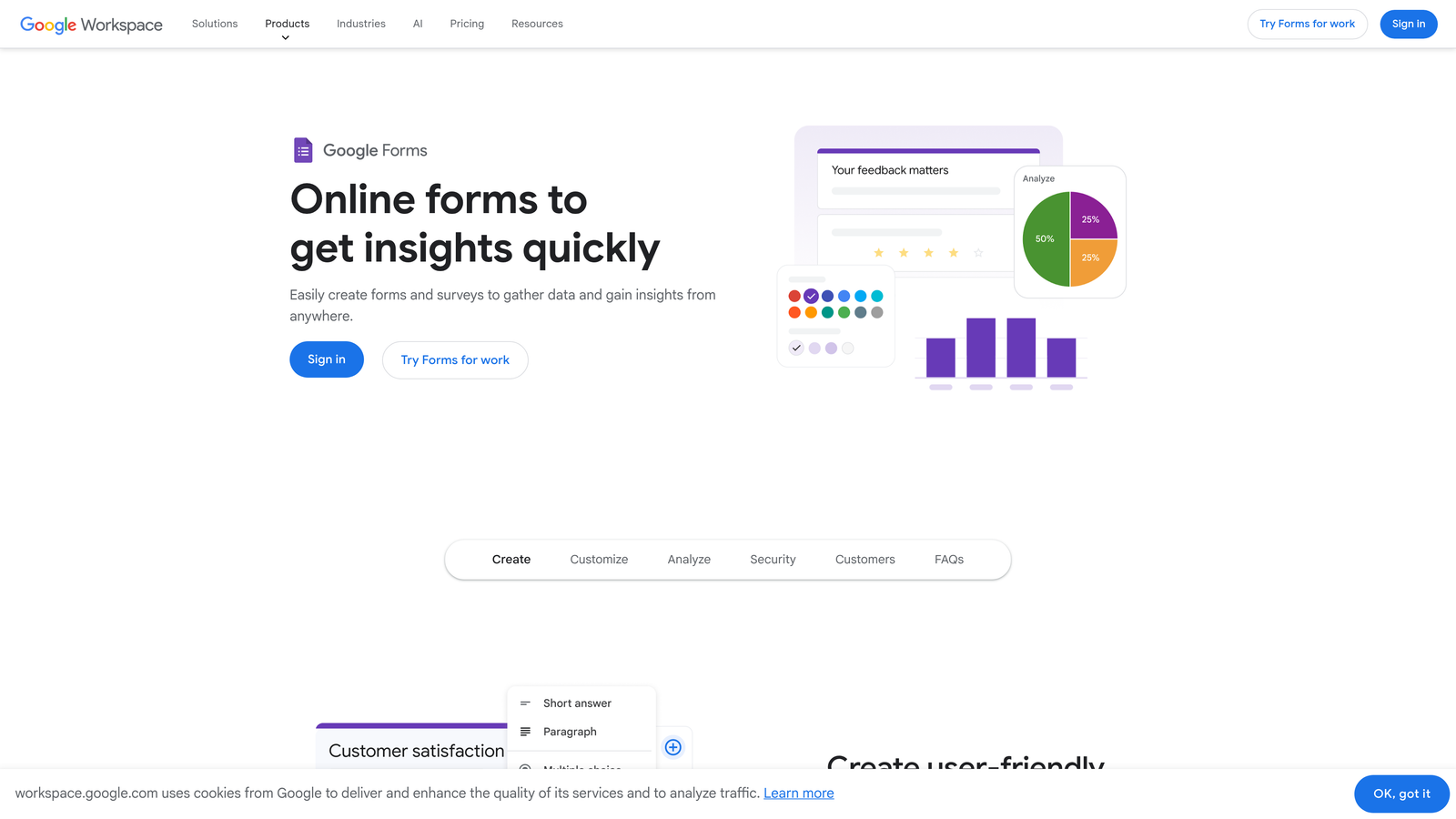
Google Forms offers straightforward form building with unlimited submissions and seamless Google Workspace connectivity.
Where This Tool Shines
Google Forms wins on simplicity and reliability. If you need to collect information quickly without learning a new platform, this is your answer. The automatic sync with Google Sheets means responses flow directly into spreadsheets for analysis, and real-time collaboration lets teams work together on form design.
For internal surveys, event registrations, or basic lead capture, Google Forms handles the essentials without unnecessary complexity. The mobile-responsive design ensures forms work across devices without additional configuration.
Key Features
Unlimited Everything: No caps on forms, responses, or collaborators on the free plan.
Real-Time Collaboration: Multiple team members can edit forms simultaneously with instant updates.
Automatic Google Sheets Sync: Responses populate spreadsheets automatically for easy analysis and sharing.
Basic Conditional Logic: Show or hide questions based on previous answers to create dynamic forms.
Mobile-Responsive Design: Forms automatically adapt to any screen size without manual adjustments.
Best For
Teams already using Google Workspace who need straightforward data collection. Perfect for internal surveys, event registration, feedback forms, and basic lead capture where advanced features aren't required.
Pricing
Completely free with any Google account. No hidden limits or premium tiers to worry about.
3. Tally
Best for: Unlimited forms and submissions without hitting a paywall
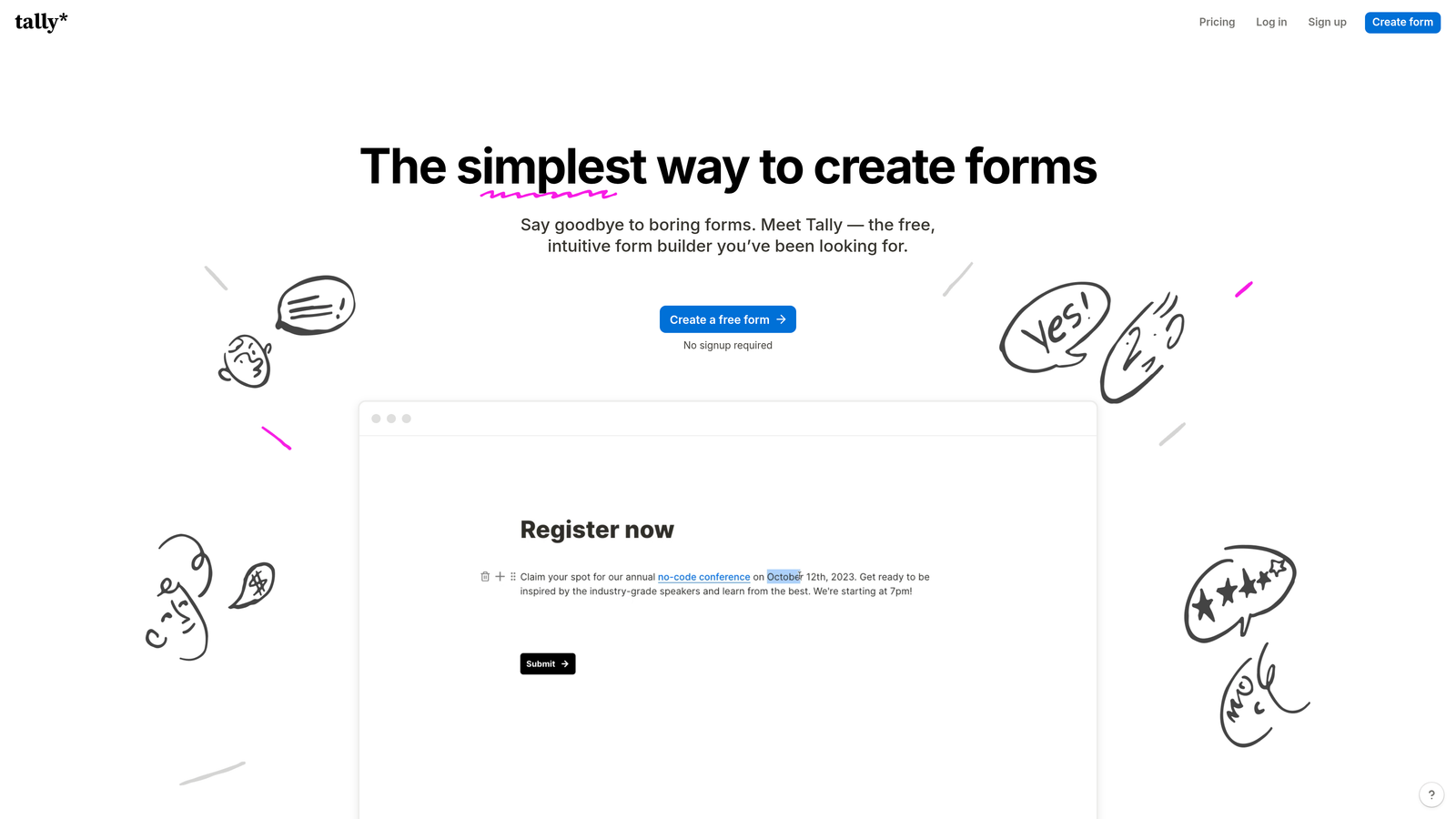
Tally brings a Notion-like editing experience to form building with genuinely unlimited free usage.
Where This Tool Shines
Tally's free tier is almost suspiciously generous. While competitors cap you at 100 submissions or 5 forms, Tally lets you create unlimited forms with unlimited submissions at no cost. The Notion-style editor feels familiar if you're already using that workspace tool, making form creation feel less like technical work and more like document editing.
The platform includes features that other tools reserve for paid plans: conditional logic, calculations, file uploads, and custom thank-you pages. For startups and side projects watching every dollar, Tally delivers premium functionality without the premium price tag.
Key Features
Unlimited Free Forms: Create as many forms as you need with no artificial caps on submissions.
Conditional Logic and Calculations: Build dynamic forms that adapt based on responses and perform calculations.
File Uploads Included: Accept document and image uploads without upgrading to a paid plan.
Custom Thank You Pages: Design post-submission experiences that reinforce your brand or drive next actions.
Webhook Integrations: Connect forms to other tools through webhooks for custom automation workflows.
Best For
Bootstrapped startups, side projects, and teams that need advanced form features without budget constraints. Ideal if you're running multiple campaigns or projects and can't afford per-form pricing.
Pricing
Free tier with unlimited forms and submissions. Pro plan at $29/month adds custom domains, payment collection, and advanced integrations.
4. Jotform
Best for: Quick form creation using pre-built templates
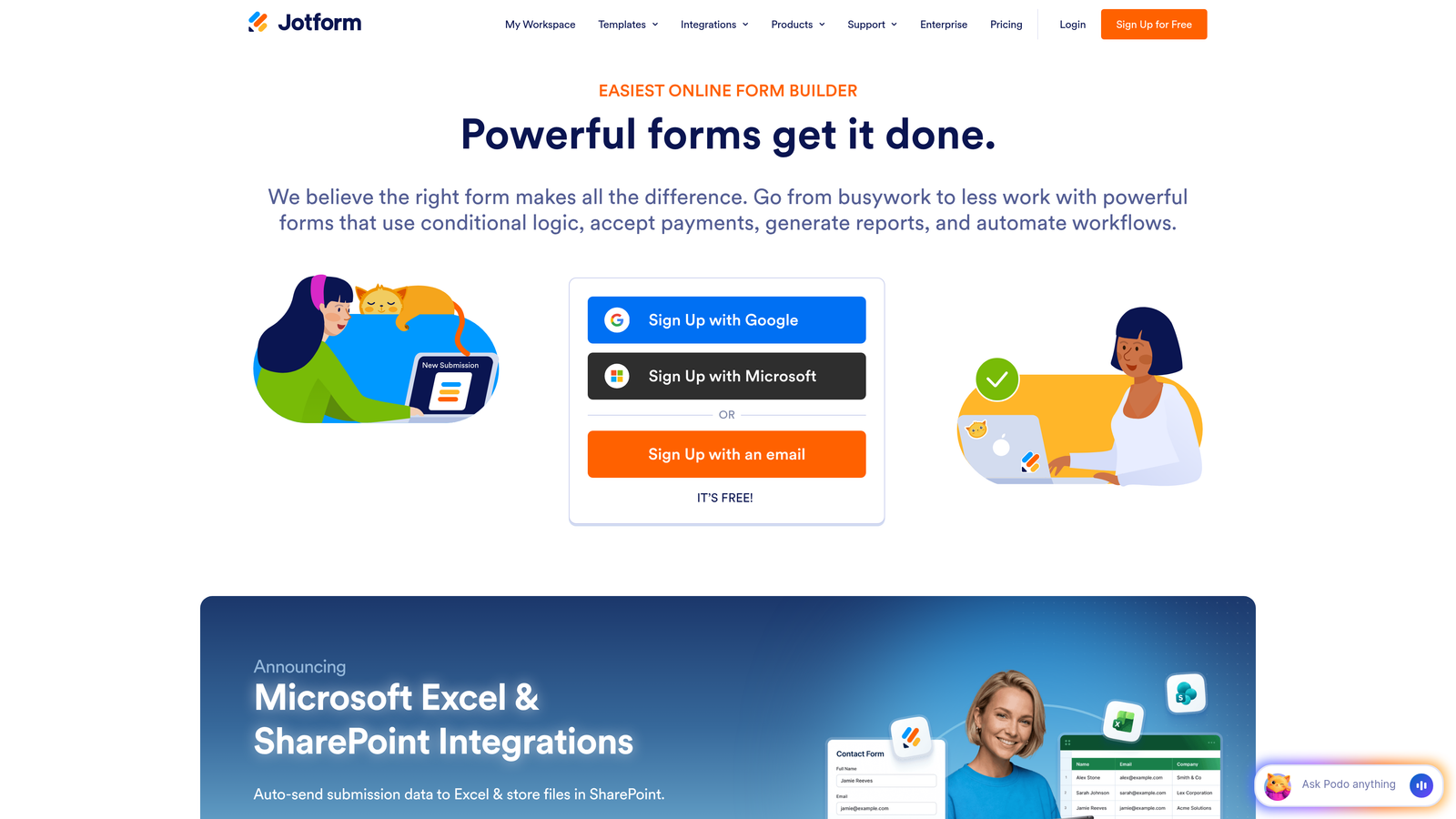
Jotform offers over 10,000 templates and an extensive widget library for rapid form deployment.
Where This Tool Shines
Jotform's template library is unmatched. Need a registration form for a 5K race? They have it. Looking for a customer satisfaction survey for a restaurant? It's there. The drag-and-drop builder makes customization straightforward, and the widget marketplace adds functionality like appointment scheduling, signature capture, and payment processing.
The platform also handles PDF form creation, letting you convert traditional paper forms into digital experiences. For businesses transitioning from manual processes, this feature alone can justify the tool.
Key Features
10,000+ Templates: Pre-built forms for virtually every industry and use case to accelerate deployment.
Drag-and-Drop Builder: Visual editor with no coding required for complete form customization.
Payment Integrations: Accept payments through Stripe, PayPal, Square, and other processors directly in forms.
Conditional Logic: Create dynamic forms that show relevant questions based on previous responses.
PDF Form Creation: Convert existing PDF forms into fillable digital experiences or generate PDFs from submissions.
Best For
Businesses that value speed over customization and want to launch forms quickly using proven templates. Especially useful for organizations with diverse form needs across departments.
Pricing
Free plan includes up to 5 forms and 100 submissions per month. Bronze plan at $34/month removes limits and adds advanced features.
5. Typeform
Best for: Conversational forms that boost completion rates
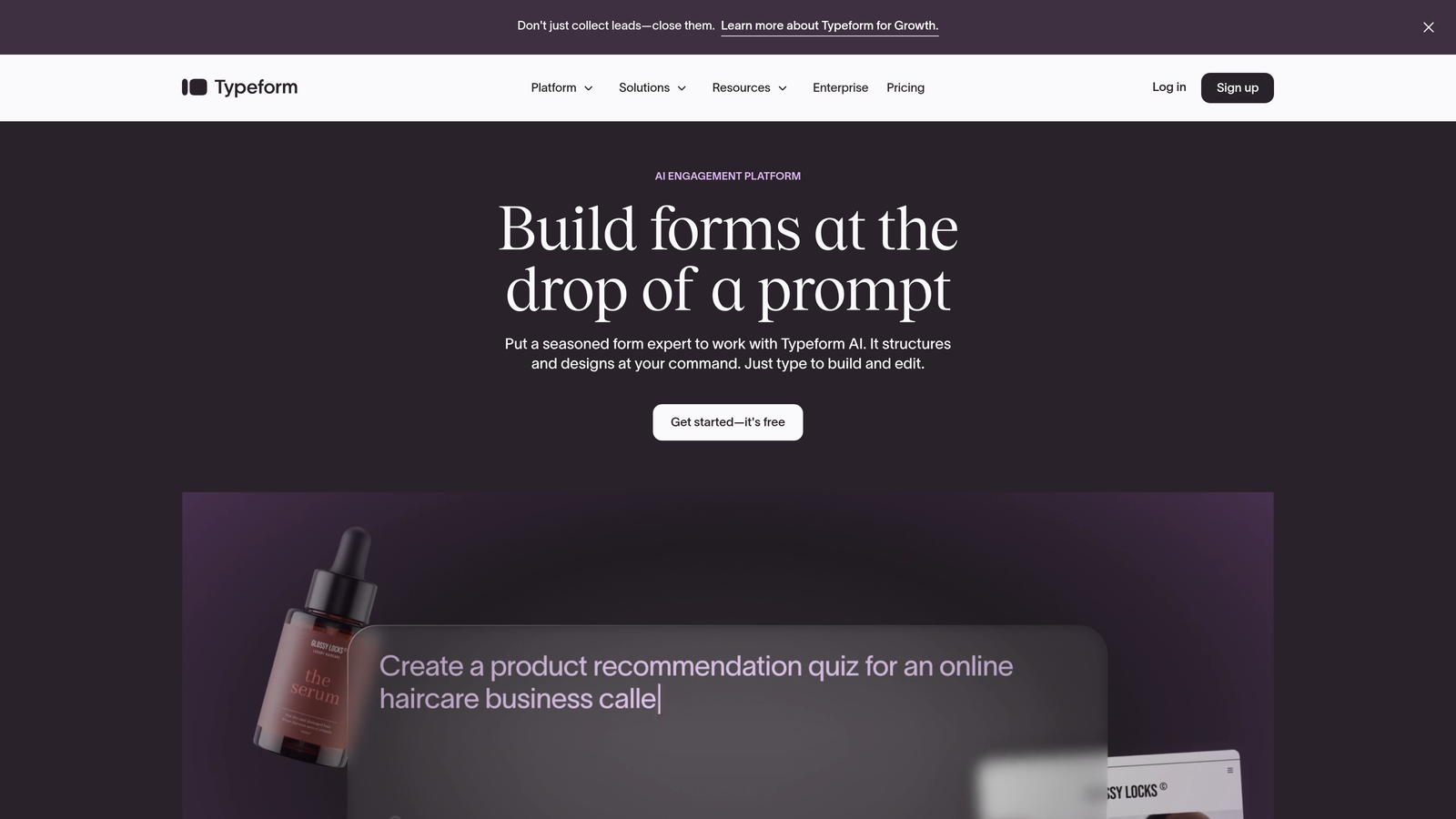
Typeform pioneered the one-question-at-a-time format that makes forms feel more like conversations than interrogations.
Where This Tool Shines
Typeform transforms form filling from a chore into an engaging experience. By showing one question at a time with smooth transitions, respondents stay focused and complete forms at higher rates. The interface feels modern and friendly, reducing the psychological friction that causes form abandonment.
Logic jumps let you create personalized question paths based on responses, making each submission feel tailored. When you need forms that people actually want to complete—for lead generation, customer feedback, or event registration—Typeform's approach delivers measurably better results.
Key Features
Conversational Interface: One-question-at-a-time format with smooth animations that keeps respondents engaged.
Logic Jumps and Branching: Create personalized question flows that adapt based on previous answers.
Rich Media Embedding: Include videos, images, and GIFs to make forms visually compelling and informative.
Built-In Analytics: Track completion rates, drop-off points, and response patterns to optimize form performance.
Native Integrations: Connect directly to popular tools like Slack, Google Sheets, Mailchimp, and Zapier.
Best For
Marketing teams focused on lead generation and customer research where completion rates directly impact results. Best when you need forms that represent your brand with polish and personality.
Pricing
Free plan allows up to 10 questions and 10 responses per month. Basic plan at $25/month unlocks unlimited questions and 100 responses.
6. Microsoft Forms
Best for: Enterprise teams already using Microsoft 365
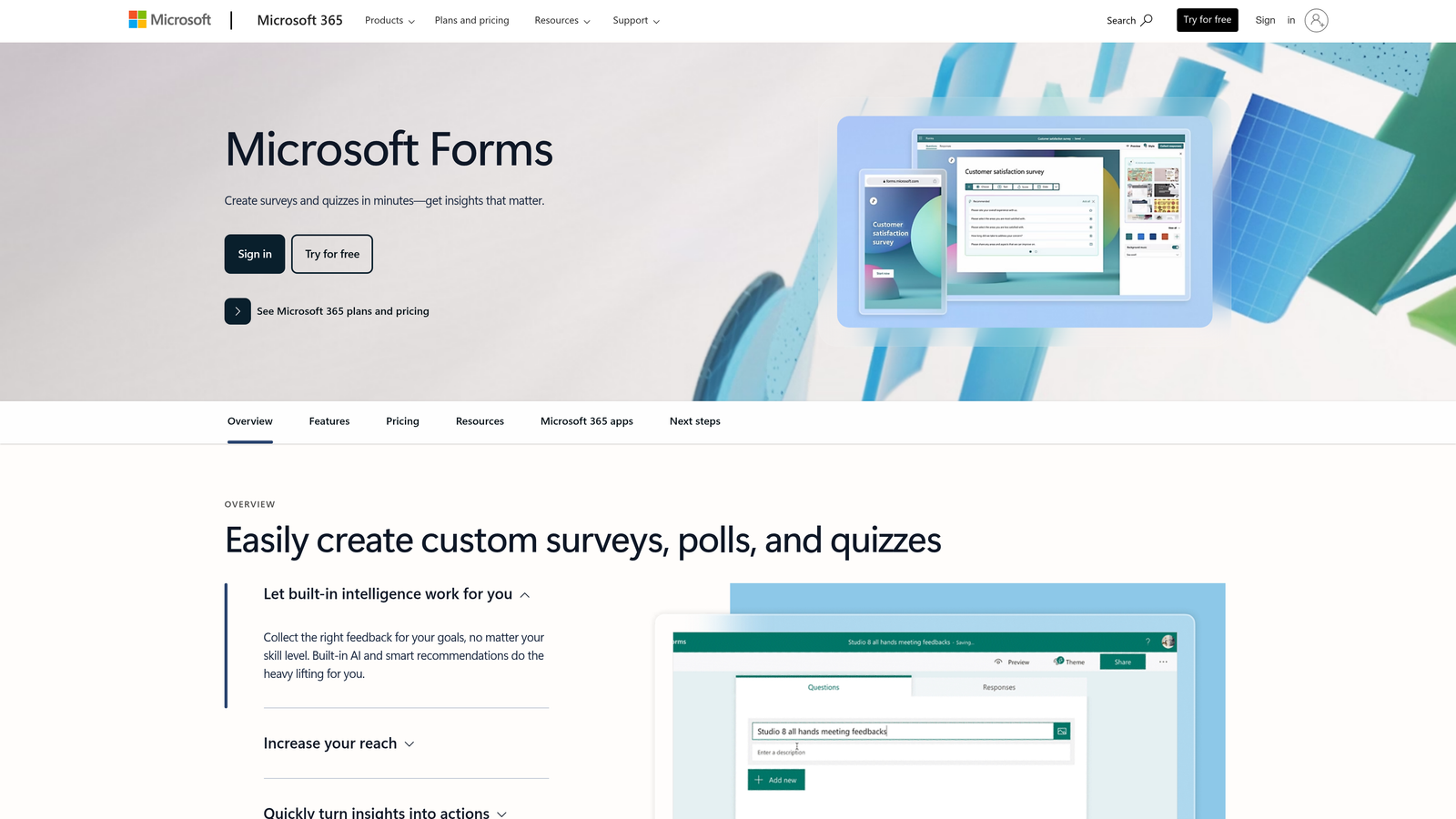
Microsoft Forms provides enterprise-ready form building with built-in analytics and Excel integration.
Where This Tool Shines
Microsoft Forms integrates seamlessly into the Microsoft ecosystem, making it the natural choice for organizations standardized on Microsoft 365. Responses flow directly into Excel for analysis using familiar tools, and the branching logic creates sophisticated question flows without complexity.
The quiz functionality with automatic scoring makes it valuable beyond traditional forms—training programs, assessments, and certification tests all benefit from built-in grading. Multilingual support helps global teams deploy forms across regions without managing multiple versions.
Key Features
Branching and Sections: Create complex question logic that adapts the form experience based on responses.
Real-Time Analytics: View response summaries and individual submissions with automatic charts and insights.
Excel Integration: Export responses directly to Excel for advanced analysis and reporting.
Quiz Functionality: Build assessments with automatic scoring, answer keys, and feedback for respondents.
Multilingual Support: Deploy forms in multiple languages to reach global audiences effectively.
Best For
Organizations already invested in Microsoft 365 who need forms for internal processes, training, surveys, and customer feedback. Particularly strong for enterprise environments requiring compliance and data governance.
Pricing
Free with any Microsoft account. Full feature set and higher limits available with Microsoft 365 subscriptions.
7. Cognito Forms
Best for: Payment collection and complex calculations on a free plan
Cognito Forms includes payment processing and advanced calculation fields without requiring an upgrade.
Where This Tool Shines
Cognito Forms stands out by offering payment collection on its free tier—a feature most competitors reserve for premium plans. This makes it ideal for event registrations, donation forms, and product orders where you need to collect money alongside information.
The calculation engine handles complex math, letting you build forms that compute totals, apply discounts, or calculate pricing based on selected options. Repeating sections allow respondents to add multiple items or entries within a single form submission, perfect for order forms or applications with variable entries.
Key Features
Payment Collection: Accept credit card payments through Stripe or PayPal directly in forms without upgrading.
Calculation Fields: Perform complex calculations based on form inputs for pricing, scoring, or data validation.
Conditional Logic: Show or hide fields dynamically based on previous responses to simplify the user experience.
Repeating Sections: Let users add multiple entries for items, attendees, or other variable data within one submission.
Document Generation: Automatically create PDFs from form submissions for invoices, receipts, or confirmation documents.
Best For
Organizations that need to collect payments through forms—nonprofits accepting donations, event organizers selling tickets, or businesses taking orders. Also valuable for forms requiring complex calculations or variable data entry.
Pricing
Free plan includes unlimited forms with up to 500 entries per month. Pro plan at $15/month increases entry limits and adds advanced features.
8. HubSpot Free Forms
Best for: Automatic CRM contact creation and lead management
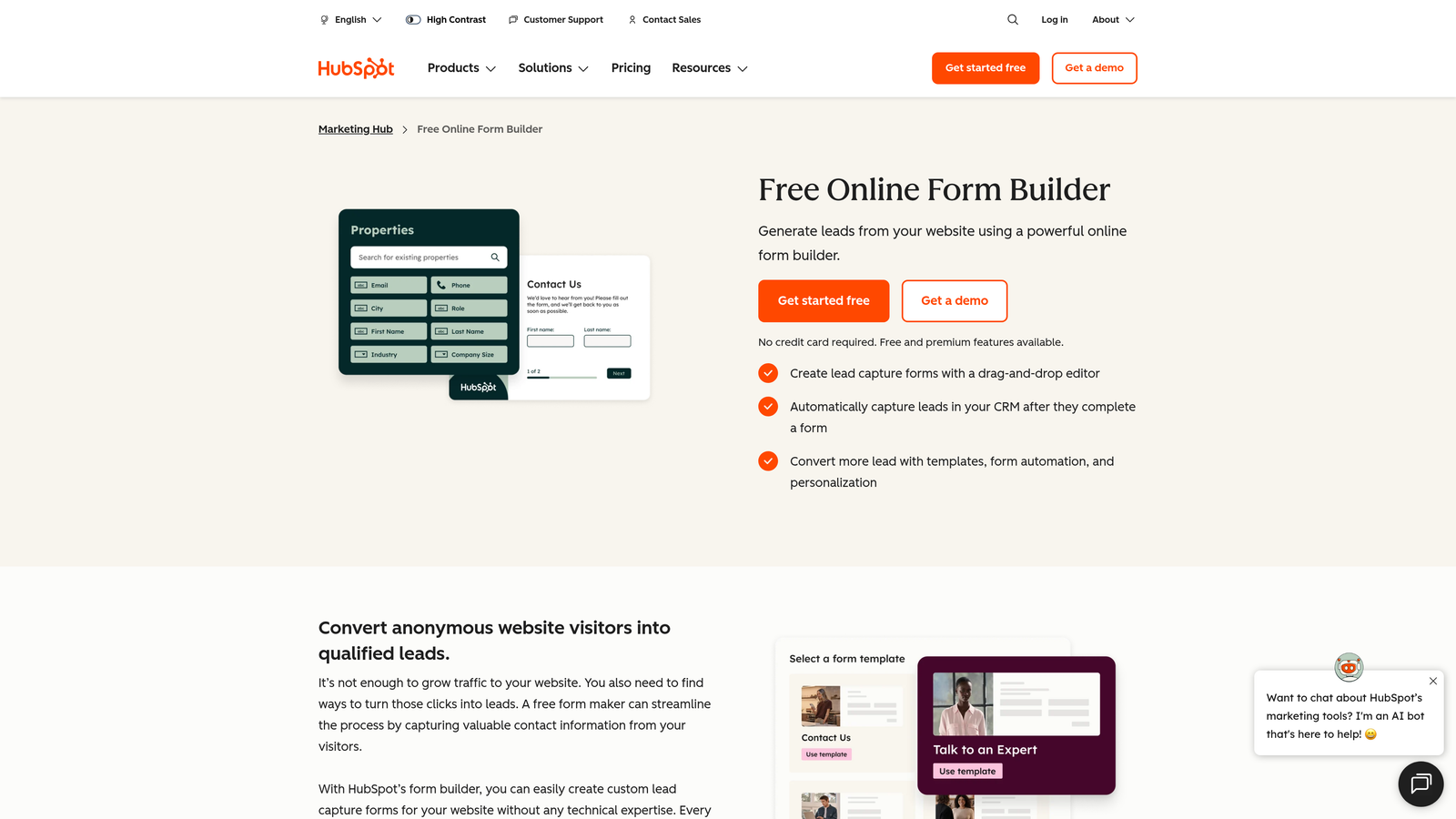
HubSpot Free Forms automatically creates CRM contacts from submissions, ideal for building your marketing and sales stack.
Where This Tool Shines
HubSpot Forms eliminates the gap between form submission and CRM entry. Every submission automatically creates or updates a contact in HubSpot CRM, complete with form data, submission source, and timeline activity. This seamless integration means sales teams can follow up immediately without manual data entry.
Progressive profiling intelligently asks for different information on repeat submissions, gradually building complete contact profiles without overwhelming first-time visitors. For teams serious about lead management, this native CRM connection transforms forms from data collection tools into lead generation engines.
Key Features
Automatic CRM Contact Creation: Every submission instantly creates or updates a contact record with complete form data.
Progressive Profiling: Automatically show different questions to returning visitors to build comprehensive contact profiles over time.
Pop-Up and Embedded Forms: Deploy forms as website embeds, pop-ups, or standalone pages to match your conversion strategy.
Lead Notifications: Trigger instant email or in-app alerts to sales reps when high-value leads submit forms.
Basic Analytics: Track form views, submissions, and conversion rates to optimize lead generation performance.
Best For
Marketing and sales teams building their tech stack around HubSpot CRM who need tight integration between forms and contact management. Perfect for businesses prioritizing lead nurturing and sales follow-up.
Pricing
Free with HubSpot CRM. Marketing Hub Starter at $45/month adds advanced form features, automation, and analytics.
9. Paperform
Best for: Creating branded landing pages that combine content and forms
Paperform transforms forms into full landing page experiences with rich content blocks and custom branding.
Where This Tool Shines
Paperform blurs the line between forms and landing pages. Instead of isolated form fields, you can weave questions into narrative content with images, videos, and formatted text. This approach creates immersive experiences that convert better than traditional forms because they provide context and build trust as users progress.
The platform handles payment processing, making it valuable for selling products, accepting bookings, or collecting fees. Custom branding options ensure every form reinforces your visual identity rather than looking like a generic data collection tool.
Key Features
Landing Page-Style Forms: Combine form fields with rich content blocks to create complete conversion experiences.
Rich Content Blocks: Add images, videos, text formatting, and custom HTML to provide context alongside questions.
Payment Processing: Accept payments through Stripe or PayPal with support for one-time charges and subscriptions.
Conditional Logic: Show relevant questions and content based on previous responses to personalize the experience.
Custom Branding: Apply your colors, fonts, logos, and custom CSS for complete visual control.
Best For
Businesses that need forms to serve as complete landing pages—product launches, event registrations, course enrollments, or service bookings where context and branding matter as much as data collection.
Pricing
14-day free trial available. Plans start at $24/month for the Essentials tier with core features.
10. Formspree
Best for: Developers building forms for static sites and JAMstack applications
Formspree provides form backend infrastructure for static sites without requiring server-side code.
Where This Tool Shines
Formspree solves a specific problem for developers: handling form submissions on static sites built with generators like Jekyll, Hugo, or Next.js. Instead of building backend infrastructure, you point your HTML form to Formspree's endpoint and submissions flow to your email or webhook destinations.
The service handles spam filtering, file uploads, and data validation automatically. For developers who want to maintain static site performance and simplicity while adding form functionality, Formspree provides the backend layer without the complexity of managing servers or databases.
Key Features
HTML Form Backend: Add a simple endpoint to existing HTML forms without writing server-side code.
Spam Filtering: Automatic protection against bot submissions and spam using multiple detection methods.
File Uploads: Accept file attachments through forms with secure storage and delivery.
Webhooks and Integrations: Send form data to custom endpoints or connect to tools like Slack and Zapier.
Custom Redirect URLs: Send users to specific thank-you pages after successful submissions.
Best For
Developers building static sites, JAMstack applications, or single-page applications who need form handling without backend infrastructure. Perfect for portfolio sites, documentation, and marketing sites where static hosting is preferred.
Pricing
Free plan includes up to 50 submissions per month. Basic plan at $10/month increases limits to 1,000 submissions.
11. 123FormBuilder
Best for: Workflow automation with pre-built app integrations
123FormBuilder focuses on connecting form submissions to business processes through extensive integrations.
Where This Tool Shines
123FormBuilder excels at workflow automation through its extensive integration library. Forms can trigger actions in CRMs, project management tools, email platforms, and payment processors without requiring Zapier or custom code. This makes it valuable for businesses that need form data to flow automatically into existing systems.
The platform includes payment forms with support for multiple processors, e-signature capabilities for contracts and agreements, and conditional logic for dynamic experiences. For teams focused on process automation rather than form design, these workflow features deliver immediate productivity gains.
Key Features
Drag-and-Drop Builder: Visual editor with pre-built field types for rapid form creation without coding.
Pre-Built App Integrations: Native connections to popular business tools for automatic data flow and workflow triggers.
Conditional Logic: Create dynamic forms that adapt based on user responses to simplify complex processes.
Payment Forms: Accept payments through Stripe, PayPal, Authorize.net, and other processors directly in forms.
E-Signature Support: Collect legally binding signatures for contracts, agreements, and authorization forms.
Best For
Businesses that need forms to integrate tightly with existing tools and trigger automated workflows. Ideal for operations teams, HR departments, and service businesses managing multi-step processes.
Pricing
Free plan includes up to 5 forms and 100 submissions per month. Gold plan at $24.99/month removes limits and adds advanced integrations.
Making the Right Choice
Your ideal form builder depends on what matters most to your team. If lead qualification is your priority and you're tired of manually sorting through submissions to find qualified prospects, Orbit AI's intelligence layer handles that automatically while maintaining the modern design your brand deserves.
For teams already embedded in Google Workspace who need simple data collection, Google Forms delivers unlimited usage without learning a new platform. If you're running multiple campaigns or projects and can't afford per-form pricing, Tally's genuinely unlimited free tier removes those artificial constraints entirely.
When completion rates matter more than anything else—for lead generation, customer research, or event registration—Typeform's conversational approach consistently outperforms traditional form layouts. The one-question-at-a-time format keeps respondents engaged and reduces abandonment at critical conversion points.
The free form builder landscape has matured significantly. You no longer need to choose between affordability and functionality. Whether you need AI-powered lead scoring, unlimited submissions, payment collection, or tight CRM integration, there's a free option that delivers real value without forcing an upgrade.
The key is matching your tool to your actual workflow. A developer building static sites has different needs than a marketing team running lead generation campaigns. An enterprise team using Microsoft 365 will find more value in Microsoft Forms than a startup that's never touched Excel. Start with your workflow requirements, then find the tool that fits naturally into how your team already works.
Transform your lead generation with AI-powered forms that qualify prospects automatically while delivering the modern, conversion-optimized experience your high-growth team needs. Start building free forms today and see how intelligent form design can elevate your conversion strategy.


