

Lead capture and lead generation get lumped together constantly, but they're doing very different jobs in your growth stack. Generation is about attracting attention: paid campaigns, SEO, content, social. Capture is what happens next: the form, the landing page, the qualification flow that turns a curious visitor into a usable lead record.
Here's the problem most teams run into. A generation campaign drives real traffic, but a clunky or generic capture experience bleeds that budget dry. Or a form collects plenty of submissions, but unqualified leads flood the CRM and your sales team spends half their week chasing dead ends.
The tools in this list sit at the intersection of both problems. They're capture-focused platforms evaluated on ease of use, qualification capabilities, integrations, and real value for high-growth teams. Whether you're building a funnel from scratch or tightening one that already exists, here's what's worth your attention in 2026.
1. Orbit AI
Best for: High-growth SaaS teams that need lead capture and qualification working together in a single form flow.
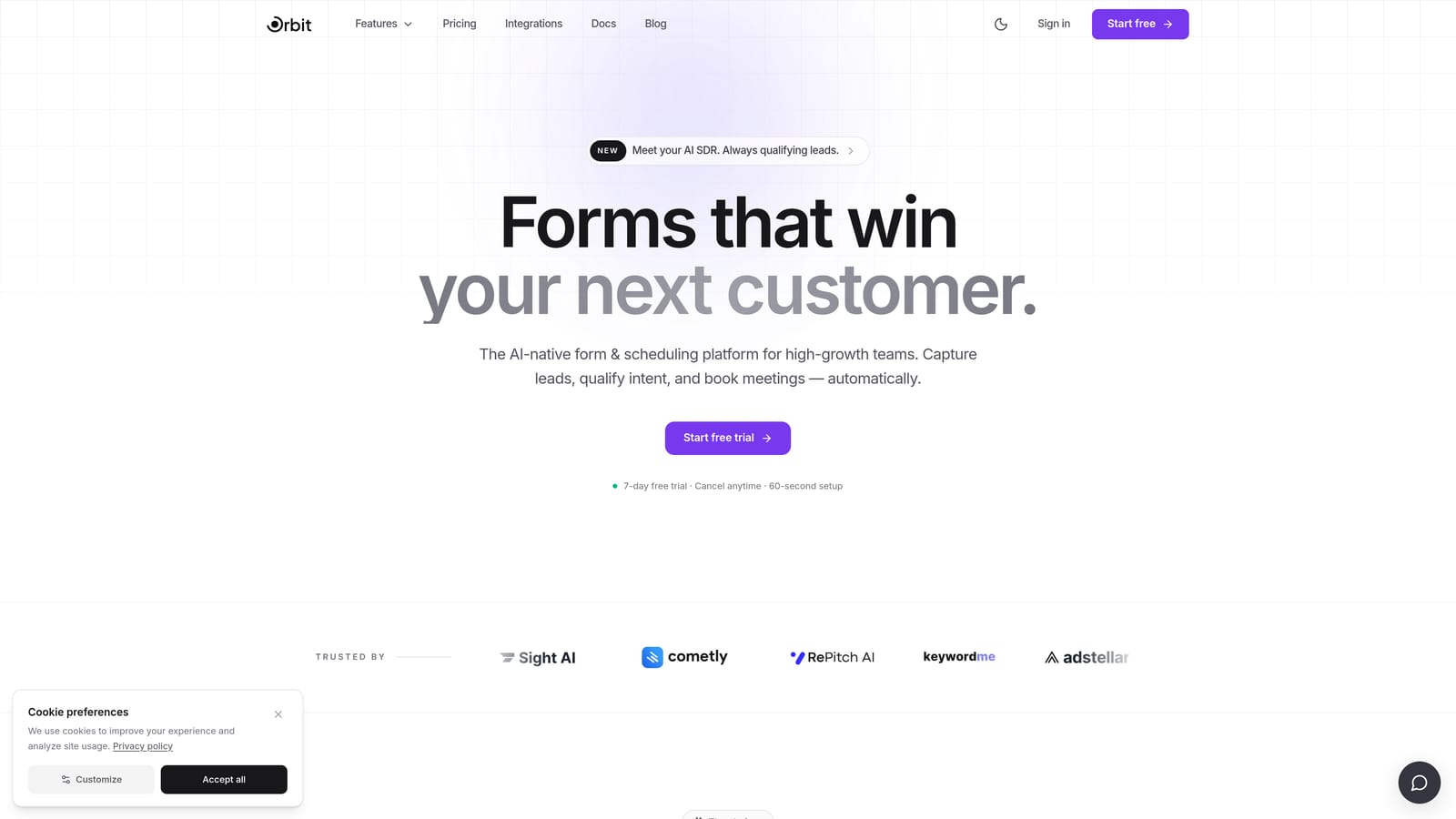
Orbit AI is an AI-powered form builder that goes beyond data collection by embedding lead scoring and qualification logic directly into the form experience.
Where This Tool Shines
Most form builders treat qualification as an afterthought, something you handle in the CRM after the lead has already come in. Orbit AI flips that model. The qualification logic lives inside the form itself, so by the time a submission hits your pipeline, it's already been scored and routed based on the responses given.
For teams dealing with high submission volume and low pipeline quality, this is a meaningful shift. Instead of manually reviewing every lead or relying on post-submission workflows, the form does the filtering upstream. The result is a cleaner CRM and a sales team that spends time on prospects who actually match your ICP.
Key Features
AI-Powered Lead Qualification: Qualification logic is embedded directly into the form flow, scoring leads in real time based on their responses rather than after submission.
Conversion-Optimized Design: Forms are built with a modern, polished UI designed to reduce abandonment and improve completion rates across devices.
Conditional Logic and Smart Routing: Forms adapt dynamically based on answers, routing leads to different paths, messages, or follow-up sequences automatically.
Real-Time Lead Scoring: High-value prospects are identified and prioritized the moment they complete a form, giving your team immediate signal on who to contact first.
CRM Integration Support: Built with SaaS and high-growth teams in mind, Orbit AI connects with the CRM and marketing tools already in your stack.
Best For
Orbit AI is built specifically for demand generation teams, SaaS marketers, and growth operators who are tired of volume-without-quality form submissions. If your current forms generate leads but not pipeline, this is the tool designed to solve that problem directly.
Pricing
Visit orbitforms.ai for current pricing plans. A free starting option is available for teams ready to explore the platform.
2. Typeform
Best for: Teams that want a conversational form experience to improve engagement and completion rates on multi-step lead flows.
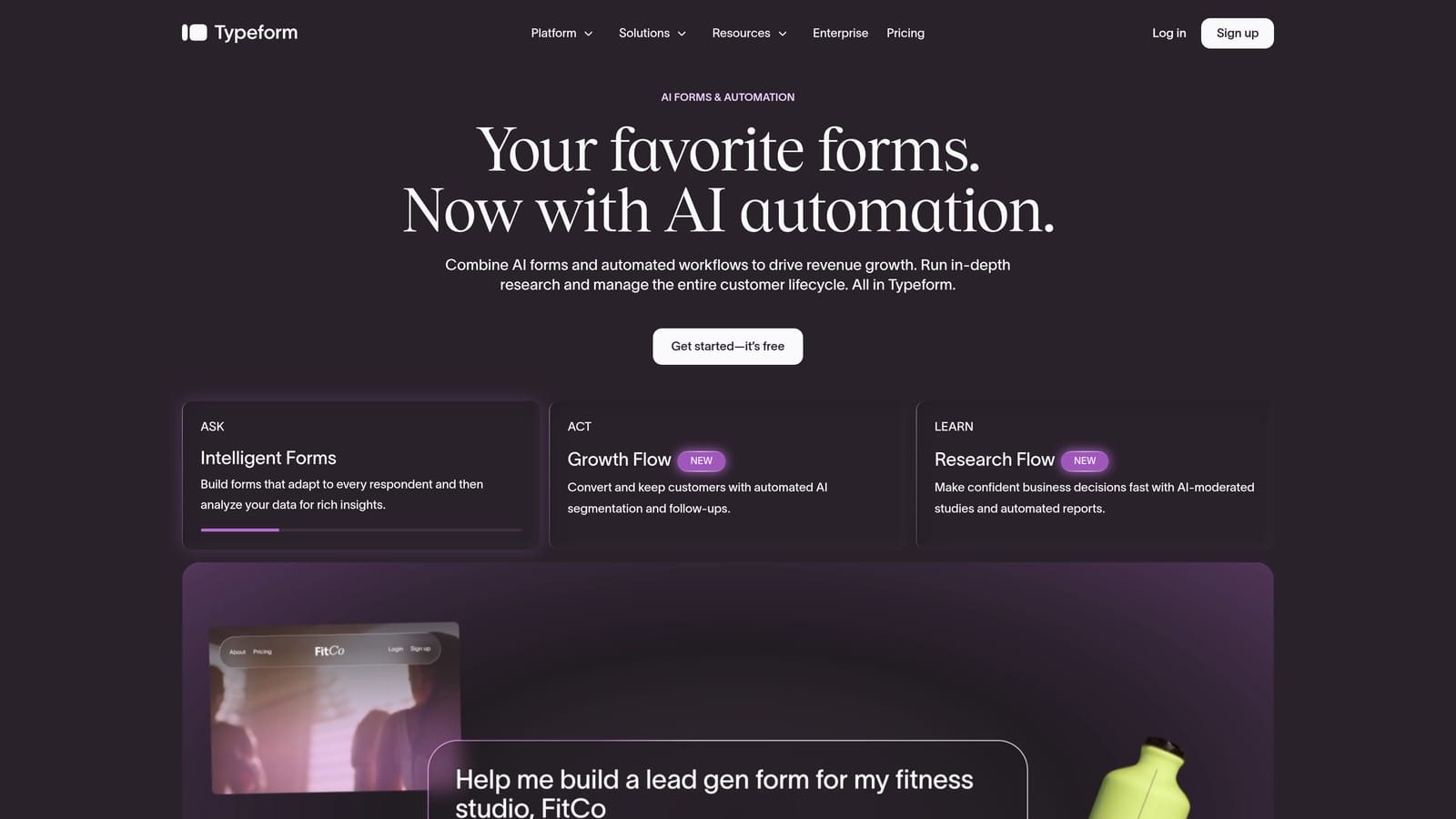
Typeform is a conversational form builder known for its one-question-at-a-time format that keeps respondents focused and engaged.
Where This Tool Shines
Typeform's core insight is that presenting one question at a time reduces cognitive load and keeps respondents moving forward. Traditional multi-field forms can feel like a wall of requests. Typeform's format feels more like a conversation, which tends to improve completion, particularly on longer qualification flows.
The logic jump and conditional branching features add real value for lead capture. You can build flows that ask different follow-up questions based on earlier answers, creating a more personalized experience without requiring any code. It's not AI-driven qualification, but for teams that want to build thoughtful, branching capture flows, Typeform gives you the building blocks.
Key Features
Conversational One-Question Format: Presents each question individually to reduce friction and improve completion rates on longer forms.
Conditional Logic and Branching: Logic jumps allow the form to adapt based on responses, creating personalized paths for different lead segments.
Broad Integration Library: Connects with HubSpot, Salesforce, Zapier, and many other tools in a standard marketing and sales stack.
Built-In Analytics: Completion tracking and drop-off analysis help you identify where respondents are abandoning the flow.
Rich Media Support: Video and image embeds within form questions can add context and improve engagement on more complex capture flows.
Best For
Typeform works well for marketing teams running mid-funnel campaigns where engagement quality matters, product teams collecting detailed user feedback, and any scenario where a conversational format is likely to outperform a static multi-field form.
Pricing
A free tier is available with limitations on responses and features. Paid plans start at approximately $25/month. Check typeform.com for current pricing details.
3. Jotform
Best for: Teams that need to deploy a high volume of diverse form types quickly, with broad template and integration coverage.
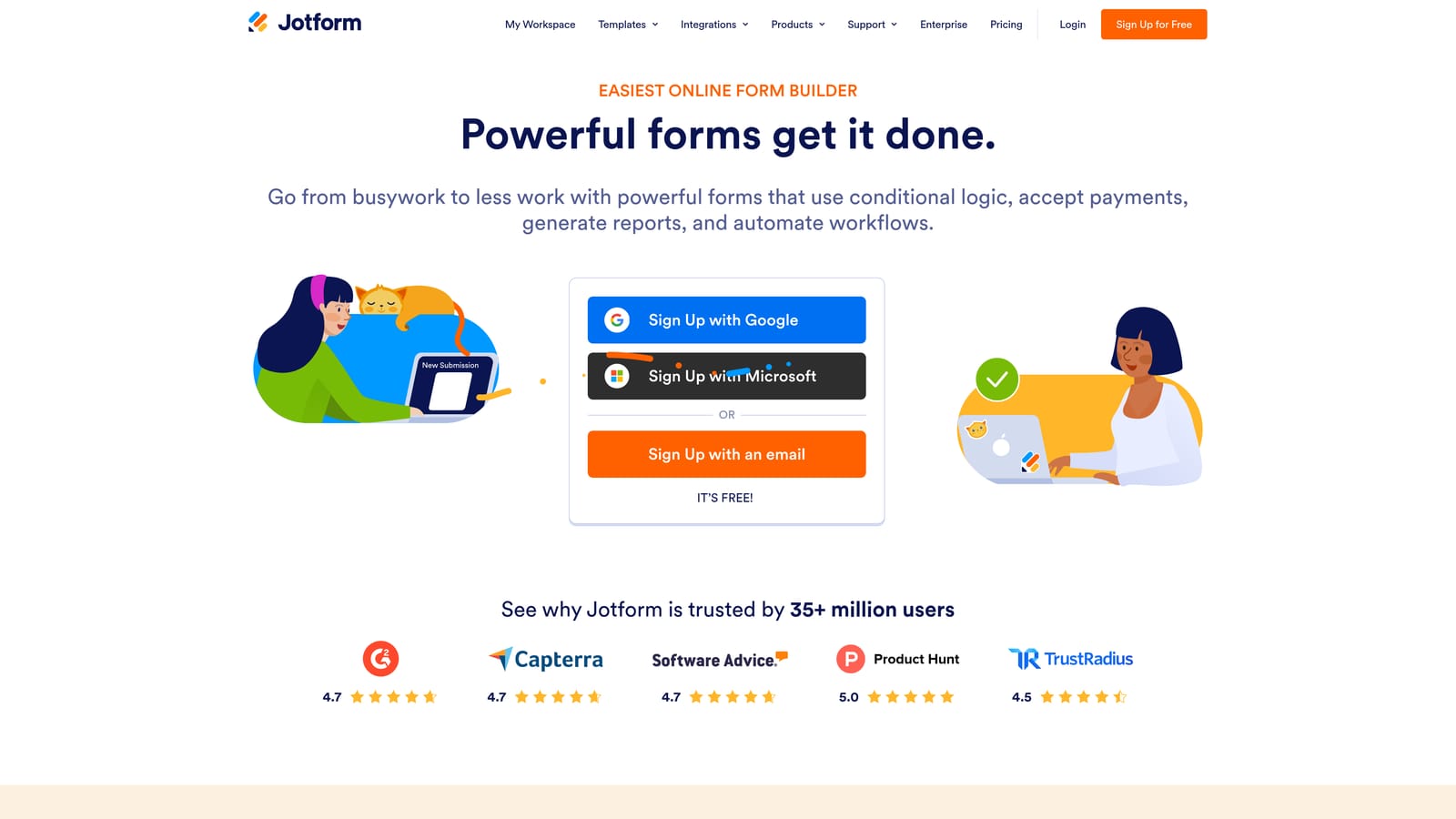
Jotform is a feature-rich form builder with thousands of templates and one of the widest integration libraries in the category.
Where This Tool Shines
Jotform's strength is breadth. If you need a form for lead capture, event registration, payment collection, e-signatures, or internal approvals, Jotform likely has a template for it. For teams managing multiple departments or use cases under one platform, that versatility is genuinely useful.
The drag-and-drop builder requires no technical knowledge, and the template library dramatically reduces setup time for common form types. It's less focused on conversion optimization or lead qualification than some tools on this list, but for teams that prioritize operational flexibility and volume over funnel intelligence, Jotform covers a lot of ground efficiently.
Key Features
Thousands of Pre-Built Templates: Templates span dozens of categories, making it fast to deploy forms across varied use cases without starting from scratch.
Payment and E-Signature Support: Built-in payment collection and e-signature capabilities extend the platform beyond simple data collection.
Extensive Integration Library: Connects with a wide range of third-party tools, covering most CRM, marketing, and productivity platforms.
No-Code Drag-and-Drop Builder: Accessible to non-technical users while still offering enough customization for more complex form builds.
Offline Data Collection: Mobile-friendly forms with offline support make Jotform viable for field teams and in-person data collection scenarios.
Best For
Jotform suits operations teams, SMBs, and organizations that need a single platform to handle diverse form types across multiple departments. It's a strong choice when breadth and template availability matter more than advanced qualification features.
Pricing
A free tier is available. Paid plans scale by submission volume and feature set. Check jotform.com for current pricing tiers.
4. Tally
Best for: Early-stage startups and small teams that need fast, lightweight lead capture without a subscription cost.
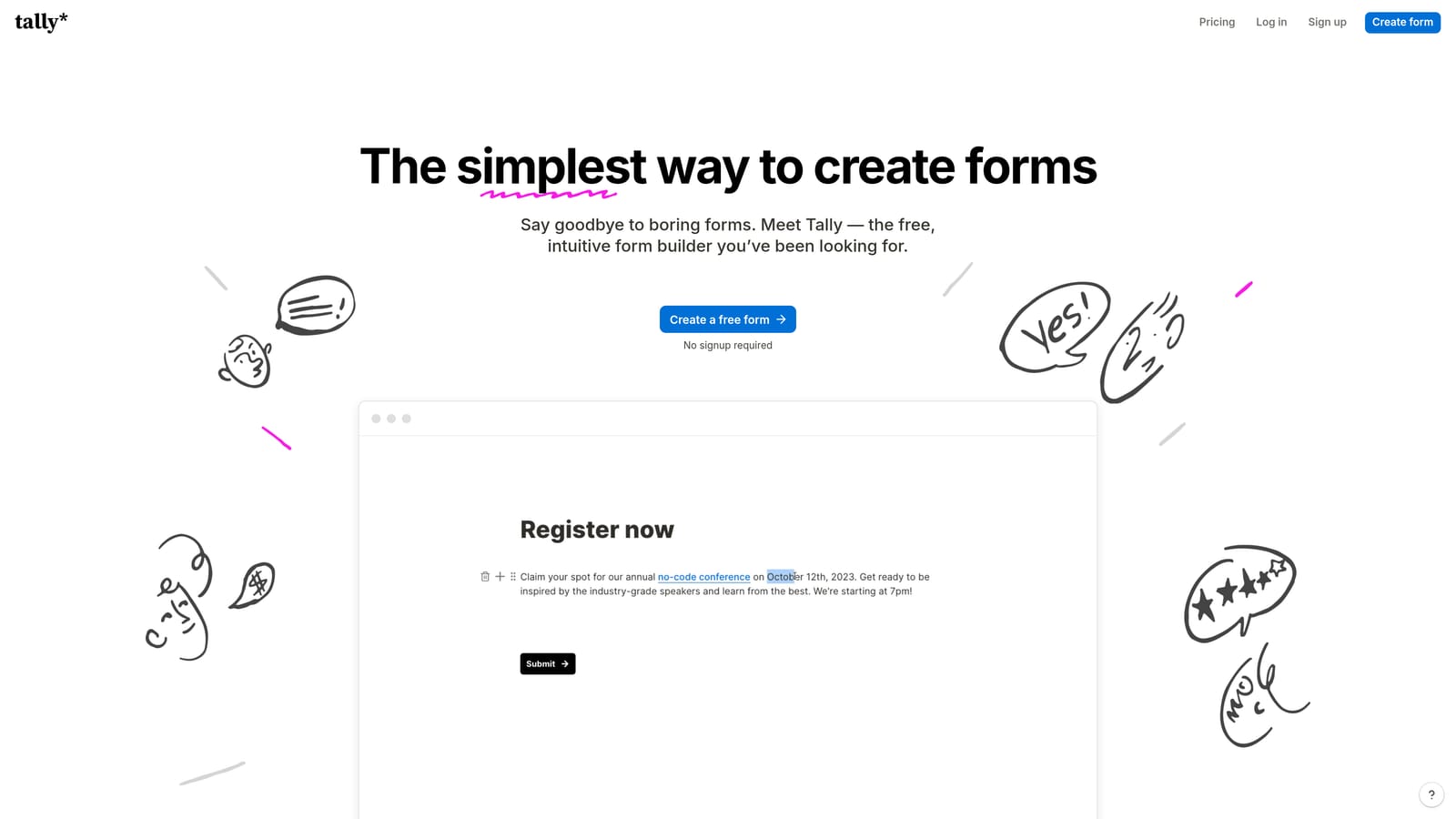
Tally is a Notion-style form builder with a genuinely generous free tier and a minimal, fast editor that gets forms live quickly.
Where This Tool Shines
Tally's free plan stands out in a category where free tiers are often heavily restricted. Unlimited forms and unlimited responses on the free plan makes it a legitimate option for early-stage teams, indie projects, or anyone who needs basic lead capture without committing to a monthly tool budget.
The editor feels familiar to anyone who uses Notion. It's block-based, fast to navigate, and doesn't require a learning curve. For teams that need a simple intake form, waitlist signup, or basic lead capture page up within an hour, Tally removes most of the friction. It doesn't offer AI qualification or advanced scoring, but that's not what it's designed for.
Key Features
Unlimited Forms and Responses on Free Plan: No submission caps or form limits on the free tier, which is genuinely rare in this category.
Notion-Style Block Editor: Familiar, intuitive interface that's fast to learn and even faster to use for straightforward form builds.
Basic Conditional Logic: Hidden fields and simple logic allow for some personalization without requiring an upgrade.
Custom Domain Support: Available on the paid Tally Pro plan for teams that need branded form URLs.
Key Integrations: Connects with Notion, Google Sheets, Zapier, and other common tools for basic workflow automation.
Best For
Tally is ideal for early-stage founders, solo operators, and small teams on tight budgets who need functional lead capture without complexity. It's also a solid choice for internal forms or lightweight use cases where enterprise features aren't needed.
Pricing
The free plan is highly capable. Tally Pro adds custom branding, custom domains, and additional integration features. Check tally.so for current Pro pricing.
5. Paperform
Best for: Teams building standalone capture pages that need to combine content, context, and a form in a single polished experience.
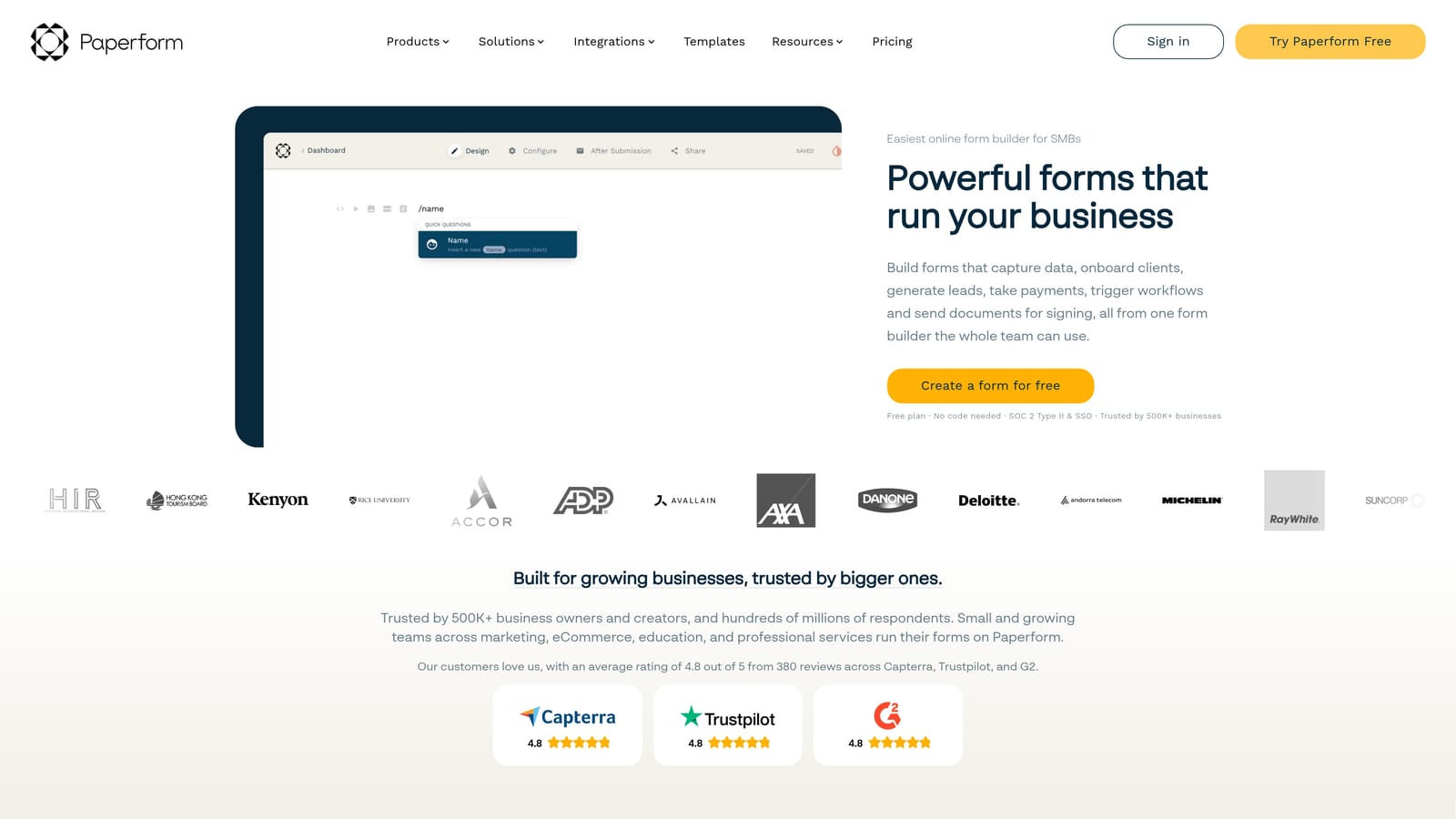
Paperform is a hybrid form and landing page builder that lets you blend text, media, and form fields in a single freeform editor.
Where This Tool Shines
Paperform occupies a useful niche between a form builder and a lightweight landing page tool. Its editor allows you to write content, embed images or video, and drop in form fields anywhere on the page, all without switching between tools. For lead capture scenarios where context matters, like a product demo request page or a gated content download, this format lets you inform and convert in the same experience.
Conditional logic and multi-step form support give you enough flexibility to build more sophisticated flows, and payment processing is built in for teams that need to collect payment alongside lead data. It's not a dedicated qualification tool, but the freeform editor gives marketers more creative control over the capture experience than most pure form builders allow.
Key Features
Freeform Content and Form Editor: Mix text, images, video, and form fields naturally in a single page without separate sections or templates constraining the layout.
Conditional Logic and Multi-Step Support: Build adaptive flows that respond to user input and guide respondents through a structured experience.
Built-In Payment Processing: Collect payments and product orders alongside lead data without requiring a separate payment integration.
Custom Branding and Domain Support: Full control over visual branding and the ability to host forms on a custom domain.
CRM and Marketing Tool Integrations: Connects with major platforms to push lead data into existing workflows automatically.
Best For
Paperform suits marketers and small business owners who want a single tool to handle both the content and the capture, particularly for standalone pages like demo requests, event registrations, or product inquiry flows where context and design both matter.
Pricing
Paperform is paid-only, with plans starting at approximately $24/month. Check paperform.co for current plan details.
6. Formstack
Best for: Large organizations and regulated industries that need enterprise-grade compliance, workflow automation, and document generation alongside form-based data collection.
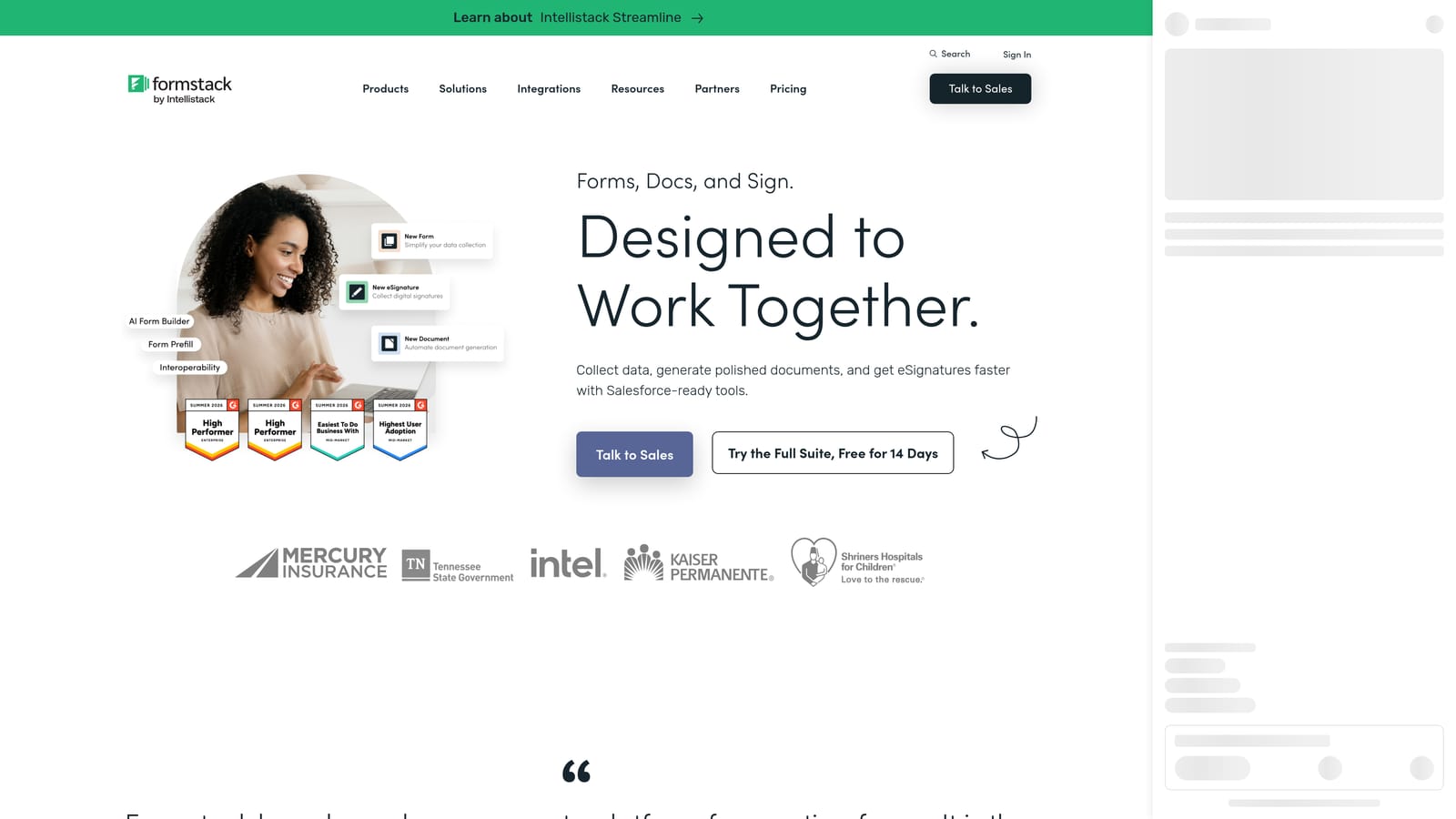
Formstack is an enterprise data collection platform built for organizations with complex compliance requirements, multi-step approval workflows, and high-volume document processing needs.
Where This Tool Shines
Formstack's differentiation is depth on the compliance and workflow side. HIPAA-compliant forms, advanced approval routing, document generation, and e-signatures make it a viable single platform for healthcare organizations, financial services firms, and enterprise teams that can't use consumer-grade tools due to regulatory requirements.
The Salesforce-native integration is a meaningful advantage for enterprise sales teams. Rather than syncing data between systems via third-party connectors, Formstack can operate directly within the Salesforce environment, reducing data latency and integration overhead. It's not designed for conversion optimization or modern UX-driven lead capture, but for organizations where compliance and workflow complexity come first, it covers ground that lighter tools simply can't.
Key Features
HIPAA-Compliant Forms: Built-in compliance features for regulated industries, making it viable for healthcare, finance, and other data-sensitive sectors.
Advanced Workflow Routing: Multi-step approval chains and conditional routing handle complex internal processes that go beyond standard form-to-CRM pipelines.
Document Generation and E-Signatures: Generate documents from form data and collect legally binding signatures within the same platform.
Salesforce-Native Integration: Deep integration with Salesforce that goes beyond a standard connector, allowing forms to operate natively within the Salesforce ecosystem.
Enterprise Security Controls: Role-based access, audit logs, and enterprise-grade security settings for organizations with strict data governance requirements.
Best For
Formstack is built for enterprise teams, compliance-heavy industries, and large organizations that need workflow automation and document processing alongside data collection. It's less suited for growth-focused SaaS teams prioritizing conversion rates and lead qualification speed.
Pricing
Formstack is priced at the enterprise end of the market. Contact their team directly or visit formstack.com for current plan details and demo options.
Which Tool Is Right for Your Growth Stack?
The right choice here depends on what problem you're actually trying to solve. If your forms are generating volume but not pipeline quality, that's a qualification problem, and it needs a tool built to address it at the source.
For qualification-first lead capture: Orbit AI is the only tool on this list built specifically to solve the quality-over-quantity problem. If unqualified leads are creating noise in your CRM or your sales team is spending too much time on manual lead qualification, the AI-powered scoring and routing built into Orbit AI's form flow addresses that upstream. It's the natural fit for high-growth SaaS teams that need smart lead capture forms, not just functional ones.
For conversational engagement: Typeform is the strongest choice when the format itself needs to do some of the conversion work. Its one-question-at-a-time UX genuinely reduces friction on longer flows, and its logic branching gives you meaningful control over the experience.
For maximum versatility: Jotform handles the widest range of use cases and is a practical pick for teams managing multiple form types across departments. For lightweight, zero-cost capture, Tally's free tier is hard to beat at the early stage.
For standalone capture pages: Paperform's hybrid editor is the right tool when you need content and form fields in the same experience. And for enterprise teams in regulated industries, Formstack covers compliance and workflow complexity that the other tools on this list simply aren't designed for.
The broader point is this: lead generation gets you traffic. Lead capture turns that traffic into pipeline. But capture without qualification just moves the problem downstream. The teams that win in 2026 are the ones treating their forms as active qualification tools, not passive data collectors.
Transform your lead generation with AI-powered forms that qualify prospects automatically while delivering the modern, conversion-optimized experience your high-growth team needs. Start building free forms today and see how intelligent form design can elevate your conversion strategy.


